Using OpenShift
     Platform as a Service
                  Anuchit Chalothorn
                 anuchit@redlinesoft.net


Licensed under a Creative Commons Attribution-NonCommercial-ShareAlike 3.0 Unported License.
Agenda
●   What is OpenShift ?
●   What is IaaS, PaaS, SaaS ?
●   Why use PasS ?
●   What's supported ?
●   How much it cost?
●   Getting start with OpenShift
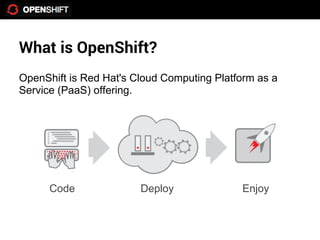
What is OpenShift?
OpenShift is Red Hat's Cloud Computing Platform as a
Service (PaaS) offering.


      Code              Deploy              Enjoy
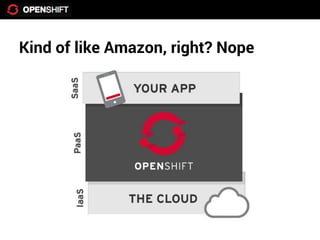
Kind of like Amazon, right? Nope
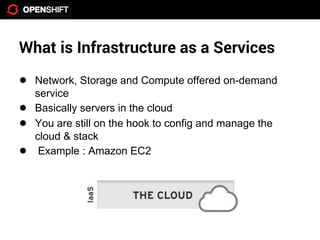
What is Infrastructure as a Services
● Network, Storage and Compute offered on-demand
    service
●   Basically servers in the cloud
●   You are still on the hook to config and manage the
    cloud & stack
●    Example : Amazon EC2
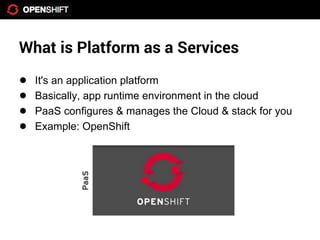
What is Platform as a Services
●   It's an application platform
●   Basically, app runtime environment in the cloud
●   PaaS configures & manages the Cloud & stack for you
●   Example: OpenShift
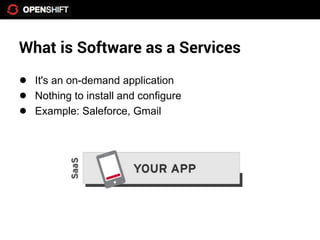
What is Software as a Services
● It's an on-demand application
● Nothing to install and configure
● Example: Saleforce, Gmail
So, why should I use PaaS
●   Realize the benefits of the cloud quickly
●   Let the PaaS configure, manage & scale the stack
●   Make deployment to the cloud easy
●   Focus on your app & users not the stack
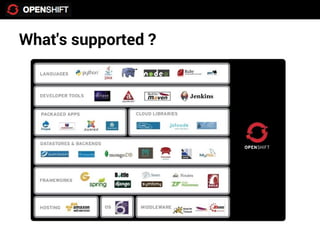
What's supported ?
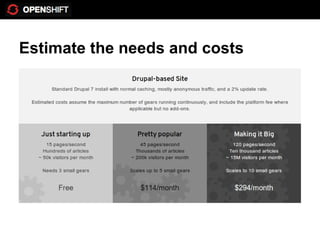
How much does it cost?
● Free 3 gears
● 512 MB RAM and 1GB Storage instance
● Need more resource just ask
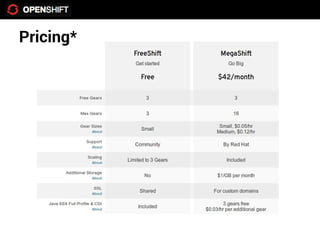
Pricing*
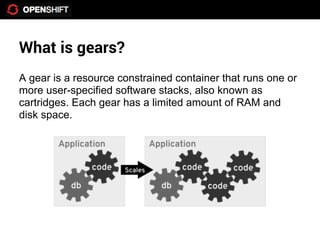
What is gears?
A gear is a resource constrained container that runs one or
more user-specified software stacks, also known as
cartridges. Each gear has a limited amount of RAM and
disk space.
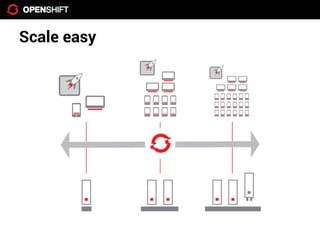
Scale easy
Estimate the needs and costs
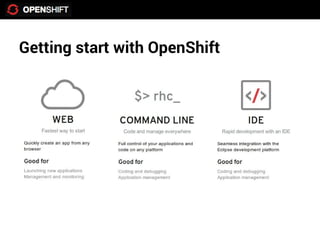
Getting start with OpenShift
●    Get an account at openshift.com
●    Create application
●    Code
●    Deploy


Using OpenShift to manage your applications in the cloud
Create an account
● Goto http://www.openshift.com
● Sign up an account
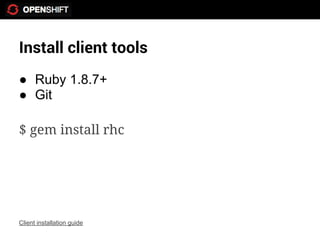
Install client tools
● Ruby 1.8.7+
● Git

$ gem install rhc


Client installation guide
Setup your keys and domain
$ rhc setup
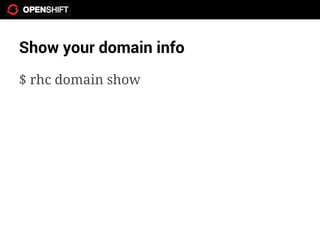
Show your domain info
$ rhc domain show
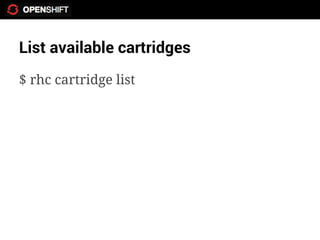
List available cartridges
$ rhc cartridge list
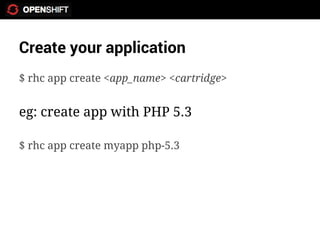
Create your application
$ rhc app create <app_name> <cartridge>


eg: create app with PHP 5.3

$ rhc app create myapp php-5.3
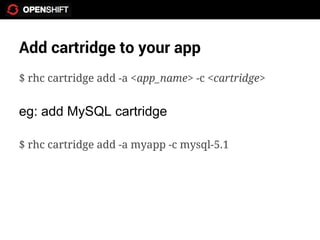
Add cartridge to your app
$ rhc cartridge add -a <app_name> -c <cartridge>


eg: add MySQL cartridge

$ rhc cartridge add -a myapp -c mysql-5.1
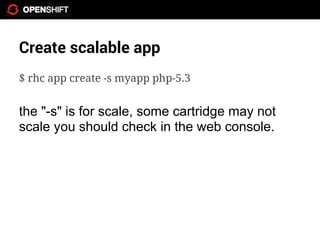
Create scalable app
$ rhc app create -s myapp php-5.3


the "-s" is for scale, some cartridge may not
scale you should check in the web console.
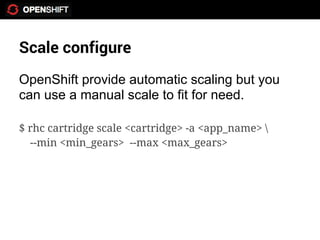
Scale configure
OpenShift provide automatic scaling but you
can use a manual scale to fit for need.

$ rhc cartridge scale <cartridge> -a <app_name> 
  --min <min_gears> --max <max_gears>
Deploying your application
Each app has it own git repository. You can
clone, merge, push or pull your code from the
repository. If you're new to Git try this.
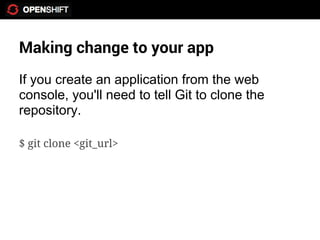
Making change to your app
If you create an application from the web
console, you'll need to tell Git to clone the
repository.

$ git clone <git_url>
Making change to your app
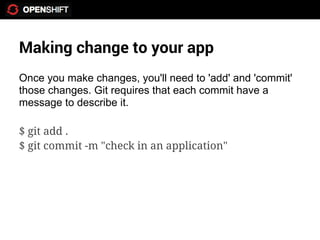
Once you make changes, you'll need to 'add' and 'commit'
those changes. Git requires that each commit have a
message to describe it.

$ git add .
$ git commit -m "check in an application"
Making change to your app
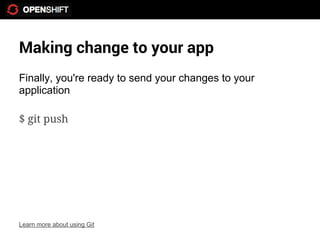
Finally, you're ready to send your changes to your
application

$ git push


Learn more about using Git
Domain alias
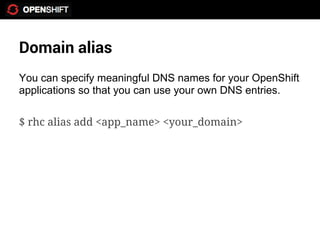
You can specify meaningful DNS names for your OpenShift
applications so that you can use your own DNS entries.

$ rhc alias add <app_name> <your_domain>
Working with GitHub
You can merge your project with GitHub by add the remote
repository then pull, merge code to any repository.

$ git remote add github git@github.com:user/repo.git
Thank You

Using OpenShift PaaS

  • 1.
    Using OpenShift Platform as a Service Anuchit Chalothorn anuchit@redlinesoft.net Licensed under a Creative Commons Attribution-NonCommercial-ShareAlike 3.0 Unported License.
  • 2.
    Agenda ● What is OpenShift ? ● What is IaaS, PaaS, SaaS ? ● Why use PasS ? ● What's supported ? ● How much it cost? ● Getting start with OpenShift
  • 3.
    What is OpenShift? OpenShiftis Red Hat's Cloud Computing Platform as a Service (PaaS) offering. Code Deploy Enjoy
  • 4.
    Kind of likeAmazon, right? Nope
  • 5.
    What is Infrastructureas a Services ● Network, Storage and Compute offered on-demand service ● Basically servers in the cloud ● You are still on the hook to config and manage the cloud & stack ● Example : Amazon EC2
  • 6.
    What is Platformas a Services ● It's an application platform ● Basically, app runtime environment in the cloud ● PaaS configures & manages the Cloud & stack for you ● Example: OpenShift
  • 7.
    What is Softwareas a Services ● It's an on-demand application ● Nothing to install and configure ● Example: Saleforce, Gmail
  • 8.
    So, why shouldI use PaaS ● Realize the benefits of the cloud quickly ● Let the PaaS configure, manage & scale the stack ● Make deployment to the cloud easy ● Focus on your app & users not the stack
  • 9.
  • 10.
    How much doesit cost? ● Free 3 gears ● 512 MB RAM and 1GB Storage instance ● Need more resource just ask
  • 11.
  • 12.
    What is gears? Agear is a resource constrained container that runs one or more user-specified software stacks, also known as cartridges. Each gear has a limited amount of RAM and disk space.
  • 13.
  • 14.
  • 15.
  • 16.
    Getting start withOpenShift ● Get an account at openshift.com ● Create application ● Code ● Deploy Using OpenShift to manage your applications in the cloud
  • 17.
    Create an account ●Goto http://www.openshift.com ● Sign up an account
  • 18.
    Install client tools ●Ruby 1.8.7+ ● Git $ gem install rhc Client installation guide
  • 19.
    Setup your keysand domain $ rhc setup
  • 20.
    Show your domaininfo $ rhc domain show
  • 21.
    List available cartridges $rhc cartridge list
  • 22.
    Create your application $rhc app create <app_name> <cartridge> eg: create app with PHP 5.3 $ rhc app create myapp php-5.3
  • 23.
    Add cartridge toyour app $ rhc cartridge add -a <app_name> -c <cartridge> eg: add MySQL cartridge $ rhc cartridge add -a myapp -c mysql-5.1
  • 24.
    Create scalable app $rhc app create -s myapp php-5.3 the "-s" is for scale, some cartridge may not scale you should check in the web console.
  • 25.
    Scale configure OpenShift provideautomatic scaling but you can use a manual scale to fit for need. $ rhc cartridge scale <cartridge> -a <app_name> --min <min_gears> --max <max_gears>
  • 26.
    Deploying your application Eachapp has it own git repository. You can clone, merge, push or pull your code from the repository. If you're new to Git try this.
  • 27.
    Making change toyour app If you create an application from the web console, you'll need to tell Git to clone the repository. $ git clone <git_url>
  • 28.
    Making change toyour app Once you make changes, you'll need to 'add' and 'commit' those changes. Git requires that each commit have a message to describe it. $ git add . $ git commit -m "check in an application"
  • 29.
    Making change toyour app Finally, you're ready to send your changes to your application $ git push Learn more about using Git
  • 30.
    Domain alias You canspecify meaningful DNS names for your OpenShift applications so that you can use your own DNS entries. $ rhc alias add <app_name> <your_domain>
  • 31.
    Working with GitHub Youcan merge your project with GitHub by add the remote repository then pull, merge code to any repository. $ git remote add github git@github.com:user/repo.git
  • 32.