PRESENTATIONS IN ENGLISH 
Giving an effective speech with 
confidence
Introduction 
Attitudes How do you feel about Slide-Shows 
Software Cloud, Open Source and Market Leader 
Slide Design Beyond Bullet Points
Presentation Software 
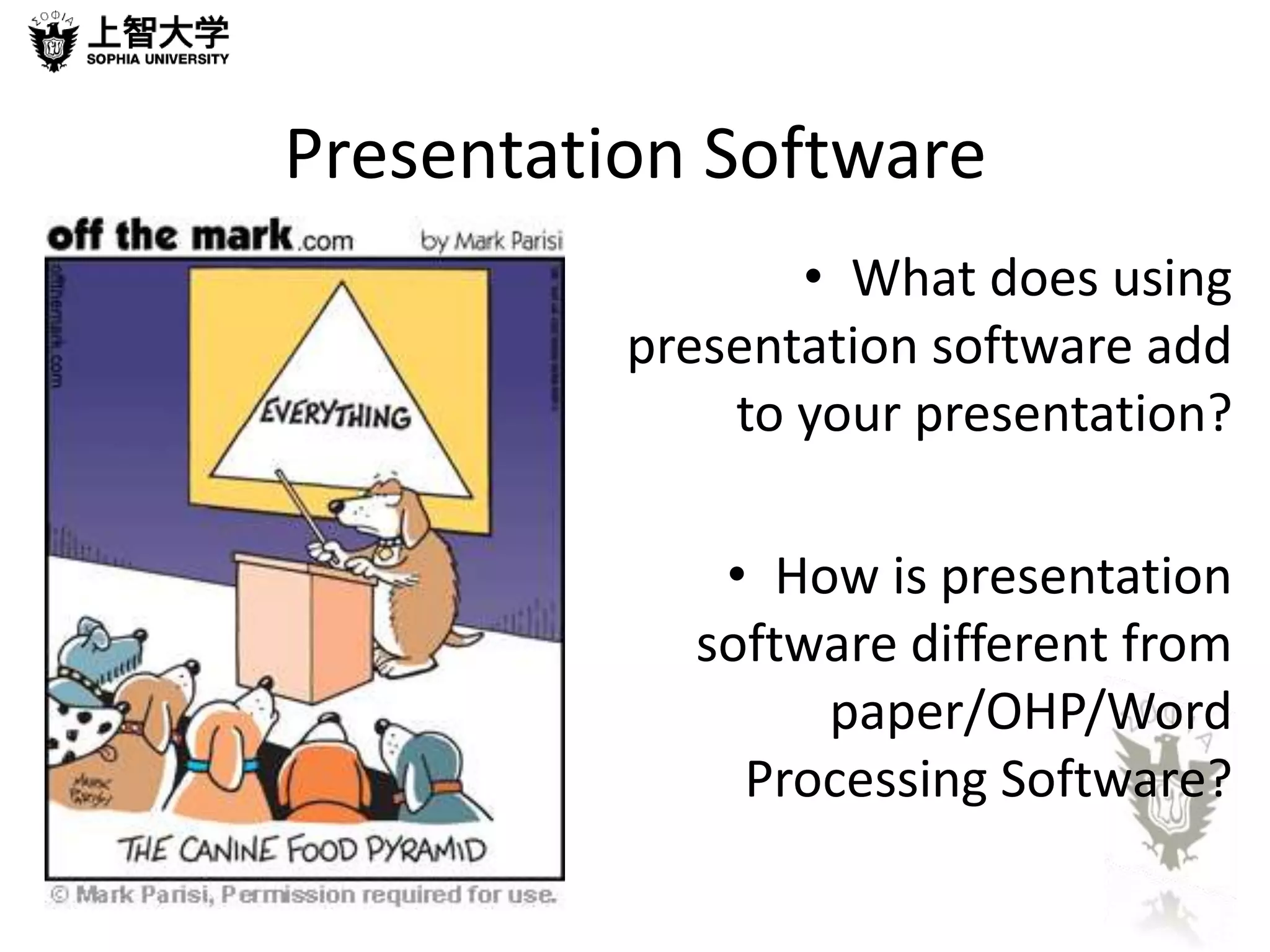
• What does using 
presentation software add 
to your presentation? 
• How is presentation 
software different from 
paper/OHP/Word 
Processing Software?
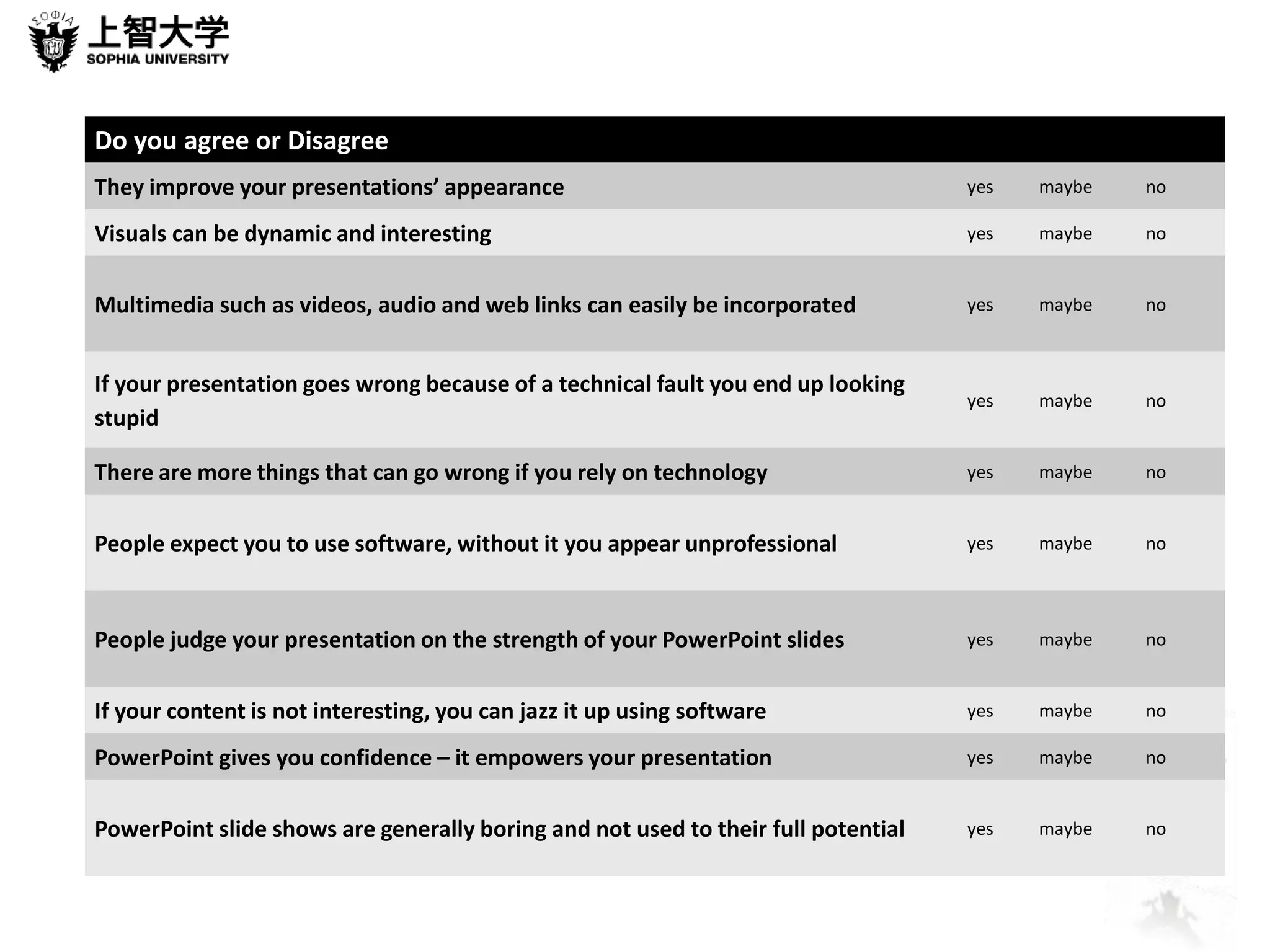
Do you agree or Disagree 
They improve your presentations’ appearance yes maybe no 
Visuals can be dynamic and interesting yes maybe no 
Multimedia such as videos, audio and web links can easily be incorporated yes maybe no 
If your presentation goes wrong because of a technical fault you end up looking 
stupid 
yes maybe no 
There are more things that can go wrong if you rely on technology yes maybe no 
People expect you to use software, without it you appear unprofessional yes maybe no 
People judge your presentation on the strength of your PowerPoint slides yes maybe no 
If your content is not interesting, you can jazz it up using software yes maybe no 
PowerPoint gives you confidence – it empowers your presentation yes maybe no 
PowerPoint slide shows are generally boring and not used to their full potential yes maybe no
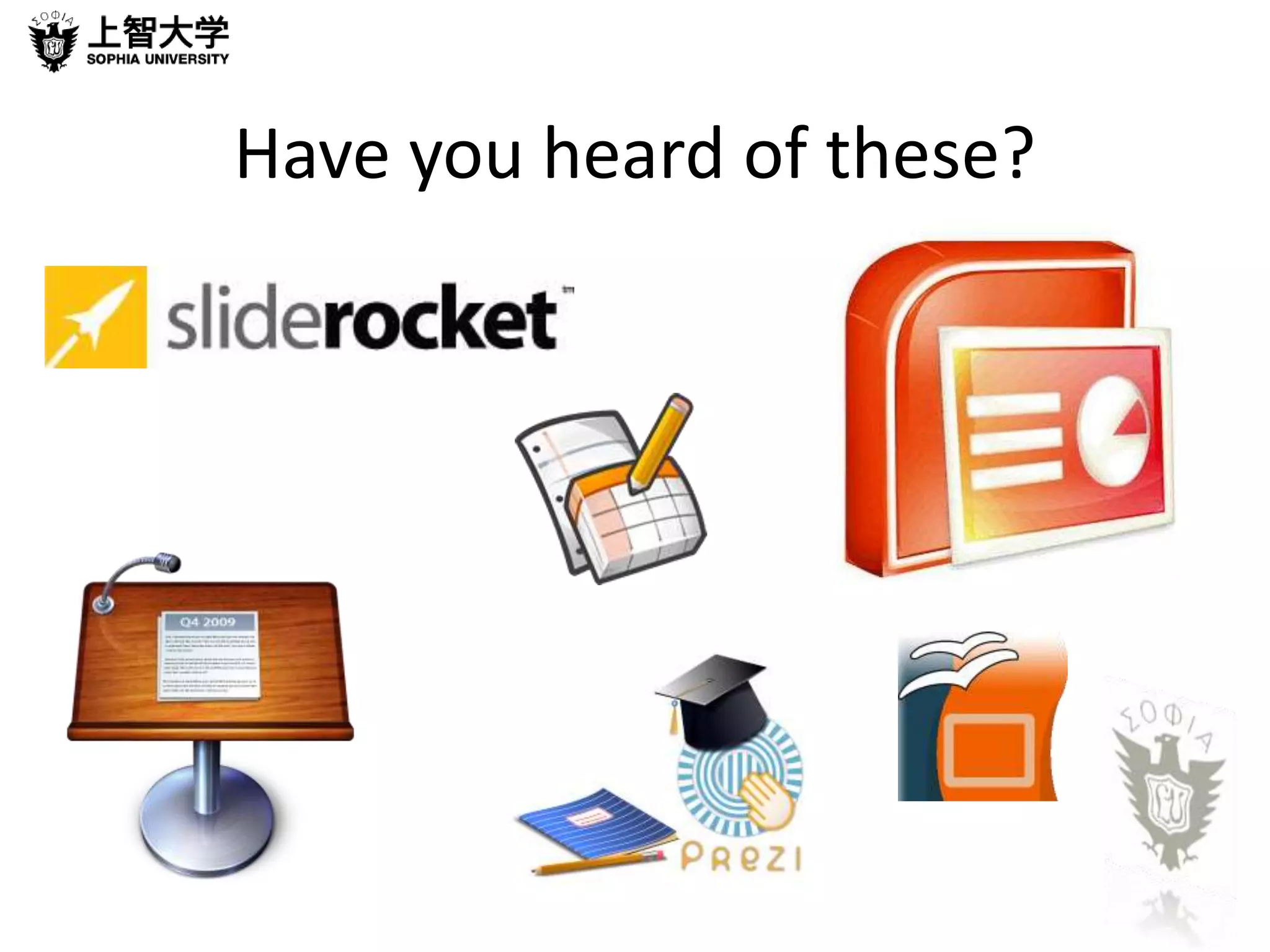
Have you heard of these?
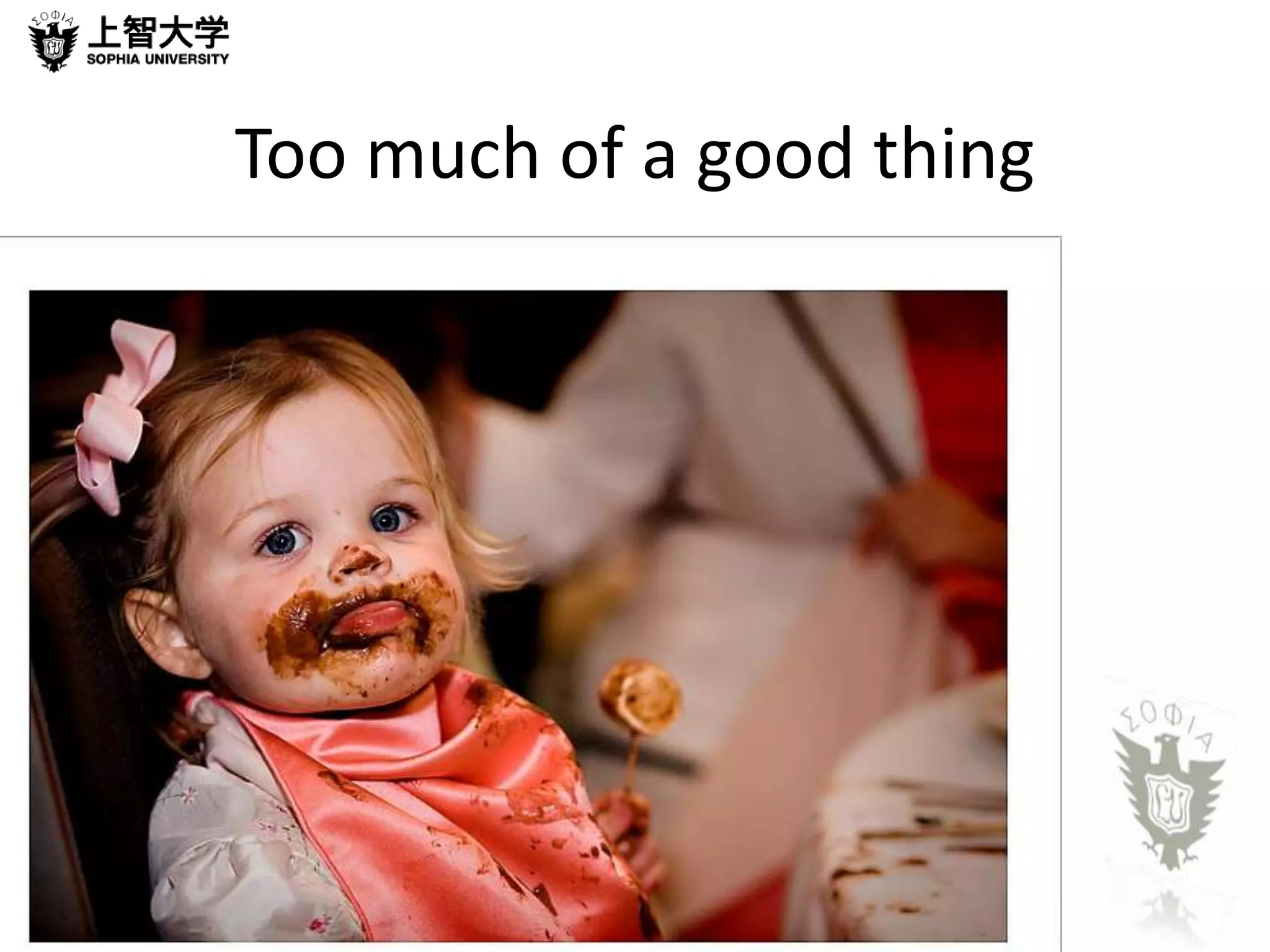
Too much of a good thing
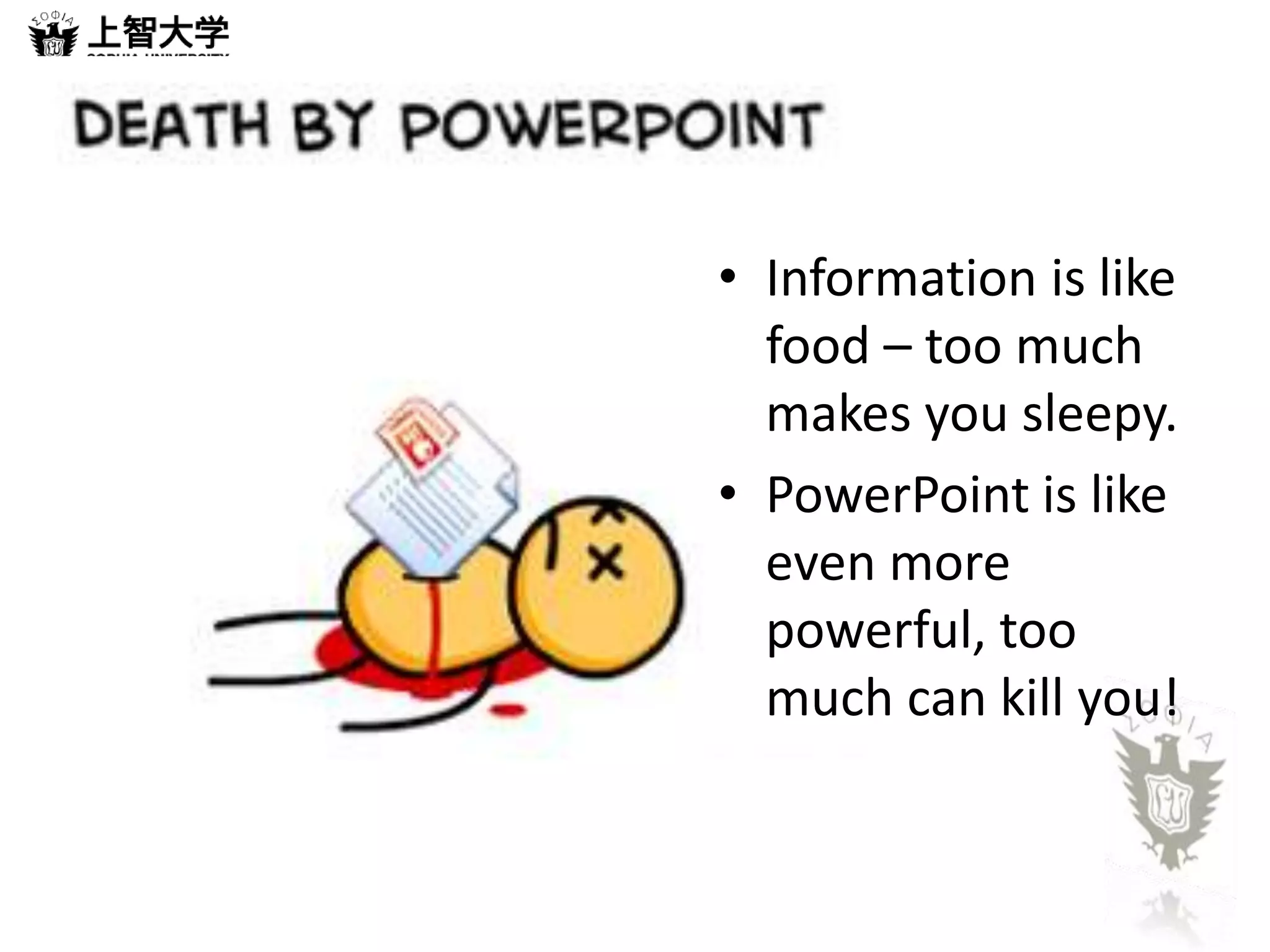
• Information is like 
food – too much 
makes you sleepy. 
• PowerPoint is like 
even more 
powerful, too 
much can kill you!
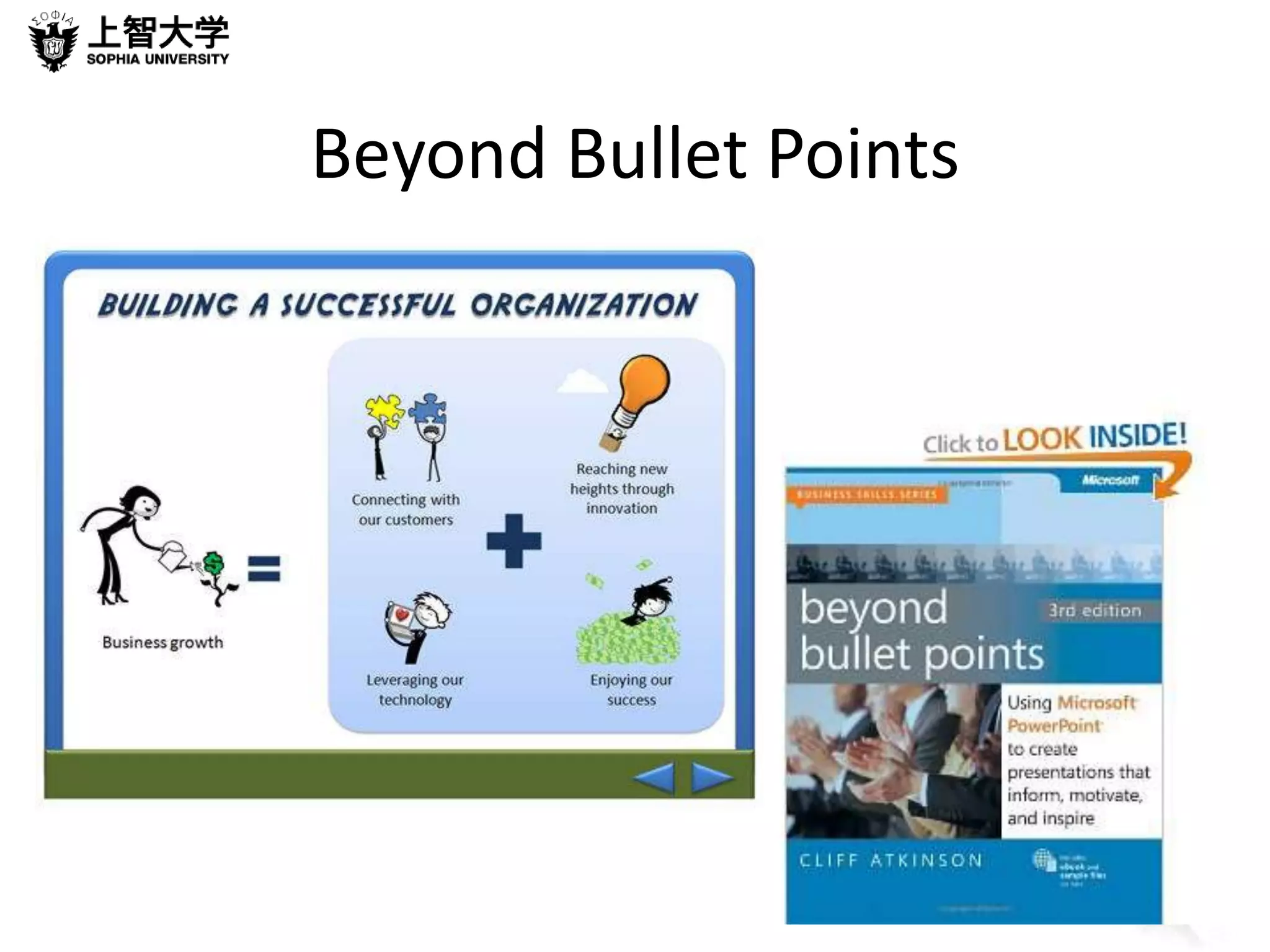
Beyond Bullet Points
Example 1
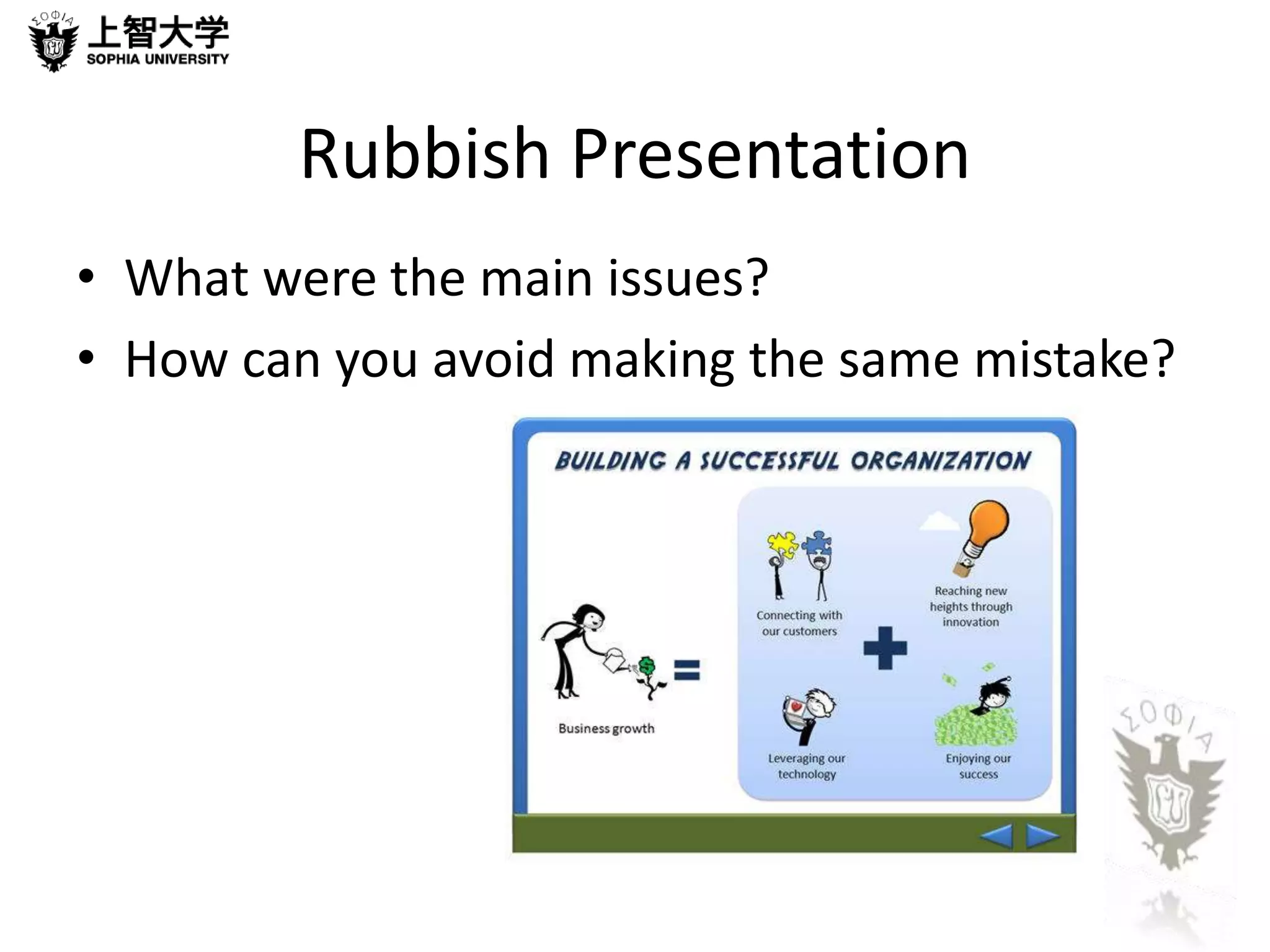
Rubbish Presentation 
• What were the main issues? 
• How can you avoid making the same mistake?
Over to you 
• Give a short talk about the worst 
presentation mistake people make
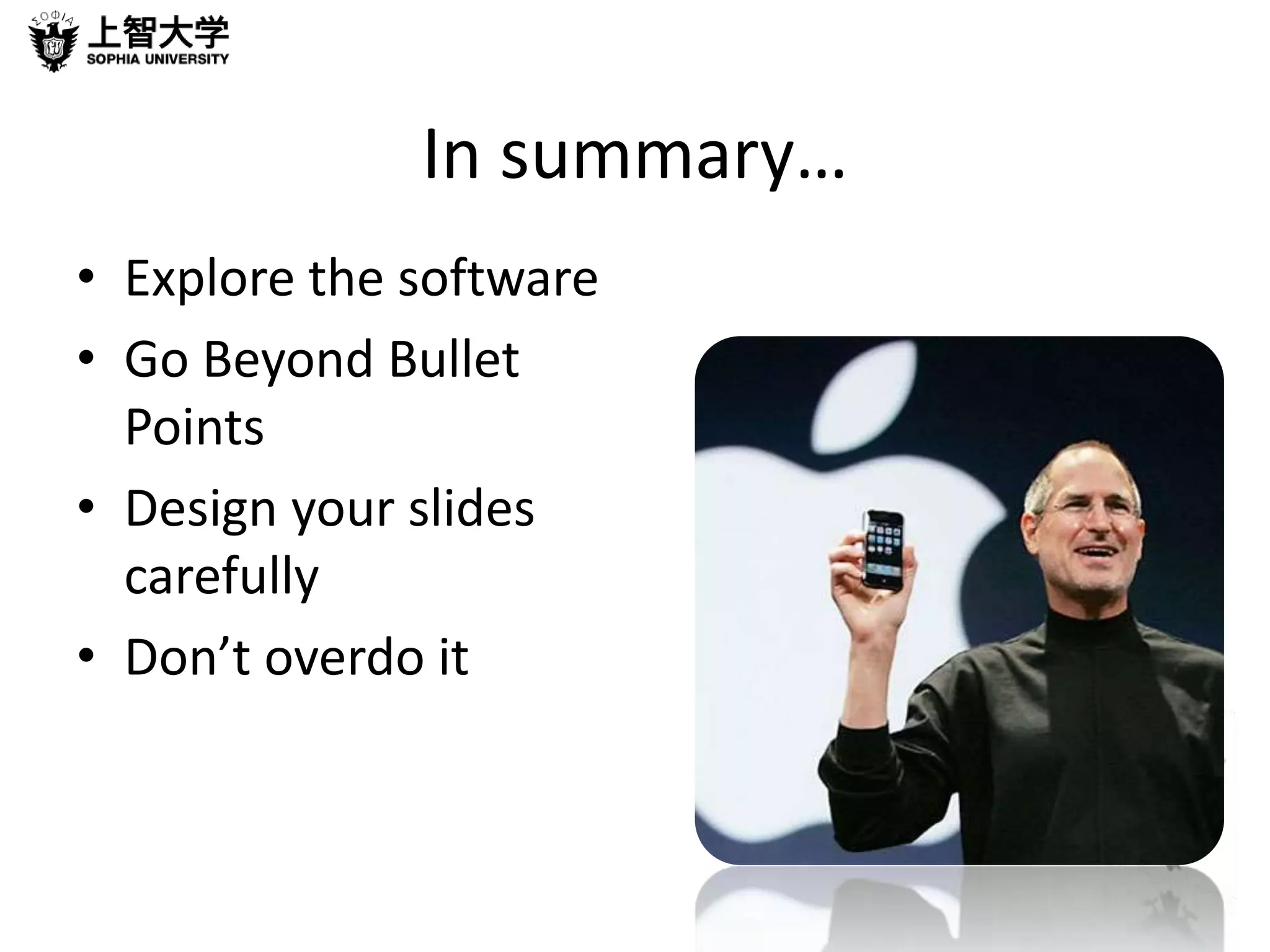
In summary… 
• Explore the software 
• Go Beyond Bullet 
Points 
• Design your slides 
carefully 
• Don’t overdo it
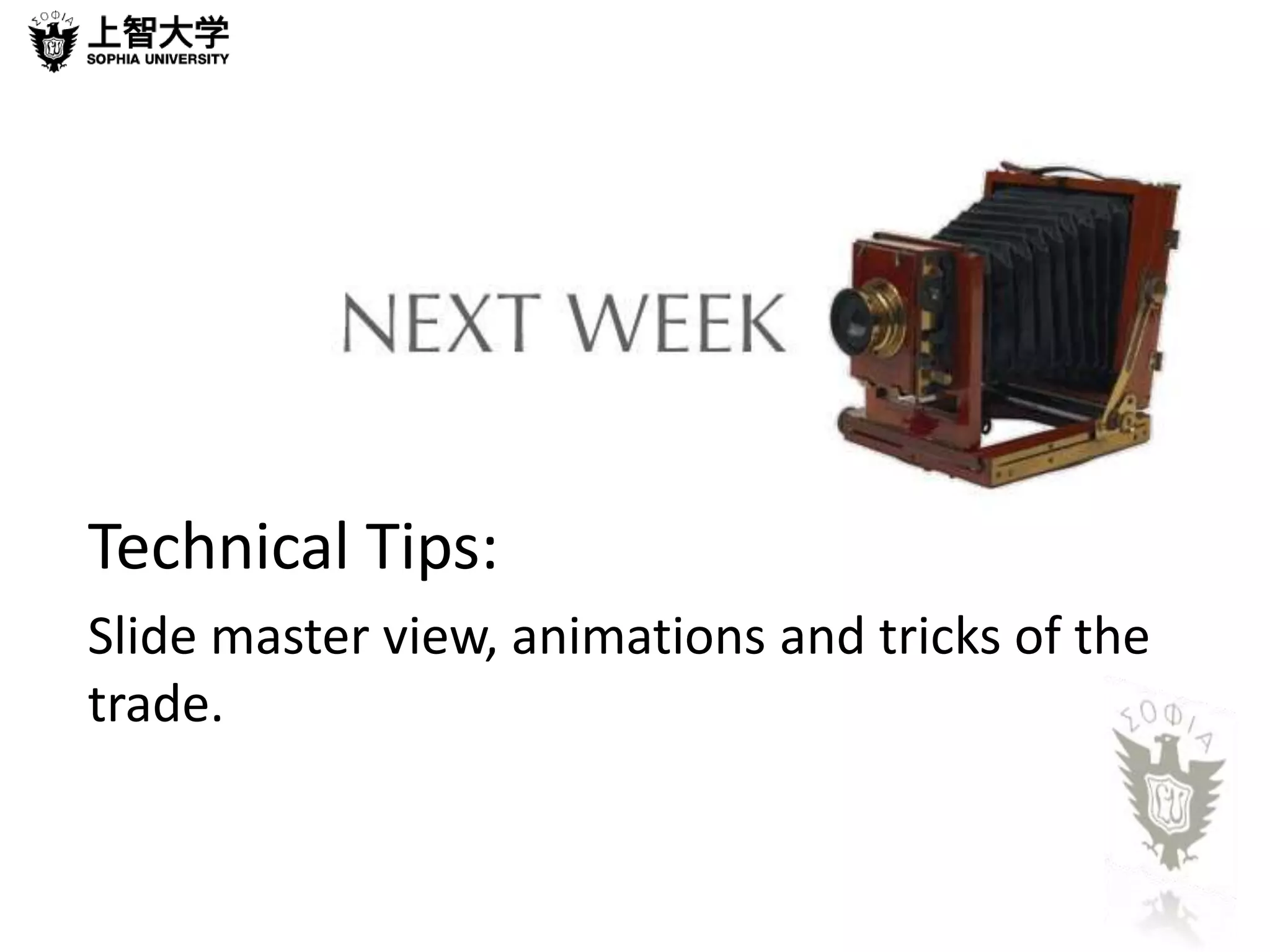
Technical Tips: 
Slide master view, animations and tricks of the 
trade.
Thanks for your attention 
See you next week!
When the lights go out…
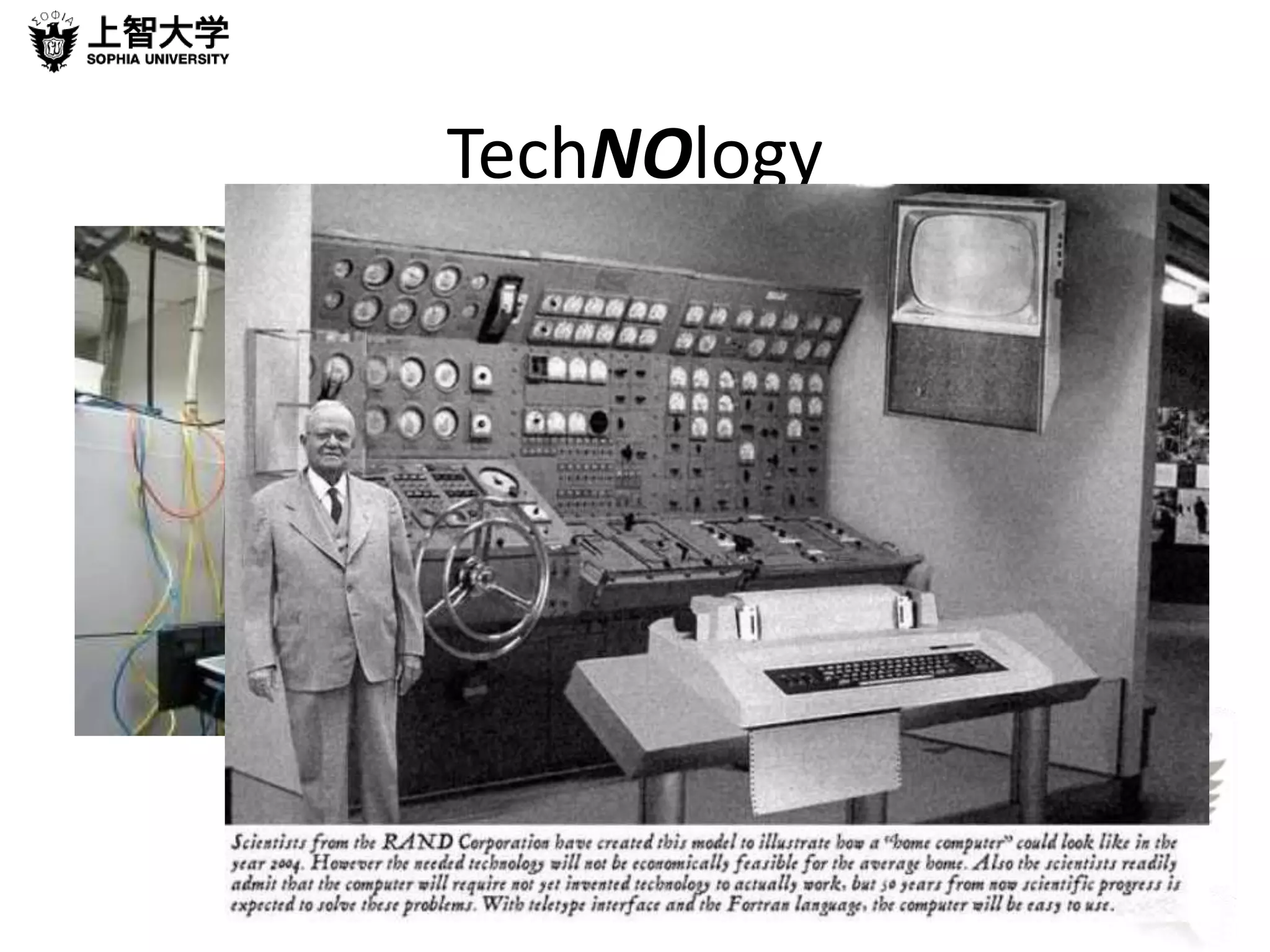
TechNOlogy
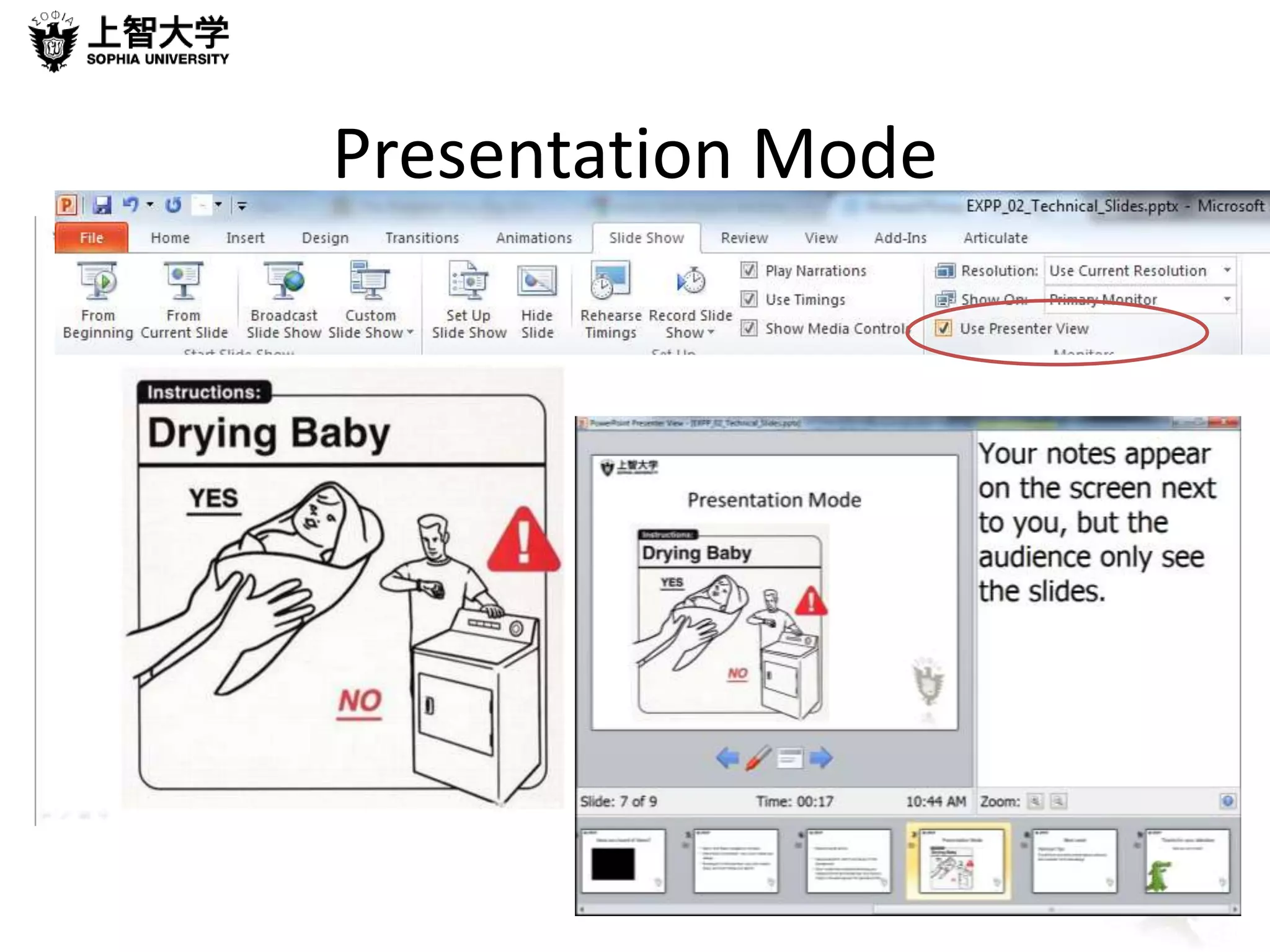
Presentation Mode

Expp 02 technical_slides

  • 1.
    PRESENTATIONS IN ENGLISH Giving an effective speech with confidence
  • 2.
    Introduction Attitudes Howdo you feel about Slide-Shows Software Cloud, Open Source and Market Leader Slide Design Beyond Bullet Points
  • 3.
    Presentation Software •What does using presentation software add to your presentation? • How is presentation software different from paper/OHP/Word Processing Software?
  • 4.
    Do you agreeor Disagree They improve your presentations’ appearance yes maybe no Visuals can be dynamic and interesting yes maybe no Multimedia such as videos, audio and web links can easily be incorporated yes maybe no If your presentation goes wrong because of a technical fault you end up looking stupid yes maybe no There are more things that can go wrong if you rely on technology yes maybe no People expect you to use software, without it you appear unprofessional yes maybe no People judge your presentation on the strength of your PowerPoint slides yes maybe no If your content is not interesting, you can jazz it up using software yes maybe no PowerPoint gives you confidence – it empowers your presentation yes maybe no PowerPoint slide shows are generally boring and not used to their full potential yes maybe no
  • 5.
    Have you heardof these?
  • 6.
    Too much ofa good thing
  • 7.
    • Information islike food – too much makes you sleepy. • PowerPoint is like even more powerful, too much can kill you!
  • 8.
  • 9.
  • 10.
    Rubbish Presentation •What were the main issues? • How can you avoid making the same mistake?
  • 11.
    Over to you • Give a short talk about the worst presentation mistake people make
  • 12.
    In summary… •Explore the software • Go Beyond Bullet Points • Design your slides carefully • Don’t overdo it
  • 13.
    Technical Tips: Slidemaster view, animations and tricks of the trade.
  • 14.
    Thanks for yourattention See you next week!
  • 15.
    When the lightsgo out…
  • 16.
  • 17.

Editor's Notes

  • #2 Notes notes notes
  • #3 Notes notes notes
  • #4 Give handout on second bullet point, then move into examples on next slide
  • #5 Notes notes notes
  • #6 Make sure to briefly explain each one and mention Apple Keynote – favourite of Al Gore and of course Steve Jobs Google docs and Prezi are cloud based PowerPoint is the Market leader Open office and Google are Open source (free) Click on Prezi to show an amazing example Apple Keynote. Prezi. Google Docs – presenation, Open Office, Impress, PowerPoint – also Corel and slide rocket From Wikipedia Microsoft PowerPoint Corel Presentations Google Docs Harvard Graphics (obsolete) IBM Lotus Freelance Graphics (obsolete) OpenOffice.org Impress (open source) SlideRocket Prezi Apple Keynote
  • #7 Information is like food – too much makes you sleepy. PowerPoint is like Lembas, you only need a tiny little bit!
  • #8 What is the main cause of death by ppt
  • #9 Beyond bullet points Use powerpoint, don’t just have it in the background. Don’t make the mistake of thinking your subject cannot be interesting – you have to make it interesting even if it specialist info
  • #12 Mini prez today – personal experience or something you’ve seen
  • #16 Mikko 14:50 – reverts to OHP
  • #18 Your notes appear on the screen next to you, but the audience only see the slides.