How did I use media technologies in
the construction and
research, planning and evaluation
stages?
Emma Willcox
Media Technology used during the
Research stage:
Media Technology used during the
Planning stage:
Media Technology used during the
Construction stage:
Media Technology used during the
Evaluation stage:
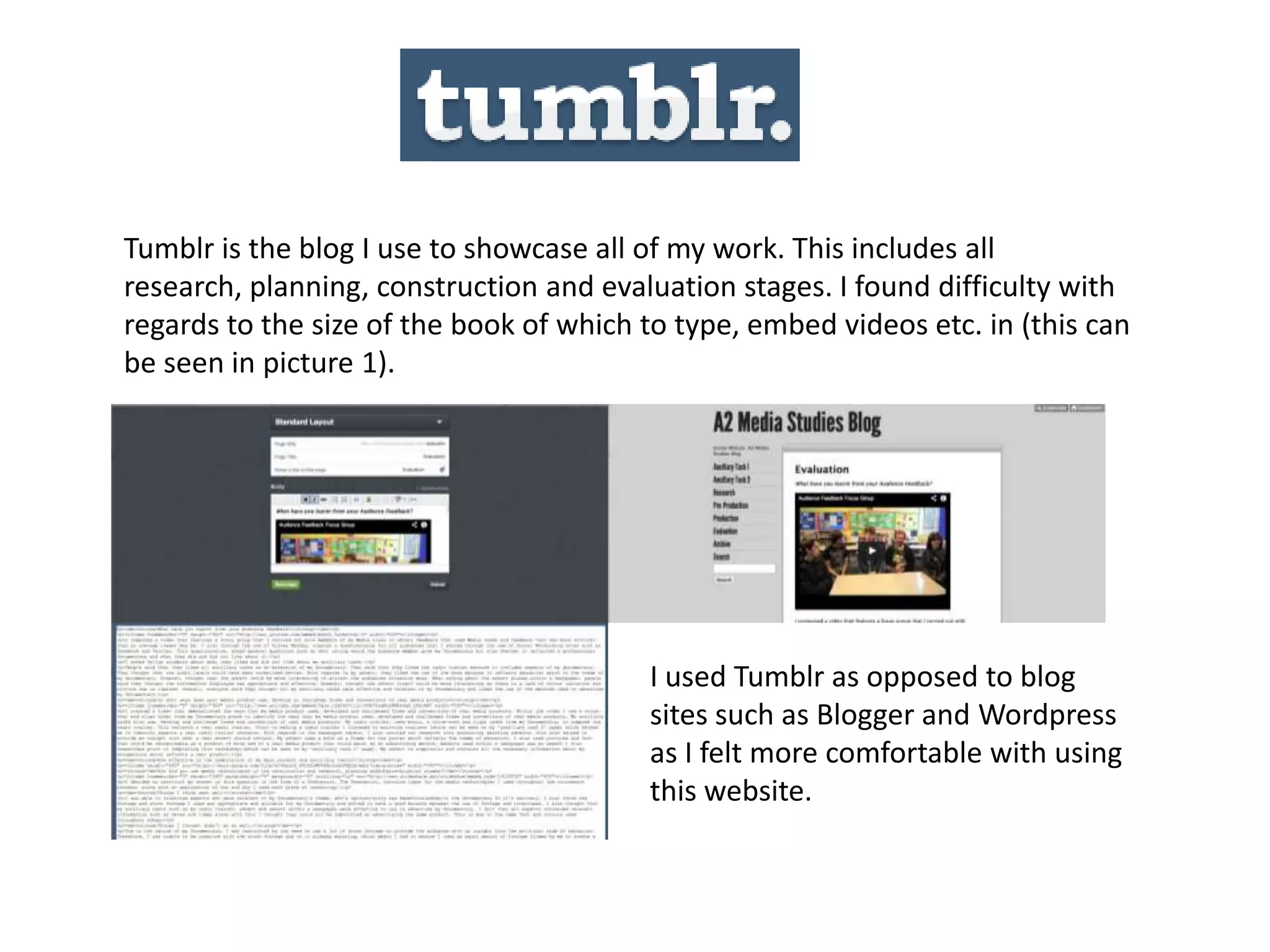
Tumblr is the blog I use to showcase all of my work. This includes all
research, planning, construction and evaluation stages. I found difficulty with
regards to the size of the book of which to type, embed videos etc. in (this can
be seen in picture 1).
I used Tumblr as opposed to blog
sites such as Blogger and Wordpress
as I felt more comfortable with using
this website.
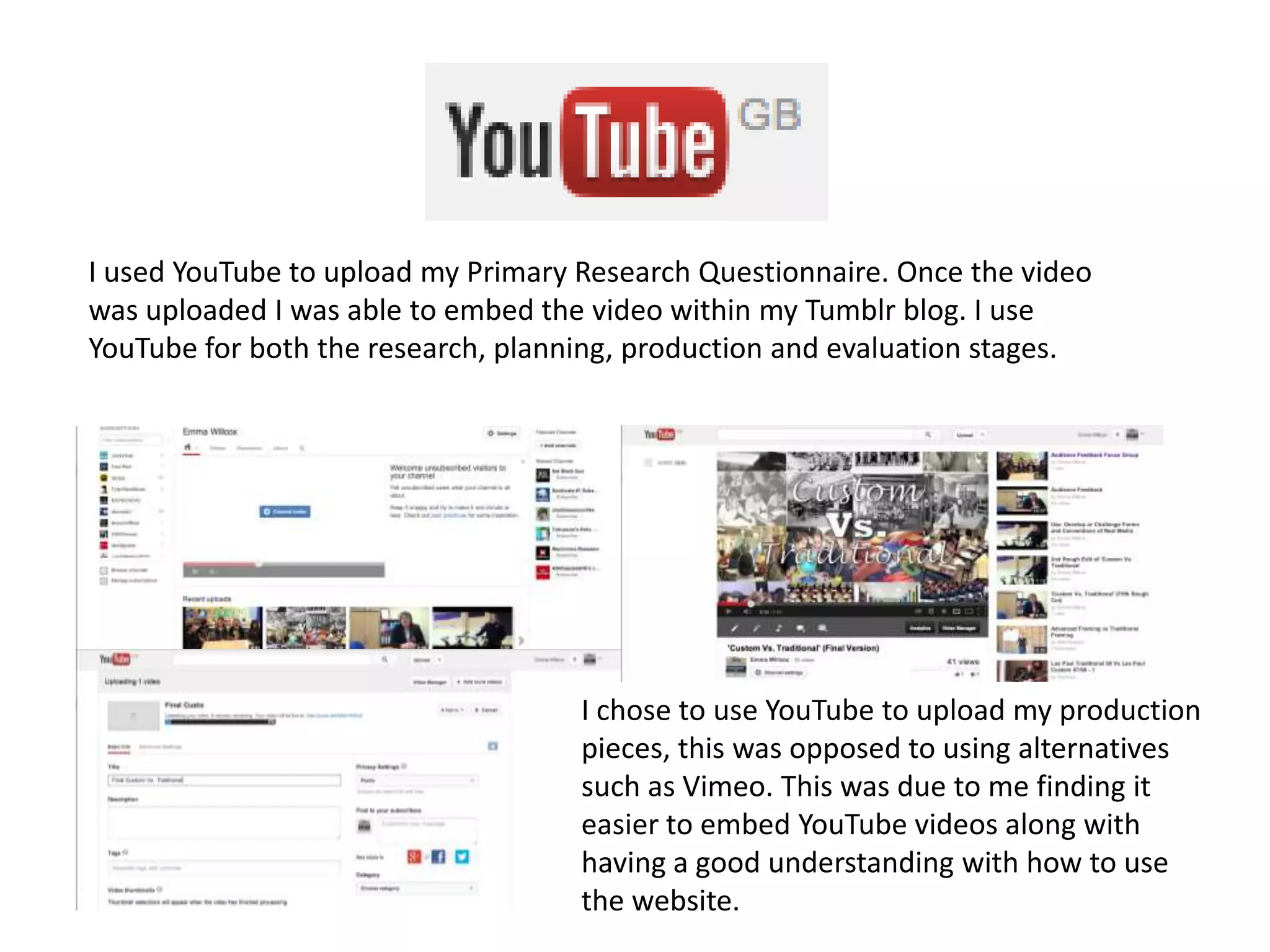
I used YouTube to upload my Primary Research Questionnaire. Once the video
was uploaded I was able to embed the video within my Tumblr blog. I use
YouTube for both the research, planning, production and evaluation stages.
I chose to use YouTube to upload my production
pieces, this was opposed to using alternatives
such as Vimeo. This was due to me finding it
easier to embed YouTube videos along with
having a good understanding with how to use
the website.
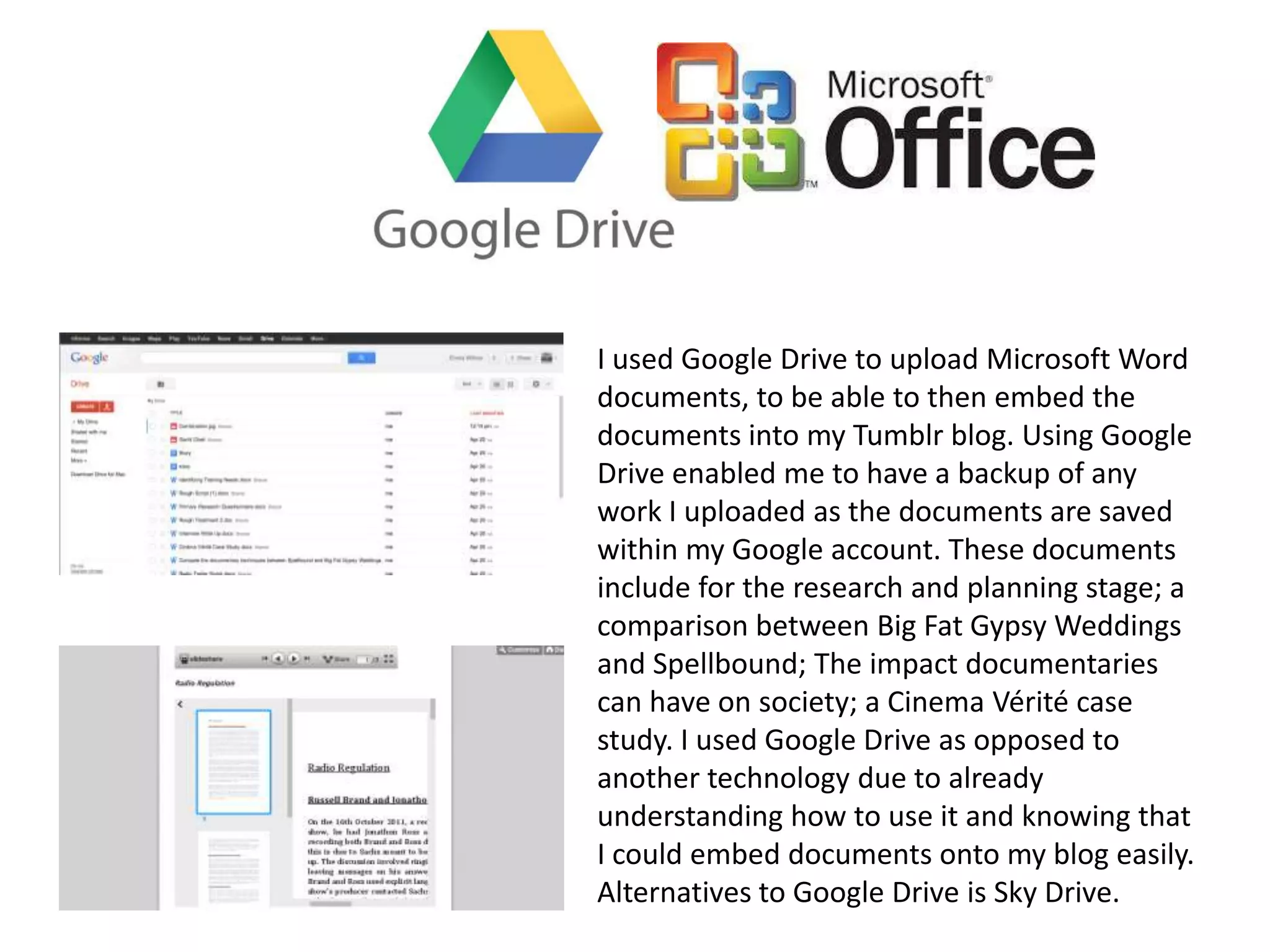
I used Google Drive to upload Microsoft Word
documents, to be able to then embed the
documents into my Tumblr blog. Using Google
Drive enabled me to have a backup of any
work I uploaded as the documents are saved
within my Google account. These documents
include for the research and planning stage; a
comparison between Big Fat Gypsy Weddings
and Spellbound; The impact documentaries
can have on society; a Cinema Vérité case
study. I used Google Drive as opposed to
another technology due to already
understanding how to use it and knowing that
I could embed documents onto my blog easily.
Alternatives to Google Drive is Sky Drive.
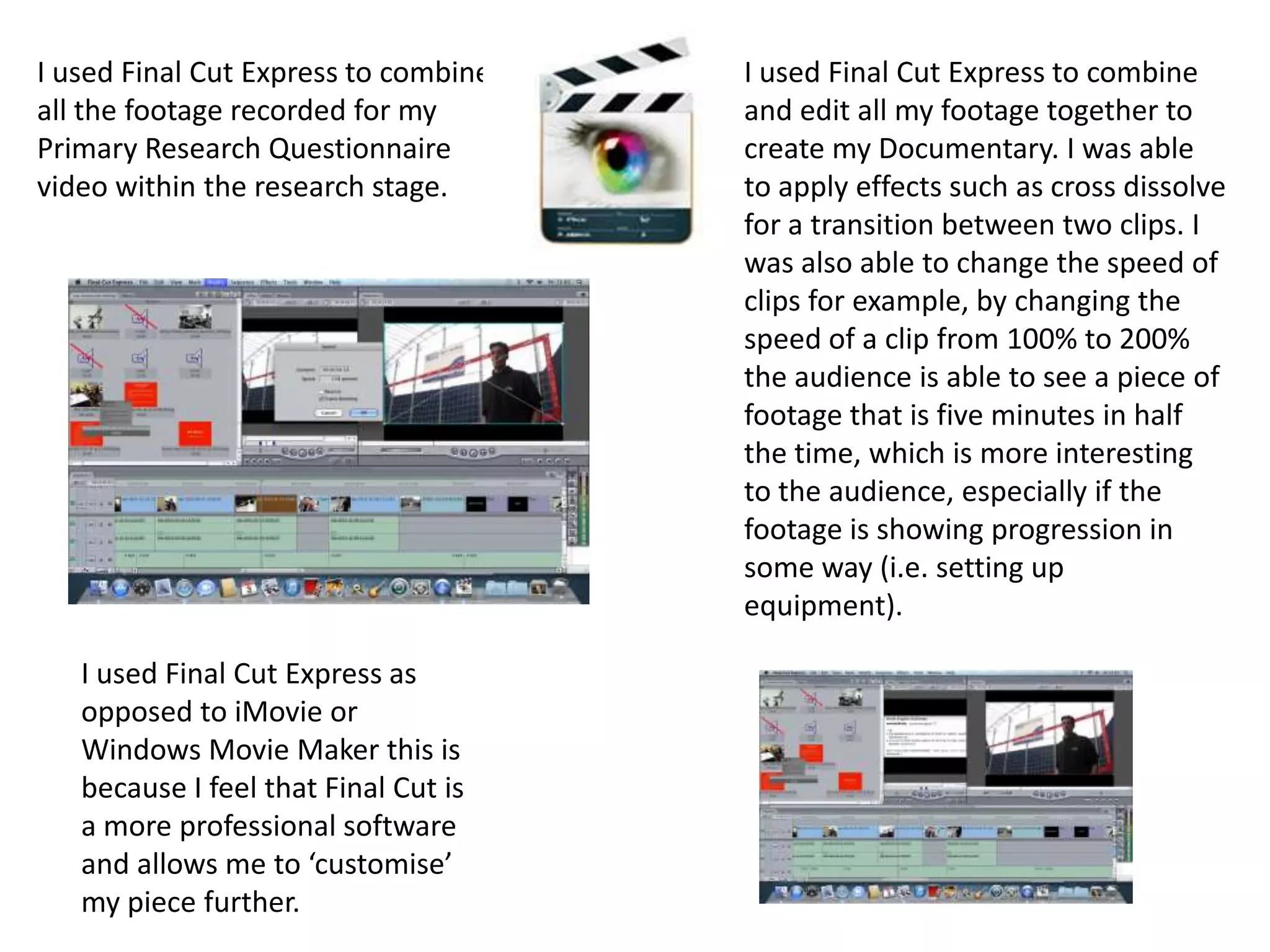
I used Slideshare to upload my PowerPoint presentations used in both my
research, planning and evaluation stages.
The photo to the
left shows my
embedded
Slideshare on my
Tumblr blog.
I used Slideshare as opposed to other technologies
such as Popplet and Prezi to present these types of
presentations. This was due to the way I wanted to
present this information was through the use of a
presentation.
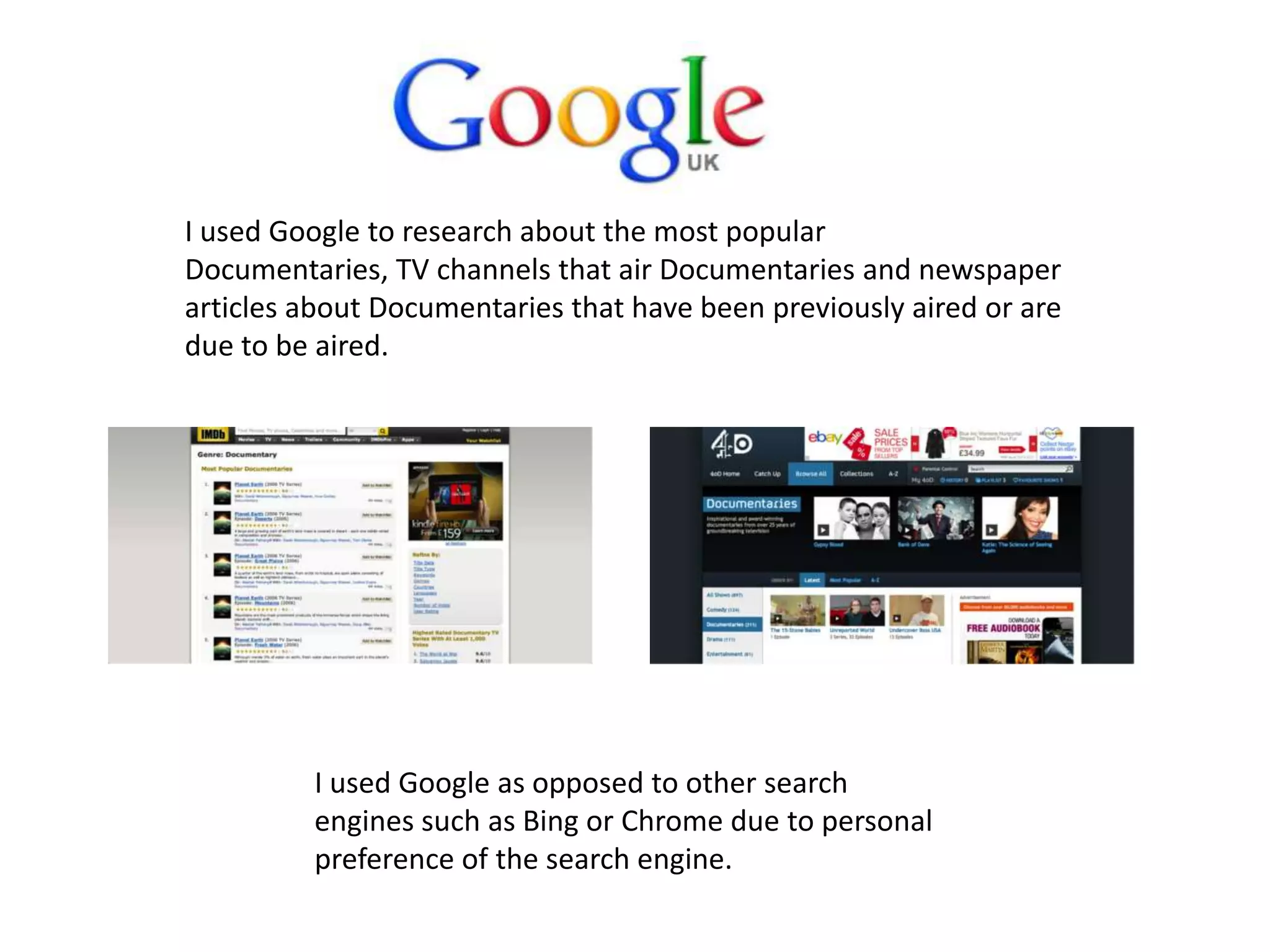
I used Final Cut Express to combine
all the footage recorded for my
Primary Research Questionnaire
video within the research stage.
I used Final Cut Express to combine
and edit all my footage together to
create my Documentary. I was able
to apply effects such as cross dissolve
for a transition between two clips. I
was also able to change the speed of
clips for example, by changing the
speed of a clip from 100% to 200%
the audience is able to see a piece of
footage that is five minutes in half
the time, which is more interesting
to the audience, especially if the
footage is showing progression in
some way (i.e. setting up
equipment).
I used Final Cut Express as
opposed to iMovie or
Windows Movie Maker this is
because I feel that Final Cut is
a more professional software
and allows me to ‘customise’
my piece further.
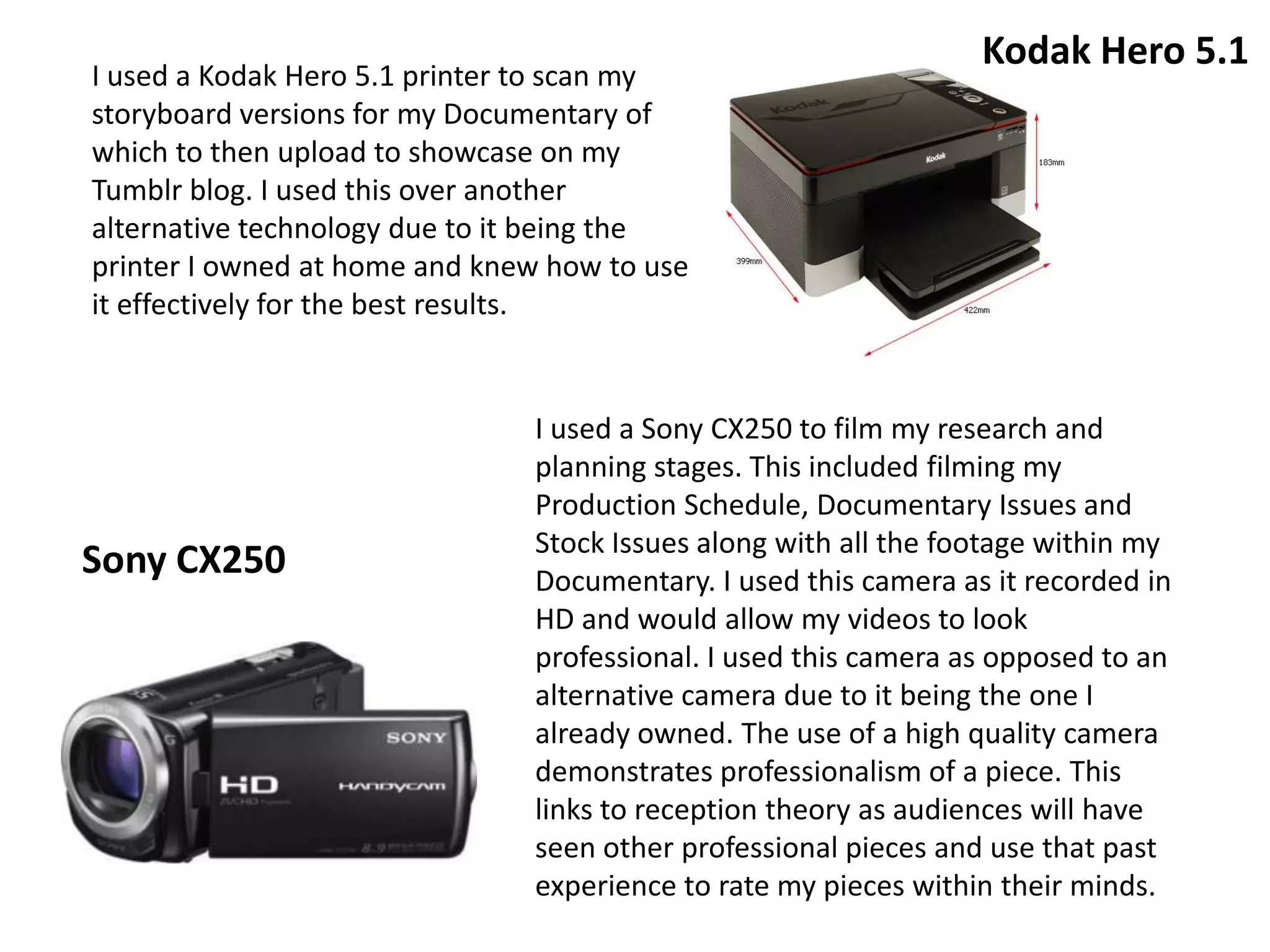
I used Google to research about the most popular
Documentaries, TV channels that air Documentaries and newspaper
articles about Documentaries that have been previously aired or are
due to be aired.
I used Google as opposed to other search
engines such as Bing or Chrome due to personal
preference of the search engine.
I used a Kodak Hero 5.1 printer to scan my
storyboard versions for my Documentary of
which to then upload to showcase on my
Tumblr blog. I used this over another
alternative technology due to it being the
printer I owned at home and knew how to use
it effectively for the best results.
I used a Sony CX250 to film my research and
planning stages. This included filming my
Production Schedule, Documentary Issues and
Stock Issues along with all the footage within my
Documentary. I used this camera as it recorded in
HD and would allow my videos to look
professional. I used this camera as opposed to an
alternative camera due to it being the one I
already owned. The use of a high quality camera
demonstrates professionalism of a piece. This
links to reception theory as audiences will have
seen other professional pieces and use that past
experience to rate my pieces within their minds.
Sony CX250
Kodak Hero 5.1
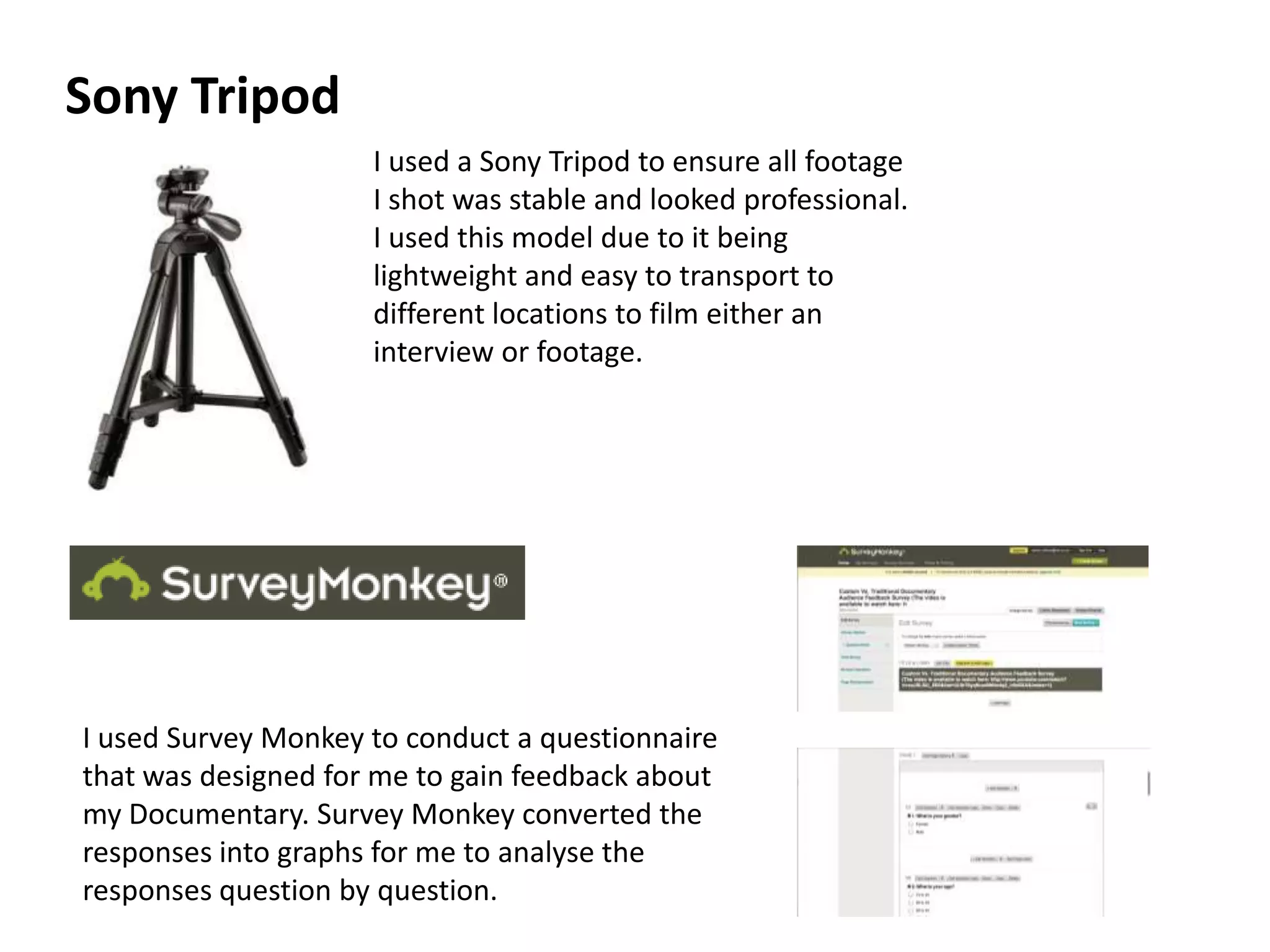
I used a Sony Tripod to ensure all footage
I shot was stable and looked professional.
I used this model due to it being
lightweight and easy to transport to
different locations to film either an
interview or footage.
Sony Tripod
I used Survey Monkey to conduct a questionnaire
that was designed for me to gain feedback about
my Documentary. Survey Monkey converted the
responses into graphs for me to analyse the
responses question by question.
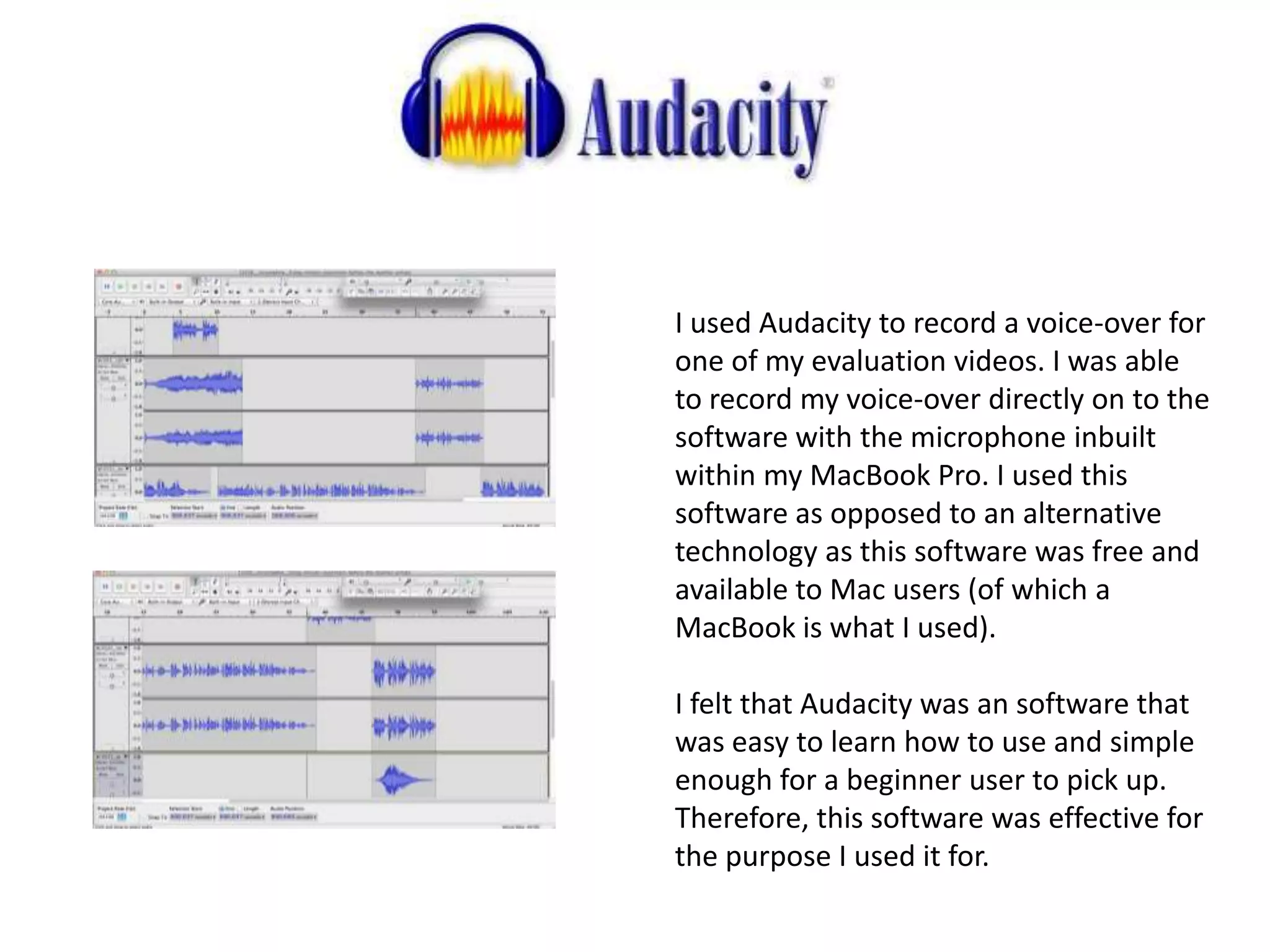
I used Audacity to record a voice-over for
one of my evaluation videos. I was able
to record my voice-over directly on to the
software with the microphone inbuilt
within my MacBook Pro. I used this
software as opposed to an alternative
technology as this software was free and
available to Mac users (of which a
MacBook is what I used).
I felt that Audacity was an software that
was easy to learn how to use and simple
enough for a beginner user to pick up.
Therefore, this software was effective for
the purpose I used it for.
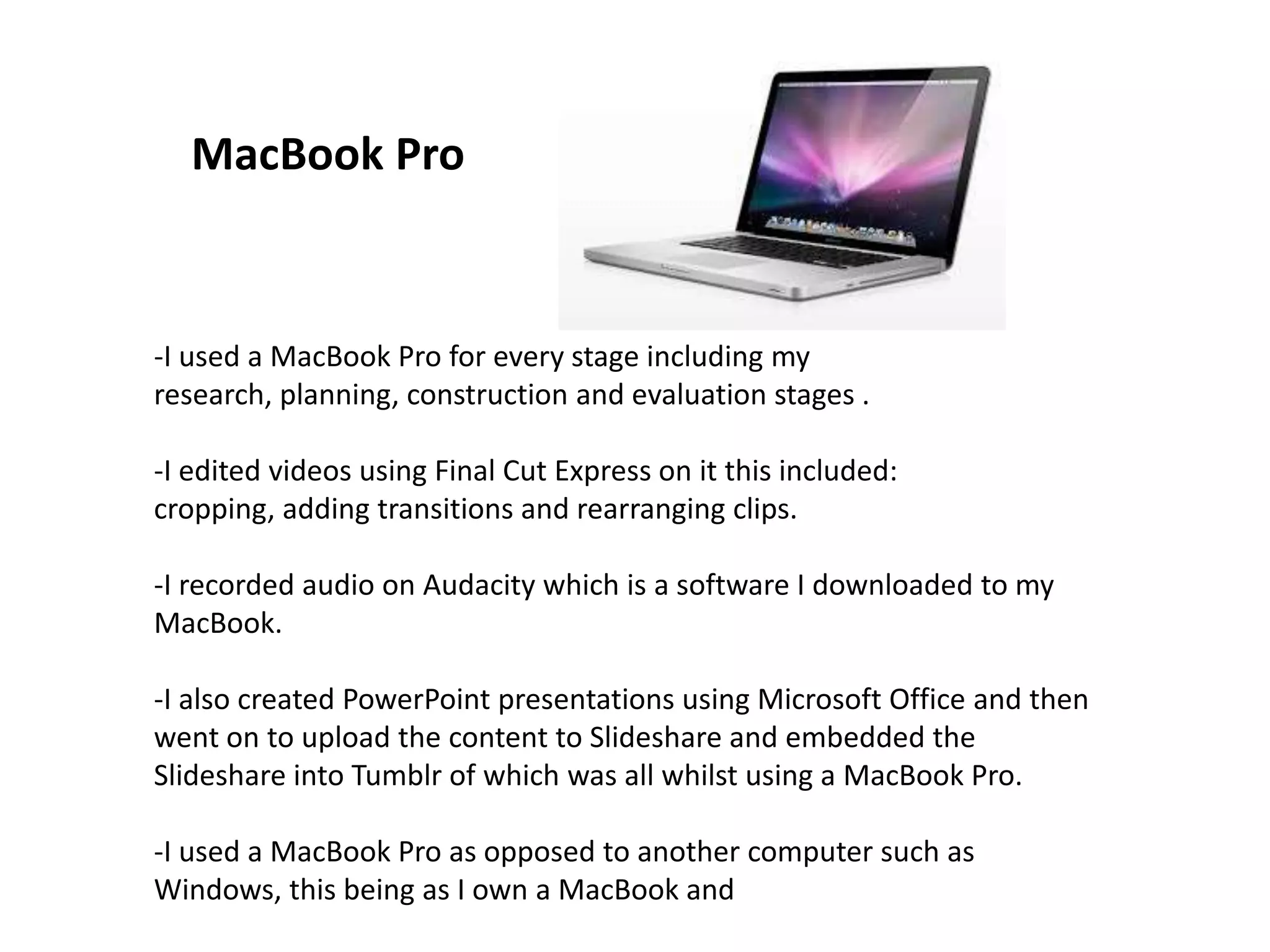
-I used a MacBook Pro for every stage including my
research, planning, construction and evaluation stages .
-I edited videos using Final Cut Express on it this included:
cropping, adding transitions and rearranging clips.
-I recorded audio on Audacity which is a software I downloaded to my
MacBook.
-I also created PowerPoint presentations using Microsoft Office and then
went on to upload the content to Slideshare and embedded the
Slideshare into Tumblr of which was all whilst using a MacBook Pro.
-I used a MacBook Pro as opposed to another computer such as
Windows, this being as I own a MacBook and
MacBook Pro
Social Networking
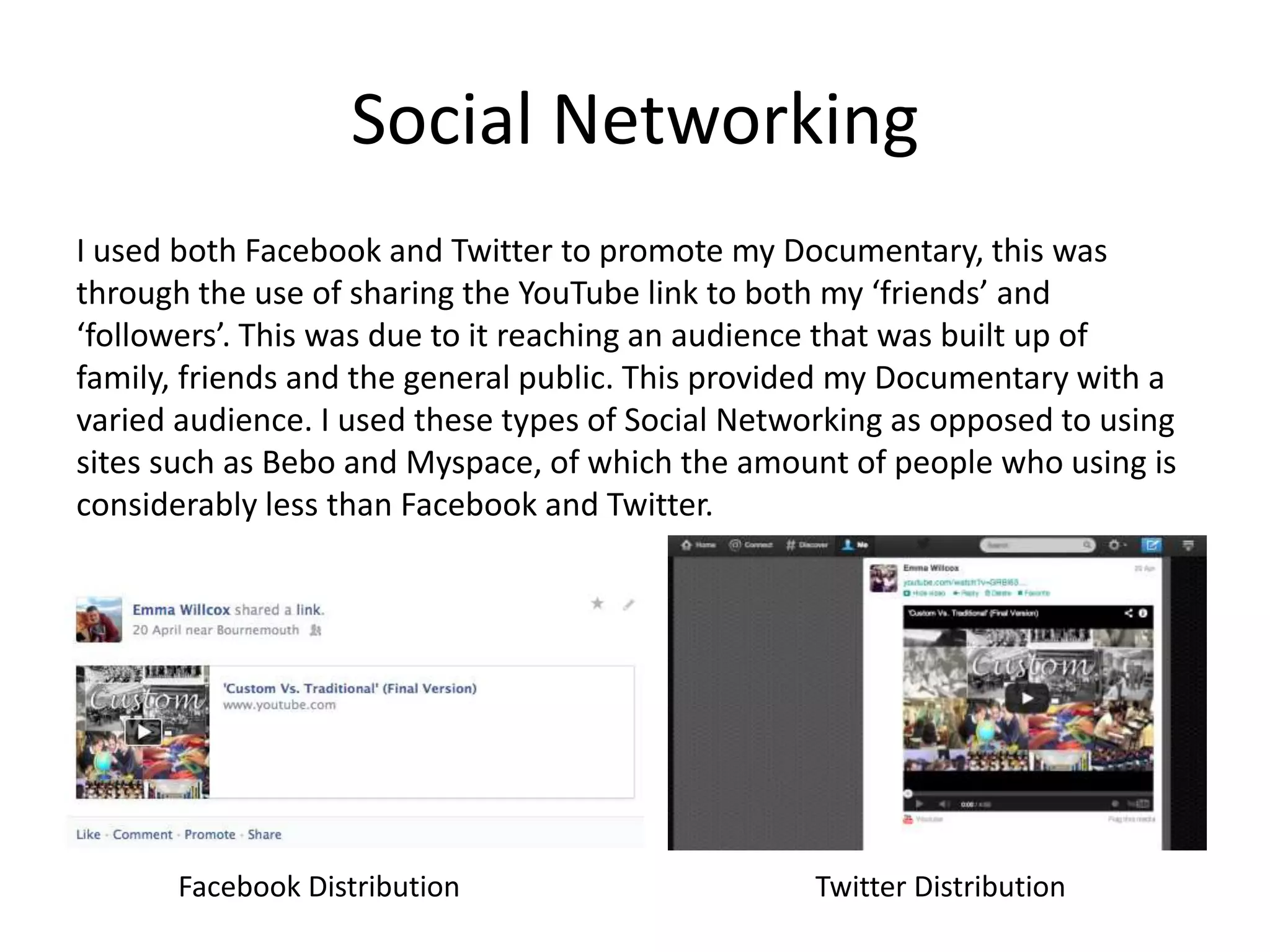
I used both Facebook and Twitter to promote my Documentary, this was
through the use of sharing the YouTube link to both my ‘friends’ and
‘followers’. This was due to it reaching an audience that was built up of
family, friends and the general public. This provided my Documentary with a
varied audience. I used these types of Social Networking as opposed to using
sites such as Bebo and Myspace, of which the amount of people who using is
considerably less than Facebook and Twitter.
Facebook Distribution Twitter Distribution
Theory
• Theory can be applied to the use of media technology.
• Reception Theory can be applied as when producing a
production piece, the individual will tend use technology
that they have used in the past (past experience and
knowledge) due to feeling more comfortable with how to
use the software, for example.
• Two Step Flow can also be applied as the use of technology
such as YouTube and MacBook’s are seen within the media
as being used by professionals. Therefore, as an individual I
was influenced to use these platforms/products by the
‘leader’ as they produce quality productions of which I
aimed to follow.

How did I use media technologies in the construction and research, planning and evaluation stages.

  • 1.
    How did Iuse media technologies in the construction and research, planning and evaluation stages? Emma Willcox
  • 2.
    Media Technology usedduring the Research stage:
  • 3.
    Media Technology usedduring the Planning stage:
  • 4.
    Media Technology usedduring the Construction stage:
  • 5.
    Media Technology usedduring the Evaluation stage:
  • 6.
    Tumblr is theblog I use to showcase all of my work. This includes all research, planning, construction and evaluation stages. I found difficulty with regards to the size of the book of which to type, embed videos etc. in (this can be seen in picture 1). I used Tumblr as opposed to blog sites such as Blogger and Wordpress as I felt more comfortable with using this website.
  • 7.
    I used YouTubeto upload my Primary Research Questionnaire. Once the video was uploaded I was able to embed the video within my Tumblr blog. I use YouTube for both the research, planning, production and evaluation stages. I chose to use YouTube to upload my production pieces, this was opposed to using alternatives such as Vimeo. This was due to me finding it easier to embed YouTube videos along with having a good understanding with how to use the website.
  • 8.
    I used GoogleDrive to upload Microsoft Word documents, to be able to then embed the documents into my Tumblr blog. Using Google Drive enabled me to have a backup of any work I uploaded as the documents are saved within my Google account. These documents include for the research and planning stage; a comparison between Big Fat Gypsy Weddings and Spellbound; The impact documentaries can have on society; a Cinema Vérité case study. I used Google Drive as opposed to another technology due to already understanding how to use it and knowing that I could embed documents onto my blog easily. Alternatives to Google Drive is Sky Drive.
  • 9.
    I used Slideshareto upload my PowerPoint presentations used in both my research, planning and evaluation stages. The photo to the left shows my embedded Slideshare on my Tumblr blog. I used Slideshare as opposed to other technologies such as Popplet and Prezi to present these types of presentations. This was due to the way I wanted to present this information was through the use of a presentation.
  • 10.
    I used FinalCut Express to combine all the footage recorded for my Primary Research Questionnaire video within the research stage. I used Final Cut Express to combine and edit all my footage together to create my Documentary. I was able to apply effects such as cross dissolve for a transition between two clips. I was also able to change the speed of clips for example, by changing the speed of a clip from 100% to 200% the audience is able to see a piece of footage that is five minutes in half the time, which is more interesting to the audience, especially if the footage is showing progression in some way (i.e. setting up equipment). I used Final Cut Express as opposed to iMovie or Windows Movie Maker this is because I feel that Final Cut is a more professional software and allows me to ‘customise’ my piece further.
  • 11.
    I used Googleto research about the most popular Documentaries, TV channels that air Documentaries and newspaper articles about Documentaries that have been previously aired or are due to be aired. I used Google as opposed to other search engines such as Bing or Chrome due to personal preference of the search engine.
  • 12.
    I used aKodak Hero 5.1 printer to scan my storyboard versions for my Documentary of which to then upload to showcase on my Tumblr blog. I used this over another alternative technology due to it being the printer I owned at home and knew how to use it effectively for the best results. I used a Sony CX250 to film my research and planning stages. This included filming my Production Schedule, Documentary Issues and Stock Issues along with all the footage within my Documentary. I used this camera as it recorded in HD and would allow my videos to look professional. I used this camera as opposed to an alternative camera due to it being the one I already owned. The use of a high quality camera demonstrates professionalism of a piece. This links to reception theory as audiences will have seen other professional pieces and use that past experience to rate my pieces within their minds. Sony CX250 Kodak Hero 5.1
  • 13.
    I used aSony Tripod to ensure all footage I shot was stable and looked professional. I used this model due to it being lightweight and easy to transport to different locations to film either an interview or footage. Sony Tripod I used Survey Monkey to conduct a questionnaire that was designed for me to gain feedback about my Documentary. Survey Monkey converted the responses into graphs for me to analyse the responses question by question.
  • 14.
    I used Audacityto record a voice-over for one of my evaluation videos. I was able to record my voice-over directly on to the software with the microphone inbuilt within my MacBook Pro. I used this software as opposed to an alternative technology as this software was free and available to Mac users (of which a MacBook is what I used). I felt that Audacity was an software that was easy to learn how to use and simple enough for a beginner user to pick up. Therefore, this software was effective for the purpose I used it for.
  • 15.
    -I used aMacBook Pro for every stage including my research, planning, construction and evaluation stages . -I edited videos using Final Cut Express on it this included: cropping, adding transitions and rearranging clips. -I recorded audio on Audacity which is a software I downloaded to my MacBook. -I also created PowerPoint presentations using Microsoft Office and then went on to upload the content to Slideshare and embedded the Slideshare into Tumblr of which was all whilst using a MacBook Pro. -I used a MacBook Pro as opposed to another computer such as Windows, this being as I own a MacBook and MacBook Pro
  • 16.
    Social Networking I usedboth Facebook and Twitter to promote my Documentary, this was through the use of sharing the YouTube link to both my ‘friends’ and ‘followers’. This was due to it reaching an audience that was built up of family, friends and the general public. This provided my Documentary with a varied audience. I used these types of Social Networking as opposed to using sites such as Bebo and Myspace, of which the amount of people who using is considerably less than Facebook and Twitter. Facebook Distribution Twitter Distribution
  • 17.
    Theory • Theory canbe applied to the use of media technology. • Reception Theory can be applied as when producing a production piece, the individual will tend use technology that they have used in the past (past experience and knowledge) due to feeling more comfortable with how to use the software, for example. • Two Step Flow can also be applied as the use of technology such as YouTube and MacBook’s are seen within the media as being used by professionals. Therefore, as an individual I was influenced to use these platforms/products by the ‘leader’ as they produce quality productions of which I aimed to follow.