EVALUATION QUESTION 4:
HOW DID YOU USE NEW
TECHNOLOGY IN THE
CONSTRUCTION AND
RESEARCH, PLANNING AND
EVALUATION STAGES
Gemma-Rose Allen
Prezi.
 I found Prezi wasn’t a particularly difficult application to use, as I
had used it before in my Foundation Portfolio. However, last year I
did use it quite a fair bit, perhaps on almost every blog post! So, this
yea I needed to find some new ways to present my work.
 I used Prezi only for one or two posts this year, such as my ancillary
task. I felt like it was the best way to present my work for that task,
mainly because I can get screen grabs of certain aspects of the
CD’s or Adverts I was evaluating.
 As well as it being a lovely application. I do find it quite annoying
sometimes with the amount of time in which it takes to load. Also, it
doesn’t show up particularly well on my blog, and you have to “view
the original Prezi” for it to work.
 But, you can change the style, the layout and general presentation
of the Prezi, which is a great adaptation to the application.
 I would definitely recommend it to other students to use, but not to
over use it as it is quite popular, and can be a bit of a over kill if not
used correctly.
Premier Pro.
 Premier Pro has been one of the largest applications I have used on
this course, mainly because I’m editing a music video.
 It took me quite a while to understand the whole application and I
still think that now I don’t know the full extent of the application.
 I’ve spend a lot of my spare time, editing, looking up tutorial videos
for Premier Pro. And by doing that, I’ve learnt a monumental
amount of information which has helped me develop my video.
 I’ve also used it for editing other videos, such as videos for my
progress, and me editing my video using “Screen-O-Matic”. It’s
been a great tool for my journey on this course, but I feel like it does
need to be slightly easier to use, as it took me a long time to work it
out.
 However, I do feel like it is a brilliant application, and I don’t know
how I would have presented some of my posts without it.
Photoshop.
 Photoshop hasn’t played a huge part in my progress, mainly
because a lot of my work is in video form. But, there have been a
few elements that needed me to use Photoshop. Such as images
for my Digipak and my Advert. It has helped me greatly in the
creation of those tow pieces of work, mainly because there isn’t any
other application that can produce the tools to complete that work.
 I am quite familiar with Photoshop, mainly due to the course last
year, and my other courses do involve tasks that need you to
understand all of Photoshop.
 I have also used it to create me mood-board, which was made far
easier with the use of this application.
 I’d say, that this is the simplest application I have used, but I may be
being bias because I do use it a fair bit in my day-to-day life.
Flash Professional.
 I have recently used Flash Professional in my other subject, ICT,
and I felt like it was a unique way of presenting my work. So I
decided to use it in Media; creating a webpage with working buttons
presenting the information about Media Institutions.
 At first, I obviously felt like it was an impossible task, creating a
webpage in just one lesson. But, I persevered and completed it with
haste.
 I personally think it is a brilliant application and not enough people
are being taught how to use it correctly.
 On the other hand, it took me about a year to learn to use it
correctly, but the end results are amazing, because there are no
limits with the diversity of work you can create from it.
 I used it twice now in Media, one was the webpage and another
was an animation with some initial ideas for my CD covers. I was
able to create an animation which couldn’t have been created in any
other application.
Power Point
 Power point hasn’t taken the front seat in my presenting skills, but I
have used it one or two times to create a Slideshare. It has been
quite useful when I needed to record some information down, or if I
needed to create a little animation about “My Progress So Far”,
which I made a few weeks ago.
 I have used it throughout my education so I am pretty familiar with
the way it works, and it can be extremely useful.
 However I wouldn’t use it for anymore than two posts, mainly
because it isn’t the most diverse piece of software and I find no
point in repeating my posts.
 I think it is useful for this task, mainly because I can list them as
best as I can on here, and make it mainly about the information
written down.
 Also, you can edit the transitions to make it look far better than it
really is, which can be very helpful.
Pinterest?.
 I used Pinterest once, and in my opinion, never again. I really didn’t
like it, mainly because it was extremely difficult to use for me. Also, I
had to sign up (not a big deal) but I now get spam mail almost every
day now, which is extremely irritating.
 Also, I didn’t like the way that you had to write a little quotation,
whereas I wanted to write slightly more. In addition, you can’t
change the way that you present it!
 Furthermore, I couldn’t find anyway to embed it into my blog, which
was very annoying. So instead I had to take a screen shot and
upload it as an image.
 But, it was new form of presenting, and I guess that everyone can
have their own opinion on it, but it just wasn’t for me unfortunately
Windows Movie Maker.
 Once I recorded my Audience Profile, I couldn’t find a way to use
Premier Pro form home, so instead I decided to use Windows Movie
Maker.
 It’s a very simple piece of software too use, and I quite enjoy using
it. You can create some quite nice effects with a click of one button,
unlike Premier Pro which is extremely in-depth, however, I guess if
it’s harder to use, the better the effects and more professional they
look in the end.
 One problem that I did have was that I couldn’t upload it straight to
the blog, because Word-press doesn’t support the format of Movie
Maker. So I had to upload it to YouTube for it to work, which was a
very long process, I am now definitely more drawn to Premier Pro,
even though it is a lot harder to use.
Padlet.
 I haven’t used Padlet as much this year as I did in my previous year,
which I think is a shame because it think it’s a brilliant application. It
is very easy to use, and is a great tool for presenting for information.
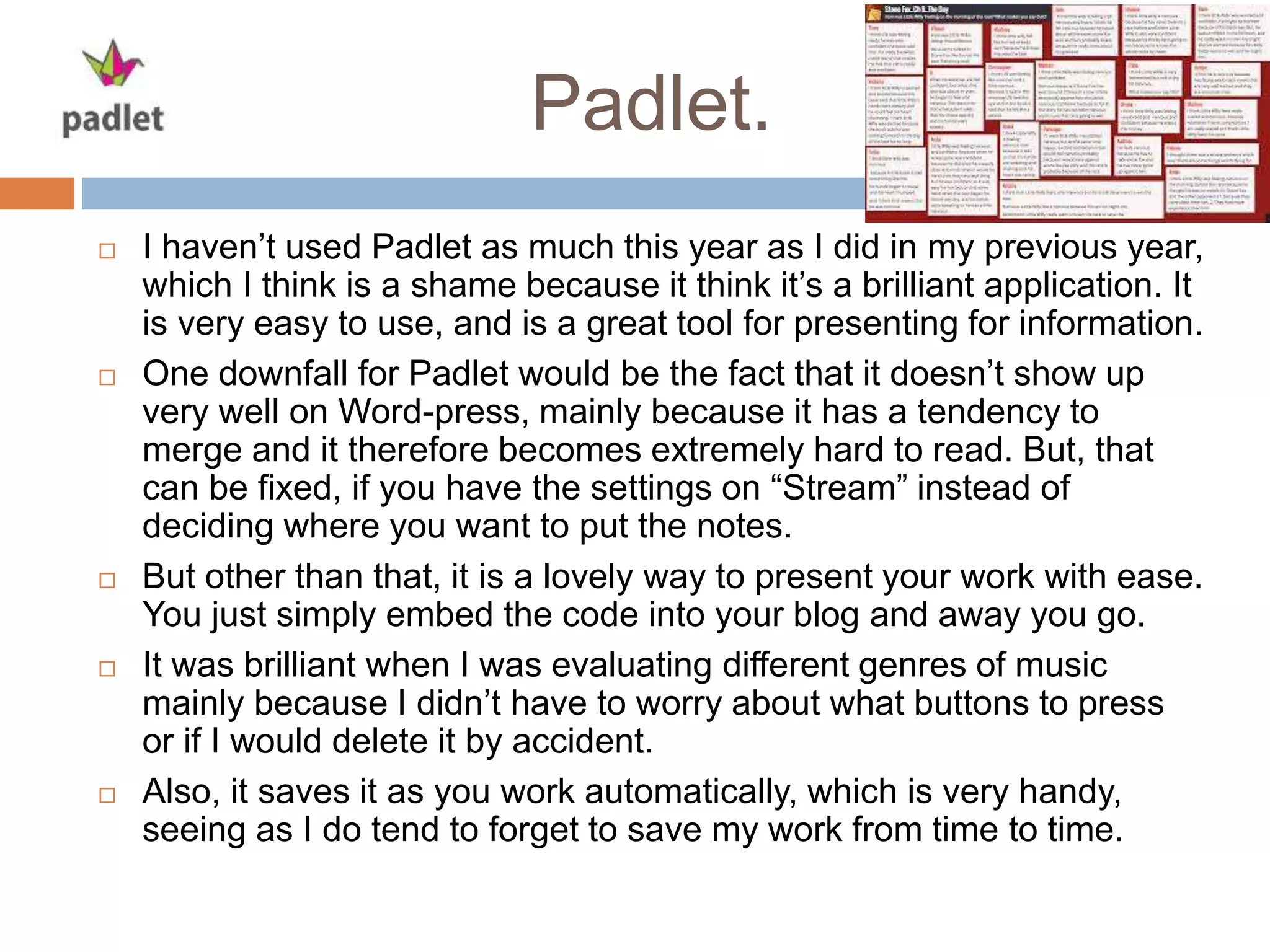
 One downfall for Padlet would be the fact that it doesn’t show up
very well on Word-press, mainly because it has a tendency to
merge and it therefore becomes extremely hard to read. But, that
can be fixed, if you have the settings on “Stream” instead of
deciding where you want to put the notes.
 But other than that, it is a lovely way to present your work with ease.
You just simply embed the code into your blog and away you go.
 It was brilliant when I was evaluating different genres of music
mainly because I didn’t have to worry about what buttons to press
or if I would delete it by accident.
 Also, it saves it as you work automatically, which is very handy,
seeing as I do tend to forget to save my work from time to time.
Screen-O-Matic.
 I only used Screen-O-Matic once during my course, mainly because
I couldn’t find anywhere else I could use it. I used it for showing off
my editing skills in Premier Pro.
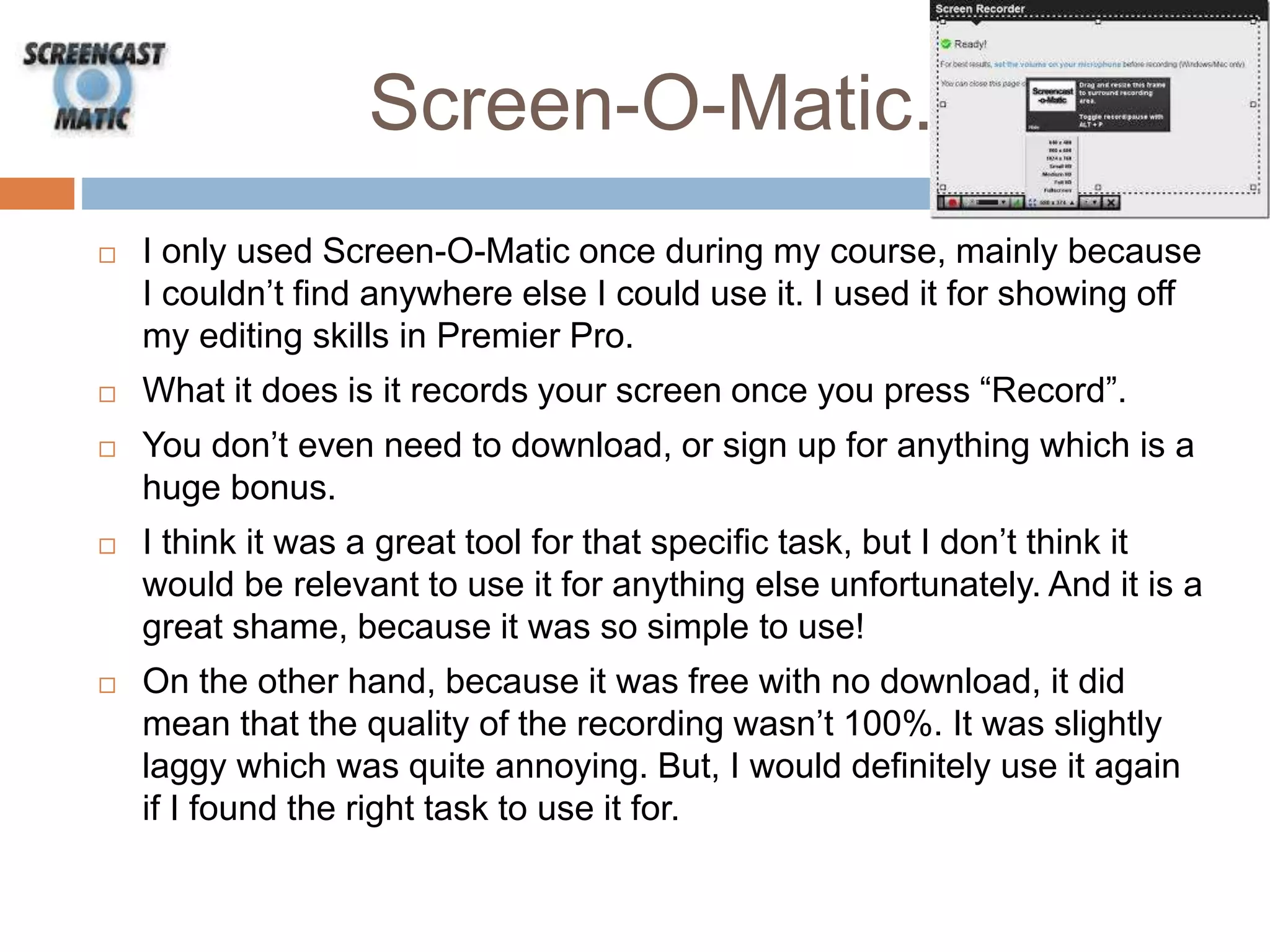
 What it does is it records your screen once you press “Record”.
 You don’t even need to download, or sign up for anything which is a
huge bonus.
 I think it was a great tool for that specific task, but I don’t think it
would be relevant to use it for anything else unfortunately. And it is a
great shame, because it was so simple to use!
 On the other hand, because it was free with no download, it did
mean that the quality of the recording wasn’t 100%. It was slightly
laggy which was quite annoying. But, I would definitely use it again
if I found the right task to use it for.
YouTube
 YouTube wasn’t involved greatly, but I needed to use it for my
Audience Profile.
 I found it to be quite troublesome at some points, mainly due to the
internet connection and the pure amount of time it took to upload
my video.
 Also, on my blog sometimes, it won’t even show up?! So I have to
refresh the page a few time for it to actually work.
 It’s a great application, but I personally wouldn’t use it again if I had
the choice not to. Mainly due to the fact that is it just such a long
and painful process to get anything to work that is streaming directly
from YouTube.

Evaluation Question: 4

  • 1.
    EVALUATION QUESTION 4: HOWDID YOU USE NEW TECHNOLOGY IN THE CONSTRUCTION AND RESEARCH, PLANNING AND EVALUATION STAGES Gemma-Rose Allen
  • 2.
    Prezi.  I foundPrezi wasn’t a particularly difficult application to use, as I had used it before in my Foundation Portfolio. However, last year I did use it quite a fair bit, perhaps on almost every blog post! So, this yea I needed to find some new ways to present my work.  I used Prezi only for one or two posts this year, such as my ancillary task. I felt like it was the best way to present my work for that task, mainly because I can get screen grabs of certain aspects of the CD’s or Adverts I was evaluating.  As well as it being a lovely application. I do find it quite annoying sometimes with the amount of time in which it takes to load. Also, it doesn’t show up particularly well on my blog, and you have to “view the original Prezi” for it to work.  But, you can change the style, the layout and general presentation of the Prezi, which is a great adaptation to the application.  I would definitely recommend it to other students to use, but not to over use it as it is quite popular, and can be a bit of a over kill if not used correctly.
  • 3.
    Premier Pro.  PremierPro has been one of the largest applications I have used on this course, mainly because I’m editing a music video.  It took me quite a while to understand the whole application and I still think that now I don’t know the full extent of the application.  I’ve spend a lot of my spare time, editing, looking up tutorial videos for Premier Pro. And by doing that, I’ve learnt a monumental amount of information which has helped me develop my video.  I’ve also used it for editing other videos, such as videos for my progress, and me editing my video using “Screen-O-Matic”. It’s been a great tool for my journey on this course, but I feel like it does need to be slightly easier to use, as it took me a long time to work it out.  However, I do feel like it is a brilliant application, and I don’t know how I would have presented some of my posts without it.
  • 4.
    Photoshop.  Photoshop hasn’tplayed a huge part in my progress, mainly because a lot of my work is in video form. But, there have been a few elements that needed me to use Photoshop. Such as images for my Digipak and my Advert. It has helped me greatly in the creation of those tow pieces of work, mainly because there isn’t any other application that can produce the tools to complete that work.  I am quite familiar with Photoshop, mainly due to the course last year, and my other courses do involve tasks that need you to understand all of Photoshop.  I have also used it to create me mood-board, which was made far easier with the use of this application.  I’d say, that this is the simplest application I have used, but I may be being bias because I do use it a fair bit in my day-to-day life.
  • 5.
    Flash Professional.  Ihave recently used Flash Professional in my other subject, ICT, and I felt like it was a unique way of presenting my work. So I decided to use it in Media; creating a webpage with working buttons presenting the information about Media Institutions.  At first, I obviously felt like it was an impossible task, creating a webpage in just one lesson. But, I persevered and completed it with haste.  I personally think it is a brilliant application and not enough people are being taught how to use it correctly.  On the other hand, it took me about a year to learn to use it correctly, but the end results are amazing, because there are no limits with the diversity of work you can create from it.  I used it twice now in Media, one was the webpage and another was an animation with some initial ideas for my CD covers. I was able to create an animation which couldn’t have been created in any other application.
  • 6.
    Power Point  Powerpoint hasn’t taken the front seat in my presenting skills, but I have used it one or two times to create a Slideshare. It has been quite useful when I needed to record some information down, or if I needed to create a little animation about “My Progress So Far”, which I made a few weeks ago.  I have used it throughout my education so I am pretty familiar with the way it works, and it can be extremely useful.  However I wouldn’t use it for anymore than two posts, mainly because it isn’t the most diverse piece of software and I find no point in repeating my posts.  I think it is useful for this task, mainly because I can list them as best as I can on here, and make it mainly about the information written down.  Also, you can edit the transitions to make it look far better than it really is, which can be very helpful.
  • 7.
    Pinterest?.  I usedPinterest once, and in my opinion, never again. I really didn’t like it, mainly because it was extremely difficult to use for me. Also, I had to sign up (not a big deal) but I now get spam mail almost every day now, which is extremely irritating.  Also, I didn’t like the way that you had to write a little quotation, whereas I wanted to write slightly more. In addition, you can’t change the way that you present it!  Furthermore, I couldn’t find anyway to embed it into my blog, which was very annoying. So instead I had to take a screen shot and upload it as an image.  But, it was new form of presenting, and I guess that everyone can have their own opinion on it, but it just wasn’t for me unfortunately
  • 8.
    Windows Movie Maker. Once I recorded my Audience Profile, I couldn’t find a way to use Premier Pro form home, so instead I decided to use Windows Movie Maker.  It’s a very simple piece of software too use, and I quite enjoy using it. You can create some quite nice effects with a click of one button, unlike Premier Pro which is extremely in-depth, however, I guess if it’s harder to use, the better the effects and more professional they look in the end.  One problem that I did have was that I couldn’t upload it straight to the blog, because Word-press doesn’t support the format of Movie Maker. So I had to upload it to YouTube for it to work, which was a very long process, I am now definitely more drawn to Premier Pro, even though it is a lot harder to use.
  • 9.
    Padlet.  I haven’tused Padlet as much this year as I did in my previous year, which I think is a shame because it think it’s a brilliant application. It is very easy to use, and is a great tool for presenting for information.  One downfall for Padlet would be the fact that it doesn’t show up very well on Word-press, mainly because it has a tendency to merge and it therefore becomes extremely hard to read. But, that can be fixed, if you have the settings on “Stream” instead of deciding where you want to put the notes.  But other than that, it is a lovely way to present your work with ease. You just simply embed the code into your blog and away you go.  It was brilliant when I was evaluating different genres of music mainly because I didn’t have to worry about what buttons to press or if I would delete it by accident.  Also, it saves it as you work automatically, which is very handy, seeing as I do tend to forget to save my work from time to time.
  • 10.
    Screen-O-Matic.  I onlyused Screen-O-Matic once during my course, mainly because I couldn’t find anywhere else I could use it. I used it for showing off my editing skills in Premier Pro.  What it does is it records your screen once you press “Record”.  You don’t even need to download, or sign up for anything which is a huge bonus.  I think it was a great tool for that specific task, but I don’t think it would be relevant to use it for anything else unfortunately. And it is a great shame, because it was so simple to use!  On the other hand, because it was free with no download, it did mean that the quality of the recording wasn’t 100%. It was slightly laggy which was quite annoying. But, I would definitely use it again if I found the right task to use it for.
  • 11.
    YouTube  YouTube wasn’tinvolved greatly, but I needed to use it for my Audience Profile.  I found it to be quite troublesome at some points, mainly due to the internet connection and the pure amount of time it took to upload my video.  Also, on my blog sometimes, it won’t even show up?! So I have to refresh the page a few time for it to actually work.  It’s a great application, but I personally wouldn’t use it again if I had the choice not to. Mainly due to the fact that is it just such a long and painful process to get anything to work that is streaming directly from YouTube.