Ergonomics At Workplace 
1.Navnath Adsul 
2. Aditya Devadhe 
3.Chaitanya Ghorpade 
4.Vaibhav Sanap
What is Ergonomics? 
ERGO=“work” 
NOMICS= “rules” or “laws” 
 Ergonomics literally means “the 
laws of work”
SO EXACTLY WHAT IS 
ERGONOMICS? 
It is study of people efficiency at their working 
environment. 
It is one of the definition of Ergonomics. 
It is understandable that there are different 
definitions because ergonomics is all about 
differences
DIFFERENCES 
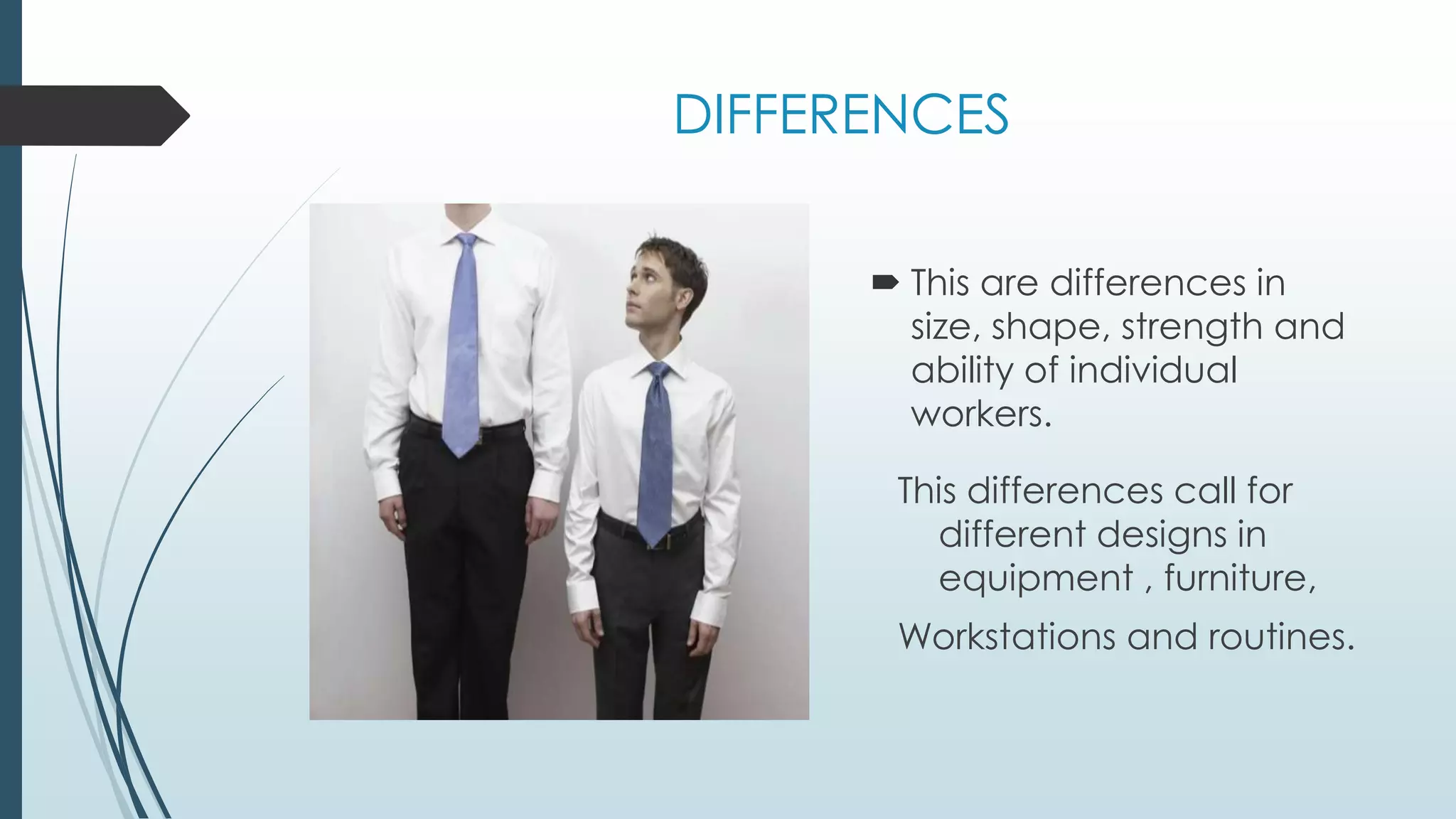
 This are differences in 
size, shape, strength and 
ability of individual 
workers. 
This differences call for 
different designs in 
equipment , furniture, 
Workstations and routines.
ERGONOMICS 
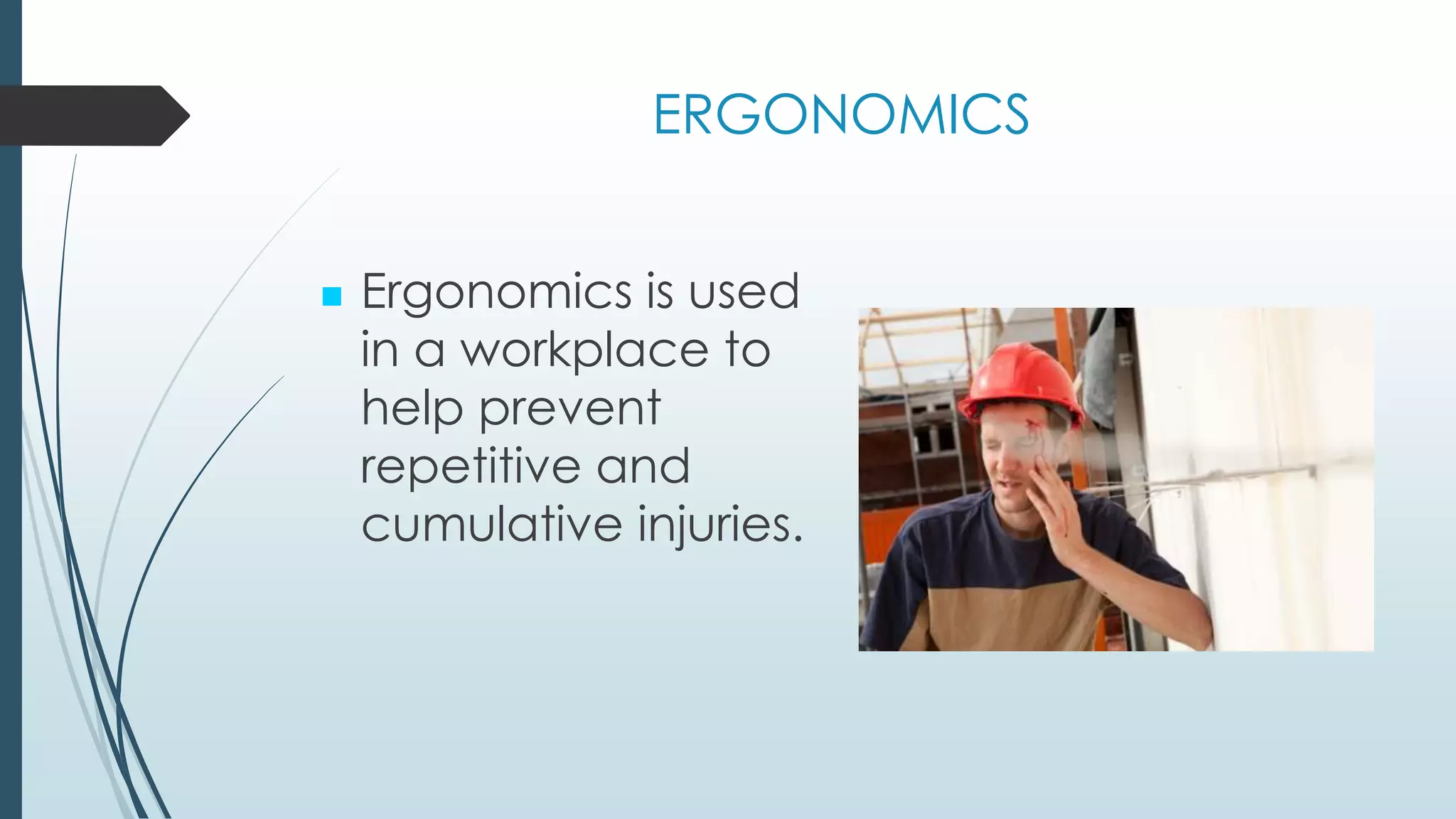
 Ergonomics is used 
in a workplace to 
help prevent 
repetitive and 
cumulative injuries.
3 Main Ergonomic Principles: 
1. Work activities should permit worker to adopt 
several different healthy and safe postures. 
2. Muscle forces should be done by the largest 
appropriate muscle groups available 
3. Work activities s/b performed with joints at 
about mid-point of their ROM (esp. head,trunk, 
UE)
FACTS 
The average person working at a keyboard can 
perform 50,000 to 200,000 keystrokes a day 
Overexertion & falls are the most common 
cause of workplace injury 
An average of 125,000 back injuries due to 
improper lifting each year. 
Muscles overuse results in tiny tears in the 
muscles and scarring; these contribute to 
inflammation and muscle stiffness
Ergonomic Factors 
Two Categories of Ergonomic Factors 
1. Environmental 
 Hearing 
 Vision 
General comfort and health 
2. Physical
Environmental Factors 
 Some examples of ergonomic environmental problems 
are: 
 Sick Building Syndrome 
 Excessive noise 
 Improper lighting 
 Temperature extremes
Physical Stressors 
Physical stressors place pressure or stress on parts 
of the body: 
 Joints, muscles, nerves, tendons, bones 
Sometimes these injuries are referred to as 
“Cumulative Trauma Disorders” (CTDs) or 
“Repetitive Strain Injuries” (RSIs)
Types of Injuries 
• Muscle pain 
• Joint pain 
• Swelling 
• Numbness 
• Restricted motion 
• Repetitive stress injury 
• Repetitive motion 
injury 
• Cumulative trauma 
disorder 
• Musculoskeletal 
disorder
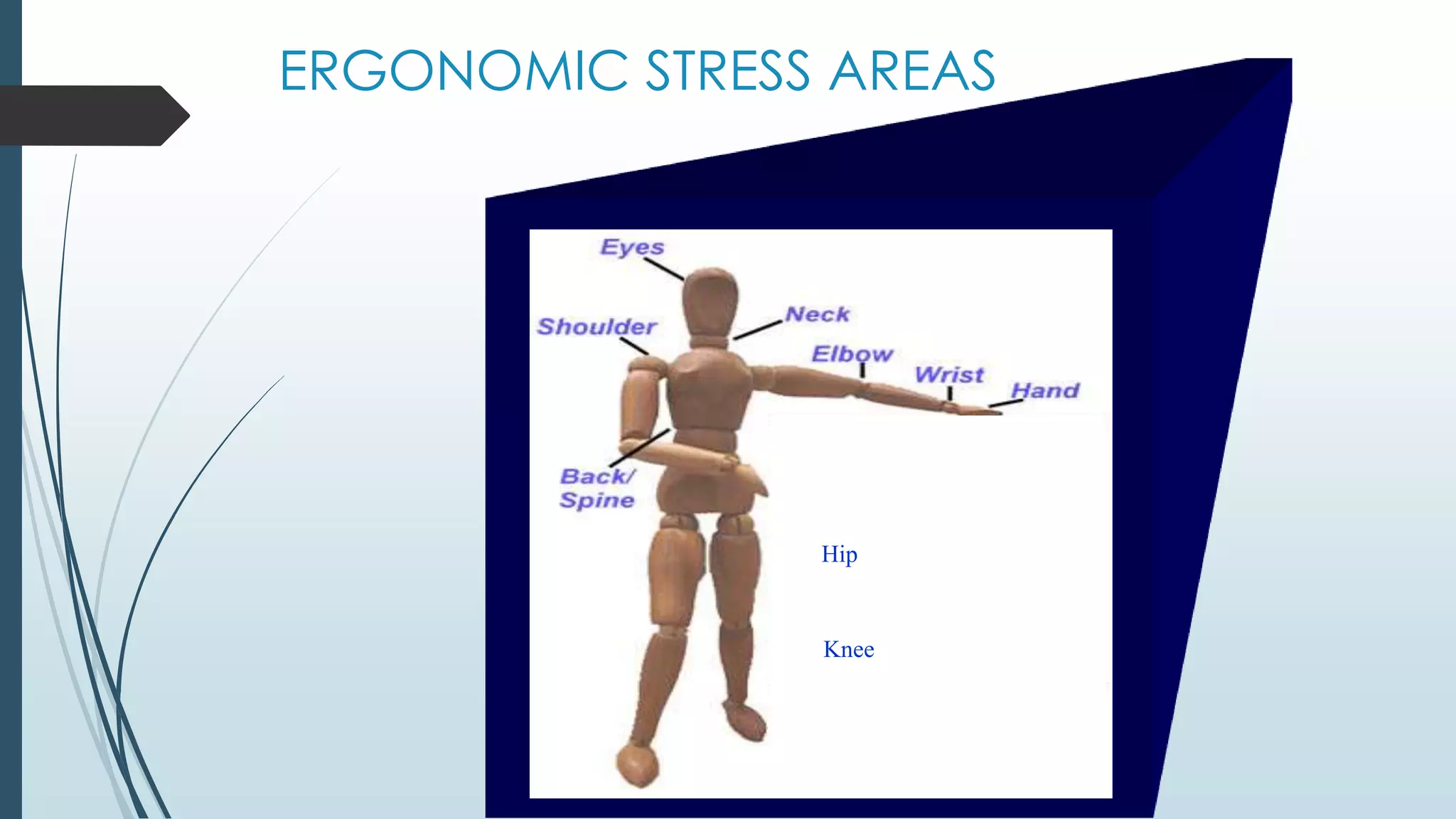
ERGONOMIC STRESS AREAS 
Hip 
Knee
Target Regions 
• Back 
• Upper extremities 
• Lower extremities
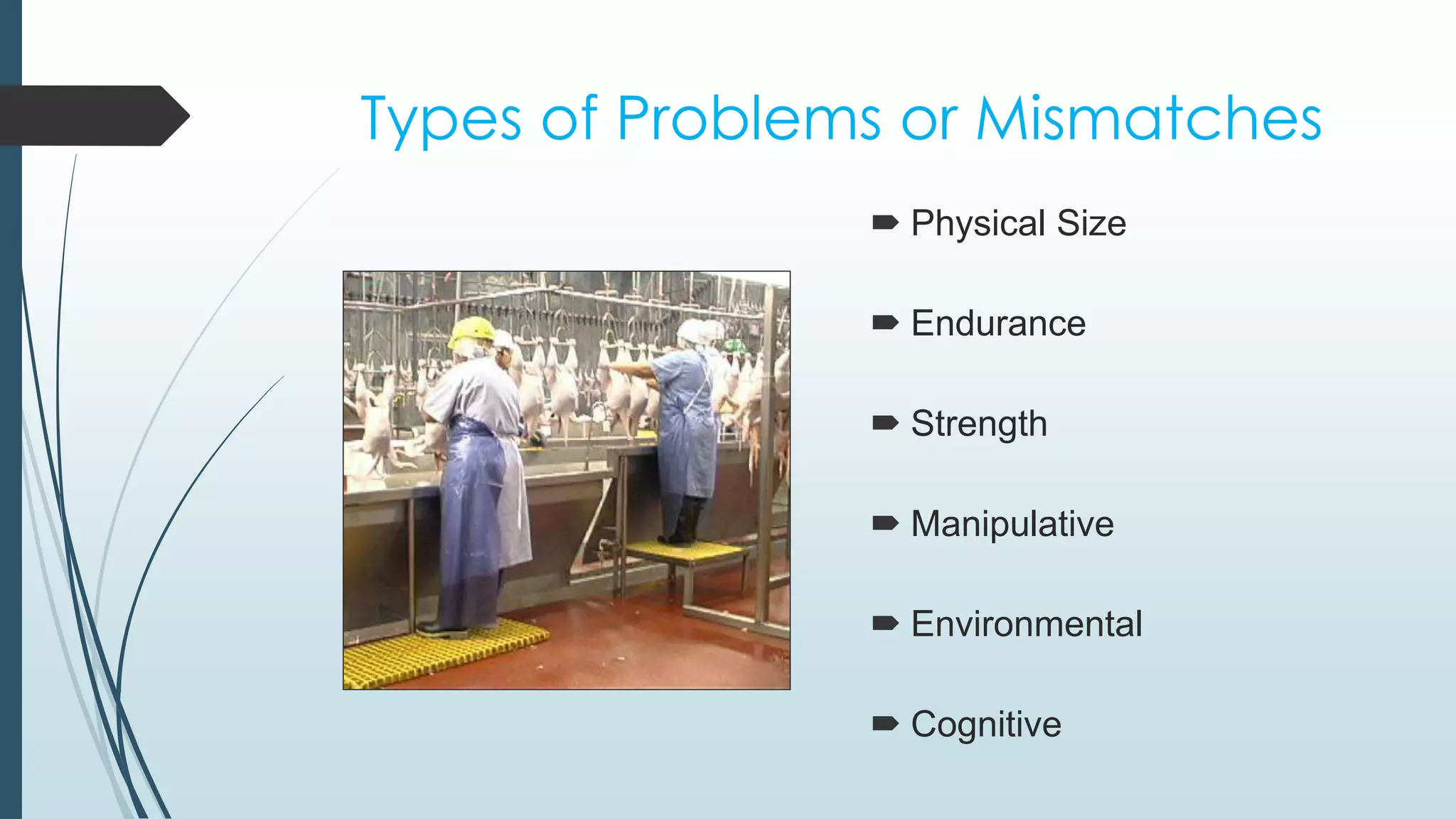
Types of Problems or Mismatches 
 Physical Size 
 Endurance 
 Strength 
 Manipulative 
 Environmental 
 Cognitive
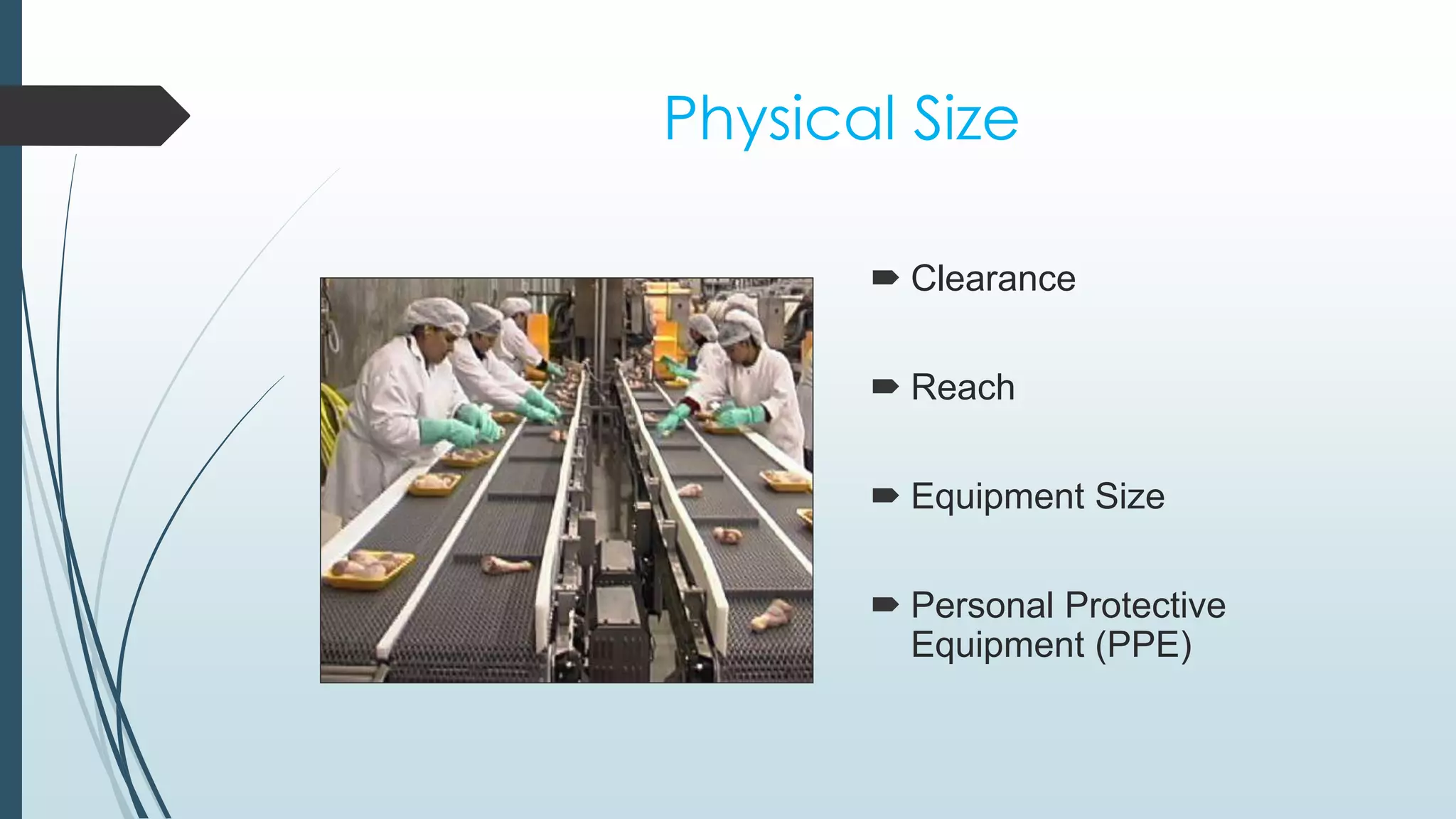
Physical Size 
 Clearance 
 Reach 
 Equipment Size 
 Personal Protective 
Equipment (PPE)
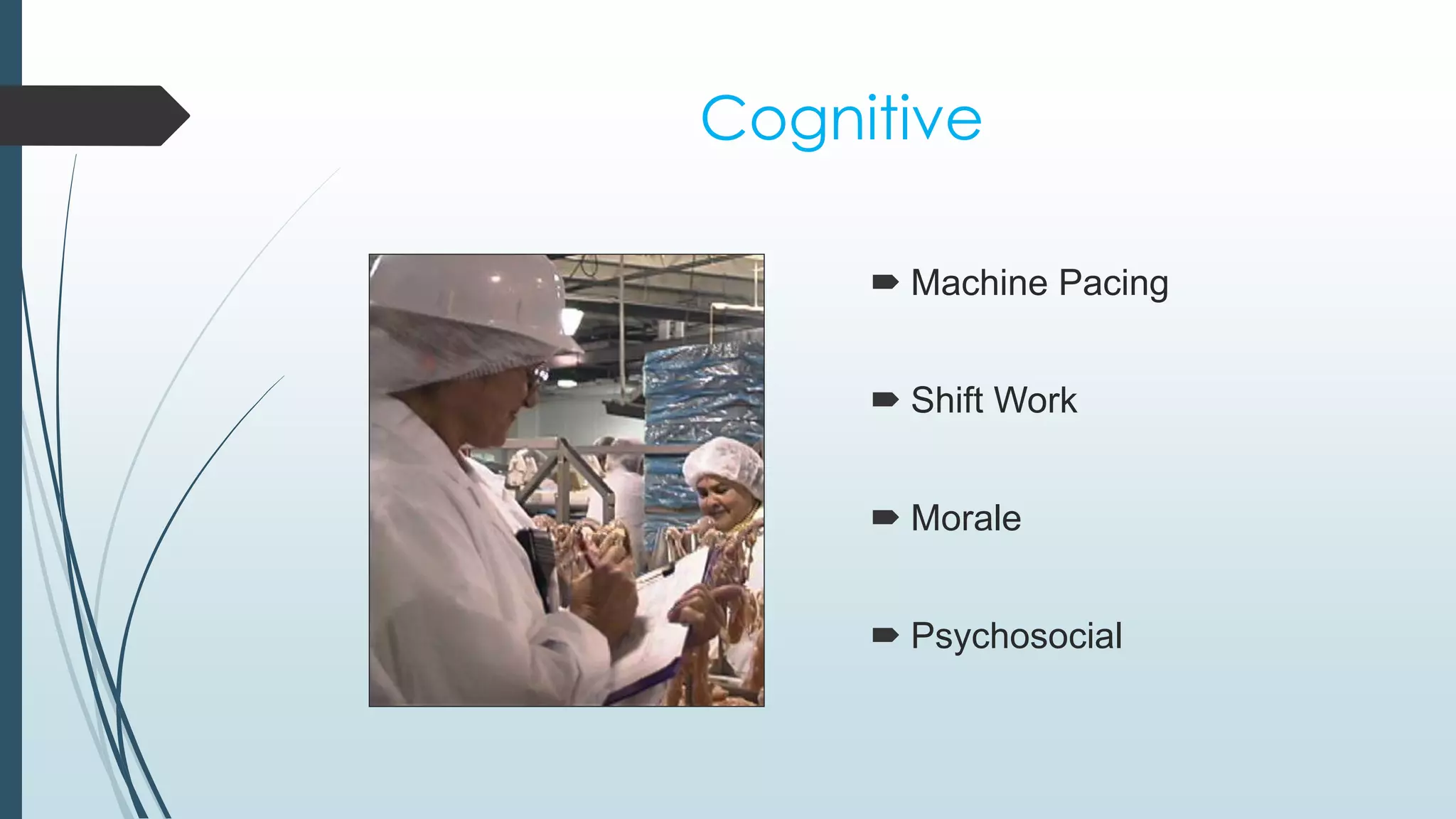
Cognitive 
 Machine Pacing 
 Shift Work 
 Morale 
 Psychosocial
Musculoskeletal Disorders: 
Signs and Symptoms 
Decreased grip 
and/or pinch 
strength 
Swelling 
Fatigue 
Loss of function 
Numbness 
Burning sensation 
Tingling 
Pain 
Cramping 
Stiffness
An ounce of Prevention is worth a 
pound of cure !
What to do ?? 
a) Warm up & stretch before activities that 
are repetitive, static or prolonged 
b) Take frequent breaks from ANY sustained 
posture every 20-30 minutes 
c) Respect pain positions or stop painful 
activity 
d) Recognize early signs of inflammatory 
process
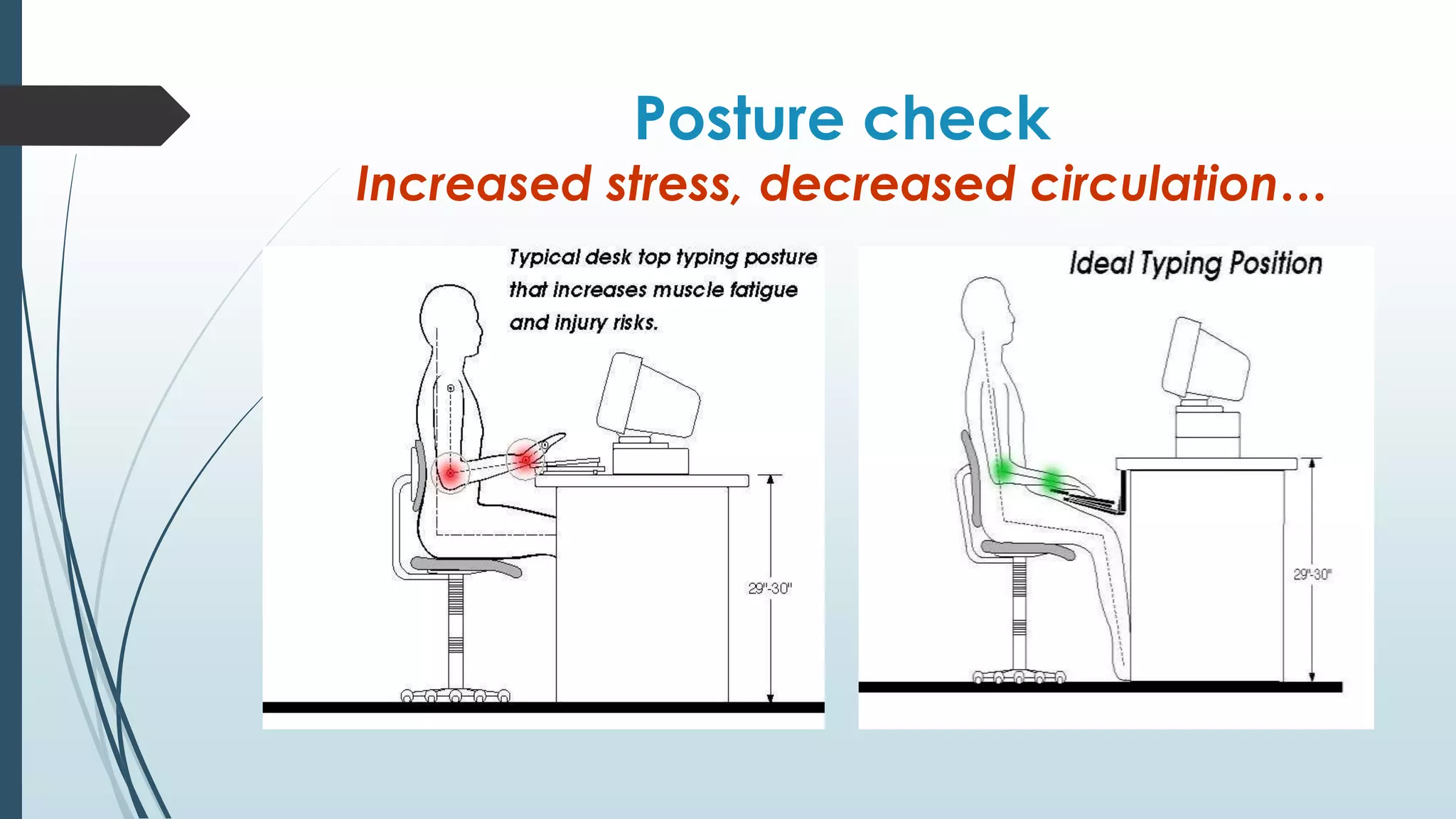
Posture check 
Increased stress, decreased circulation…
Posture 
Think of posture in terms of joint position 
Static and awkward postures lead to: 
 Decreased movement 
 Decreased circulation 
 Increased stress and fatigue
Maintain Neutral Posture 
a) Maintain erect position of back 
& neck without shoulders relaxed 
b) Position equipment & work directly in 
front of and close to your major tasks 
c) Avoid static positions for prolonged 
time; muscles fatigue---MOVE to 
circulation!
Modify Tasks 
a) Alternate activities frequently; rotate 
heavy &/or repetitive tasks without 
lighter less repetitive ones. 
b) If stress become worse REASSESS task 
setup & look for alternative methods 
c) Avoid repetitive or prolonged grip 
activities
Correct & Incorrect 
Techniques
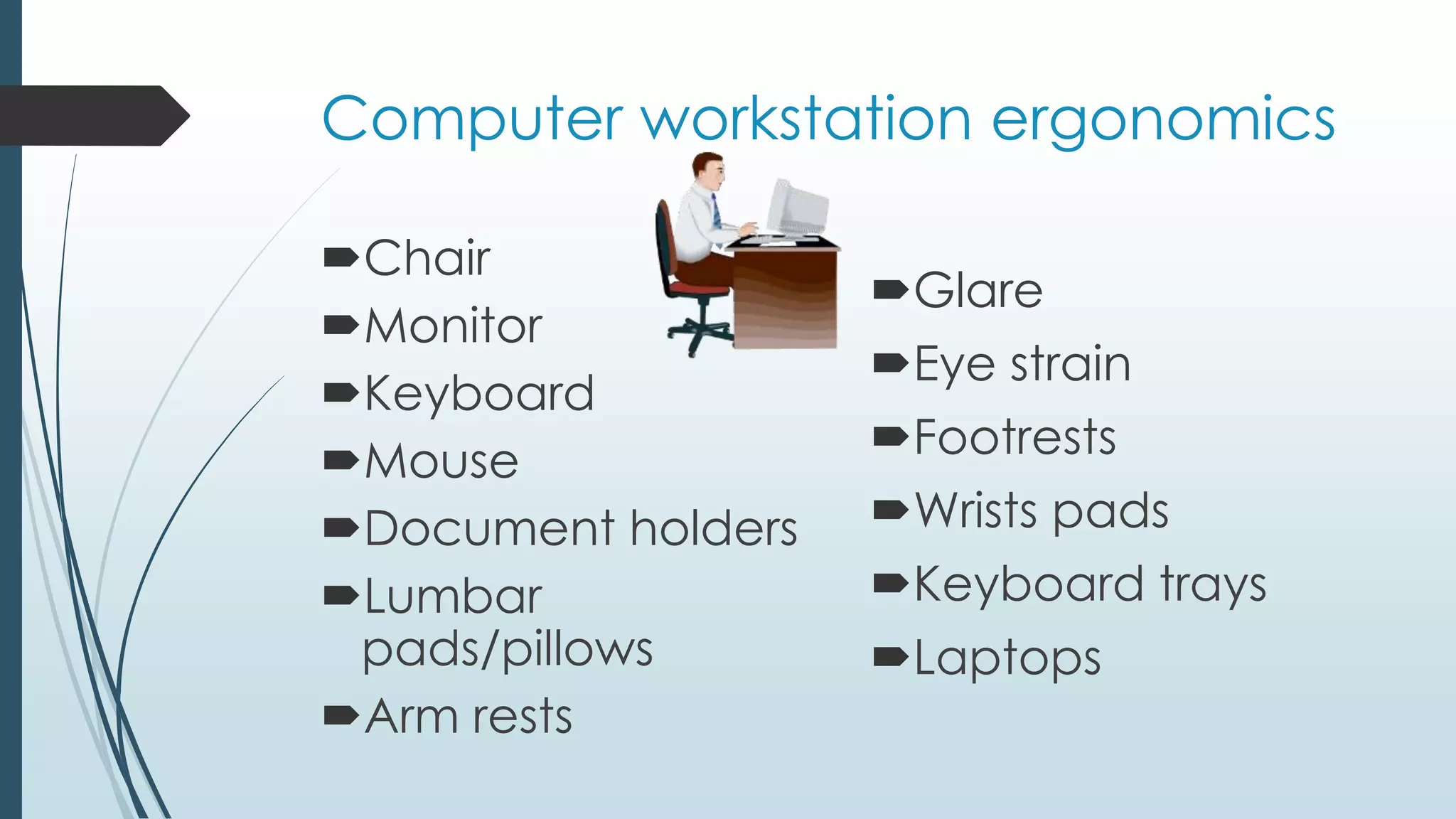
Computer workstation ergonomics 
Chair 
Monitor 
Keyboard 
Mouse 
Document holders 
Lumbar 
pads/pillows 
Arm rests 
Glare 
Eye strain 
Footrests 
Wrists pads 
Keyboard trays 
Laptops
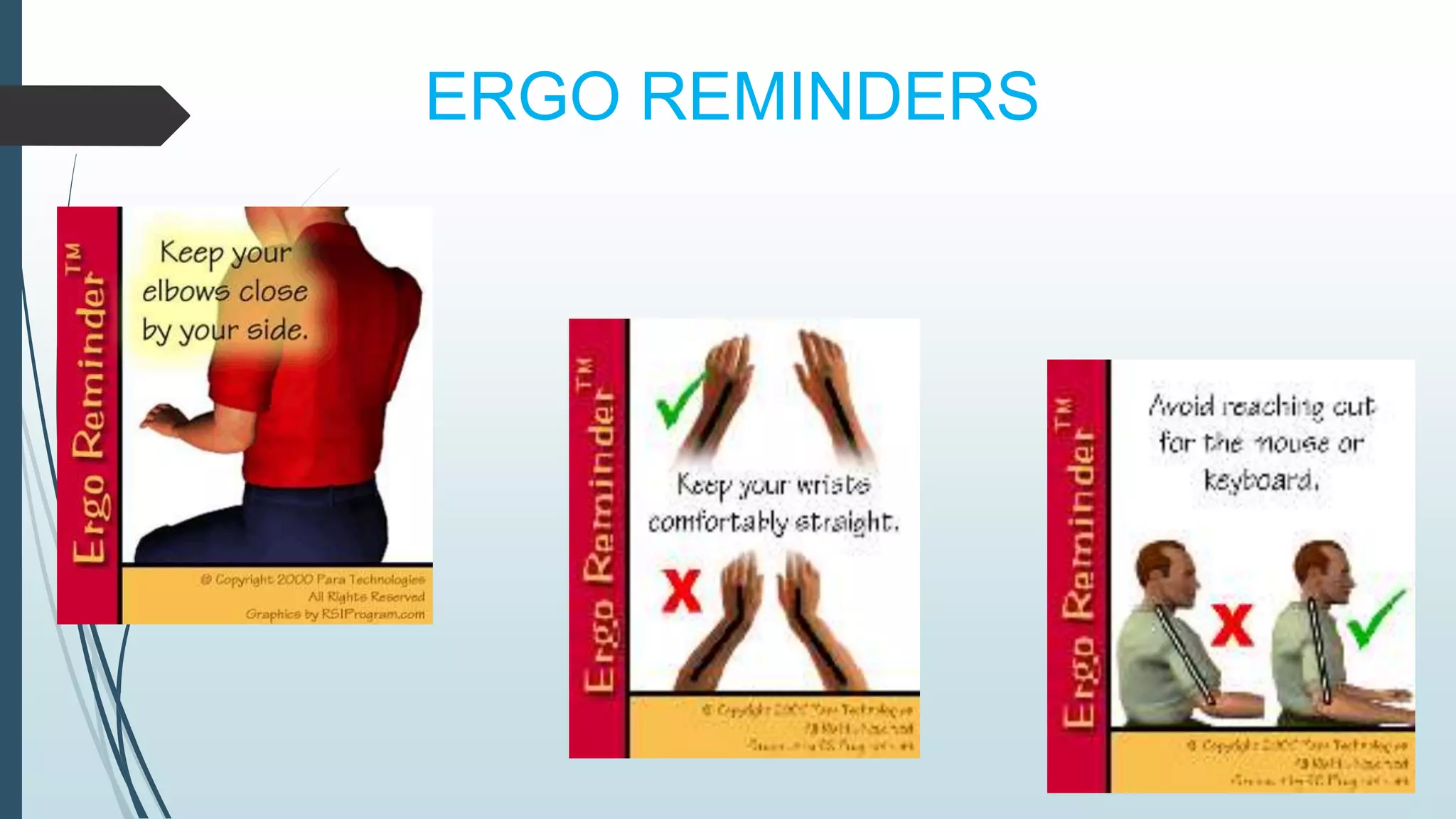
ERGO REMINDERS
Practice Wellness at Work and Home ! 
Exercise 
Nutrition 
Relaxation 
Body 
Mind 
Spirit
Thank You..!!

Ergonomics at workplace

  • 1.
    Ergonomics At Workplace 1.Navnath Adsul 2. Aditya Devadhe 3.Chaitanya Ghorpade 4.Vaibhav Sanap
  • 2.
    What is Ergonomics? ERGO=“work” NOMICS= “rules” or “laws”  Ergonomics literally means “the laws of work”
  • 3.
    SO EXACTLY WHATIS ERGONOMICS? It is study of people efficiency at their working environment. It is one of the definition of Ergonomics. It is understandable that there are different definitions because ergonomics is all about differences
  • 4.
    DIFFERENCES  Thisare differences in size, shape, strength and ability of individual workers. This differences call for different designs in equipment , furniture, Workstations and routines.
  • 5.
    ERGONOMICS  Ergonomicsis used in a workplace to help prevent repetitive and cumulative injuries.
  • 6.
    3 Main ErgonomicPrinciples: 1. Work activities should permit worker to adopt several different healthy and safe postures. 2. Muscle forces should be done by the largest appropriate muscle groups available 3. Work activities s/b performed with joints at about mid-point of their ROM (esp. head,trunk, UE)
  • 7.
    FACTS The averageperson working at a keyboard can perform 50,000 to 200,000 keystrokes a day Overexertion & falls are the most common cause of workplace injury An average of 125,000 back injuries due to improper lifting each year. Muscles overuse results in tiny tears in the muscles and scarring; these contribute to inflammation and muscle stiffness
  • 8.
    Ergonomic Factors TwoCategories of Ergonomic Factors 1. Environmental  Hearing  Vision General comfort and health 2. Physical
  • 9.
    Environmental Factors Some examples of ergonomic environmental problems are:  Sick Building Syndrome  Excessive noise  Improper lighting  Temperature extremes
  • 10.
    Physical Stressors Physicalstressors place pressure or stress on parts of the body:  Joints, muscles, nerves, tendons, bones Sometimes these injuries are referred to as “Cumulative Trauma Disorders” (CTDs) or “Repetitive Strain Injuries” (RSIs)
  • 11.
    Types of Injuries • Muscle pain • Joint pain • Swelling • Numbness • Restricted motion • Repetitive stress injury • Repetitive motion injury • Cumulative trauma disorder • Musculoskeletal disorder
  • 12.
  • 13.
    Target Regions •Back • Upper extremities • Lower extremities
  • 14.
    Types of Problemsor Mismatches  Physical Size  Endurance  Strength  Manipulative  Environmental  Cognitive
  • 15.
    Physical Size Clearance  Reach  Equipment Size  Personal Protective Equipment (PPE)
  • 16.
    Cognitive  MachinePacing  Shift Work  Morale  Psychosocial
  • 17.
    Musculoskeletal Disorders: Signsand Symptoms Decreased grip and/or pinch strength Swelling Fatigue Loss of function Numbness Burning sensation Tingling Pain Cramping Stiffness
  • 18.
    An ounce ofPrevention is worth a pound of cure !
  • 19.
    What to do?? a) Warm up & stretch before activities that are repetitive, static or prolonged b) Take frequent breaks from ANY sustained posture every 20-30 minutes c) Respect pain positions or stop painful activity d) Recognize early signs of inflammatory process
  • 20.
    Posture check Increasedstress, decreased circulation…
  • 21.
    Posture Think ofposture in terms of joint position Static and awkward postures lead to:  Decreased movement  Decreased circulation  Increased stress and fatigue
  • 23.
    Maintain Neutral Posture a) Maintain erect position of back & neck without shoulders relaxed b) Position equipment & work directly in front of and close to your major tasks c) Avoid static positions for prolonged time; muscles fatigue---MOVE to circulation!
  • 24.
    Modify Tasks a)Alternate activities frequently; rotate heavy &/or repetitive tasks without lighter less repetitive ones. b) If stress become worse REASSESS task setup & look for alternative methods c) Avoid repetitive or prolonged grip activities
  • 25.
  • 26.
    Computer workstation ergonomics Chair Monitor Keyboard Mouse Document holders Lumbar pads/pillows Arm rests Glare Eye strain Footrests Wrists pads Keyboard trays Laptops
  • 27.
  • 28.
    Practice Wellness atWork and Home ! Exercise Nutrition Relaxation Body Mind Spirit
  • 29.