ER
Diagram
for Online
Shopping
T javaTpoint
An online shopping system shows
how the databases are connected. It
also shows how all the databases are
logically related to each other.
Introduction
An Entity Relationship(ER) Diagram is
a diagram that represents
relationships among entities in a
database. It is commonly known as
an ER Diagram.
What is an
ER Diagram
IMPORTANCE OF ER
DIAGRAM
The ER diagram for the project
is the foundation for building
the project's database. The ER
diagram defines the properties,
datatypes, and attributes.
What is an Online
Shopping System?
It is a type of electronic commerce
system that allows the customer to buy
goods and services over the Internet. It
can be done via a mobile app or web
browser.
FEATURES OF ONLINE
SHOPPING ENTITY
RELATIONSHIP DIAGRAM
3. MANAGE
TRANSACTIONS
1. SHOPPING
MANAGEMENT
2. CUSTOMER
MANAGEMENT
4. TRANSACTIONS
AND REPORTS
MANAGEMENT
How to
Create an
ER Diagram
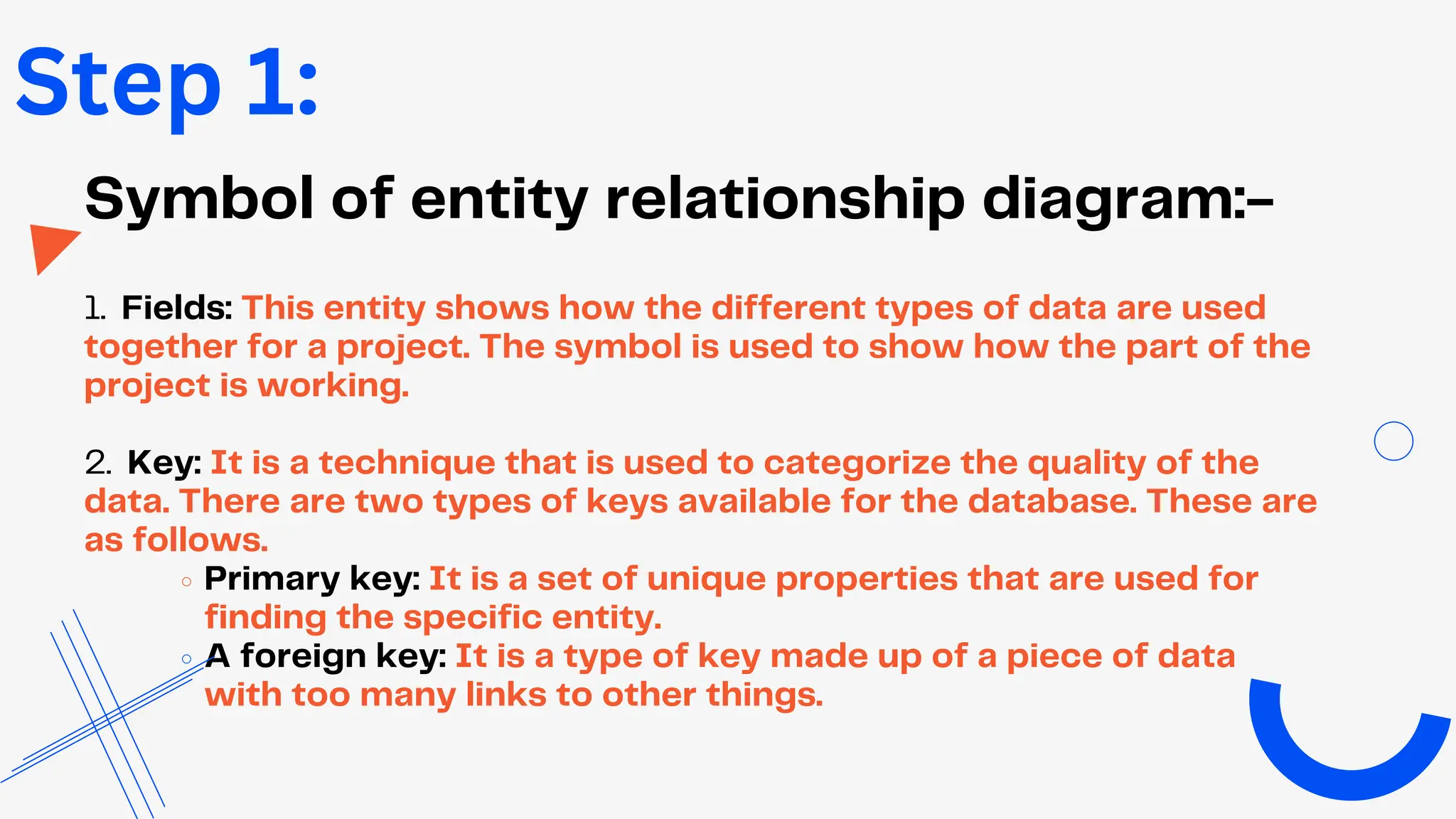
Symbol of entity relationship diagram:-
1. Fields: This entity shows how the different types of data are used
together for a project. The symbol is used to show how the part of the
project is working.
2. Key: It is a technique that is used to categorize the quality of the
data. There are two types of keys available for the database. These are
as follows.
Primary key: It is a set of unique properties that are used for
finding the specific entity.
A foreign key: It is a type of key made up of a piece of data
with too many links to other things.
Step 1:
Step 2:
Finalize the entities included
Start making your ER Diagram by deciding on all
the parts your online shopping system must have.
You’ll need to leave the area in your design for
these rectangles to be included later.
Step 3:
Add the attributes of each entity
In a conceptual ER diagram, the details of the different
entities are given as attributes. Attributes are things like a
thing’s traits, a many-to-many relationship, or a one-to-
one relationship. Attributes with multiple values can be
given more than one value.
Step 3:
You will need the entities, their attributes, and the
relationships between them to plot the relationships
between the ERD. To get the right entity relationship
diagram, you will use the information you gathered to build
the data structure.
Describe the relationships (cardinality)
between entities and attributes
thank you
www.tutorialandexample.com

ER(Entity Relationship) Diagram for online shopping

  • 1.
  • 2.
    An online shoppingsystem shows how the databases are connected. It also shows how all the databases are logically related to each other. Introduction
  • 3.
    An Entity Relationship(ER)Diagram is a diagram that represents relationships among entities in a database. It is commonly known as an ER Diagram. What is an ER Diagram
  • 4.
    IMPORTANCE OF ER DIAGRAM TheER diagram for the project is the foundation for building the project's database. The ER diagram defines the properties, datatypes, and attributes.
  • 5.
    What is anOnline Shopping System? It is a type of electronic commerce system that allows the customer to buy goods and services over the Internet. It can be done via a mobile app or web browser.
  • 6.
    FEATURES OF ONLINE SHOPPINGENTITY RELATIONSHIP DIAGRAM 3. MANAGE TRANSACTIONS 1. SHOPPING MANAGEMENT 2. CUSTOMER MANAGEMENT 4. TRANSACTIONS AND REPORTS MANAGEMENT
  • 8.
  • 9.
    Symbol of entityrelationship diagram:- 1. Fields: This entity shows how the different types of data are used together for a project. The symbol is used to show how the part of the project is working. 2. Key: It is a technique that is used to categorize the quality of the data. There are two types of keys available for the database. These are as follows. Primary key: It is a set of unique properties that are used for finding the specific entity. A foreign key: It is a type of key made up of a piece of data with too many links to other things. Step 1:
  • 10.
    Step 2: Finalize theentities included Start making your ER Diagram by deciding on all the parts your online shopping system must have. You’ll need to leave the area in your design for these rectangles to be included later.
  • 11.
    Step 3: Add theattributes of each entity In a conceptual ER diagram, the details of the different entities are given as attributes. Attributes are things like a thing’s traits, a many-to-many relationship, or a one-to- one relationship. Attributes with multiple values can be given more than one value.
  • 12.
    Step 3: You willneed the entities, their attributes, and the relationships between them to plot the relationships between the ERD. To get the right entity relationship diagram, you will use the information you gathered to build the data structure. Describe the relationships (cardinality) between entities and attributes
  • 13.