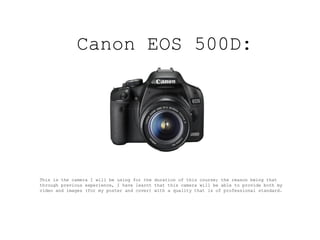
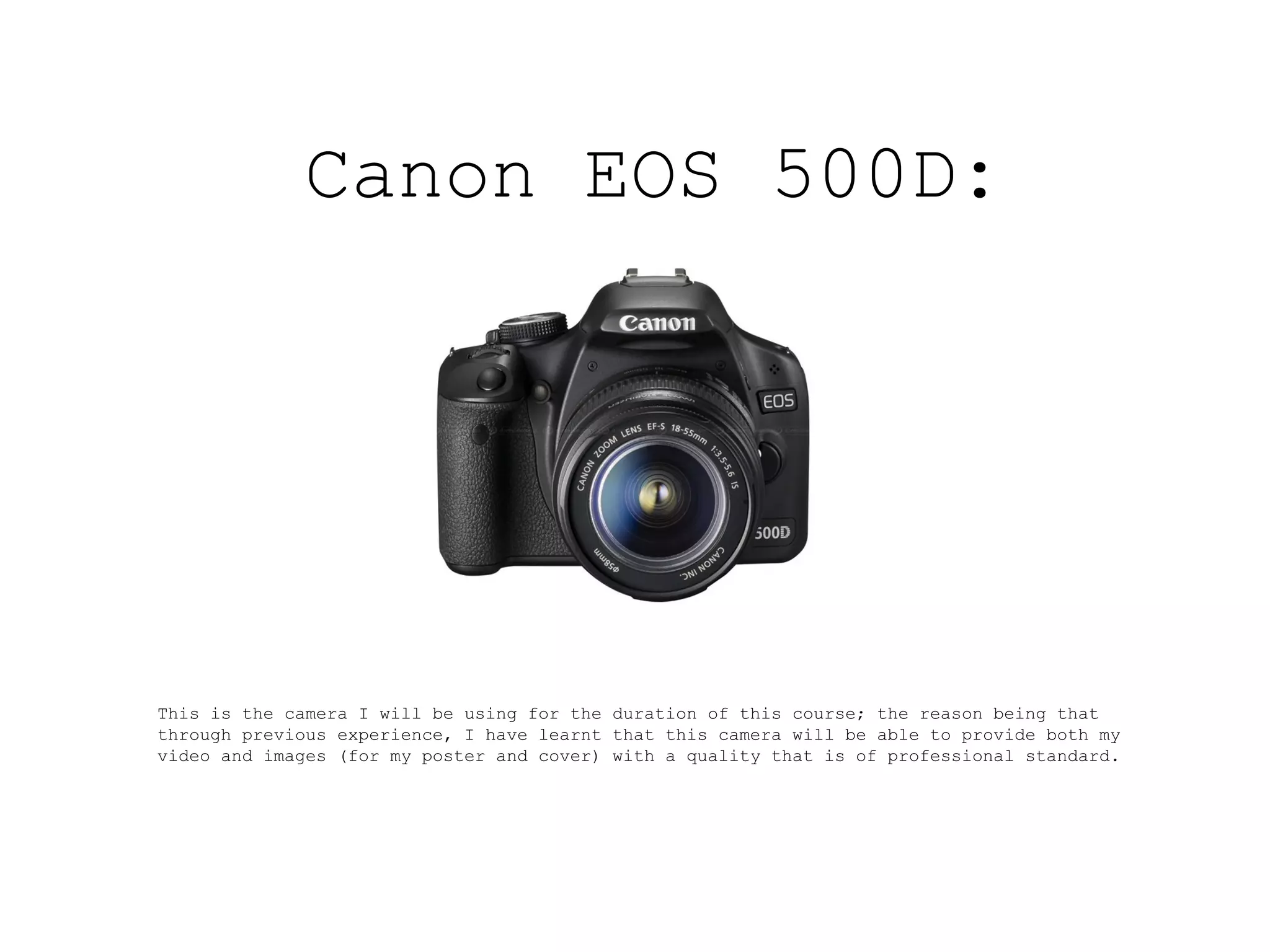
Canon EOS 500D:


This is the camera I will be using for the duration of this course; the reason being that
through previous experience, I have learnt that this camera will be able to provide both my
video and images (for my poster and cover) with a quality that is of professional standard.
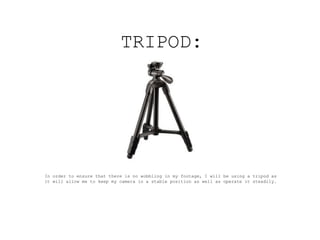
TRIPOD:


In order to ensure that there is no wobbling in my footage, I will be using a tripod as
it will allow me to keep my camera in a stable position as well as operate it steadily.
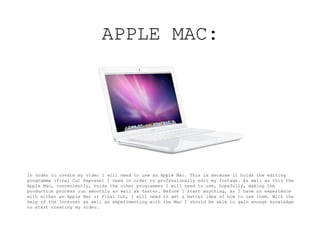
APPLE MAC:


In order to create my video I will need to use an Apple Mac. This is because it holds the editing
programme (Final Cut Express) I need in order to professionally edit my footage. As well as this the
Apple Mac, conveniently, holds the other programmes I will need to use, hopefully, making the
production process run smoothly as well as faster. Before I start anything, as I have no experience
with either an Apple Mac or Final Cut, I will need to get a better idea of how to use them. With the
help of the Internet as well as experimenting with the Mac I should be able to gain enough knowledge
to start creating my video.
PROGRAMMES:


As previously mentioned, the three main programmes I will be using are Final Cut Express, Adobe
Photoshop and Adobe InDesign. As I have used both Photoshop and InDesign in the past, as part of my
AS studies, I will be building on the skills I already have in order to create products of a high
standard. As mentioned previously, I have never used Final Cut so before I start any proper editing,
I plan on scoping out the programme’s tools and their purposes so I that I gain an idea as to what
will be helpful to me. Again, I will also experiment with the different effects and transitions
Final Cut has to offer.

Equpment

  • 1.
    Canon EOS 500D: Thisis the camera I will be using for the duration of this course; the reason being that through previous experience, I have learnt that this camera will be able to provide both my video and images (for my poster and cover) with a quality that is of professional standard.
  • 2.
    TRIPOD: In order toensure that there is no wobbling in my footage, I will be using a tripod as it will allow me to keep my camera in a stable position as well as operate it steadily.
  • 3.
    APPLE MAC: In orderto create my video I will need to use an Apple Mac. This is because it holds the editing programme (Final Cut Express) I need in order to professionally edit my footage. As well as this the Apple Mac, conveniently, holds the other programmes I will need to use, hopefully, making the production process run smoothly as well as faster. Before I start anything, as I have no experience with either an Apple Mac or Final Cut, I will need to get a better idea of how to use them. With the help of the Internet as well as experimenting with the Mac I should be able to gain enough knowledge to start creating my video.
  • 4.
    PROGRAMMES: As previously mentioned,the three main programmes I will be using are Final Cut Express, Adobe Photoshop and Adobe InDesign. As I have used both Photoshop and InDesign in the past, as part of my AS studies, I will be building on the skills I already have in order to create products of a high standard. As mentioned previously, I have never used Final Cut so before I start any proper editing, I plan on scoping out the programme’s tools and their purposes so I that I gain an idea as to what will be helpful to me. Again, I will also experiment with the different effects and transitions Final Cut has to offer.