Premiere pro

                                                  After
   Adobe
                                                  Effects
   Photoshop
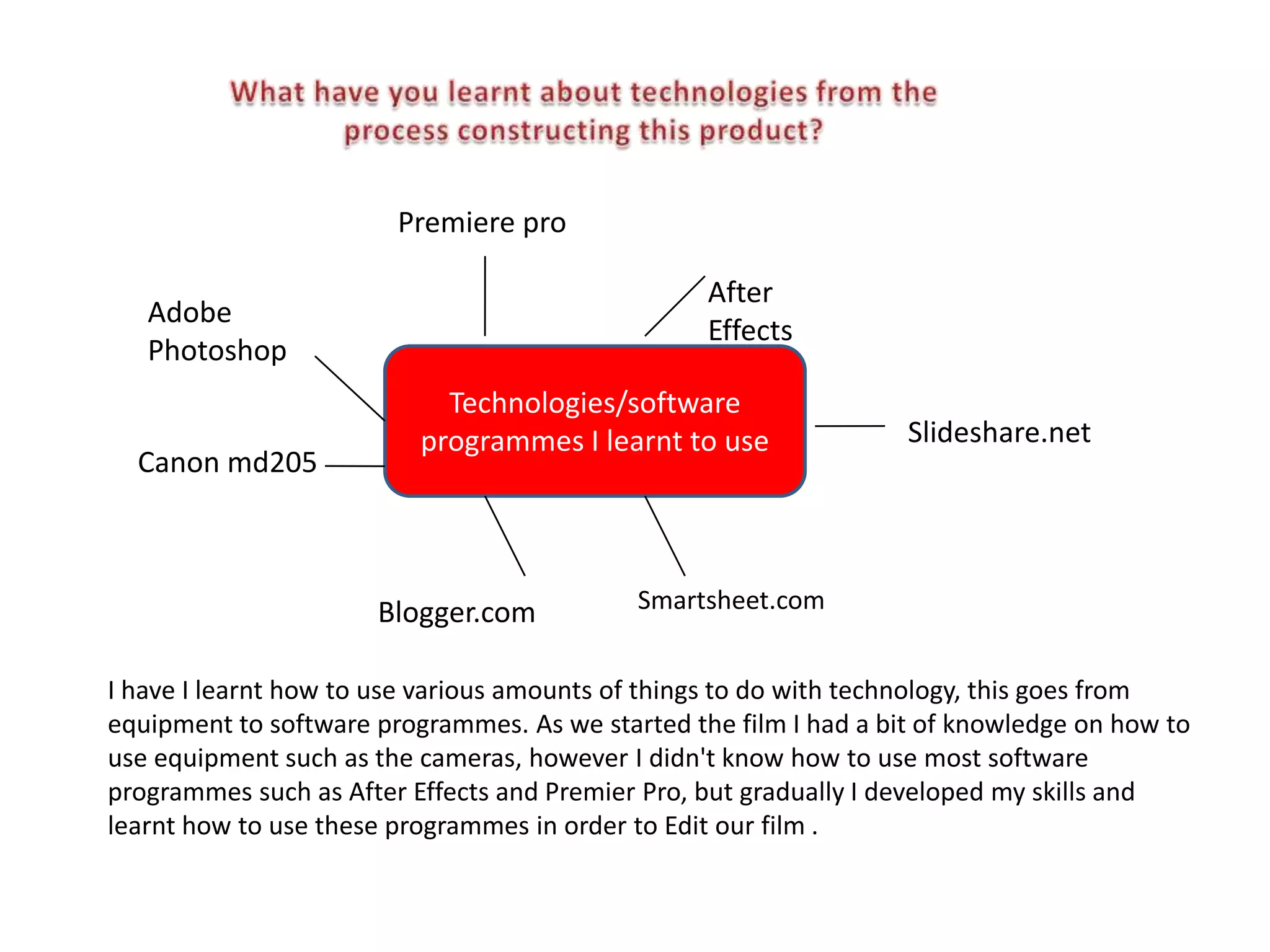
                            Technologies/software
                          programmes I learnt to use               Slideshare.net
  Canon md205


                      Blogger.com           Smartsheet.com


I have I learnt how to use various amounts of things to do with technology, this goes from
equipment to software programmes. As we started the film I had a bit of knowledge on how to
use equipment such as the cameras, however I didn't know how to use most software
programmes such as After Effects and Premier Pro, but gradually I developed my skills and
learnt how to use these programmes in order to Edit our film .
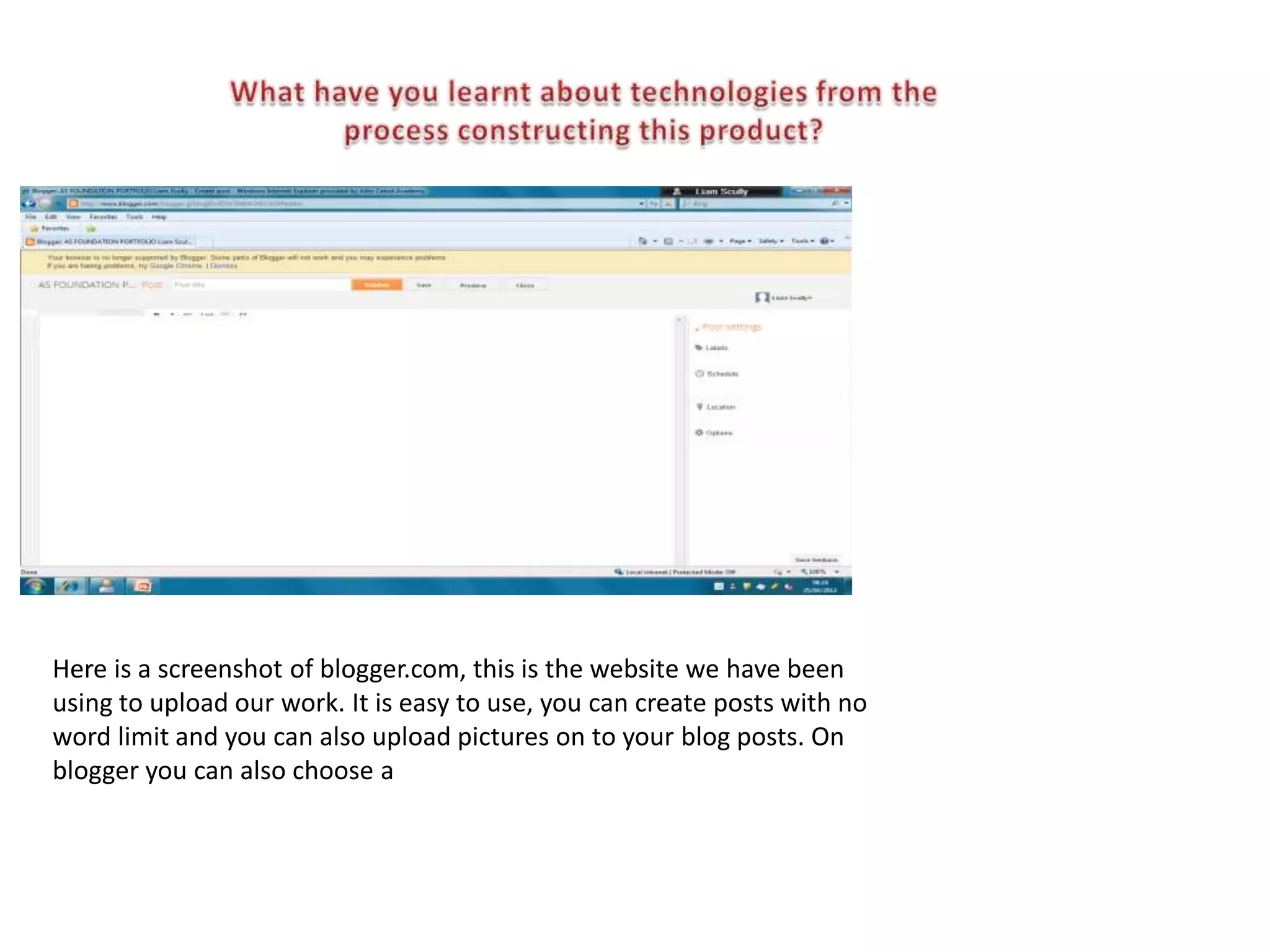
Here is a screenshot of blogger.com, this is the website we have been
using to upload our work. It is easy to use, you can create posts with no
word limit and you can also upload pictures on to your blog posts. On
blogger you can also choose a
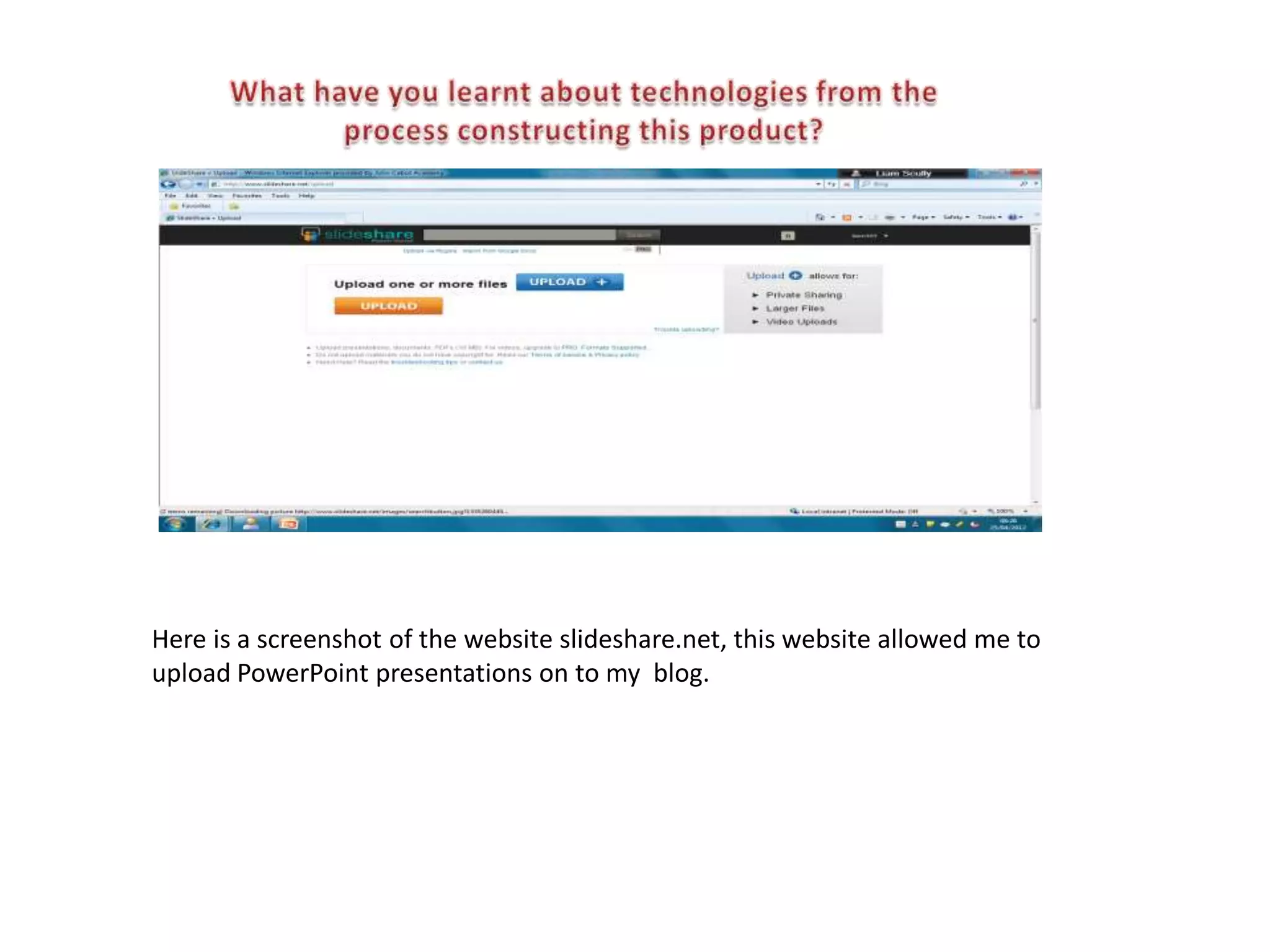
Here is a screenshot of the website slideshare.net, this website allowed me to
upload PowerPoint presentations on to my blog.
When we got the digital cameras I knew how to use one, however i didnt
know all of the functions on there and some of the things you could do. Atfer
filming our preliminary exercise I figured out these functions e.g. Tracking in
and out, deleting unwanted footage and also playing back previously
recorded footage.

Once we started filming we needed to edit particular parts of the film, we
used USB cables to connect from the camera to the PC, this allowed us to
transfer footage onto the PC and start using the editing software which was
Premier Pro.
Premiere Pro is an editing programme. This programme was quite
tricky to use at the start but once you learnt the basics it got
easier.
Premiere Pro allowed me to upload footage from the camera
straight to this programme. Once connected to the camera I was
able to capture all the scenes we previously recorded.
This is smartsheet.com, I used this in order to keep to deadlines and keep good management of
time. I added certain tasks and set deadlines to when I want these tasks finished, this helped me
to keep on track to work and do the works on time for the deadline so that I could get onto the
next task.
Overall, I really enjoyed participating in creating and editing
my own film. I mainly liked the editing part, it got me to use
new programmes that I've never used before, helping to
develop my technological skills.

I learned how small companies manage to create a film and
distribute it, using such a small budget. They have found
many cheap/free ways to distribute their media products to
a wide variety of people.

Also all of the programmes and websites I've used could be
possible advertising places for small companies wanting to
get their media products noticed.

Evaluation!

  • 1.
    Premiere pro After Adobe Effects Photoshop Technologies/software programmes I learnt to use Slideshare.net Canon md205 Blogger.com Smartsheet.com I have I learnt how to use various amounts of things to do with technology, this goes from equipment to software programmes. As we started the film I had a bit of knowledge on how to use equipment such as the cameras, however I didn't know how to use most software programmes such as After Effects and Premier Pro, but gradually I developed my skills and learnt how to use these programmes in order to Edit our film .
  • 2.
    Here is ascreenshot of blogger.com, this is the website we have been using to upload our work. It is easy to use, you can create posts with no word limit and you can also upload pictures on to your blog posts. On blogger you can also choose a
  • 3.
    Here is ascreenshot of the website slideshare.net, this website allowed me to upload PowerPoint presentations on to my blog.
  • 4.
    When we gotthe digital cameras I knew how to use one, however i didnt know all of the functions on there and some of the things you could do. Atfer filming our preliminary exercise I figured out these functions e.g. Tracking in and out, deleting unwanted footage and also playing back previously recorded footage. Once we started filming we needed to edit particular parts of the film, we used USB cables to connect from the camera to the PC, this allowed us to transfer footage onto the PC and start using the editing software which was Premier Pro.
  • 5.
    Premiere Pro isan editing programme. This programme was quite tricky to use at the start but once you learnt the basics it got easier. Premiere Pro allowed me to upload footage from the camera straight to this programme. Once connected to the camera I was able to capture all the scenes we previously recorded.
  • 6.
    This is smartsheet.com,I used this in order to keep to deadlines and keep good management of time. I added certain tasks and set deadlines to when I want these tasks finished, this helped me to keep on track to work and do the works on time for the deadline so that I could get onto the next task.
  • 7.
    Overall, I reallyenjoyed participating in creating and editing my own film. I mainly liked the editing part, it got me to use new programmes that I've never used before, helping to develop my technological skills. I learned how small companies manage to create a film and distribute it, using such a small budget. They have found many cheap/free ways to distribute their media products to a wide variety of people. Also all of the programmes and websites I've used could be possible advertising places for small companies wanting to get their media products noticed.