Research Into
Equipment
Layla Keegan
Camera & Lens:
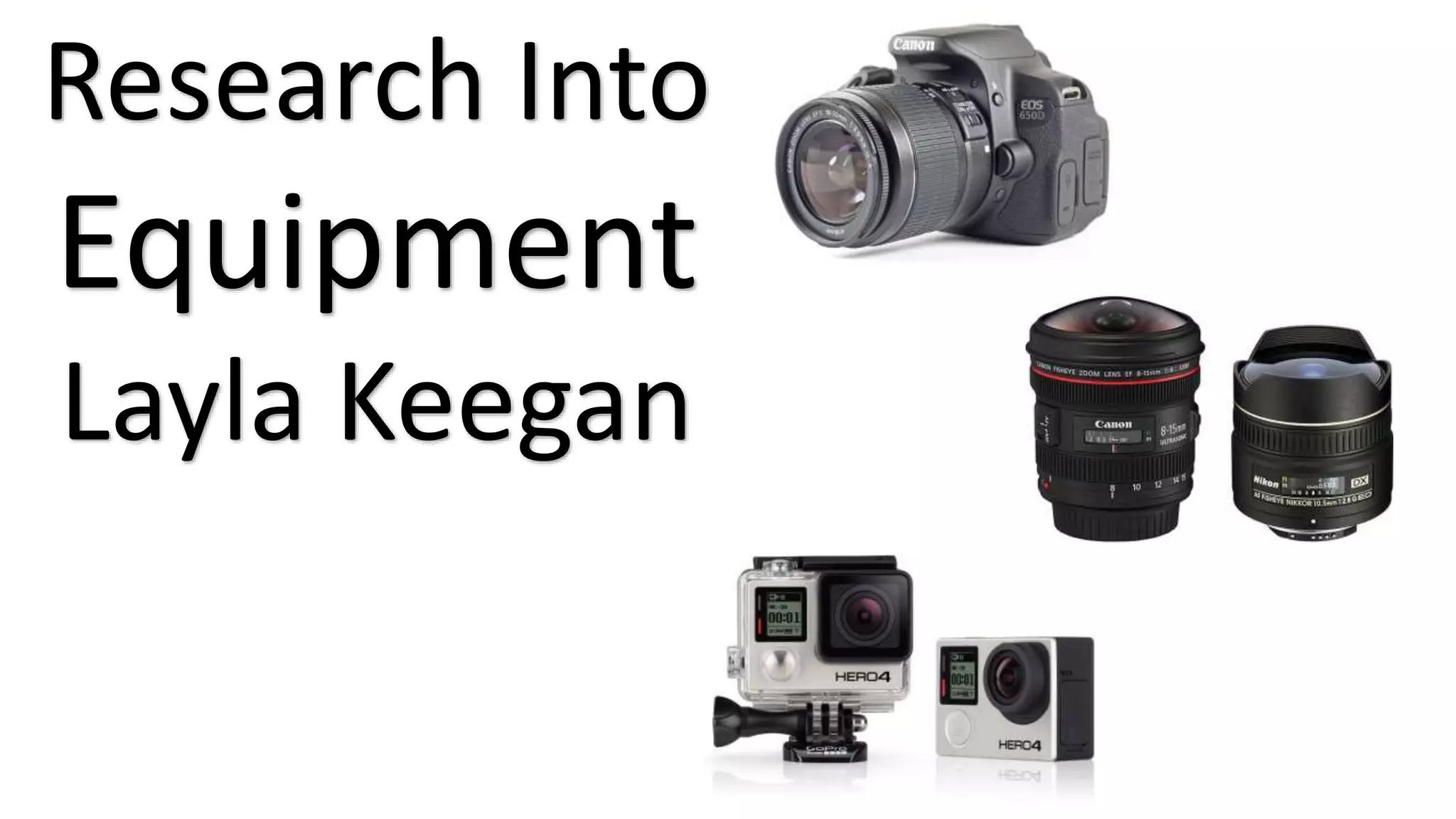
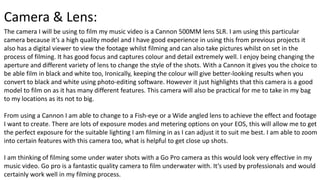
The camera I will be using to film my music video is a Cannon 500MM lens SLR. I am using this particular
camera because it’s a high quality model and I have good experience in using this from previous projects it
also has a digital viewer to view the footage whilst filming and can also take pictures whilst on set in the
process of filming. It has good focus and captures colour and detail extremely well. I enjoy being changing the
aperture and different variety of lens to change the style of the shots. With a Cannon it gives you the choice to
be able film in black and white too, Ironically, keeping the colour will give better-looking results when you
convert to black and white using photo-editing software. However it just highlights that this camera is a good
model to film on as it has many different features. This camera will also be practical for me to take in my bag
to my locations as its not to big.
From using a Cannon I am able to change to a Fish-eye or a Wide angled lens to achieve the effect and footage
I want to create. There are lots of exposure modes and metering options on your EOS, this will allow me to get
the perfect exposure for the suitable lighting I am filming in as I can adjust it to suit me best. I am able to zoom
into certain features with this camera too, what is helpful to get close up shots.
I am thinking of filming some under water shots with a Go Pro camera as this would look very effective in my
music video. Go pro is a fantastic quality camera to film underwater with. It’s used by professionals and would
certainly work well in my filming process.
Lighting:
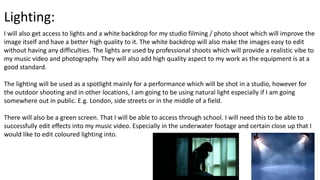
I will also get access to lights and a white backdrop for my studio filming / photo shoot which will improve the
image itself and have a better high quality to it. The white backdrop will also make the images easy to edit
without having any difficulties. The lights are used by professional shoots which will provide a realistic vibe to
my music video and photography. They will also add high quality aspect to my work as the equipment is at a
good standard.
The lighting will be used as a spotlight mainly for a performance which will be shot in a studio, however for
the outdoor shooting and in other locations, I am going to be using natural light especially if I am going
somewhere out in public. E.g. London, side streets or in the middle of a field.
There will also be a green screen. That I will be able to access through school. I will need this to be able to
successfully edit effects into my music video. Especially in the underwater footage and certain close up that I
would like to edit coloured lighting into.
Software:
The software I will be using when it comes to editing all footage and making it into a music video is Adobe
Premier. This software is something I have only use occasionally so I am not that use to using it. However I will
be able to learn how to edit my music video with different lighting and paces. Premier is a high quality and
well know software in order to get a professional finish to my music video.
Another adobe software I will be using is Photoshop. I have used this software many times throughout my
time studying media and I feel very confident with using this. It will be used to edit my photo shoot images I
end up using. My photos will only have small touch up. E.g. changes in colouring. Some of them may be edited
with the white background cropped. This will be done with the magic wand tool. If I need to change / adjust
my models make – up I am able to do that from editing on this software by using the patchwork tool this will
be very useful. Photoshop can also change the brightness of the image and colour, lighting is also a good
option too.
I will also be using Adobe Indesign CS6 to start producing my digipack and my magazine advert. There are
many tools I will be using to edit or construct my work to make it look neat and professional. The software
itself helps me with guidelines of where to place certain things and to not go out of the templates. I find this
software slightly similar to Photoshop, as its very easy and quick to use.

Research Into Equipment

  • 1.
  • 2.
    Camera & Lens: Thecamera I will be using to film my music video is a Cannon 500MM lens SLR. I am using this particular camera because it’s a high quality model and I have good experience in using this from previous projects it also has a digital viewer to view the footage whilst filming and can also take pictures whilst on set in the process of filming. It has good focus and captures colour and detail extremely well. I enjoy being changing the aperture and different variety of lens to change the style of the shots. With a Cannon it gives you the choice to be able film in black and white too, Ironically, keeping the colour will give better-looking results when you convert to black and white using photo-editing software. However it just highlights that this camera is a good model to film on as it has many different features. This camera will also be practical for me to take in my bag to my locations as its not to big. From using a Cannon I am able to change to a Fish-eye or a Wide angled lens to achieve the effect and footage I want to create. There are lots of exposure modes and metering options on your EOS, this will allow me to get the perfect exposure for the suitable lighting I am filming in as I can adjust it to suit me best. I am able to zoom into certain features with this camera too, what is helpful to get close up shots. I am thinking of filming some under water shots with a Go Pro camera as this would look very effective in my music video. Go pro is a fantastic quality camera to film underwater with. It’s used by professionals and would certainly work well in my filming process.
  • 3.
    Lighting: I will alsoget access to lights and a white backdrop for my studio filming / photo shoot which will improve the image itself and have a better high quality to it. The white backdrop will also make the images easy to edit without having any difficulties. The lights are used by professional shoots which will provide a realistic vibe to my music video and photography. They will also add high quality aspect to my work as the equipment is at a good standard. The lighting will be used as a spotlight mainly for a performance which will be shot in a studio, however for the outdoor shooting and in other locations, I am going to be using natural light especially if I am going somewhere out in public. E.g. London, side streets or in the middle of a field. There will also be a green screen. That I will be able to access through school. I will need this to be able to successfully edit effects into my music video. Especially in the underwater footage and certain close up that I would like to edit coloured lighting into.
  • 4.
    Software: The software Iwill be using when it comes to editing all footage and making it into a music video is Adobe Premier. This software is something I have only use occasionally so I am not that use to using it. However I will be able to learn how to edit my music video with different lighting and paces. Premier is a high quality and well know software in order to get a professional finish to my music video. Another adobe software I will be using is Photoshop. I have used this software many times throughout my time studying media and I feel very confident with using this. It will be used to edit my photo shoot images I end up using. My photos will only have small touch up. E.g. changes in colouring. Some of them may be edited with the white background cropped. This will be done with the magic wand tool. If I need to change / adjust my models make – up I am able to do that from editing on this software by using the patchwork tool this will be very useful. Photoshop can also change the brightness of the image and colour, lighting is also a good option too. I will also be using Adobe Indesign CS6 to start producing my digipack and my magazine advert. There are many tools I will be using to edit or construct my work to make it look neat and professional. The software itself helps me with guidelines of where to place certain things and to not go out of the templates. I find this software slightly similar to Photoshop, as its very easy and quick to use.