Technology Integration as a Transforming Teaching Strategy in English Education:  Addressing Pressures Toward  Global Relevance Maria Minerva P. Calimag, MD, PhD Professor ETEACH UST Faculty of Medicine and Surgery
ETEACH stands for… Educational Technology E-learning Applications Coach
 
Our Students Digital natives Web savvy Unwired and Mobile Social networkers Multitaskers Learn by doing


Hello, Mom this has been going on for a while. They are coming to class, but they are checking their e-mail and are text-messaging. They are listening to their iPods, whispering to their cell phones, and I guess, listening to the lecture…” Low, Mom dis hs bin gng n 4 a wyl. Dey r cmng 2 klas, bt dey r chckng der e-ml & r txtng. Dey r lstnng 2 der iPds, wsprng 2 der cll, & I ges, lstng 2 d lctr…”
 
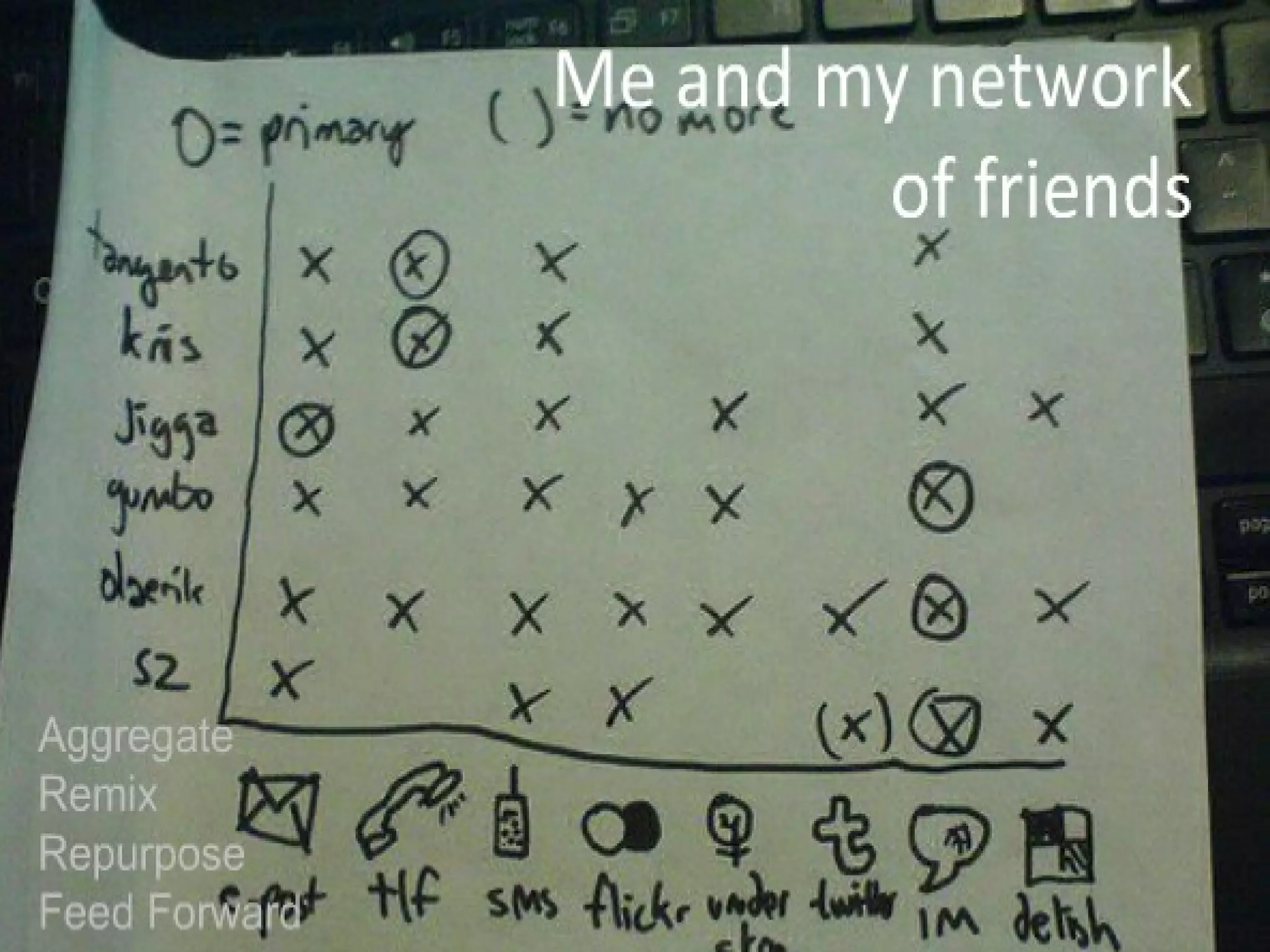
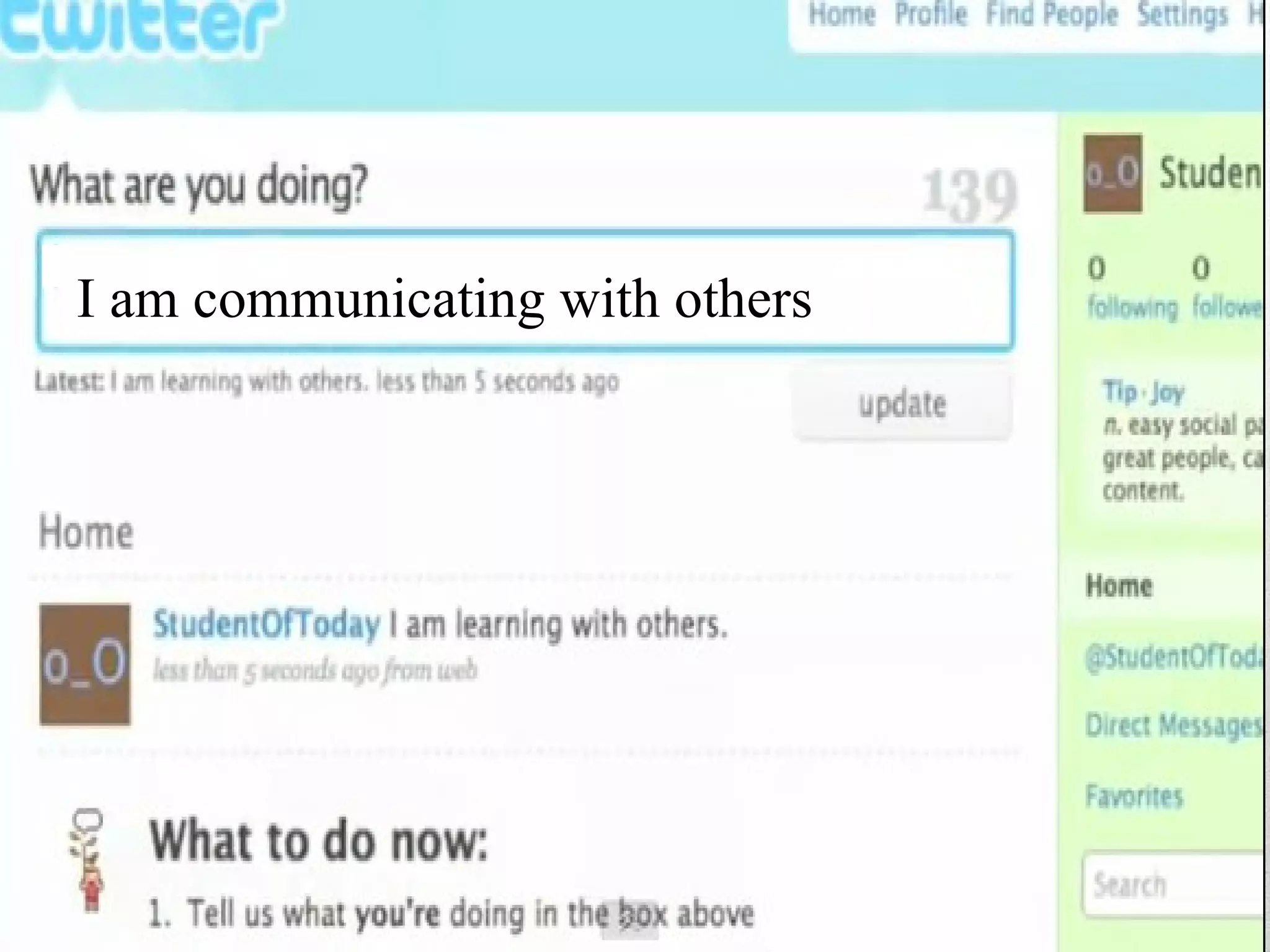
I am communicating with others
 
Collaboration – Is the Key….


“ Any teacher who can be replaced by technology deserves to be.” - David Thornburg
Questions? What is technology integration?  Why should teachers integrate technology in the classroom?  What effective strategies exist to encourage  higher levels of teacher technology integration?   How can these strategies be used?
Technology Integration Technology integration means viewing technology as an instructional tool for delivering subject matter in the curriculum already in place.
Technology Integration These teaching strategies enhance learning, thus enabling students to construct their own learning using computer technology as an instructional tool
Technology Integration Technology integration is the first level towards transforming teaching and learning. Understanding the possibilities in the classroom can give researchers, teacher educators, and professional development facilitators more knowledge to move teachers in this direction.
Teachers with more than 9 years experience are less likely to use technology with their lessons!
Technology Integration Less than 20% of American teachers feel adequately equipped with the skills necessary to integrate technology into their classrooms (Woodbridge, 2004)
Technology Integration Therefore, although technology offers the potential to enhance and improve the students' learning experience, there is a lack of consensus on how to combine computers with other learning tools.  This absence of agreement causes too many teachers to be casual or even non-users of computers.
Technology Integration Educational reform efforts should not only focus on acquiring more machines for classrooms but also on developing teaching strategies that complement technology use within the curriculum. (Pierson 2001)
Technology Integration There is a strong relationship between integrating technology in the classroom and having a philosophy that leaned towards using constructivist teaching strategies.
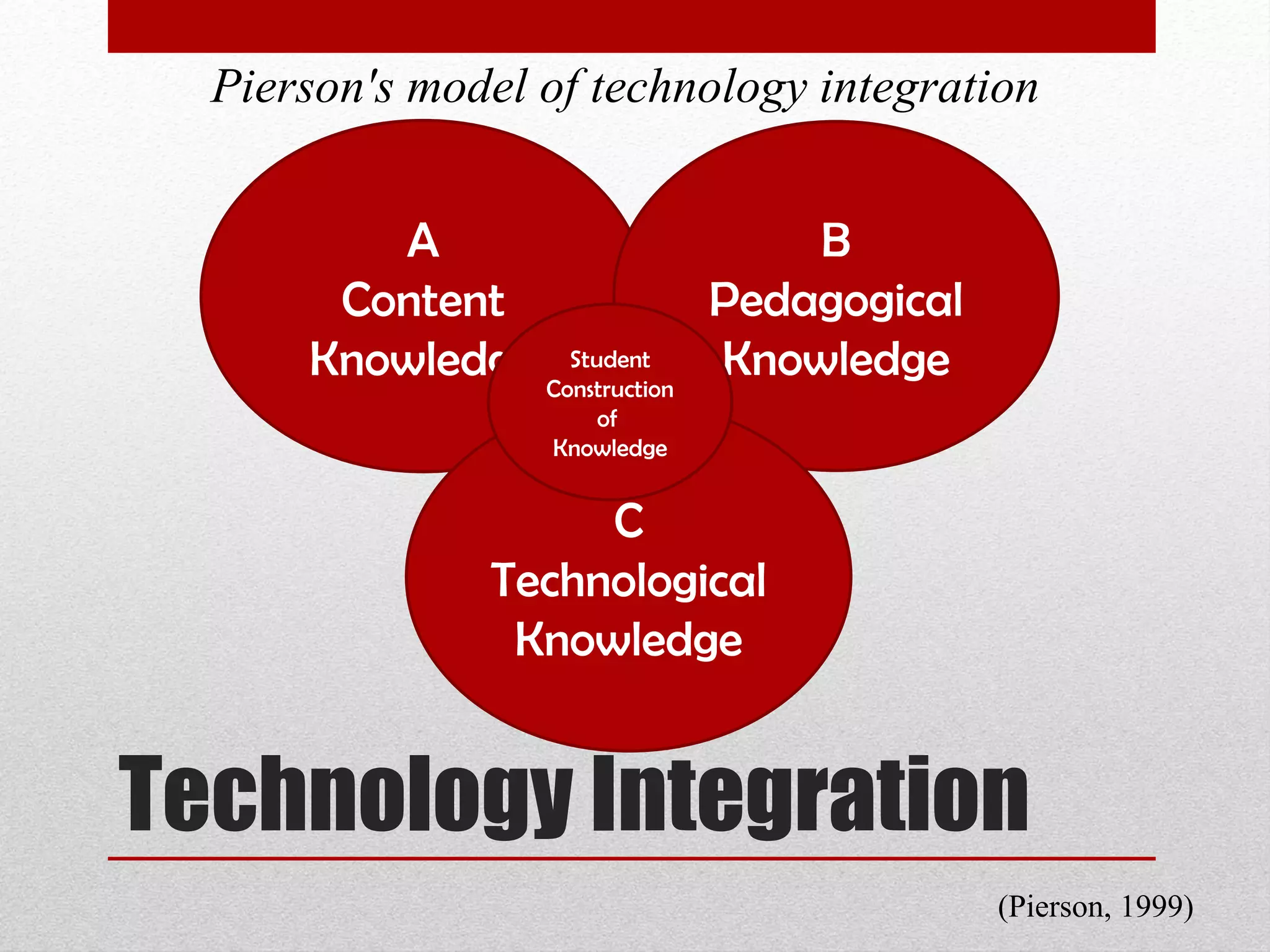
Technology Integration A Content Knowledge B Pedagogical Knowledge C Technological Knowledge Student Construction of  Knowledge Pierson's model of technology integration (Pierson, 1999)
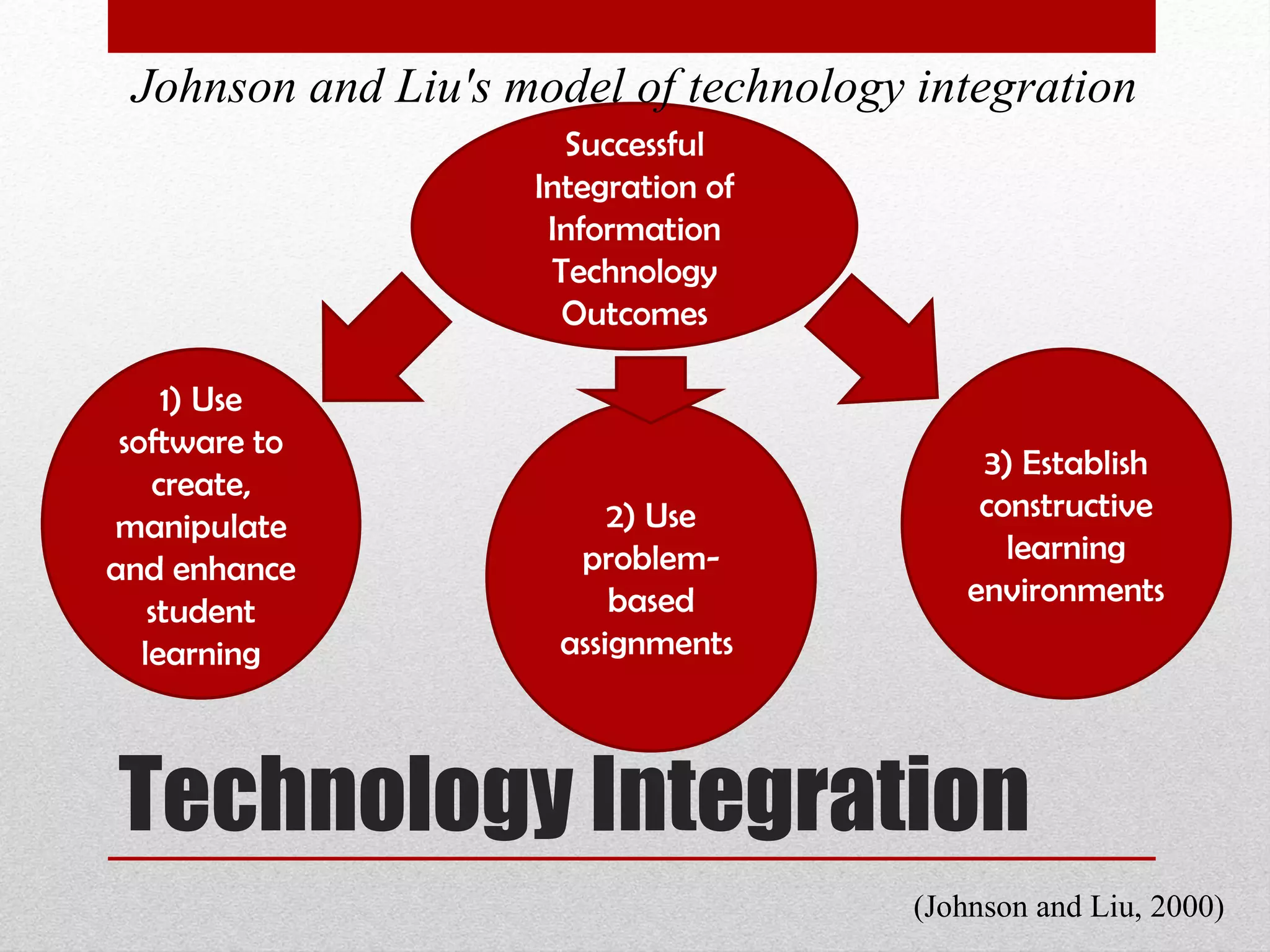
Technology Integration Successful Integration of Information Technology Outcomes 3) Establish constructive learning environments 1) Use software to create, manipulate and enhance student learning Johnson and Liu's model of technology integration (Johnson and Liu, 2000)  2) Use problem-based assignments
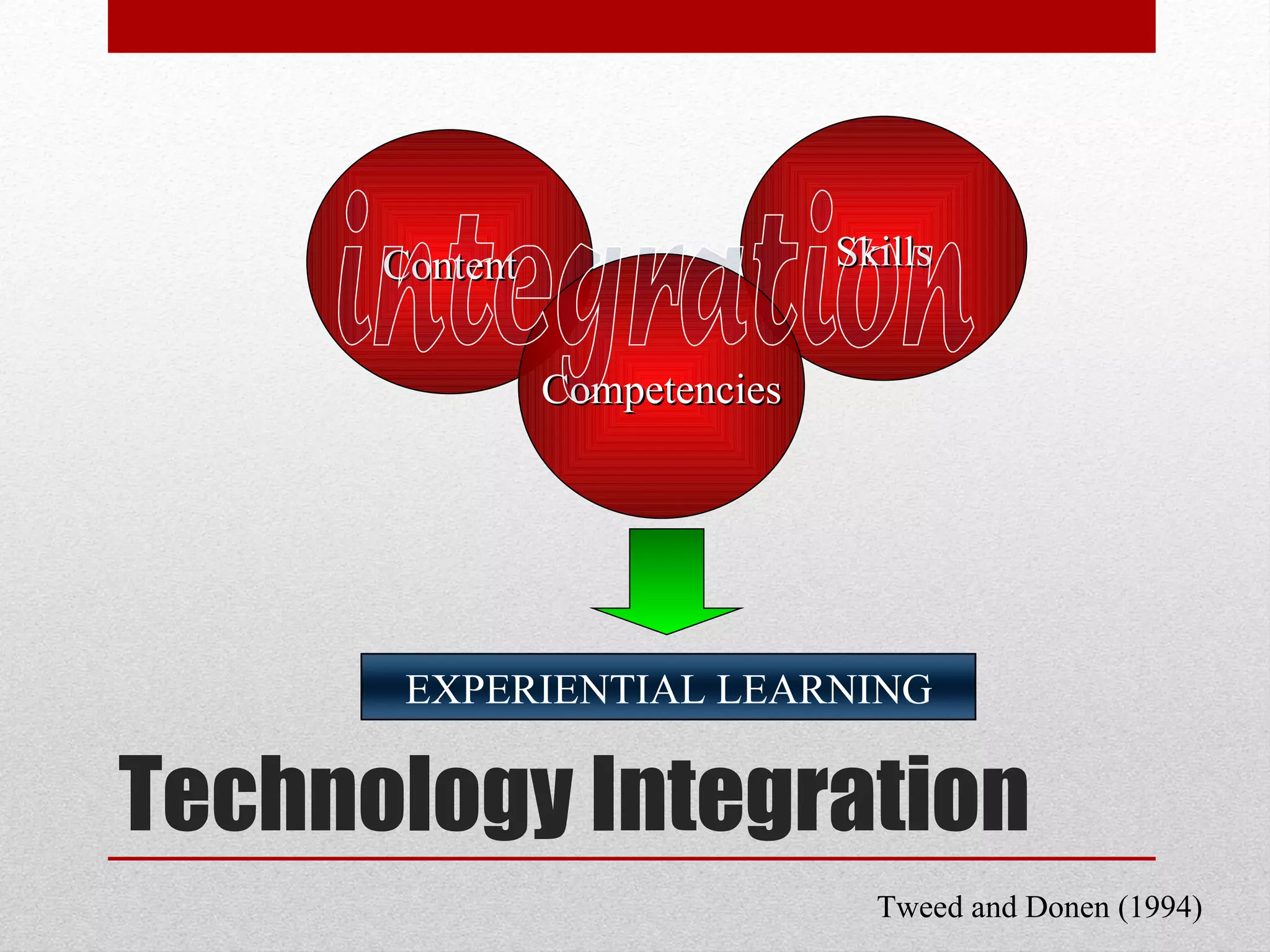
Technology Integration Content Skills Competencies integration Tweed and Donen (1994)  EXPERIENTIAL LEARNING
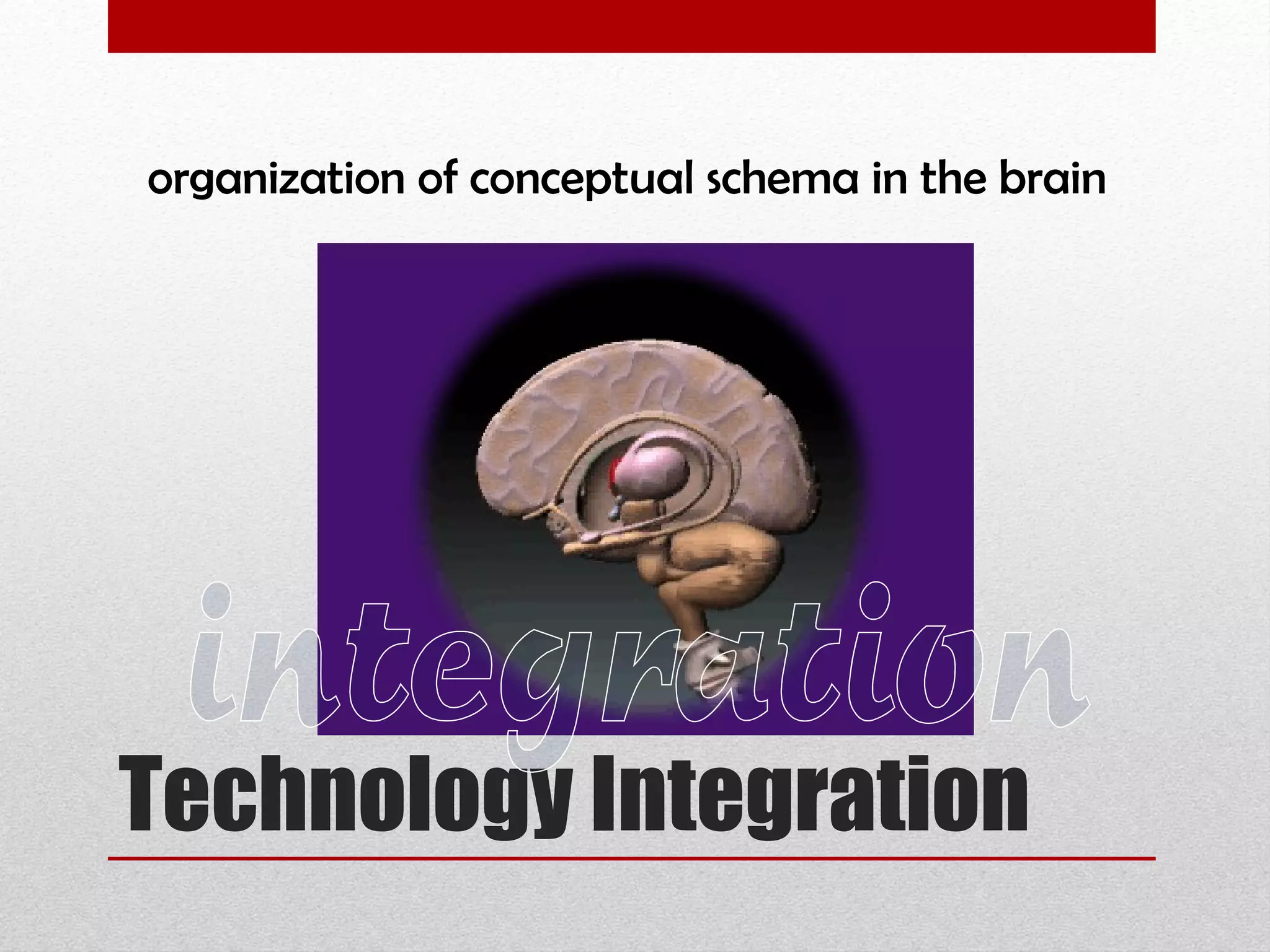
Technology Integration organization of conceptual schema in the brain  integration
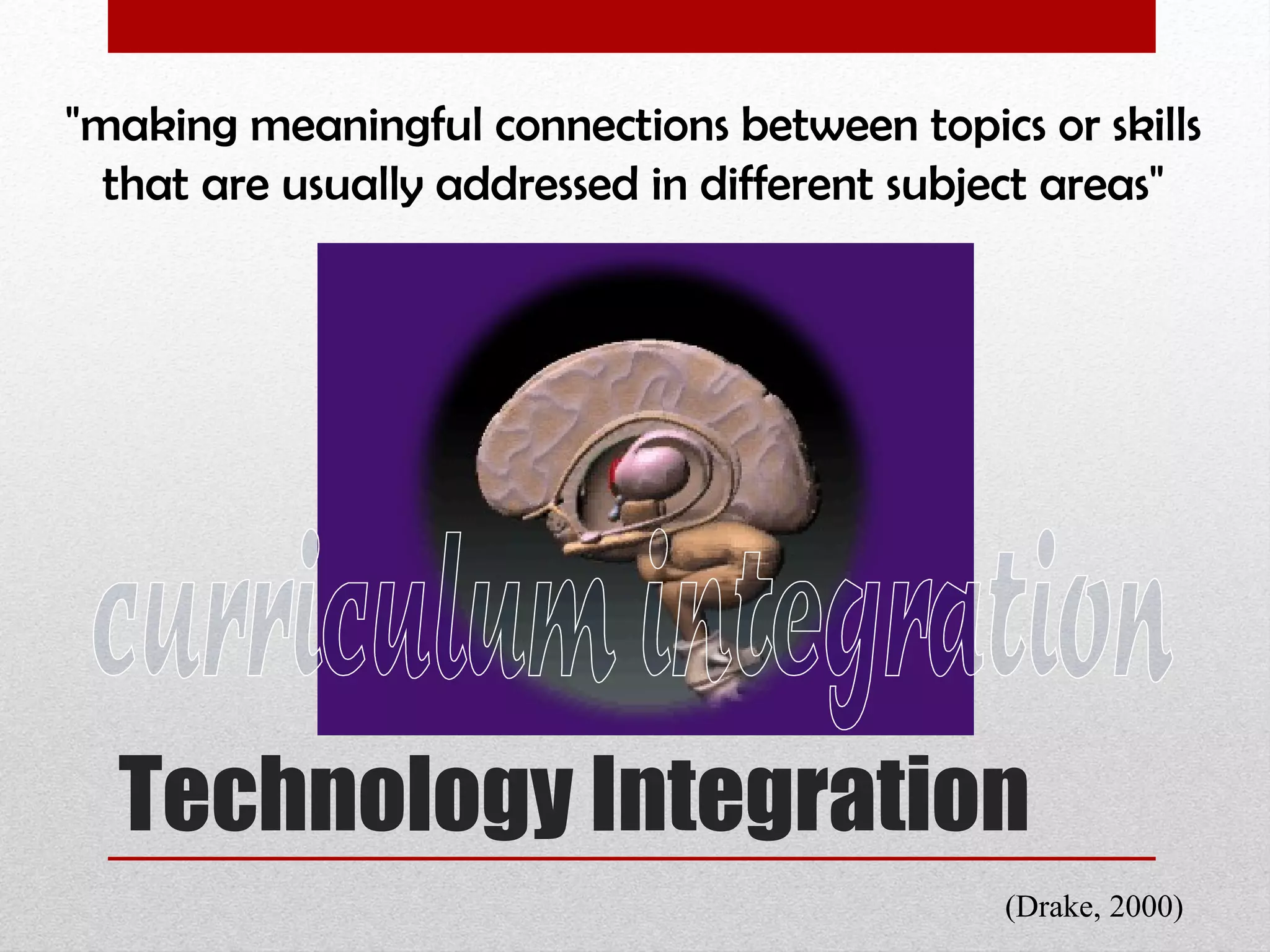
Technology Integration "making meaningful connections between topics or skills that are usually addressed in different subject areas"  curriculum integration (Drake, 2000)
Technology Integration “ . . . refers to a way of teaching, planning and organizing . . . so the discrete disciplines of subject matter are interrelated . . . to match the developmental needs of the learners. . . and help to meaningfully connect the learners' learning to their current and past experiences" Roberts & Kellough (2000) curriculum integration
Technology Integration “ . . . (it) is based on a holistic view of learning and recognizes the necessity for learners to see the big picture . . . ignores traditional subject lines while exploring questions that are most relevant to students. . . because it focuses on helping learners use their minds as well" Brazee & Capelluti (1995) curriculum integration
Highly integrative projects should allow the learners to make links among a number of content areas, as well as to develop thinking and creativity skills.  Using technology in any other way is not true integration.
Technology integration is where you use technology to do something that could NOT be readily done with something else.  Using technology in any other way is not true integration.
Learning technology skills and content at the same time encourages fascination and student curiosity. Technology can expand or extend a teacher's time after the teacher gets over the hump of learning it. Using technology in any other way is not true integration.
The function of ICT is NOT primarily to promote computer literacy because ‘the technology is available’, or because technology is the ‘wave of the future’, or because ‘that’s where we’re all headed’.  Using technology in any other way is not true integration.
Teachers should not use technology just for technology's sake. Instruction should reflect research-based teaching strategies that are considered best teaching practices.  Using technology in any other way is not true integration.
Technology should be integrated, engaging, and encourage student exploration to learn independently. Using technology in any other way is not true integration.
Technology integration may vary according to individual teaching beliefs, perceptions towards technology innovations, and how the teacher practiced and put technology to work in the classroom.  Using technology in any other way is not true integration.
The goal of teaching strategies   should be active, authentic, constructive, cooperative, and intentional/reflective learning Using technology in any other way is not true integration.
ICT Integration  in English Education ICT integration in English Education  trainor-developed interactive teaching materials and examinations utilizing the internet,  searching the best research evidence through the internet,  using PDA for reference,  management of information through database,  Teleconferencing and videoconferencing,  the use of simulations and  the use of the internet or intranet for administrative purposes
Gap Analysis The Inspiration for Curriculum Redesign Gap analysis between teaching practices worldwide and our current practice here in the Philippines  1) wide discrepancy in the knowledge of computers and computer applications between the trainors and the trainees;  2) limited application of research initiatives
Gap Analysis The Inspiration for Curriculum Redesign Gap analysis between teaching practices worldwide and our current practice here in the Philippines  3) limited efforts in the professional development of trainors;  4) limited access to MS/PhD programs, particularly in the information technology tracks;  5) resistance to curricular change brought about by lack of research in the current trends in andragogy and English education.
What types of technology  can we use in class?
 
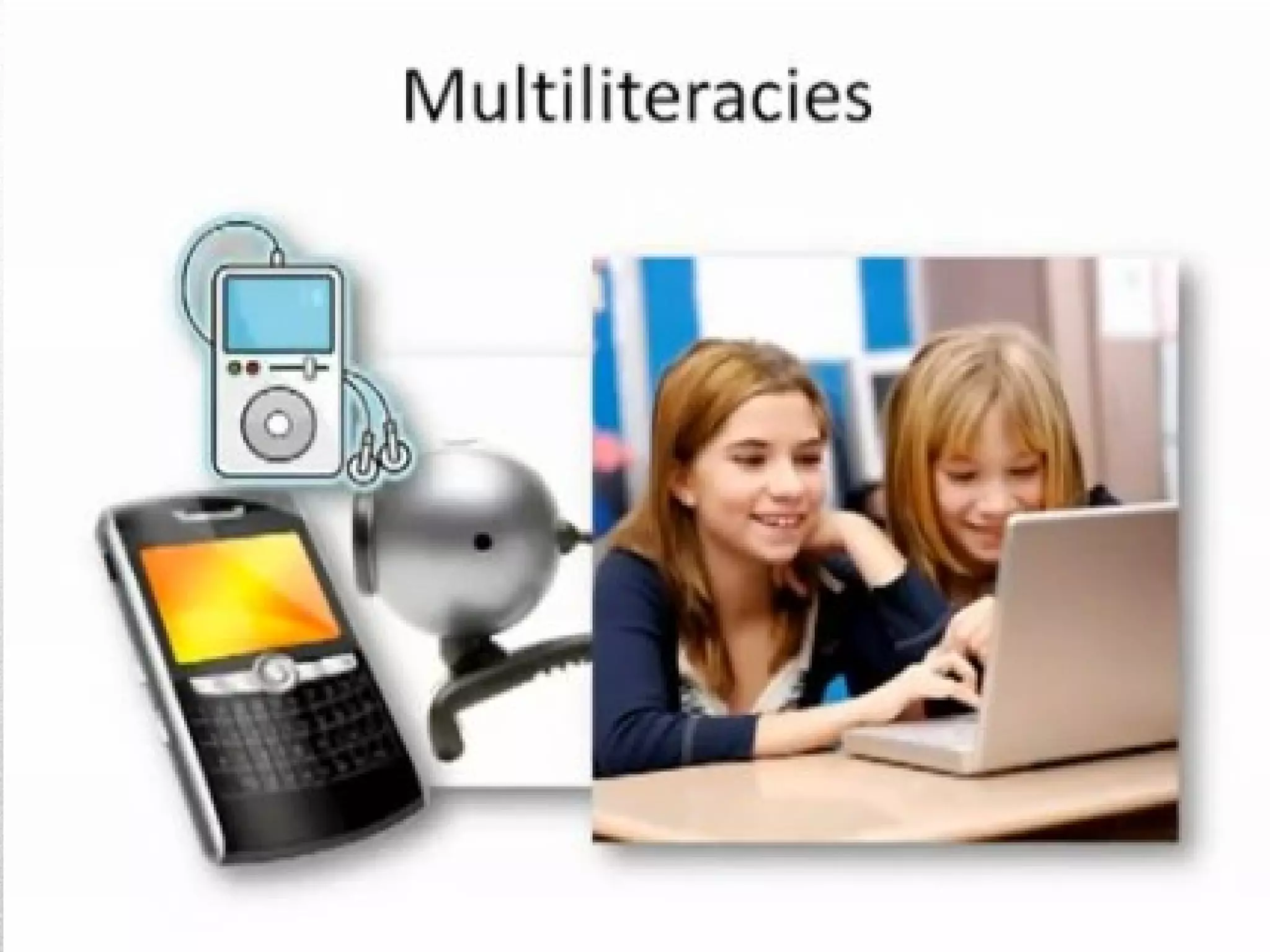
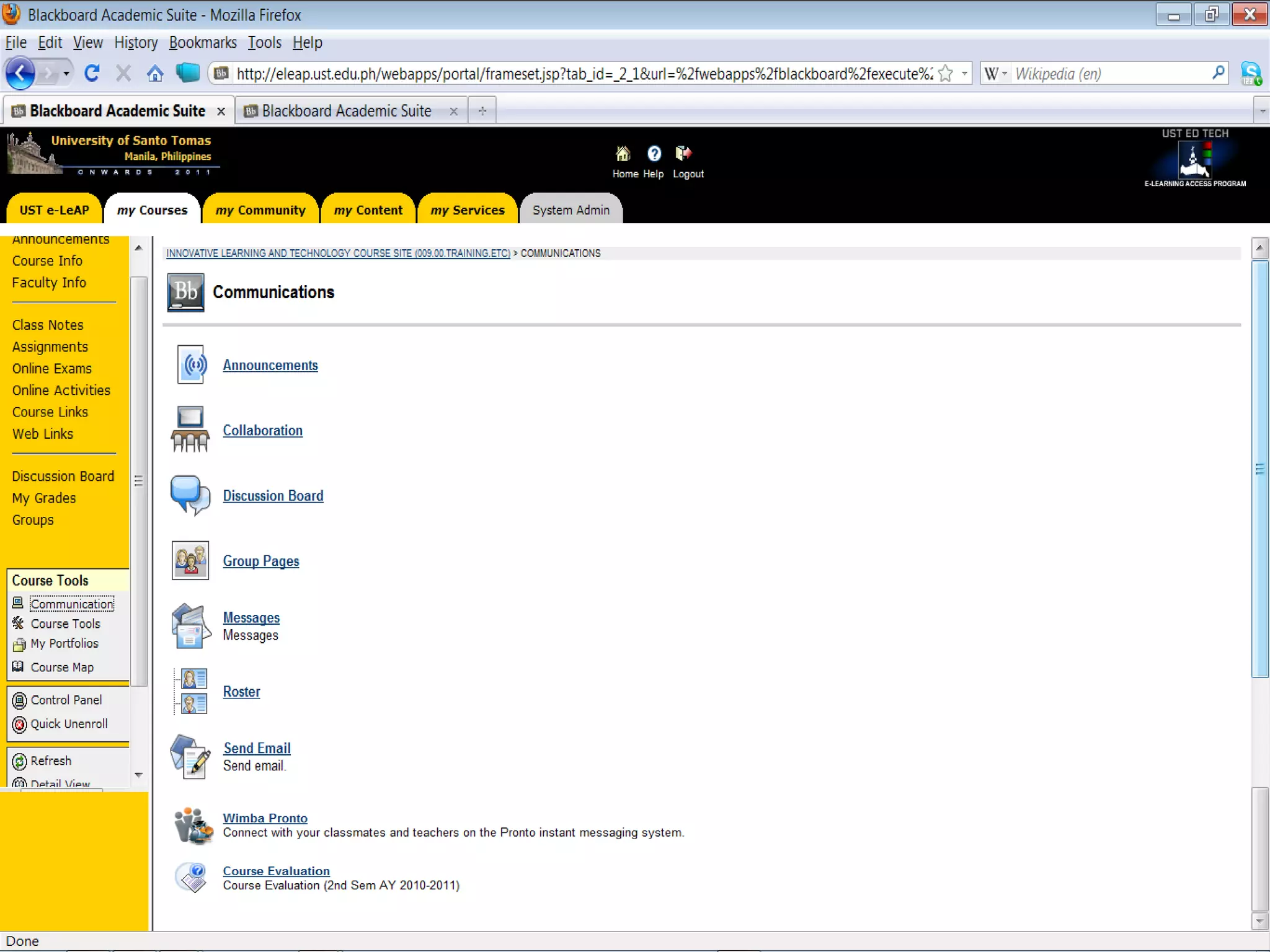
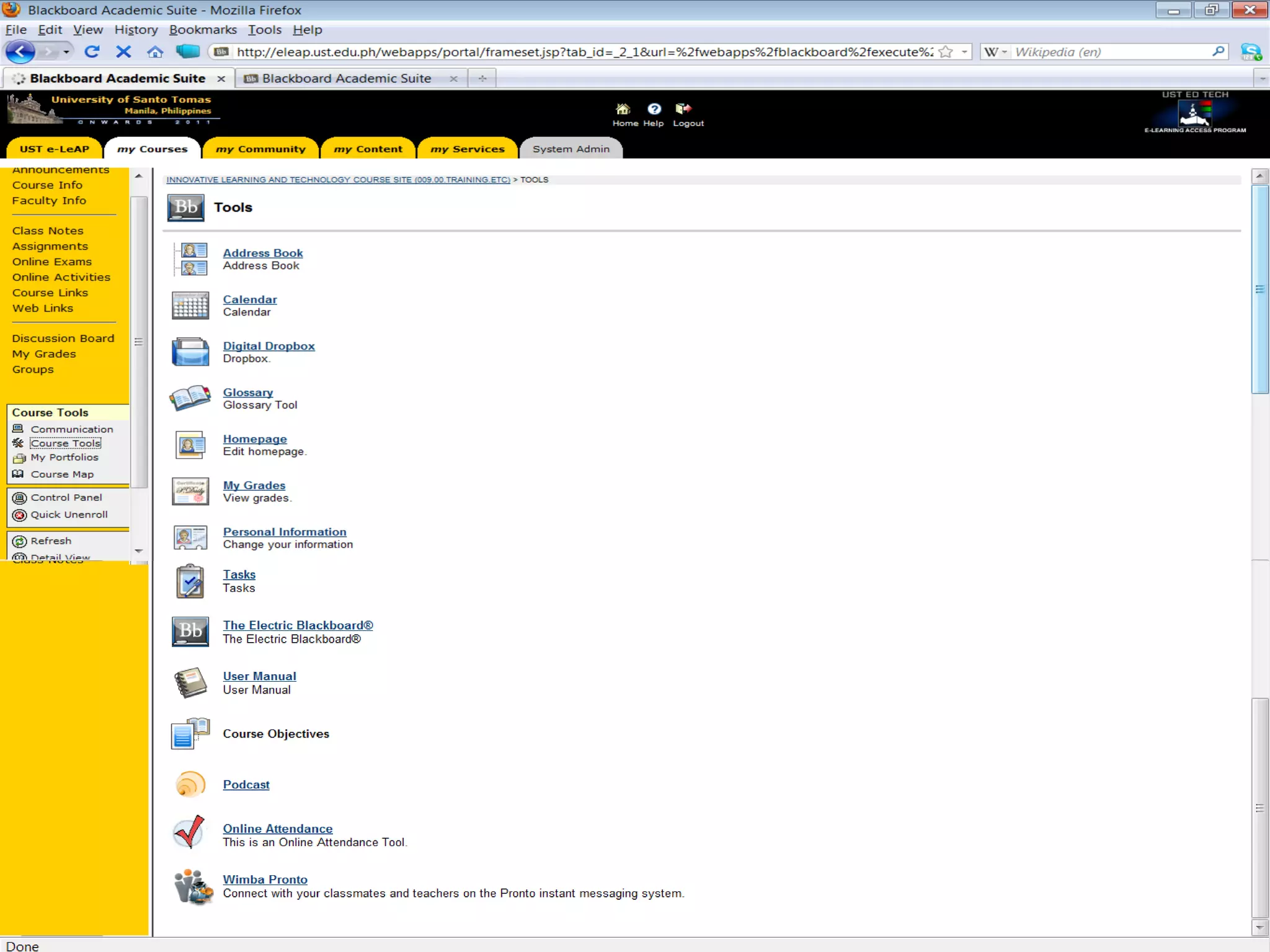
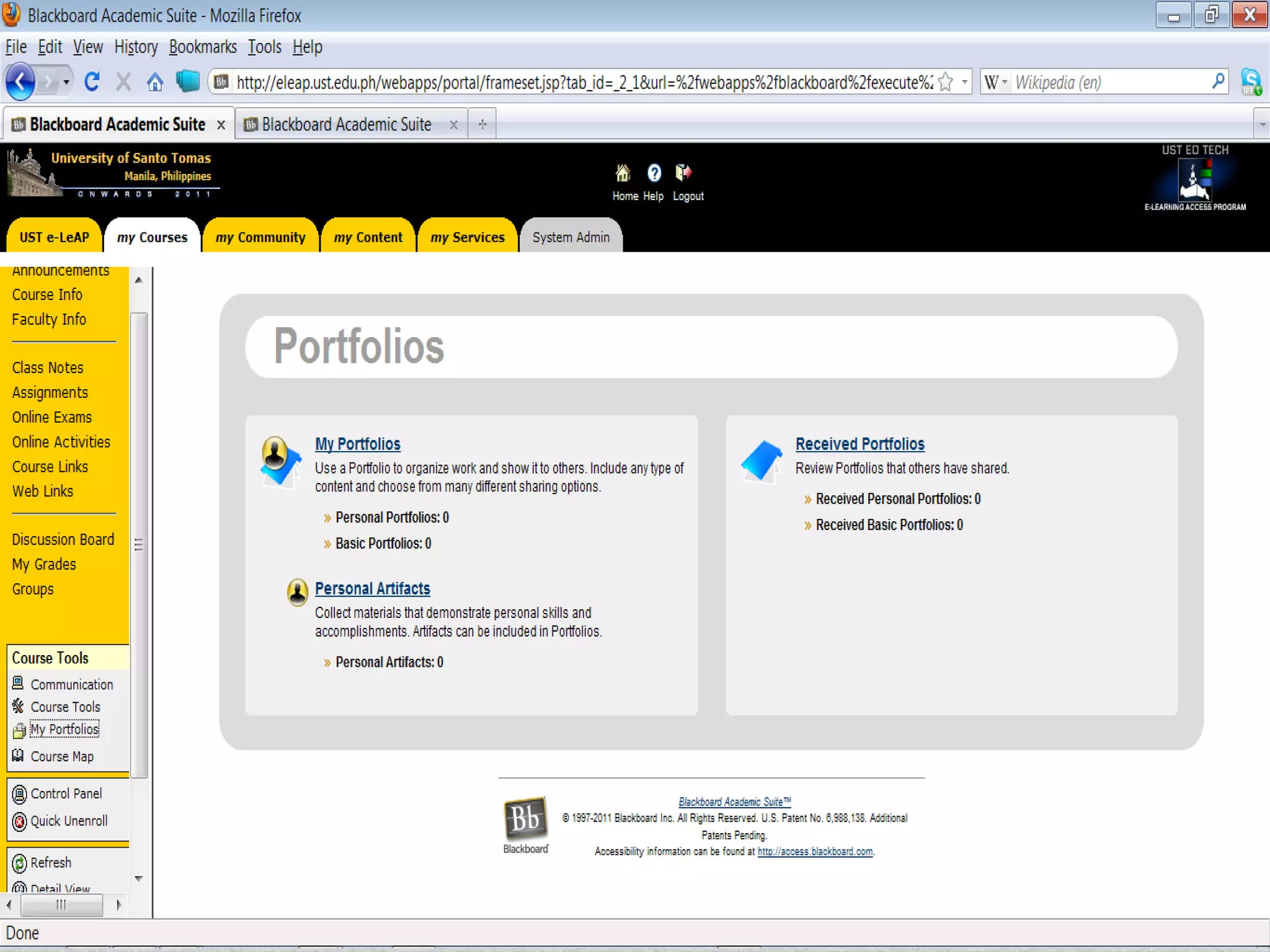
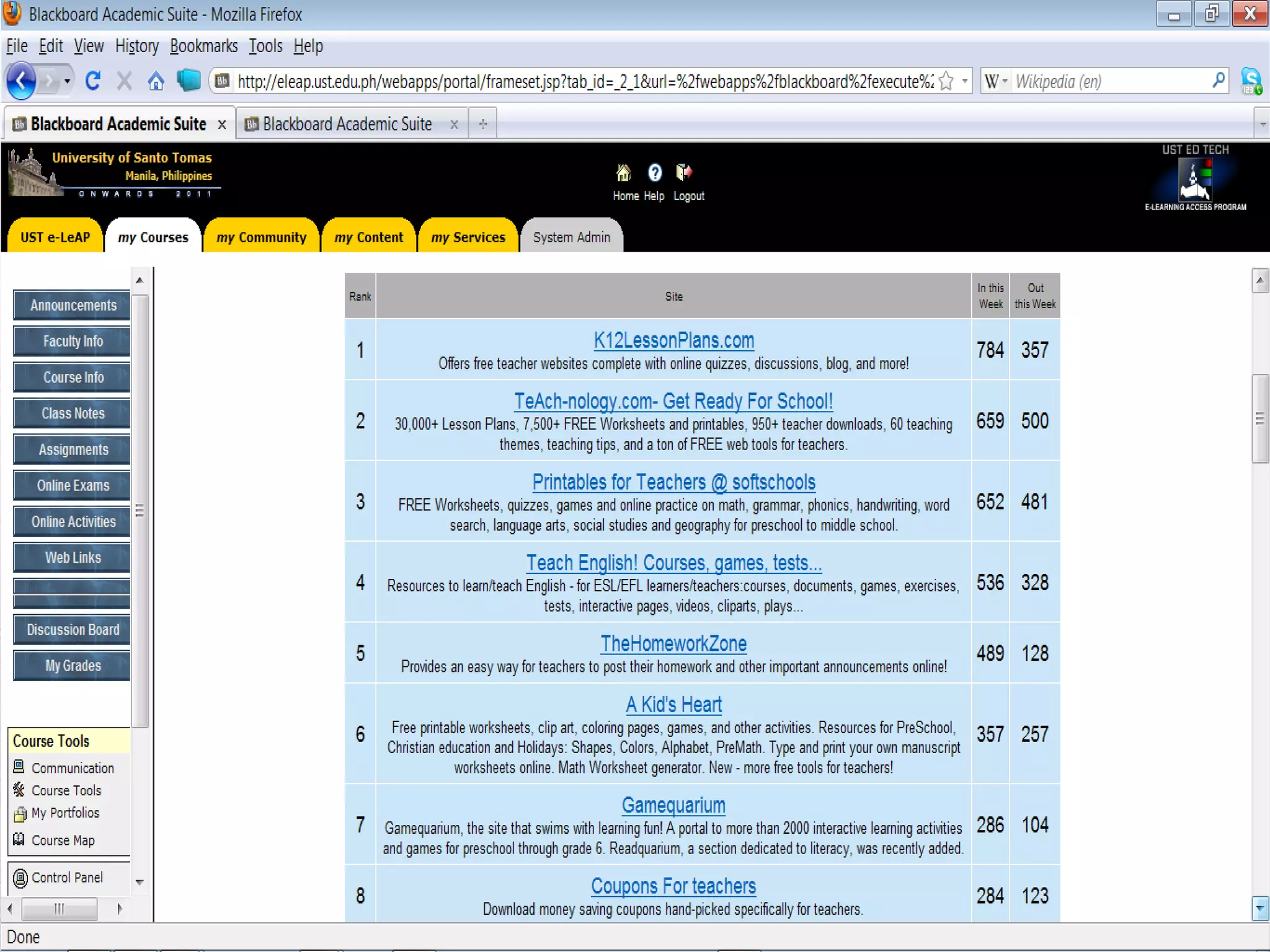
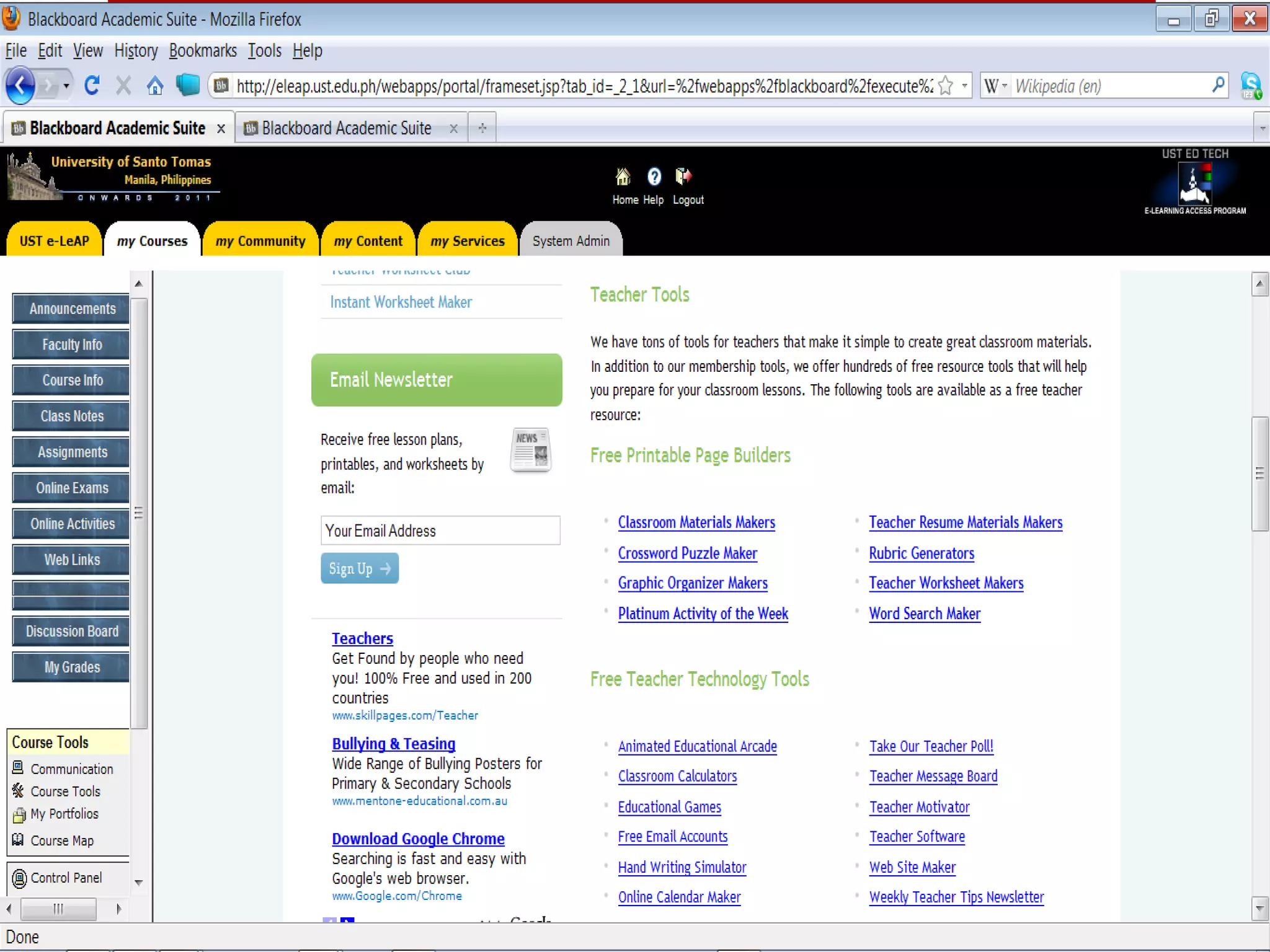
Teaching with Multiliteracies Technologies to use in the classroom Learning management system Blackboard Moodle Google for Educators
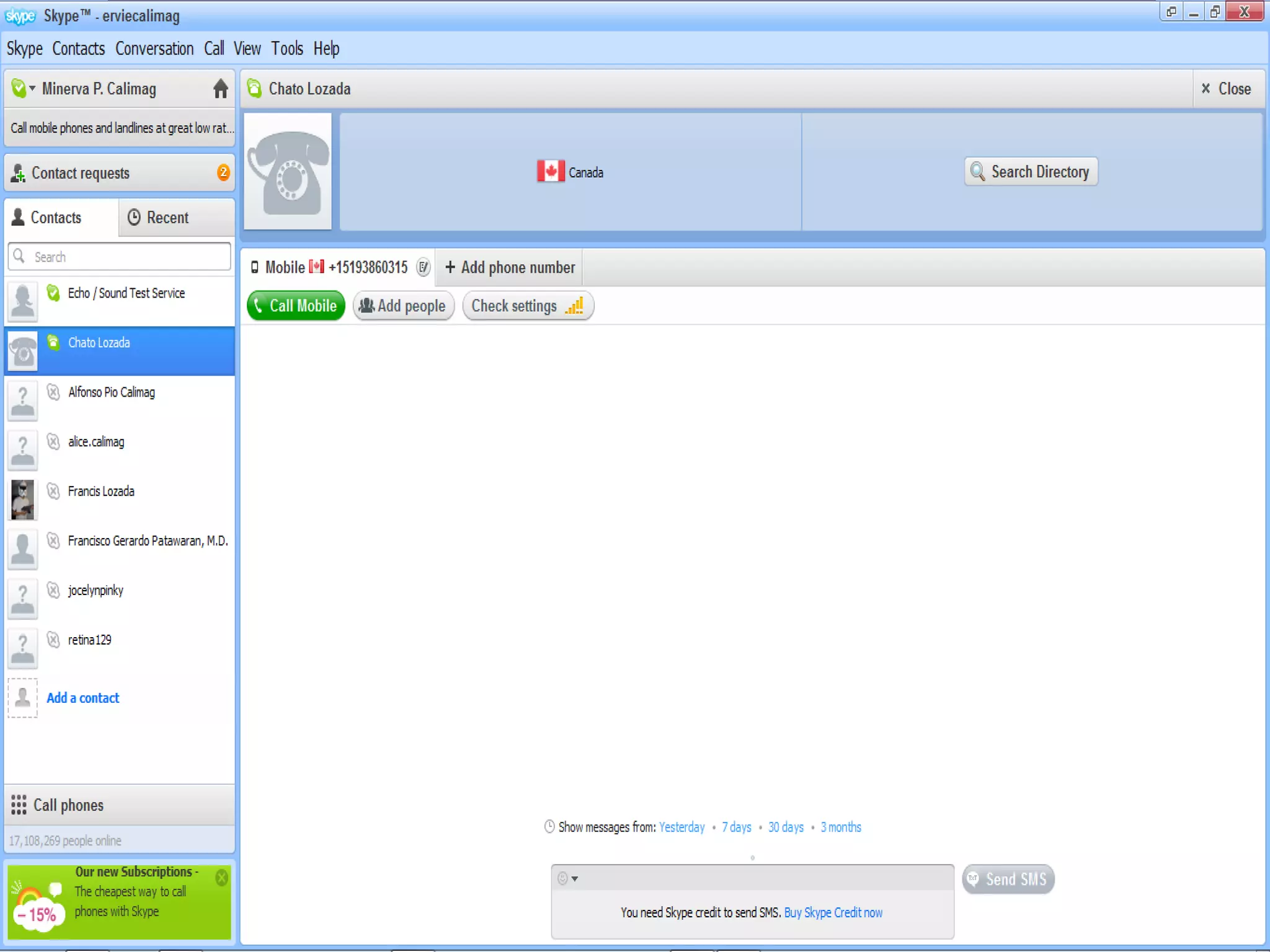
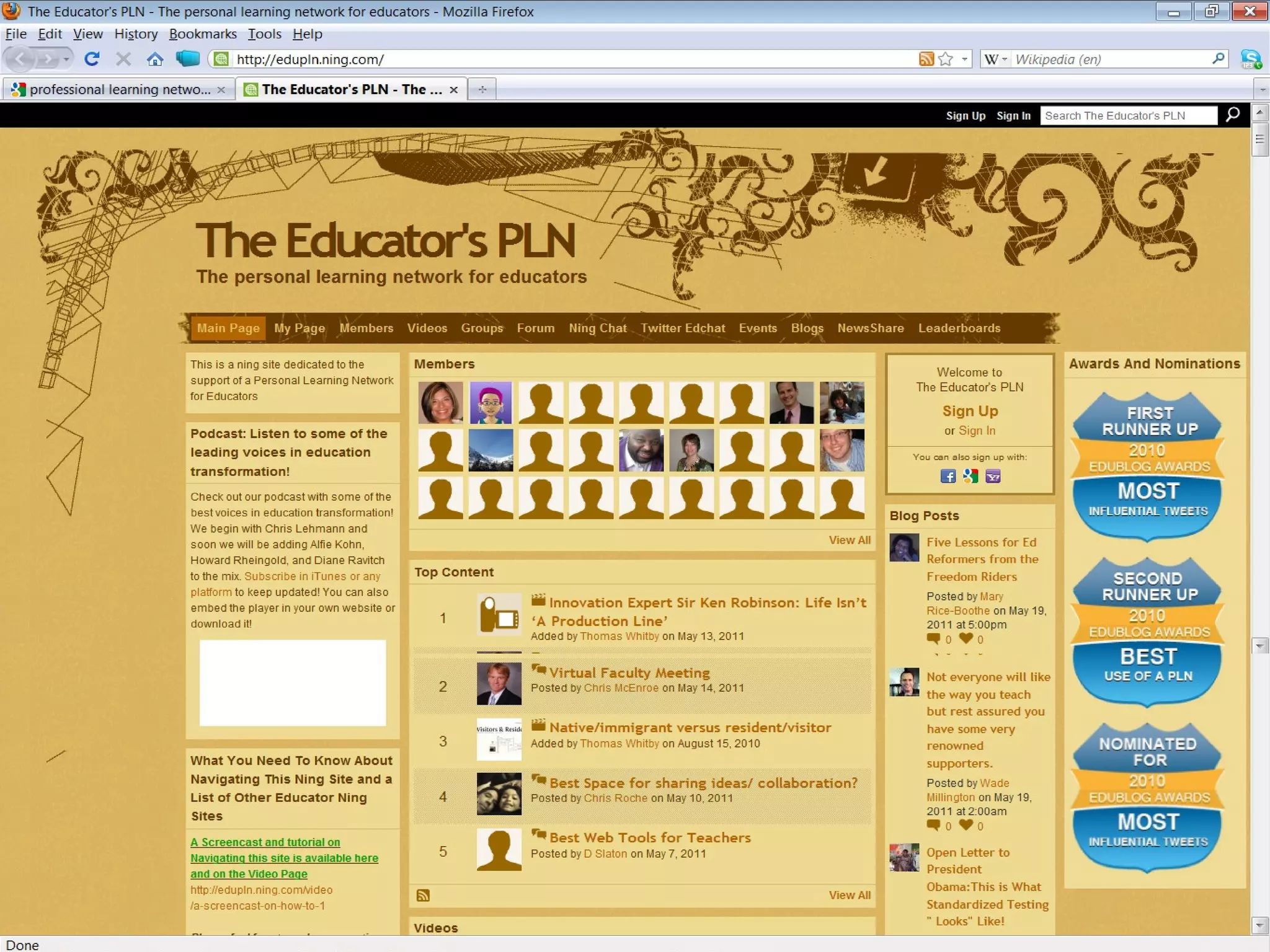
Teaching with Multiliteracies Technologies to use in the classroom Online databases e-Books e-Dictionaries Online communication sites Yahoogroups Skype Twitter Twitter Professional Learning Network (PLN)
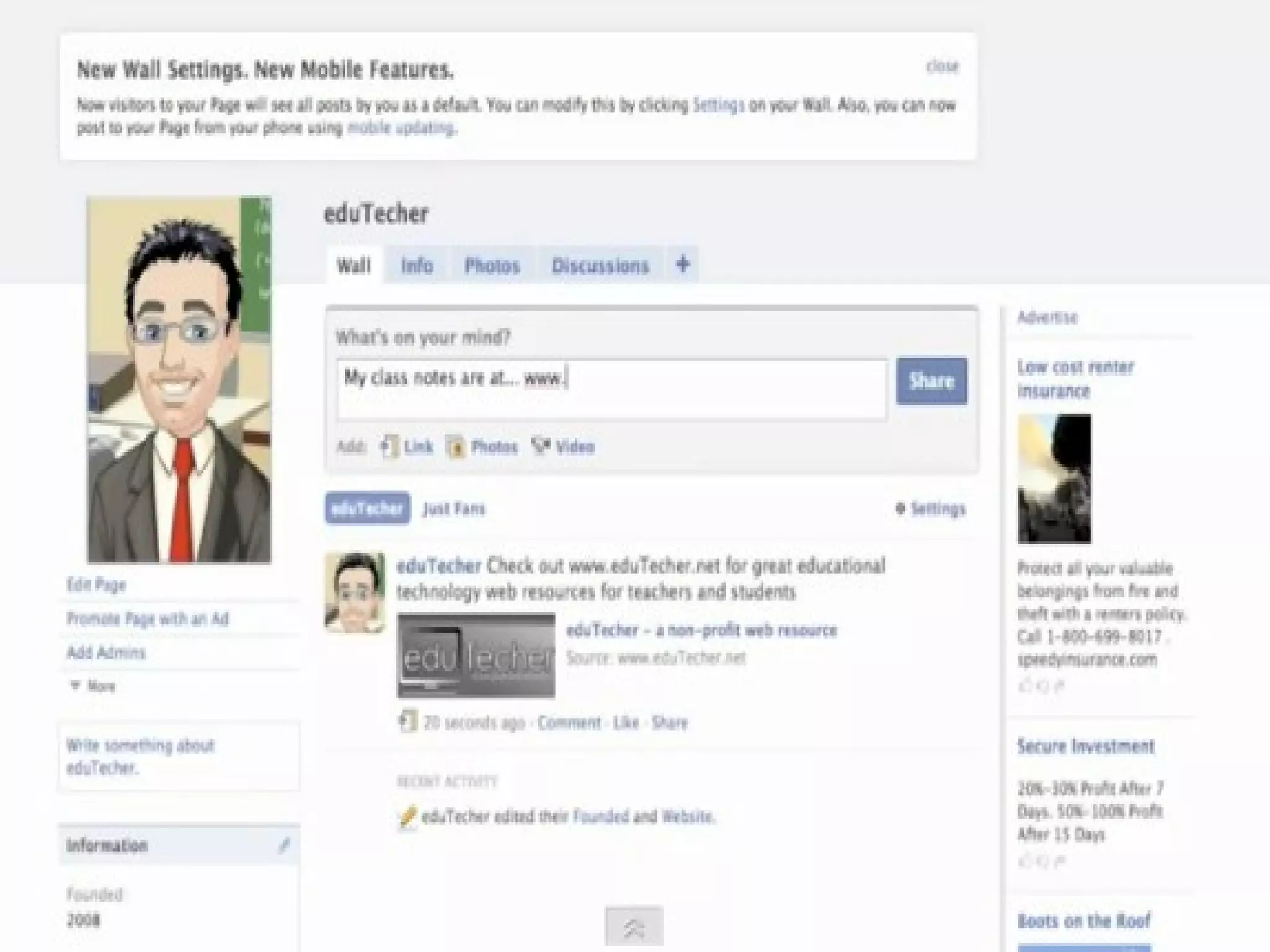
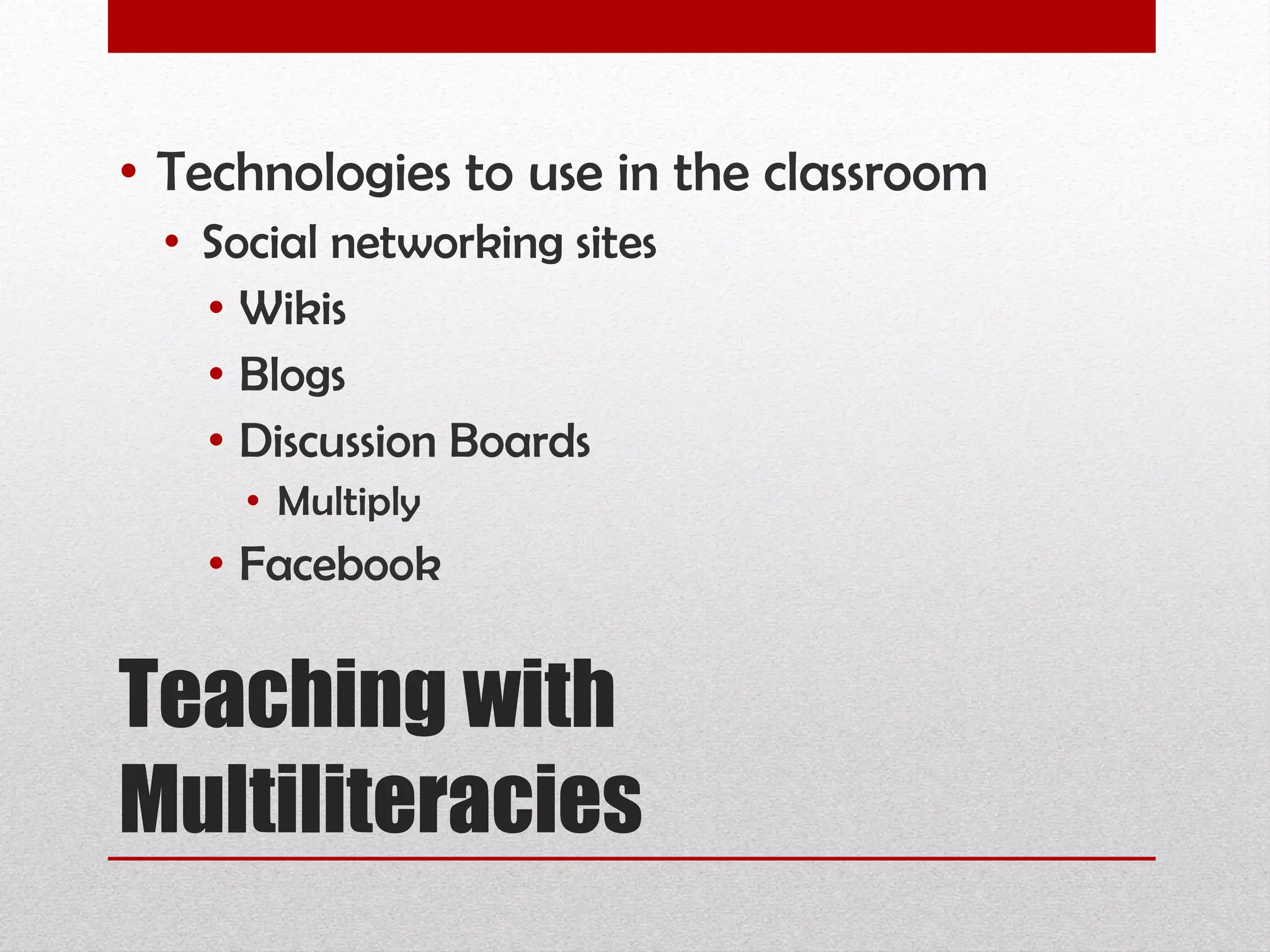
Teaching with Multiliteracies Technologies to use in the classroom Social networking sites Wikis Blogs Discussion Boards Multiply Facebook
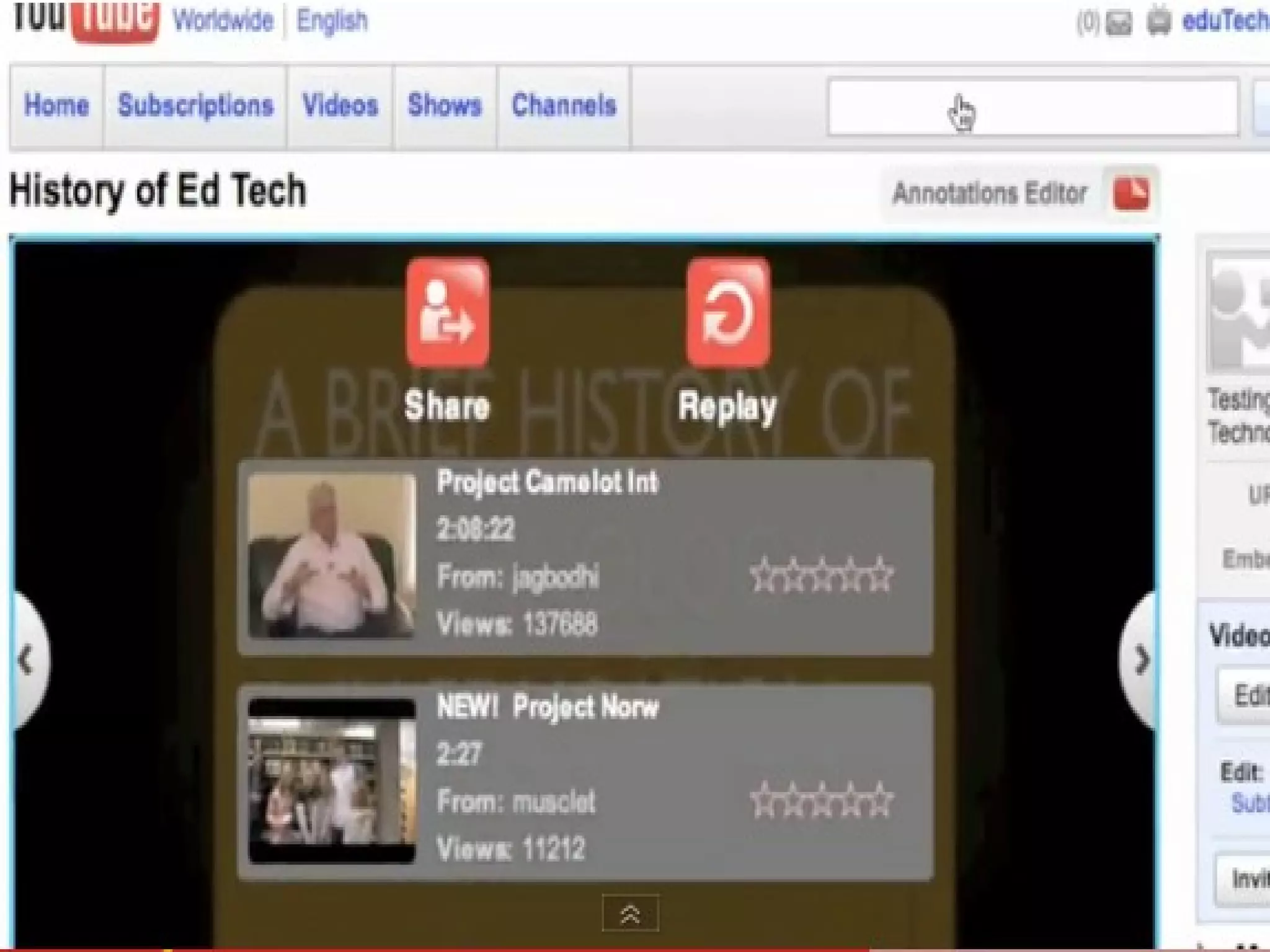
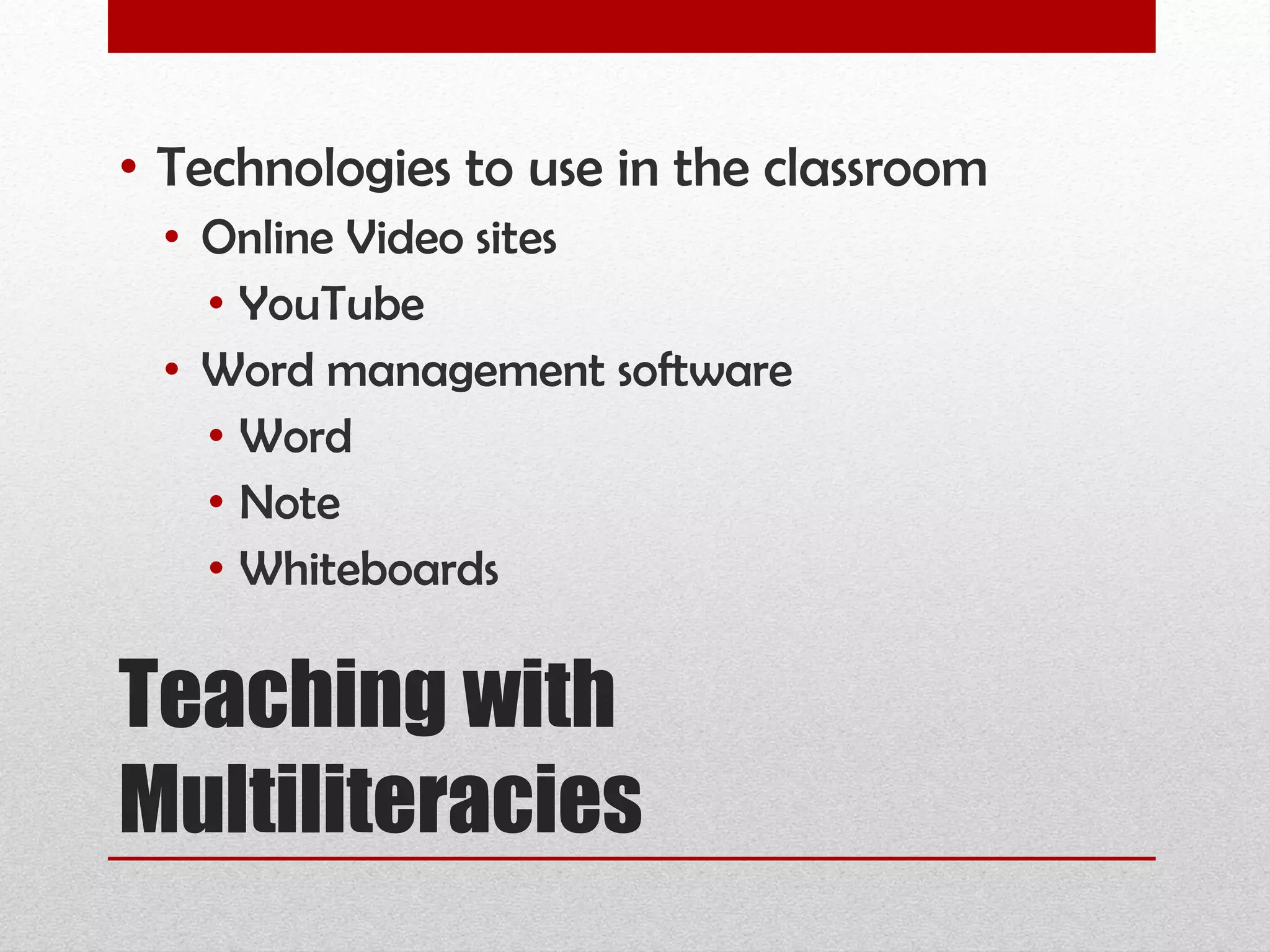
Teaching with Multiliteracies Technologies to use in the classroom Online Video sites YouTube Word management software Word Note Whiteboards


Teaching with Multiliteracies Barriers to teaching with multiliteracies Students lack the necessary skills Technologies are not available Not enough time Teachers lack the skills
“ Everybody is talking about technology integration, but few practicing teachers profess to know exactly how to proceed. The fact is that real integration requires change. . . .”  (Johnson & Liu, 2000)
“ However, what seems to be lacking is a model that teachers can use to guide them through the necessary changes they will need to make to be successful in integrating new technology into their classroom.”  (Johnson & Liu, 2000)
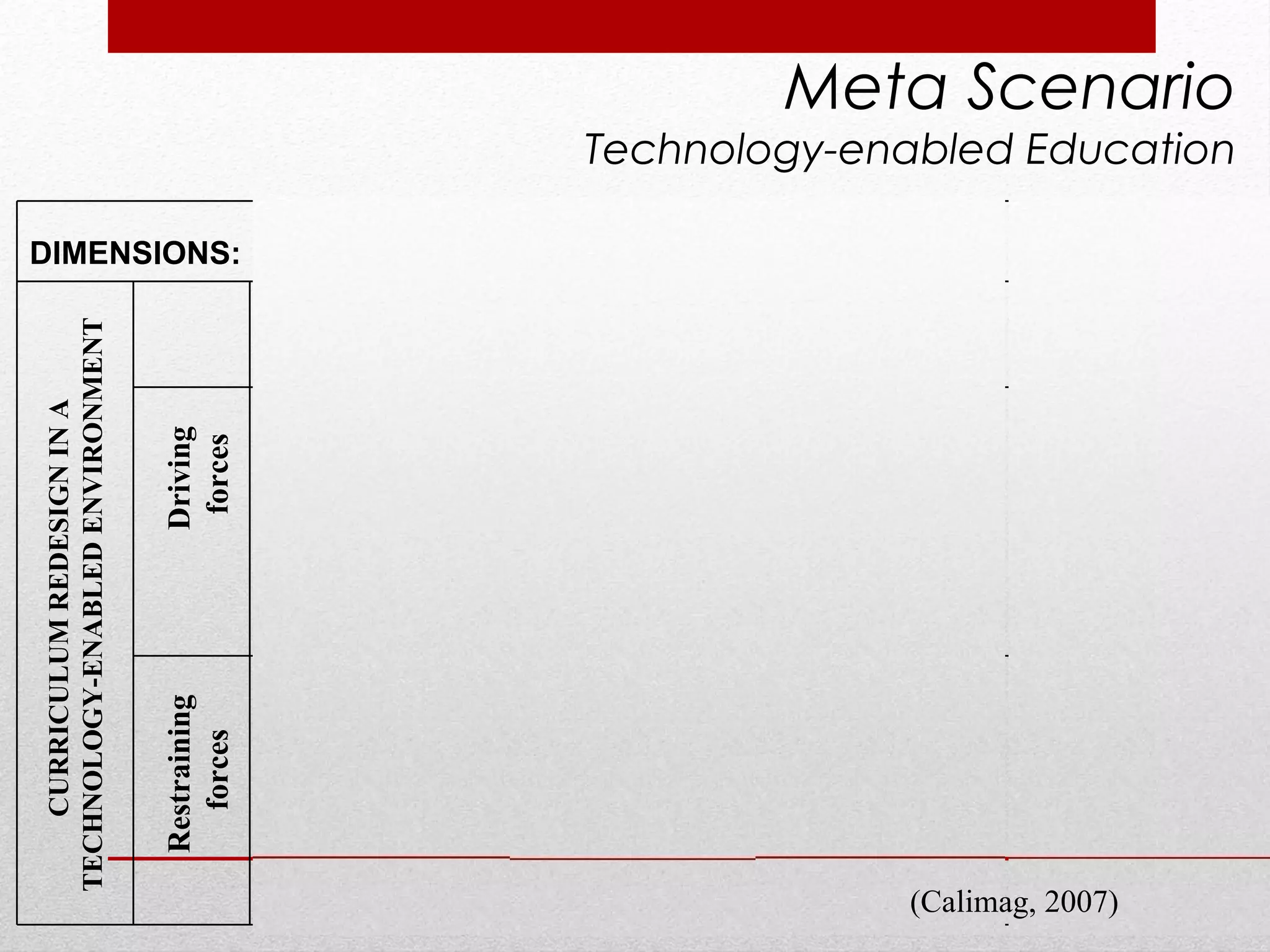
Driving  forces Restraining forces CURRICULUM REDESIGN IN A  TECHNOLOGY-ENABLED ENVIRONMENT Meta Scenario Technology-enabled Education (Calimag, 2007) DIMENSIONS:  e -MPOWERING  e - NSURING  e - NABLING  e - NDURING MAN Social Perspective METHODS Political Perspectives MACHINE Technological Perspective MONEY Economic Perspective Access to Course Materials controlled by the Anesthesia trainors’ and trainees technological capabilities and individual mentoring/learning styles Professional authority Transformational Leadership Access to the Distance Education Program controlled through the Anesthesiology Society Organizational authority Shared Visioning and  Team Learning Access to technologies controlled by the telecommunications network  Technological authority Integrative, Critical and Systems Thinking  Access to funds and resources controlled by funding agencies Institutional authority Administrative Efficiency Access to Course Materials controlled by the Anesthesia trainors’ and trainees technological capabilities and individual mentoring/ learning styles Deprofessionalized  authority  Individualism  Access to the Distance Education Program controlled by trainees’ membership in the Anesthesiology Society Organizational disenfranchisement Myopic visioning Access to technologies controlled by trainees’ geographical situations and availability of network facilities Technological  inaccessibility Unsystematic thinking Access to funds controlled by trainees’ ability to compete for limited resources Institutional  decentralization Inequitable distribution
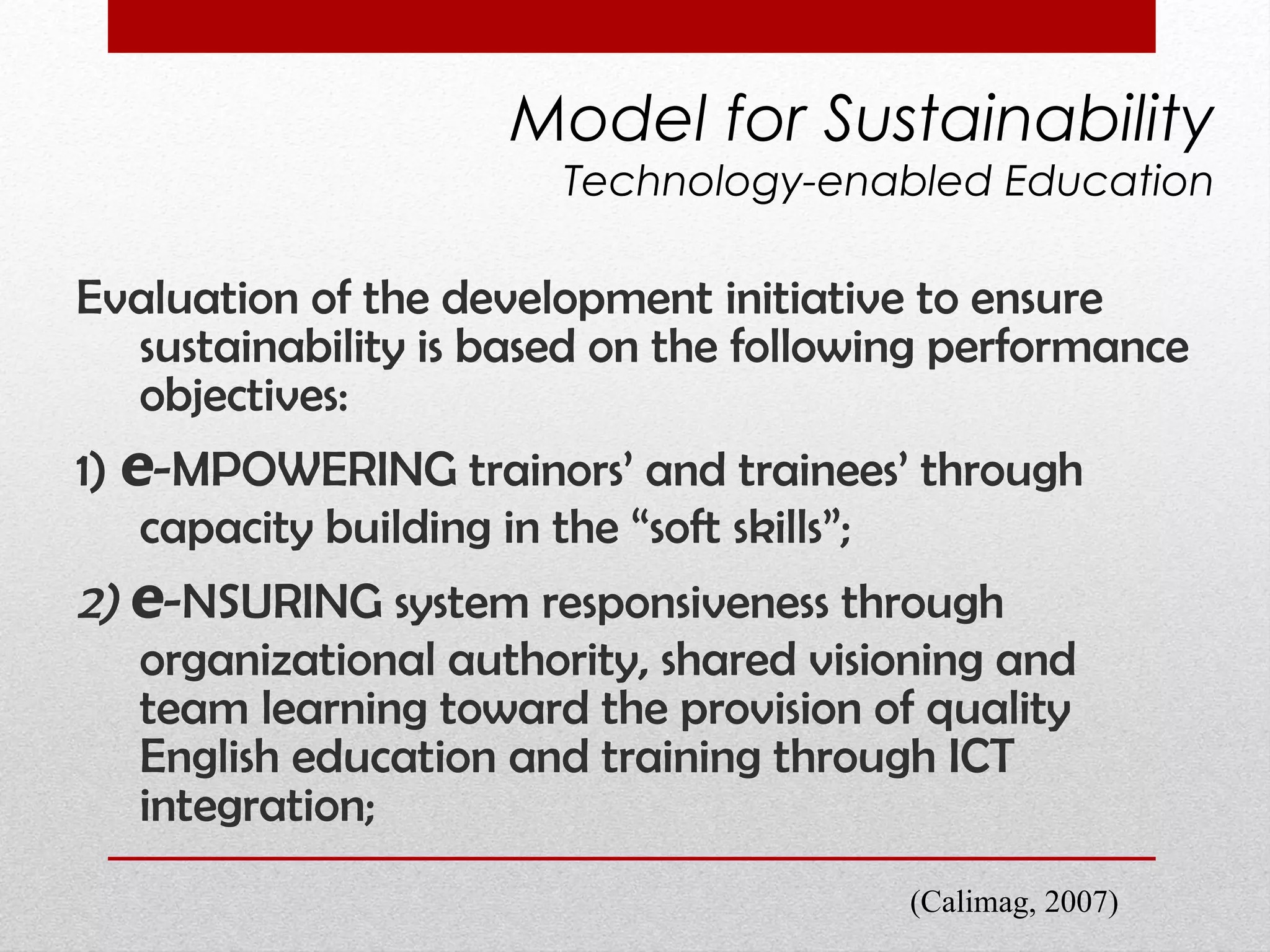
Evaluation of the development initiative to ensure sustainability is based on the following performance objectives:  1)  e -MPOWERING trainors’ and trainees’ through capacity building in the “soft skills”;   2)  e -NSURING system responsiveness through  organizational authority,  shared visioning and team learning toward the provision of quality English education and training through ICT integration; Model for Sustainability Technology-enabled Education (Calimag, 2007)
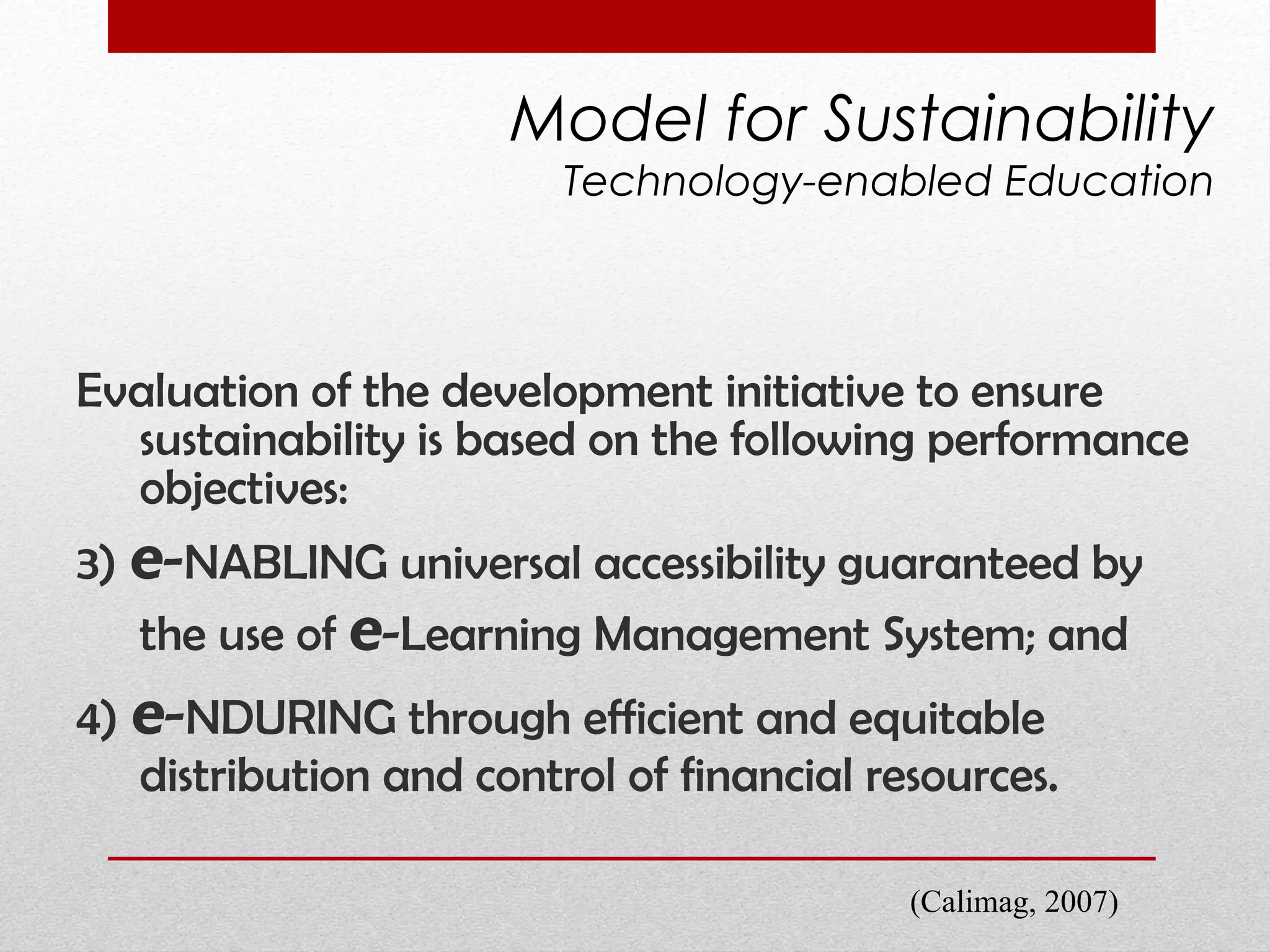
Evaluation of the development initiative to ensure sustainability is based on the following performance objectives:  3)  e - NABLING universal accessibility guaranteed by the use of  e -Learning Management System; and  4)  e - NDURING through efficient and equitable distribution and control of financial resources.  Model for Sustainability Technology-enabled Education (Calimag, 2007)
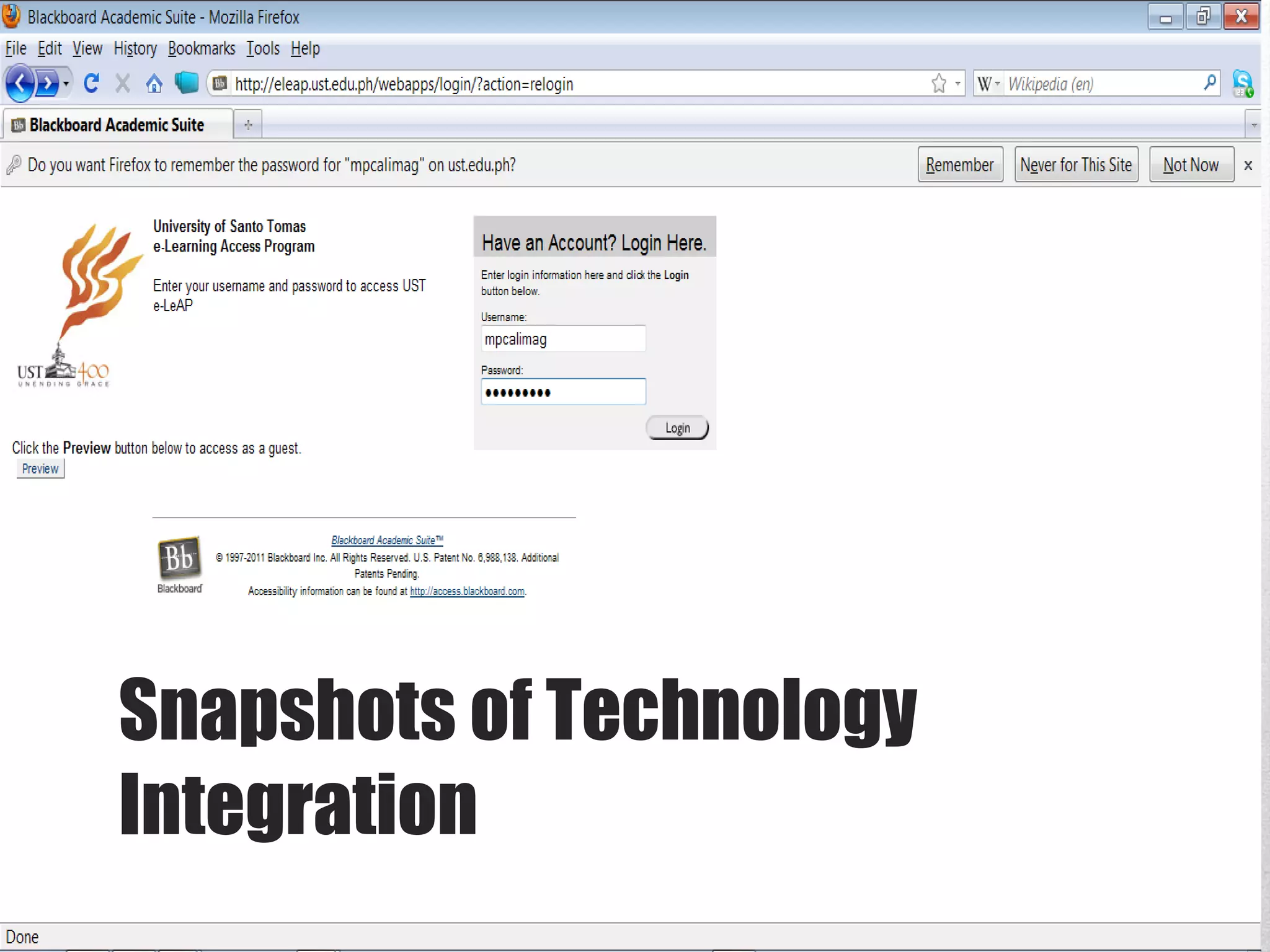
Snapshots of Technology Integration
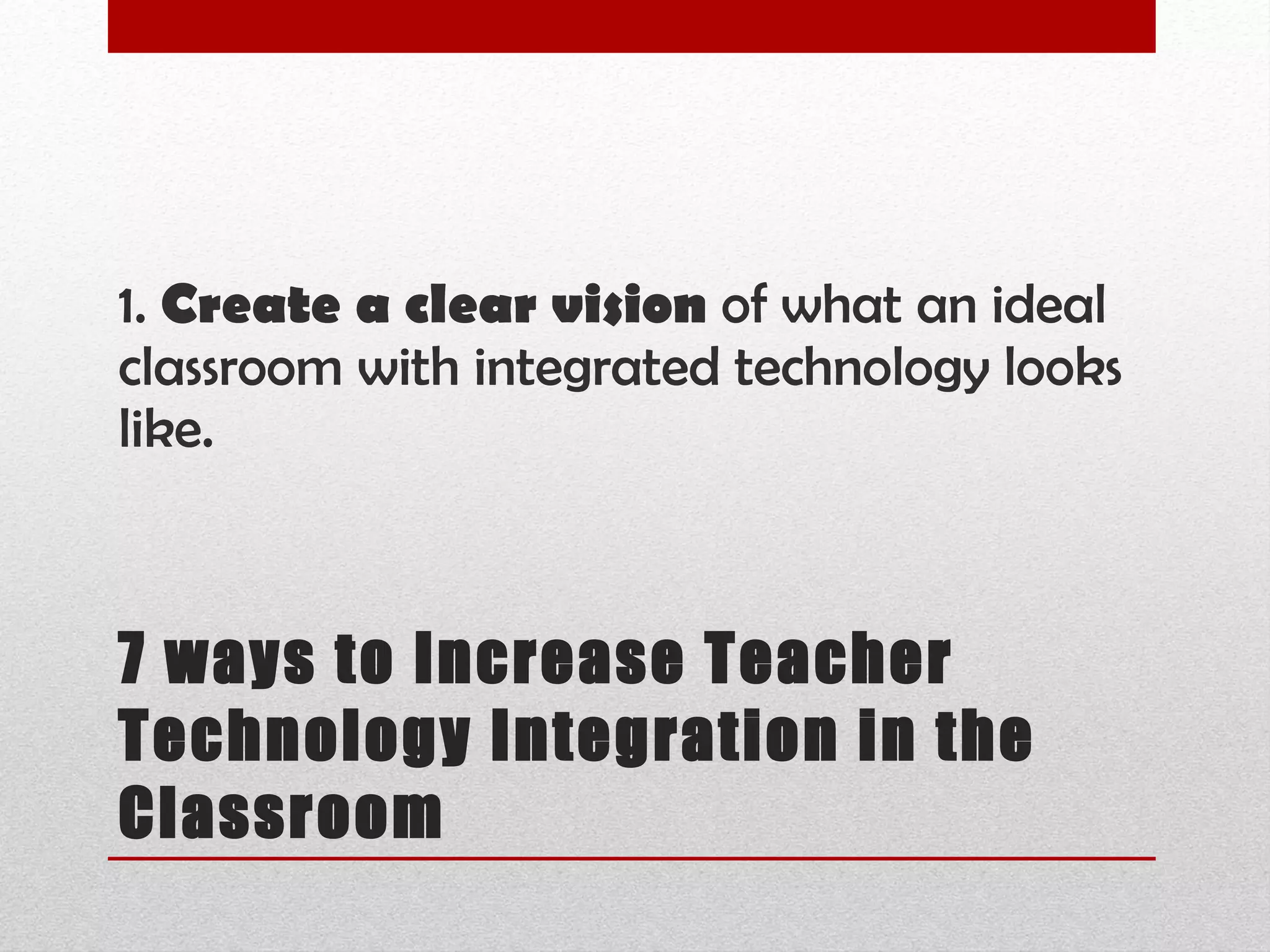
7 ways to Increase Teacher Technology Integration in the Classroom 1.  Create a clear vision  of what an ideal classroom with integrated technology looks like.


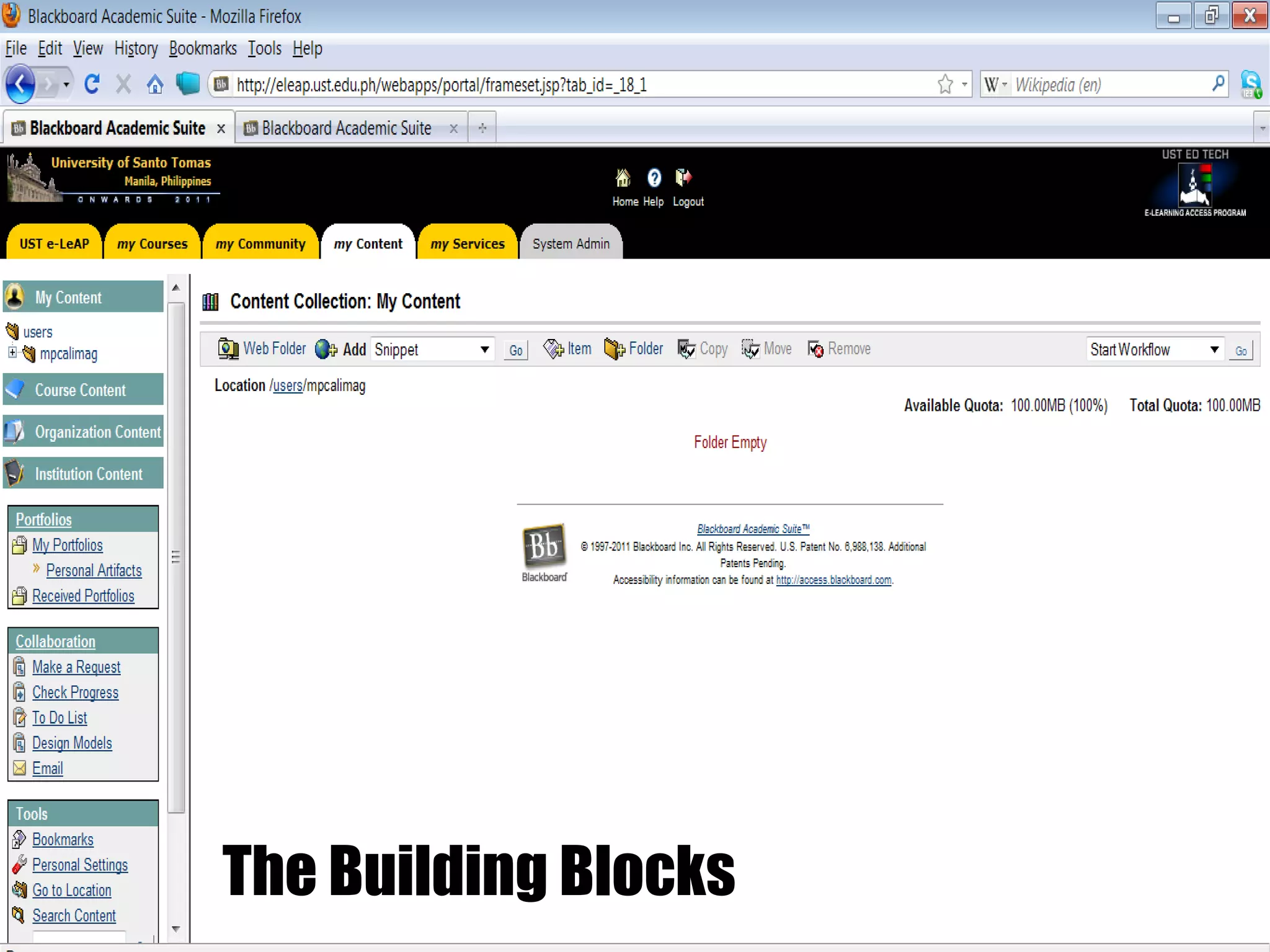
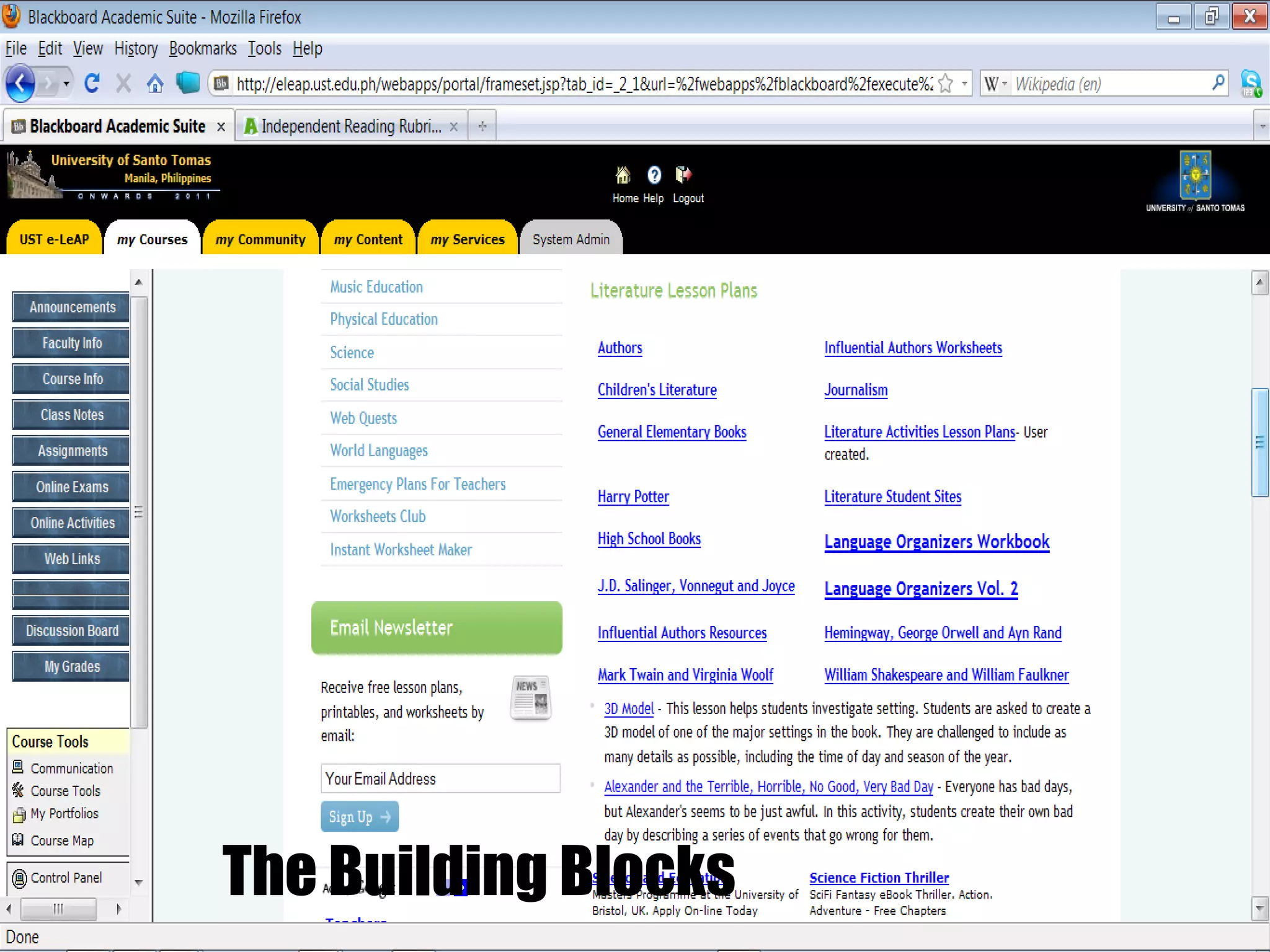
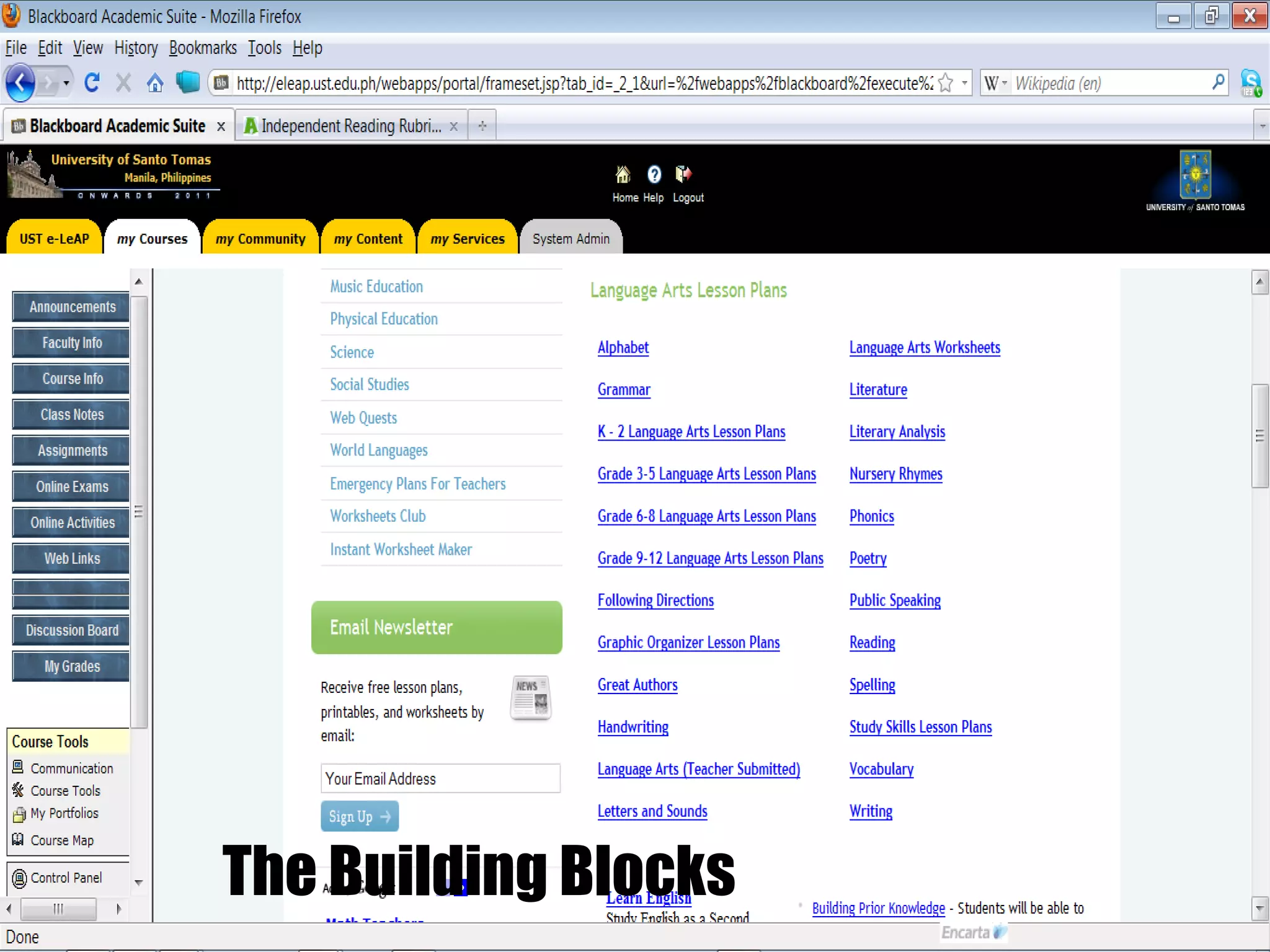
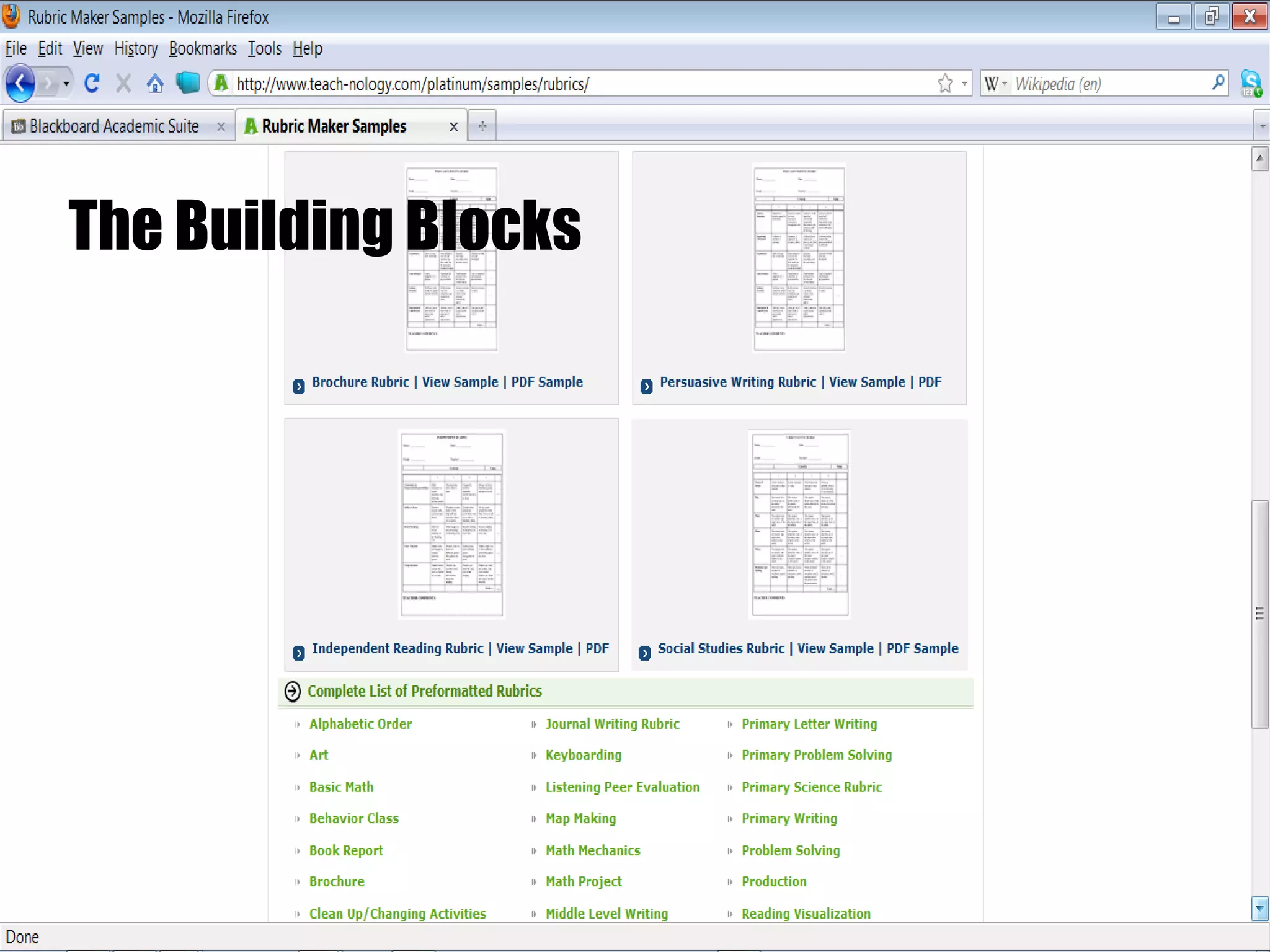
The Building Blocks
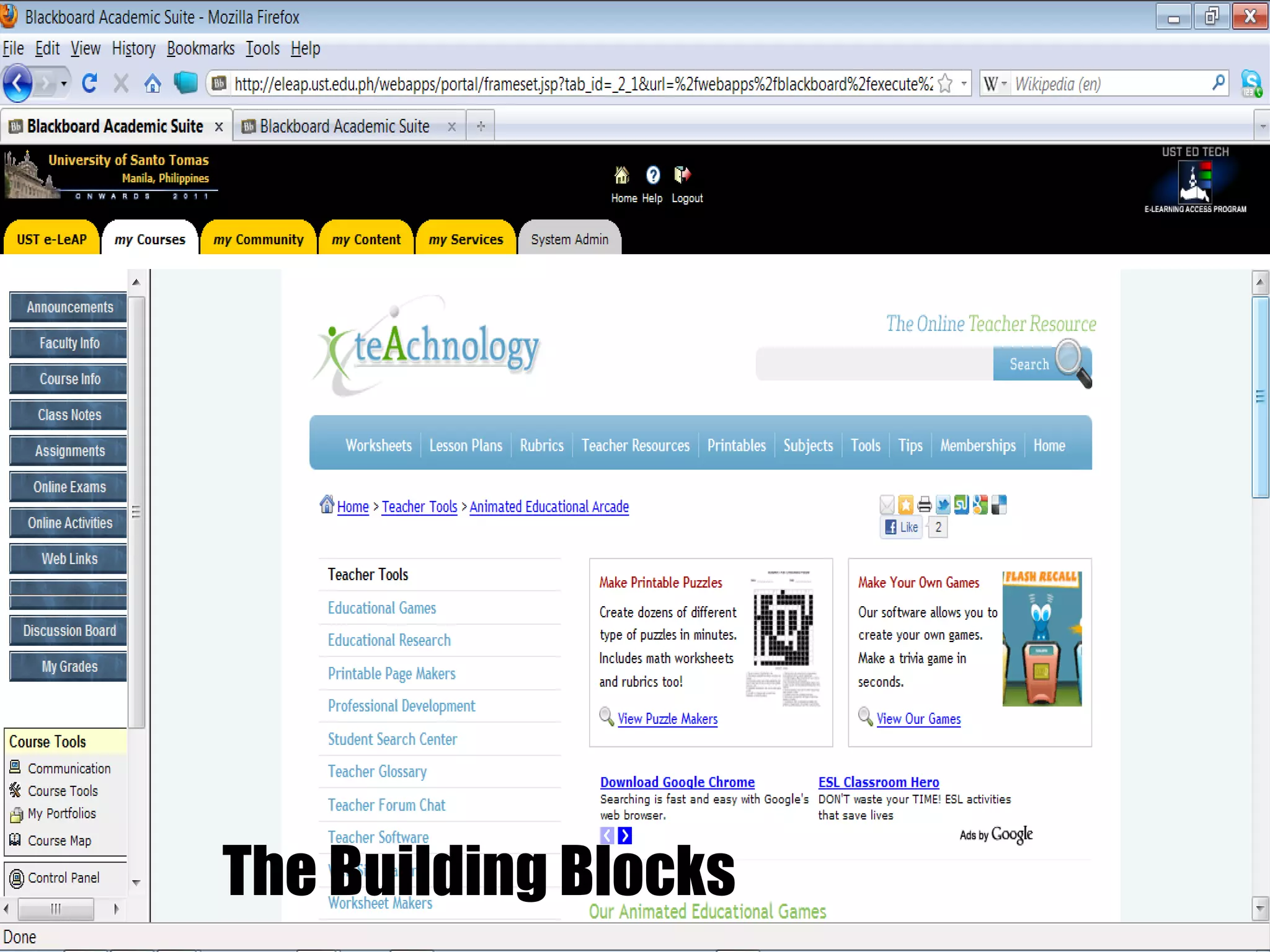
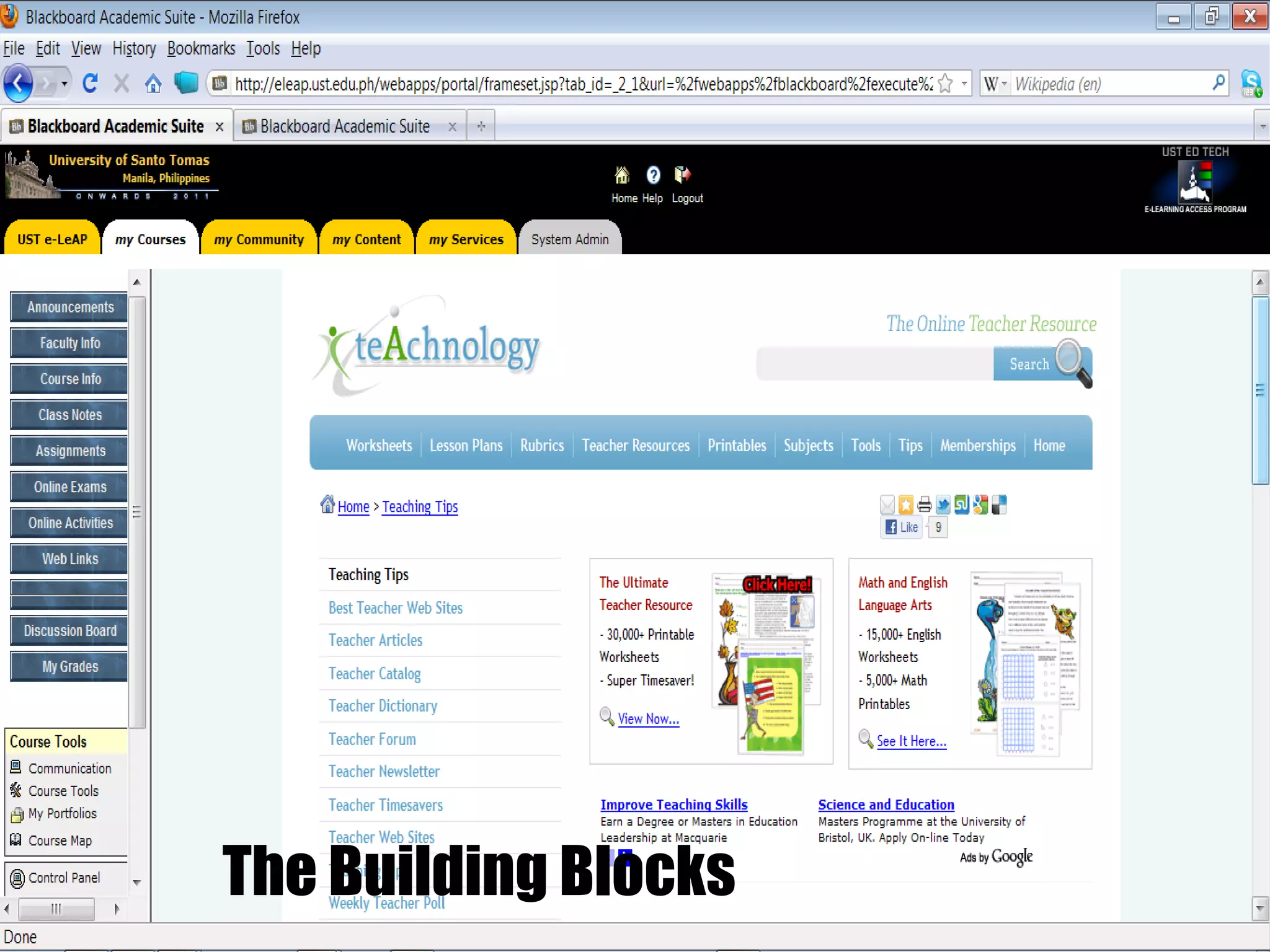
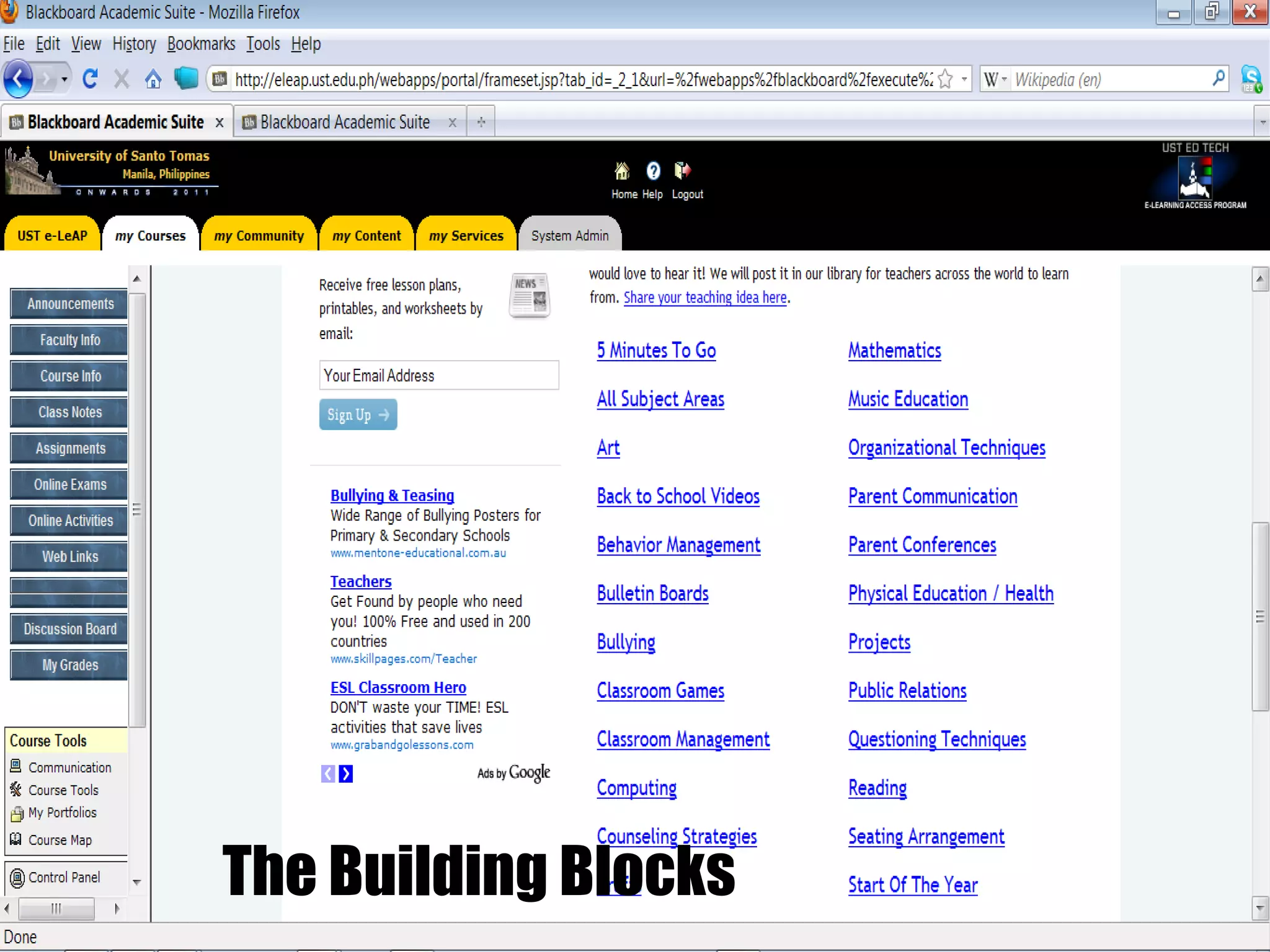
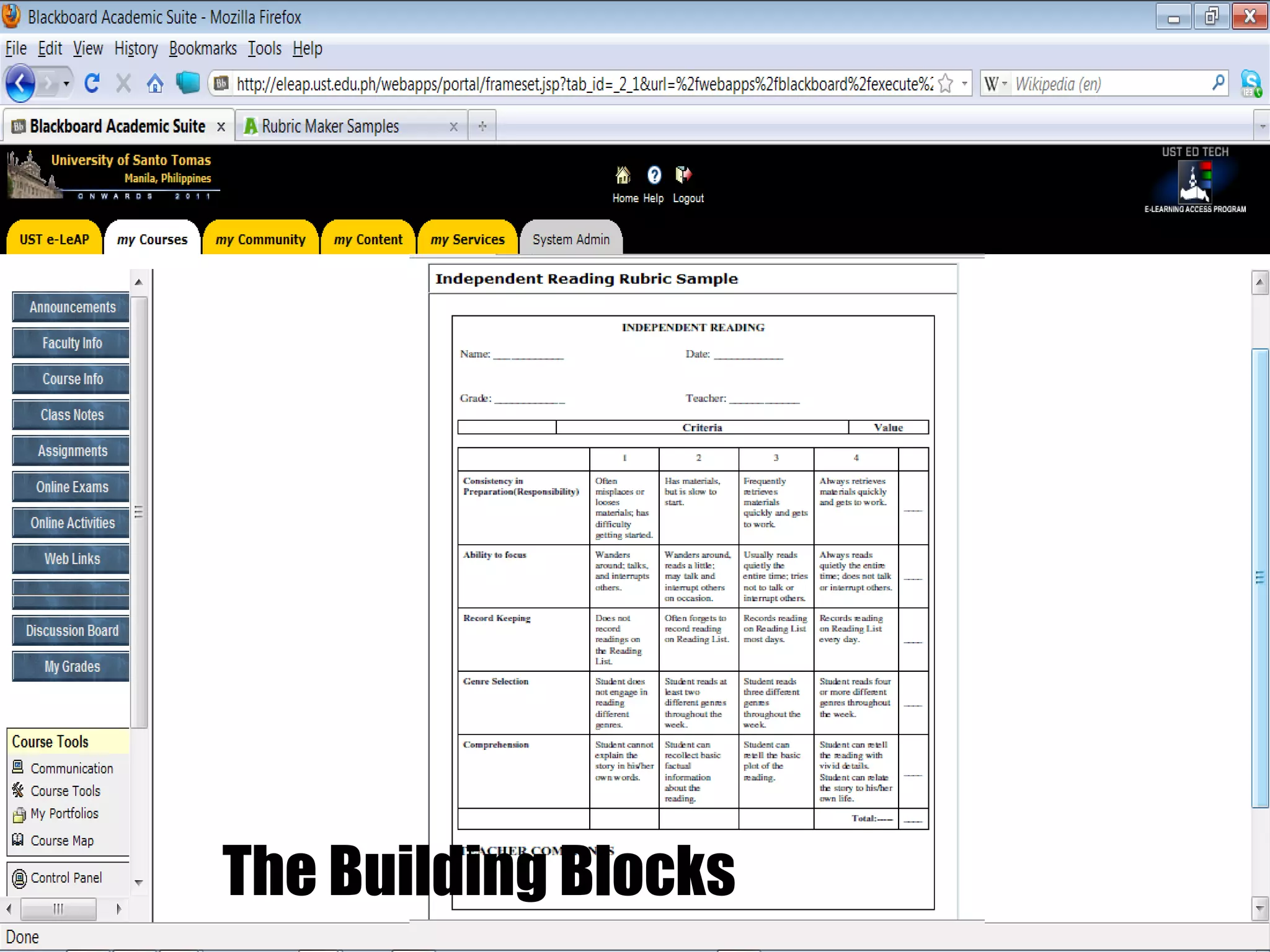
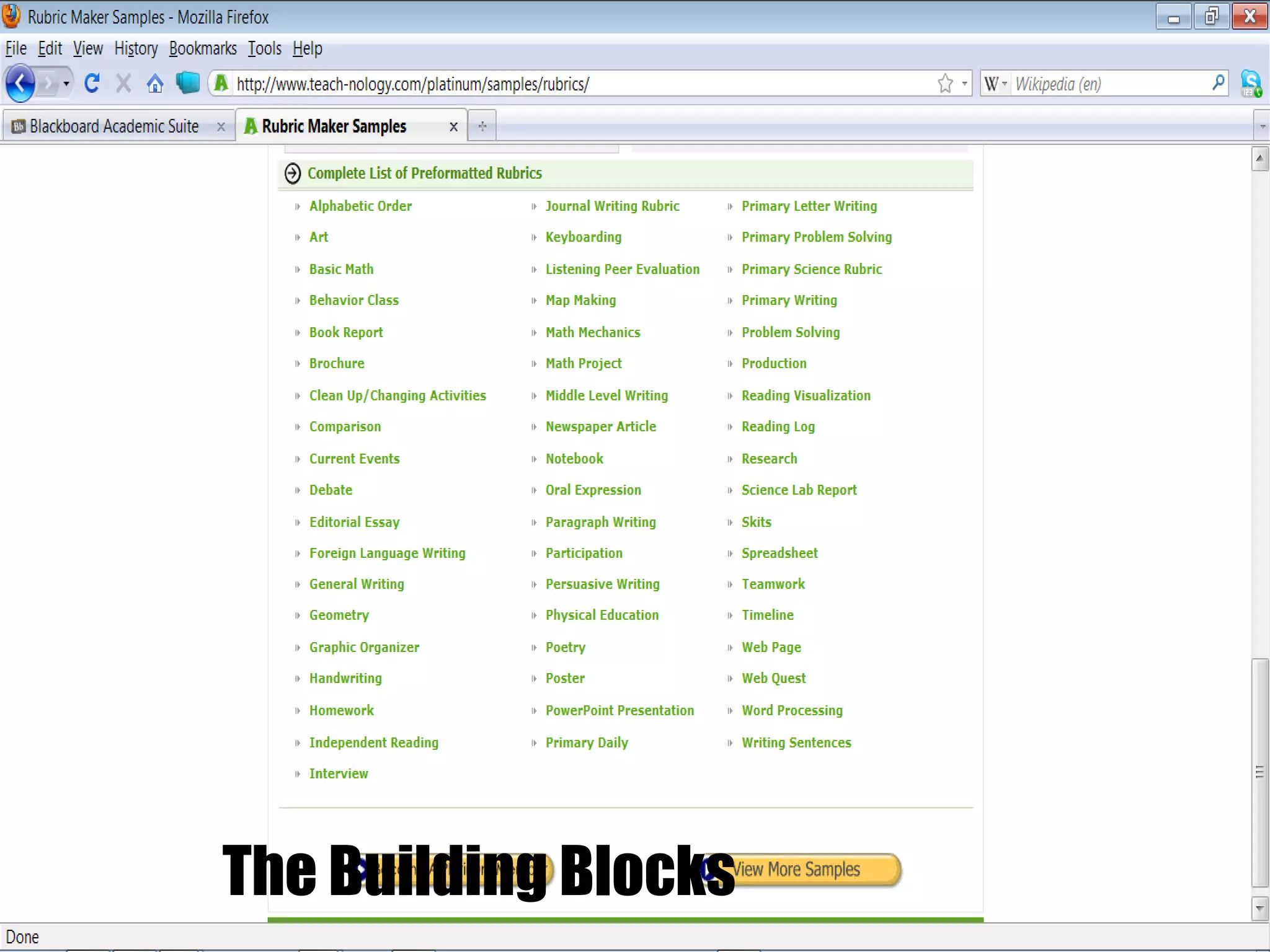
7 ways to Increase Teacher Technology Integration in the Classroom 2.  Build an on-campus professional learning network.
The Building Blocks
The Building Blocks
The Building Blocks
 
 
The Building Blocks
The Building Blocks
The Building Blocks
The Building Blocks
The Building Blocks
The Building Blocks
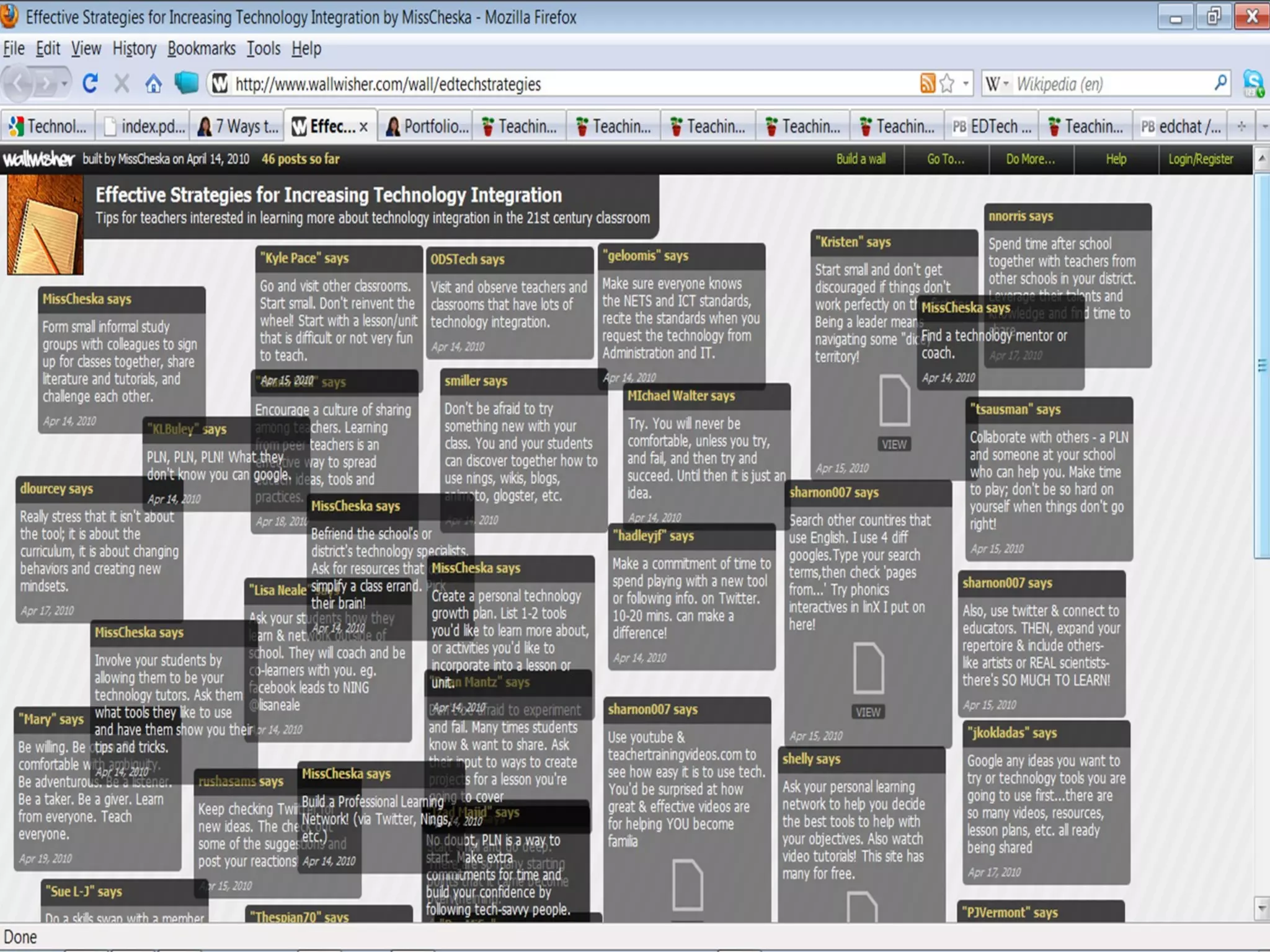
7 ways to Increase Teacher Technology Integration in the Classroom 3.  Build an online professional learning network.
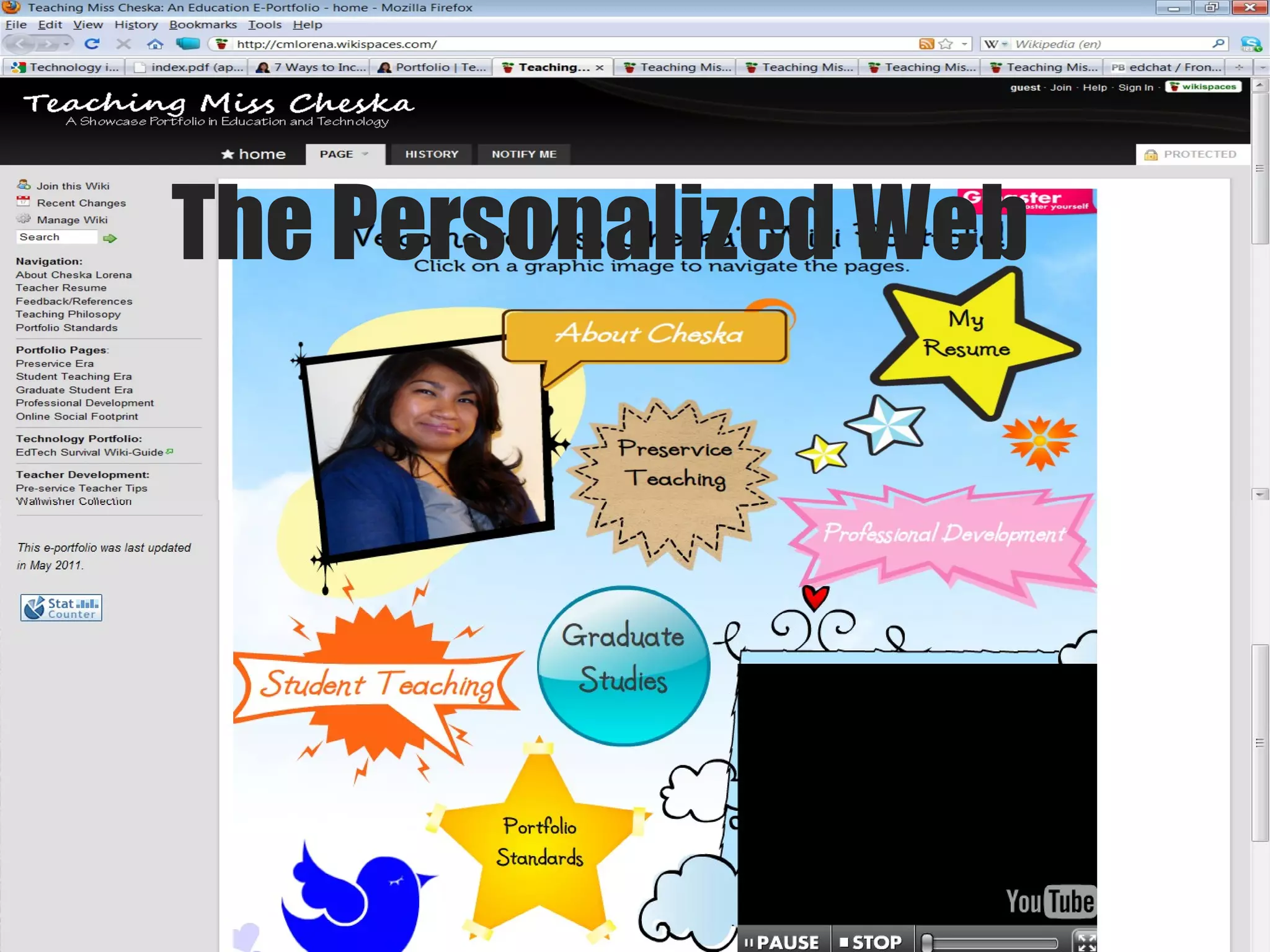
The Personalized Web
7 ways to Increase Teacher Technology Integration in the Classroom 4. Invest in yourself.  Read, read, and read!
7 ways to Increase Teacher Technology Integration in the Classroom 5.  Expand your learning network to the classroom.  Harness your students’ creativity and ingenuity. Allow them to be your technology tutors by encouraging them to share their tips and tricks.  Learning is a two-way street
7 ways to Increase Teacher Technology Integration in the Classroom 6.  Publish, publicize, and advertise your students’ technology-related work.  Create a classroom website or a wiki-space to share ideas, tutorials, and class projects. Share the links with parents, administration, faculty, and local community.
7 ways to Increase Teacher Technology Integration in the Classroom 7.  Develop a reflective practice with your integration of technology in the classroom.  Keep a small notebook to jot down initial thoughts and impressions of particular tools or certain issues.
Thank you!

English, englishing and englishes20052011

  • 1.
    Technology Integration asa Transforming Teaching Strategy in English Education: Addressing Pressures Toward Global Relevance Maria Minerva P. Calimag, MD, PhD Professor ETEACH UST Faculty of Medicine and Surgery
  • 2.
    ETEACH stands for…Educational Technology E-learning Applications Coach
  • 3.
  • 4.
    Our Students Digitalnatives Web savvy Unwired and Mobile Social networkers Multitaskers Learn by doing
  • 5.
  • 6.
  • 7.
  • 8.
  • 9.
  • 10.
  • 11.
  • 12.
  • 13.
  • 14.
  • 15.
  • 16.
  • 17.
    Hello, Mom thishas been going on for a while. They are coming to class, but they are checking their e-mail and are text-messaging. They are listening to their iPods, whispering to their cell phones, and I guess, listening to the lecture…” Low, Mom dis hs bin gng n 4 a wyl. Dey r cmng 2 klas, bt dey r chckng der e-ml & r txtng. Dey r lstnng 2 der iPds, wsprng 2 der cll, & I ges, lstng 2 d lctr…”
  • 18.
  • 19.
    I am communicatingwith others
  • 20.
  • 21.
  • 22.
  • 23.
  • 24.
  • 25.
  • 26.
  • 27.
  • 28.
  • 29.
  • 30.
  • 31.
  • 32.
  • 33.
    “ Any teacherwho can be replaced by technology deserves to be.” - David Thornburg
  • 34.
    Questions? What istechnology integration?  Why should teachers integrate technology in the classroom?  What effective strategies exist to encourage  higher levels of teacher technology integration?   How can these strategies be used?
  • 35.
    Technology Integration Technologyintegration means viewing technology as an instructional tool for delivering subject matter in the curriculum already in place.
  • 36.
    Technology Integration Theseteaching strategies enhance learning, thus enabling students to construct their own learning using computer technology as an instructional tool
  • 37.
    Technology Integration Technologyintegration is the first level towards transforming teaching and learning. Understanding the possibilities in the classroom can give researchers, teacher educators, and professional development facilitators more knowledge to move teachers in this direction.
  • 38.
    Teachers with morethan 9 years experience are less likely to use technology with their lessons!
  • 39.
    Technology Integration Lessthan 20% of American teachers feel adequately equipped with the skills necessary to integrate technology into their classrooms (Woodbridge, 2004)
  • 40.
    Technology Integration Therefore,although technology offers the potential to enhance and improve the students' learning experience, there is a lack of consensus on how to combine computers with other learning tools. This absence of agreement causes too many teachers to be casual or even non-users of computers.
  • 41.
    Technology Integration Educationalreform efforts should not only focus on acquiring more machines for classrooms but also on developing teaching strategies that complement technology use within the curriculum. (Pierson 2001)
  • 42.
    Technology Integration Thereis a strong relationship between integrating technology in the classroom and having a philosophy that leaned towards using constructivist teaching strategies.
  • 43.
    Technology Integration AContent Knowledge B Pedagogical Knowledge C Technological Knowledge Student Construction of Knowledge Pierson's model of technology integration (Pierson, 1999)
  • 44.
    Technology Integration SuccessfulIntegration of Information Technology Outcomes 3) Establish constructive learning environments 1) Use software to create, manipulate and enhance student learning Johnson and Liu's model of technology integration (Johnson and Liu, 2000) 2) Use problem-based assignments
  • 45.
    Technology Integration ContentSkills Competencies integration Tweed and Donen (1994) EXPERIENTIAL LEARNING
  • 46.
    Technology Integration organizationof conceptual schema in the brain integration
  • 47.
    Technology Integration "makingmeaningful connections between topics or skills that are usually addressed in different subject areas" curriculum integration (Drake, 2000)
  • 48.
    Technology Integration “. . . refers to a way of teaching, planning and organizing . . . so the discrete disciplines of subject matter are interrelated . . . to match the developmental needs of the learners. . . and help to meaningfully connect the learners' learning to their current and past experiences" Roberts & Kellough (2000) curriculum integration
  • 49.
    Technology Integration “. . . (it) is based on a holistic view of learning and recognizes the necessity for learners to see the big picture . . . ignores traditional subject lines while exploring questions that are most relevant to students. . . because it focuses on helping learners use their minds as well" Brazee & Capelluti (1995) curriculum integration
  • 50.
    Highly integrative projectsshould allow the learners to make links among a number of content areas, as well as to develop thinking and creativity skills. Using technology in any other way is not true integration.
  • 51.
    Technology integration iswhere you use technology to do something that could NOT be readily done with something else. Using technology in any other way is not true integration.
  • 52.
    Learning technology skillsand content at the same time encourages fascination and student curiosity. Technology can expand or extend a teacher's time after the teacher gets over the hump of learning it. Using technology in any other way is not true integration.
  • 53.
    The function ofICT is NOT primarily to promote computer literacy because ‘the technology is available’, or because technology is the ‘wave of the future’, or because ‘that’s where we’re all headed’. Using technology in any other way is not true integration.
  • 54.
    Teachers should notuse technology just for technology's sake. Instruction should reflect research-based teaching strategies that are considered best teaching practices. Using technology in any other way is not true integration.
  • 55.
    Technology should beintegrated, engaging, and encourage student exploration to learn independently. Using technology in any other way is not true integration.
  • 56.
    Technology integration mayvary according to individual teaching beliefs, perceptions towards technology innovations, and how the teacher practiced and put technology to work in the classroom. Using technology in any other way is not true integration.
  • 57.
    The goal ofteaching strategies should be active, authentic, constructive, cooperative, and intentional/reflective learning Using technology in any other way is not true integration.
  • 58.
    ICT Integration in English Education ICT integration in English Education trainor-developed interactive teaching materials and examinations utilizing the internet, searching the best research evidence through the internet, using PDA for reference, management of information through database, Teleconferencing and videoconferencing, the use of simulations and the use of the internet or intranet for administrative purposes
  • 59.
    Gap Analysis TheInspiration for Curriculum Redesign Gap analysis between teaching practices worldwide and our current practice here in the Philippines 1) wide discrepancy in the knowledge of computers and computer applications between the trainors and the trainees; 2) limited application of research initiatives
  • 60.
    Gap Analysis TheInspiration for Curriculum Redesign Gap analysis between teaching practices worldwide and our current practice here in the Philippines 3) limited efforts in the professional development of trainors; 4) limited access to MS/PhD programs, particularly in the information technology tracks; 5) resistance to curricular change brought about by lack of research in the current trends in andragogy and English education.
  • 61.
    What types oftechnology can we use in class?
  • 62.
  • 63.
    Teaching with MultiliteraciesTechnologies to use in the classroom Learning management system Blackboard Moodle Google for Educators
  • 64.
    Teaching with MultiliteraciesTechnologies to use in the classroom Online databases e-Books e-Dictionaries Online communication sites Yahoogroups Skype Twitter Twitter Professional Learning Network (PLN)
  • 65.
    Teaching with MultiliteraciesTechnologies to use in the classroom Social networking sites Wikis Blogs Discussion Boards Multiply Facebook
  • 66.
    Teaching with MultiliteraciesTechnologies to use in the classroom Online Video sites YouTube Word management software Word Note Whiteboards
  • 67.
  • 68.
  • 69.
  • 70.
  • 71.
  • 72.
  • 73.
  • 74.
  • 75.
  • 76.
    Teaching with MultiliteraciesBarriers to teaching with multiliteracies Students lack the necessary skills Technologies are not available Not enough time Teachers lack the skills
  • 77.
    “ Everybody istalking about technology integration, but few practicing teachers profess to know exactly how to proceed. The fact is that real integration requires change. . . .” (Johnson & Liu, 2000)
  • 78.
    “ However, whatseems to be lacking is a model that teachers can use to guide them through the necessary changes they will need to make to be successful in integrating new technology into their classroom.” (Johnson & Liu, 2000)
  • 79.
    Driving forcesRestraining forces CURRICULUM REDESIGN IN A TECHNOLOGY-ENABLED ENVIRONMENT Meta Scenario Technology-enabled Education (Calimag, 2007) DIMENSIONS: e -MPOWERING e - NSURING e - NABLING e - NDURING MAN Social Perspective METHODS Political Perspectives MACHINE Technological Perspective MONEY Economic Perspective Access to Course Materials controlled by the Anesthesia trainors’ and trainees technological capabilities and individual mentoring/learning styles Professional authority Transformational Leadership Access to the Distance Education Program controlled through the Anesthesiology Society Organizational authority Shared Visioning and Team Learning Access to technologies controlled by the telecommunications network Technological authority Integrative, Critical and Systems Thinking Access to funds and resources controlled by funding agencies Institutional authority Administrative Efficiency Access to Course Materials controlled by the Anesthesia trainors’ and trainees technological capabilities and individual mentoring/ learning styles Deprofessionalized authority Individualism Access to the Distance Education Program controlled by trainees’ membership in the Anesthesiology Society Organizational disenfranchisement Myopic visioning Access to technologies controlled by trainees’ geographical situations and availability of network facilities Technological inaccessibility Unsystematic thinking Access to funds controlled by trainees’ ability to compete for limited resources Institutional decentralization Inequitable distribution
  • 80.
    Evaluation of thedevelopment initiative to ensure sustainability is based on the following performance objectives: 1) e -MPOWERING trainors’ and trainees’ through capacity building in the “soft skills”; 2) e -NSURING system responsiveness through organizational authority, shared visioning and team learning toward the provision of quality English education and training through ICT integration; Model for Sustainability Technology-enabled Education (Calimag, 2007)
  • 81.
    Evaluation of thedevelopment initiative to ensure sustainability is based on the following performance objectives: 3) e - NABLING universal accessibility guaranteed by the use of e -Learning Management System; and 4) e - NDURING through efficient and equitable distribution and control of financial resources. Model for Sustainability Technology-enabled Education (Calimag, 2007)
  • 82.
  • 83.
    7 ways toIncrease Teacher Technology Integration in the Classroom 1. Create a clear vision of what an ideal classroom with integrated technology looks like.
  • 84.
  • 85.
  • 86.
  • 87.
  • 88.
    7 ways toIncrease Teacher Technology Integration in the Classroom 2. Build an on-campus professional learning network.
  • 89.
  • 90.
  • 91.
  • 92.
  • 93.
  • 94.
  • 95.
  • 96.
  • 97.
  • 98.
  • 99.
  • 100.
    7 ways toIncrease Teacher Technology Integration in the Classroom 3. Build an online professional learning network.
  • 101.
  • 102.
    7 ways toIncrease Teacher Technology Integration in the Classroom 4. Invest in yourself. Read, read, and read!
  • 103.
    7 ways toIncrease Teacher Technology Integration in the Classroom 5. Expand your learning network to the classroom. Harness your students’ creativity and ingenuity. Allow them to be your technology tutors by encouraging them to share their tips and tricks. Learning is a two-way street
  • 104.
    7 ways toIncrease Teacher Technology Integration in the Classroom 6. Publish, publicize, and advertise your students’ technology-related work. Create a classroom website or a wiki-space to share ideas, tutorials, and class projects. Share the links with parents, administration, faculty, and local community.
  • 105.
    7 ways toIncrease Teacher Technology Integration in the Classroom 7. Develop a reflective practice with your integration of technology in the classroom. Keep a small notebook to jot down initial thoughts and impressions of particular tools or certain issues.
  • 106.

Editor's Notes

  • #84 Individual teachers can design their own technology growth development plans by outlining their expectations for the school year. Take out the school’s mission statement and your learning objectives. How does the technology fit in? Align learning objectives with the appropriate tools, and list 1-2 new tools you would like to use in the classroom. Set small measurable goals. Focus on one goal at a time. Schedule time during the week to practice with the tools.
  • #89 Befriend the staff in the technology department. Individual teachers can form small study groups with colleagues to sign up for professional development courses, attend conferences and programs together, swap literature, and share ideas for lesson plans, materials, and resources. Visit and observe each other’s classrooms. Encourage one another to host informal workshops, demonstrations, or tutoring sessions during breaks or after school. Encourage each other to develop and lead professional development sessions.
  • #101 Learn how to set up a Twitter account or a profile on one of the social networking platforms. Connect with other educators and join education-related groups. When you feel more comfortable, expand your network to include artists, scientists, authors, etc., to create a more well-rounded learning network. Make a commitment to spend a few minutes a day or a half hour on weekends to browse through the current articles, materials, and links shared on your network stream. When you feel more comfortable reading the resources on your social networks, don’t just lurk! Try your hand at leaving 1-2 comments on a blog or join in a group discussion. Share your own articles and resources. Jump in on a live online chat with other educators, administrators, and parents
  • #103 Subscribe to technology journals and publications.  Open an aggregator account like Google Reader and subscribe to educational blogs, online magazines, and newsletters. Search for online tutorials and videos. Use open content sources. Follow along with free university online classes, or take your time with open courseware. Attend free webinars and free virtual conferences whenever you can.
  • #104 Harness your students’ creativity and ingenuity. Involve your students by asking them how they best learn, how they network outside the classroom, and what technology tools they are using for their hobbies and personal use. Allow them to be your technology tutors by encouraging them to share their tips and tricks. Set up monthly technology show-and-tells in the classroom. Ask students to do a tutorial for you (and later, for parents and staff!) Search for videos, pod-casts, vod-casts and other useful tutorials together and create a class technology knowledge-base on a class website, social bookmarking site, or wiki-space.
  • #105 Harness your students’ creativity and ingenuity. Involve your students by asking them how they best learn, how they network outside the classroom, and what technology tools they are using for their hobbies and personal use. Allow them to be your technology tutors by encouraging them to share their tips and tricks. Set up monthly technology show-and-tells in the classroom. Ask students to do a tutorial for you (and later, for parents and staff!) Search for videos, pod-casts, vod-casts and other useful tutorials together and create a class technology knowledge-base on a class website, social bookmarking site, or wiki-space.
  • #106 Follow up your implementation of technology tools in a lesson plan or activity with a reflection on its strengths, weaknesses, successes and areas that can be further improved. Remember to include samples of formative and summative student assessments. Ask for and include student responses/quotes in your evaluations. Write about your personal journey into technology integration. Reflect on your technology growth development plan. Consider signing up for and setting up an online blog and linking it to your professional learning networks. Continue to encourage discussions with your colleagues and networks.