A Brief Introduction to
Embedded Systems
K. Raghunathan
Chartered Engineer
FIETE, MIE, MCSI, MISTE, MISTD. MIIMM
Retd. Dy. Controller (R&D) [MoD]
Embedded Systems
• Overview of Embedded Systems
• Embedded System Design
• Embedded System Designer
• More Knowledge
Overview of Embedded Systems
• What is an Embedded System ?
• Examples of Embedded Systems
• Why an “Embedded” System ?
• Salient Features
What is an Embedded System ?
• A computer system, fitted as part of some
Equipment which is not a computer
• The whole system is not called a computer - it is
known by the name of the Equipment
• The embedded computer system controls the
equipment in which it is embedded
• Performs only specific tasks, often in real-time
Examples of Embedded Systems
• Network Printer
– Network Interfacing & Routing
• Handheld Barcode Scanner
– Conversion of Image to Number
• Mobile Phone with Internet Connectivity
– Browsing, eMail, FTP, Chat etc
Examples of Embedded Systems
• CNC Machines & Robots
– Control the Sequence of Operations
• Satellites
– Remote-sensing, Data-formatting,
Communication, Navigation Control etc
• Televison Set
– Digital on-screen display of menu, channel
number, subtitles etc
• Washing Machines
– Control of Sequence of Operations, Motor
speed & duration control etc
Why “embed” a Computer ?
• Computers are more suitable for
– Control
– Data Processing
– Decision Making
– Digital Communication
Why “embed” a Computer ?
• Main Equipment is Larger & Costlier;
computer is smaller, cheaper & used for
only some specific purpose
• Using General-purpose computer involves
additional space & wiring. It is better to fit a
small computer inside [or onto] the
equipment itself
• often, main equipment itself may have to
be small & portable
Salient Features of Embedded
Systems
• Purpose & Functionality
– Specific Purpose; Limited Functionality
• Size
– Small enough to fit into/onto the main eqpt
• Real-Time
– Response within a specified Time-limit
• I/O Devices
– Very Few; often, only Sensors & Activators
– Conspicuous absence of conventional devices
like keyboard, CRT screen, hard disk etc
Embedded Systems
• Overview of Embedded Systems √
• Embedded System Design
• Embedded System Designer
• More Knowledge
Embedded System Design
• Selection of CPU & other Hardware
• Design of the Hardware System
• Design & Development of Software
• Testing & Debugging
• Loading the Software into the Embedded
System’s Memory
Selection of CPU & other Hardware
• CPU
– Speed
– Instruction Set
– Multitasking Capabilities
– Interrupt- handling Capabilities
– Power Consumption
– Heat Dissipation
Memory
• Non-Volatile [ROM/PROM/EPROM]
– Code
– Fixed Data
• Look-Up Tables, Constants, Initial Values of
Variables
• Volatile [RAM]
– Variable Data
– temporary data
I/O Devices
• Depends on :
– Main Equipment & its purpose/functions
– Purpose to be served by the embedded
system
• May also need :
– HW & SW Interfaces or Drivers for the i/o
devices
Software Development
• Software has to be developed on some
other convenient computer system [Host
System]
• The Code obtained in the Host system
should run in the Embedded System
[Target System]
Software Development
• HW configuration of Host & Target will be
different
• Should use Cross Compilers & Cross
Assemblers on the Host, to get Target System’s
Machine Code as the Output
• Often, an RTOS [Real Time Operating System] is
used
Software Development
• Usually the SW is developed as a set of
Tasks [functions/procedures] & ISRs
[Interrupt Service Routines]
• Tasks perform some specific actions
– most likely, some of the primary functions of
the Main eqpt
• ISRs interrupt running Tasks based on
certain events [inputs from sensors]
– to take appropriate action for those inputs
– to update data for the tasks
Testing & Debugging
• Often not possible to test the program by
actually loading it into the target system &
running it in the Main eqpt
• So, code has to be tested in the Host
system itself
• Need Emulators which can emulate the
embedded system’s CPU
Testing & Debugging
• Drivers & Scaffolds to be written
– to simulate actual inputs & behaviour of the
main eqpt
• Test Data
– normally expected range of values
– out-of-range values
– erroneous data
Loading SW in the Embedded
System’s Memory
• No operating system in the embedded
system
• Code generated on the Host system
should include start-up [initialising] routines
for the target system
• Use of RTOS ensures automatic addition
of start-up code
Loading SW in the Embedded
System’s Memory
• Special programs called Locators enable
developer to specify which blocks of code should
be loaded at what addresses in the embedded
system’s memory
• Output of Locator is in the form of a file stored in
the Host; this file will have a special format [not
the standard executable file you get in desktop
systems]
• Special programs called Loaders
– understand the Locator’s file format
– load the code in embedded systems memory
Tools for Embedded Software
Development
• Cross Compilers
• Cross Assemblers
• Locators
• RTOS
• Loaders
RTOS
• Easier Development Environment
• Produce Machine Code of Target CPU
• Automatic inclusion of code for Start-up &
system Initialisation & other necessary
functionalities like memory management,
process scheduling etc
• Many RTOSes available
– iRMX86, uC-OS, VxWorks, pSOS, QNX etc
• Many of them written in C/C++
– allow us to develop programs using C/C++
RTOS
• Main Features
– Multi-tasking
– Task Scheduling Policies
– Mutual Exclusion using Semaphores
– Message Queues, Mailboxes and/or Pipes for
Inter-Process Communication
Hardware Design Considerations
• Physical Size
– Small
• Power Consumption
– Low
• Heat Dissipation
– Very Low
• Cost
– Low cost, without compromising Quality &
Performance
Software Design Considerations
• Real Time Response
– No part of the code can take unpredictable
execution time
– ISRs must be kept short
– No Dead-Locks or Circular Waits
• Reliability
– Should run without Human Intervention
– Should NOT Crash
– Robust & Fault Tolerant
– Exception Handling without Malfunction or
unpredictable behaviour
Embedded Systems
• Overview of Embedded Systems √
• Embedded System Design √
• Embedded System Designer
• More Knowledge
Embedded System Designer
• Specialist
• Knowledge of Theory & Practical
Techniques of both Hardware & Software
• Strong Foundation in
– Digital Logic Ckts, ADCs, DACs, PLCs, FPGAs
– Microcontrollers & Interfacing Techniques
– Assembly Language Programming
– High Level Language Programming [C/C++]
– Writing ISRs
– RTOS
Job Oppurtunities
• Employers
– Manufacturers of
• Telecom Products
• Automatons & Industrial Robots
• Automated Production & Diagnostic Eqpt
– Software Development Firms
• Remuneration
– Lucrative
Embedded Systems
• Overview of Embedded Systems √
• Embedded System Design √
• Embedded System Designer √
• More Knowledge
For More Knowledge
• Books
• Hands-on Training
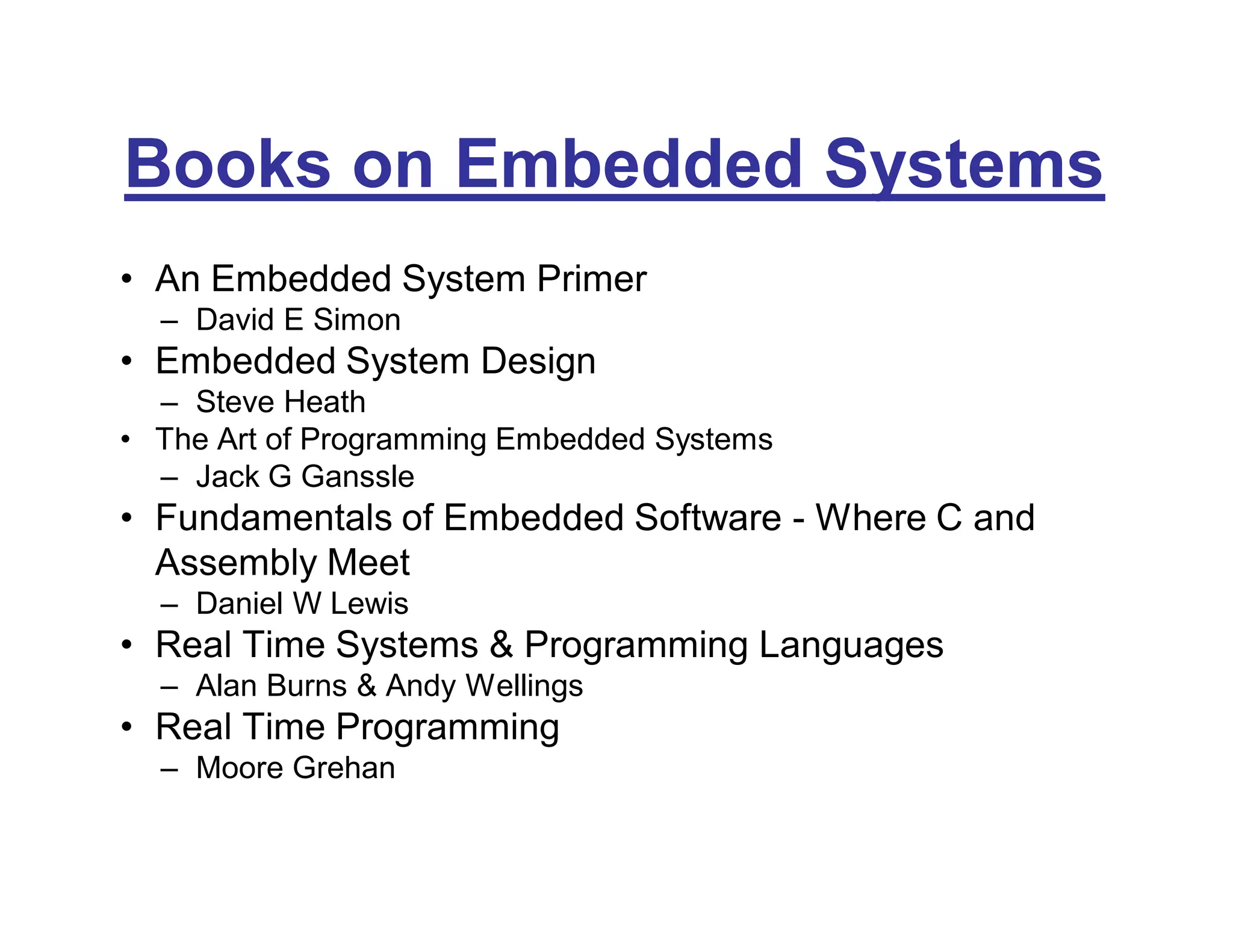
Books on Embedded Systems
• An Embedded System Primer
– David E Simon
• Embedded System Design
– Steve Heath
• The Art of Programming Embedded Systems
– Jack G Ganssle
• Fundamentals of Embedded Software - Where C and
Assembly Meet
– Daniel W Lewis
• Real Time Systems & Programming Languages
– Alan Burns & Andy Wellings
• Real Time Programming
– Moore Grehan
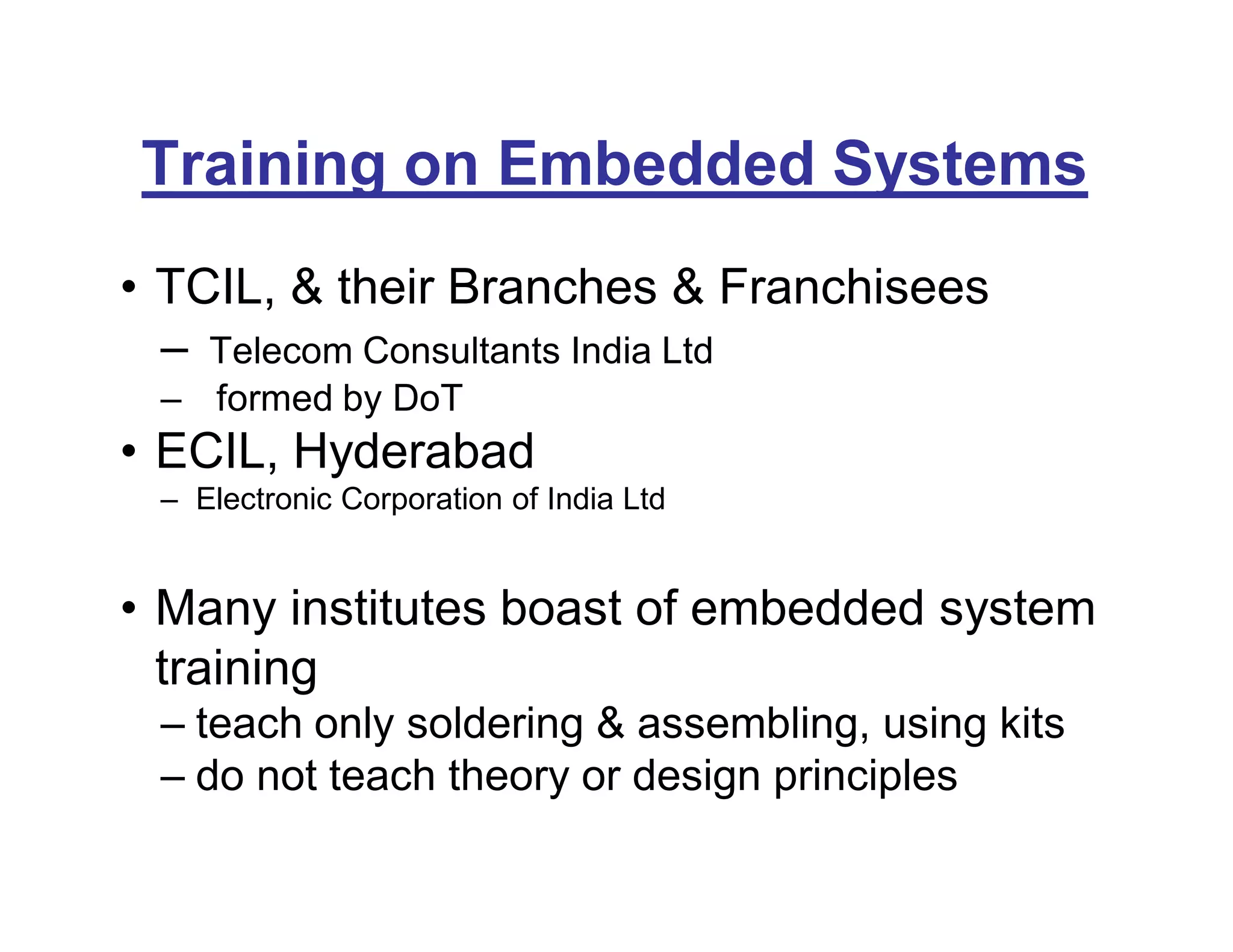
Training on Embedded Systems
• TCIL, & their Branches & Franchisees
– Telecom Consultants India Ltd
– formed by DoT
• ECIL, Hyderabad
– Electronic Corporation of India Ltd
• Many institutes boast of embedded system
training
– teach only soldering & assembling, using kits
– do not teach theory or design principles
Thank You !
&
Best of Luck !

Embedded Systems - A Brief Introduction

  • 1.
    A Brief Introductionto Embedded Systems K. Raghunathan Chartered Engineer FIETE, MIE, MCSI, MISTE, MISTD. MIIMM Retd. Dy. Controller (R&D) [MoD]
  • 2.
    Embedded Systems • Overviewof Embedded Systems • Embedded System Design • Embedded System Designer • More Knowledge
  • 3.
    Overview of EmbeddedSystems • What is an Embedded System ? • Examples of Embedded Systems • Why an “Embedded” System ? • Salient Features
  • 4.
    What is anEmbedded System ? • A computer system, fitted as part of some Equipment which is not a computer • The whole system is not called a computer - it is known by the name of the Equipment • The embedded computer system controls the equipment in which it is embedded • Performs only specific tasks, often in real-time
  • 5.
    Examples of EmbeddedSystems • Network Printer – Network Interfacing & Routing • Handheld Barcode Scanner – Conversion of Image to Number • Mobile Phone with Internet Connectivity – Browsing, eMail, FTP, Chat etc
  • 6.
    Examples of EmbeddedSystems • CNC Machines & Robots – Control the Sequence of Operations • Satellites – Remote-sensing, Data-formatting, Communication, Navigation Control etc • Televison Set – Digital on-screen display of menu, channel number, subtitles etc • Washing Machines – Control of Sequence of Operations, Motor speed & duration control etc
  • 7.
    Why “embed” aComputer ? • Computers are more suitable for – Control – Data Processing – Decision Making – Digital Communication
  • 8.
    Why “embed” aComputer ? • Main Equipment is Larger & Costlier; computer is smaller, cheaper & used for only some specific purpose • Using General-purpose computer involves additional space & wiring. It is better to fit a small computer inside [or onto] the equipment itself • often, main equipment itself may have to be small & portable
  • 9.
    Salient Features ofEmbedded Systems • Purpose & Functionality – Specific Purpose; Limited Functionality • Size – Small enough to fit into/onto the main eqpt • Real-Time – Response within a specified Time-limit • I/O Devices – Very Few; often, only Sensors & Activators – Conspicuous absence of conventional devices like keyboard, CRT screen, hard disk etc
  • 10.
    Embedded Systems • Overviewof Embedded Systems √ • Embedded System Design • Embedded System Designer • More Knowledge
  • 11.
    Embedded System Design •Selection of CPU & other Hardware • Design of the Hardware System • Design & Development of Software • Testing & Debugging • Loading the Software into the Embedded System’s Memory
  • 12.
    Selection of CPU& other Hardware • CPU – Speed – Instruction Set – Multitasking Capabilities – Interrupt- handling Capabilities – Power Consumption – Heat Dissipation
  • 13.
    Memory • Non-Volatile [ROM/PROM/EPROM] –Code – Fixed Data • Look-Up Tables, Constants, Initial Values of Variables • Volatile [RAM] – Variable Data – temporary data
  • 14.
    I/O Devices • Dependson : – Main Equipment & its purpose/functions – Purpose to be served by the embedded system • May also need : – HW & SW Interfaces or Drivers for the i/o devices
  • 15.
    Software Development • Softwarehas to be developed on some other convenient computer system [Host System] • The Code obtained in the Host system should run in the Embedded System [Target System]
  • 16.
    Software Development • HWconfiguration of Host & Target will be different • Should use Cross Compilers & Cross Assemblers on the Host, to get Target System’s Machine Code as the Output • Often, an RTOS [Real Time Operating System] is used
  • 17.
    Software Development • Usuallythe SW is developed as a set of Tasks [functions/procedures] & ISRs [Interrupt Service Routines] • Tasks perform some specific actions – most likely, some of the primary functions of the Main eqpt • ISRs interrupt running Tasks based on certain events [inputs from sensors] – to take appropriate action for those inputs – to update data for the tasks
  • 18.
    Testing & Debugging •Often not possible to test the program by actually loading it into the target system & running it in the Main eqpt • So, code has to be tested in the Host system itself • Need Emulators which can emulate the embedded system’s CPU
  • 19.
    Testing & Debugging •Drivers & Scaffolds to be written – to simulate actual inputs & behaviour of the main eqpt • Test Data – normally expected range of values – out-of-range values – erroneous data
  • 20.
    Loading SW inthe Embedded System’s Memory • No operating system in the embedded system • Code generated on the Host system should include start-up [initialising] routines for the target system • Use of RTOS ensures automatic addition of start-up code
  • 21.
    Loading SW inthe Embedded System’s Memory • Special programs called Locators enable developer to specify which blocks of code should be loaded at what addresses in the embedded system’s memory • Output of Locator is in the form of a file stored in the Host; this file will have a special format [not the standard executable file you get in desktop systems] • Special programs called Loaders – understand the Locator’s file format – load the code in embedded systems memory
  • 22.
    Tools for EmbeddedSoftware Development • Cross Compilers • Cross Assemblers • Locators • RTOS • Loaders
  • 23.
    RTOS • Easier DevelopmentEnvironment • Produce Machine Code of Target CPU • Automatic inclusion of code for Start-up & system Initialisation & other necessary functionalities like memory management, process scheduling etc • Many RTOSes available – iRMX86, uC-OS, VxWorks, pSOS, QNX etc • Many of them written in C/C++ – allow us to develop programs using C/C++
  • 24.
    RTOS • Main Features –Multi-tasking – Task Scheduling Policies – Mutual Exclusion using Semaphores – Message Queues, Mailboxes and/or Pipes for Inter-Process Communication
  • 25.
    Hardware Design Considerations •Physical Size – Small • Power Consumption – Low • Heat Dissipation – Very Low • Cost – Low cost, without compromising Quality & Performance
  • 26.
    Software Design Considerations •Real Time Response – No part of the code can take unpredictable execution time – ISRs must be kept short – No Dead-Locks or Circular Waits • Reliability – Should run without Human Intervention – Should NOT Crash – Robust & Fault Tolerant – Exception Handling without Malfunction or unpredictable behaviour
  • 27.
    Embedded Systems • Overviewof Embedded Systems √ • Embedded System Design √ • Embedded System Designer • More Knowledge
  • 28.
    Embedded System Designer •Specialist • Knowledge of Theory & Practical Techniques of both Hardware & Software • Strong Foundation in – Digital Logic Ckts, ADCs, DACs, PLCs, FPGAs – Microcontrollers & Interfacing Techniques – Assembly Language Programming – High Level Language Programming [C/C++] – Writing ISRs – RTOS
  • 29.
    Job Oppurtunities • Employers –Manufacturers of • Telecom Products • Automatons & Industrial Robots • Automated Production & Diagnostic Eqpt – Software Development Firms • Remuneration – Lucrative
  • 30.
    Embedded Systems • Overviewof Embedded Systems √ • Embedded System Design √ • Embedded System Designer √ • More Knowledge
  • 31.
    For More Knowledge •Books • Hands-on Training
  • 32.
    Books on EmbeddedSystems • An Embedded System Primer – David E Simon • Embedded System Design – Steve Heath • The Art of Programming Embedded Systems – Jack G Ganssle • Fundamentals of Embedded Software - Where C and Assembly Meet – Daniel W Lewis • Real Time Systems & Programming Languages – Alan Burns & Andy Wellings • Real Time Programming – Moore Grehan
  • 33.
    Training on EmbeddedSystems • TCIL, & their Branches & Franchisees – Telecom Consultants India Ltd – formed by DoT • ECIL, Hyderabad – Electronic Corporation of India Ltd • Many institutes boast of embedded system training – teach only soldering & assembling, using kits – do not teach theory or design principles
  • 34.