Downloaded 78 times

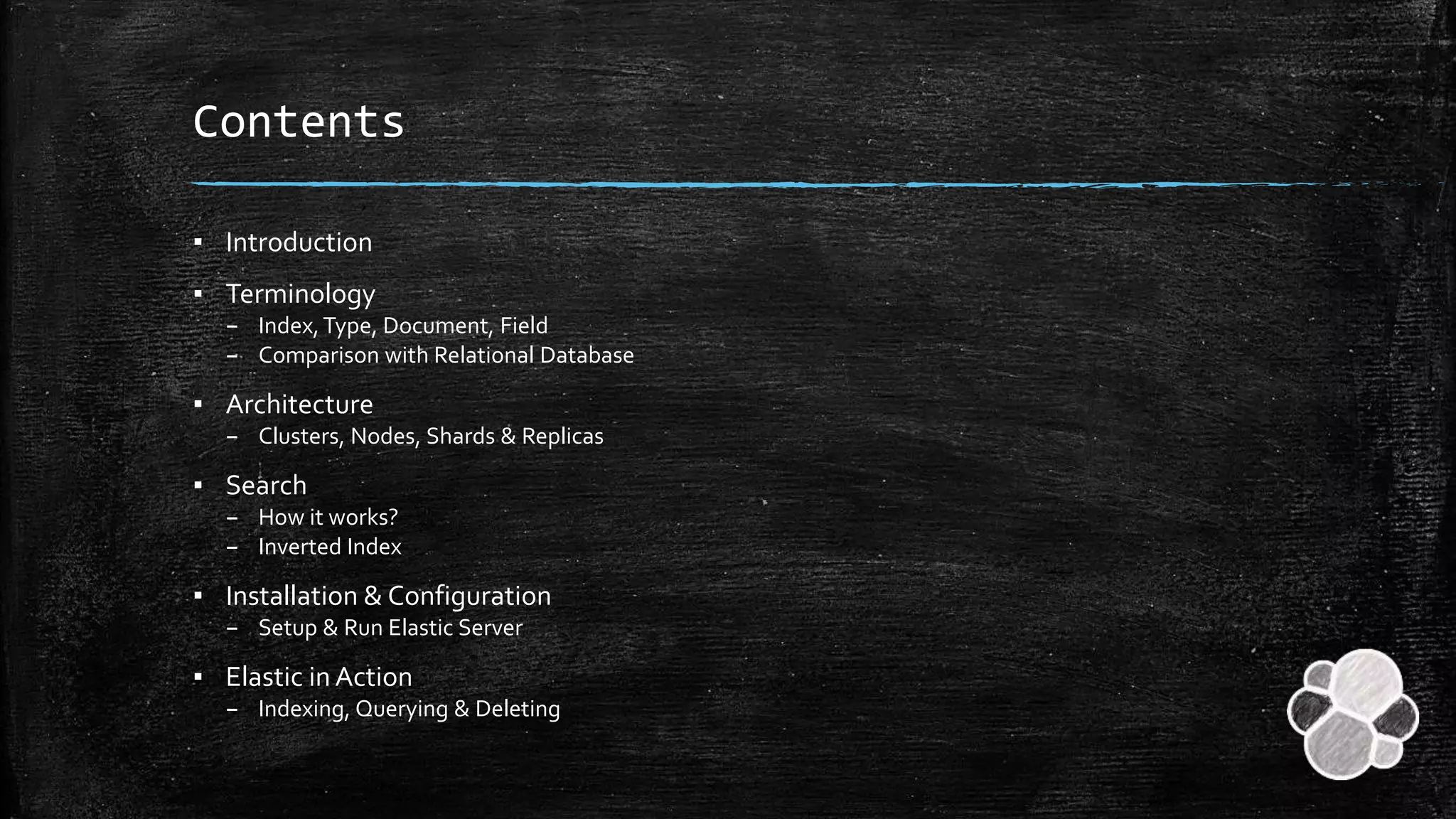








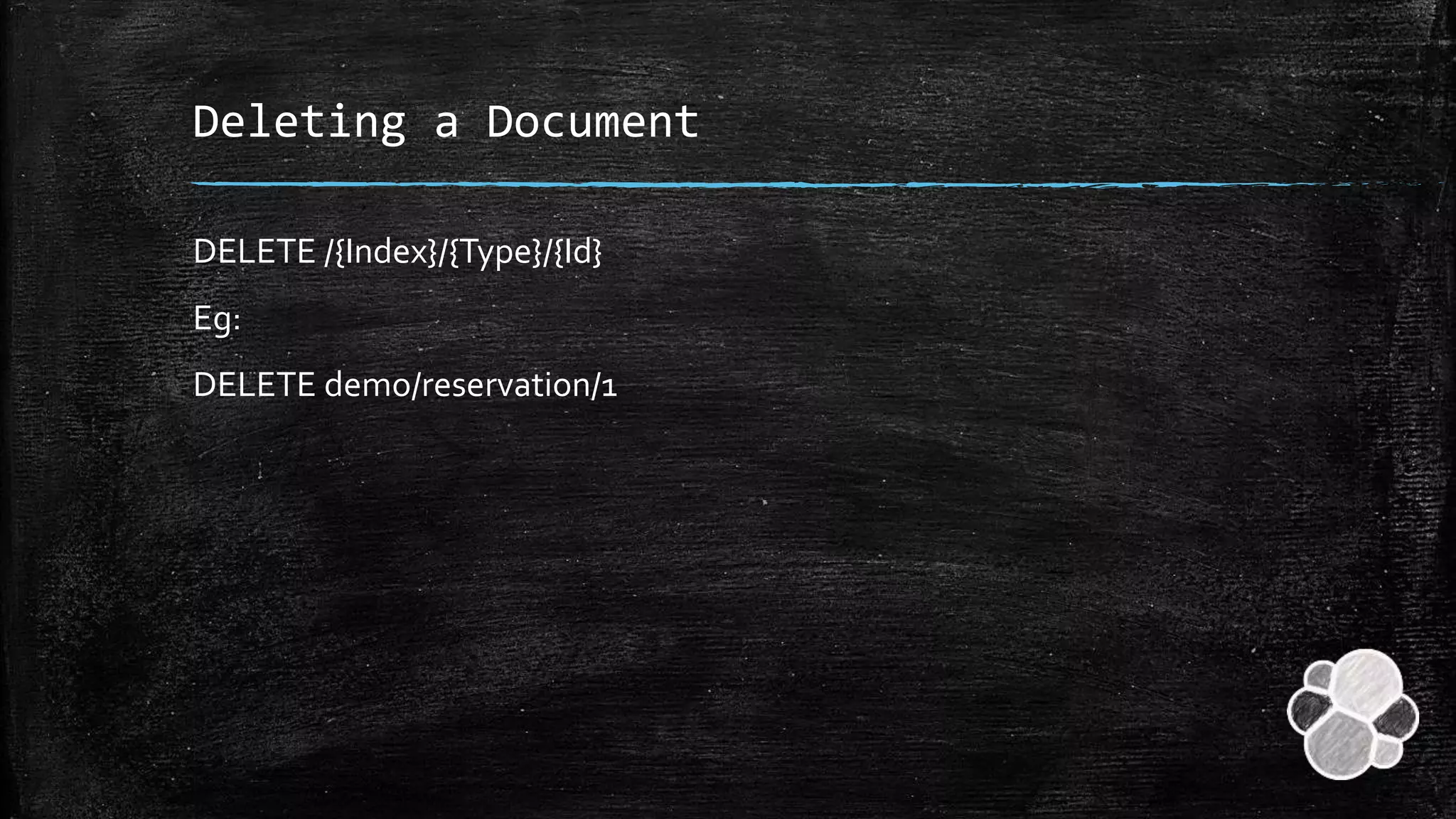




The document provides an overview of Elasticsearch, including its terminology, architecture, and functionalities such as indexing, querying, and deleting documents. Key concepts discussed include indices, types, and documents, along with their comparisons to relational databases. Additionally, it outlines installation procedures and configuration settings for setting up and running an Elasticsearch server.
Overview of Elastic Search as a distributed system led by Pavan Navule, outlining key components to be discussed.
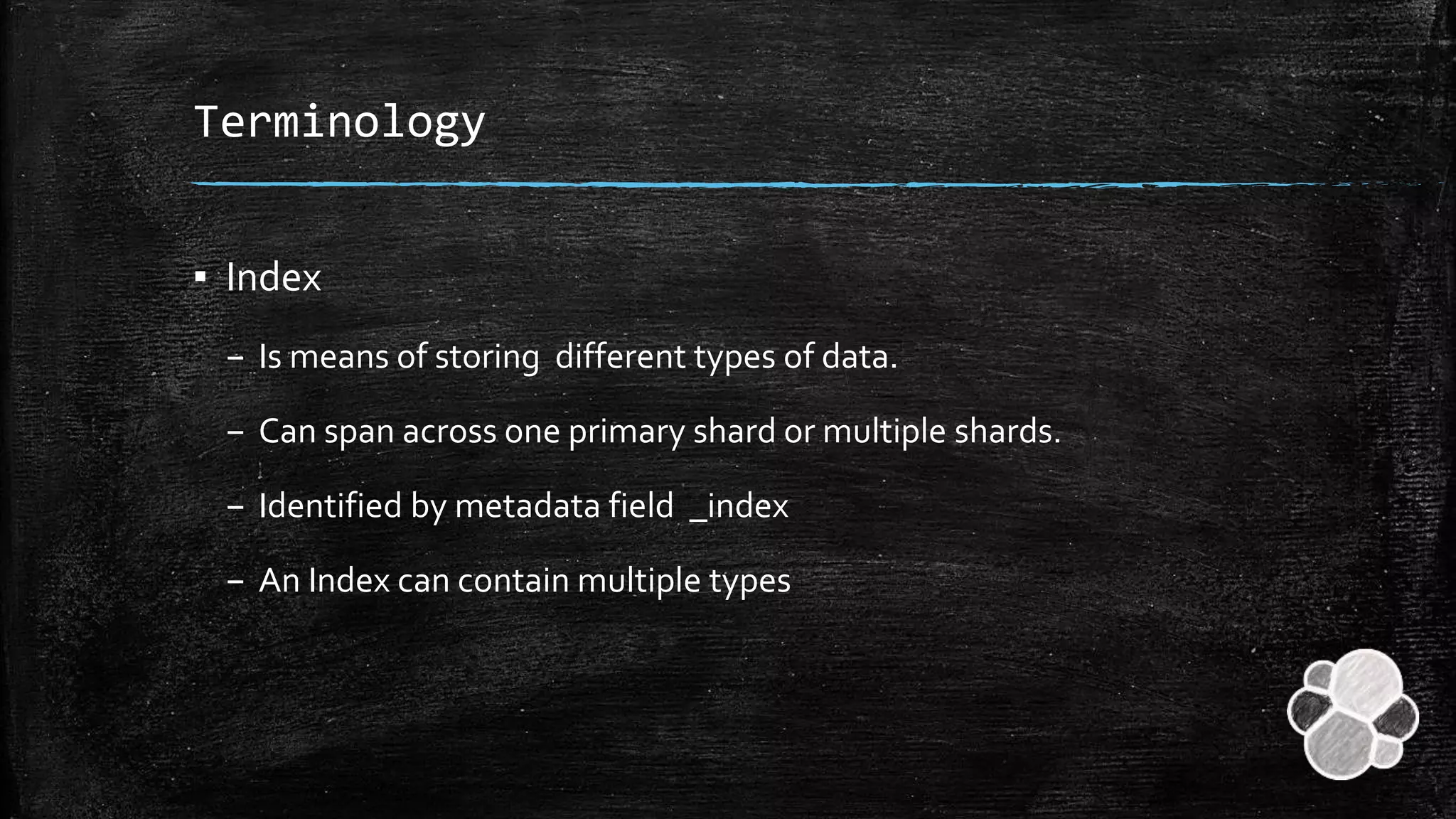
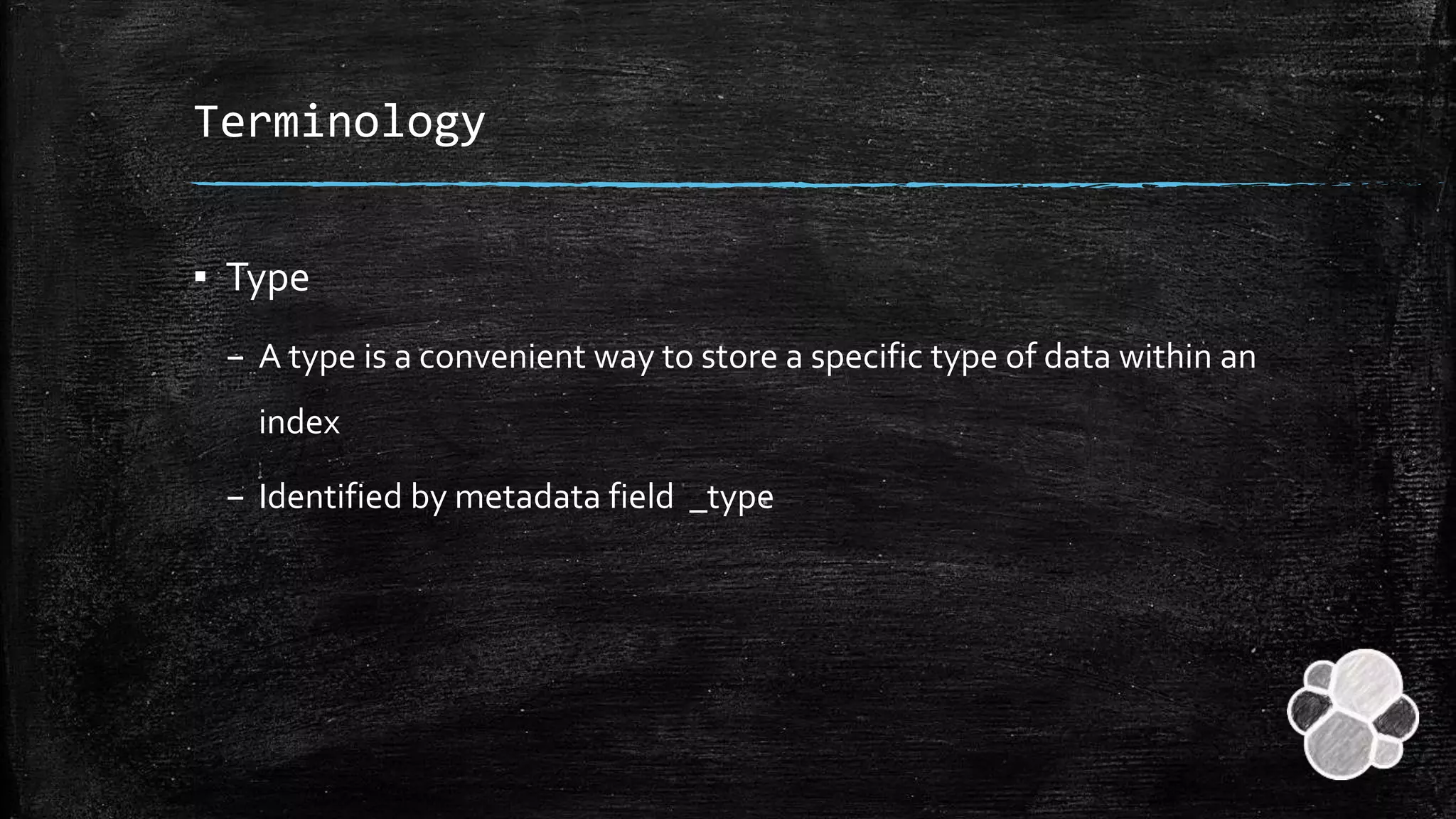
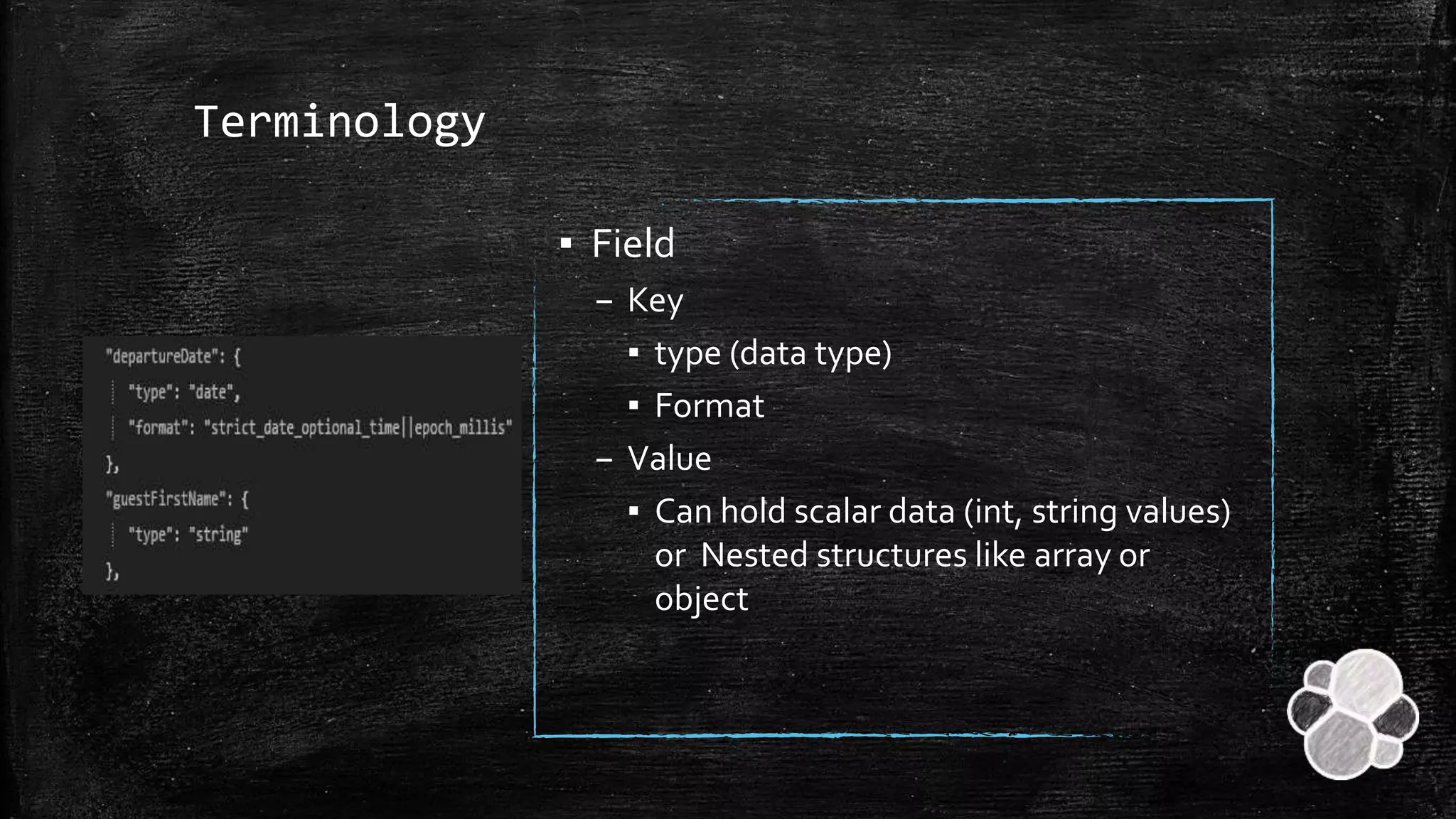
Definitions of key terms: Index, Type, Document, and Field. Comparison made with Relational Databases.
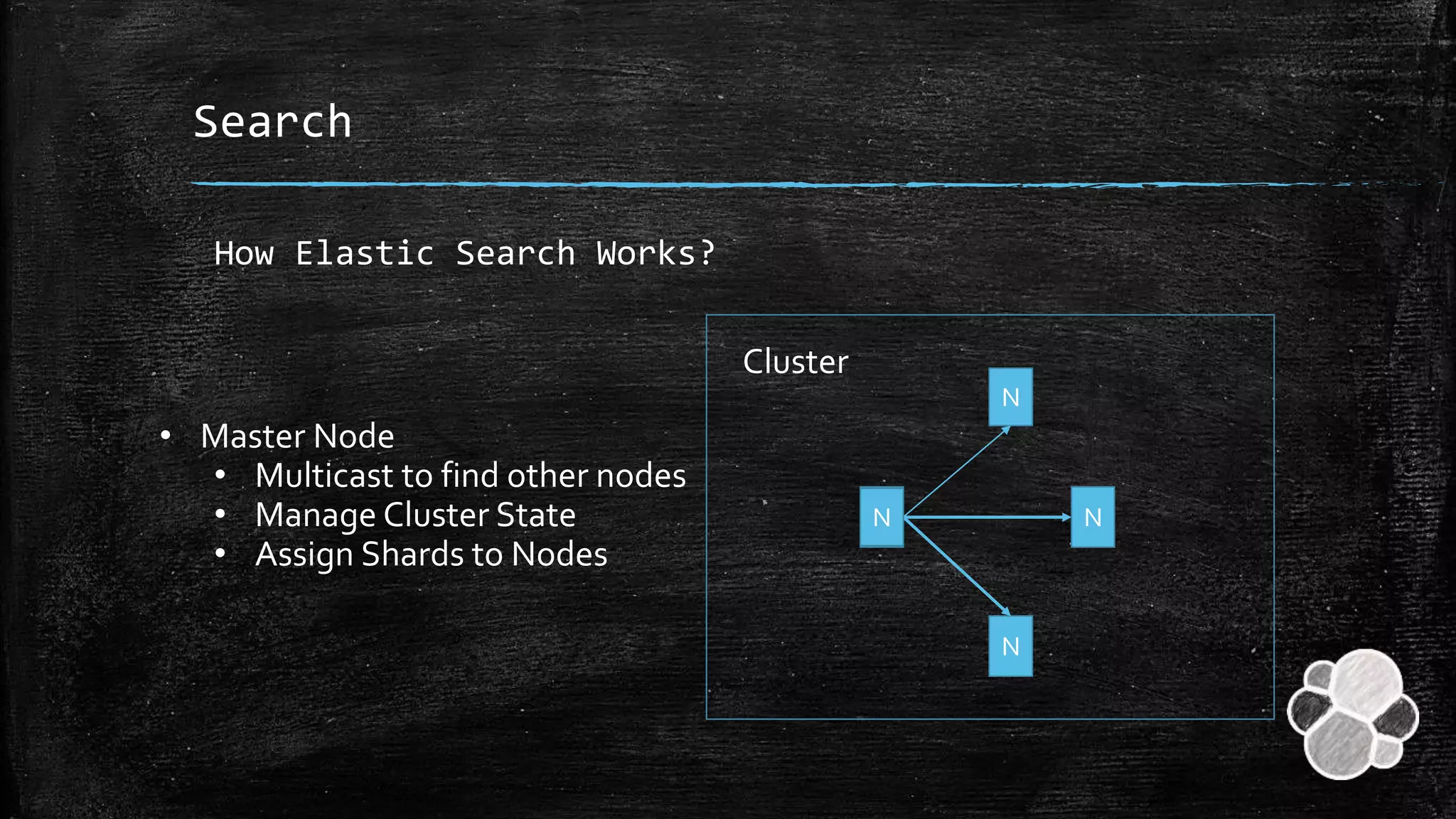
Description of the architecture involving clusters, nodes, and shards. Explanation of the job of Master Node and replica clusters.
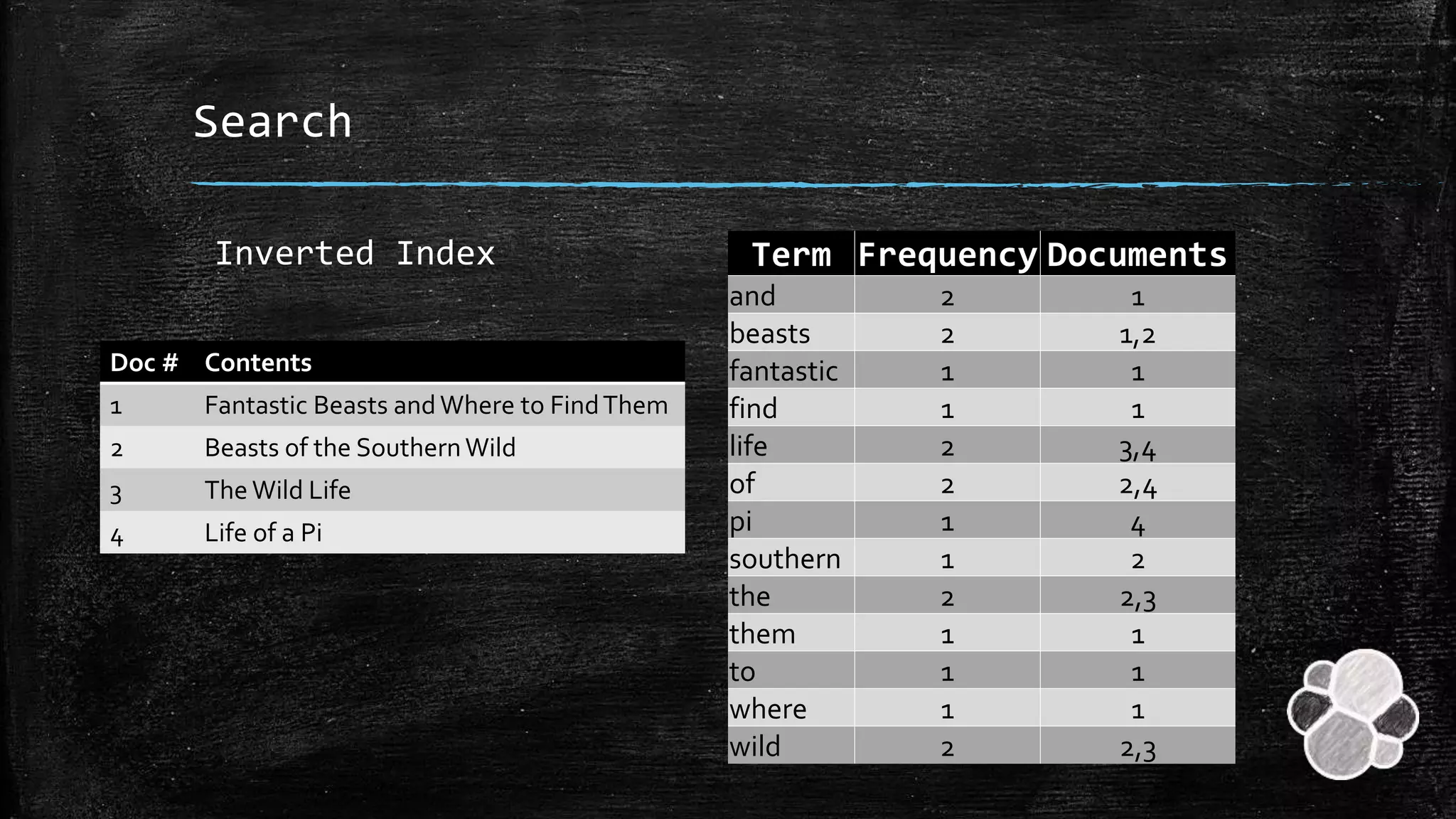
Insights into how Elastic Search processes text through Inverted Index, tokenization, and document frequency.
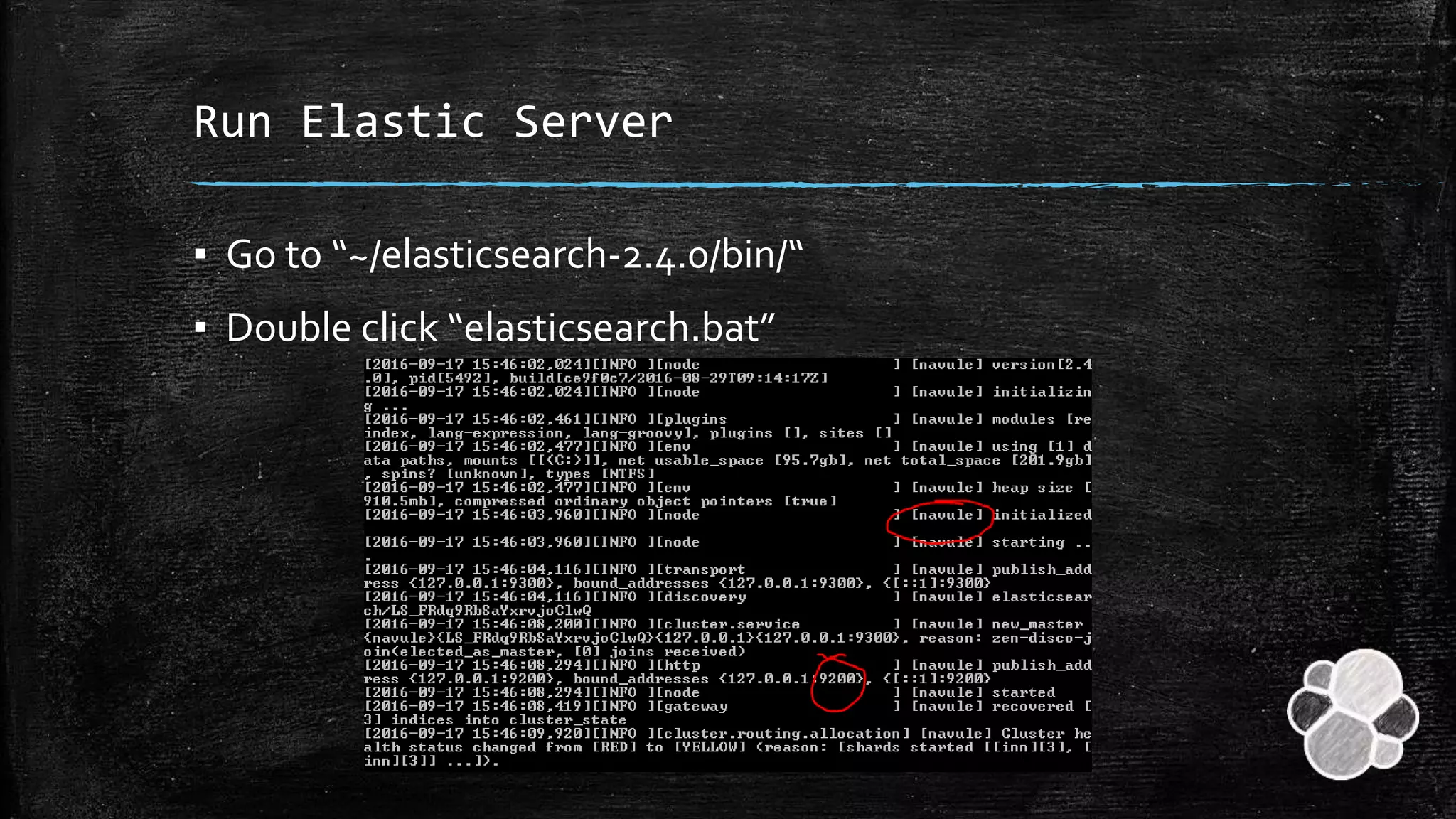
Steps for downloading and configuring Elastic Search, including setting up the Elastic Server.
Tutorial on indexing, querying, and deleting documents within Elastic Search, with example syntax and commands.
Summary of topics discussed including introduction, terminology, architecture, search mechanics, installation, and usage.


