Download to read offline
![[Speaker notes ]
Hello Everyone! Thanks for attending XYZ first live presentation
on digital natives and immigrants.
North Central University
EL-7010
Week 1 Assignment](https://image.slidesharecdn.com/ohaynesel7010-8assg1-190324231723/75/EL-7010-Week-1-Assignment-Online-Learning-for-the-K-12-Students-2-2048.jpg)
![Speaker’s Notespeak from notes ].
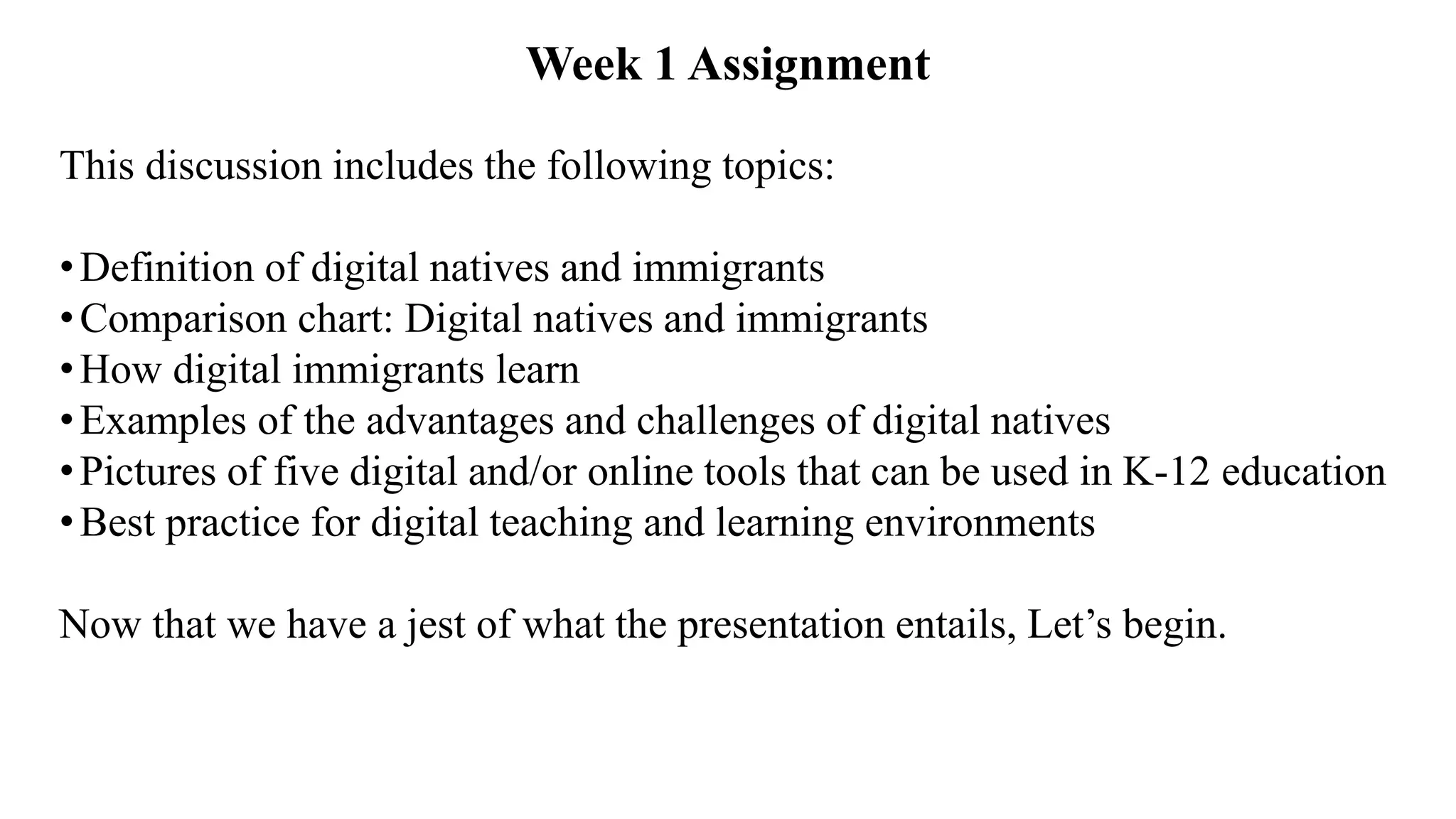
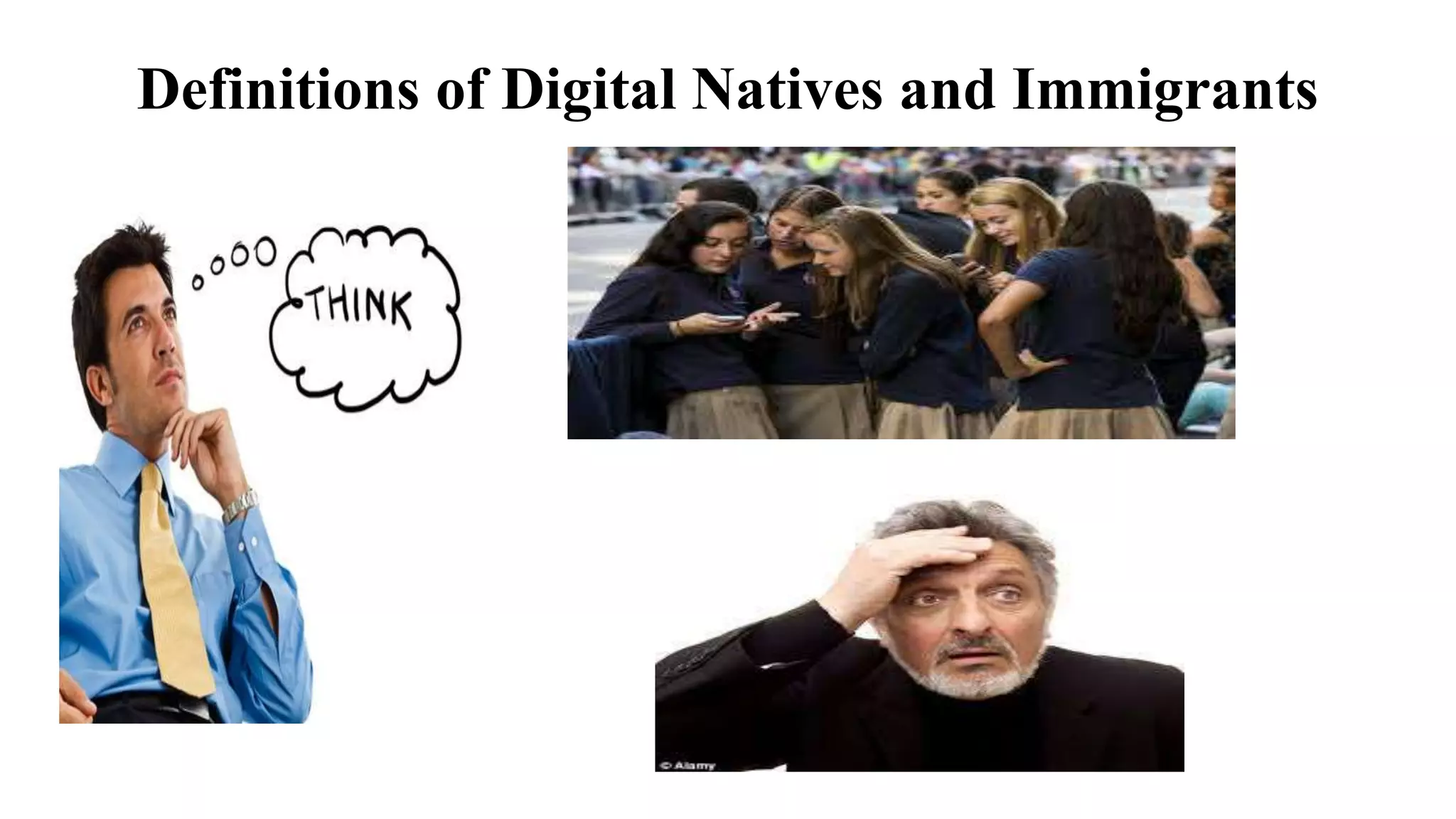
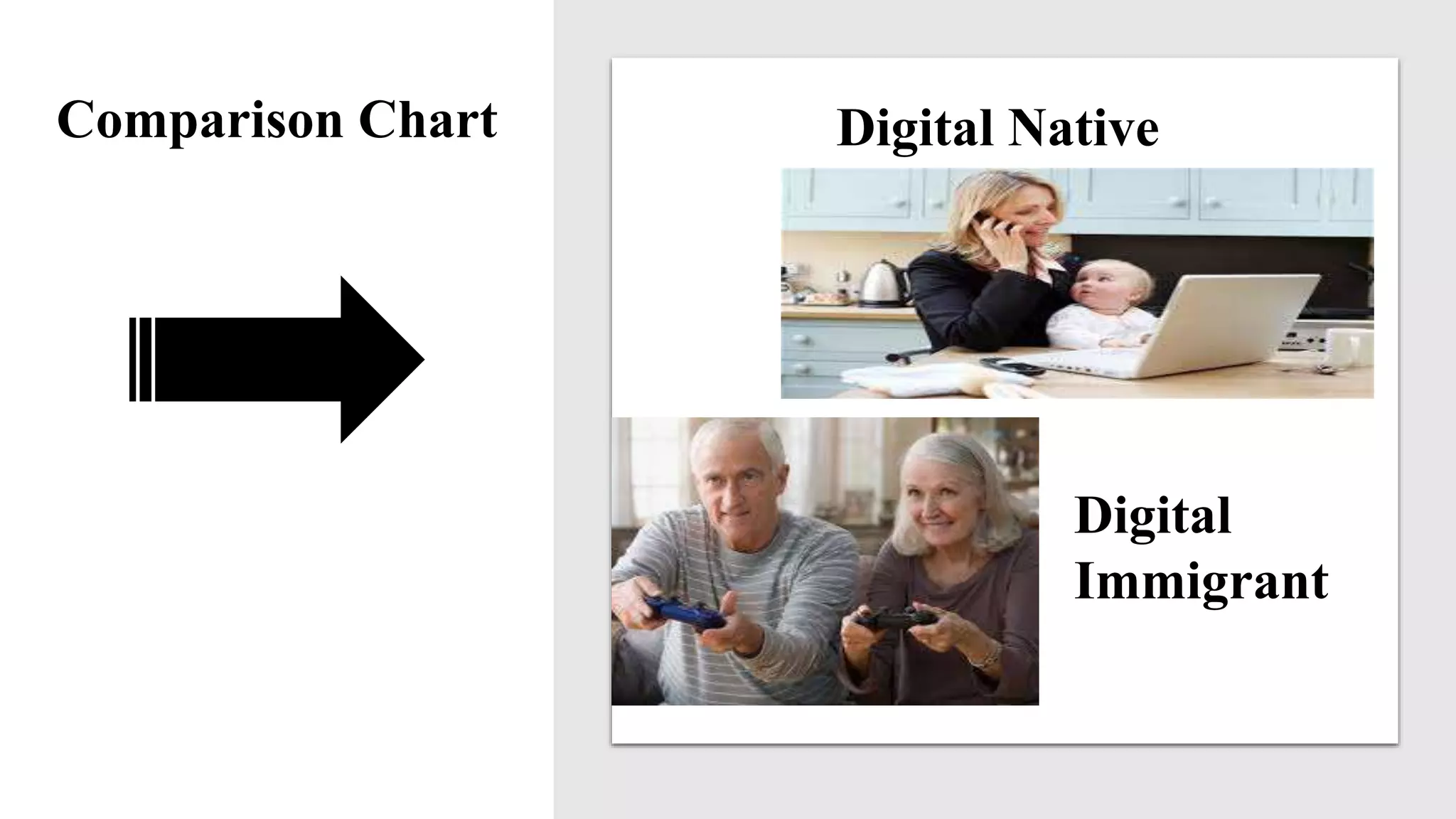
Researchers such as Helsper and Eynon (2010) and Zur and Zur (2016) discussed terms
related to individuals born after the 1980s. They included digital natives, the net generation,
and the millennials. Digital immigrants, on the other hand, define individuals born before
the 80s. Unlike their counterparts, the latter did not grow up engaging and learning with
digital technologies. Therefore, they have been or are hesitant to engage in modern ways of
learning and communicating.
Nonetheless, Helsper and Eynon (2010) noted that life factors such as buying and selling of
goods and services, engaging on social network sites, and participating in upward mobility
(e.g., careers and academic training) either use or are supported by wireless accesses such as
mobile devices, web2.0, and the Internet. As such, digital immigrants (DI) are encouraged to
become “active learners” within the digital-age. Moreover, findings reported in The New
Consortium (2015) emphasized that some professional DI (such as teachers) are not
adequately prepared to help students learn in e-learning environments.](https://image.slidesharecdn.com/ohaynesel7010-8assg1-190324231723/75/EL-7010-Week-1-Assignment-Online-Learning-for-the-K-12-Students-5-2048.jpg)
![Speaker’s Notespeak from notes ].
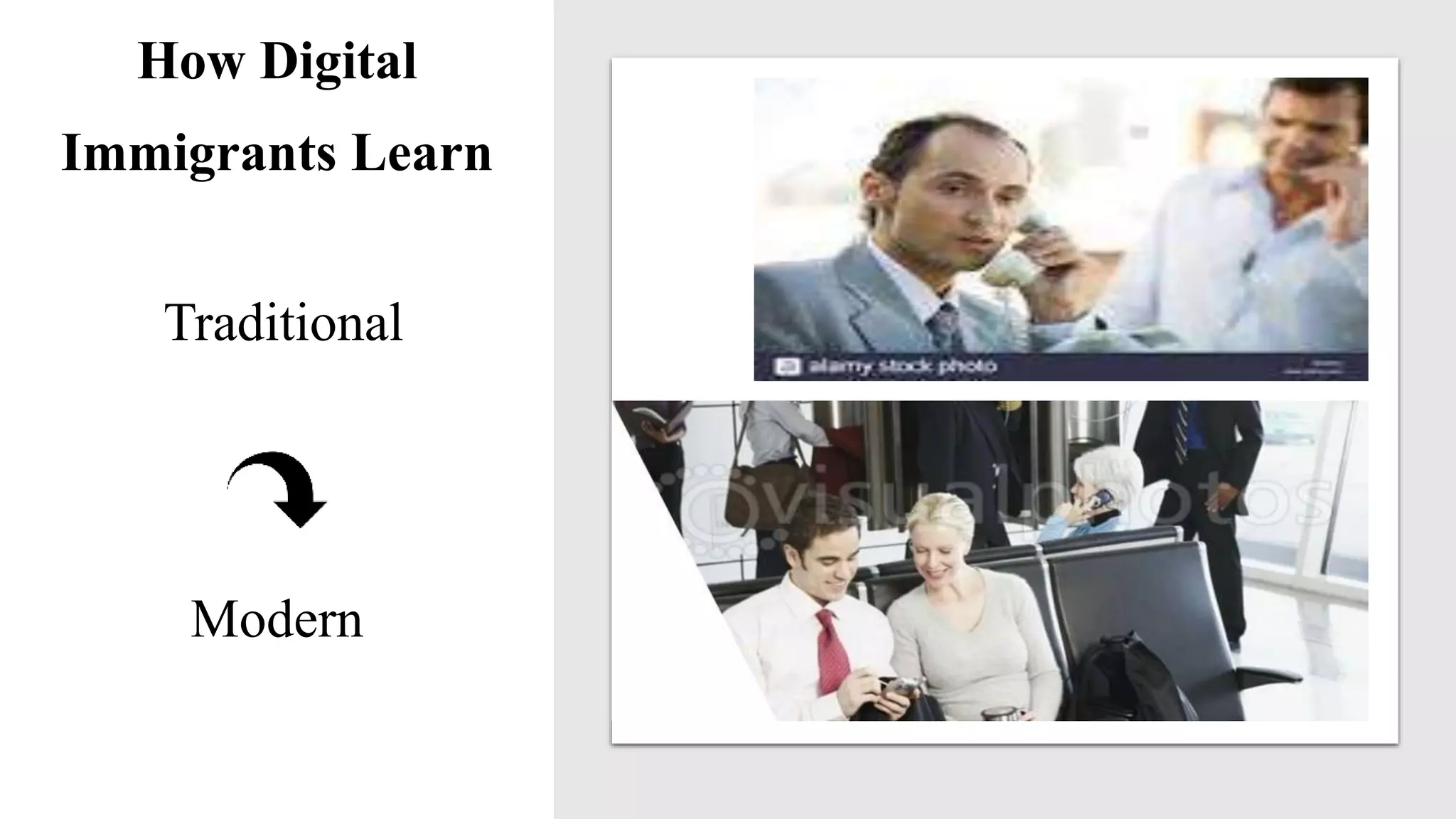
Historically, (Helsper, & Eynon, 2010; Zur, & Zur, 2016), digital immigrants
learned by
• studying one topic at a time, slowly and sequentially;
• acquiring knowledge through teacher-centered teaching methods;
• using basic technology (e.g., without e-learning resources) such as
computers, typewriters, faxes, word processing programs, printers, voice
recorders, and landline telephones;
• employing primarily face-to-face learning options;
• engaging in fact-to-face meetings;
• using standardized assessment methods; and by
• studying in quiet, structured environments, to cite a few (see next slide).](https://image.slidesharecdn.com/ohaynesel7010-8assg1-190324231723/75/EL-7010-Week-1-Assignment-Online-Learning-for-the-K-12-Students-8-2048.jpg)
![Speaker’s Notespeak from notes ].
Even though most digital immigrants have had less exposure to digital media
than their counterparts have, today, they reluctantly acquire essential skills by
• engaging in professional development workshops, which highlights how
new and emerging technologies enhance and support transition from
traditional teaching and learning frameworks;
• changing curriculum from teacher-centered to participatory;
• exploring values and benefits of incorporating e-learning tools and support
devices, and by
• using groups or one-to-one training sessions, self-study, mobile devices such
as iPad, Android phones, text-messaging, and creating blogs (Zur, & Zur,
2016) (see next slide).](https://image.slidesharecdn.com/ohaynesel7010-8assg1-190324231723/75/EL-7010-Week-1-Assignment-Online-Learning-for-the-K-12-Students-9-2048.jpg)
![Speaker’s Notespeak from notes ].
In doing so, Helsper and Eynon (2010) emphasized that most
digital immigrants can not only use current and emerging
technology efficiently but also they can teach their skills to digital
natives.](https://image.slidesharecdn.com/ohaynesel7010-8assg1-190324231723/75/EL-7010-Week-1-Assignment-Online-Learning-for-the-K-12-Students-10-2048.jpg)
![Speaker’s Notespeak from notes ].
Advantages
Harding (2010) underscored that digital natives excel in tasks related
to
•finding and grasping information;
•multitasking;
•communicating and collaborating with diverse individuals across
multiple mobile devices, internet environments, and web-based
platforms;
•thinking parallel rather than sequential (see next slide);](https://image.slidesharecdn.com/ohaynesel7010-8assg1-190324231723/75/EL-7010-Week-1-Assignment-Online-Learning-for-the-K-12-Students-12-2048.jpg)
![Speaker’s Notespeak from notes ].
•visualization and advanced reading skills; and
•seeing the world horizontally without hierarchy structures or
boundaries, among others.
Disadvantages
In contrast, Sacawa (2014), theorized that most digital natives have
• an inability to apply complex information accurately, especially
tasks that require in-depth summarization skills,
• an inability to complete organization and time management
projects efficiently (see next slide);](https://image.slidesharecdn.com/ohaynesel7010-8assg1-190324231723/75/EL-7010-Week-1-Assignment-Online-Learning-for-the-K-12-Students-13-2048.jpg)
![Speaker’s Notespeak from notes ].
• less creative abilities and productivity skills than their counterparts
have;
• a lack of written language and word pronunciation skills (e.g.,
whole-word)s;
• an inability to conduct thorough evaluations;
• a tendency to be less focused due, in part, to short attention
spans;
• an increased reluctance to engage socially in face-to-face
settings;
• lower thinking and planning skills than digital immigrants (see
next slide).](https://image.slidesharecdn.com/ohaynesel7010-8assg1-190324231723/75/EL-7010-Week-1-Assignment-Online-Learning-for-the-K-12-Students-14-2048.jpg)
![Speaker’s Notespeak from notes ].
• more mood disorders such as attention, deficit, hyperactivity,
disorder (ADHD) than their counterparts;
• more prone to states of continuous partial attention than digital
immigrants are;
• tendencies to multitask excessively which leads to increased
stress and other cognitive problems;
• tendencies toward anxiety and depression, especially in youths;
and,
• digital natives are less likely then digital immigrants to make
consistent eye contact.](https://image.slidesharecdn.com/ohaynesel7010-8assg1-190324231723/75/EL-7010-Week-1-Assignment-Online-Learning-for-the-K-12-Students-15-2048.jpg)
![Speaker’s Notespeak from notes ].
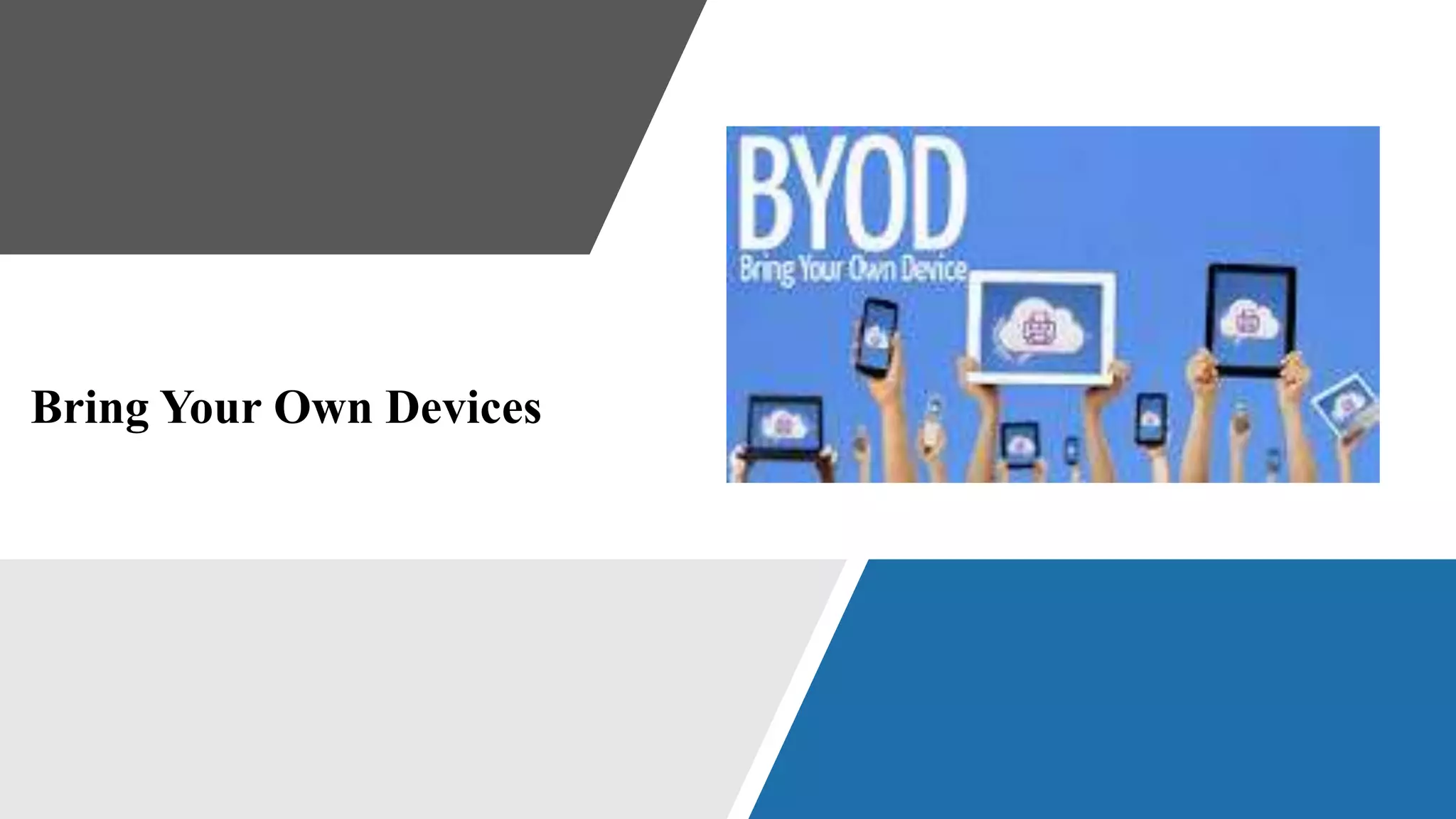
BYOD refers to a learning practice whereas students are encouraged
to bring their wireless devices such as smartphones, laptops, tablets,
and iPads to classrooms. According to findings and results by
Feeney (2010), Murray and Pérez (2015), and The New Consortium
2015—doing so gives students a sense of taking responsibility for
their learnings and outcomes, which is a practice favored by
education communities worldwide.](https://image.slidesharecdn.com/ohaynesel7010-8assg1-190324231723/75/EL-7010-Week-1-Assignment-Online-Learning-for-the-K-12-Students-18-2048.jpg)

![Speaker’s Notespeak from notes ].
Intelligent tutoring systems (ITS) mimic human intelligences. In
that, they allow for direct interactions with learners to facilitate
learning across disciplines. Through interactive activities, for
instance, they collect data about students’ academic abilities which
are then used by educators as well as curricula designers to
personalized instructional learning plans.
Moreover, within each lesson, ITS provide hints and feedbacks that
help students progress more efficiently through each lesson. Most
education communities within the United States use various ITS to
gauge students’ readiness to either enter or exit academic programs
(Murray, & Pérez, 2015).](https://image.slidesharecdn.com/ohaynesel7010-8assg1-190324231723/75/EL-7010-Week-1-Assignment-Online-Learning-for-the-K-12-Students-20-2048.jpg)
![Speaker’s Notespeak from notes ].
As cited by the American Psychological Association, a substantial
body of research supports the effectiveness of ITS including a study
by Adesope, Nesbit, and Liu (2014). The research team tested
students in similar learning environments (e.g., elementary,
postsecondary schools, and universities). Findings show that
students who use intelligent tutoring systems score higher than their
counterparts do.](https://image.slidesharecdn.com/ohaynesel7010-8assg1-190324231723/75/EL-7010-Week-1-Assignment-Online-Learning-for-the-K-12-Students-21-2048.jpg)
![Speaker’s Notespeak from notes ].
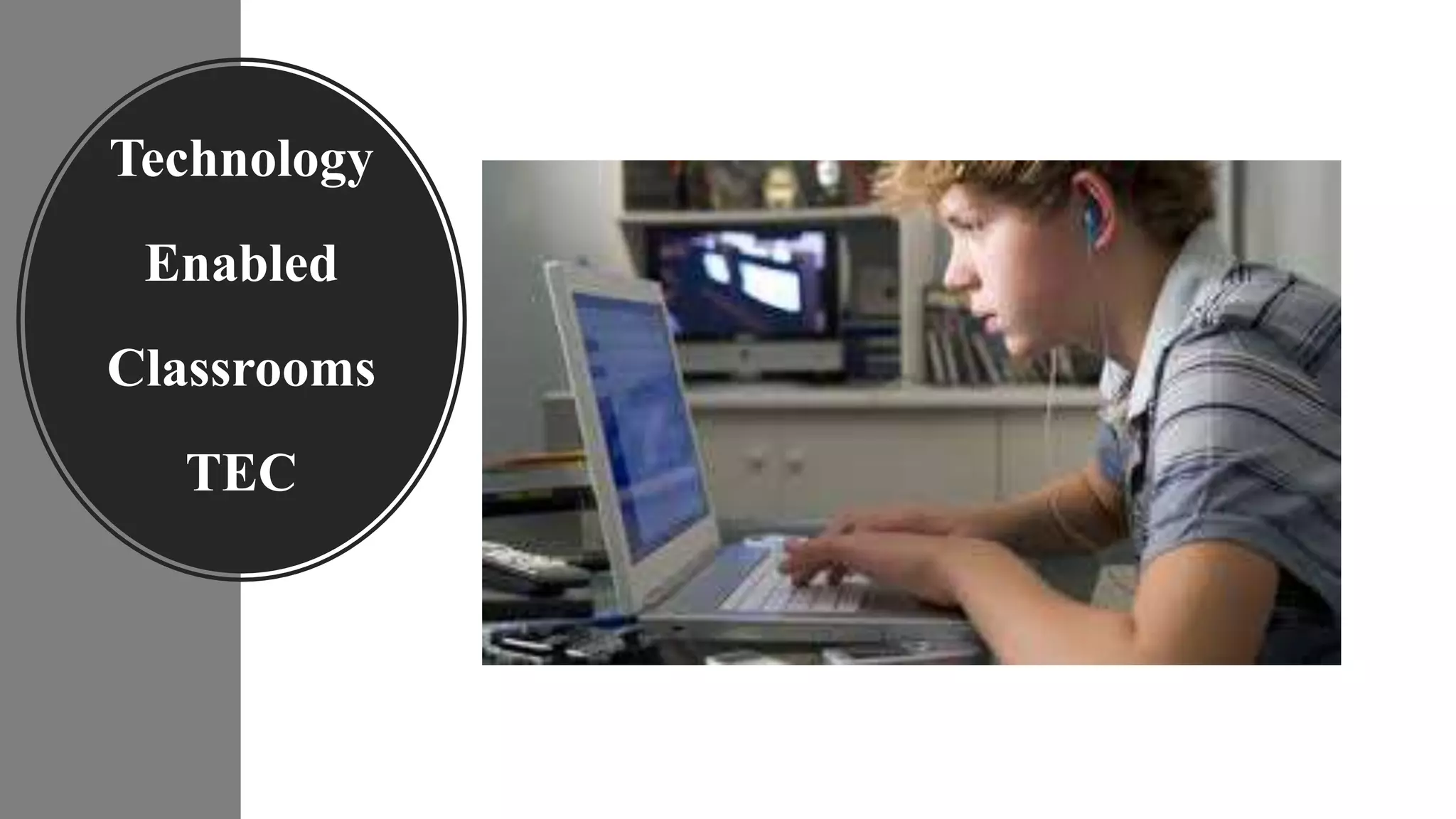
Bell (2011) highlighted that TEC allow for lectures, interactive
activities, discussion questions and responses, and the use of
visualization tools such as images and assessments, to name a few.](https://image.slidesharecdn.com/ohaynesel7010-8assg1-190324231723/75/EL-7010-Week-1-Assignment-Online-Learning-for-the-K-12-Students-23-2048.jpg)
![Speaker’s Notespeak from notes ].
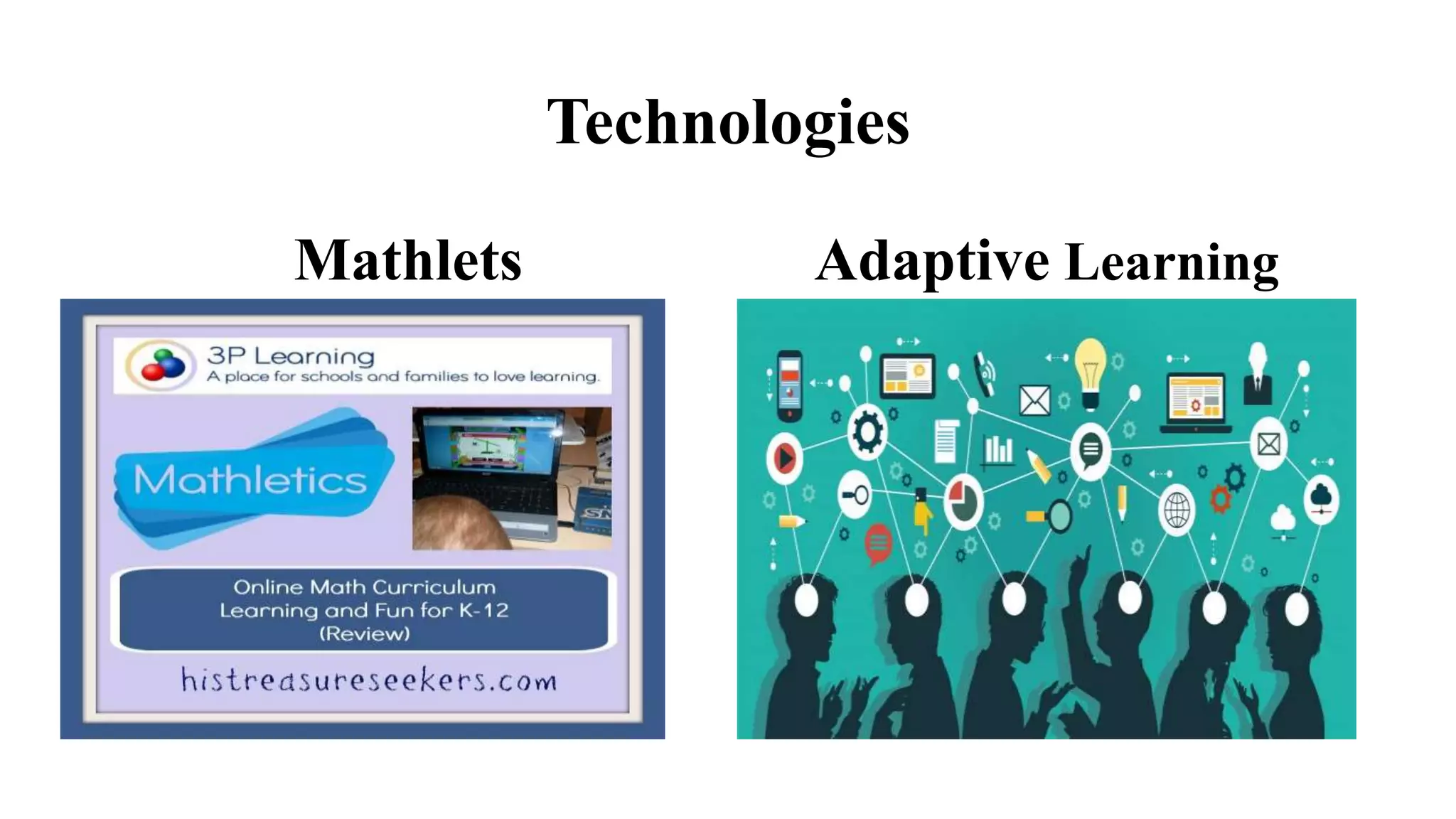
As Murray and Pérez (2015) reported, Adaptive Learning
Technologies refer to learning software programs that depict
students’ strengths and weaknesses as they engage in learning
activities; data are used to construct curricula unique to each
student’s skill sets. As noted, the programs also provide continuous
feedback about students’ progress by automatically distributing data
to both teachers and students.
Mathletes or JavaScript applets (JSA), on the other hand, help
students understand mathematical concepts as they engage in
interactive activities. JSA are compatible with most browsers and
they have user-friendly interfaces.](https://image.slidesharecdn.com/ohaynesel7010-8assg1-190324231723/75/EL-7010-Week-1-Assignment-Online-Learning-for-the-K-12-Students-25-2048.jpg)
![Speaker’s Notespeak from notes ].
Digital learning occurs through wireless, mobile, and internet technologies.
Zur and Zur (2016) noted that individuals who grew up during the 80s (the
beginning of the Tech revolution) are referred to as digital natives, and those
born before this period are known as digital immigrants.
Helsper and Eynon (2010) emphasized that most digital natives have more
advanced technology skills than their digital immigrants counterparts do.
However, Sacawa (2014) study showed most digital natives have problems
not indicative of digital immigrants.](https://image.slidesharecdn.com/ohaynesel7010-8assg1-190324231723/75/EL-7010-Week-1-Assignment-Online-Learning-for-the-K-12-Students-27-2048.jpg)
![Speaker’s Notespeak from notes ].
Most interesting, however, is that Sacawa (2014) findings indicated
that these challenges are attributed to engaging obsessively in
technology environments and activities. A year later, The New
Consortium (2015) recommended strategies to address some of the
problems.
For example, the article advocated for curriculum designs that
incorporate more open-ended, complex questions, more visuals that
require in-depth analysis, more technology to address weaknesses,
and more readiness activities related to navigating digital
environments.](https://image.slidesharecdn.com/ohaynesel7010-8assg1-190324231723/75/EL-7010-Week-1-Assignment-Online-Learning-for-the-K-12-Students-28-2048.jpg)
![Speaker’s Notespeak from notes ].
On the other hand, the report suggested that both parents and
educators should encourage students to participate more in face-
to-face social-gatherings.
Likewise, Murray and Pérez (2015) suggested that digital learning
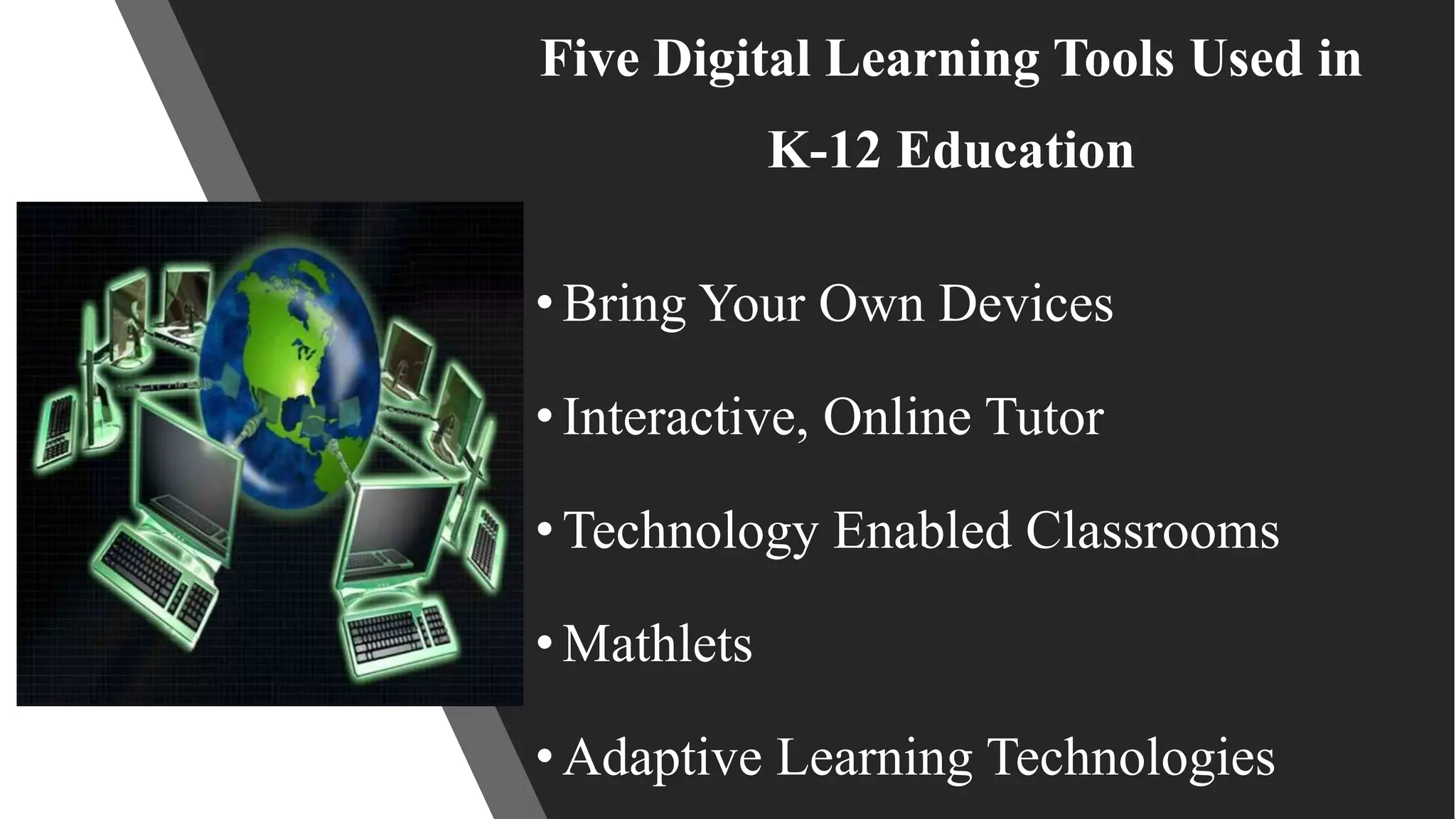
tools such as Bring Your Own Devices, Interactive-Online Tutors,
Technology-enabled Classrooms, Real-Time Computer Games
such as Mathlets, and Adaptive Learning Technologies should be
used to create digital environments, in part, because they enhance
and facilitate learning.](https://image.slidesharecdn.com/ohaynesel7010-8assg1-190324231723/75/EL-7010-Week-1-Assignment-Online-Learning-for-the-K-12-Students-29-2048.jpg)

![Speaker’s Notespeak from notes ].
This concludes the presentation. Let’s take a few moments
for questions, thoughts, or comments.
Week 1 Assignment](https://image.slidesharecdn.com/ohaynesel7010-8assg1-190324231723/75/EL-7010-Week-1-Assignment-Online-Learning-for-the-K-12-Students-31-2048.jpg)
![References
Harding, T. (2010). Digital Natives and Digital Immigrants. Retrieved from
http://ccnmtl.columbia.edu/enhanced/primers/digital_natives.html
Helsper, E. J., & Eynon, R. (2010). Digital natives: where is the evidence?. British
educational research journal, 36(3), 503-520.
doi: 10.1080/01411920902989227
Journeyman Pictures. (2014, December 15). Are you a digital native or a digital immigrant?
[Video file]. Retrieved from
https://ncuone.ncu.edu/d2l/le/content/9840/viewContent/172794/View](https://image.slidesharecdn.com/ohaynesel7010-8assg1-190324231723/75/EL-7010-Week-1-Assignment-Online-Learning-for-the-K-12-Students-33-2048.jpg)
![References
Murray, M. C., & Pérez, J. (2015). Informing and performing: A study comparing adaptive
learning to traditional learning. DigitalCommons@ Kennesaw State University.
Sacawa, P. (2014, November 2). Brain evolution for teachers: Digital natives: iBrain [Video
file]. Retrieved from
https://ncuone.ncu.edu/d2l/le/content/9840/viewContent/172795/View
The New Consortium. (2015). NMC horizon report: 2015 k-12 edition. [PDF download
page]. Retrieved from http://cdn.nmc.org/media/2015-nmc-horizon-report-k12-EN.pdf](https://image.slidesharecdn.com/ohaynesel7010-8assg1-190324231723/75/EL-7010-Week-1-Assignment-Online-Learning-for-the-K-12-Students-34-2048.jpg)
![References
Sacawa, P. (2014, November 2). Brain evolution for teachers: Digital natives: iBrain [Video
file]. Retrieved from
https://ncuone.ncu.edu/d2l/le/content/9840/viewContent/172795/View
The New Consortium. (2015). NMC horizon report: 2015 k-12 edition. [PDF download
page]. Retrieved from http://cdn.nmc.org/media/2015-nmc-horizon-report-k12-EN.pdf
Zur, O. & Zur, A. (2016): On Digital Immigrants and Digital Natives: How the Digital
Divide Affects Families, Educational Institutions, and the Workplace. Zur Institute - Online
Publication. Retrieved from http://www.zurinstitute.com/digital_divide.html.](https://image.slidesharecdn.com/ohaynesel7010-8assg1-190324231723/75/EL-7010-Week-1-Assignment-Online-Learning-for-the-K-12-Students-35-2048.jpg)

The document discusses the distinctions between digital natives and digital immigrants, highlighting their learning styles, advantages, and challenges within K-12 education. It emphasizes that digital natives, born after the 1980s, excel in technology-related tasks but face issues such as reduced attention spans and weaker organizational skills, while digital immigrants often struggle with modern technology but can learn and teach these skills effectively. It also outlines various digital learning tools and best practices for integrating technology into education to enhance learning outcomes.


