FONT ANALYSIS
  By Tom Sharman
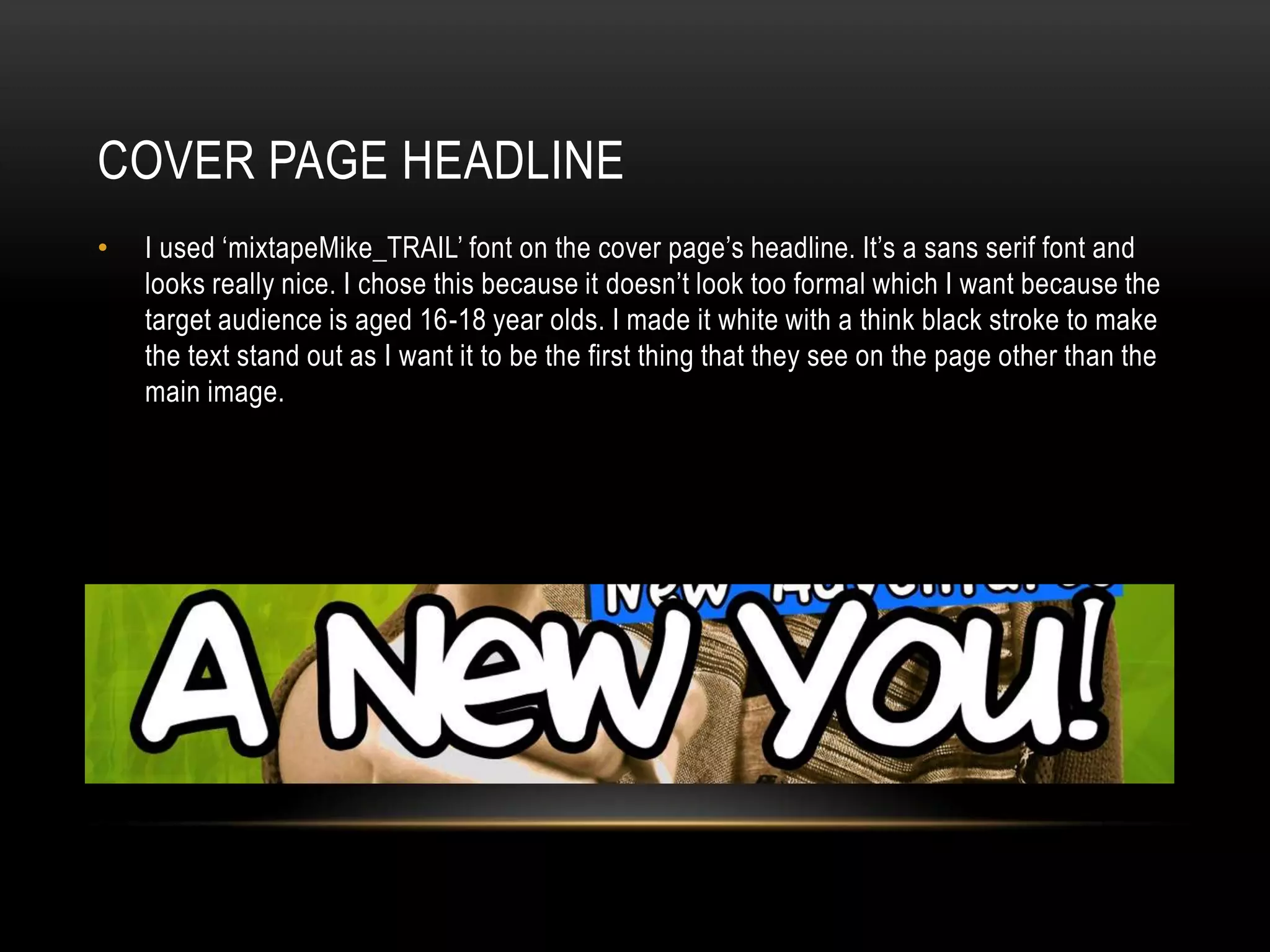
COVER PAGE HEADLINE
•   I used ‘mixtapeMike_TRAIL’ font on the cover page’s headline. It’s a sans serif font and
    looks really nice. I chose this because it doesn’t look too formal which I want because the
    target audience is aged 16-18 year olds. I made it white with a think black stroke to make
    the text stand out as I want it to be the first thing that they see on the page other than the
    main image.
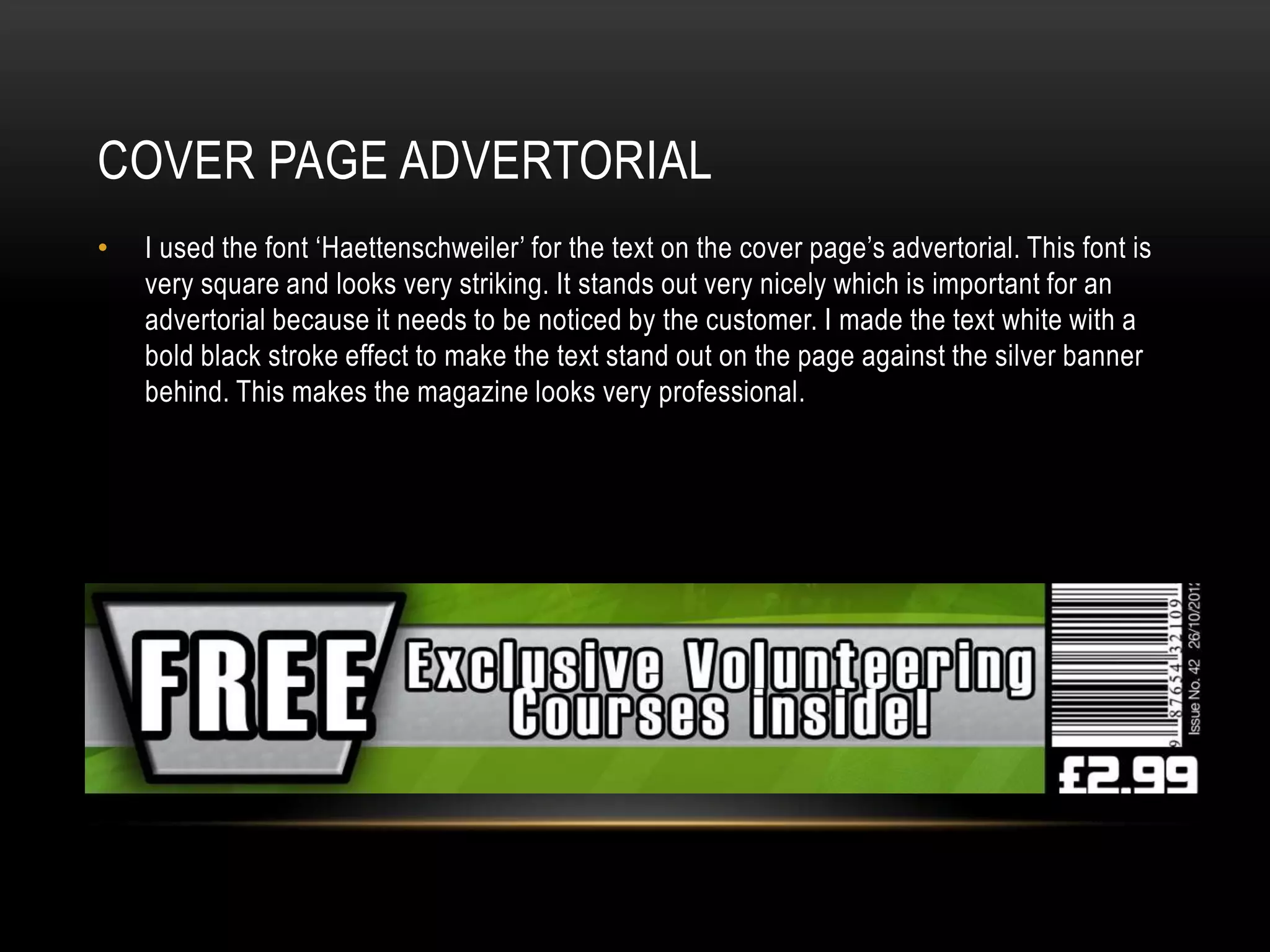
COVER PAGE ADVERTORIAL
•   I used the font ‘Haettenschweiler’ for the text on the cover page’s advertorial. This font is
    very square and looks very striking. It stands out very nicely which is important for an
    advertorial because it needs to be noticed by the customer. I made the text white with a
    bold black stroke effect to make the text stand out on the page against the silver banner
    behind. This makes the magazine looks very professional.
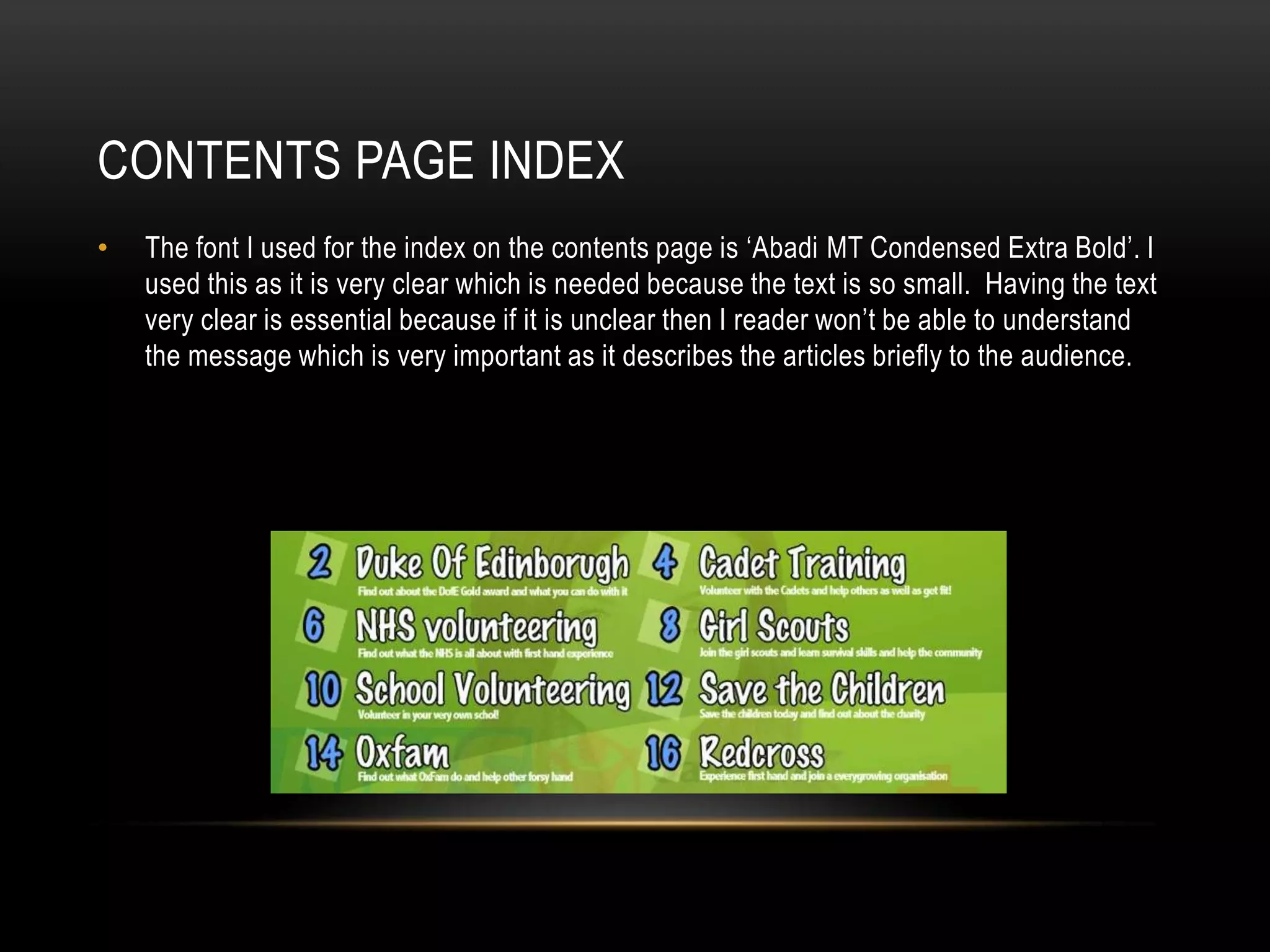
CONTENTS PAGE INDEX
•   The font I used for the index on the contents page is ‘Abadi MT Condensed Extra Bold’. I
    used this as it is very clear which is needed because the text is so small. Having the text
    very clear is essential because if it is unclear then I reader won’t be able to understand
    the message which is very important as it describes the articles briefly to the audience.
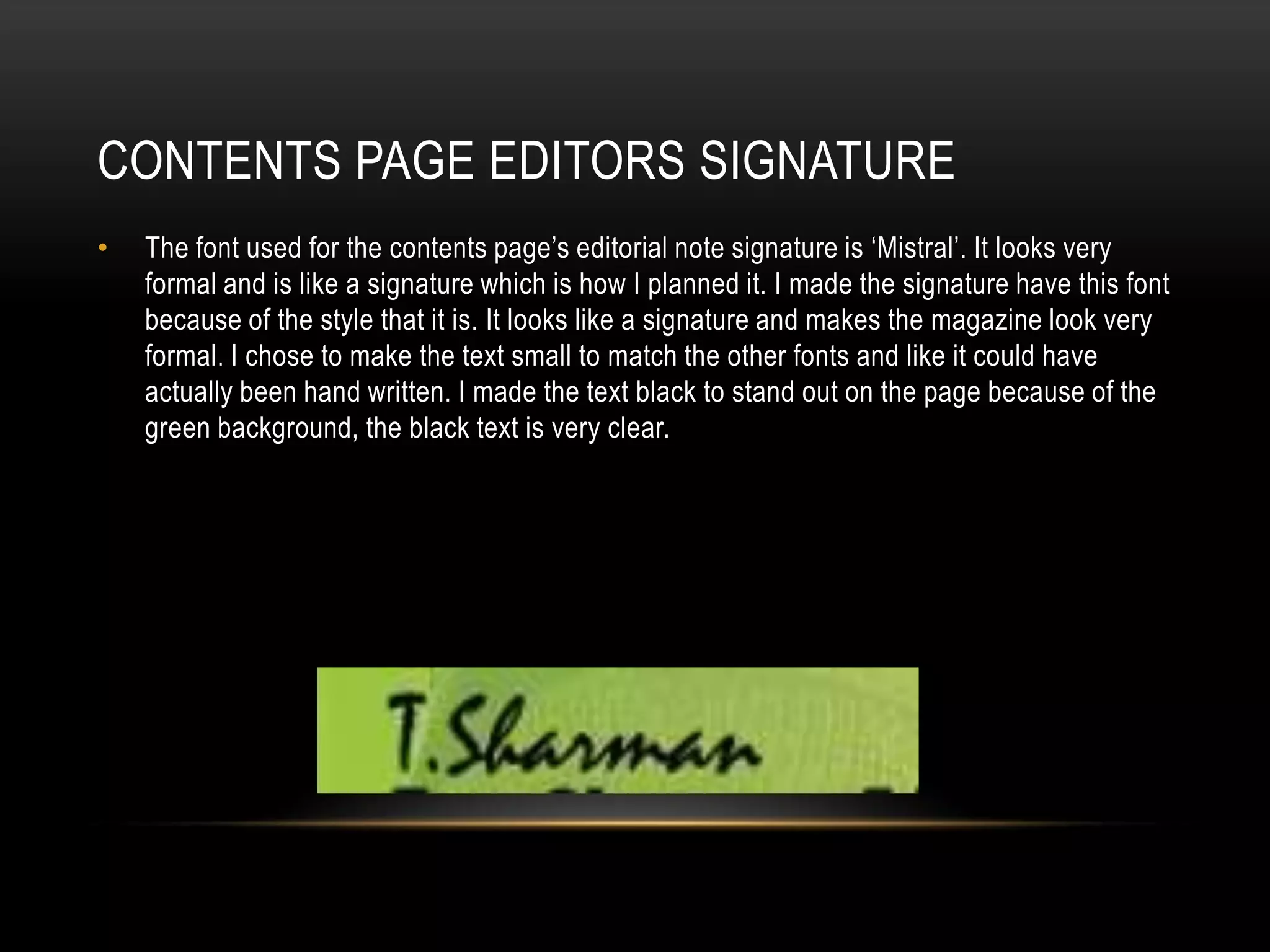
CONTENTS PAGE EDITORS SIGNATURE
•   The font used for the contents page’s editorial note signature is ‘Mistral’. It looks very
    formal and is like a signature which is how I planned it. I made the signature have this font
    because of the style that it is. It looks like a signature and makes the magazine look very
    formal. I chose to make the text small to match the other fonts and like it could have
    actually been hand written. I made the text black to stand out on the page because of the
    green background, the black text is very clear.
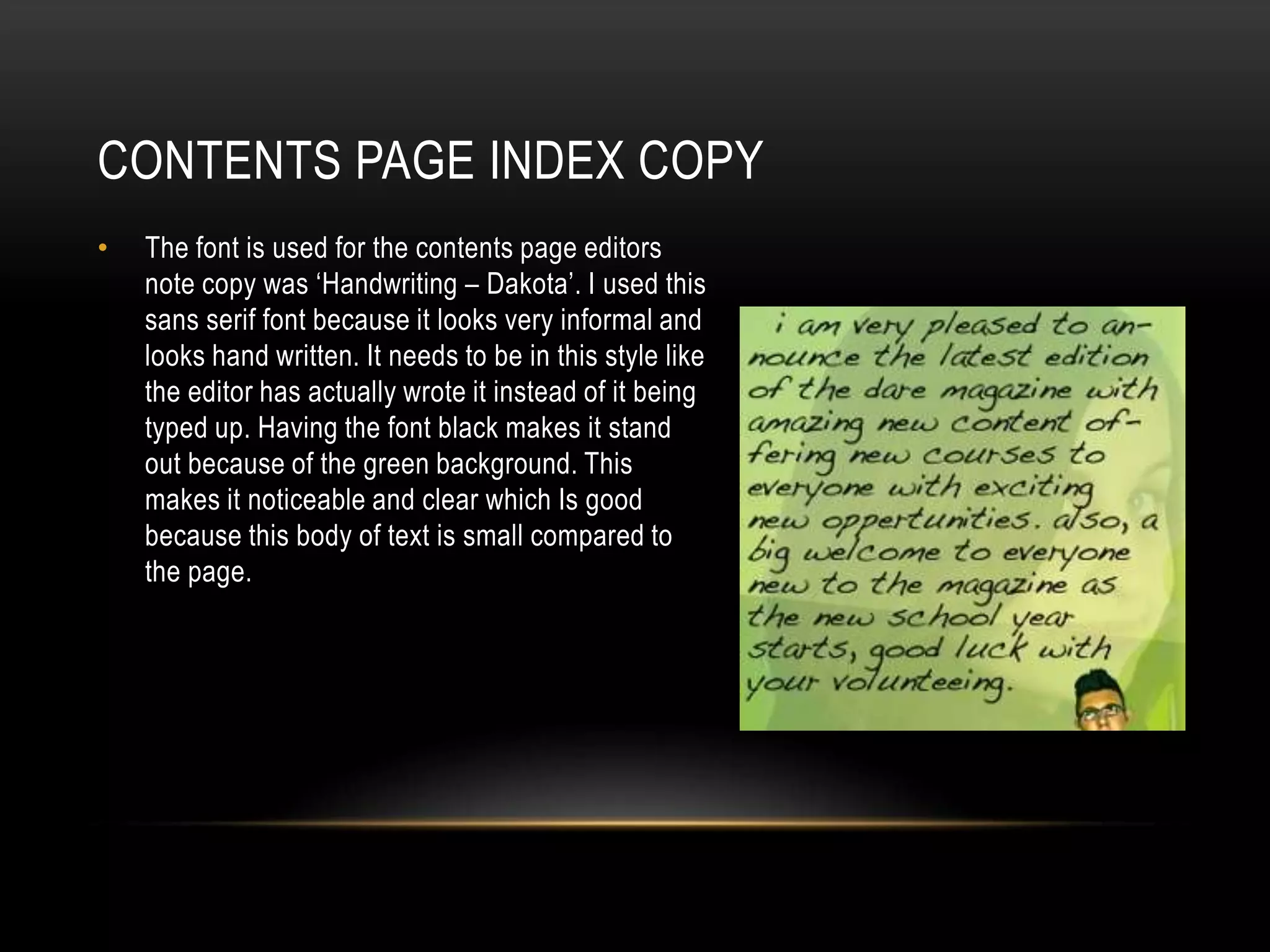
CONTENTS PAGE INDEX COPY
•   The font is used for the contents page editors
    note copy was ‘Handwriting – Dakota’. I used this
    sans serif font because it looks very informal and
    looks hand written. It needs to be in this style like
    the editor has actually wrote it instead of it being
    typed up. Having the font black makes it stand
    out because of the green background. This
    makes it noticeable and clear which Is good
    because this body of text is small compared to
    the page.
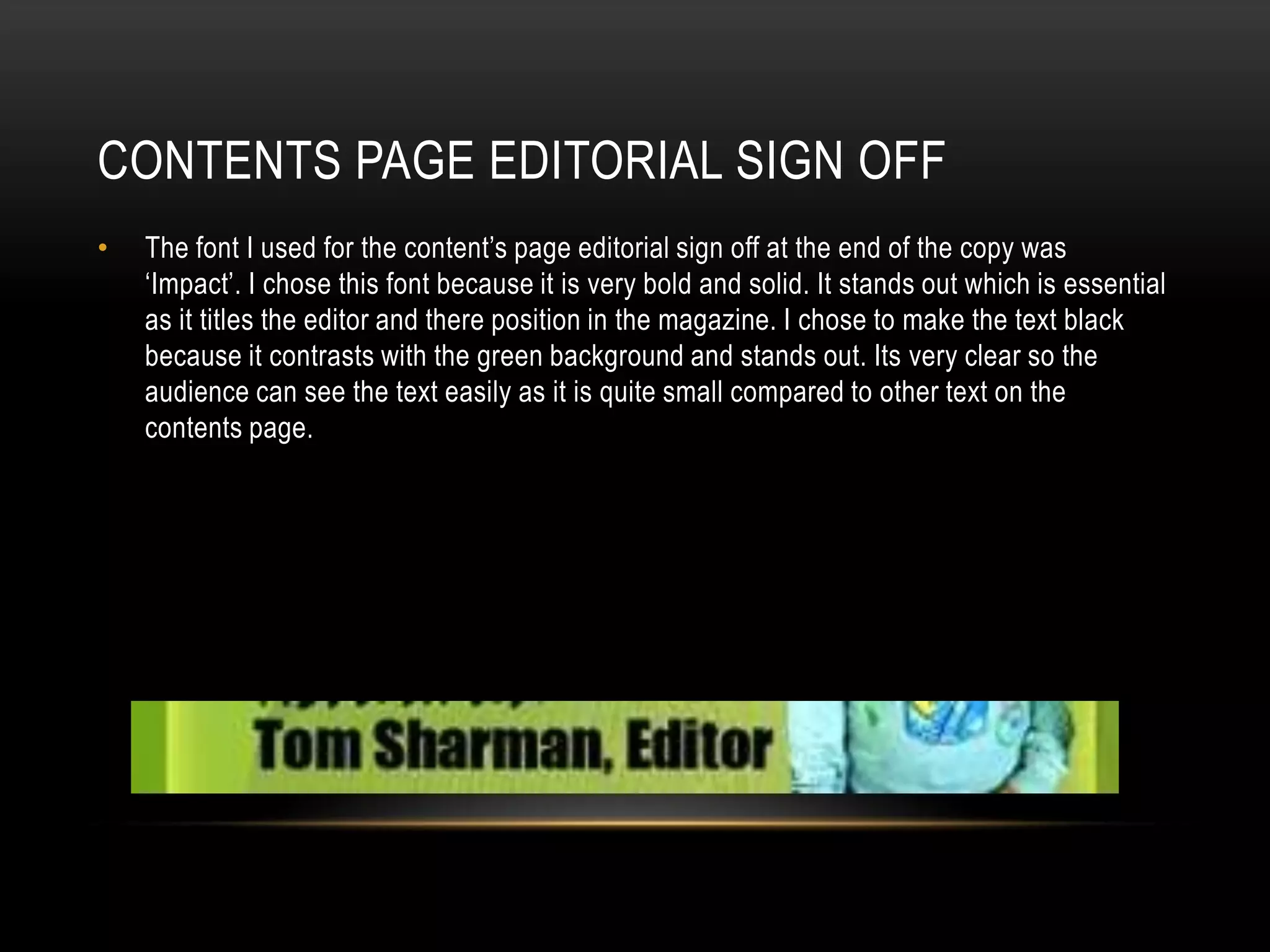
CONTENTS PAGE EDITORIAL SIGN OFF
•   The font I used for the content’s page editorial sign off at the end of the copy was
    ‘Impact’. I chose this font because it is very bold and solid. It stands out which is essential
    as it titles the editor and there position in the magazine. I chose to make the text black
    because it contrasts with the green background and stands out. Its very clear so the
    audience can see the text easily as it is quite small compared to other text on the
    contents page.
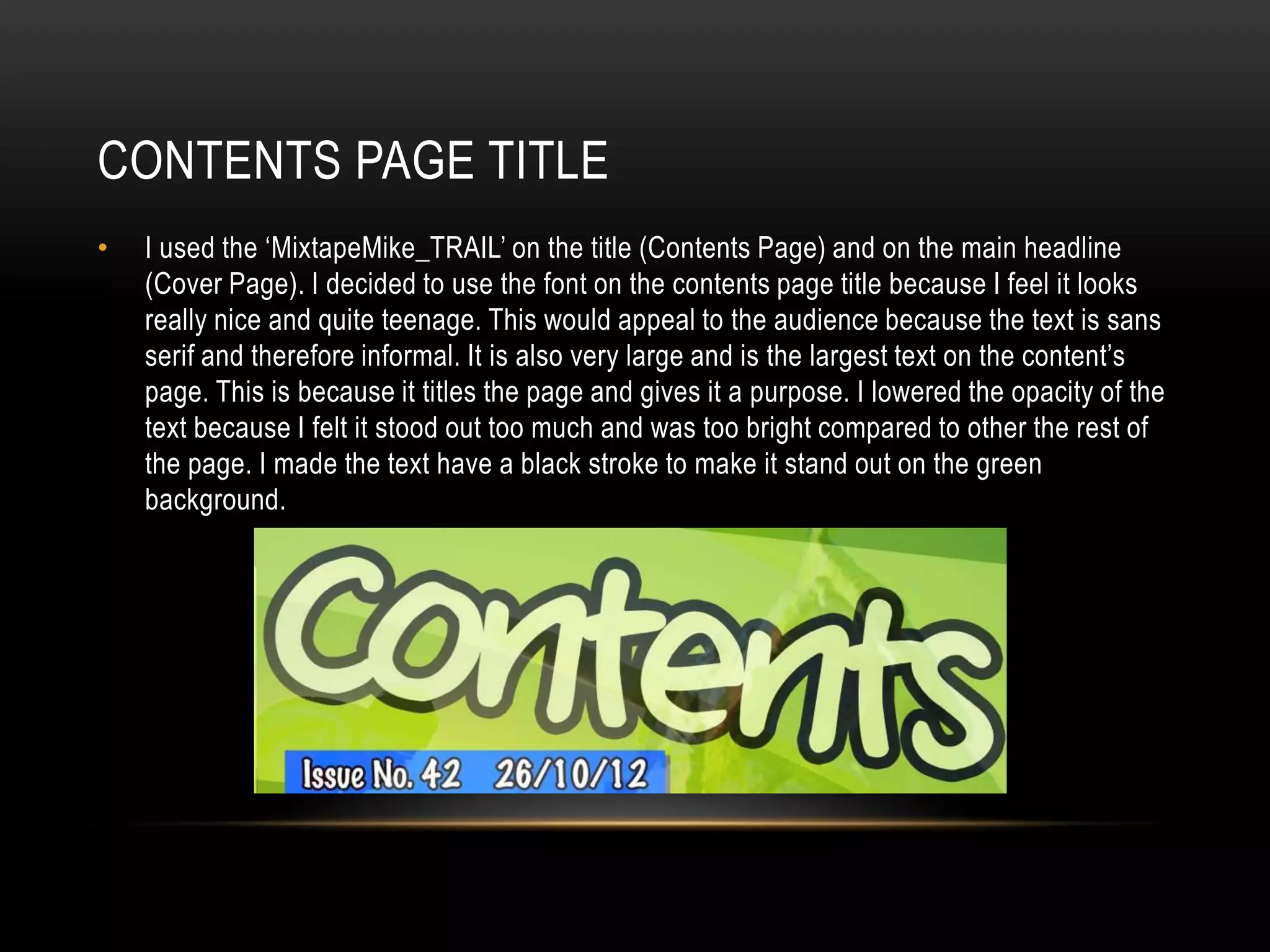
CONTENTS PAGE TITLE
•   I used the ‘MixtapeMike_TRAIL’ on the title (Contents Page) and on the main headline
    (Cover Page). I decided to use the font on the contents page title because I feel it looks
    really nice and quite teenage. This would appeal to the audience because the text is sans
    serif and therefore informal. It is also very large and is the largest text on the content’s
    page. This is because it titles the page and gives it a purpose. I lowered the opacity of the
    text because I felt it stood out too much and was too bright compared to other the rest of
    the page. I made the text have a black stroke to make it stand out on the green
    background.
MASTHEAD
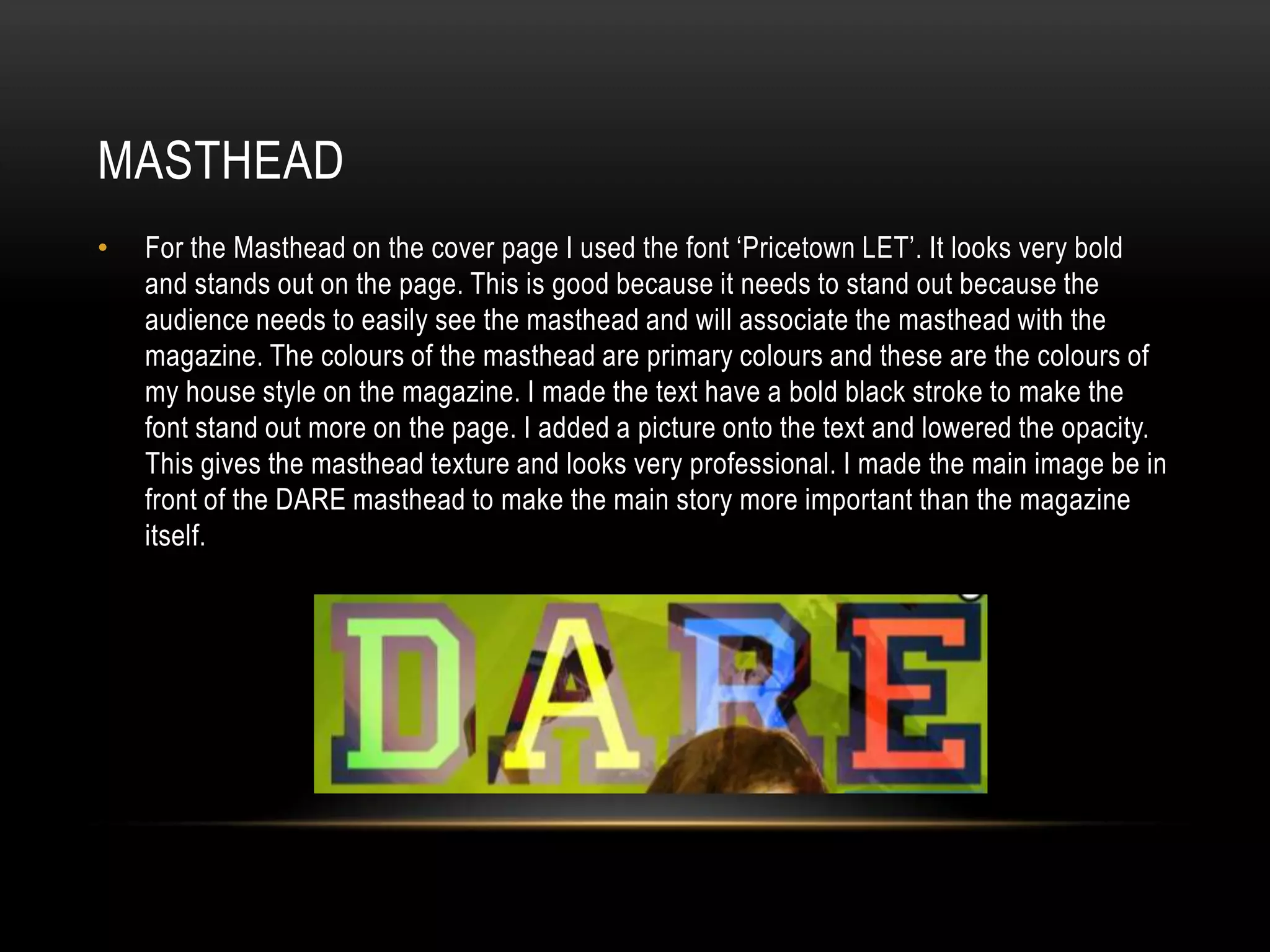
•   For the Masthead on the cover page I used the font ‘Pricetown LET’. It looks very bold
    and stands out on the page. This is good because it needs to stand out because the
    audience needs to easily see the masthead and will associate the masthead with the
    magazine. The colours of the masthead are primary colours and these are the colours of
    my house style on the magazine. I made the text have a bold black stroke to make the
    font stand out more on the page. I added a picture onto the text and lowered the opacity.
    This gives the masthead texture and looks very professional. I made the main image be in
    front of the DARE masthead to make the main story more important than the magazine
    itself.
COPY
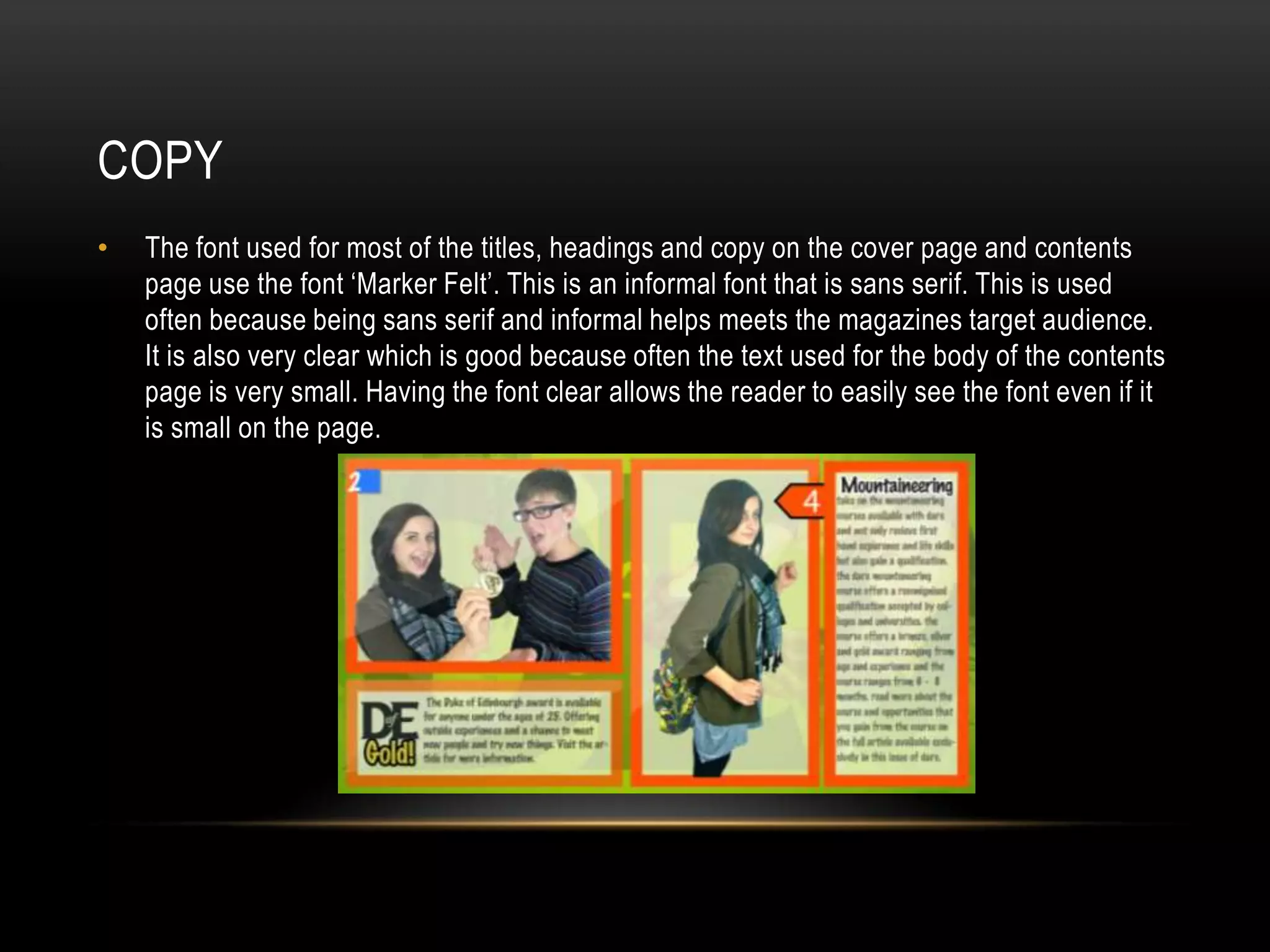
•   The font used for most of the titles, headings and copy on the cover page and contents
    page use the font ‘Marker Felt’. This is an informal font that is sans serif. This is used
    often because being sans serif and informal helps meets the magazines target audience.
    It is also very clear which is good because often the text used for the body of the contents
    page is very small. Having the font clear allows the reader to easily see the font even if it
    is small on the page.

Educational Magazine Font Analysis

  • 1.
    FONT ANALYSIS By Tom Sharman
  • 2.
    COVER PAGE HEADLINE • I used ‘mixtapeMike_TRAIL’ font on the cover page’s headline. It’s a sans serif font and looks really nice. I chose this because it doesn’t look too formal which I want because the target audience is aged 16-18 year olds. I made it white with a think black stroke to make the text stand out as I want it to be the first thing that they see on the page other than the main image.
  • 3.
    COVER PAGE ADVERTORIAL • I used the font ‘Haettenschweiler’ for the text on the cover page’s advertorial. This font is very square and looks very striking. It stands out very nicely which is important for an advertorial because it needs to be noticed by the customer. I made the text white with a bold black stroke effect to make the text stand out on the page against the silver banner behind. This makes the magazine looks very professional.
  • 4.
    CONTENTS PAGE INDEX • The font I used for the index on the contents page is ‘Abadi MT Condensed Extra Bold’. I used this as it is very clear which is needed because the text is so small. Having the text very clear is essential because if it is unclear then I reader won’t be able to understand the message which is very important as it describes the articles briefly to the audience.
  • 5.
    CONTENTS PAGE EDITORSSIGNATURE • The font used for the contents page’s editorial note signature is ‘Mistral’. It looks very formal and is like a signature which is how I planned it. I made the signature have this font because of the style that it is. It looks like a signature and makes the magazine look very formal. I chose to make the text small to match the other fonts and like it could have actually been hand written. I made the text black to stand out on the page because of the green background, the black text is very clear.
  • 6.
    CONTENTS PAGE INDEXCOPY • The font is used for the contents page editors note copy was ‘Handwriting – Dakota’. I used this sans serif font because it looks very informal and looks hand written. It needs to be in this style like the editor has actually wrote it instead of it being typed up. Having the font black makes it stand out because of the green background. This makes it noticeable and clear which Is good because this body of text is small compared to the page.
  • 7.
    CONTENTS PAGE EDITORIALSIGN OFF • The font I used for the content’s page editorial sign off at the end of the copy was ‘Impact’. I chose this font because it is very bold and solid. It stands out which is essential as it titles the editor and there position in the magazine. I chose to make the text black because it contrasts with the green background and stands out. Its very clear so the audience can see the text easily as it is quite small compared to other text on the contents page.
  • 8.
    CONTENTS PAGE TITLE • I used the ‘MixtapeMike_TRAIL’ on the title (Contents Page) and on the main headline (Cover Page). I decided to use the font on the contents page title because I feel it looks really nice and quite teenage. This would appeal to the audience because the text is sans serif and therefore informal. It is also very large and is the largest text on the content’s page. This is because it titles the page and gives it a purpose. I lowered the opacity of the text because I felt it stood out too much and was too bright compared to other the rest of the page. I made the text have a black stroke to make it stand out on the green background.
  • 9.
    MASTHEAD • For the Masthead on the cover page I used the font ‘Pricetown LET’. It looks very bold and stands out on the page. This is good because it needs to stand out because the audience needs to easily see the masthead and will associate the masthead with the magazine. The colours of the masthead are primary colours and these are the colours of my house style on the magazine. I made the text have a bold black stroke to make the font stand out more on the page. I added a picture onto the text and lowered the opacity. This gives the masthead texture and looks very professional. I made the main image be in front of the DARE masthead to make the main story more important than the magazine itself.
  • 10.
    COPY • The font used for most of the titles, headings and copy on the cover page and contents page use the font ‘Marker Felt’. This is an informal font that is sans serif. This is used often because being sans serif and informal helps meets the magazines target audience. It is also very clear which is good because often the text used for the body of the contents page is very small. Having the font clear allows the reader to easily see the font even if it is small on the page.