Download to read offline

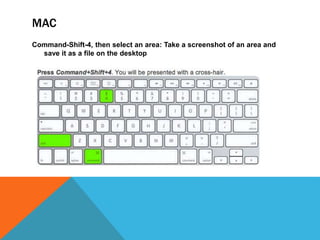

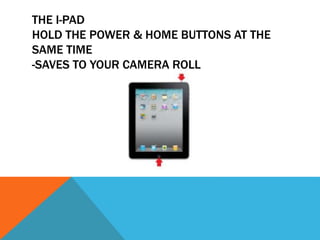


This document provides instructions for taking screenshots on different devices. It outlines how to take screenshots on a Mac by pressing Command-Shift-4 and selecting an area, and on an iPad by holding the power and home buttons at the same time to save to the camera roll. It also mentions the screenshot tools Screenr and Jing.


