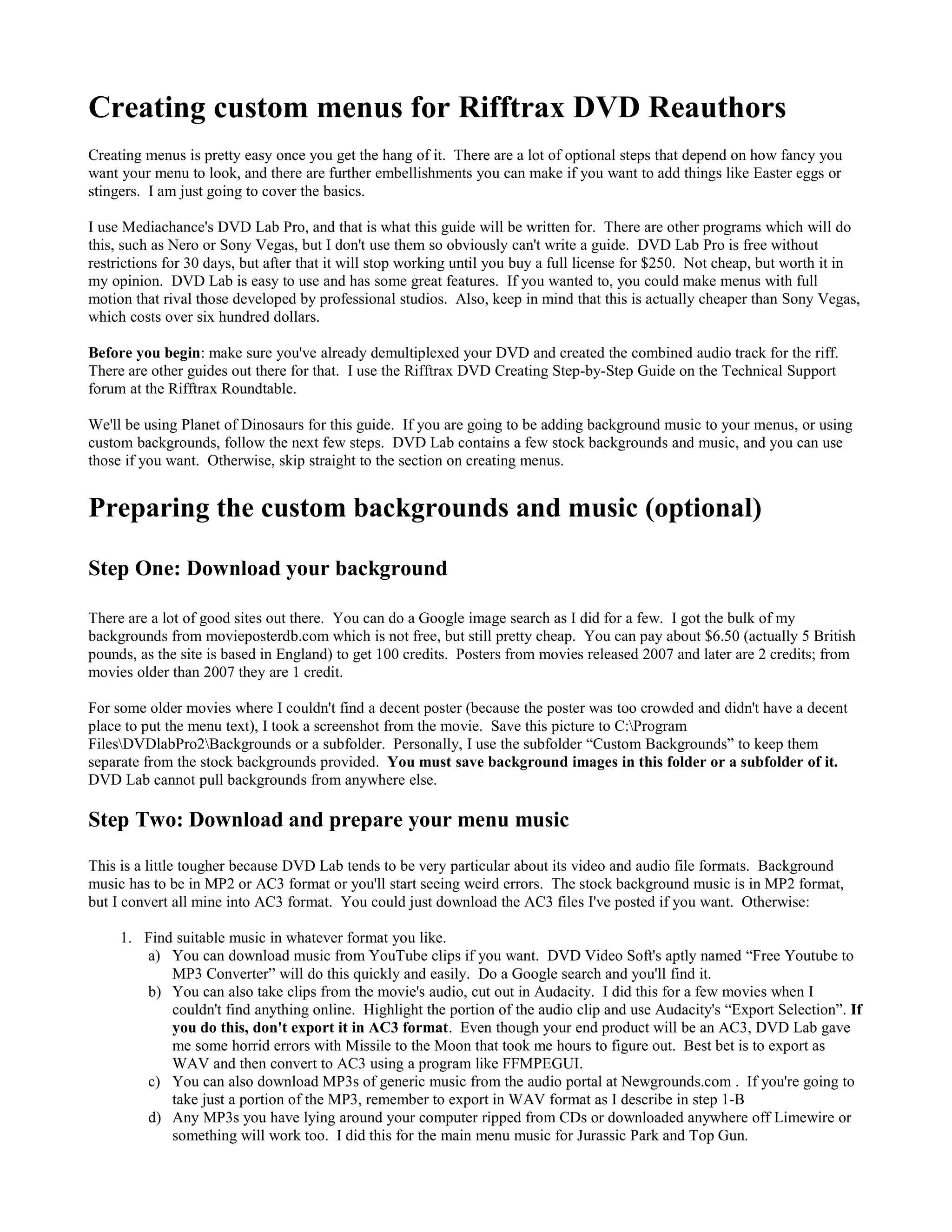
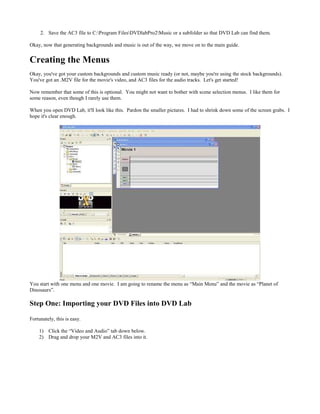
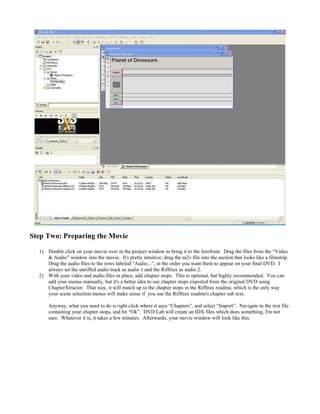
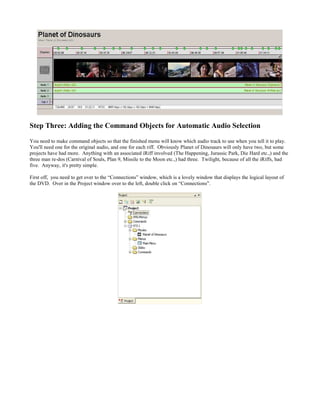
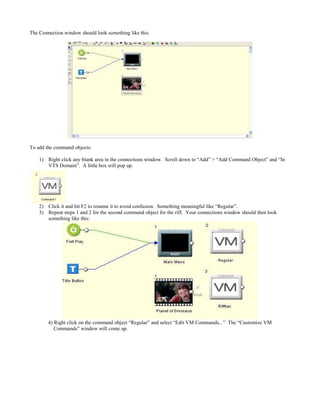
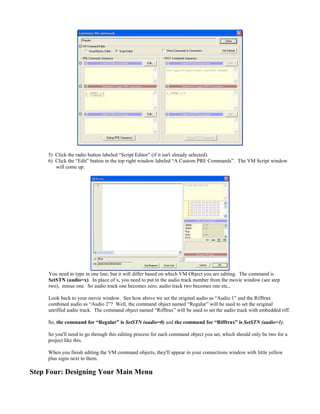
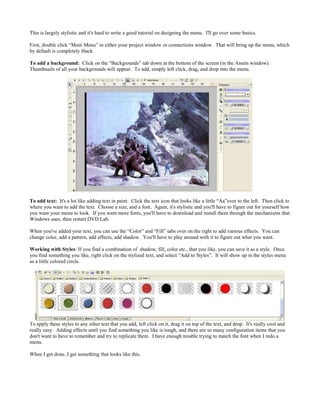
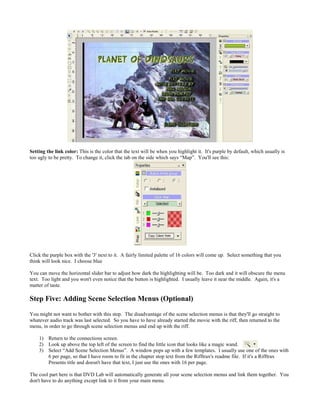
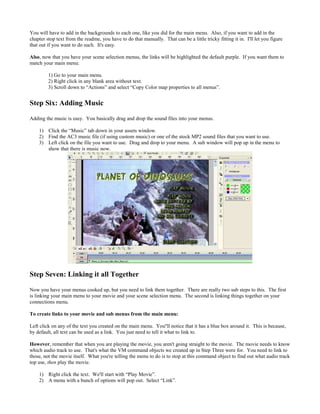
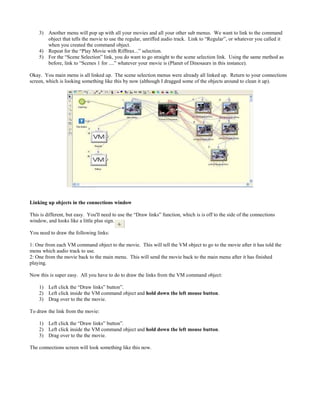
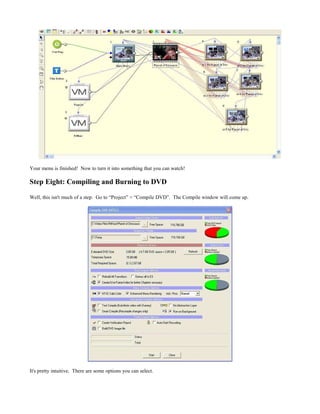
The document provides instructions for creating custom menus for Rifftrax DVDs using DVD Lab Pro software. It discusses optional steps for adding background music and images. Backgrounds must be saved in the DVD Lab folder and music converted to MP2 or AC3 format. The guide then explains how to import movie files, add chapter markers, and create command objects to select the desired audio track when playing. It concludes by outlining the basic process of designing the main menu by adding a background image and text.