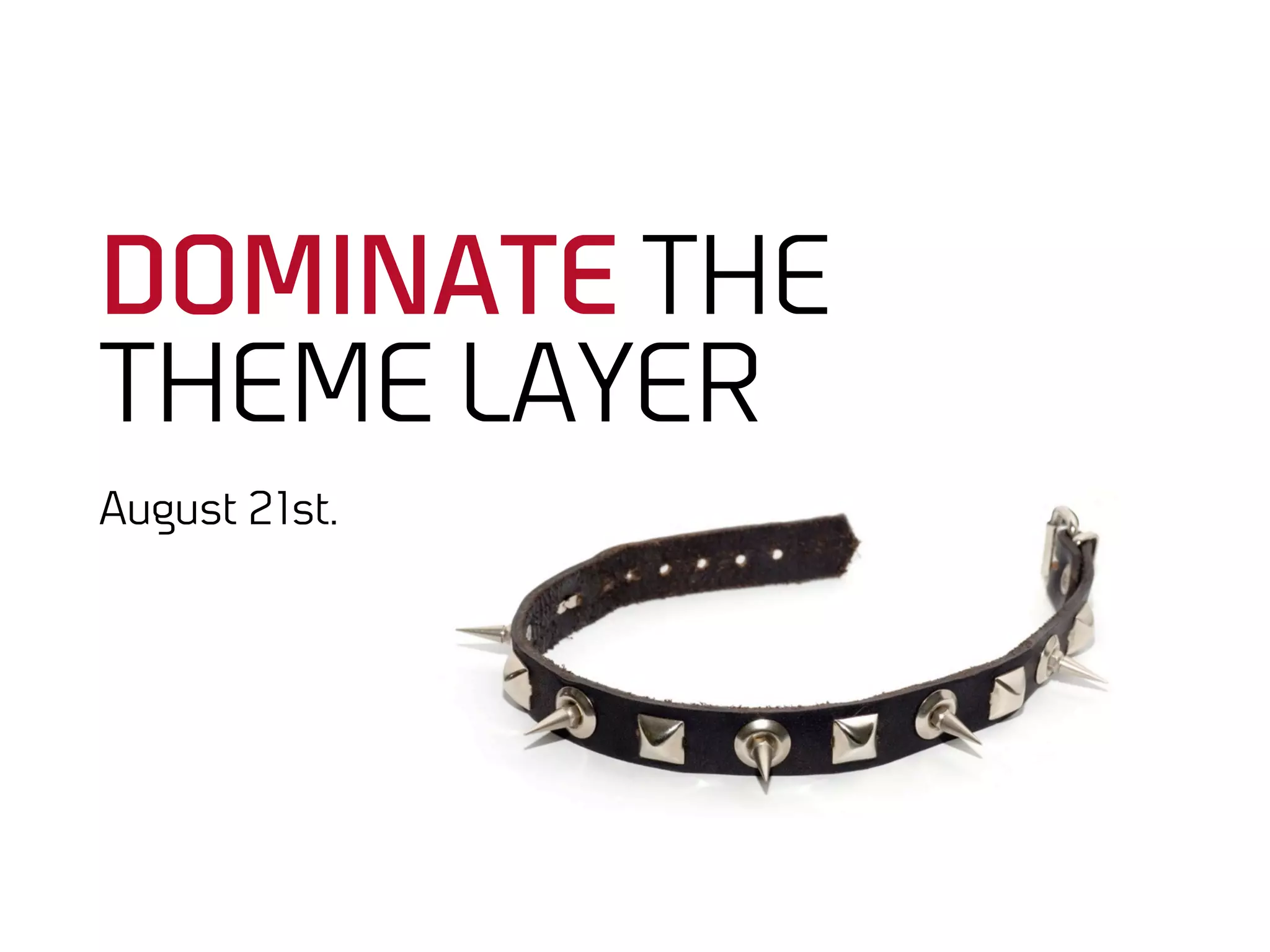









DOMINATE THE
THEME LAYER
August 21st.
Jesper Wøldiche Rahkonen
Themer / architect at Bysted.

Markup Marine /
Journalist /
Frontend United /


@woeldiche
Last chance to run.

BEFORE WE GET STARTED…
Focus on
the themer.
It’s just OOCSS.
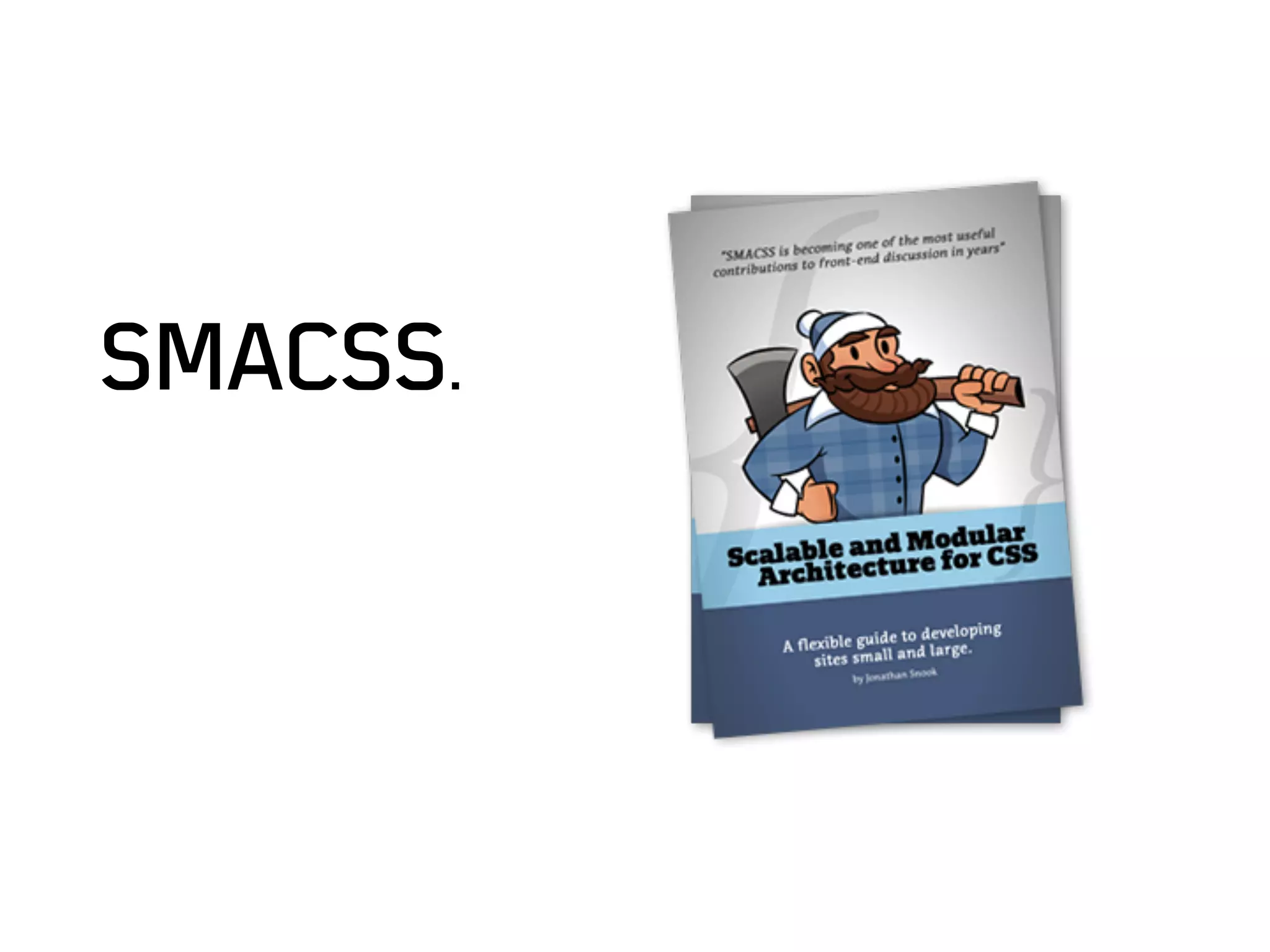
Or smacss.
There will be
slides with code.
There will be (more)
slides without code.
Presenter will
be opinionated.
Code available
on Github.
A quick outline.

IN THIS SESSION.
A beautiful beast.

But a still
a beast.
Submissive markup
is efficient markup.
Overview of the session.
1 - The gentle way.

2 - The dominating way.

3 - Submissive markup in four easy steps.

4 - Tools of domination.
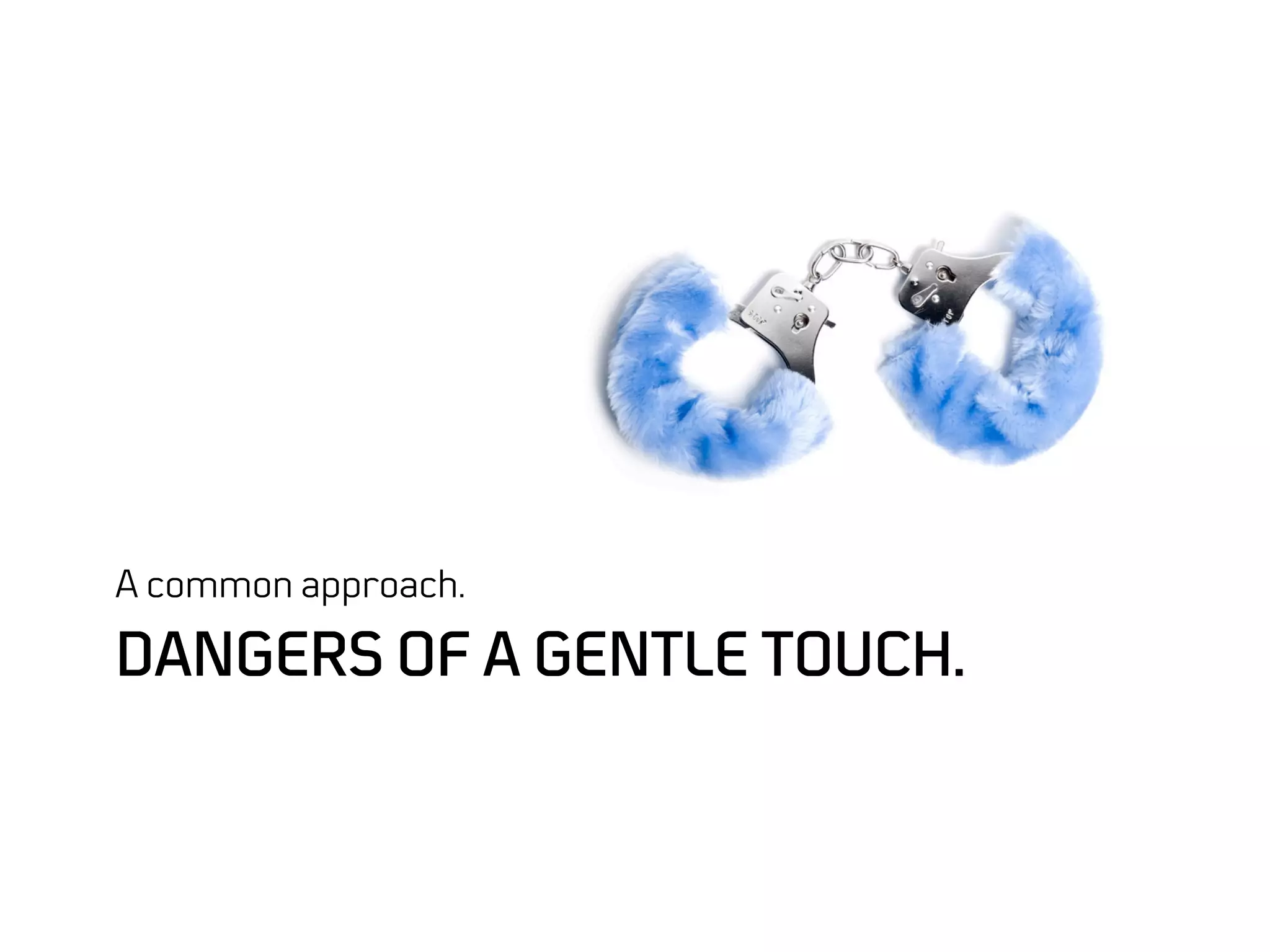
A common approach.

DANGERS OF A GENTLE TOUCH.
Don’t let contrib
trick you.
Results
>  Bloated css
Results
>  Bloated css

>  Tied to markup
Results
>  Bloated css

>  Tied to markup

>  Low extensibility
Results
>  Bloated css

>  Tied to markup

>  Low extensibility

>  High maintenance
Stuff you don’t want to do, really.

COMMON PITFALLS
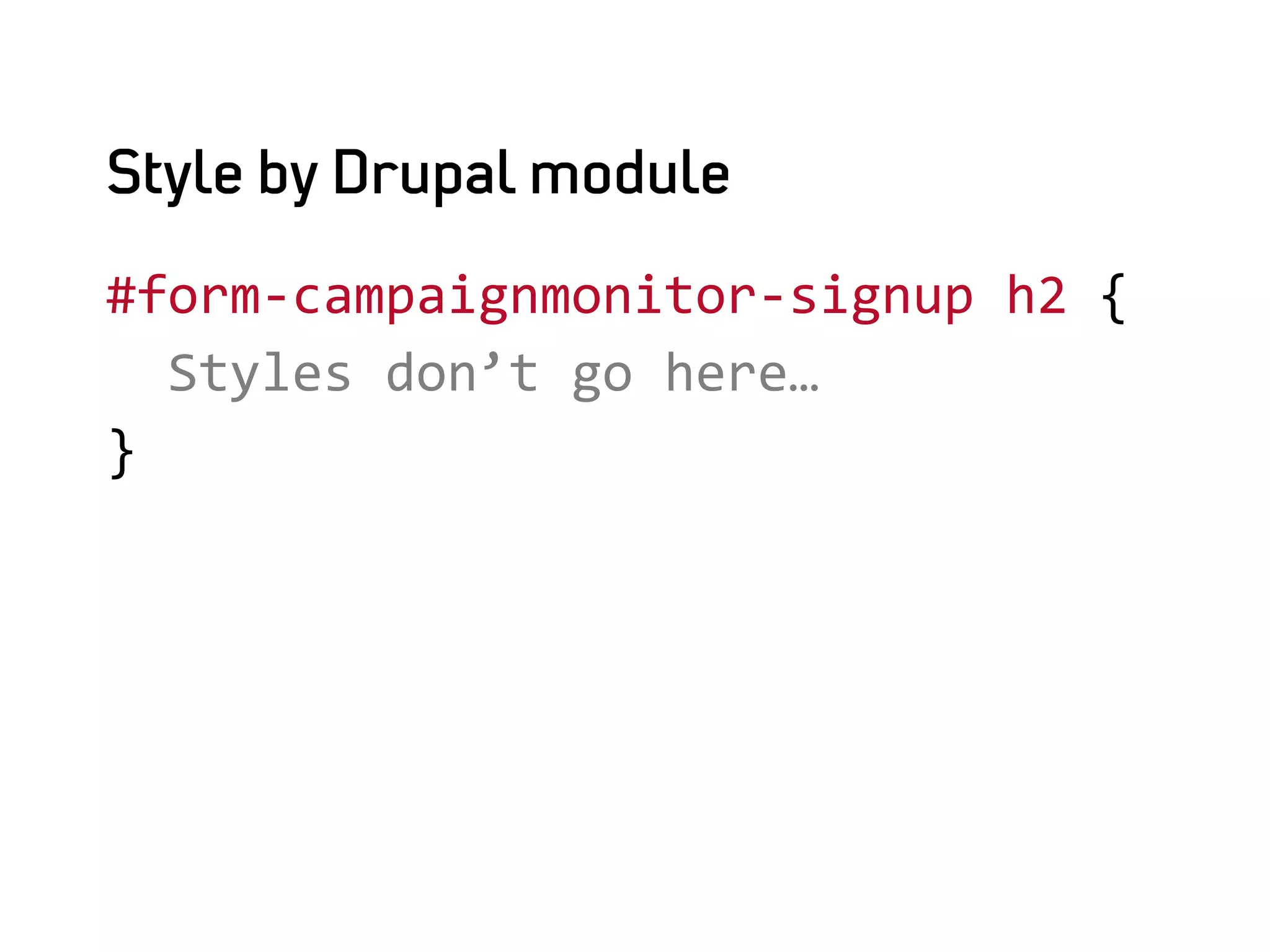
Style by Drupal module

#form-­‐campaignmonitor-­‐signup	
  h2	
  {	


  Styles	
  don’t	
  go	
  here…	
  
}	


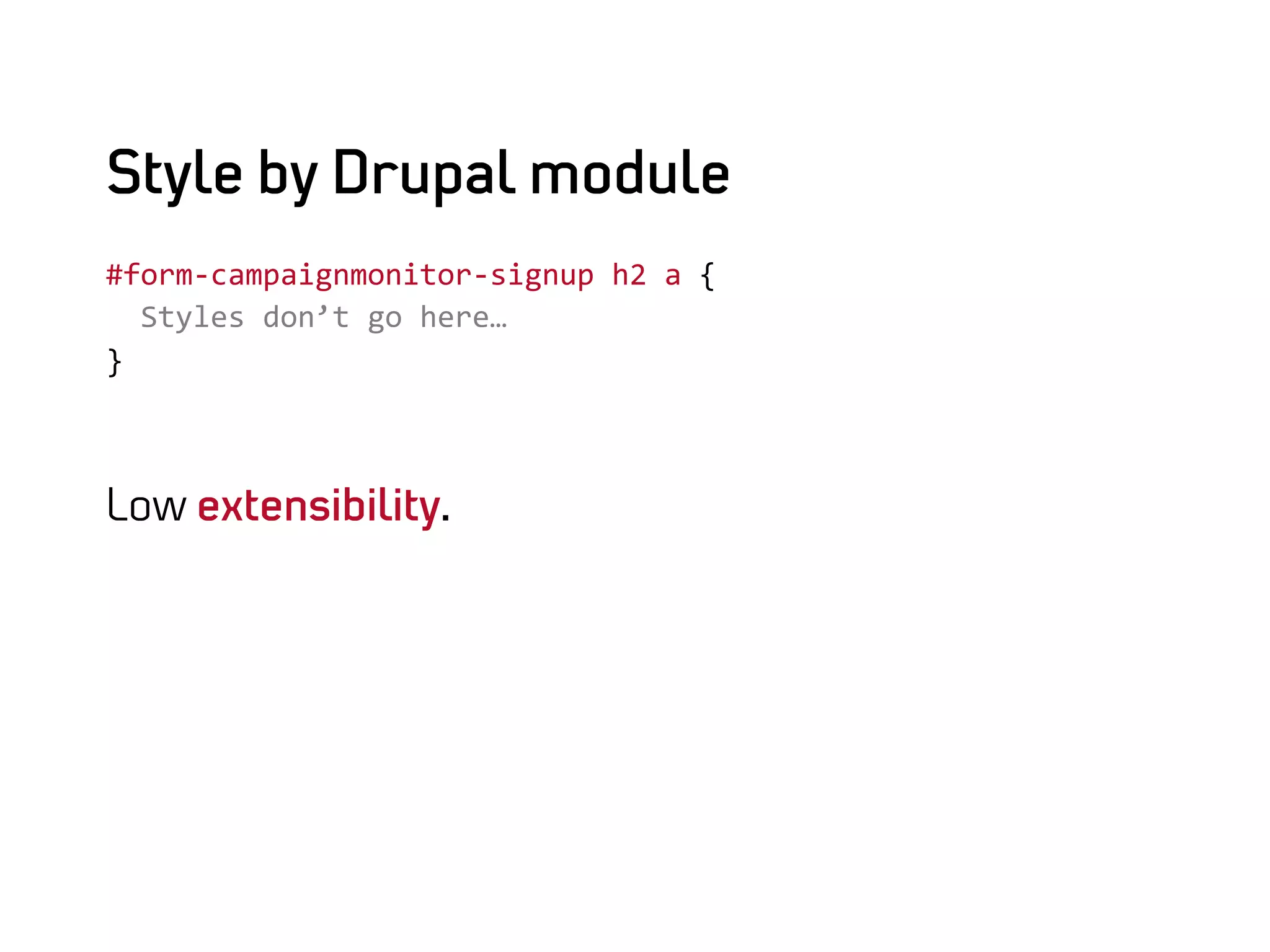
Style by Drupal module
#form-­‐campaignmonitor-­‐signup	
  h2	
  a	
  {	


  Styles	
  don’t	
  go	
  here…	
  
}	


Low extensibility.
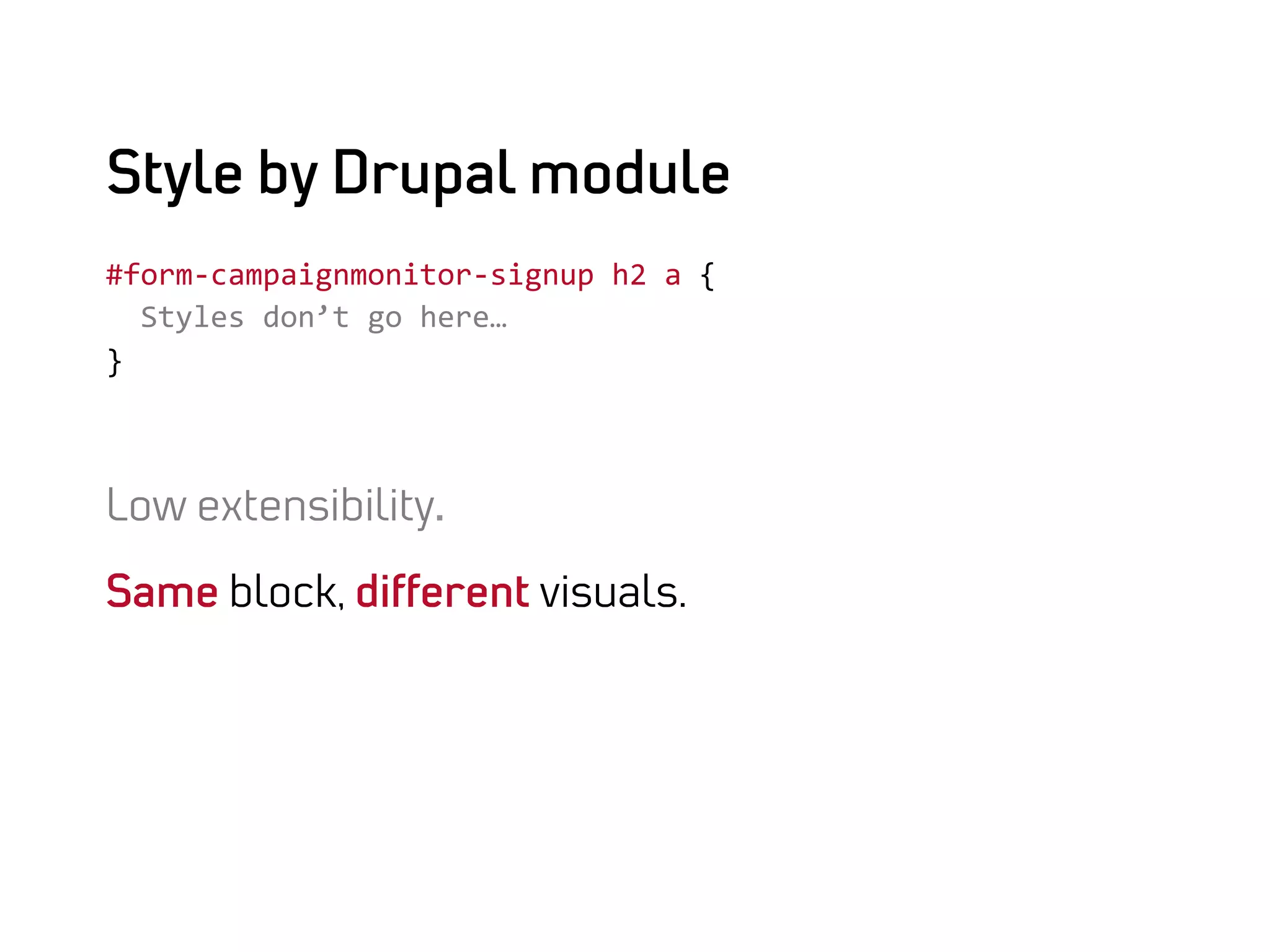
Style by Drupal module
#form-­‐campaignmonitor-­‐signup	
  h2	
  a	
  {	


  Styles	
  don’t	
  go	
  here…	
  
}	


Low extensibility.

Same block, different visuals.
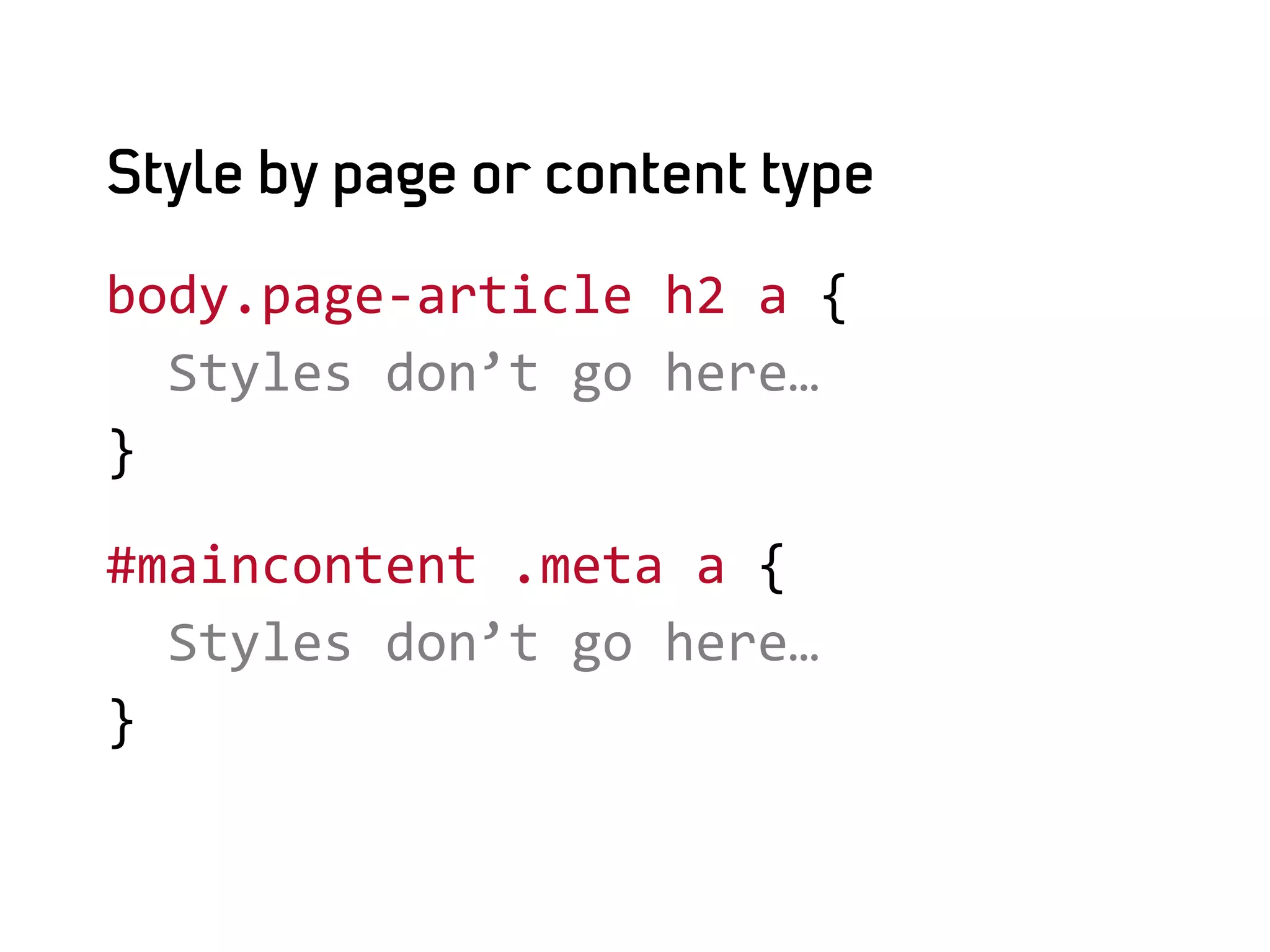
Style by page or content type

body.page-­‐article	
  h2	
  a	
  {	


  Styles	
  don’t	
  go	
  here…	
  
}	
  

#maincontent	
  .meta	
  a	
  {	


  Styles	
  don’t	
  go	
  here…	
  
}	
  
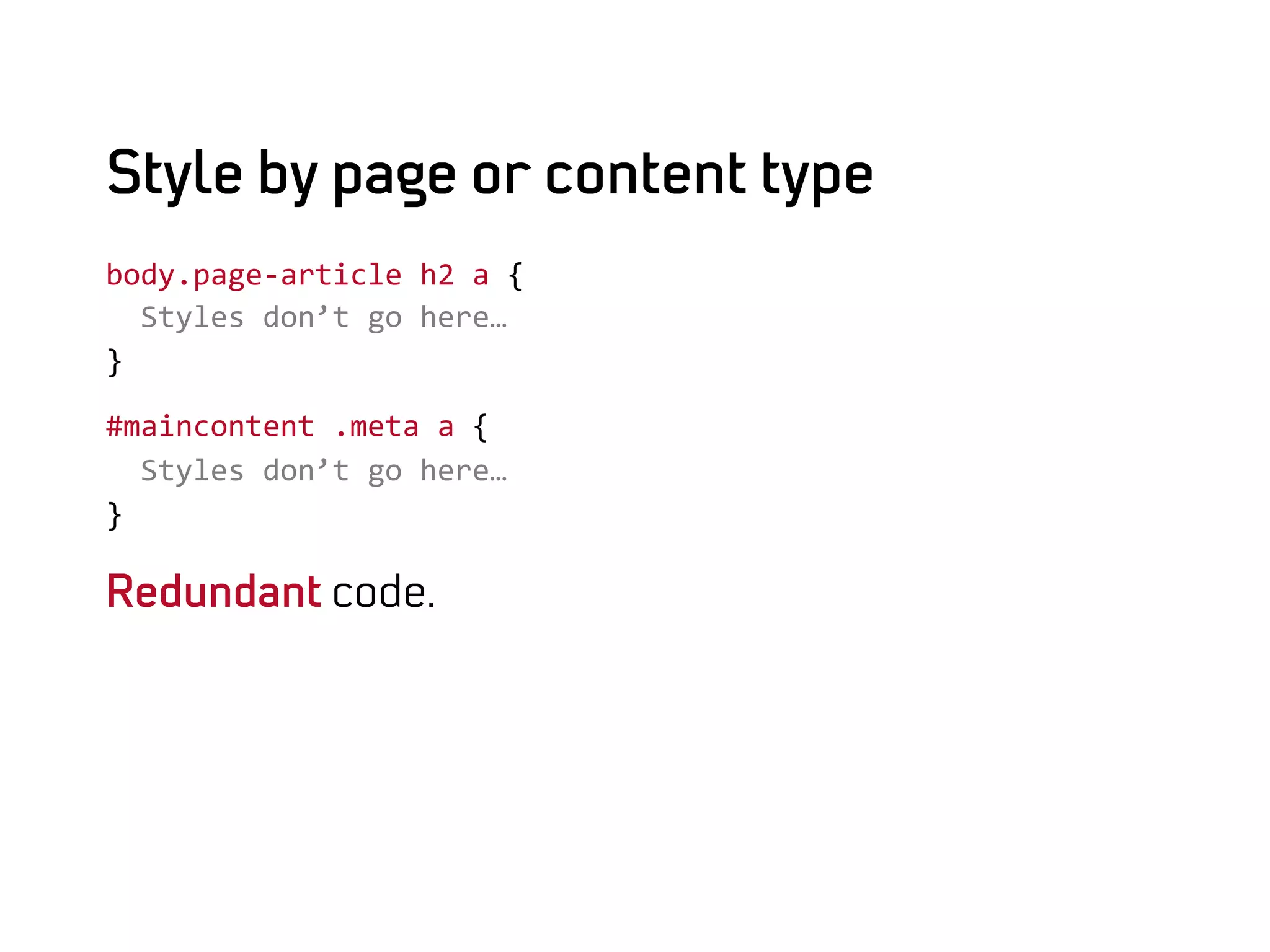
Style by page or content type
body.page-­‐article	
  h2	
  a	
  {	


  Styles	
  don’t	
  go	
  here…	
  
}	
  

#maincontent	
  .meta	
  a	
  {	


  Styles	
  don’t	
  go	
  here…	
  
}	
  

Redundant code.
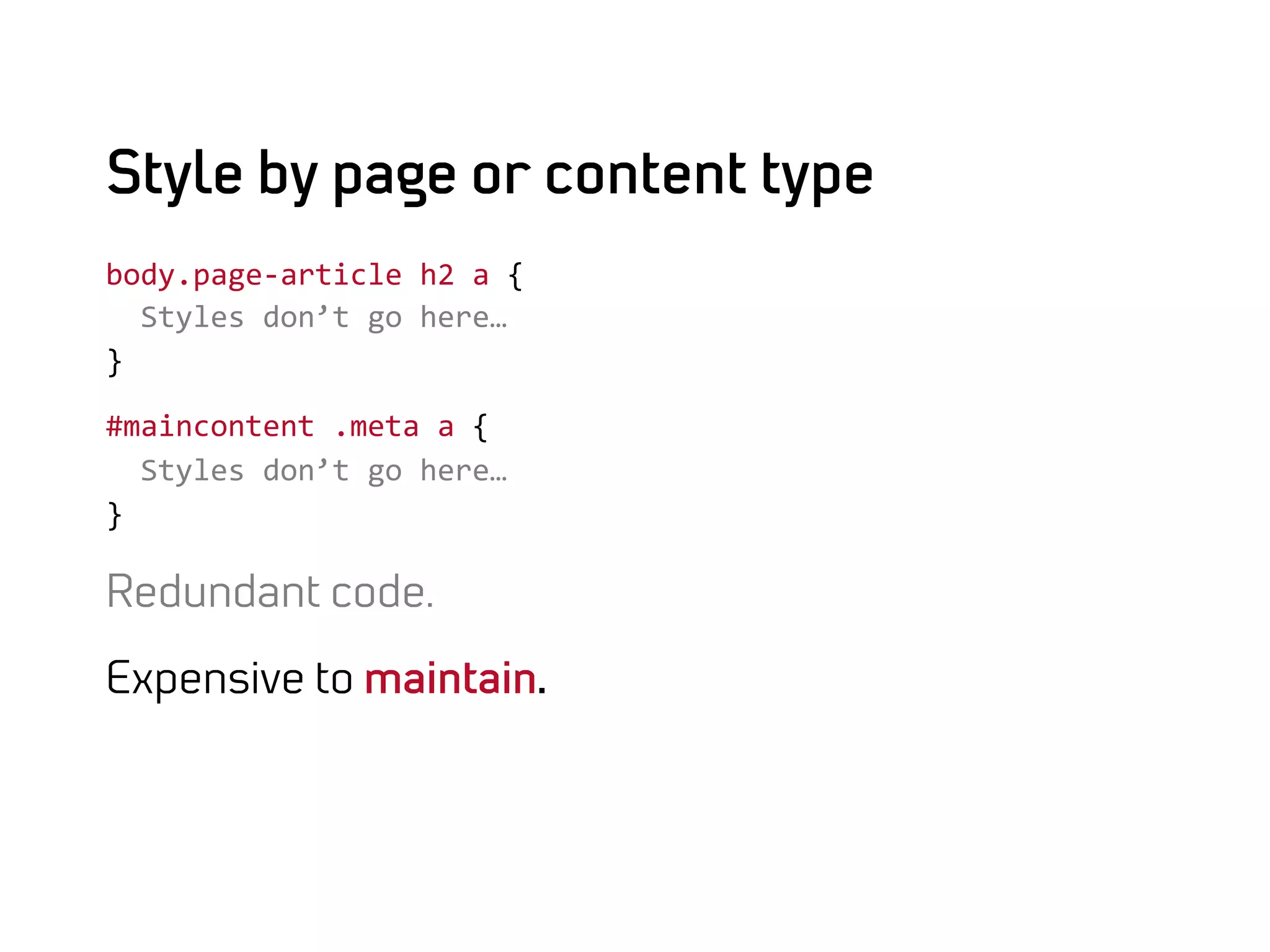
Style by page or content type
body.page-­‐article	
  h2	
  a	
  {	


  Styles	
  don’t	
  go	
  here…	
  
}	
  

#maincontent	
  .meta	
  a	
  {	


  Styles	
  don’t	
  go	
  here…	
  
}	
  

Redundant code.

Expensive to maintain.
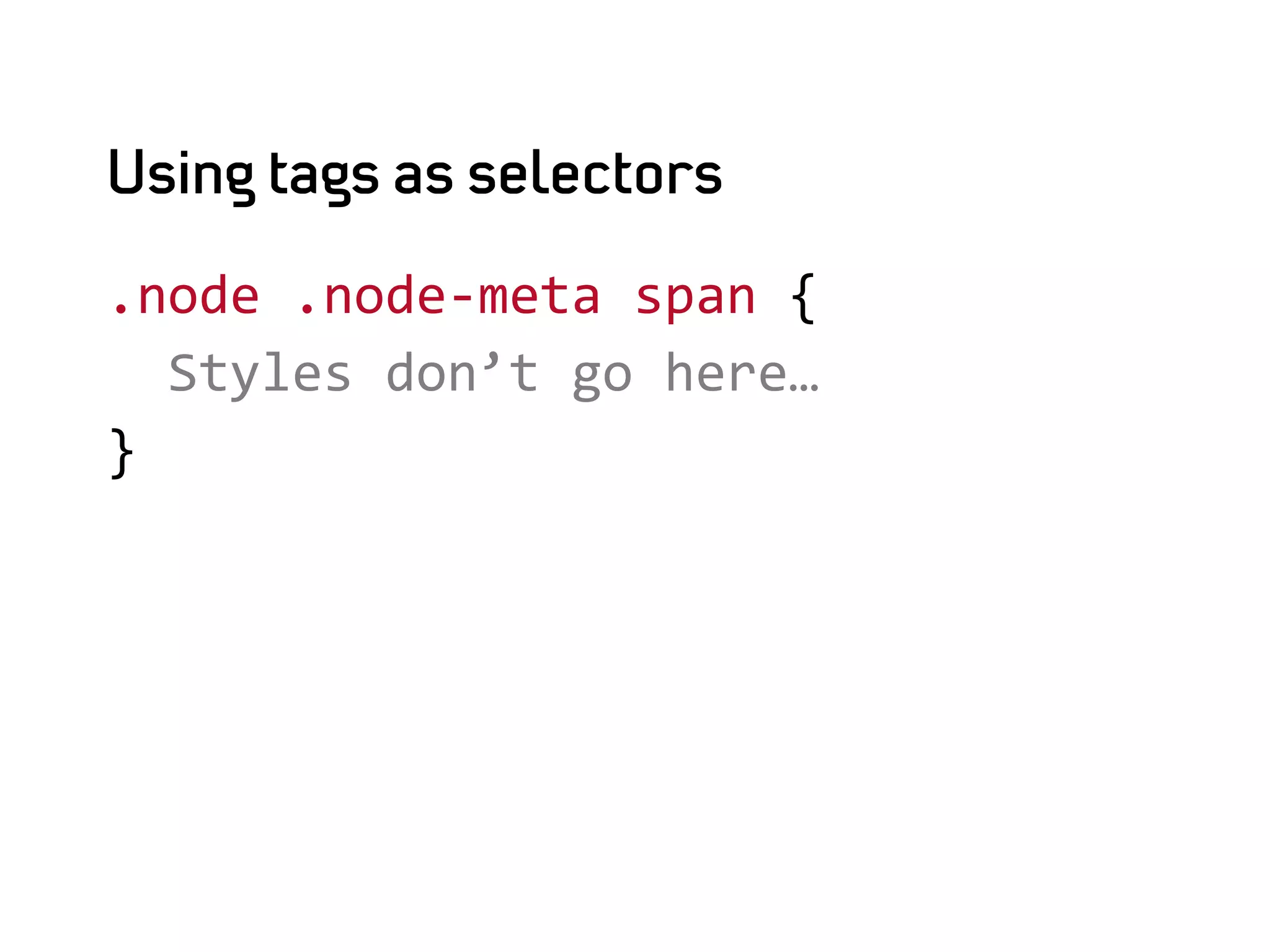
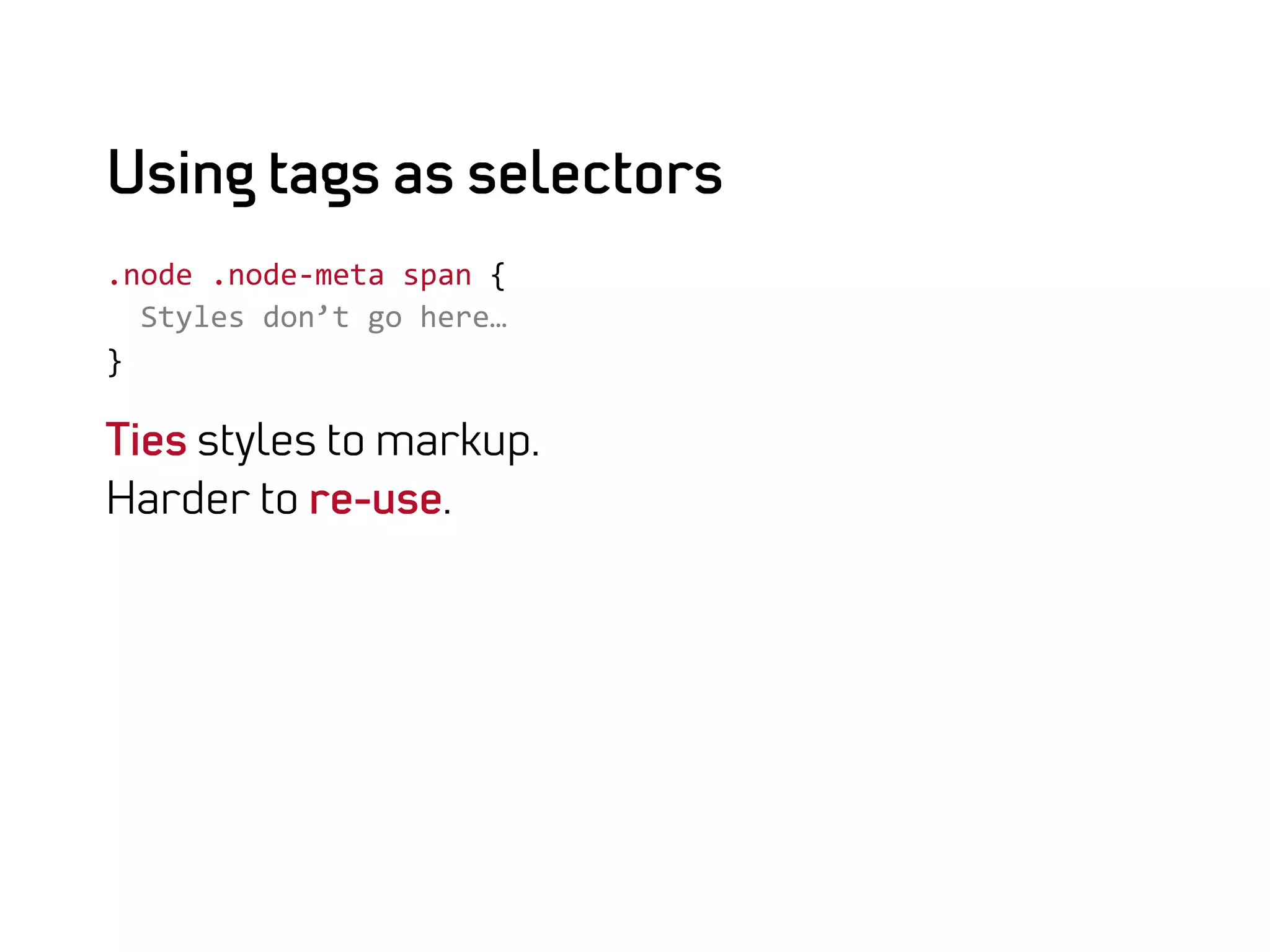
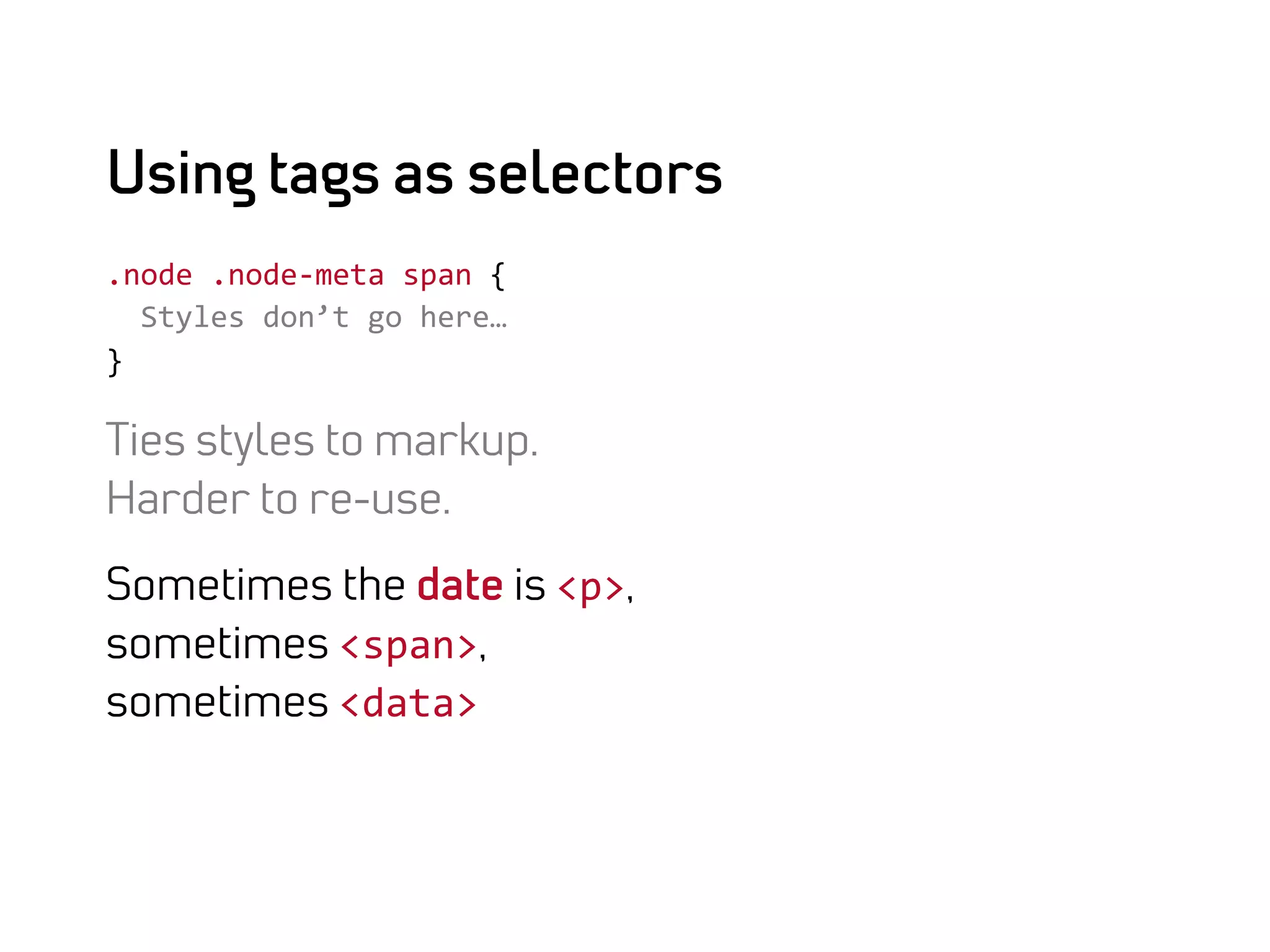
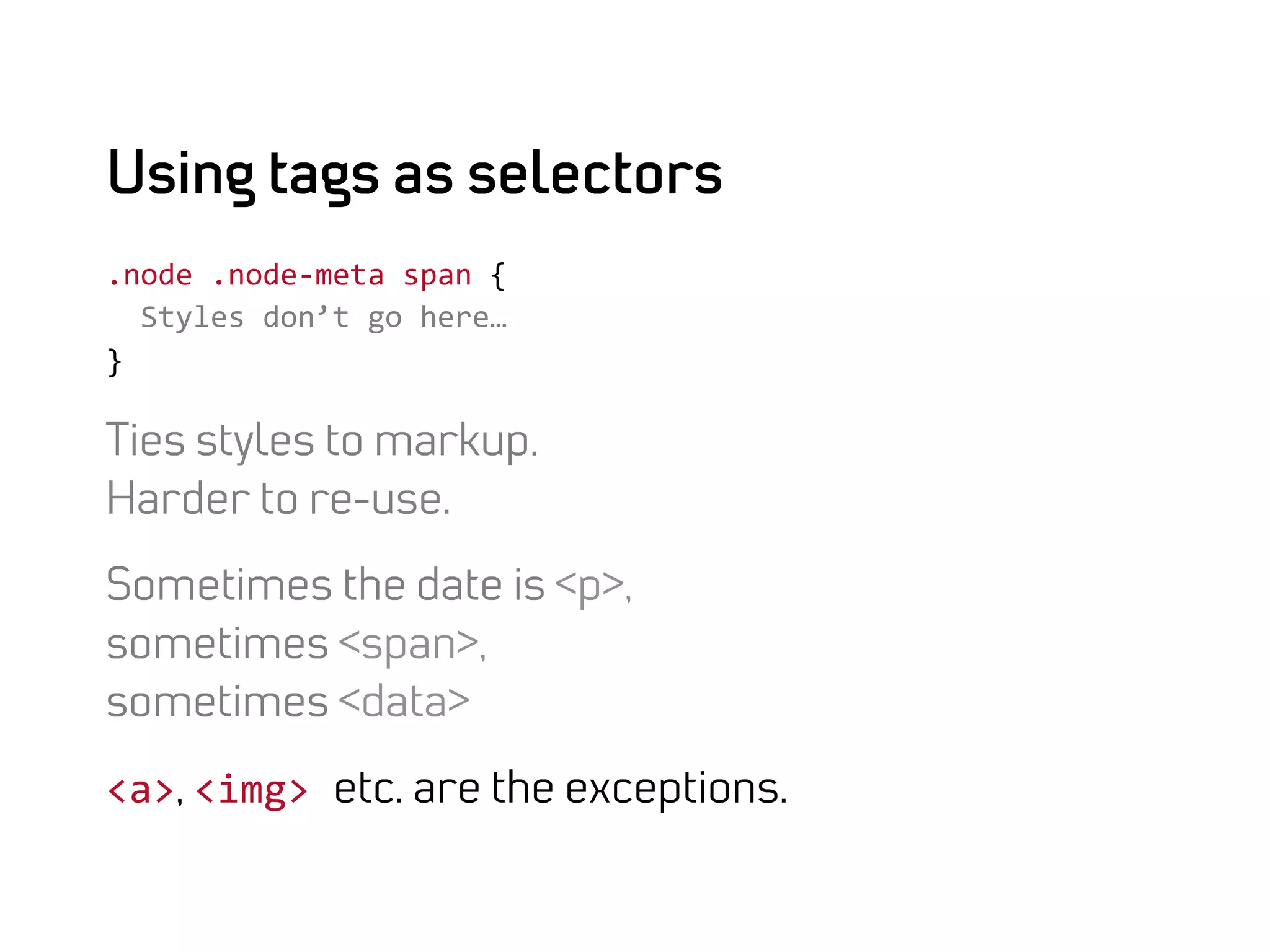
Using tags as selectors

.node	
  .node-­‐meta	
  span	
  {	


  Styles	
  don’t	
  go	
  here…	
  
}	
  
Using tags as selectors
.node	
  .node-­‐meta	
  span	
  {	


  Styles	
  don’t	
  go	
  here…	
  
}	
  

Ties styles to markup.
Harder to re-use.
Using tags as selectors
.node	
  .node-­‐meta	
  span	
  {	


  Styles	
  don’t	
  go	
  here…	
  
}	
  

Ties styles to markup.
Harder to re-use.

Sometimes the date is <p>,
sometimes <span>,	
  
sometimes <data>	
  
Using tags as selectors
.node	
  .node-­‐meta	
  span	
  {	


  Styles	
  don’t	
  go	
  here…	
  
}	
  

Ties styles to markup.
Harder to re-use.

Sometimes the date is <p>,
sometimes <span>,
sometimes <data>

<a>, <img>	
  etc. are the exceptions.
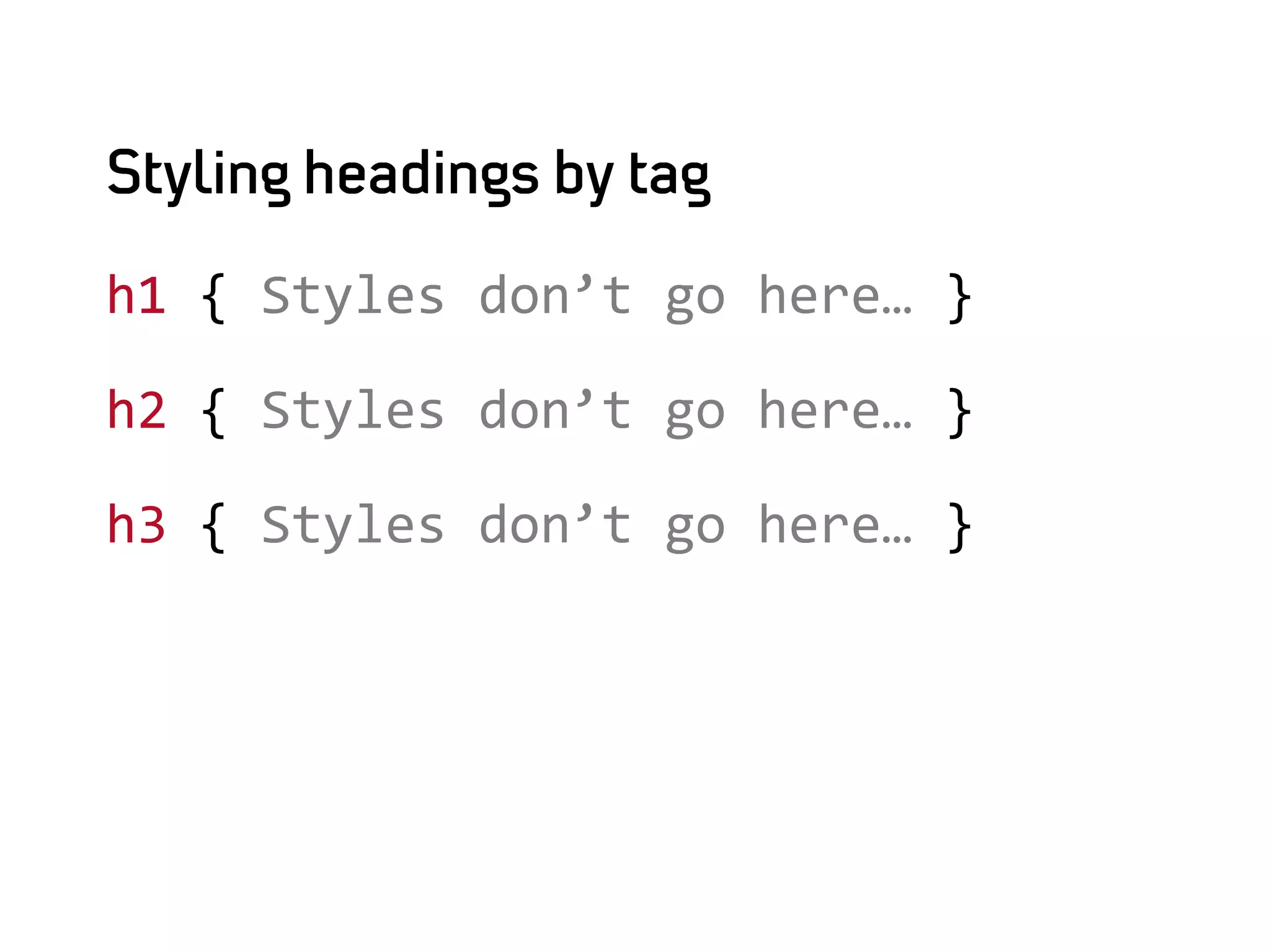
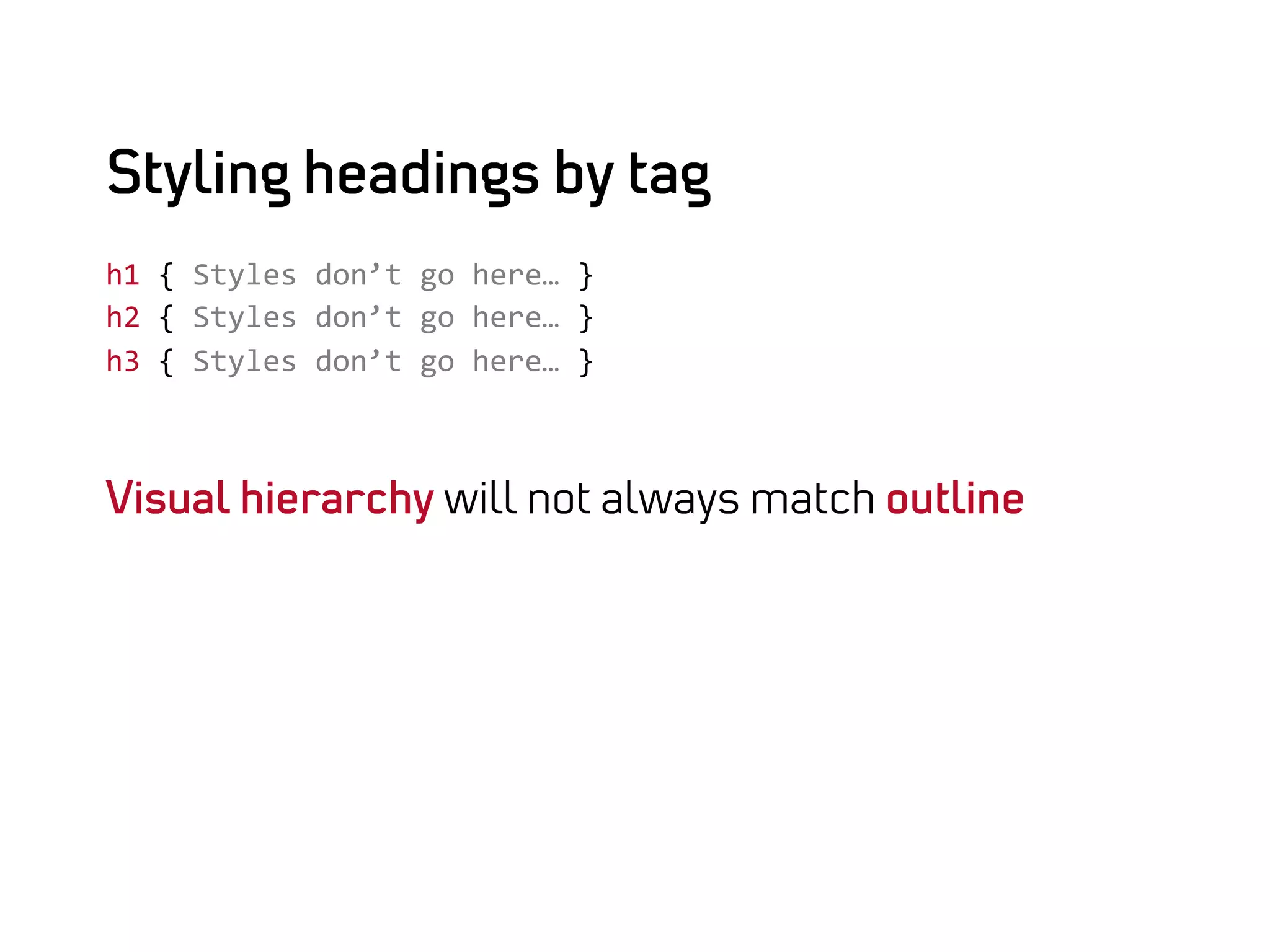
Styling headings by tag

h1	
  {	
  Styles	
  don’t	
  go	
  here…	
  }	
  

h2	
  {	
  Styles	
  don’t	
  go	
  here…	
  }	
  

h3	
  {	
  Styles	
  don’t	
  go	
  here…	
  }
Styling headings by tag
h1	
  {	
  Styles	
  don’t	
  go	
  here…	
  }	
  
h2	
  {	
  Styles	
  don’t	
  go	
  here…	
  }	
  
h3	
  {	
  Styles	
  don’t	
  go	
  here…	
  }	


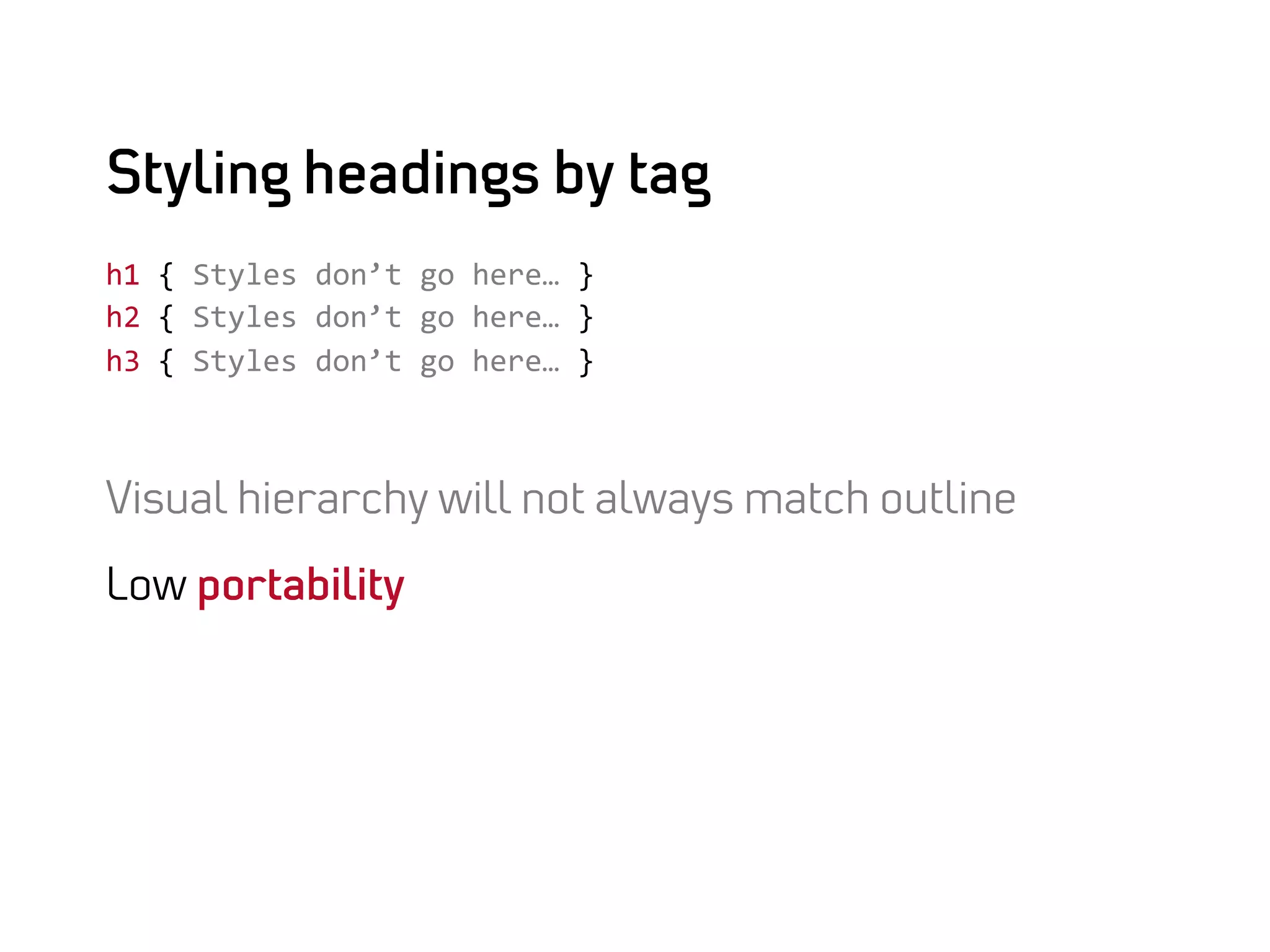
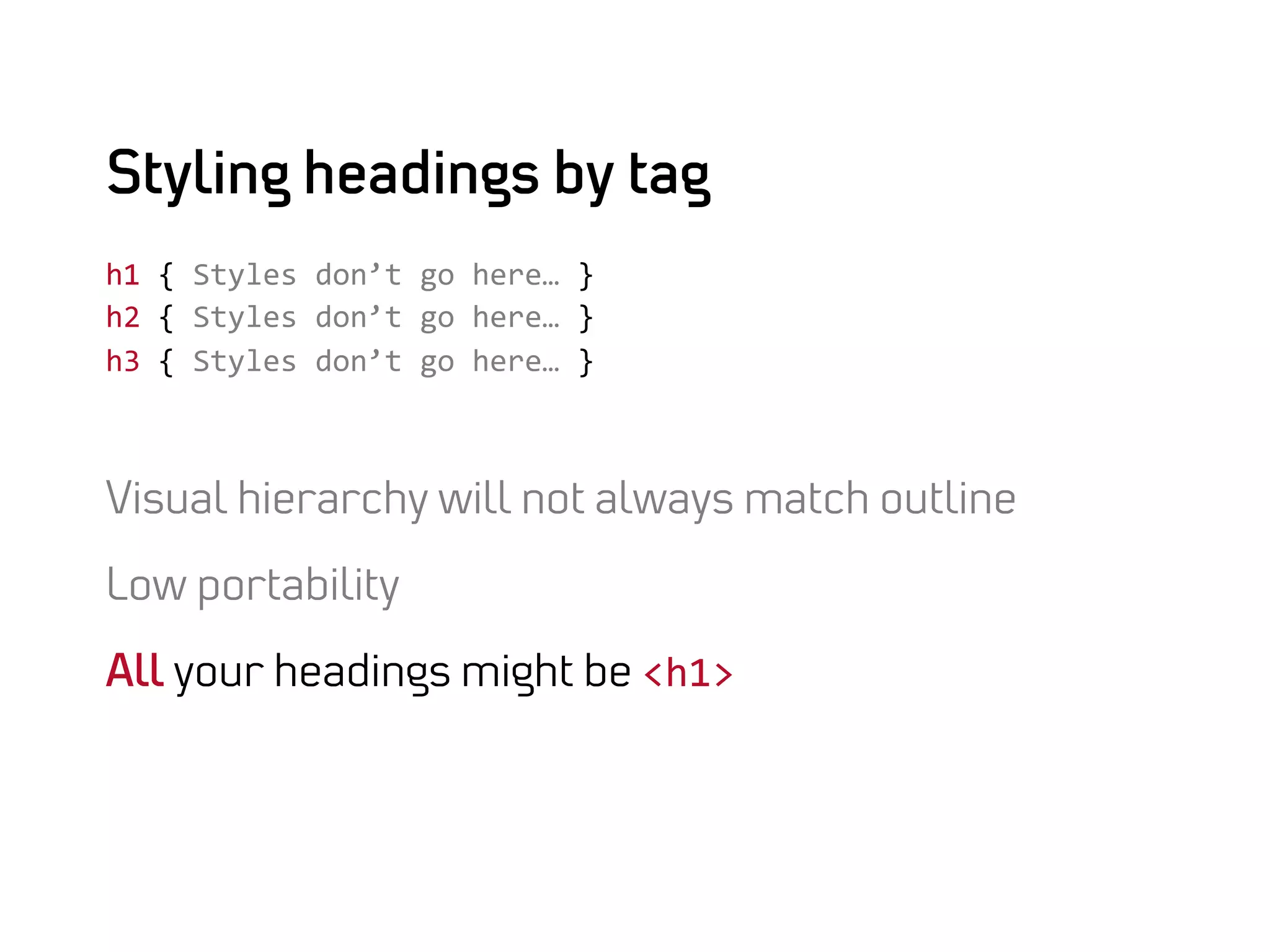
Visual hierarchy will not always match outline
Styling headings by tag
h1	
  {	
  Styles	
  don’t	
  go	
  here…	
  }	
  
h2	
  {	
  Styles	
  don’t	
  go	
  here…	
  }	
  
h3	
  {	
  Styles	
  don’t	
  go	
  here…	
  }	


Visual hierarchy will not always match outline

Low portability
Styling headings by tag
h1	
  {	
  Styles	
  don’t	
  go	
  here…	
  }	
  
h2	
  {	
  Styles	
  don’t	
  go	
  here…	
  }	
  
h3	
  {	
  Styles	
  don’t	
  go	
  here…	
  }	


Visual hierarchy will not always match outline

Low portability

All your headings might be <h1>	
  
Trust me, it wants a firm hand…

DOMINATE YOUR MARKUP!
Create architecture
based on design and
business logic.
Build web systems.

extensible,
robust,
portable.
Style objects,
not elements
and pages.
Invest time
for domination.
It pays off.
It pays off
Lower maintenance,
It pays off
Lower maintenance,

Cheaper introduction of new features.
It pays off
Lower maintenance,

Cheaper introduction of new features.

Leaner css and faster front-end.
Submissive markup in four easy steps.
Analyze      design and specs.

Streamline   and feedback with designer/client.

Define        objects and layout.

Dominate     and add styling hooks to markup.
Analyze design and specification.

ANALYZE
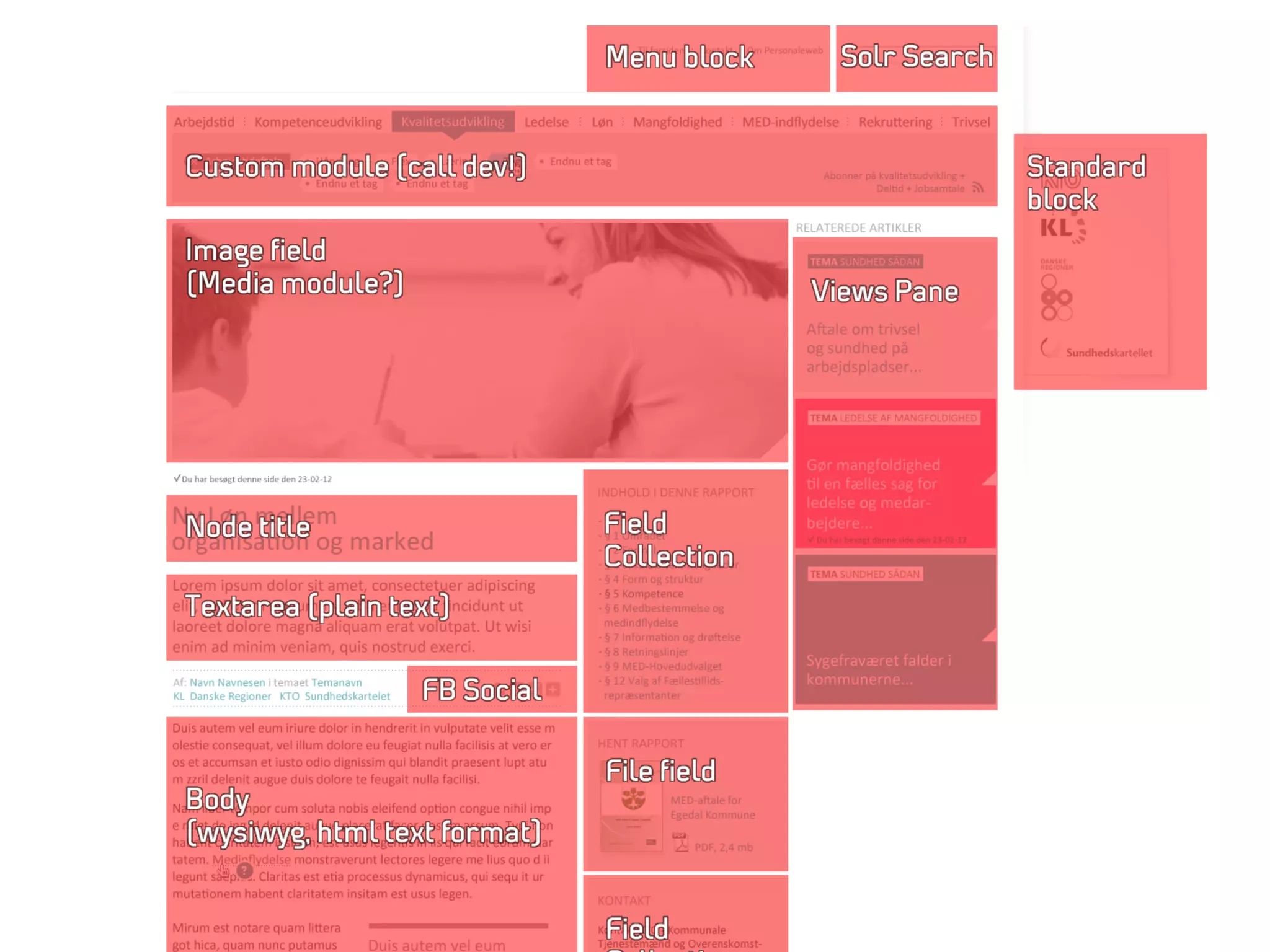
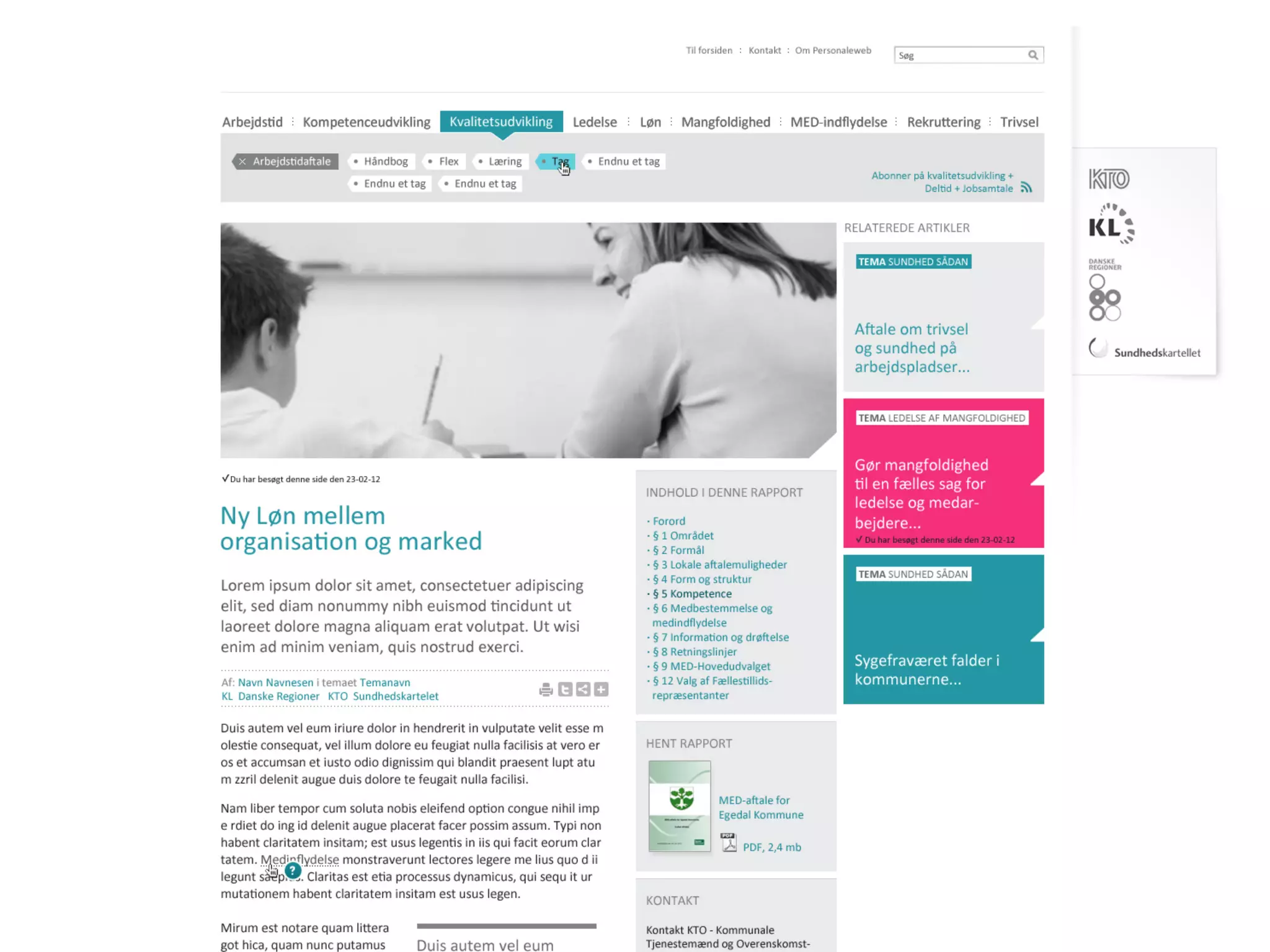
Look beyond the
markup and modules.
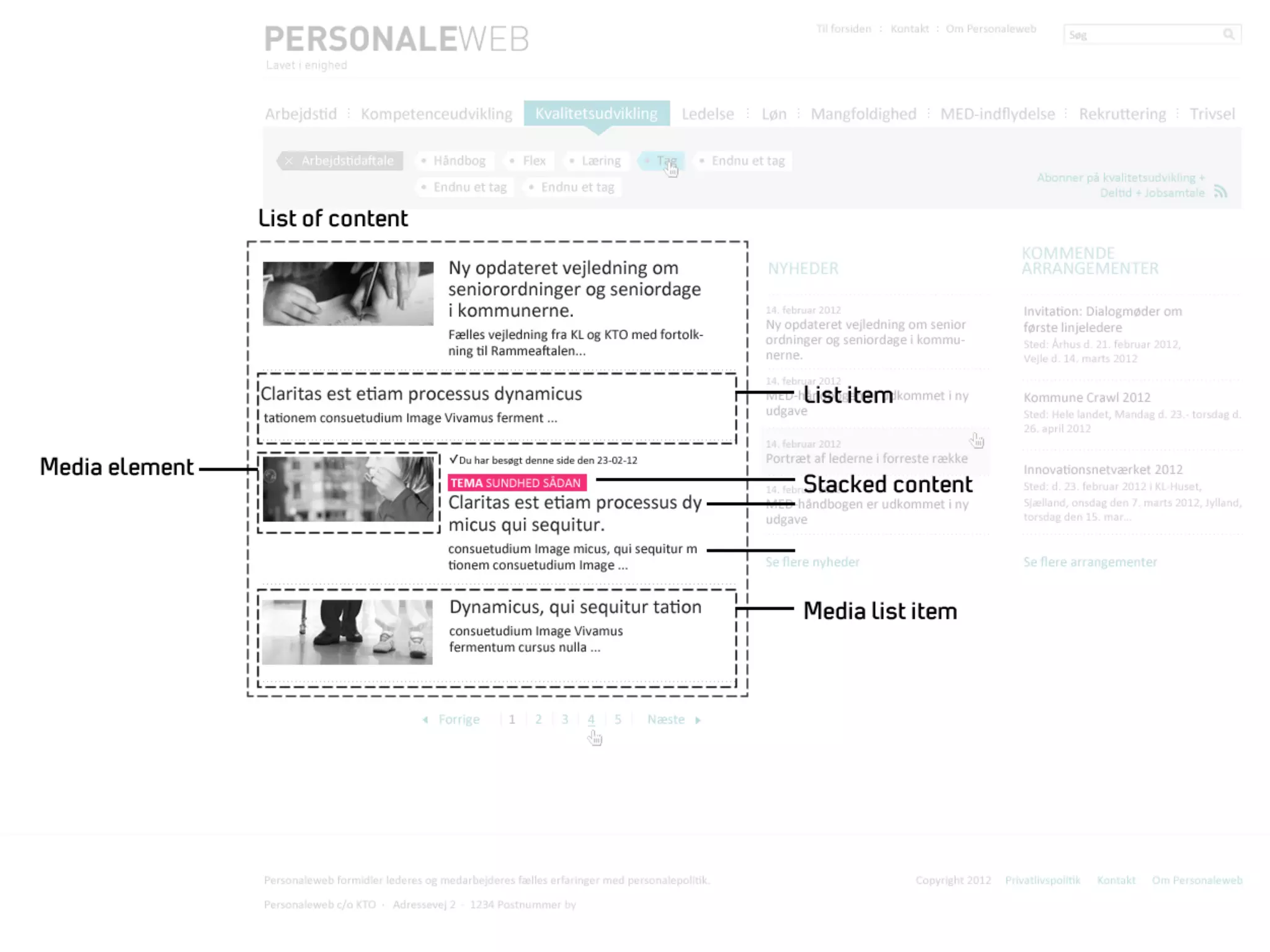
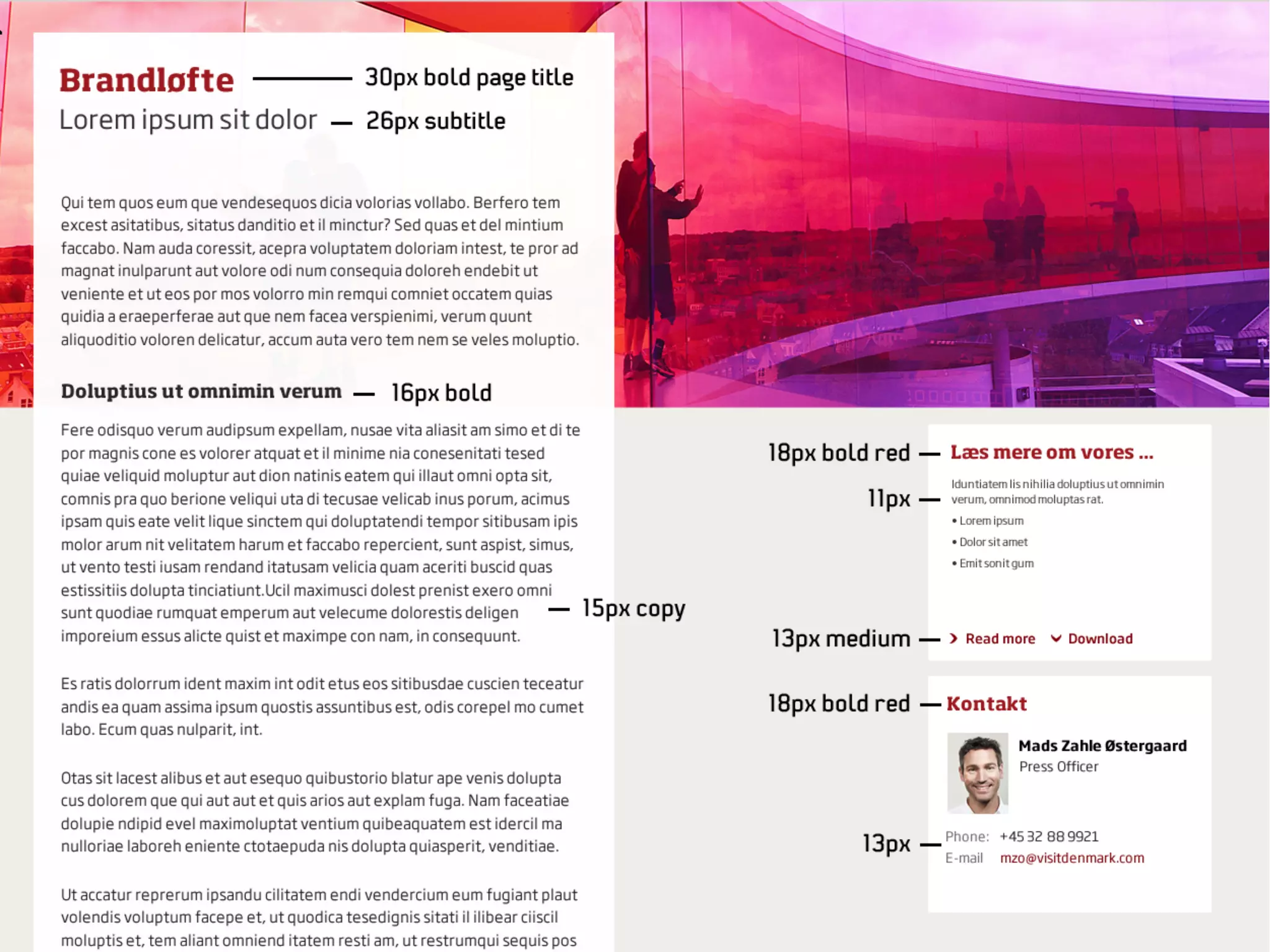
Identify recurring
patterns.
Structural patterns.
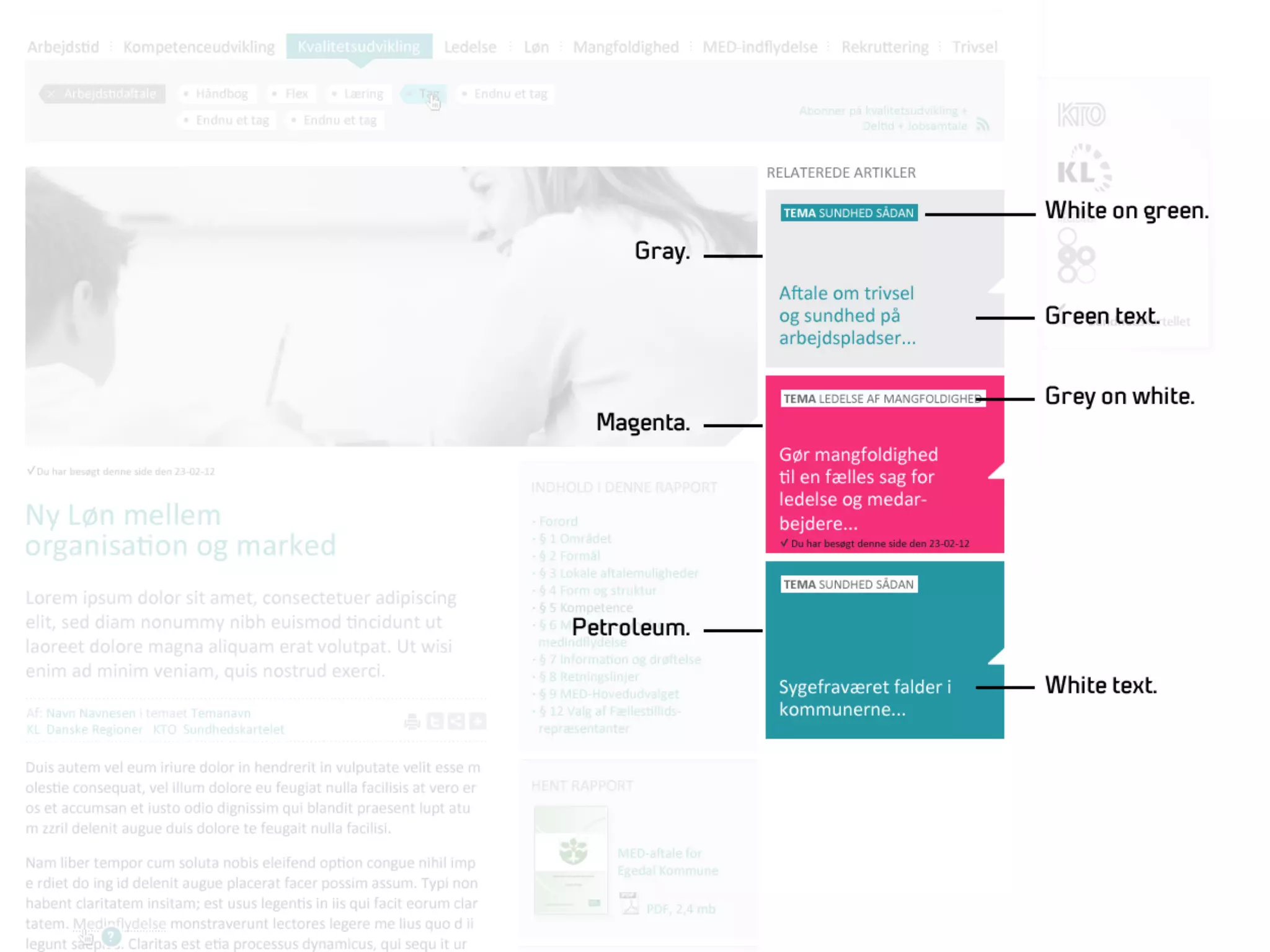
Visual patterns.
Variations.
Bring the designer
onboard.
And strategist.
Time to make your mark.

STREAMLINE
Streamline variations of
common objects.
Option 1:
Unify.
Option 2:
Define rules for
the variations.
Define objects and structure.

DEFINE
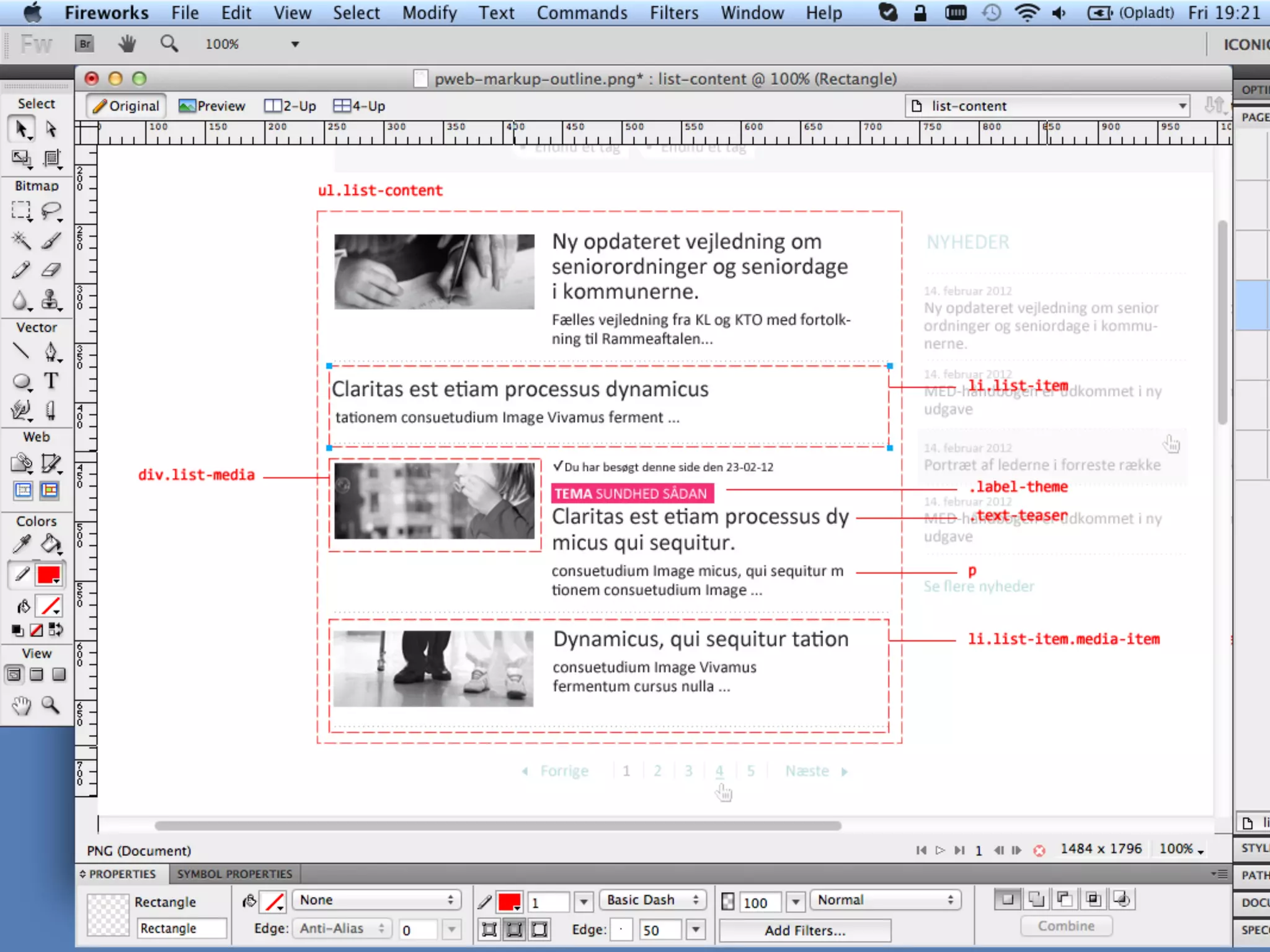
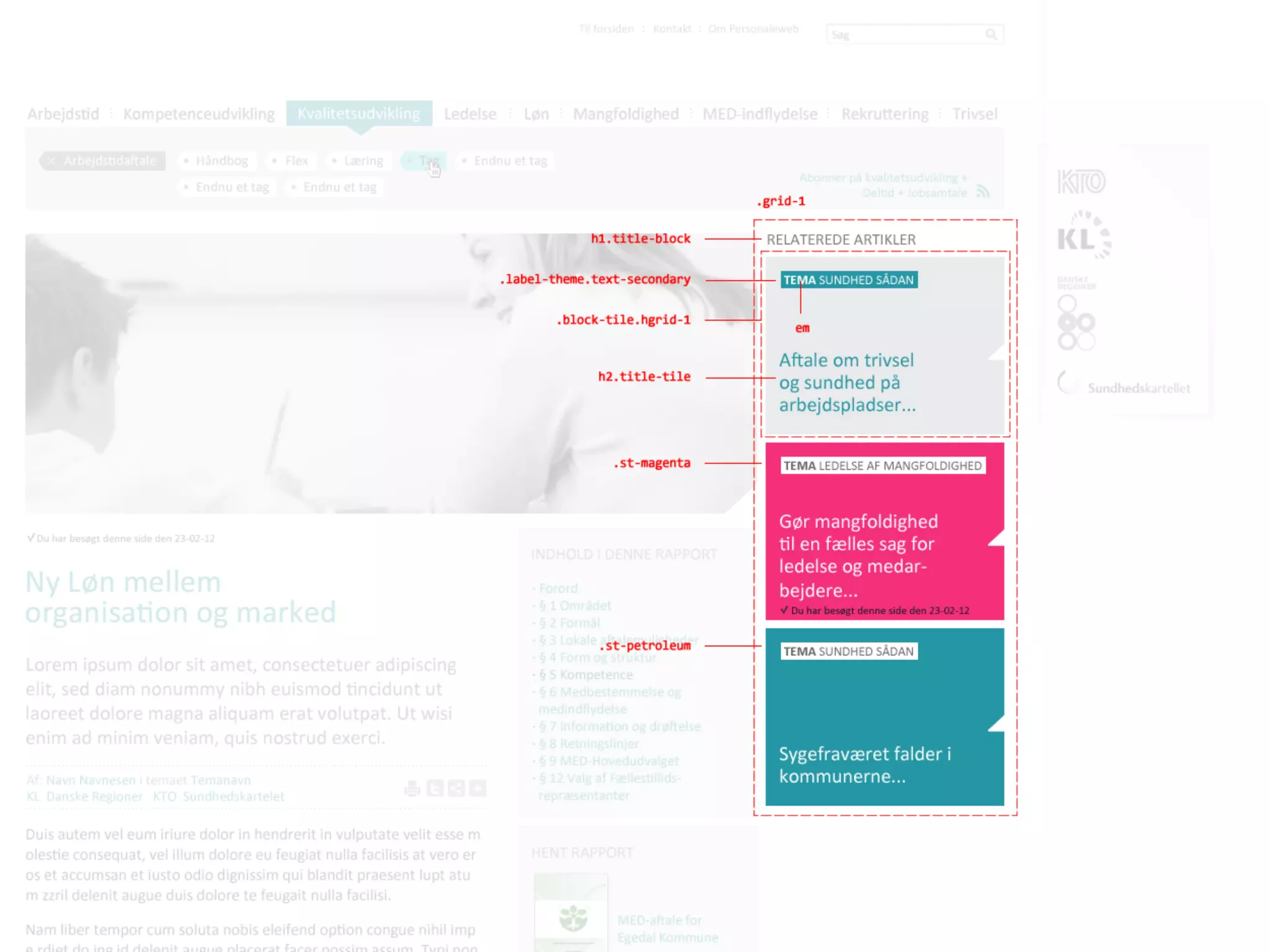
Define objects from
patterns.
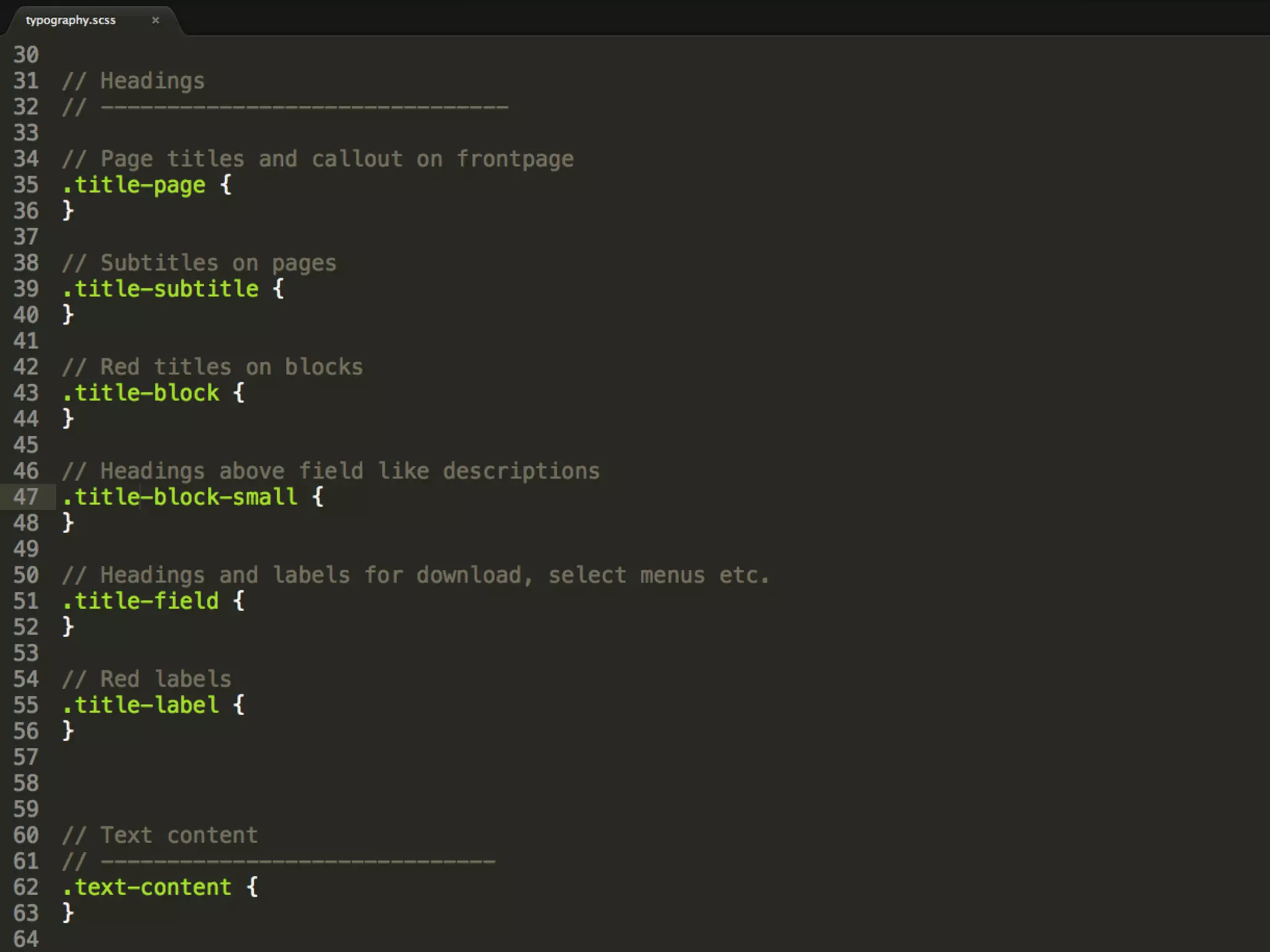
SMACSS.
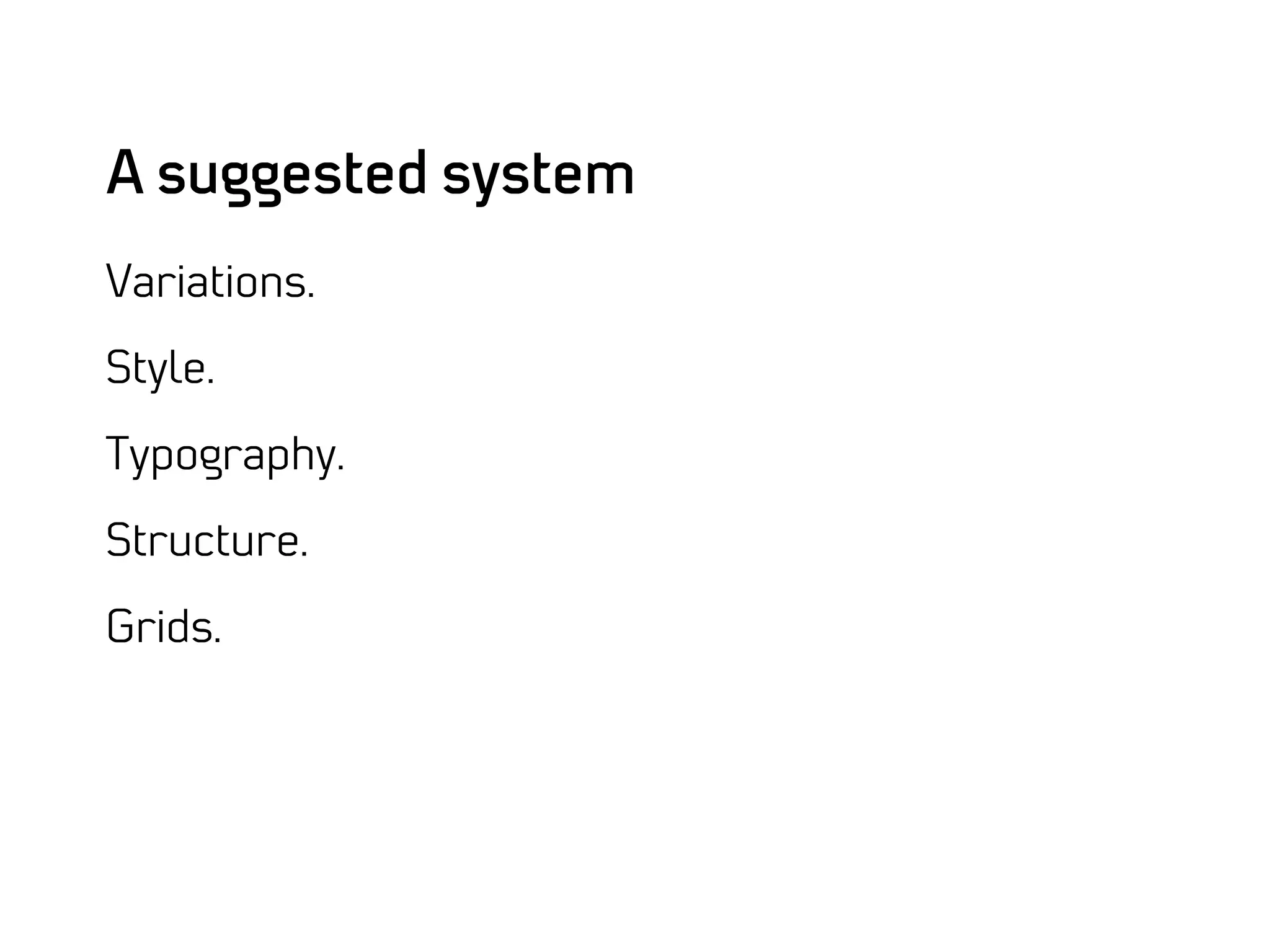
A suggested system
Variations.

Style.

Typography.

Structure.

Grids.
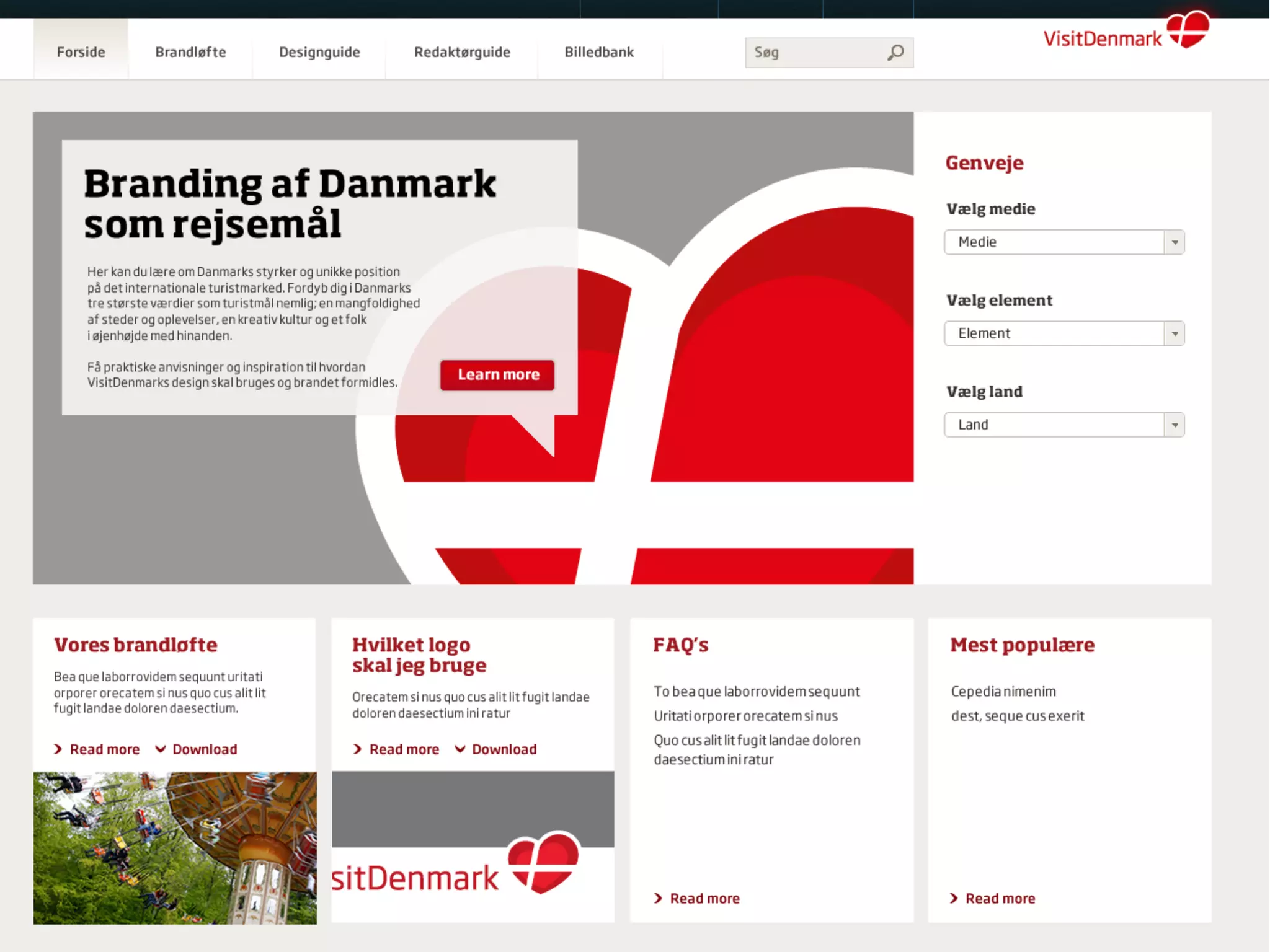
[Photo: Print with handwritten notes.]
Let there be code…

DOMINATE
Go with classes for
web systems.
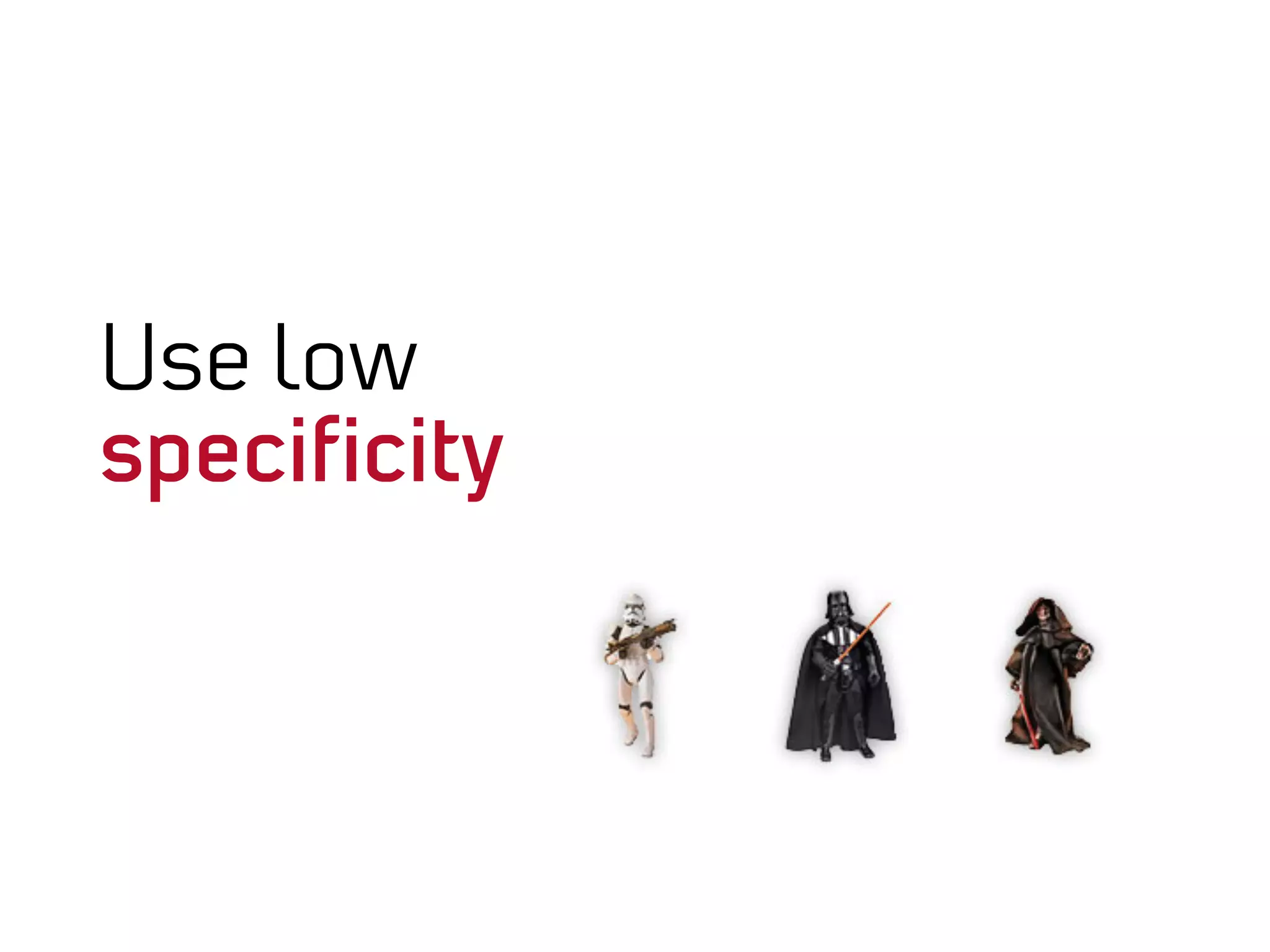
Use low
specificity
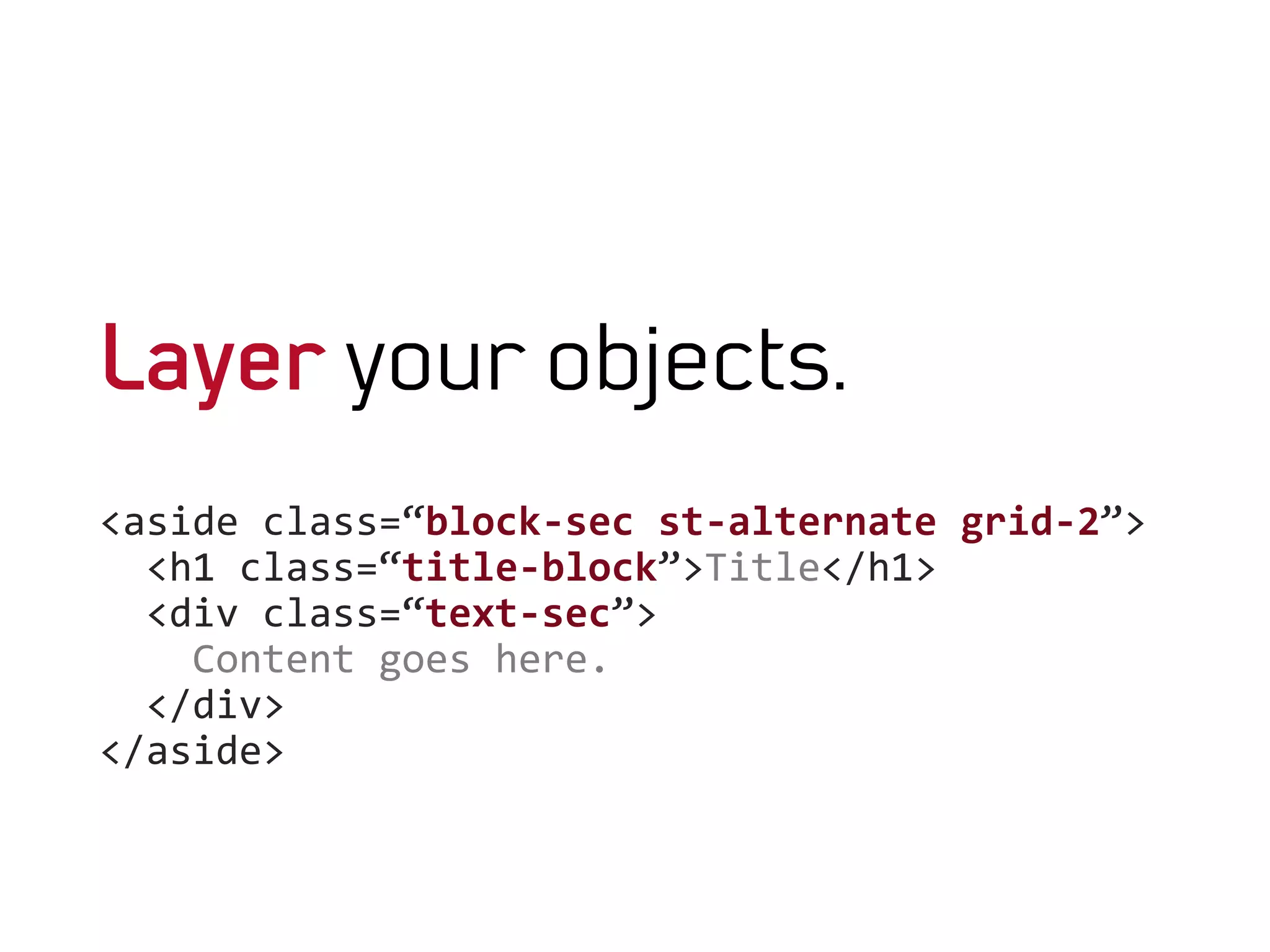
Layer your objects.
<aside	
  class=“block-­‐sec	
  st-­‐alternate	
  grid-­‐2”>	


  <h1	
  class=“title-­‐block”>Title</h1>	


  <div	
  class=“text-­‐sec”>	


  Content	
  goes	
  here.	


  </div>	


</aside>	


So…

Analyze
Streamline
Define
Dominate!
Let’s sink those styling hooks in.

TOOLS OF DOMINATION
It’s a matter
of class.
Back to Views.
  Get it right to begin with.
The scary
render arrays.
All-in-three
tools for domination
$vars['classes_array']	
  
$vars['title_attributes_array']['class']	
  
$vars[’content_attributes_array']['class']


The result.
<aside	
  class=“$vars['classes_array']”>	


  <h1	
  $vars['title_attributes_array']>Title</h1>	


  <div	
  $vars['content_attributes_array']>	


  Content	
  goes	
  here.	


  </div>	


</aside>	


function	
  MYTHEME_preprocess_field	
  (&$vars,$hook)	
  {	


  //add	
  class	
  to	
  a	
  specific	
  field	


  switch	
  ($vars['element']['#field_name'])	
  {	


  case	
  'field_summary':	


  $vars['classes_array'][]	
  =	
  'text-­‐teaser';	


  break;	


  case	
  'field_location':	


  case	
  'field_date':	


  case	
  'field_price’:	


  case	
  'field_website’:	


  $vars['classes_array'][]	
  =	
  'list-­‐definition’;	


  case	
  'field_deadline':	


  case	
  'body':	


  $vars['classes_array'][]	
  =	
  'text-­‐content';	


  break;	


  }	
  
}	
  
Conditions.
function	
  MYTHEME_preprocess_panels_pane	
  (&$vars)	
  {	


  //	
  Add	
  styling	
  classes	
  to	
  fields	
  as	
  panes.	


  if	
  ($vars['pane']-­‐>type	
  ==	
  'entity_field')	
  {	


  //	
  Switch	
  by	
  field	
  name.	


  switch	
  ($vars['content']['#field_name'])	
  {	


  case	
  ‘field_name’:	


  $vars['title_attributes_array']['class'][]	
  =	
  ’key’;	


  …	


  }	


  }	
  
}	


What makes you switch?
Field name
Block name
Defining module
View mode
Region
Path
Combinations
Pick a function, any
function.
template_preprocess_page,
template_preprocess_html,
template_preprocess_block,
template_preprocess_region,
template_preprocess_field,
template_preprocess_panels_pane.
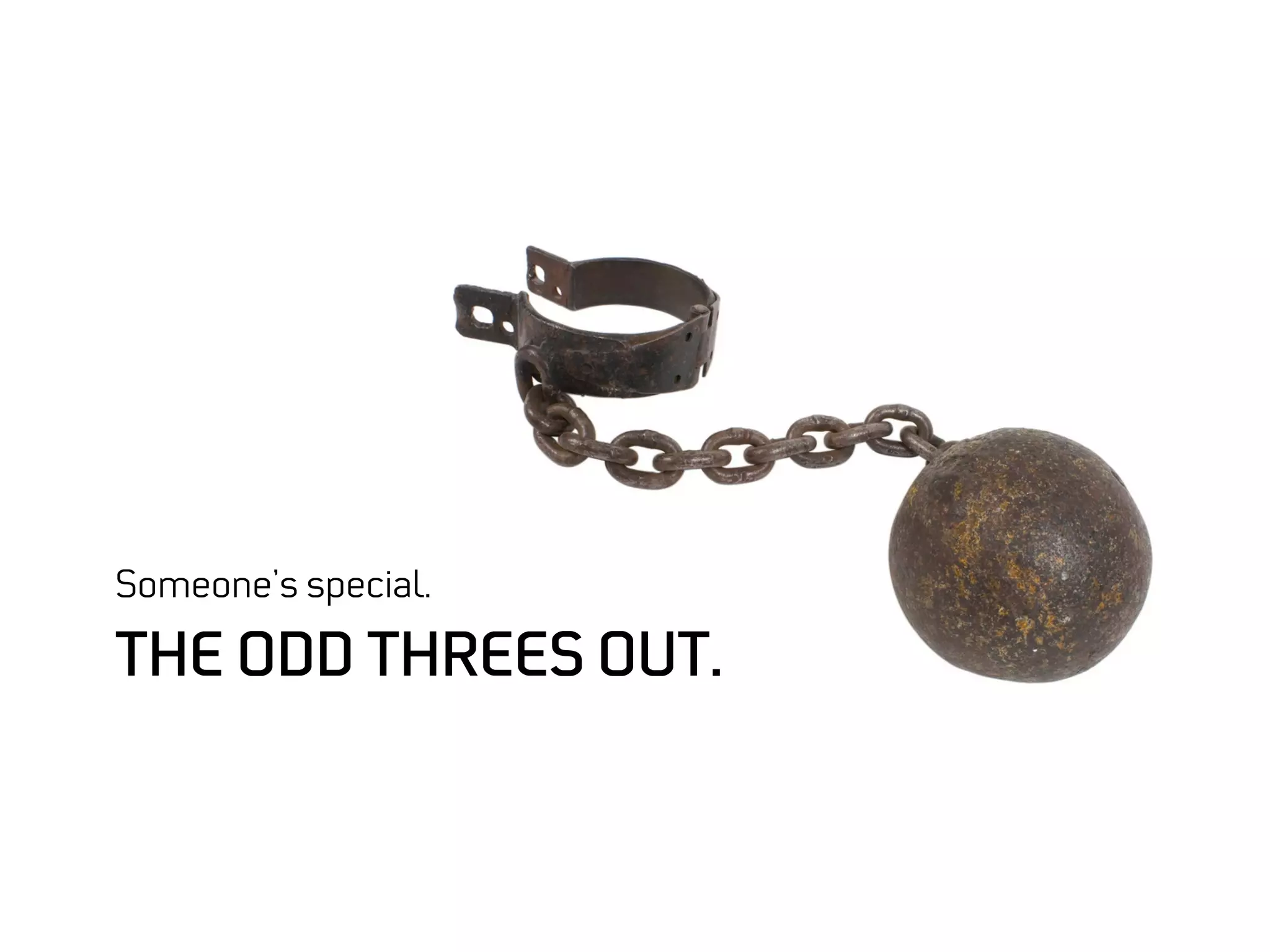
Someone’s special.

THE ODD THREES OUT.
Menus.
function	
  theme_menu_tree__MENU_NAME	
  ($vars)	
  {	


  return	
  '<ul	
  class=”CUSTOM_CLASS">'	
  .	
  $vars['tree']	
  .	
  '</
ul>';	
  
}	
  
Multi fields.
Forms.
Only thing* scarier than ordinary
render arrays.
So…

CONCLUSION.
Thank you!
Slides
bit.ly/dominate-theme

Tools for domination
github.com/woeldiche/domination_tools

Fireworks stencils
github.com/woeldiche/markup_stencils
Tell me what you think.
bit.ly/dominate-theme

munich2012.drupal.org
/program
/sessions
/dominate-theme-layer

@woeldiche
Images
Chain
http://commons.wikimedia.org/wiki/File:Twisted_link_chain.jpg

Dominate The Theme Layer