Basic Design for Drupal

           Emma Jane Hogbin
           @emmajanedotnet
    emma@designtotheme.com
      www.designtotheme.com
Agenda
●   A short, analogy-filled, treatise on designing
    for Drupal.
●   <your questions />
●   Anatomy of a Theme
●   <your questions />
●   Base <your questions /> Themes
●   Making Themes
●   <your questions><my answers /></your
    questions>
Pre-requisites to Theming Drupal
●   Get the handout.
●   Understand that you will make mistakes and
    that it’s ok to make mistakes.
●   Have a toolkit.
Overview of
Drupal’s Theming System
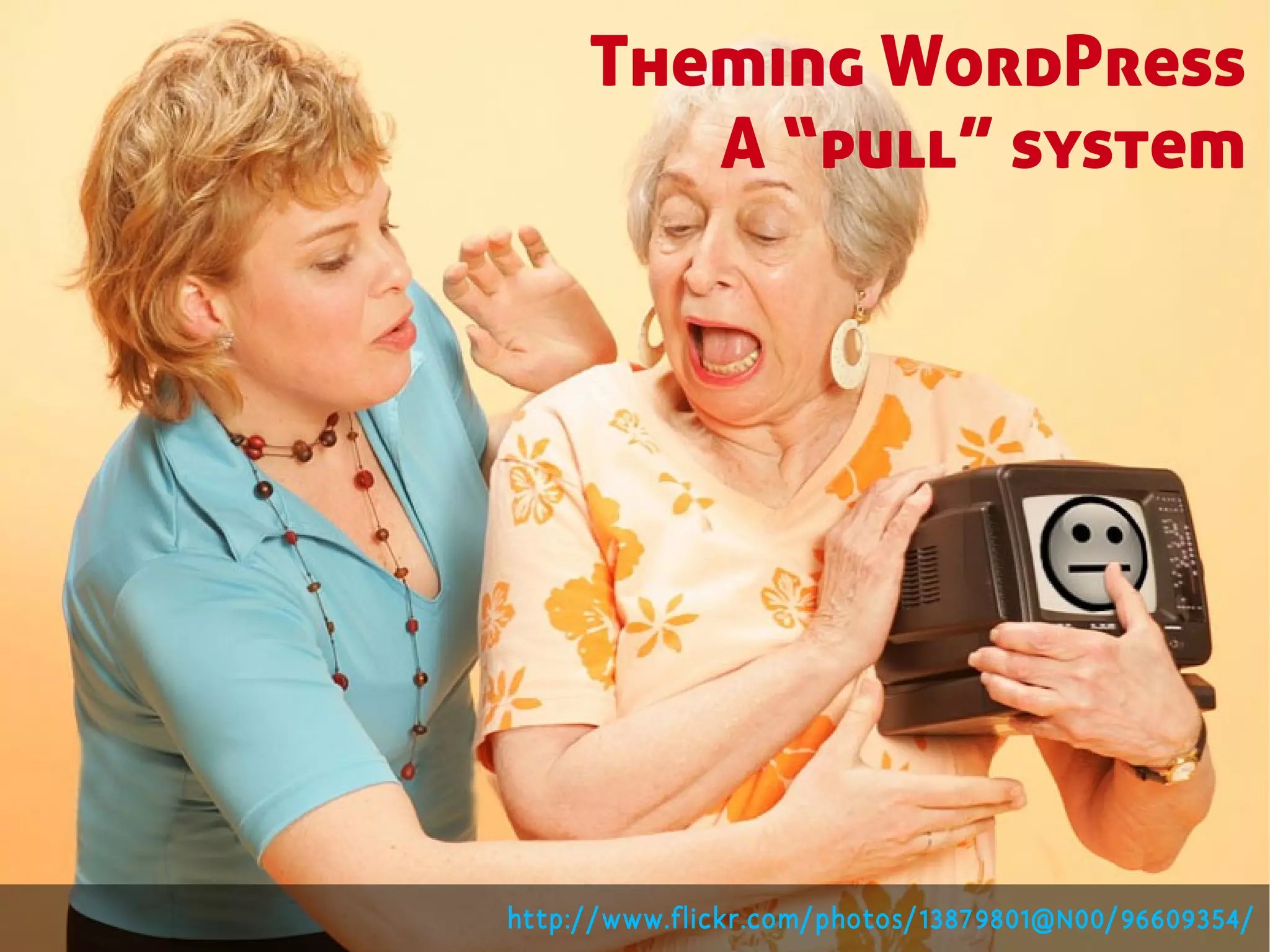
Theming WordPress
        A “pull” system


http://www.flickr.com/photos/13879801@N00/96609354/
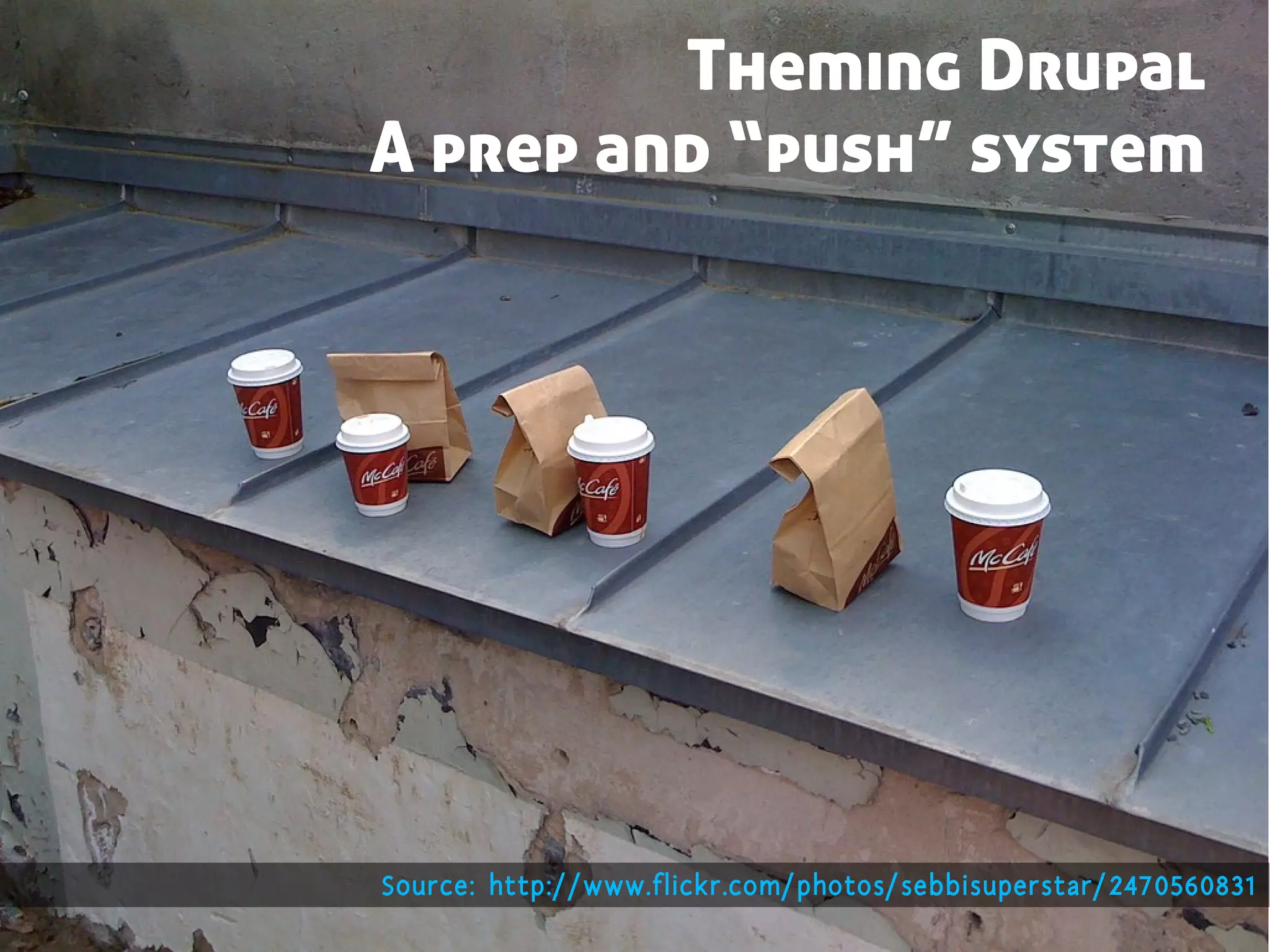
Theming Drupal
A prep and “push” system


Source: http://www.flickr.com/photos/sebbisuperstar/2470560831
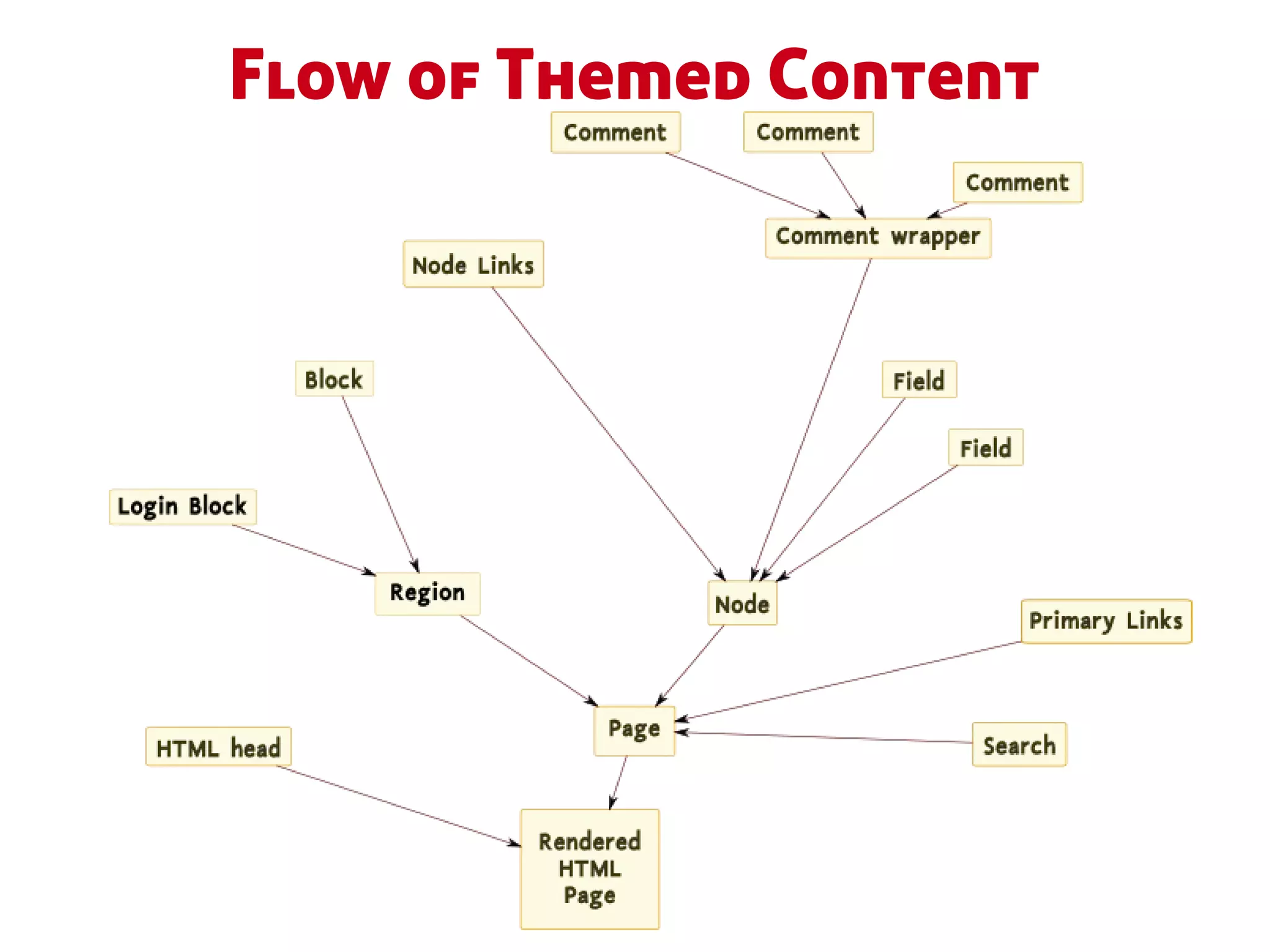
Flow of Themed Content
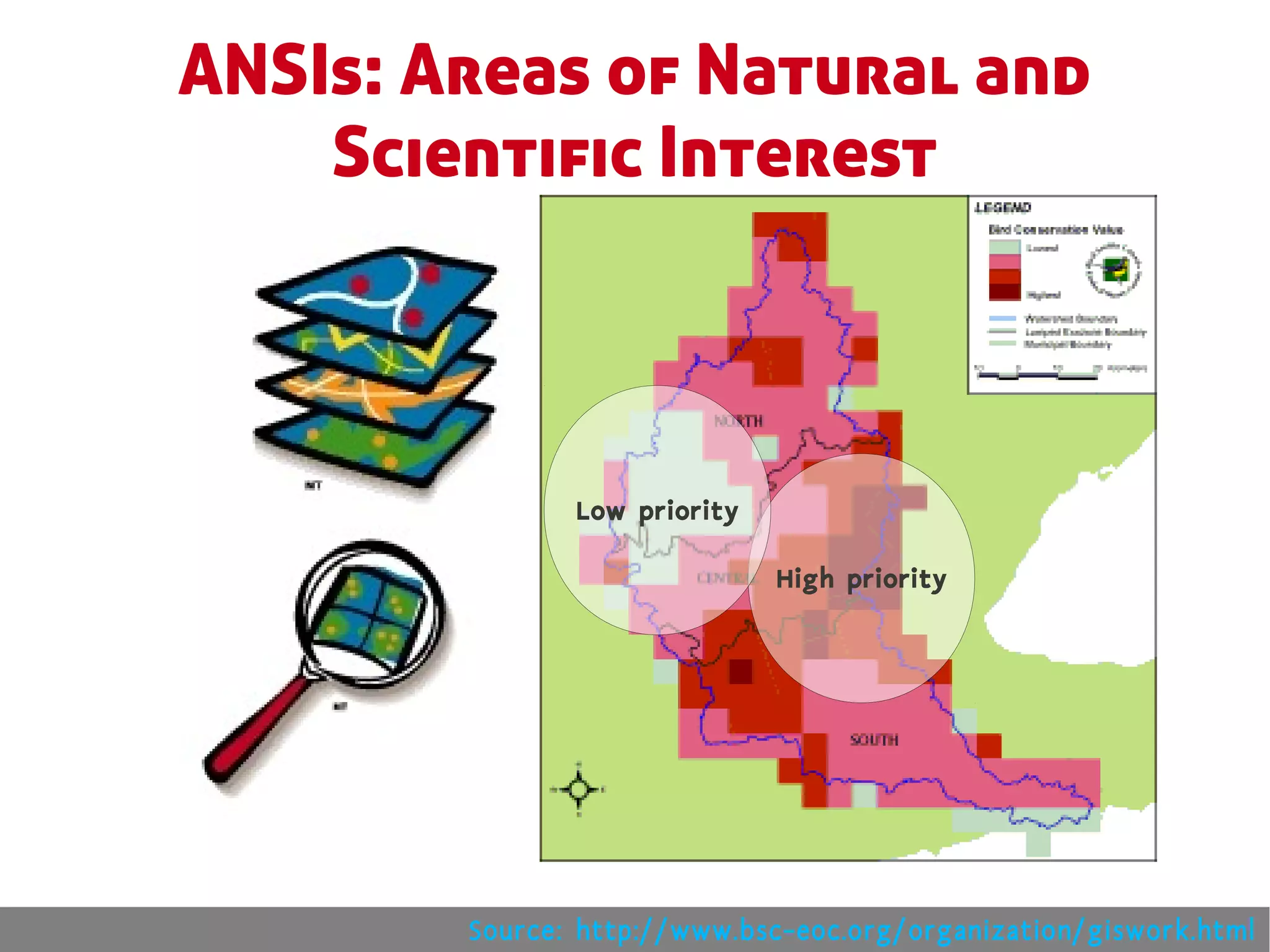
ANSIs: Areas of Natural and
    Scientific Interest


               Low priority

                              High priority


        Source: http://www.bsc-eoc.org/organization/giswork.html
Tree Spotting
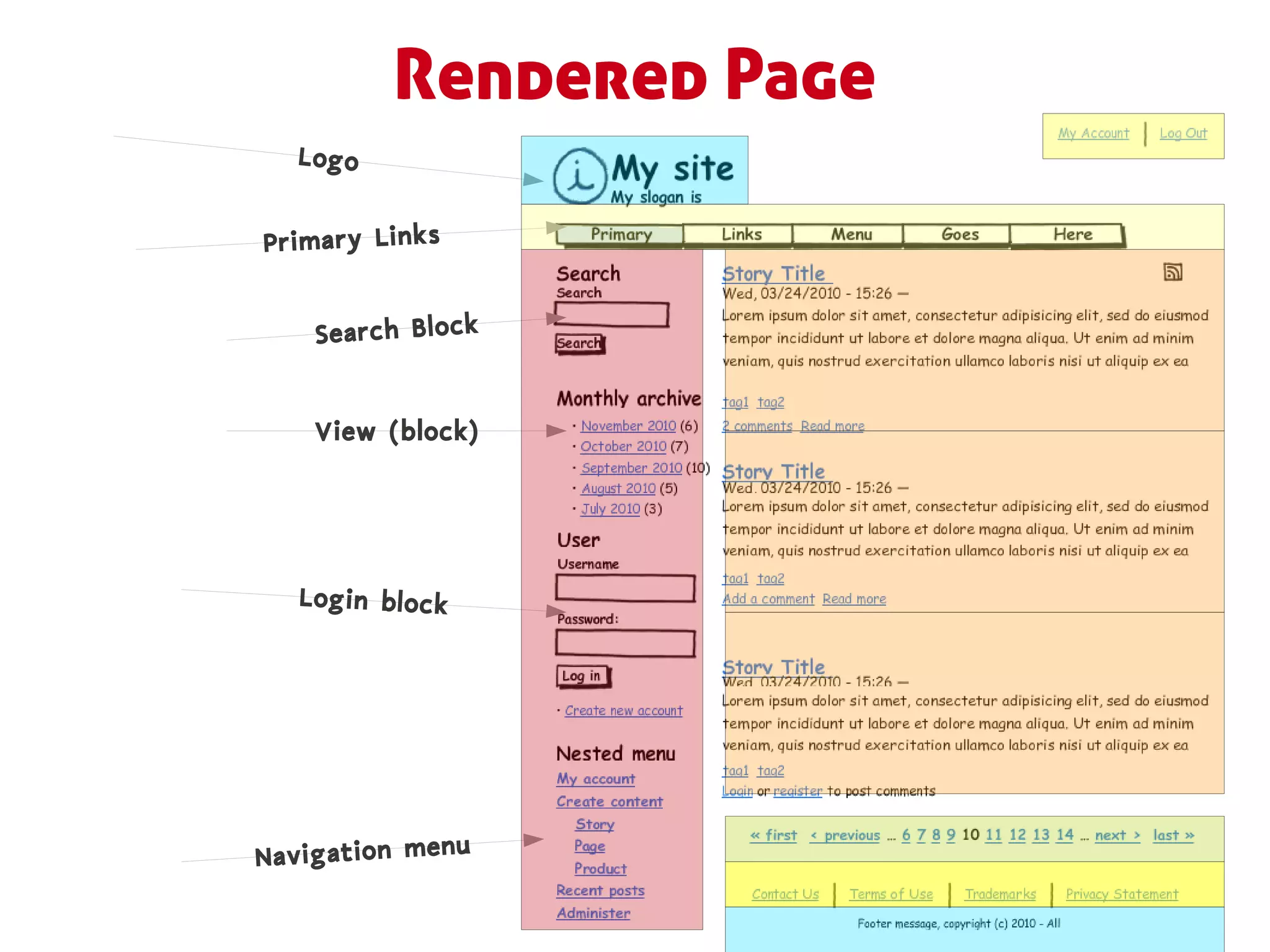
Rendered Page
  Logo


Primary Links


    Search Block


    View (block)


   Login block


Navigation menu
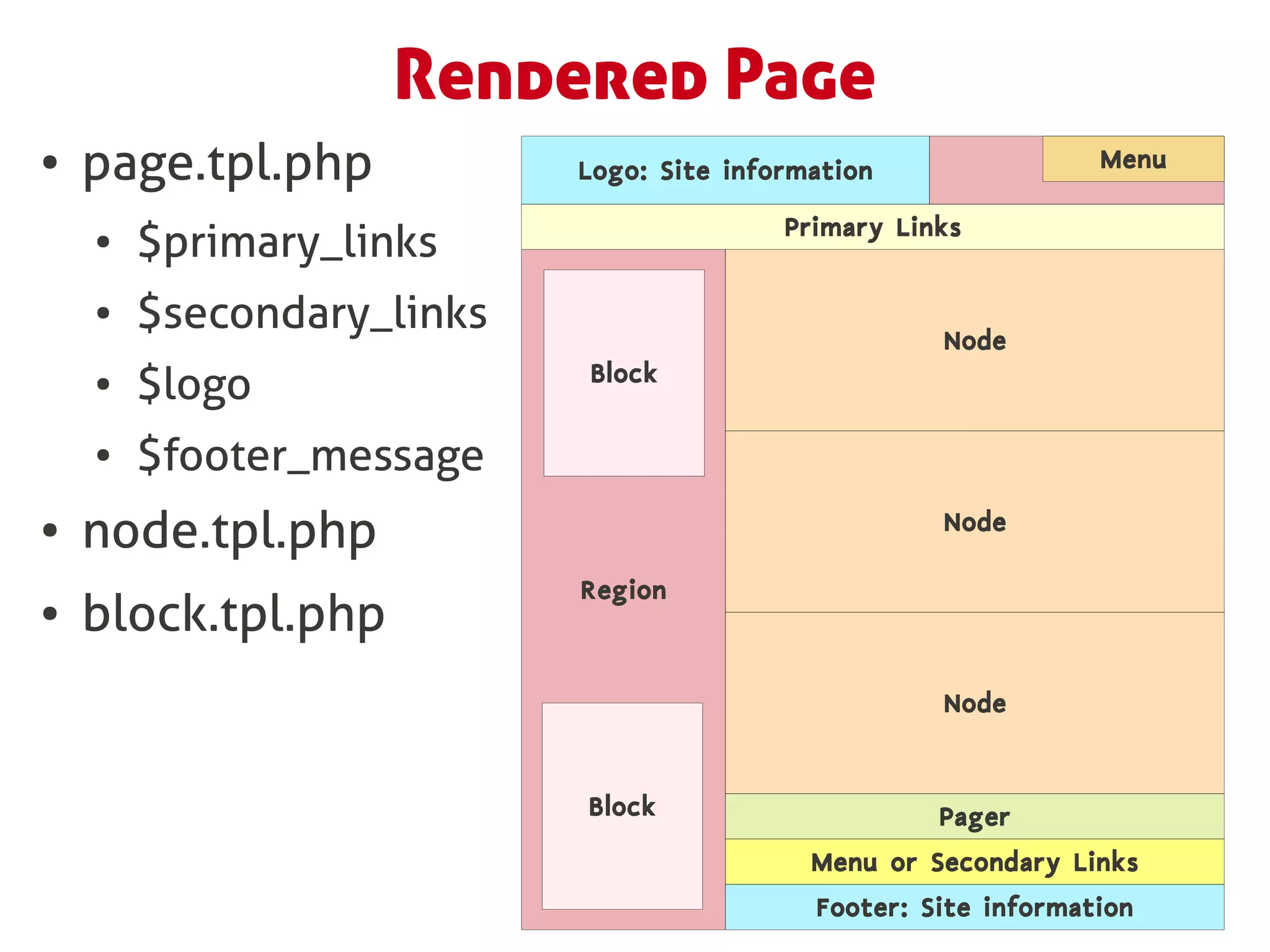
Rendered Page
●   page.tpl.php           Logo: Site information                Menu

                                          Primary Links
    ●   $primary_links
    ●   $secondary_links                             Node
                           Block
    ●   $logo
    ●   $footer_message
●   node.tpl.php                                     Node

                           Region
●   block.tpl.php
                                                     Node


                           Block                     Pager
                                            Menu or Secondary Links
                                            Footer: Site information
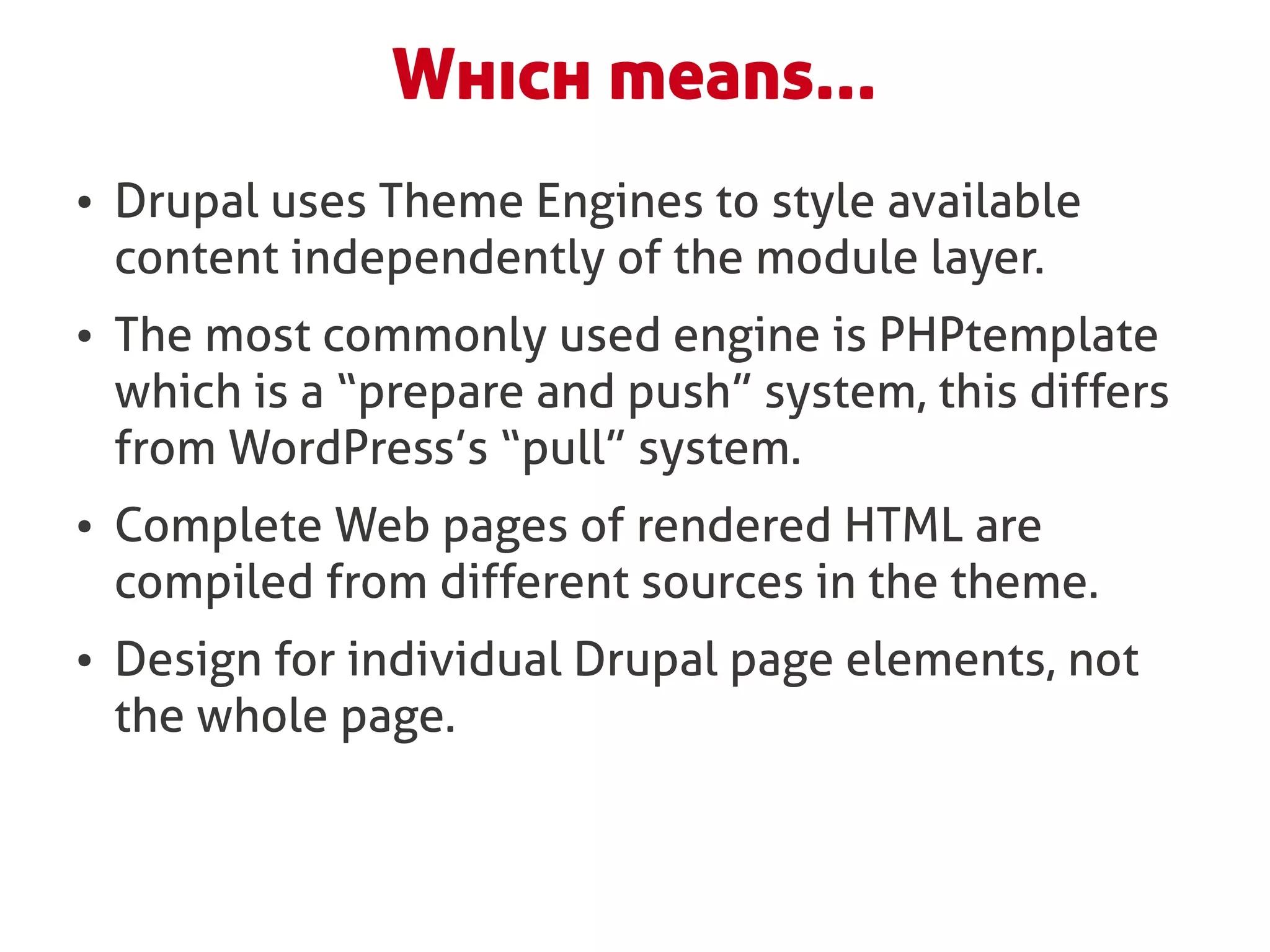
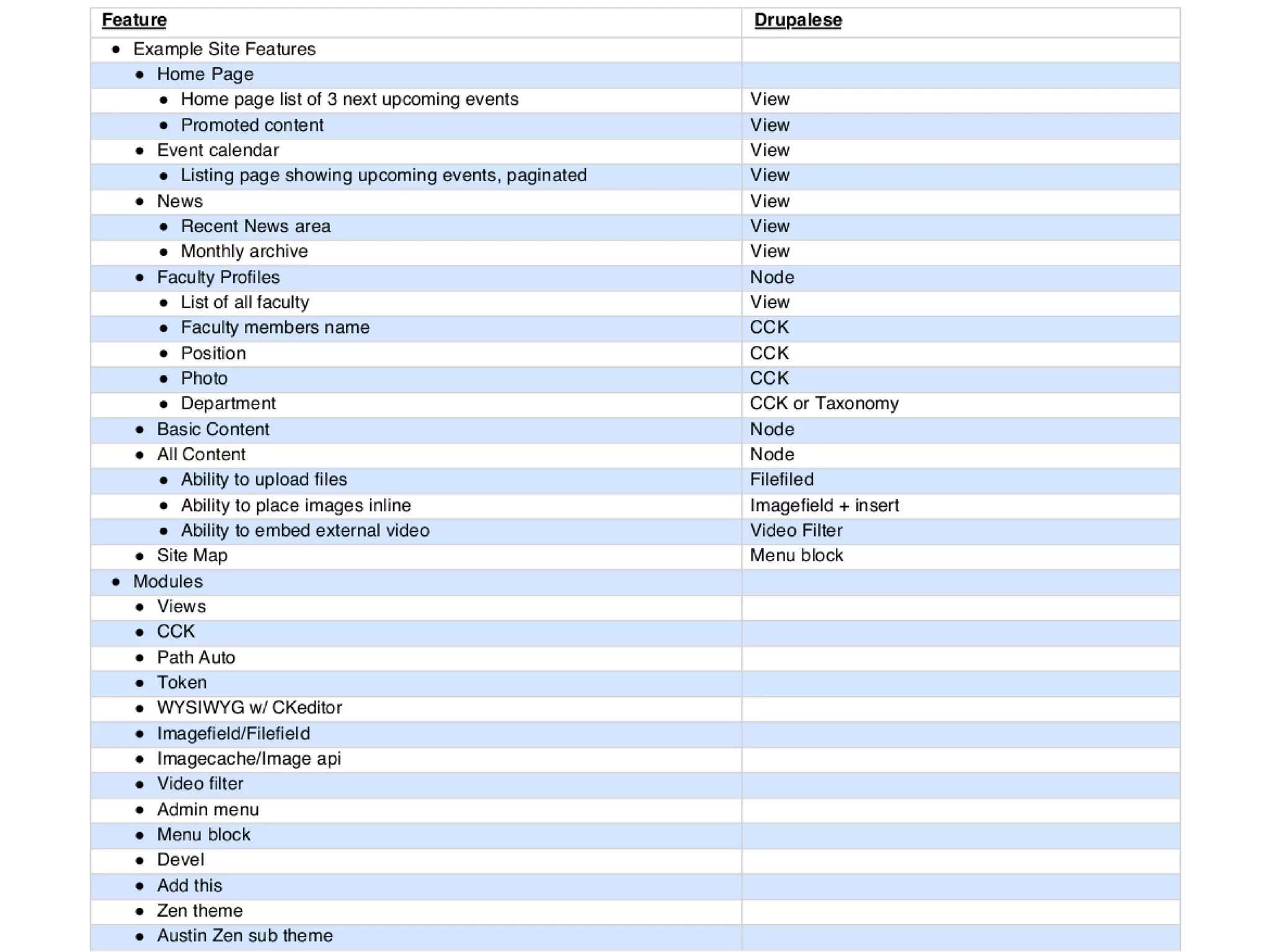
Which means...
●   Drupal uses Theme Engines to style available
    content independently of the module layer.
●   The most commonly used engine is PHPtemplate
    which is a “prepare and push” system, this differs
    from WordPress’s “pull” system.
●   Complete Web pages of rendered HTML are
    compiled from different sources in the theme.
●   Design for individual Drupal page elements, not
    the whole page.
Creating Your First Theme
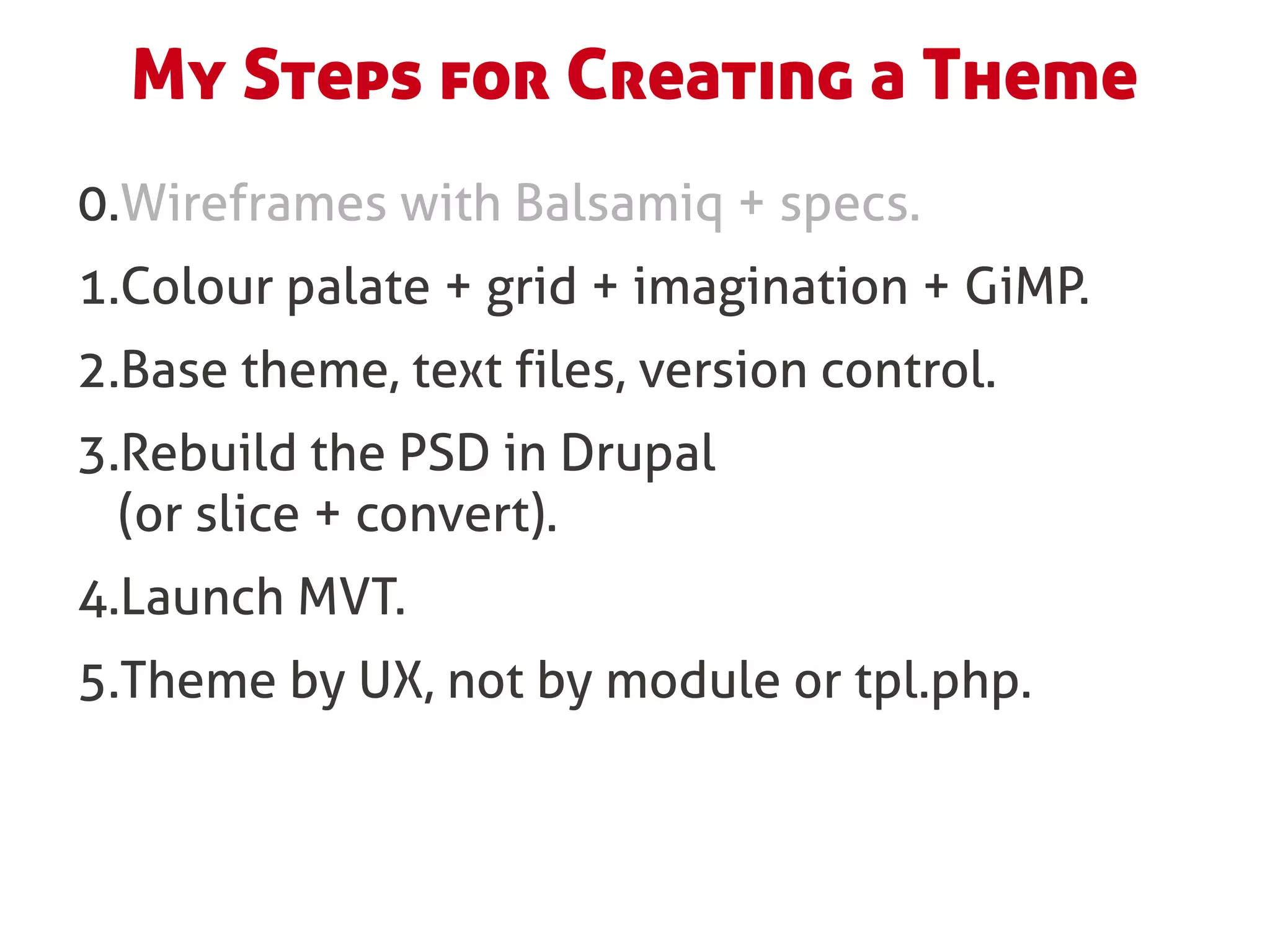
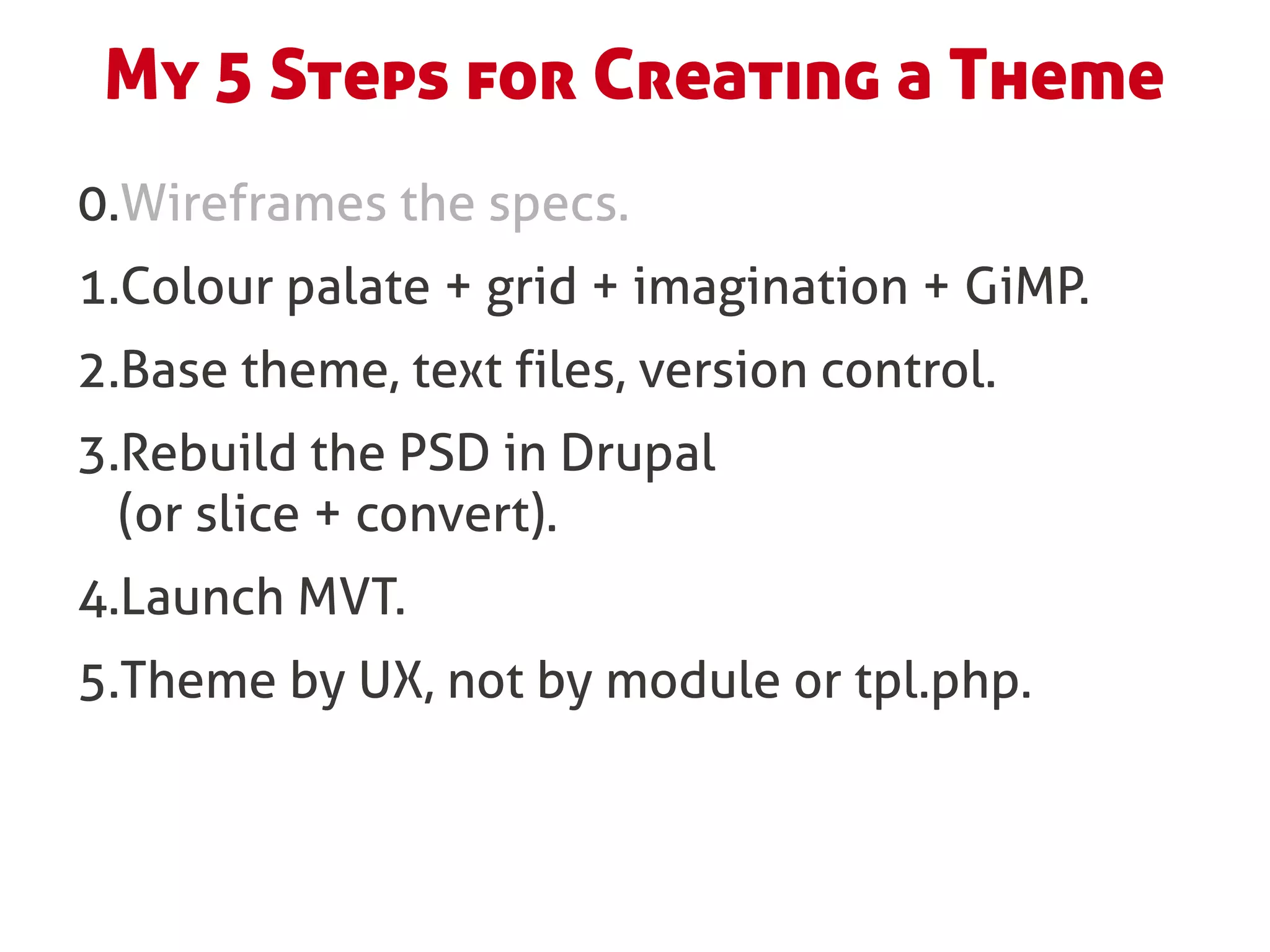
My Steps for Creating a Theme
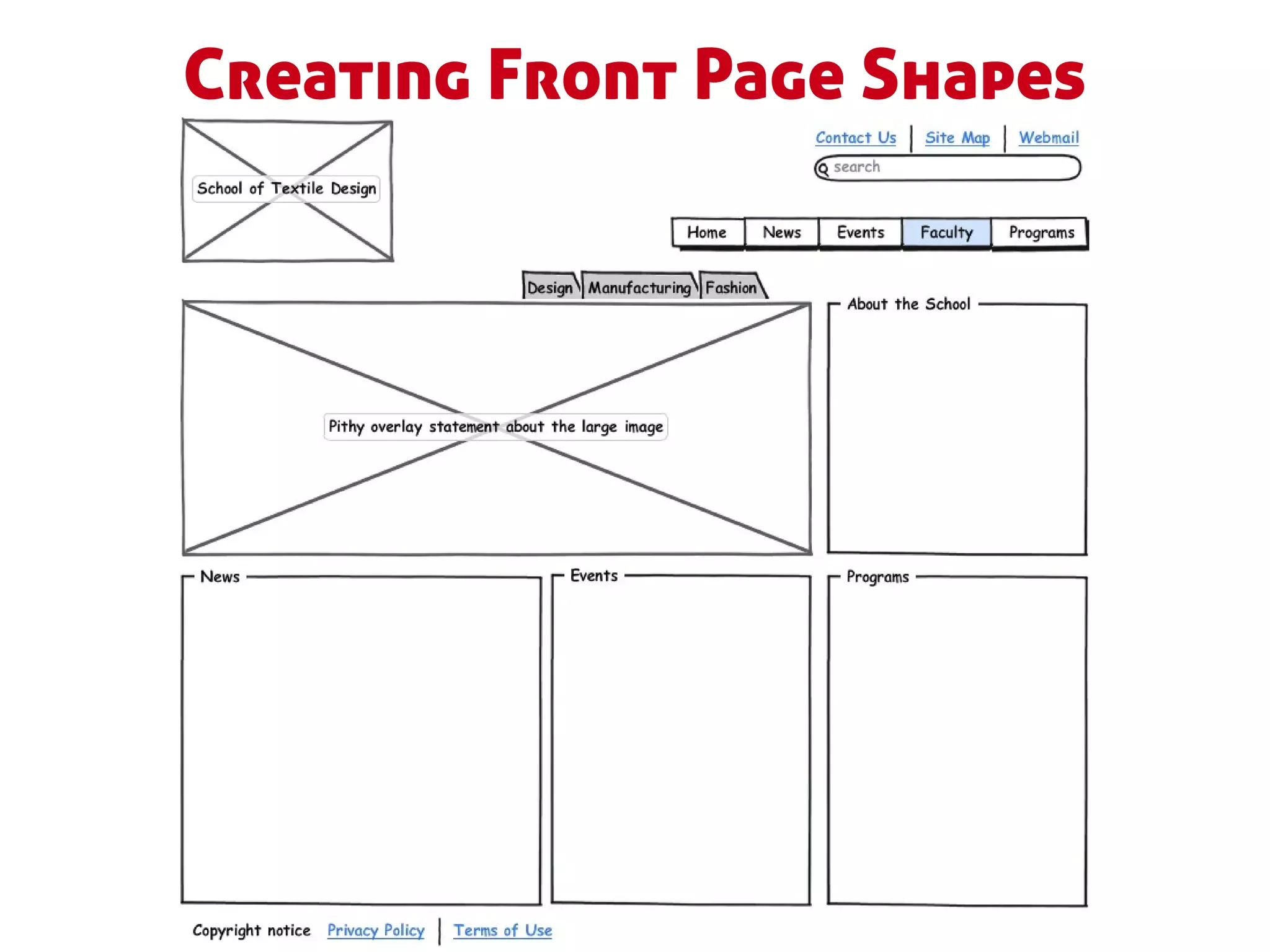
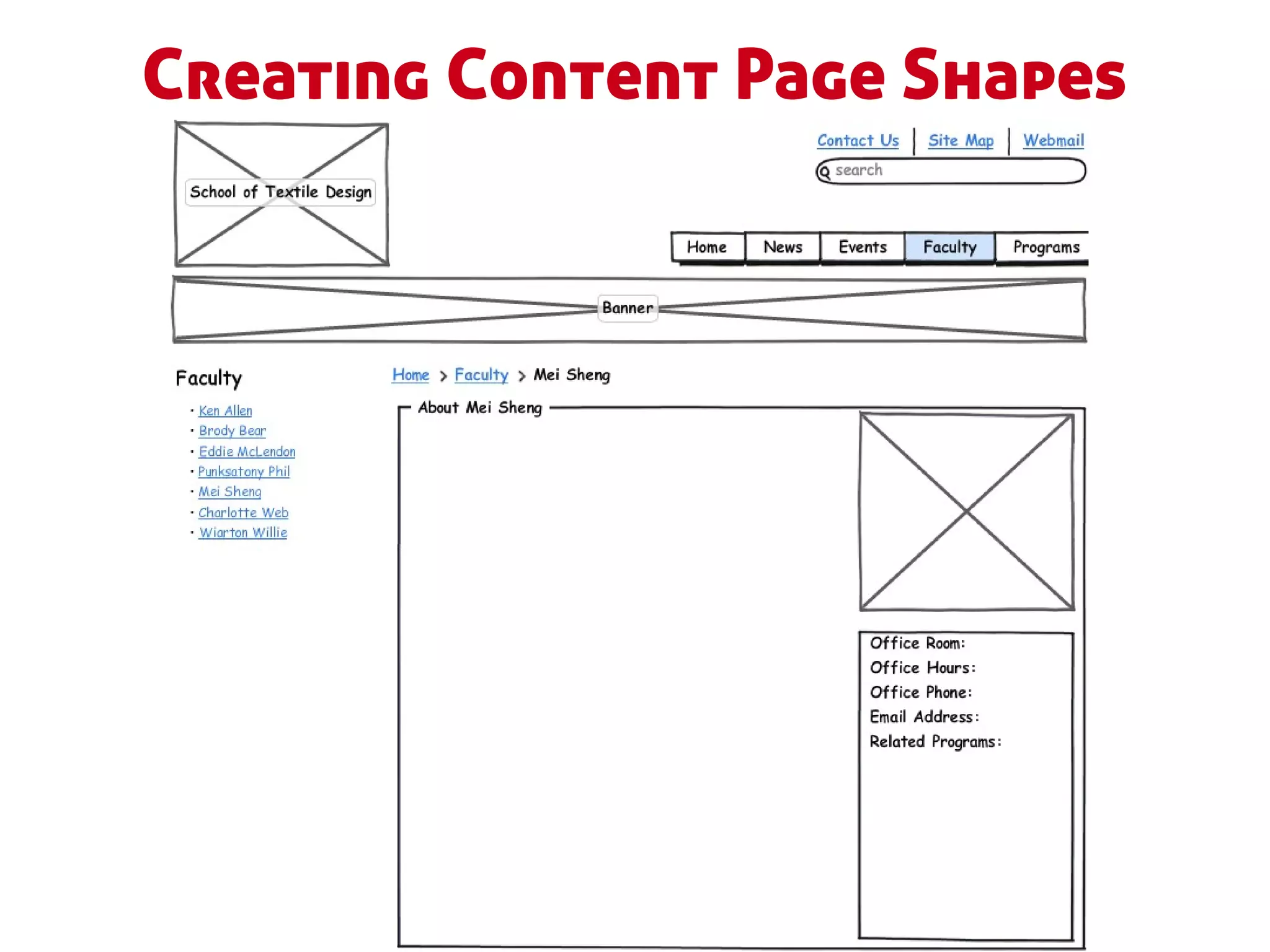
0.Wireframes with Balsamiq + specs.
1.Colour palate + grid + imagination + GiMP.
2.Base theme, text files, version control.
3.Rebuild the PSD in Drupal
  (or slice + convert).
4.Launch MVT.
5.Theme by UX, not by module or tpl.php.
Step 0: Wireframes + Specs
Creating Front Page Shapes
Creating Content Page Shapes
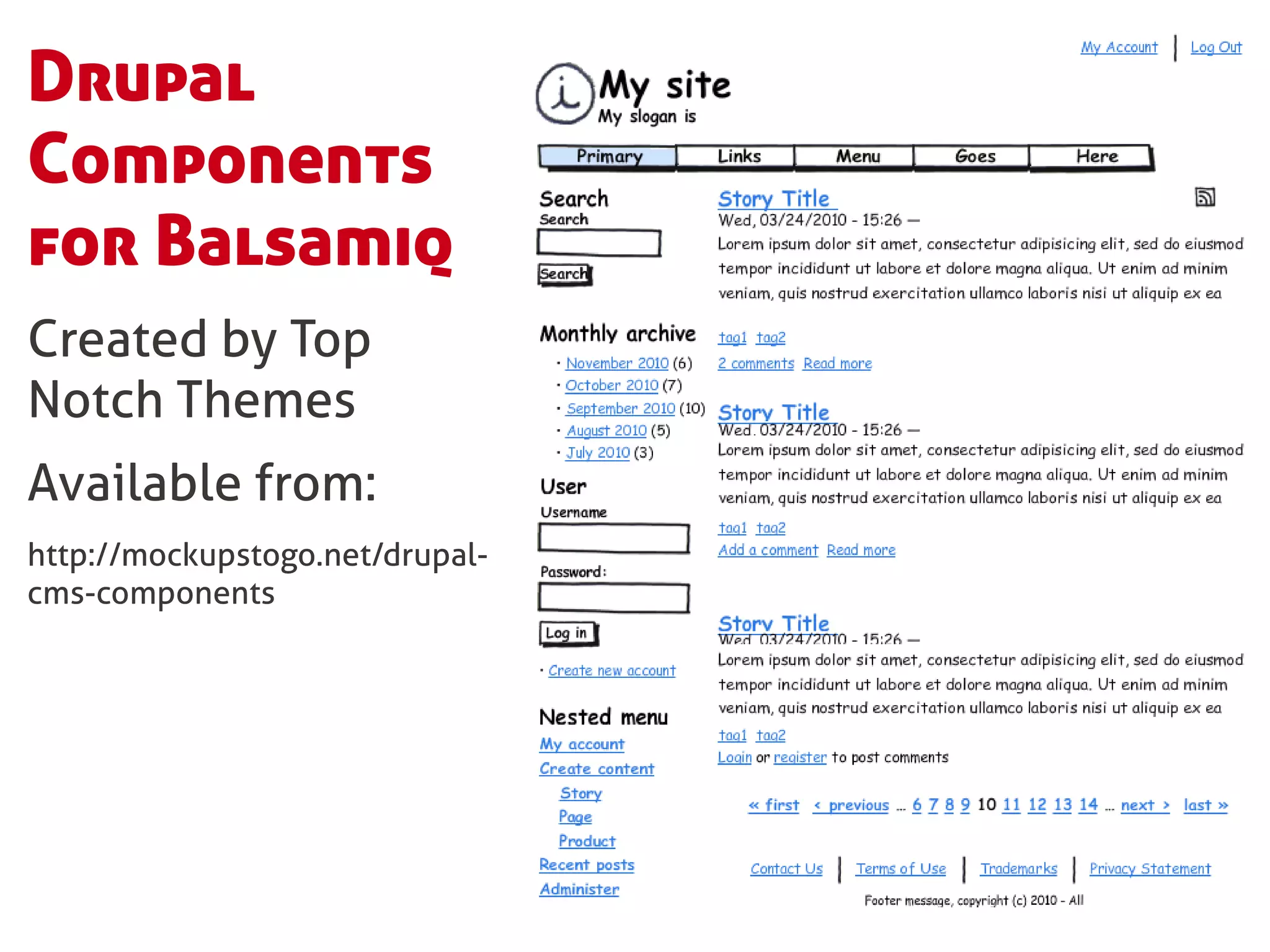
Drupal
Components
for Balsamiq
Created by Top
Notch Themes
Available from:
http://mockupstogo.net/drupal-
cms-components
Step 1: Grid + colour palate +
     imagination + GiMP.
Establish the Framework
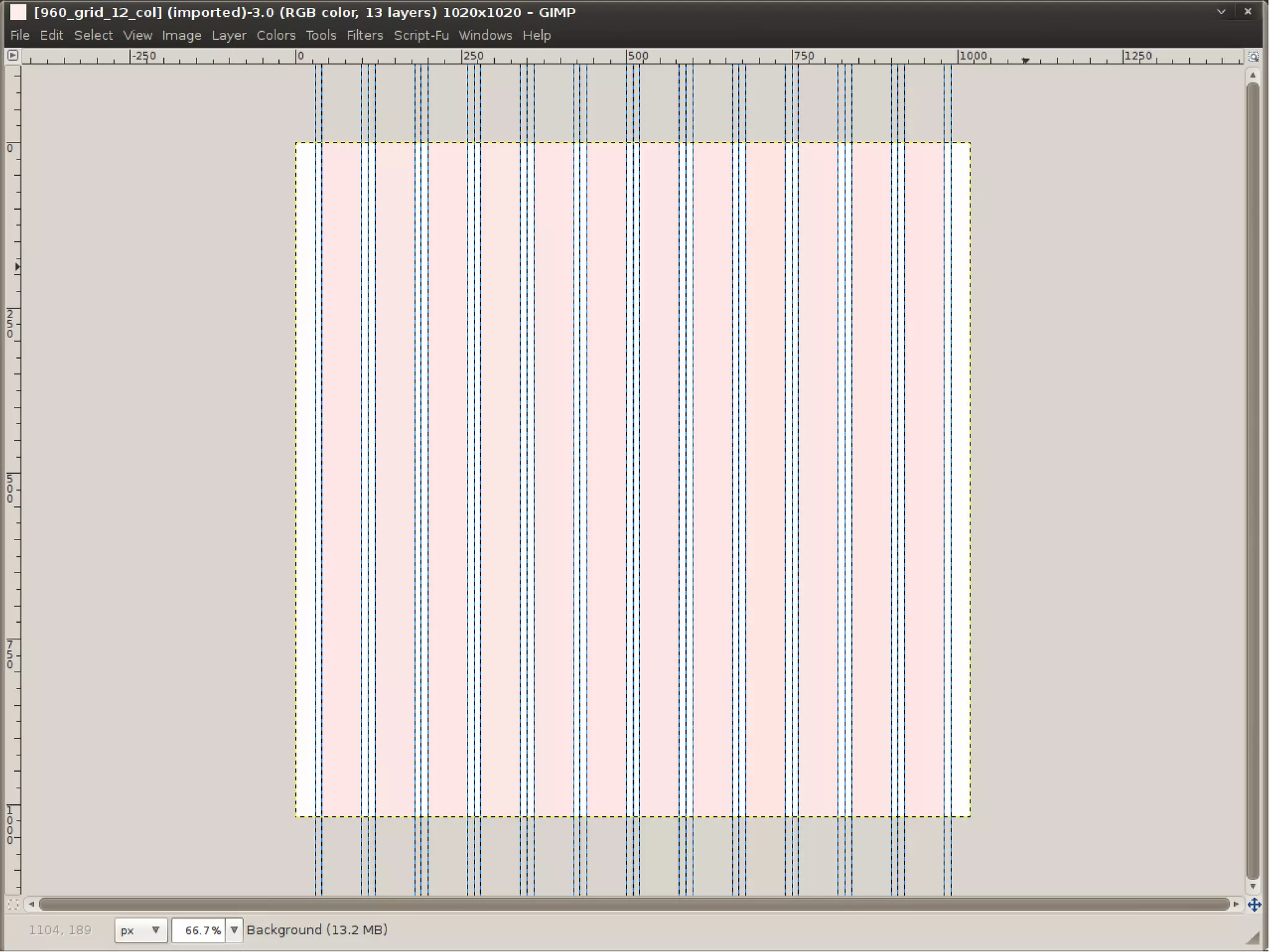
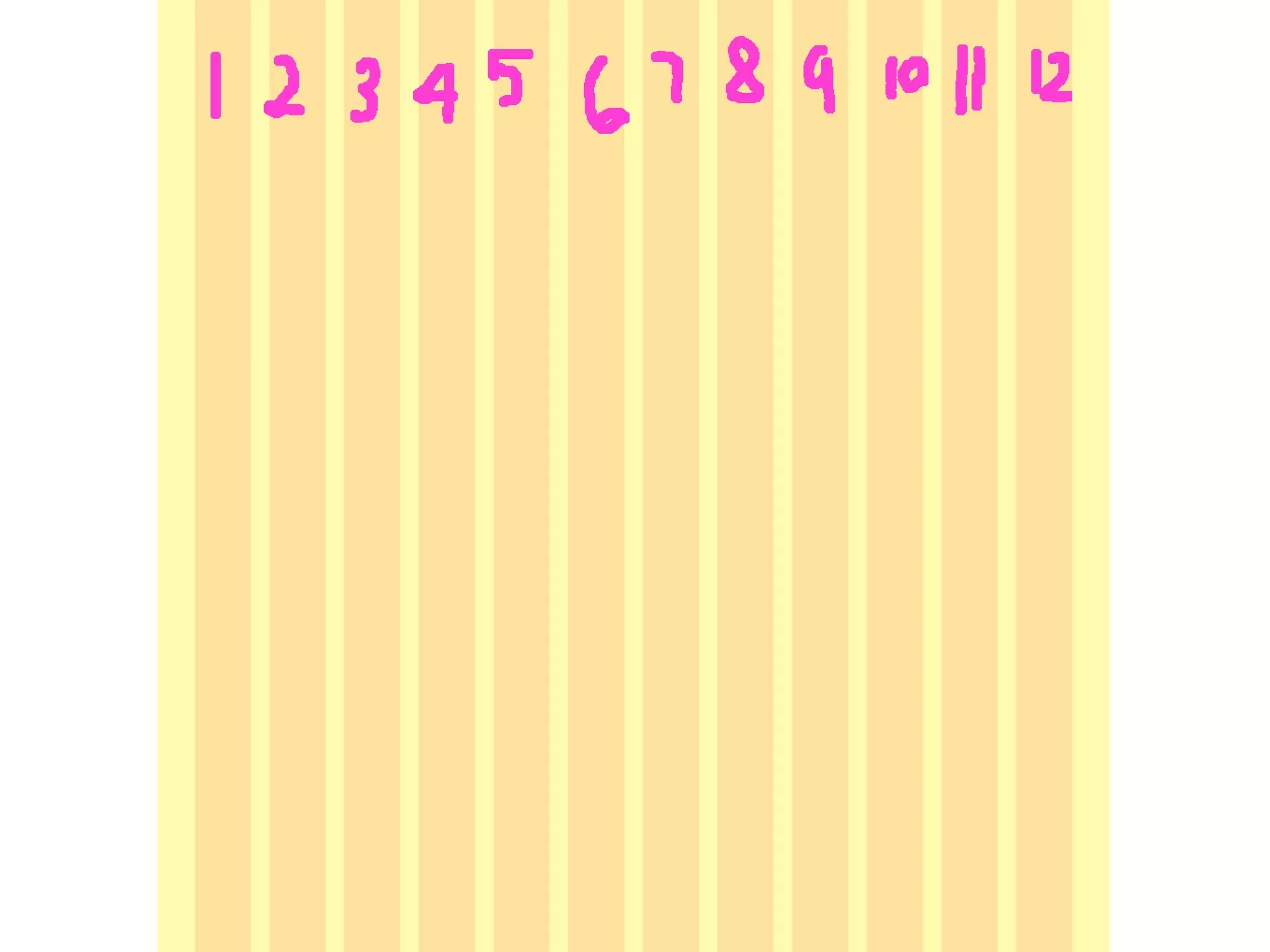
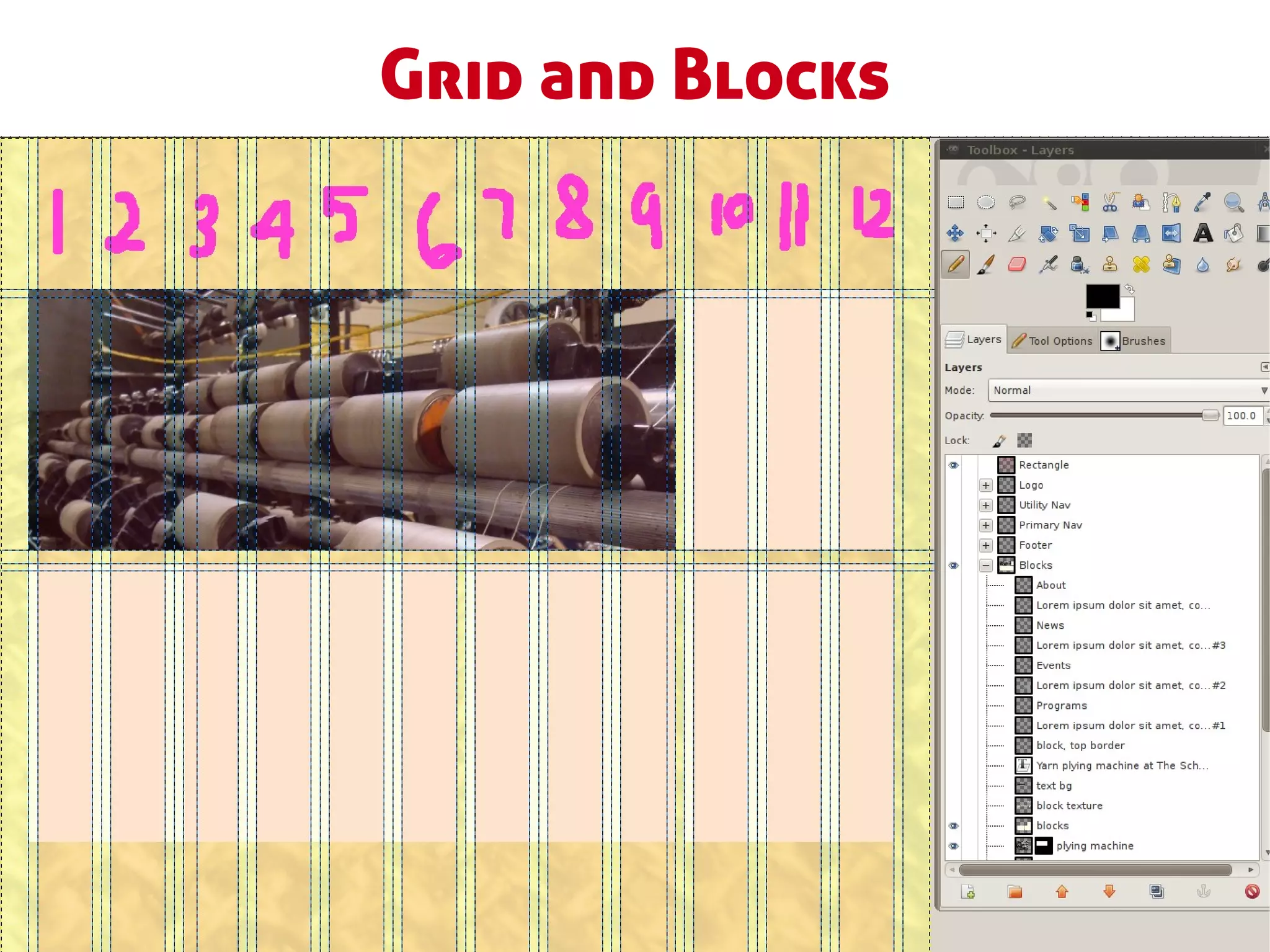
1.Grid layout: 960.gs templates
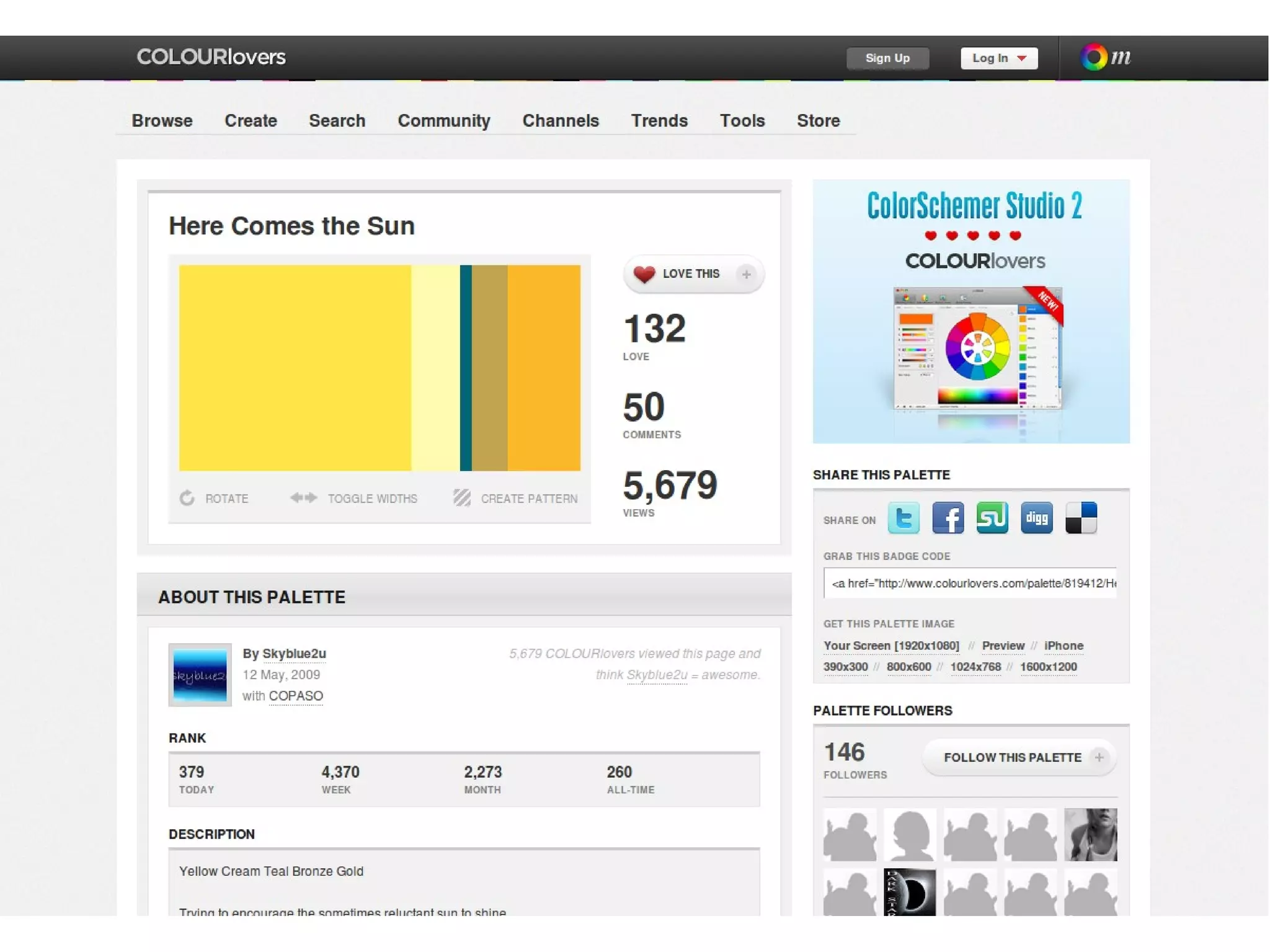
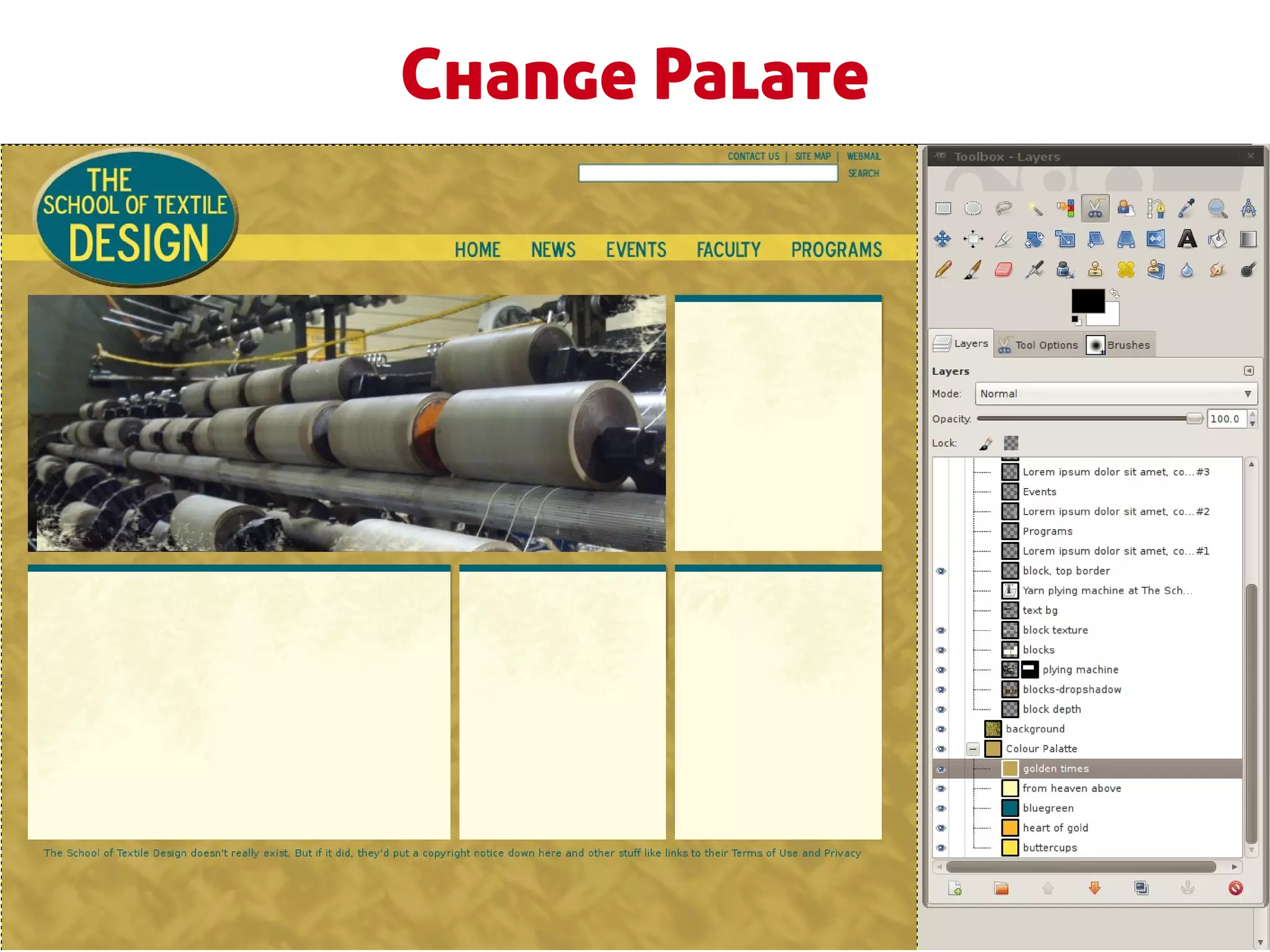
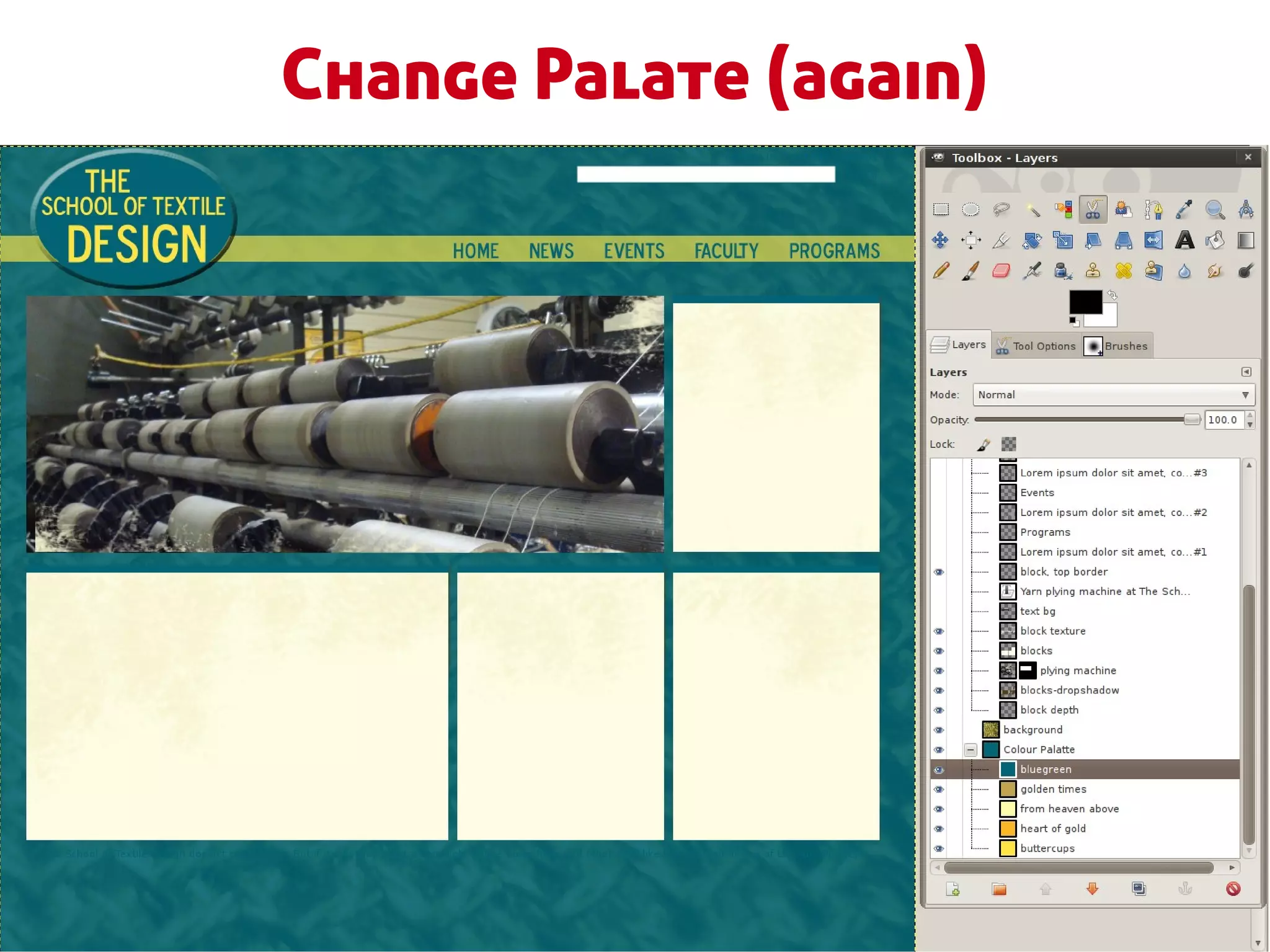
2.Colour palate: colourlovers.com,
  colorschemedesigner.com
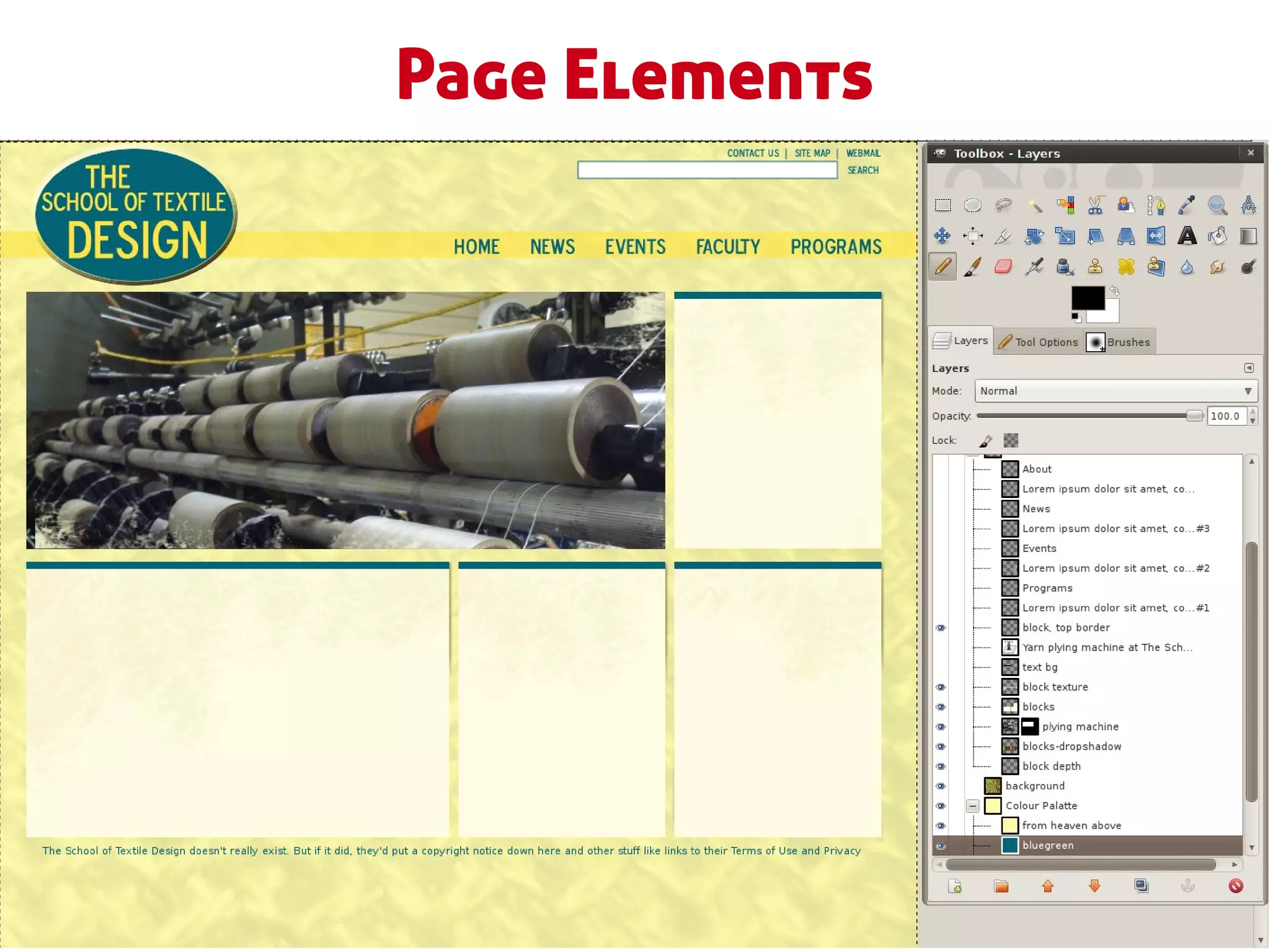
3.Page elements: see wireframes and site specs
Creating a Basic Design
1.Background: texture, image, colour
2.Place page elements: see wireframes and specs
3.Decorate: texture, flourishes, illustration,
  photography
4.Typography and font selection
5.Edges and borders: page, block
6.Lists: indents, margins, padding
7.Actions: default, hover, active, .active
Decorating and Designing
If that last slide offended you go watch
http://sf2010.drupal.org/conference/sessions/st
op-decorating-and-start-designing
while I carry on with my decorator lesson for
those of us who don’t poop designs for breakfast.
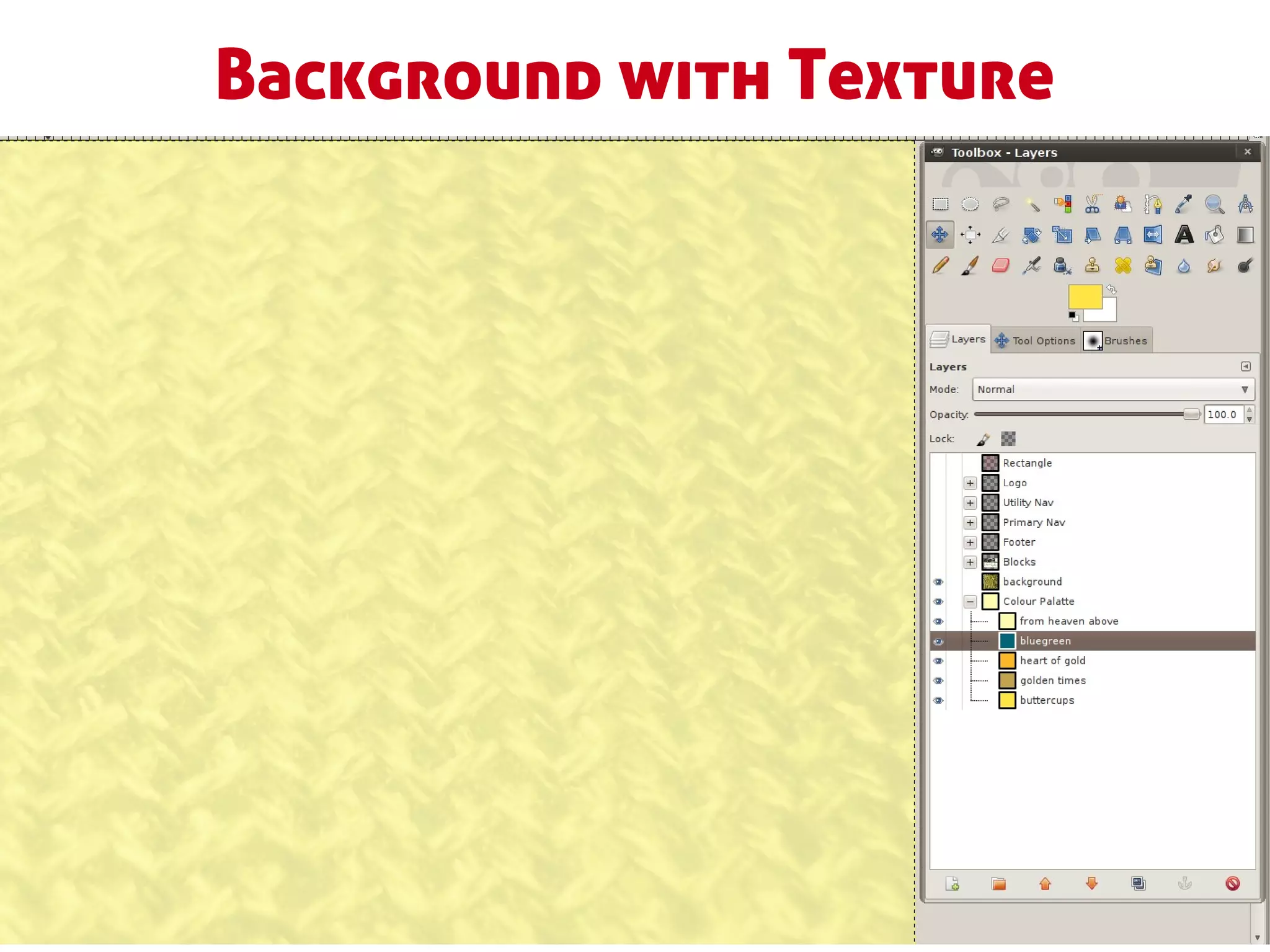
Background with Texture
Grid and Blocks
Page Elements
Change Palate
Change Palate (again)
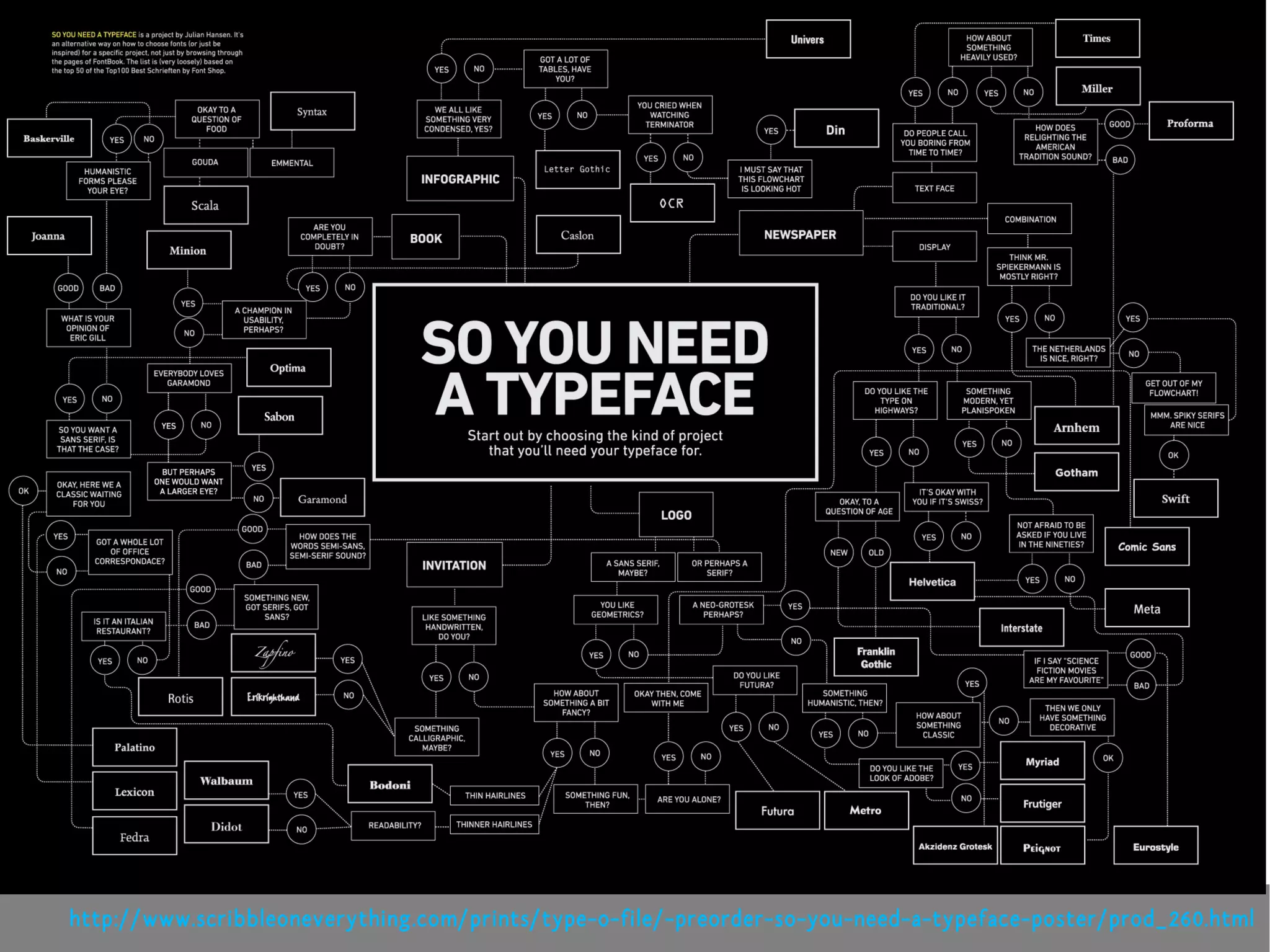
http://www.scribbleoneverything.com/prints/type-o-file/-preorder-so-you-need-a-typeface-poster/prod_260.html
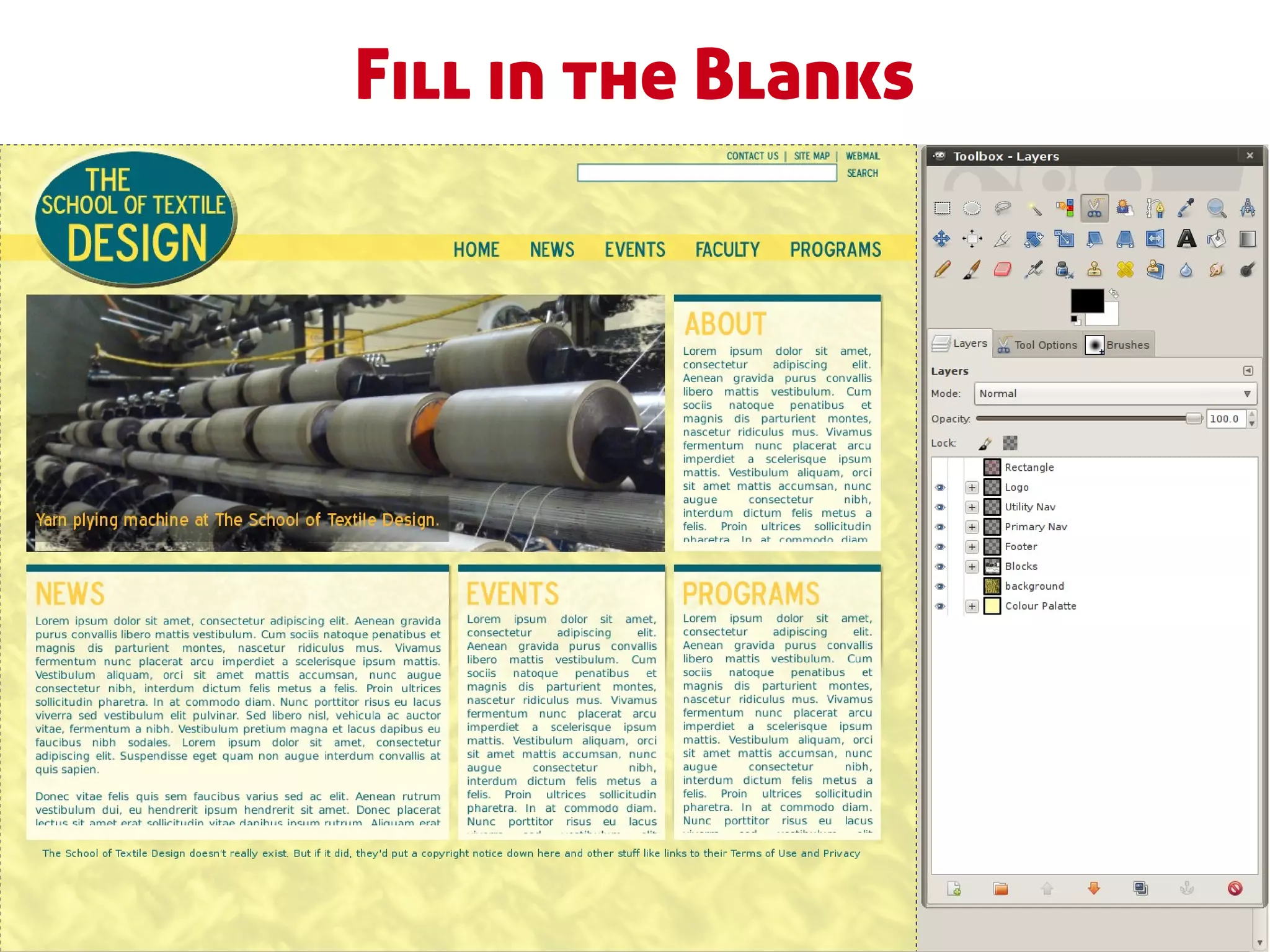
Fill in the Blanks
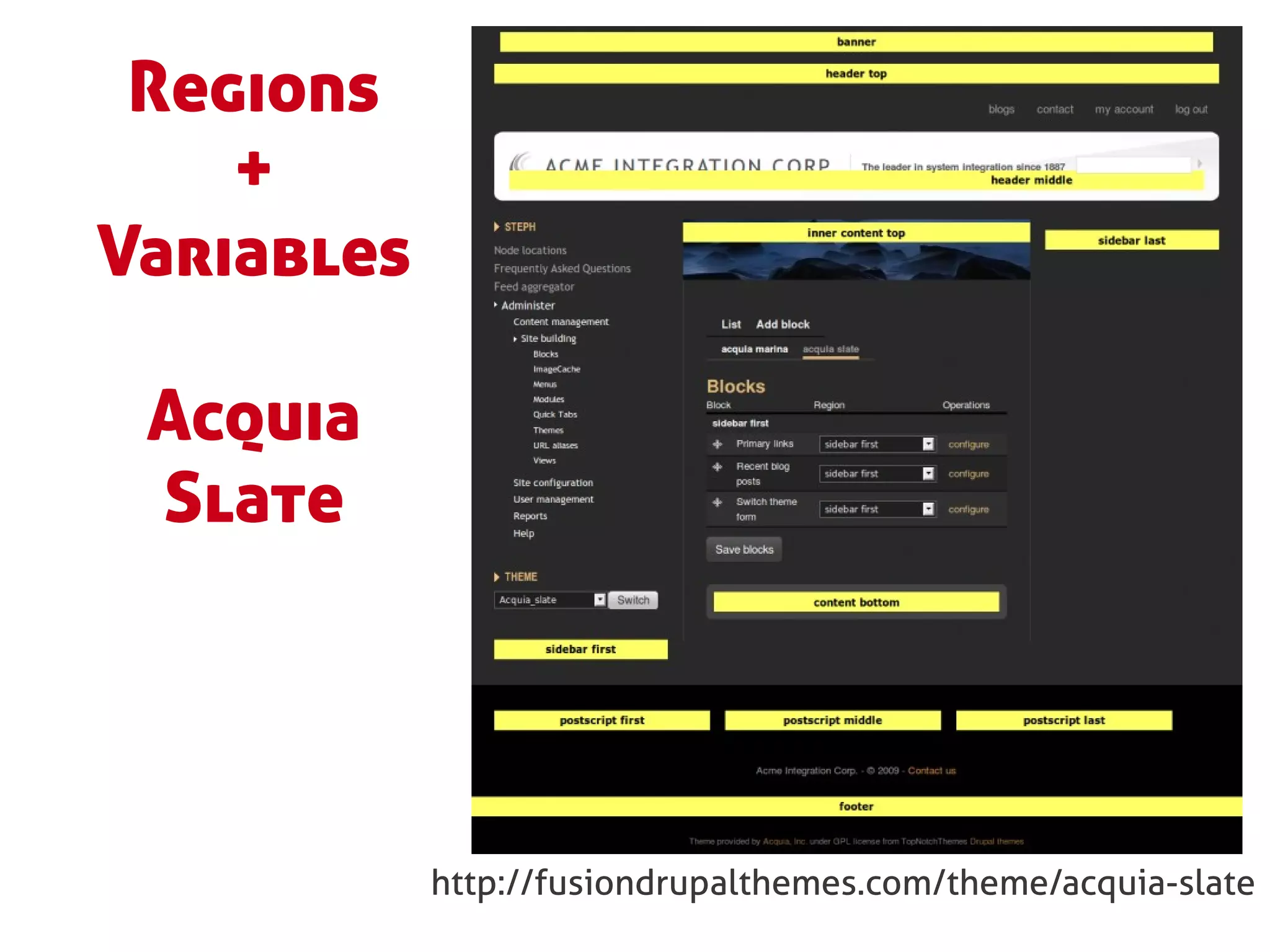
Regions
    +
Variables

 Acquia
 Slate


            http://fusiondrupalthemes.com/theme/acquia-slate
Optimize your Design Files
●   Theme by element: node, teaser, blocks,
    breadcrumbs, pager, site name, shopping cart.
●   Sort layers into element-related folders.
●   Use Web fonts in your design.
●   Use the 960.gs grid templates.
●   Create colour palates.
●   Use a style guide.
Step 2: Base theme, text files,
       version control.
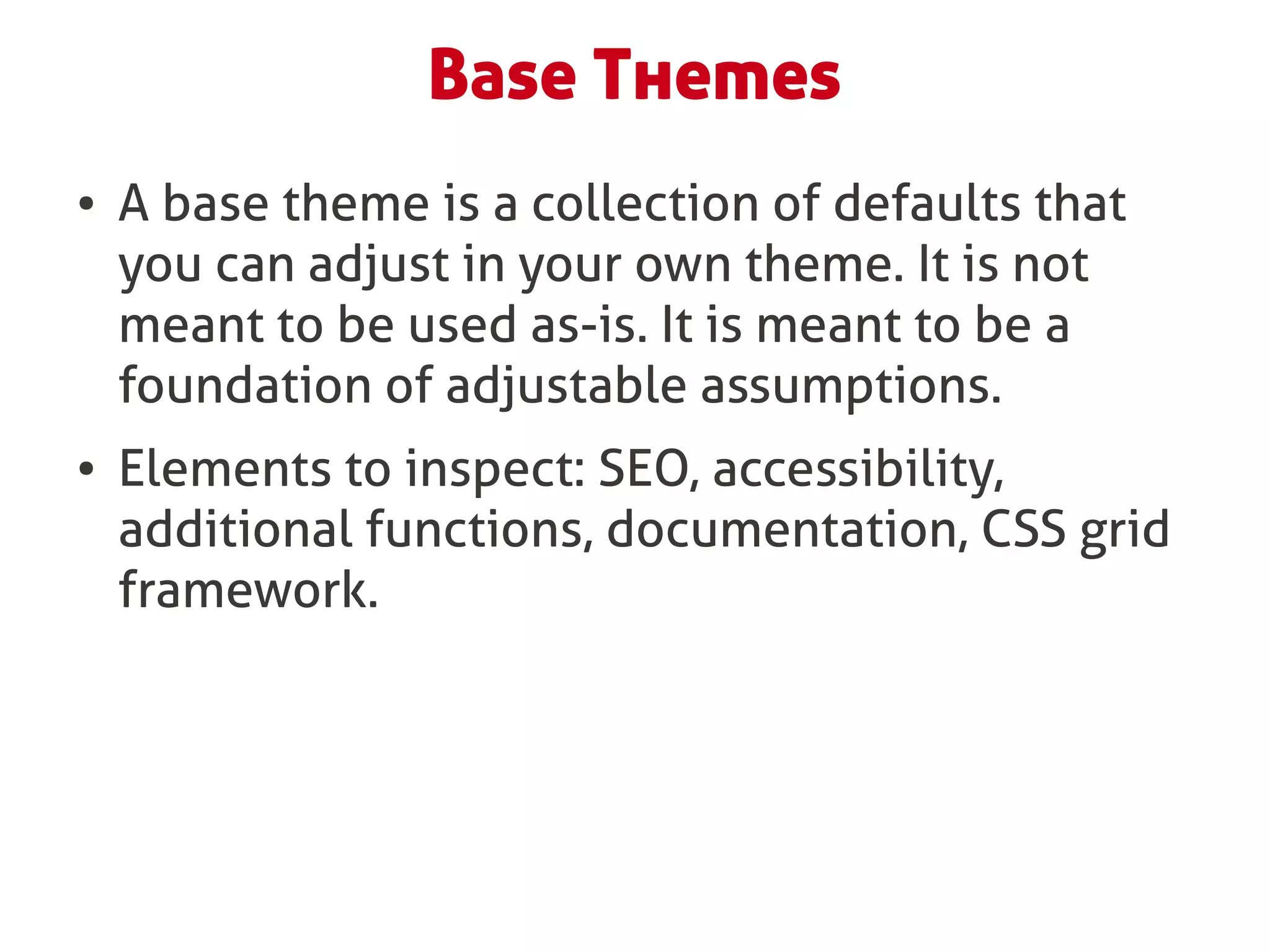
Base Themes
●   A base theme is a collection of defaults that
    you can adjust in your own theme. It is not
    meant to be used as-is. It is meant to be a
    foundation of adjustable assumptions.
●   Elements to inspect: SEO, accessibility,
    additional functions, documentation, CSS grid
    framework.
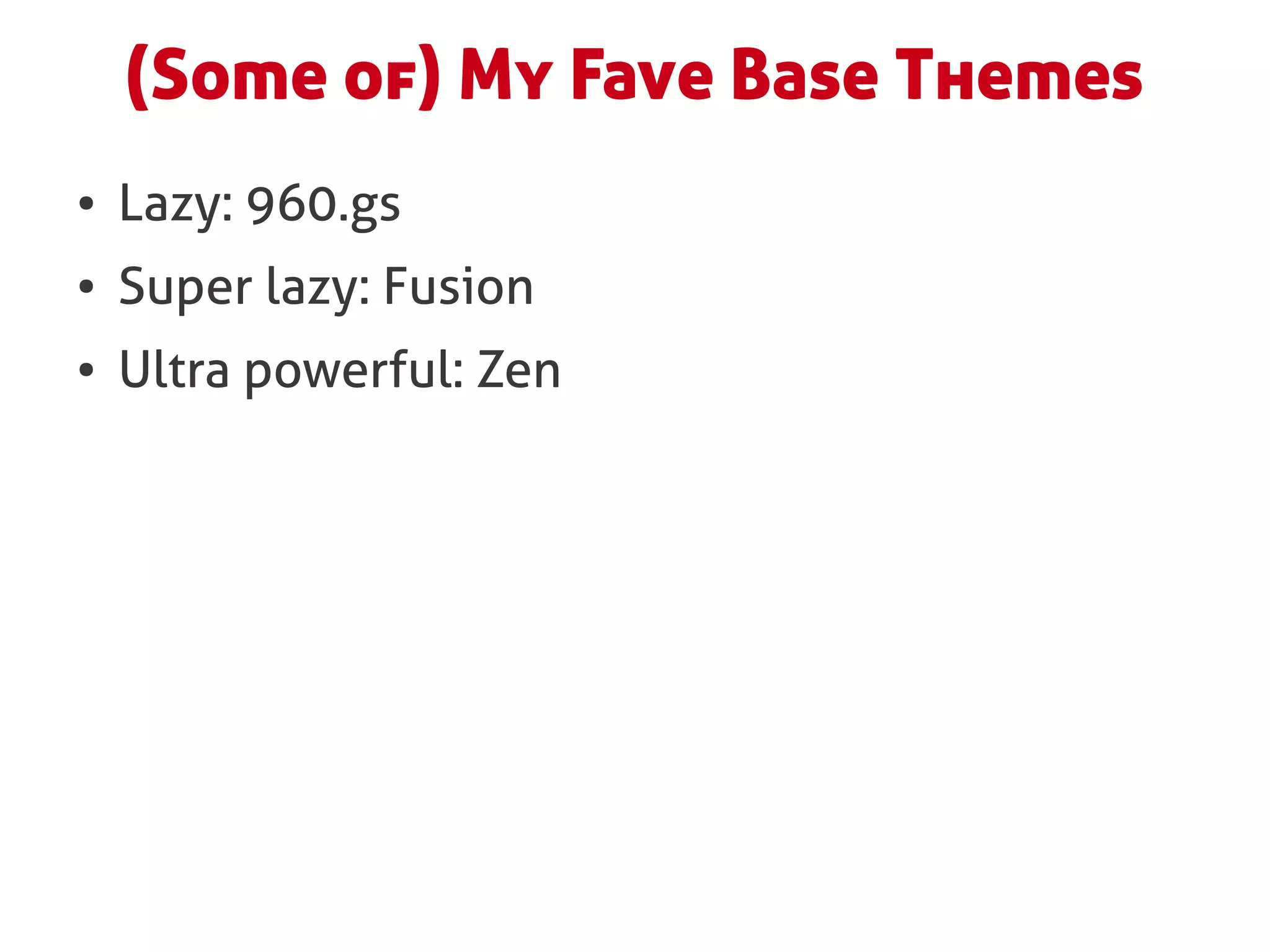
(Some of) My Fave Base Themes
●   Lazy: 960.gs
●   Super lazy: Fusion
●   Ultra powerful: Zen
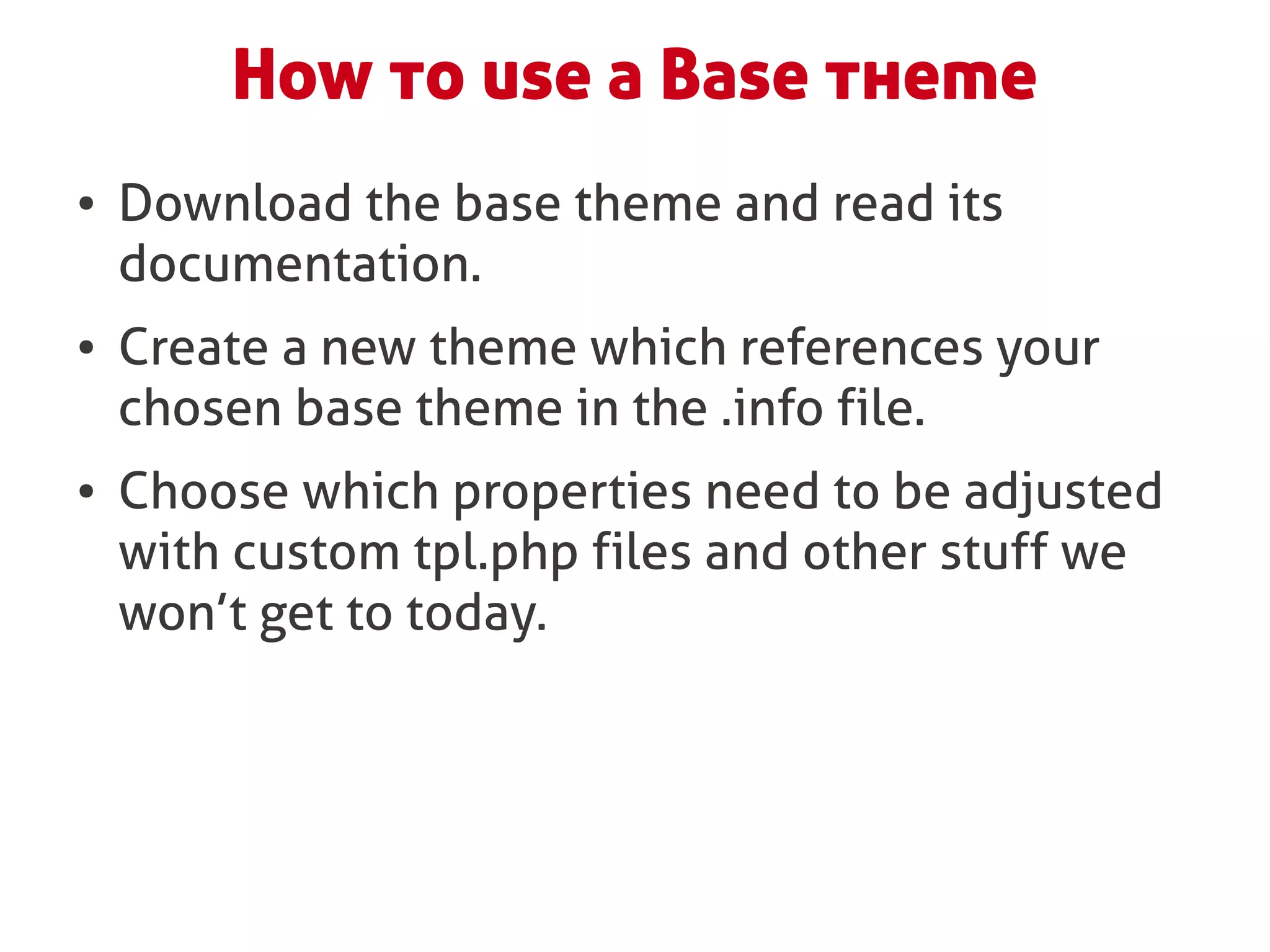
How to use a Base theme
●   Download the base theme and read its
    documentation.
●   Create a new theme which references your
    chosen base theme in the .info file.
●   Choose which properties need to be adjusted
    with custom tpl.php files and other stuff we
    won’t get to today.
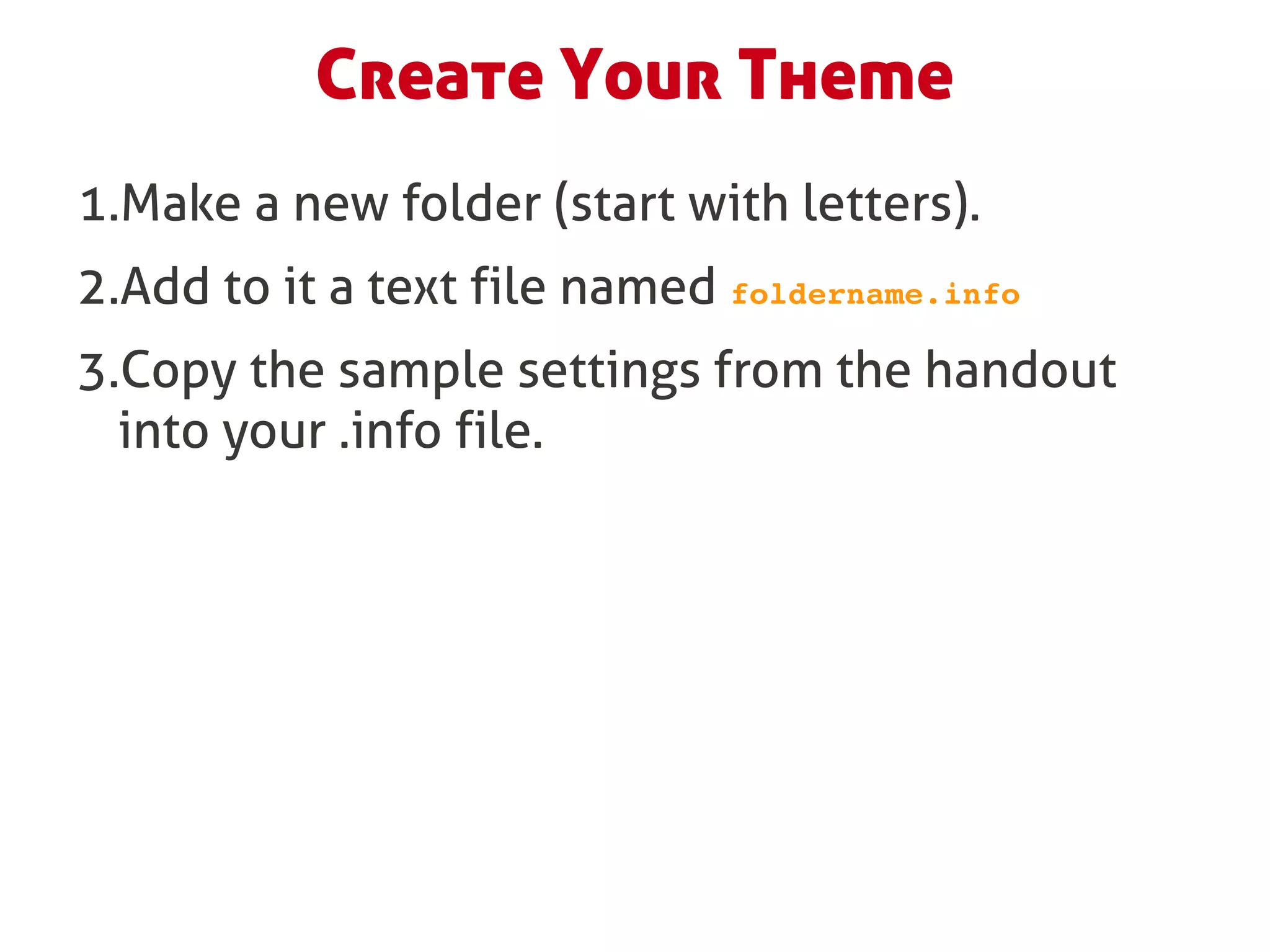
Create Your Theme
1.Make a new folder (start with letters).
2.Add to it a text file named foldername.info
3.Copy the sample settings from the handout
  into your .info file.
Your Theme’s .info file
name = My First Theme
description = Featuring multiple pony­friendly regions.
core = 6.x
engine = phptemplate
base theme = ninesixty

; Add pony­friendly regions, CSS and Javascript files
regions[shetland] = Left sidebar, column 1
stylesheets[all][] = my_theme_styles.css
scripts[] = myscript.js
Step 3: Rebuild the PSD in Drupal
       (or slice + convert).
<html goes here>


        Copy the page.tpl.php from your base theme and/or use:
http://api.drupal.org/api/drupal/modules--system--page.tpl.php/6/source

                     Repeat for page-front.tpl.php
It’s too hard.
Show me how!


Pink sherbert photography http://www.flickr.com/photos/pinksherbet/3372060864/
Step 4: Launch Your MVT
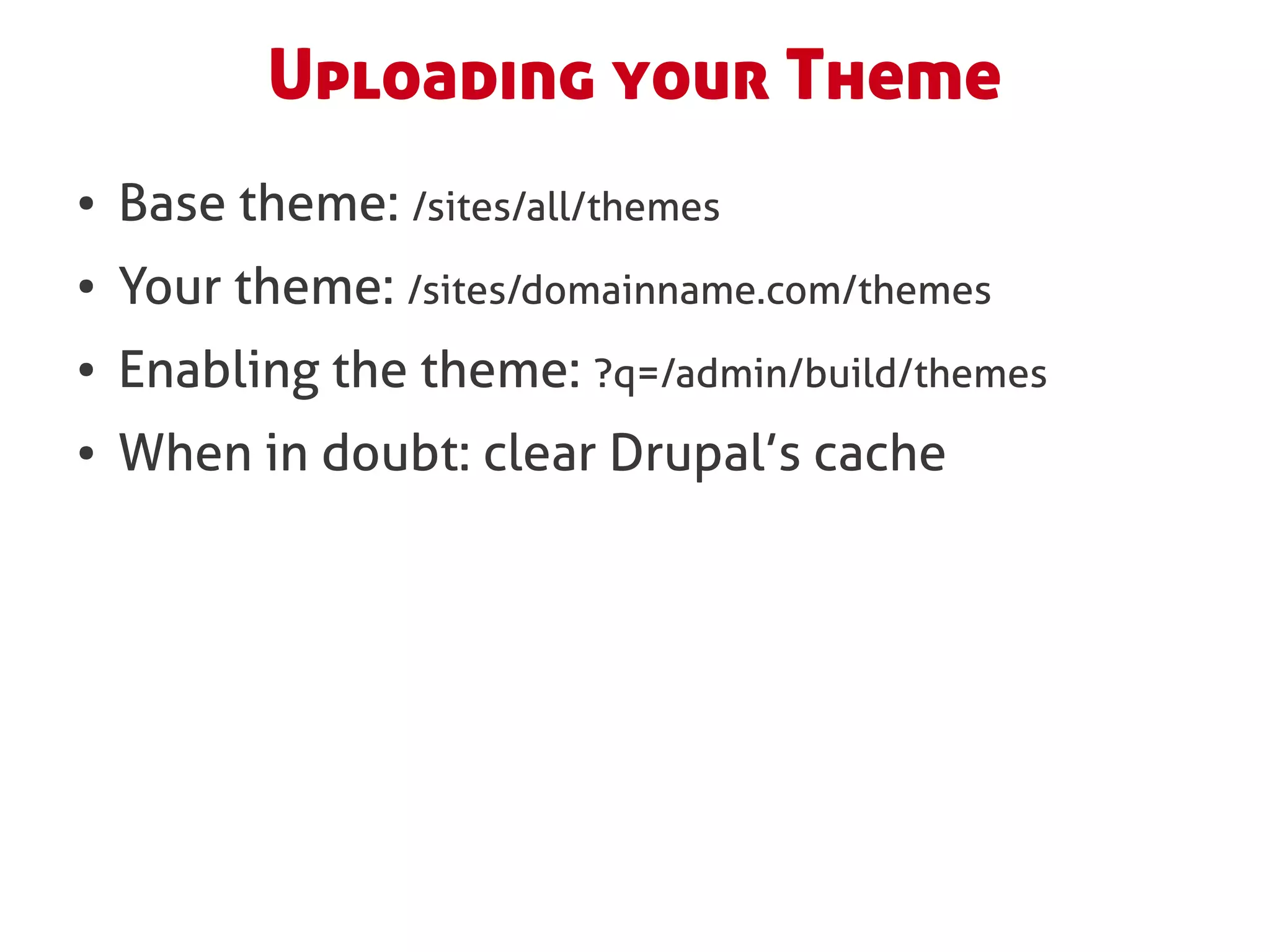
Uploading your Theme
●   Base theme: /sites/all/themes
●   Your theme: /sites/domainname.com/themes
●   Enabling the theme: ?q=/admin/build/themes
●   When in doubt: clear Drupal’s cache
Step 5: Theme the Rest by UX
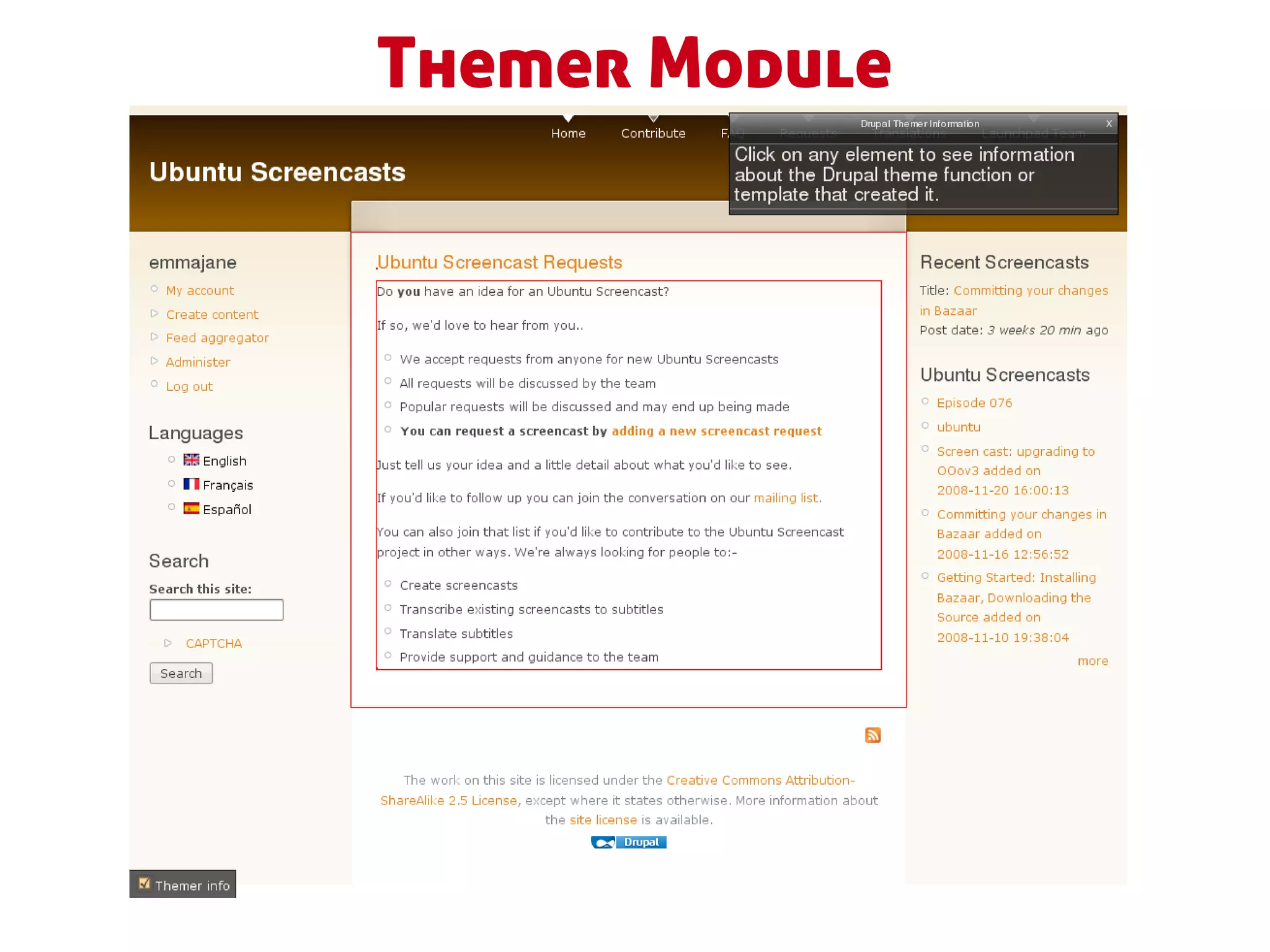
Themer Module
$node object
$node­>nid
$node­>body
$node­>content['body'][#value]
<?php
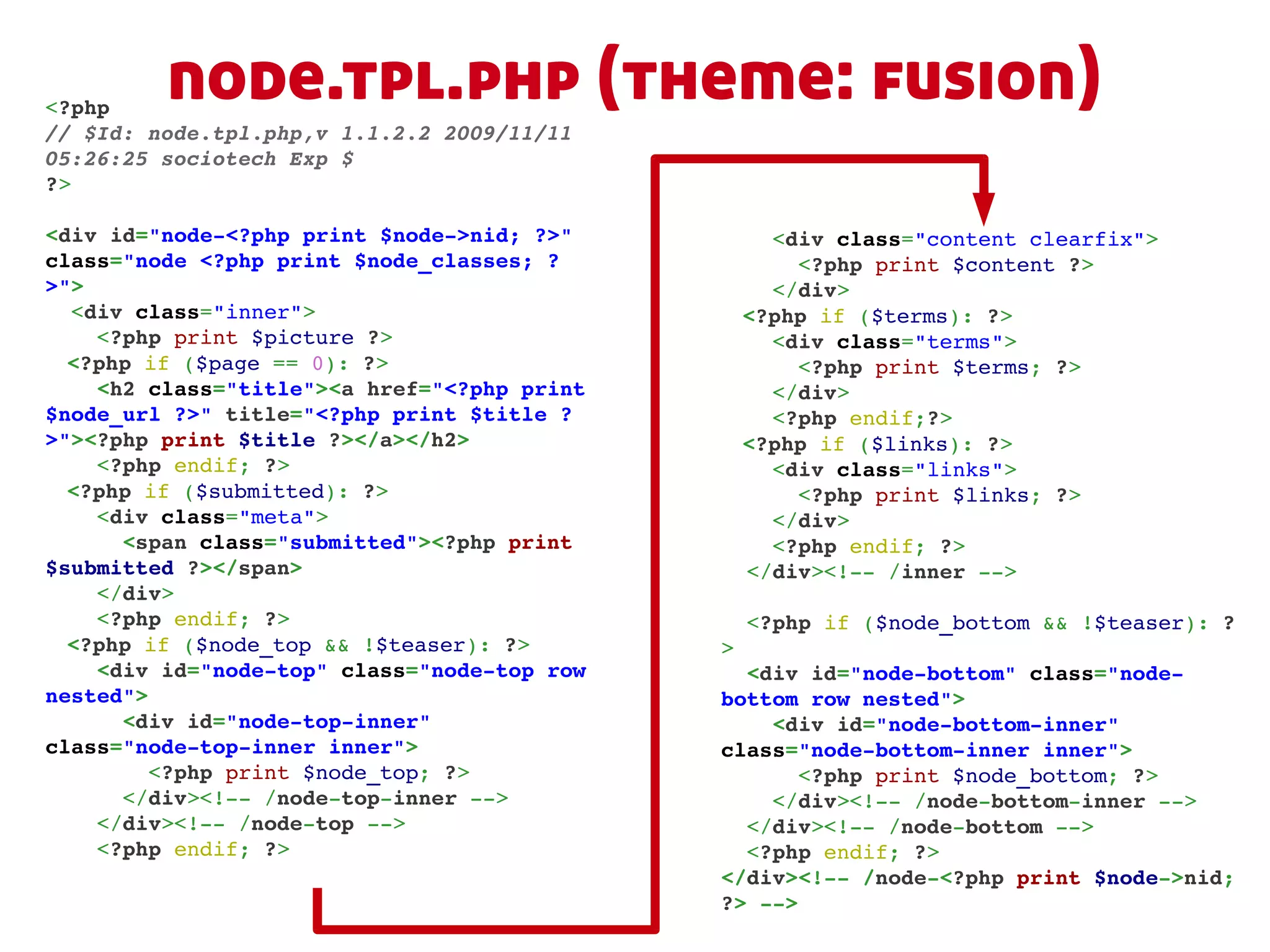
         node.tpl.php (theme: fusion)
// $Id: node.tpl.php,v 1.1.2.2 2009/11/11 
05:26:25 sociotech Exp $
?>

<div id="node­<?php print $node­>nid; ?>"         <div class="content clearfix">
class="node <?php print $node_classes; ?            <?php print $content ?>
>">                                               </div>
  <div class="inner">                           <?php if ($terms): ?>
    <?php print $picture ?>                       <div class="terms">
  <?php if ($page == 0): ?>                         <?php print $terms; ?>
    <h2 class="title"><a href="<?php print        </div>
$node_url ?>" title="<?php print $title ?         <?php endif;?>
>"><?php print $title ?></a></h2>               <?php if ($links): ?>
    <?php endif; ?>                               <div class="links">
  <?php if ($submitted): ?>                         <?php print $links; ?>
    <div class="meta">                            </div>
      <span class="submitted"><?php print         <?php endif; ?>
$submitted ?></span>                            </div><!­­ /inner ­­>
    </div>
    <?php endif; ?>                             <?php if ($node_bottom && !$teaser): ?
  <?php if ($node_top && !$teaser): ?>        >
    <div id="node­top" class="node­top row      <div id="node­bottom" class="node­
nested">                                      bottom row nested">
      <div id="node­top­inner"                    <div id="node­bottom­inner" 
class="node­top­inner inner">                 class="node­bottom­inner inner">
        <?php print $node_top; ?>                   <?php print $node_bottom; ?>
      </div><!­­ /node­top­inner ­­>              </div><!­­ /node­bottom­inner ­­>
    </div><!­­ /node­top ­­>                    </div><!­­ /node­bottom ­­>
    <?php endif; ?>                             <?php endif; ?>
                                              </div><!­­ /node­<?php print $node­>nid; 
                                              ?> ­­>
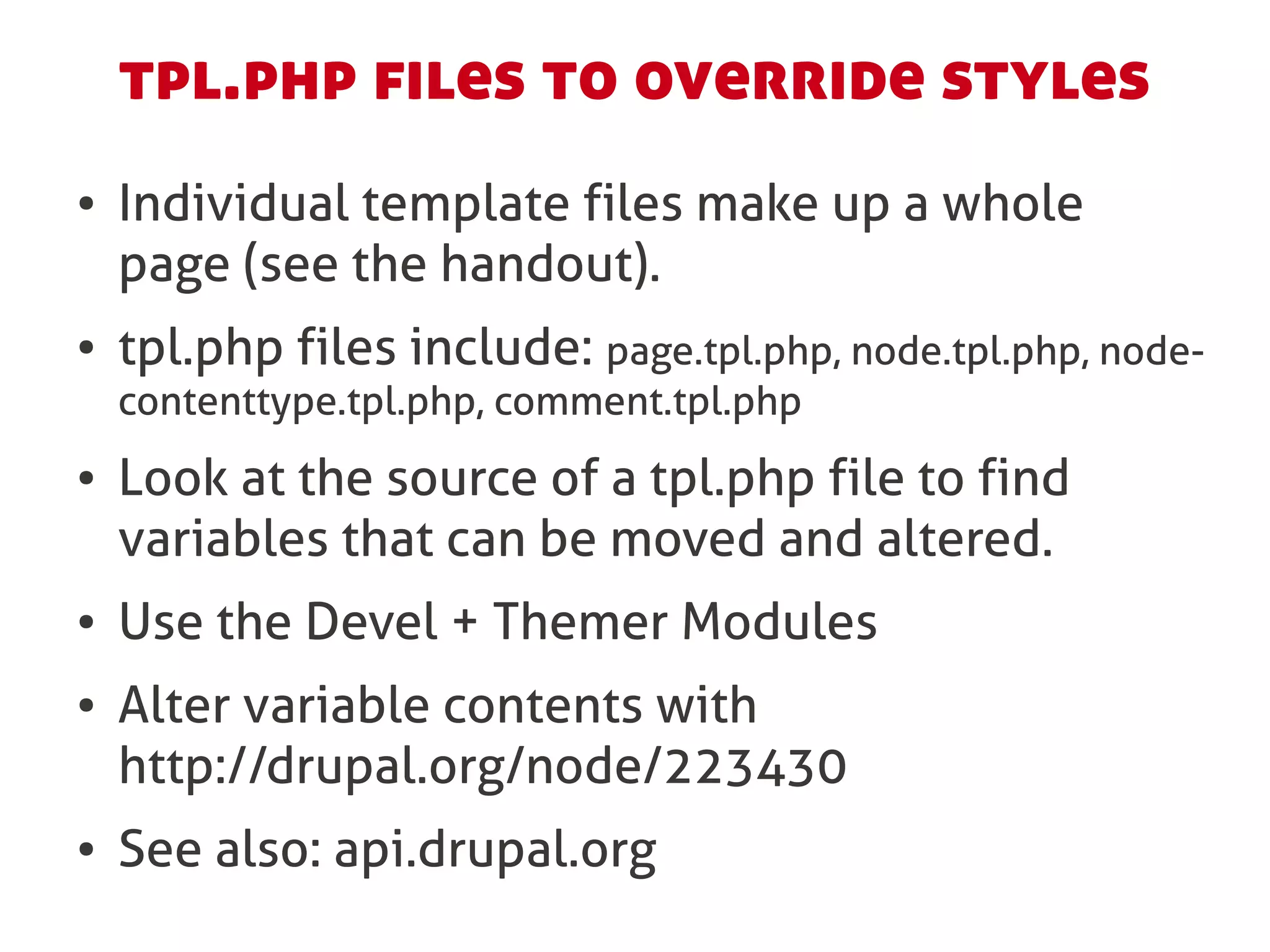
tpl.php files to override styles
●   Individual template files make up a whole
    page (see the handout).
●   tpl.php files include: page.tpl.php, node.tpl.php, node-
    contenttype.tpl.php, comment.tpl.php
●   Look at the source of a tpl.php file to find
    variables that can be moved and altered.
●   Use the Devel + Themer Modules
●   Alter variable contents with
    http://drupal.org/node/223430
●   See also: api.drupal.org
You’re a
Themer!

http://www.flickr.com/photos/14150482@N02/2526889807/
My 5 Steps for Creating a Theme
0.Wireframes the specs.
1.Colour palate + grid + imagination + GiMP.
2.Base theme, text files, version control.
3.Rebuild the PSD in Drupal
  (or slice + convert).
4.Launch MVT.
5.Theme by UX, not by module or tpl.php.
Sharing Your Designs
●   Licensing: GPL the “codey bits.”
●   Creating a project on drupal.org (and also
    http://themegarden.org/drupal6/)
●   Selling your themes
    (www.topnotchthemes.com)
And that was...
Basically How You Theme Drupal
                         Emma Jane Hogbin
                         @emmajanedotnet
                  emma@designtotheme.com
                    www.designtotheme.com
        Remind me I have one Balsamiq license to give away.
                       Also: online classes start next week.

Design to Theme @ CMSExpo

  • 1.
    Basic Design forDrupal Emma Jane Hogbin @emmajanedotnet emma@designtotheme.com www.designtotheme.com
  • 2.
    Agenda ● A short, analogy-filled, treatise on designing for Drupal. ● <your questions /> ● Anatomy of a Theme ● <your questions /> ● Base <your questions /> Themes ● Making Themes ● <your questions><my answers /></your questions>
  • 3.
    Pre-requisites to ThemingDrupal ● Get the handout. ● Understand that you will make mistakes and that it’s ok to make mistakes. ● Have a toolkit.
  • 4.
  • 5.
    Theming WordPress A “pull” system http://www.flickr.com/photos/13879801@N00/96609354/
  • 6.
    Theming Drupal A prepand “push” system Source: http://www.flickr.com/photos/sebbisuperstar/2470560831
  • 7.
  • 9.
    ANSIs: Areas ofNatural and Scientific Interest Low priority High priority Source: http://www.bsc-eoc.org/organization/giswork.html
  • 10.
  • 11.
    Rendered Page Logo Primary Links Search Block View (block) Login block Navigation menu
  • 12.
    Rendered Page ● page.tpl.php Logo: Site information Menu Primary Links ● $primary_links ● $secondary_links Node Block ● $logo ● $footer_message ● node.tpl.php Node Region ● block.tpl.php Node Block Pager Menu or Secondary Links Footer: Site information
  • 13.
    Which means... ● Drupal uses Theme Engines to style available content independently of the module layer. ● The most commonly used engine is PHPtemplate which is a “prepare and push” system, this differs from WordPress’s “pull” system. ● Complete Web pages of rendered HTML are compiled from different sources in the theme. ● Design for individual Drupal page elements, not the whole page.
  • 14.
  • 15.
    My Steps forCreating a Theme 0.Wireframes with Balsamiq + specs. 1.Colour palate + grid + imagination + GiMP. 2.Base theme, text files, version control. 3.Rebuild the PSD in Drupal (or slice + convert). 4.Launch MVT. 5.Theme by UX, not by module or tpl.php.
  • 16.
  • 18.
  • 19.
  • 20.
    Drupal Components for Balsamiq Created byTop Notch Themes Available from: http://mockupstogo.net/drupal- cms-components
  • 21.
    Step 1: Grid+ colour palate + imagination + GiMP.
  • 22.
    Establish the Framework 1.Gridlayout: 960.gs templates 2.Colour palate: colourlovers.com, colorschemedesigner.com 3.Page elements: see wireframes and site specs
  • 26.
    Creating a BasicDesign 1.Background: texture, image, colour 2.Place page elements: see wireframes and specs 3.Decorate: texture, flourishes, illustration, photography 4.Typography and font selection 5.Edges and borders: page, block 6.Lists: indents, margins, padding 7.Actions: default, hover, active, .active
  • 27.
    Decorating and Designing Ifthat last slide offended you go watch http://sf2010.drupal.org/conference/sessions/st op-decorating-and-start-designing while I carry on with my decorator lesson for those of us who don’t poop designs for breakfast.
  • 28.
  • 29.
  • 30.
  • 31.
  • 32.
  • 33.
  • 34.
  • 35.
    Regions + Variables Acquia Slate http://fusiondrupalthemes.com/theme/acquia-slate
  • 36.
    Optimize your DesignFiles ● Theme by element: node, teaser, blocks, breadcrumbs, pager, site name, shopping cart. ● Sort layers into element-related folders. ● Use Web fonts in your design. ● Use the 960.gs grid templates. ● Create colour palates. ● Use a style guide.
  • 37.
    Step 2: Basetheme, text files, version control.
  • 38.
    Base Themes ● A base theme is a collection of defaults that you can adjust in your own theme. It is not meant to be used as-is. It is meant to be a foundation of adjustable assumptions. ● Elements to inspect: SEO, accessibility, additional functions, documentation, CSS grid framework.
  • 39.
    (Some of) MyFave Base Themes ● Lazy: 960.gs ● Super lazy: Fusion ● Ultra powerful: Zen
  • 40.
    How to usea Base theme ● Download the base theme and read its documentation. ● Create a new theme which references your chosen base theme in the .info file. ● Choose which properties need to be adjusted with custom tpl.php files and other stuff we won’t get to today.
  • 41.
    Create Your Theme 1.Makea new folder (start with letters). 2.Add to it a text file named foldername.info 3.Copy the sample settings from the handout into your .info file.
  • 42.
    Your Theme’s .infofile name = My First Theme description = Featuring multiple pony­friendly regions. core = 6.x engine = phptemplate base theme = ninesixty ; Add pony­friendly regions, CSS and Javascript files regions[shetland] = Left sidebar, column 1 stylesheets[all][] = my_theme_styles.css scripts[] = myscript.js
  • 43.
    Step 3: Rebuildthe PSD in Drupal (or slice + convert).
  • 44.
    <html goes here> Copy the page.tpl.php from your base theme and/or use: http://api.drupal.org/api/drupal/modules--system--page.tpl.php/6/source Repeat for page-front.tpl.php
  • 45.
    It’s too hard. Showme how! Pink sherbert photography http://www.flickr.com/photos/pinksherbet/3372060864/
  • 46.
  • 47.
    Uploading your Theme ● Base theme: /sites/all/themes ● Your theme: /sites/domainname.com/themes ● Enabling the theme: ?q=/admin/build/themes ● When in doubt: clear Drupal’s cache
  • 48.
    Step 5: Themethe Rest by UX
  • 49.
  • 50.
  • 51.
    <?php node.tpl.php (theme: fusion) // $Id: node.tpl.php,v 1.1.2.2 2009/11/11  05:26:25 sociotech Exp $ ?> <div id="node­<?php print $node­>nid; ?>"      <div class="content clearfix"> class="node <?php print $node_classes; ?       <?php print $content ?> >">     </div>   <div class="inner"> <?php if ($terms): ?>     <?php print $picture ?>     <div class="terms"> <?php if ($page == 0): ?>       <?php print $terms; ?>     <h2 class="title"><a href="<?php print      </div> $node_url ?>" title="<?php print $title ?     <?php endif;?> >"><?php print $title ?></a></h2> <?php if ($links): ?>     <?php endif; ?>       <div class="links"> <?php if ($submitted): ?>       <?php print $links; ?>     <div class="meta">     </div>       <span class="submitted"><?php print      <?php endif; ?> $submitted ?></span>   </div><!­­ /inner ­­>     </div>     <?php endif; ?>   <?php if ($node_bottom && !$teaser): ? <?php if ($node_top && !$teaser): ?> >     <div id="node­top" class="node­top row    <div id="node­bottom" class="node­ nested"> bottom row nested">       <div id="node­top­inner"      <div id="node­bottom­inner"  class="node­top­inner inner"> class="node­bottom­inner inner">         <?php print $node_top; ?>       <?php print $node_bottom; ?>       </div><!­­ /node­top­inner ­­>     </div><!­­ /node­bottom­inner ­­>     </div><!­­ /node­top ­­>   </div><!­­ /node­bottom ­­>     <?php endif; ?>   <?php endif; ?> </div><!­­ /node­<?php print $node­>nid;  ?> ­­>
  • 52.
    tpl.php files tooverride styles ● Individual template files make up a whole page (see the handout). ● tpl.php files include: page.tpl.php, node.tpl.php, node- contenttype.tpl.php, comment.tpl.php ● Look at the source of a tpl.php file to find variables that can be moved and altered. ● Use the Devel + Themer Modules ● Alter variable contents with http://drupal.org/node/223430 ● See also: api.drupal.org
  • 53.
  • 54.
    My 5 Stepsfor Creating a Theme 0.Wireframes the specs. 1.Colour palate + grid + imagination + GiMP. 2.Base theme, text files, version control. 3.Rebuild the PSD in Drupal (or slice + convert). 4.Launch MVT. 5.Theme by UX, not by module or tpl.php.
  • 55.
    Sharing Your Designs ● Licensing: GPL the “codey bits.” ● Creating a project on drupal.org (and also http://themegarden.org/drupal6/) ● Selling your themes (www.topnotchthemes.com)
  • 56.
    And that was... BasicallyHow You Theme Drupal Emma Jane Hogbin @emmajanedotnet emma@designtotheme.com www.designtotheme.com Remind me I have one Balsamiq license to give away. Also: online classes start next week.