DISTRIBUTING
INFORMATION
AGENDA
What does information distribution mean?
Delegation
Closures
Notifications
Property Observers
Bindings / Key Value Observation
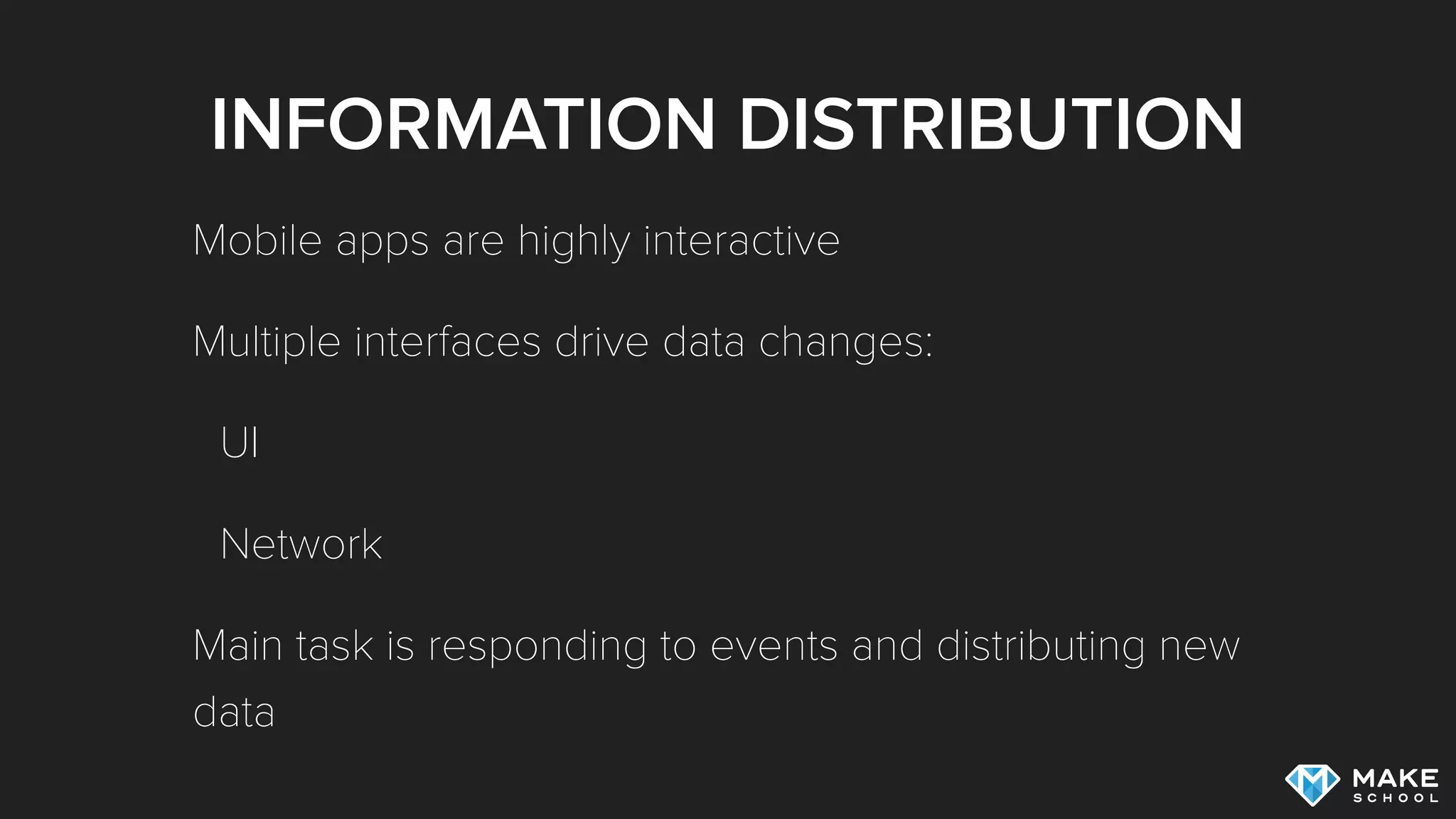
INFORMATION DISTRIBUTION
Mobile apps are highly interactive
Multiple interfaces drive data changes:
UI
Network
Main task is responding to events and distributing new
data
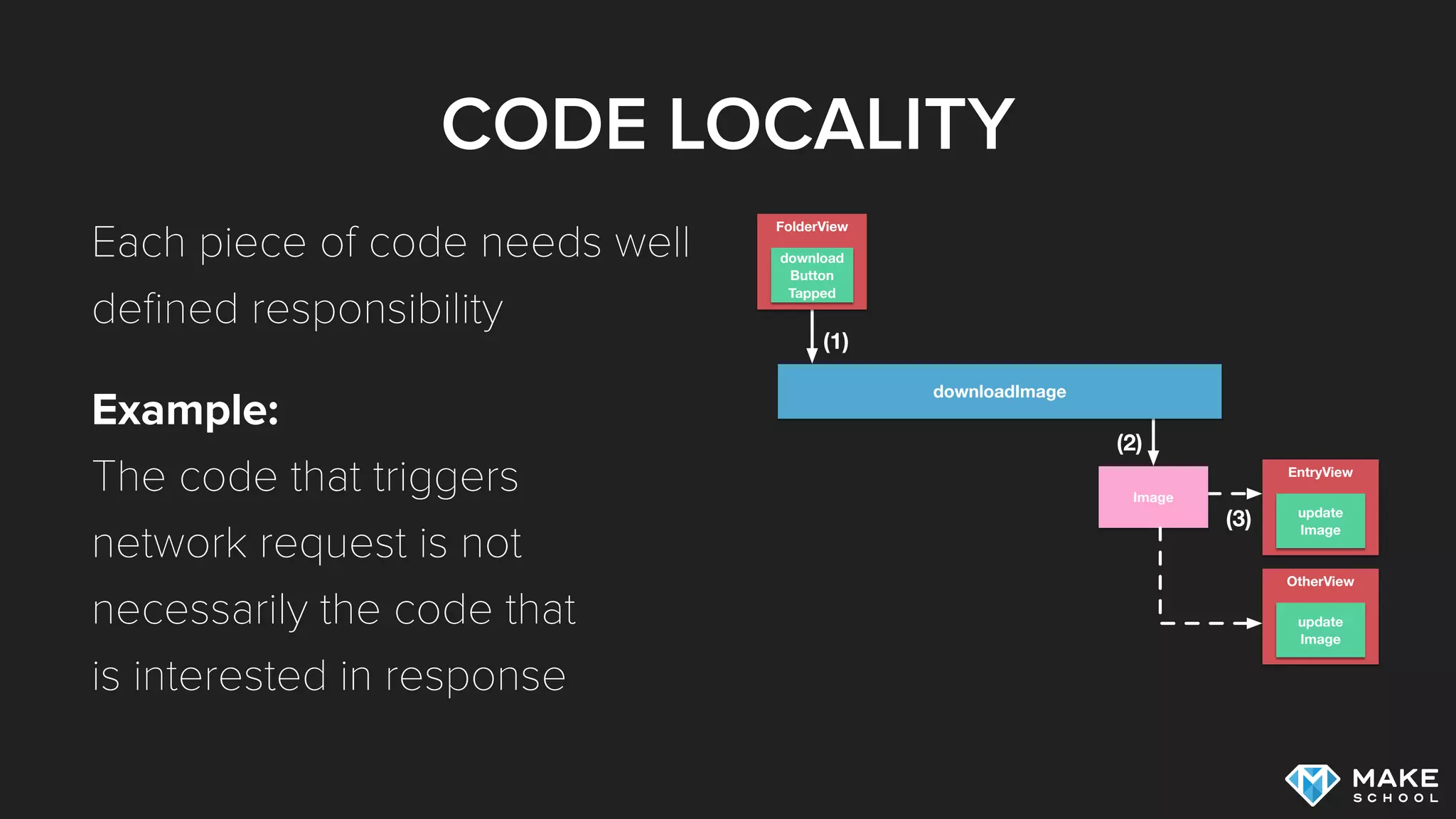
CODE LOCALITY
Each piece of code needs well
defined responsibility
Example: 

The code that triggers 

network request is not 

necessarily the code that 

is interested in response
EntryView
FolderView
update
Image
download
Button
Tapped
downloadImage
(1)
(2)
(3)
Image
OtherView
update
Image
TYPE TO TYPE
COMMUNICATION
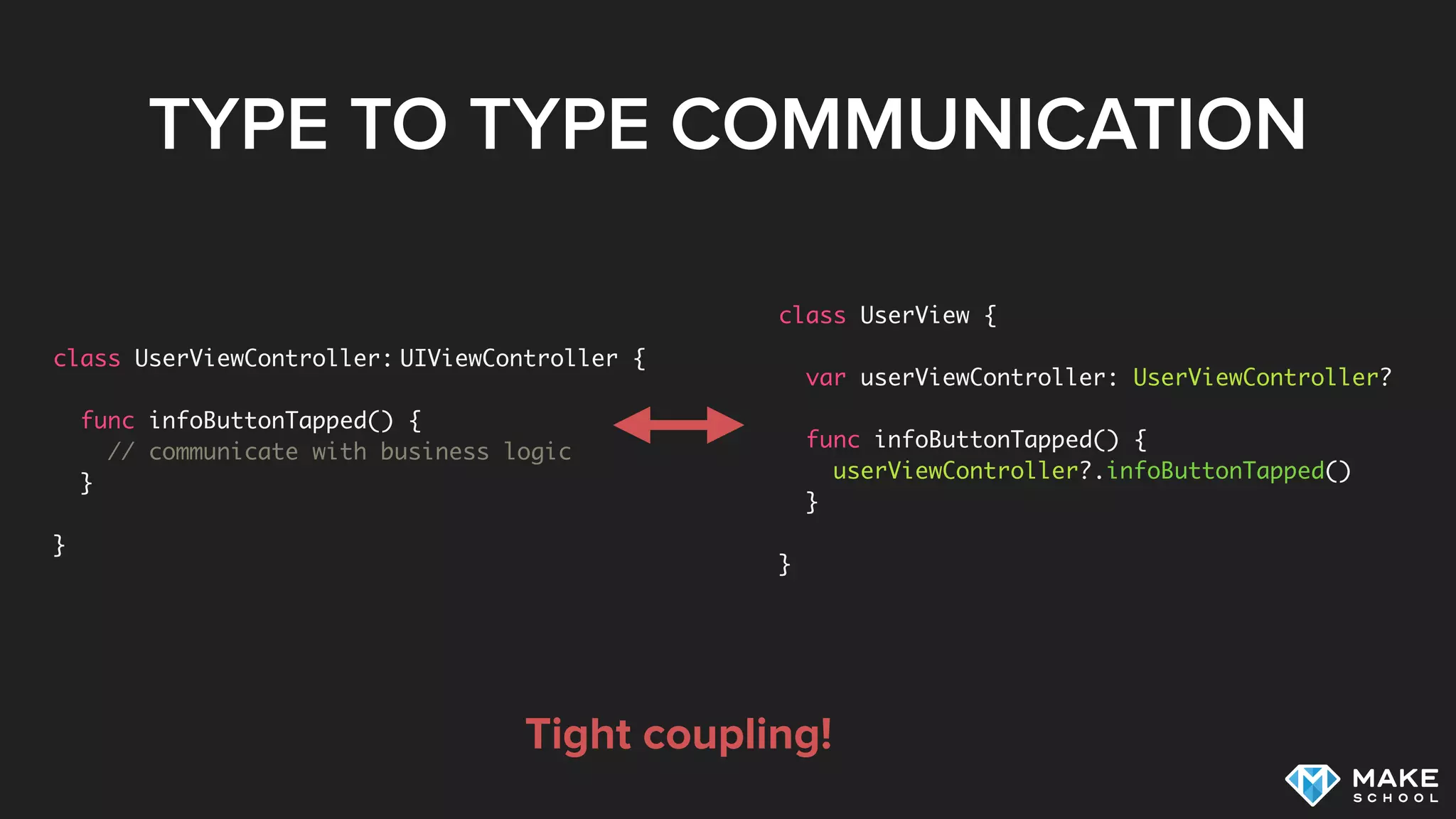
TYPE TO TYPE COMMUNICATION
class UserViewController: UIViewController {
func infoButtonTapped() {
// communicate with business logic
}
}
class UserView {
var userViewController: UserViewController?
func infoButtonTapped() {
userViewController?.infoButtonTapped()
}
}
Tight coupling!
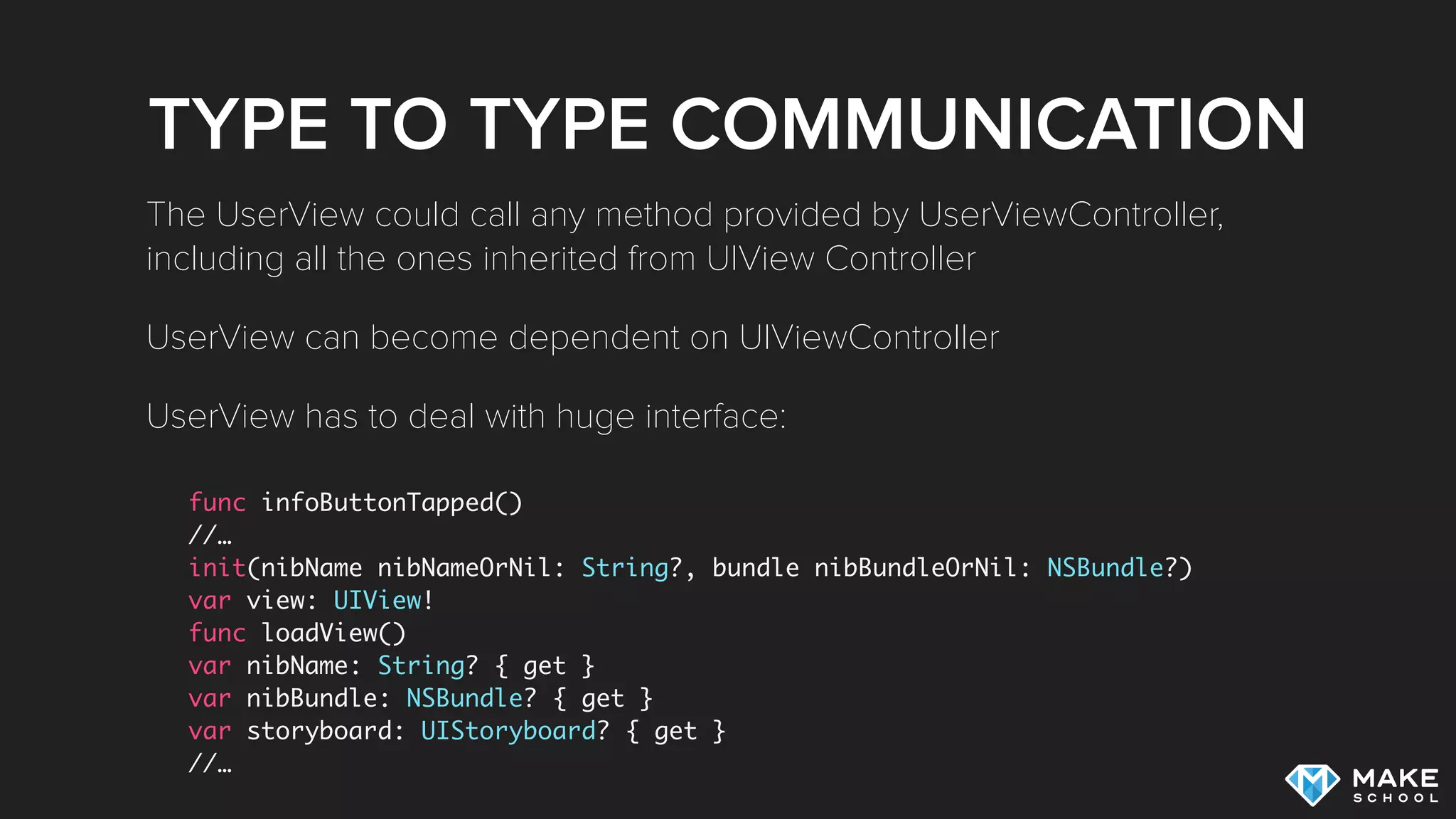
TYPE TO TYPE COMMUNICATION
func infoButtonTapped()
//…
init(nibName nibNameOrNil: String?, bundle nibBundleOrNil: NSBundle?)
var view: UIView!
func loadView()
var nibName: String? { get }
var nibBundle: NSBundle? { get }
var storyboard: UIStoryboard? { get }
//…
The UserView could call any method provided by UserViewController,
including all the ones inherited from UIView Controller
UserView can become dependent on UIViewController
UserView has to deal with huge interface:
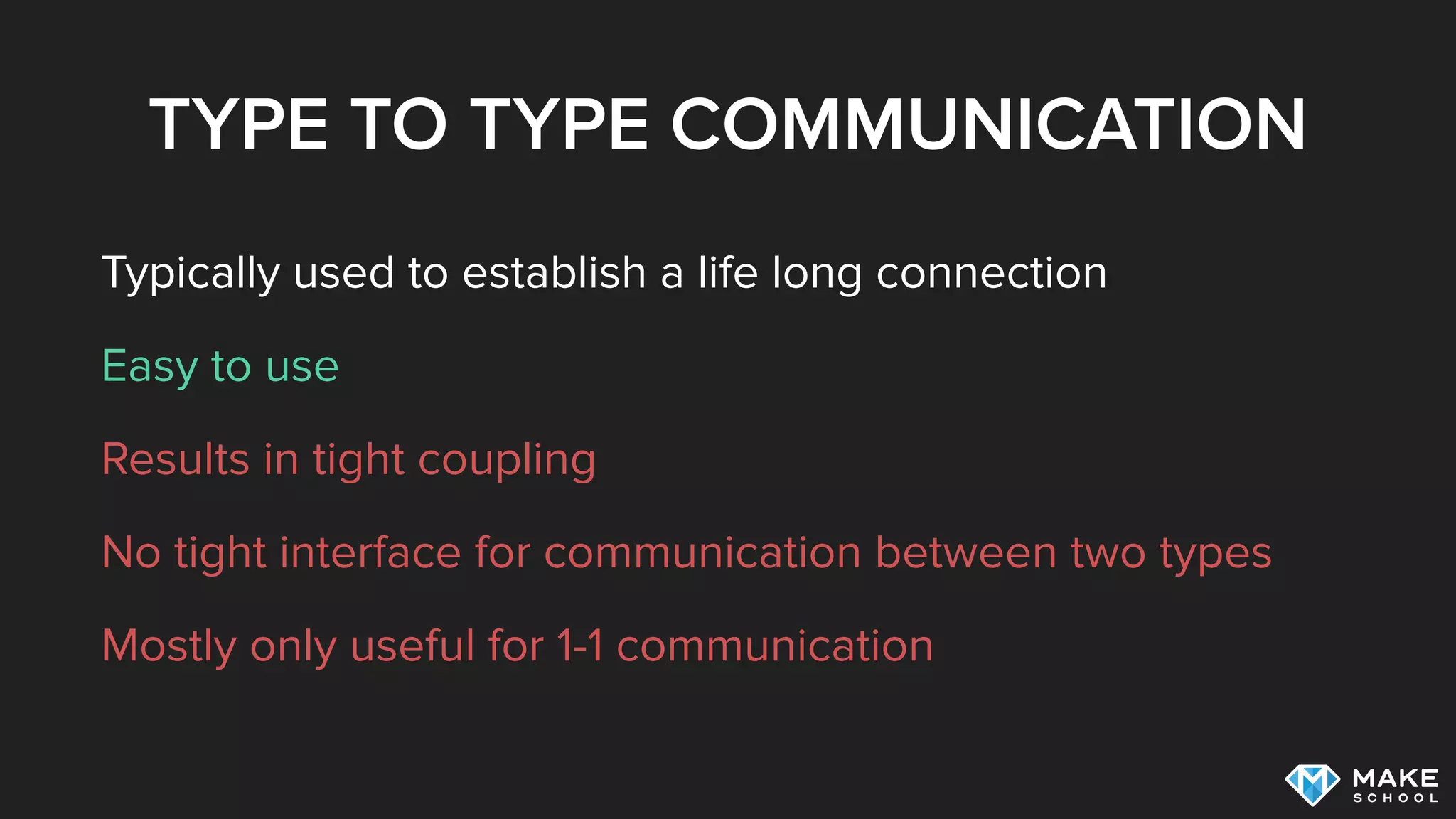
TYPE TO TYPE COMMUNICATION
Typically used to establish a life long connection
Easy to use
Results in tight coupling
No tight interface for communication between two types
Mostly only useful for 1-1 communication
DELEGATION
DELEGATION
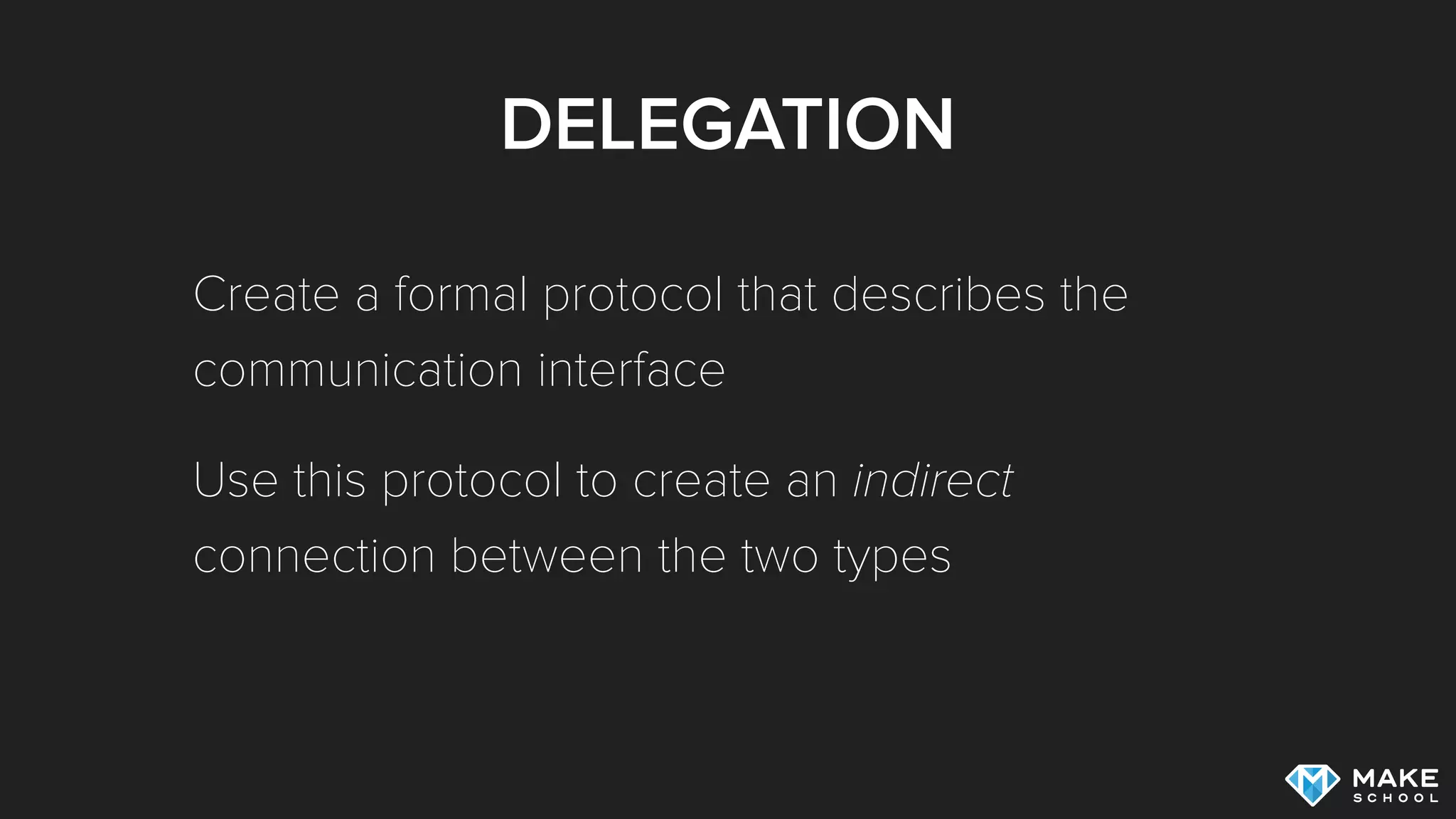
Create a formal protocol that describes the
communication interface
Use this protocol to create an indirect
connection between the two types
DELEGATION
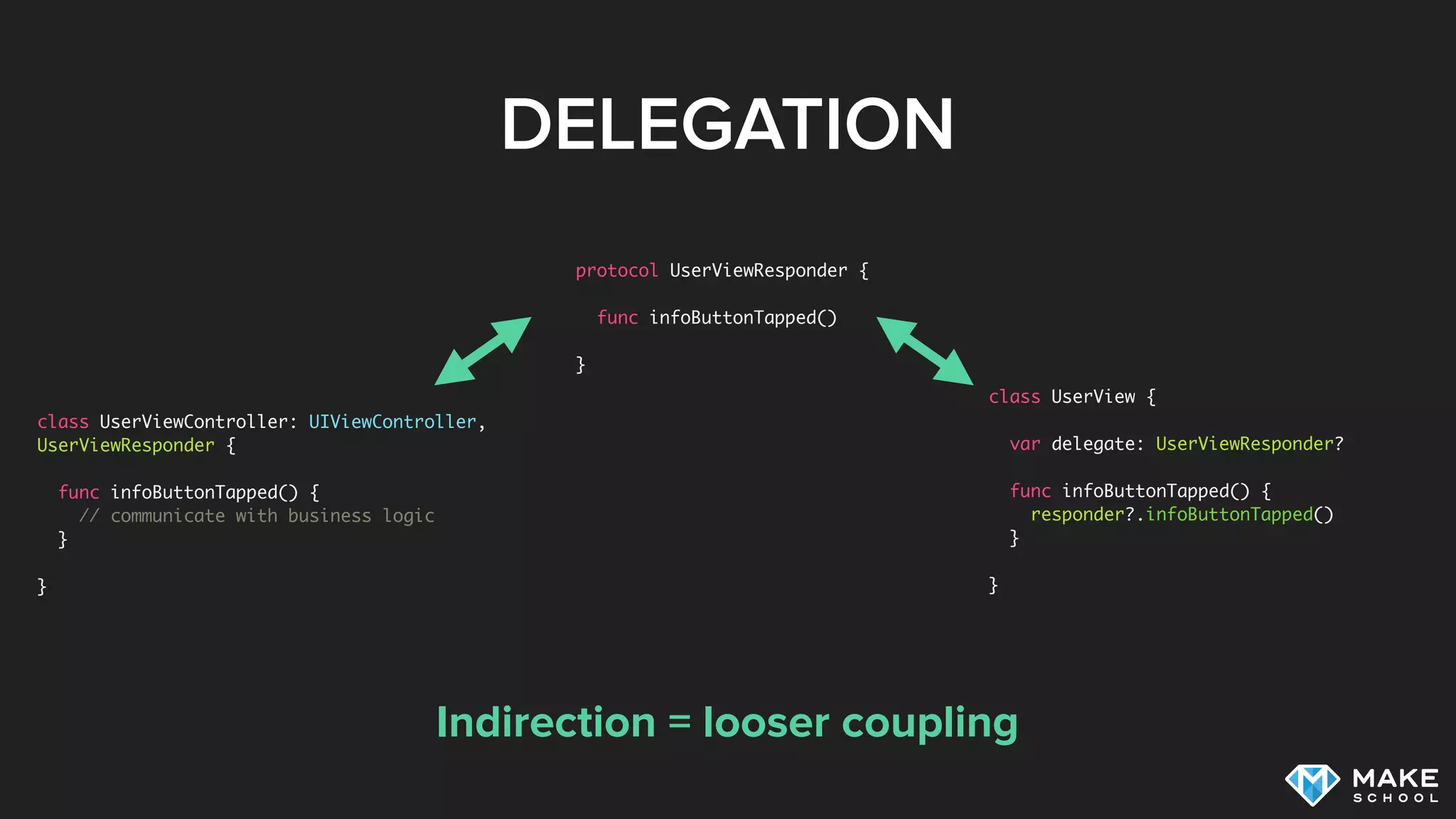
class UserView {
var delegate: UserViewResponder?
func infoButtonTapped() {
responder?.infoButtonTapped()
}
}
Indirection = looser coupling
class UserViewController: UIViewController,
UserViewResponder {
func infoButtonTapped() {
// communicate with business logic
}
}
protocol UserViewResponder {
func infoButtonTapped()
}
DELEGATION
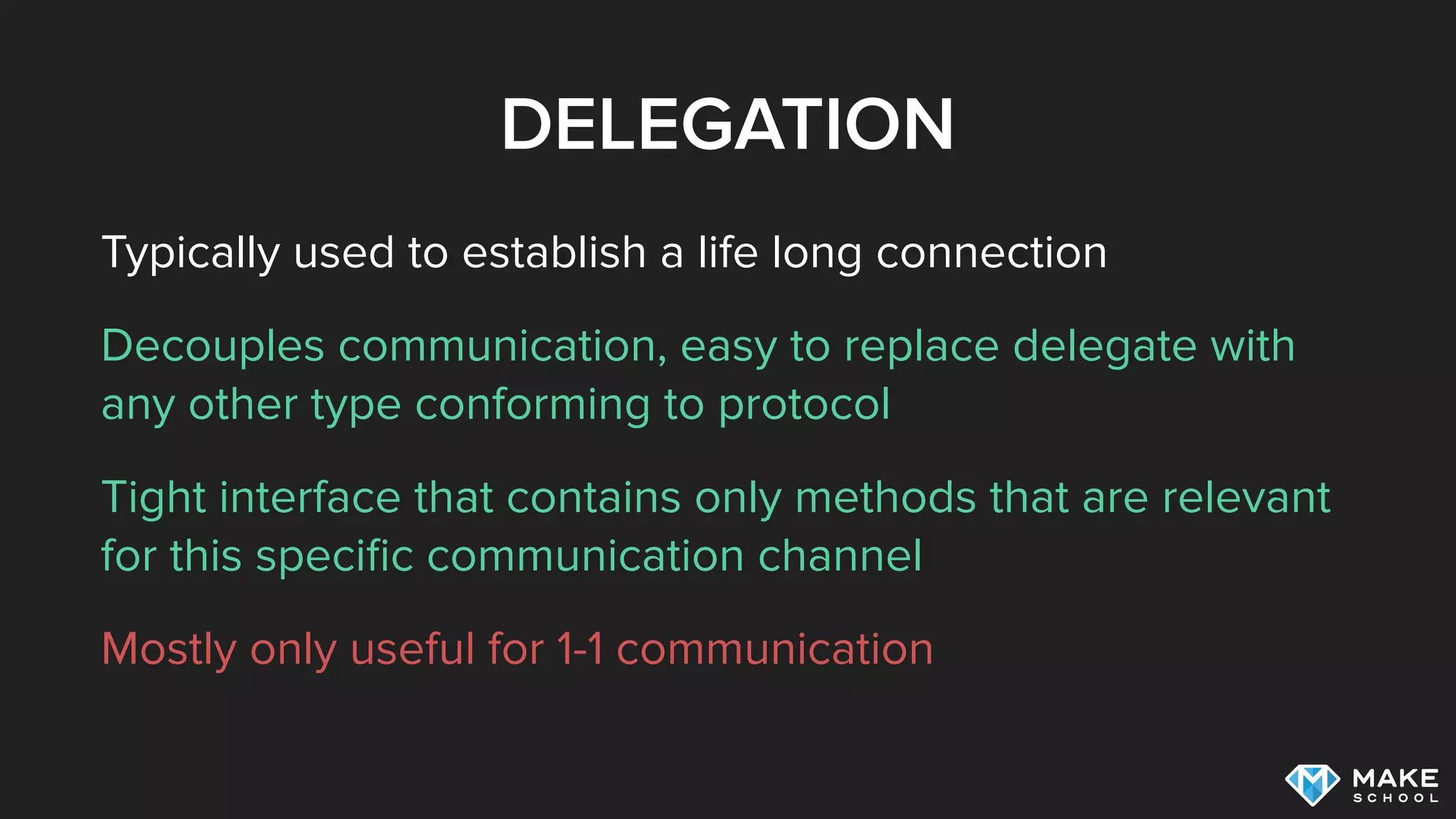
Typically used to establish a life long connection
Decouples communication, easy to replace delegate with
any other type conforming to protocol
Tight interface that contains only methods that are relevant
for this specific communication channel
Mostly only useful for 1-1 communication
CLOSURES
CLOSURES
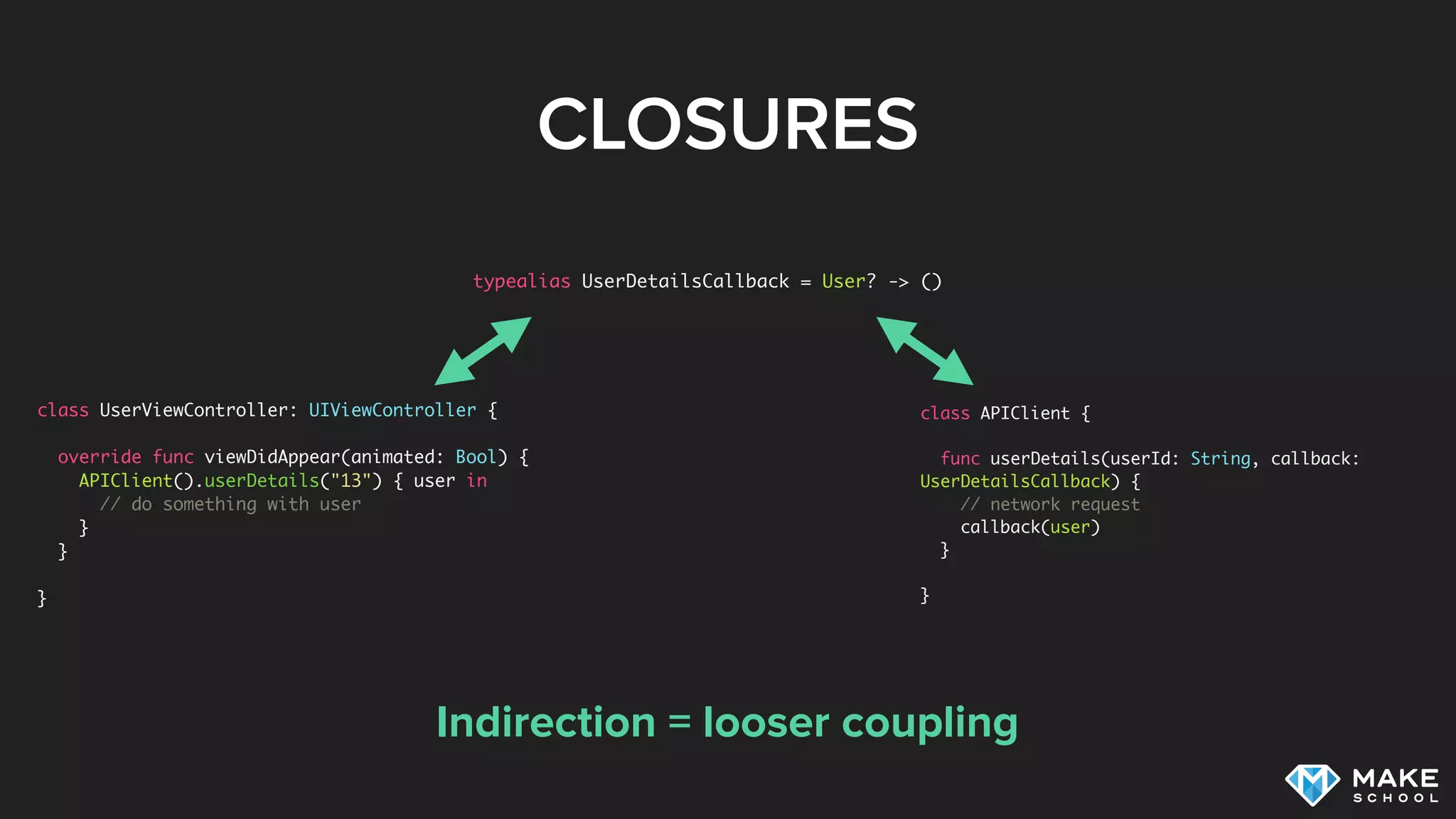
class APIClient {
func userDetails(userId: String, callback:
UserDetailsCallback) {
// network request
callback(user)
}
}
Indirection = looser coupling
class UserViewController: UIViewController {
override func viewDidAppear(animated: Bool) {
APIClient().userDetails("13") { user in
// do something with user
}
}
}
typealias UserDetailsCallback = User? -> ()
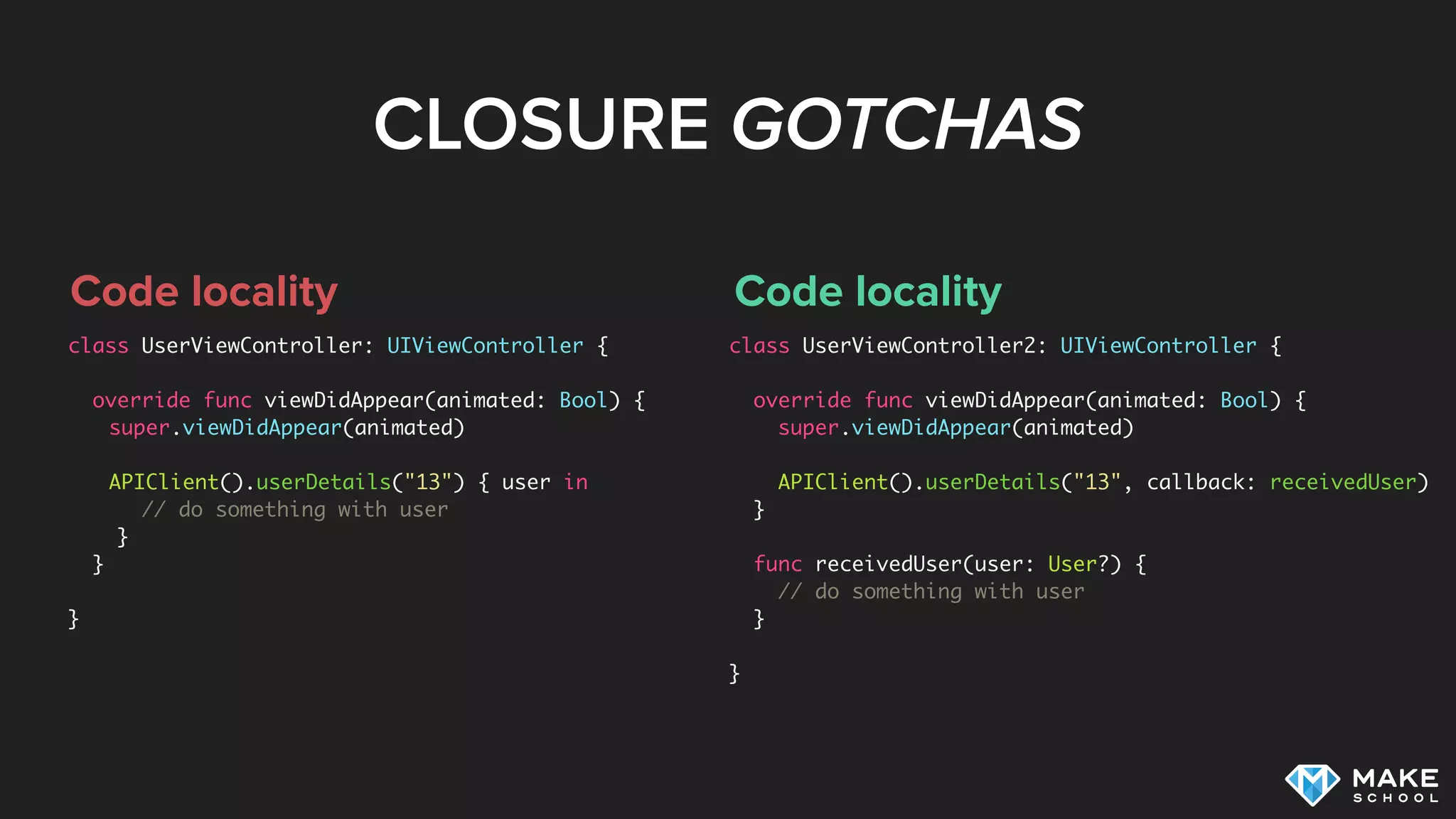
CLOSURE GOTCHAS
Code locality
class UserViewController: UIViewController {
override func viewDidAppear(animated: Bool) {
super.viewDidAppear(animated)


APIClient().userDetails("13") { user in
// do something with user
}
}
}
Code locality
class UserViewController2: UIViewController {
override func viewDidAppear(animated: Bool) {
super.viewDidAppear(animated)
APIClient().userDetails("13", callback: receivedUser)
}
func receivedUser(user: User?) {
// do something with user
}
}
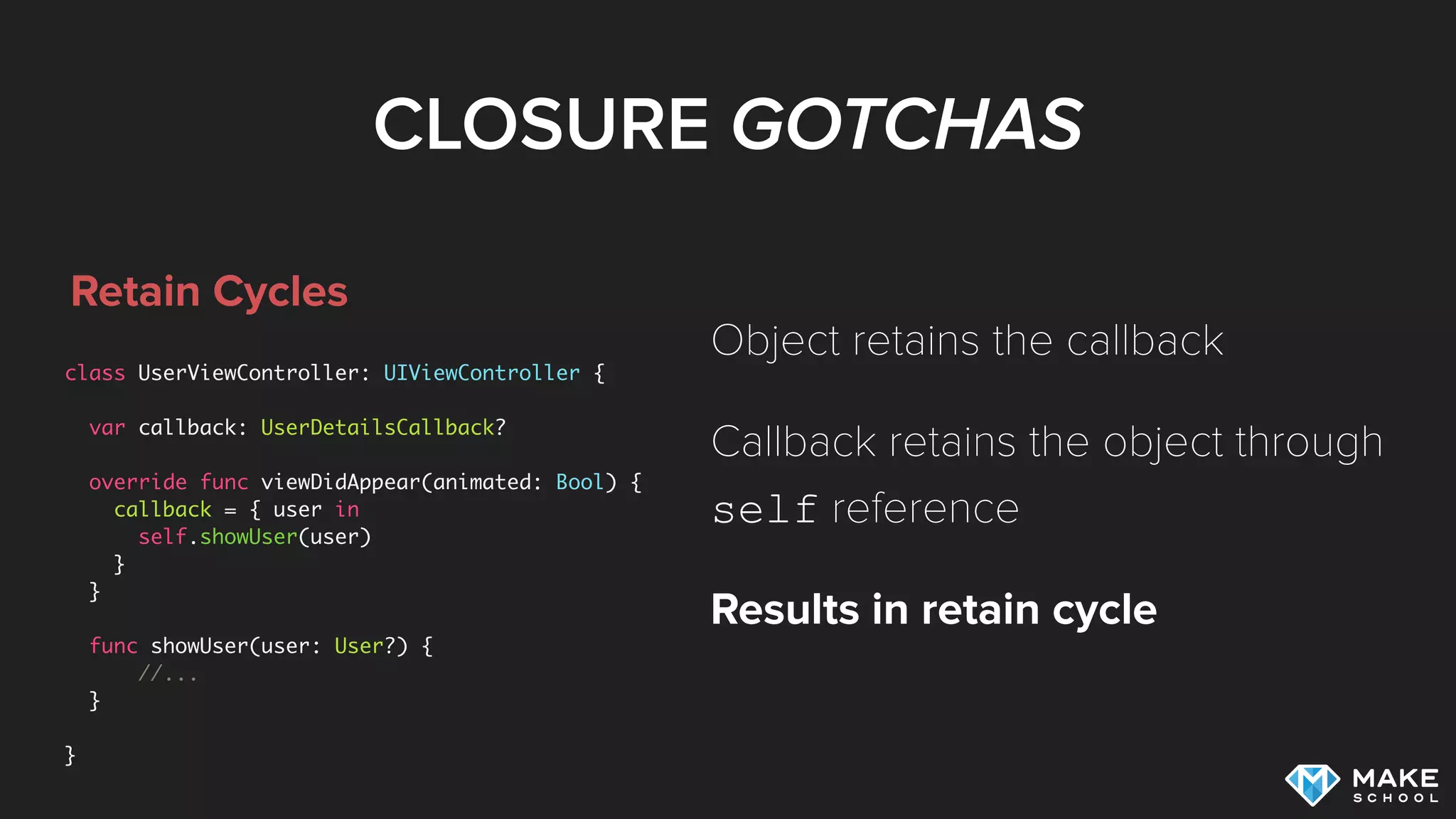
CLOSURE GOTCHAS
Retain Cycles
class UserViewController: UIViewController {
var callback: UserDetailsCallback?
override func viewDidAppear(animated: Bool) {
callback = { user in
self.showUser(user)
}
}
func showUser(user: User?) {
//...
}
}
Object retains the callback
Callback retains the object through
self reference
Results in retain cycle
CLOSURE GOTCHAS
No Retain Cycles
class UserViewController: UIViewController {
var callback: UserDetailsCallback?
override func viewDidAppear(animated: Bool) {
callback = { [unowned self] user in
self.showUser(user)
}
}
func showUser(user: User?) {
//...
}
}
Use capture list to capture self
weakly
Callback will no longer retain self
Breaks retain cycle!
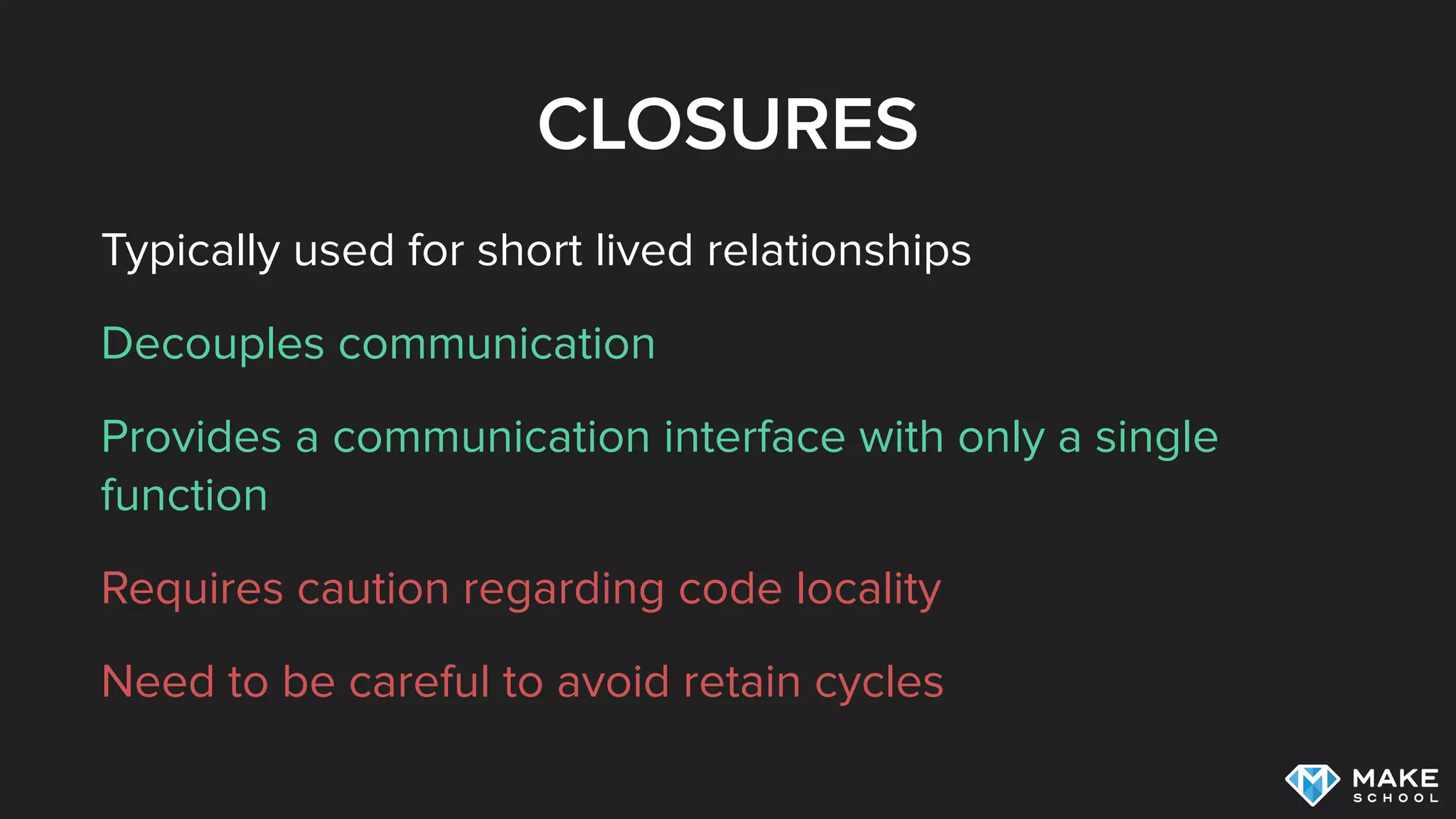
CLOSURES
Typically used for short lived relationships
Decouples communication
Provides a communication interface with only a single
function
Requires caution regarding code locality
Need to be careful to avoid retain cycles
NOTIFICATIONS
NOTIFICATIONS
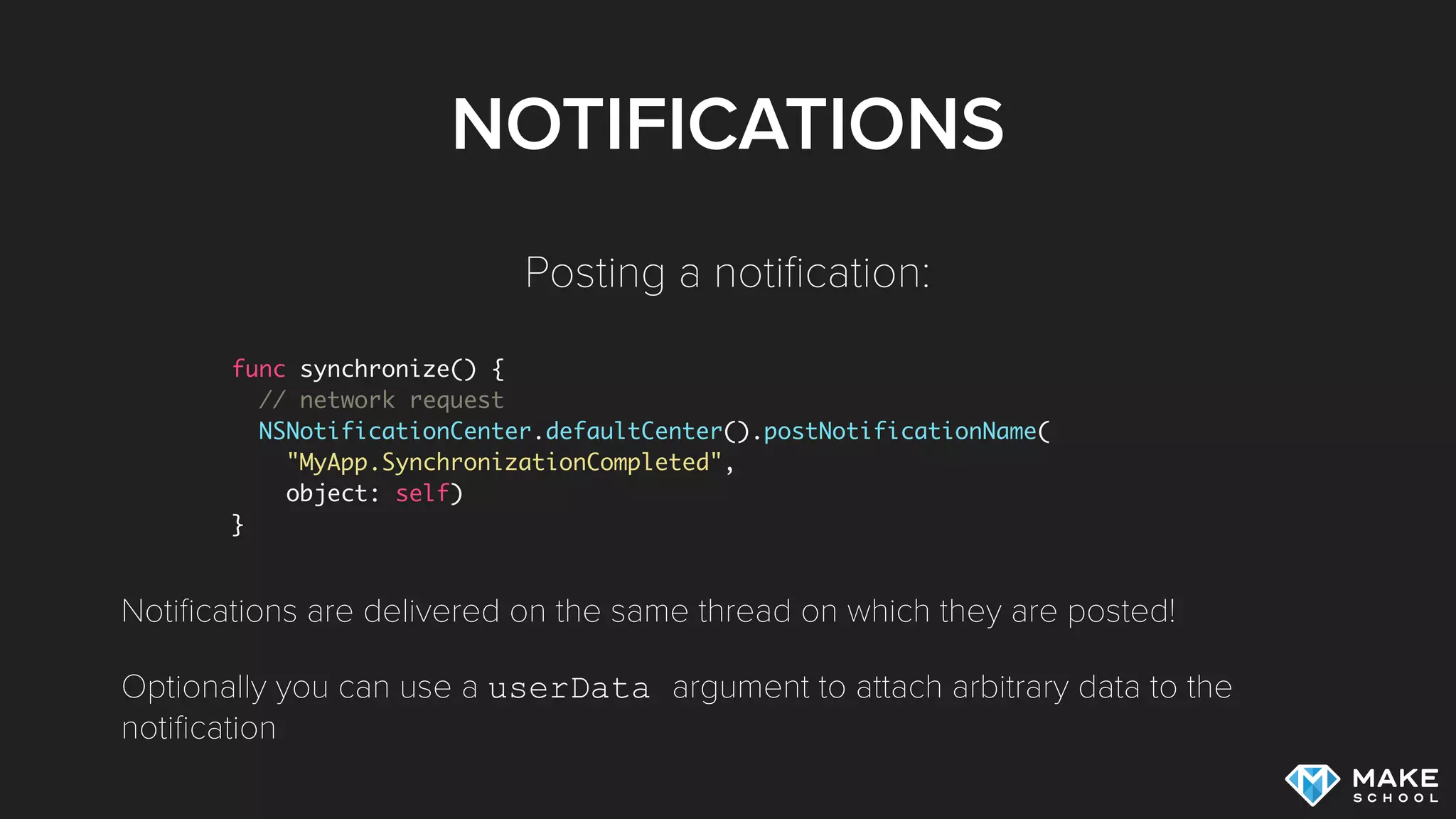
Notifications allow us to broadcast information (1
to N)
Sender has no information about which objects
have subscribed to notifications
NOTIFICATIONS
func synchronize() {
// network request
NSNotificationCenter.defaultCenter().postNotificationName(
"MyApp.SynchronizationCompleted",
object: self)
}
Posting a notification:
Notifications are delivered on the same thread on which they are posted!
Optionally you can use a userData argument to attach arbitrary data to the
notification
NOTIFICATIONS
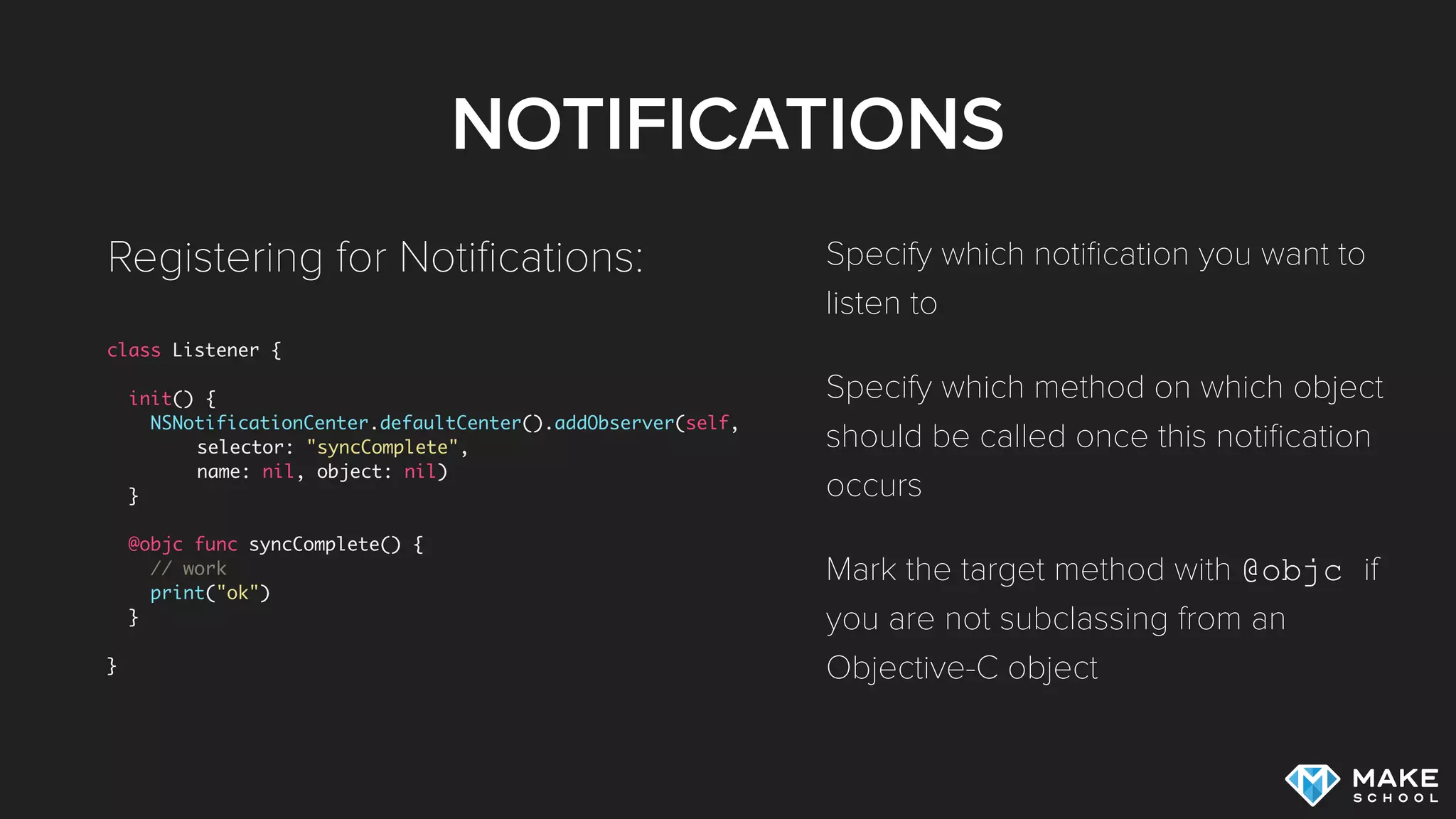
class Listener {
init() {
NSNotificationCenter.defaultCenter().addObserver(self,
selector: "syncComplete",
name: nil, object: nil)
}
@objc func syncComplete() {
// work
print("ok")
}
}
Registering for Notifications: Specify which notification you want to
listen to
Specify which method on which object
should be called once this notification
occurs
Mark the target method with @objc if
you are not subclassing from an
Objective-C object
NOTIFICATION GOTCHAS
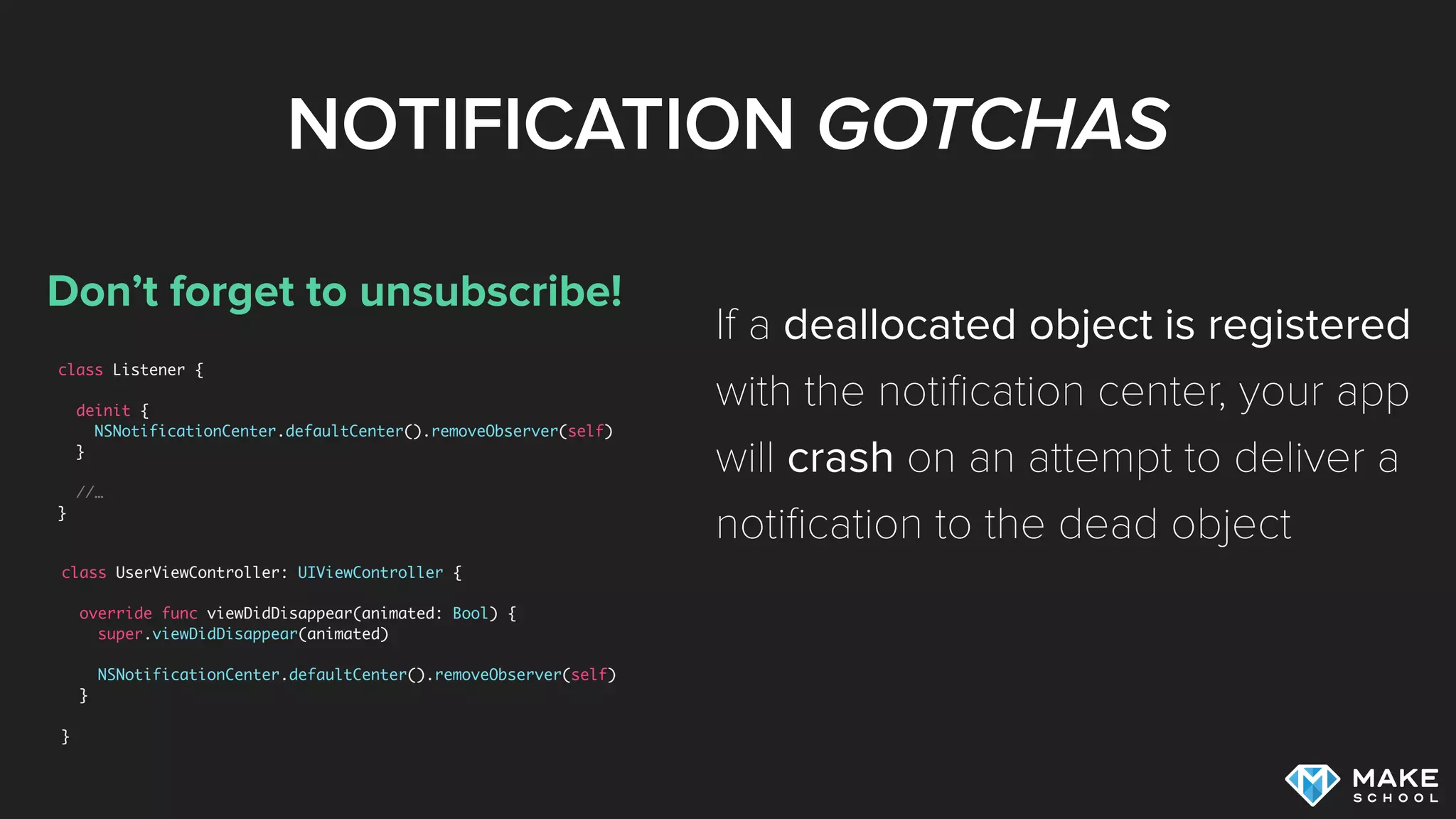
Don’t forget to unsubscribe!
class Listener {
deinit {
NSNotificationCenter.defaultCenter().removeObserver(self)
}
//…
}
If a deallocated object is registered
with the notification center, your app
will crash on an attempt to deliver a
notification to the dead object
class UserViewController: UIViewController {
override func viewDidDisappear(animated: Bool) {
super.viewDidDisappear(animated)
NSNotificationCenter.defaultCenter().removeObserver(self)
}
}
NOTIFICATIONS
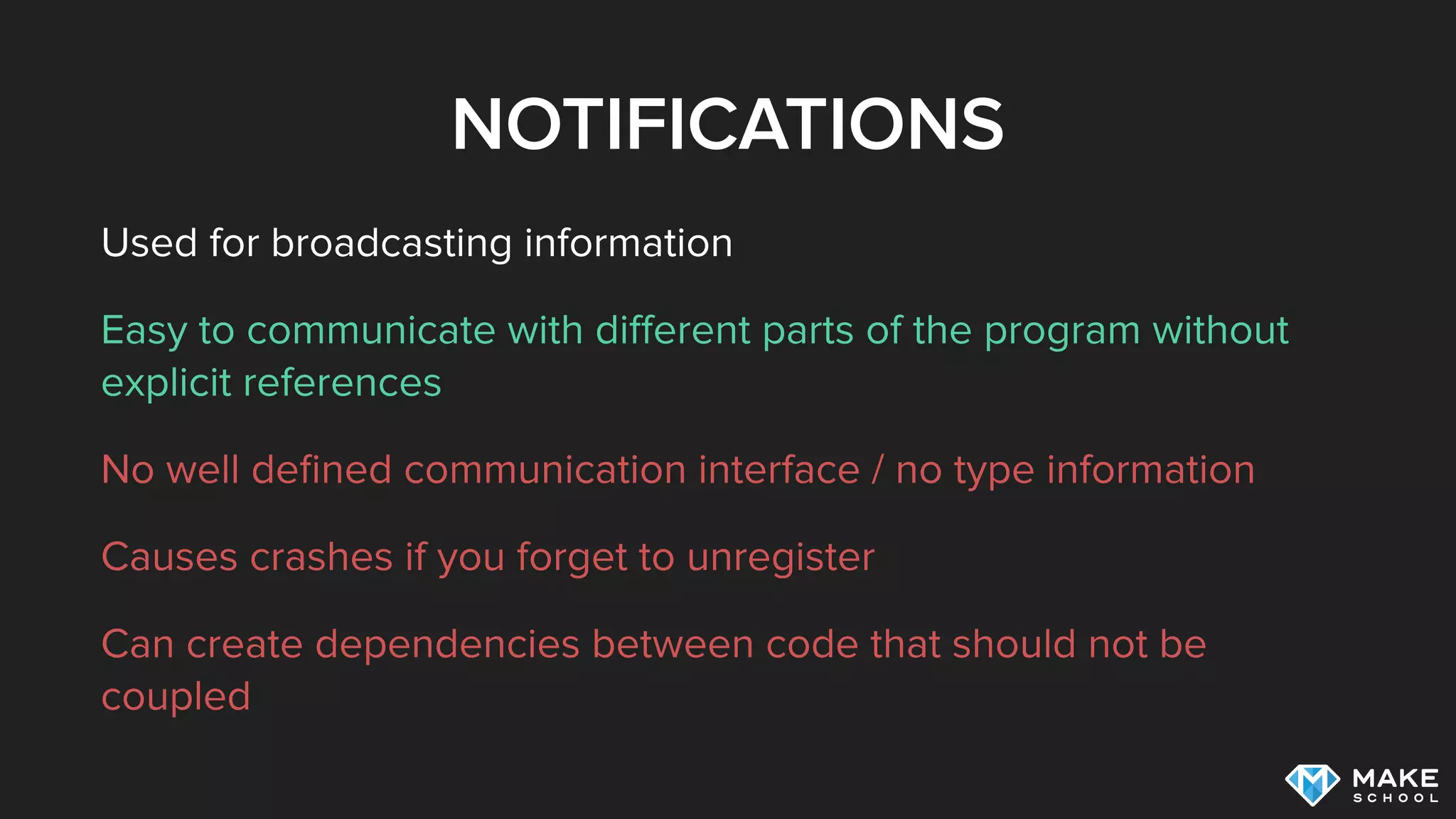
Used for broadcasting information
Easy to communicate with different parts of the program without
explicit references
No well defined communication interface / no type information
Causes crashes if you forget to unregister
Can create dependencies between code that should not be
coupled
PROPERTY OBSERVERS
PROPERTY OBSERVERS
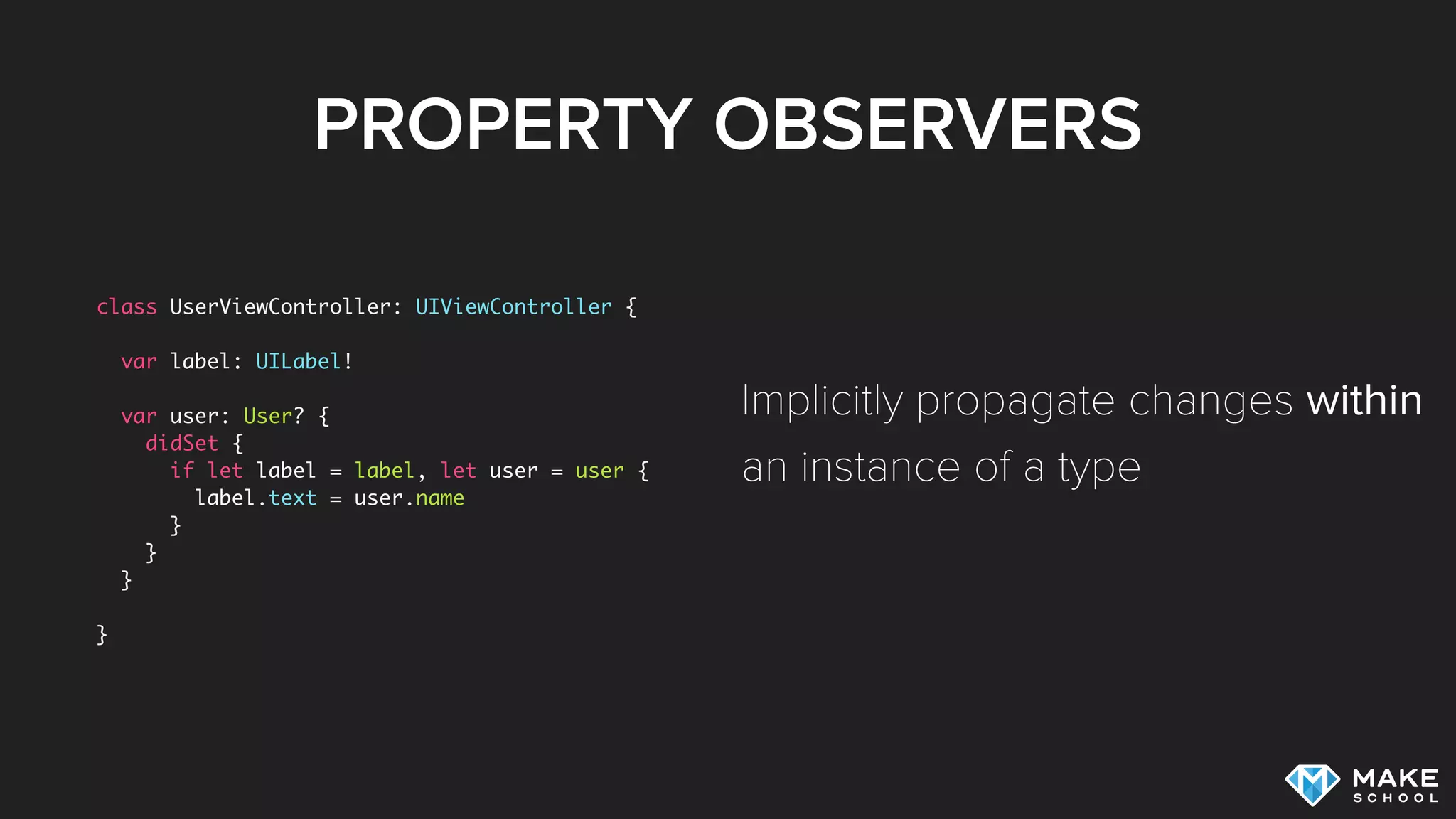
class UserViewController: UIViewController {
var label: UILabel!
var user: User? {
didSet {
if let label = label, let user = user {
label.text = user.name
}
}
}
}
Implicitly propagate changes within
an instance of a type
PROPERTY OBSERVERS
Used for information propagation within an instance
Easy to use, type safe
Not applicable in many scenarios
BINDINGS /
KEY VALUE OBSERVATION
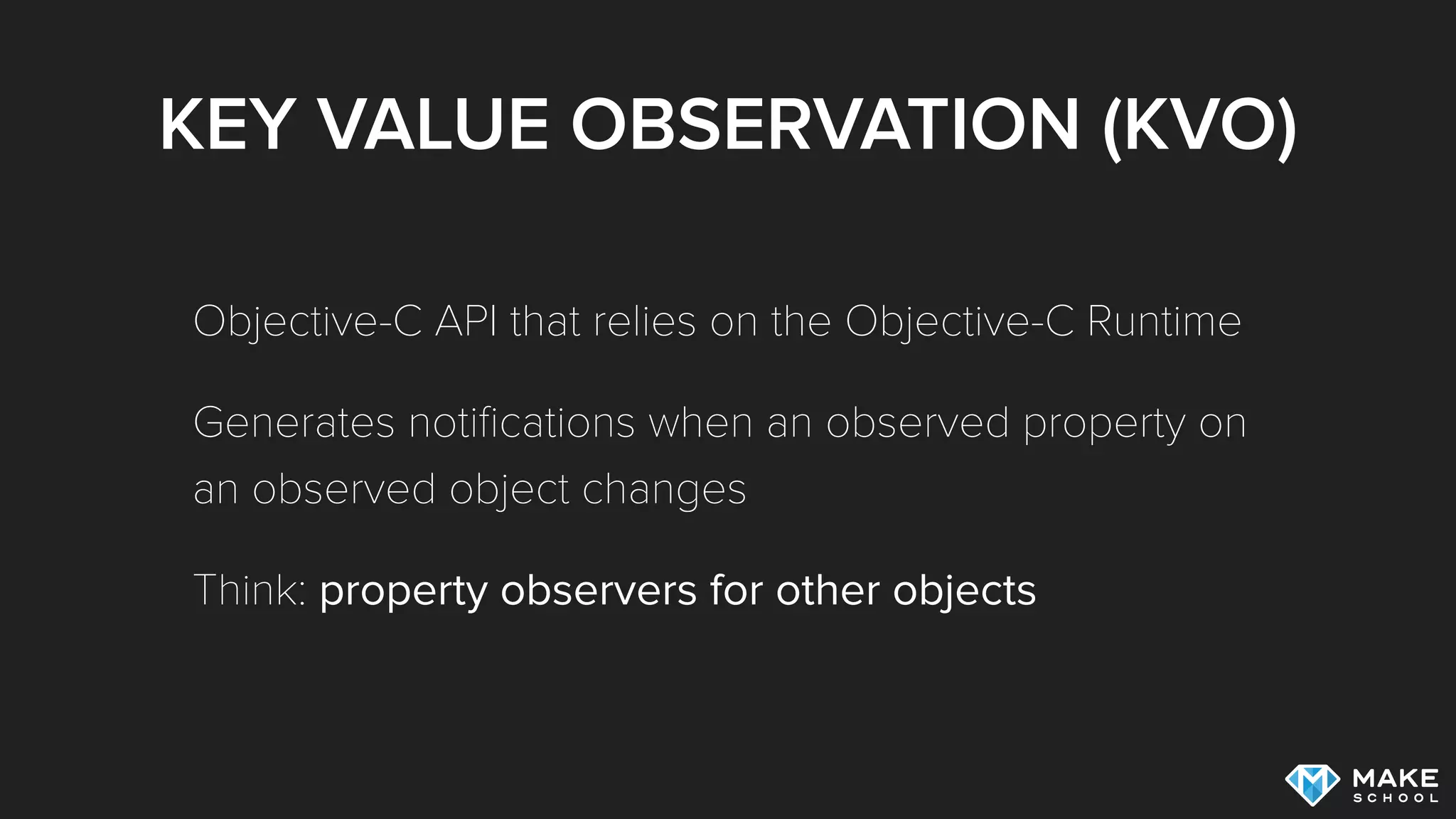
KEY VALUE OBSERVATION (KVO)
Objective-C API that relies on the Objective-C Runtime
Generates notifications when an observed property on
an observed object changes
Think: property observers for other objects
KVO
class Observer: NSObject {
var user: User
init(user: User) {
self.user = user
super.init()
self.user.addObserver(self, forKeyPath: "name", options: NSKeyValueObservingOptions.New, context: nil)
}
override func observeValueForKeyPath(keyPath: String?, ofObject object: AnyObject?, change: [String : AnyObject]?, context:
UnsafeMutablePointer<Void>) {
if let newValue = change?[NSKeyValueChangeNewKey] {
print("Name changed: (newValue)")
} else {
super.observeValueForKeyPath(keyPath, ofObject: object, change: change, context: context)
}
}
deinit {
self.user.removeObserver(self, forKeyPath: "name")
}
}
API was not designed for Swift!
KVO
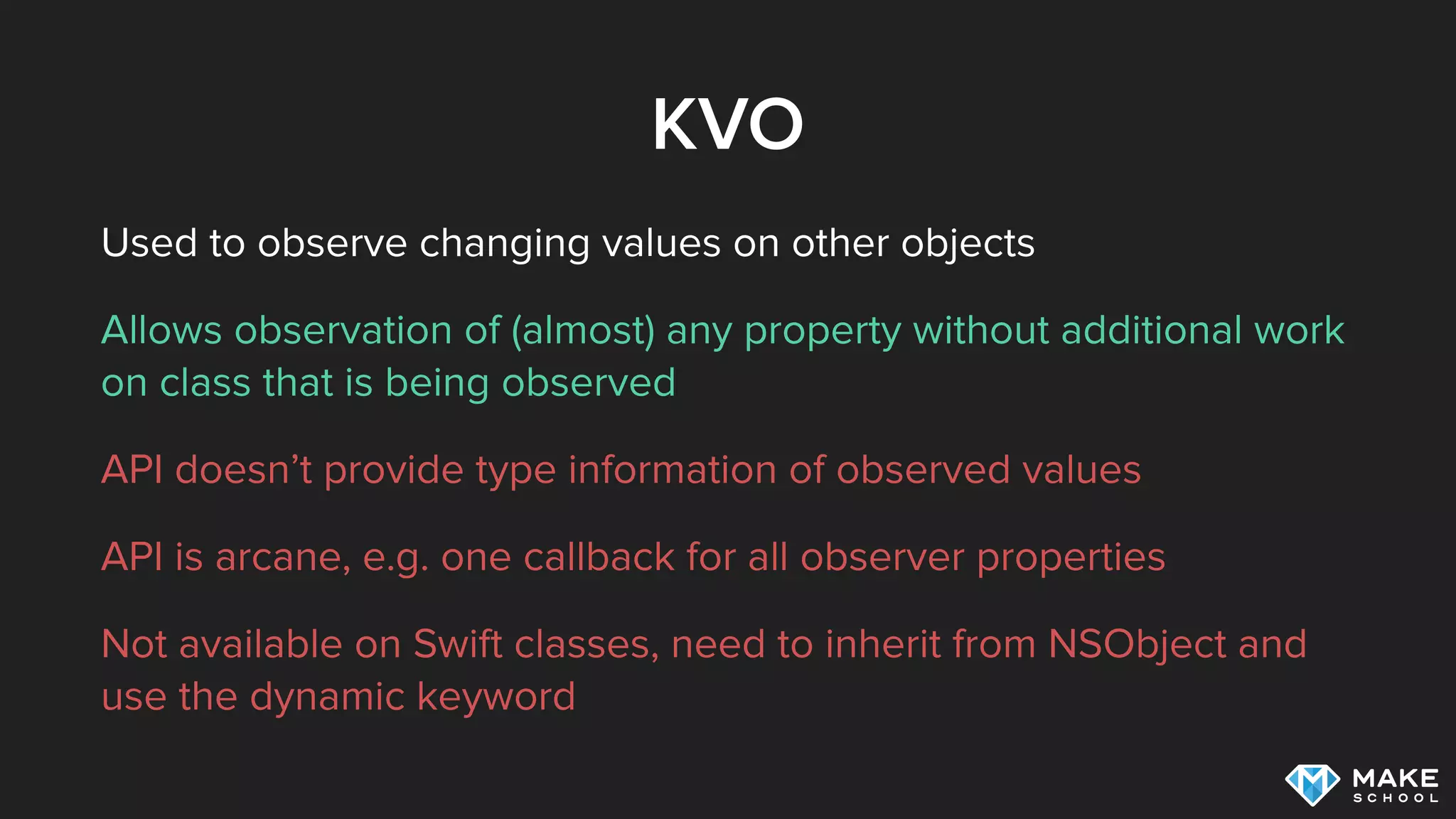
Used to observe changing values on other objects
Allows observation of (almost) any property without additional work
on class that is being observed
API doesn’t provide type information of observed values
API is arcane, e.g. one callback for all observer properties
Not available on Swift classes, need to inherit from NSObject and
use the dynamic keyword
KVO / BINDINGS
Swift doesn’t have it’s own KVO mechanism, but there
are third party alternatives and it’s easy to implement
your own KVO alternative [1]
One framework that provides KVO and Binding
capabilities is Bond [2]
[1]: Exploring KVO Alternatives with Swift
[2]: Summer Academy lecture discussing Bond
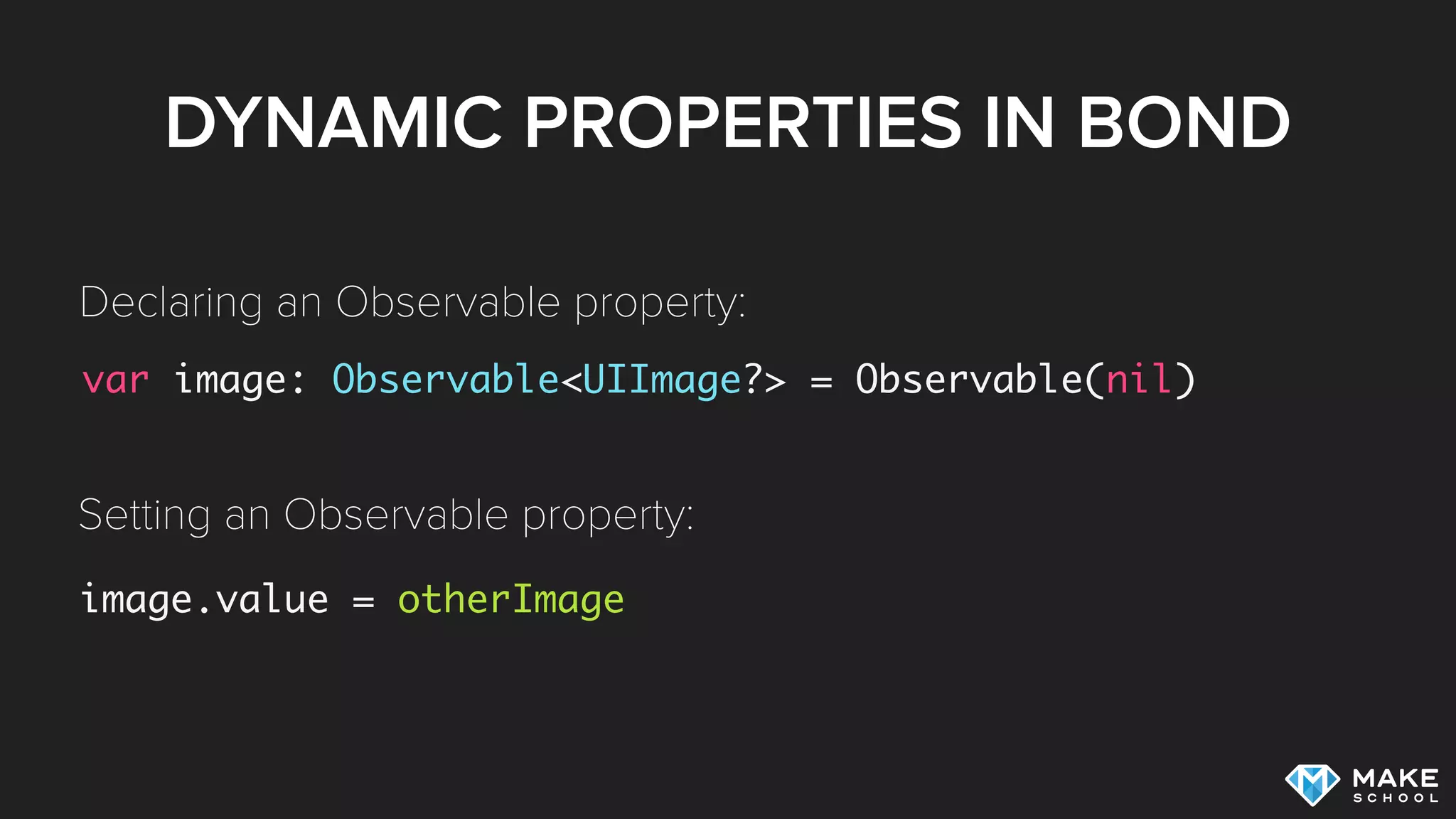
DYNAMIC PROPERTIES IN BOND
var image: Observable<UIImage?> = Observable(nil)
image.value = otherImage
Declaring an Observable property:
Setting an Observable property:
OBSERVING NEW VALUES
post.likes.observe { [unowned self] users in
self.likingUsers = users
//…
}
Calls callback whenever new value is available:
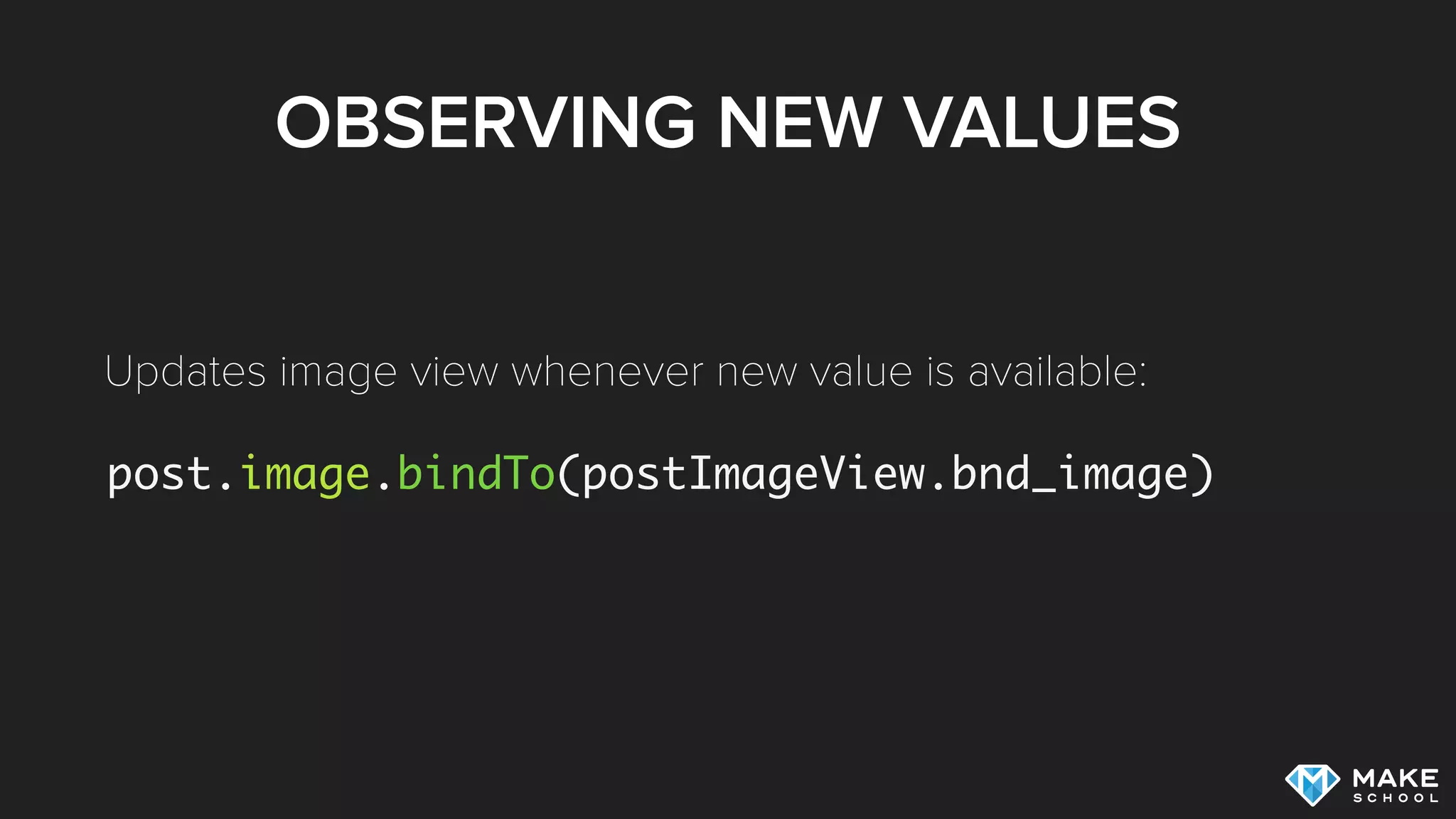
OBSERVING NEW VALUES
post.image.bindTo(postImageView.bnd_image)
Updates image view whenever new value is available:
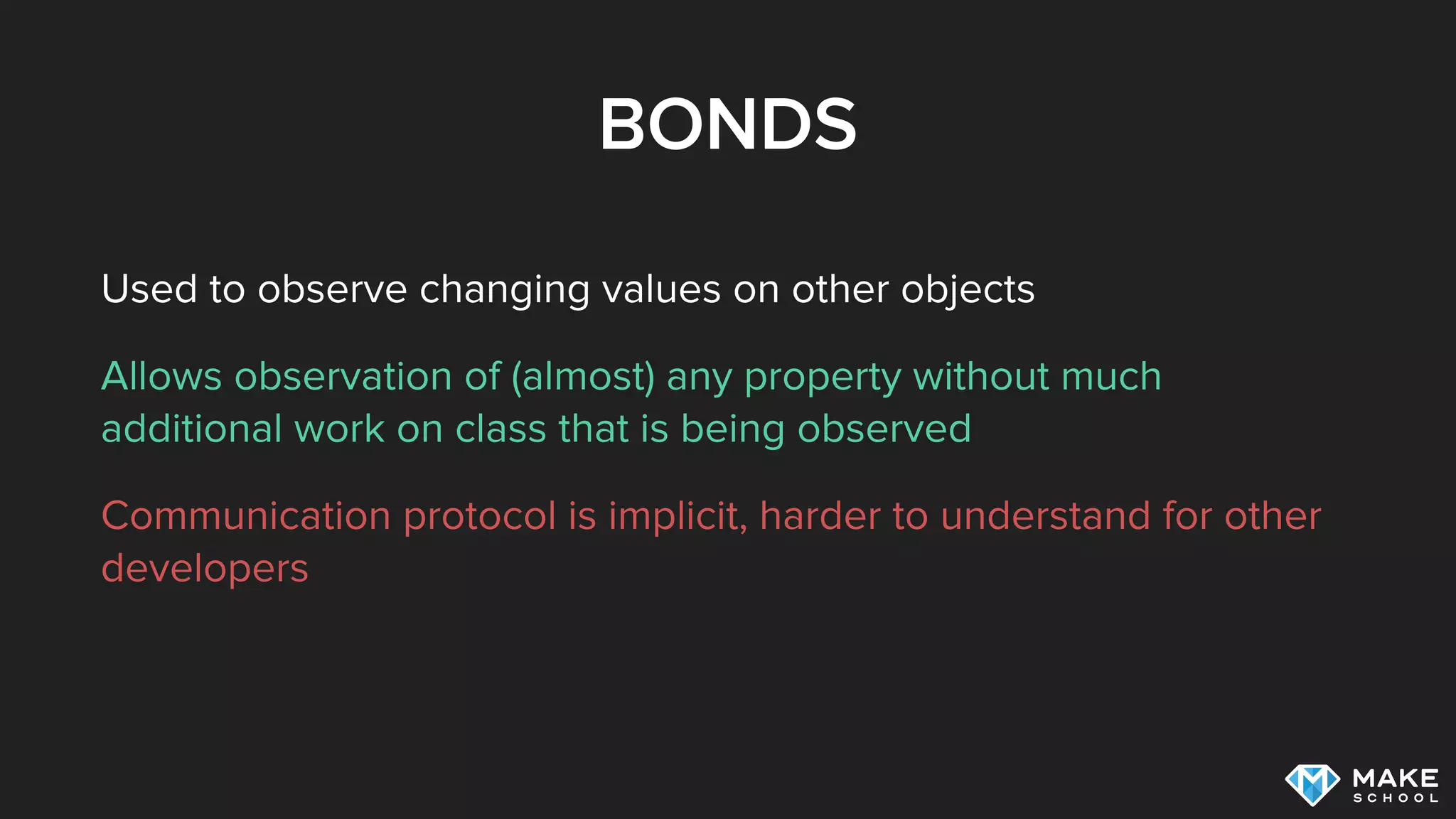
BONDS
Used to observe changing values on other objects
Allows observation of (almost) any property without much
additional work on class that is being observed
Communication protocol is implicit, harder to understand for other
developers
SUMMARY
Delegation
Closures
Notifications
Property Observers
Bindings / Key Value Observation
ADDITIONAL RESOURCES
NSNotificationCenter class reference
Swift Language Reference: Property Observers
NSHipster: Key-Value Observing
Exploring KVO Alternatives with Swift
Bond Framework on Github

Distributing information on iOS

  • 2.
  • 3.
    AGENDA What does informationdistribution mean? Delegation Closures Notifications Property Observers Bindings / Key Value Observation
  • 4.
    INFORMATION DISTRIBUTION Mobile appsare highly interactive Multiple interfaces drive data changes: UI Network Main task is responding to events and distributing new data
  • 5.
    CODE LOCALITY Each pieceof code needs well defined responsibility Example: 
 The code that triggers 
 network request is not 
 necessarily the code that 
 is interested in response EntryView FolderView update Image download Button Tapped downloadImage (1) (2) (3) Image OtherView update Image
  • 6.
  • 7.
    TYPE TO TYPECOMMUNICATION class UserViewController: UIViewController { func infoButtonTapped() { // communicate with business logic } } class UserView { var userViewController: UserViewController? func infoButtonTapped() { userViewController?.infoButtonTapped() } } Tight coupling!
  • 8.
    TYPE TO TYPECOMMUNICATION func infoButtonTapped() //… init(nibName nibNameOrNil: String?, bundle nibBundleOrNil: NSBundle?) var view: UIView! func loadView() var nibName: String? { get } var nibBundle: NSBundle? { get } var storyboard: UIStoryboard? { get } //… The UserView could call any method provided by UserViewController, including all the ones inherited from UIView Controller UserView can become dependent on UIViewController UserView has to deal with huge interface:
  • 9.
    TYPE TO TYPECOMMUNICATION Typically used to establish a life long connection Easy to use Results in tight coupling No tight interface for communication between two types Mostly only useful for 1-1 communication
  • 10.
  • 11.
    DELEGATION Create a formalprotocol that describes the communication interface Use this protocol to create an indirect connection between the two types
  • 12.
    DELEGATION class UserView { vardelegate: UserViewResponder? func infoButtonTapped() { responder?.infoButtonTapped() } } Indirection = looser coupling class UserViewController: UIViewController, UserViewResponder { func infoButtonTapped() { // communicate with business logic } } protocol UserViewResponder { func infoButtonTapped() }
  • 13.
    DELEGATION Typically used toestablish a life long connection Decouples communication, easy to replace delegate with any other type conforming to protocol Tight interface that contains only methods that are relevant for this specific communication channel Mostly only useful for 1-1 communication
  • 14.
  • 15.
    CLOSURES class APIClient { funcuserDetails(userId: String, callback: UserDetailsCallback) { // network request callback(user) } } Indirection = looser coupling class UserViewController: UIViewController { override func viewDidAppear(animated: Bool) { APIClient().userDetails("13") { user in // do something with user } } } typealias UserDetailsCallback = User? -> ()
  • 16.
    CLOSURE GOTCHAS Code locality classUserViewController: UIViewController { override func viewDidAppear(animated: Bool) { super.viewDidAppear(animated) 
 APIClient().userDetails("13") { user in // do something with user } } } Code locality class UserViewController2: UIViewController { override func viewDidAppear(animated: Bool) { super.viewDidAppear(animated) APIClient().userDetails("13", callback: receivedUser) } func receivedUser(user: User?) { // do something with user } }
  • 17.
    CLOSURE GOTCHAS Retain Cycles classUserViewController: UIViewController { var callback: UserDetailsCallback? override func viewDidAppear(animated: Bool) { callback = { user in self.showUser(user) } } func showUser(user: User?) { //... } } Object retains the callback Callback retains the object through self reference Results in retain cycle
  • 18.
    CLOSURE GOTCHAS No RetainCycles class UserViewController: UIViewController { var callback: UserDetailsCallback? override func viewDidAppear(animated: Bool) { callback = { [unowned self] user in self.showUser(user) } } func showUser(user: User?) { //... } } Use capture list to capture self weakly Callback will no longer retain self Breaks retain cycle!
  • 19.
    CLOSURES Typically used forshort lived relationships Decouples communication Provides a communication interface with only a single function Requires caution regarding code locality Need to be careful to avoid retain cycles
  • 20.
  • 21.
    NOTIFICATIONS Notifications allow usto broadcast information (1 to N) Sender has no information about which objects have subscribed to notifications
  • 22.
    NOTIFICATIONS func synchronize() { //network request NSNotificationCenter.defaultCenter().postNotificationName( "MyApp.SynchronizationCompleted", object: self) } Posting a notification: Notifications are delivered on the same thread on which they are posted! Optionally you can use a userData argument to attach arbitrary data to the notification
  • 23.
    NOTIFICATIONS class Listener { init(){ NSNotificationCenter.defaultCenter().addObserver(self, selector: "syncComplete", name: nil, object: nil) } @objc func syncComplete() { // work print("ok") } } Registering for Notifications: Specify which notification you want to listen to Specify which method on which object should be called once this notification occurs Mark the target method with @objc if you are not subclassing from an Objective-C object
  • 24.
    NOTIFICATION GOTCHAS Don’t forgetto unsubscribe! class Listener { deinit { NSNotificationCenter.defaultCenter().removeObserver(self) } //… } If a deallocated object is registered with the notification center, your app will crash on an attempt to deliver a notification to the dead object class UserViewController: UIViewController { override func viewDidDisappear(animated: Bool) { super.viewDidDisappear(animated) NSNotificationCenter.defaultCenter().removeObserver(self) } }
  • 25.
    NOTIFICATIONS Used for broadcastinginformation Easy to communicate with different parts of the program without explicit references No well defined communication interface / no type information Causes crashes if you forget to unregister Can create dependencies between code that should not be coupled
  • 26.
  • 27.
    PROPERTY OBSERVERS class UserViewController:UIViewController { var label: UILabel! var user: User? { didSet { if let label = label, let user = user { label.text = user.name } } } } Implicitly propagate changes within an instance of a type
  • 28.
    PROPERTY OBSERVERS Used forinformation propagation within an instance Easy to use, type safe Not applicable in many scenarios
  • 29.
  • 30.
    KEY VALUE OBSERVATION(KVO) Objective-C API that relies on the Objective-C Runtime Generates notifications when an observed property on an observed object changes Think: property observers for other objects
  • 31.
    KVO class Observer: NSObject{ var user: User init(user: User) { self.user = user super.init() self.user.addObserver(self, forKeyPath: "name", options: NSKeyValueObservingOptions.New, context: nil) } override func observeValueForKeyPath(keyPath: String?, ofObject object: AnyObject?, change: [String : AnyObject]?, context: UnsafeMutablePointer<Void>) { if let newValue = change?[NSKeyValueChangeNewKey] { print("Name changed: (newValue)") } else { super.observeValueForKeyPath(keyPath, ofObject: object, change: change, context: context) } } deinit { self.user.removeObserver(self, forKeyPath: "name") } } API was not designed for Swift!
  • 32.
    KVO Used to observechanging values on other objects Allows observation of (almost) any property without additional work on class that is being observed API doesn’t provide type information of observed values API is arcane, e.g. one callback for all observer properties Not available on Swift classes, need to inherit from NSObject and use the dynamic keyword
  • 33.
    KVO / BINDINGS Swiftdoesn’t have it’s own KVO mechanism, but there are third party alternatives and it’s easy to implement your own KVO alternative [1] One framework that provides KVO and Binding capabilities is Bond [2] [1]: Exploring KVO Alternatives with Swift [2]: Summer Academy lecture discussing Bond
  • 34.
    DYNAMIC PROPERTIES INBOND var image: Observable<UIImage?> = Observable(nil) image.value = otherImage Declaring an Observable property: Setting an Observable property:
  • 35.
    OBSERVING NEW VALUES post.likes.observe{ [unowned self] users in self.likingUsers = users //… } Calls callback whenever new value is available:
  • 36.
  • 37.
    BONDS Used to observechanging values on other objects Allows observation of (almost) any property without much additional work on class that is being observed Communication protocol is implicit, harder to understand for other developers
  • 38.
  • 39.
    ADDITIONAL RESOURCES NSNotificationCenter classreference Swift Language Reference: Property Observers NSHipster: Key-Value Observing Exploring KVO Alternatives with Swift Bond Framework on Github