Downloaded 74 times








![More Resources http://umtechresources.wikispaces.com/Photo_Story http://www.coe.uh.edu/digital-storytelling/ mhtml :http://www. coe .uh. edu/digital-storytelling/DS-web . mht ! DS-web_files/frame . htm http://www.teachingteachers.com/ www.discoveryeducatornetwork.com Contact me if you have more questions [email_address]](https://image.slidesharecdn.com/digital-storytelling693/75/Digital-Storytelling-24-2048.jpg)

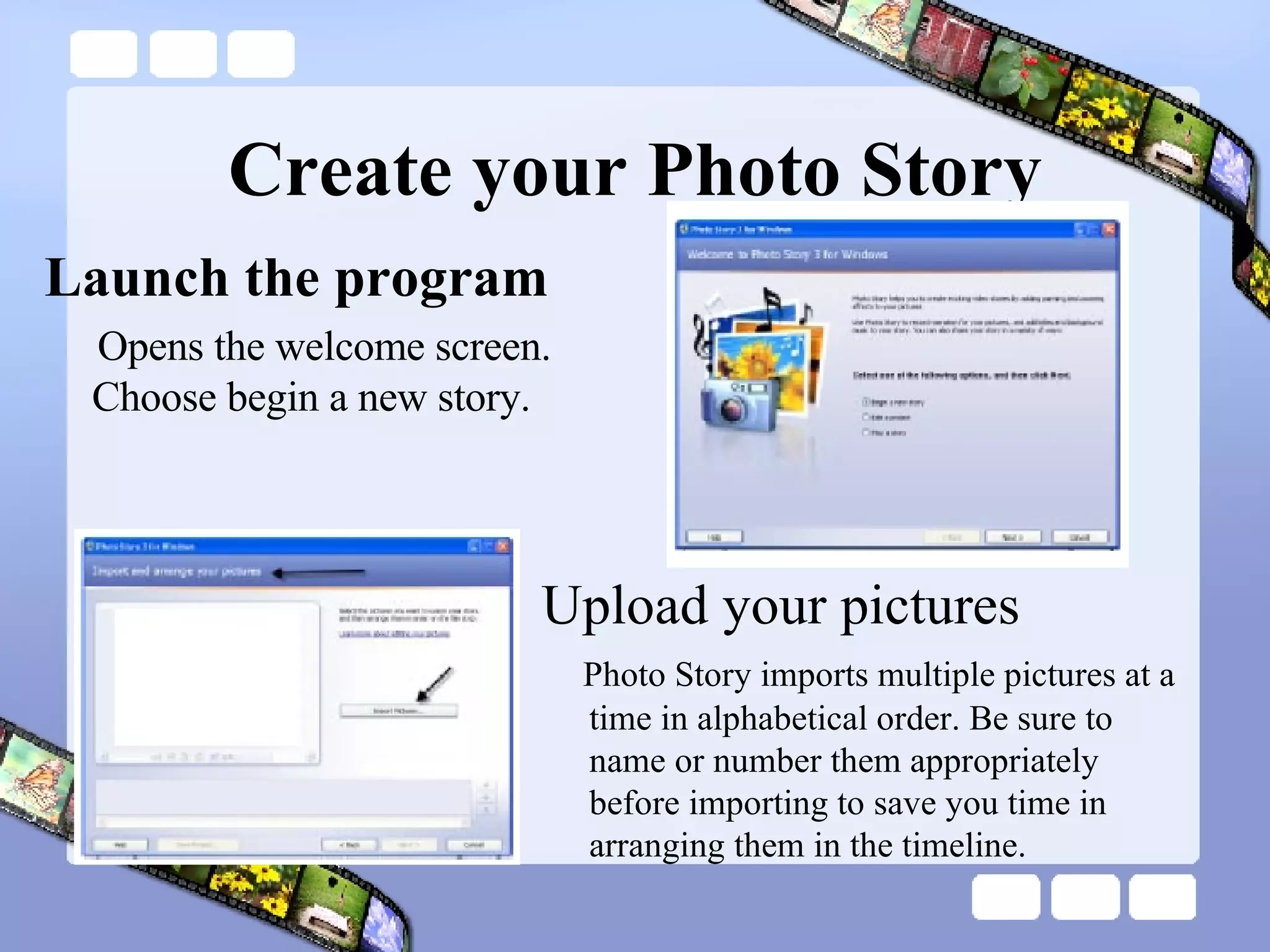
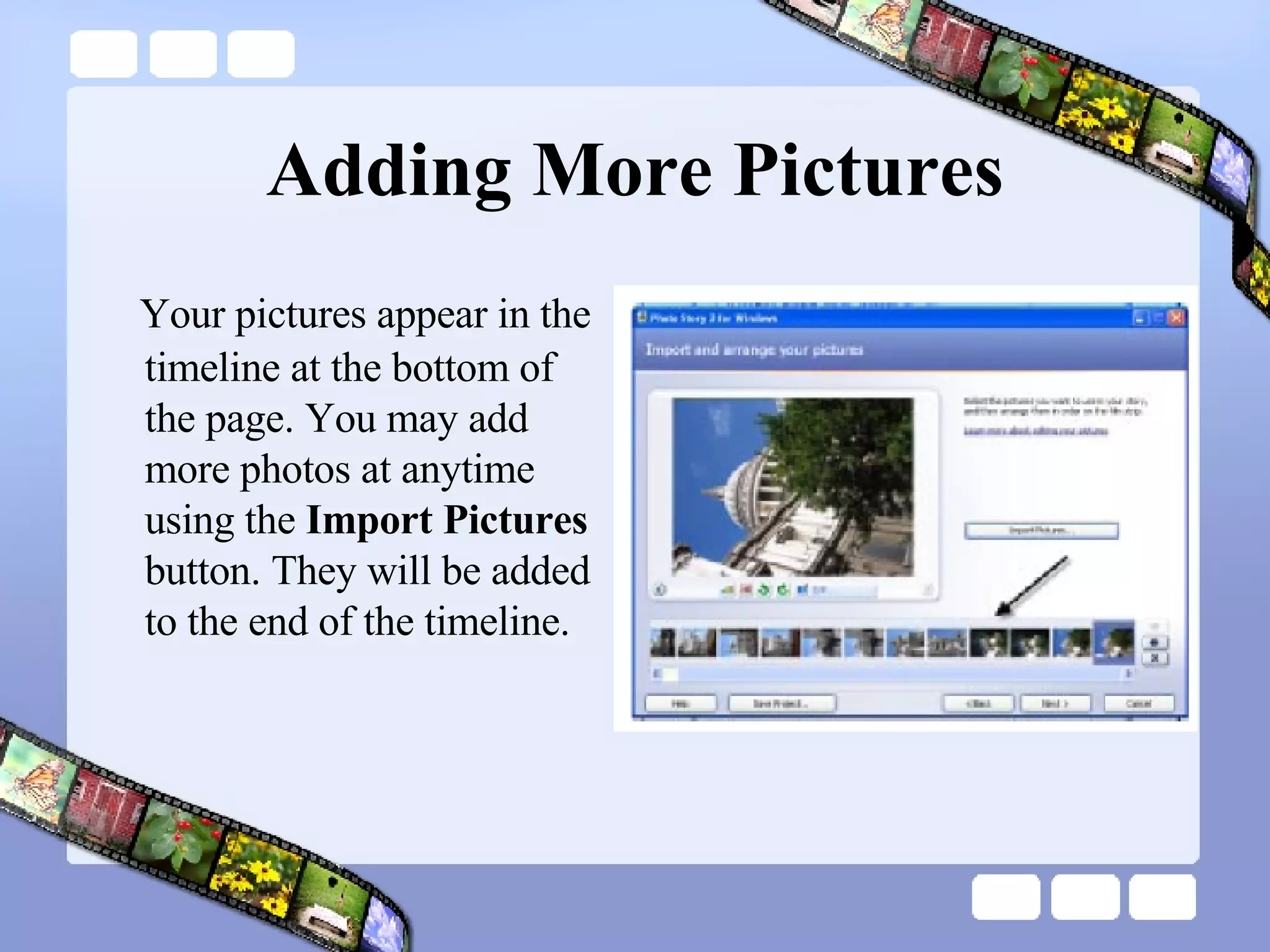
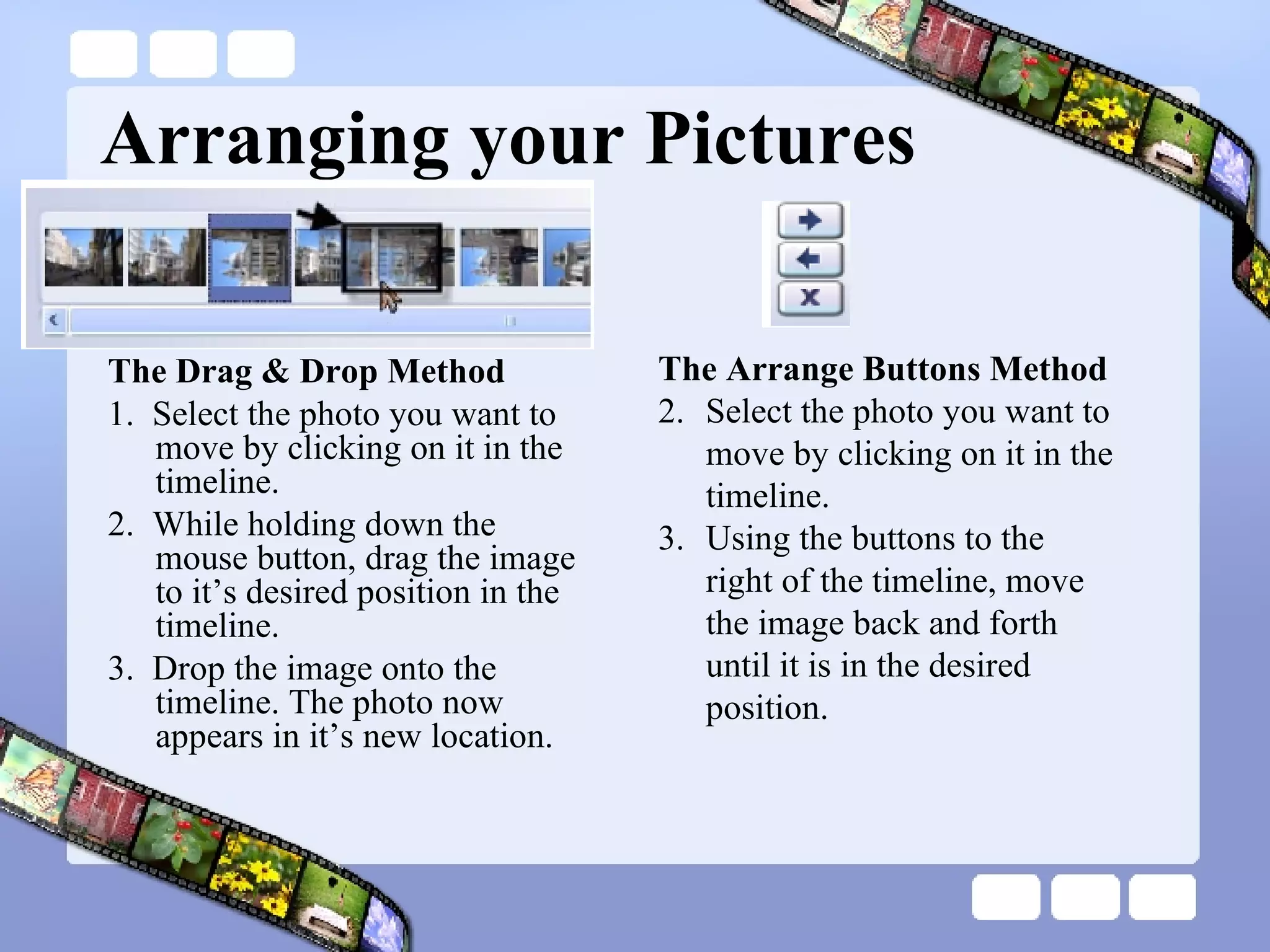
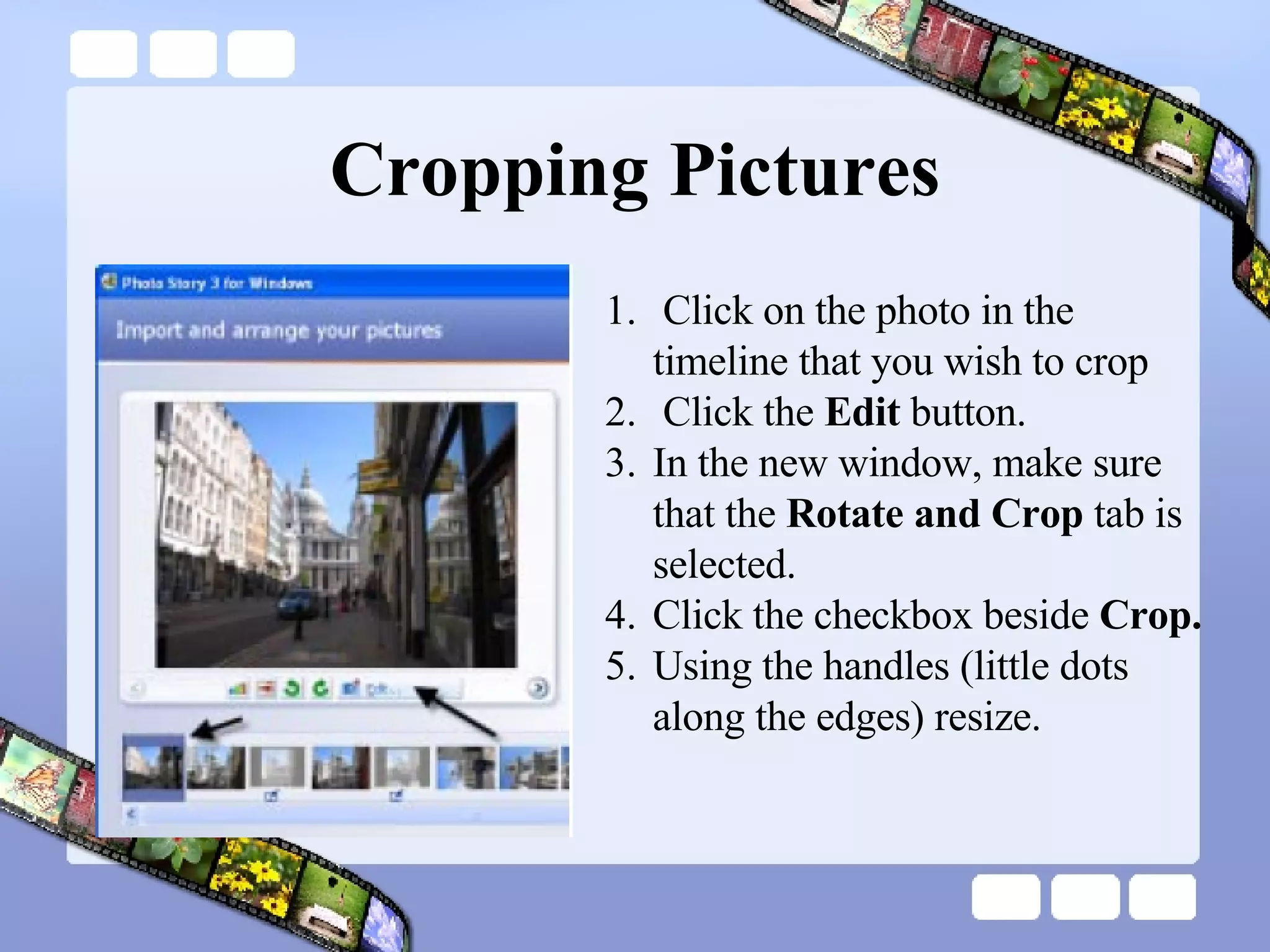
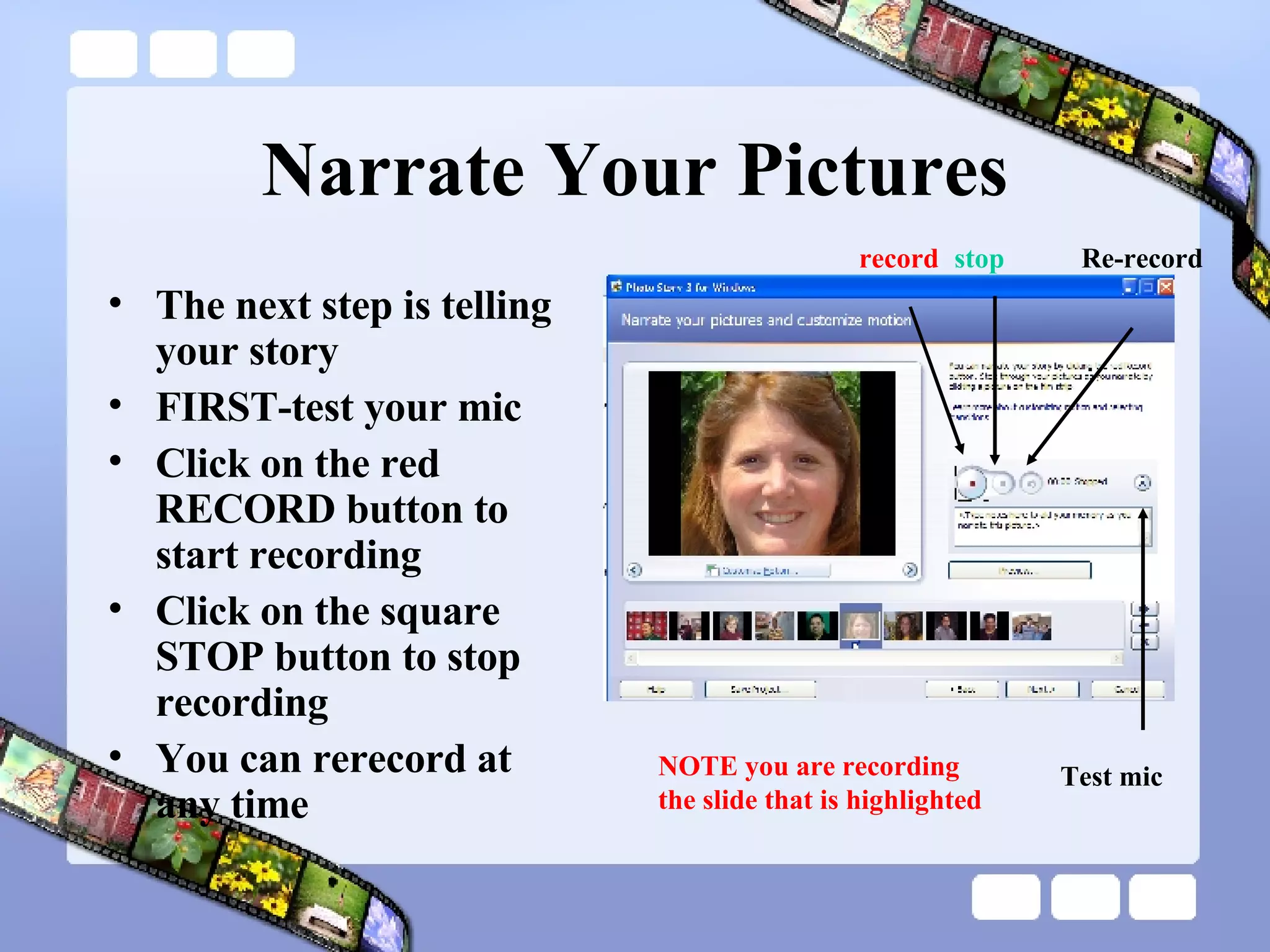
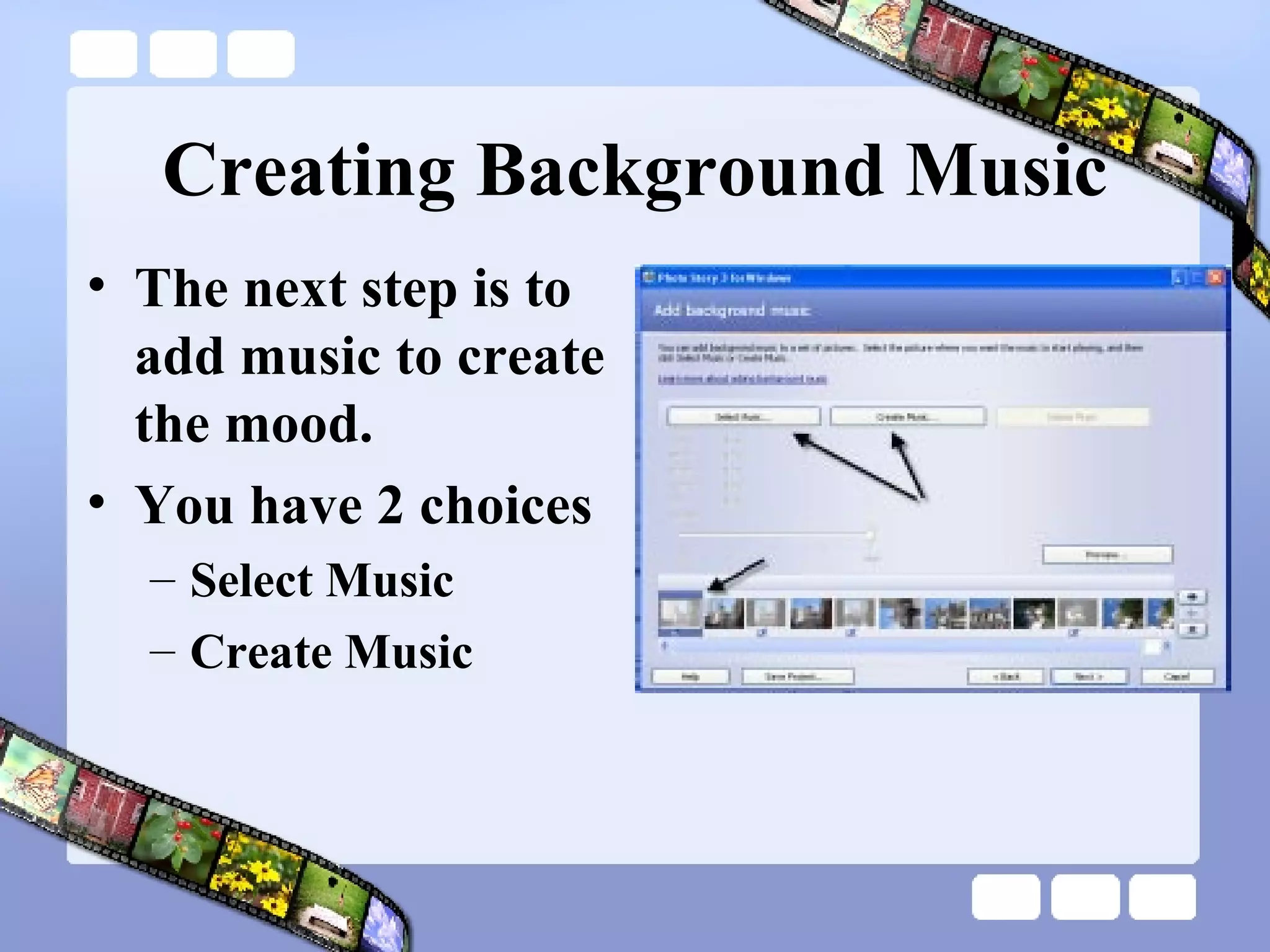
This document provides instructions for creating a digital story using Photo Story 3. It outlines the steps to find and save images, add titles and narration, customize motion and effects, add background music, and save and publish the final story. The goal is to have students demonstrate what they have learned by telling a story with pictures, text, and audio. Key steps include finding and saving pictures from image libraries, arranging the timeline, recording narration, adding background music, and saving the final movie file.


