Download to read offline
![DICTIONARIES
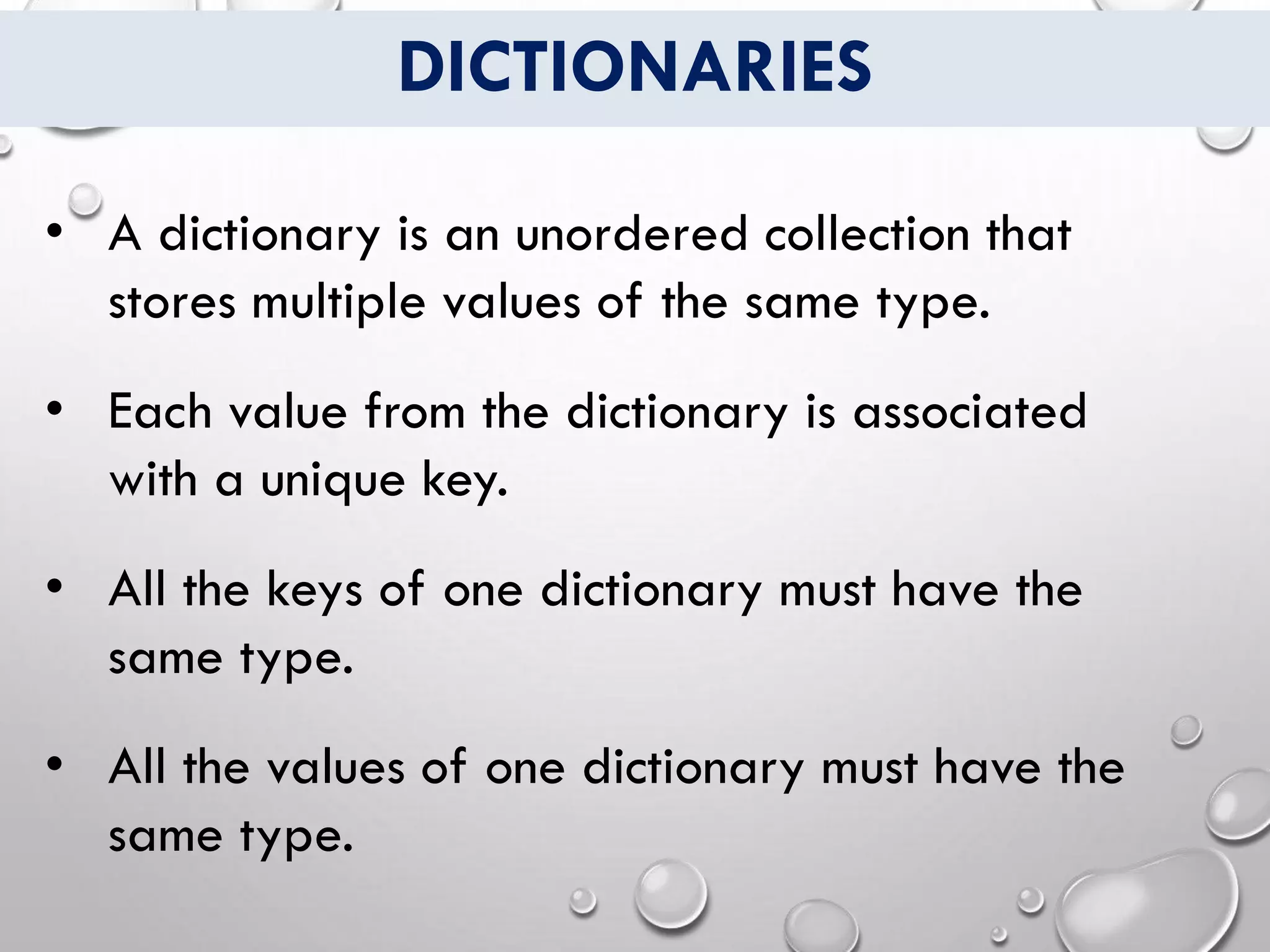
• The type of a dictionary is determined by the
type of the keys and the type of the values.
• For example a dictionary of type[String:Int] has
keys of type String and values of type Int.
• Unlike arrays, items in dictionary do not have a
specified ordered.
• Each key of one dictionary must be unique.](https://image.slidesharecdn.com/dictionaries-200515133908/75/Dictionaries-IN-SWIFT-2-2048.jpg)
![DICTIONARIES
• Syntax:
var Identifer: [KeyType:ValueType]
• Example:
var myDictionary: [String:Int]](https://image.slidesharecdn.com/dictionaries-200515133908/75/Dictionaries-IN-SWIFT-3-2048.jpg)

![DICTIONARY LITERAL
• Syntax:
var Identifer: [KeyType:ValueType] = [key:value,
key:value, ...]
• Example:
var dictionary: [String:Int] =[ "one" : 1,
"two" : 2,
"three" : 3 ]](https://image.slidesharecdn.com/dictionaries-200515133908/75/Dictionaries-IN-SWIFT-5-2048.jpg)
![EMPTY DICTIONARIES
• Similar to arrays there can be empty
dictionaries in Swift.
• You can create empty dictionary using the
empty dictionary literal ([:]).
• Example:
var myEmptyDictionary: [String:Int] = [:]](https://image.slidesharecdn.com/dictionaries-200515133908/75/Dictionaries-IN-SWIFT-6-2048.jpg)
![CREATING & ITERATING DICTIONARY
var info: [String: String] = [
"first_name" : "Raj",
"last_name" : "Sharma",
"job_title" : "Singer"
]
for (key, value) in info
{
print("(key): (value)")
}
OUTPUT
job_title: Singer
last_name: Sharma
first_name: Raj](https://image.slidesharecdn.com/dictionaries-200515133908/75/Dictionaries-IN-SWIFT-7-2048.jpg)
![CREATING & ITERATING DICTIONARY
var info: [String: String] = [
"first_name" : "Raj",
"last_name" : "Sharma",
"job_title" : "Singer"
]
for item in info
{
print(item)
}
OUTPUT
("job_title", "Singer")
("last_name", "Sharma")
("first_name", "Raj")](https://image.slidesharecdn.com/dictionaries-200515133908/75/Dictionaries-IN-SWIFT-8-2048.jpg)
![ACCESSING DICTIONARY
var info: [String: String] = [
"first_name" : "Raj",
"last_name" : "Sharma",
"job_title" : "Singer"
]
print(info["first_name"]) OUTPUT
Raj](https://image.slidesharecdn.com/dictionaries-200515133908/75/Dictionaries-IN-SWIFT-9-2048.jpg)
![Use of nil in Dictionary
var info: [String: String] = [
"first_name" : "Raj",
"last_name" : "Sharma",
"job_title" : "Singer"
]
info["first_name“] = nil
for item in info
{
print(item)
}
OUTPUT
("job_title", "Singer")
("last_name", "Sharma")](https://image.slidesharecdn.com/dictionaries-200515133908/75/Dictionaries-IN-SWIFT-10-2048.jpg)
![ACCESSING DICTIONARY KEYS
var info: [String: String] = [
"first_name" : "Raj",
"last_name" : "Sharma",
"job_title" : "Singer"
]
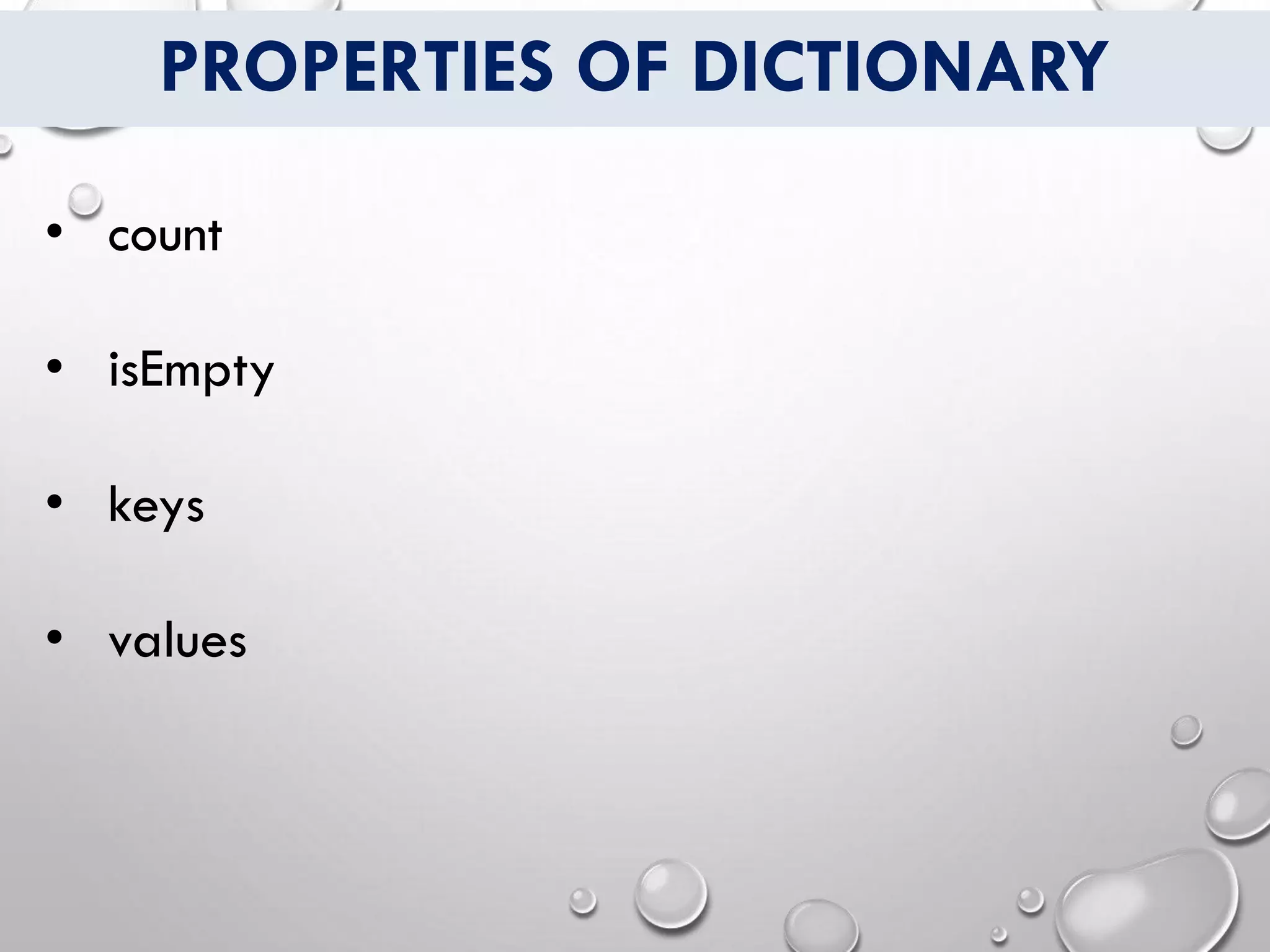
for i in info.keys
{
print(i)
}
OUTPUT
first_name
last_name
job_title
OUTPUT
last_name
job_title
first_name
OUTPUT
job_title
last_name
first_name](https://image.slidesharecdn.com/dictionaries-200515133908/75/Dictionaries-IN-SWIFT-12-2048.jpg)
![ACCESSING DICTIONARY VALUES
var info: [String: String] = [
"first_name" : "Raj",
"last_name" : "Sharma",
"job_title" : "Singer"
]
for i in info.values
{
print(i)
}
OUTPUT
Raj
Sharma
Singer
OUTPUT
Singer
Sharma
Raj
OUTPUT
Sharma
Raj
Singer](https://image.slidesharecdn.com/dictionaries-200515133908/75/Dictionaries-IN-SWIFT-13-2048.jpg)
![UPDATE PAIR/ITEM INTO DICTIONARY
var info: [String: String] = [
"first_name" : "Raj",
"last_name" : "Sharma",
"job_title" : "Singer"
]
info[“last_name"] = "Kaur"
info.updateValue("Jaya",forKey:"first_name")](https://image.slidesharecdn.com/dictionaries-200515133908/75/Dictionaries-IN-SWIFT-14-2048.jpg)
![ADDING PAIR/ITEM INTO DICTIONARY
var info: [String: String] = [
"first_name" : "Raj",
"last_name" : "Sharma",
"job_title" : "Singer"
]
info["middle_name"] = "Vig"
print(info.count)
OUTPUT
4](https://image.slidesharecdn.com/dictionaries-200515133908/75/Dictionaries-IN-SWIFT-15-2048.jpg)
![REMOVE PAIR/ITEM FROM DICTIONARY
var info: [String: String] = [
"first_name" : "Raj",
"last_name" : "Sharma",
"job_title" : "Singer"
]
info.removeValue(forKey: "job_title")
print(info.count)
OUTPUT
2](https://image.slidesharecdn.com/dictionaries-200515133908/75/Dictionaries-IN-SWIFT-16-2048.jpg)

![COMPARING DICTIONARIES
var d1 = ["name": "Tim", "surname": "Cook"]
var d2 = ["name": "Kate", "surname": "Perry"]
// Check if they are the same
if d1==d2 {
print("D1 is same as D2")
}
else {
print("D1 is not same as D2")
}
OUTPUT
D1 is not same as D2](https://image.slidesharecdn.com/dictionaries-200515133908/75/Dictionaries-IN-SWIFT-18-2048.jpg)
![COMPARING DICTIONARIES
var d1 = ["name": "Tim", "surname": "Cook"]
var d2 = ["name": “Tim", "surname": “Cook"]
// Check if they are the same
if d1==d2 {
print("D1 is same as D2")
}
else {
print("D1 is not same as D2")
}
OUTPUT
D1 is same as D2](https://image.slidesharecdn.com/dictionaries-200515133908/75/Dictionaries-IN-SWIFT-19-2048.jpg)
![COMPARING DICTIONARIES
var d1 = ["name": "Tim", "surname": "Cook"]
var d2 = ["name": “TiM", "surname": “Cook"]
// Check if they are the same
if d1==d2 {
print("D1 is same as D2")
}
else {
print("D1 is not same as D2")
}
OUTPUT
D1 is not same as D2](https://image.slidesharecdn.com/dictionaries-200515133908/75/Dictionaries-IN-SWIFT-20-2048.jpg)

A dictionary in Swift is an unordered collection of key-value pairs where keys must be unique. It allows storing multiple values of the same type associated with unique keys of the same type. Dictionaries are initialized using a dictionary literal containing key-value pairs separated by commas within square brackets. Values can be accessed, updated, added or removed using their unique keys.


