Swift Basics
By Akira Hirakawa
me
• Akira Hirakawa
• iOS, ServerSide engineer at Burpple
• sometimes talk at iOS meetup
• http://akirahrkw.xyz
Swift
Swift is..
• Fast
• Modern - closure, tuple, generics, Optional etc
• Safe - Static Type, ARC,
• Interactive - Compiler, Script, REPL
Swift makes code simple
// ObjC
if(delegate != nil) {
if([delegate respondsToSelector:@selector(scrollViewDidScroll:)]) {
[delegate scrollViewDidScroll:scrollView];
}
}
// Swift
delegate?.scrollViewDidScroll?(scrollView)
Topics
• Constants and Variables
• Basic Types
• Optional
• Optional Chaining
• String
• Collection Types
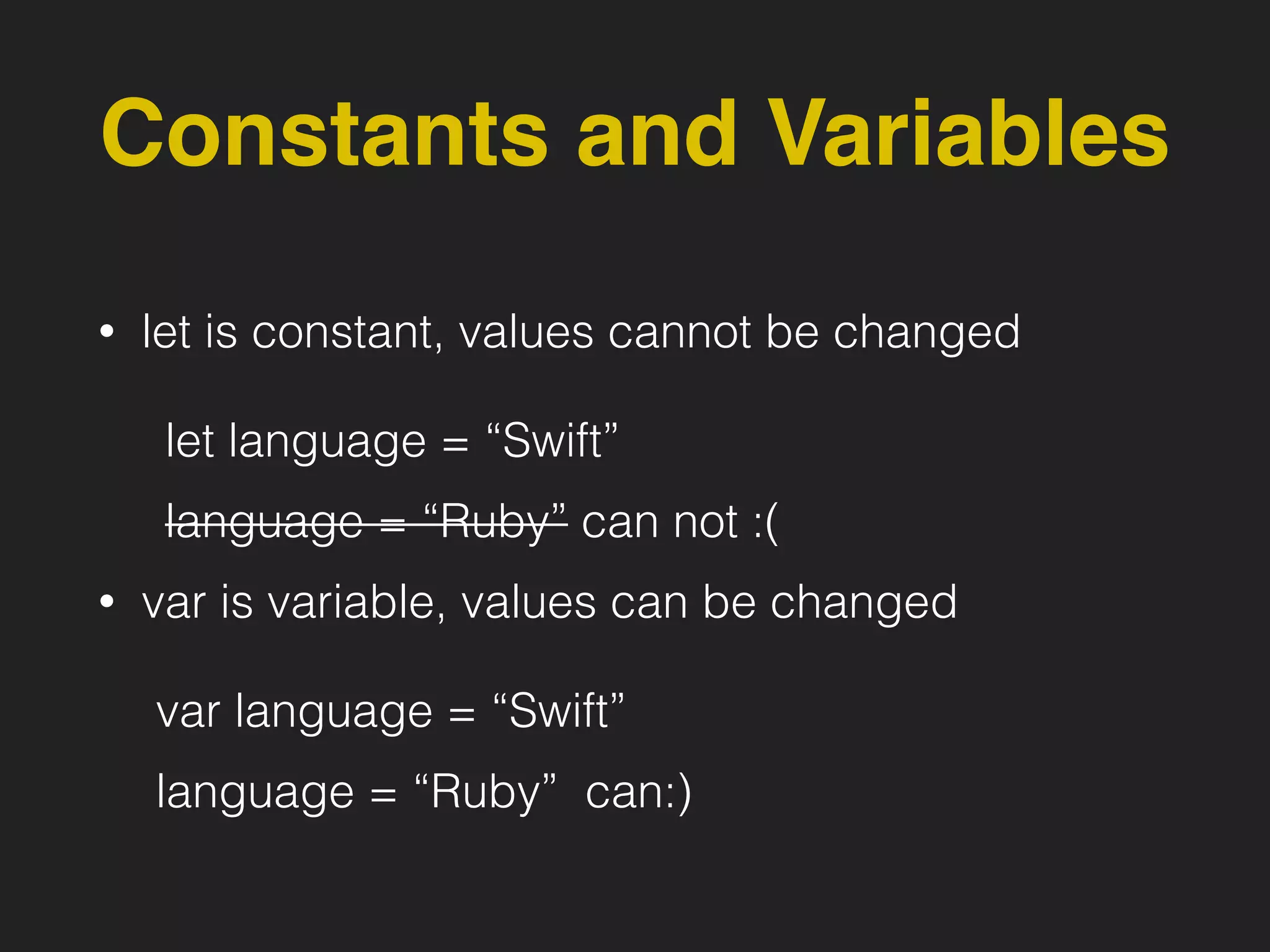
Constants and Variables
• let is constant, values cannot be changed
let language = “Swift”
language = “Ruby” can not :(
• var is variable, values can be changed
var language = “Swift”
language = “Ruby” can:)
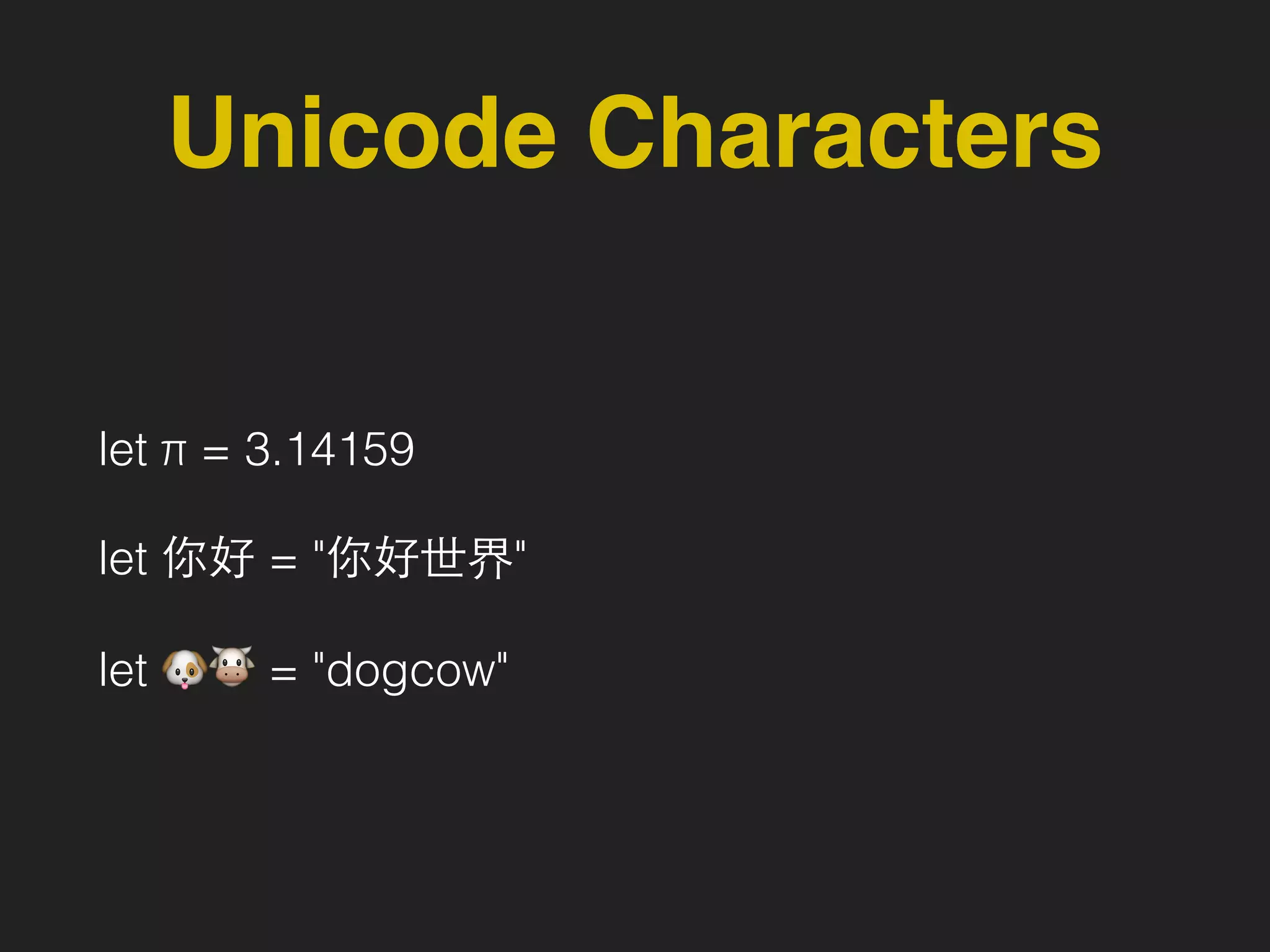
Unicode Characters
let π = 3.14159
let 你好 = "你好世界"
let 🐶🐮 = "dogcow"
Basic Types
• Integers
• Floating-point numbers
• Boolean
• String
• etc..
Integers
• Int (Integer)
• UInt (Unsigned Integer)
Floating-Point Numbers
• Double
64-bit floating-point number
• Float
32-bit floating-point number
String
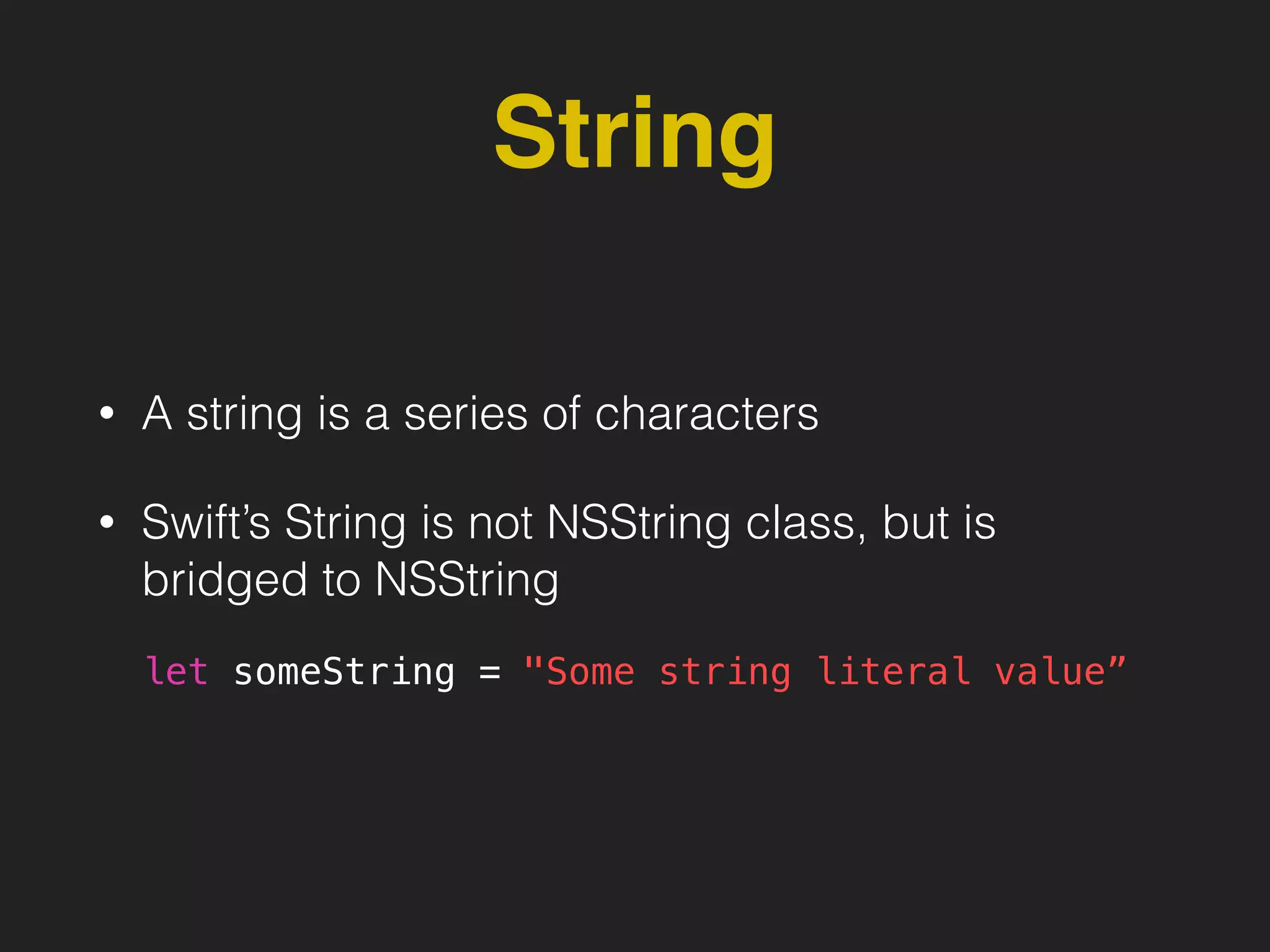
• A string is a series of characters
• Swift’s String is not NSString class, but is
bridged to NSString
let someString = "Some string literal value”
ex: String
var variableString = "Horse"
variableString += " and carriage"
let constantString = “Highlander"
constantString += " and another Highlander”
// can get individual character value
for character in "hello".characters {
print(character)
}
// h
// e
// l
// l
// o
let string1 = "hello"
let string2 = " there"
var welcome = string1 + string2
welcome[welcome.startIndex] // h
welcome[welcome.startIndex.advancedBy(1)] // e
Print value
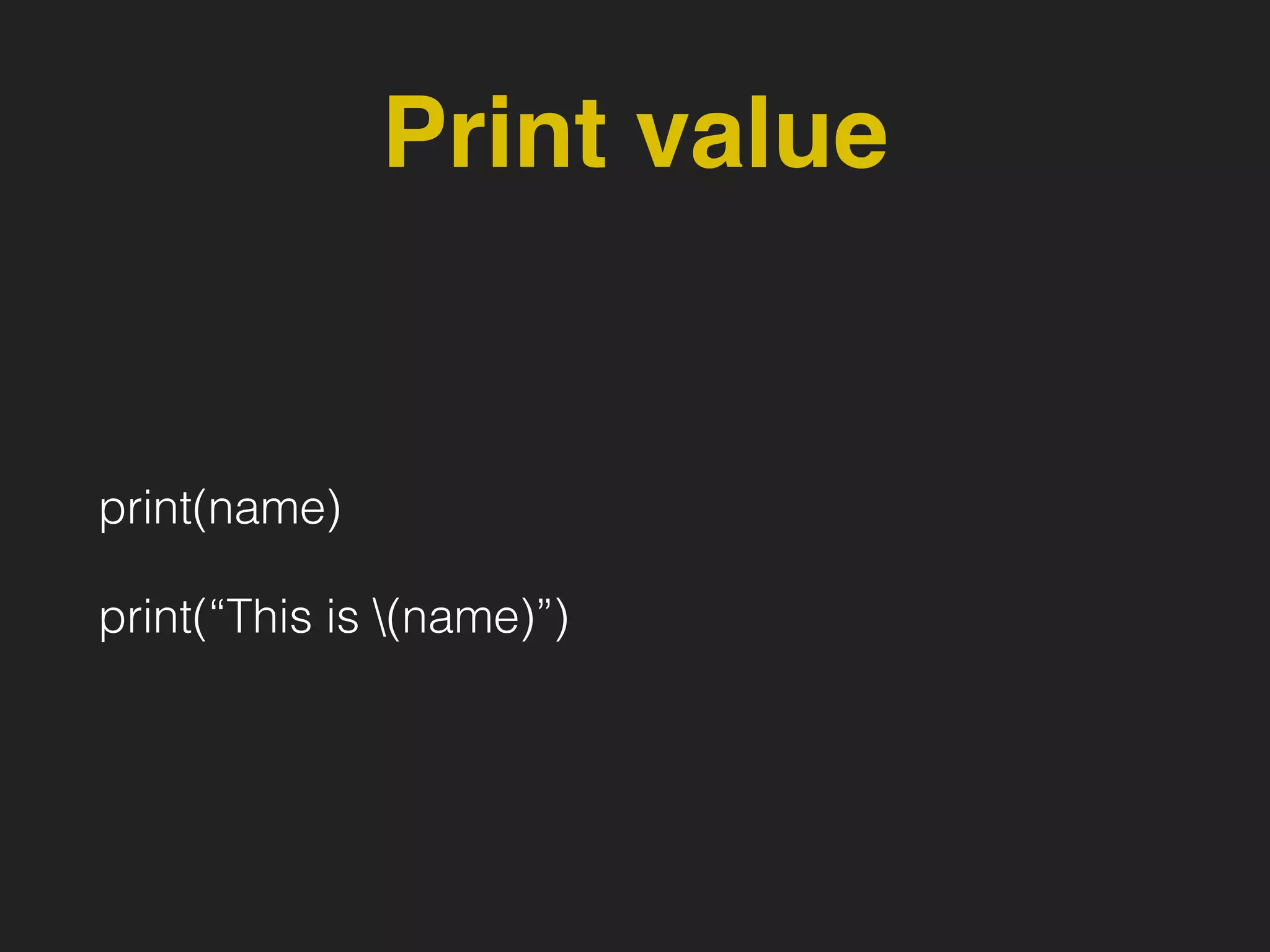
print(name)
print(“This is (name)”)
Type Annotation
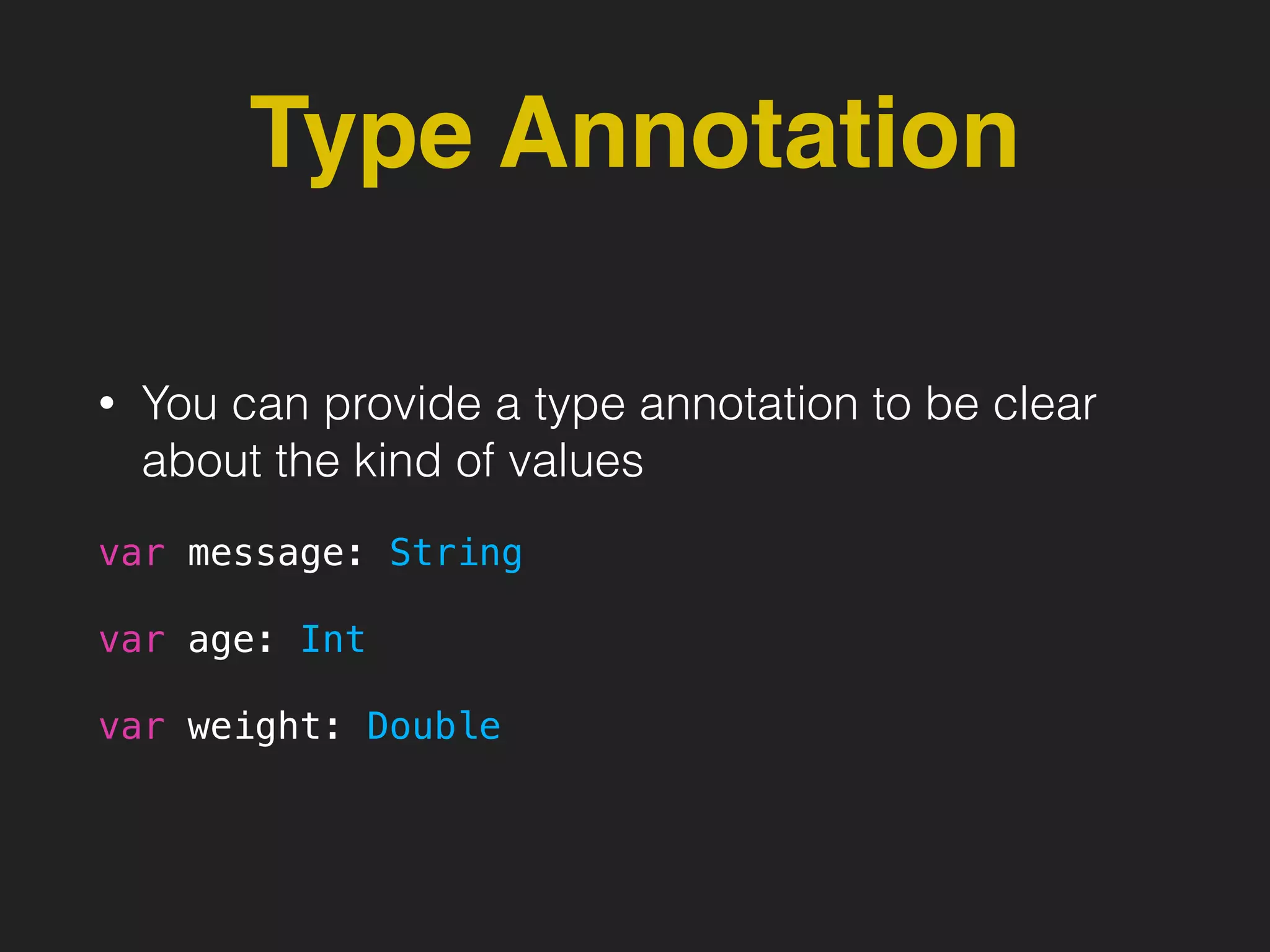
• You can provide a type annotation to be clear
about the kind of values
var message: String
var age: Int
var weight: Double
Type Safe
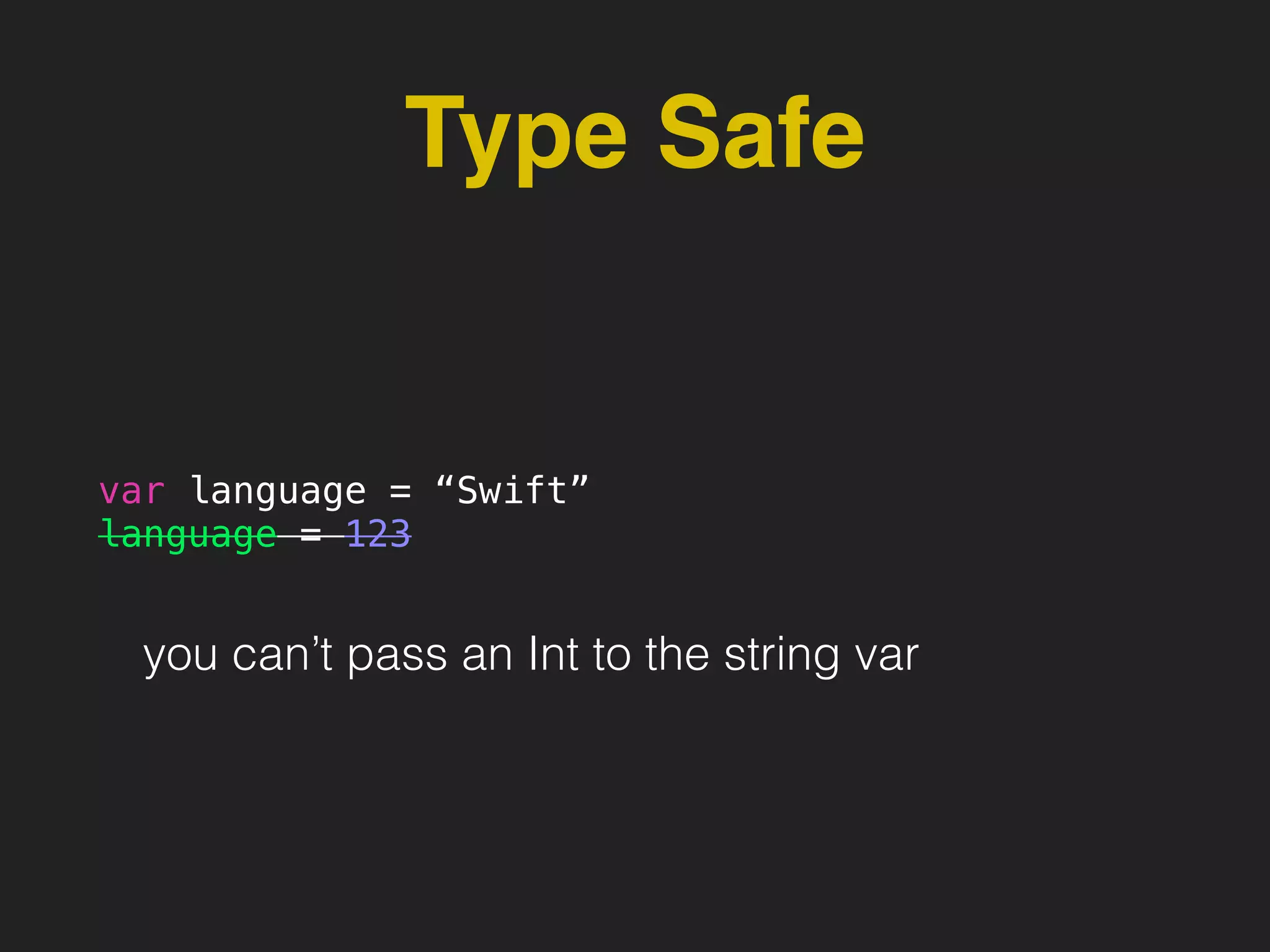
var language = “Swift”
language = 123
you can’t pass an Int to the string var
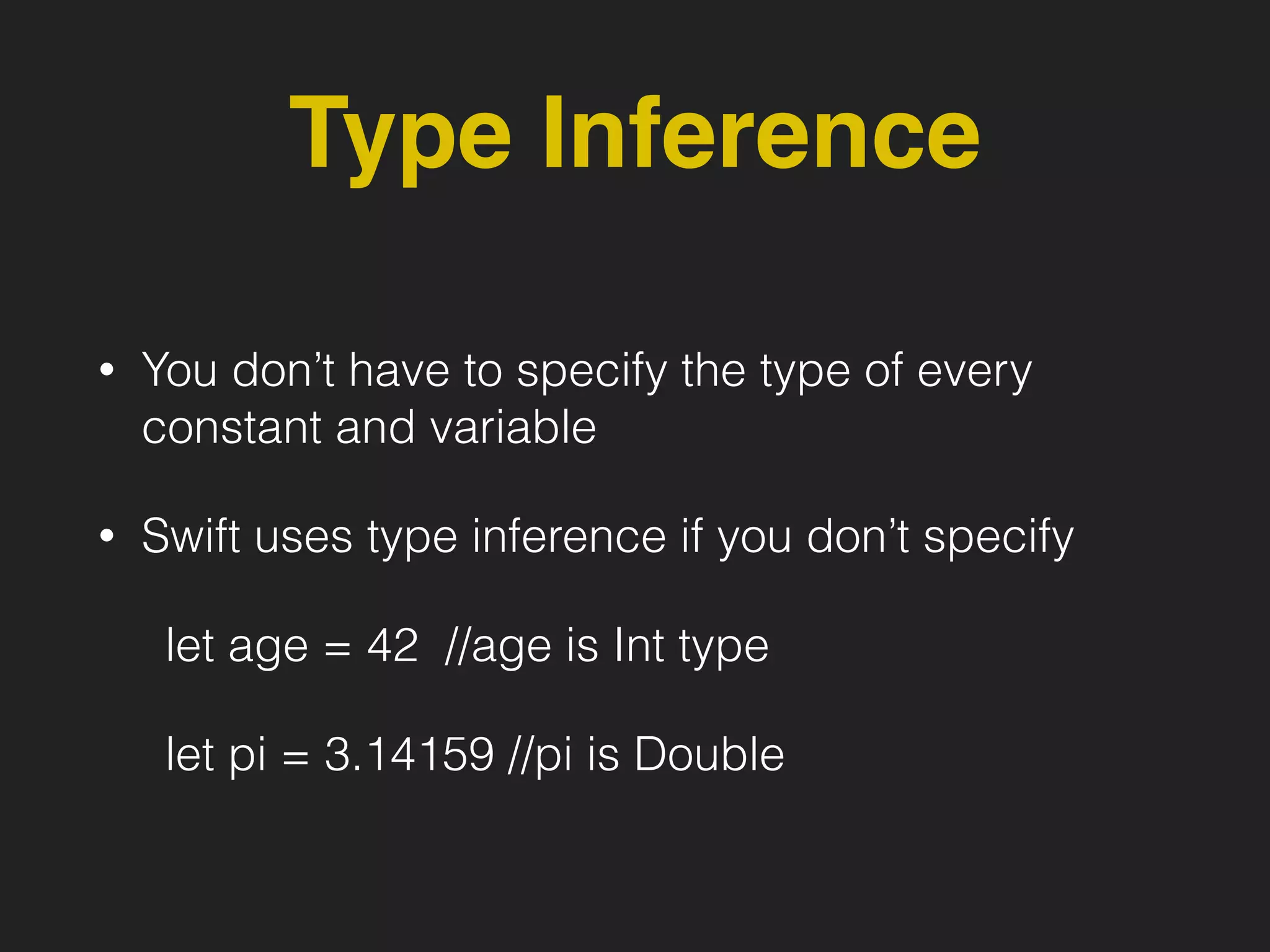
Type Inference
• You don’t have to specify the type of every
constant and variable
• Swift uses type inference if you don’t specify
let age = 42 //age is Int type
let pi = 3.14159 //pi is Double
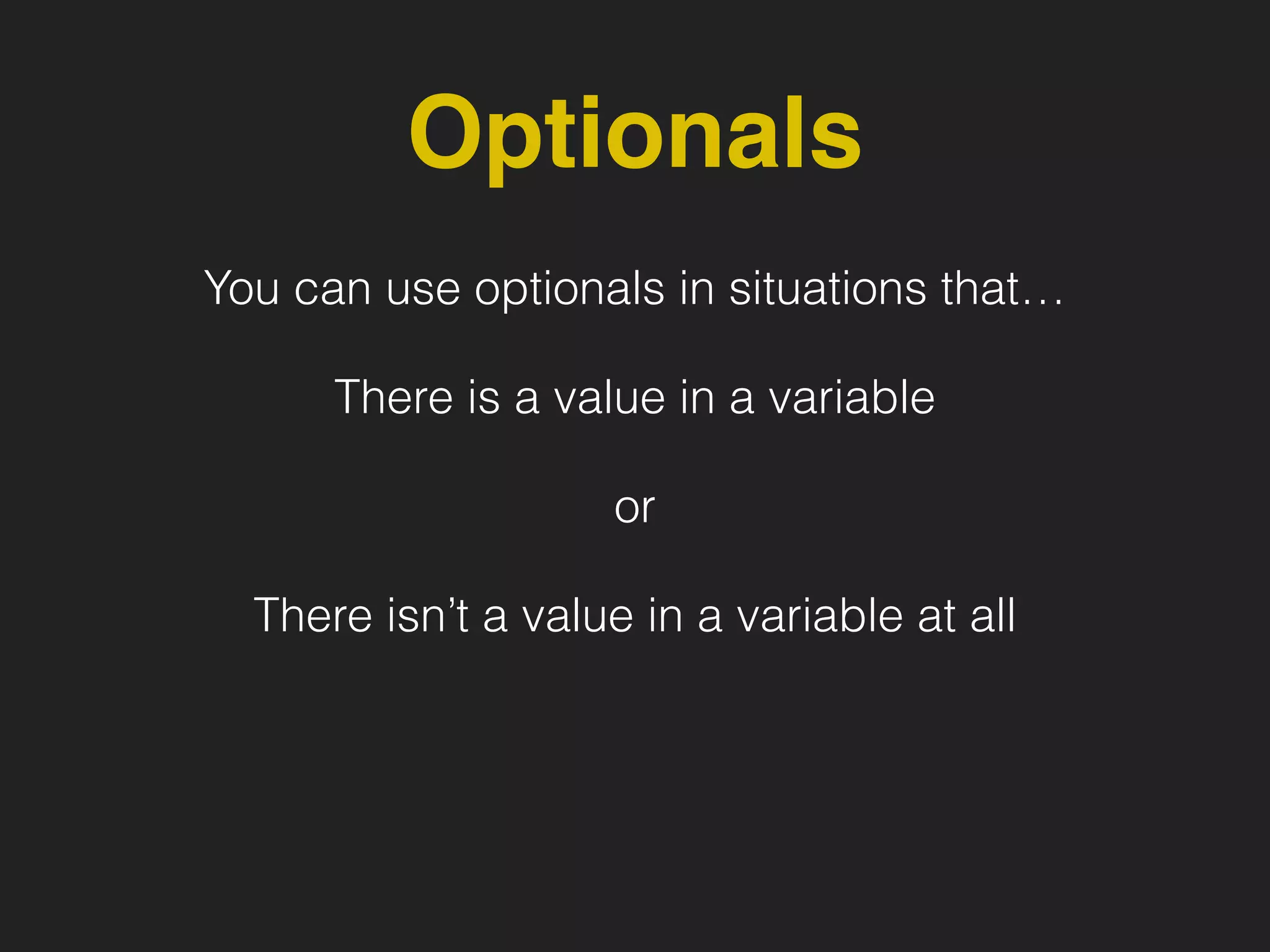
Optionals
You can use optionals in situations that…
There is a value in a variable
or
There isn’t a value in a variable at all
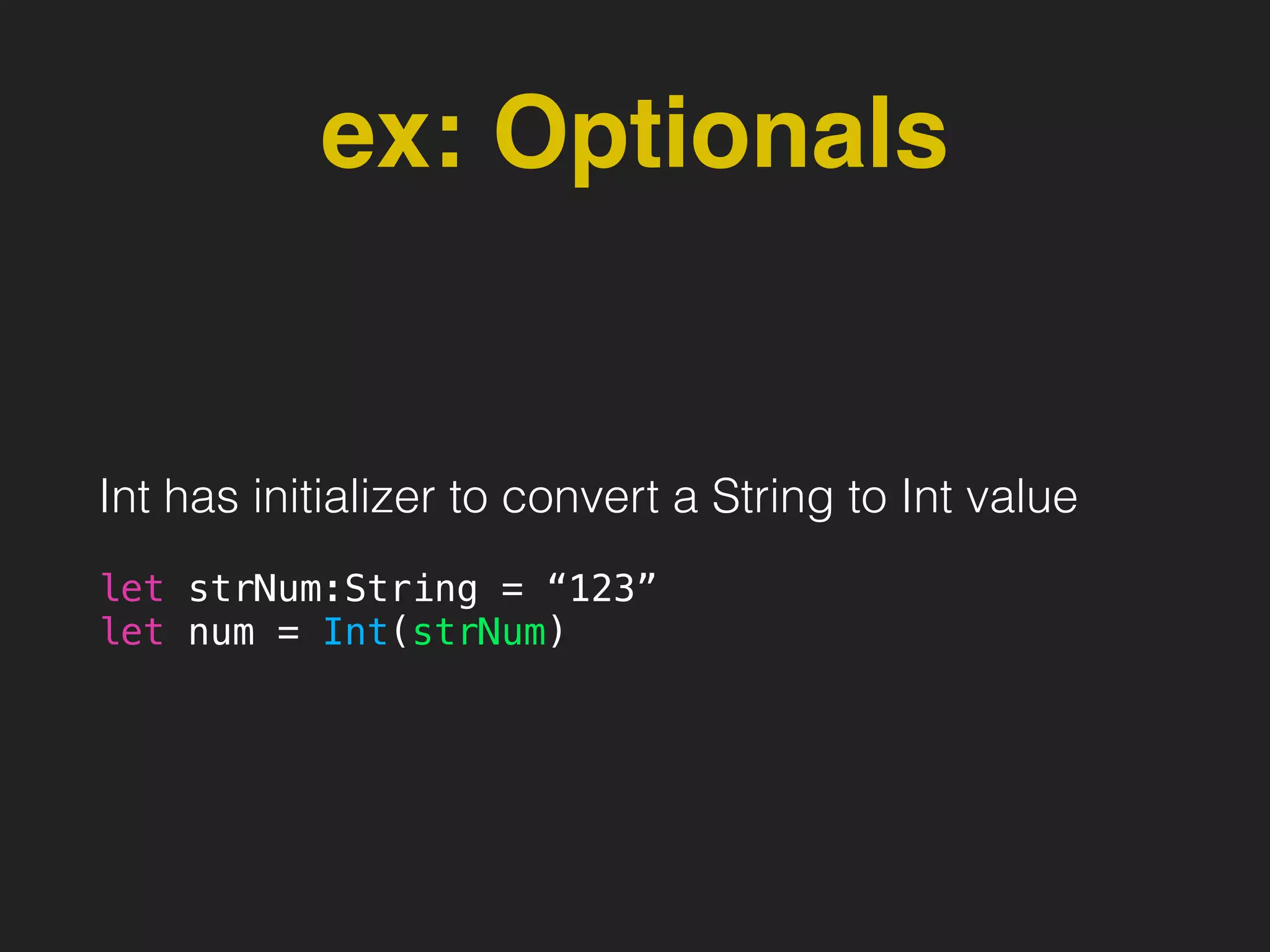
ex: Optionals
Int has initializer to convert a String to Int value
let strNum:String = “123”
let num = Int(strNum)
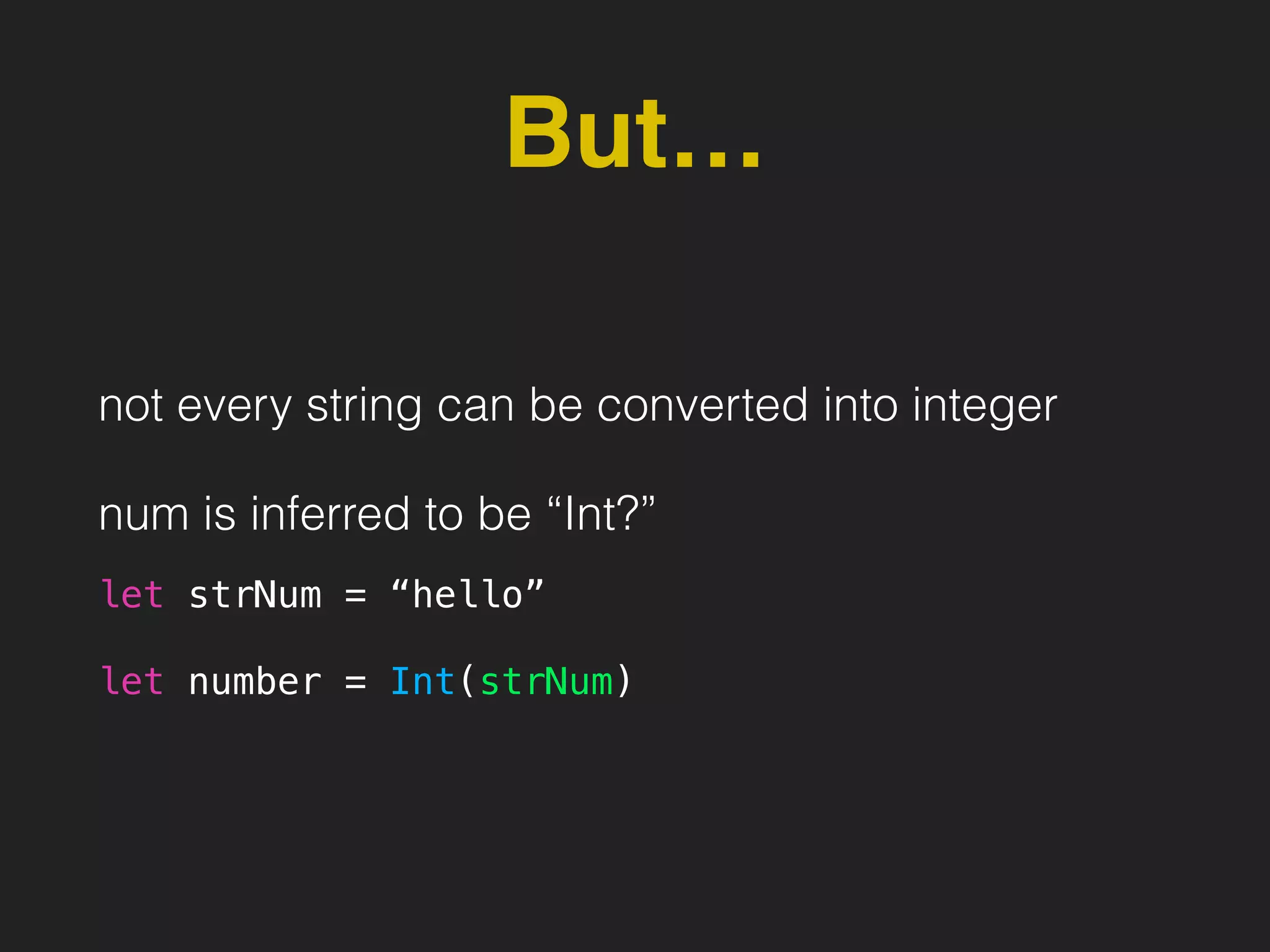
But…
not every string can be converted into integer
num is inferred to be “Int?”
let strNum = “hello”
let number = Int(strNum)
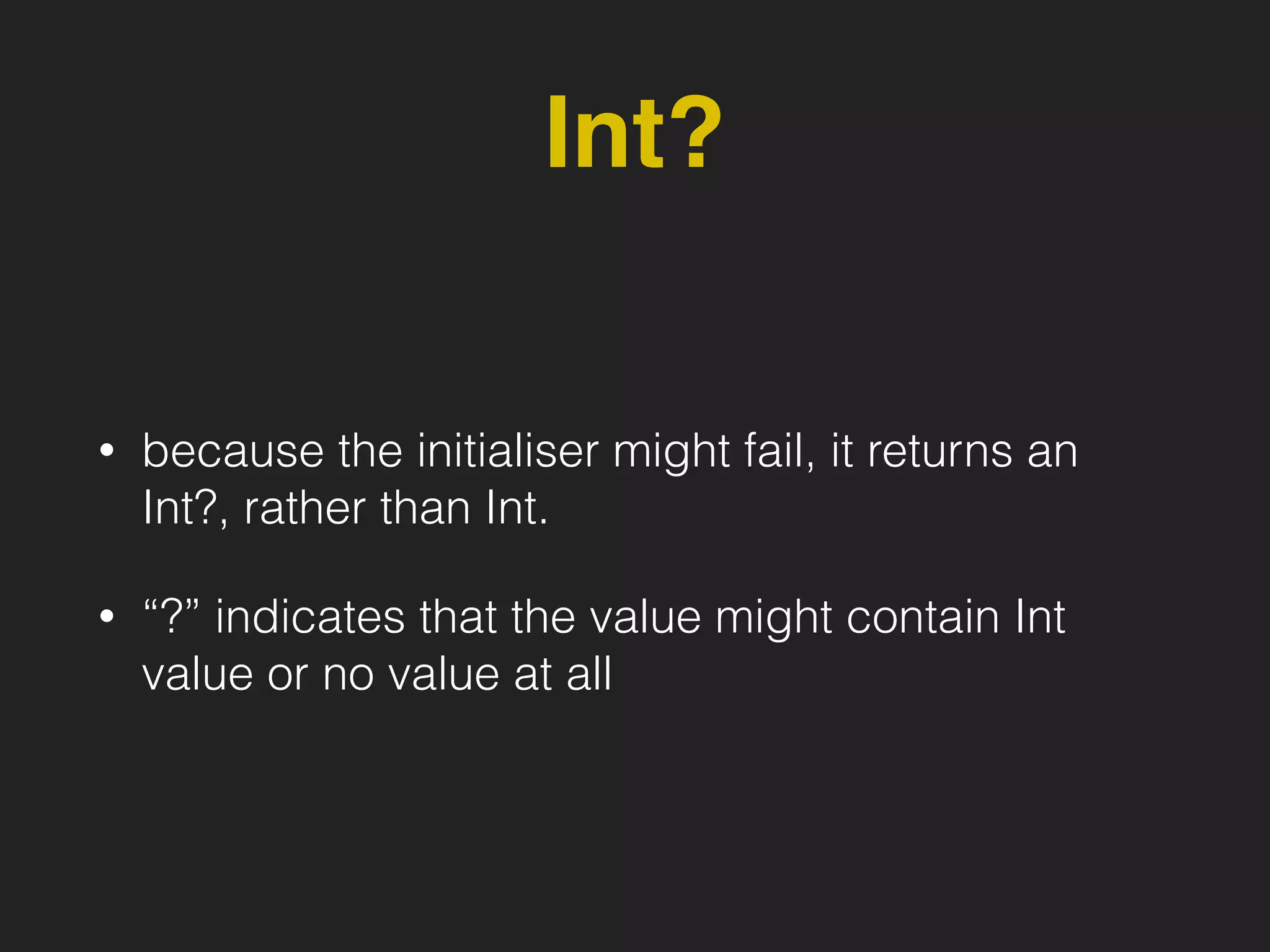
Int?
• because the initialiser might fail, it returns an
Int?, rather than Int.
• “?” indicates that the value might contain Int
value or no value at all
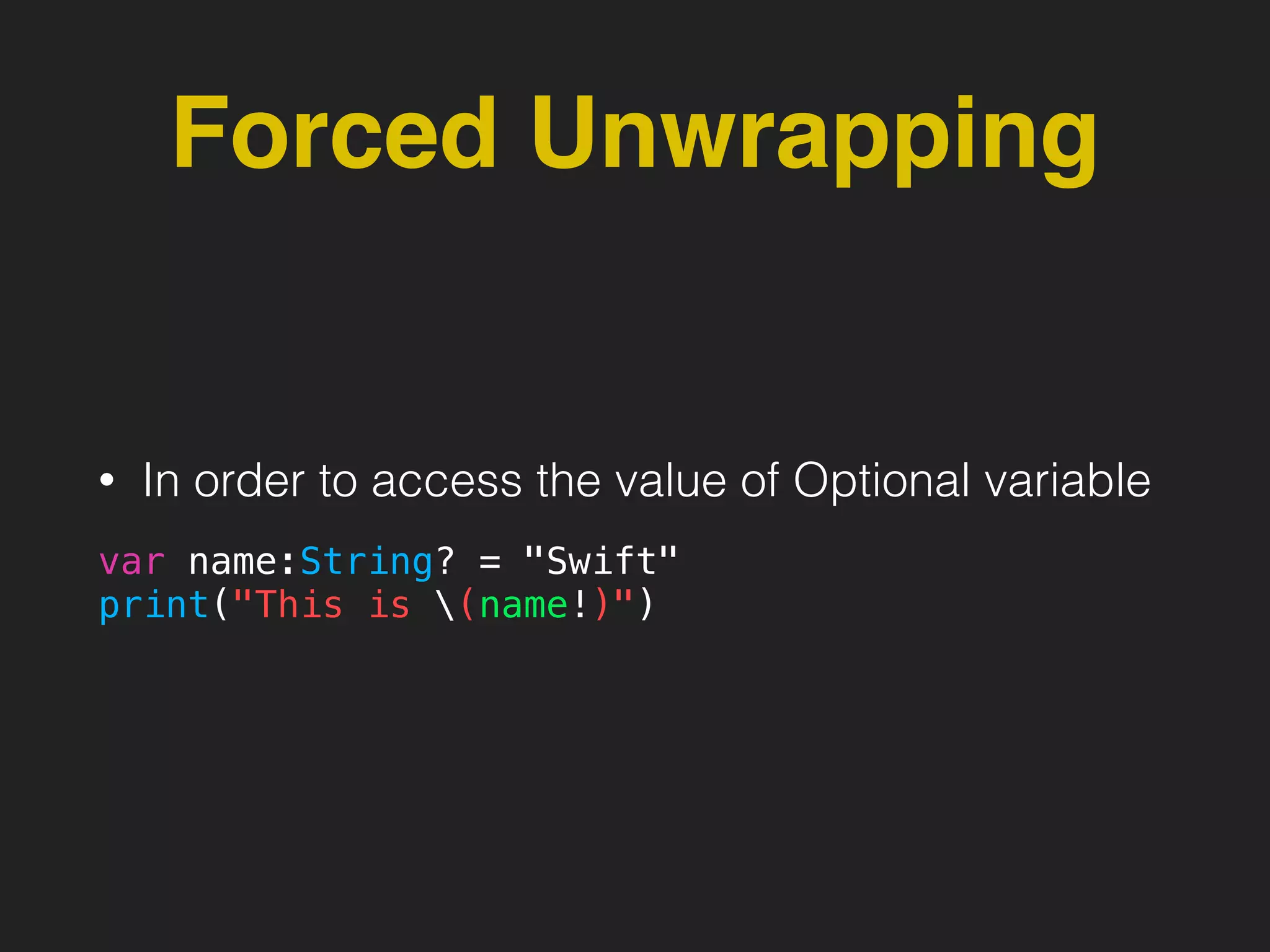
Forced Unwrapping
• In order to access the value of Optional variable
var name:String? = "Swift"
print("This is (name!)")
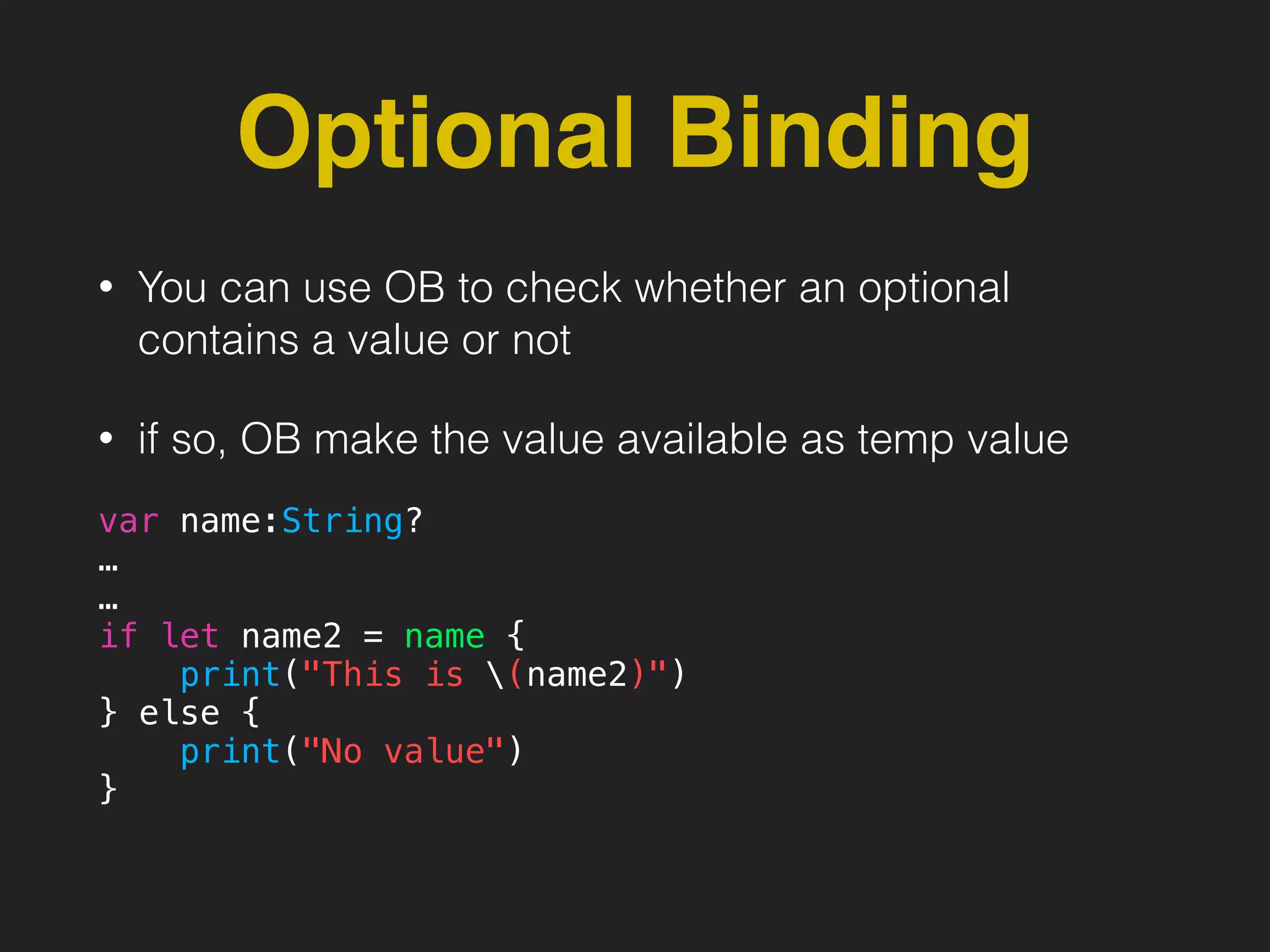
Optional Binding
• You can use OB to check whether an optional
contains a value or not
• if so, OB make the value available as temp value
var name:String?
…
…
if let name2 = name {
print("This is (name2)")
} else {
print("No value")
}
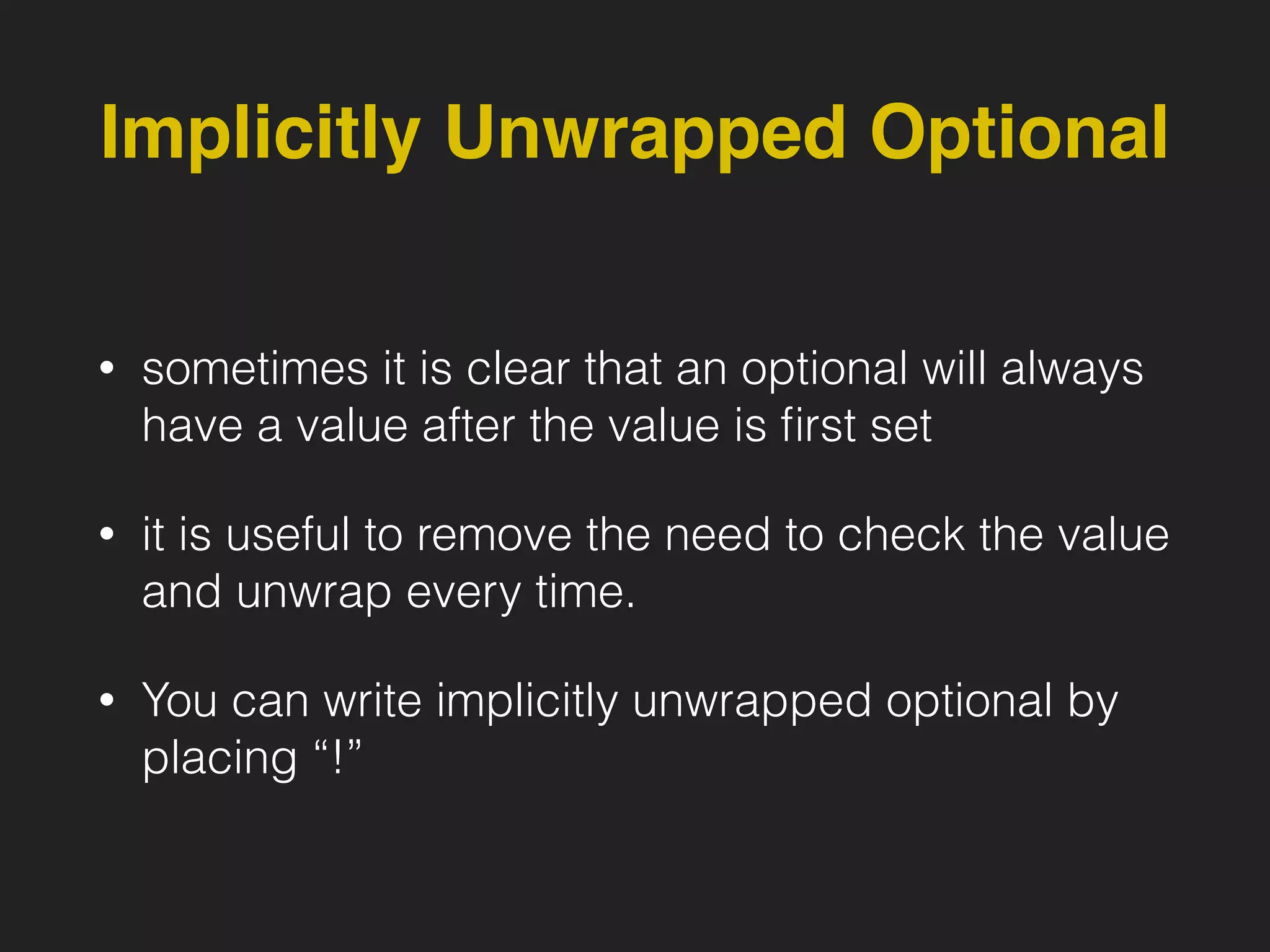
Implicitly Unwrapped Optional
• sometimes it is clear that an optional will always
have a value after the value is first set
• it is useful to remove the need to check the value
and unwrap every time.
• You can write implicitly unwrapped optional by
placing “!”
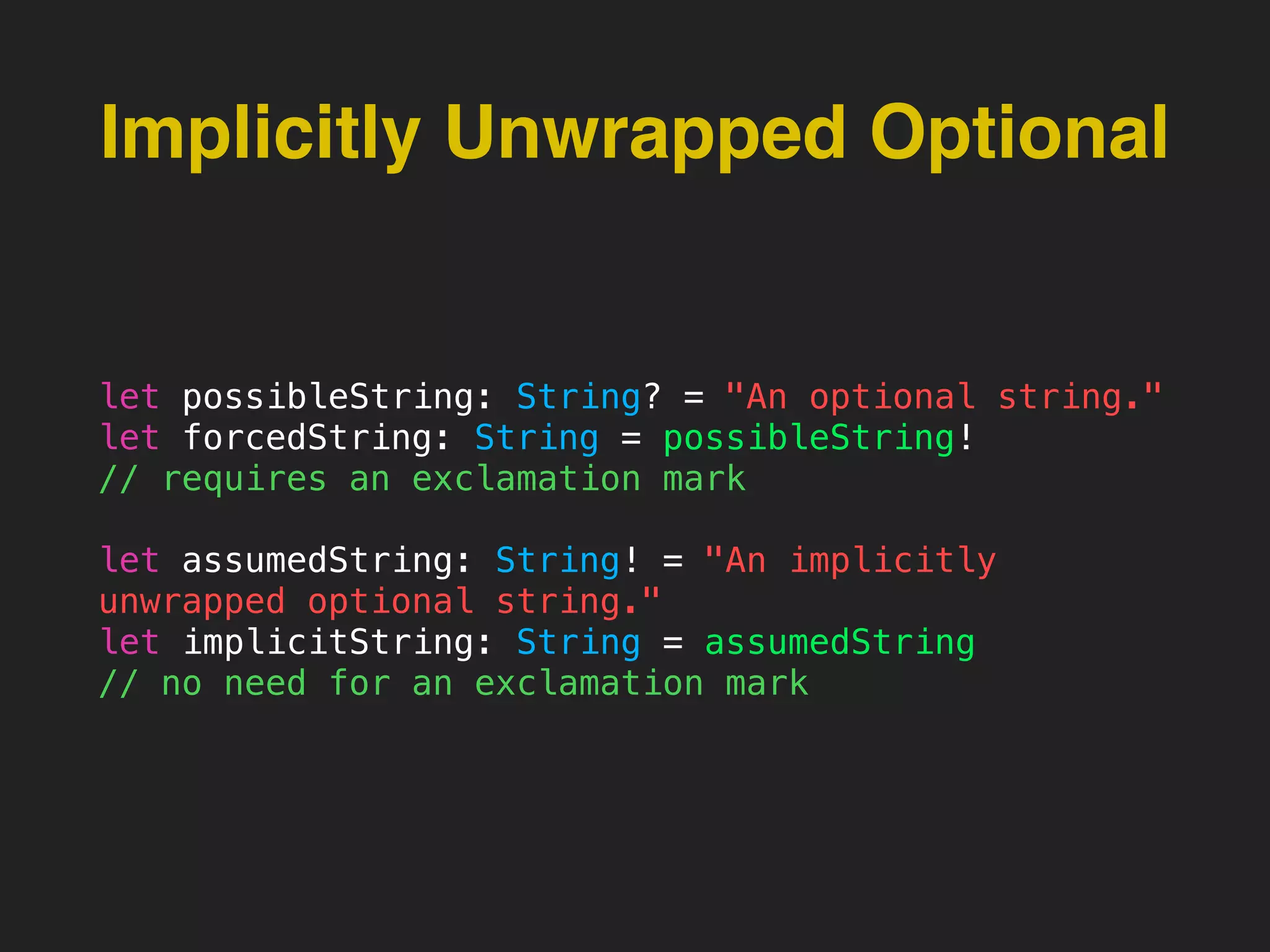
Implicitly Unwrapped Optional
let possibleString: String? = "An optional string."
let forcedString: String = possibleString!
// requires an exclamation mark
let assumedString: String! = "An implicitly
unwrapped optional string."
let implicitString: String = assumedString
// no need for an exclamation mark
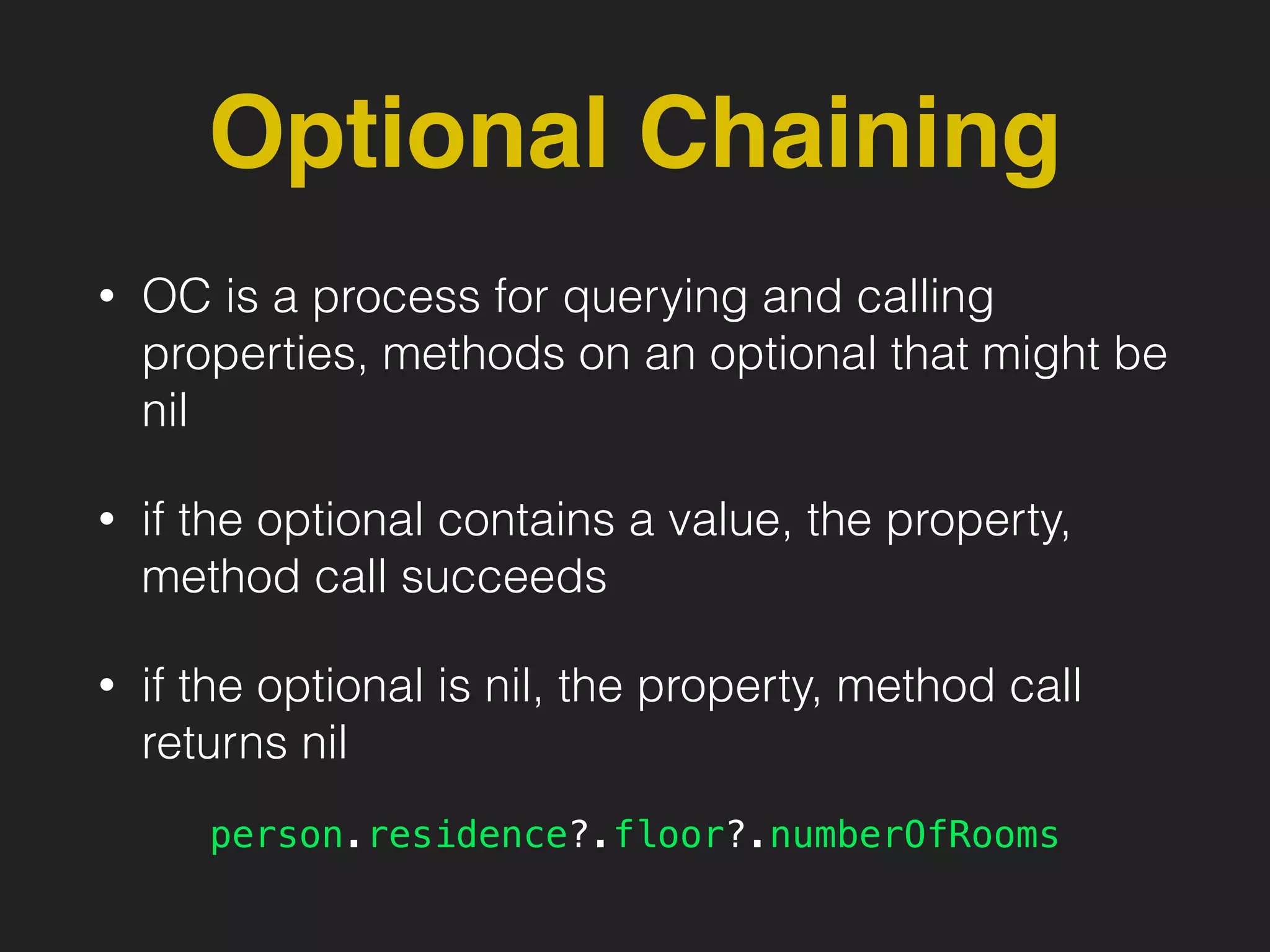
Optional Chaining
• OC is a process for querying and calling
properties, methods on an optional that might be
nil
• if the optional contains a value, the property,
method call succeeds
• if the optional is nil, the property, method call
returns nil
person.residence?.floor?.numberOfRooms
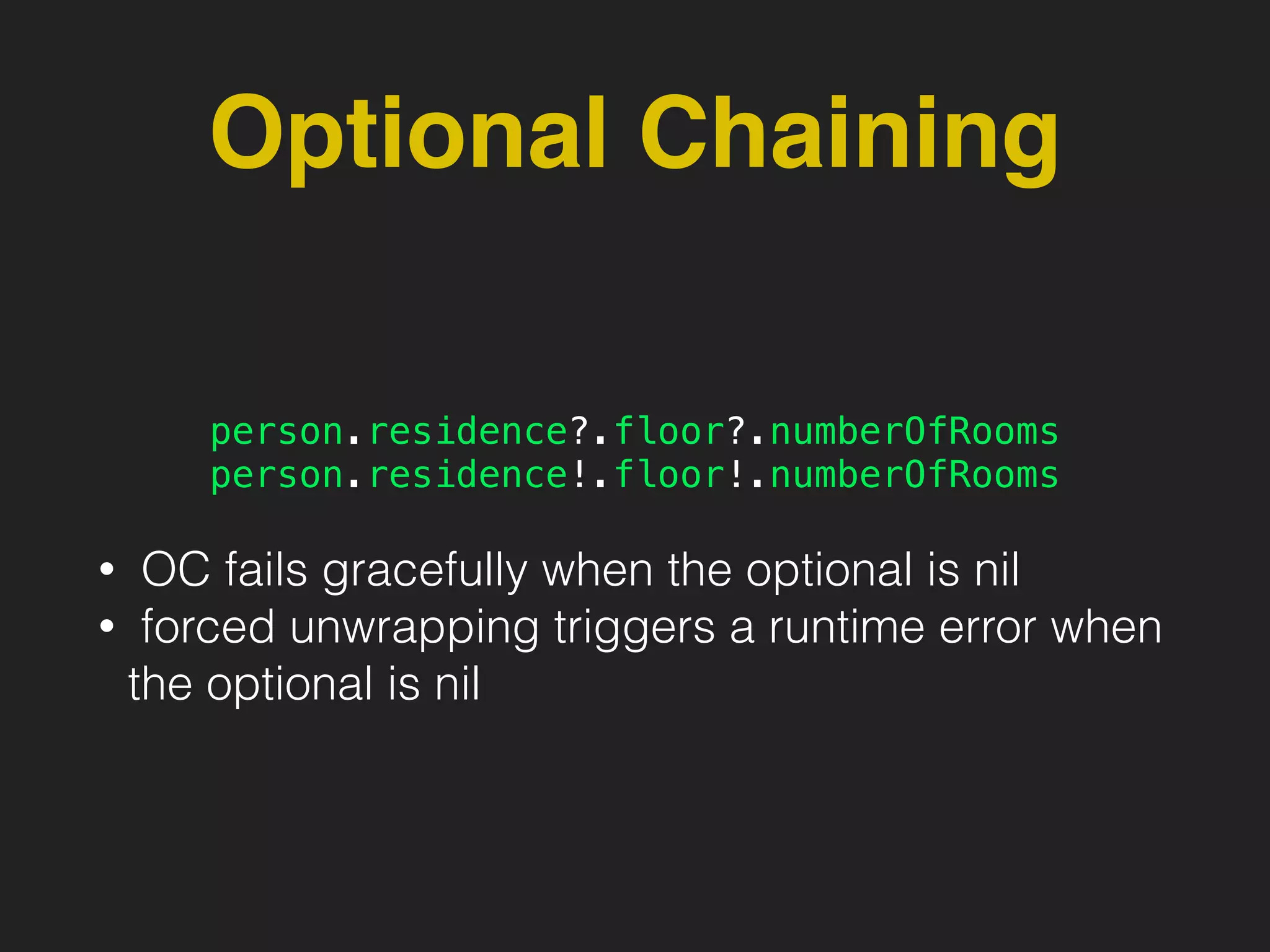
Optional Chaining
person.residence?.floor?.numberOfRooms
person.residence!.floor!.numberOfRooms
• OC fails gracefully when the optional is nil
• forced unwrapping triggers a runtime error when
the optional is nil
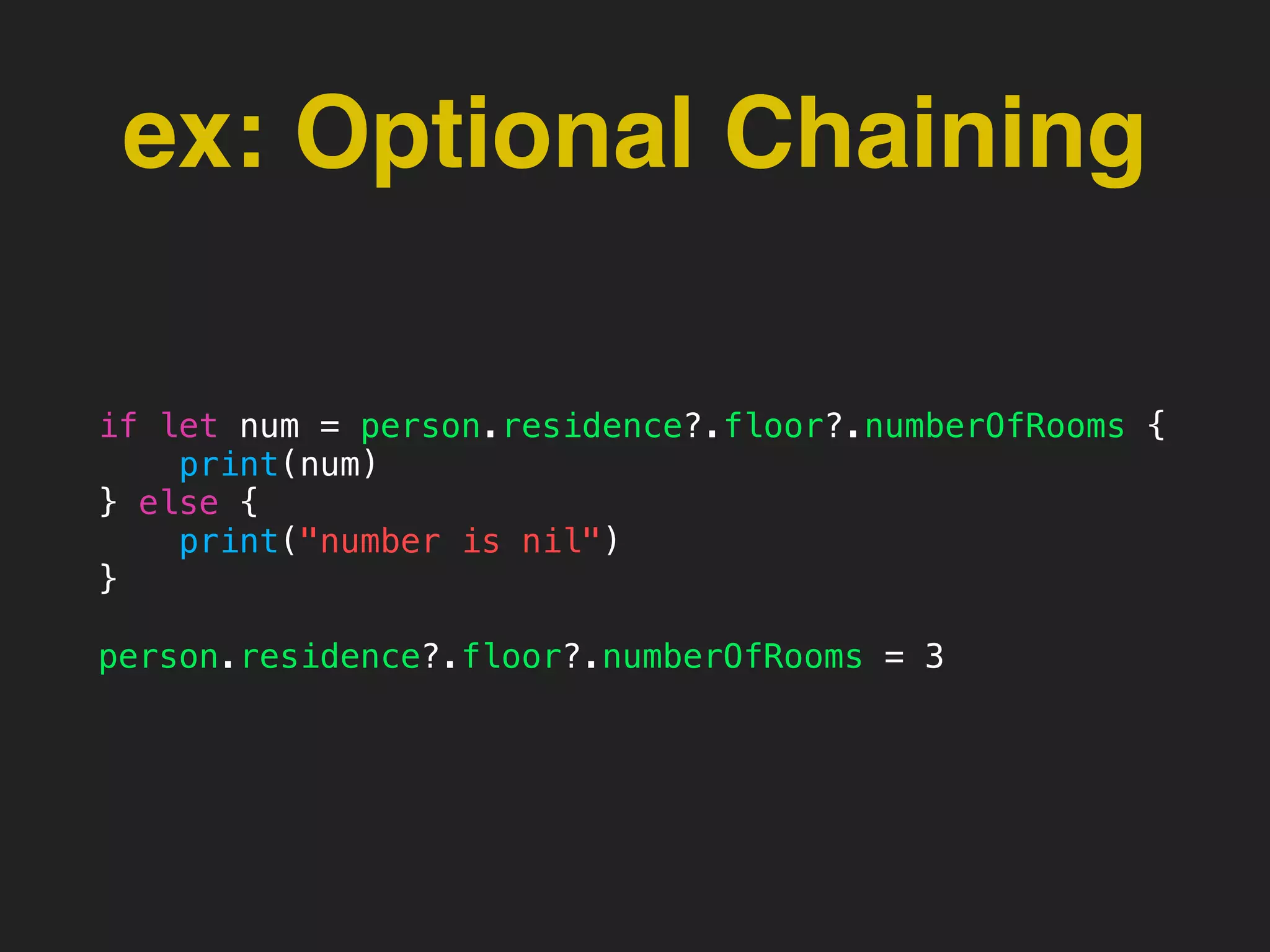
ex: Optional Chaining
if let num = person.residence?.floor?.numberOfRooms {
print(num)
} else {
print("number is nil")
}
person.residence?.floor?.numberOfRooms = 3
Collection Types
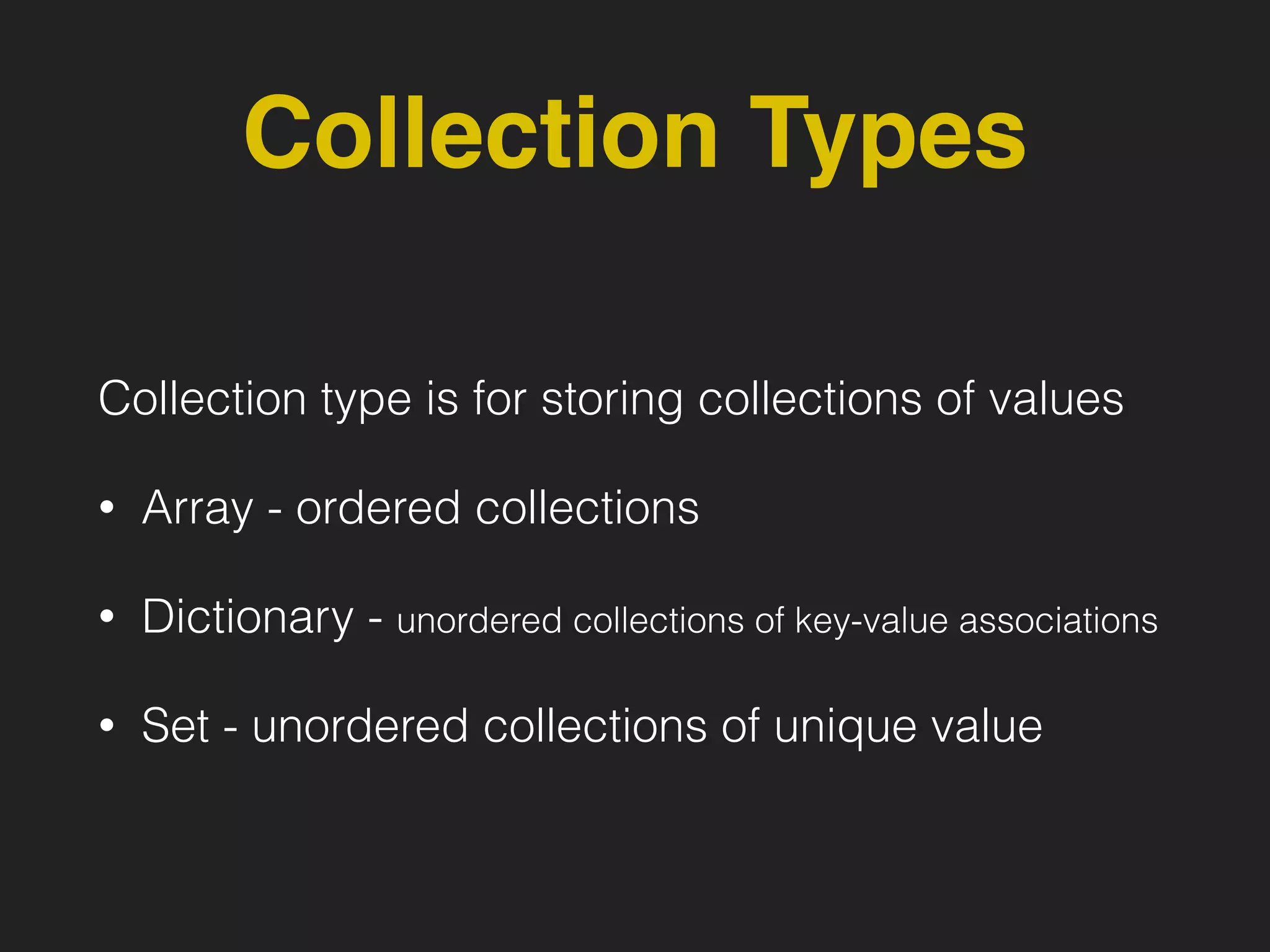
Collection type is for storing collections of values
• Array - ordered collections
• Dictionary - unordered collections of key-value associations
• Set - unordered collections of unique value
Collection Types
• Collection Type is clear about the types of
values and keys. You cannot insert a value of the
wrong type into a collection by mistake
var ints:[Int] = ["1"]
Collection Types
• if you create a collection and assign it to a
variable, the collection is mutable
• but if you assign it to constant, the collection is
immutable
var ints:[Int] = [1,2,3]
ints.append(4)
let ints2:[Int] = [1,2,3]
ints2.append(4)
Array
• Array stores values of the same type in an
ordered list.
• Swift’s Array is not Foundation’s NSArray, but
can be bridged to NSArray
var someInts = [Int]()
someInts.append(3)
var shoppingList = ["Eggs", “Milk"]
ex: Array
var shoppingList = ["Eggs", “Milk"]
// to get the count of an array
shoppingList.count
var array:[Int] = [1,2,3,4] + [5,6,7,8]
var array2:[Int] = [1,2,3,4] + [“5"]
// Retrieve a value from the array
var firstItem = shoppingList[0]
// add new value
shoppingList.append(“Apples")
// remove last value
let apples = shoppingList.removeLast()
// ieterate array
for item in shoppingList {
print(item)
}
Dictionary
• A dictionary stores associations between keys of
the same type and values of the same type in a
collection with no defined ordering
• Swift’s Dictionary is not Foundation’s
NSDictionary, but can be bridged to NSDictionary
var dict = ["Singapore": "Singapore", "Malaysia": "KL", "Thailand": “BKK"]
ex: Dictionary
var capitals = [String: String]()
capitals["Singapore"] = "Singapore"
capitals["Indonesia"] = "Jakarta"
var airports: [String: String] =
["YYZ": "Toronto Pearson", "DUB": "Dublin"]
for (airportCode, airportName) in airports {
print("(airportCode): (airportName)")
}
for airportCode in airports.keys {
print("Airport code: (airportCode)")
}
Set
• A set stores distinct values of the same type in a
collection with no ordering, an item in a set only
appears once
• Swift’s Set is not Foundation’s NSSet, but can be
bridged to NSSet
var genres: Set<String> = ["Rock", "Classical", "Hip hop”]
ex: Set
var genres: Set<String> = ["Rock", "Classical", "Hip hop"]
// to get the count of an set
genres.count
genres.insert("Jazz")
genres.insert("Jazz") // only 1 Jazz in the set
// remove Rock from set
genres.remove("Rock")
if genres.contains("Funk") {
for genre in genres {
print("(genre)")
}
// but can sort, returns an ordered collection of the provided sequence.
for genre in genres.sort() {
print("(genre)")
}
Control Flow
• if
• For Loops
if
• if a condition is true, then execute statements
For-In, For
for index in 1...5 {
print("(index) times 5 is (index * 5)")
}
let names = ["Anna", "Alex", "Brian", "Jack"]
for name in names {
print("Hello, (name)!")
}
let numberOfLegs = ["spider": 8, "ant": 6, "cat": 4]
for (animalName, legCount) in numberOfLegs {
print("(animalName)s have (legCount) legs")
}
for var index = 0; index < 3; ++index {
print("index is (index)")
}
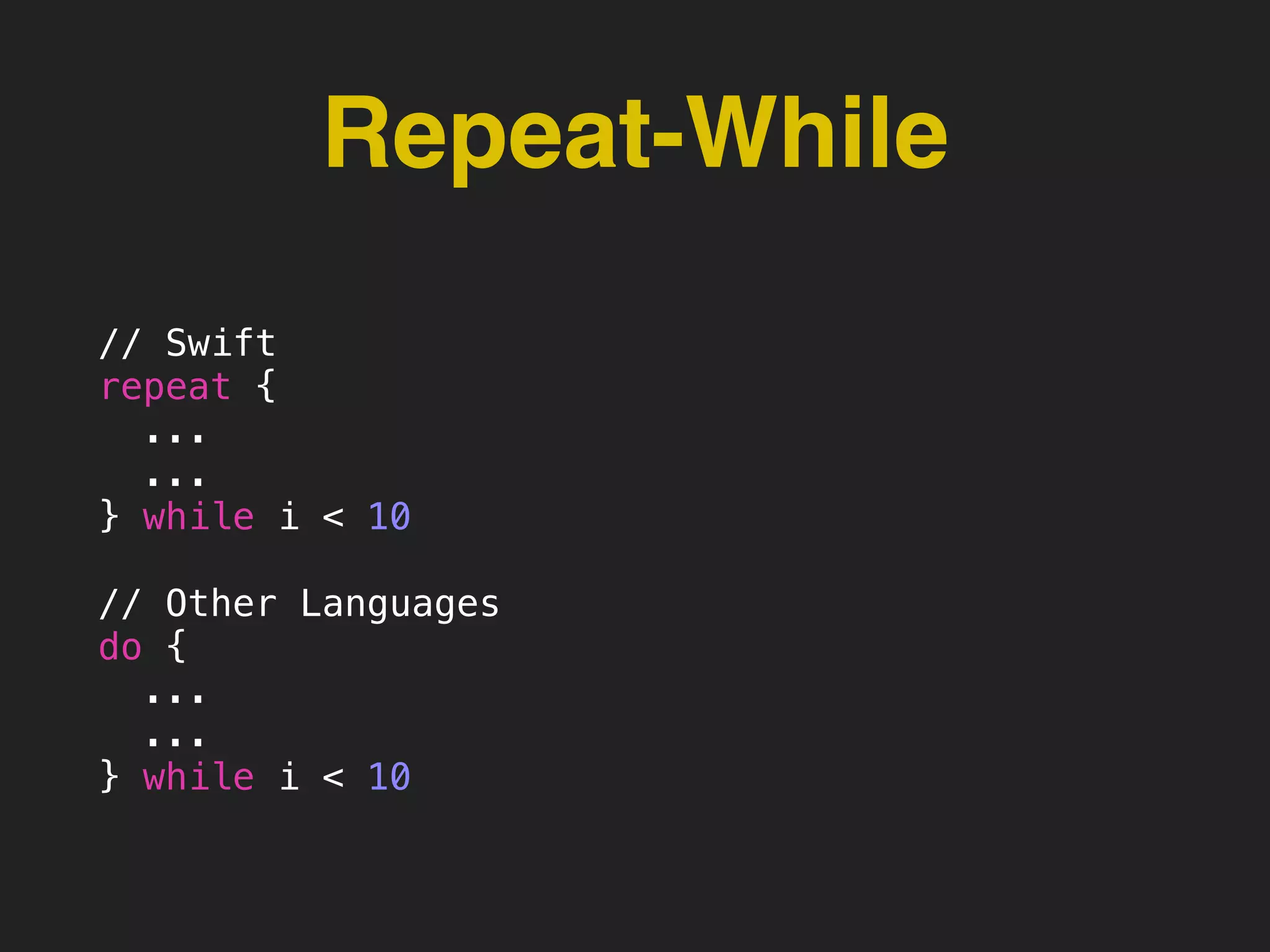
Repeat-While
// Swift
repeat {
...
...
} while i < 10
// Other Languages
do {
...
...
} while i < 10
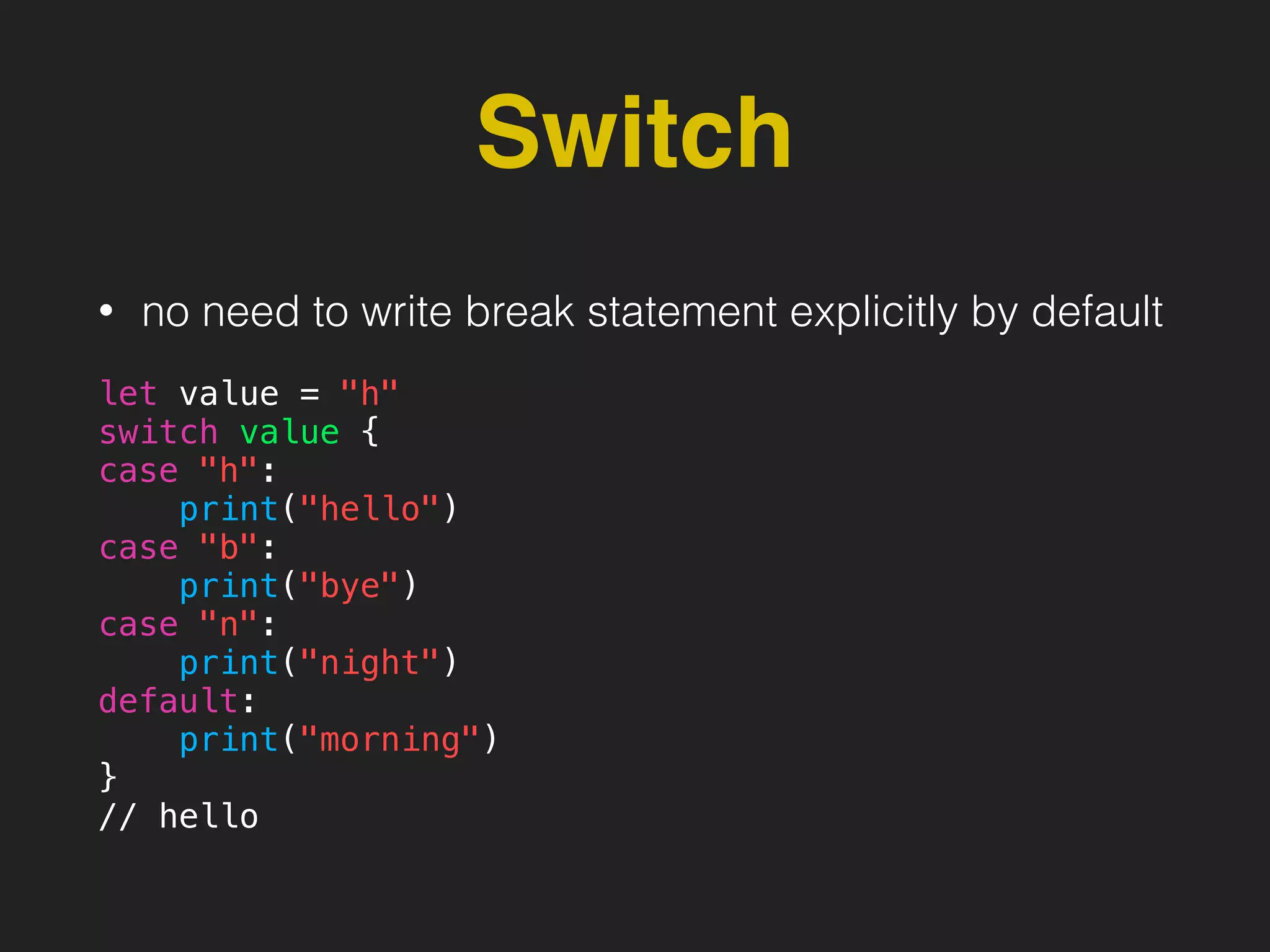
Switch
• no need to write break statement explicitly by default
let value = "h"
switch value {
case "h":
print("hello")
case "b":
print("bye")
case "n":
print("night")
default:
print("morning")
}
// hello
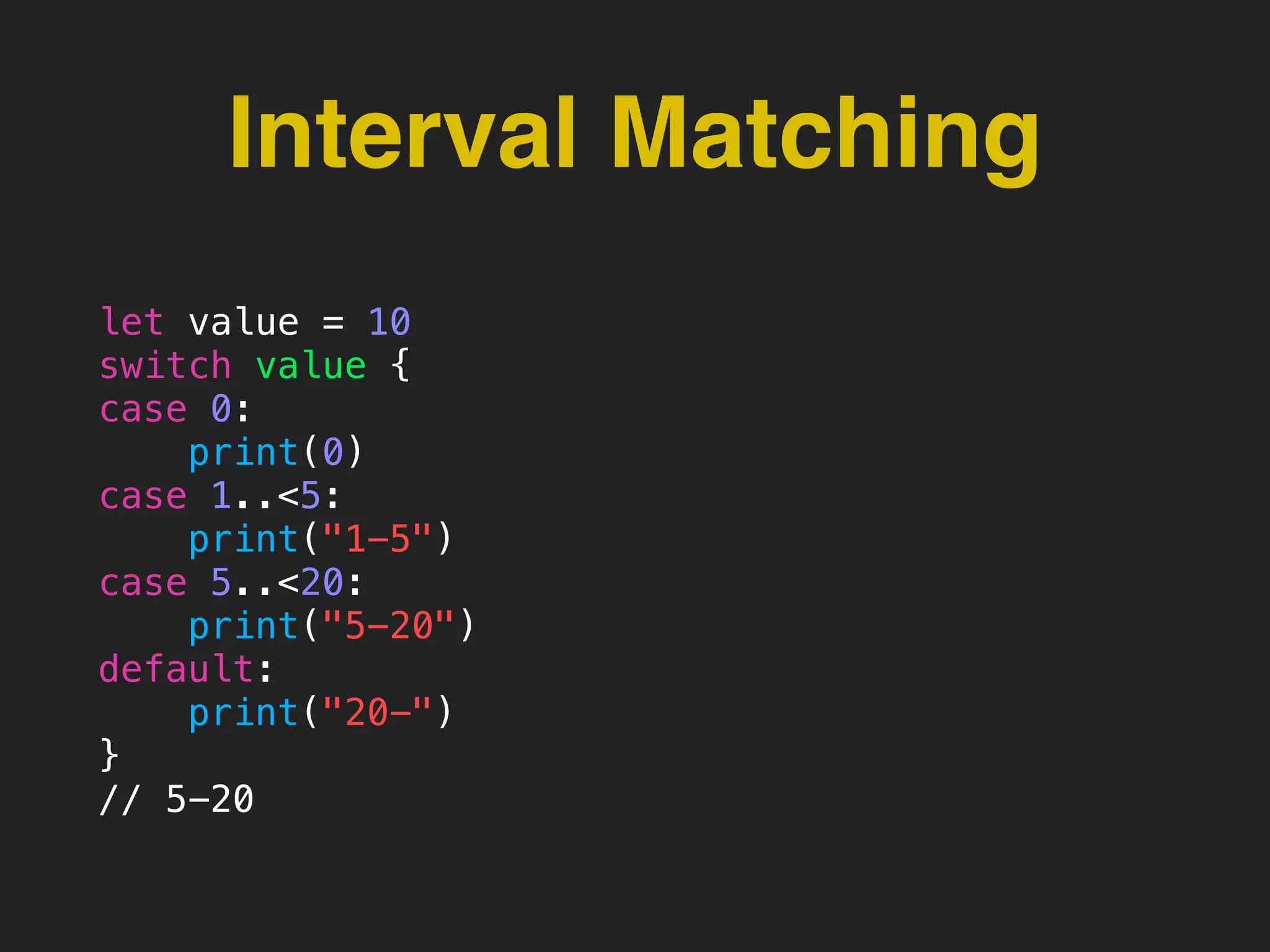
Interval Matching
let value = 10
switch value {
case 0:
print(0)
case 1..<5:
print("1-5")
case 5..<20:
print("5-20")
default:
print("20-")
}
// 5-20
thanks

Swift Basics

  • 1.
  • 2.
    me • Akira Hirakawa •iOS, ServerSide engineer at Burpple • sometimes talk at iOS meetup • http://akirahrkw.xyz
  • 3.
  • 4.
    Swift is.. • Fast •Modern - closure, tuple, generics, Optional etc • Safe - Static Type, ARC, • Interactive - Compiler, Script, REPL
  • 5.
    Swift makes codesimple // ObjC if(delegate != nil) { if([delegate respondsToSelector:@selector(scrollViewDidScroll:)]) { [delegate scrollViewDidScroll:scrollView]; } } // Swift delegate?.scrollViewDidScroll?(scrollView)
  • 6.
    Topics • Constants andVariables • Basic Types • Optional • Optional Chaining • String • Collection Types
  • 7.
    Constants and Variables •let is constant, values cannot be changed let language = “Swift” language = “Ruby” can not :( • var is variable, values can be changed var language = “Swift” language = “Ruby” can:)
  • 8.
    Unicode Characters let π= 3.14159 let 你好 = "你好世界" let 🐶🐮 = "dogcow"
  • 9.
    Basic Types • Integers •Floating-point numbers • Boolean • String • etc..
  • 10.
    Integers • Int (Integer) •UInt (Unsigned Integer)
  • 11.
    Floating-Point Numbers • Double 64-bitfloating-point number • Float 32-bit floating-point number
  • 12.
    String • A stringis a series of characters • Swift’s String is not NSString class, but is bridged to NSString let someString = "Some string literal value”
  • 13.
    ex: String var variableString= "Horse" variableString += " and carriage" let constantString = “Highlander" constantString += " and another Highlander” // can get individual character value for character in "hello".characters { print(character) } // h // e // l // l // o let string1 = "hello" let string2 = " there" var welcome = string1 + string2 welcome[welcome.startIndex] // h welcome[welcome.startIndex.advancedBy(1)] // e
  • 14.
  • 15.
    Type Annotation • Youcan provide a type annotation to be clear about the kind of values var message: String var age: Int var weight: Double
  • 16.
    Type Safe var language= “Swift” language = 123 you can’t pass an Int to the string var
  • 17.
    Type Inference • Youdon’t have to specify the type of every constant and variable • Swift uses type inference if you don’t specify let age = 42 //age is Int type let pi = 3.14159 //pi is Double
  • 18.
    Optionals You can useoptionals in situations that… There is a value in a variable or There isn’t a value in a variable at all
  • 19.
    ex: Optionals Int hasinitializer to convert a String to Int value let strNum:String = “123” let num = Int(strNum)
  • 20.
    But… not every stringcan be converted into integer num is inferred to be “Int?” let strNum = “hello” let number = Int(strNum)
  • 21.
    Int? • because theinitialiser might fail, it returns an Int?, rather than Int. • “?” indicates that the value might contain Int value or no value at all
  • 22.
    Forced Unwrapping • Inorder to access the value of Optional variable var name:String? = "Swift" print("This is (name!)")
  • 23.
    Optional Binding • Youcan use OB to check whether an optional contains a value or not • if so, OB make the value available as temp value var name:String? … … if let name2 = name { print("This is (name2)") } else { print("No value") }
  • 24.
    Implicitly Unwrapped Optional •sometimes it is clear that an optional will always have a value after the value is first set • it is useful to remove the need to check the value and unwrap every time. • You can write implicitly unwrapped optional by placing “!”
  • 25.
    Implicitly Unwrapped Optional letpossibleString: String? = "An optional string." let forcedString: String = possibleString! // requires an exclamation mark let assumedString: String! = "An implicitly unwrapped optional string." let implicitString: String = assumedString // no need for an exclamation mark
  • 26.
    Optional Chaining • OCis a process for querying and calling properties, methods on an optional that might be nil • if the optional contains a value, the property, method call succeeds • if the optional is nil, the property, method call returns nil person.residence?.floor?.numberOfRooms
  • 27.
    Optional Chaining person.residence?.floor?.numberOfRooms person.residence!.floor!.numberOfRooms • OCfails gracefully when the optional is nil • forced unwrapping triggers a runtime error when the optional is nil
  • 28.
    ex: Optional Chaining iflet num = person.residence?.floor?.numberOfRooms { print(num) } else { print("number is nil") } person.residence?.floor?.numberOfRooms = 3
  • 29.
    Collection Types Collection typeis for storing collections of values • Array - ordered collections • Dictionary - unordered collections of key-value associations • Set - unordered collections of unique value
  • 30.
    Collection Types • CollectionType is clear about the types of values and keys. You cannot insert a value of the wrong type into a collection by mistake var ints:[Int] = ["1"]
  • 31.
    Collection Types • ifyou create a collection and assign it to a variable, the collection is mutable • but if you assign it to constant, the collection is immutable var ints:[Int] = [1,2,3] ints.append(4) let ints2:[Int] = [1,2,3] ints2.append(4)
  • 32.
    Array • Array storesvalues of the same type in an ordered list. • Swift’s Array is not Foundation’s NSArray, but can be bridged to NSArray var someInts = [Int]() someInts.append(3) var shoppingList = ["Eggs", “Milk"]
  • 33.
    ex: Array var shoppingList= ["Eggs", “Milk"] // to get the count of an array shoppingList.count var array:[Int] = [1,2,3,4] + [5,6,7,8] var array2:[Int] = [1,2,3,4] + [“5"] // Retrieve a value from the array var firstItem = shoppingList[0] // add new value shoppingList.append(“Apples") // remove last value let apples = shoppingList.removeLast() // ieterate array for item in shoppingList { print(item) }
  • 34.
    Dictionary • A dictionarystores associations between keys of the same type and values of the same type in a collection with no defined ordering • Swift’s Dictionary is not Foundation’s NSDictionary, but can be bridged to NSDictionary var dict = ["Singapore": "Singapore", "Malaysia": "KL", "Thailand": “BKK"]
  • 35.
    ex: Dictionary var capitals= [String: String]() capitals["Singapore"] = "Singapore" capitals["Indonesia"] = "Jakarta" var airports: [String: String] = ["YYZ": "Toronto Pearson", "DUB": "Dublin"] for (airportCode, airportName) in airports { print("(airportCode): (airportName)") } for airportCode in airports.keys { print("Airport code: (airportCode)") }
  • 36.
    Set • A setstores distinct values of the same type in a collection with no ordering, an item in a set only appears once • Swift’s Set is not Foundation’s NSSet, but can be bridged to NSSet var genres: Set<String> = ["Rock", "Classical", "Hip hop”]
  • 37.
    ex: Set var genres:Set<String> = ["Rock", "Classical", "Hip hop"] // to get the count of an set genres.count genres.insert("Jazz") genres.insert("Jazz") genres.insert("Jazz") // only 1 Jazz in the set // remove Rock from set genres.remove("Rock") if genres.contains("Funk") { for genre in genres { print("(genre)") } // but can sort, returns an ordered collection of the provided sequence. for genre in genres.sort() { print("(genre)") }
  • 38.
  • 39.
    if • if acondition is true, then execute statements
  • 40.
    For-In, For for indexin 1...5 { print("(index) times 5 is (index * 5)") } let names = ["Anna", "Alex", "Brian", "Jack"] for name in names { print("Hello, (name)!") } let numberOfLegs = ["spider": 8, "ant": 6, "cat": 4] for (animalName, legCount) in numberOfLegs { print("(animalName)s have (legCount) legs") } for var index = 0; index < 3; ++index { print("index is (index)") }
  • 41.
    Repeat-While // Swift repeat { ... ... }while i < 10 // Other Languages do { ... ... } while i < 10
  • 42.
    Switch • no needto write break statement explicitly by default let value = "h" switch value { case "h": print("hello") case "b": print("bye") case "n": print("night") default: print("morning") } // hello
  • 43.
    Interval Matching let value= 10 switch value { case 0: print(0) case 1..<5: print("1-5") case 5..<20: print("5-20") default: print("20-") } // 5-20
  • 44.