Davide Benvegnù
Microsoft MVP Visual Studio ALM
Davide Benvegnù
• Director & CTO – DBTek Ltd
• Former International Development Manager – Aruba.it
• Microsoft MVP in Visual Studio ALM
• Speaker - Trainer
• Community Contributor ( 2 in Italy, 1 in HK soon)
• 13+ years experience in IT, 10+ years experience in ALM / DevOps
@davidebenvegnu – www.dbtek.com.hk – davide@dbtek.com.hk
@bout Me
• DevOps, Agile and so
• About Dev/Test
• Unit test, Functional test and Load Test
• Continuous deployment
• Demo
Agenda
DevOps, Agile and so…
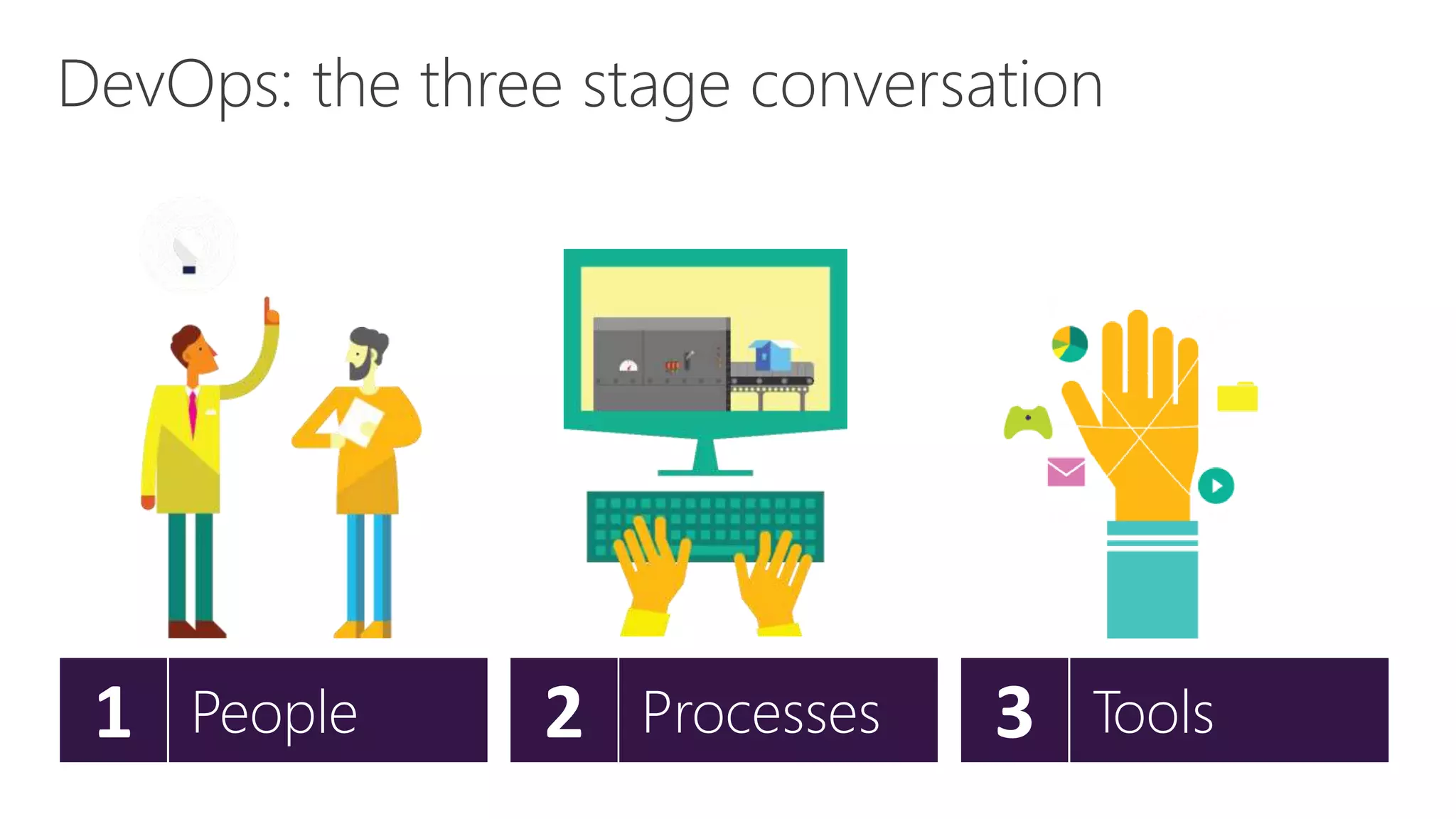
DevOps: the three stage conversation
3 Tools2 Processes1 People
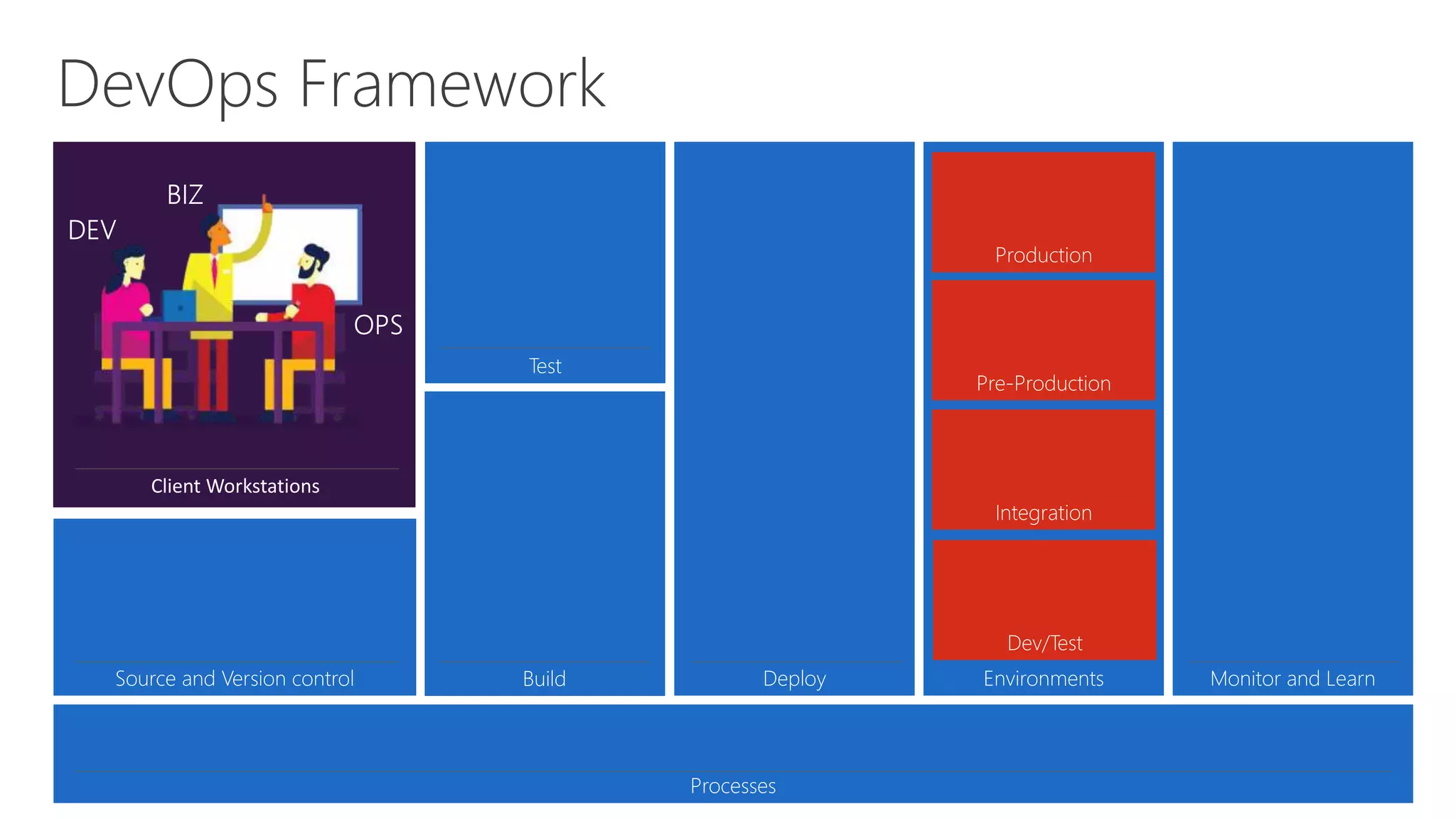
DevOps Framework
Environments
Dev/Test
Integration
Pre-Production
Production
Processes
Source and Version control Build
Test
Deploy Monitor and Learn
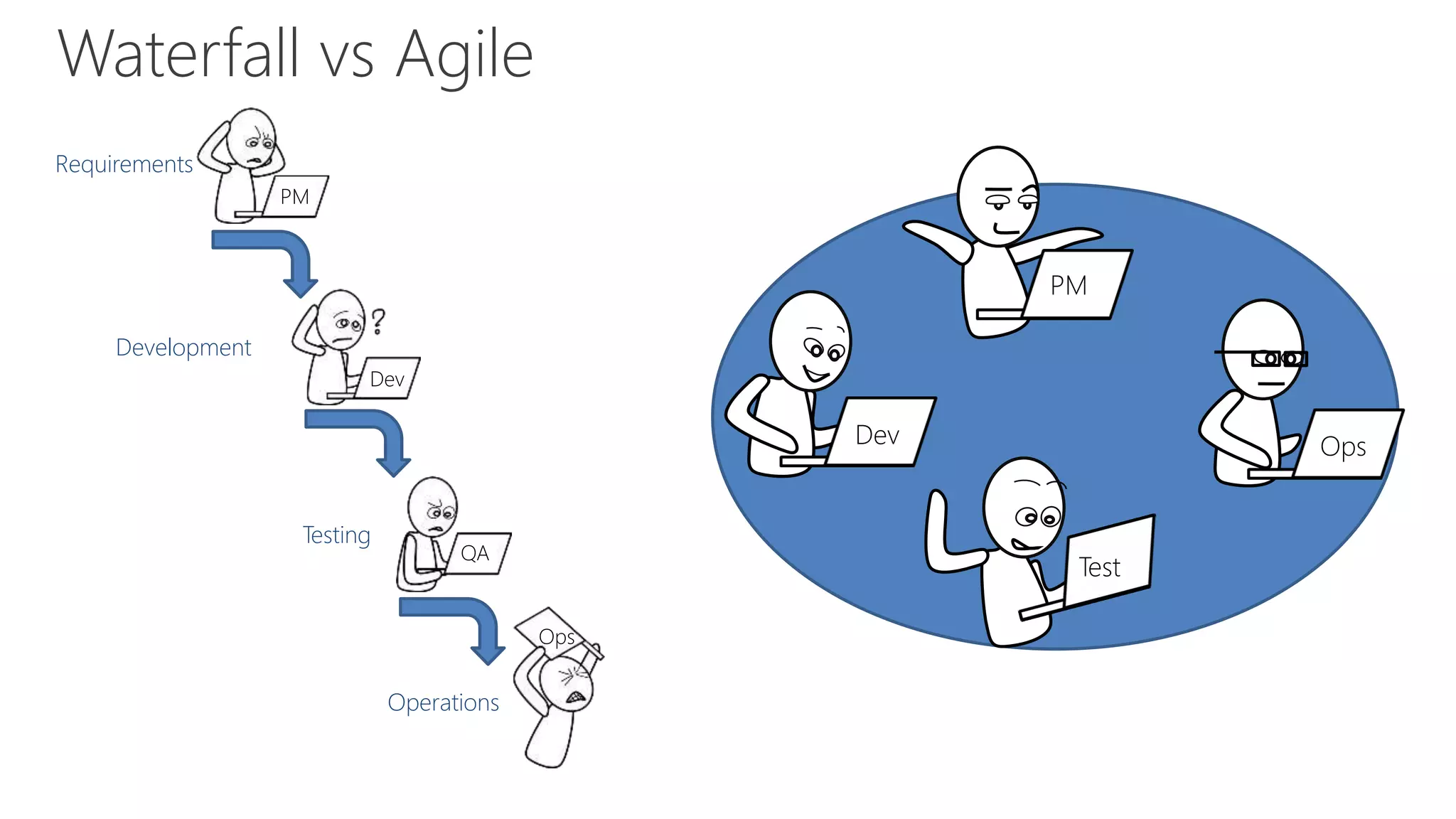
Waterfall vs Agile
Requirements
PM
Development
Dev
Testing
QA
Operations
Ops
Dev
Test
Ops
PM
Not 100% Agile?
• Try to build a DevOps culture
• Set your goals
– Improved deployment frequency
– Faster time-to-market
– Lower failure rate
• Transform simple processes to make them increasingly
programmable and dynamic
• Go Agile! 
About Dev/Test
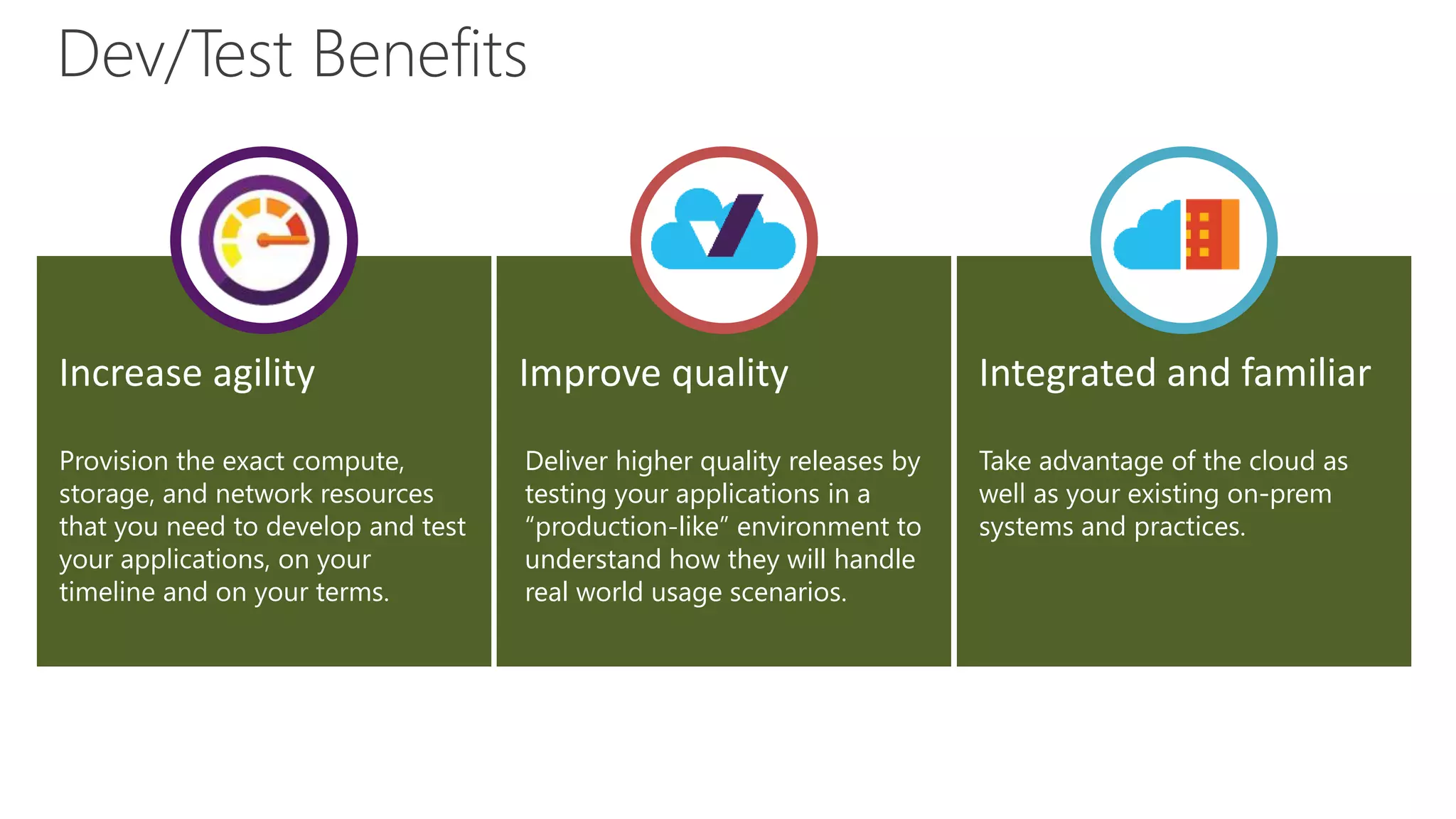
Dev/Test Benefits
Improve quality
Deliver higher quality releases by
testing your applications in a
“production-like” environment to
understand how they will handle
real world usage scenarios.
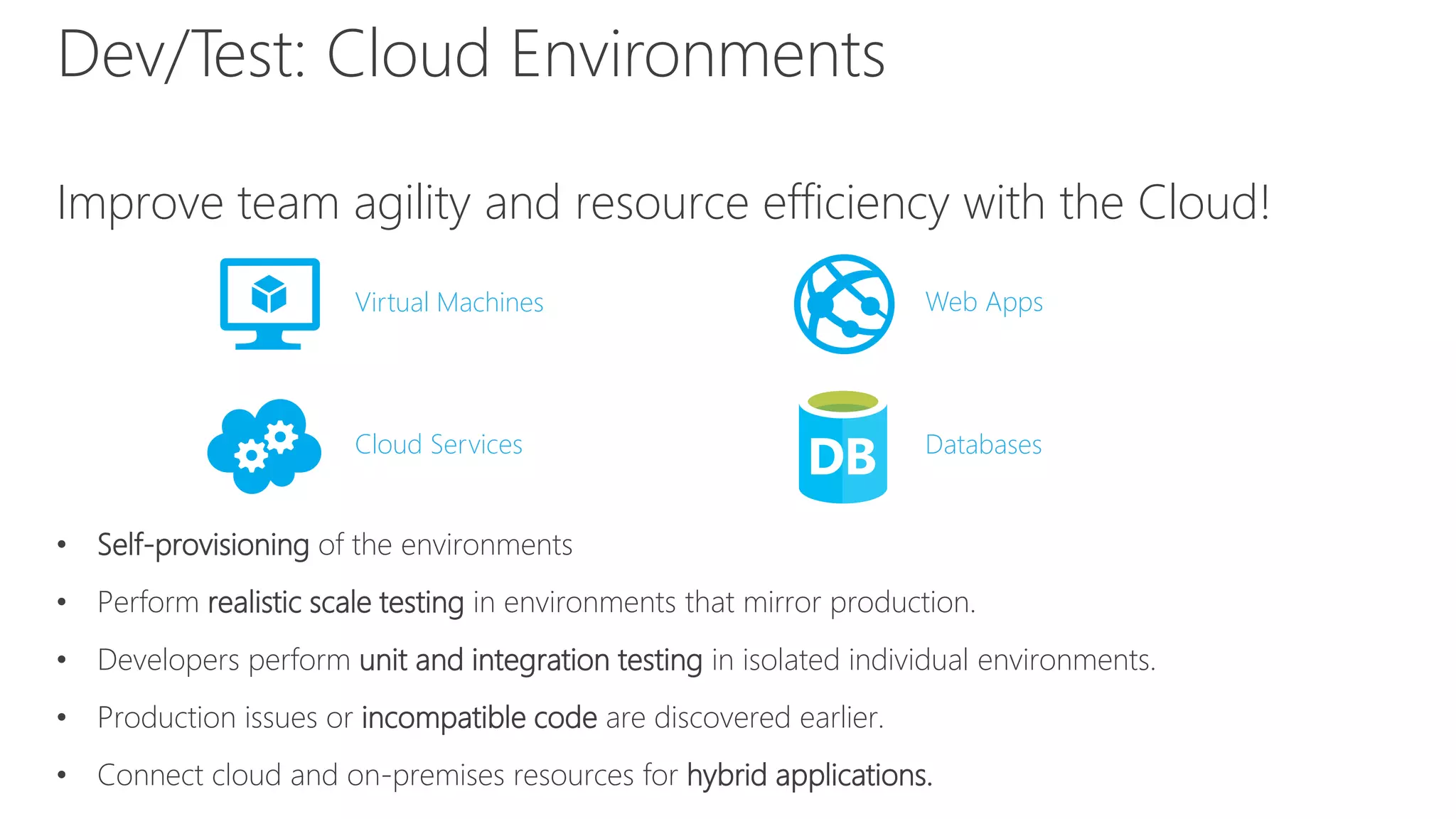
Dev/Test: Cloud Environments
Improve team agility and resource efficiency with the Cloud!
• Self-provisioning of the environments
• Perform realistic scale testing in environments that mirror production.
• Developers perform unit and integration testing in isolated individual environments.
• Production issues or incompatible code are discovered earlier.
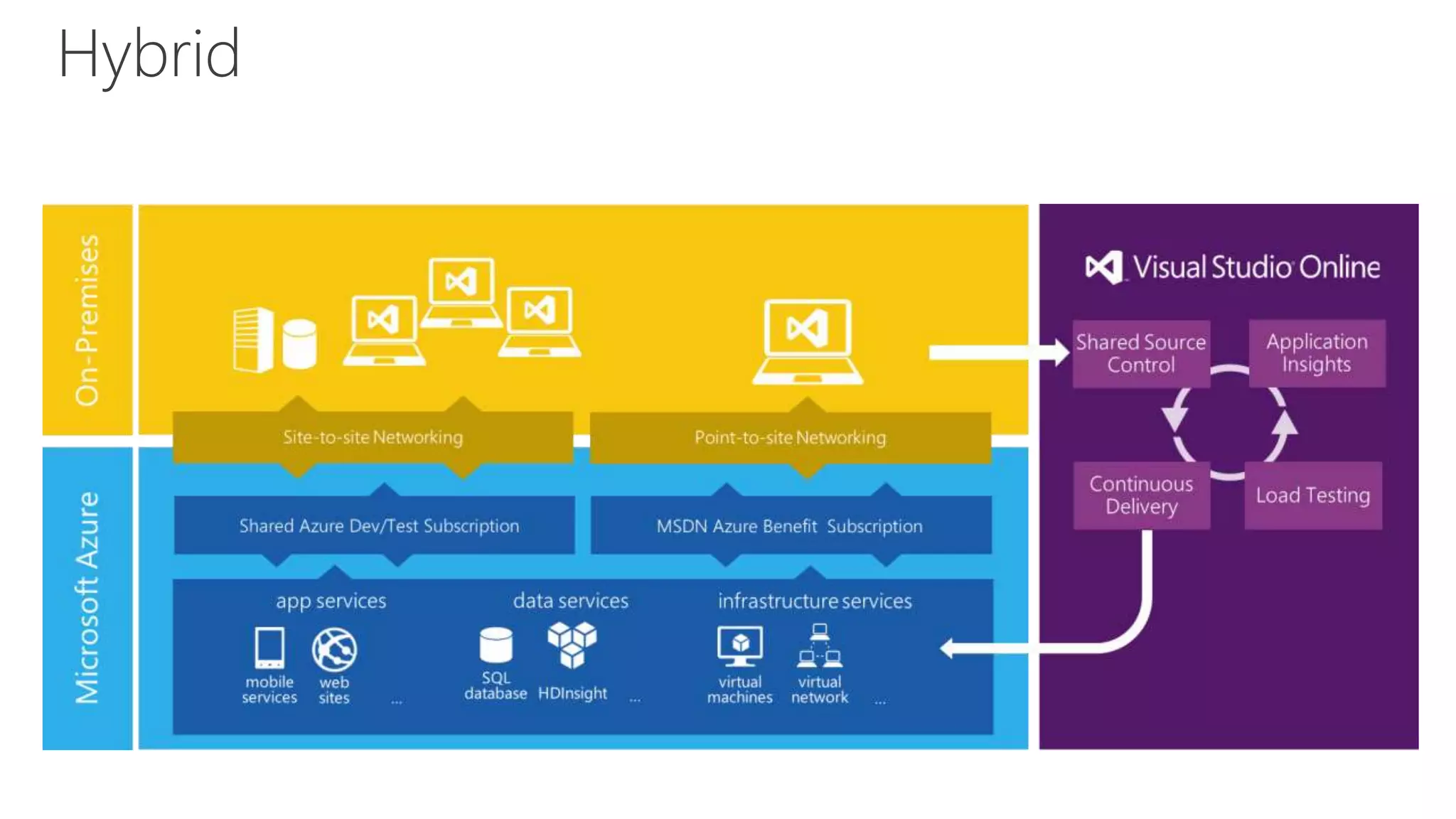
• Connect cloud and on-premises resources for hybrid applications.
Virtual Machines Web Apps
Cloud Services Databases
Hybrid
A different mindset
• Release smaller and faster
• Embracing errors
• Design for availability, reliability, scalability
• Performance
• Continuous test
• Continuous requirements tuning
Unit test, Functional Test, Load test
What does failsafe mean for my applications?
It depends… but some general practices apply.
• Avoid single point of failure
• Failure mode analysis
• Manage transient errors
• Graceful degradation
• Eliminate human factors (Automate!)
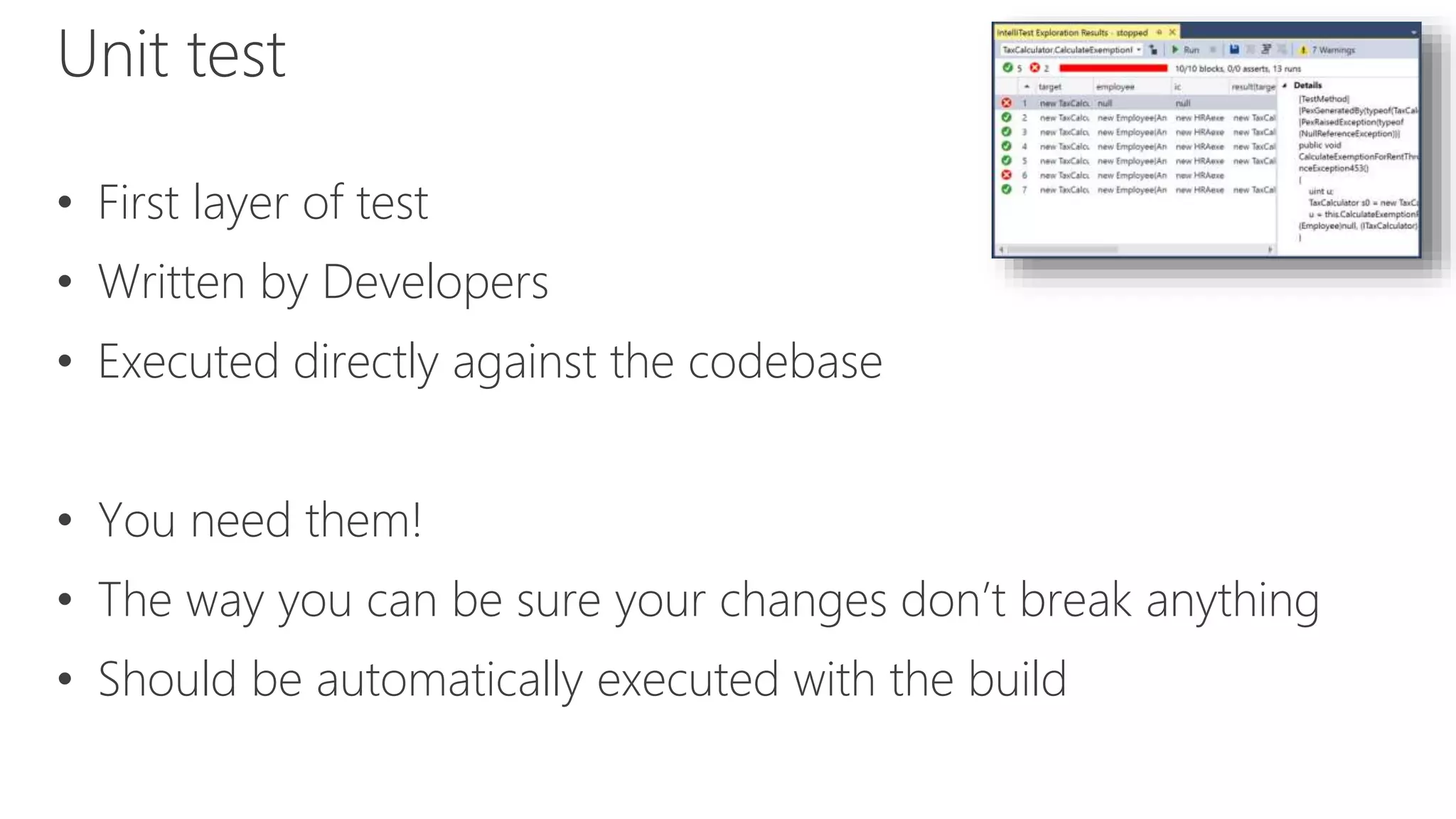
Unit test
• First layer of test
• Written by Developers
• Executed directly against the codebase
• You need them!
• The way you can be sure your changes don’t break anything
• Should be automatically executed with the build
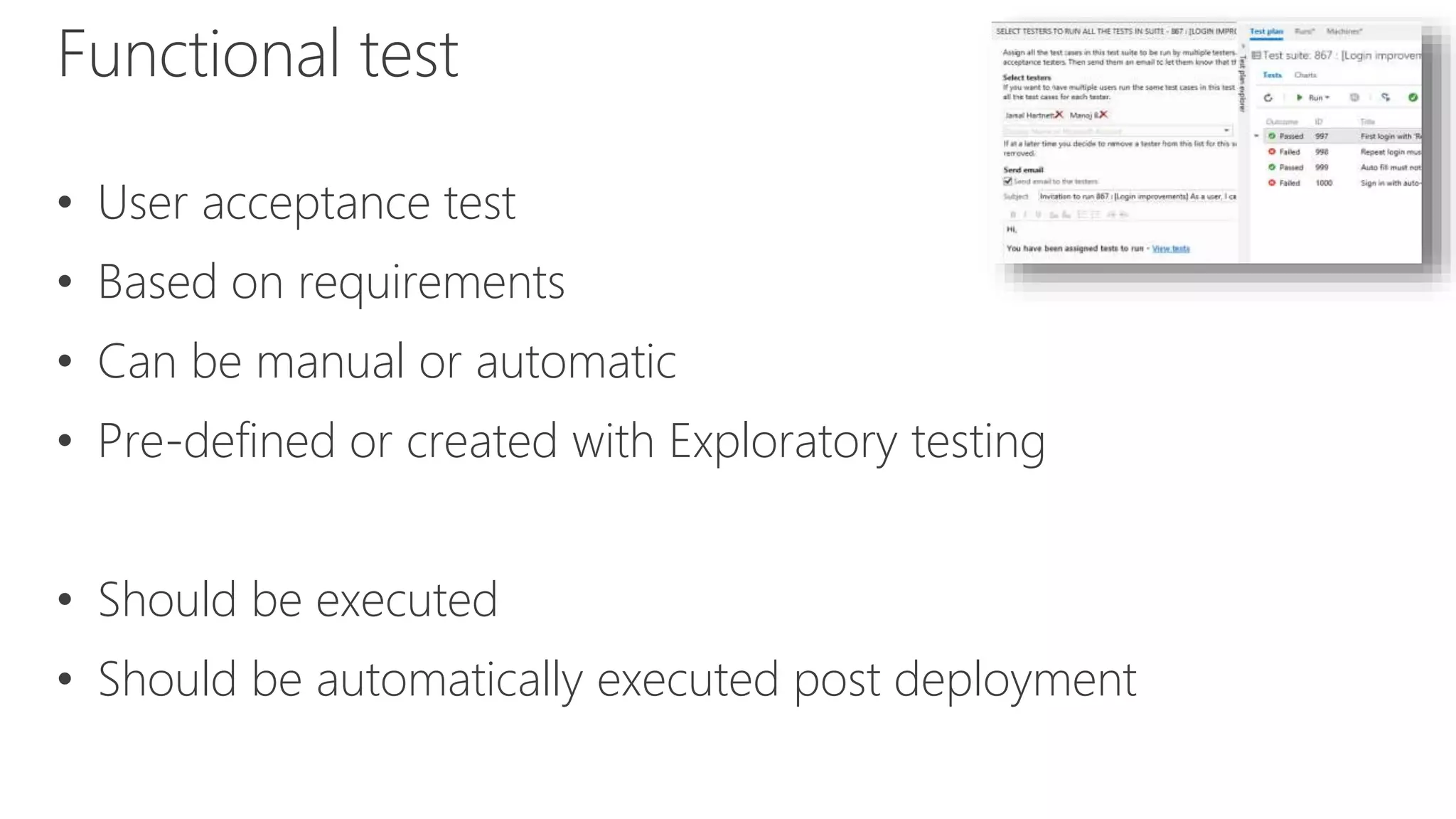
Functional test
• User acceptance test
• Based on requirements
• Can be manual or automatic
• Pre-defined or created with Exploratory testing
• Should be executed
• Should be automatically executed post deployment
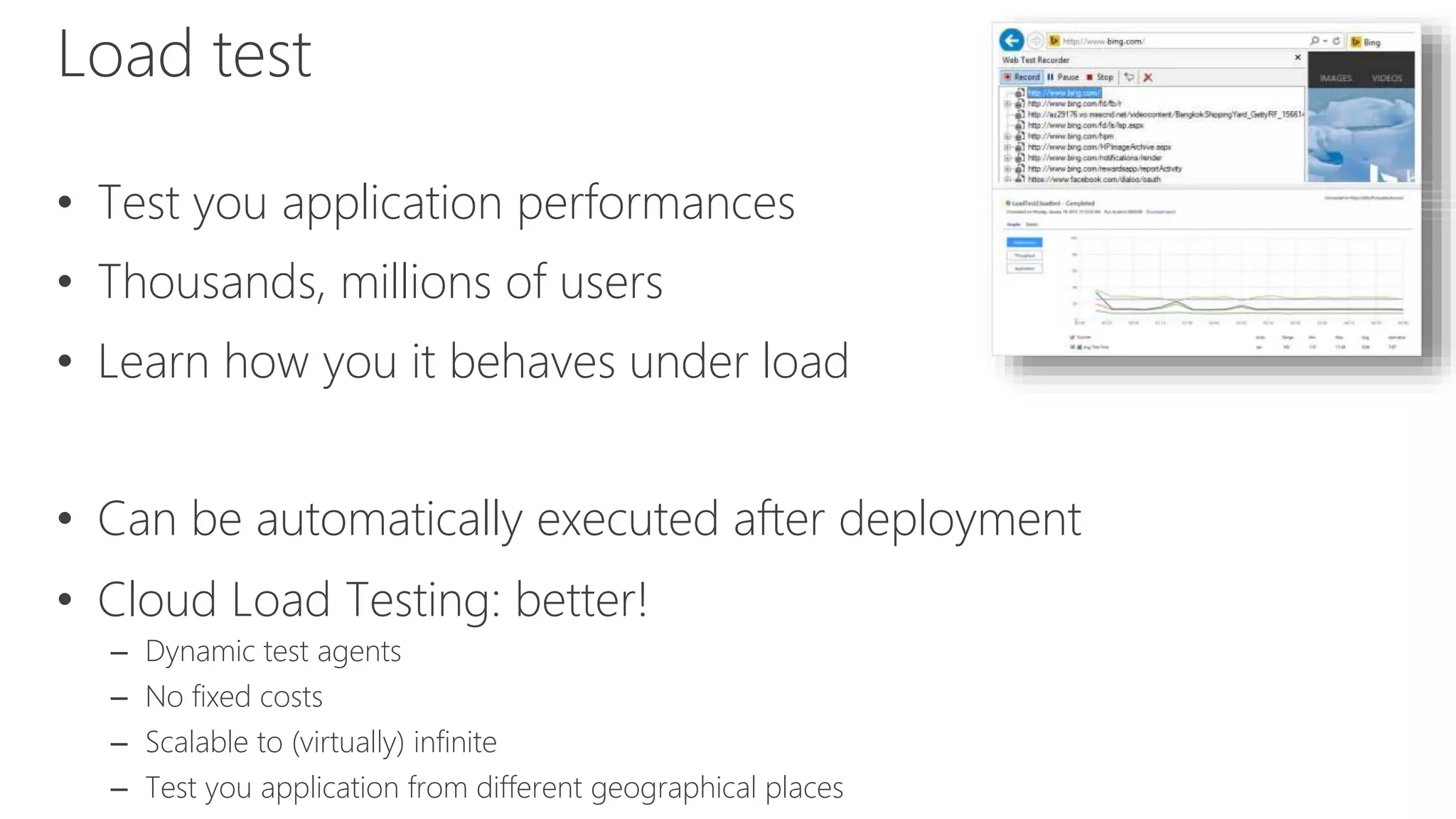
Load test
• Test you application performances
• Thousands, millions of users
• Learn how you it behaves under load
• Can be automatically executed after deployment
• Cloud Load Testing: better!
– Dynamic test agents
– No fixed costs
– Scalable to (virtually) infinite
– Test you application from different geographical places
Continuous Deployment
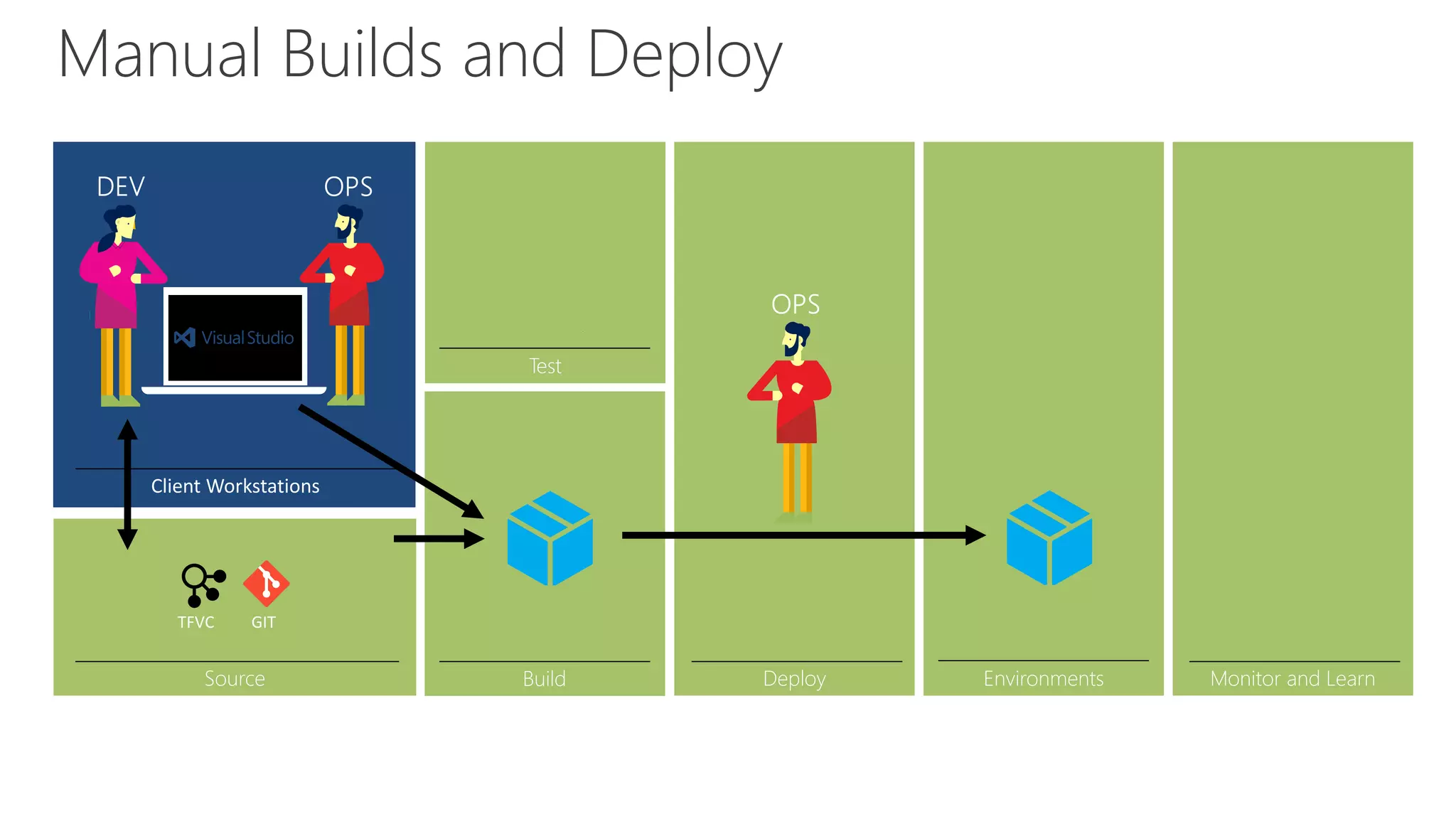
Manual Builds and Deploy
Source Build
Test
Deploy Monitor and Learn
cspkg
Environments
cspkg
Environments
Dev/Test
Integration
Pre-Production
Production
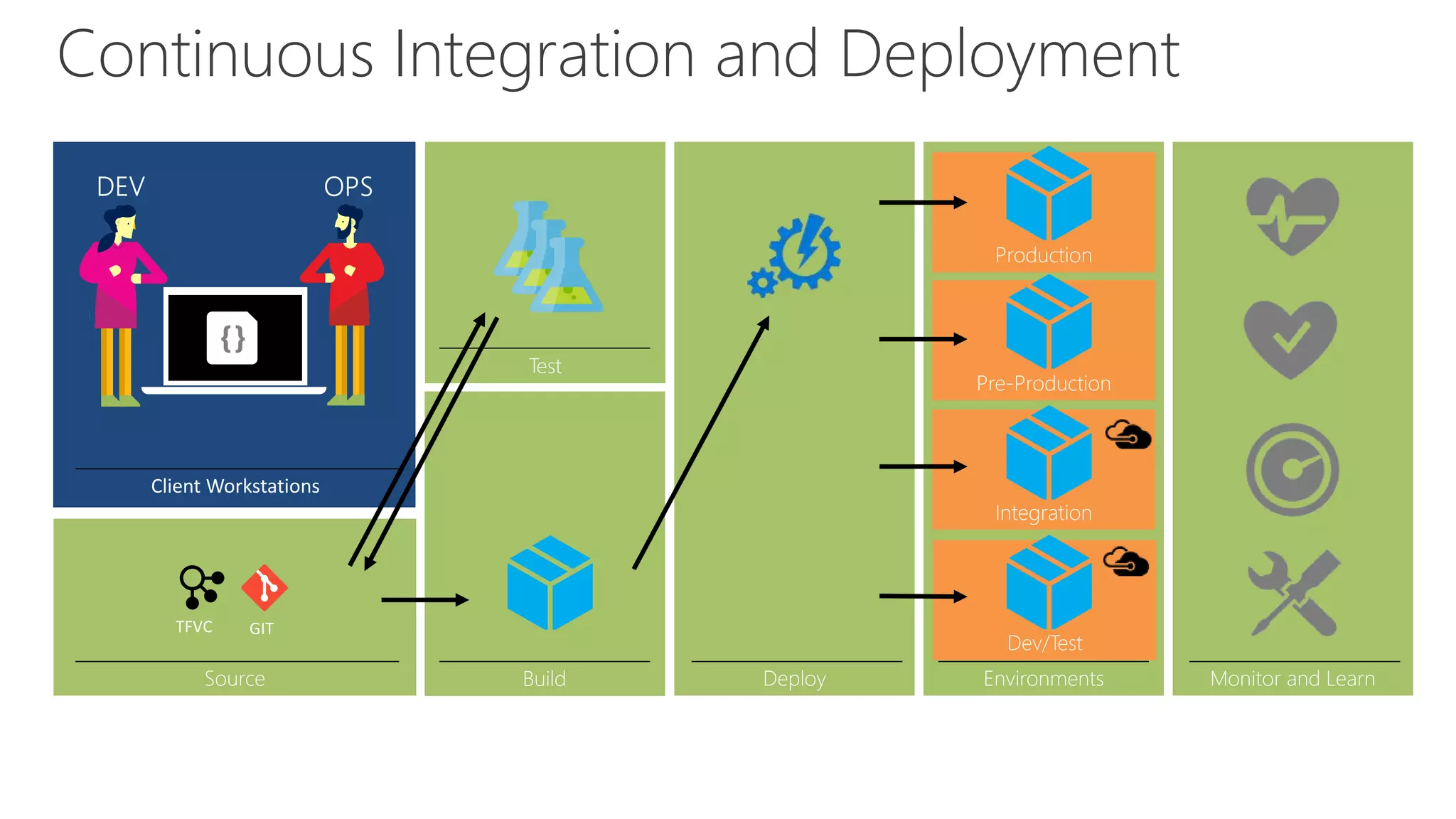
Continuous Integration and Deployment
Source Build
Test
Deploy Monitor and Learn
cspkg cspkg
cspkg
cspkg
cspkg
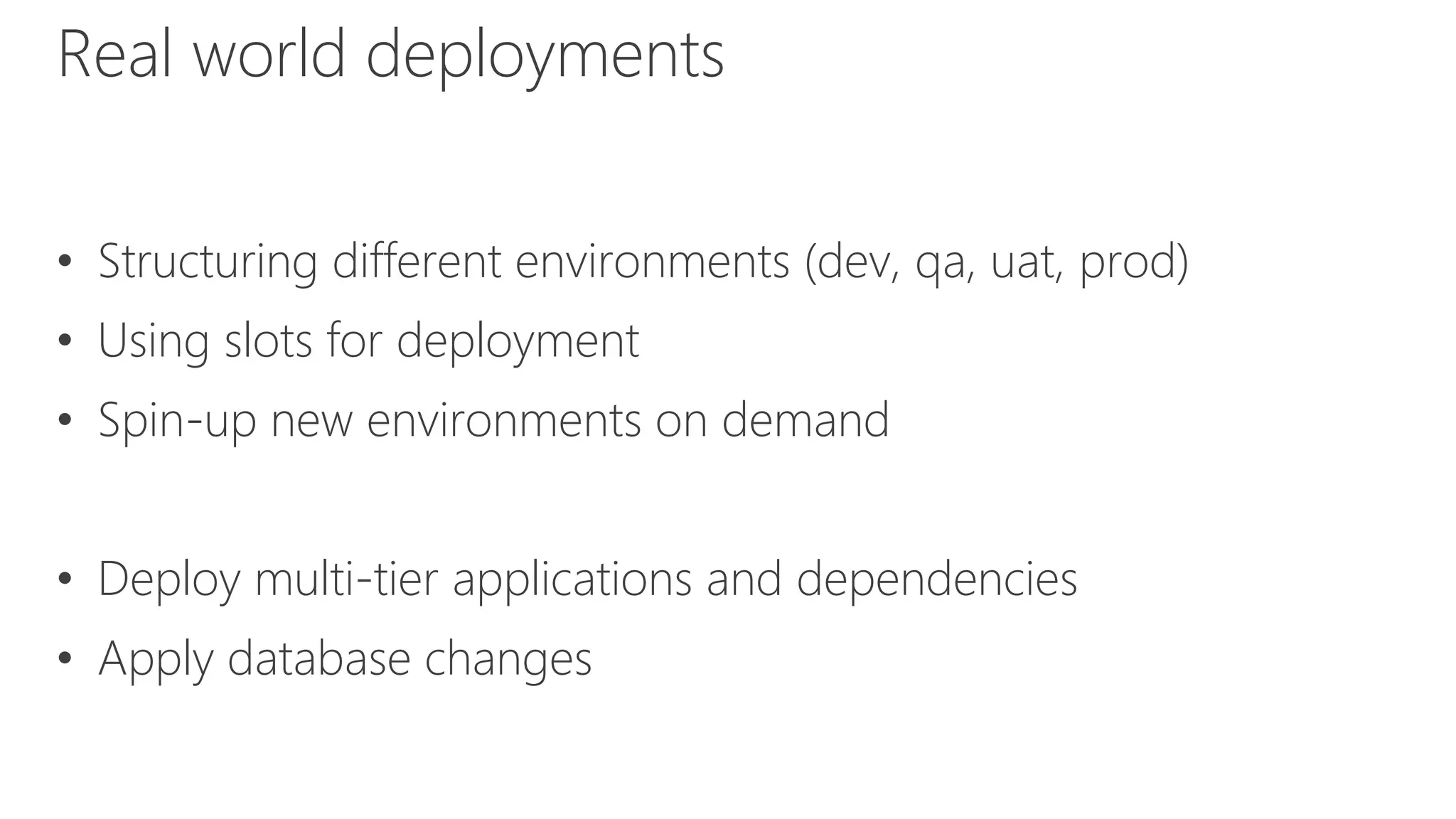
• Structuring different environments (dev, qa, uat, prod)
• Using slots for deployment
• Spin-up new environments on demand
• Deploy multi-tier applications and dependencies
• Apply database changes
Real world deployments
Demo: Visual Studio Team Services
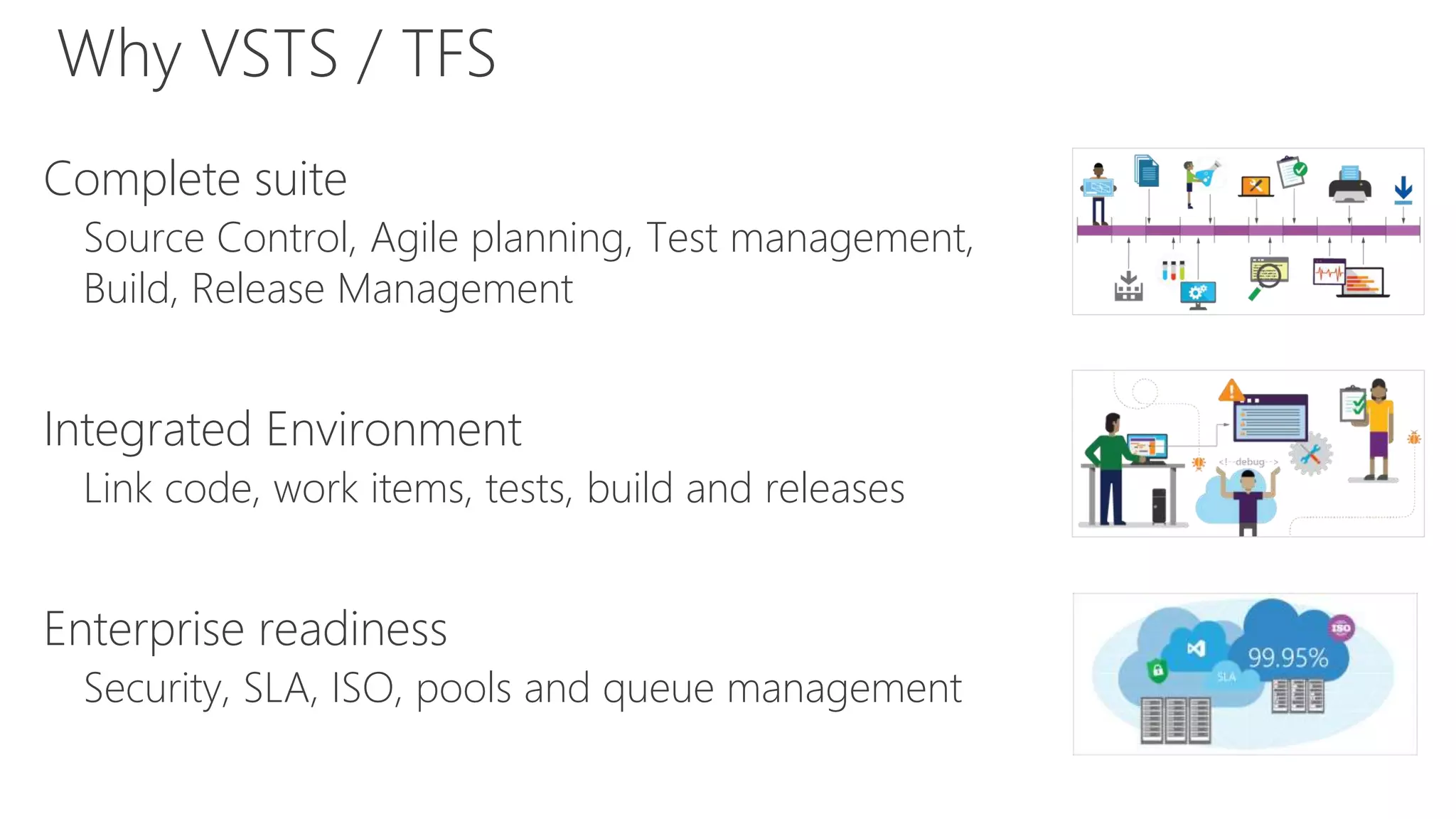
Complete suite
Source Control, Agile planning, Test management,
Build, Release Management
Integrated Environment
Link code, work items, tests, build and releases
Enterprise readiness
Security, SLA, ISO, pools and queue management
Why VSTS / TFS
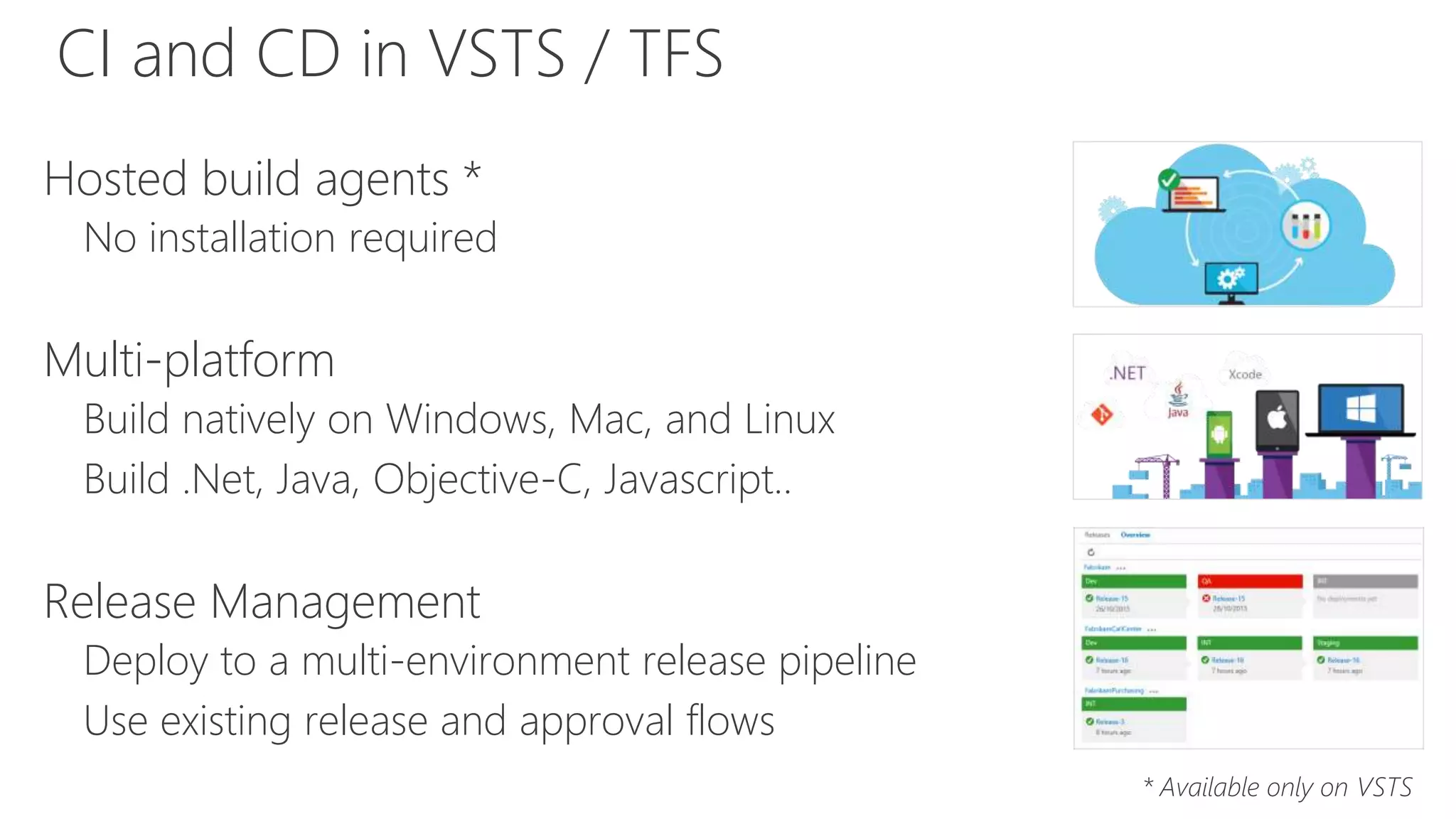
Hosted build agents *
No installation required
Multi-platform
Build natively on Windows, Mac, and Linux
Build .Net, Java, Objective-C, Javascript..
Release Management
Deploy to a multi-environment release pipeline
Use existing release and approval flows
* Available only on VSTS
CI and CD in VSTS / TFS
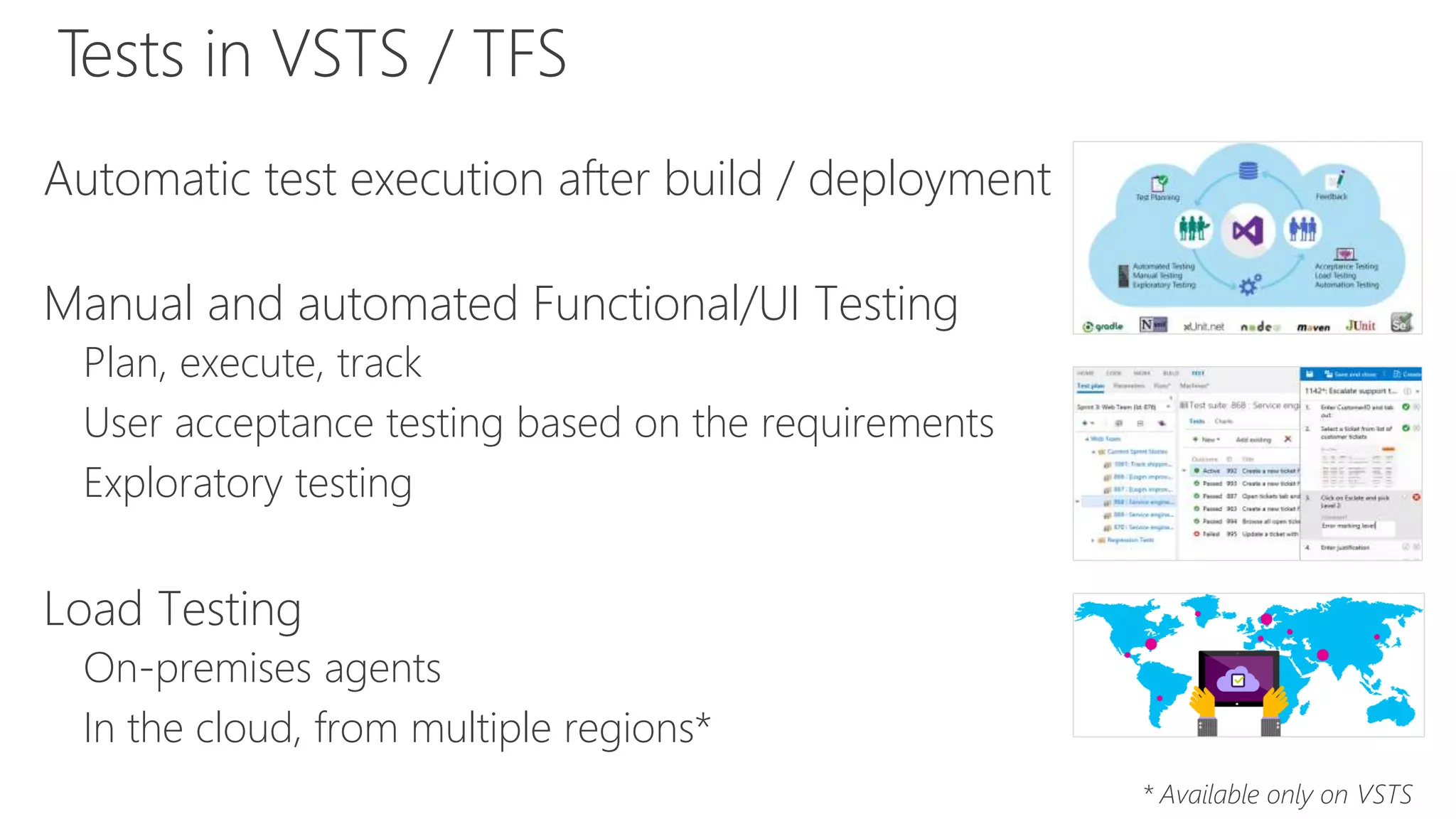
Automatic test execution after build / deployment
Manual and automated Functional/UI Testing
Plan, execute, track
User acceptance testing based on the requirements
Exploratory testing
Load Testing
On-premises agents
In the cloud, from multiple regions*
* Available only on VSTS
Tests in VSTS / TFS
DEMO
Davide Benvegnù
Microsoft MVP Visual Studio ALM

Dev/Test scenarios in DevOps world

  • 1.
  • 2.
    Davide Benvegnù • Director& CTO – DBTek Ltd • Former International Development Manager – Aruba.it • Microsoft MVP in Visual Studio ALM • Speaker - Trainer • Community Contributor ( 2 in Italy, 1 in HK soon) • 13+ years experience in IT, 10+ years experience in ALM / DevOps @davidebenvegnu – www.dbtek.com.hk – davide@dbtek.com.hk @bout Me
  • 3.
    • DevOps, Agileand so • About Dev/Test • Unit test, Functional test and Load Test • Continuous deployment • Demo Agenda
  • 4.
  • 5.
    DevOps: the threestage conversation 3 Tools2 Processes1 People
  • 6.
  • 7.
  • 8.
    Not 100% Agile? •Try to build a DevOps culture • Set your goals – Improved deployment frequency – Faster time-to-market – Lower failure rate • Transform simple processes to make them increasingly programmable and dynamic • Go Agile! 
  • 9.
  • 10.
    Dev/Test Benefits Improve quality Deliverhigher quality releases by testing your applications in a “production-like” environment to understand how they will handle real world usage scenarios.
  • 11.
    Dev/Test: Cloud Environments Improveteam agility and resource efficiency with the Cloud! • Self-provisioning of the environments • Perform realistic scale testing in environments that mirror production. • Developers perform unit and integration testing in isolated individual environments. • Production issues or incompatible code are discovered earlier. • Connect cloud and on-premises resources for hybrid applications. Virtual Machines Web Apps Cloud Services Databases
  • 12.
  • 13.
    A different mindset •Release smaller and faster • Embracing errors • Design for availability, reliability, scalability • Performance • Continuous test • Continuous requirements tuning
  • 14.
    Unit test, FunctionalTest, Load test
  • 15.
    What does failsafemean for my applications? It depends… but some general practices apply. • Avoid single point of failure • Failure mode analysis • Manage transient errors • Graceful degradation • Eliminate human factors (Automate!)
  • 16.
    Unit test • Firstlayer of test • Written by Developers • Executed directly against the codebase • You need them! • The way you can be sure your changes don’t break anything • Should be automatically executed with the build
  • 17.
    Functional test • Useracceptance test • Based on requirements • Can be manual or automatic • Pre-defined or created with Exploratory testing • Should be executed • Should be automatically executed post deployment
  • 18.
    Load test • Testyou application performances • Thousands, millions of users • Learn how you it behaves under load • Can be automatically executed after deployment • Cloud Load Testing: better! – Dynamic test agents – No fixed costs – Scalable to (virtually) infinite – Test you application from different geographical places
  • 19.
  • 20.
    Manual Builds andDeploy Source Build Test Deploy Monitor and Learn cspkg Environments cspkg
  • 21.
    Environments Dev/Test Integration Pre-Production Production Continuous Integration andDeployment Source Build Test Deploy Monitor and Learn cspkg cspkg cspkg cspkg cspkg
  • 22.
    • Structuring differentenvironments (dev, qa, uat, prod) • Using slots for deployment • Spin-up new environments on demand • Deploy multi-tier applications and dependencies • Apply database changes Real world deployments
  • 23.
    Demo: Visual StudioTeam Services
  • 24.
    Complete suite Source Control,Agile planning, Test management, Build, Release Management Integrated Environment Link code, work items, tests, build and releases Enterprise readiness Security, SLA, ISO, pools and queue management Why VSTS / TFS
  • 25.
    Hosted build agents* No installation required Multi-platform Build natively on Windows, Mac, and Linux Build .Net, Java, Objective-C, Javascript.. Release Management Deploy to a multi-environment release pipeline Use existing release and approval flows * Available only on VSTS CI and CD in VSTS / TFS
  • 26.
    Automatic test executionafter build / deployment Manual and automated Functional/UI Testing Plan, execute, track User acceptance testing based on the requirements Exploratory testing Load Testing On-premises agents In the cloud, from multiple regions* * Available only on VSTS Tests in VSTS / TFS
  • 27.
  • 28.