Davide Benvegnu
Debugging and Interacting with
Production Applications
Microsoft Online Tech Forum
Davide Benvegnu
DevOps Architect
Azure DevOps Customer Advisory Team
• Microsoft Certified Professional
• Microsoft Certified Azure Solution Architect Expert
• Microsoft MVP in VSALM - 3 years
• Microsoft Event Speaker – Gold (2018 and 2019)
• MMA fighter
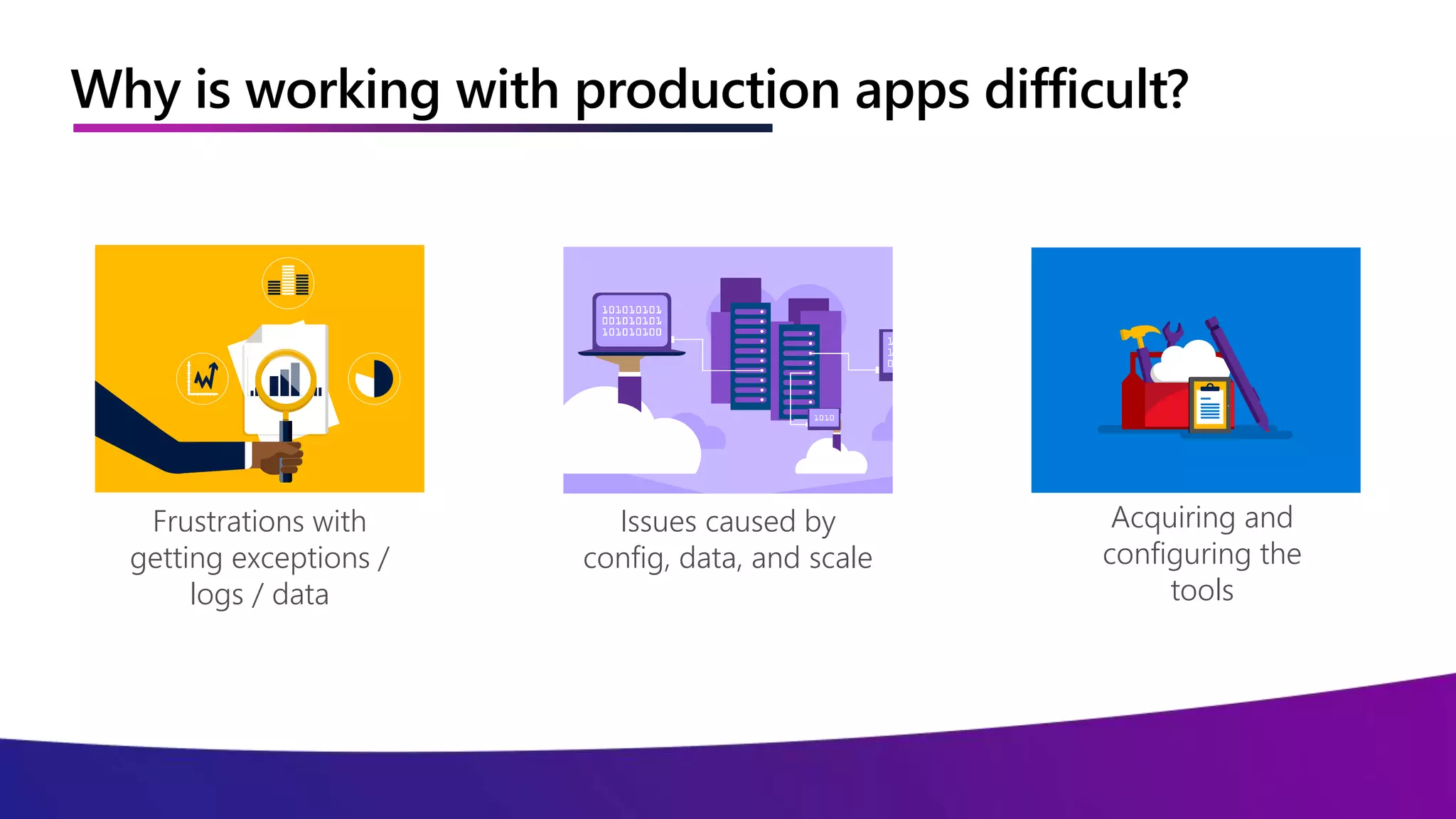
Why is working with production apps difficult?
Frustrations with
getting exceptions /
logs / data
Issues caused by
config, data, and scale
Acquiring and
configuring the
tools
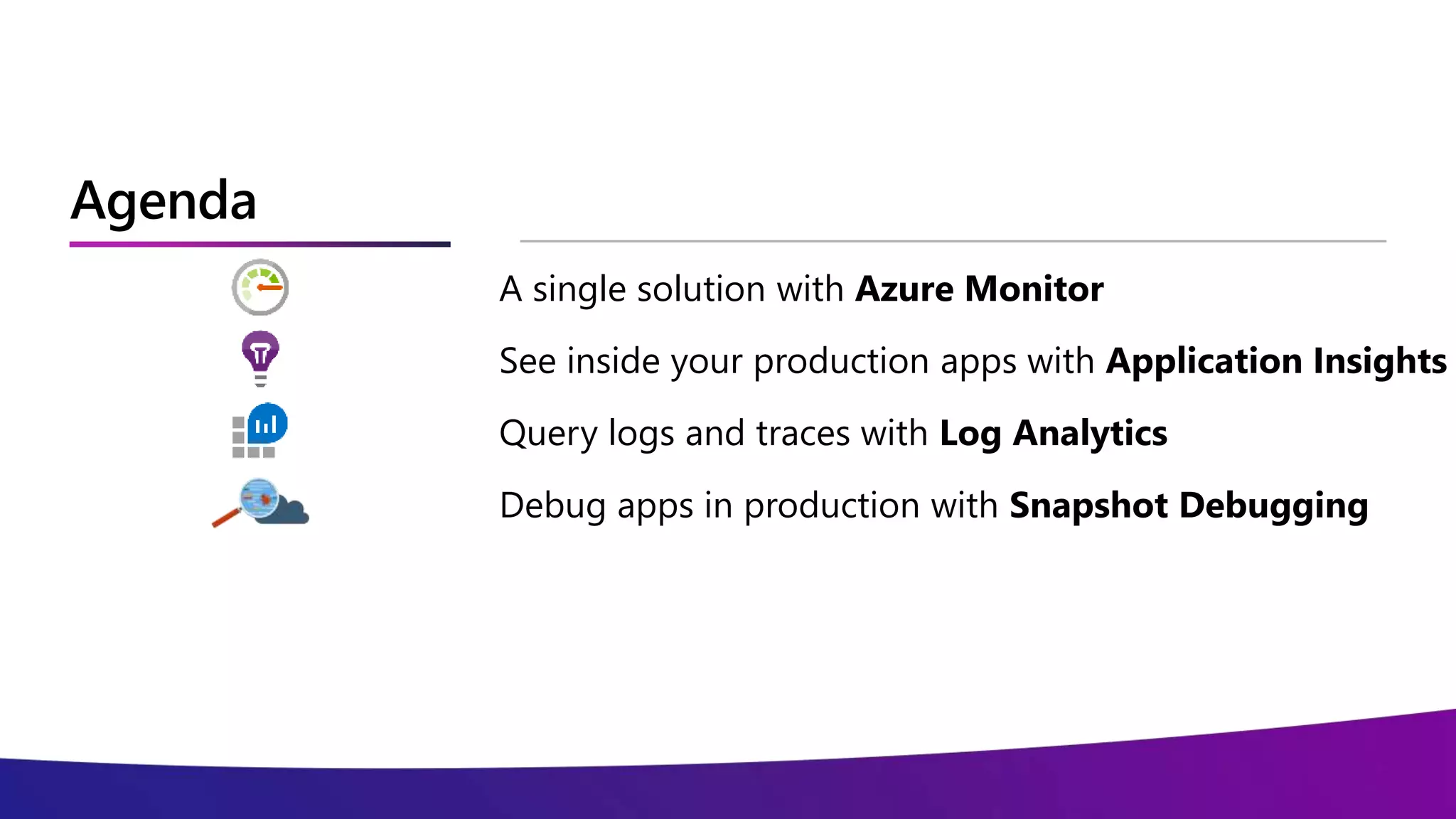
Agenda
A single solution with Azure Monitor
See inside your production apps with Application Insights
Query logs and traces with Log Analytics
Debug apps in production with Snapshot Debugging
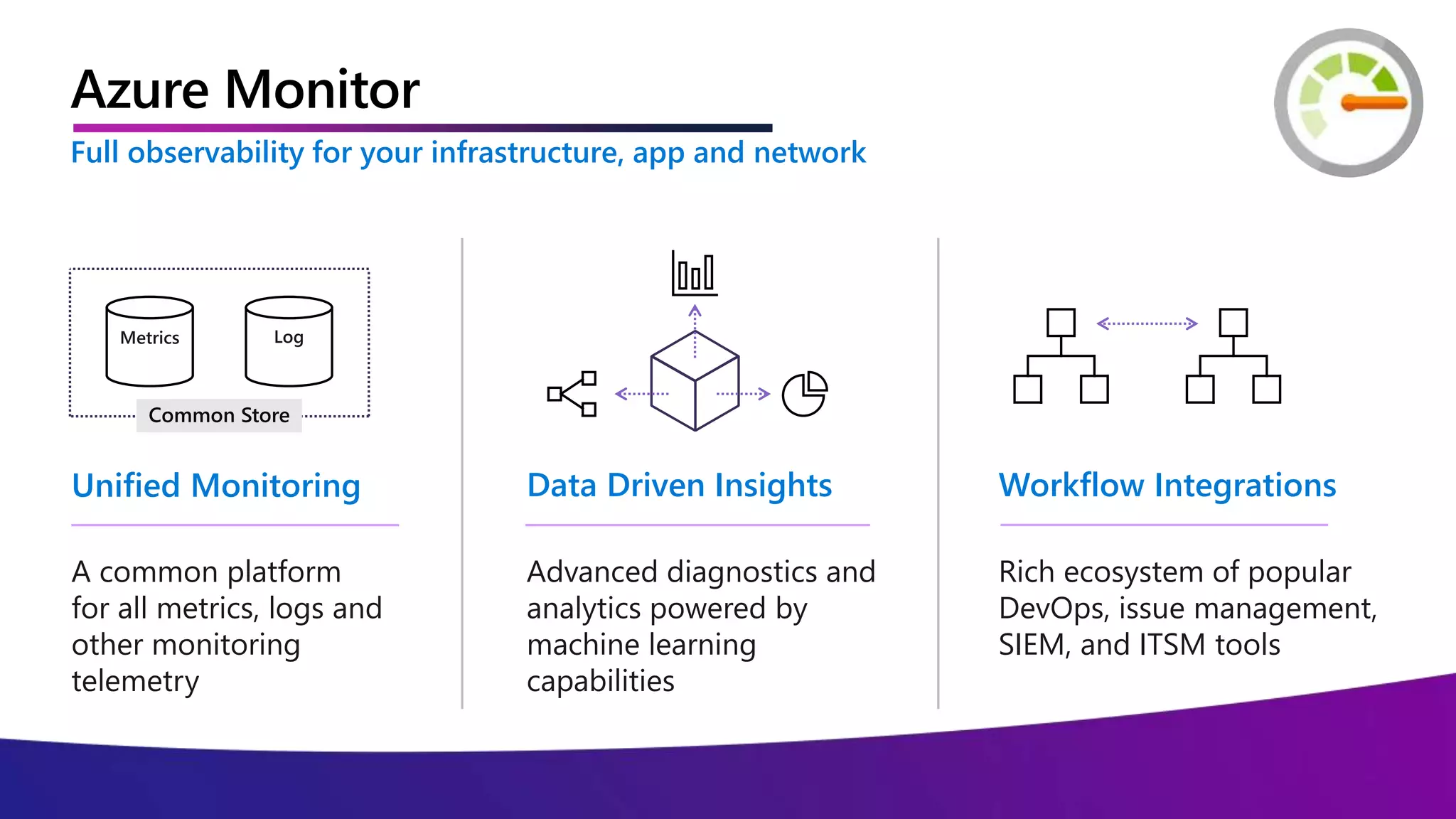
Azure Monitor
Azure Monitor
Advanced diagnostics and
analytics powered by
machine learning
capabilities
Data Driven Insights
Rich ecosystem of popular
DevOps, issue management,
SIEM, and ITSM tools
Workflow Integrations
A common platform
for all metrics, logs and
other monitoring
telemetry
Unified Monitoring
Metrics Log
Common Store
Full observability for your infrastructure, app and network
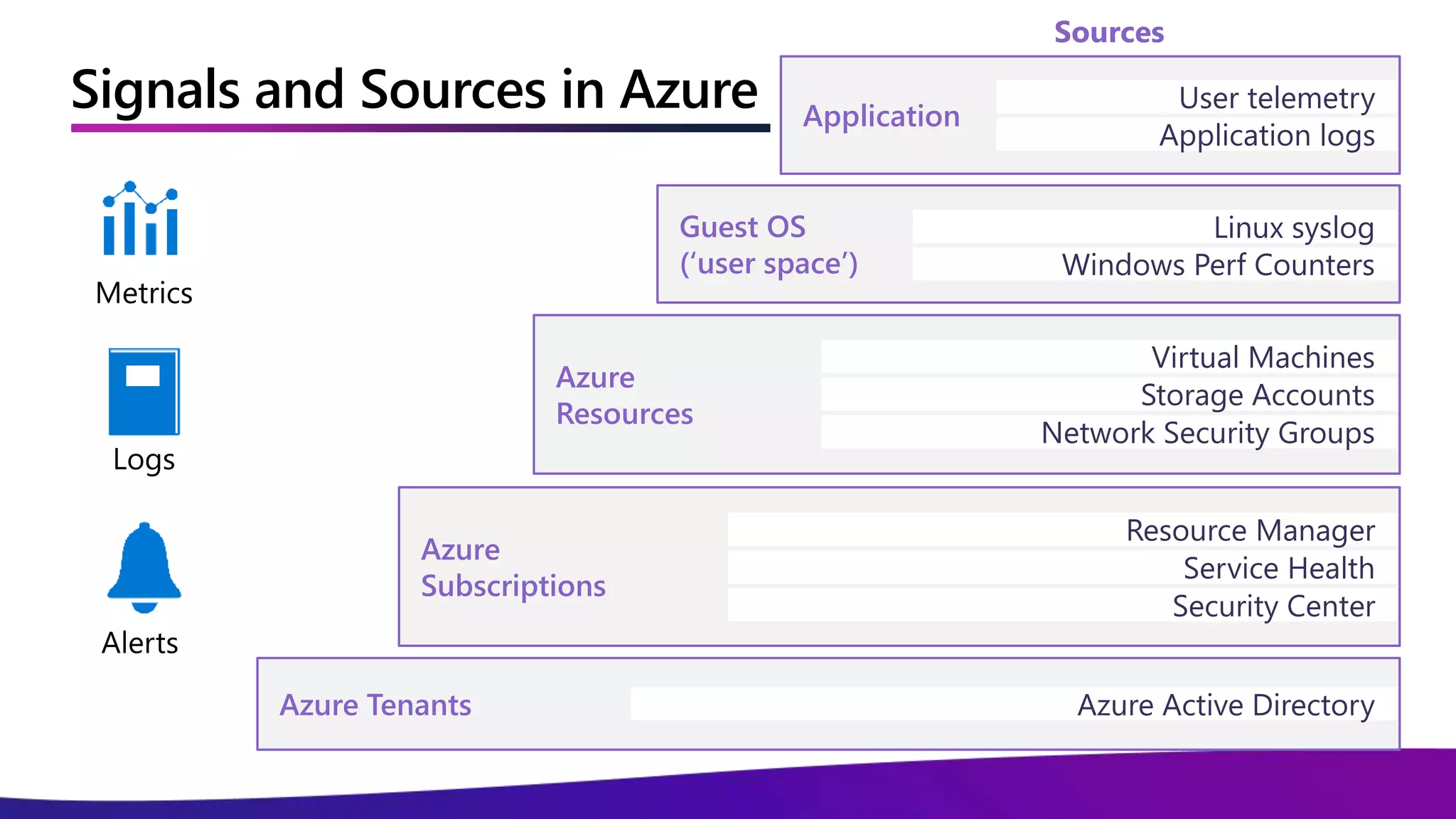
Signals and Sources in Azure
Azure
Subscriptions
Security Center
Resource Manager
Service Health
Azure
Resources
Network Security Groups
Virtual Machines
Storage Accounts
Guest OS
(‘user space’)
Linux syslog
Windows Perf Counters
Application
User telemetry
Application logs
Azure Tenants Azure Active Directory
Sources
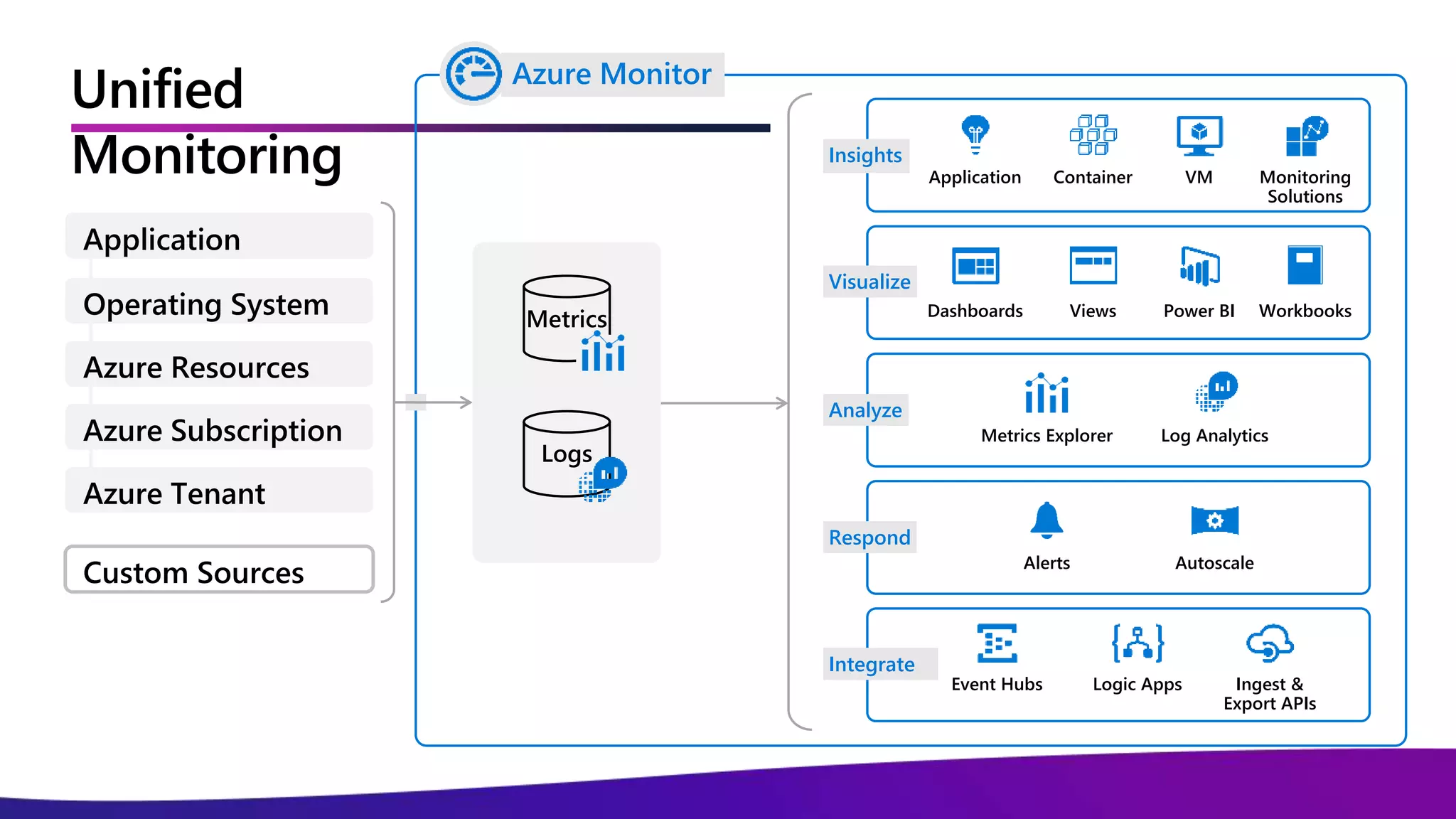
Unified
Monitoring
Metrics
Logs
Application Container VM Monitoring
Solutions
Insights
Dashboards Views Power BI Workbooks
Visualize
Metrics Explorer Log Analytics
Analyze
Alerts Autoscale
Respond
Event Hubs Ingest &
Export APIs
Logic Apps
Integrate
Azure Monitor
Custom Sources
Application
Operating System
Azure Resources
Azure Subscription
Azure Tenant
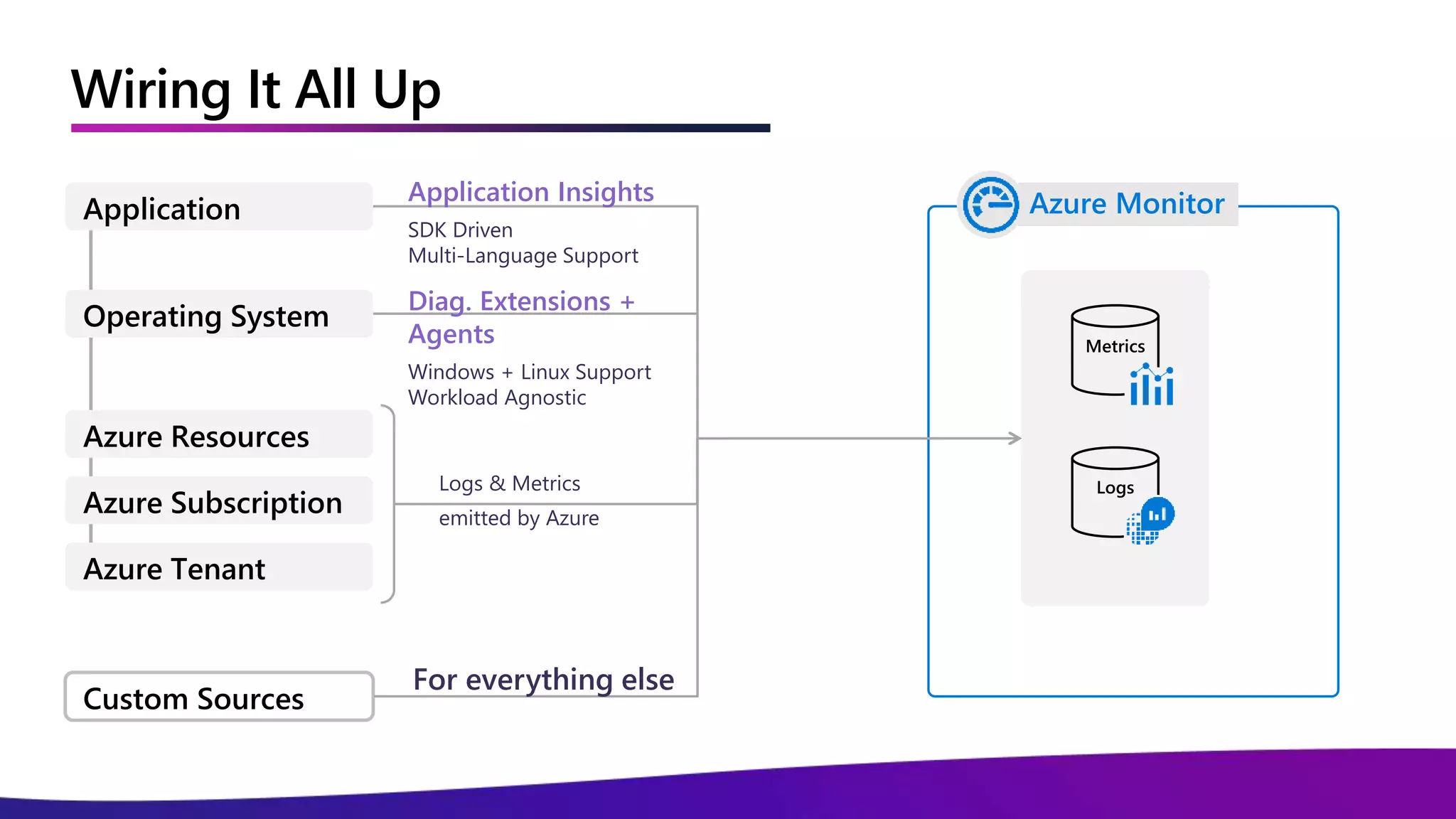
Wiring It All Up
Metrics
Logs
Azure Monitor
Custom Sources
Application
Operating System
Azure Resources
Azure Subscription
Azure Tenant
Logs & Metrics
emitted by Azure
Diag. Extensions +
Agents
Windows + Linux Support
Workload Agnostic
Application Insights
SDK Driven
Multi-Language Support
For everything else
Demo
Azure Monitor in Existing Resources
Application Insights
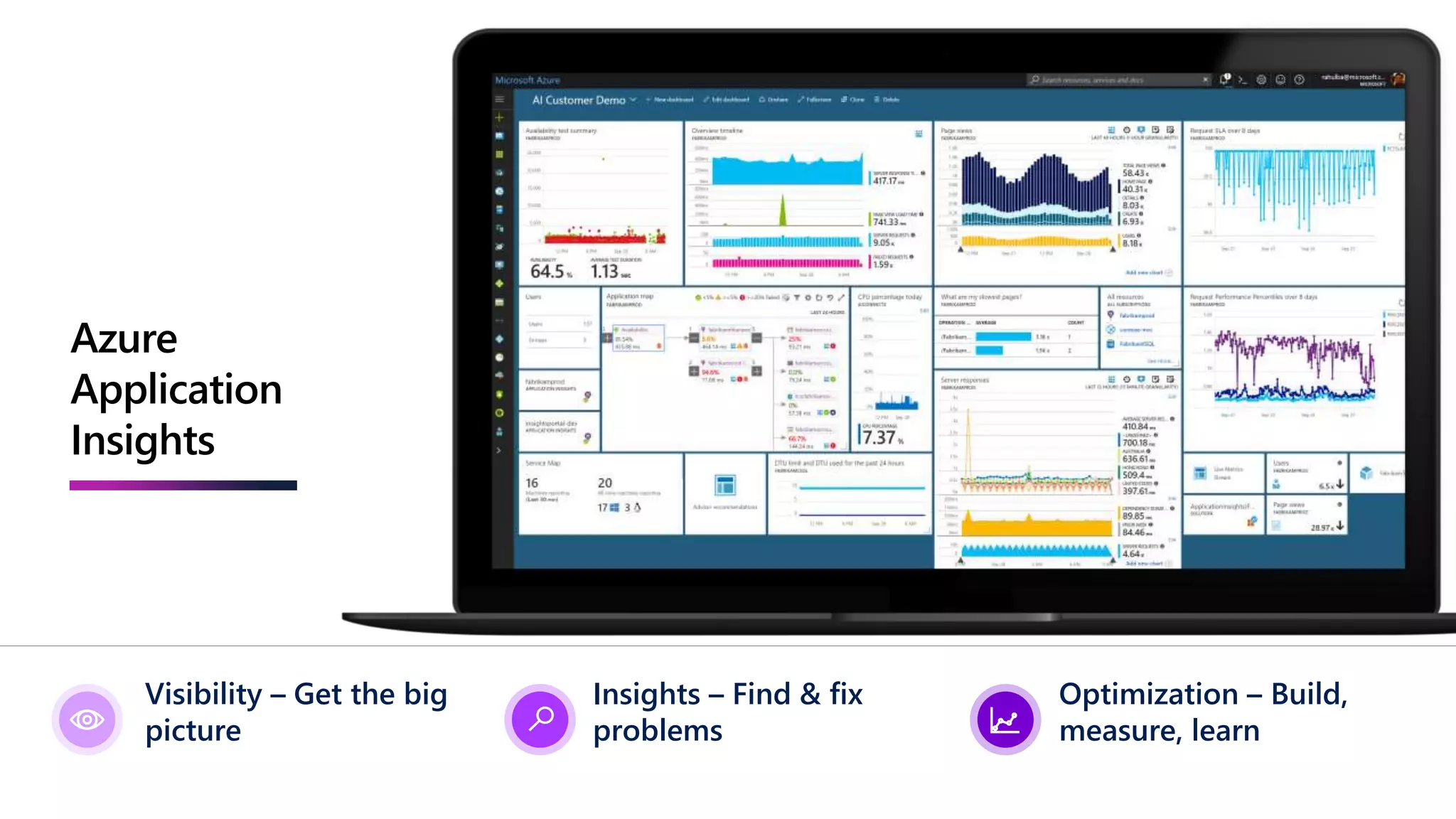
Azure
Application
Insights
Visibility – Get the big
picture
Insights – Find & fix
problems
Optimization – Build,
measure, learn
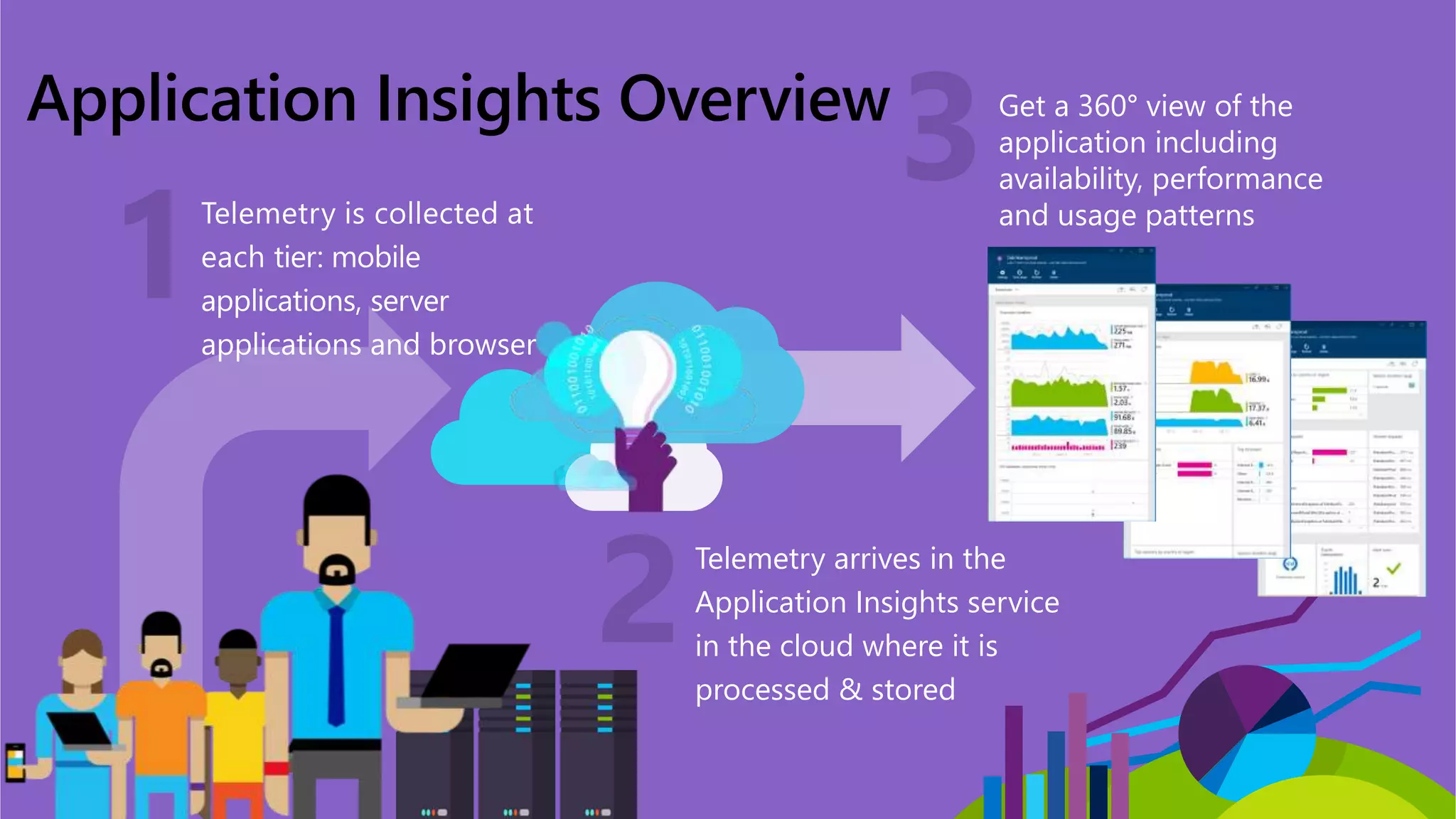
Application Insights Overview
Telemetry is collected at
each tier: mobile
applications, server
applications and browser
Telemetry arrives in the
Application Insights service
in the cloud where it is
processed & stored
Get a 360° view of the
application including
availability, performance
and usage patterns
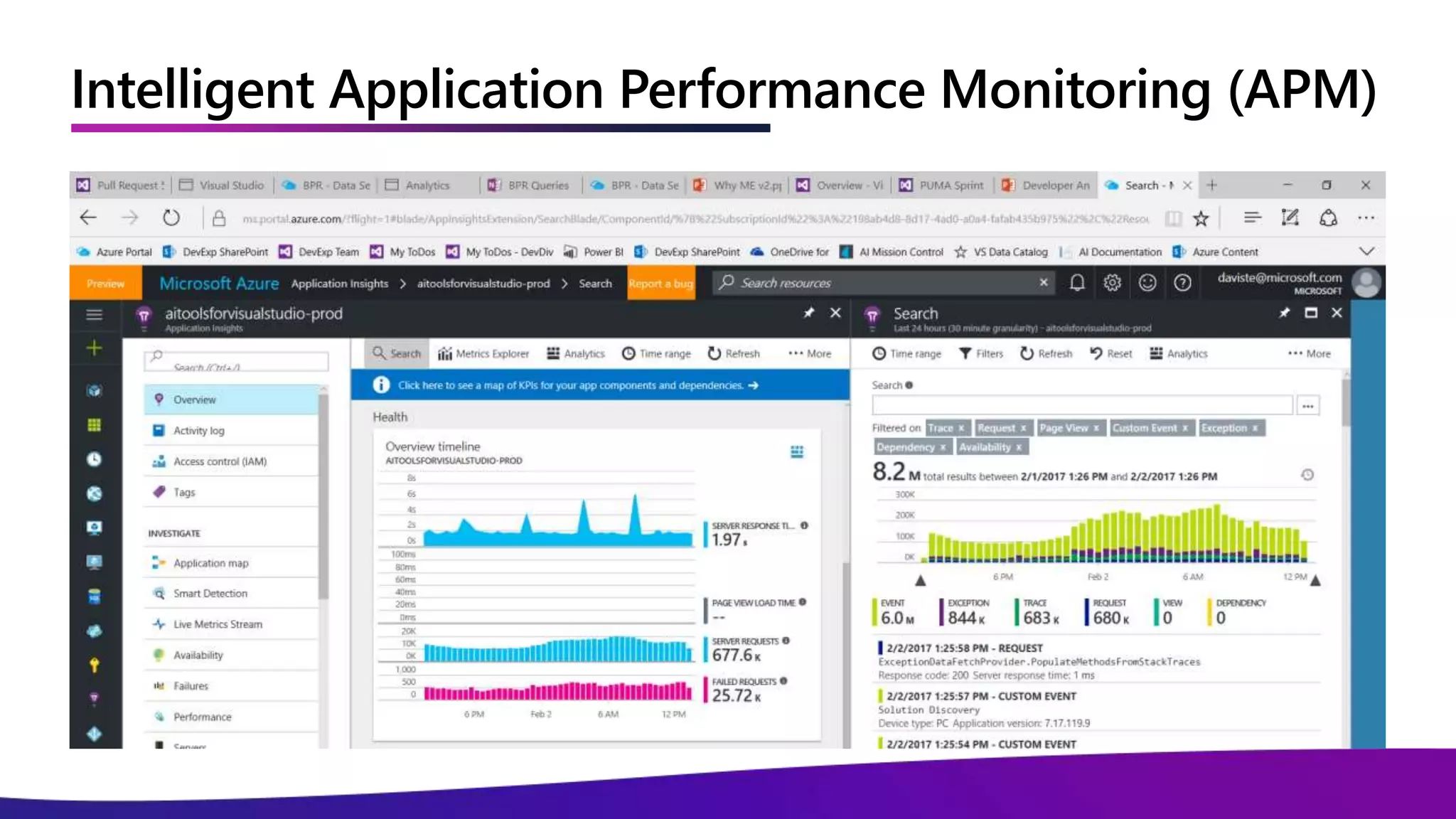
Intelligent Application Performance Monitoring (APM)
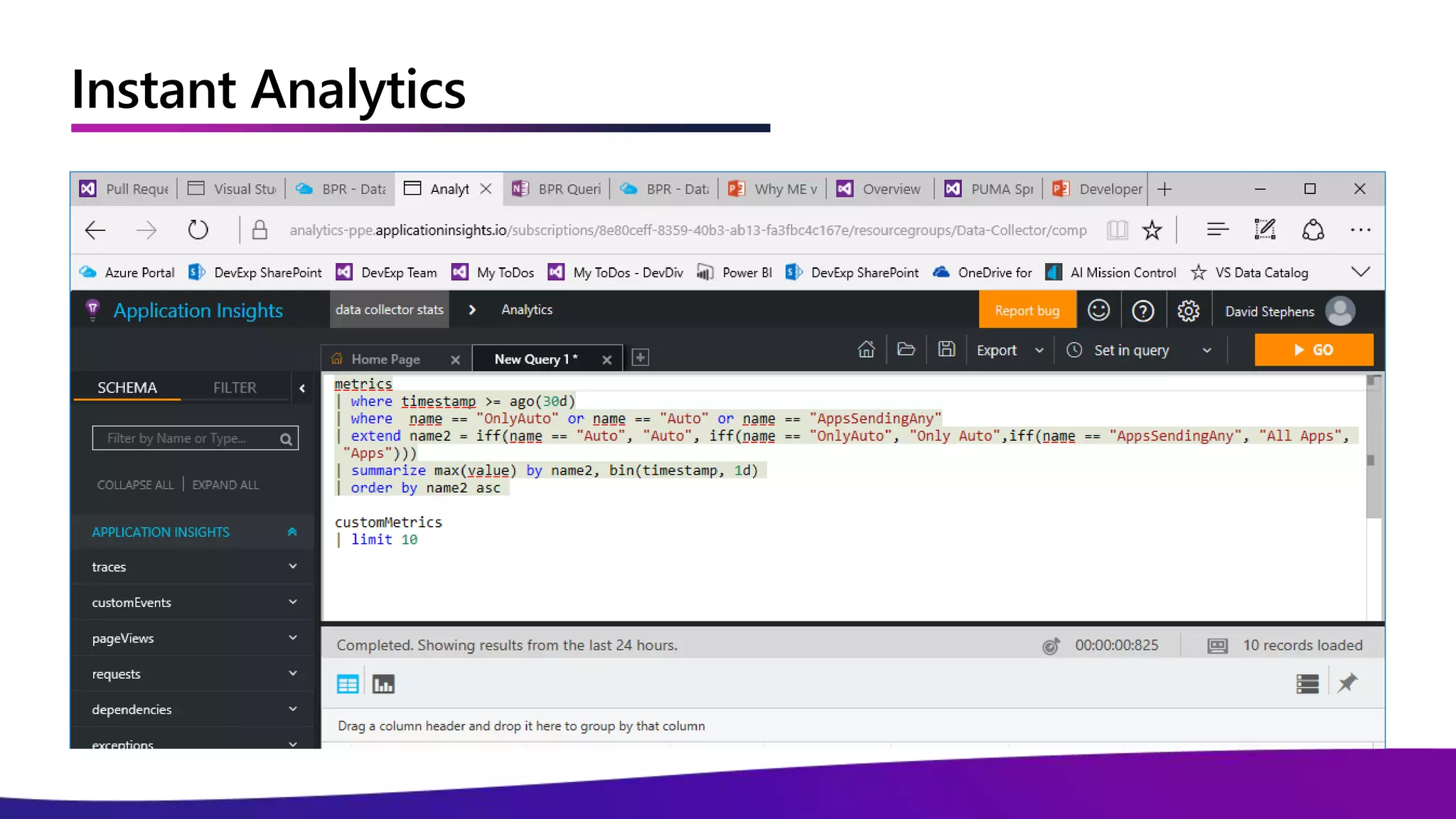
Instant Analytics
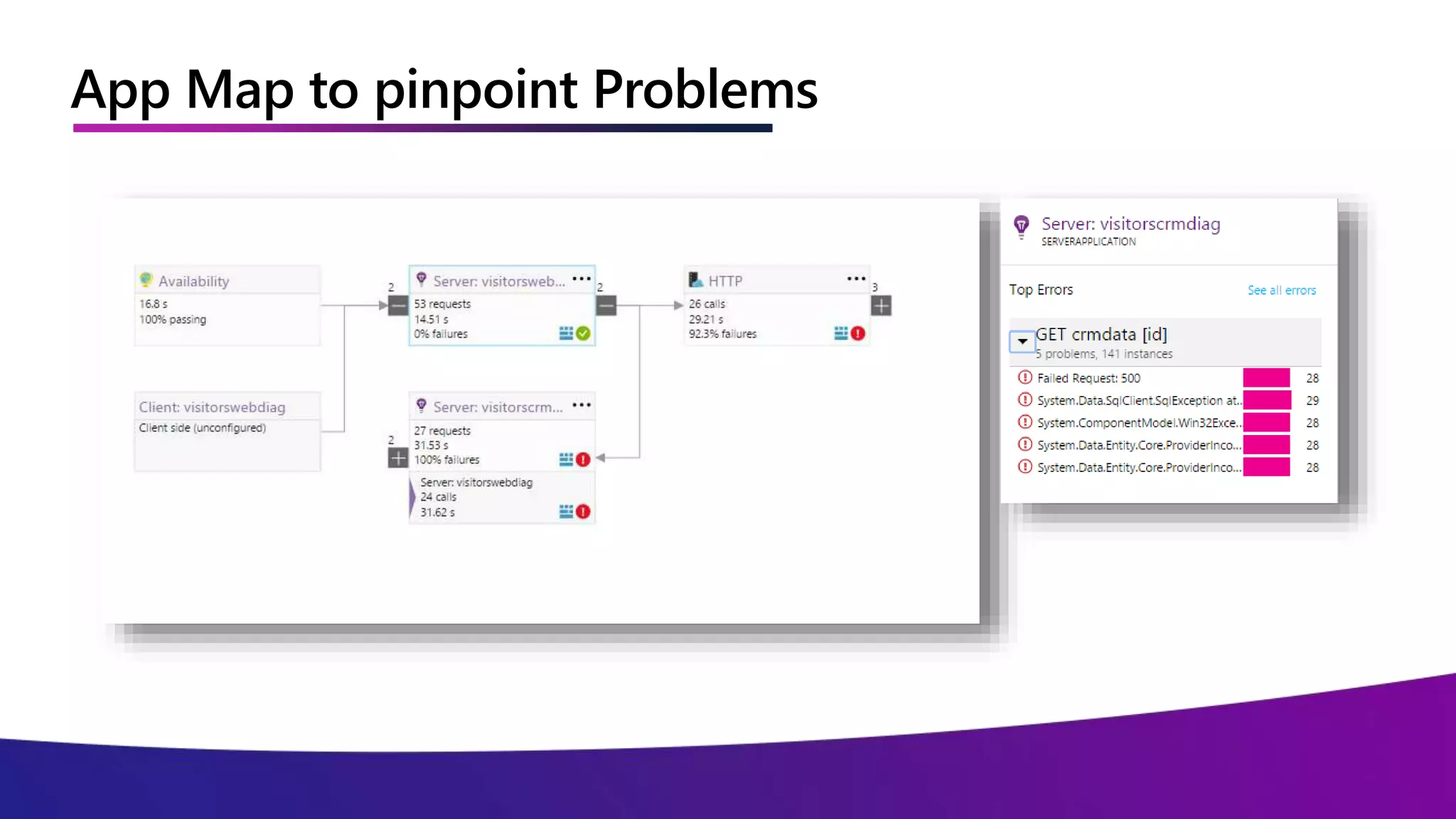
App Map to pinpoint Problems
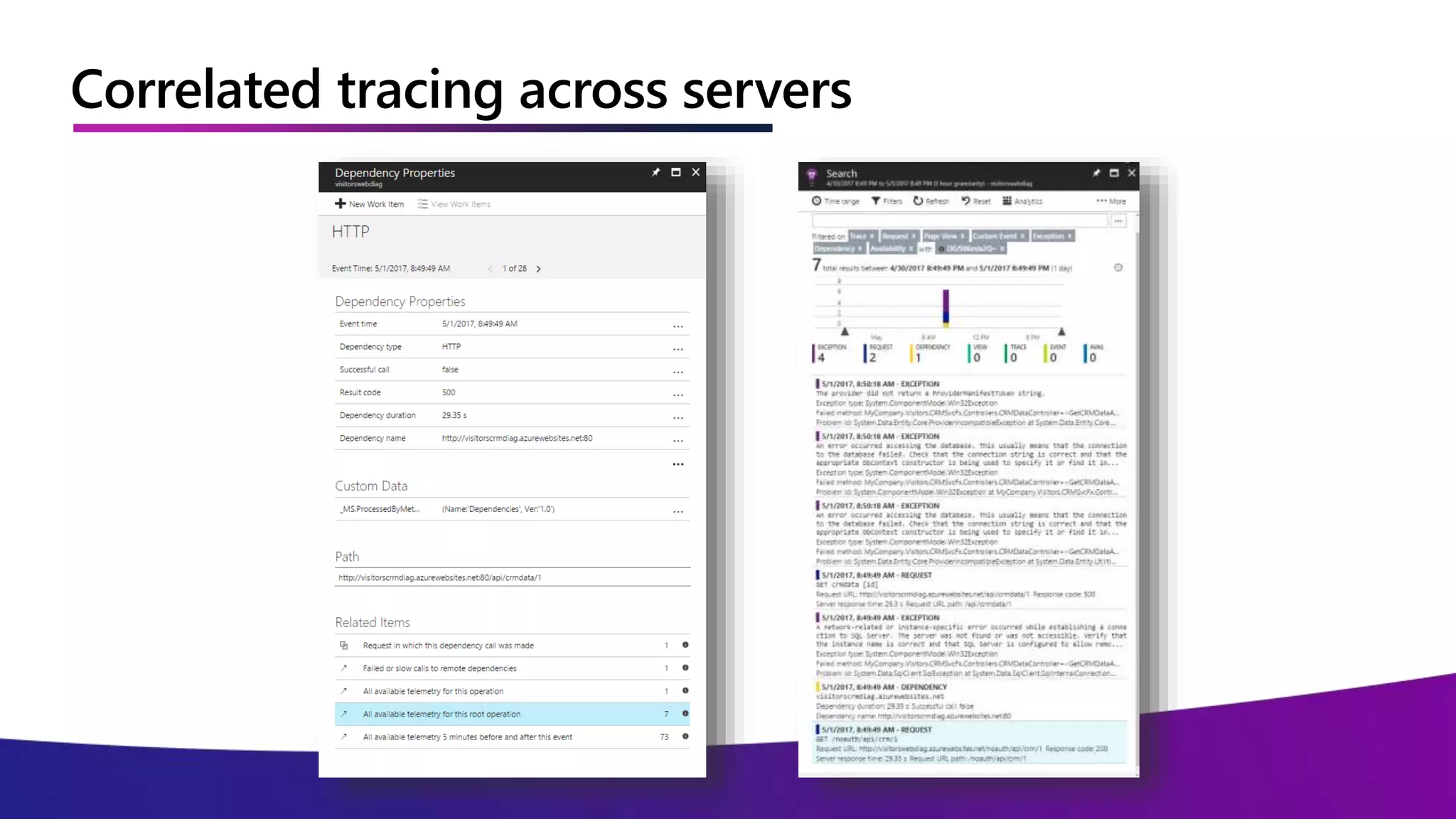
Correlated tracing across servers
Demo
Application Insights
Log Analytics
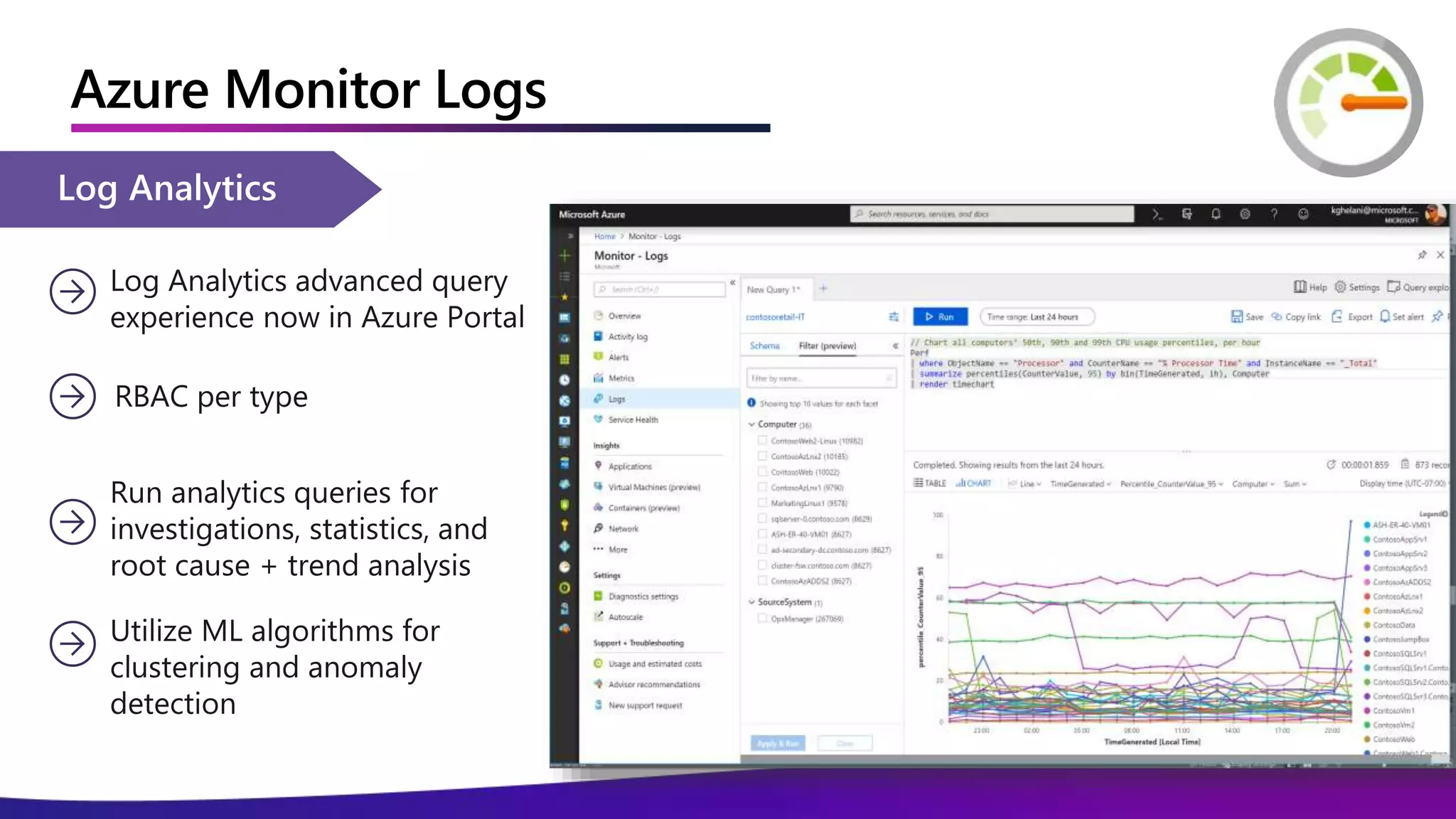
Run analytics queries for
investigations, statistics, and
root cause + trend analysis
Log Analytics advanced query
experience now in Azure Portal
Utilize ML algorithms for
clustering and anomaly
detection
RBAC per type
Azure Monitor Logs
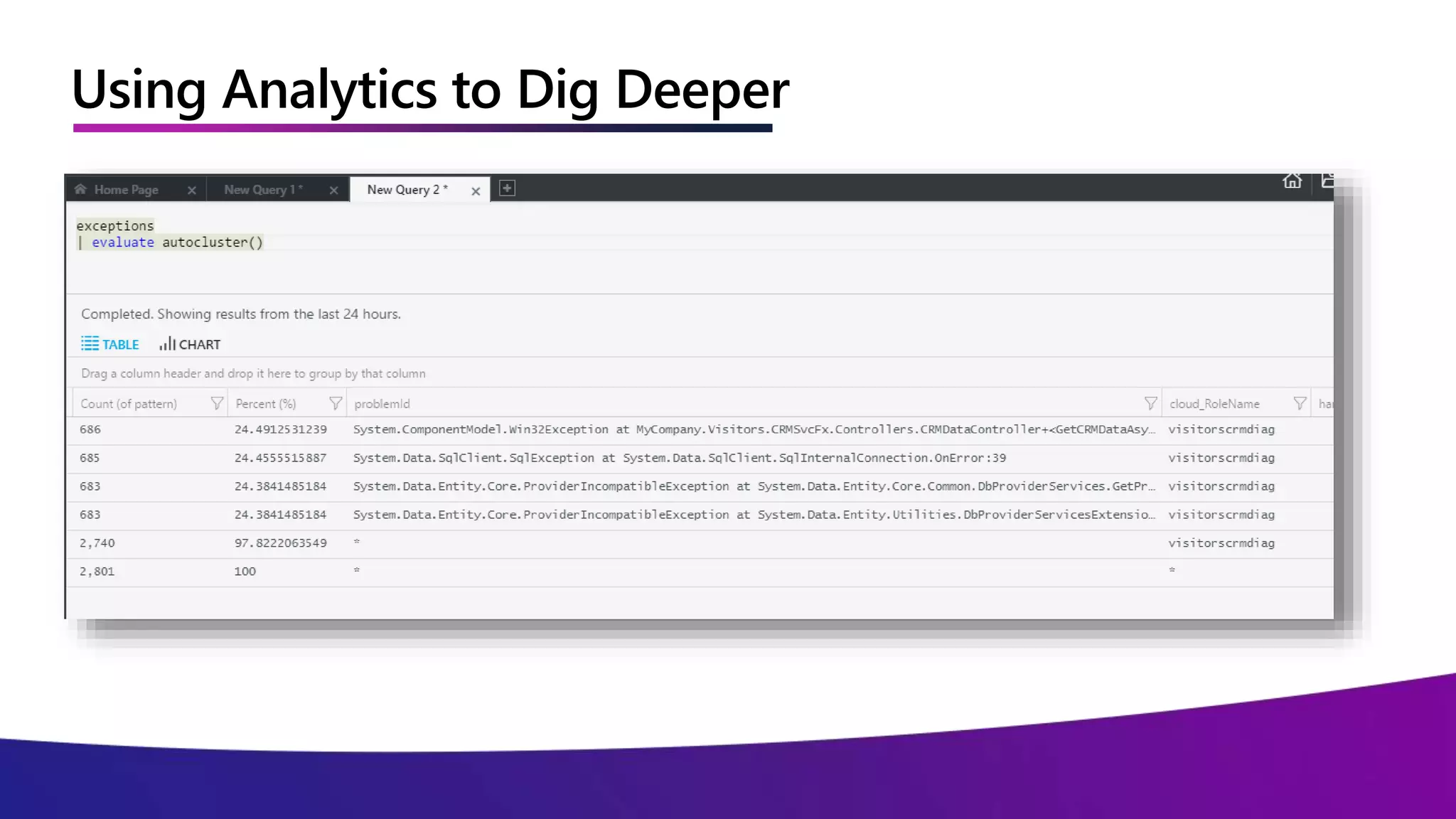
Using Analytics to Dig Deeper
Demo
Log Analytics
Snapshot Debugging
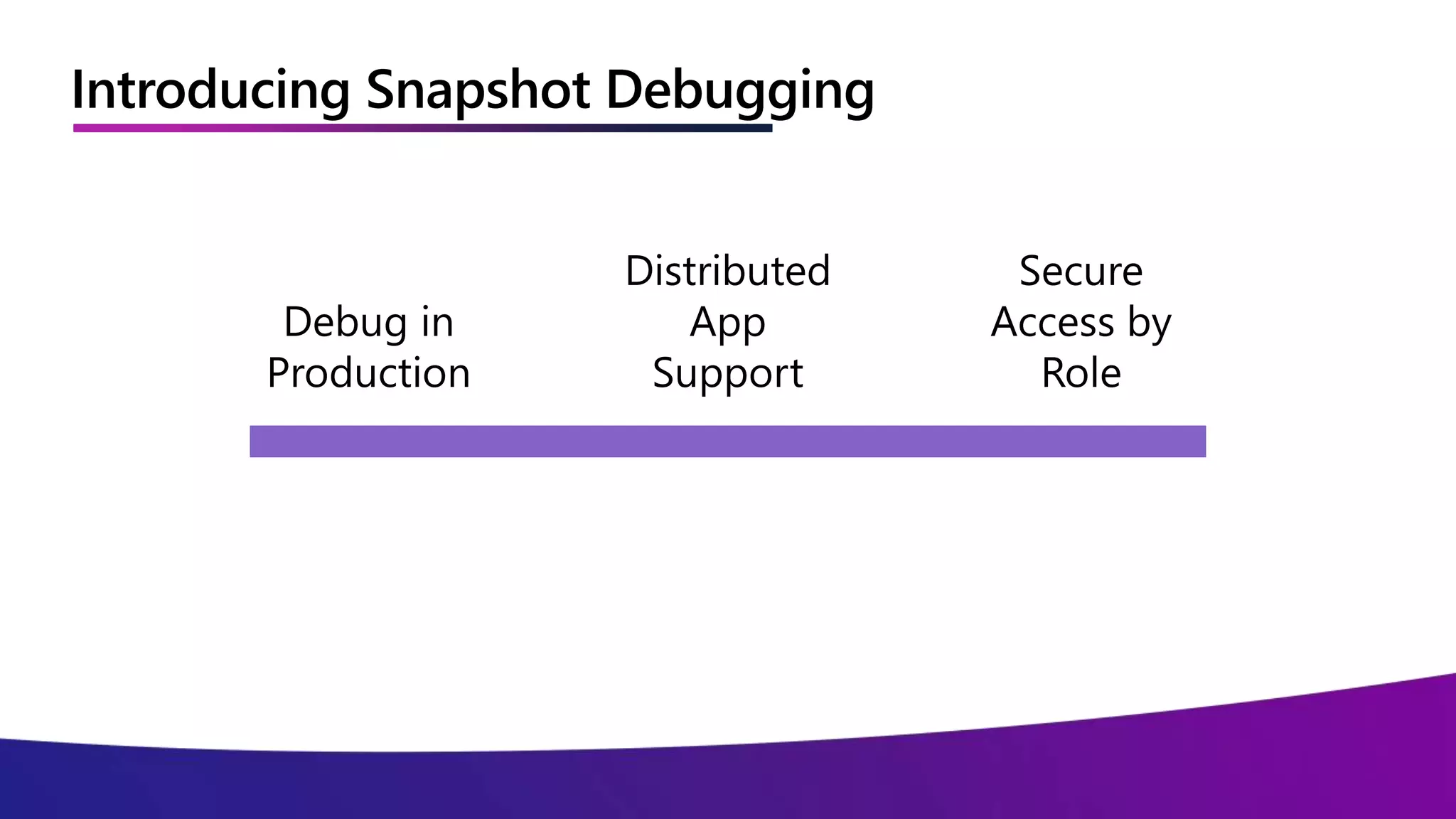
Introducing Snapshot Debugging
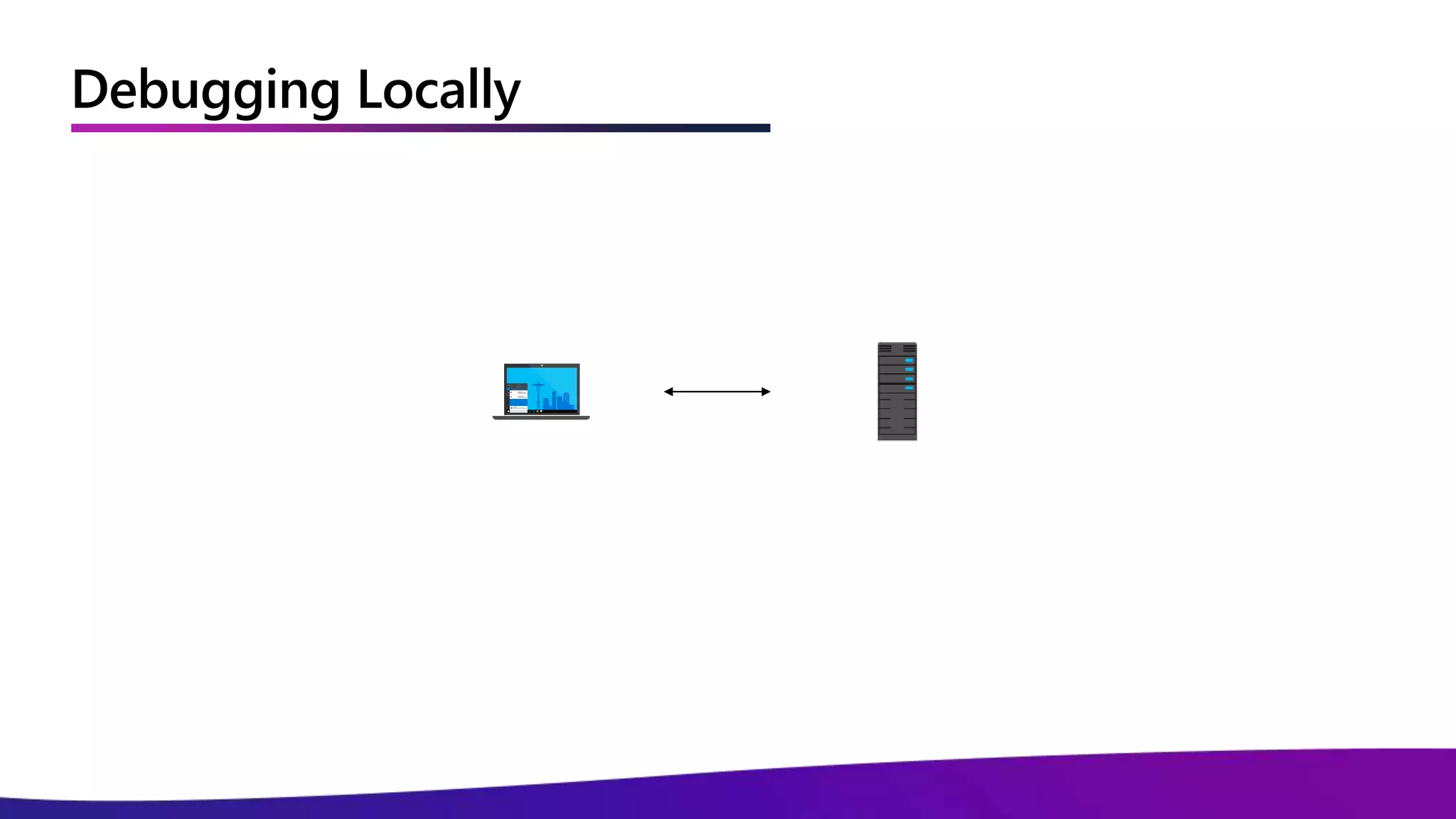
Debugging Locally
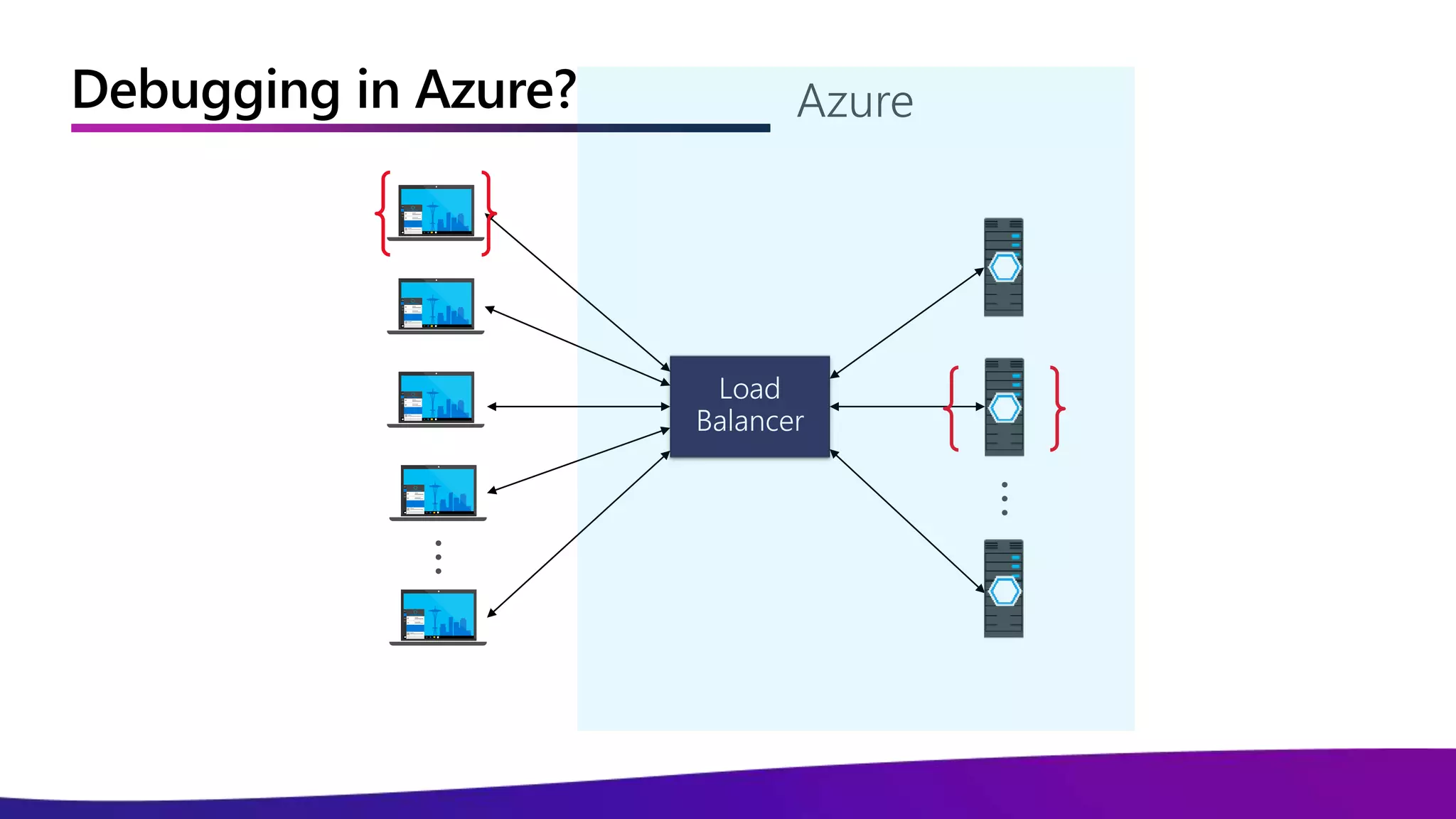
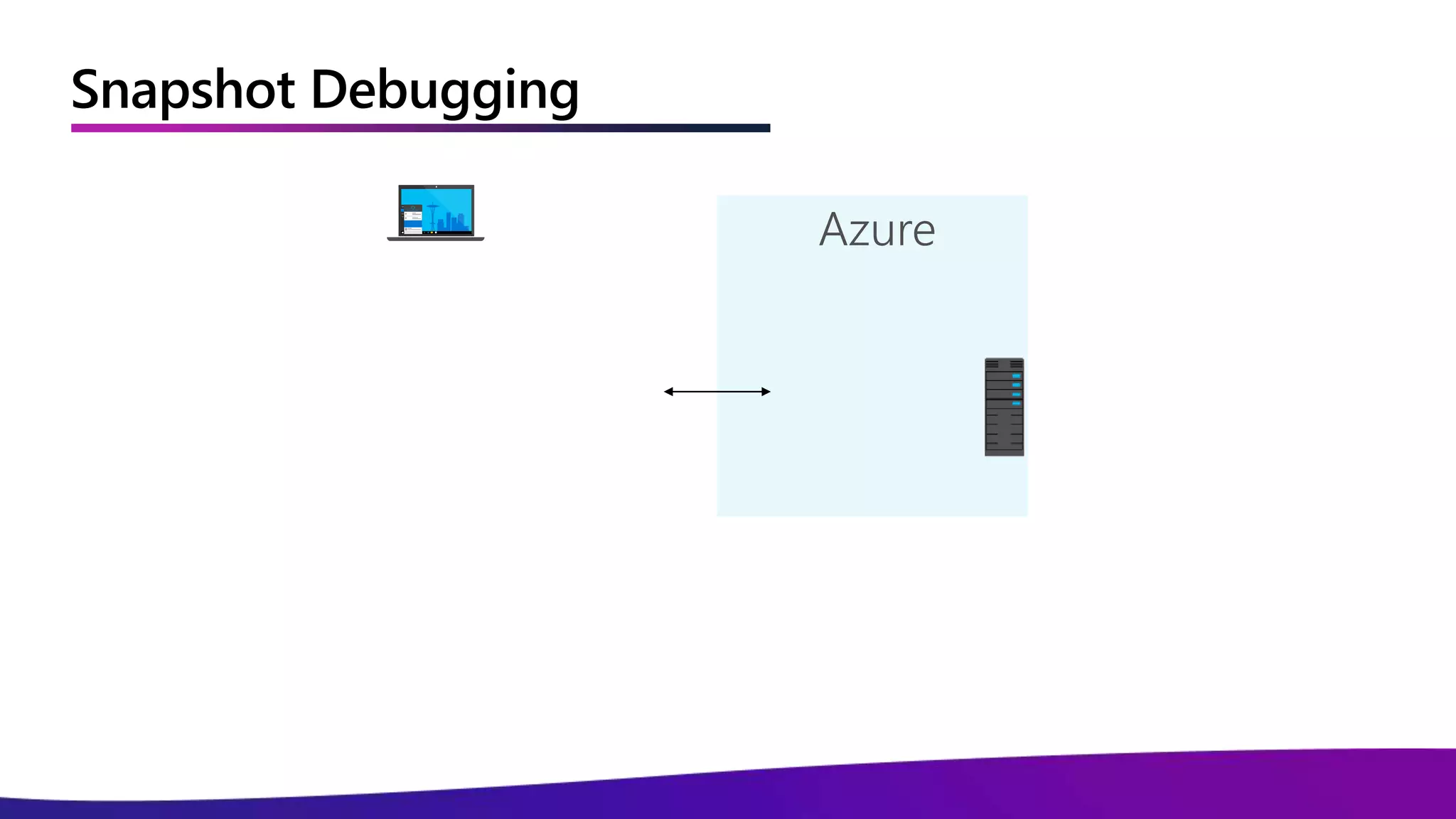
Debugging in Azure?
Snapshot Debugging
Demo
Snapshot Debugging
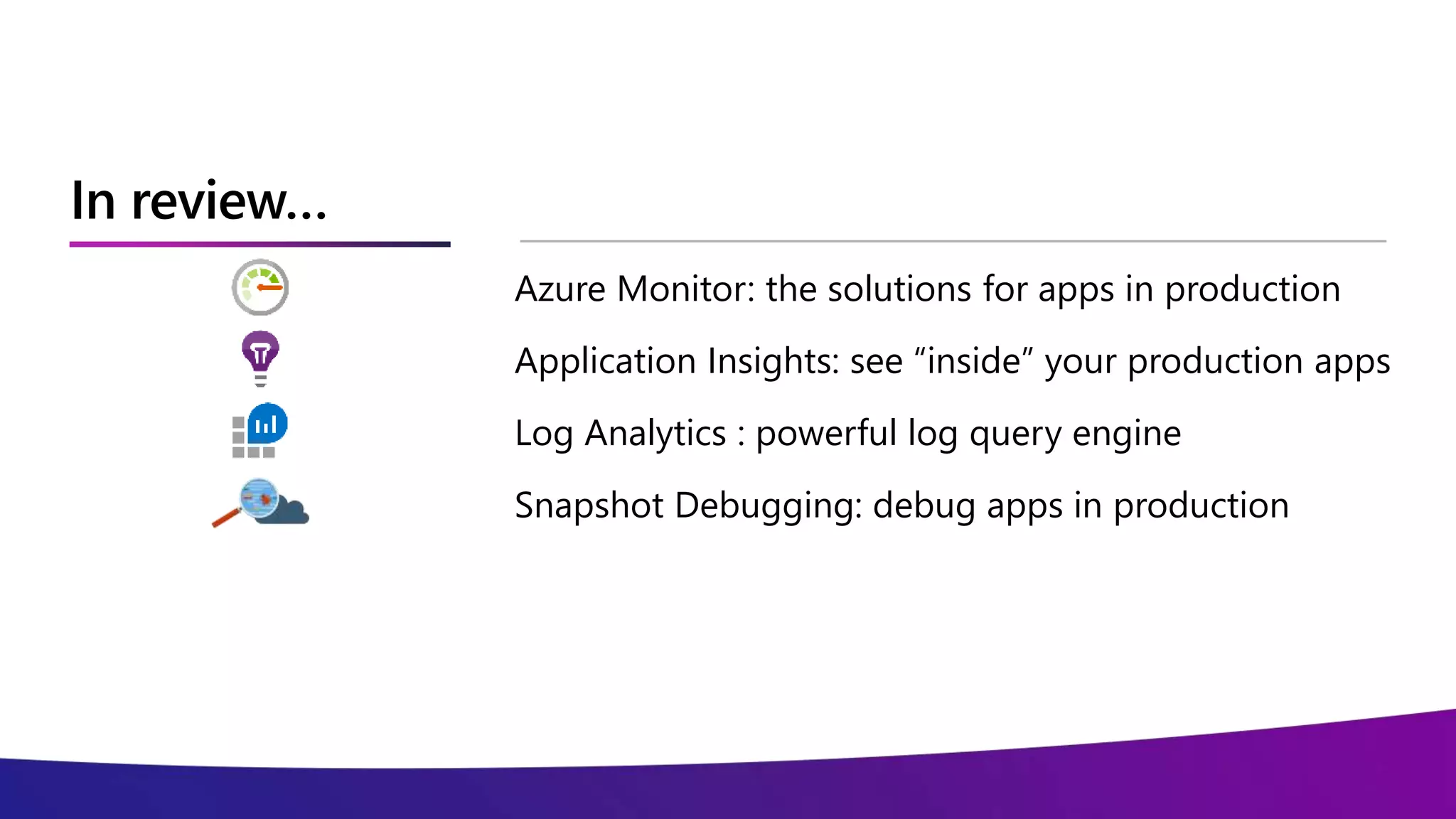
In review…
Azure Monitor: the solutions for apps in production
Application Insights: see “inside” your production apps
Log Analytics : powerful log query engine
Snapshot Debugging: debug apps in production
© Copyright Microsoft Corporation. All rights reserved.
Thank you

Debugging and Interacting with Production Applications - MS Online Tech Forum

Editor's Notes

  • #4 Why is working with production apps usually difficult? There are a number of reasons. It can be difficult to pull logs and data. Tracking sessions is complicated when there are multiple load-balanced instances. Tools may be scattered and hard to find and configure.
  • #13 This is an example dashboard. From one place you can (reiterate bullets here).
  • #14 This is an overview of how Application Insights works.
  • #15 Application insights provides intelligent performance monitoring, looking across the full stack and tracking performance through layers of dependencies.
  • #16 All of the data collected by Application Insights can be analyzed using a powerful built-in analytics query language.
  • #17 Application Insights automatically provides an application map that is generated based on observed dependencies between components of your application.
  • #18 With Application Insights, drilling into a transaction is possible with correlating tracing that maps the entire interaction from the browser down to the database.
  • #21 Log analytics provides query capabilities directly from the portal. It can be locked down with role-based security and features built-in algorithms for detecting anomalies and clusters in the data.
  • #22 The data provided by log analytics can be displayed as a table or in a variety of different chart formats. You can easily save queries to reuse later.
  • #25 Snapshot debugging is a powerful feature that allows you to debug your application in production.
  • #26 It is designed to support distributed applications.
  • #27 As with other Azure services, it supports role-based access control.
  • #28 Debugging locally is straightforward because there is typically one instance of the app running on a single server.
  • #29 The cloud complicates things. In production, you have multiple users each accessing your distributed application with instances spanning multiple servers. How do you debug a specific end-to-end experience?
  • #30 Snapshot debugging captures the unique callstack for a specific session so you can debug without having to understand which client or server was part of the end-to-end flow that resulted in an exception.