Going Mobile
By Nate Beck
ADL, PFI... WTF?
ADL - AIR Debug Launcher - Using ADL, you can run an application
without first packaging and installing it.

ADT - AIR Developer Tool - ADT is a multi-purpose, command-line
tool for developing AIR applications.

PFI - Packager For iPhone - Completely replaced by ADT.

iOS - The OS for iPads, iPod Touch and iPhones
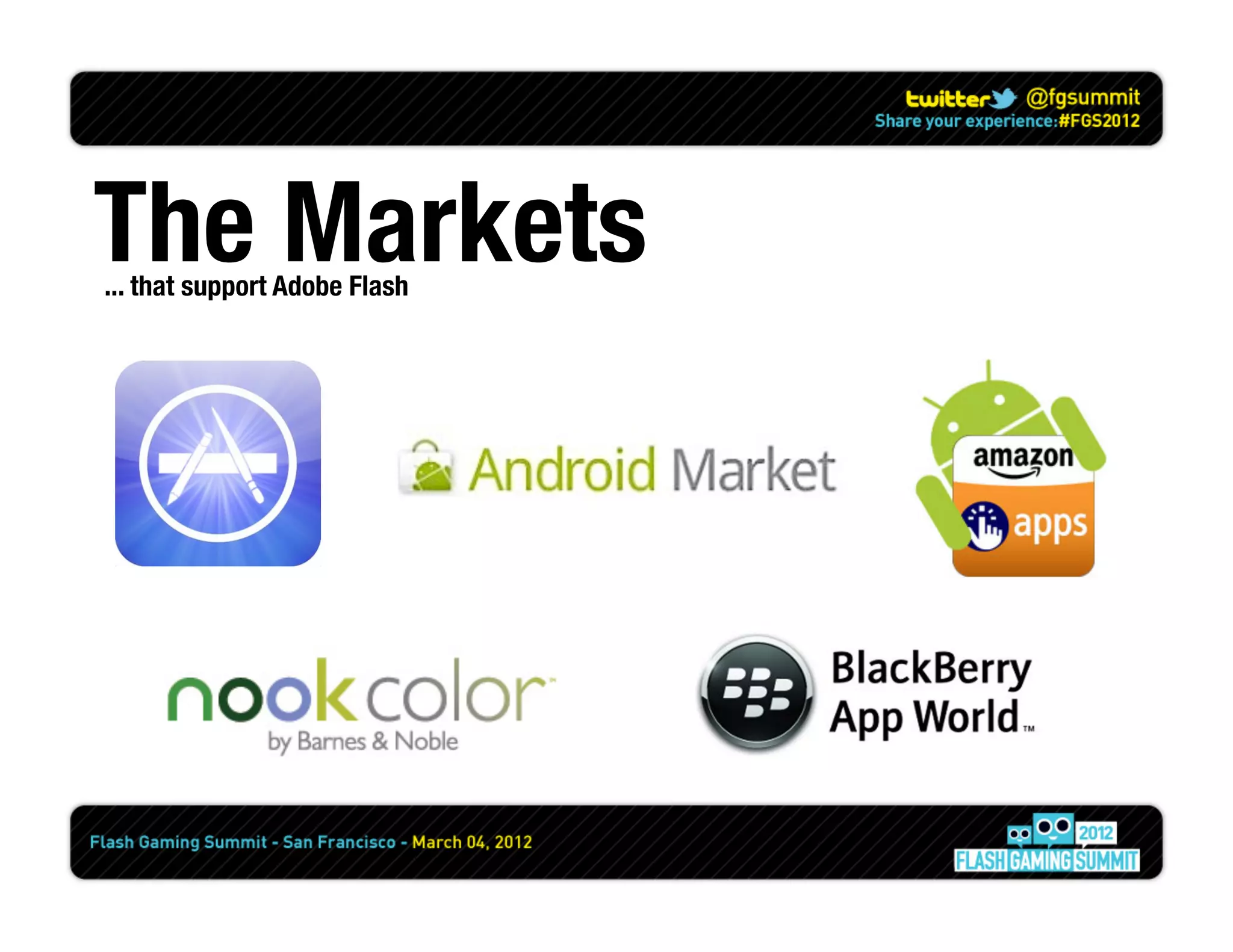
The Markets
... that support Adobe Flash
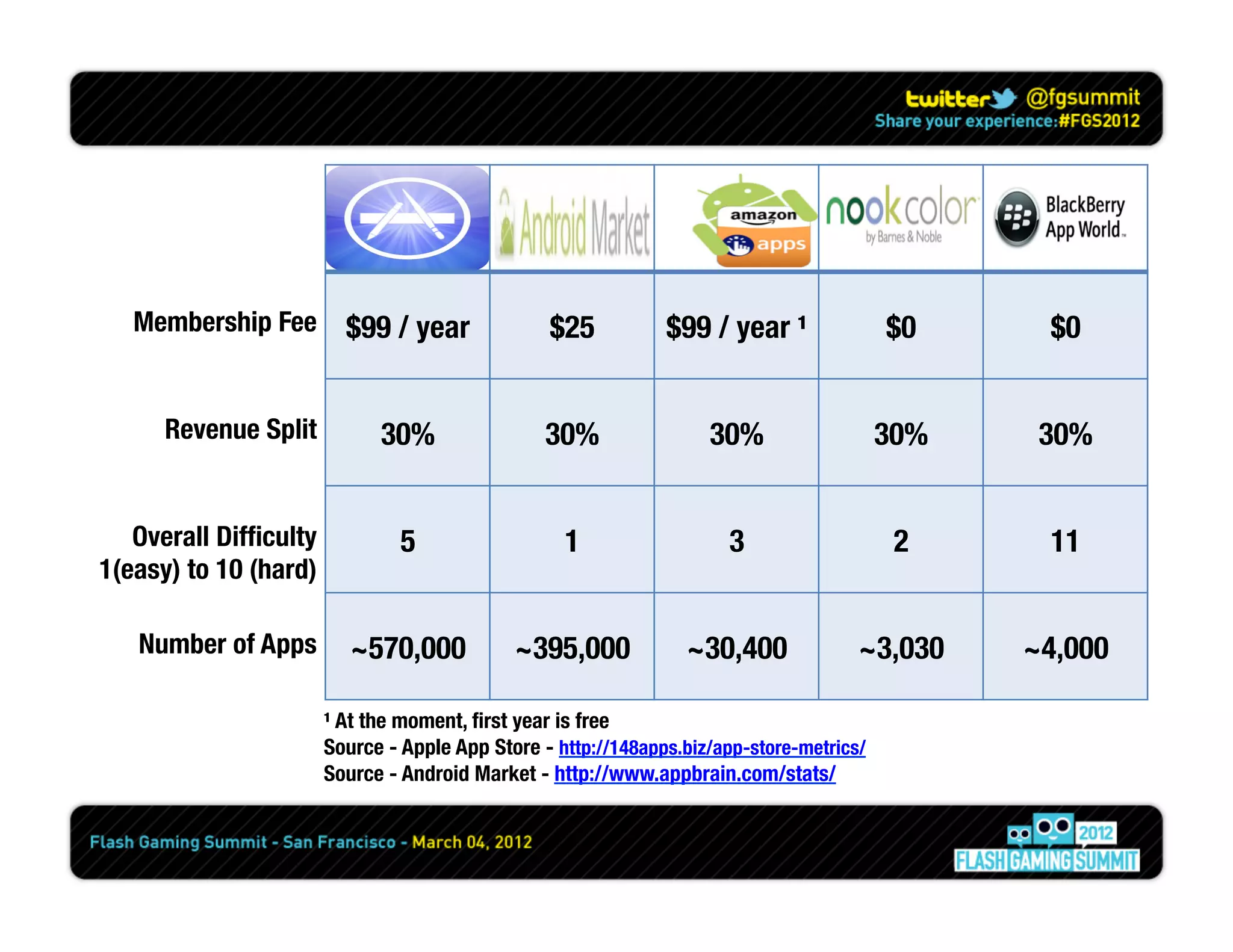
Membership Fee
 $99 / year
                    $25
          $99 / year ¹
               $0
      $0


      Revenue Split
          30%
                30%
               30%
                   30%
    30%


   Overall Difficulty             5
                 1
                  3
                   2
      11
1(easy) to 10 (hard)

   Number of Apps
 ~570,000 
                 ~395,000
            ~30,400
            ~3,030
     ~4,000

                        ¹ At the moment, first year is free
                        Source - Apple App Store - http://148apps.biz/app-store-metrics/
                        Source - Android Market - http://www.appbrain.com/stats/
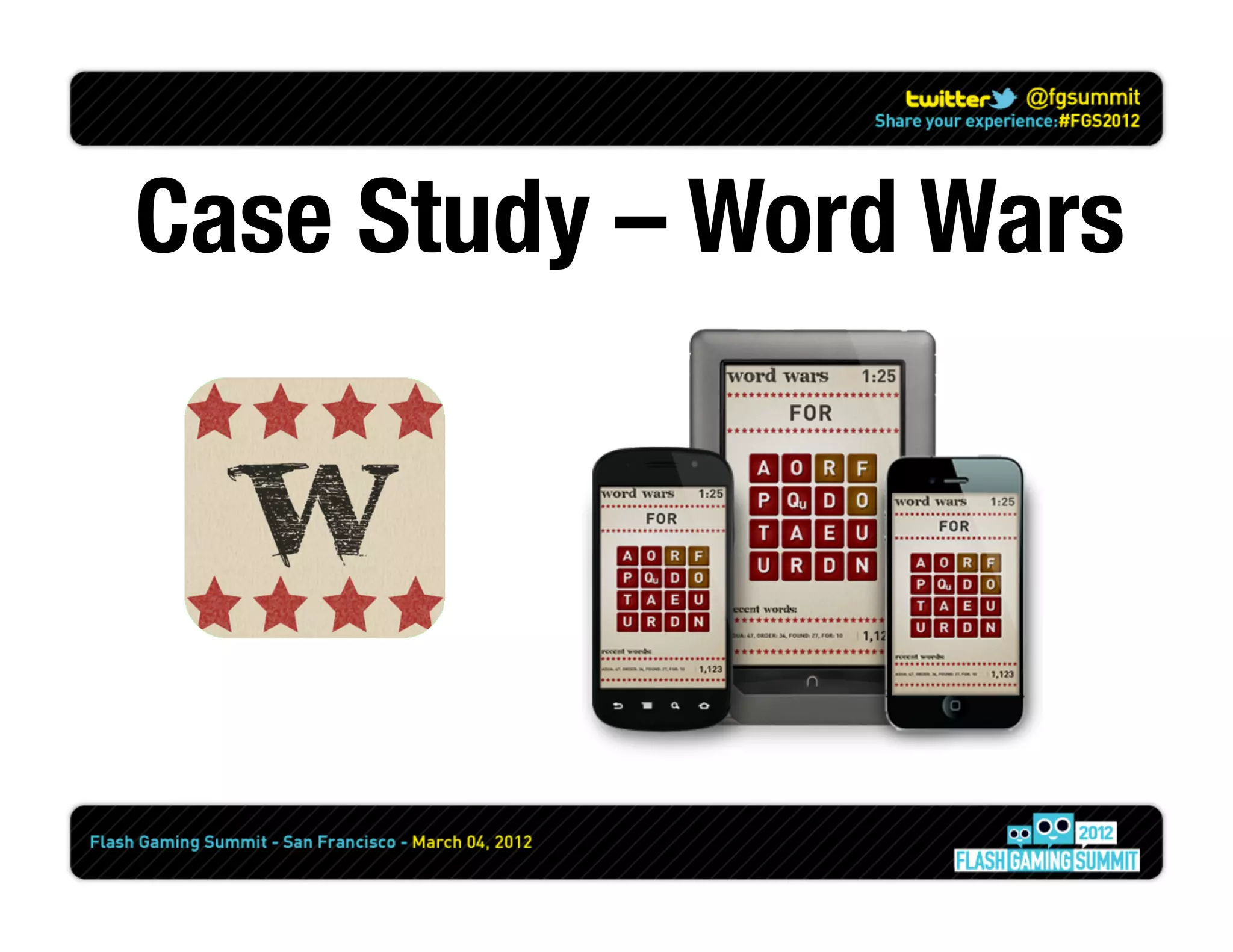
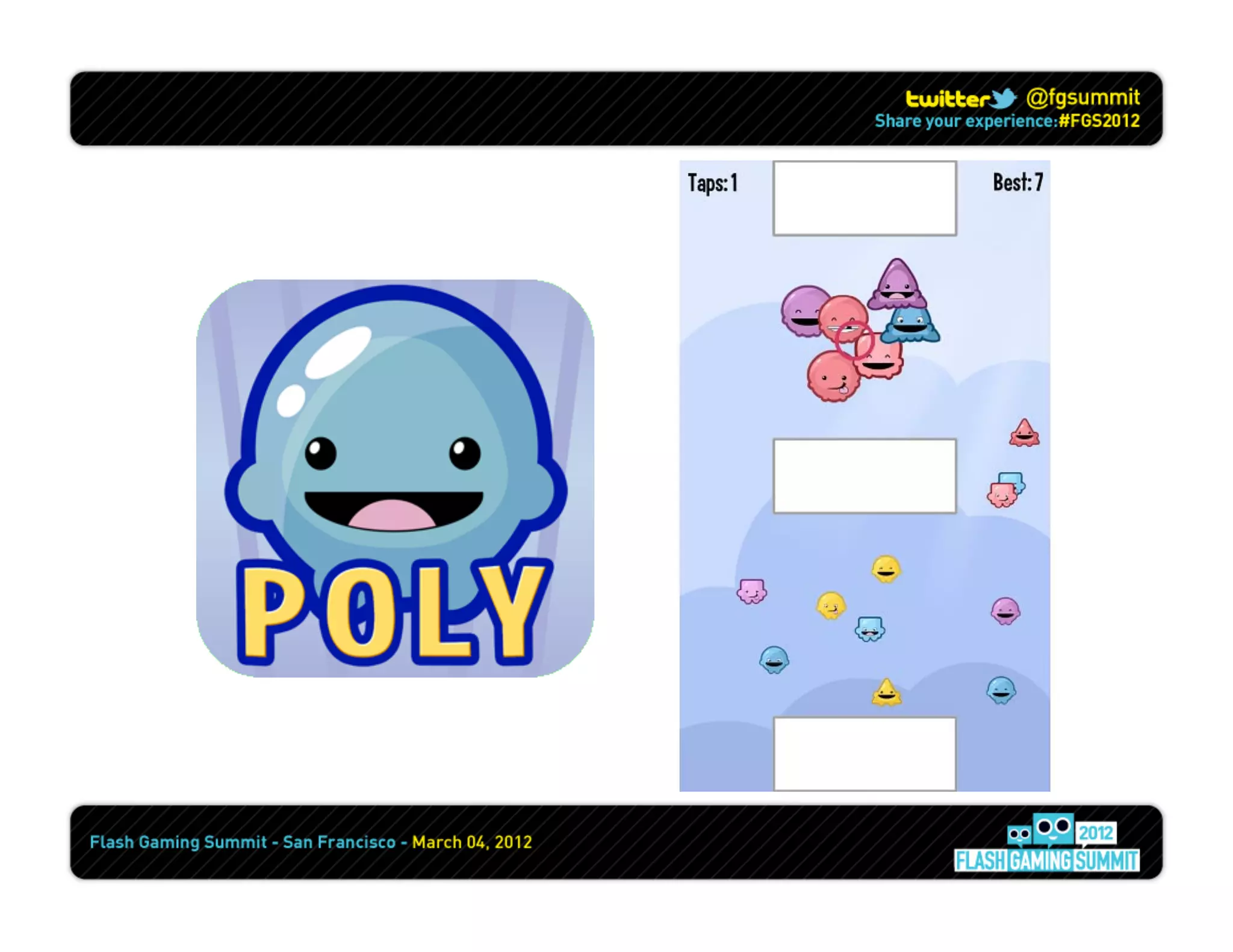
Case Study – Word Wars
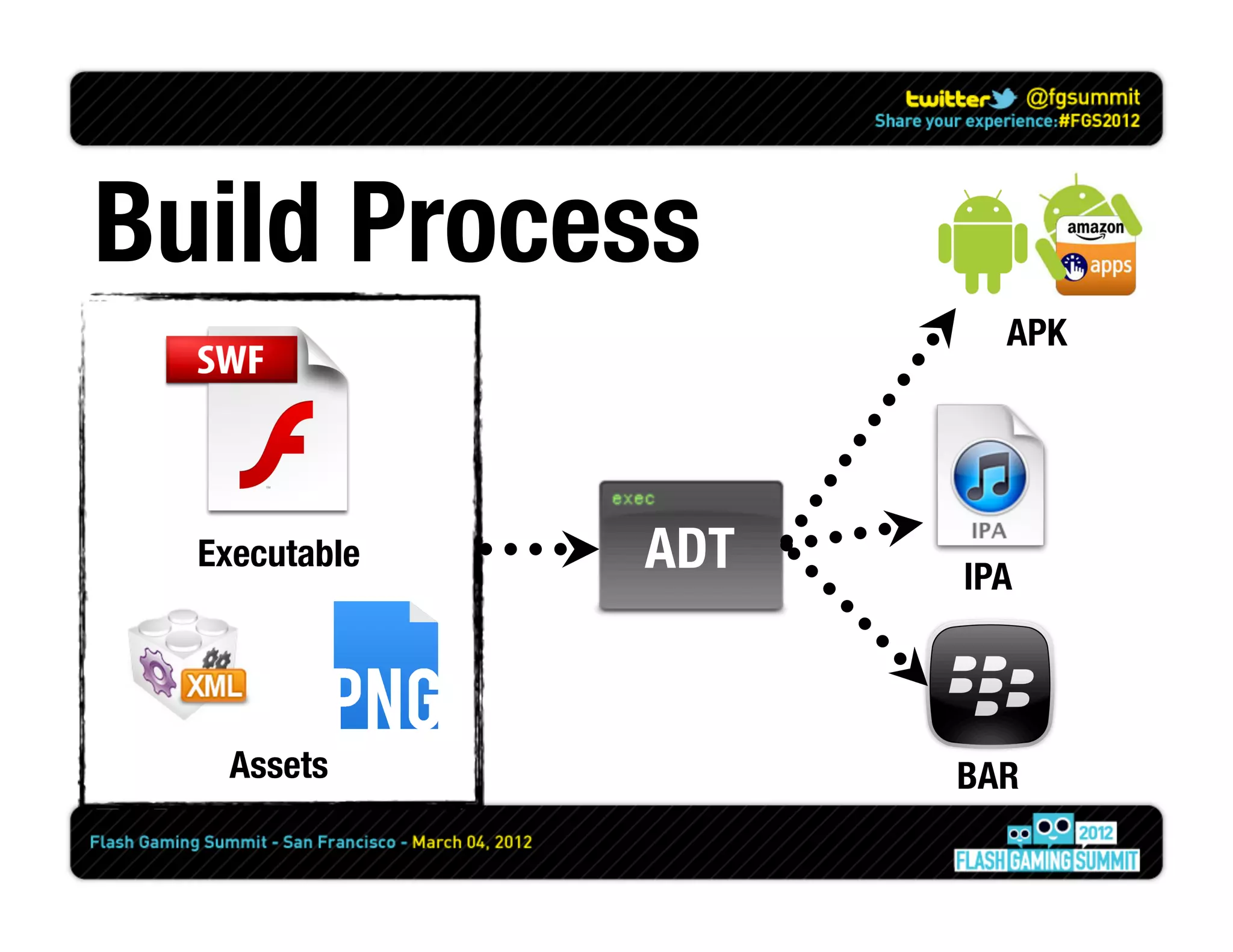
Build Process
                         APK


  Executable
   ADT
   IPA


    Assets
            BAR
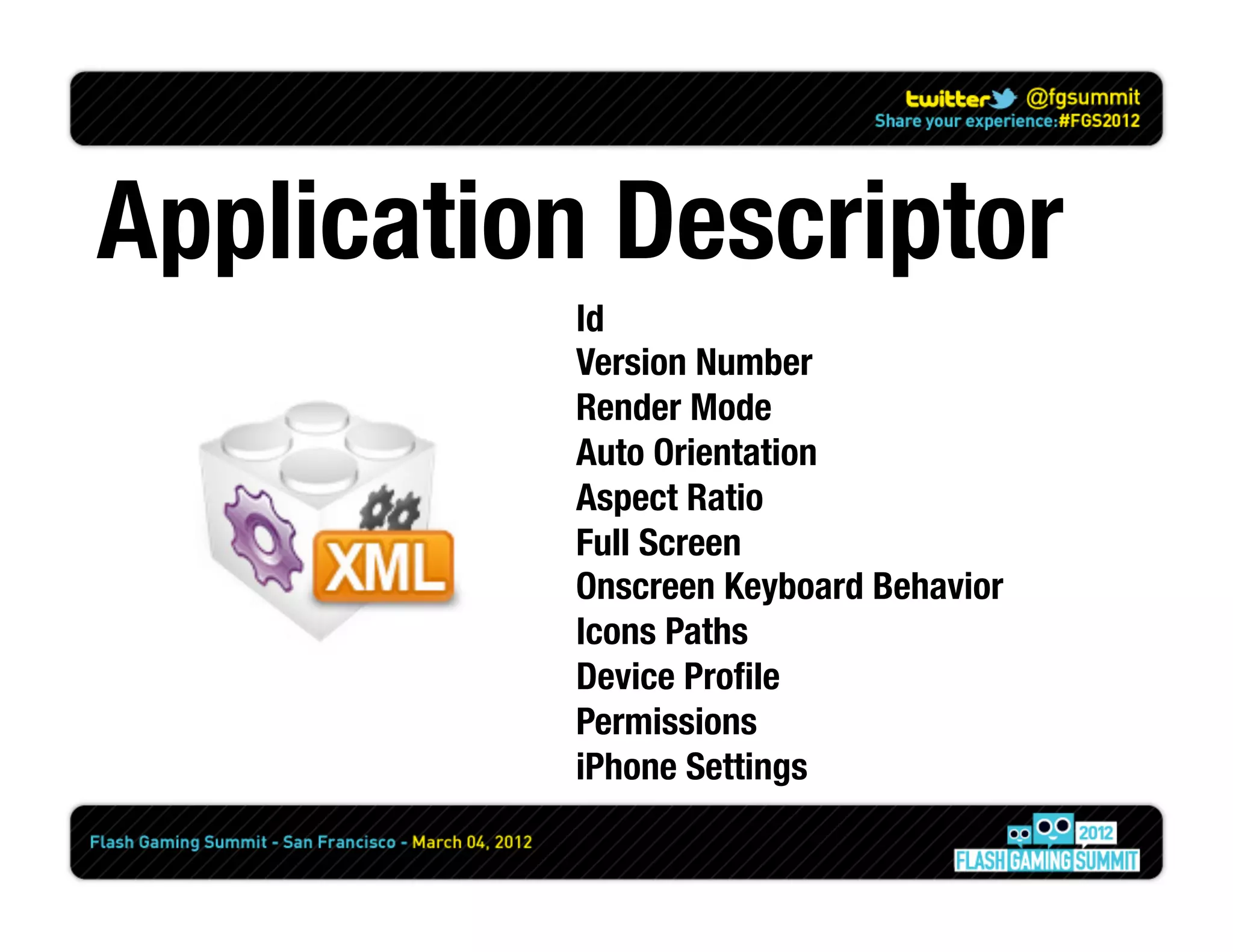
Application Descriptor
           Id
           Version Number
           Render Mode
           Auto Orientation
           Aspect Ratio
           Full Screen
           Onscreen Keyboard Behavior
           Icons Paths
           Device Profile
           Permissions
           iPhone Settings
DEVICES SUCK
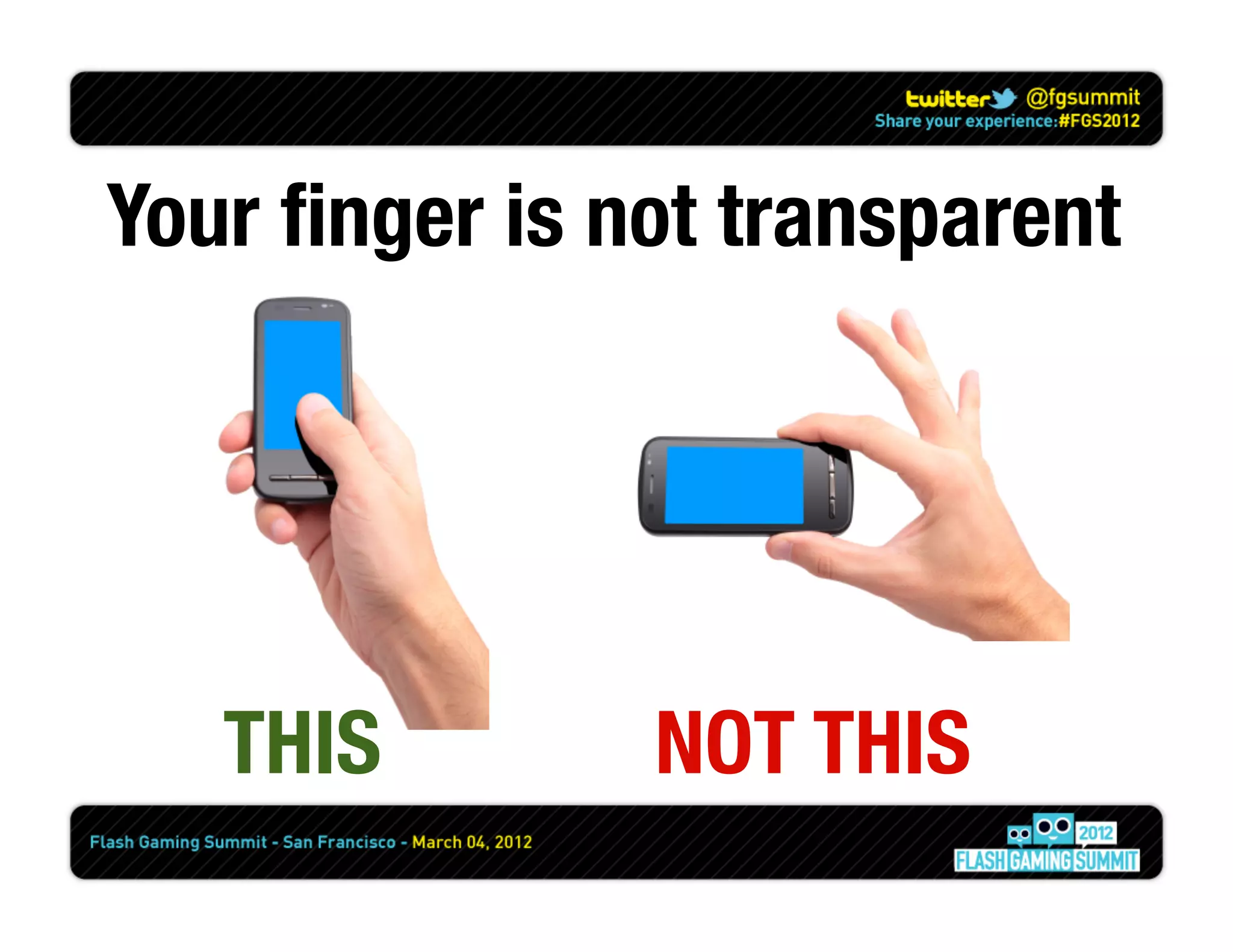
Your finger is not transparent


   THIS
       NOT THIS
Devices do not have
 roll over or roll out
TouchEvents are different
   than MouseEvents 
   flash.ui.Multitouchflash.ui.MultitouchInputMode
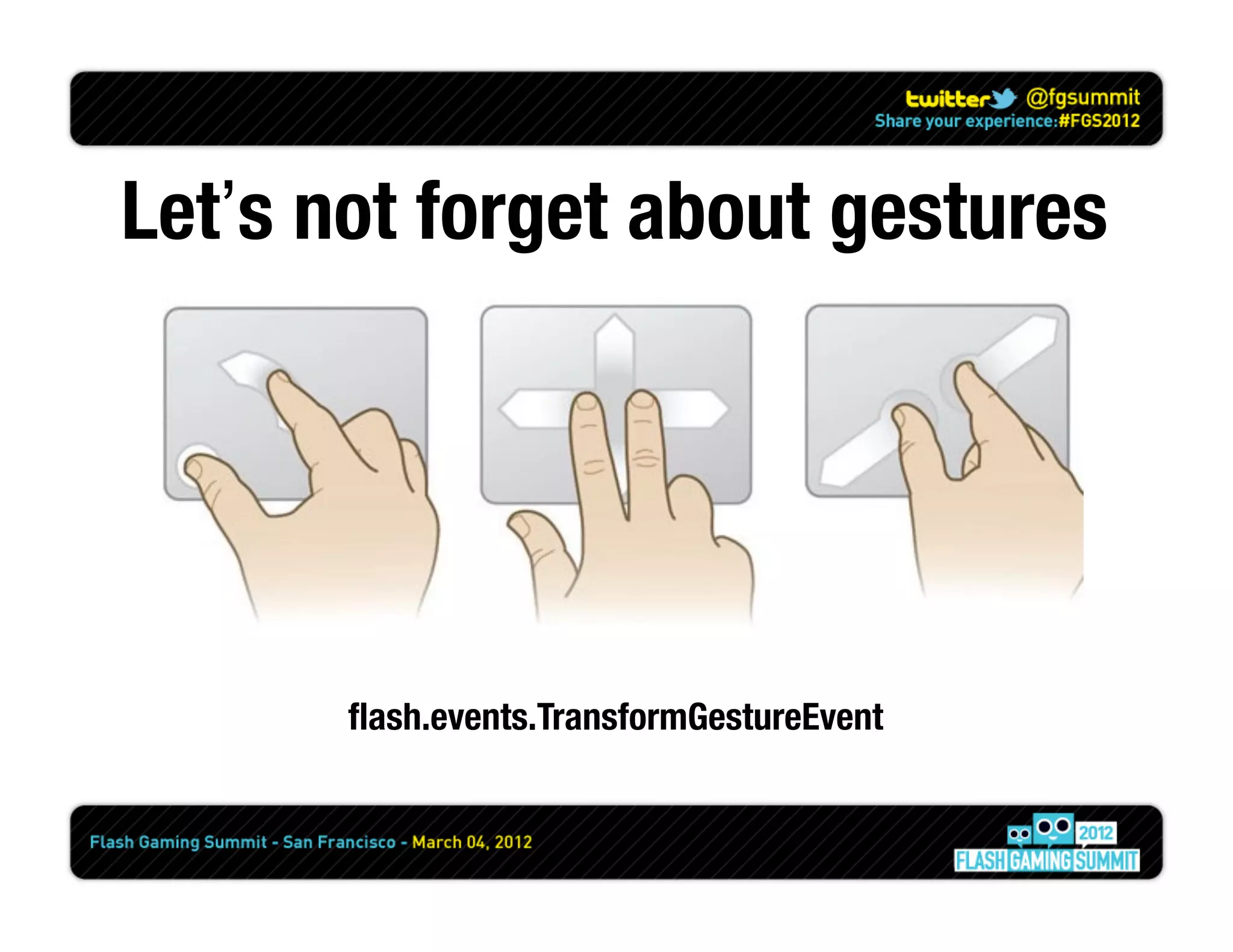
Let’s not forget about gestures


       flash.events.TransformGestureEvent
Use Enter Frame
not Mouse Move
Screen Density
       != 
Screen Resolution
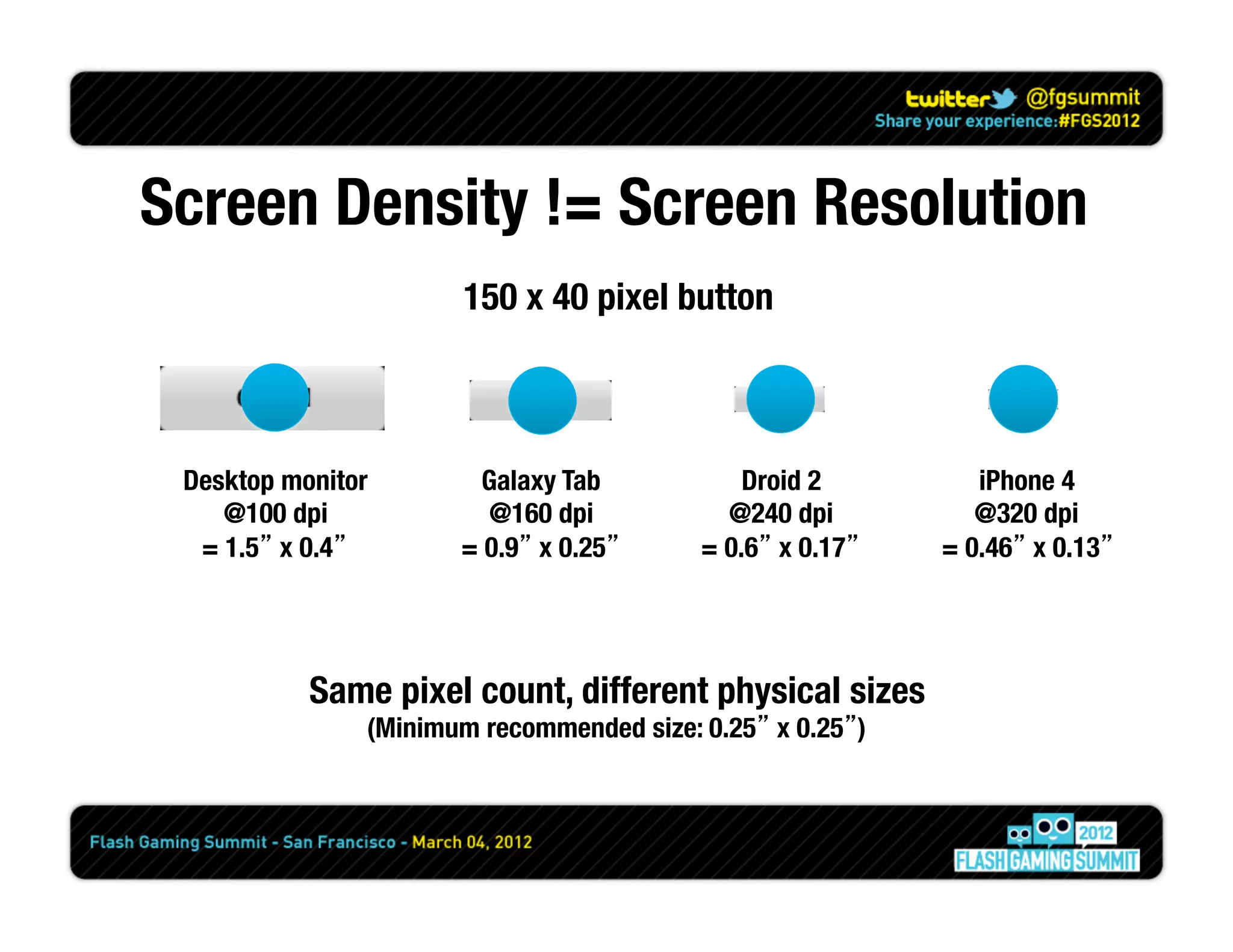
Screen Density != Screen Resolution
                        150 x 40 pixel button


 Desktop monitor
        Galaxy Tab
           Droid 2
         iPhone 4
    @100 dpi
            @160 dpi
           @240 dpi
          @320 dpi
  = 1.5” x 0.4”
       = 0.9” x 0.25”
     = 0.6” x 0.17”
   = 0.46” x 0.13”


           Same pixel count, different physical sizes
                (Minimum recommended size: 0.25” x 0.25”)
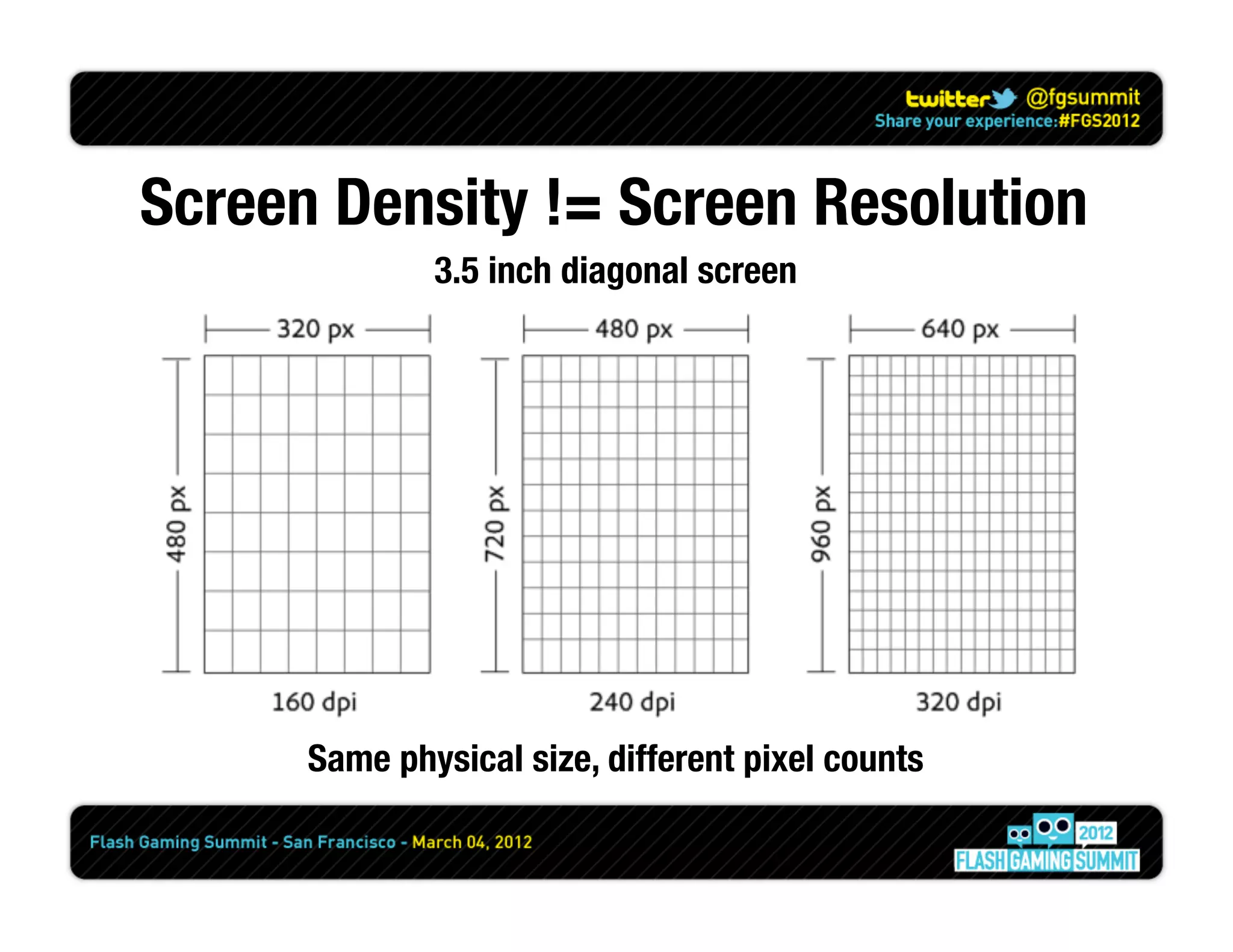
Screen Density != Screen Resolution
              3.5 inch diagonal screen


      Same physical size, different pixel counts
Screen Density != Screen Resolution
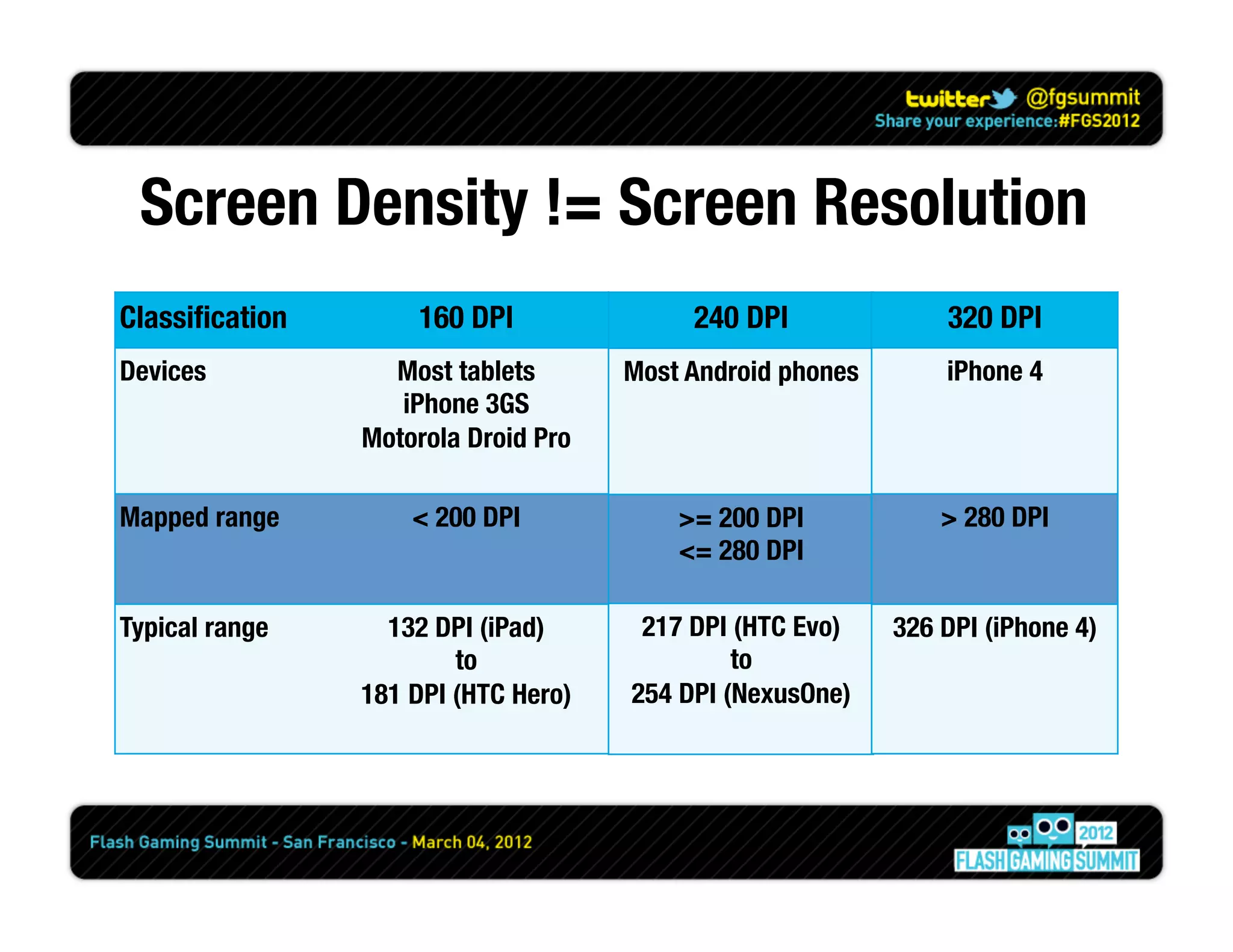
Classification
        160 DPI
              240 DPI
              320 DPI
Devices
           Most tablets
       Most Android phones
       iPhone 4
                    iPhone 3GS
                 Motorola Droid Pro

Mapped range
        < 200 DPI
            >= 200 DPI
            > 280 DPI
                                           <= 280 DPI

Typical range
     132 DPI (iPad)
      217 DPI (HTC Evo)
    326 DPI (iPhone 4)
                         to
                    to
                 181 DPI (HTC Hero)
   254 DPI (NexusOne)
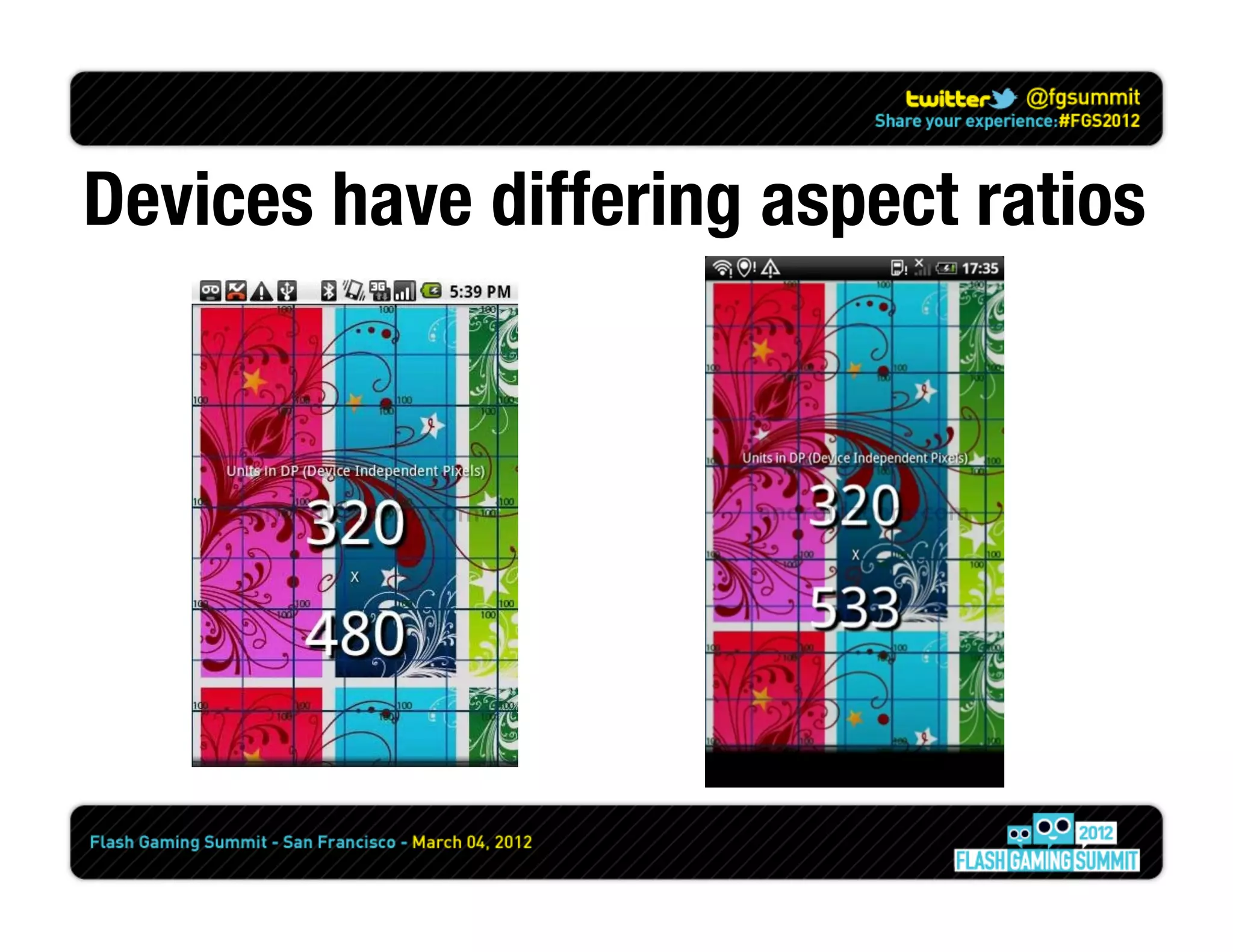
Devices have differing aspect ratios
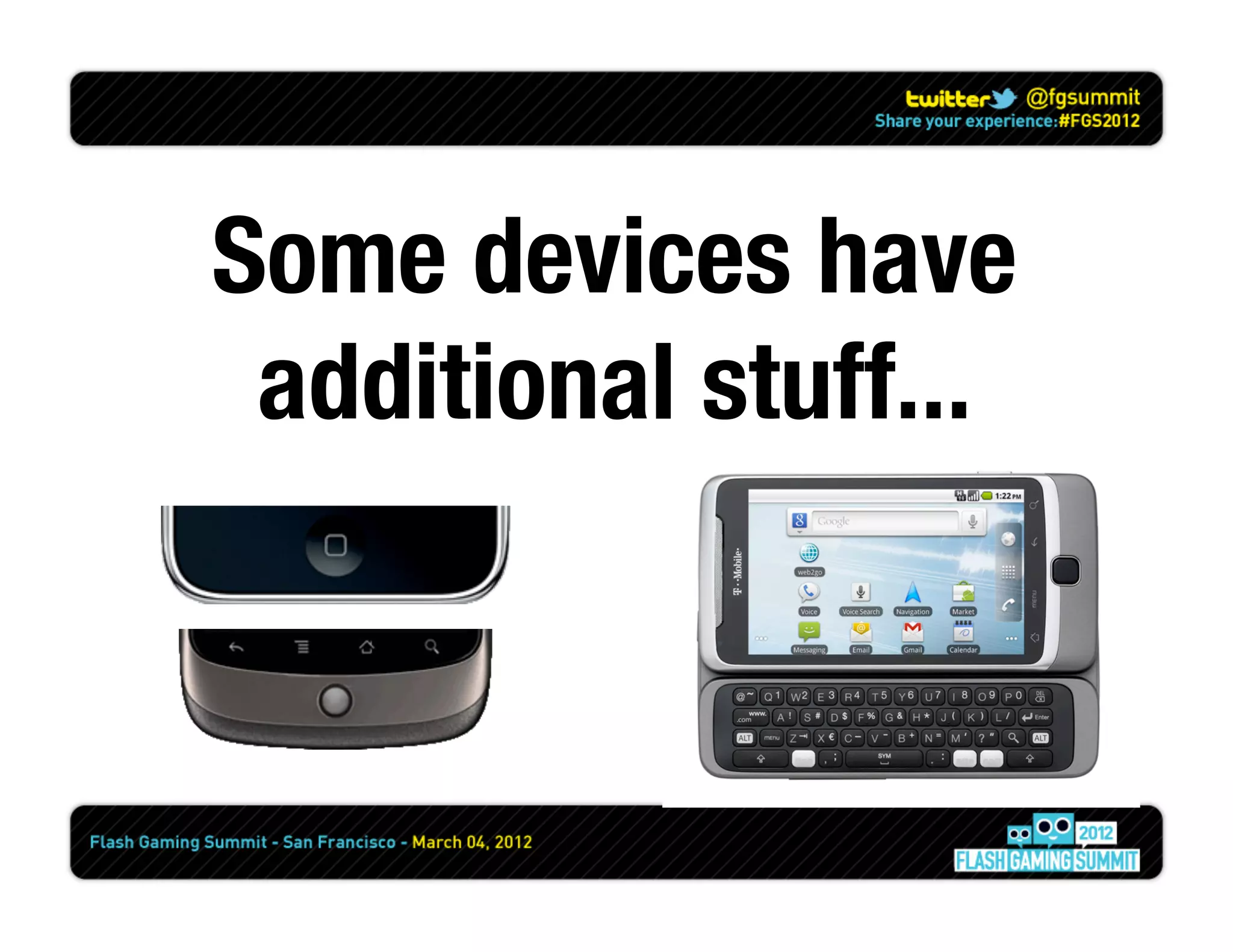
Some devices have
 additional stuff...
Capabilities
flash.system.Capabilities
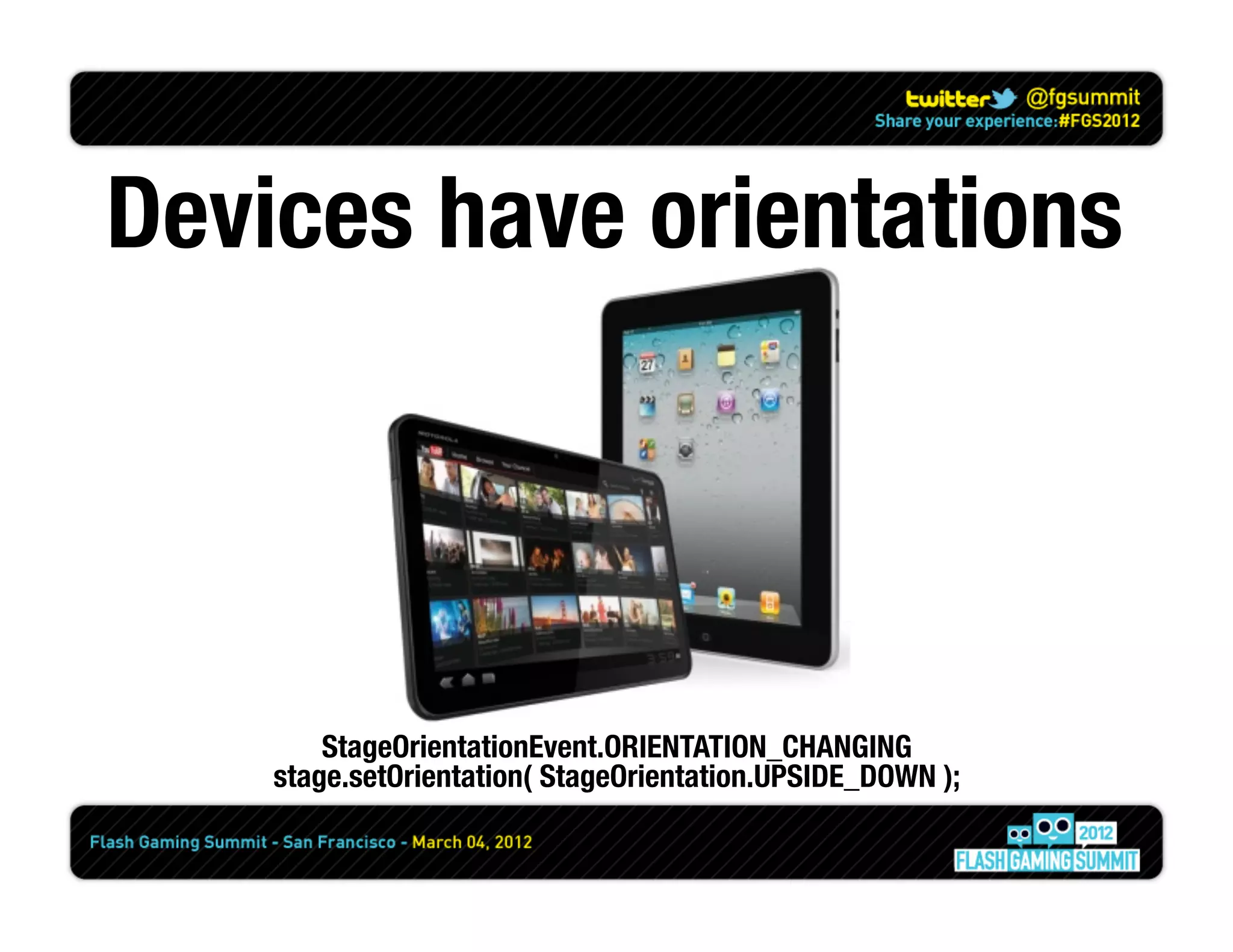
Devices have orientations


        StageOrientationEvent.ORIENTATION_CHANGING
    stage.setOrientation( StageOrientation.UPSIDE_DOWN );
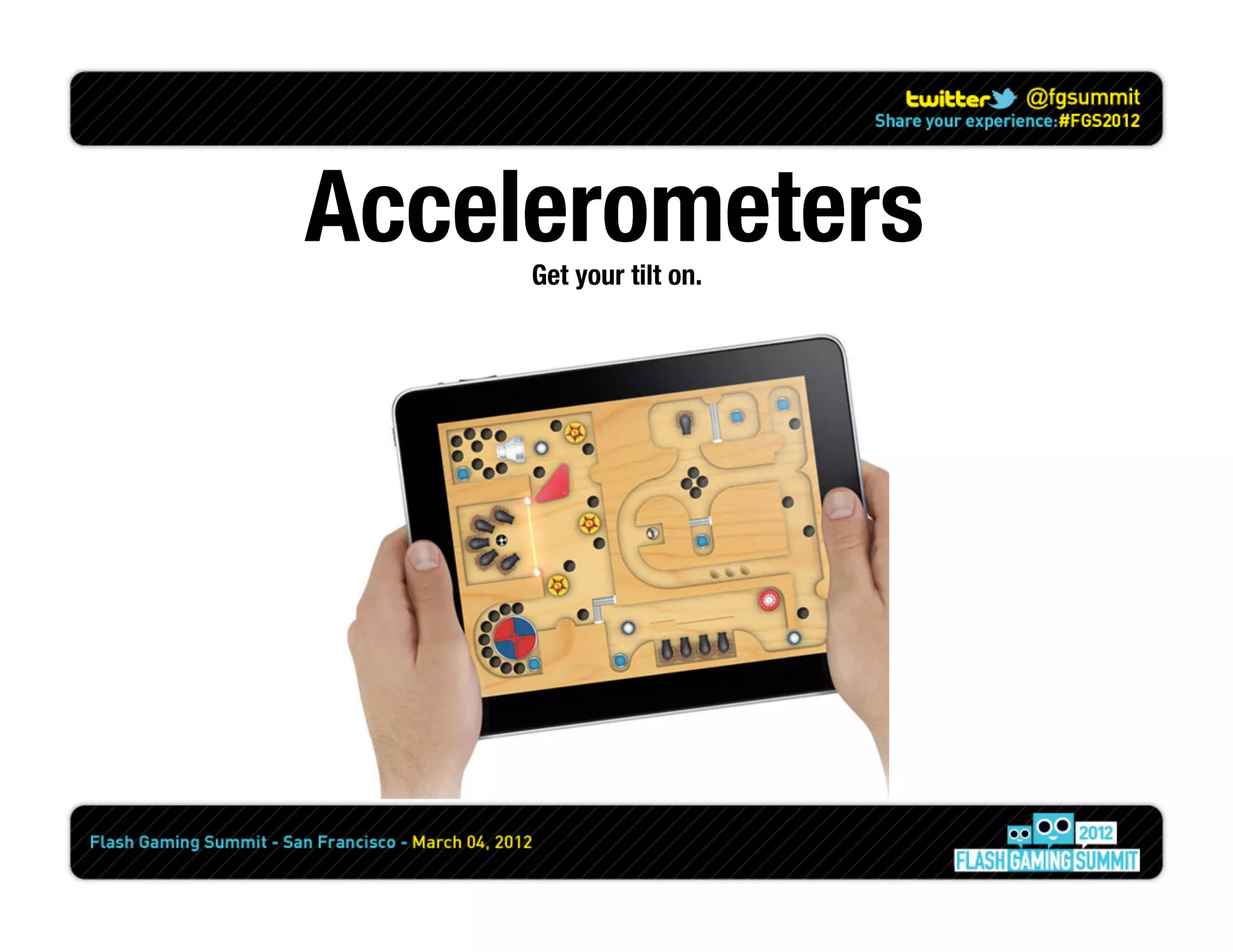
Accelerometers
     Get your tilt on.
Emulators
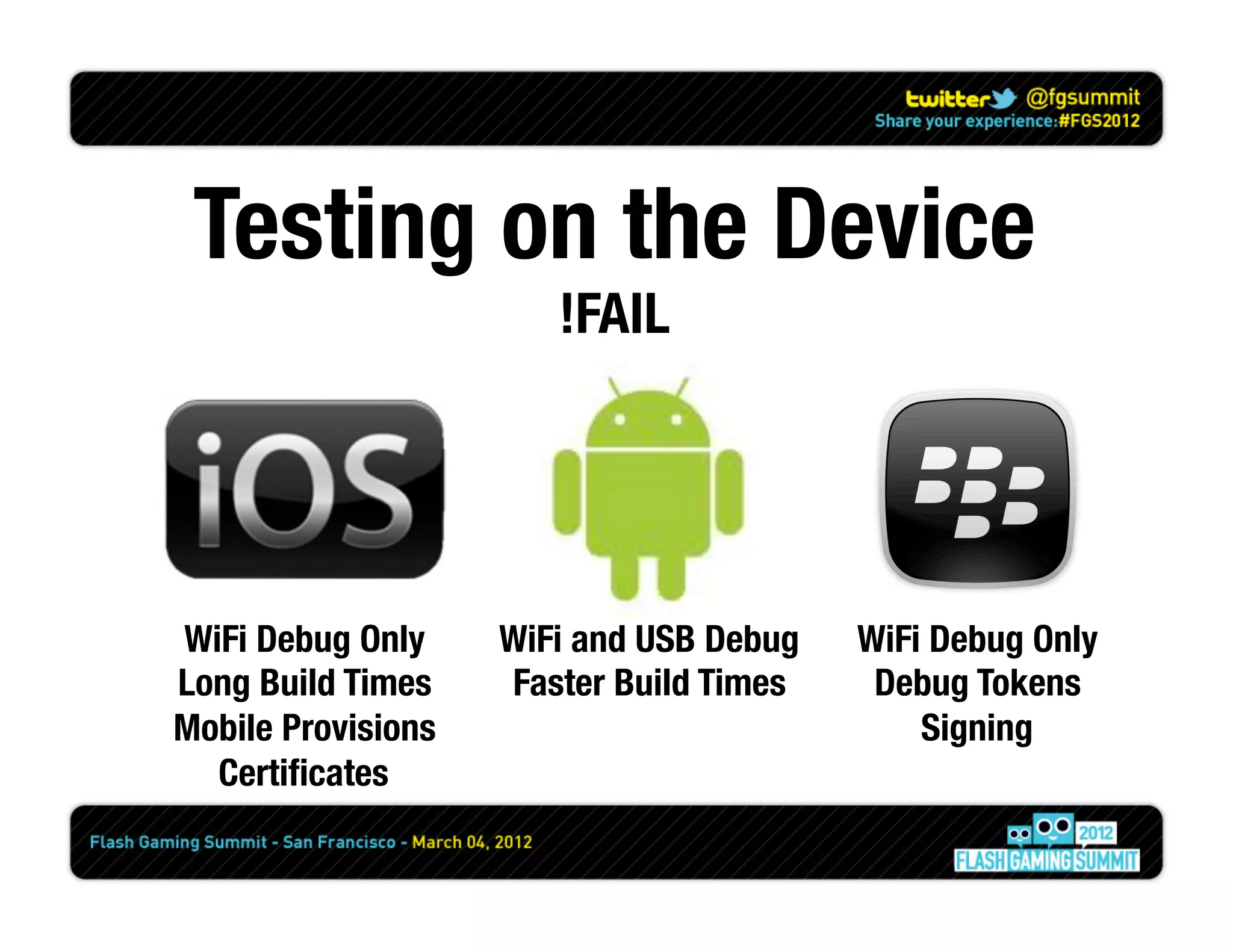
Testing on the Device
                        !FAIL


WiFi Debug Only
     WiFi and USB Debug
   WiFi Debug Only
Long Build Times
    Faster Build Times
    Debug Tokens
Mobile Provisions
                             Signing
  Certificates
Full Screen
Permissions
(Android / Playbook)
  android.permission.INTERNET
  android.permission.WRITE_EXTERNAL_STORAGE
  android.permission.READ_PHONE_STATE
  android.permission.ACCESS_FINE_LOCATION
  android.permission.DISABLE_KEYGUARD
  android.permission.WAKE_LOCK
  android.permission.CAMERA
  android.permission.RECORD_AUDIO
  android.permission.ACCESS_NETWORK_STATE
  android.permission.ACCESS_WIFI_STATE
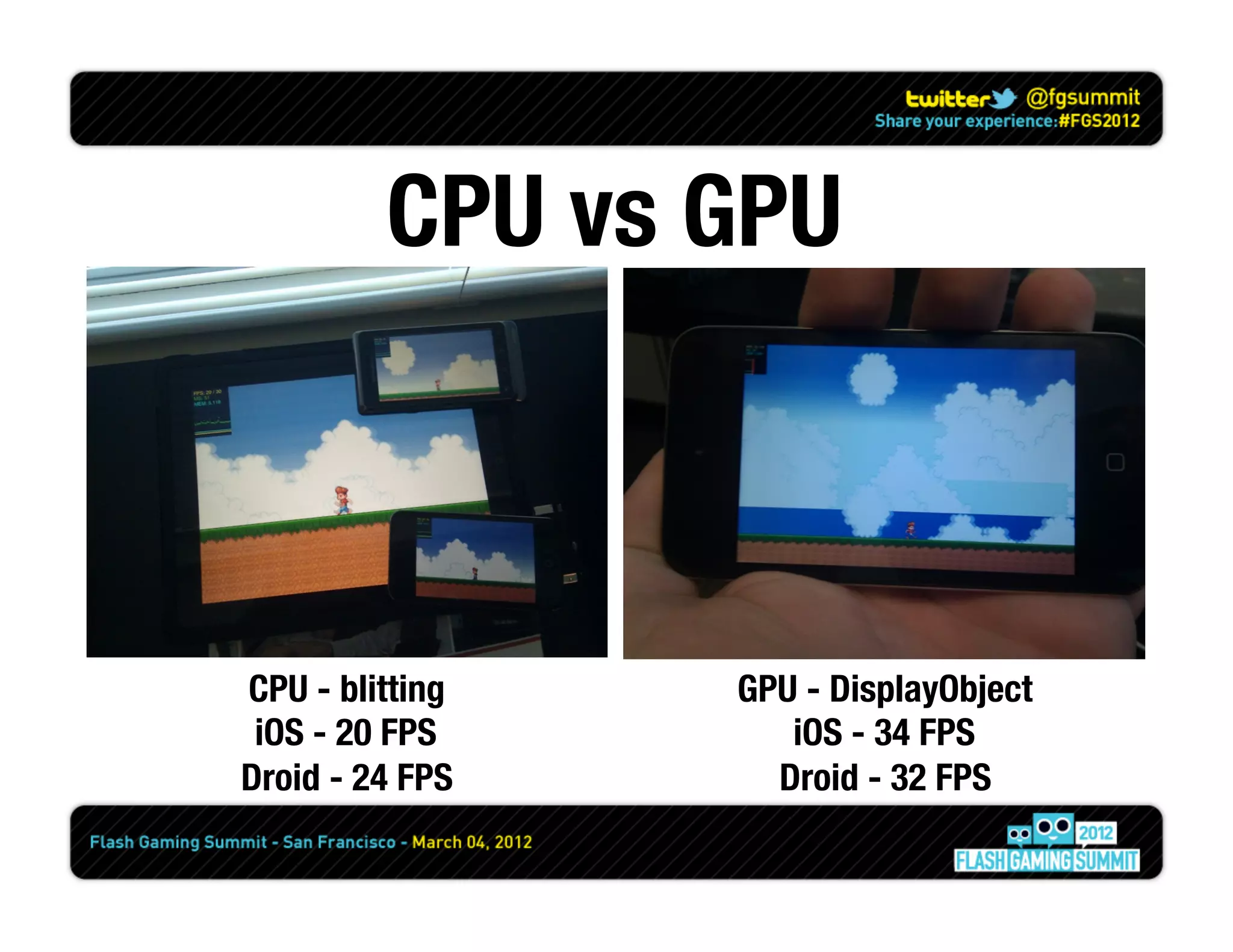
CPU vs GPU


CPU - blitting
   GPU - DisplayObject
 iOS - 20 FPS
       iOS - 34 FPS
Droid - 24 FPS
     Droid - 32 FPS
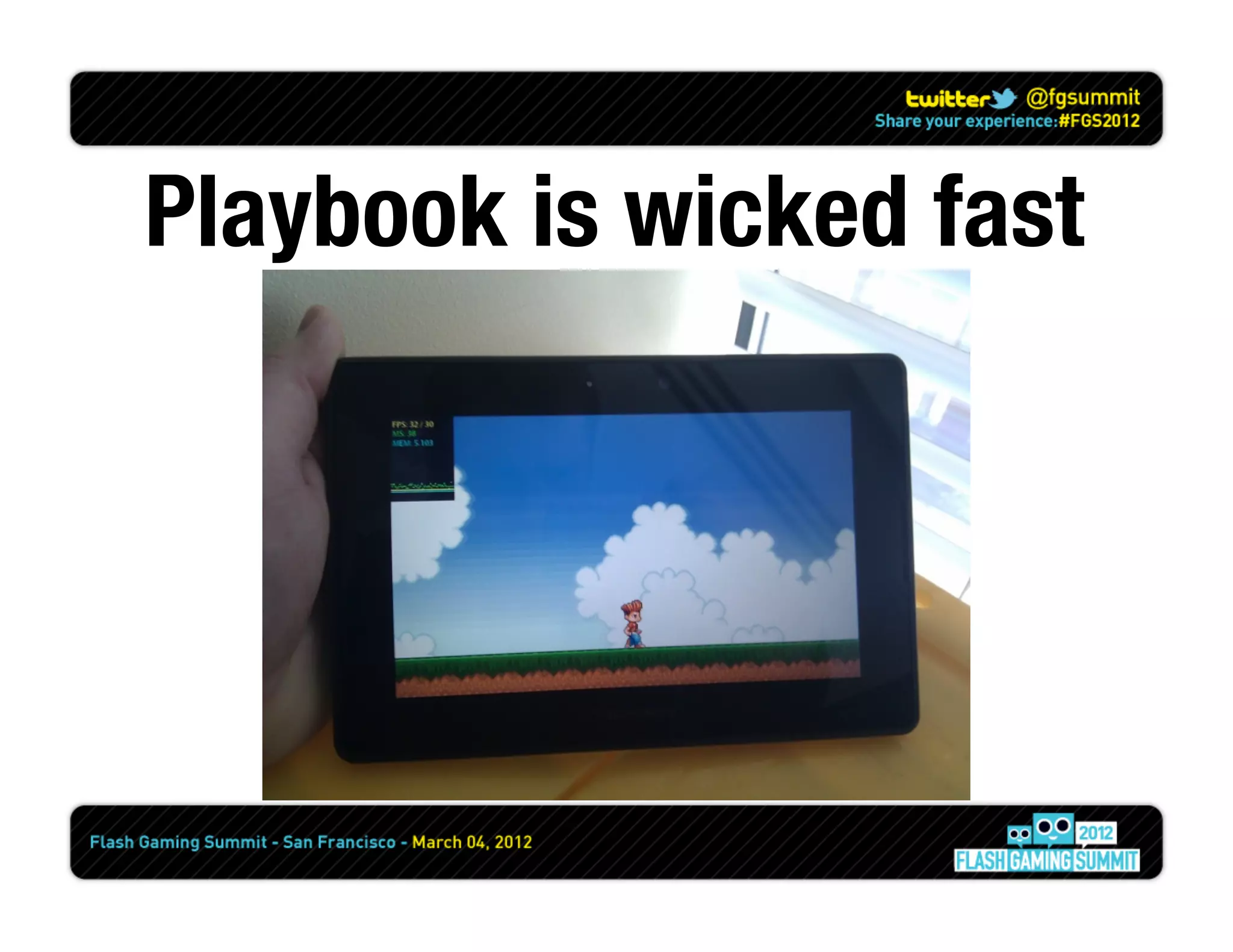
Playbook is wicked fast
Molehill, Stage3D?
         “Stage3D for mobile is planned for middle of next year, 
but we are working hard on it to make it more like beginning of next year”
            - Thibault Imbert, Flash Player Product Manager
                             October 31, 2011
“Adobe AIR 3.2 release candidate is now available for download. This build
   introduces the Stage3D API to iOS and Android devices, enabling full
       hardware accelerated 2D and 3D graphics for mobile apps.”
                  - Adobe Labs, compliments of Thibault
                            February 27, 2012
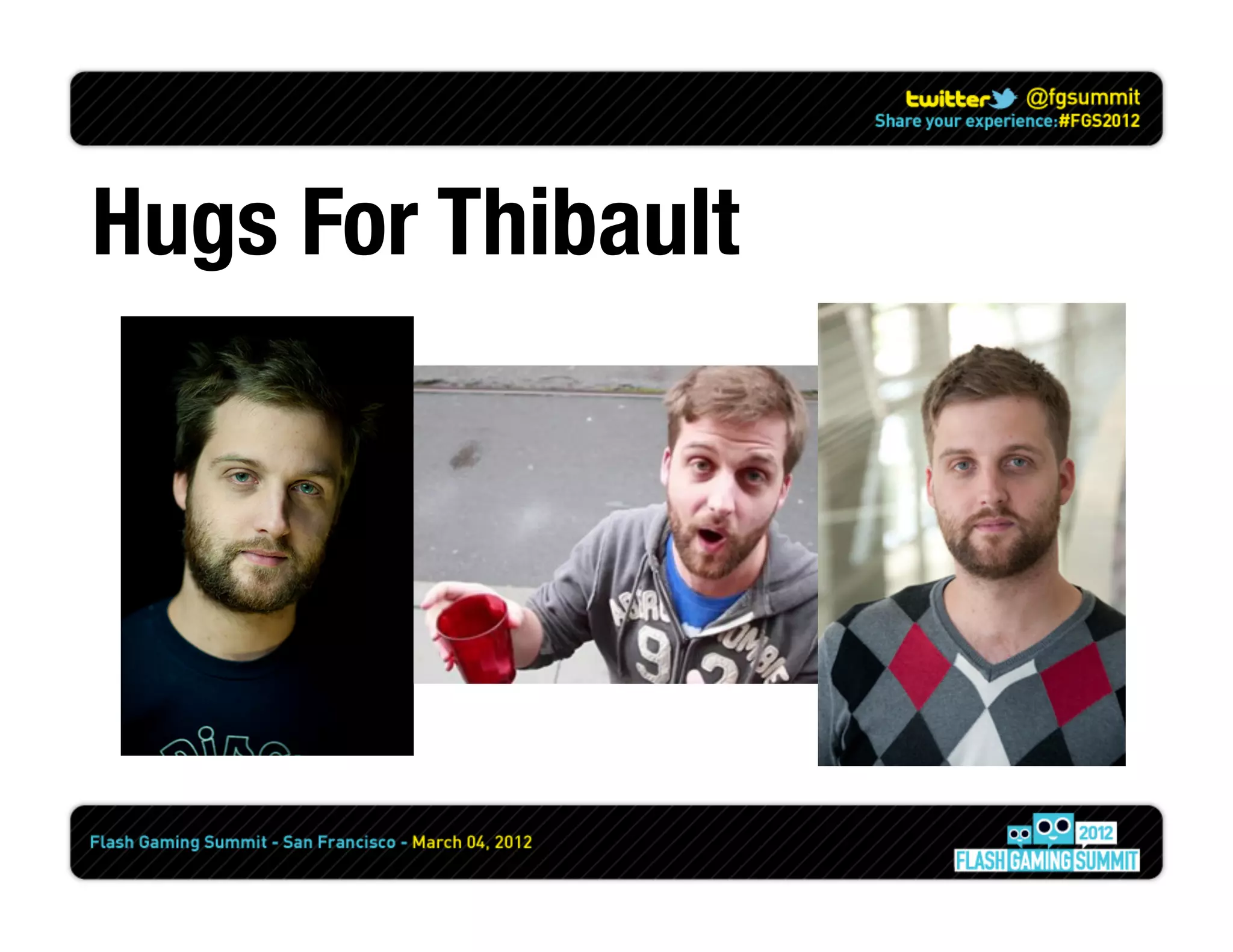
Hugs For Thibault
Use a Framework

        www.smash.io
ANT is your friend
(or maven if you’re a cool kid)
Build servers are awesome


           +
Hosting your build servers
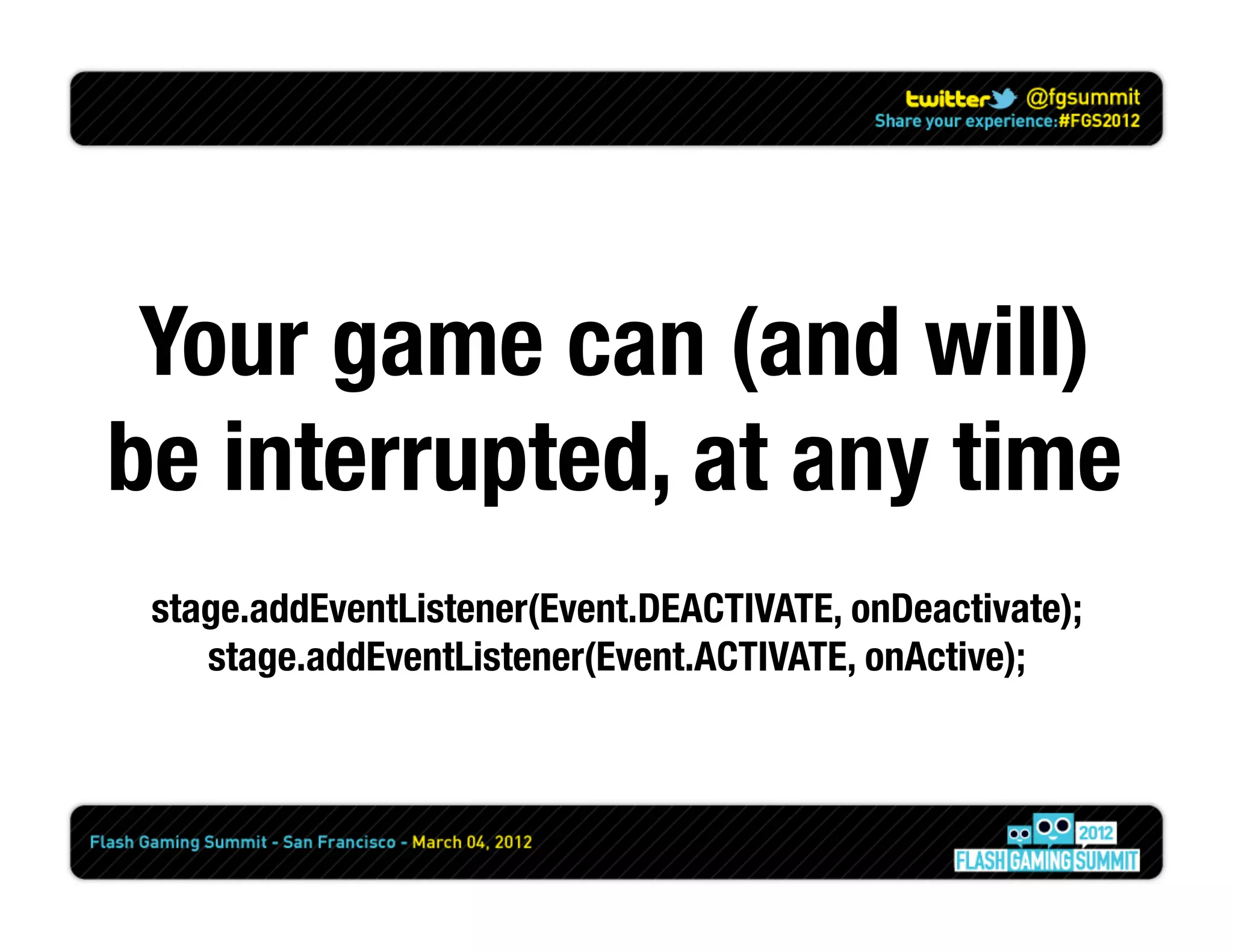
Your game can (and will)
be interrupted, at any time
 stage.addEventListener(Event.DEACTIVATE, onDeactivate);
    stage.addEventListener(Event.ACTIVATE, onActive);
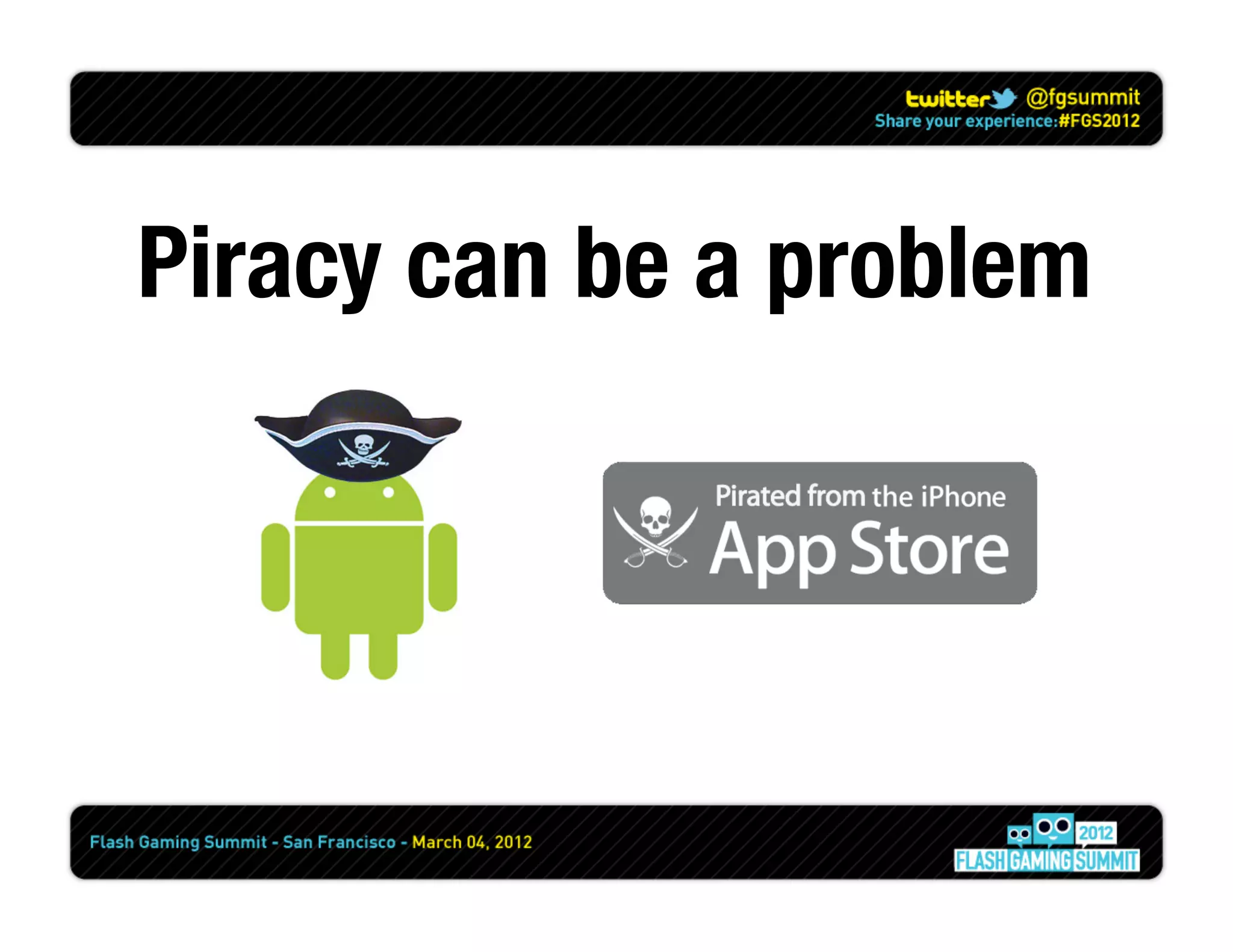
Piracy can be a problem
Please use Version
 Control... please
Questions?
Thanks!
           Nate Beck
           Principal Architect


           @jnbeck
           nate@zaalabs.com
           blog.natebeck.net

Going Mobile - Flash Gaming Summit 2012

  • 1.
  • 2.
    ADL, PFI... WTF? ADL- AIR Debug Launcher - Using ADL, you can run an application without first packaging and installing it. ADT - AIR Developer Tool - ADT is a multi-purpose, command-line tool for developing AIR applications. PFI - Packager For iPhone - Completely replaced by ADT. iOS - The OS for iPads, iPod Touch and iPhones
  • 3.
    The Markets ... thatsupport Adobe Flash
  • 4.
    Membership Fee $99/ year $25 $99 / year ¹ $0 $0 Revenue Split 30% 30% 30% 30% 30% Overall Difficulty 5 1 3 2 11 1(easy) to 10 (hard) Number of Apps ~570,000 ~395,000 ~30,400 ~3,030 ~4,000 ¹ At the moment, first year is free Source - Apple App Store - http://148apps.biz/app-store-metrics/ Source - Android Market - http://www.appbrain.com/stats/
  • 5.
    Case Study –Word Wars
  • 11.
    Build Process APK Executable ADT IPA Assets BAR
  • 12.
    Application Descriptor Id Version Number Render Mode Auto Orientation Aspect Ratio Full Screen Onscreen Keyboard Behavior Icons Paths Device Profile Permissions iPhone Settings
  • 13.
  • 14.
    Your finger isnot transparent THIS NOT THIS
  • 15.
    Devices do nothave roll over or roll out
  • 16.
    TouchEvents are different than MouseEvents flash.ui.Multitouchflash.ui.MultitouchInputMode
  • 17.
    Let’s not forgetabout gestures flash.events.TransformGestureEvent
  • 18.
  • 19.
    Screen Density != Screen Resolution
  • 20.
    Screen Density !=Screen Resolution 150 x 40 pixel button Desktop monitor Galaxy Tab Droid 2 iPhone 4 @100 dpi @160 dpi @240 dpi @320 dpi = 1.5” x 0.4” = 0.9” x 0.25” = 0.6” x 0.17” = 0.46” x 0.13” Same pixel count, different physical sizes (Minimum recommended size: 0.25” x 0.25”)
  • 21.
    Screen Density !=Screen Resolution 3.5 inch diagonal screen Same physical size, different pixel counts
  • 22.
    Screen Density !=Screen Resolution Classification 160 DPI 240 DPI 320 DPI Devices Most tablets Most Android phones iPhone 4 iPhone 3GS Motorola Droid Pro Mapped range < 200 DPI >= 200 DPI > 280 DPI <= 280 DPI Typical range 132 DPI (iPad) 217 DPI (HTC Evo) 326 DPI (iPhone 4) to to 181 DPI (HTC Hero) 254 DPI (NexusOne)
  • 23.
  • 24.
    Some devices have additional stuff...
  • 25.
  • 26.
    Devices have orientations StageOrientationEvent.ORIENTATION_CHANGING stage.setOrientation( StageOrientation.UPSIDE_DOWN );
  • 27.
    Accelerometers Get your tilt on.
  • 28.
  • 29.
    Testing on theDevice !FAIL WiFi Debug Only WiFi and USB Debug WiFi Debug Only Long Build Times Faster Build Times Debug Tokens Mobile Provisions Signing Certificates
  • 30.
  • 31.
    Permissions (Android / Playbook) android.permission.INTERNET android.permission.WRITE_EXTERNAL_STORAGE android.permission.READ_PHONE_STATE android.permission.ACCESS_FINE_LOCATION android.permission.DISABLE_KEYGUARD android.permission.WAKE_LOCK android.permission.CAMERA android.permission.RECORD_AUDIO android.permission.ACCESS_NETWORK_STATE android.permission.ACCESS_WIFI_STATE
  • 32.
    CPU vs GPU CPU- blitting GPU - DisplayObject iOS - 20 FPS iOS - 34 FPS Droid - 24 FPS Droid - 32 FPS
  • 33.
  • 34.
    Molehill, Stage3D? “Stage3D for mobile is planned for middle of next year, but we are working hard on it to make it more like beginning of next year” - Thibault Imbert, Flash Player Product Manager October 31, 2011
  • 35.
    “Adobe AIR 3.2release candidate is now available for download. This build introduces the Stage3D API to iOS and Android devices, enabling full hardware accelerated 2D and 3D graphics for mobile apps.” - Adobe Labs, compliments of Thibault February 27, 2012
  • 36.
  • 37.
    Use a Framework www.smash.io
  • 38.
    ANT is yourfriend (or maven if you’re a cool kid)
  • 39.
  • 40.
  • 41.
    Your game can(and will) be interrupted, at any time stage.addEventListener(Event.DEACTIVATE, onDeactivate); stage.addEventListener(Event.ACTIVATE, onActive);
  • 42.
    Piracy can bea problem
  • 43.
    Please use Version Control... please
  • 44.
  • 45.
    Thanks! Nate Beck Principal Architect @jnbeck nate@zaalabs.com blog.natebeck.net