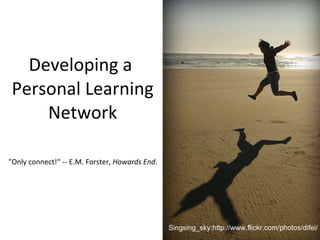
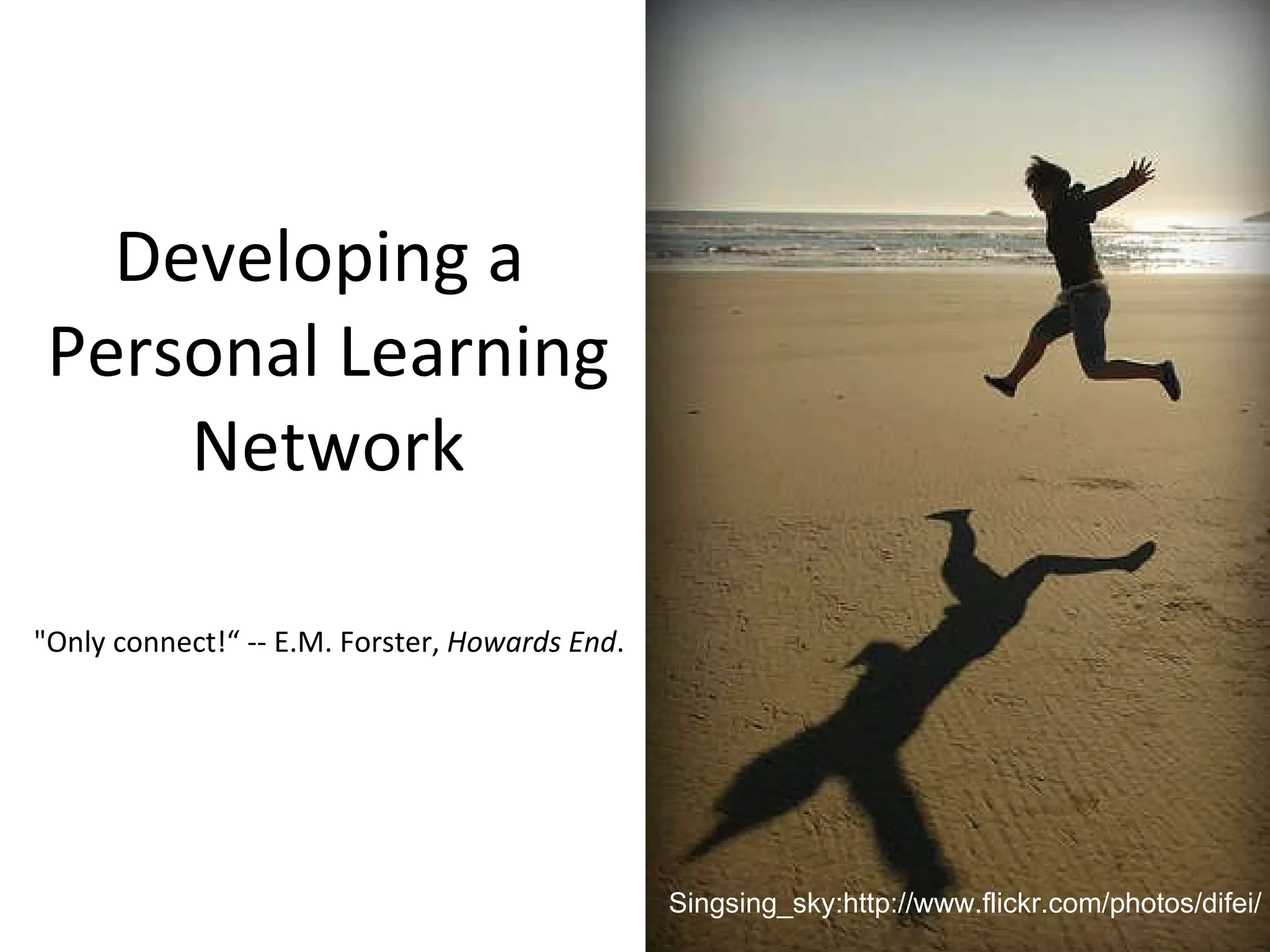
Developing a  Personal Learning Network "Only connect!“ -- E.M. Forster,  Howards End . Singsing_sky:http://www.flickr.com/photos/difei/
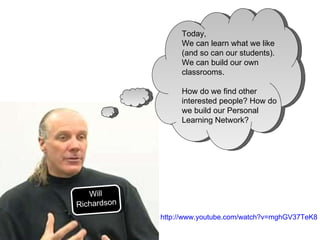
Today,  We can learn what we like (and so can our students). We can build our own classrooms. How do we find other interested people? How do we build our Personal Learning Network? Will Richardson http://www.youtube.com/watch?v=mghGV37TeK8
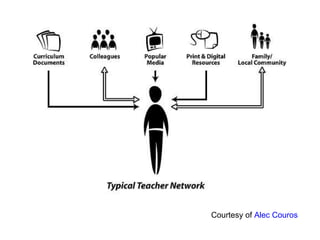
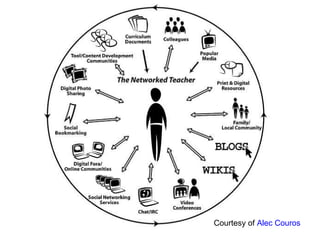
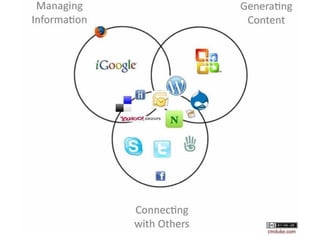
Courtesy of  Alec Couros


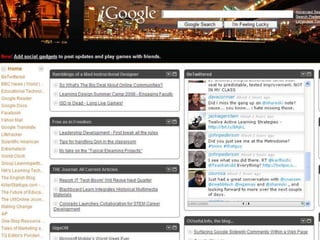
1. Visit: http://www.google.com/ig
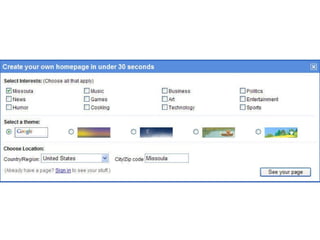
2. Create your page in less than 30 seconds!
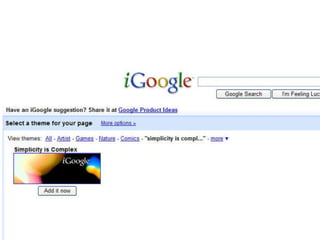
3. Select an artist theme: Simplicity is Complex
4. Delete the content of the page – You are in control of what you receive
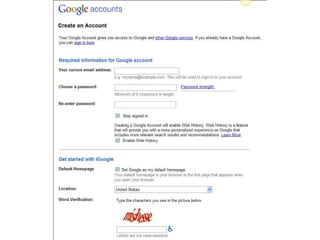
5. Sign in to save your page.  Create an Account now
6. Return to IGoogle home
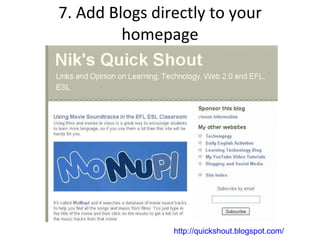
7. Add Blogs directly to your homepage http://quickshout.blogspot.com/
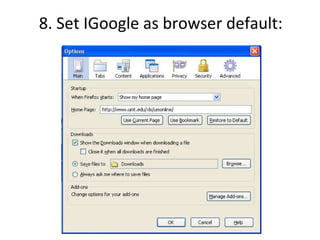
8. Set IGoogle as browser default:
Bring it on!
 
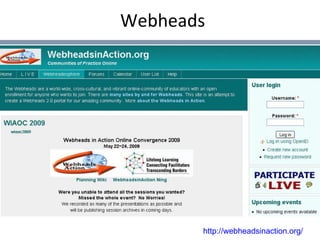
Webheads http://webheadsinaction.org/
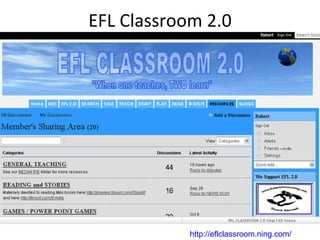
EFL Classroom 2.0 http://eflclassroom.ning.com/
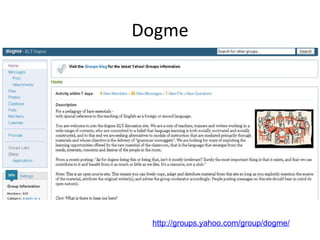
Dogme http://groups.yahoo.com/group/dogme/
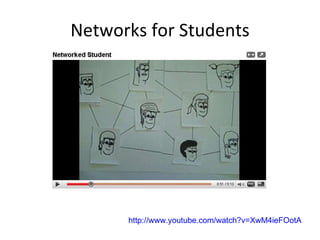
Networks for Students http://www.youtube.com/watch?v=XwM4ieFOotA http://www.youtube.com/watch?v=XwM4ieFOotA
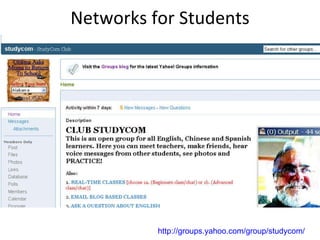
Networks for Students http://groups.yahoo.com/group/studycom/
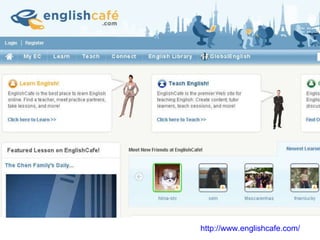
http://www.englishcafe.com/
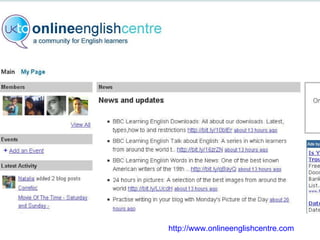
http://www.onlineenglishcentre.com
The Next Step? "Only connect!“ -- E.M. Forster,  Howards End . Singsing_sky:http://www.flickr.com/photos/difei/
 
 
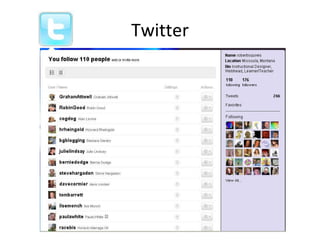
Twitter
Additional Resources Personal Learning Environments & Personal Learning Networks : Online symposium on learning-centric technology – From 13th October To 16th October 2009 PLE & PLN Symposium Conference Notes:  http://cck09notes.wikispaces.com/   Develop your own PLN:  http://suewaters.wikispaces.com/

Developing A Personal Learning Network

Editor's Notes

  • #3 http://www.youtube.com/watch?v=mghGV37TeK8
  • #5 http://www.slideshare.net/courosa/networked-possibilities
  • #6 http://www.diigo.com/bookmark/http%3A%2F%2Fwww.shambles.net%2Fpages%2Flearning%2Finfolit%2Fpln?gname=professionallearningnetworks
  • #7 Bringing in the News Blogs, Readers and a Mailing Address 1. Visit: http://www.google.com/ig 2. Create your page in less than 30 seconds! 3. Select an artist theme: Simplicity is Complex 4. Delete the content of the page – You are in control of what you receive 5. Add Stuff: Google Reader 6. Back to IGoogle home 7. Watch Google Reader in plain English 8. Sign in to save your page. Create an account if necessary Create an Account now 9. Return to IGoogle home 10. Google Search: Important people in your field (i.e. George Siemens Blog). Add directly into Google reader or if you really like the blog… 11. Add Blogs directly to your homepage 12. Set IGoogle as browser default: http://www.robert.squires.wordpress.com 13. Items to add: Twitter (latest events and information) Del.ic.ious (store your links online and share what you are reading) Google Docs (collaborate on a conference or paper)
  • #10 Bringing in the News Blogs, Readers and a Mailing Address 1. Visit: http://www.google.com/ig 2. Create your page in less than 30 seconds! 3. Select an artist theme: Simplicity is Complex 4. Delete the content of the page – You are in control of what you receive 5. Add Stuff: Google Reader 6. Back to IGoogle home 7. Watch Google Reader in plain English 8. Sign in to save your page. Create an account if necessary Create an Account now 9. Return to IGoogle home 10. Google Search: Important people in your field (i.e. George Siemens Blog). Add directly into Google reader or if you really like the blog… 11. Add Blogs directly to your homepage 12. Set IGoogle as browser default: http://www.robert.squires.wordpress.com 13. Items to add: Twitter (latest events and information) Del.ic.ious (store your links online and share what you are reading) Google Docs (collaborate on a conference or paper)
  • #11 Bringing in the News Blogs, Readers and a Mailing Address 1. Visit: http://www.google.com/ig 2. Create your page in less than 30 seconds! 3. Select an artist theme: Simplicity is Complex 4. Delete the content of the page – You are in control of what you receive 5. Add Stuff: Google Reader 6. Back to IGoogle home 7. Watch Google Reader in plain English 8. Sign in to save your page. Create an account if necessary Create an Account now 9. Return to IGoogle home 10. Google Search: Important people in your field (i.e. George Siemens Blog). Add directly into Google reader or if you really like the blog… 11. Add Blogs directly to your homepage 12. Set IGoogle as browser default: http://www.robert.squires.wordpress.com 13. Items to add: Twitter (latest events and information) Del.ic.ious (store your links online and share what you are reading) Google Docs (collaborate on a conference or paper)
  • #12 Bringing in the News Blogs, Readers and a Mailing Address 1. Visit: http://www.google.com/ig 2. Create your page in less than 30 seconds! 3. Select an artist theme: Simplicity is Complex 4. Delete the content of the page – You are in control of what you receive 5. Add Stuff: Google Reader 6. Back to IGoogle home 7. Watch Google Reader in plain English 8. Sign in to save your page. Create an account if necessary Create an Account now 9. Return to IGoogle home 10. Google Search: Important people in your field (i.e. George Siemens Blog). Add directly into Google reader or if you really like the blog… 11. Add Blogs directly to your homepage 12. Set IGoogle as browser default: http://www.robert.squires.wordpress.com 13. Items to add: Twitter (latest events and information) Del.ic.ious (store your links online and share what you are reading) Google Docs (collaborate on a conference or paper)
  • #13 Bringing in the News Blogs, Readers and a Mailing Address 1. Visit: http://www.google.com/ig 2. Create your page in less than 30 seconds! 3. Select an artist theme: Simplicity is Complex 4. Delete the content of the page – You are in control of what you receive 5. Add Stuff: Google Reader 6. Back to IGoogle home 7. Watch Google Reader in plain English 8. Sign in to save your page. Create an account if necessary Create an Account now 9. Return to IGoogle home 10. Google Search: Important people in your field (i.e. George Siemens Blog). Add directly into Google reader or if you really like the blog… 11. Add Blogs directly to your homepage 12. Set IGoogle as browser default: http://www.robert.squires.wordpress.com 13. Items to add: Twitter (latest events and information) Del.ic.ious (store your links online and share what you are reading) Google Docs (collaborate on a conference or paper)
  • #14 Bringing in the News Blogs, Readers and a Mailing Address 1. Visit: http://www.google.com/ig 2. Create your page in less than 30 seconds! 3. Select an artist theme: Simplicity is Complex 4. Delete the content of the page – You are in control of what you receive 5. Add Stuff: Google Reader 6. Back to IGoogle home 7. Watch Google Reader in plain English 8. Sign in to save your page. Create an account if necessary Create an Account now 9. Return to IGoogle home 10. Google Search: Important people in your field (i.e. George Siemens Blog). Add directly into Google reader or if you really like the blog… 11. Add Blogs directly to your homepage 12. Set IGoogle as browser default: http://www.robert.squires.wordpress.com 13. Items to add: Twitter (latest events and information) Del.ic.ious (store your links online and share what you are reading) Google Docs (collaborate on a conference or paper)
  • #15 Bringing in the News Blogs, Readers and a Mailing Address 1. Visit: http://www.google.com/ig 2. Create your page in less than 30 seconds! 3. Select an artist theme: Simplicity is Complex 4. Delete the content of the page – You are in control of what you receive 5. Add Stuff: Google Reader 6. Back to IGoogle home 7. Watch Google Reader in plain English 8. Sign in to save your page. Create an account if necessary Create an Account now 9. Return to IGoogle home 10. Google Search: Important people in your field (i.e. George Siemens Blog). Add directly into Google reader or if you really like the blog… 11. Add Blogs directly to your homepage 12. Set IGoogle as browser default: http://www.robert.squires.wordpress.com 13. Items to add: Twitter (latest events and information) Del.ic.ious (store your links online and share what you are reading) Google Docs (collaborate on a conference or paper)
  • #16 Bringing in the News Blogs, Readers and a Mailing Address 1. Visit: http://www.google.com/ig 2. Create your page in less than 30 seconds! 3. Select an artist theme: Simplicity is Complex 4. Delete the content of the page – You are in control of what you receive 5. Add Stuff: Google Reader 6. Back to IGoogle home 7. Watch Google Reader in plain English 8. Sign in to save your page. Create an account if necessary Create an Account now 9. Return to IGoogle home 10. Google Search: Important people in your field (i.e. George Siemens Blog). Add directly into Google reader or if you really like the blog… 11. Add Blogs directly to your homepage 12. Set IGoogle as browser default: http://www.robert.squires.wordpress.com 13. Items to add: Twitter (latest events and information) Del.ic.ious (store your links online and share what you are reading) Google Docs (collaborate on a conference or paper)
  • #27 http://www.diigo.com/bookmark/http%3A%2F%2Fwww.shambles.net%2Fpages%2Flearning%2Finfolit%2Fpln?gname=professionallearningnetworks
  • #28 http://www.diigo.com/bookmark/http%3A%2F%2Fwww.shambles.net%2Fpages%2Flearning%2Finfolit%2Fpln?gname=professionallearningnetworks