Download to read offline

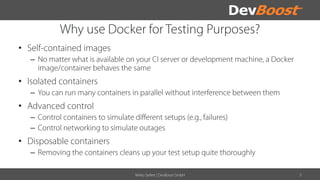
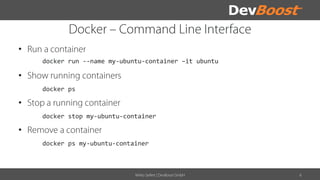
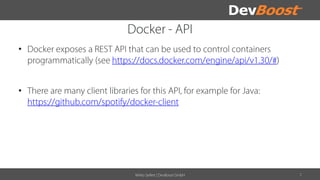
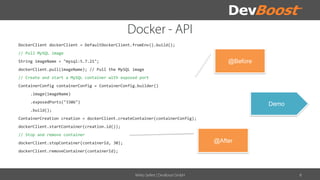
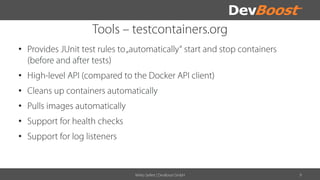
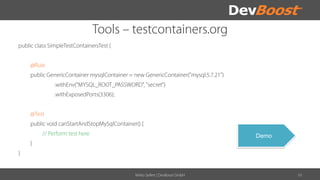
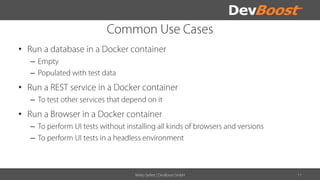
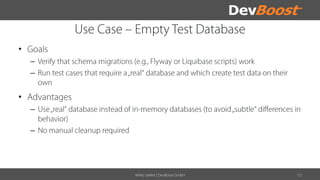
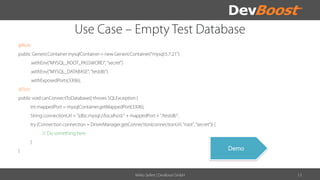
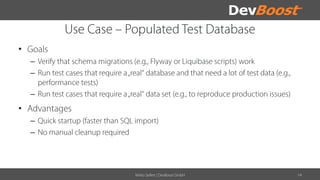
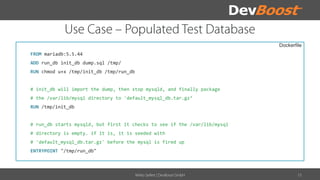
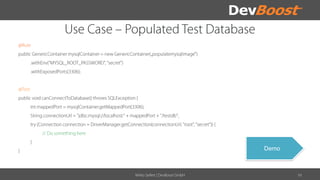
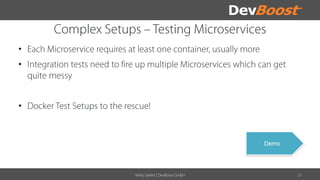
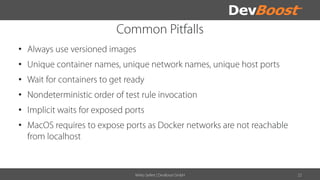
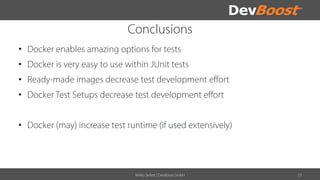

The document provides instructions for managing Docker containers, particularly for setting up a MySQL container using the Docker client. It outlines commands for creating, starting, stopping, and removing containers, as well as includes a Dockerfile example for initializing a MariaDB container. Key functions include pulling images, exposing ports, and running initialization scripts for databases.


![20260201 [FOSDEM] gomodjail - library sandboxing for Go modules.pdf](https://cdn.slidesharecdn.com/ss_thumbnails/20260201fosdemgomodjail-librarysandboxingforgomodules-260201225659-76609ec4-thumbnail.jpg?width=640&height=640&fit=bounds)


![谷歌留痕技术教程[ 𝙩𝙤𝙥 𝟮𝟯𝟯. 𝙘 𝙤𝙢 ]](https://cdn.slidesharecdn.com/ss_thumbnails/top233-260130173900-2eb784f9-thumbnail.jpg?width=640&height=640&fit=bounds)