Download as PDF, PPTX

![FROM python:3.7.3
WORKDIR /usr/src/app
COPY django ./
RUN pip install -r requirements.txt
RUN python manage.py collectstatic --noinput
CMD ["gunicorn", "sample.wsgi", "--bind=0:8000"]](https://image.slidesharecdn.com/fromdockerizingtodockercompose-190818075114/75/Django-16-2048.jpg)

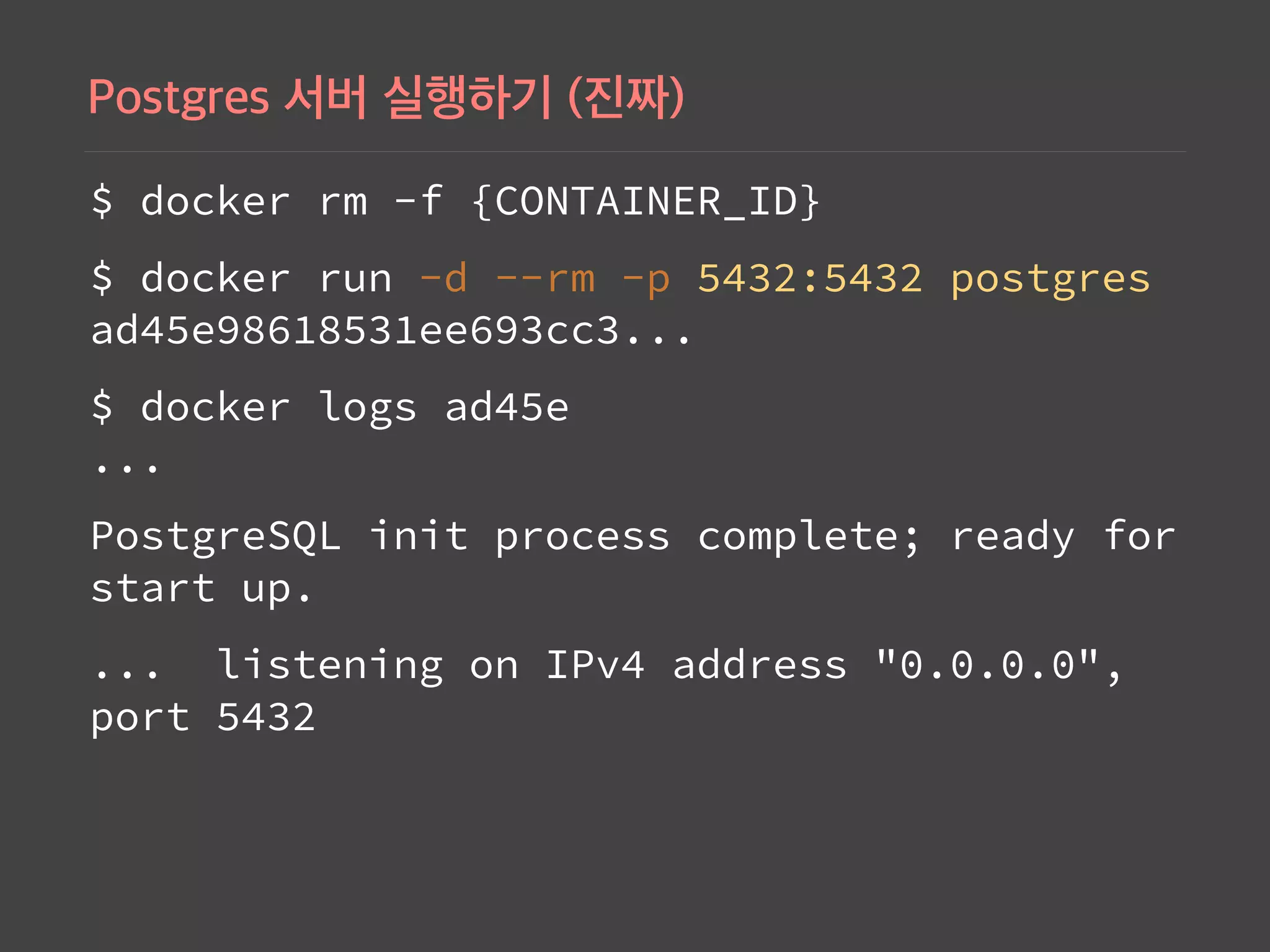
![$ docker rm -f {CONTAINER_ID}
$ docker run -d --rm -p 5432:5432 postgres
ad45e98618531ee693cc3...
$ telnet 0 5432
Trying 0.0.0.0...
Connected to 0.
Escape character is '^]'.
telnet> quit](https://image.slidesharecdn.com/fromdockerizingtodockercompose-190818075114/75/Django-65-2048.jpg)


![# ./compose/django/Dockerfile-dev
FROM python:3
ENV PYTHONUNBUFFERED 1
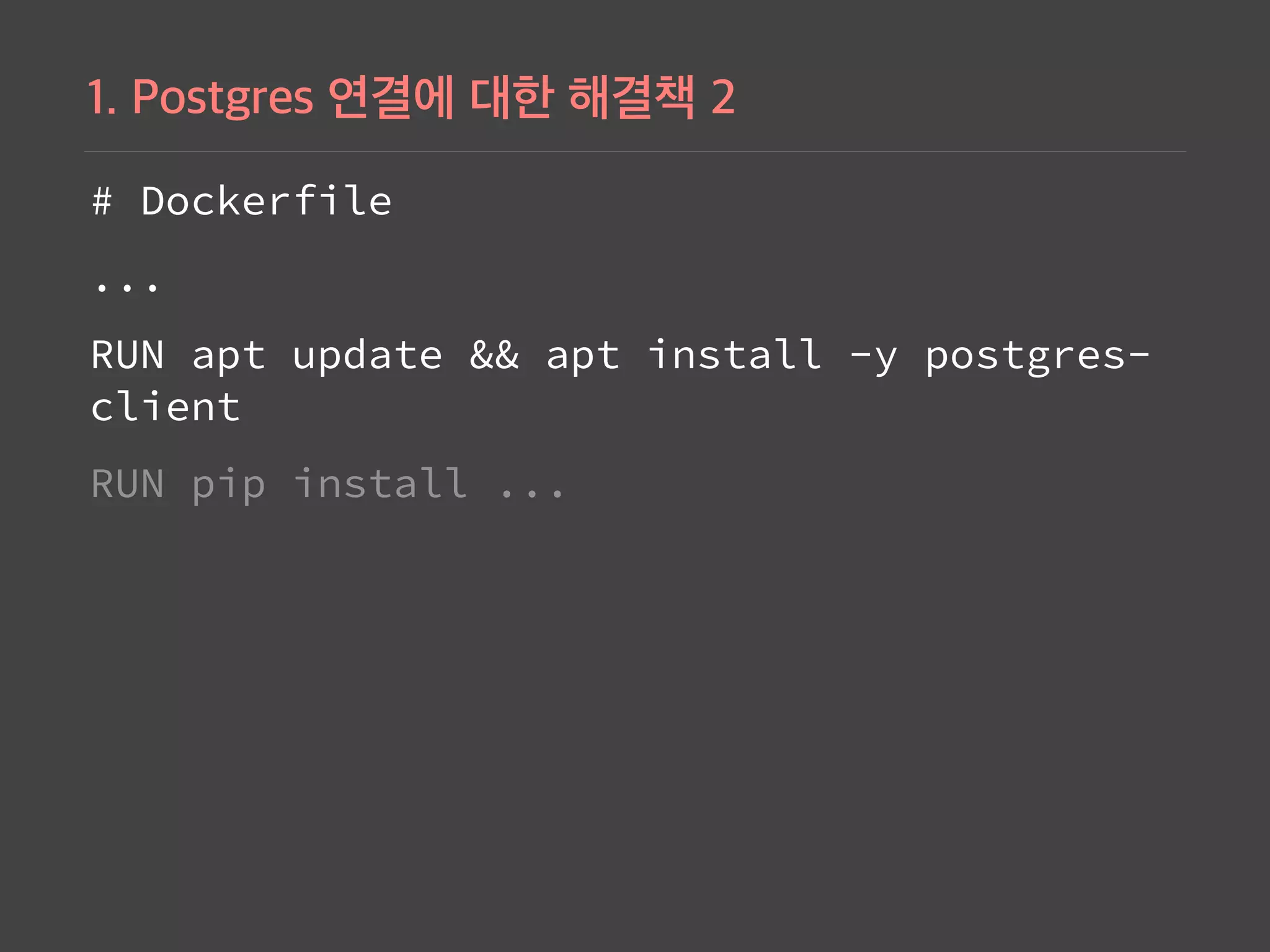
RUN apt update && apt install -y postgresql-client
WORKDIR /usr/src/app
COPY django ./
COPY django/requirements.txt ./
RUN pip install -r requirements.txt
RUN python manage.py collectstatic --noinput
CMD ["gunicorn", "sample.wsgi", "--bind=0:8000"]](https://image.slidesharecdn.com/fromdockerizingtodockercompose-190818075114/75/Django-107-2048.jpg)
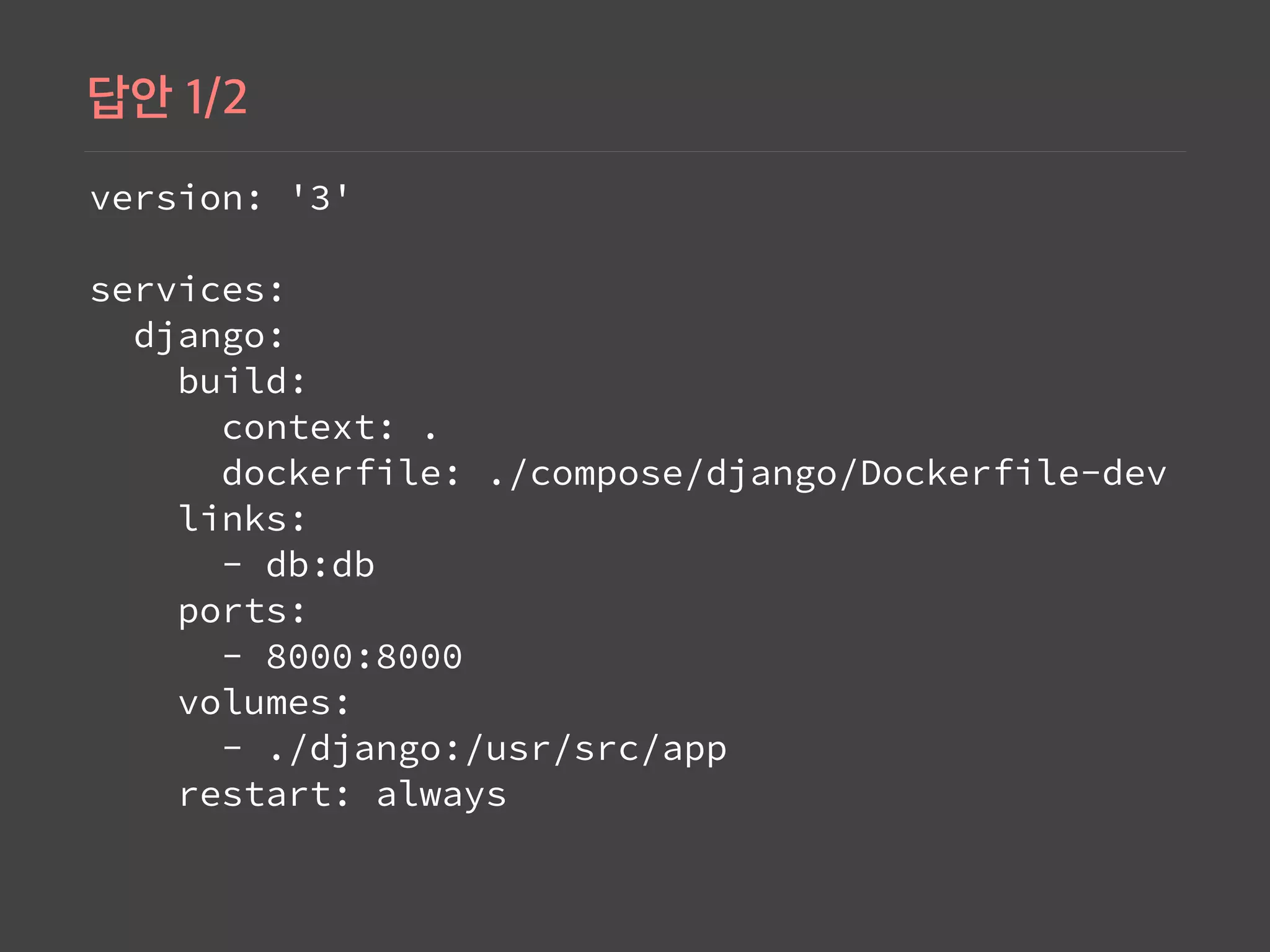
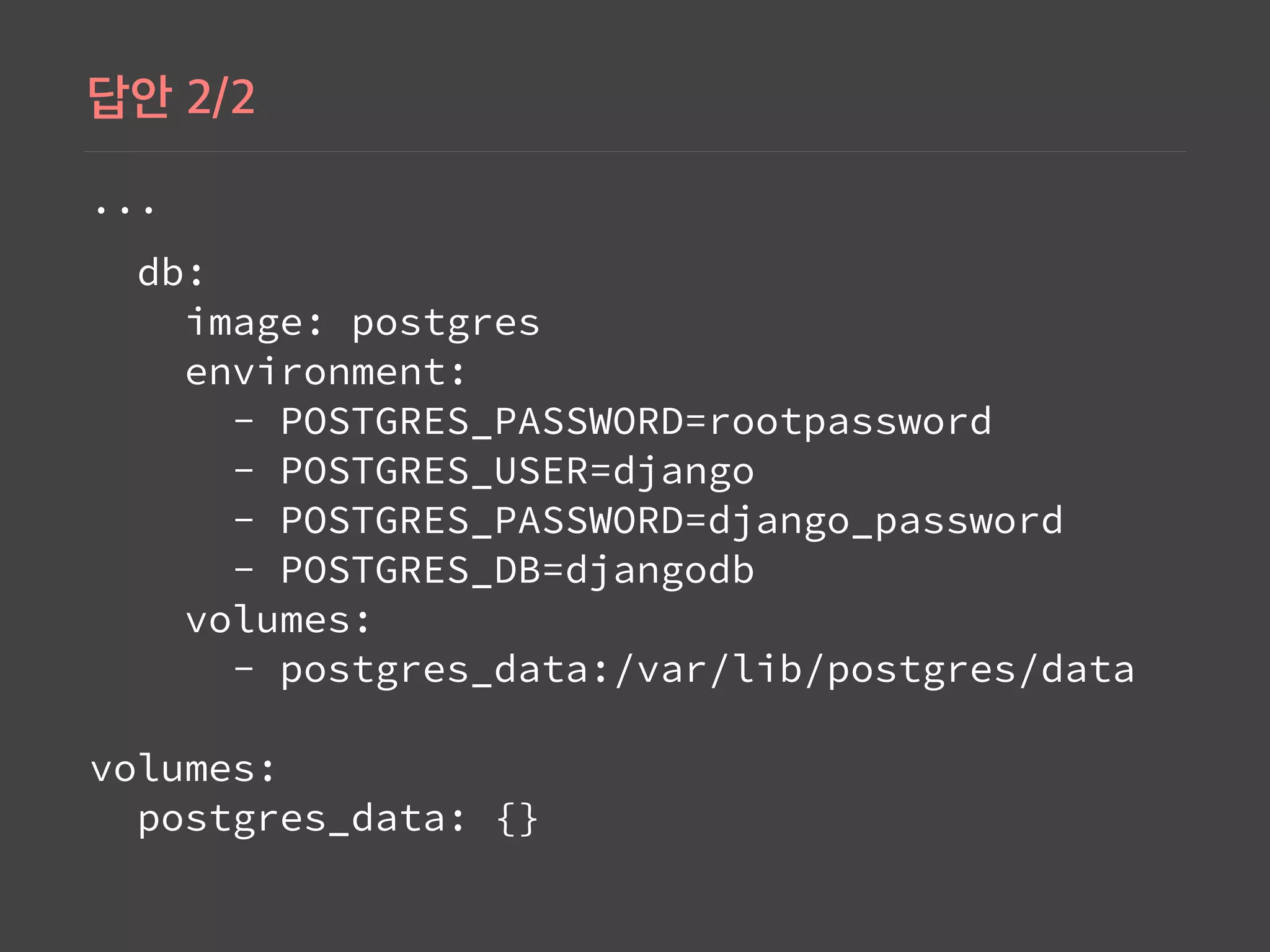

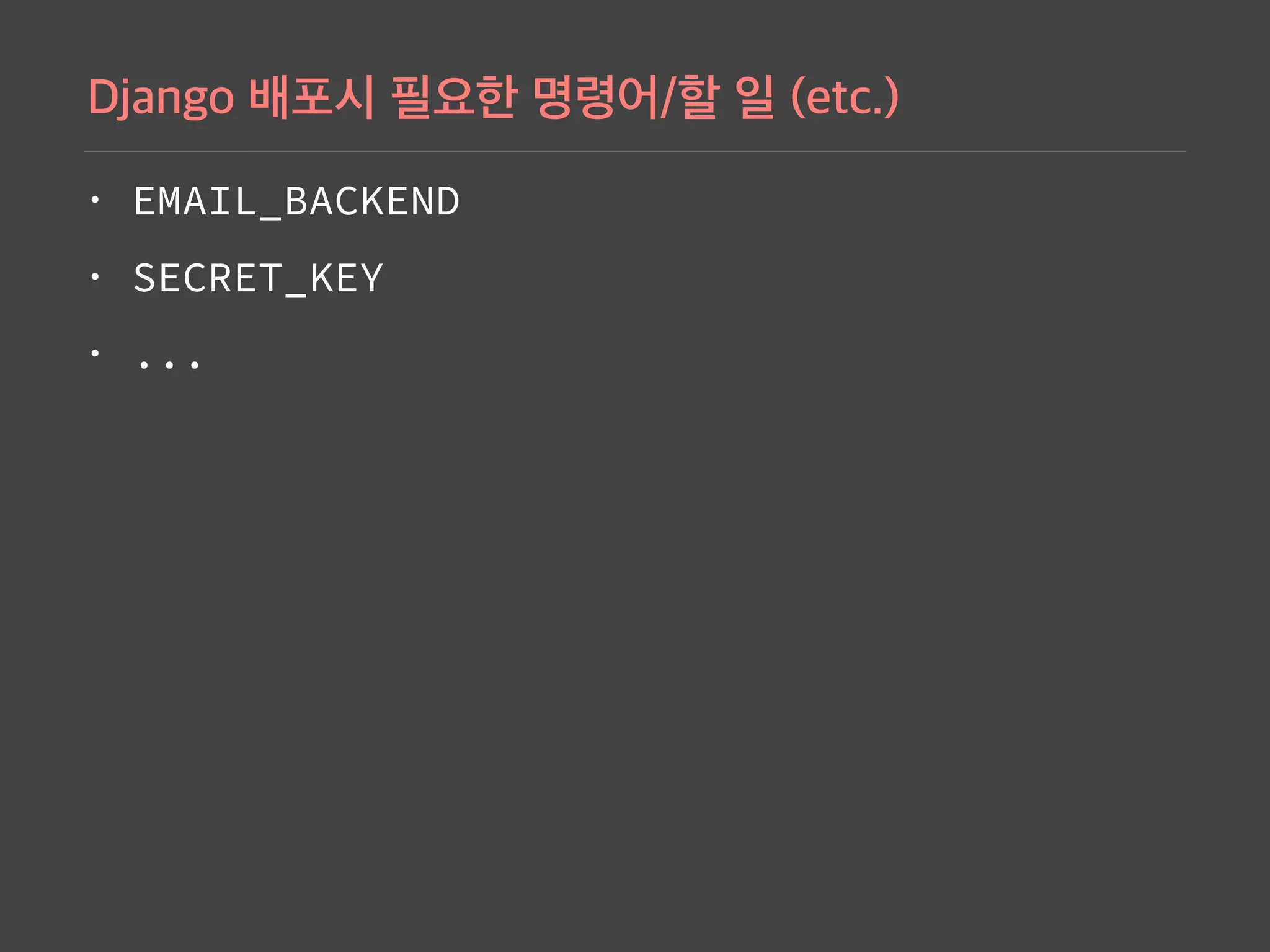
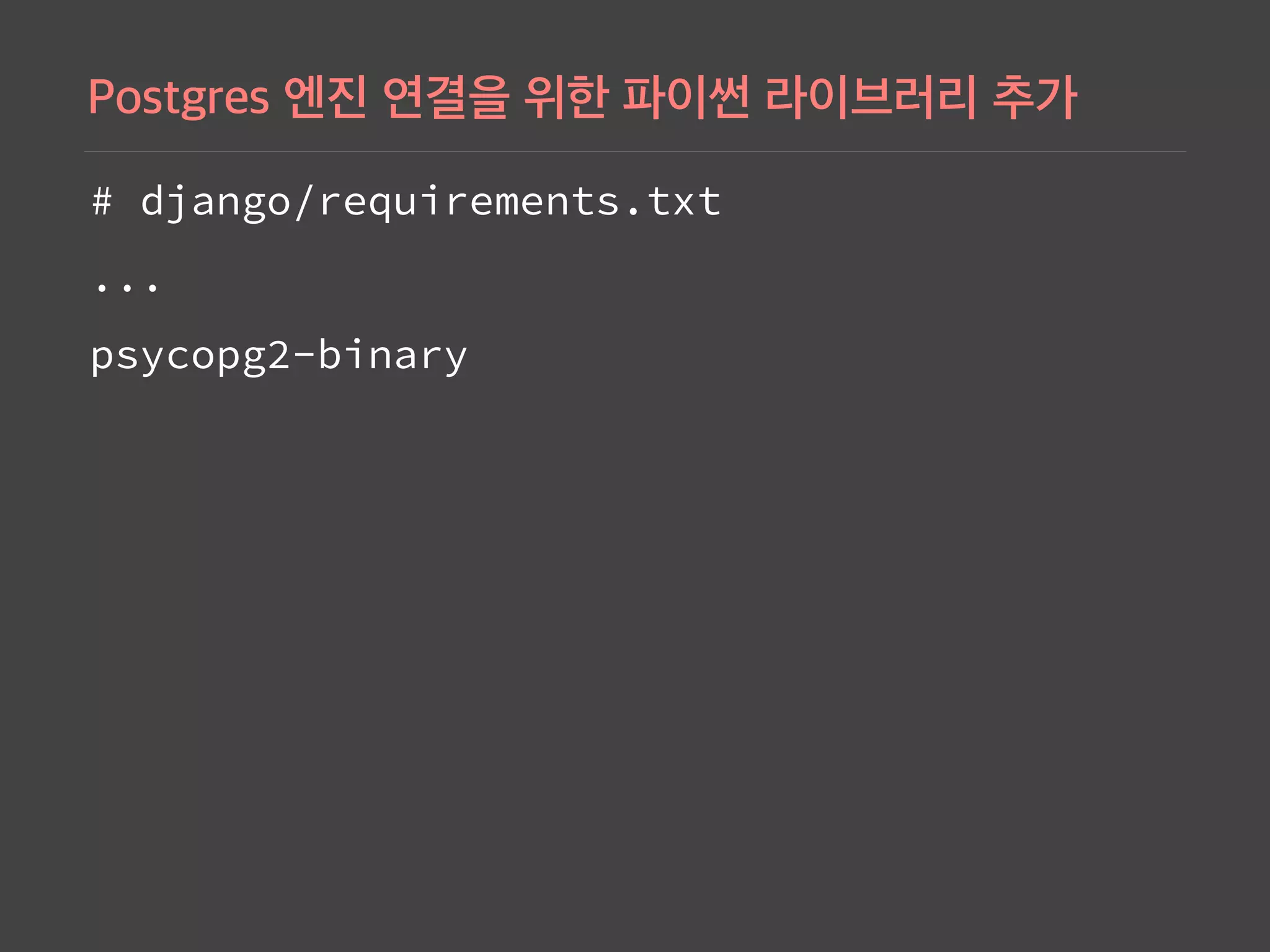
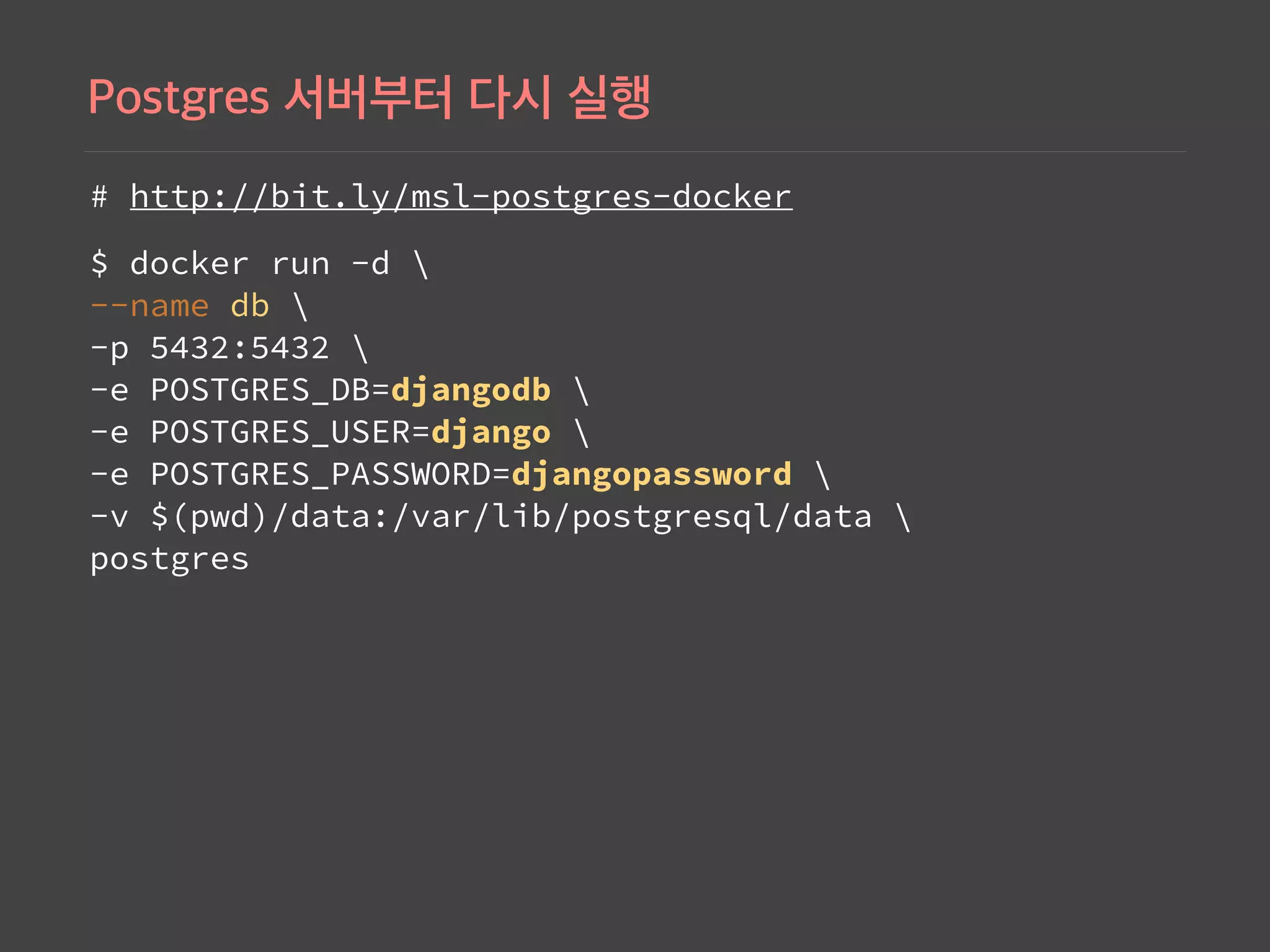
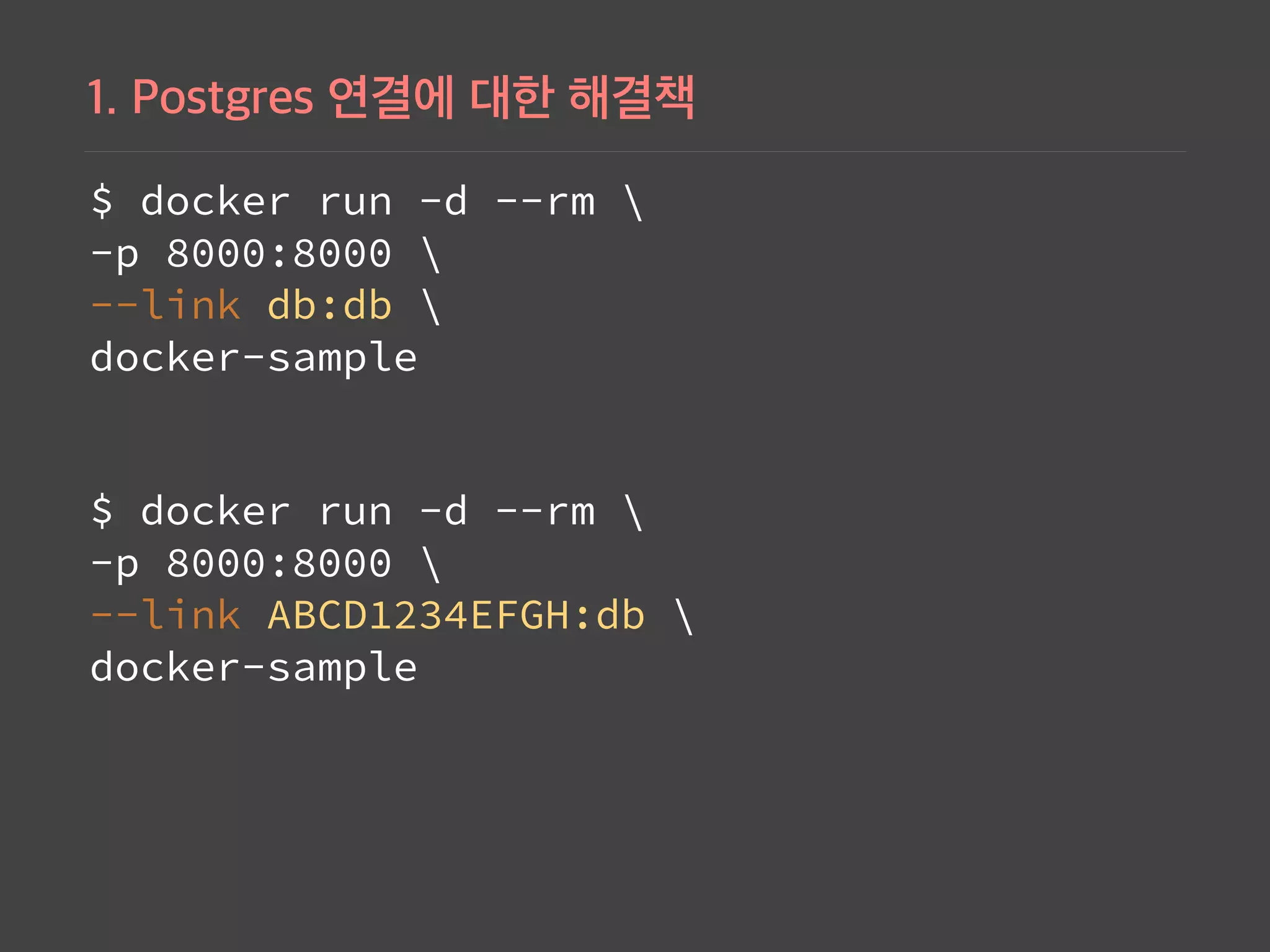
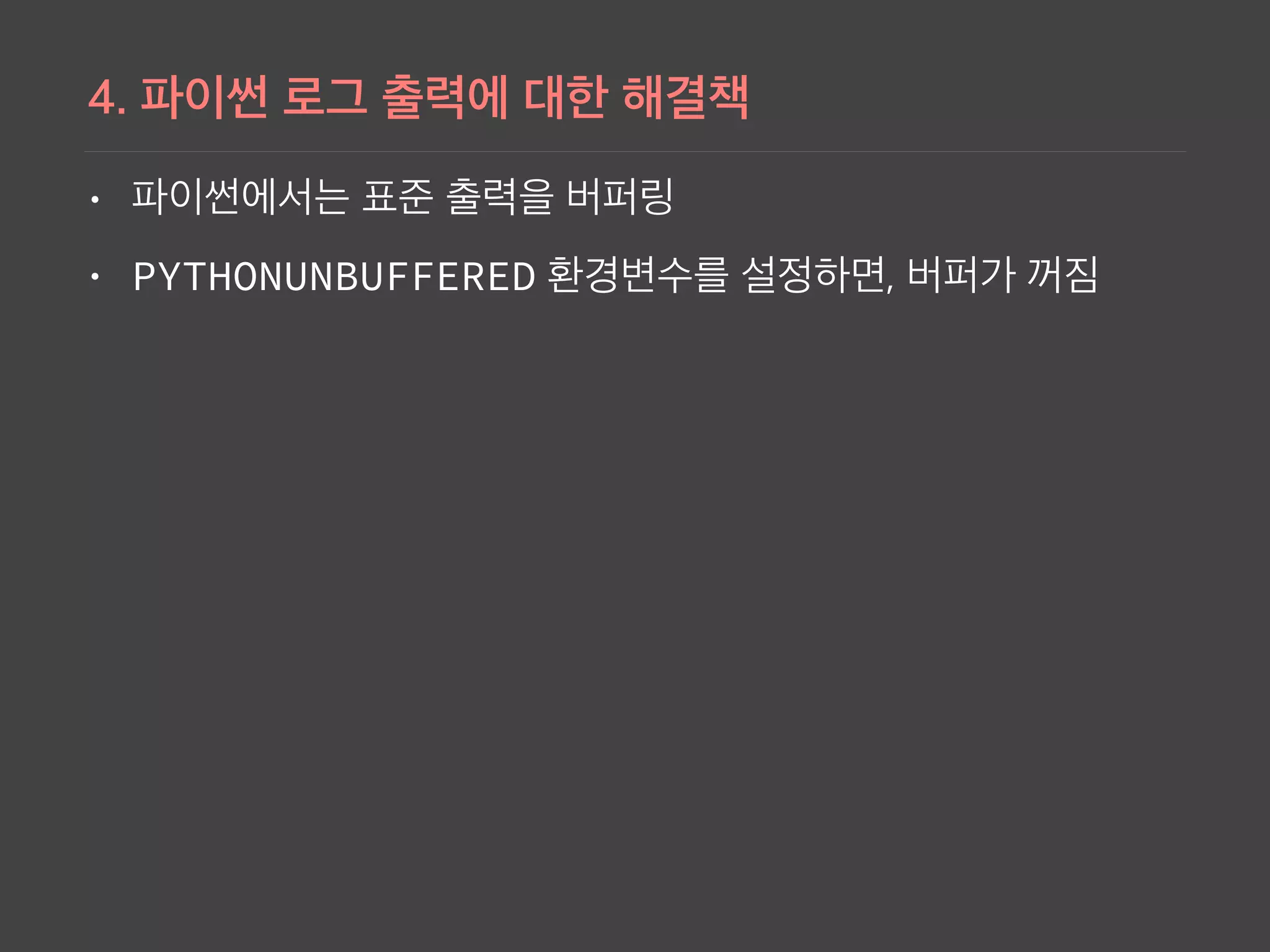
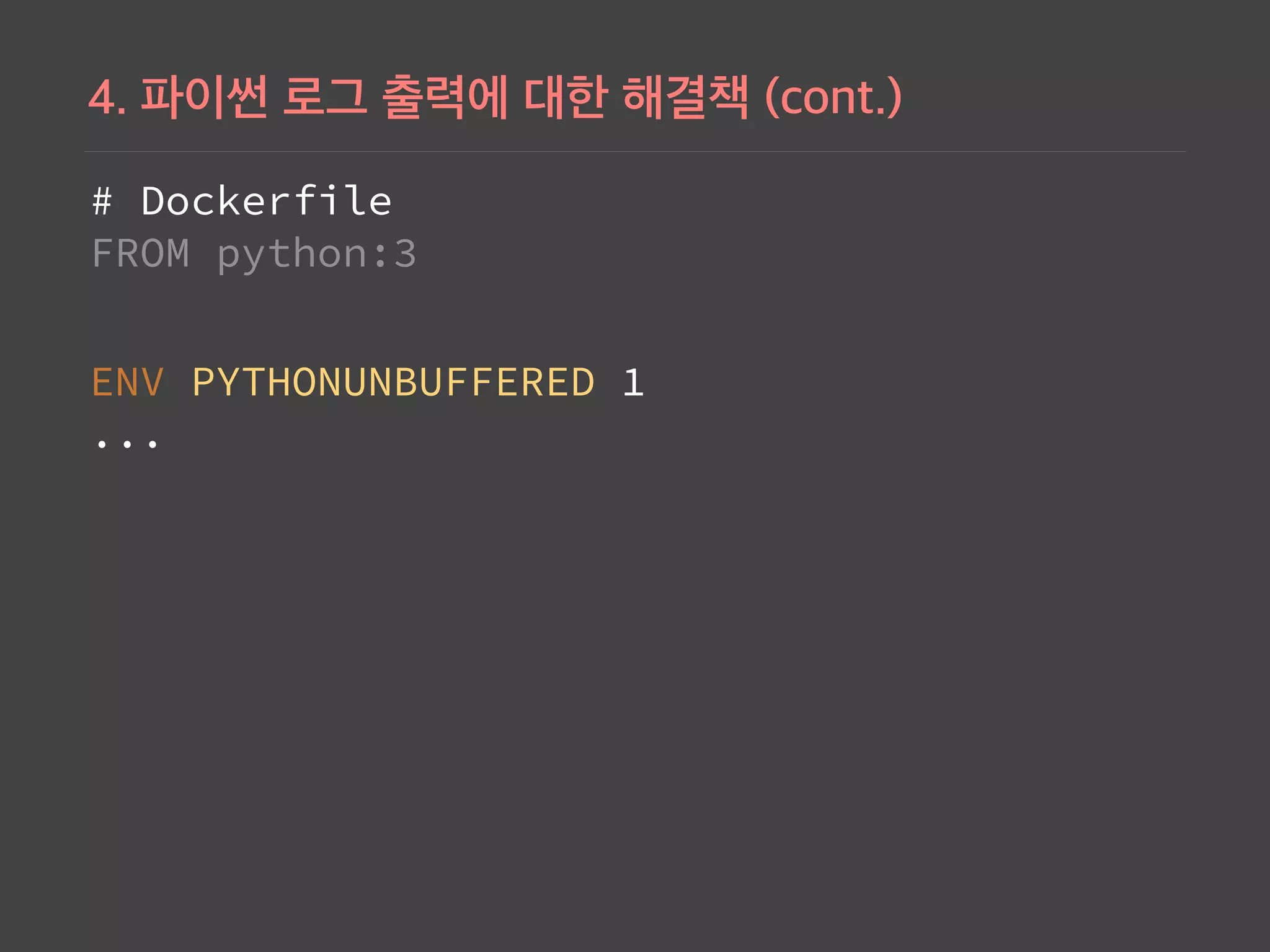
This document provides instructions for dockerizing a Django application with Postgres database. It discusses: 1) Creating a Dockerfile for the Django app and ensuring Postgres dependencies are installed. 2) Running Postgres in a container with environment variables for the database name, user, and password. 3) Configuring the Django settings to connect to the Postgres database using the environment variables. 4) Using docker-compose to define and run the Django and Postgres services on a bridge network, avoiding the need for links. The Django volume mounts the code directory for changes to be reflected.
The slide introduces the speaker ('raccoonyy') and provides links to their work and resources, setting the context for the lecture.
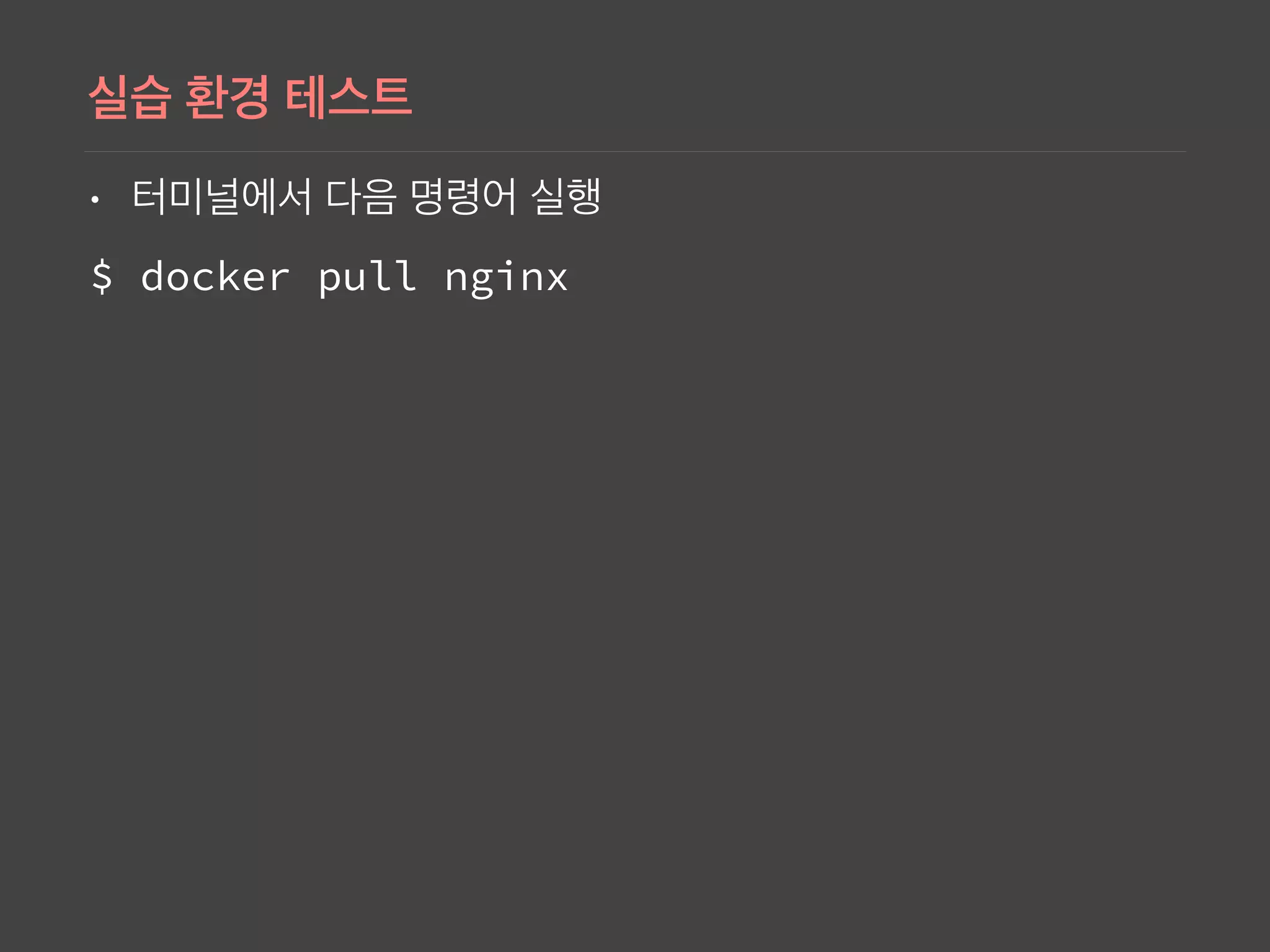
Basic command to retrieve the Nginx Docker image from the repository using 'docker pull nginx'.
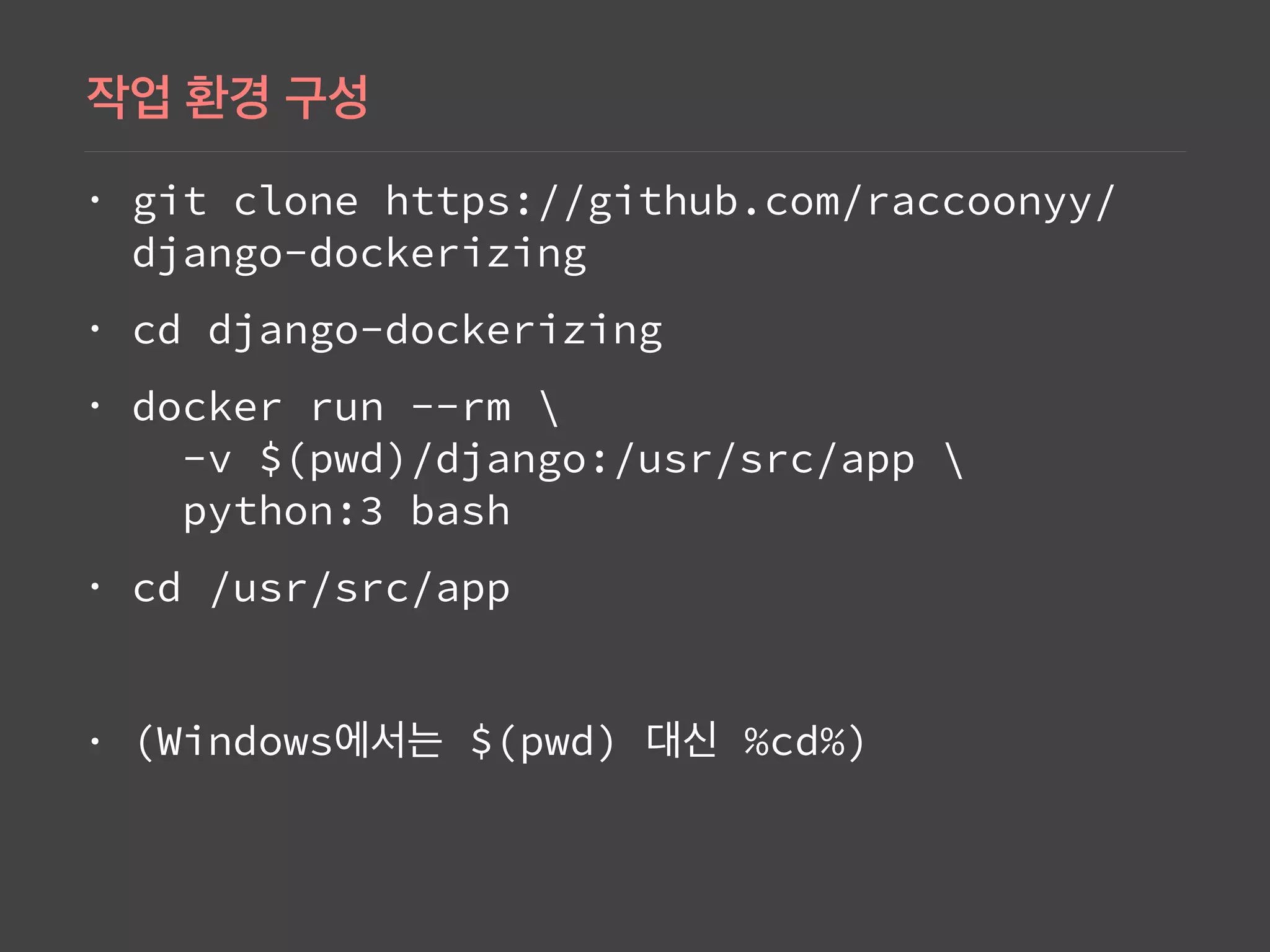
Instructions on cloning a Django project from GitHub and running Docker containers with commands involving 'docker run', leading to application directory navigation.
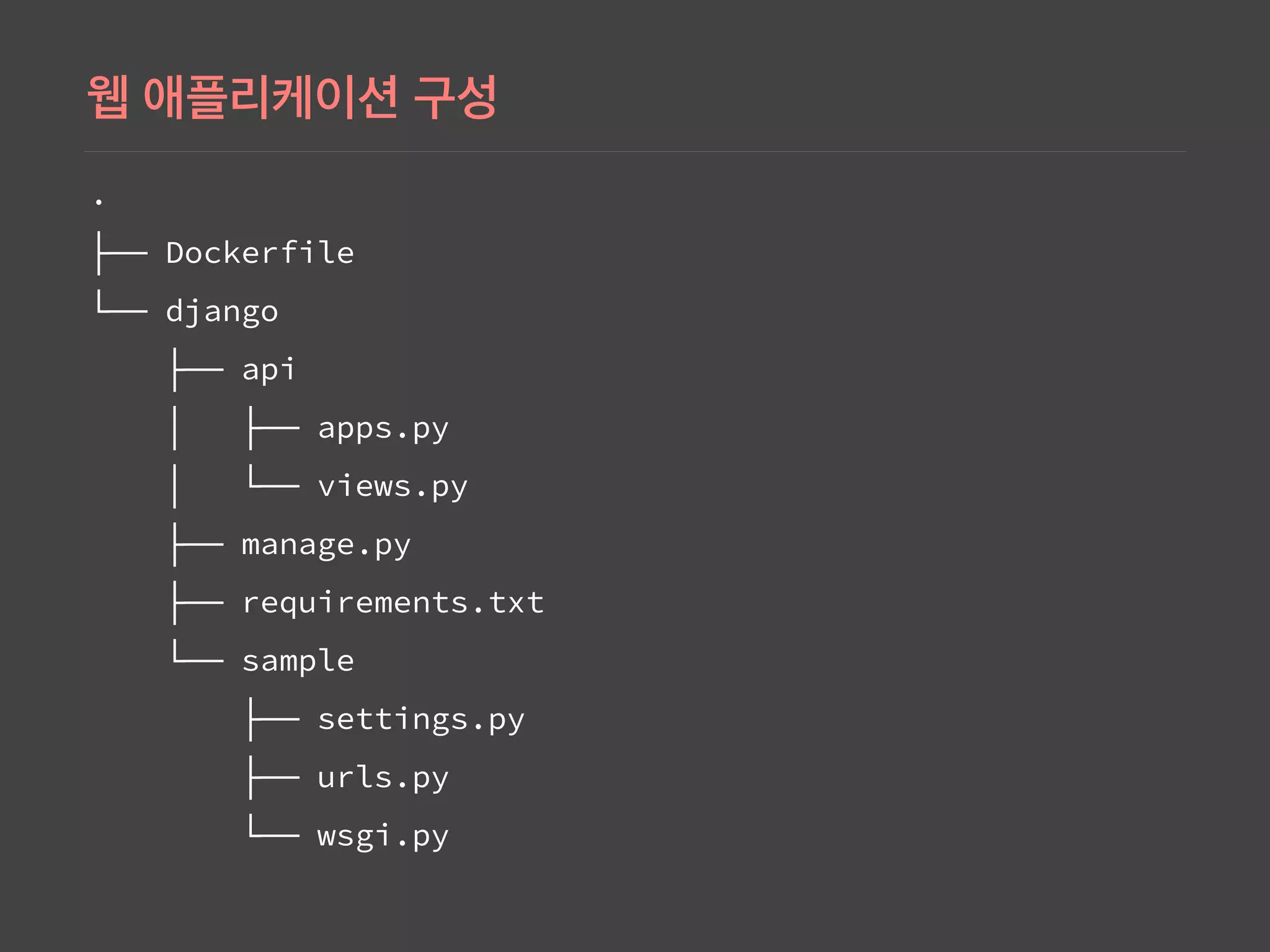
Illustrates the folder structure of a Django project, highlighting key components like 'Dockerfile', 'manage.py', and application directories.
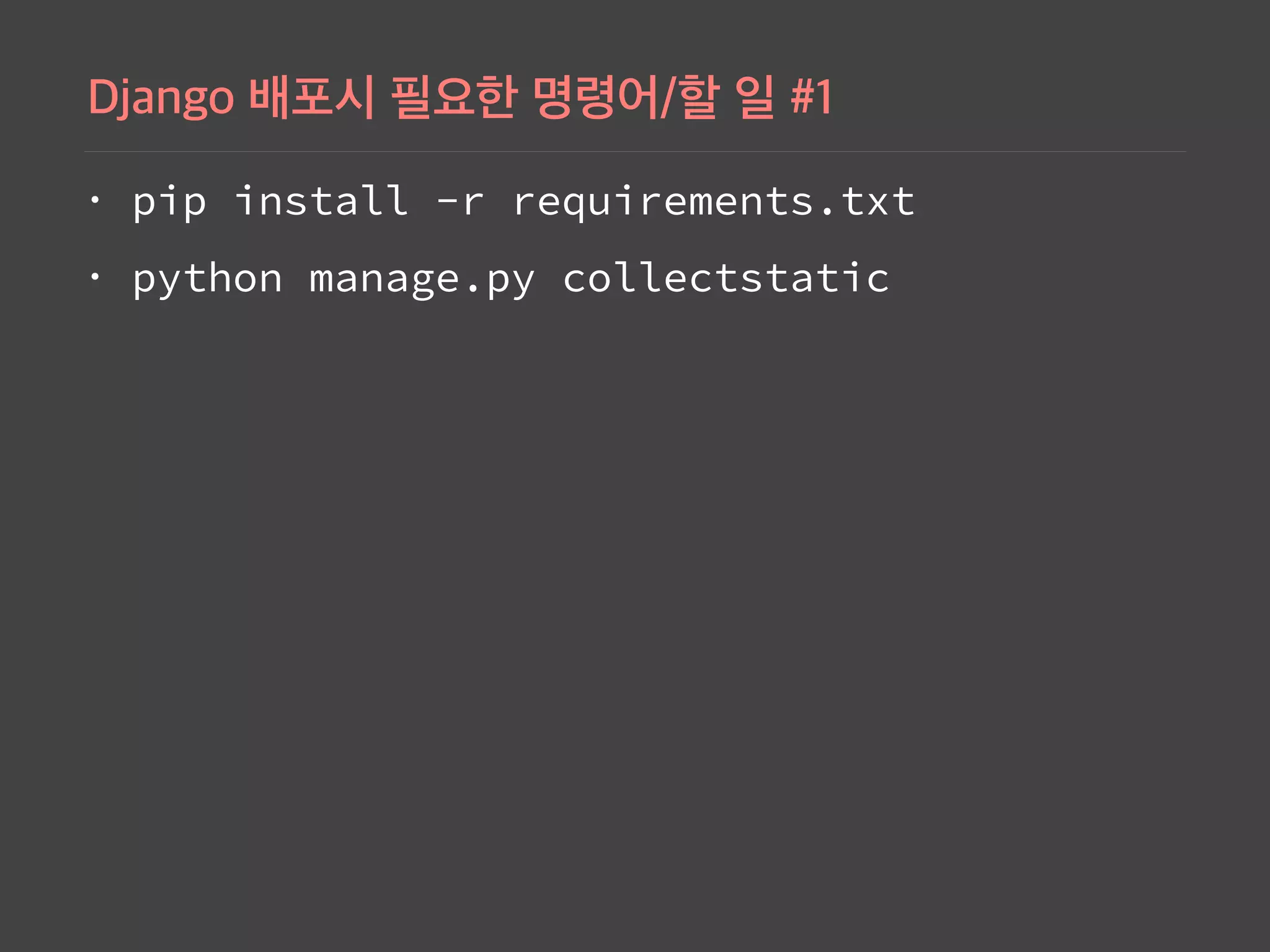
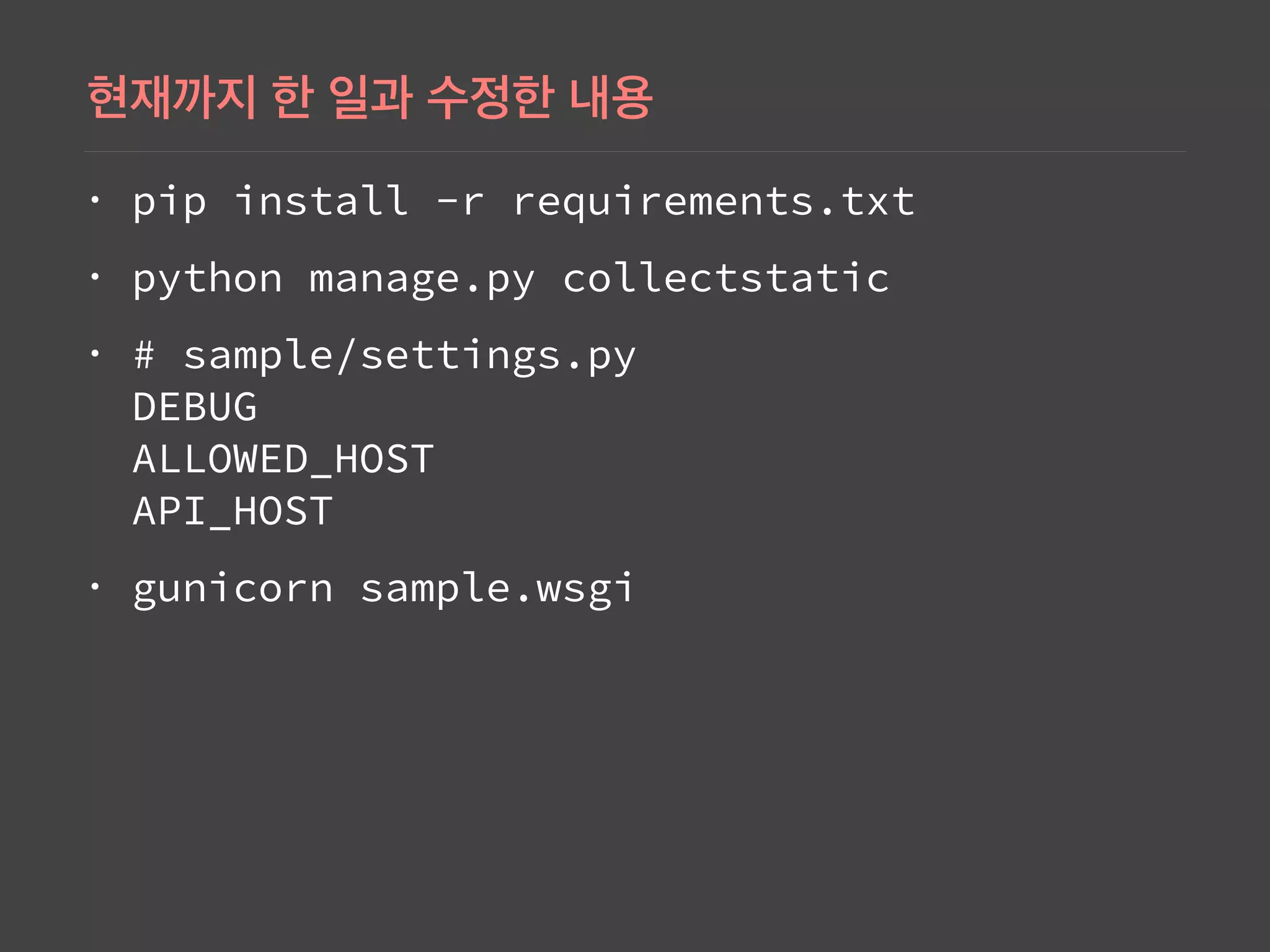
Command to install Python requirements for Django and collect static files, essential for deployment.
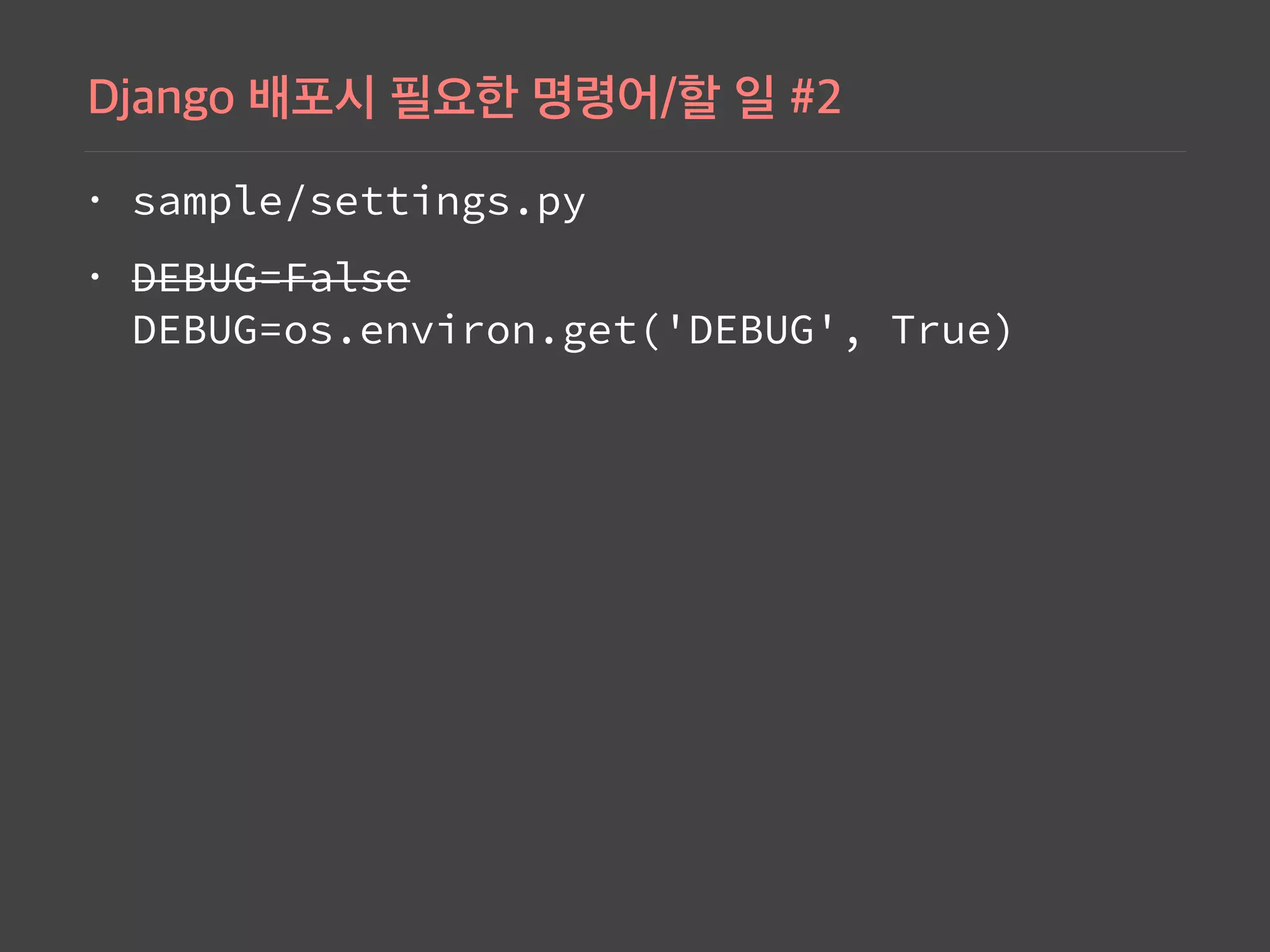
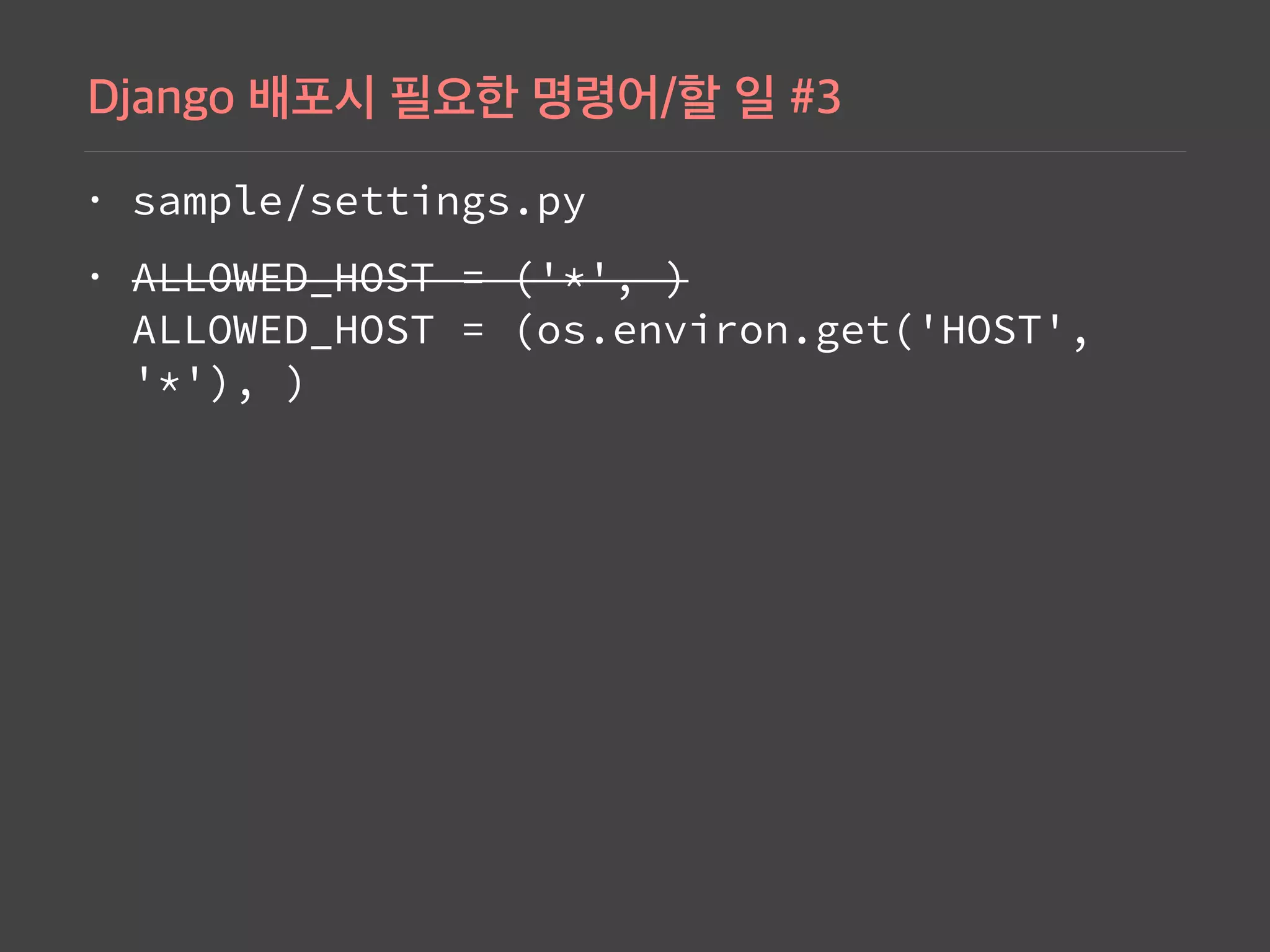
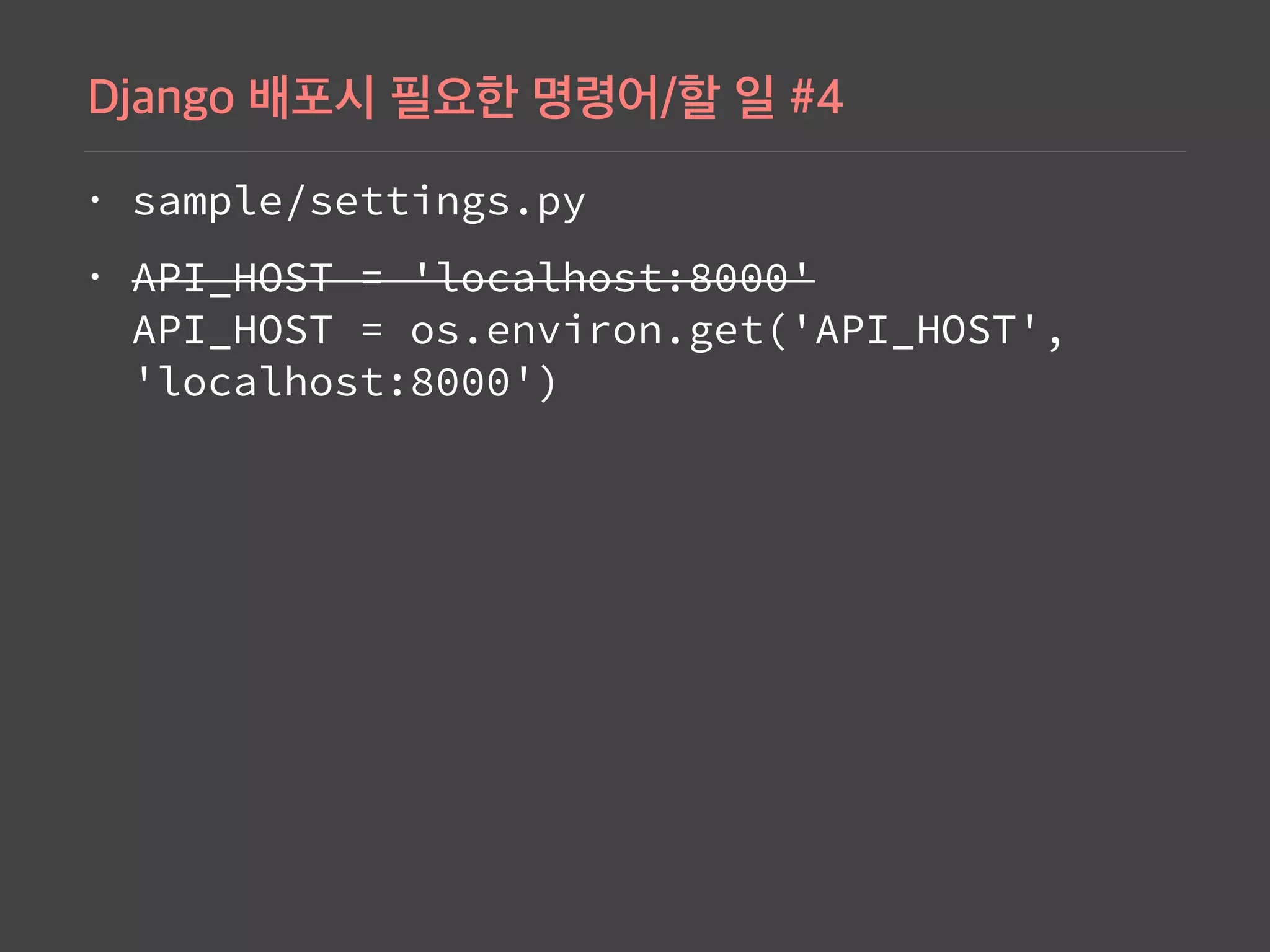
Details on setting configurations in 'settings.py' for Django, including DEBUG, ALLOWED_HOST, and API_HOST.
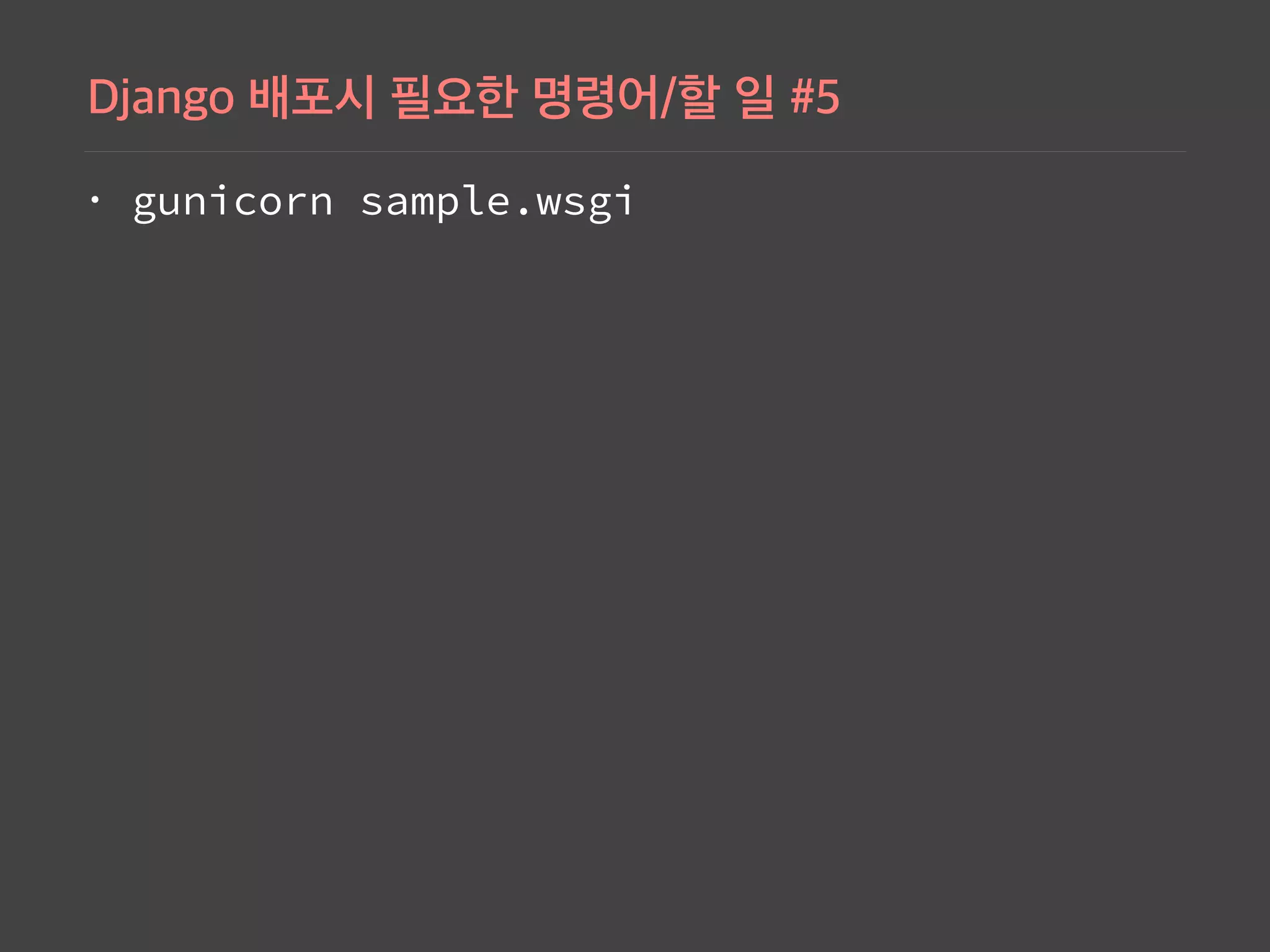
Command to run the Django application with Gunicorn and other configurations needed in 'settings.py' for deployment.
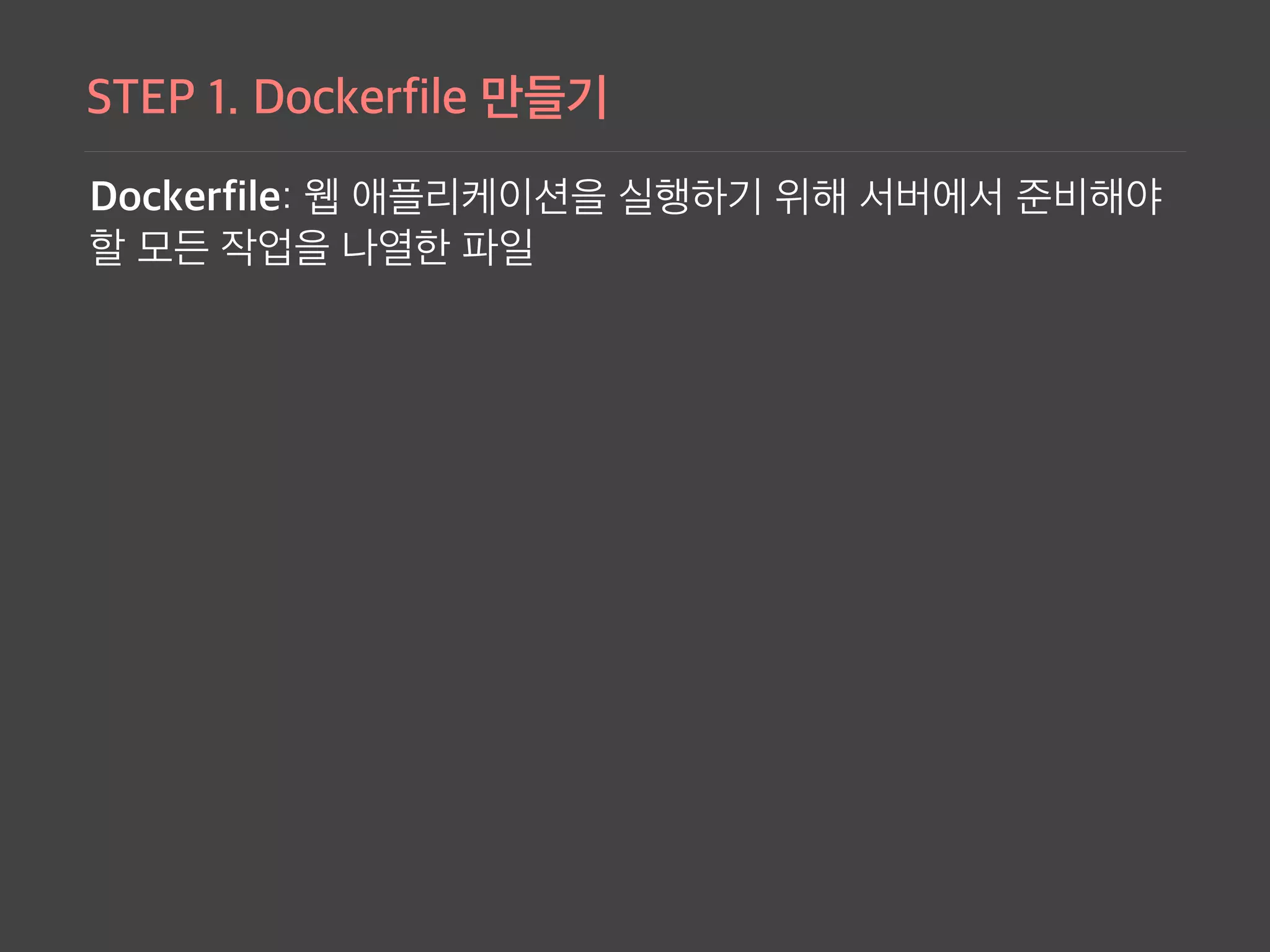
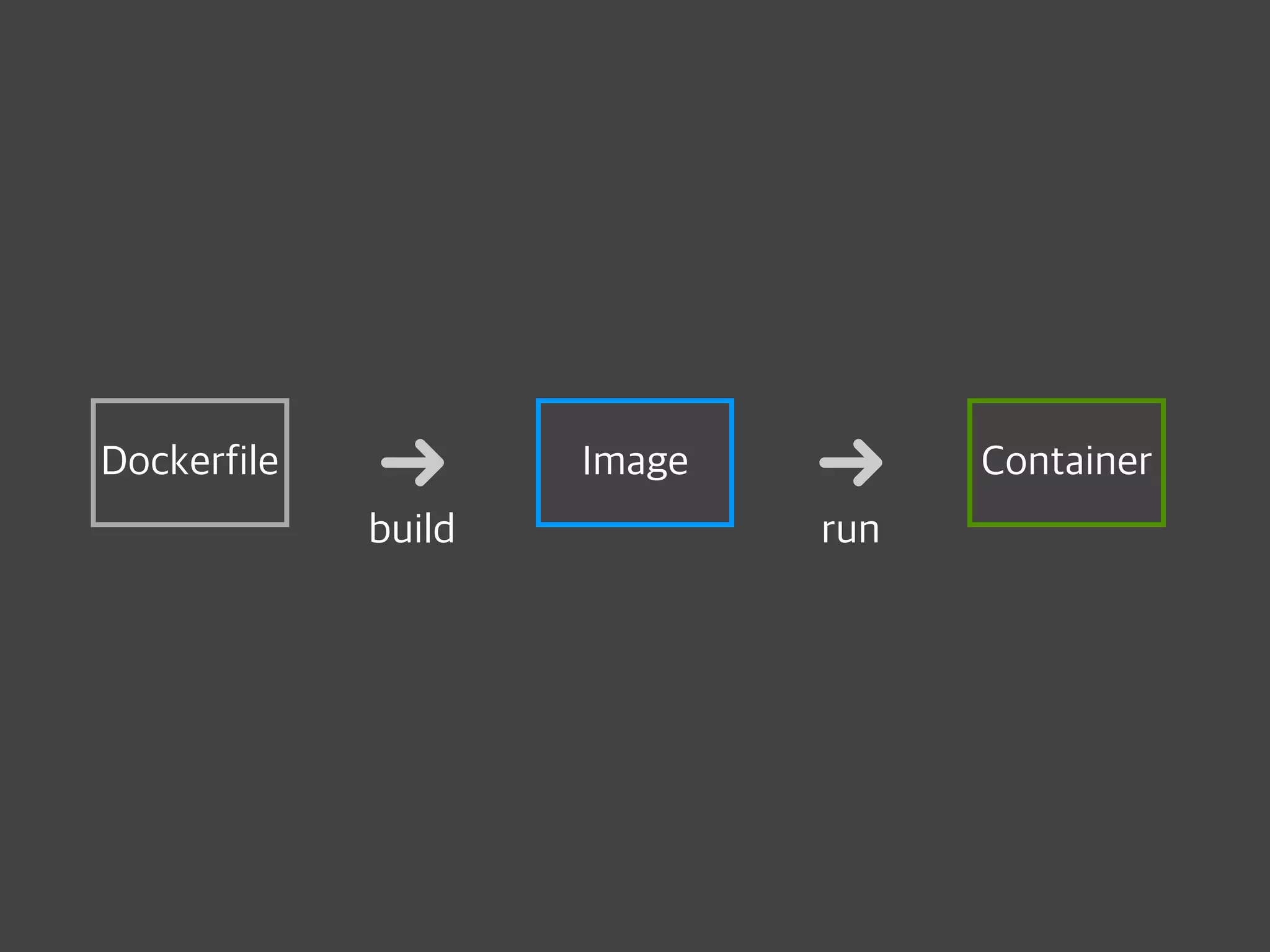
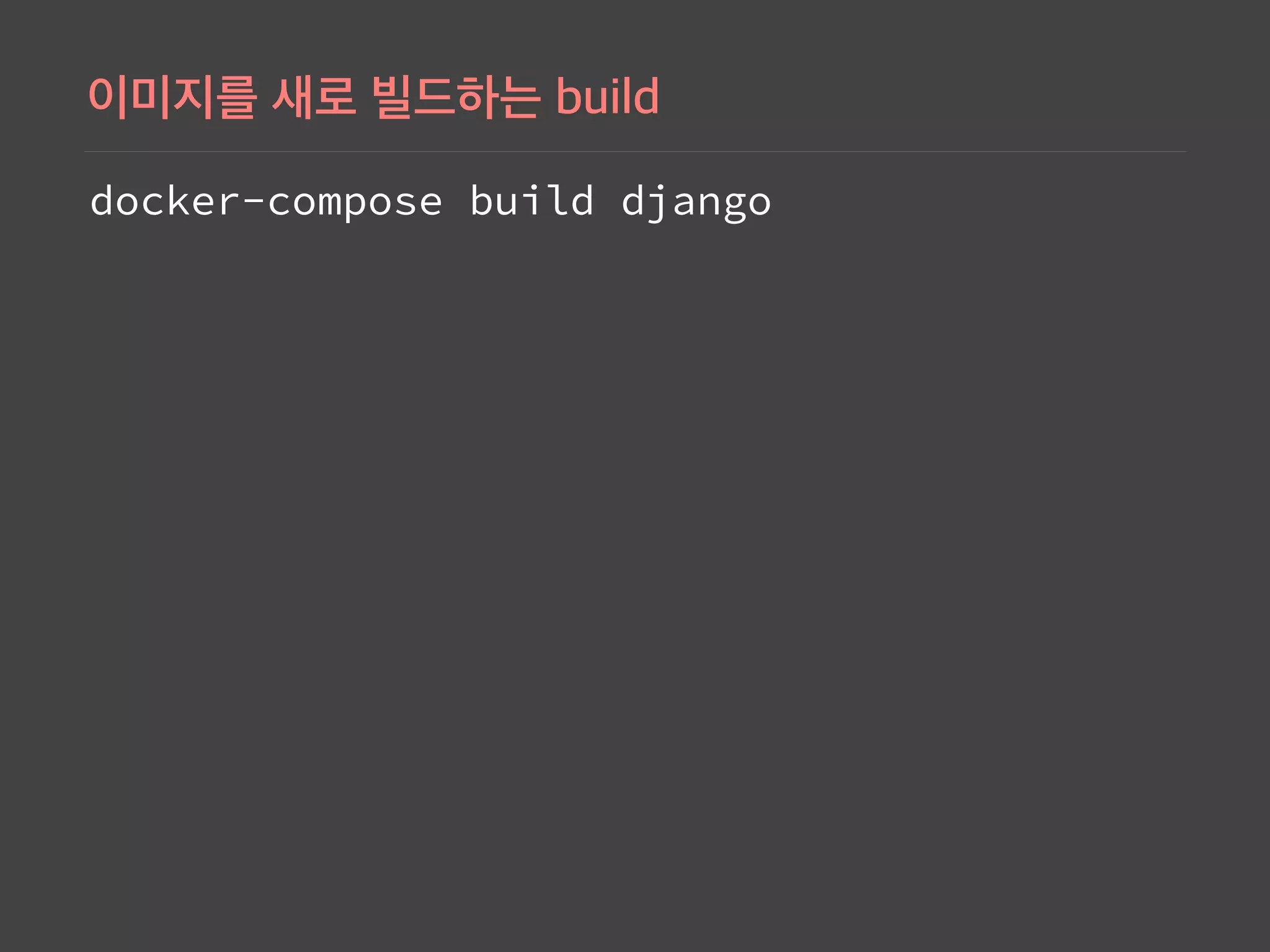
Example Dockerfile instructions for building Docker images for a Django application, specifying necessary libraries and run commands.
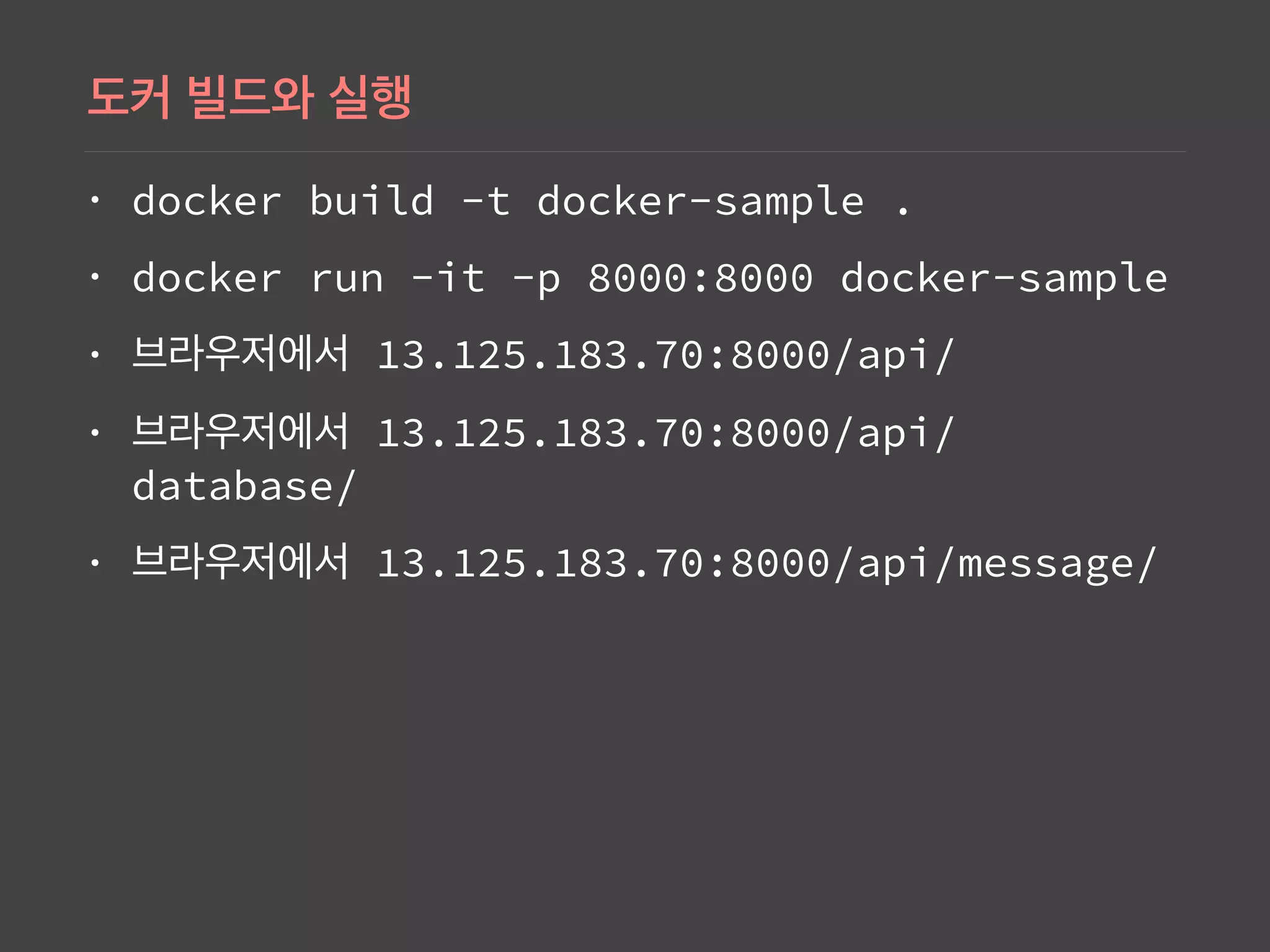
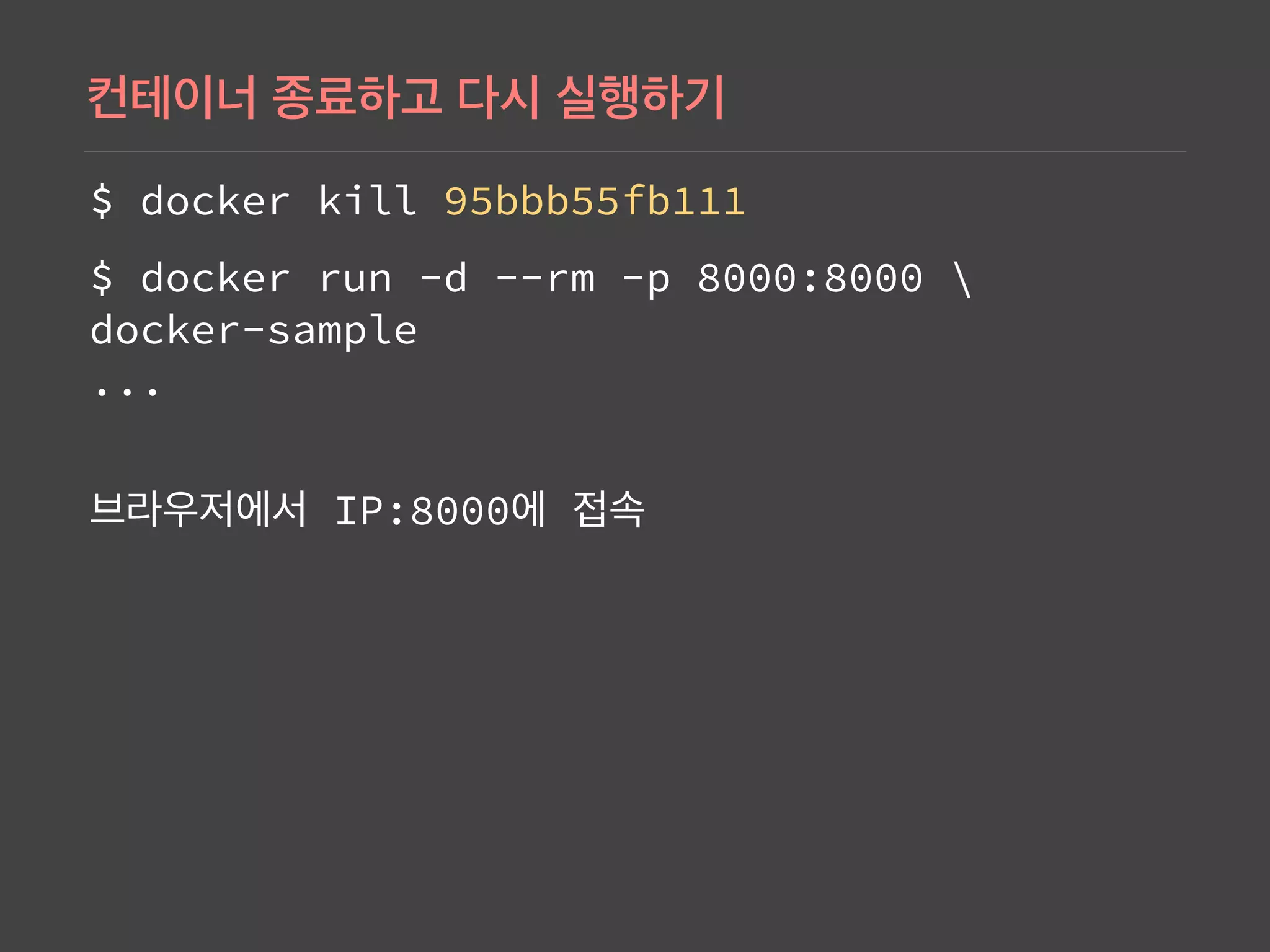
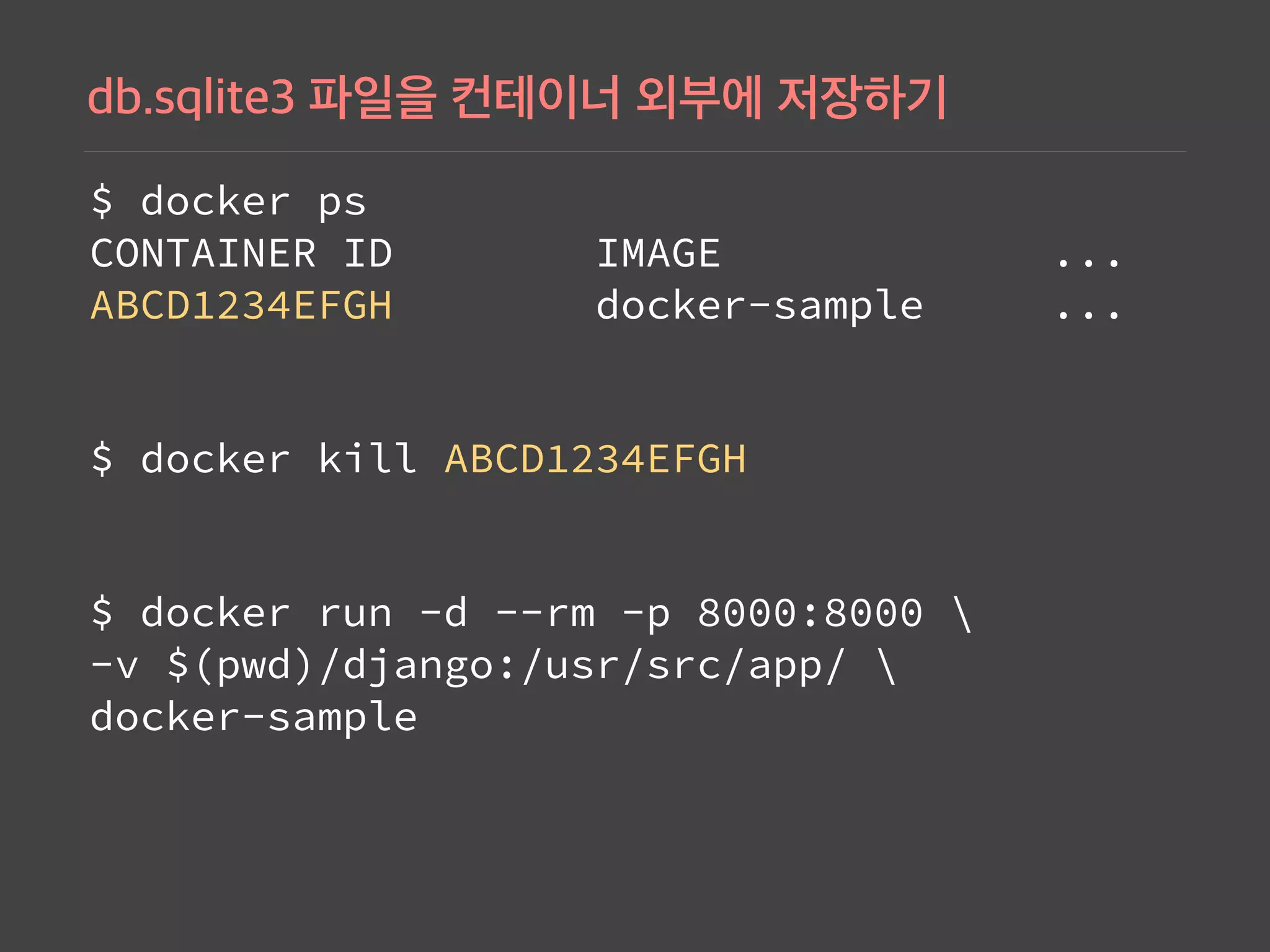
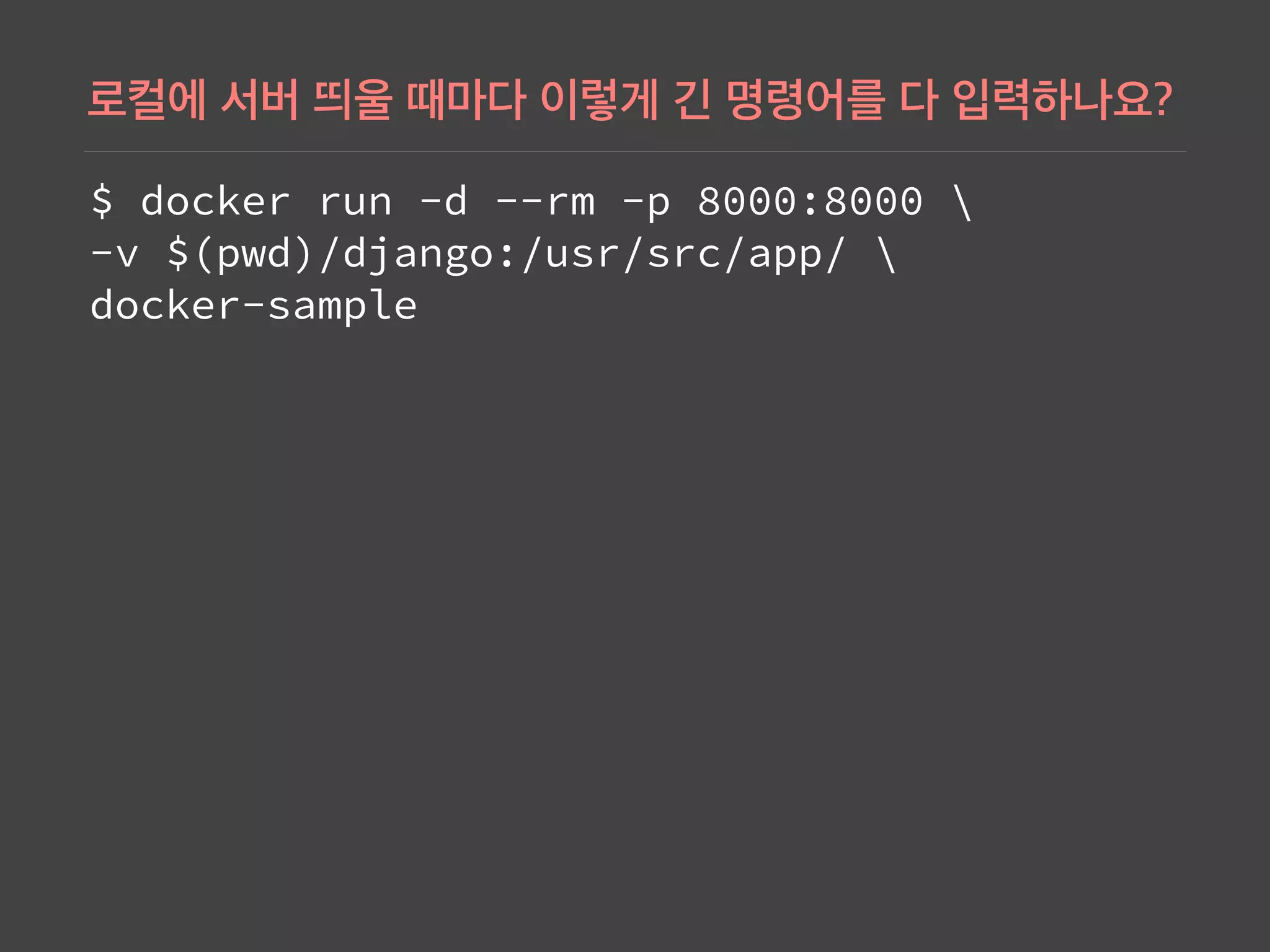
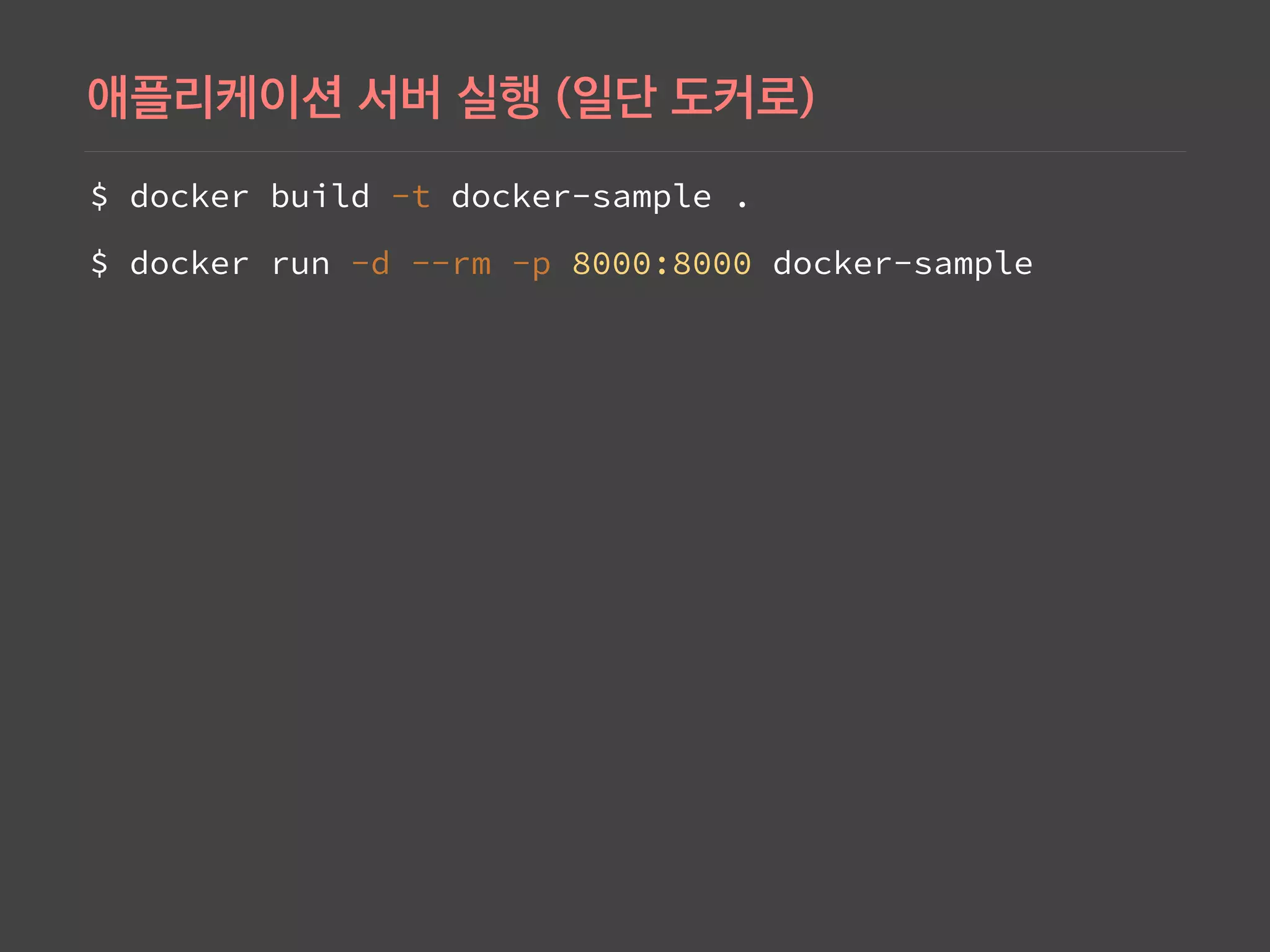
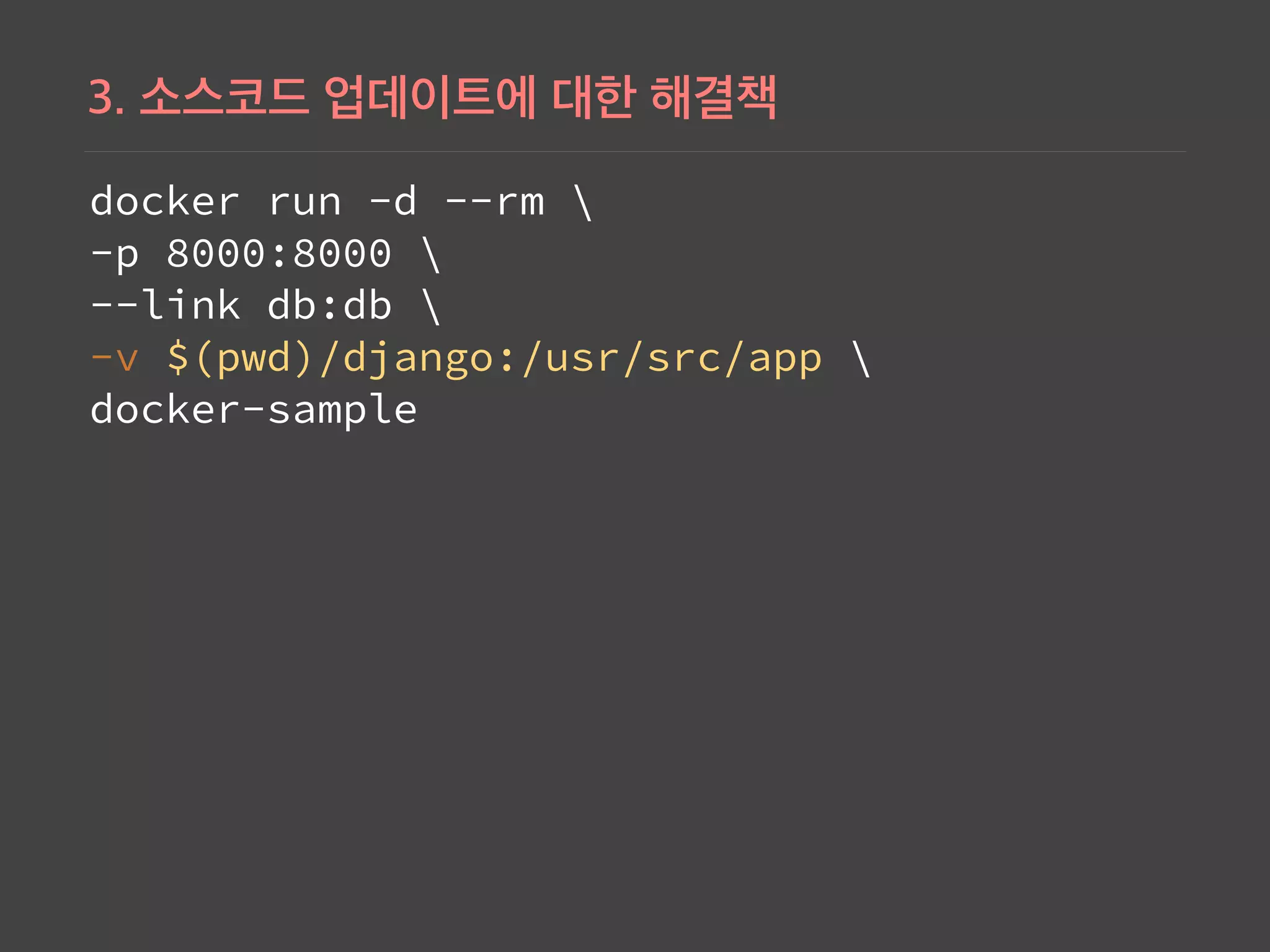
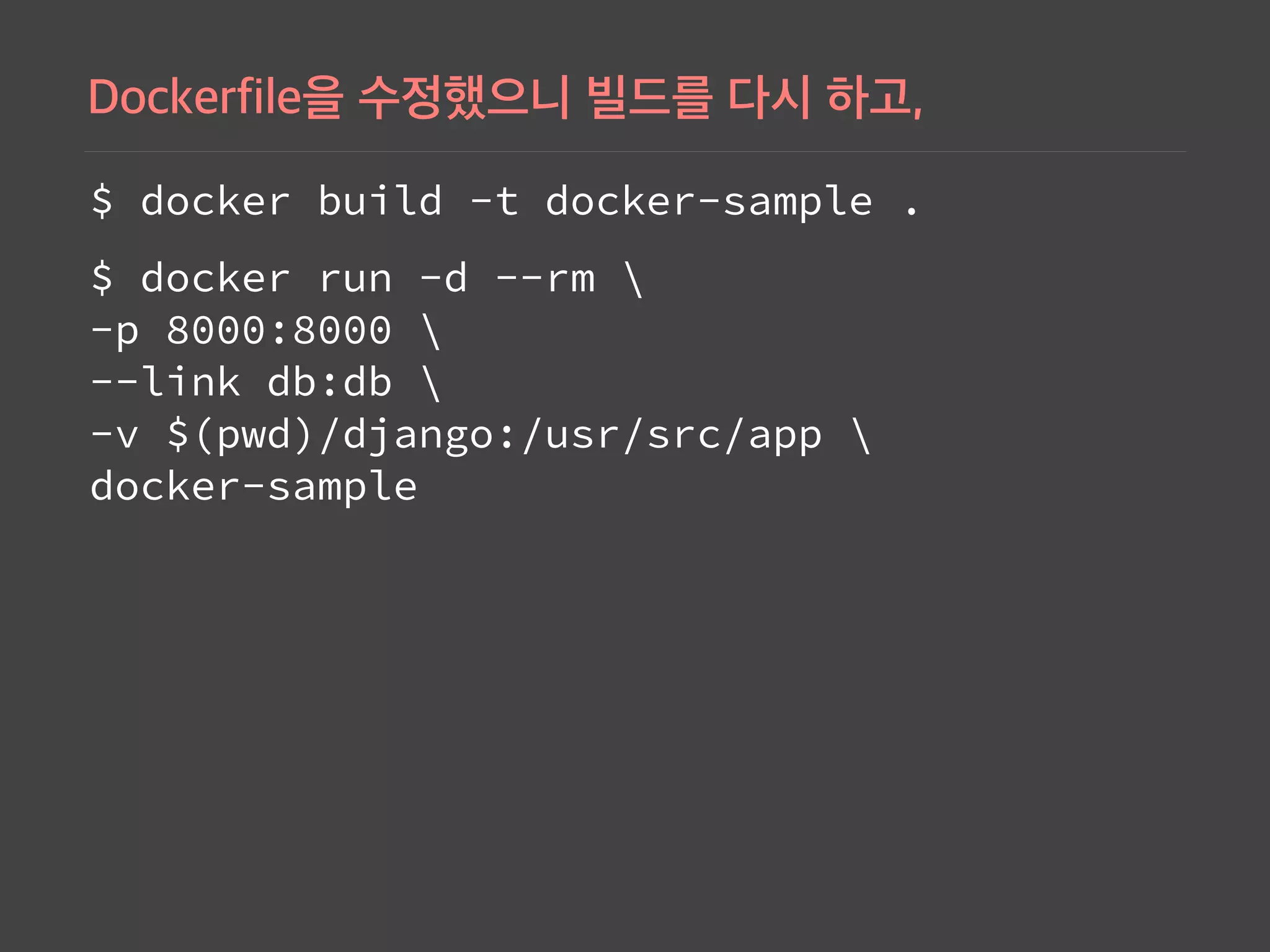
Commands to build, run, and manage Docker containers for the Django application, including usage of IP addresses to access APIs.
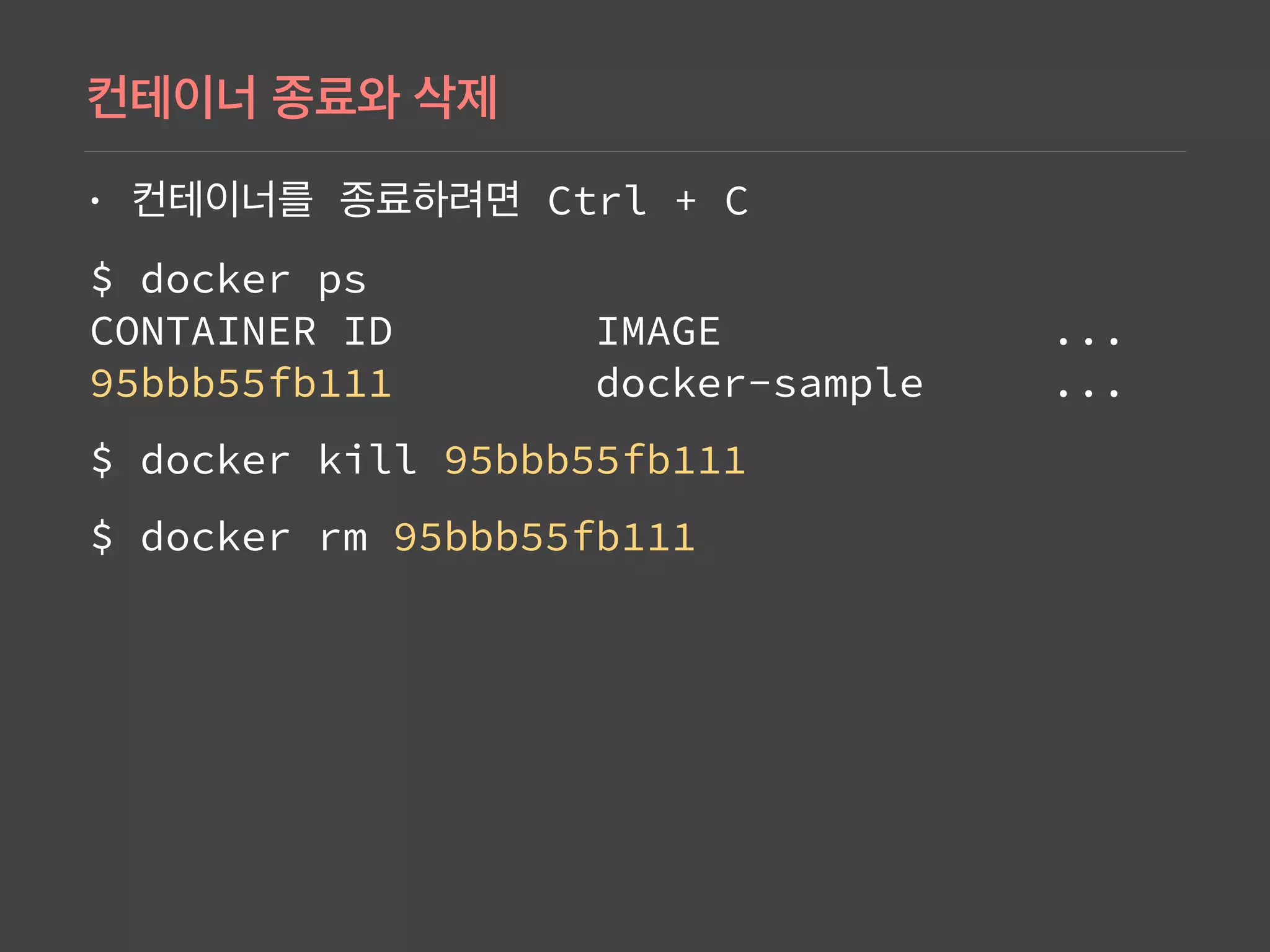
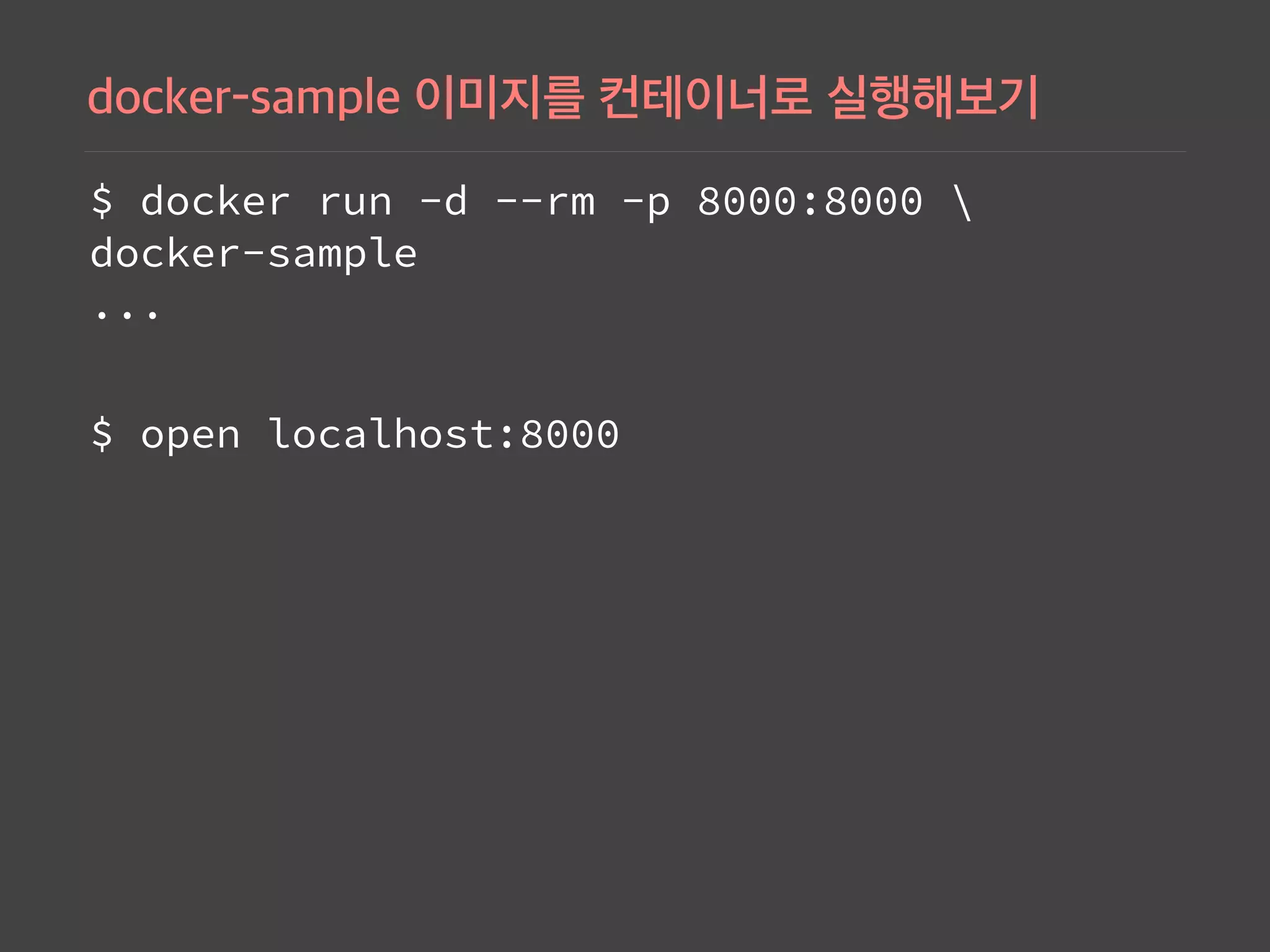
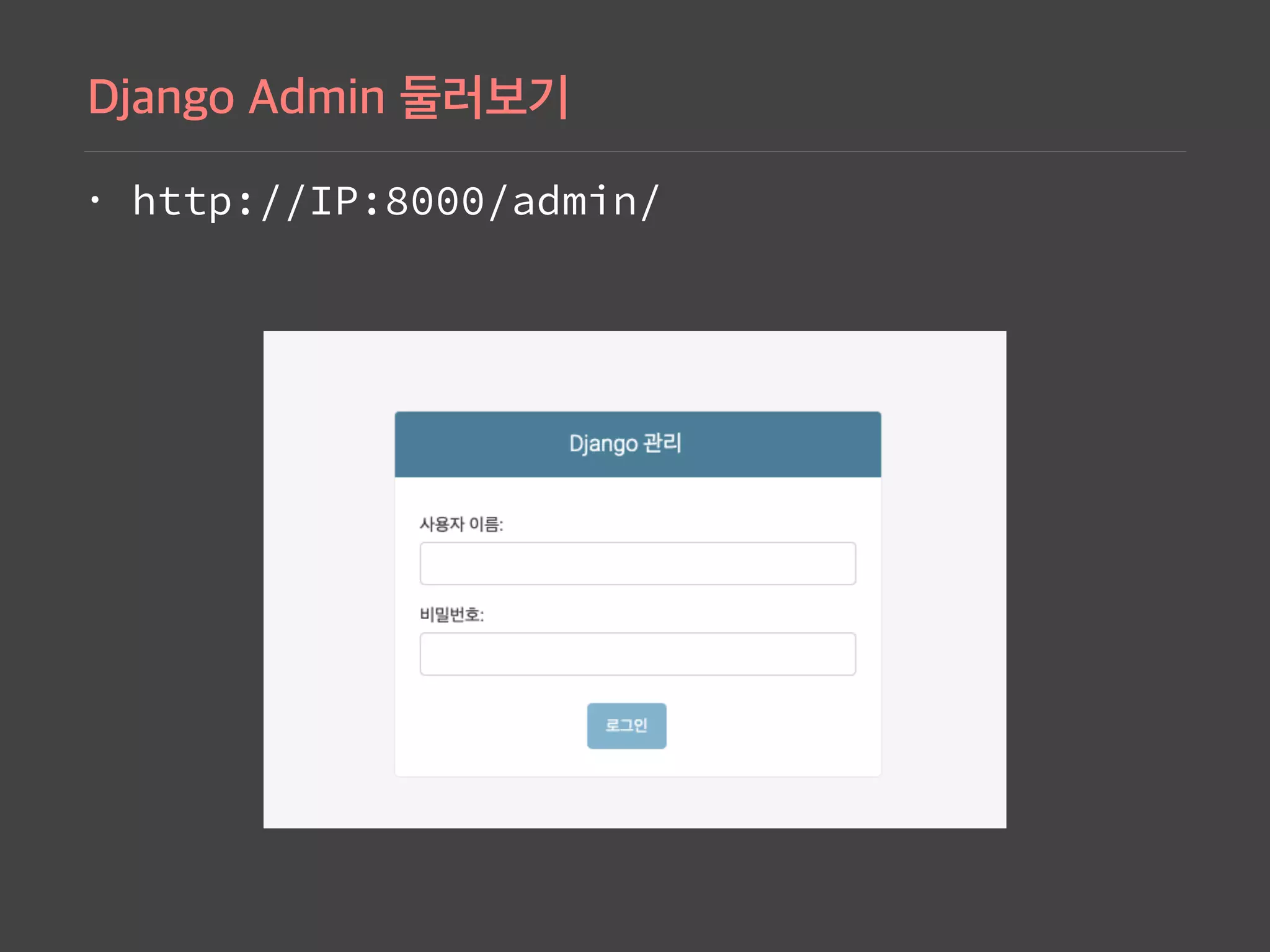
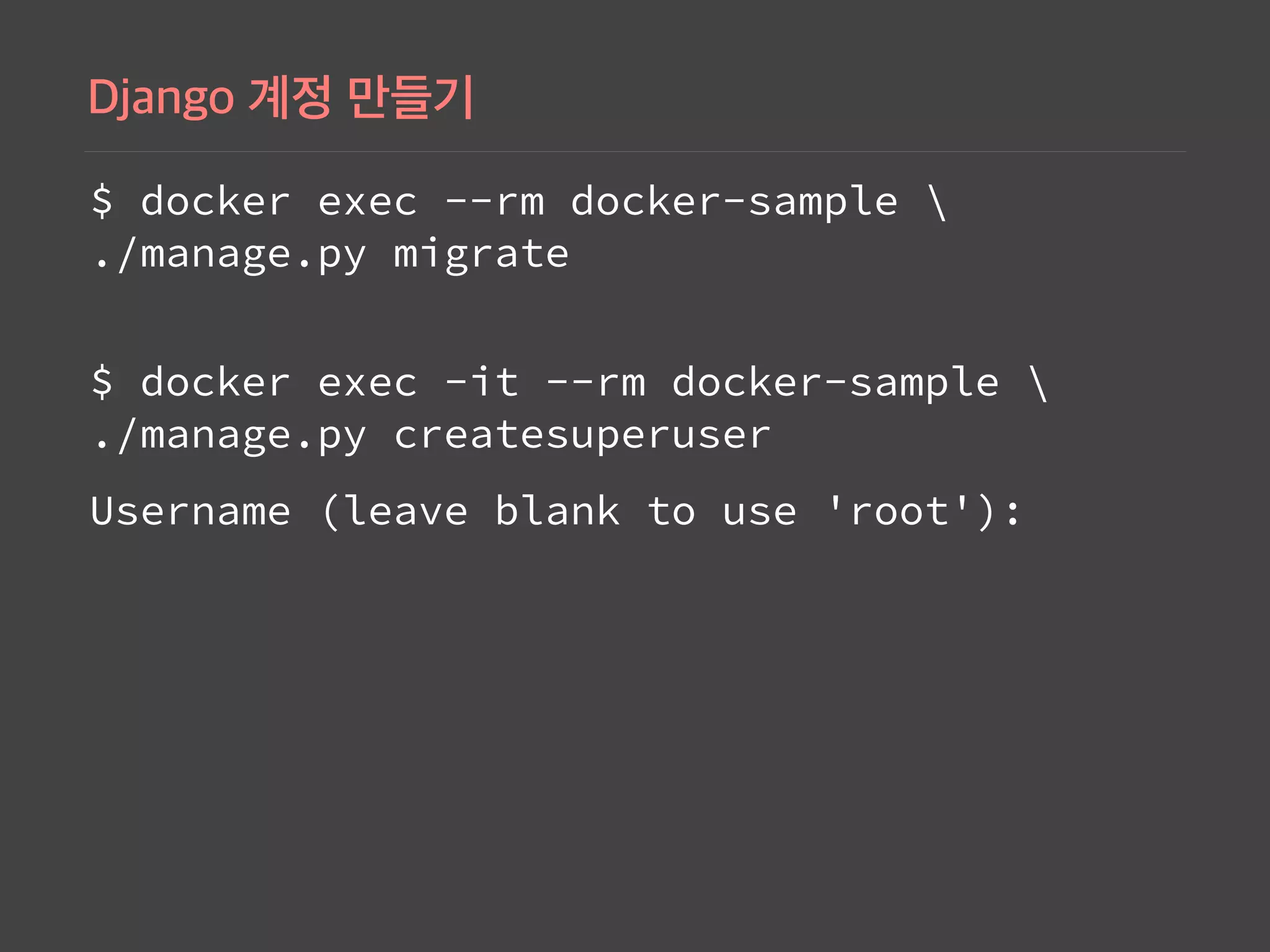
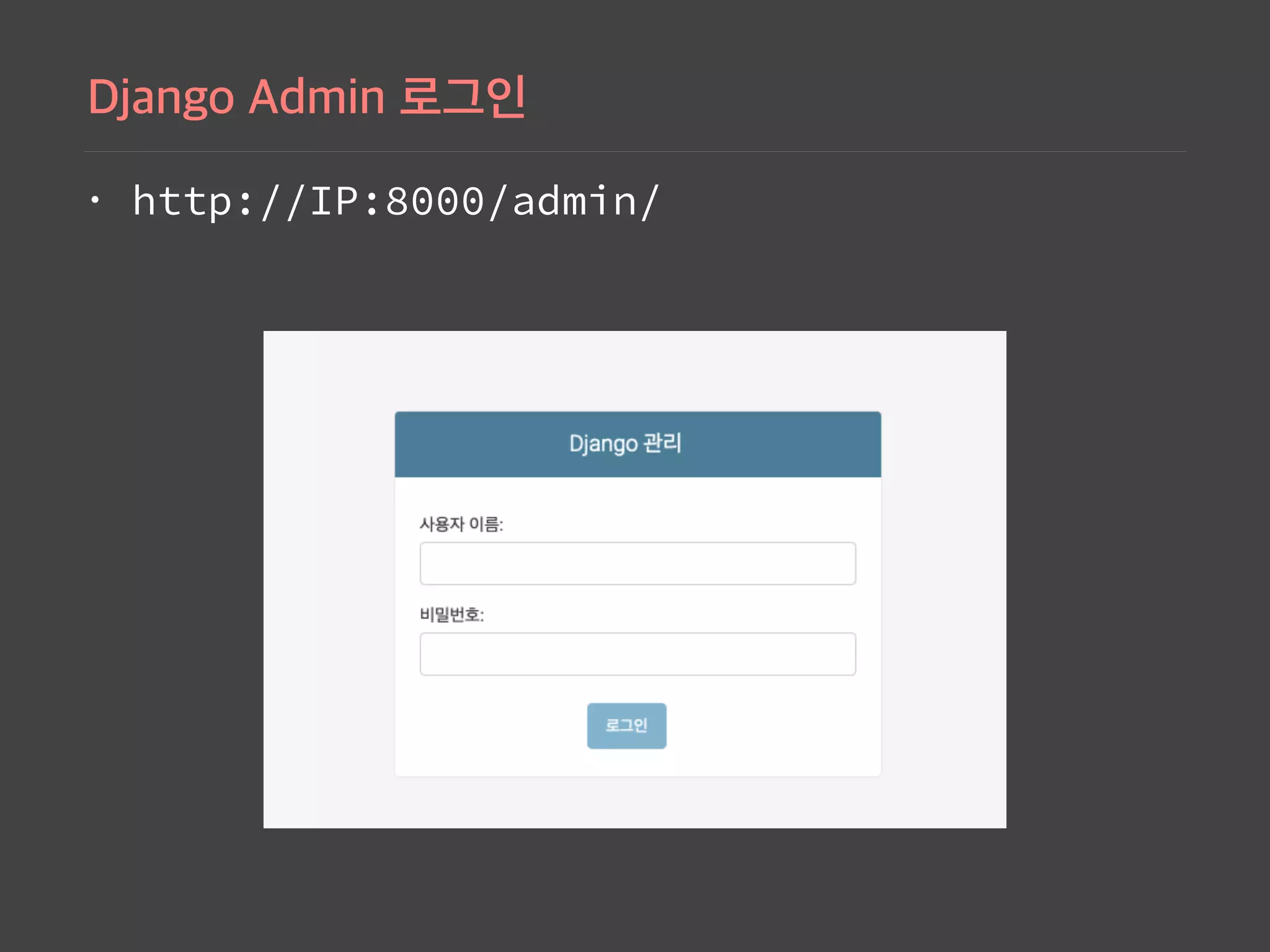
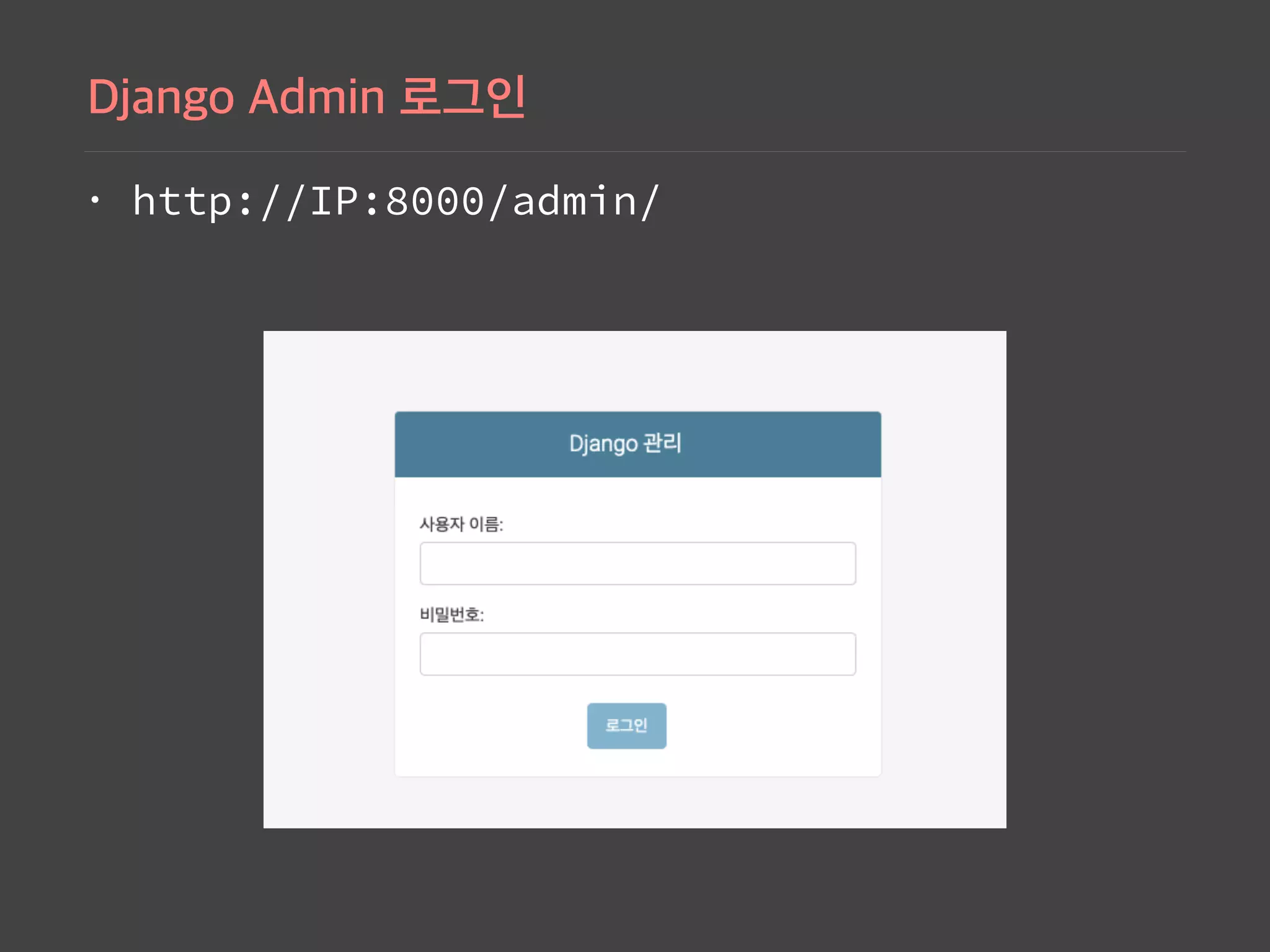
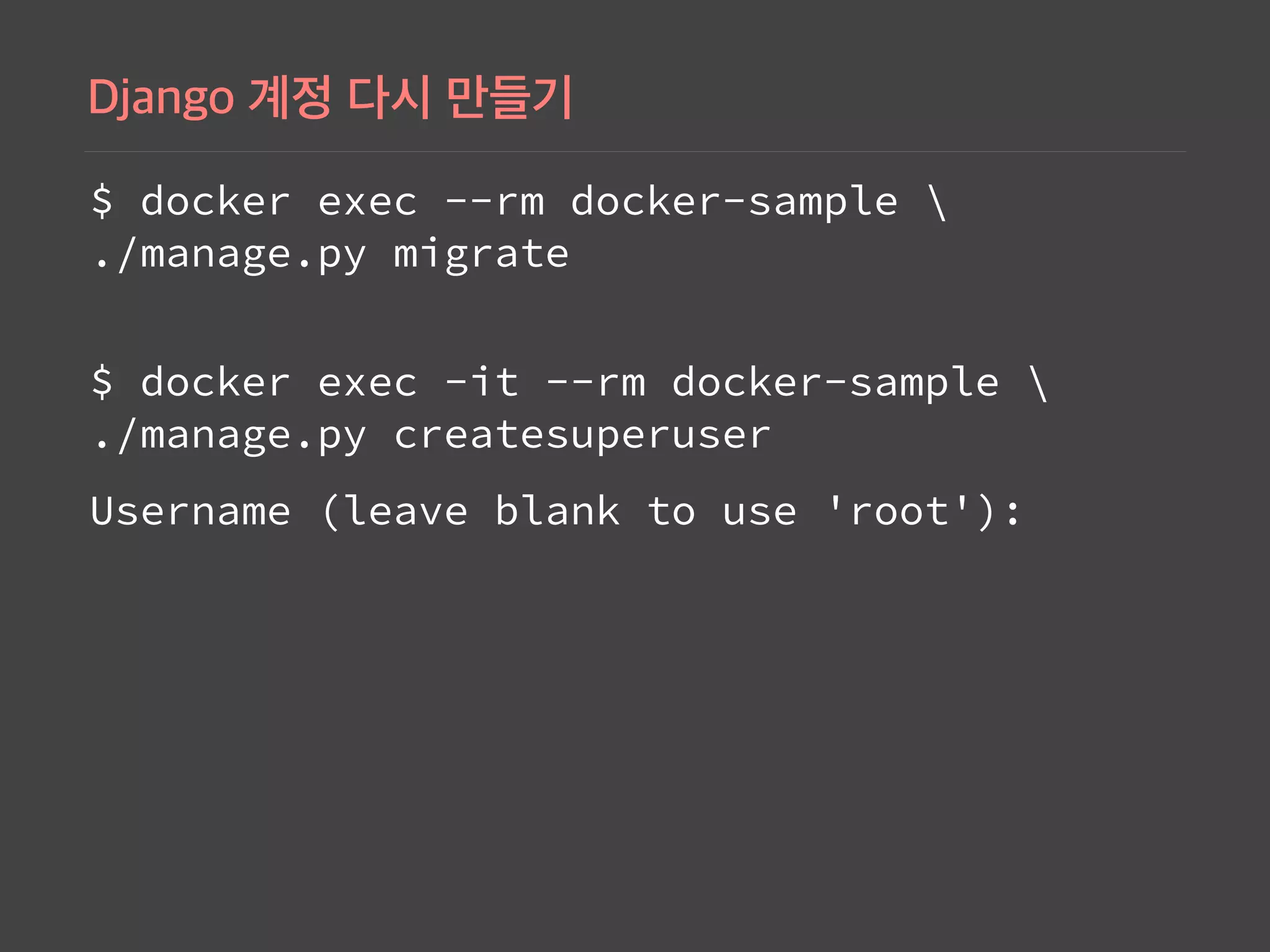
Commands demonstrating how to run a Docker container for the Django app, access the admin interface, and perform database migrations.
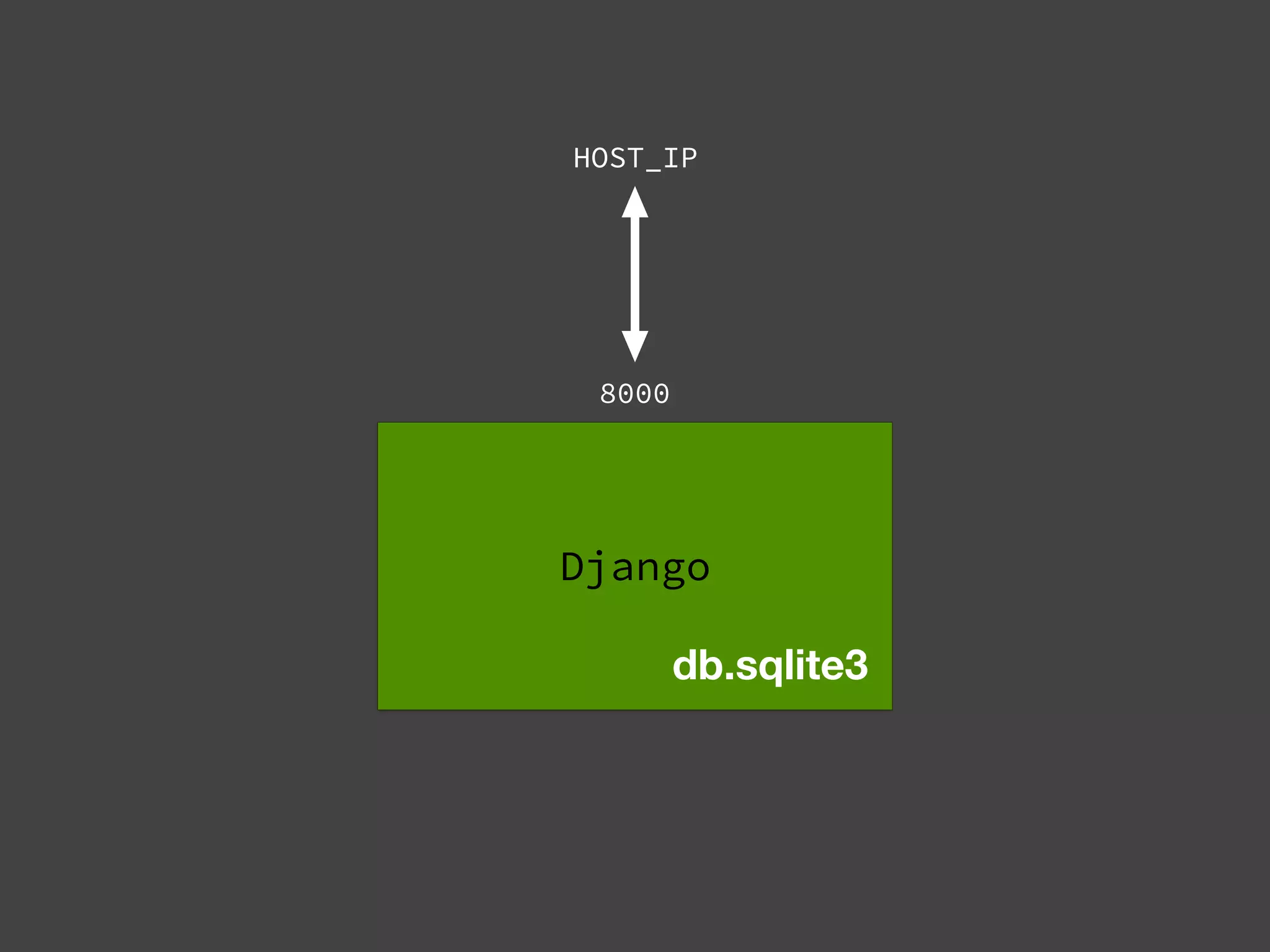
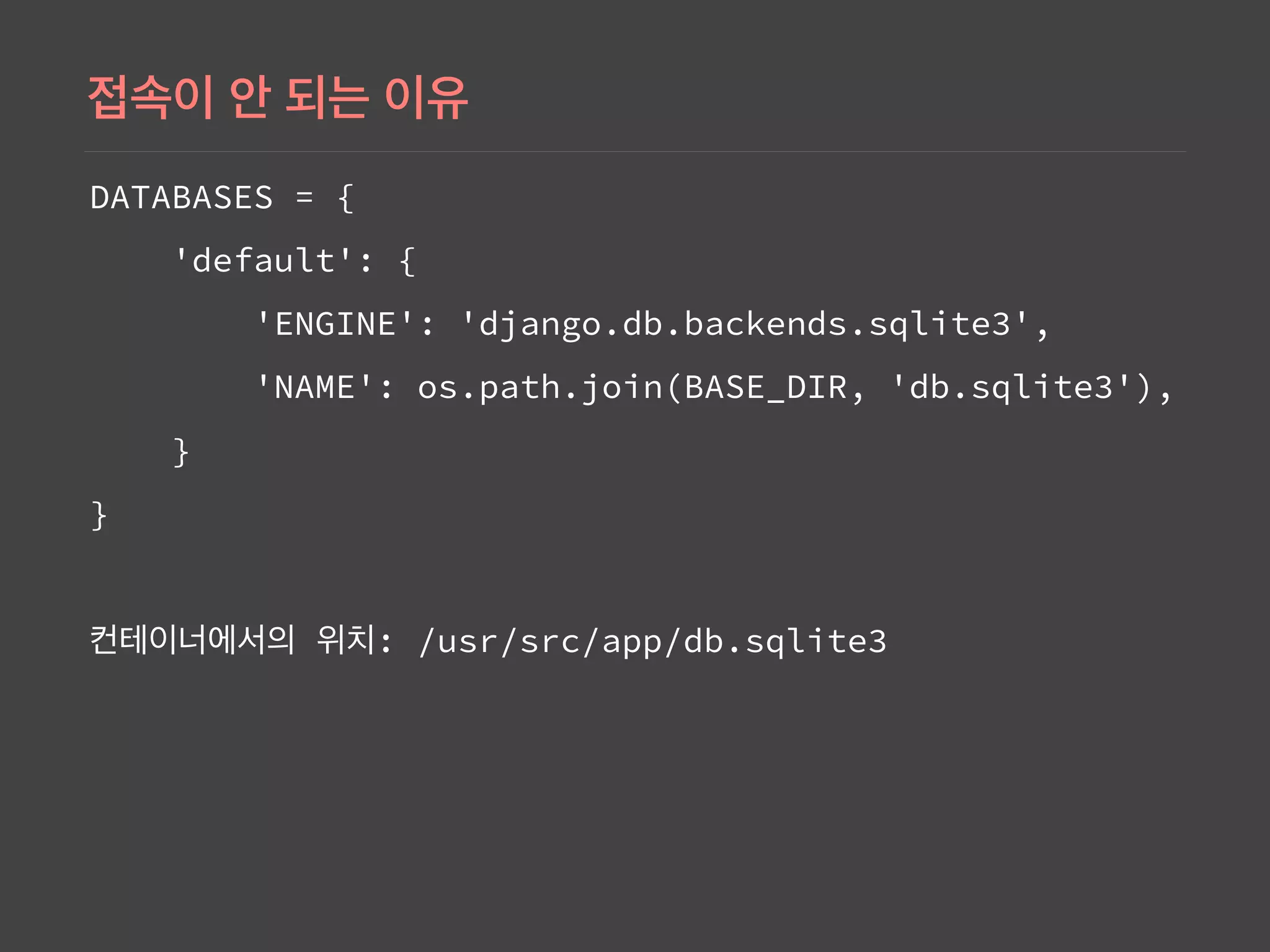
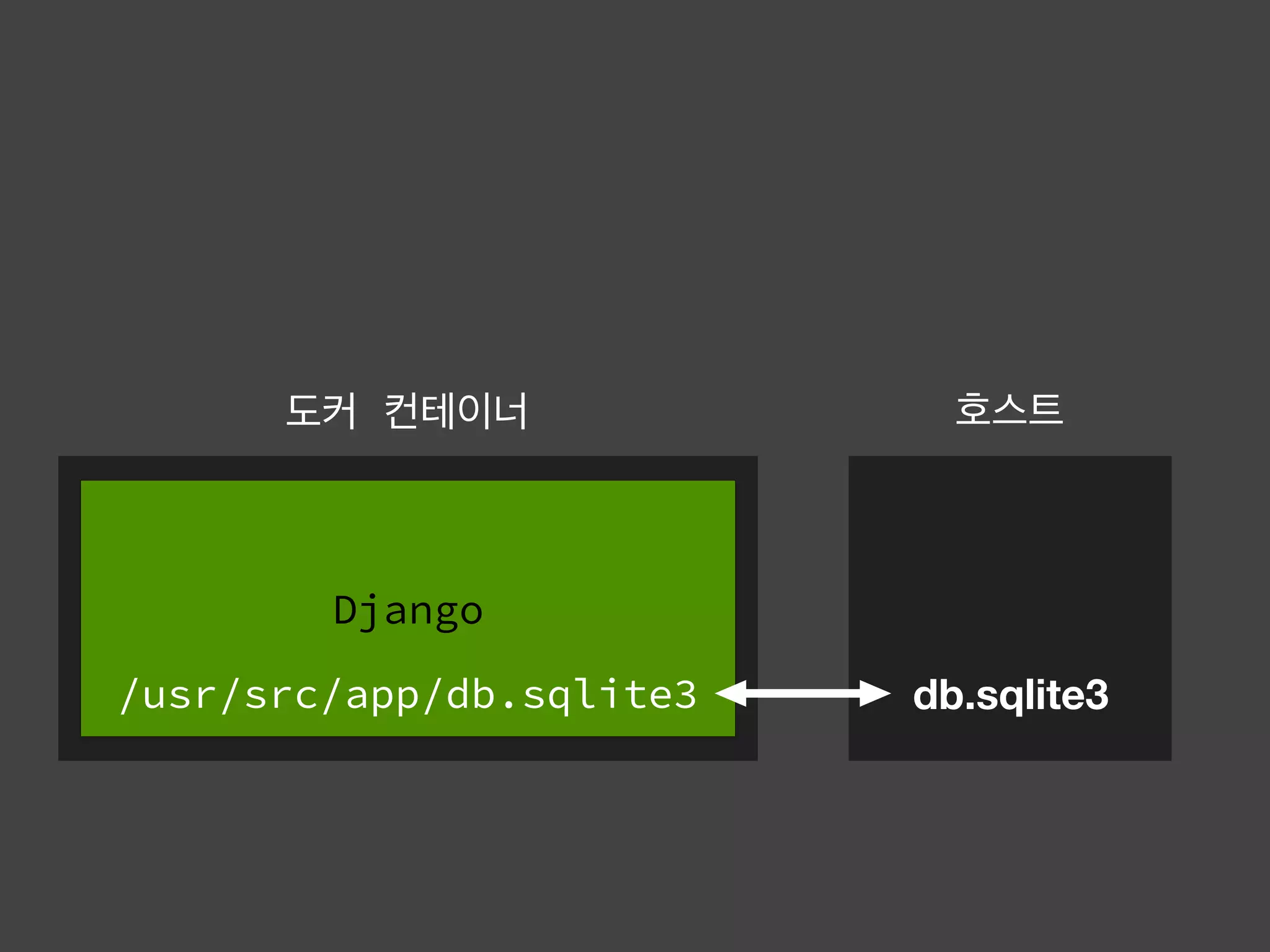
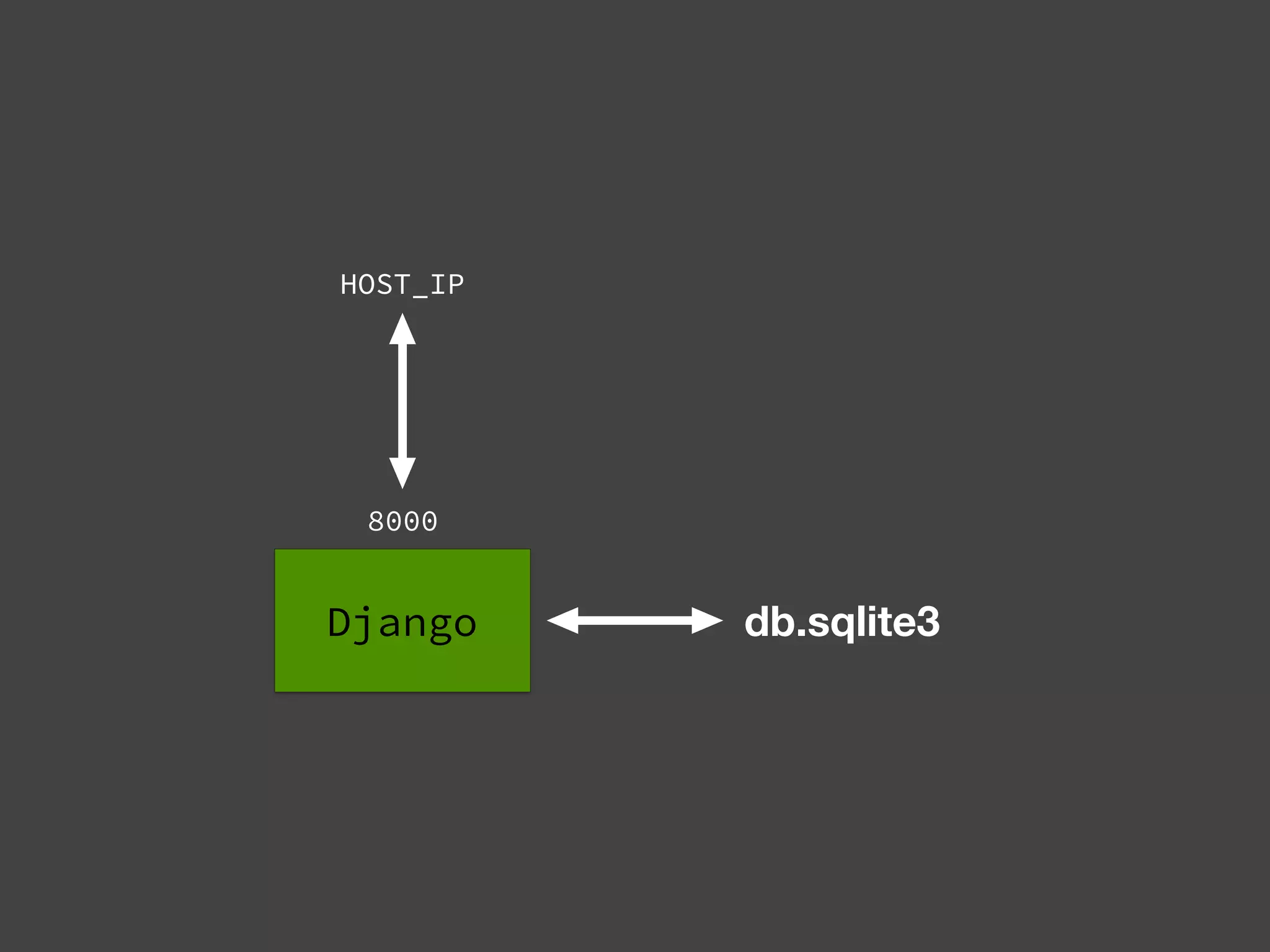
Explains database configuration details in Django for SQLite, managing connections through Docker, and general commands.
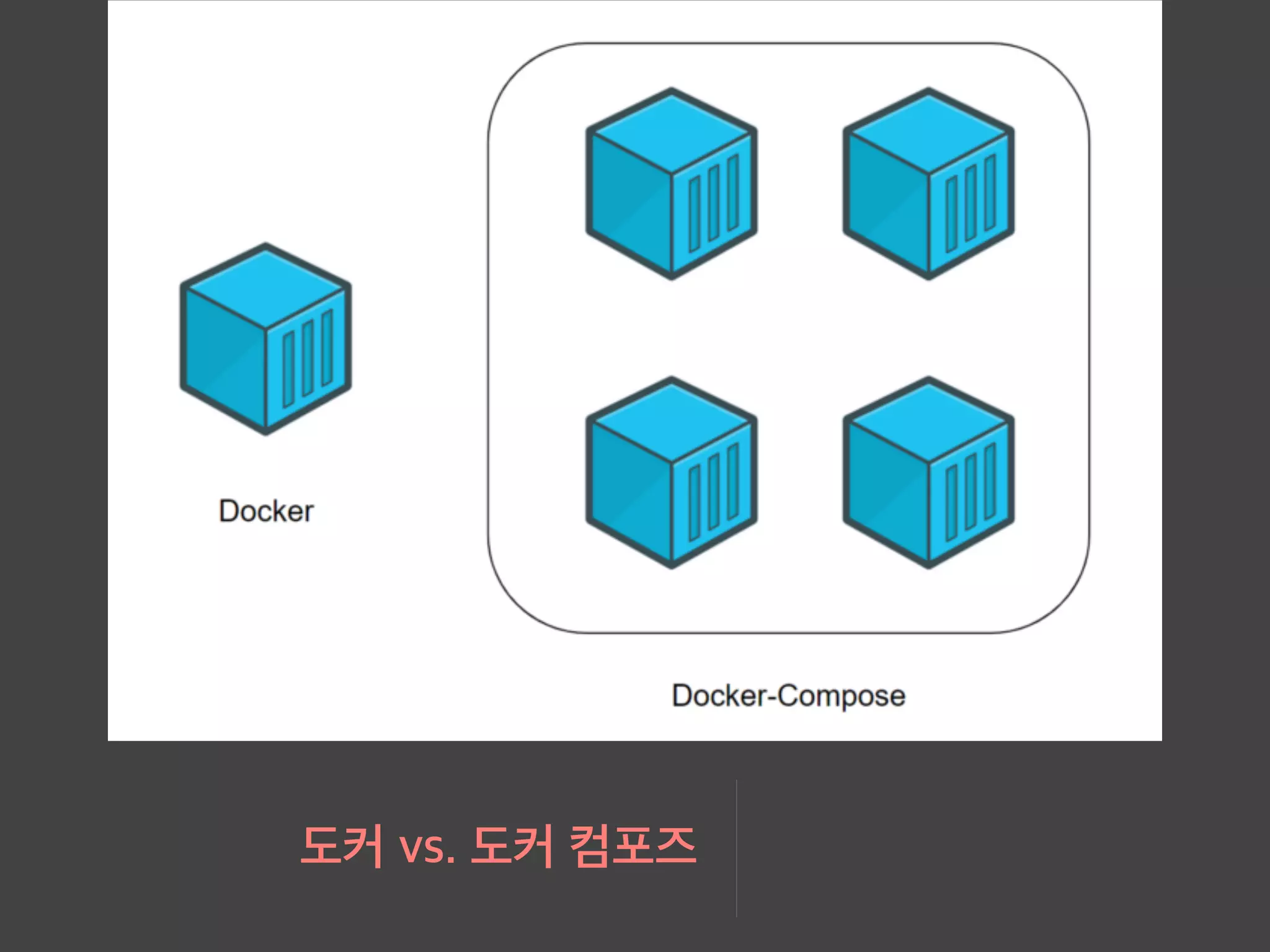
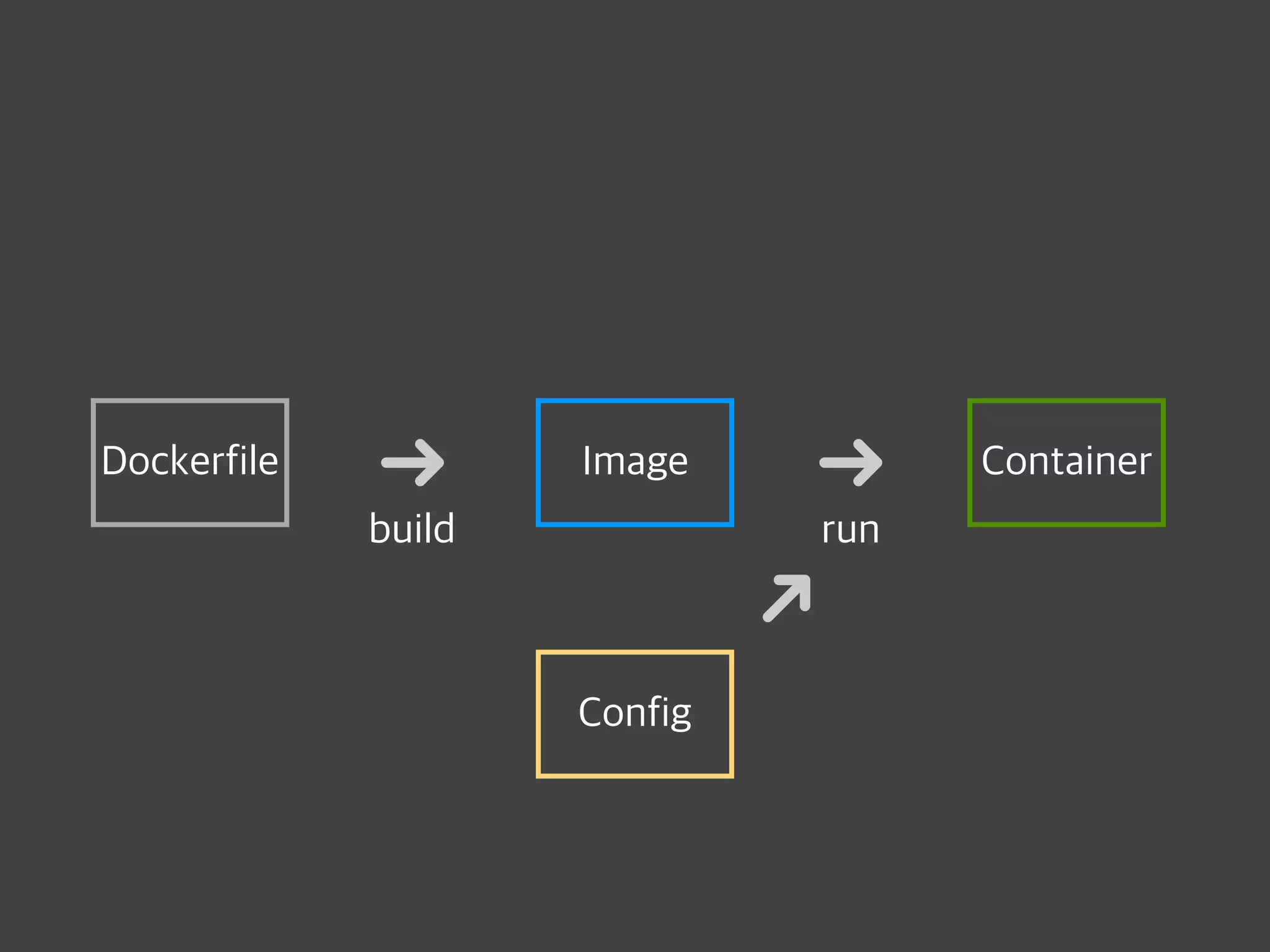
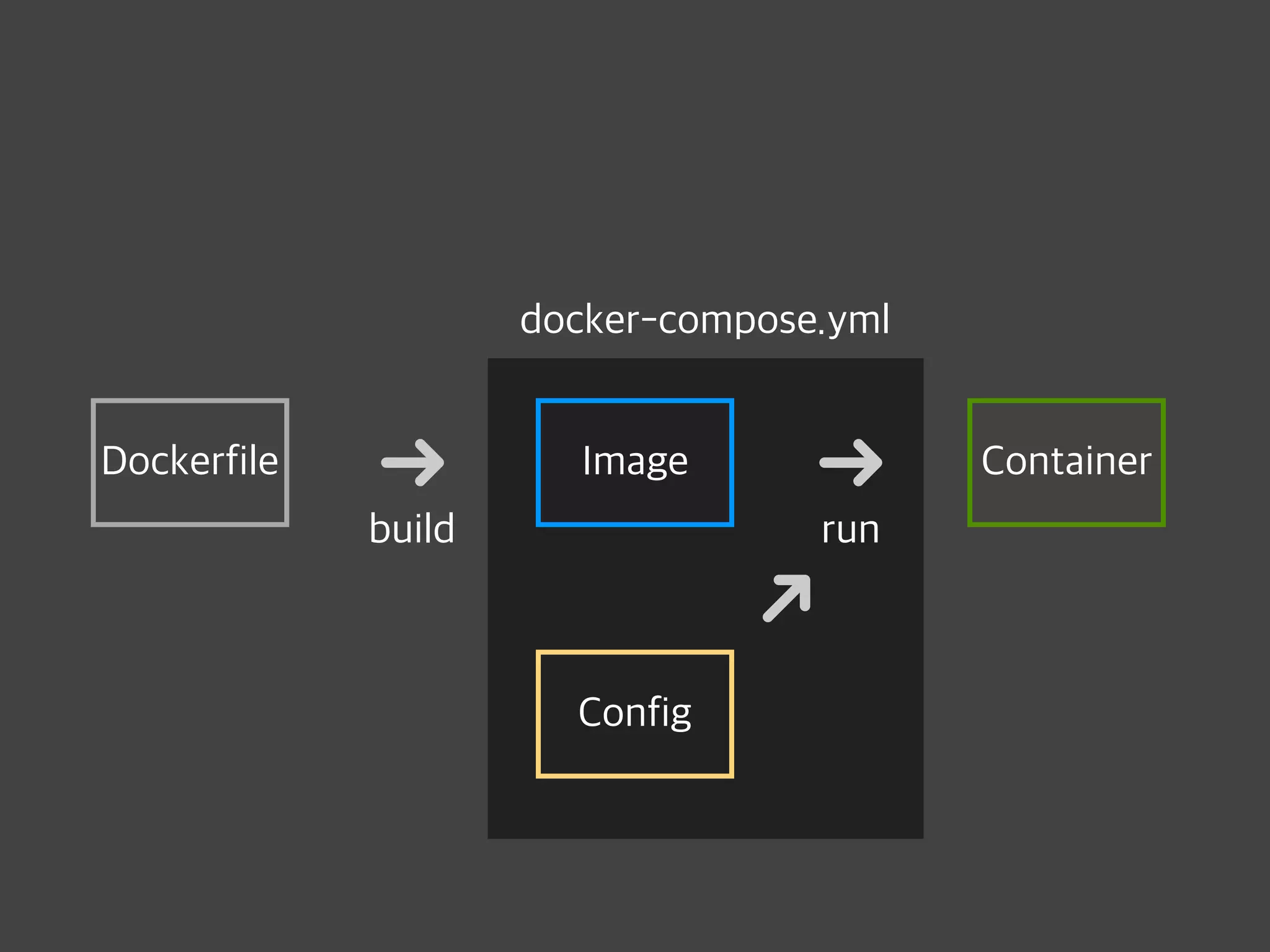
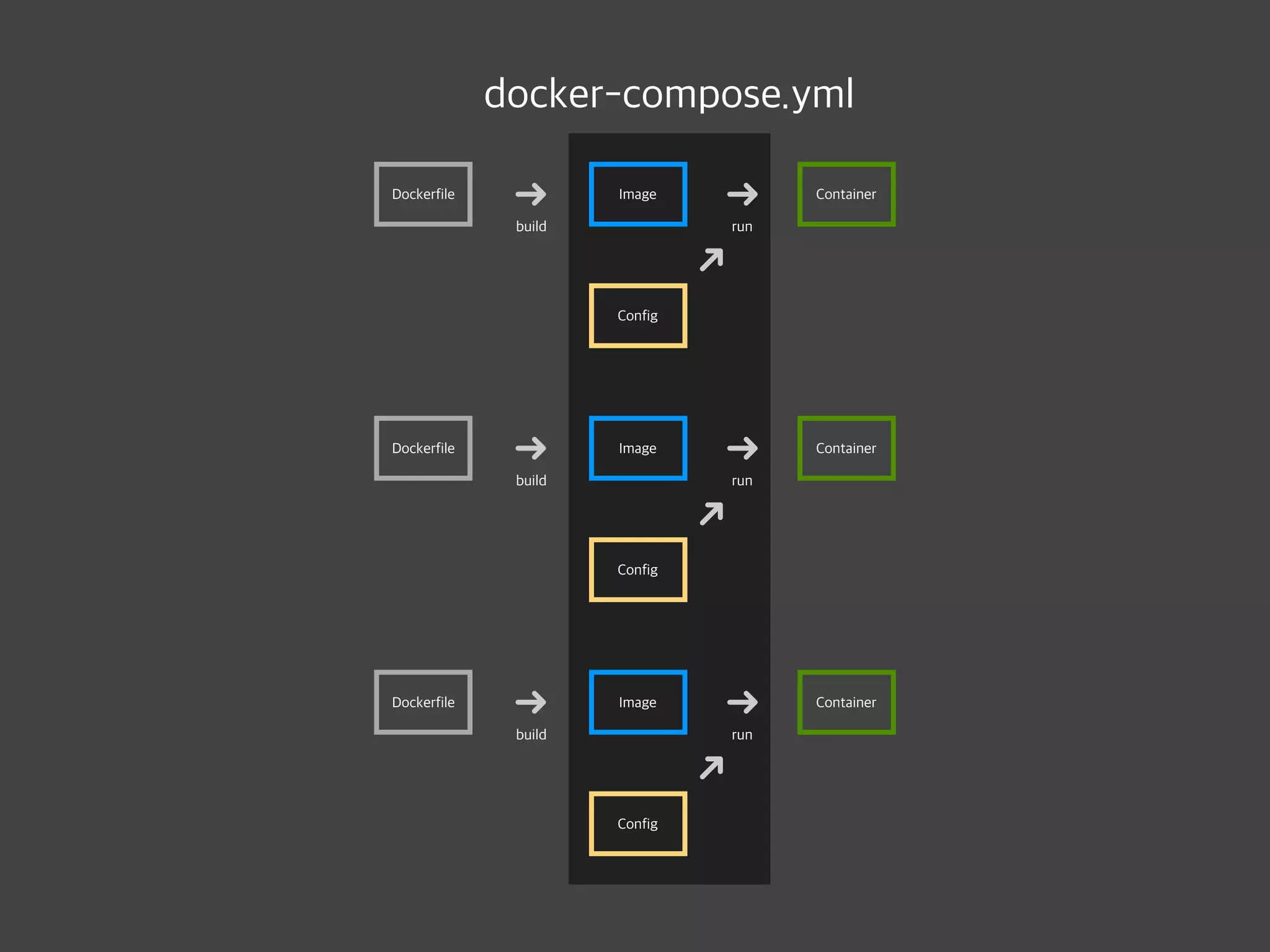
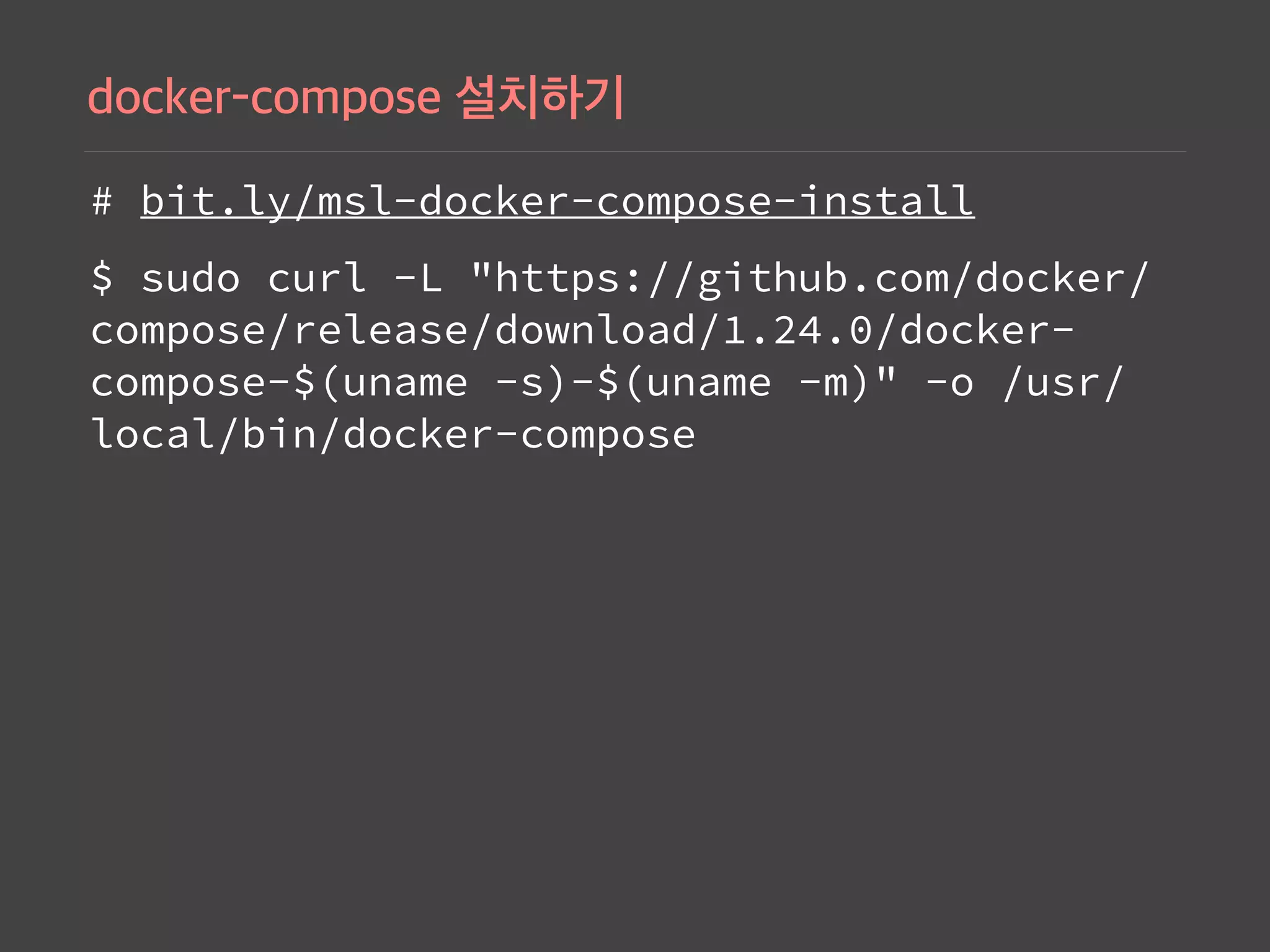
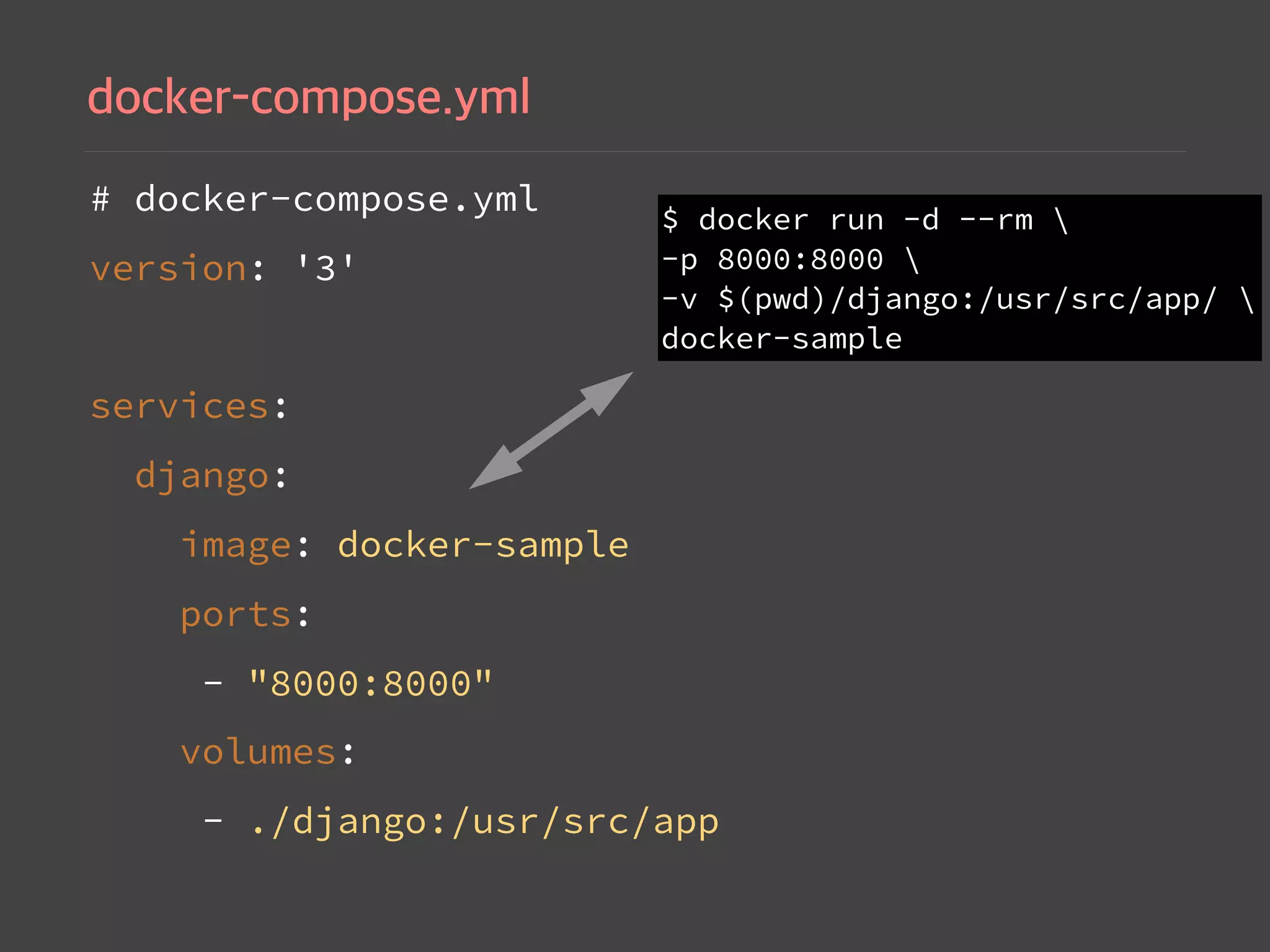
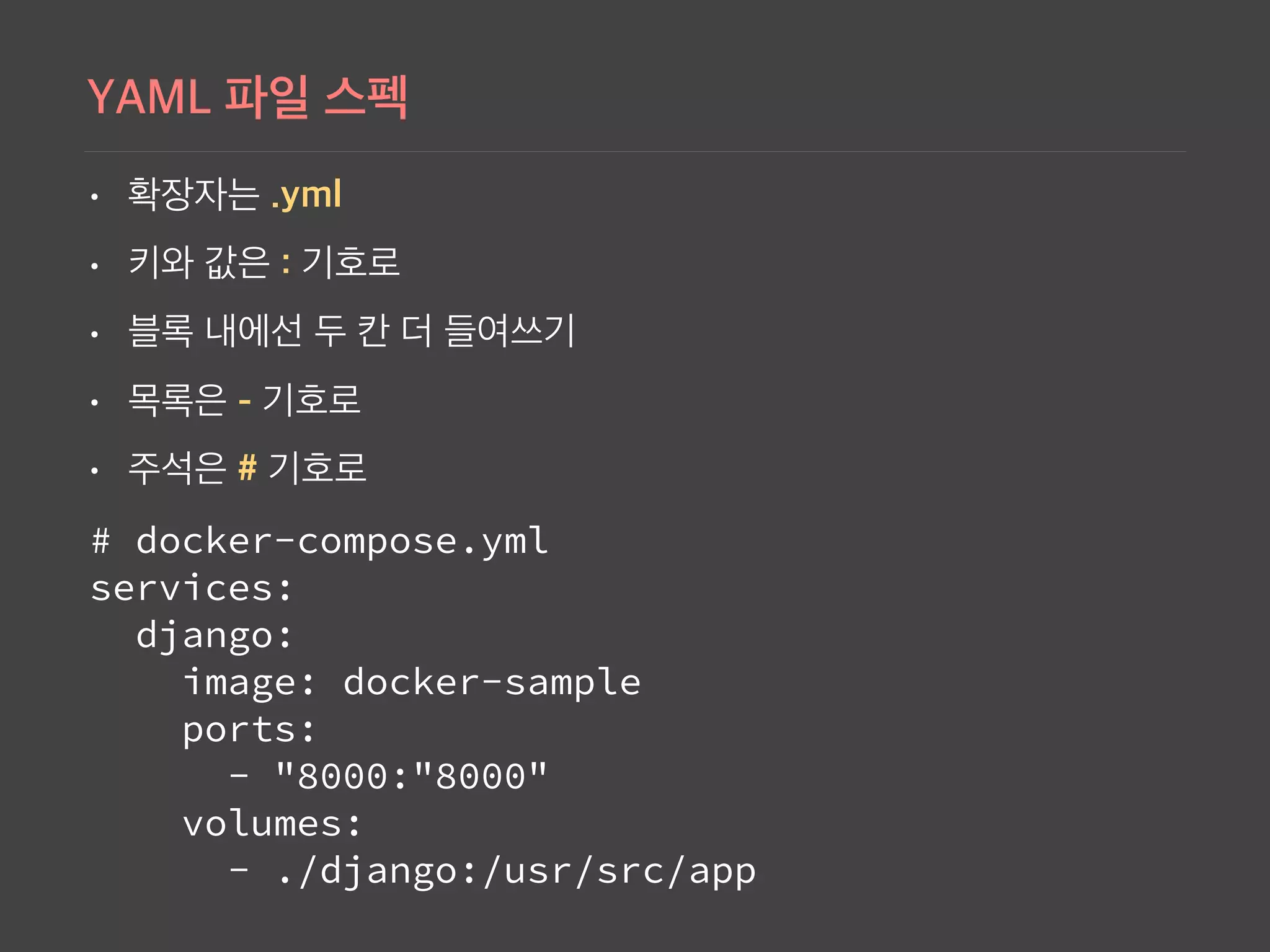
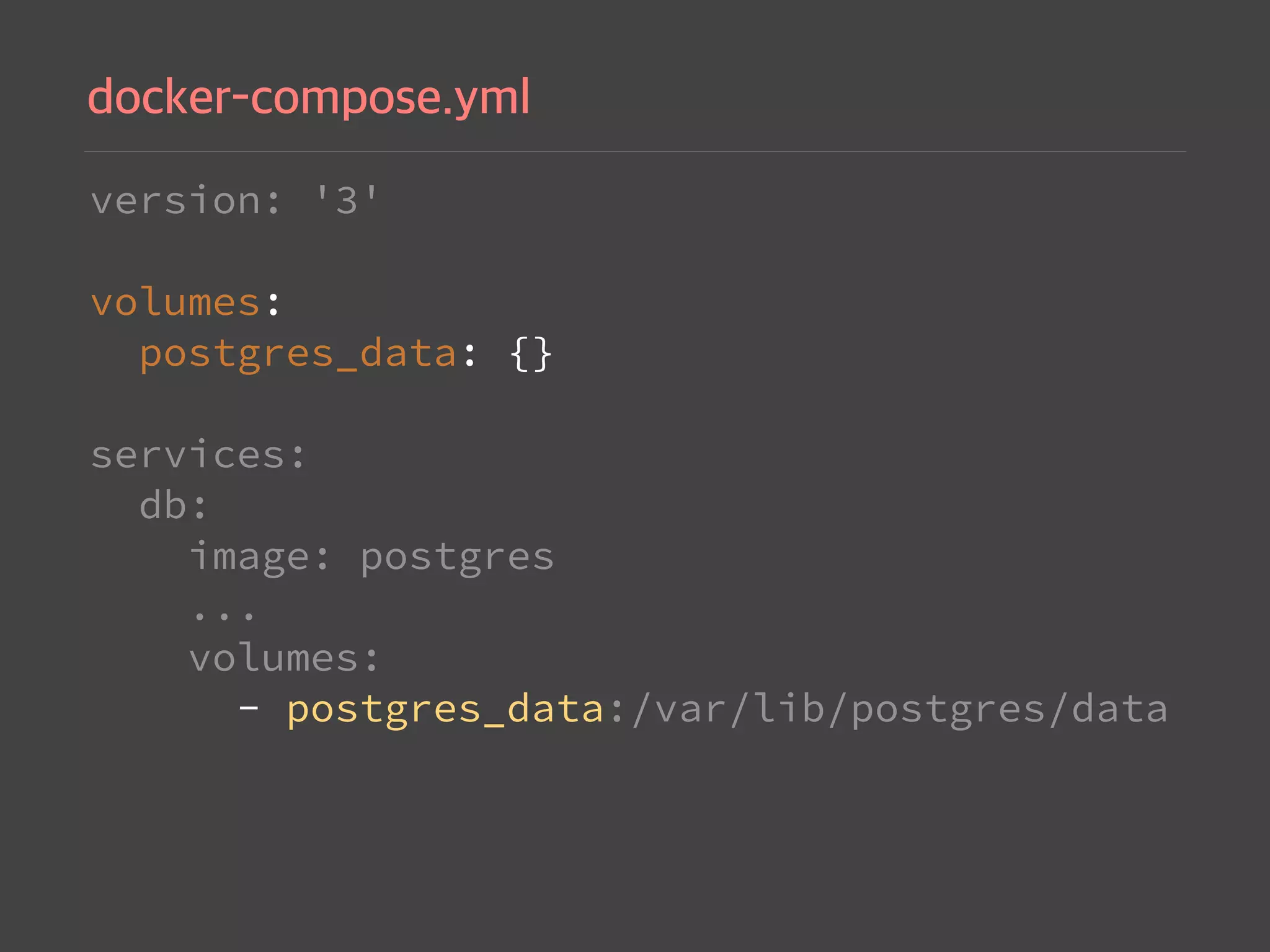
Instructions to install Docker Compose and configure docker-compose.yml file for managing multi-container applications.
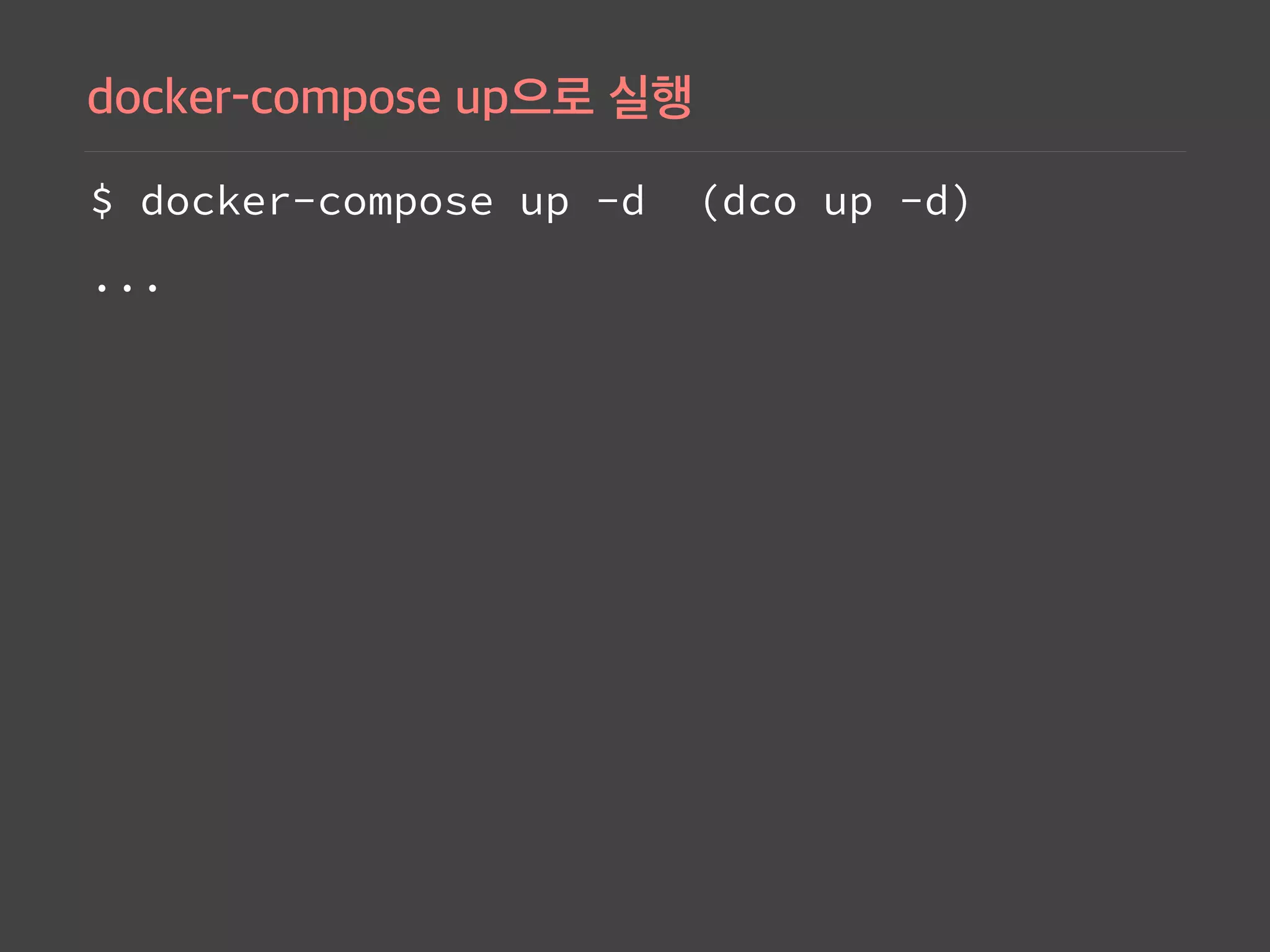
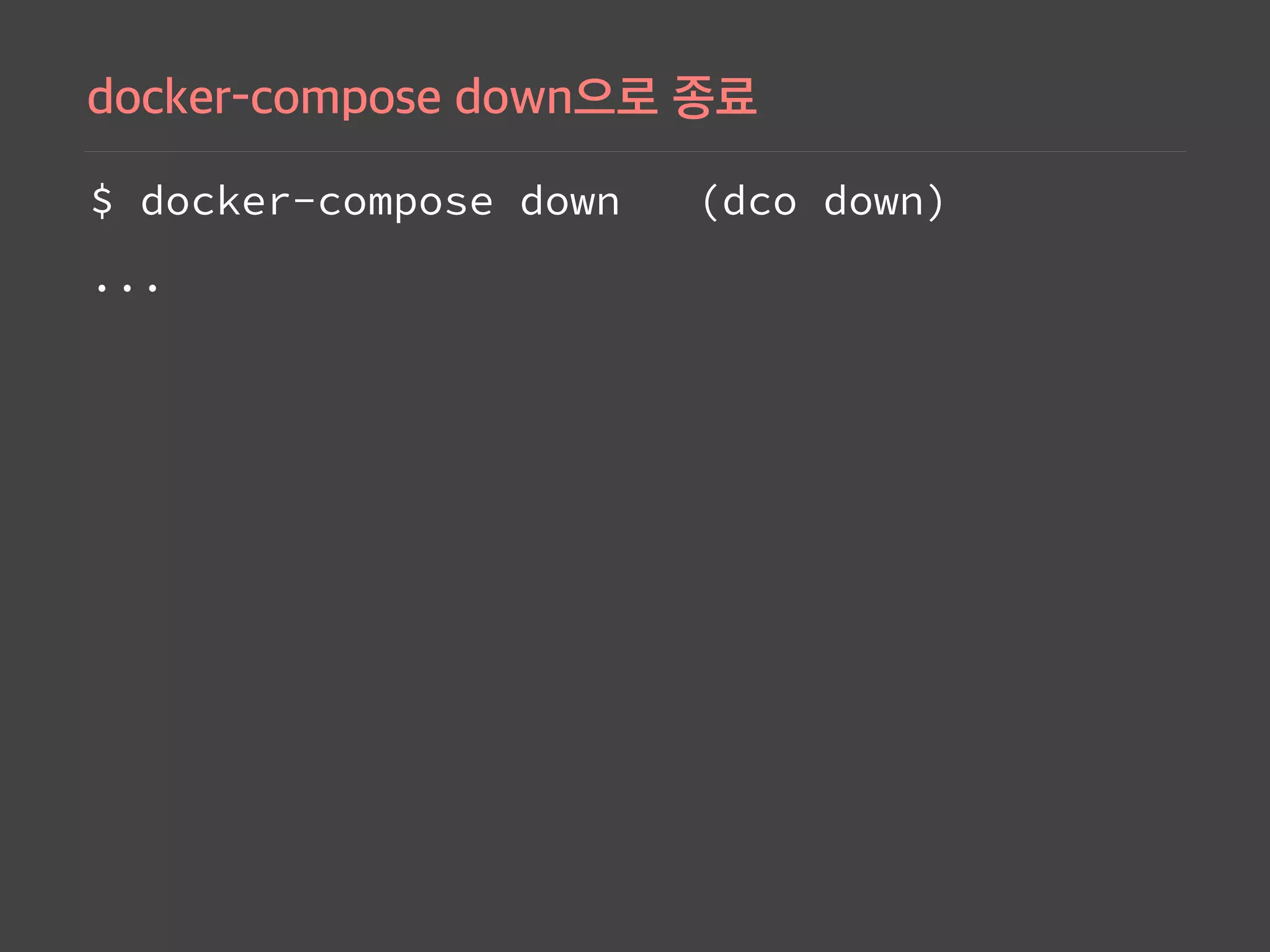
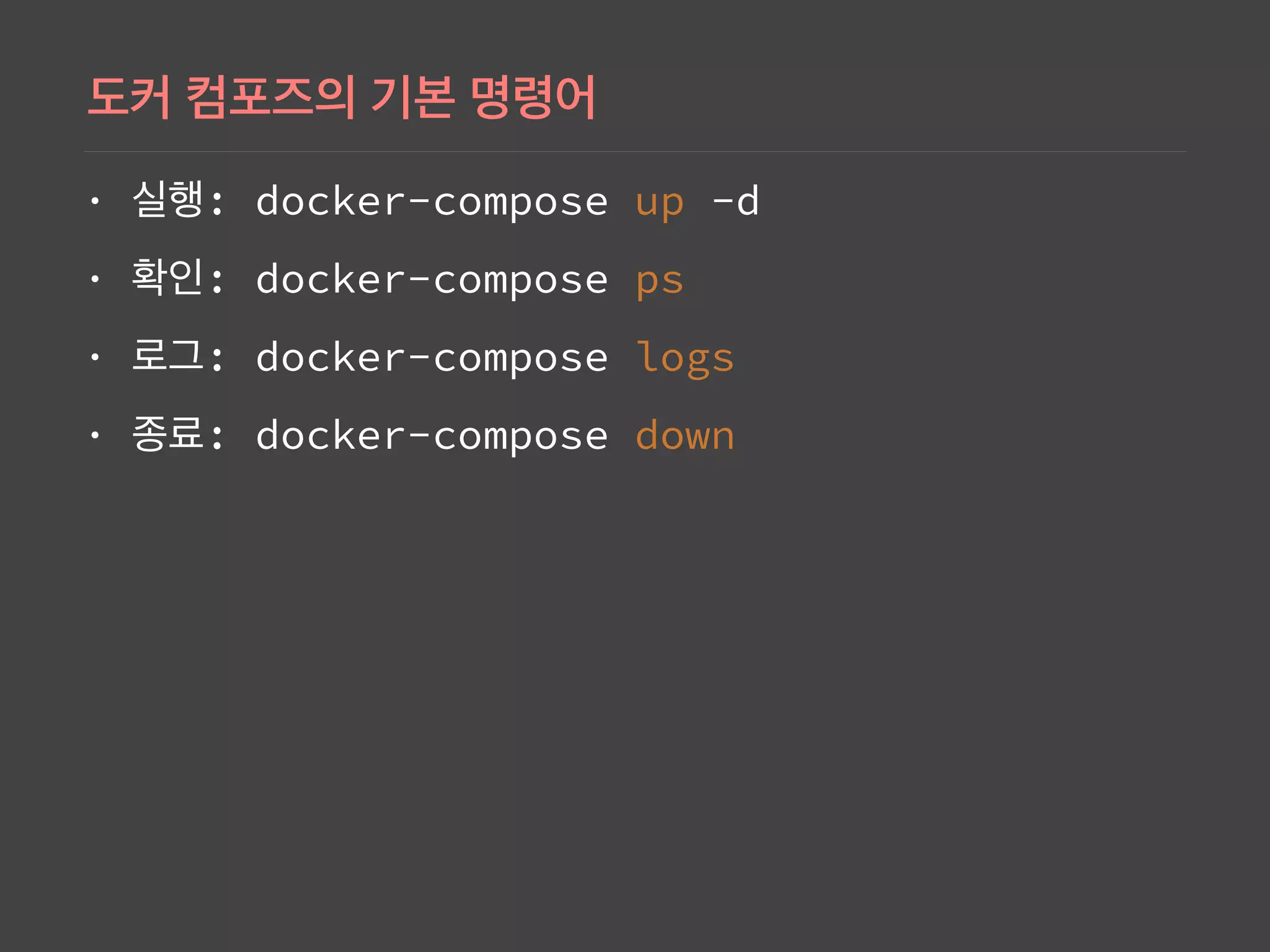
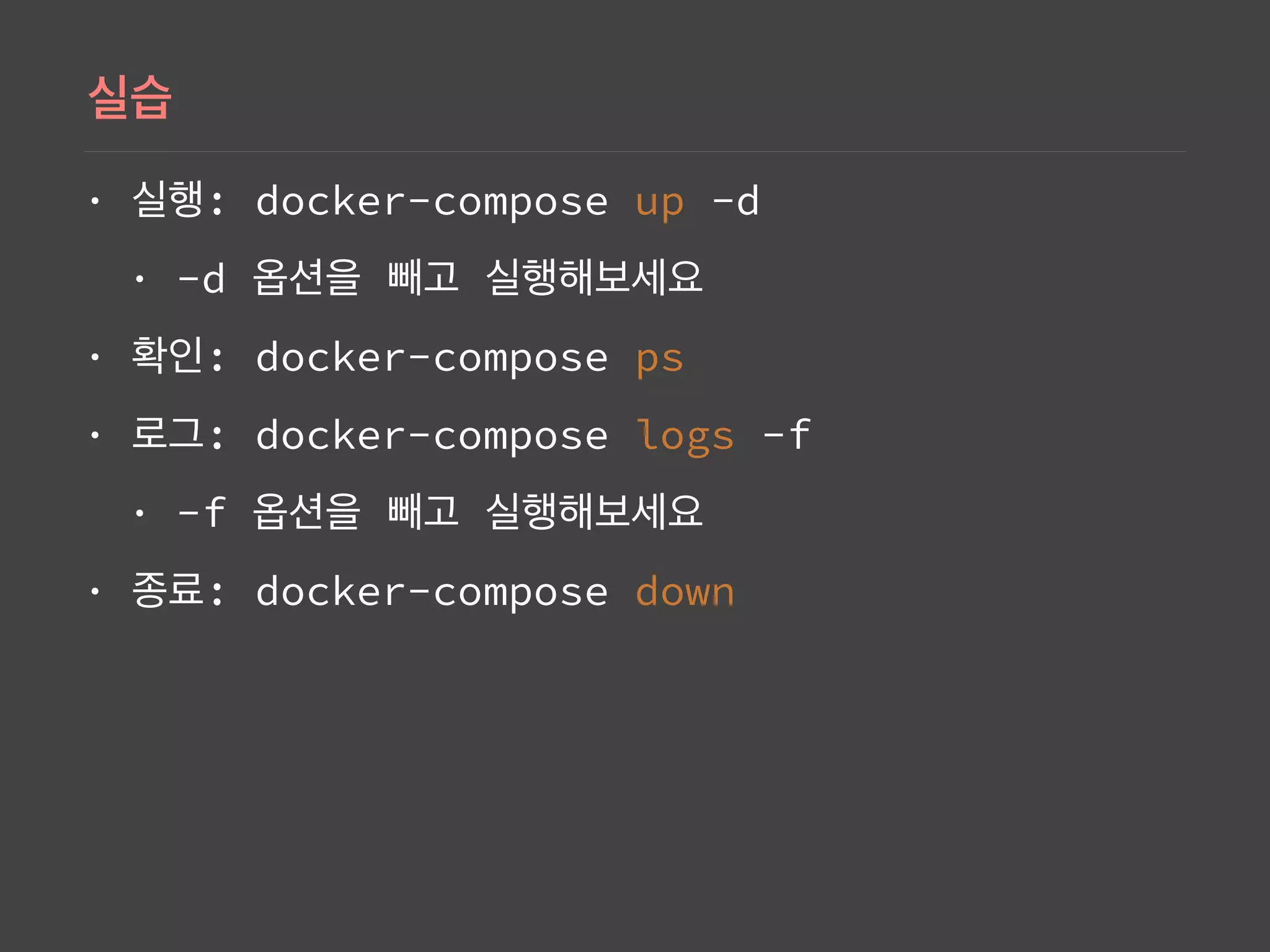
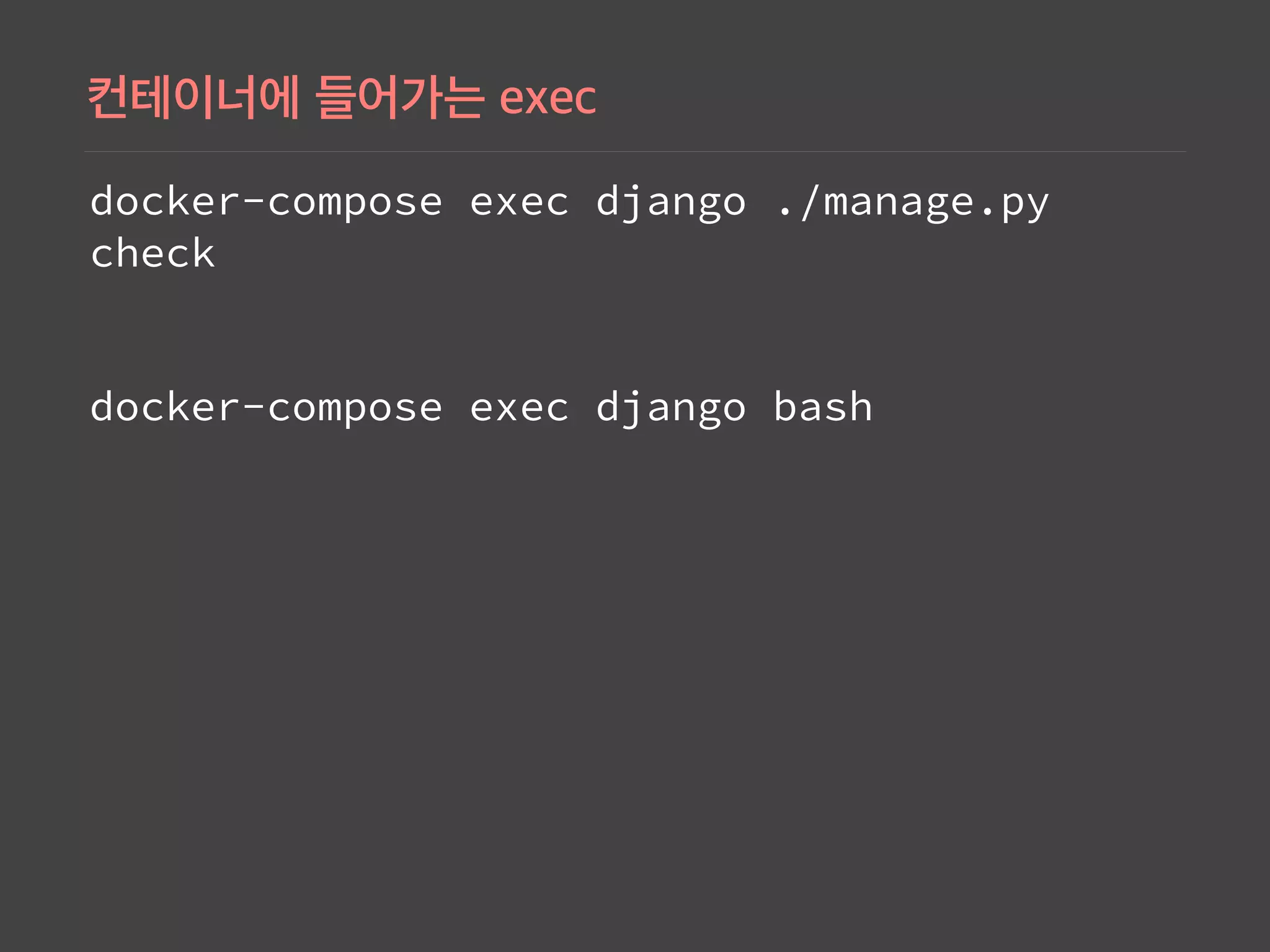
Commands showcasing how to use Docker Compose for running and managing services.
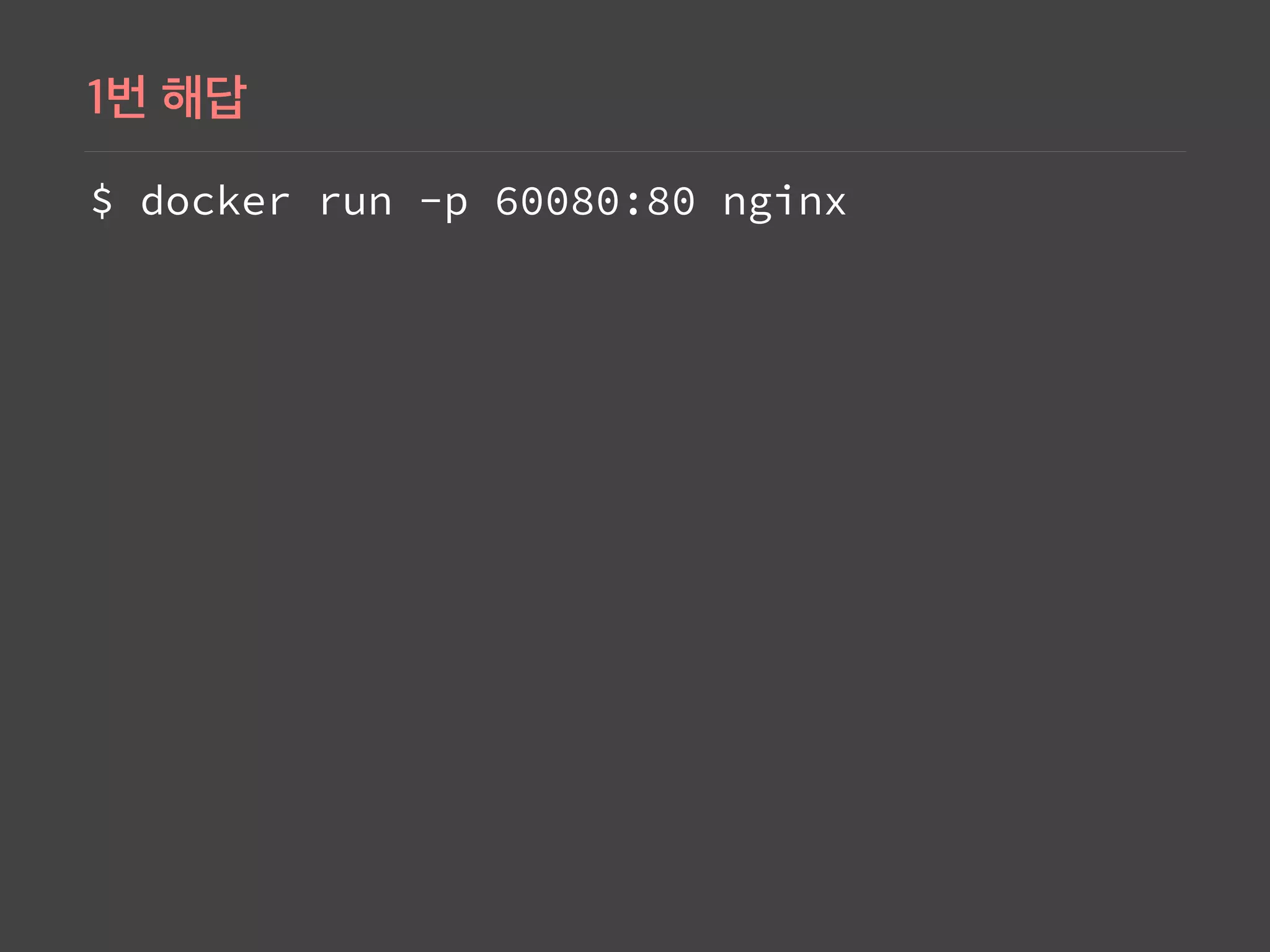
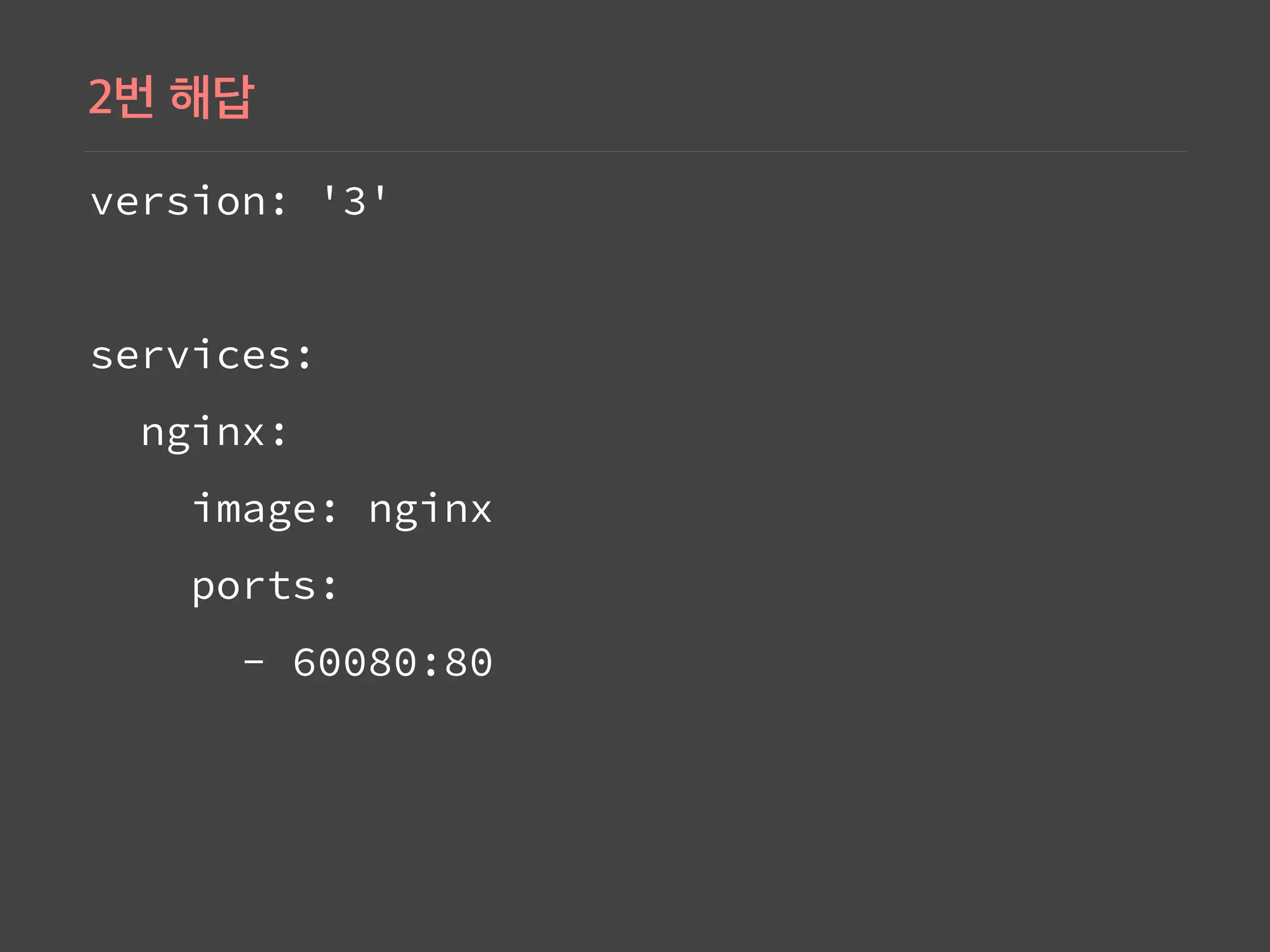
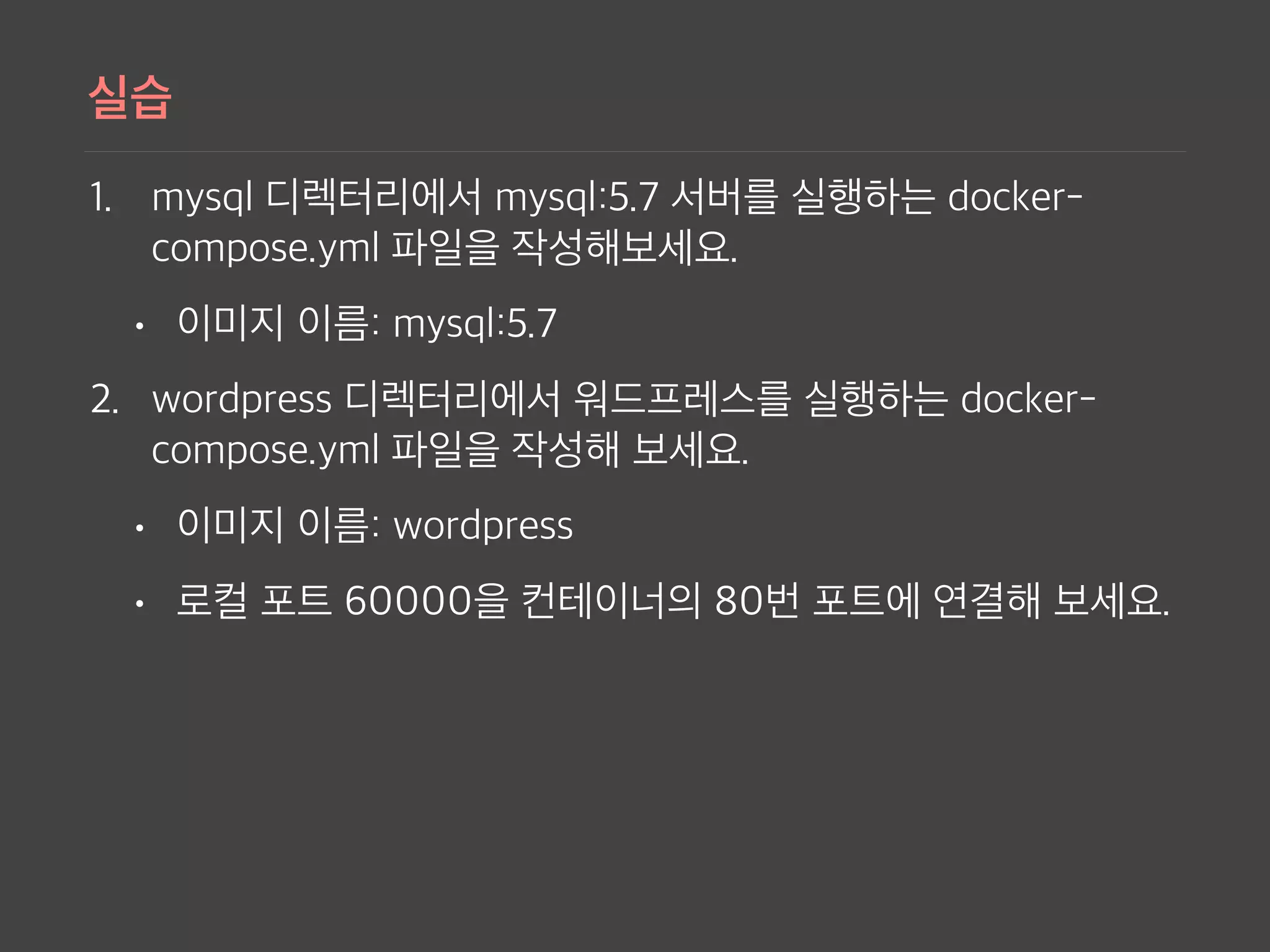
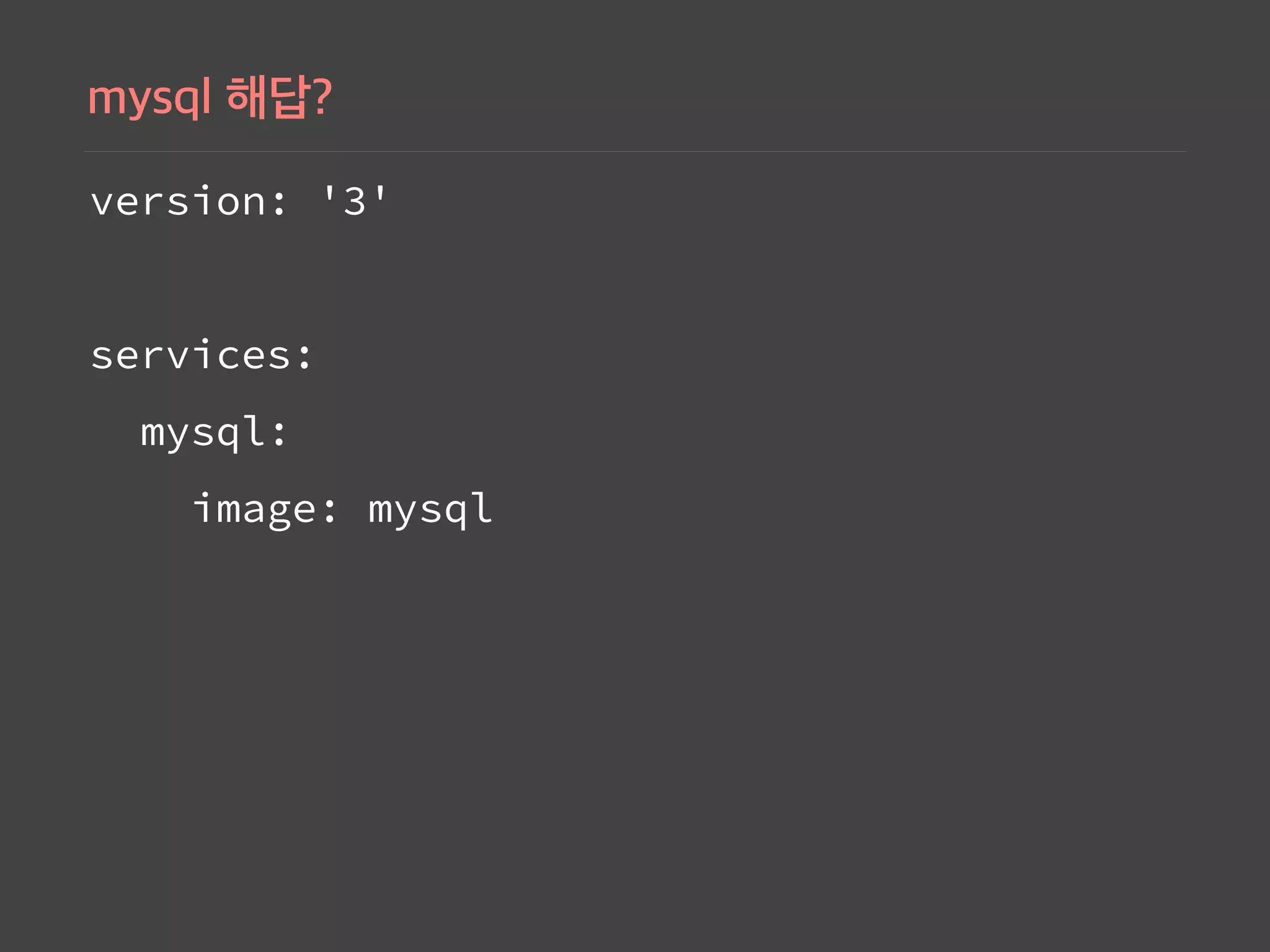
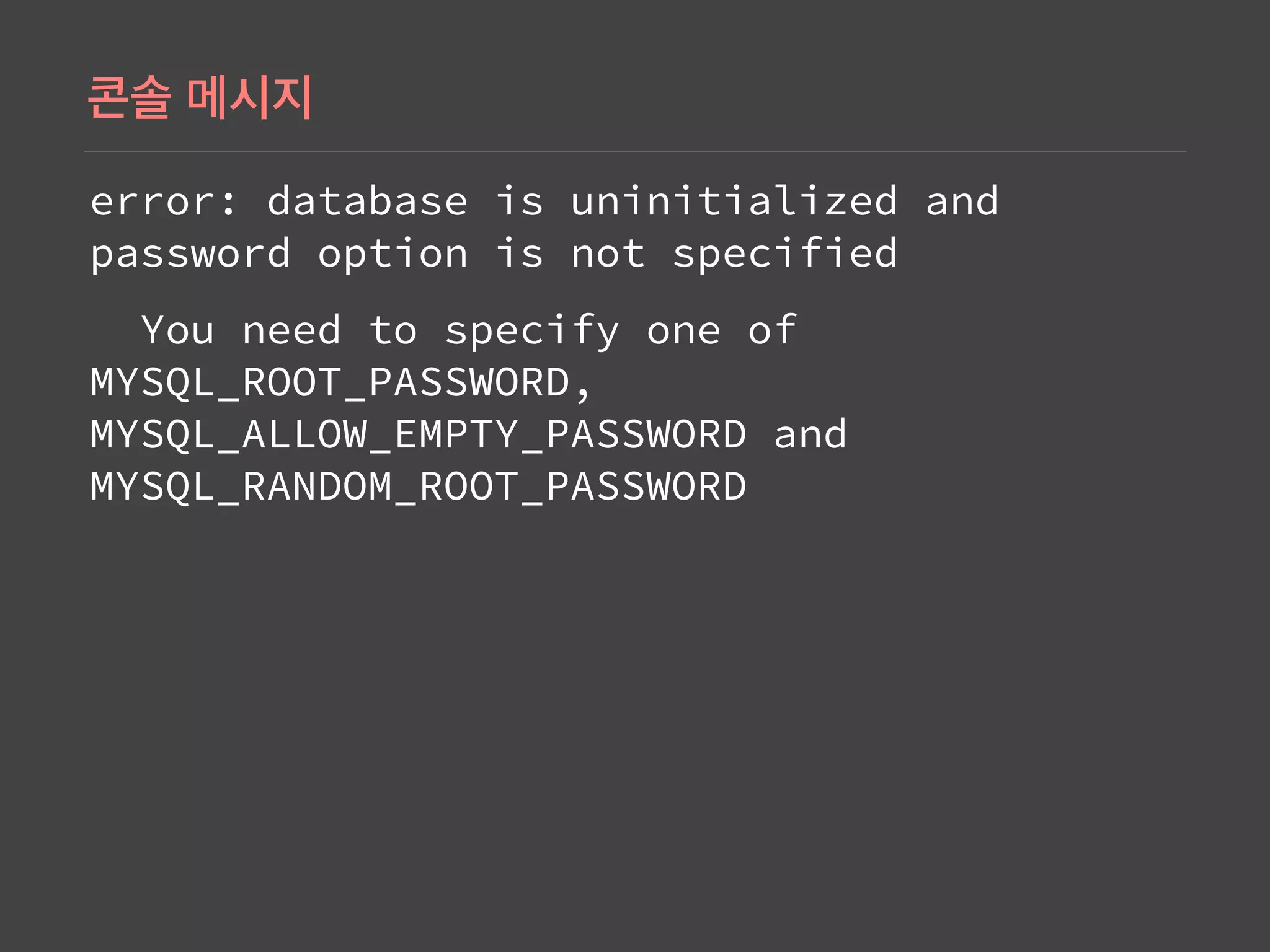
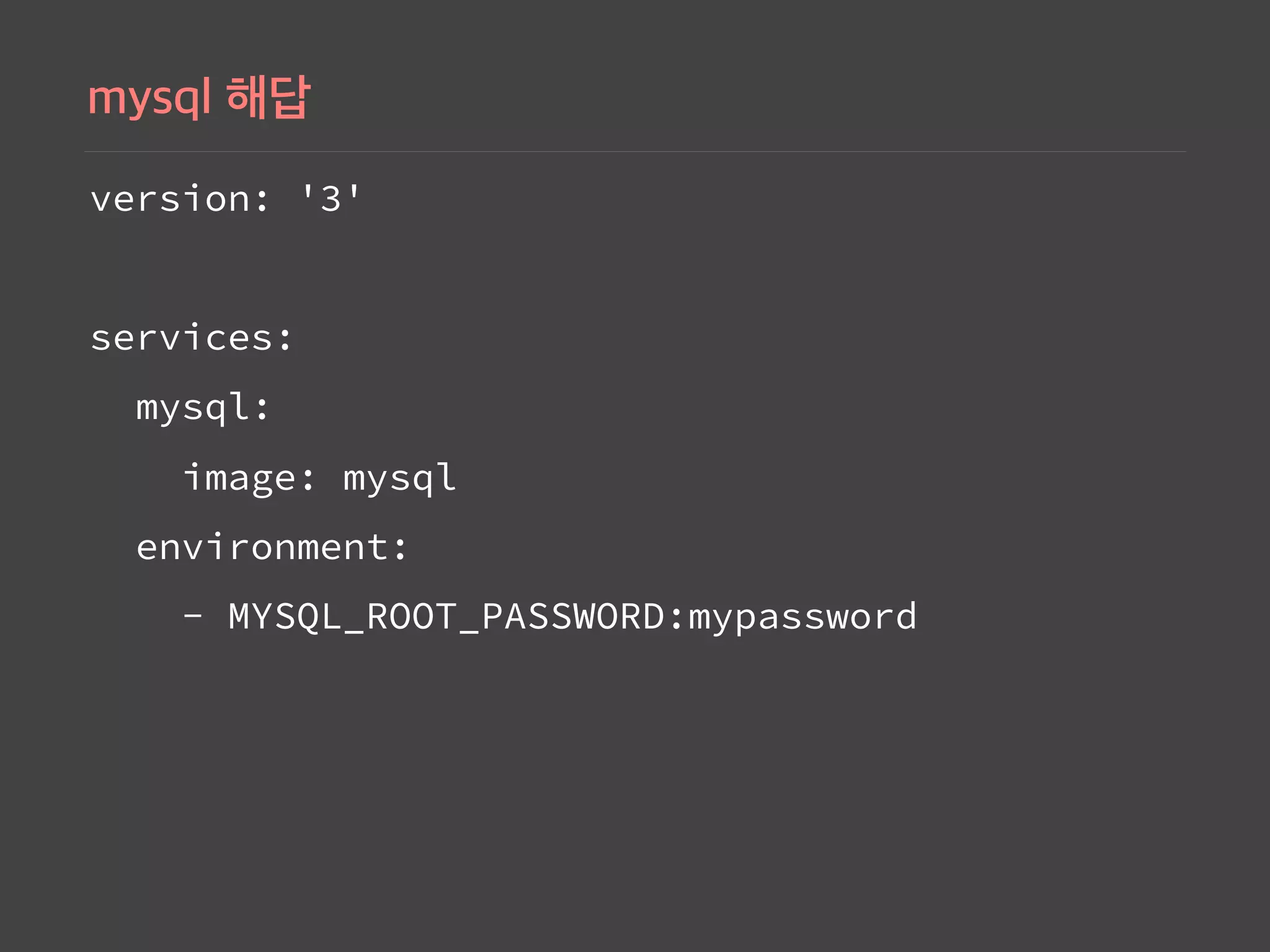
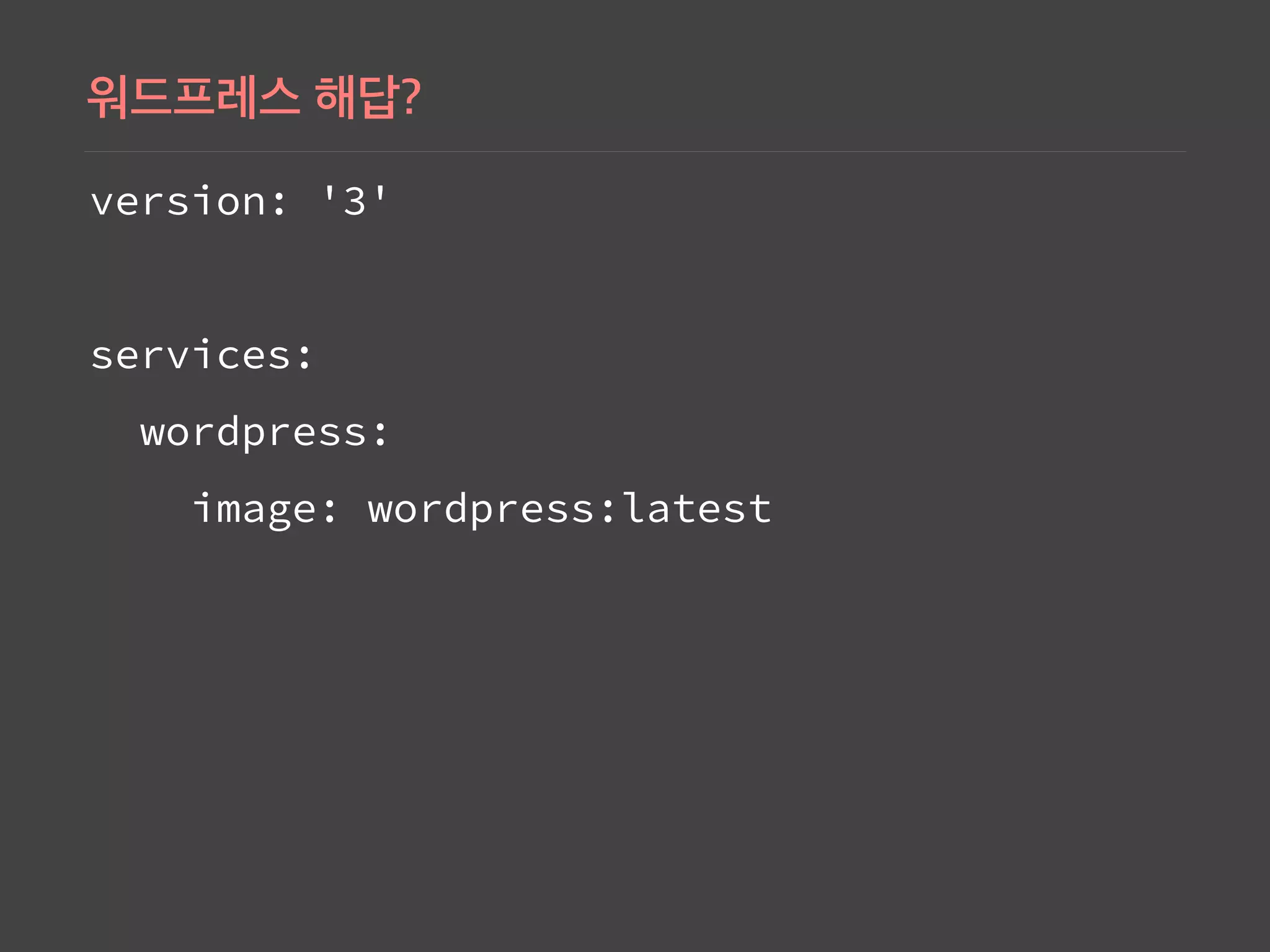
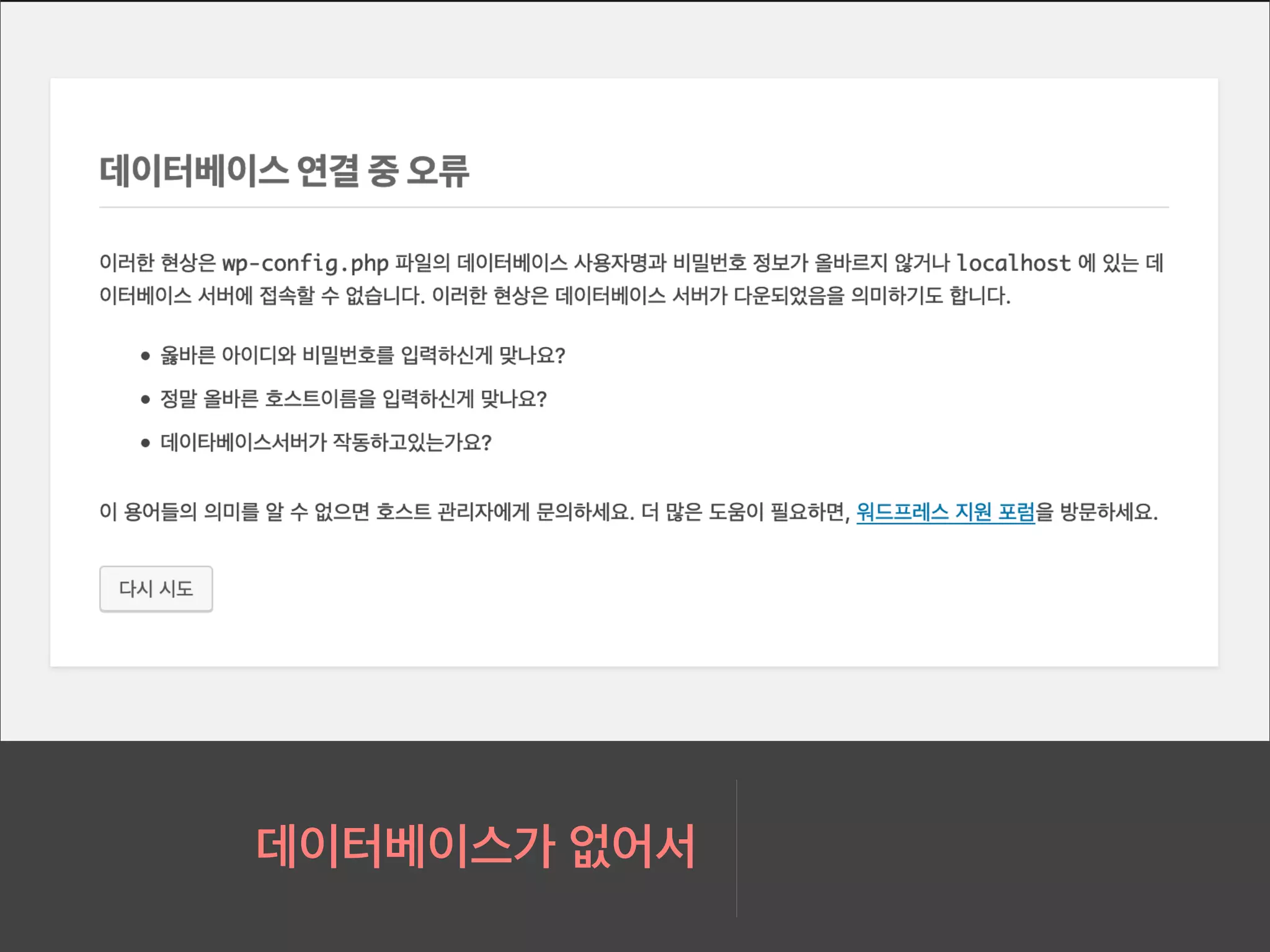
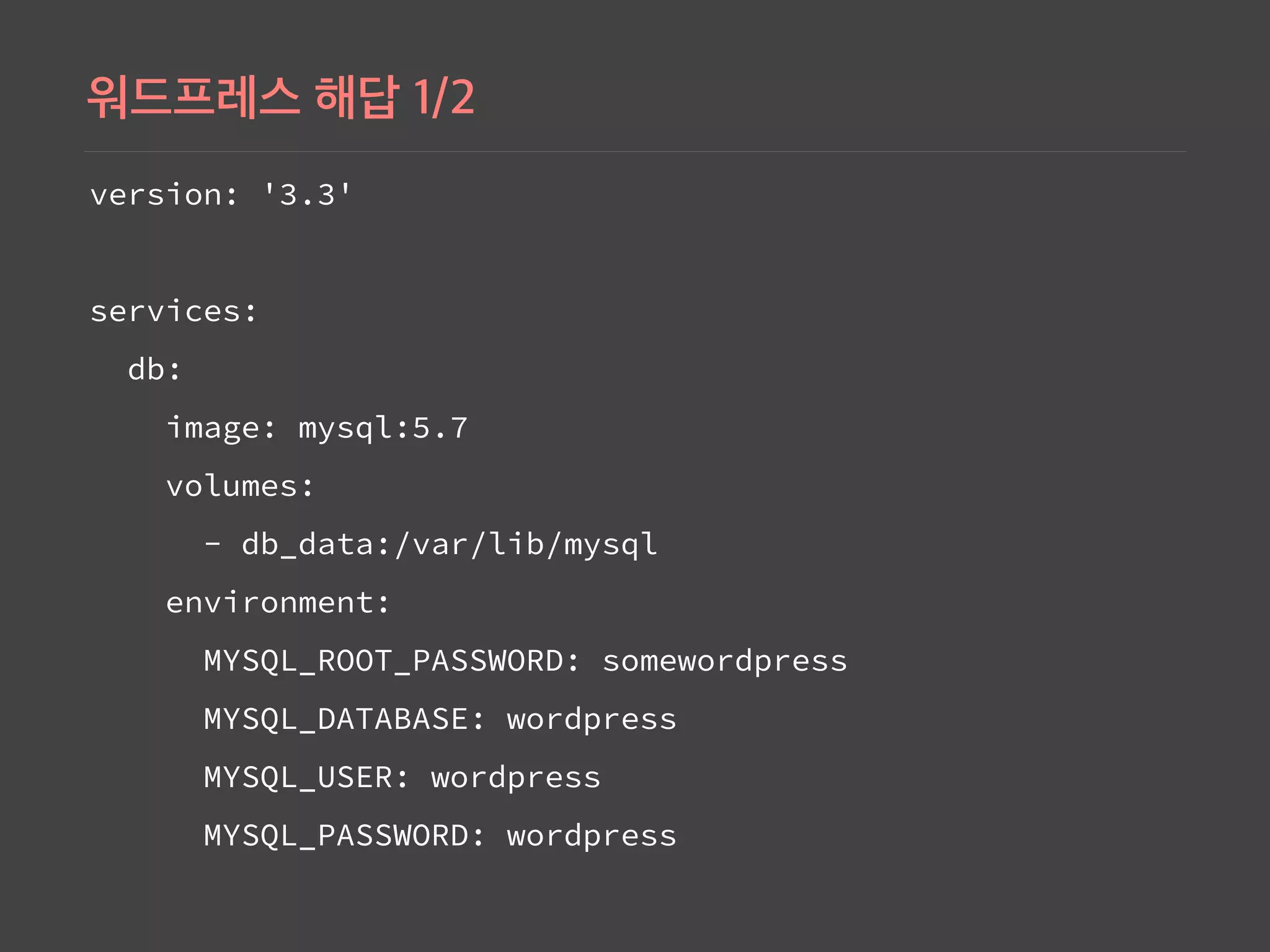
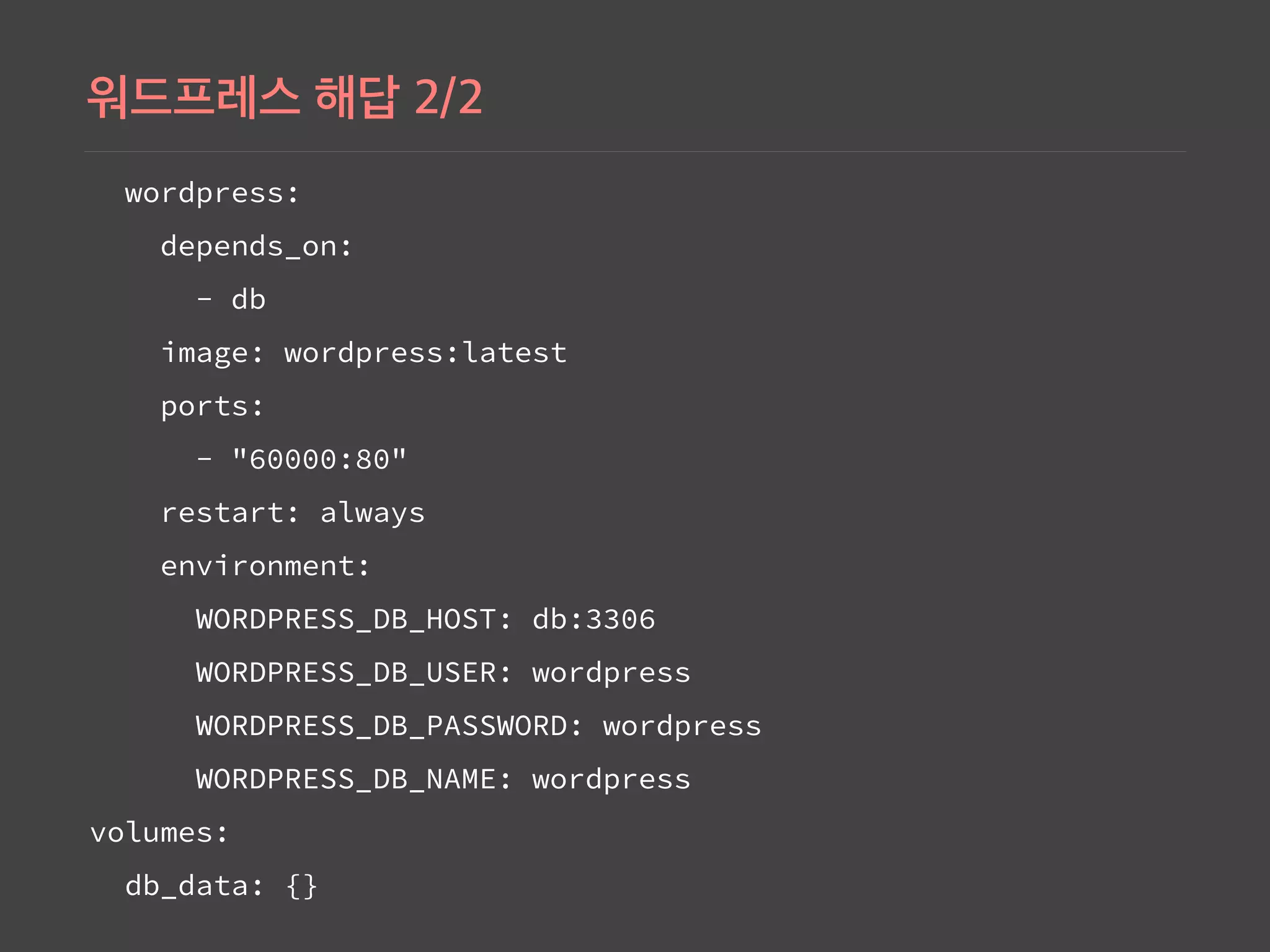
Setting up Nginx and MySQL with Docker Compose, illustrating service configuration in the docker-compose.yml.
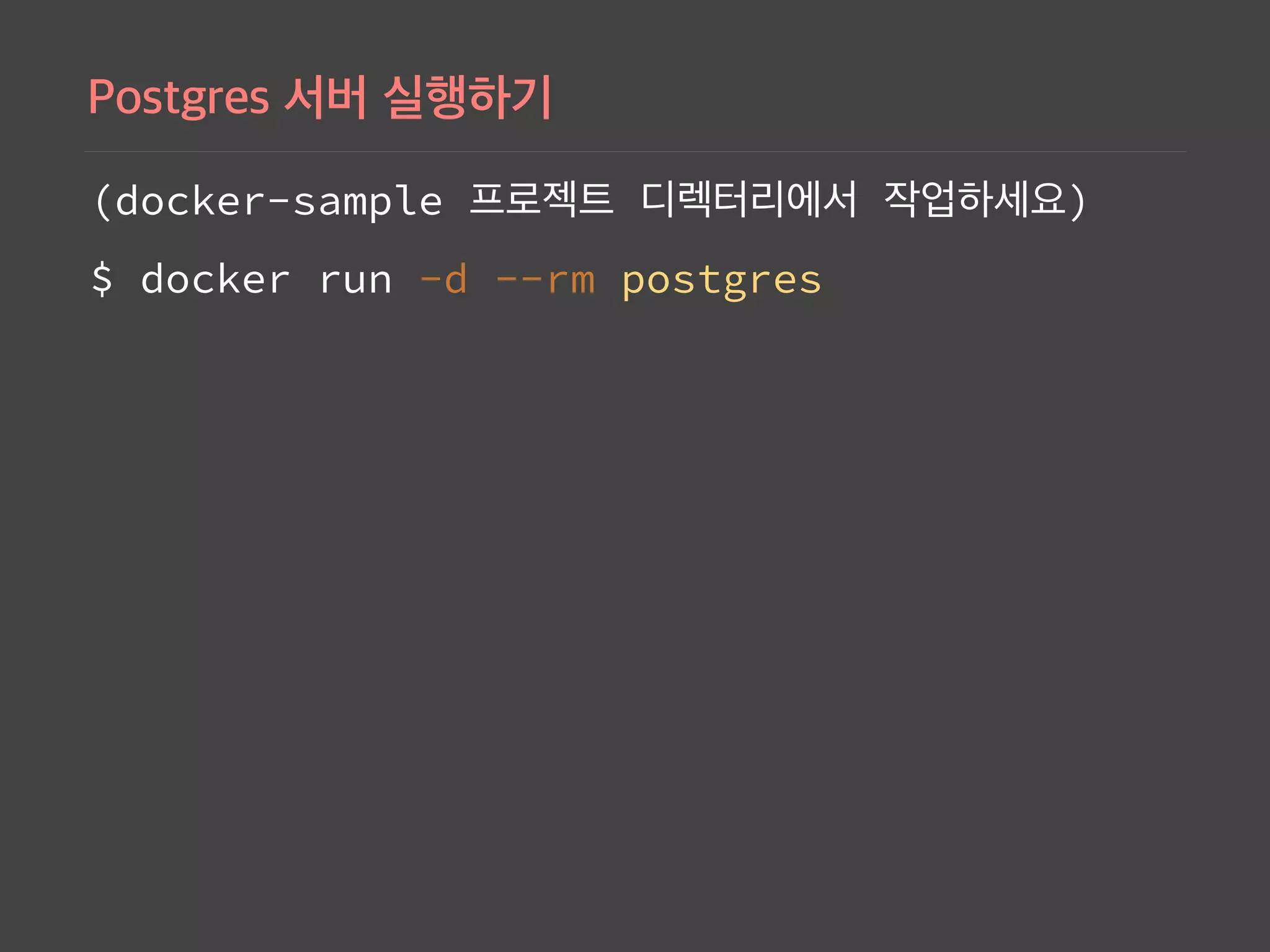
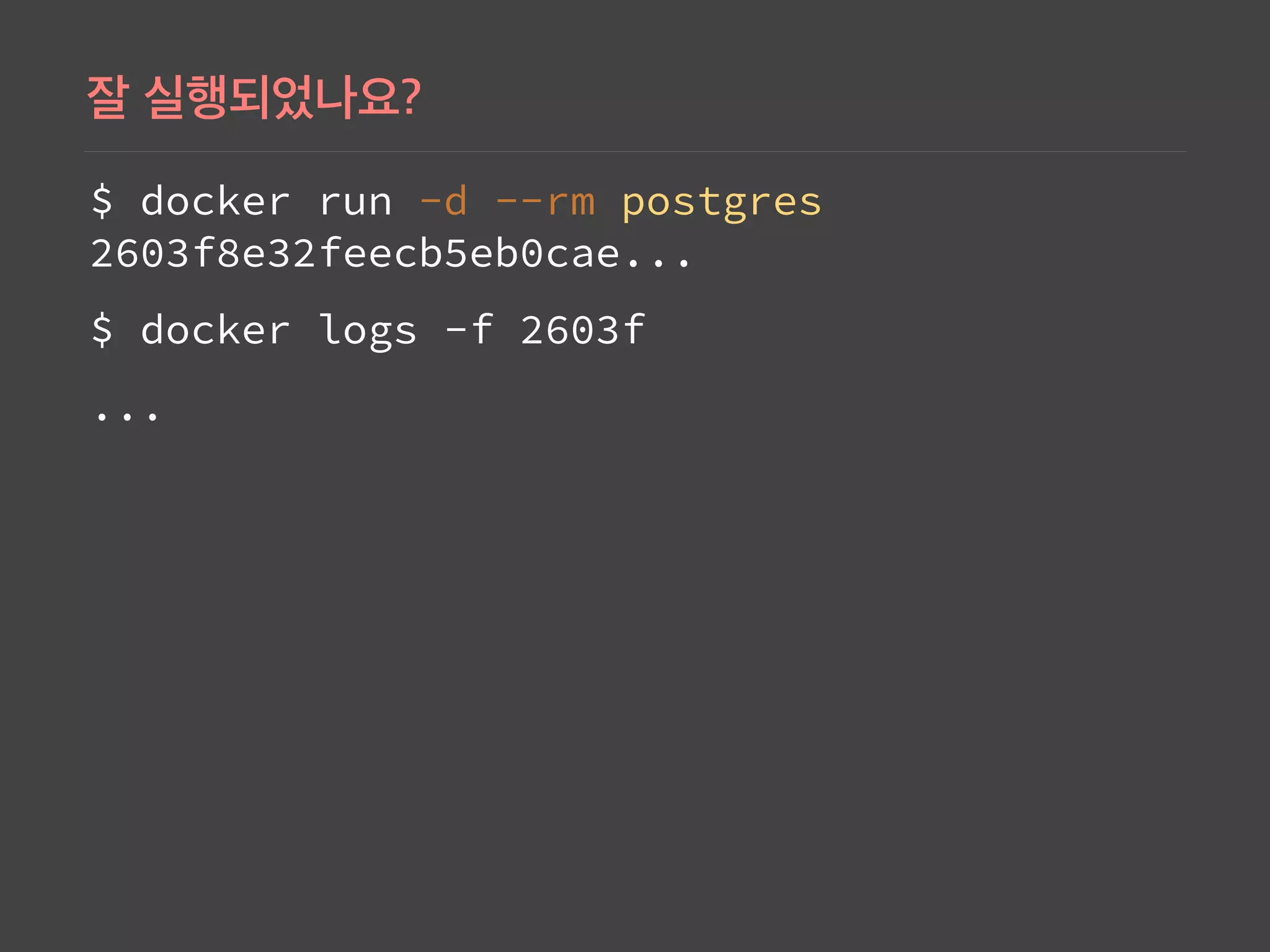
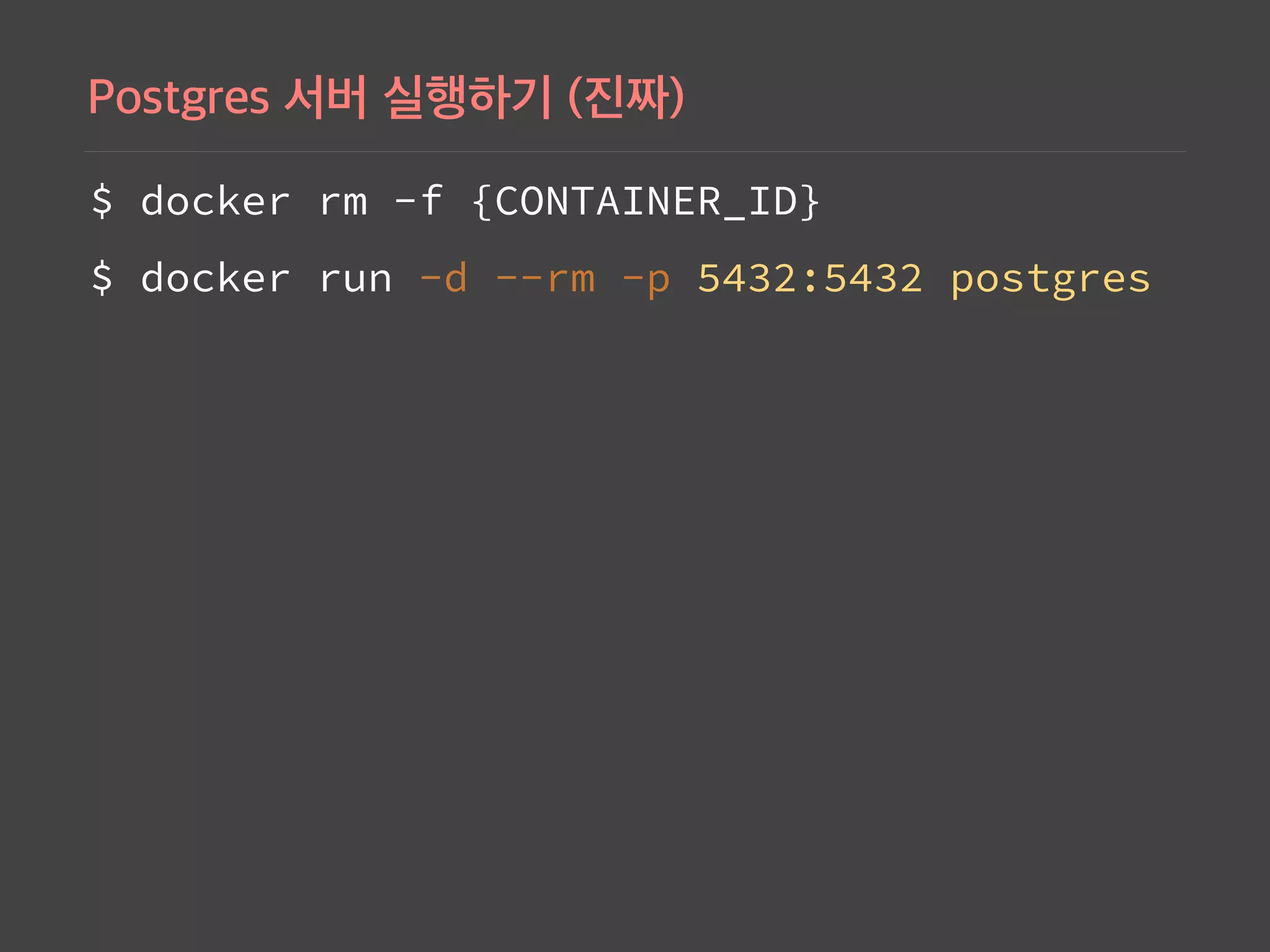
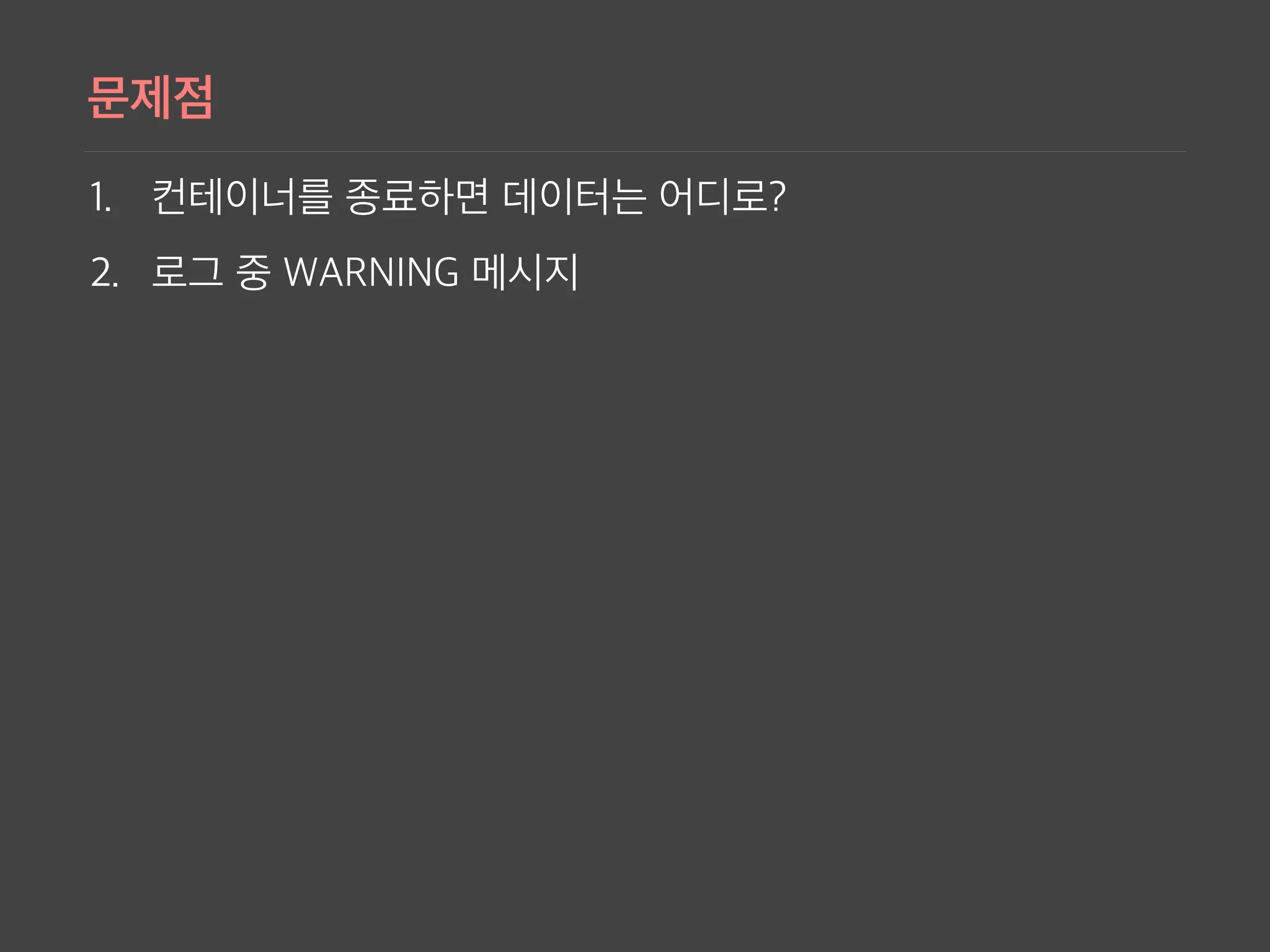
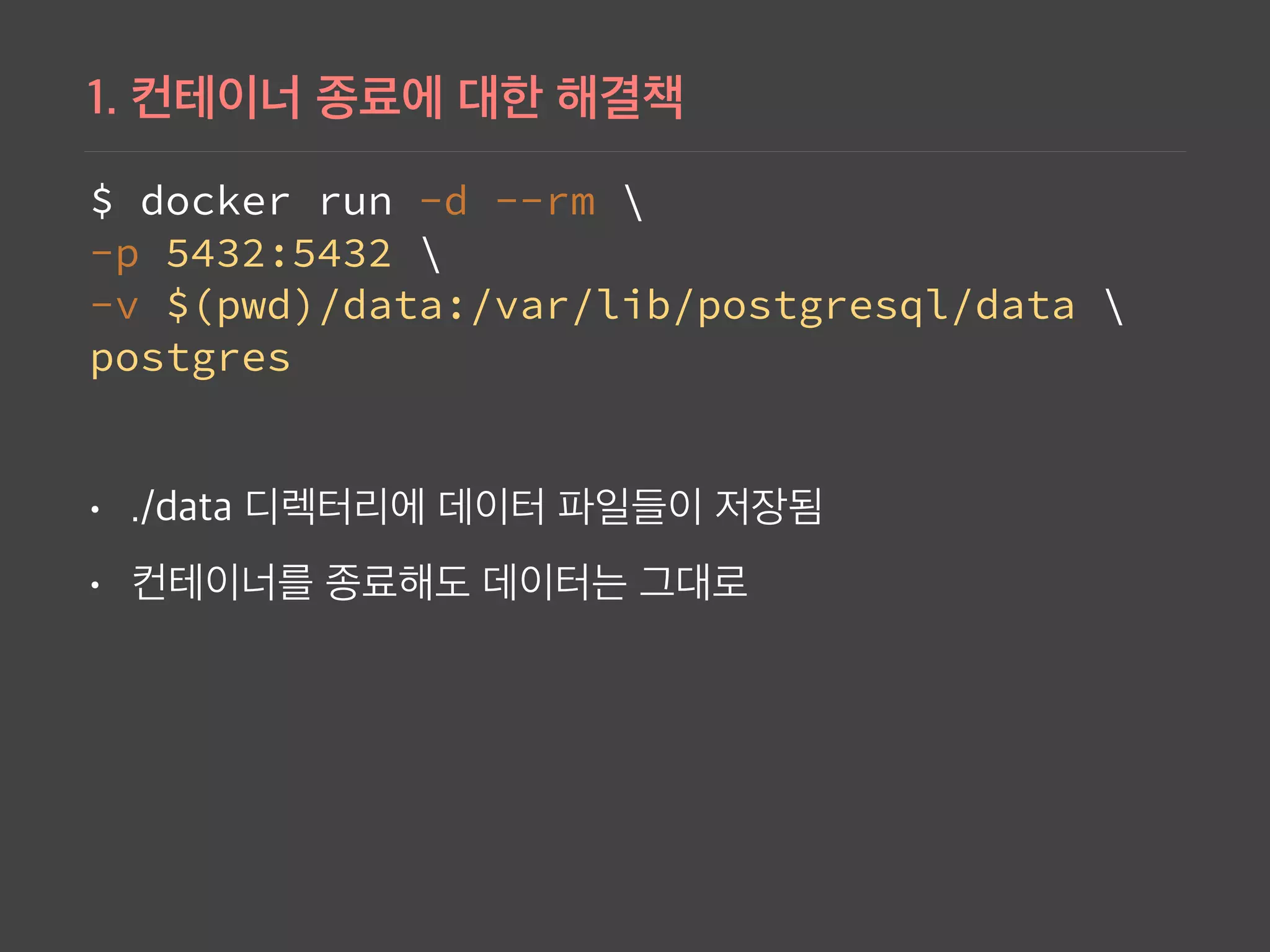
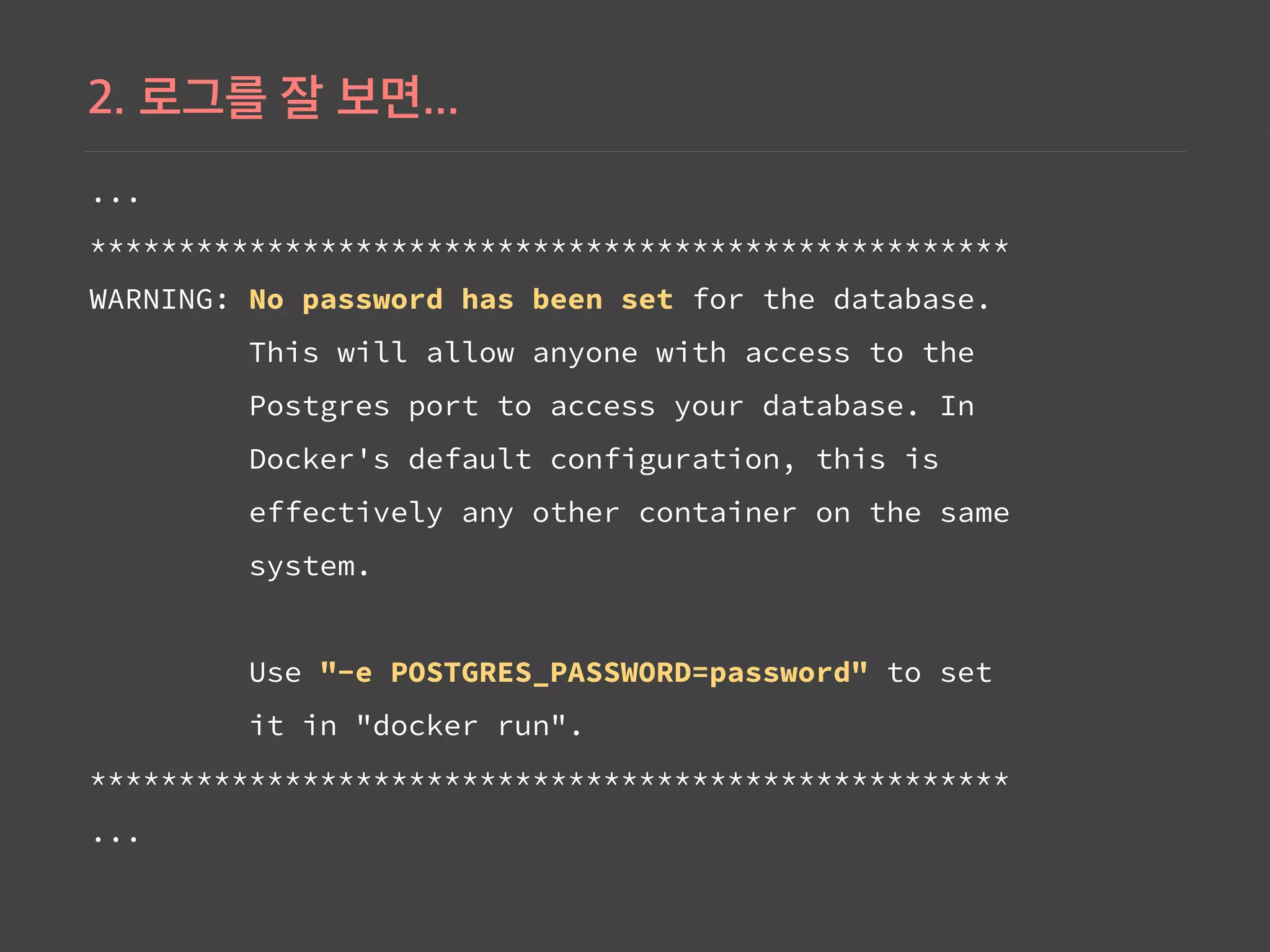
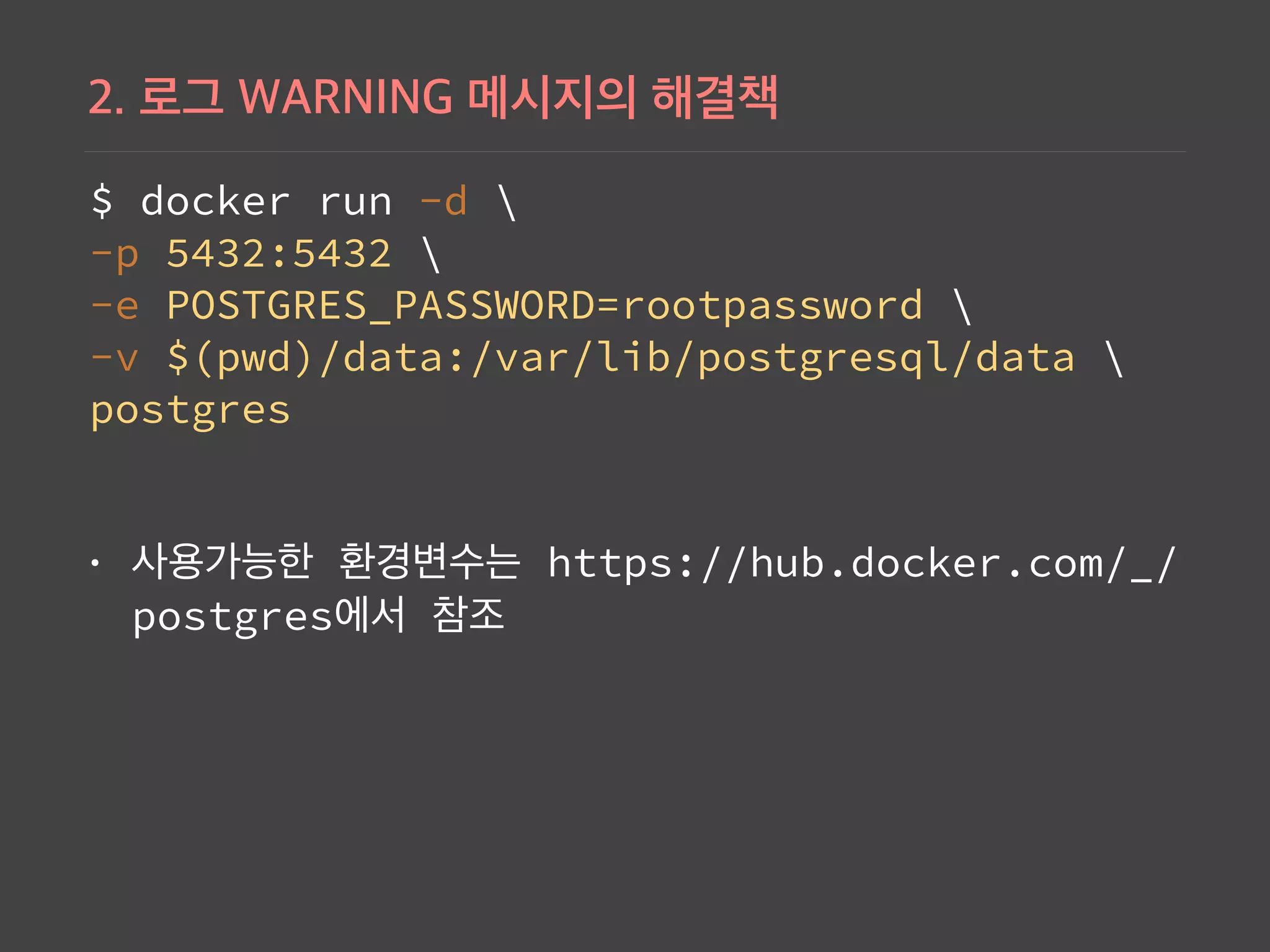
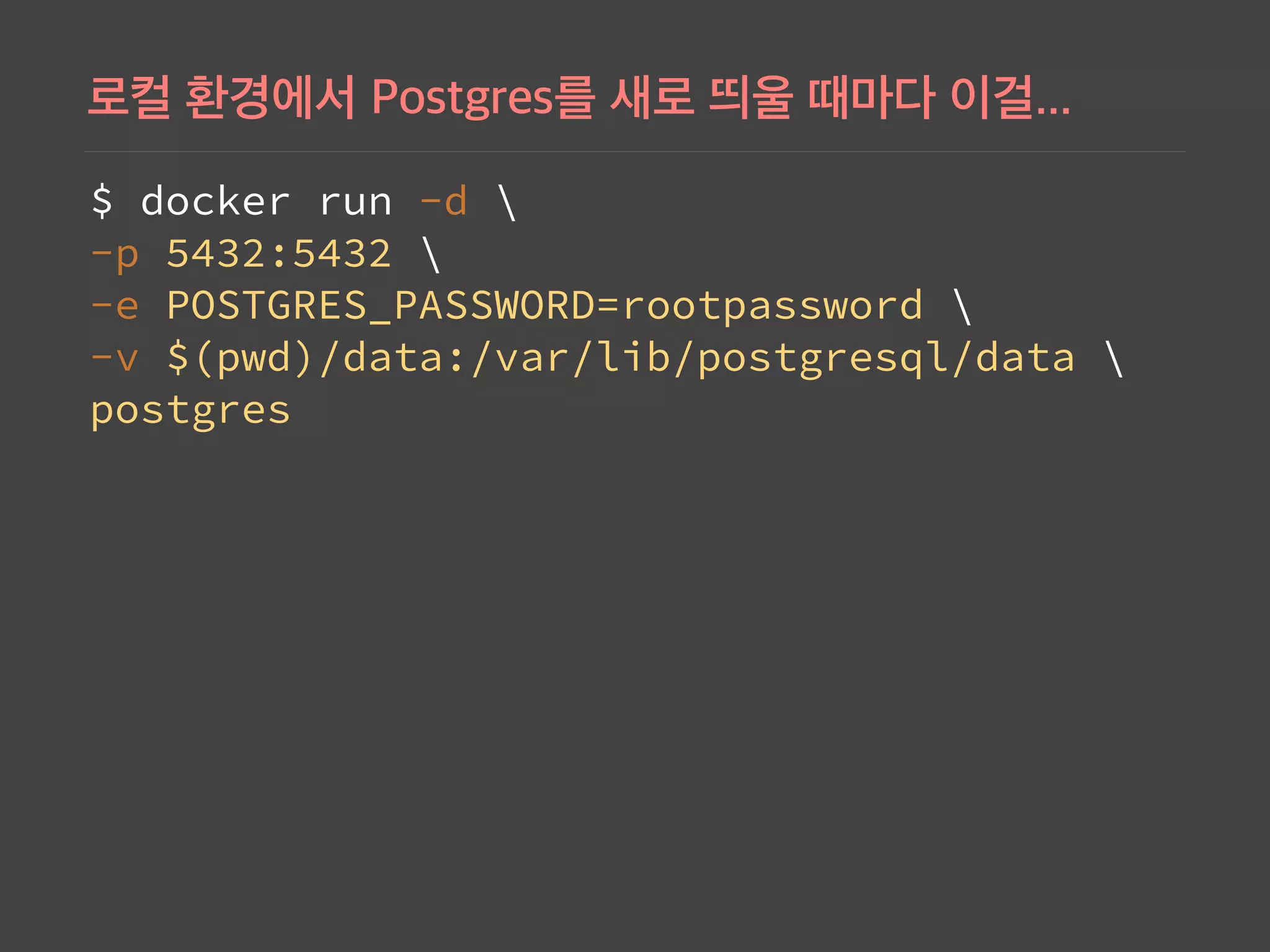
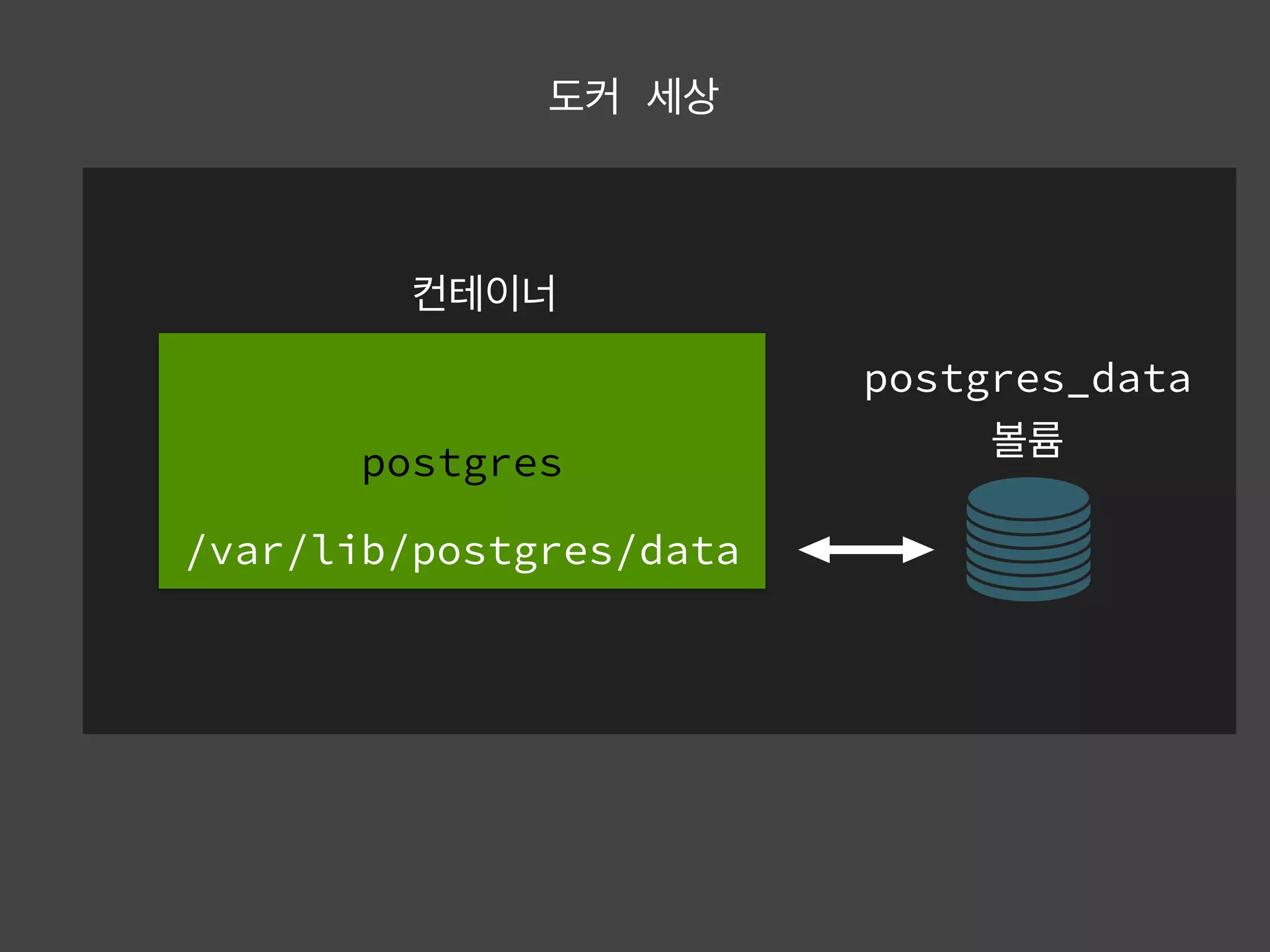
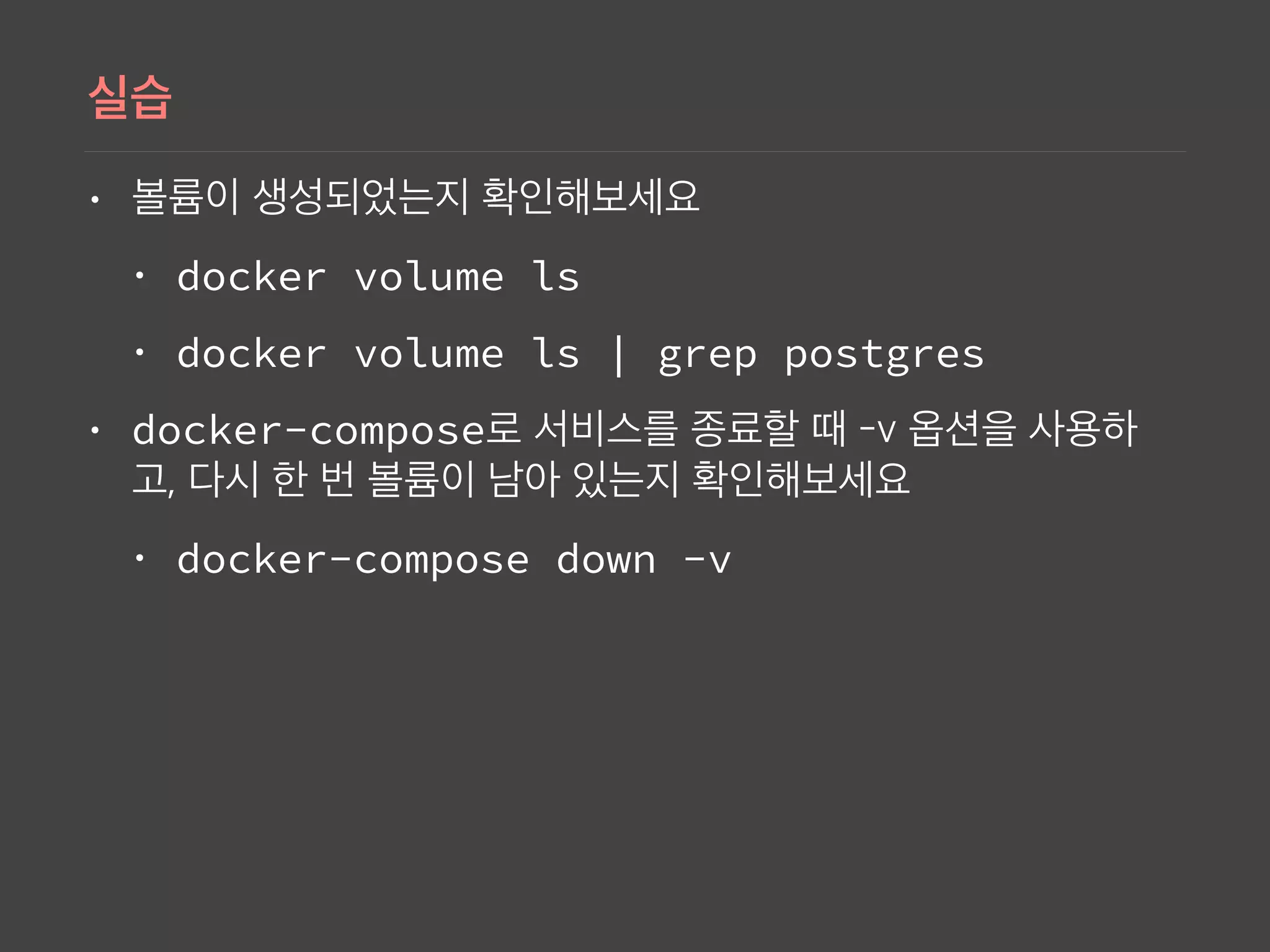
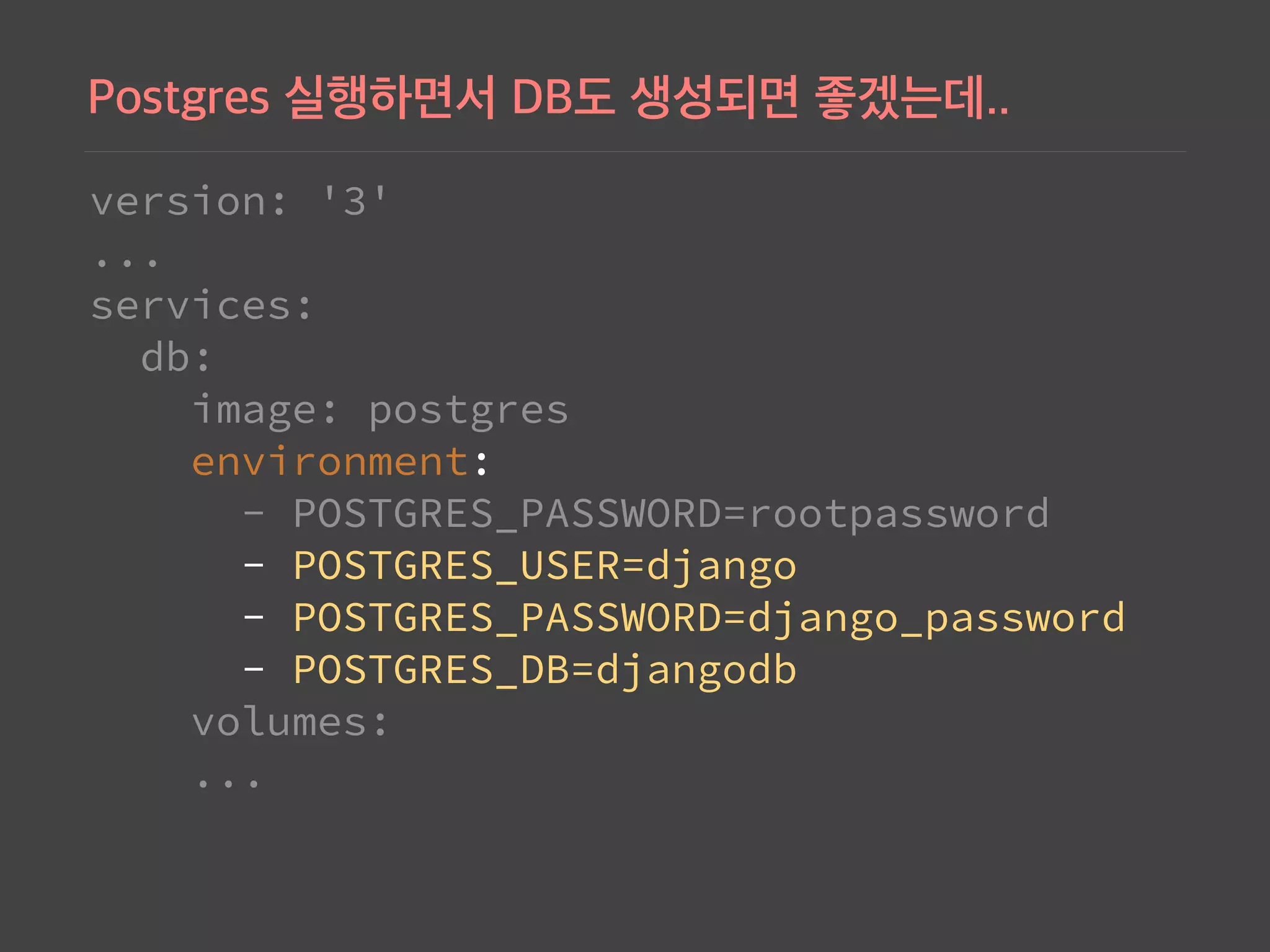
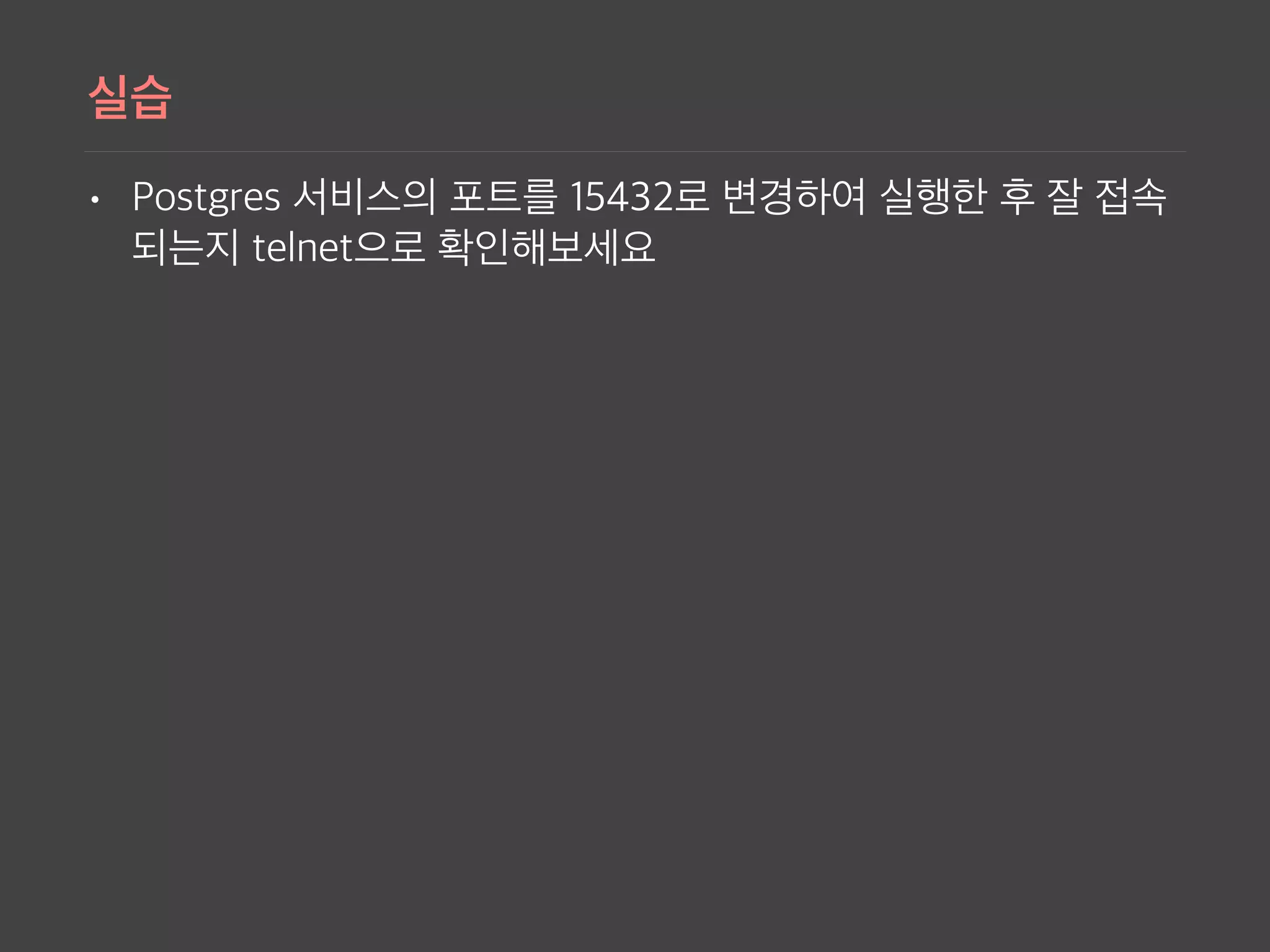
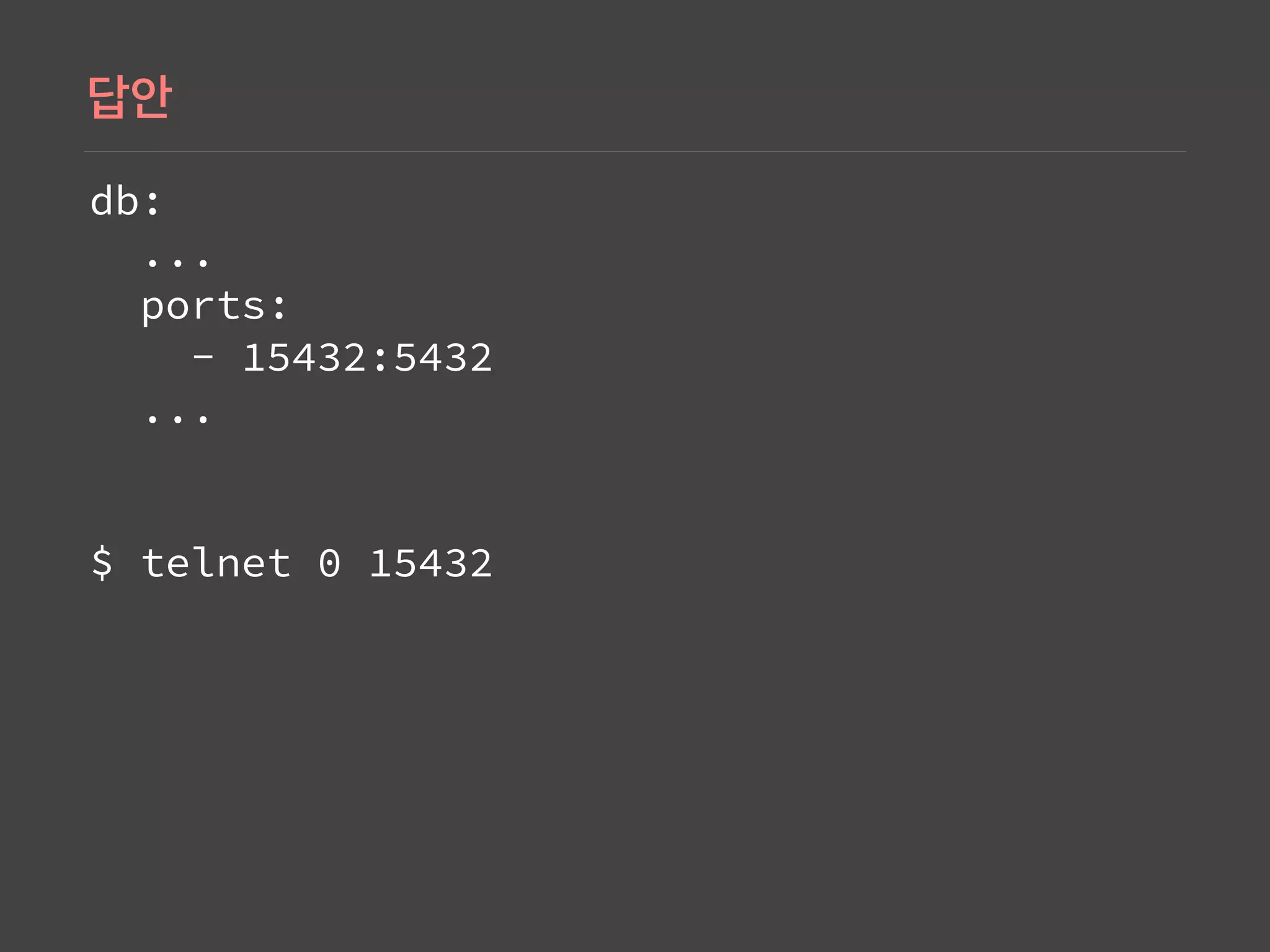
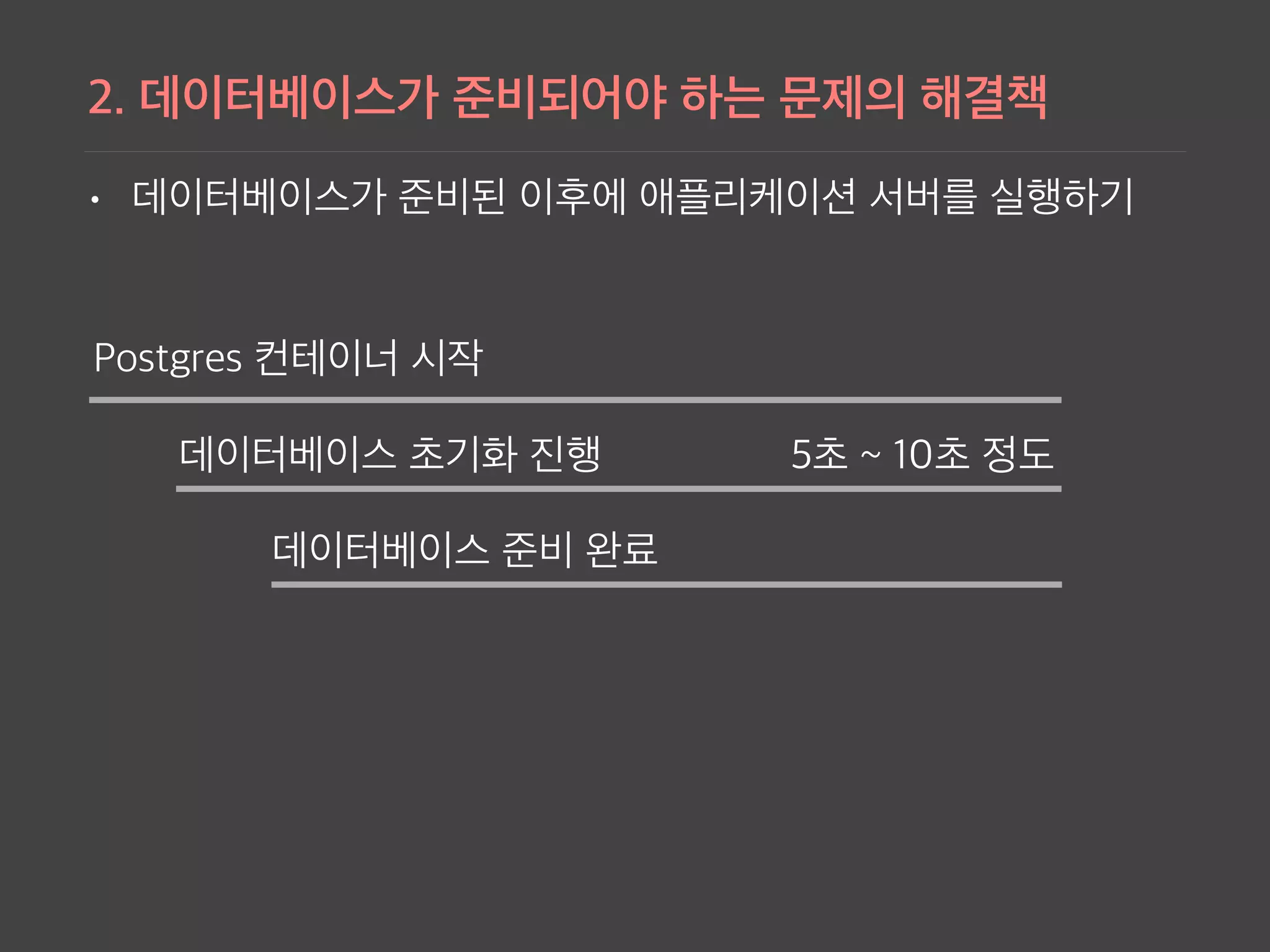
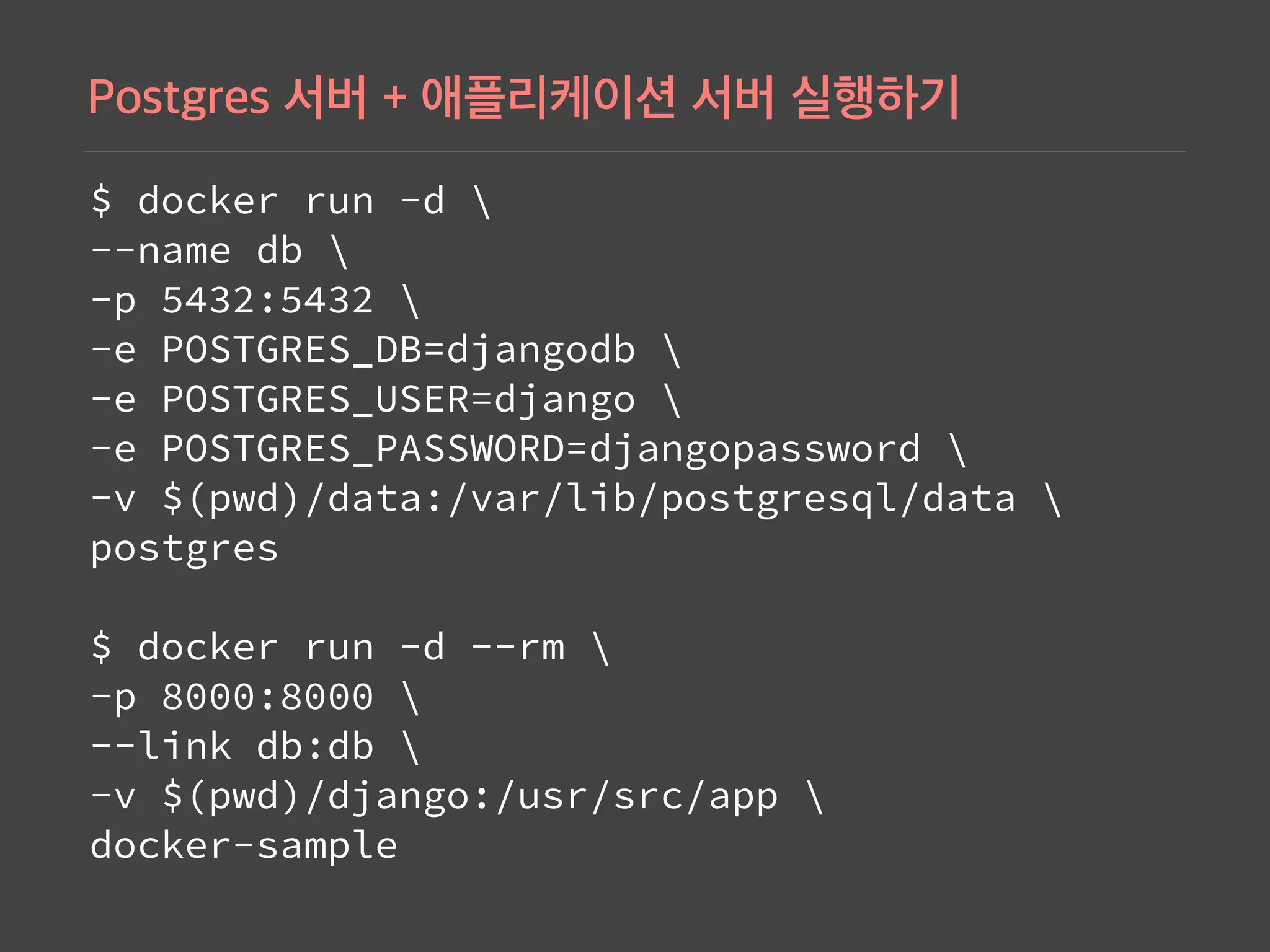
Instructions to run PostgreSQL in Docker, including initialization, network configurations, and setting up environment variables.
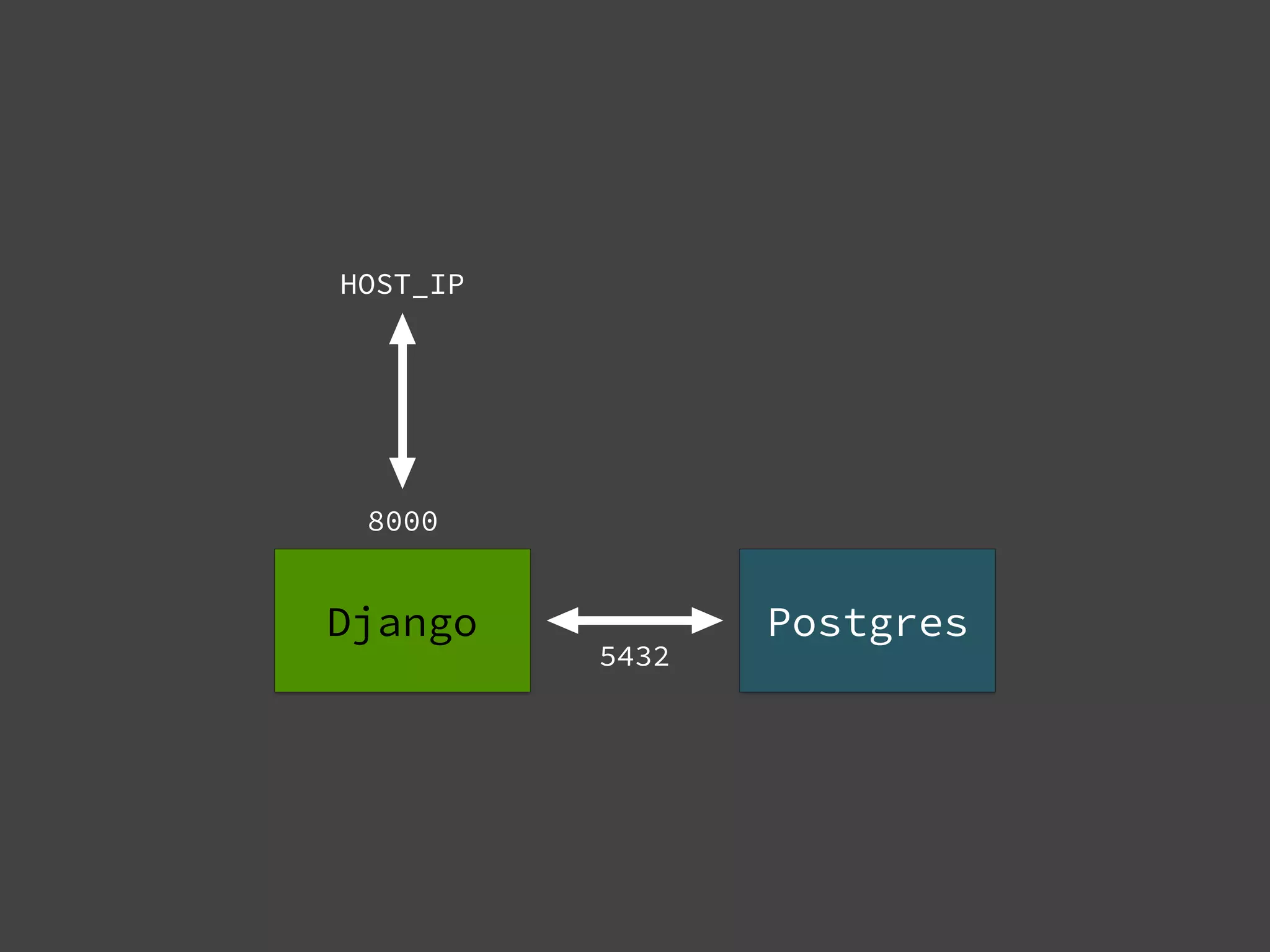
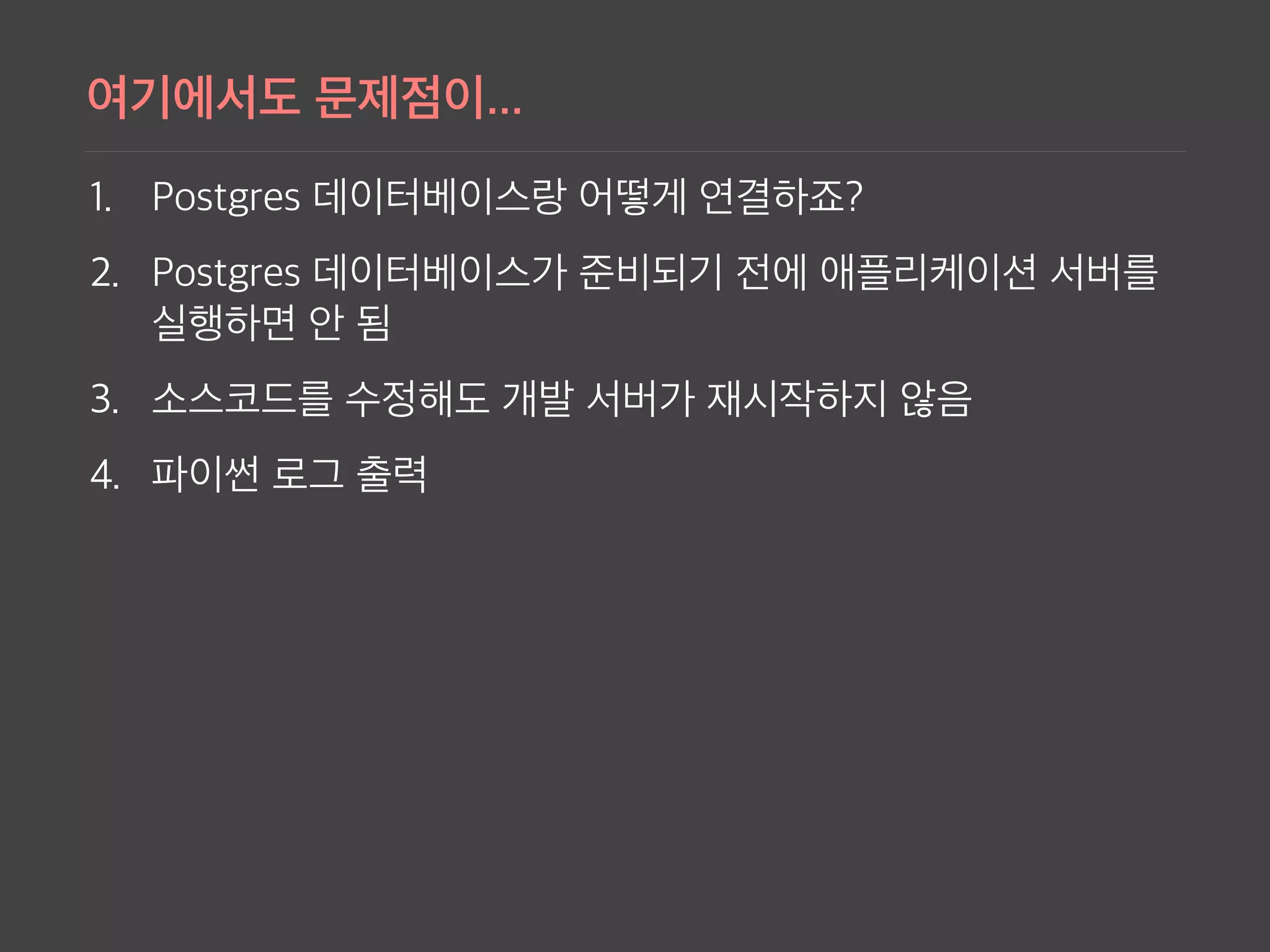
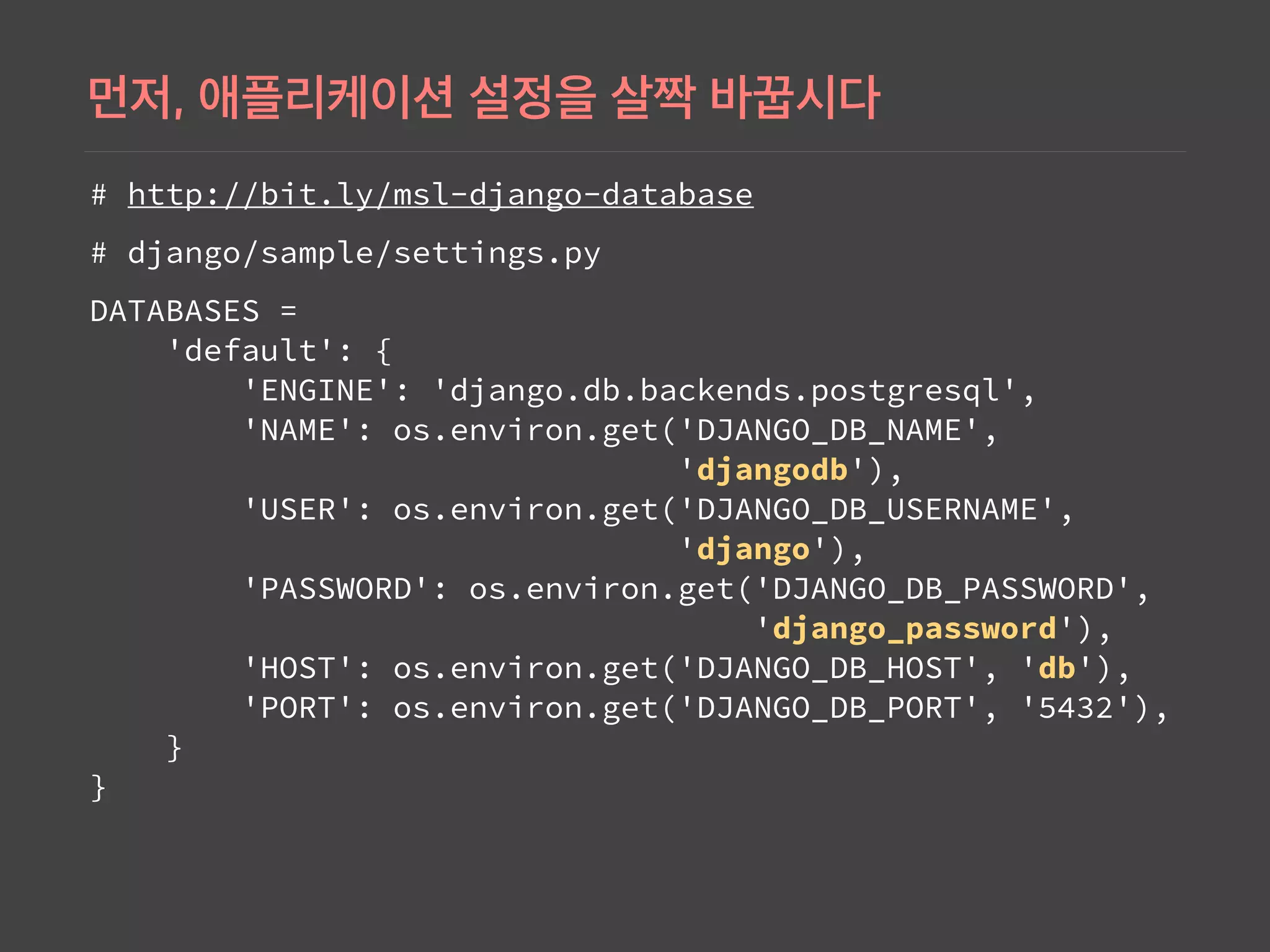
Illustrates the integration of Django with PostgreSQL using Docker, emphasizing database configurations in settings and Docker commands.
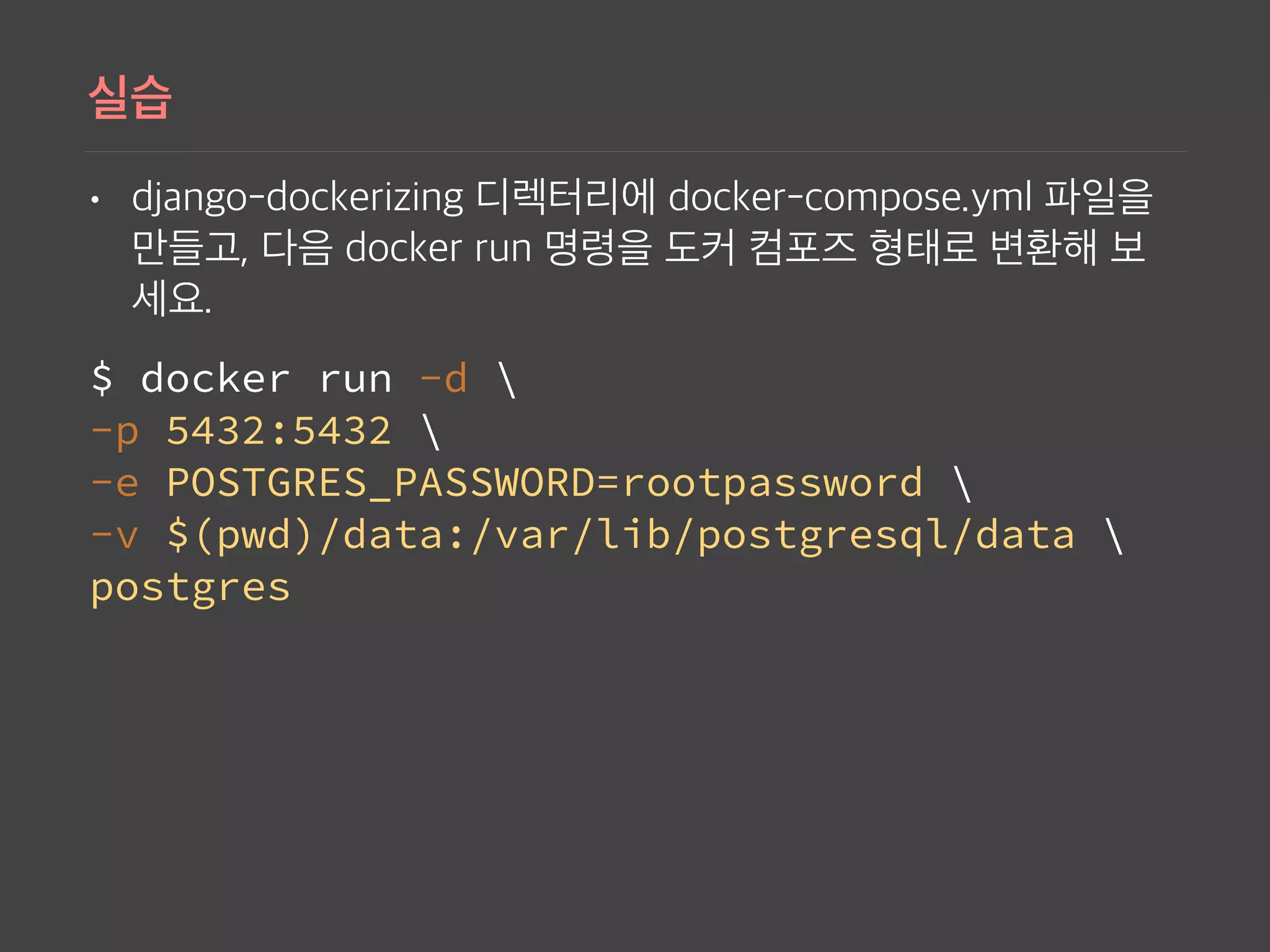
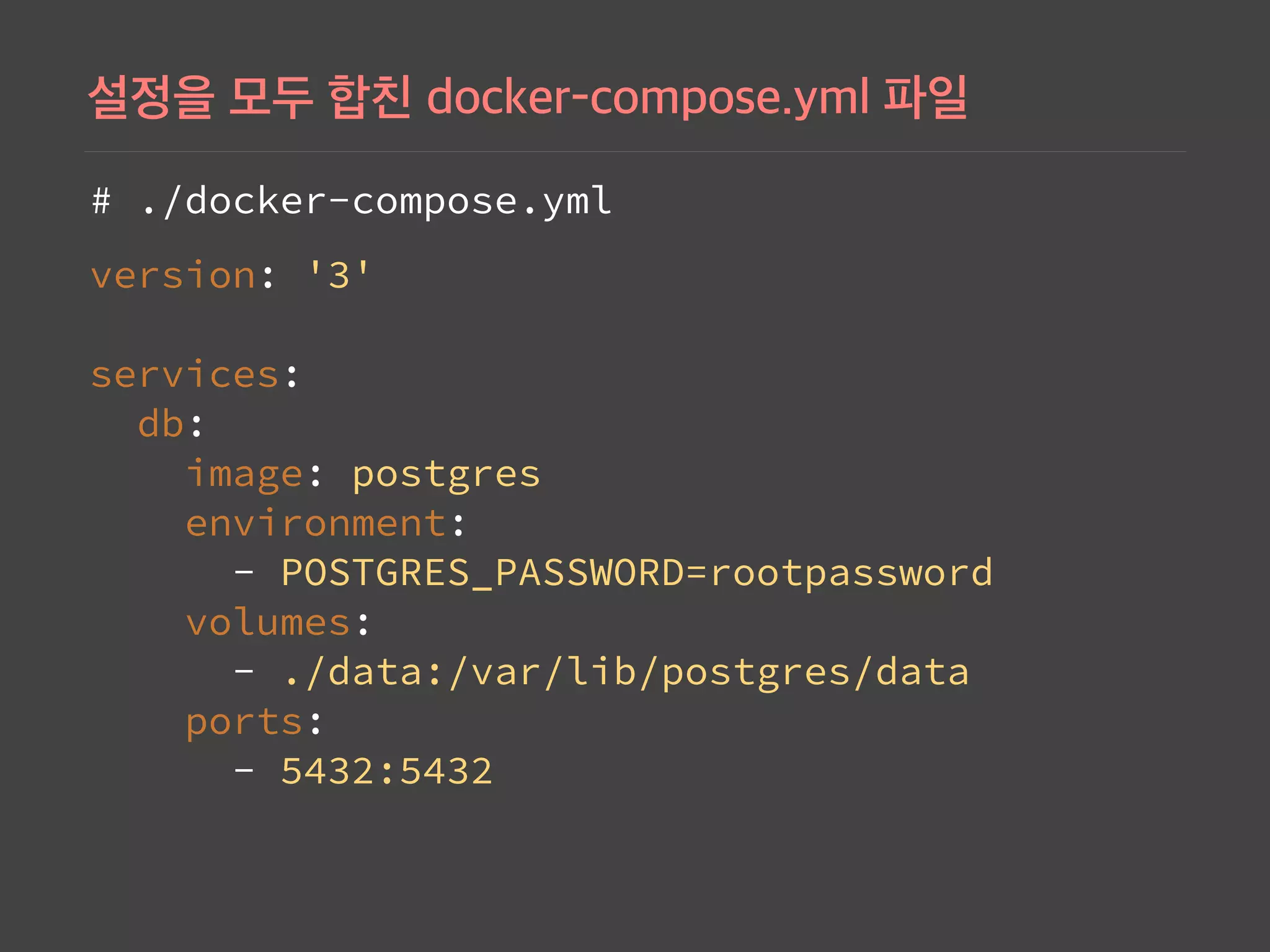
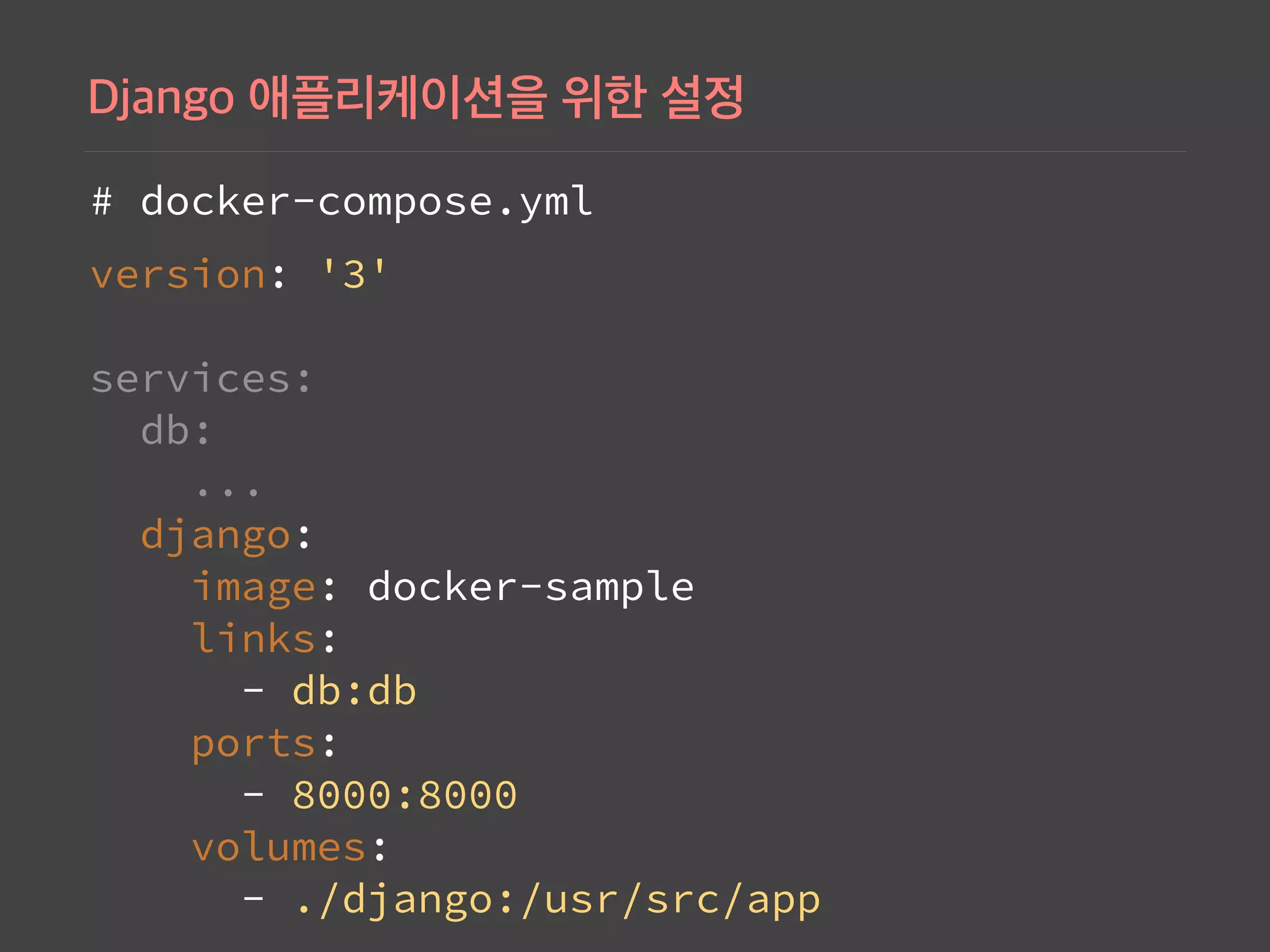
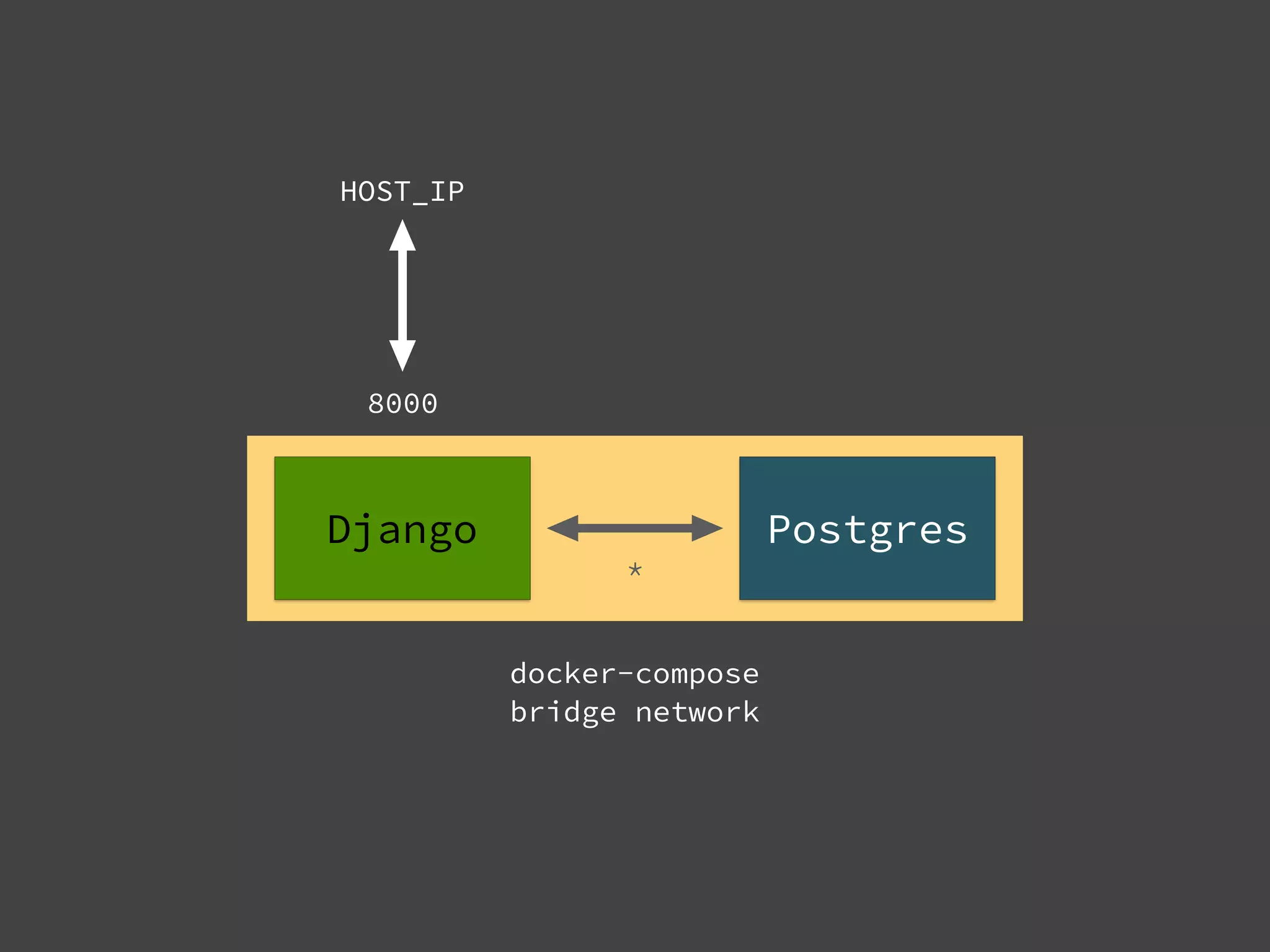
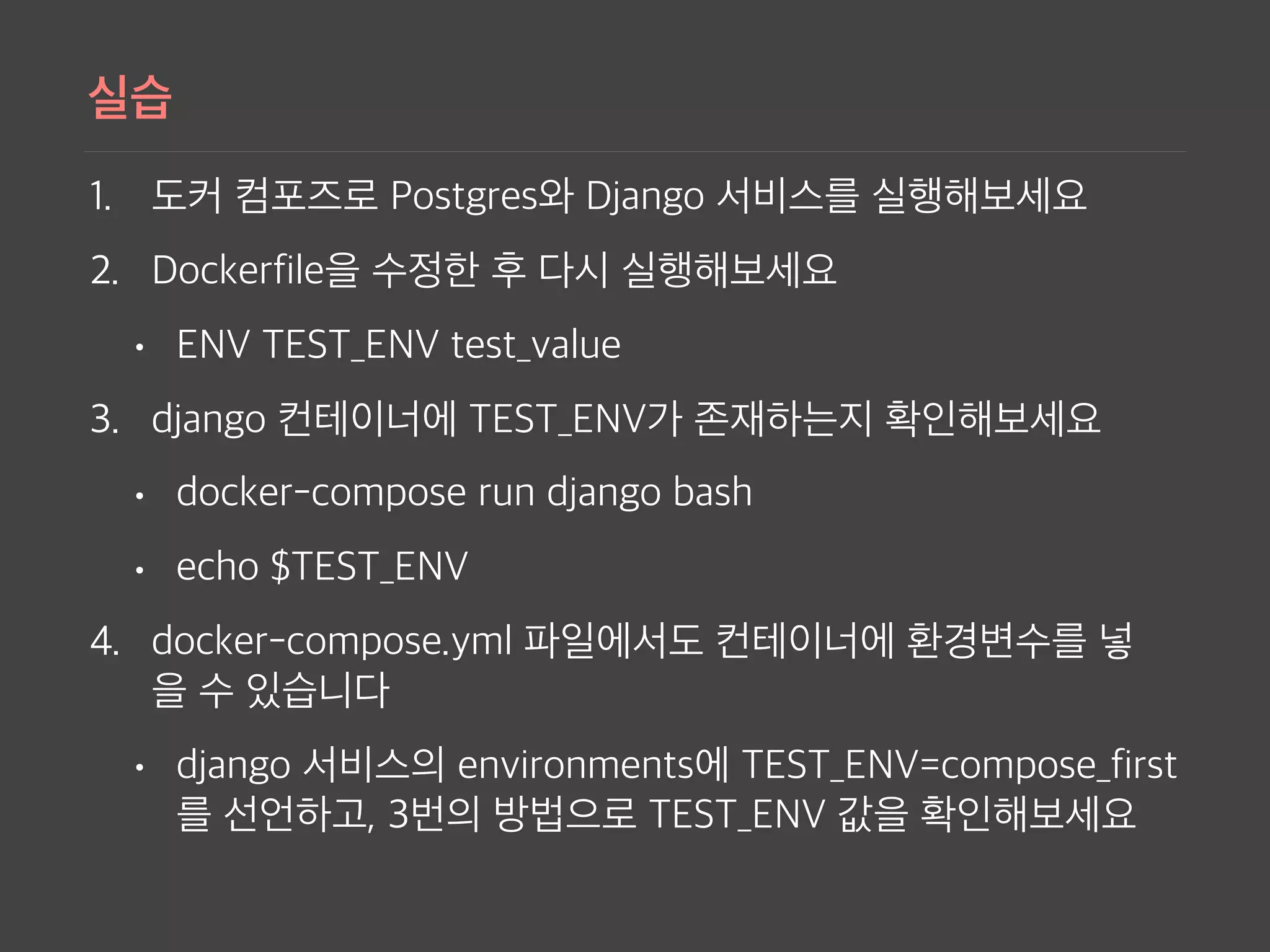
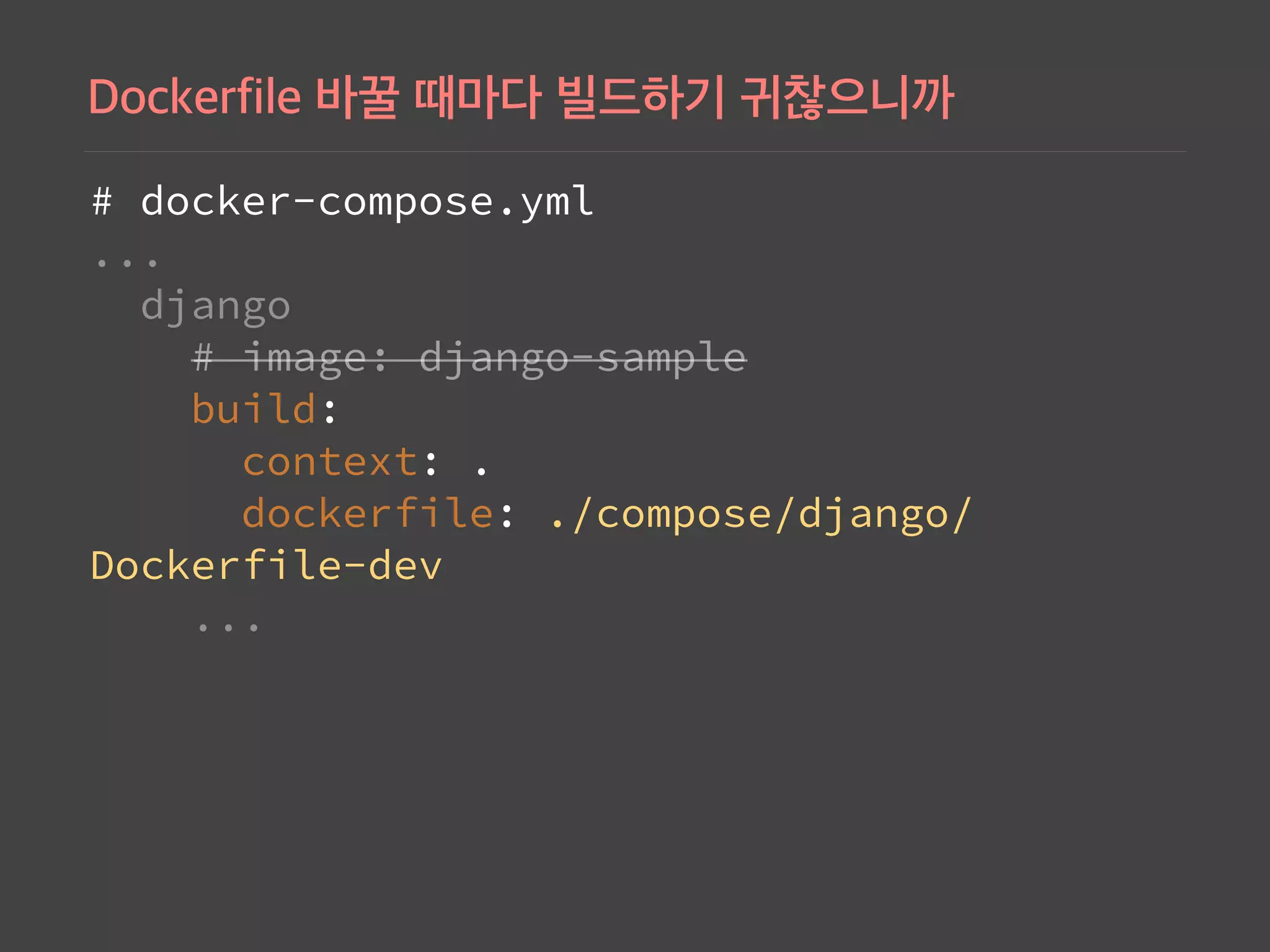
Demonstrates advanced docker-compose configurations for connecting Django and PostgreSQL, ensuring containers work together effectively.
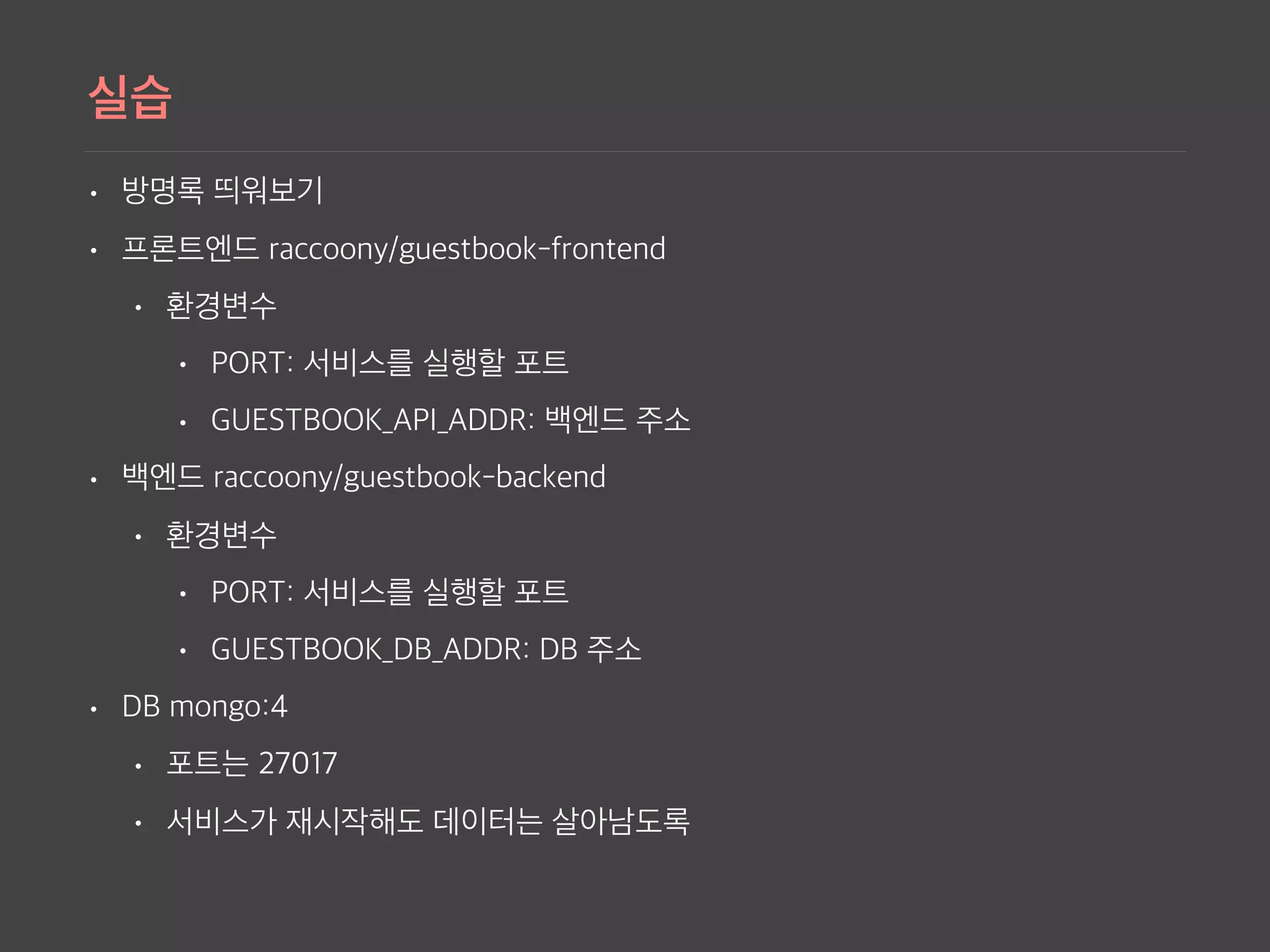
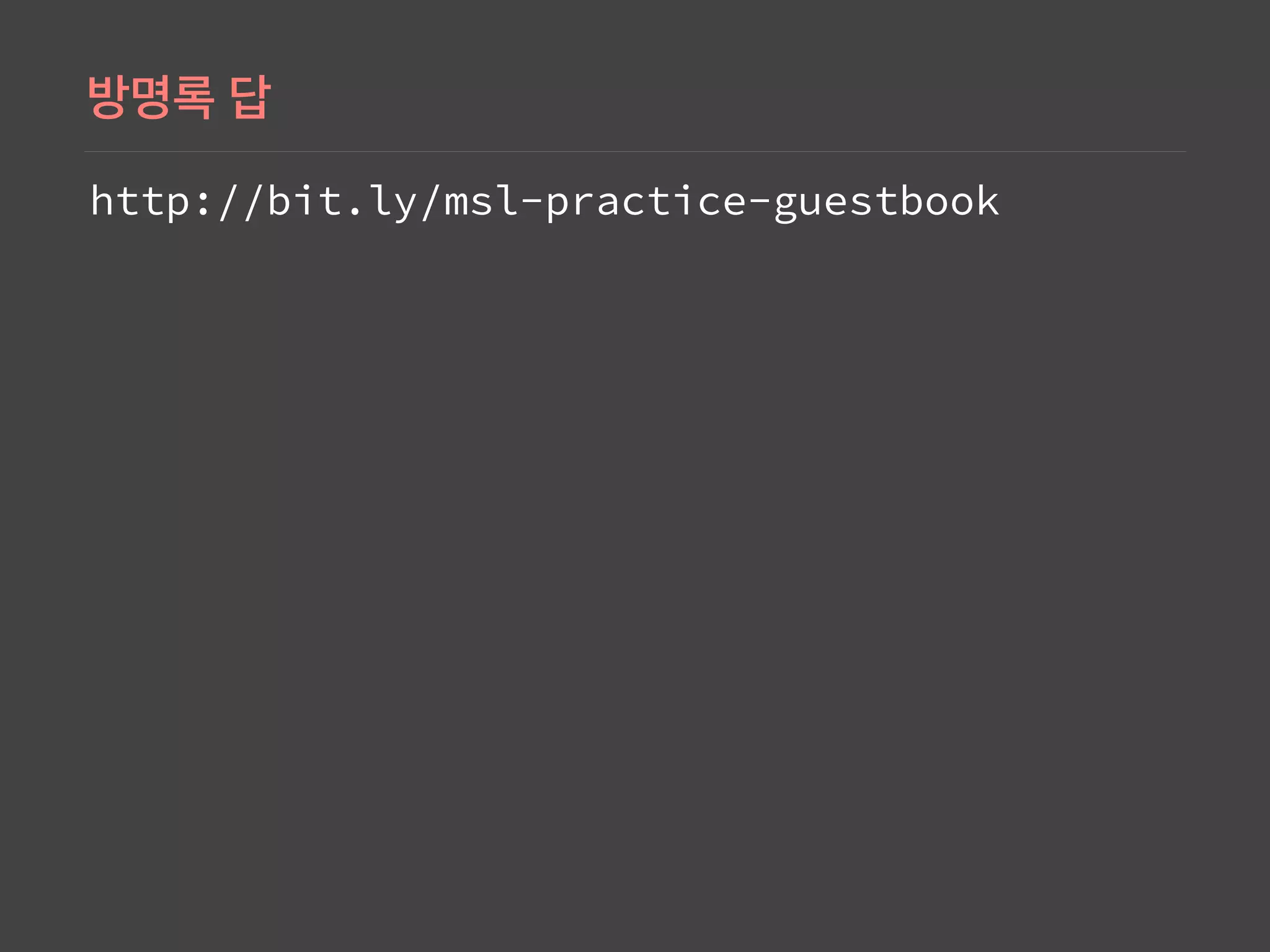
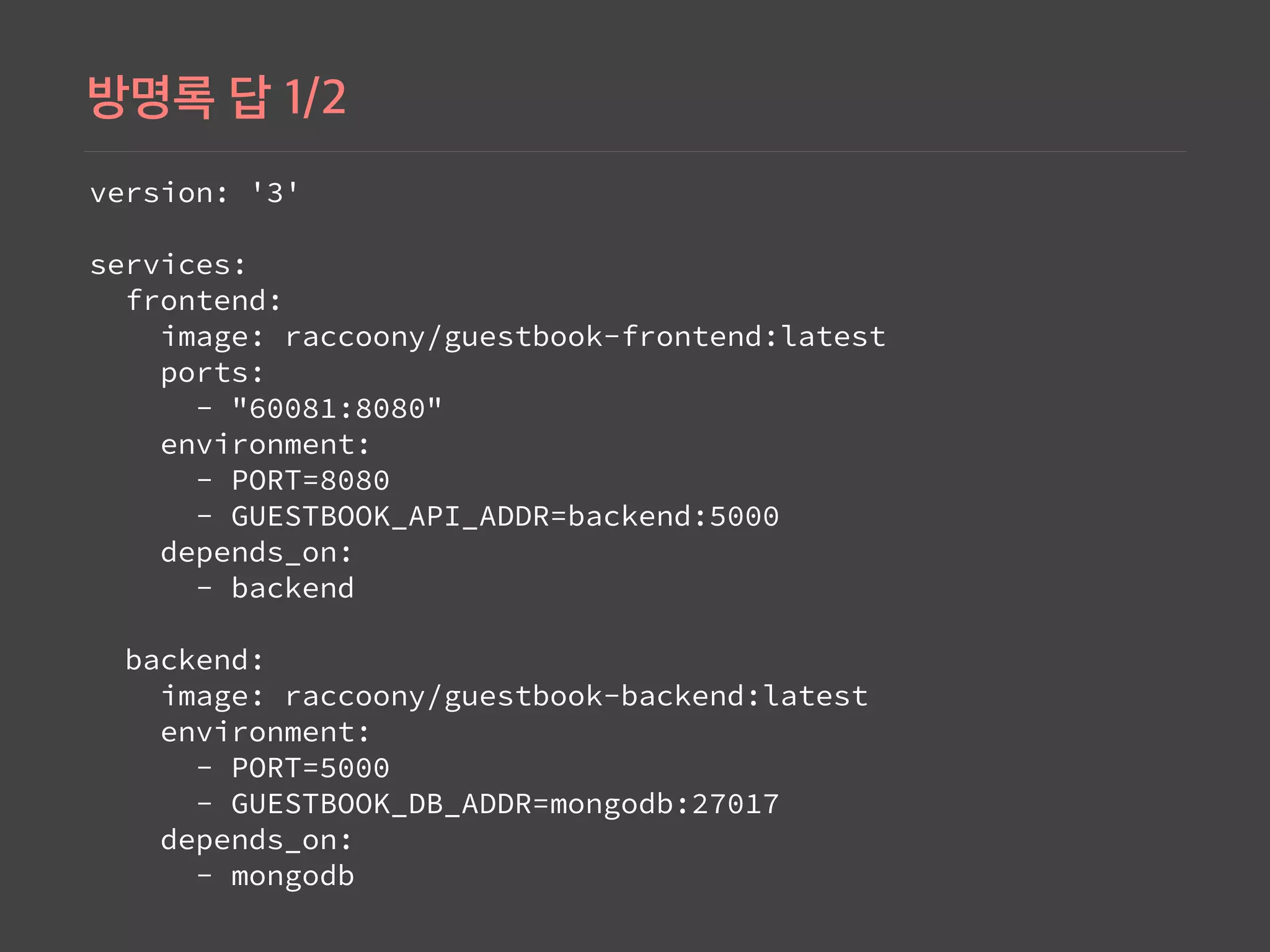
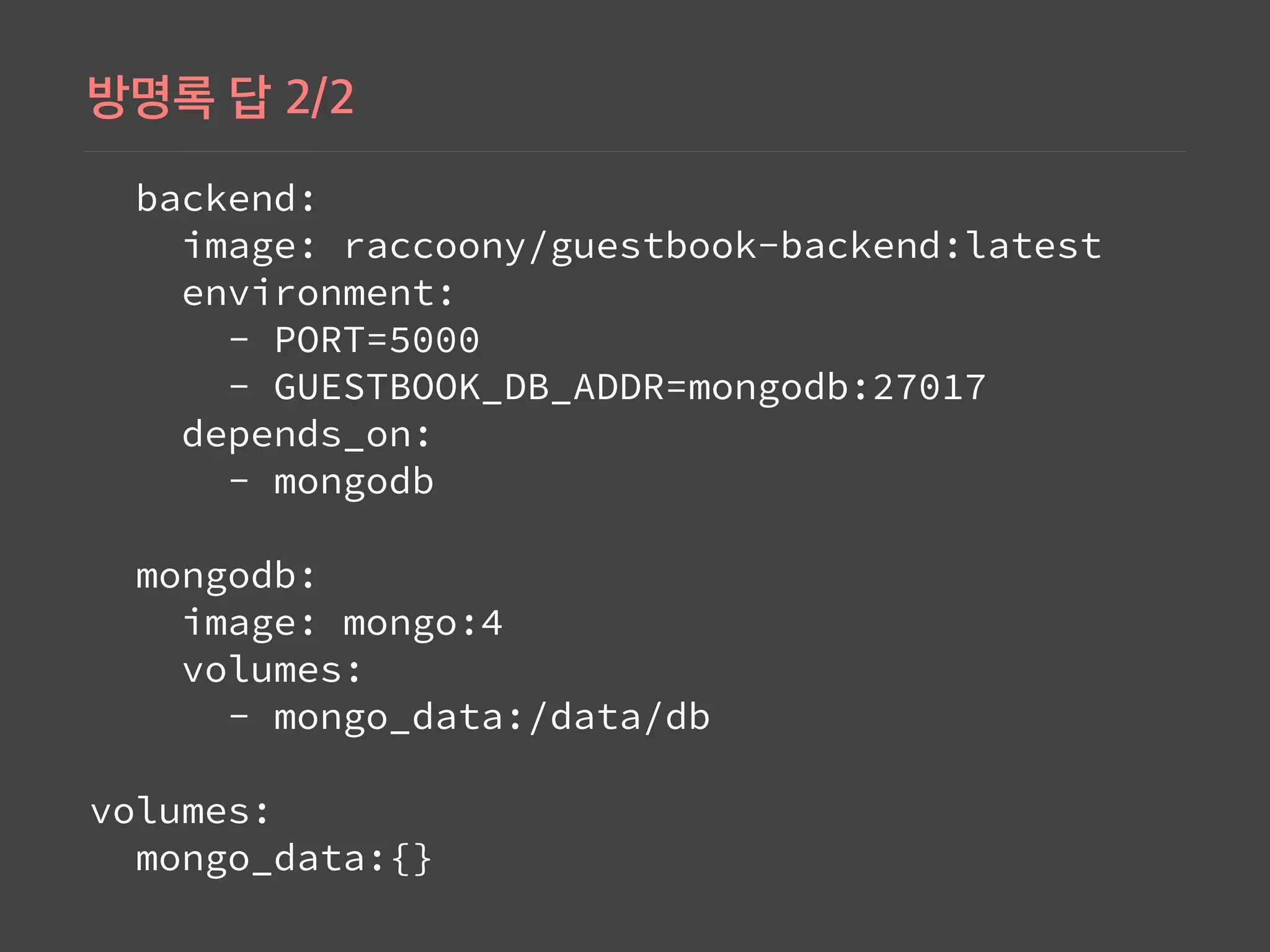
Shows the setup of a guestbook application using Docker Compose, involving frontend and backend services with MongoDB.
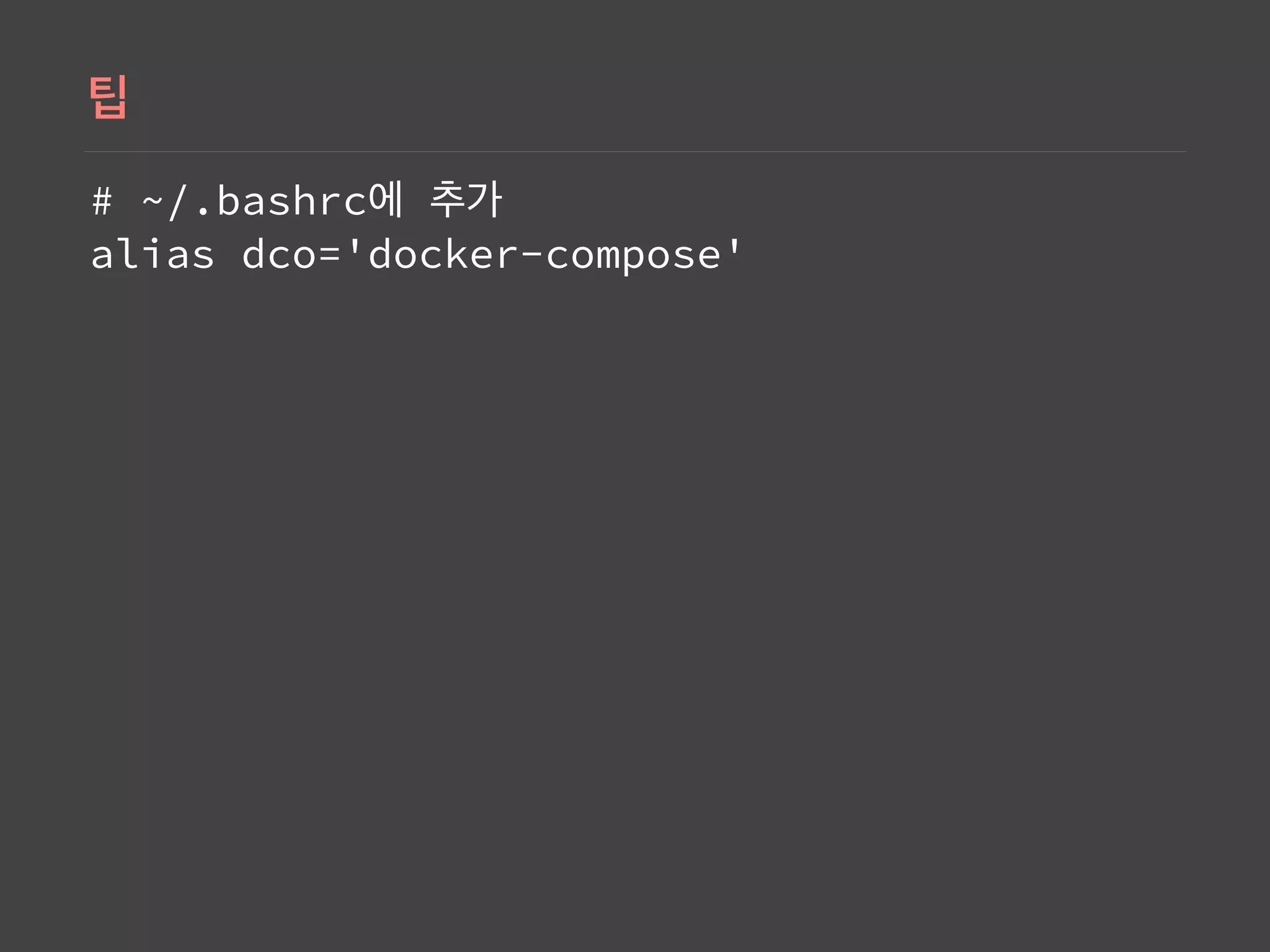
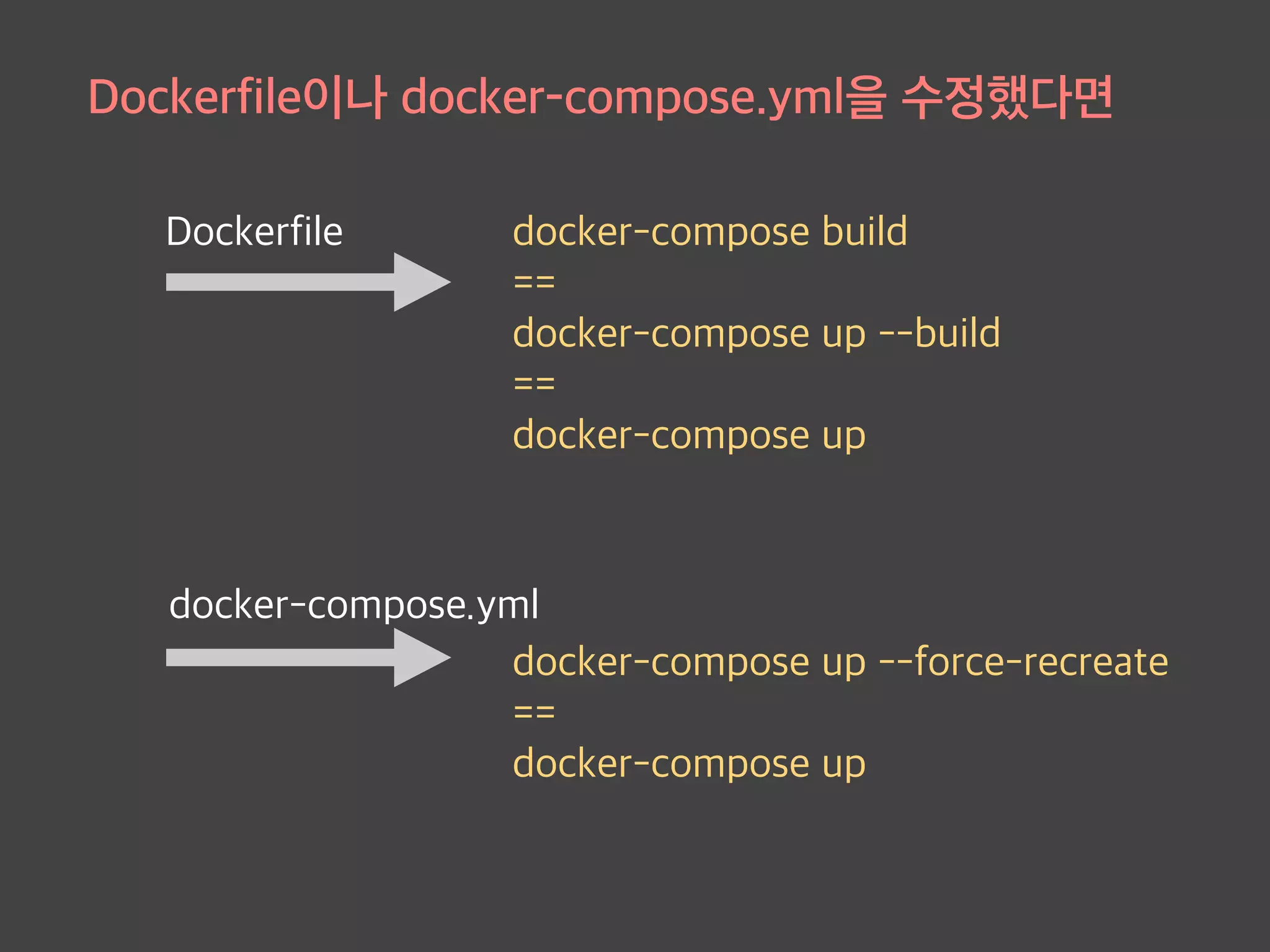
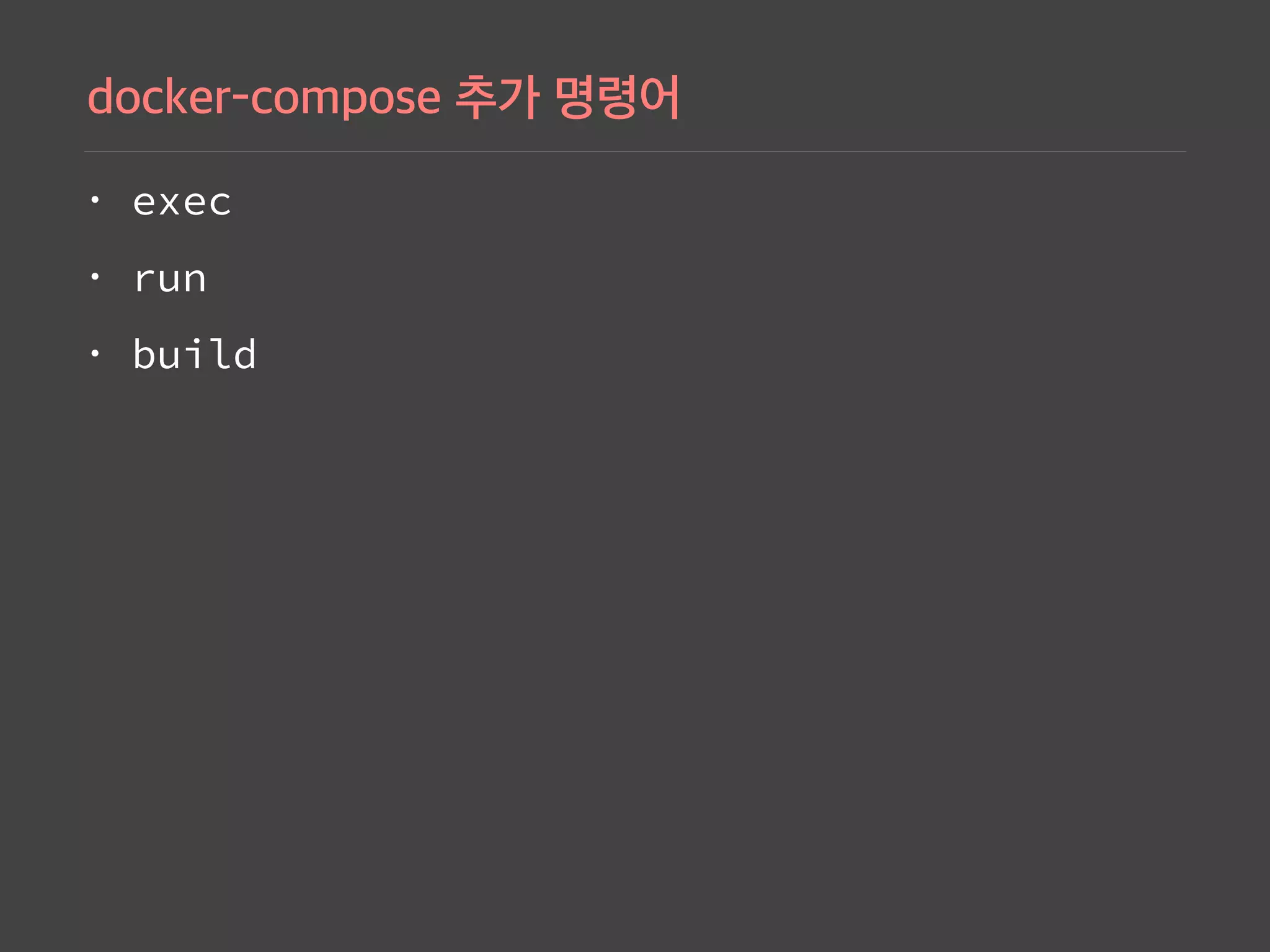
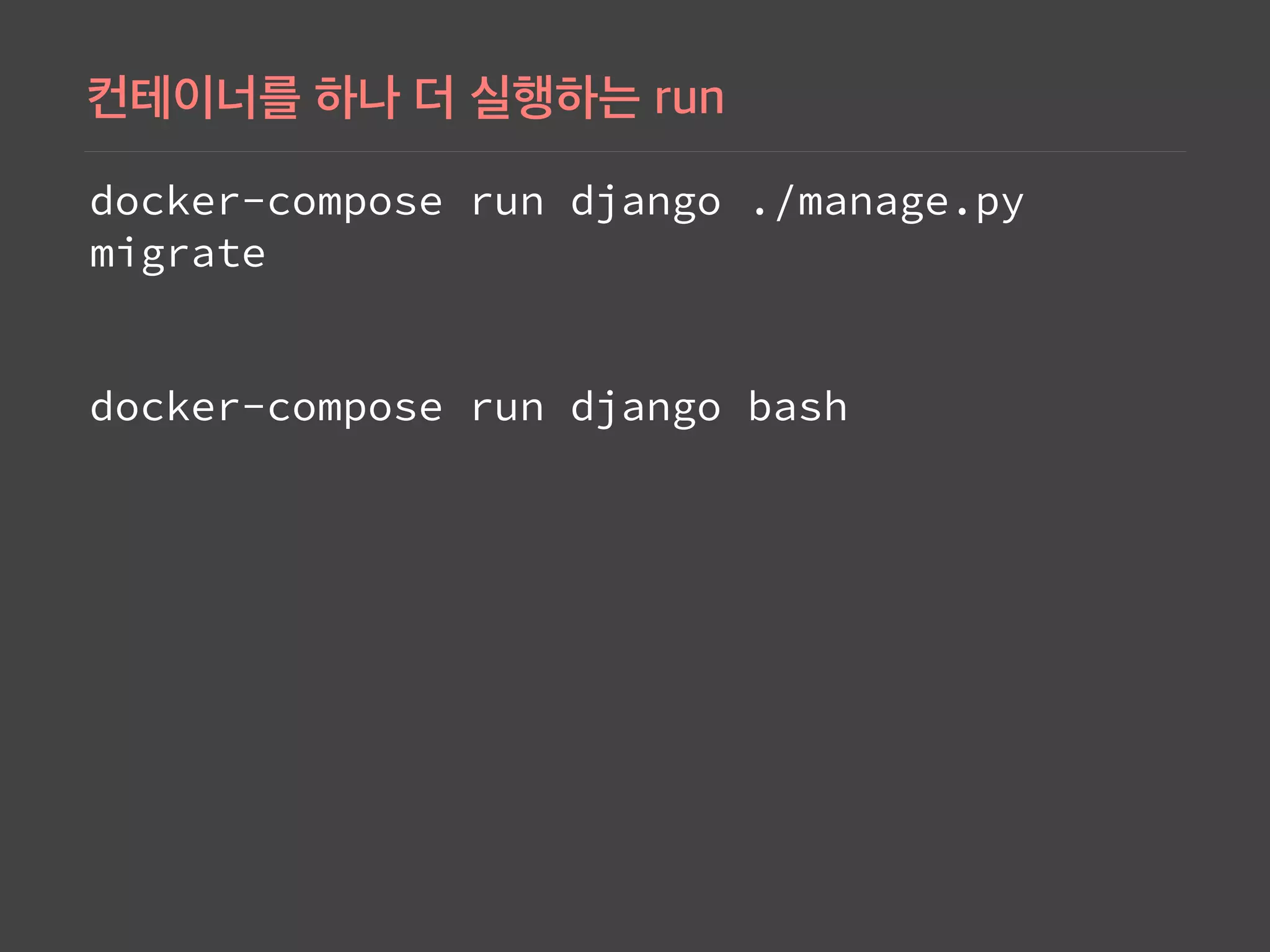
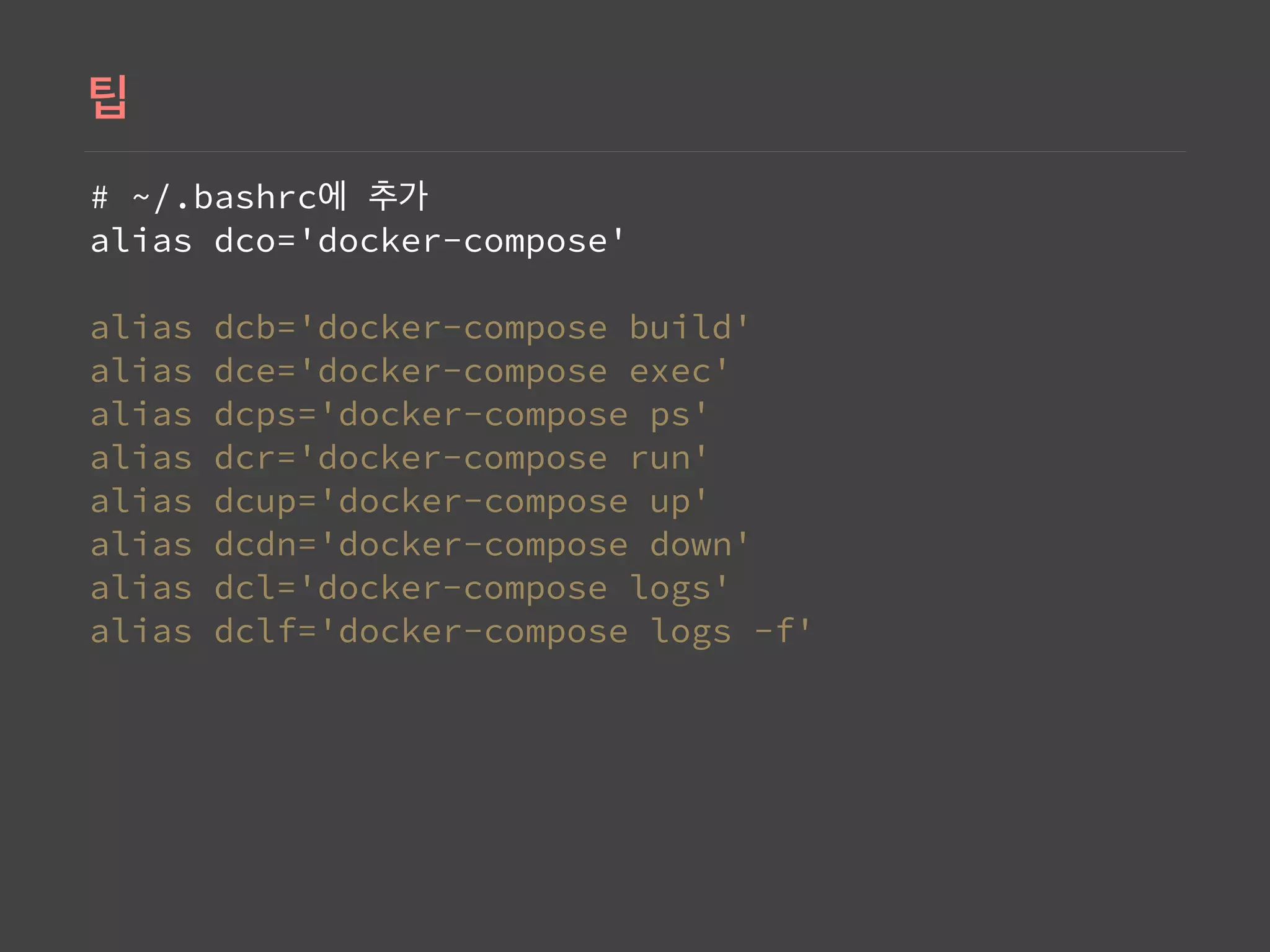
Summary of helpful Docker command aliases for streamlined usage, including examples for composing and building containers.


