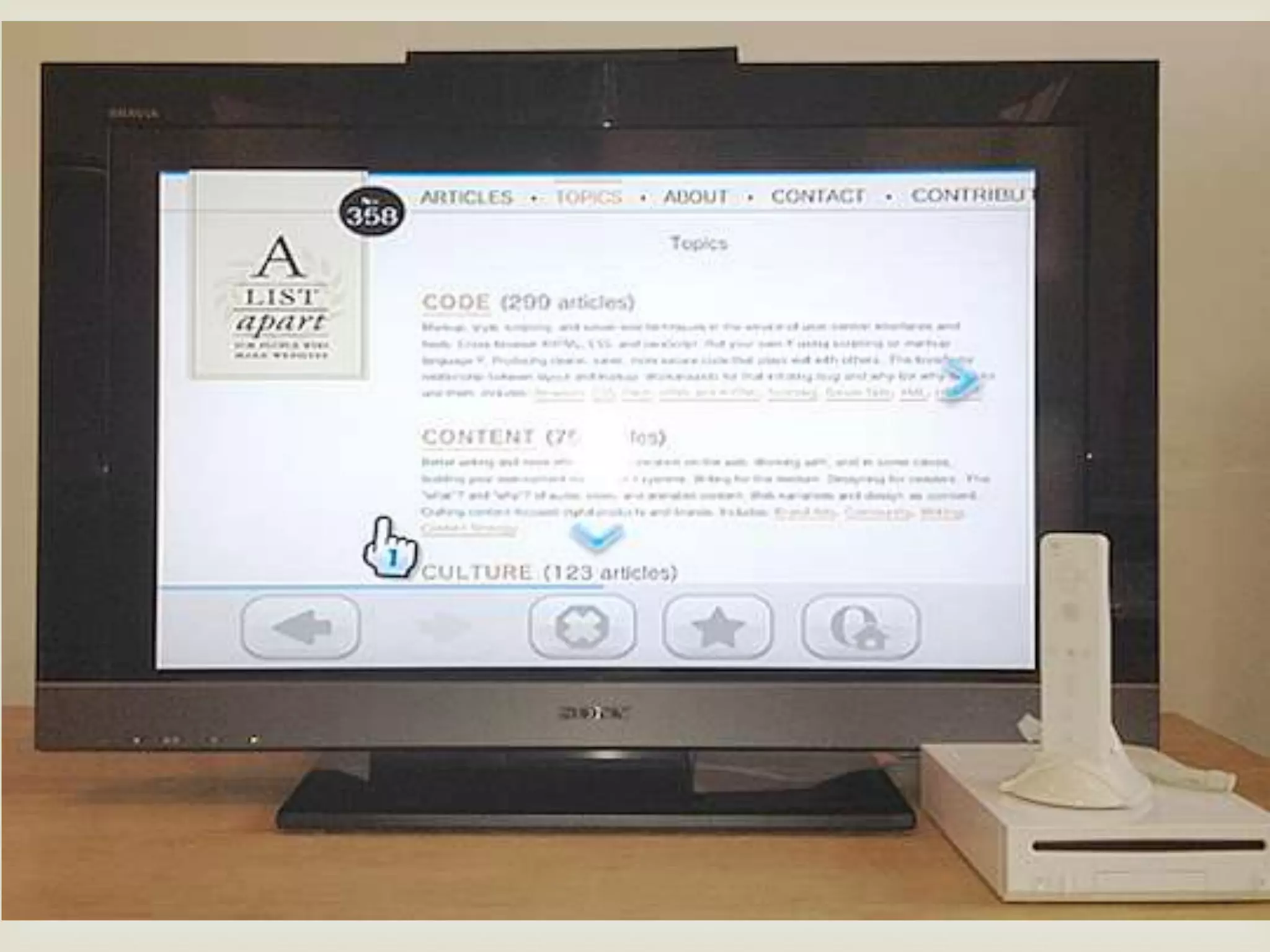
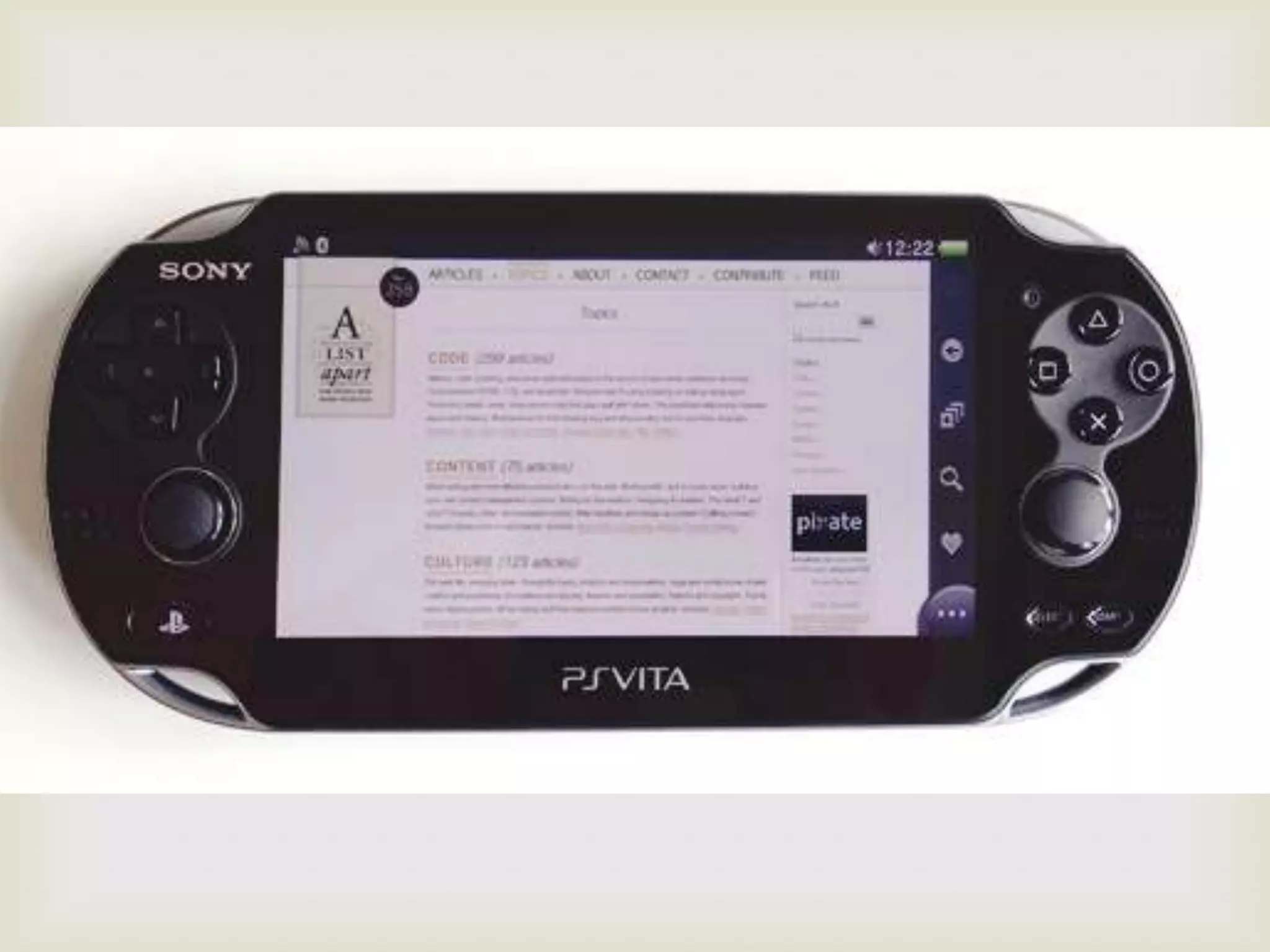



“Things done changed.”
-web designer/rapper (The Notorious BIG)
Before we begin . . .
             
 “Work harder, not smarter.”
-Doug McMakin
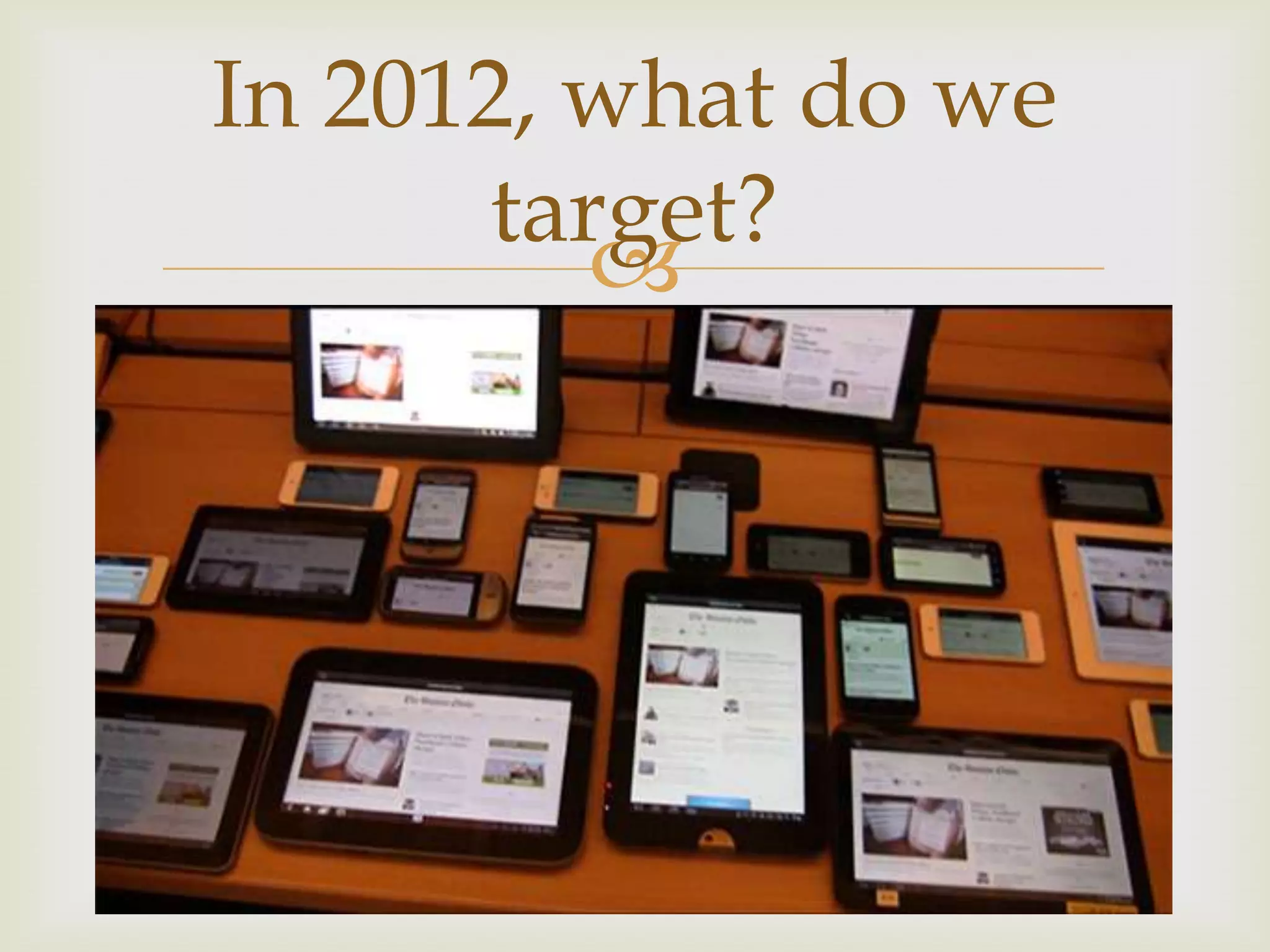
In 2012, what do we
       target?
          



What is responsive
          design?
              
 Responsive design attempts to solve the problem of
  targeting our design to the device that it is being
  displayed on.

 www.bostonglobe.com
Ethan Marcotte
                
 Seminal article on A List Apart on May 25, 2010
 http://www.alistapart.com/articles/responsive-
  web-design/
Let’s do some code!
              
 We will be using HTML5, because it’s the future and
  we should at least be using structural elements
   https://github.com/h5bp/html5-boilerplate
 We will be using normalize.css
   https://github.com/necolas/normalize.css
Force correct display in
         phones!
            
 <meta name="viewport" content="width=device-
  width">

Media Queries are
           magic
             
 Media queries added in CSS3
 Allows “adaptive” design
@media only screen and (min-device-width : 320px)
and (max-device-width : 480px) {
      background: red;
}
Common sizes
              
 http://css-tricks.com/snippets/css/media-queries-
  for-standard-devices/
Using display: none;
             
 Control what gets displayed at certain resolutions
Max-width & min-width
         
 Allow the web site to “respond” to screen sizes
 Allows “responsive” design
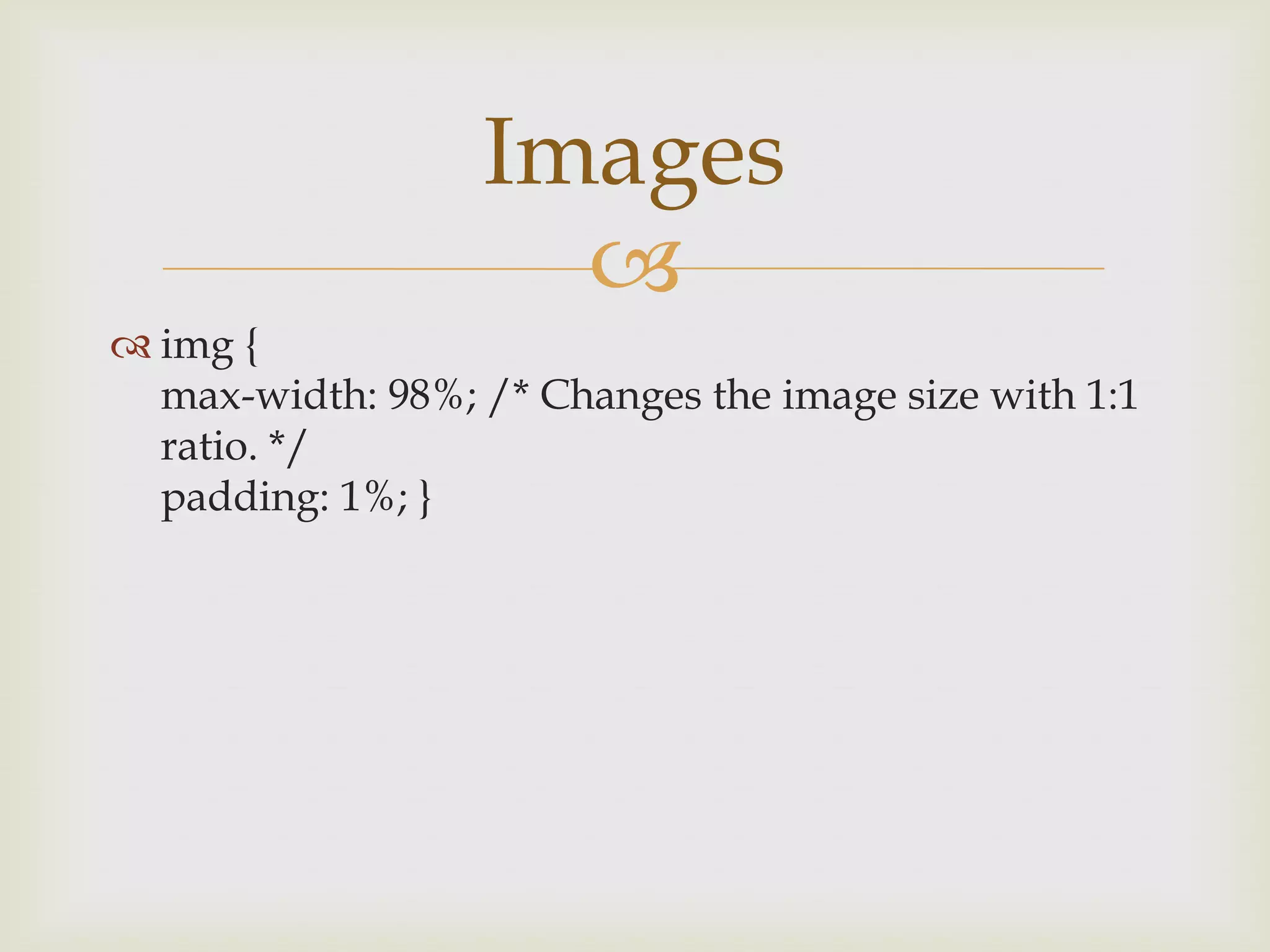
Images
                    
 img {
  max-width: 98%; /* Changes the image size with 1:1
  ratio. */
  padding: 1%; }
Use percentages
               
 Allows the components of the site to scale
  proportionally with screen size
 Again “responsive” design
Navigation is
           challenging
                
 https://github.com/Automattic/_s/blob/master/js
  /small-menu.js
 http://css-tricks.com/
Testing your new site
            
 http://responsive.is/bostonglobe.com
Responsive design is
        challenging
             
 Fortunately, there is a lot of help on the Internet
 http://mediaqueri.es/
 Google stuff!
 Go out and code!
Questions about
responsive design?
        
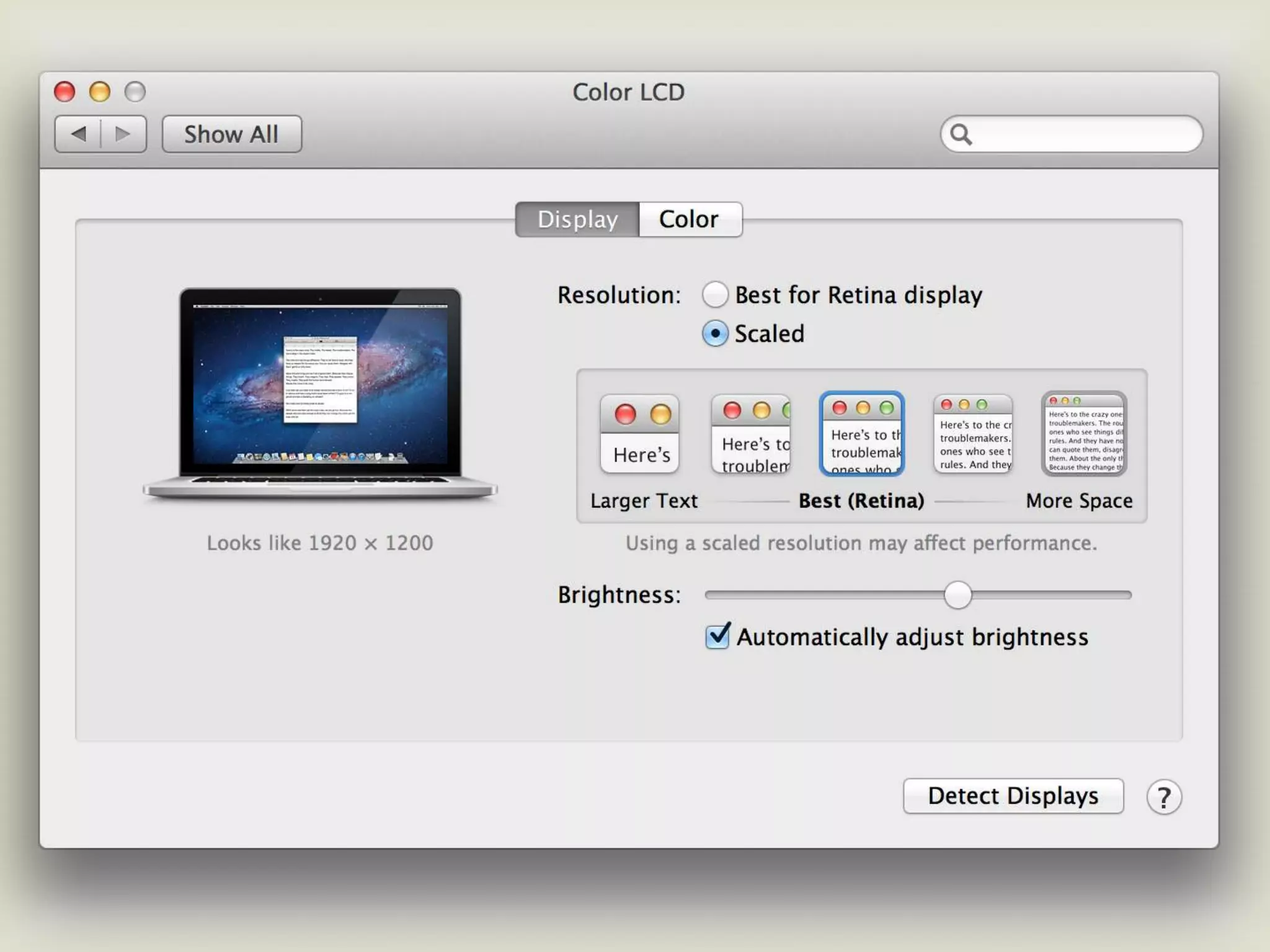
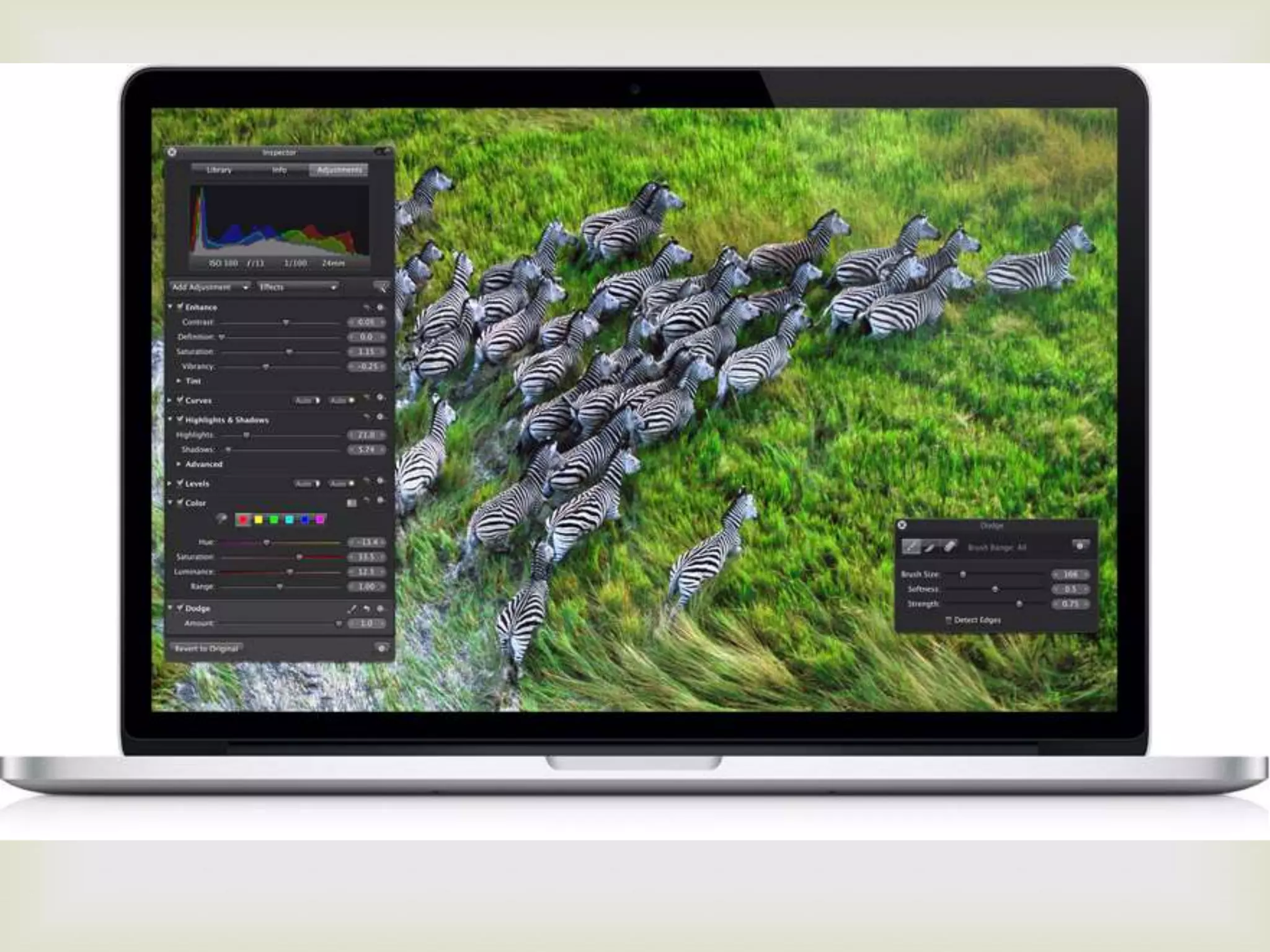
Retina displays
               
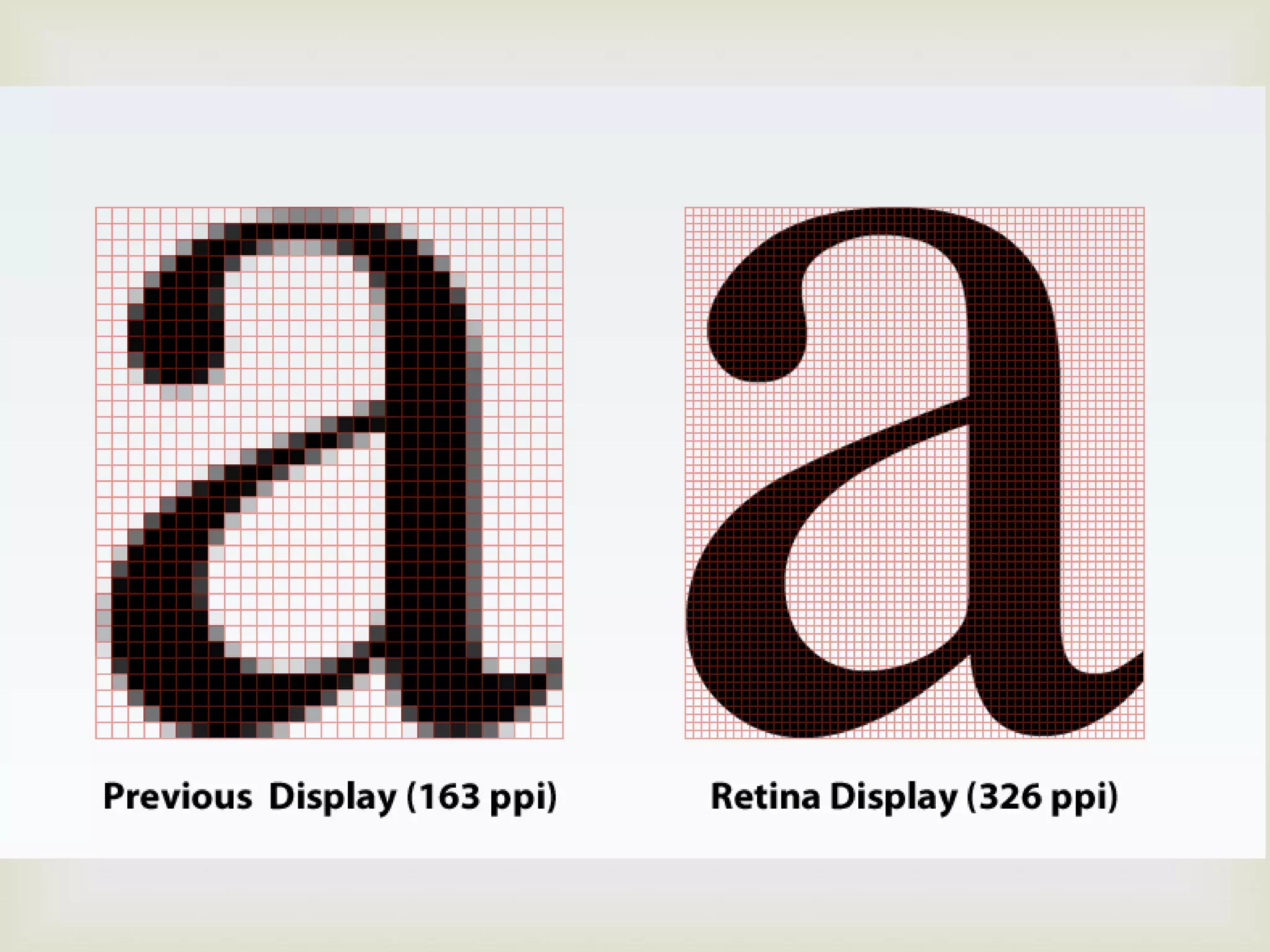
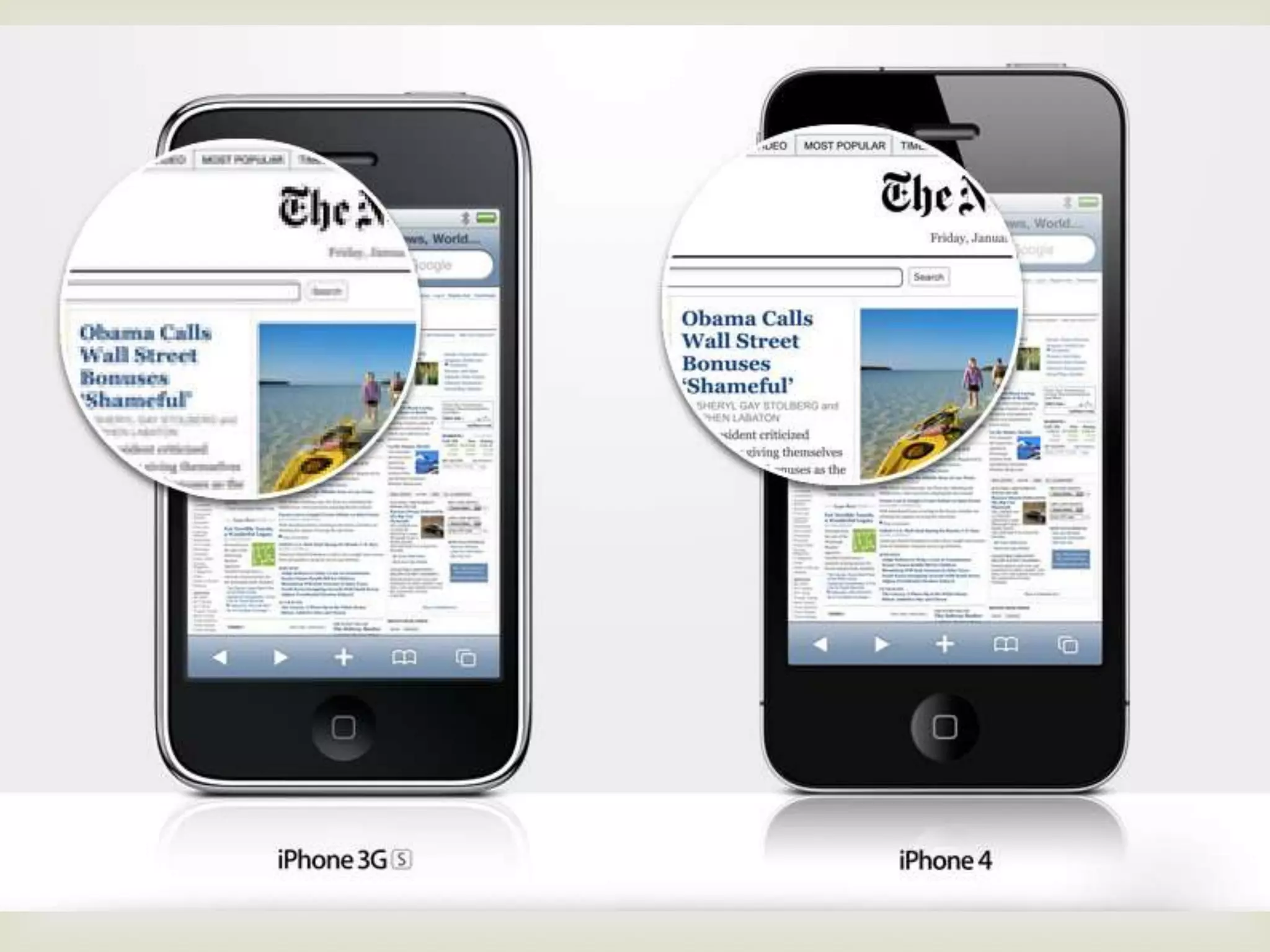
 Introduced with the iPhone 4
 Many desktop displays have 92-120ppi
 iPhone 5 has 326ppi
   At distance of 12in, people with normal visions can’t
    see the pixels
   http://en.wikipedia.org/wiki/List_of_displays_by_pi
    xel_density


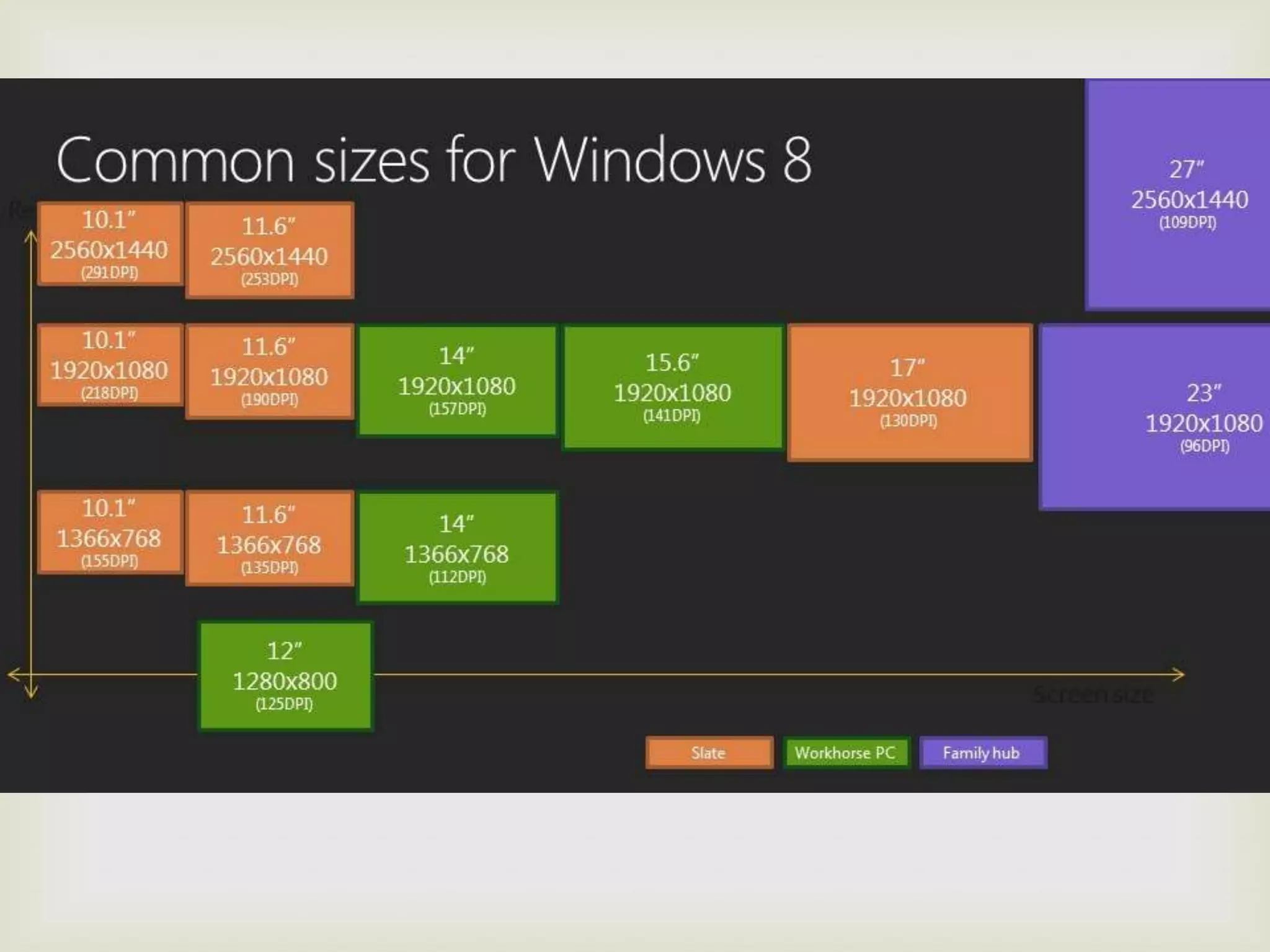
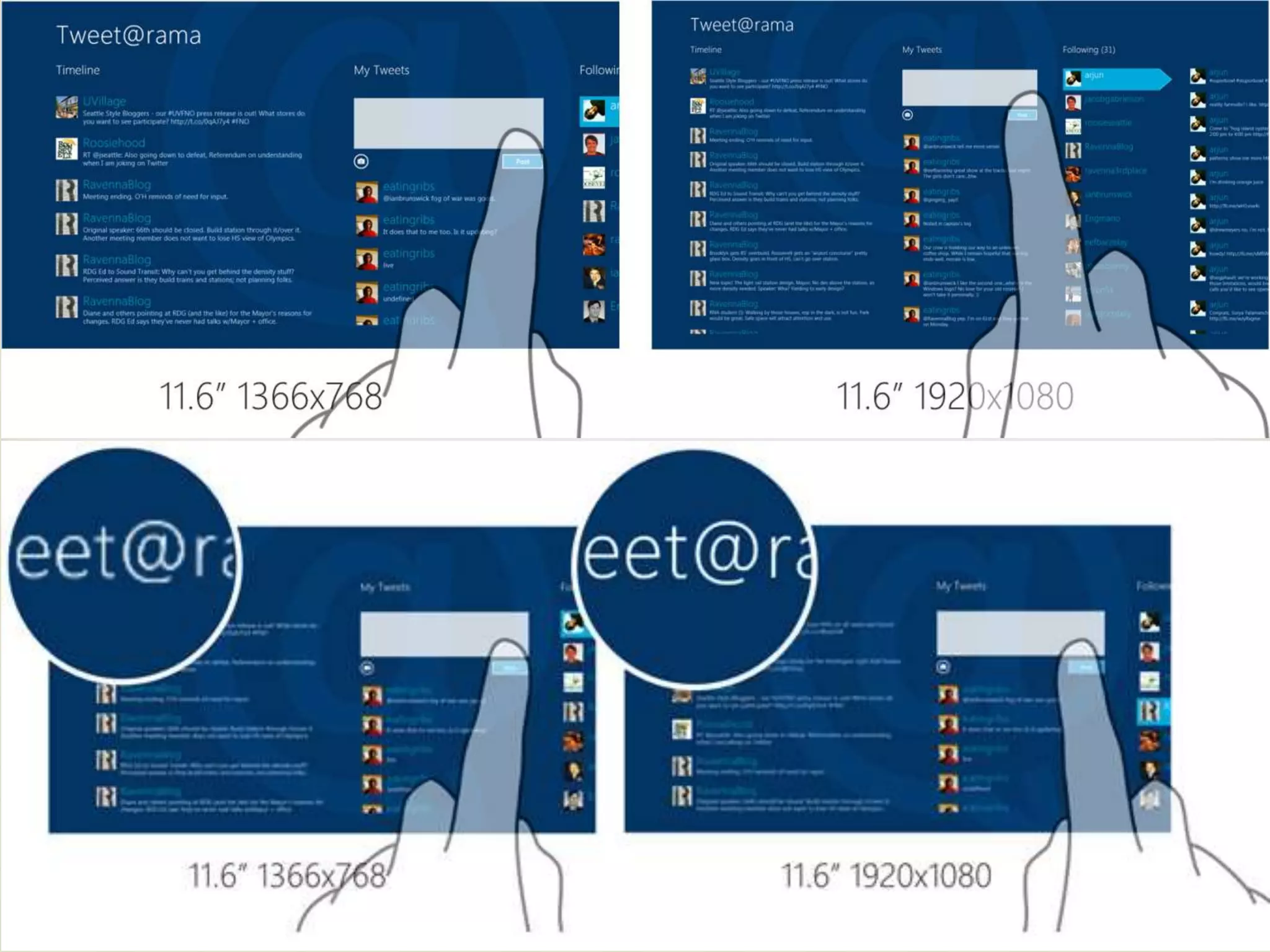
Different displays ppi
          

Windows 8
                  
 Being released on Oct, 8
 Will support high DPI
 I suspect it will usher in crazy new products



Retina brings challenges
           
 How do we make things look good on high-dpi
  screens but not take to long to load on low-dpi
  screens?
Make big images
              
 Make the image 1.3x it’s normal size
 Doesn’t look too bad on retina screens
 Only takes slightly longer to download
 Great for non-vector images
SVGs
                      
 Scalable Vector Graphics can scale without issue
 But they don’t work well with non-vector images
 Not well supported yet.
Text and CSS elements
            
 CSS can scale without any resolution issues
   Excellent solution
   Can solve some generic designs
 Custom fonts can be download to create scale-free
  icons
   https://github.com/blog/1106-say-hello-to-octicons
   Technically challenging
   Doesn’t seem to display multiple colors easily
Retina.js
                    
 http://retinajs.com/
 Prevents non-retina browsers from downloading
  large images
 Doesn’t prevent retina displays from downloading
  small images
Let’s code!
                      
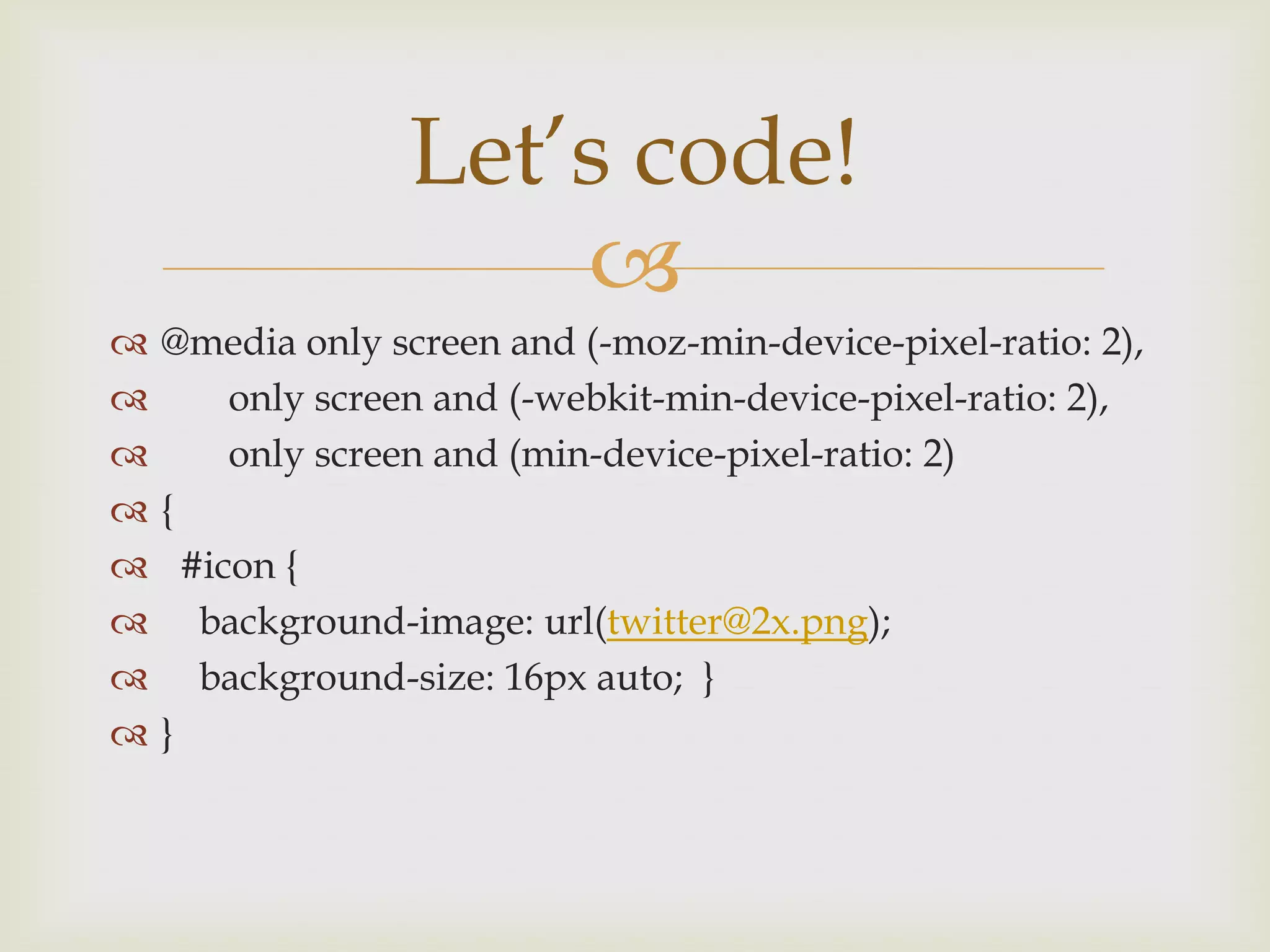
   @media only screen and (-moz-min-device-pixel-ratio: 2),
        only screen and (-webkit-min-device-pixel-ratio: 2),
        only screen and (min-device-pixel-ratio: 2)
   {
     #icon {
      background-image: url(twitter@2x.png);
      background-size: 16px auto; }
   }
Keep yourself educated
          
 The standards are still in limbo
Questions?
   

Responsive design and retina displays

  • 1.
    “Things done changed.” -webdesigner/rapper (The Notorious BIG)
  • 2.
    Before we begin. . .   “Work harder, not smarter.” -Doug McMakin
  • 3.
    In 2012, whatdo we target? 
  • 4.
  • 5.
  • 6.
  • 7.
    What is responsive design?   Responsive design attempts to solve the problem of targeting our design to the device that it is being displayed on.  www.bostonglobe.com
  • 8.
    Ethan Marcotte   Seminal article on A List Apart on May 25, 2010  http://www.alistapart.com/articles/responsive- web-design/
  • 9.
    Let’s do somecode!   We will be using HTML5, because it’s the future and we should at least be using structural elements  https://github.com/h5bp/html5-boilerplate  We will be using normalize.css  https://github.com/necolas/normalize.css
  • 10.
    Force correct displayin phones!   <meta name="viewport" content="width=device- width">
  • 11.
  • 12.
    Media Queries are magic   Media queries added in CSS3  Allows “adaptive” design @media only screen and (min-device-width : 320px) and (max-device-width : 480px) { background: red; }
  • 13.
    Common sizes   http://css-tricks.com/snippets/css/media-queries- for-standard-devices/
  • 14.
    Using display: none;   Control what gets displayed at certain resolutions
  • 15.
    Max-width & min-width   Allow the web site to “respond” to screen sizes  Allows “responsive” design
  • 16.
    Images   img { max-width: 98%; /* Changes the image size with 1:1 ratio. */ padding: 1%; }
  • 17.
    Use percentages   Allows the components of the site to scale proportionally with screen size  Again “responsive” design
  • 18.
    Navigation is challenging   https://github.com/Automattic/_s/blob/master/js /small-menu.js  http://css-tricks.com/
  • 19.
    Testing your newsite   http://responsive.is/bostonglobe.com
  • 20.
    Responsive design is challenging   Fortunately, there is a lot of help on the Internet  http://mediaqueri.es/  Google stuff!  Go out and code!
  • 21.
  • 22.
    Retina displays   Introduced with the iPhone 4  Many desktop displays have 92-120ppi  iPhone 5 has 326ppi  At distance of 12in, people with normal visions can’t see the pixels  http://en.wikipedia.org/wiki/List_of_displays_by_pi xel_density
  • 23.
  • 24.
  • 25.
  • 26.
  • 27.
    Windows 8   Being released on Oct, 8  Will support high DPI  I suspect it will usher in crazy new products
  • 28.
  • 29.
  • 30.
  • 31.
    Retina brings challenges   How do we make things look good on high-dpi screens but not take to long to load on low-dpi screens?
  • 32.
    Make big images   Make the image 1.3x it’s normal size  Doesn’t look too bad on retina screens  Only takes slightly longer to download  Great for non-vector images
  • 33.
    SVGs   Scalable Vector Graphics can scale without issue  But they don’t work well with non-vector images  Not well supported yet.
  • 34.
    Text and CSSelements   CSS can scale without any resolution issues  Excellent solution  Can solve some generic designs  Custom fonts can be download to create scale-free icons  https://github.com/blog/1106-say-hello-to-octicons  Technically challenging  Doesn’t seem to display multiple colors easily
  • 35.
    Retina.js   http://retinajs.com/  Prevents non-retina browsers from downloading large images  Doesn’t prevent retina displays from downloading small images
  • 36.
    Let’s code!   @media only screen and (-moz-min-device-pixel-ratio: 2),  only screen and (-webkit-min-device-pixel-ratio: 2),  only screen and (min-device-pixel-ratio: 2)  {  #icon {  background-image: url(twitter@2x.png);  background-size: 16px auto; }  }
  • 37.
    Keep yourself educated   The standards are still in limbo
  • 38.