DAX and Power BI Training
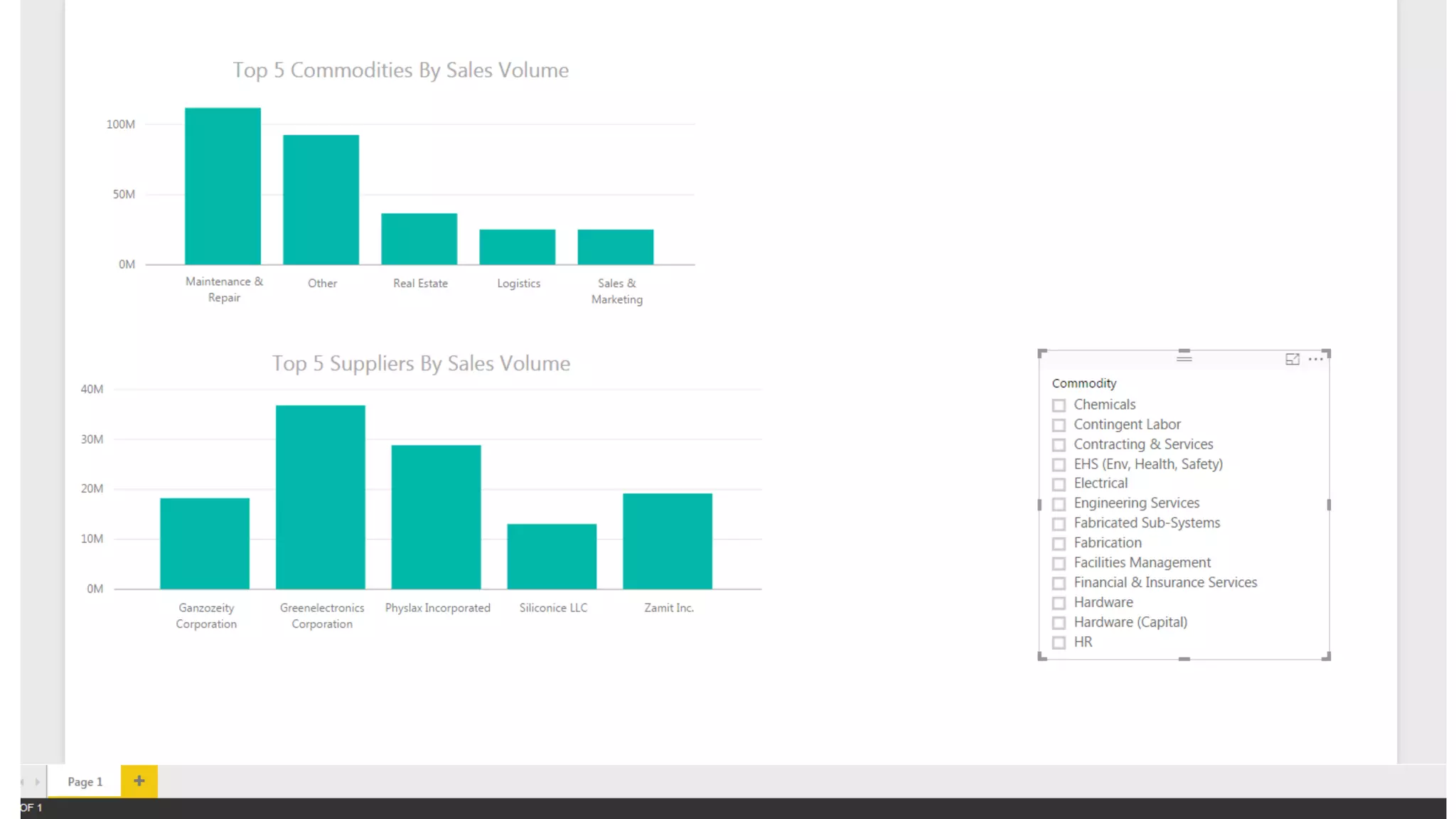
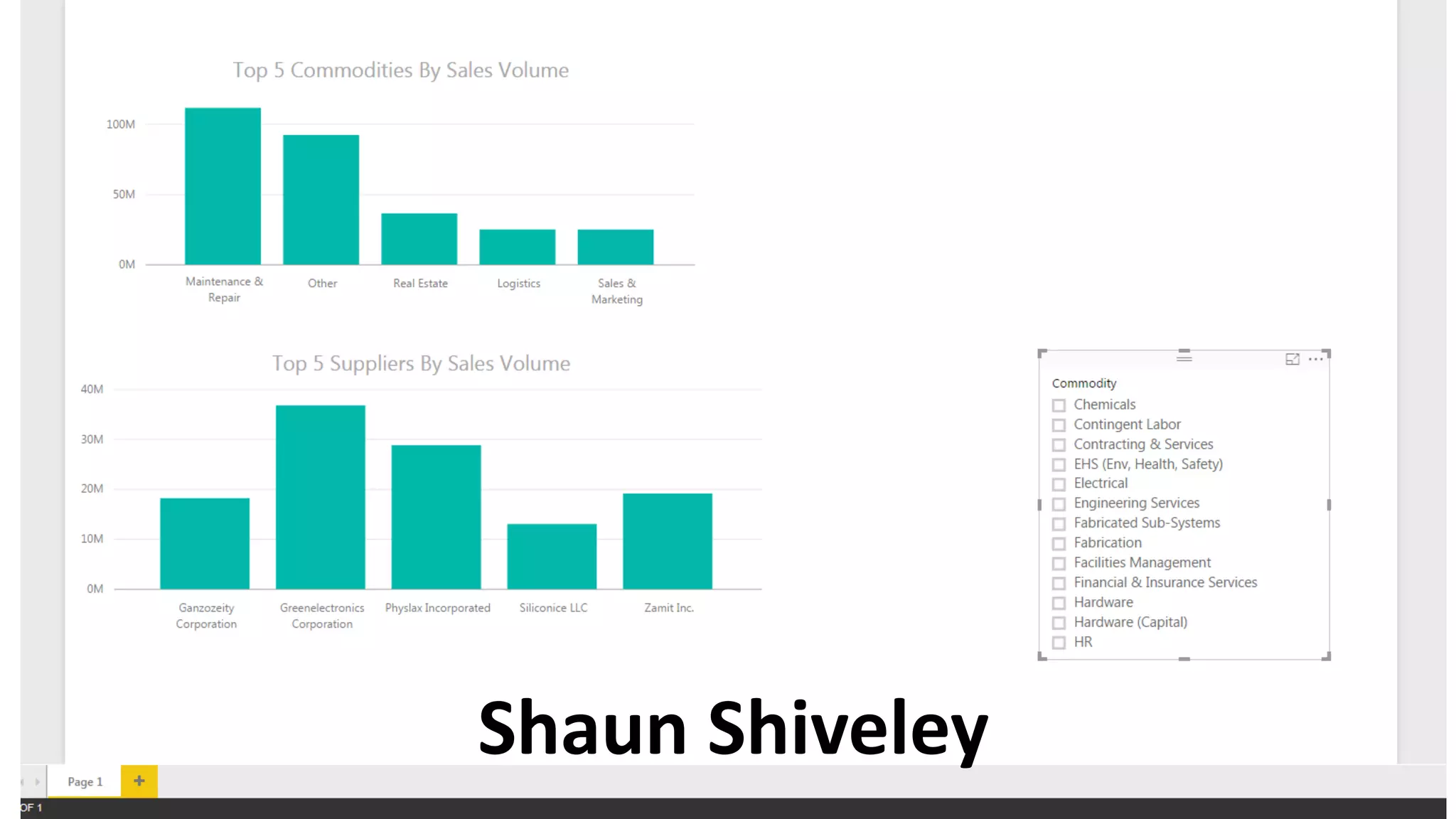
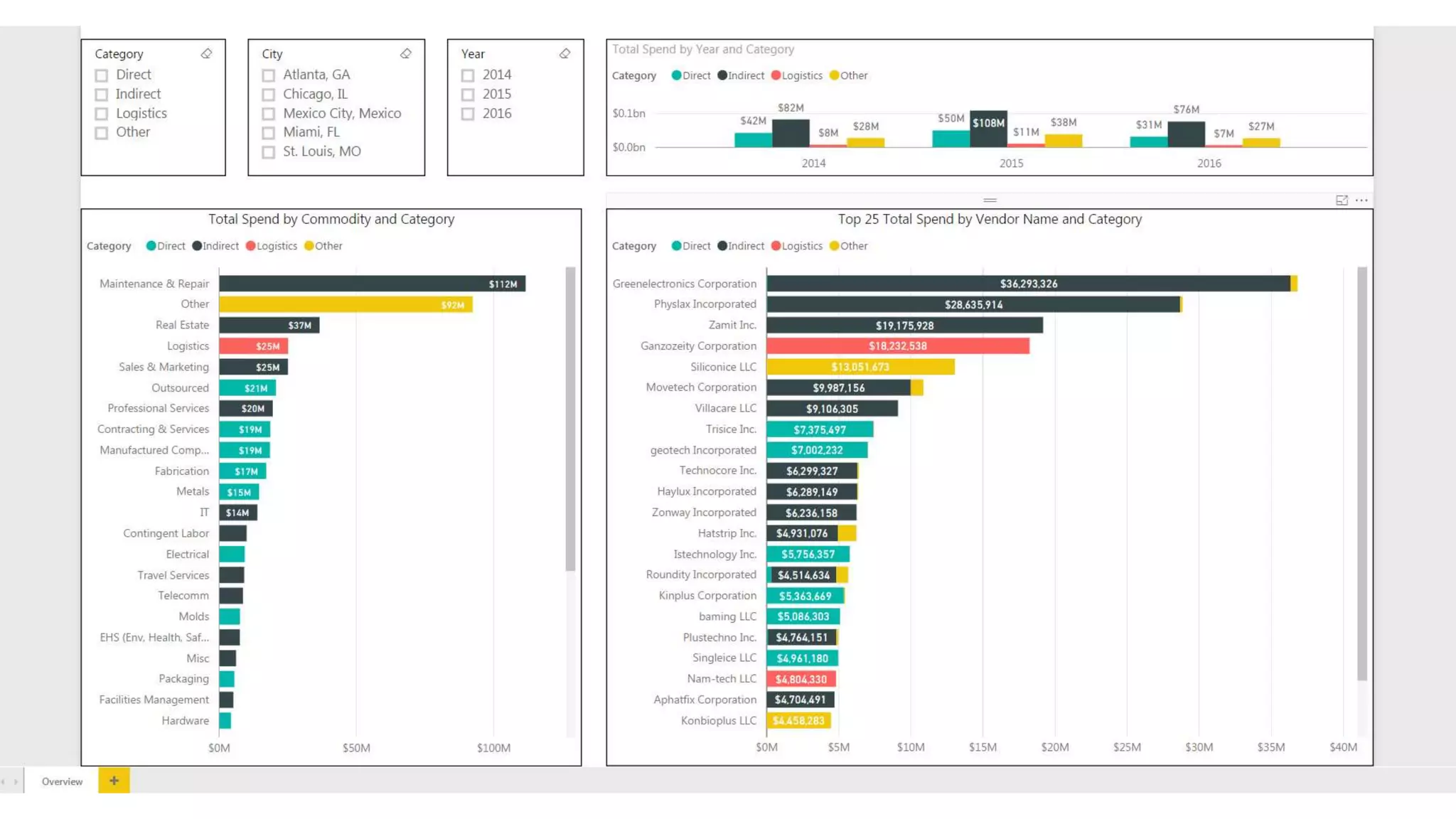
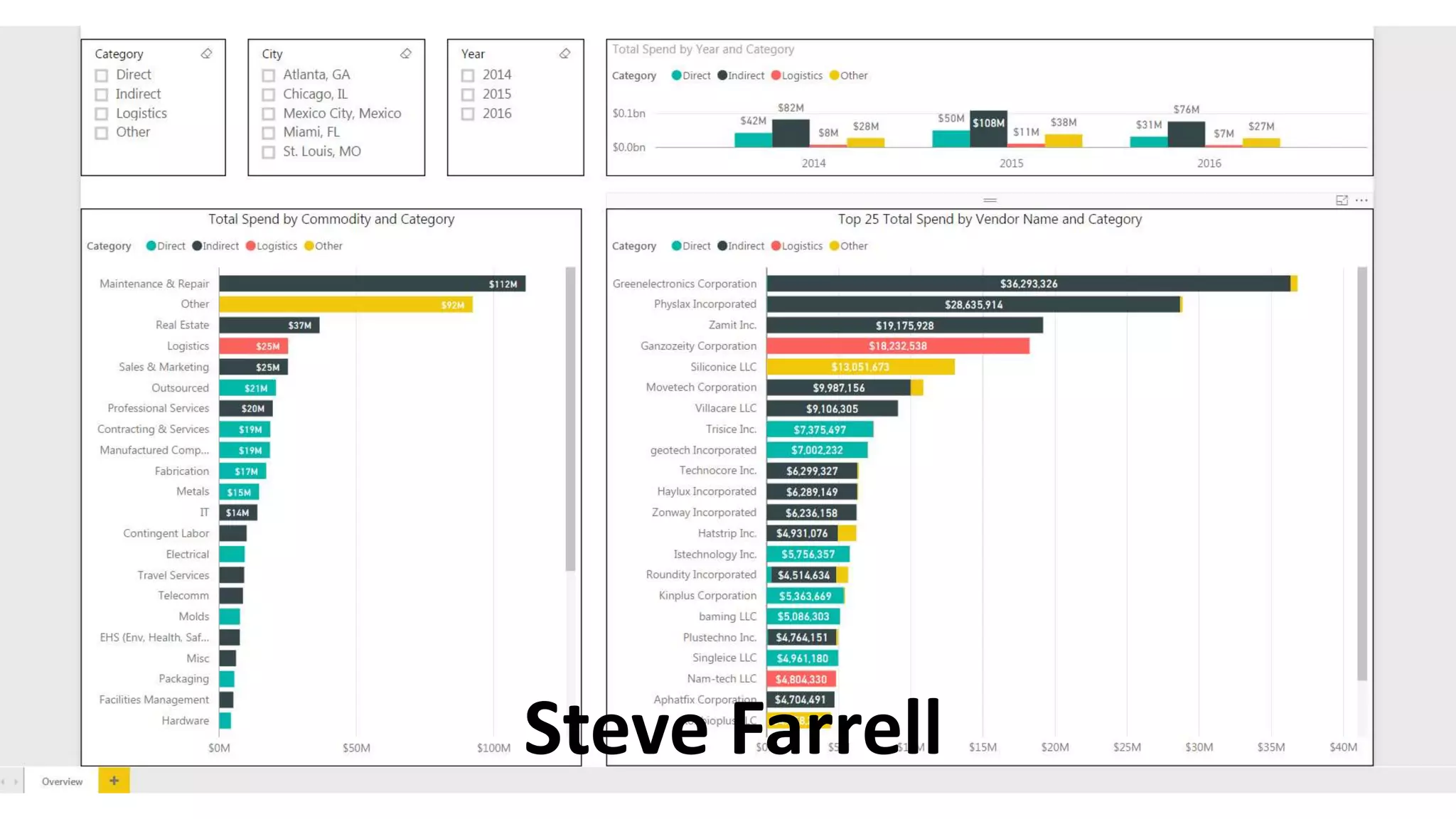
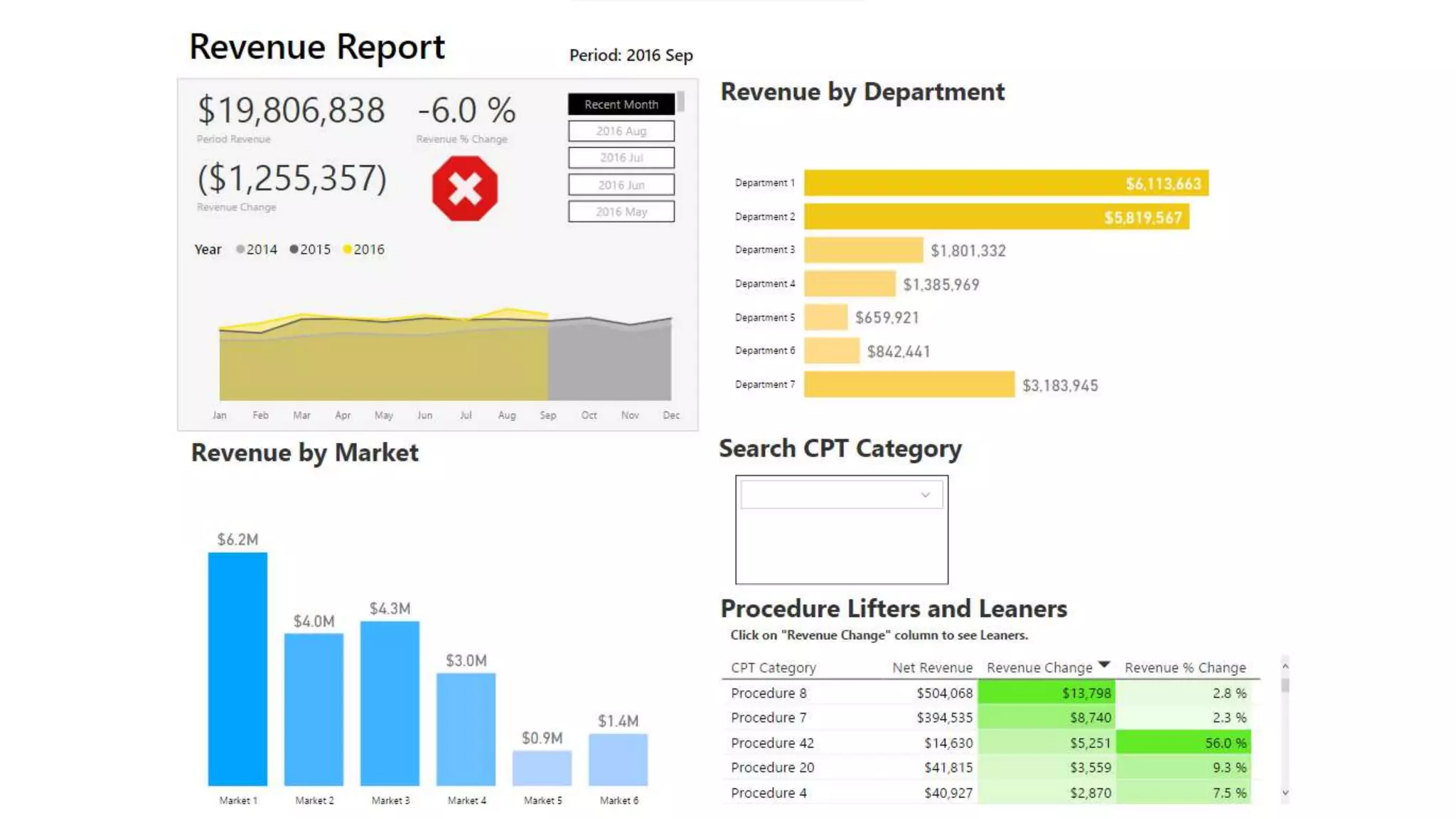
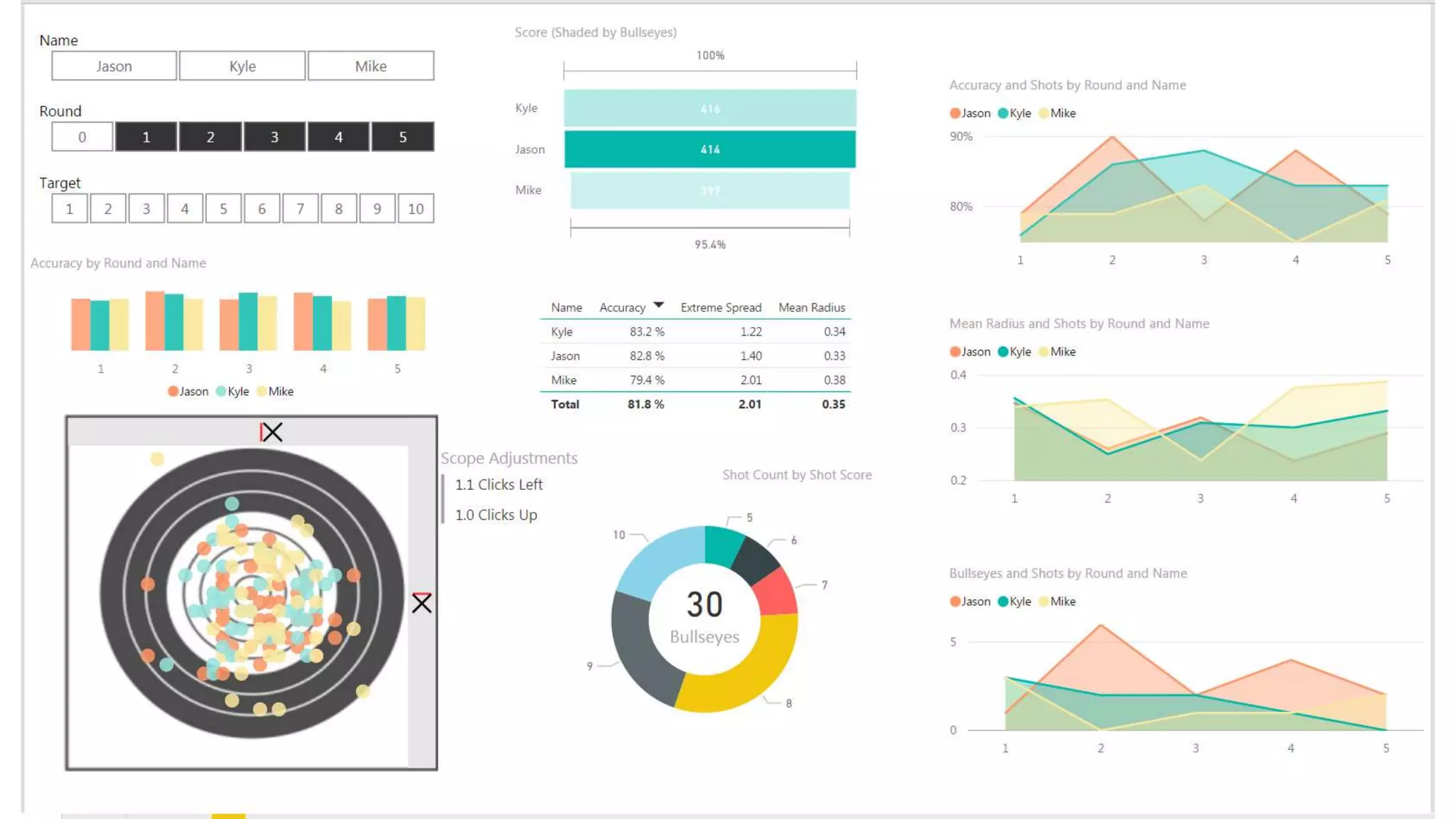
Your Dashboards
Shaun Shiveley
Steve Farrell
Review
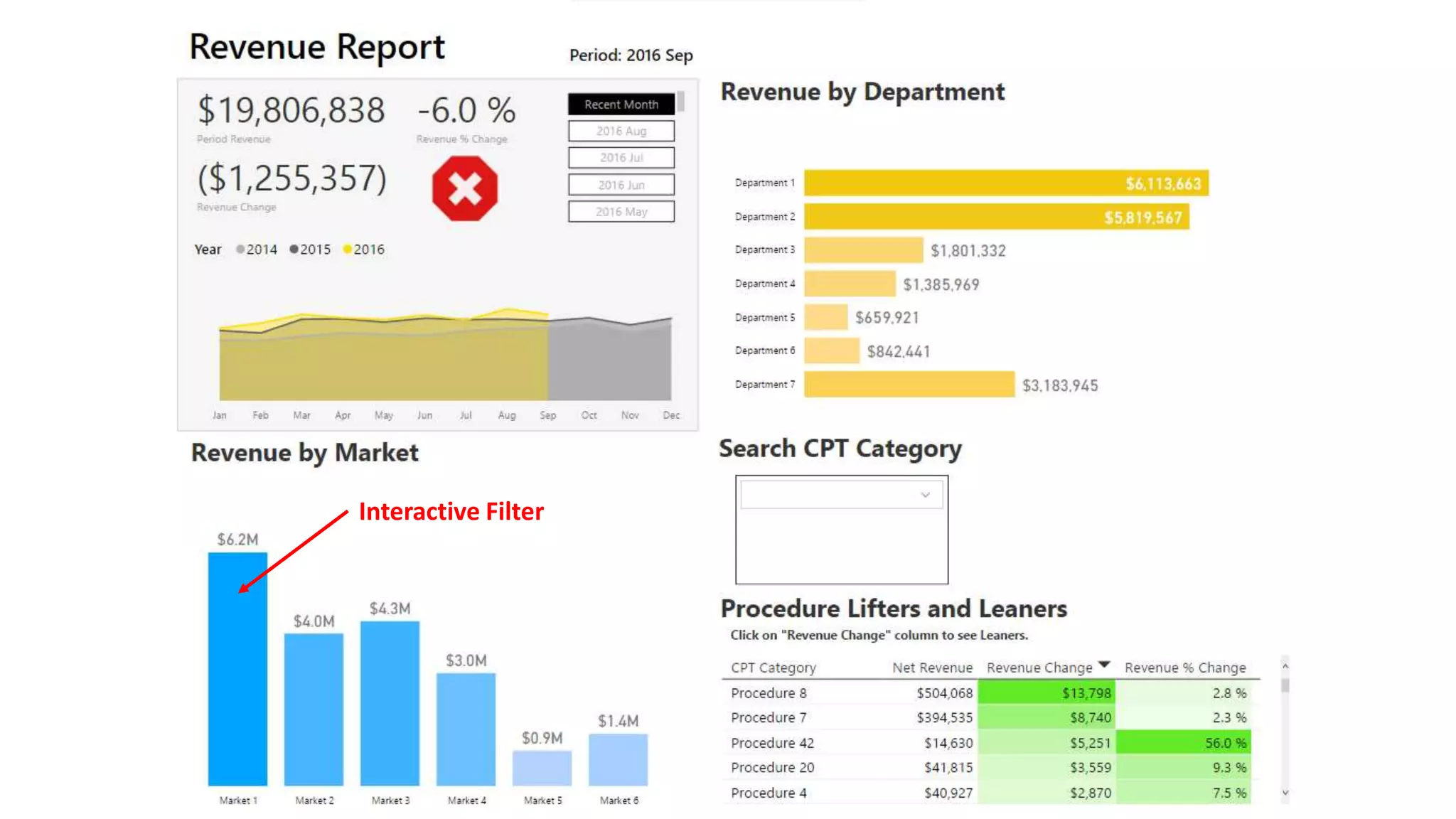
Interactive Filter
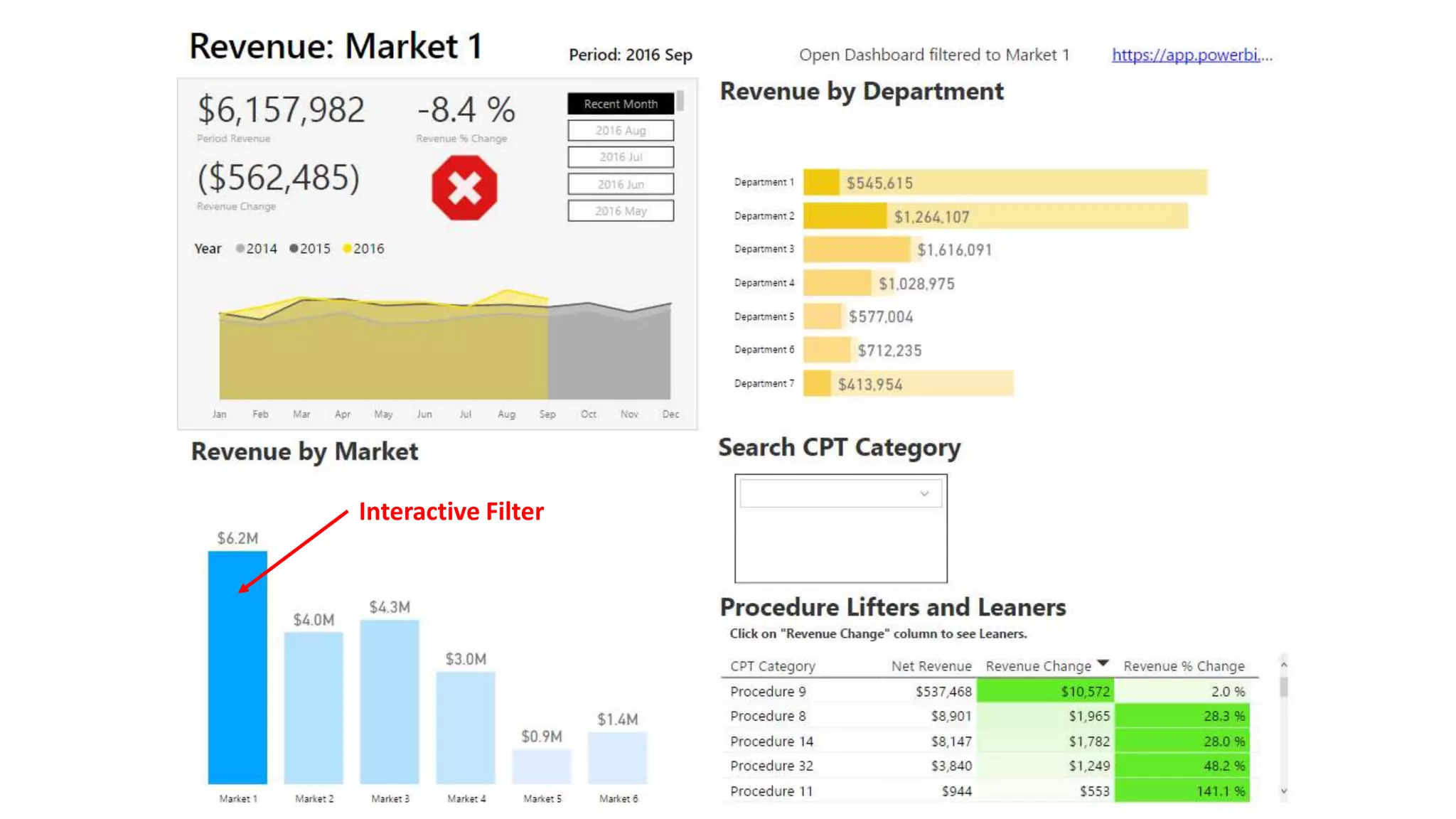
Interactive Filter
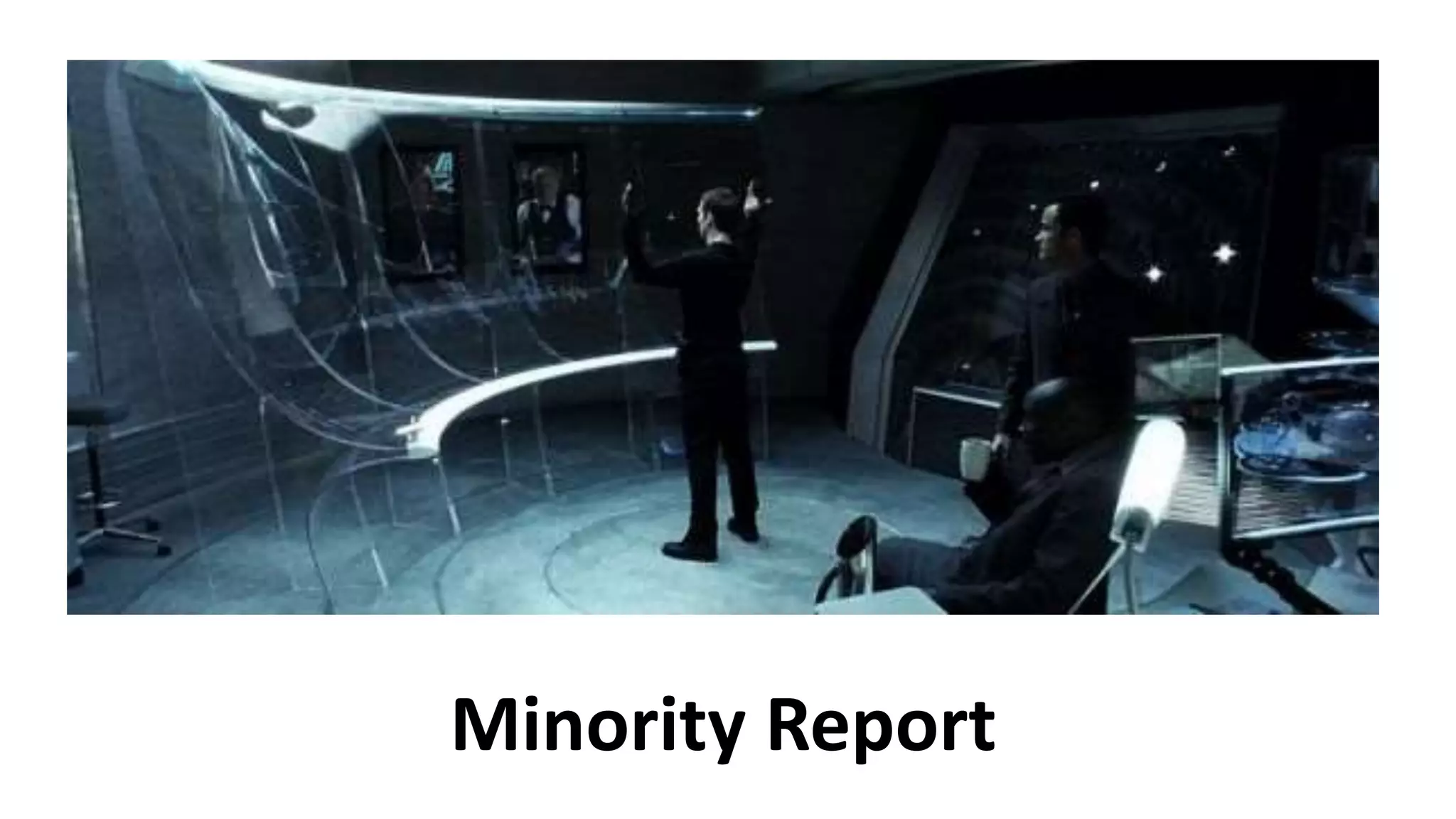
Minority Report
Minority Report
Invest in Logic that Lasts
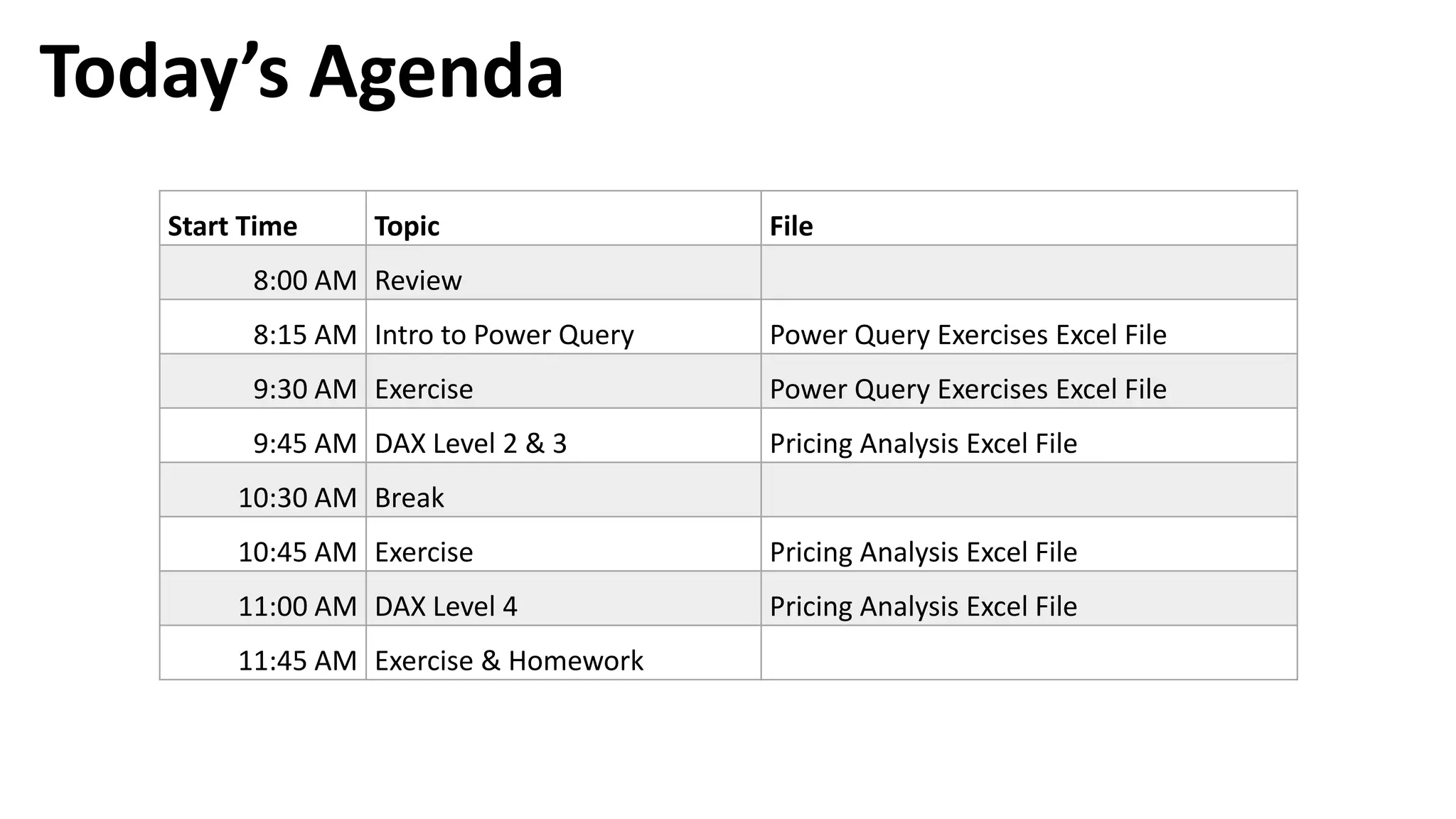
Today’s Agenda
Start Time Topic File
8:00 AM Review
8:15 AM Intro to Power Query Power Query Exercises Excel File

9:30 AM Exercise Power Query Exercises Excel File
9:45 AM DAX Level 2 & 3 Pricing Analysis Excel File
10:30 AM Break
10:45 AM Exercise Pricing Analysis Excel File
11:00 AM DAX Level 4 Pricing Analysis Excel File
11:45 AM Exercise & Homework
Intro to Power Query
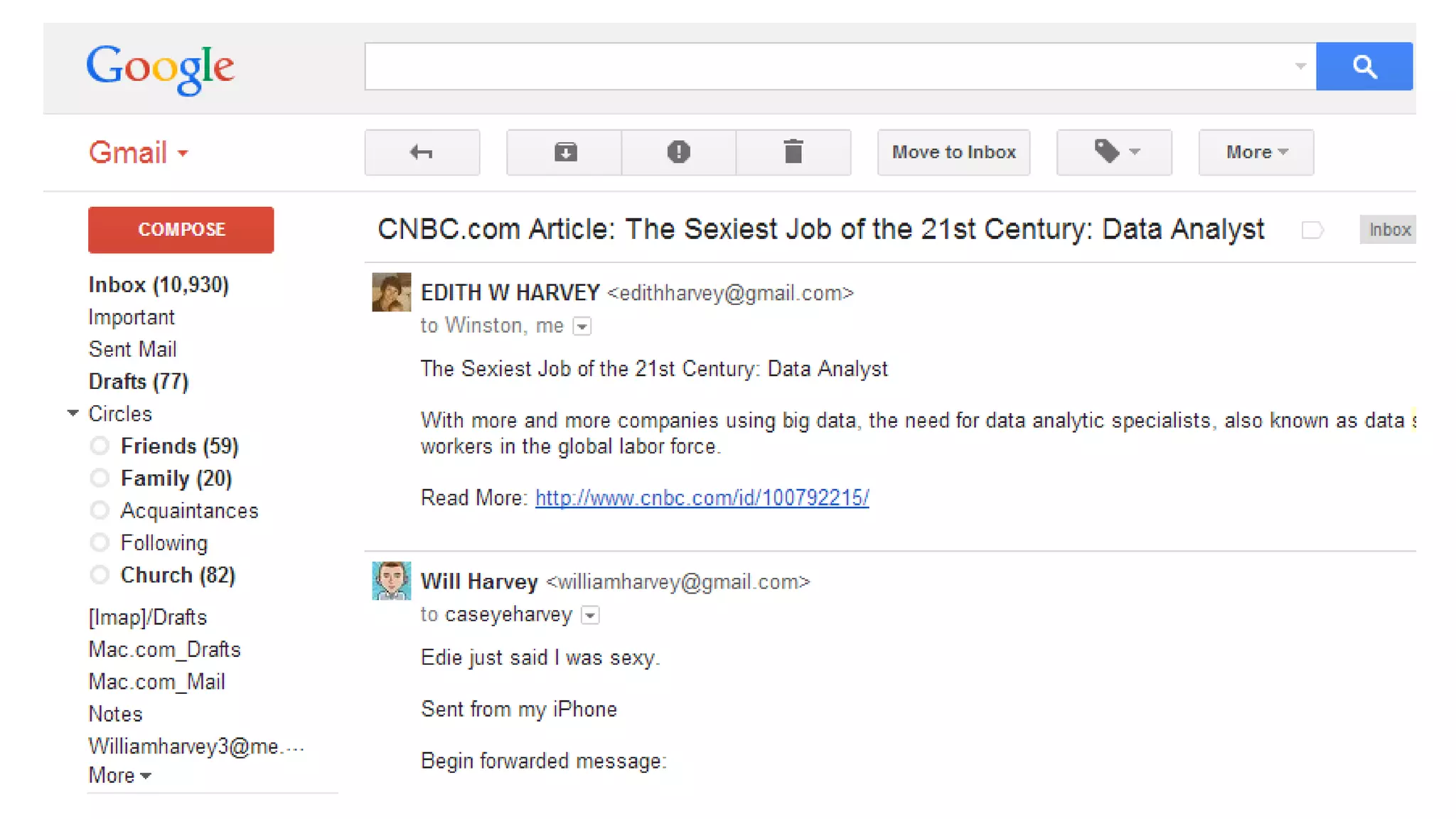
What has been the most valuable
skill in your career?
What will be the most valuable skill
in your career?
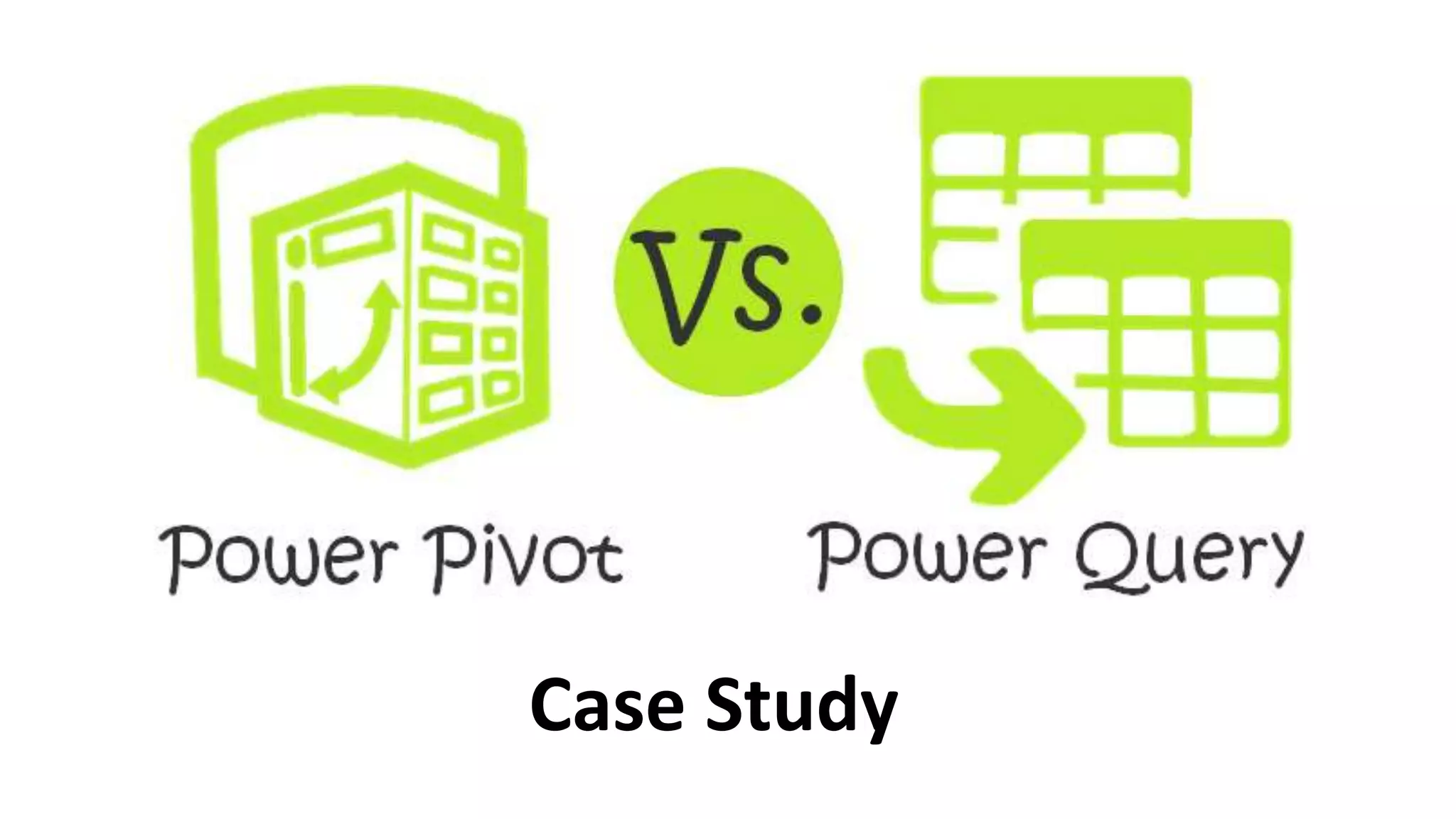
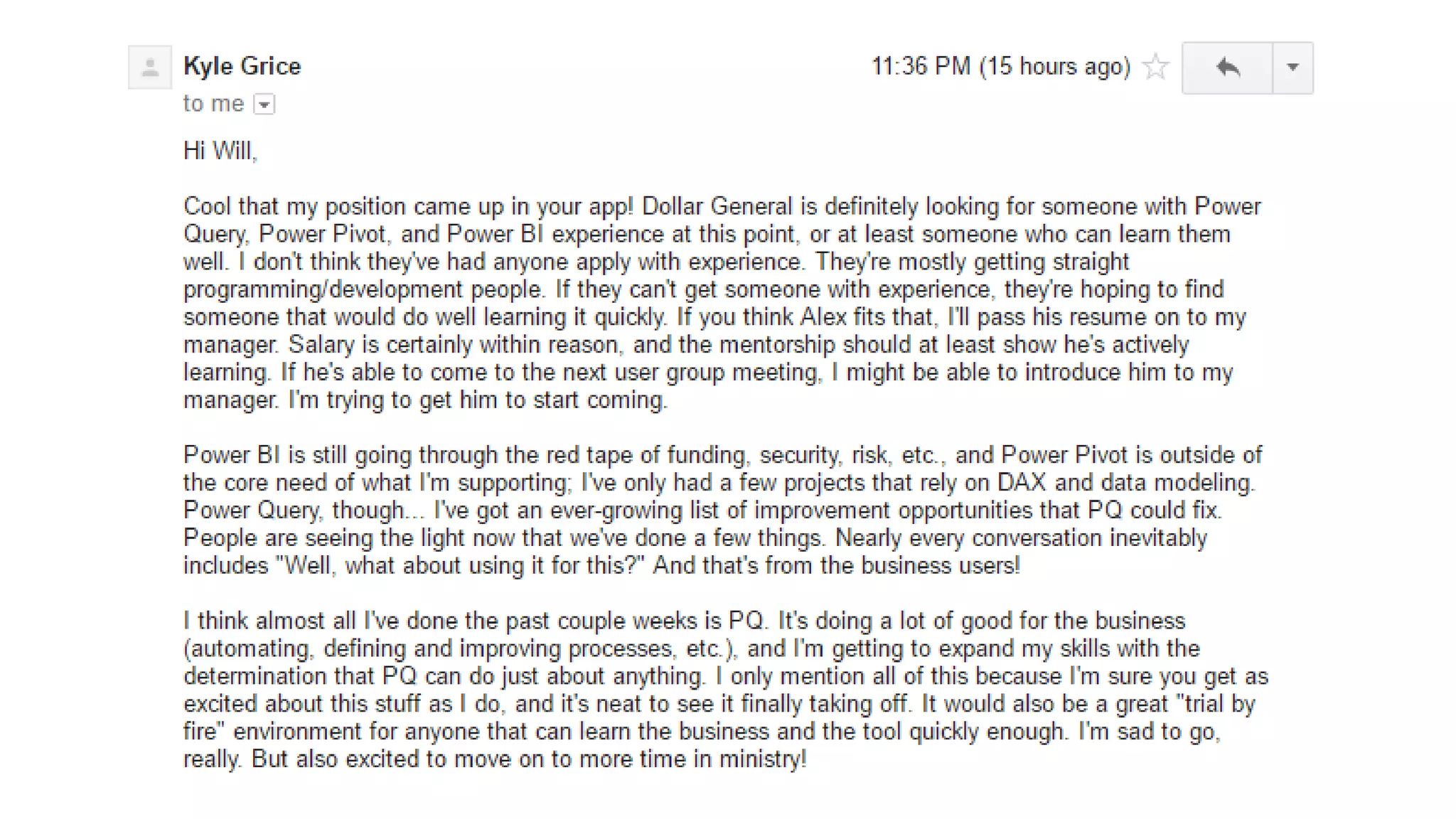
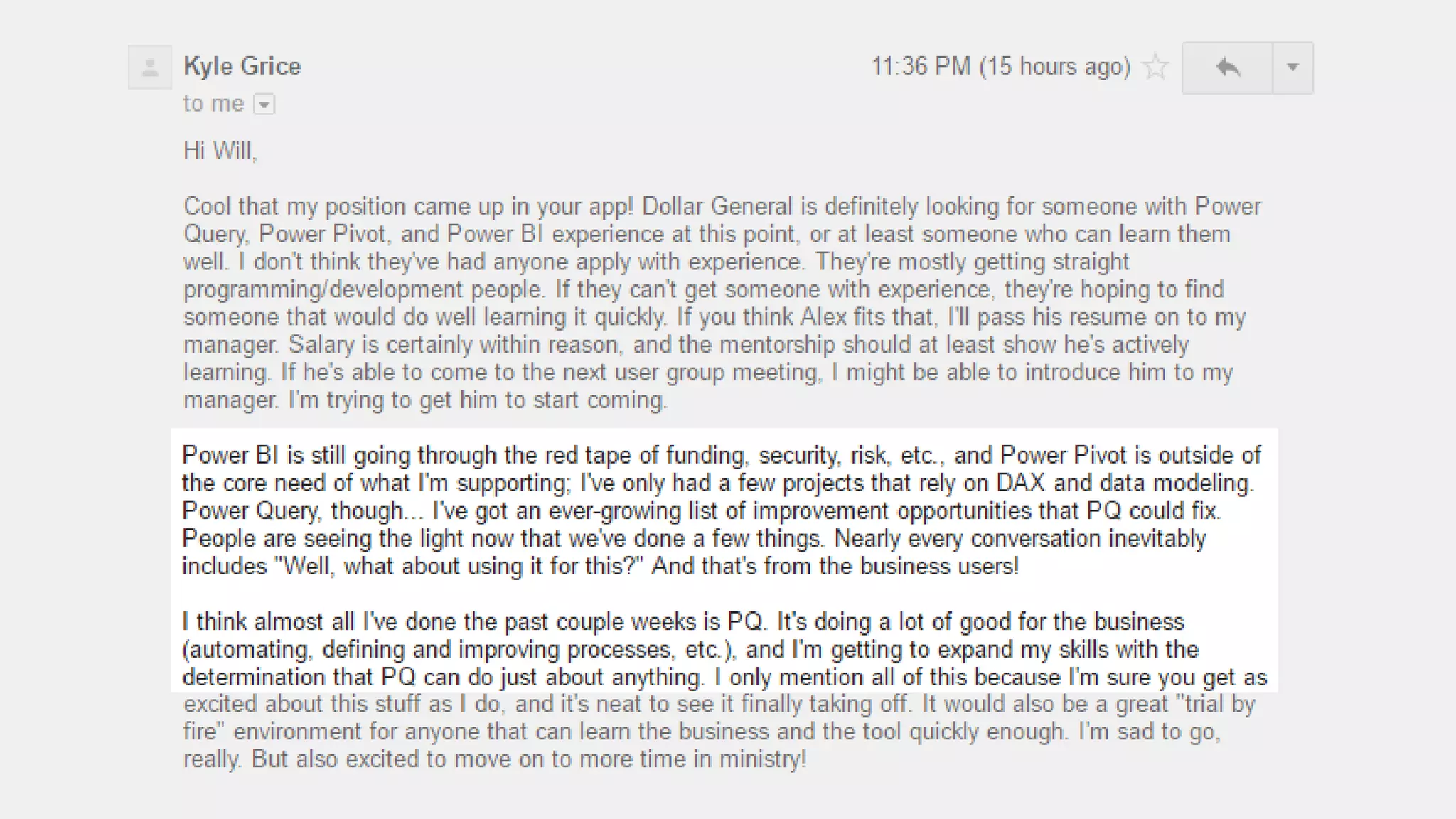
Case Study
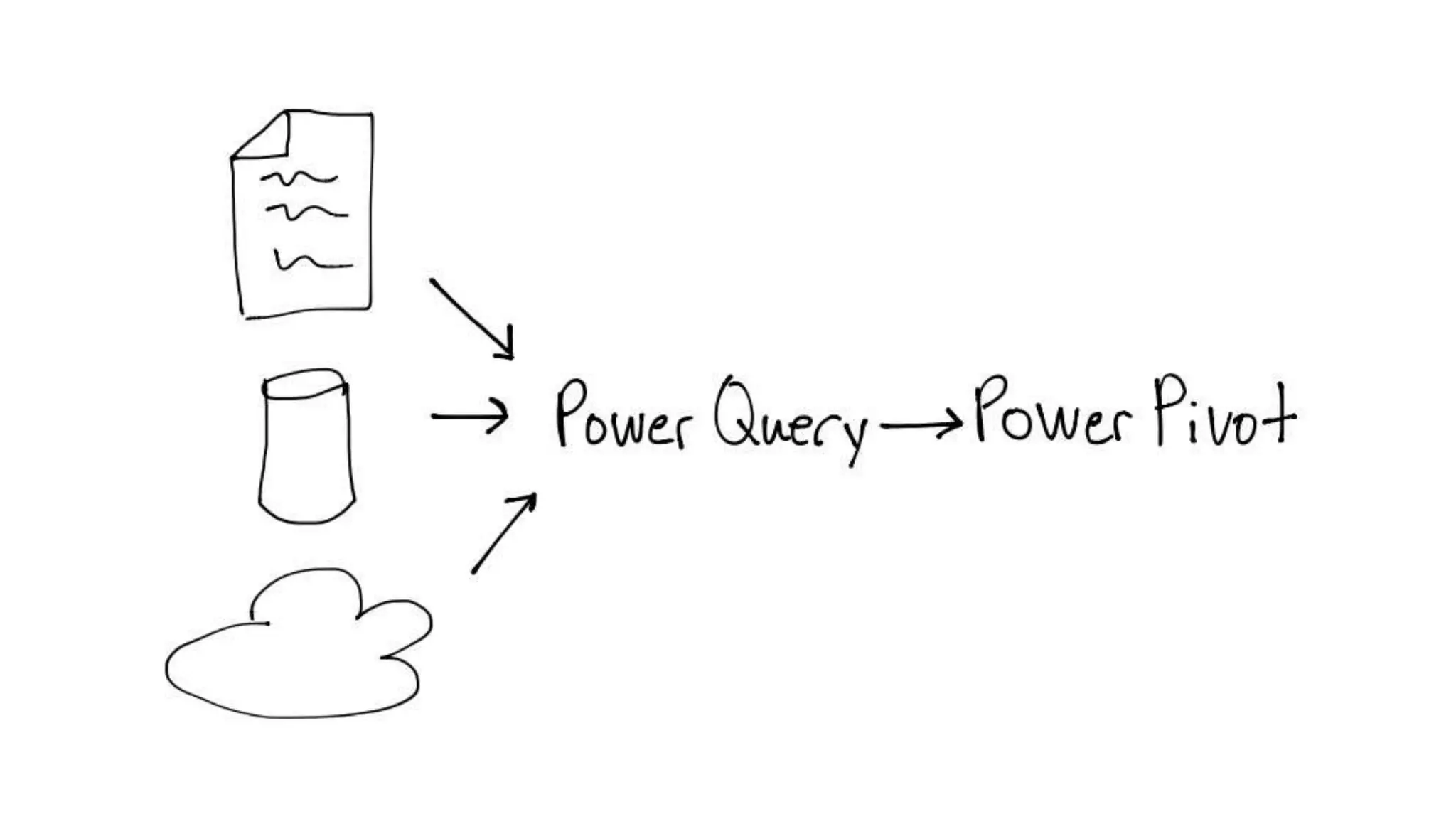
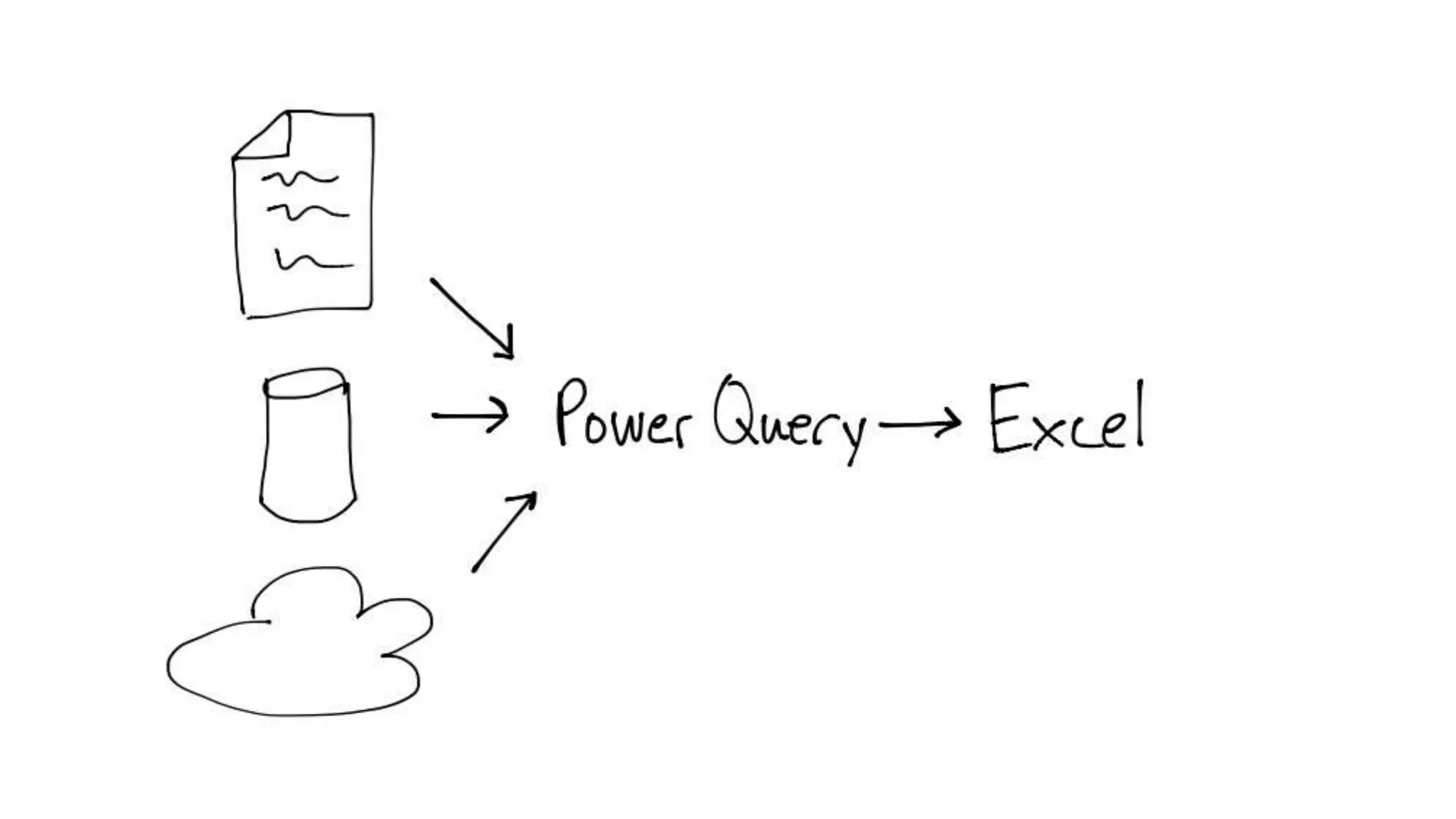
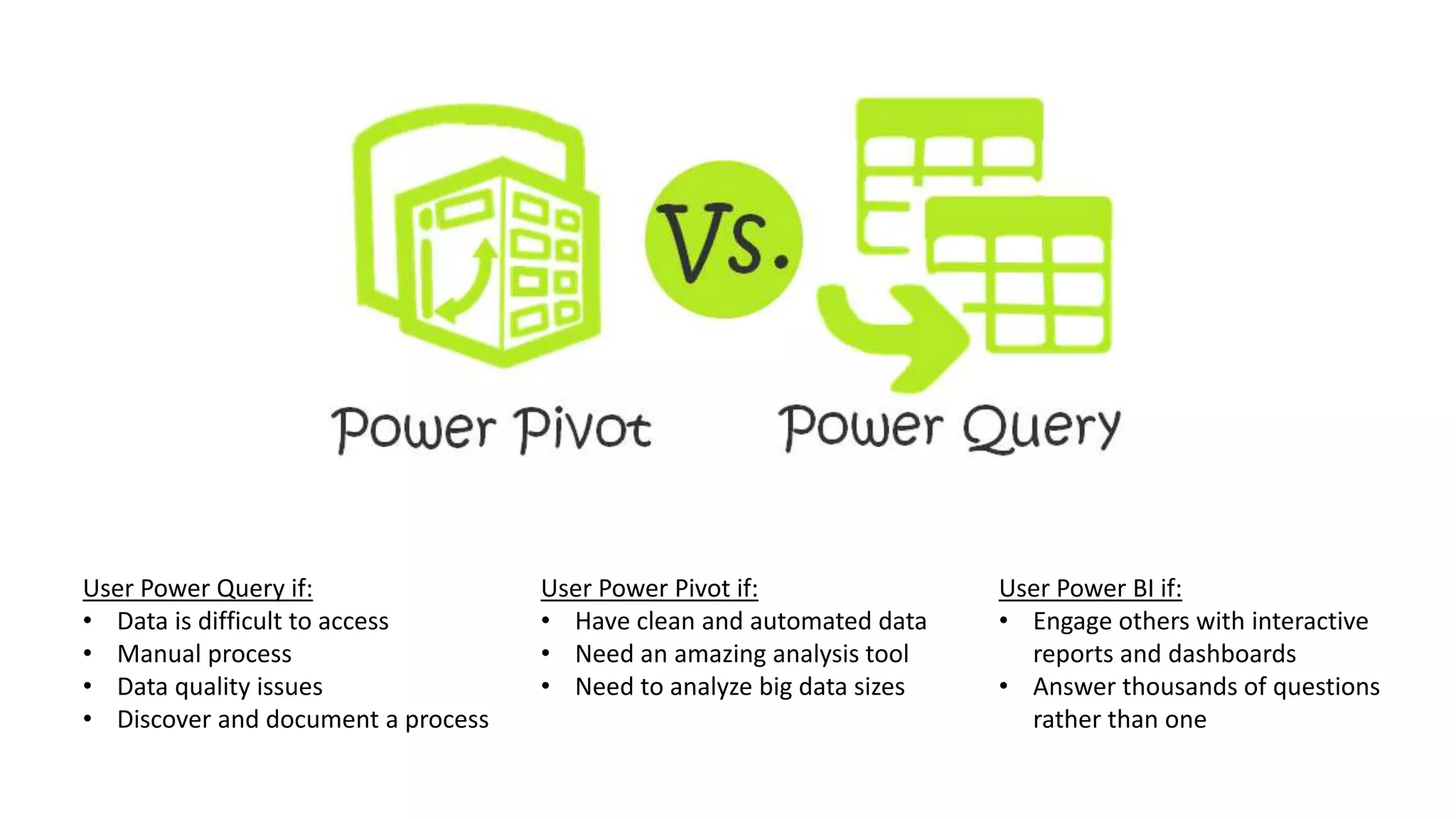
User Power Query if:
• Data is difficult to access
• Manual process
• Data quality issues
• Discover and document a process
User Power Pivot if:
• Have clean and automated data
• Need an amazing analysis tool
• Need to analyze big data sizes
User Power BI if:
• Engage others with interactive
reports and dashboards
• Answer thousands of questions
rather than one
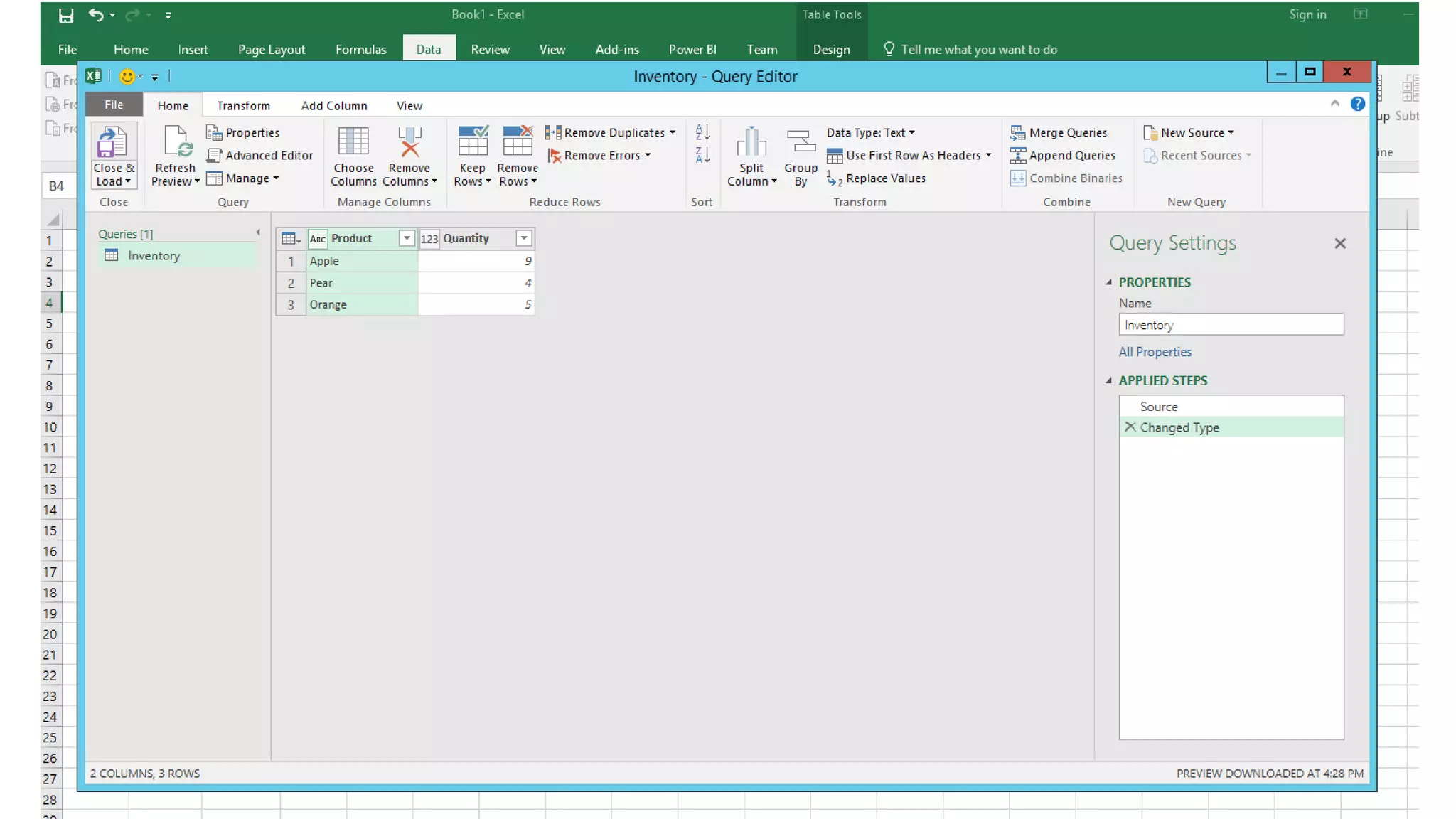
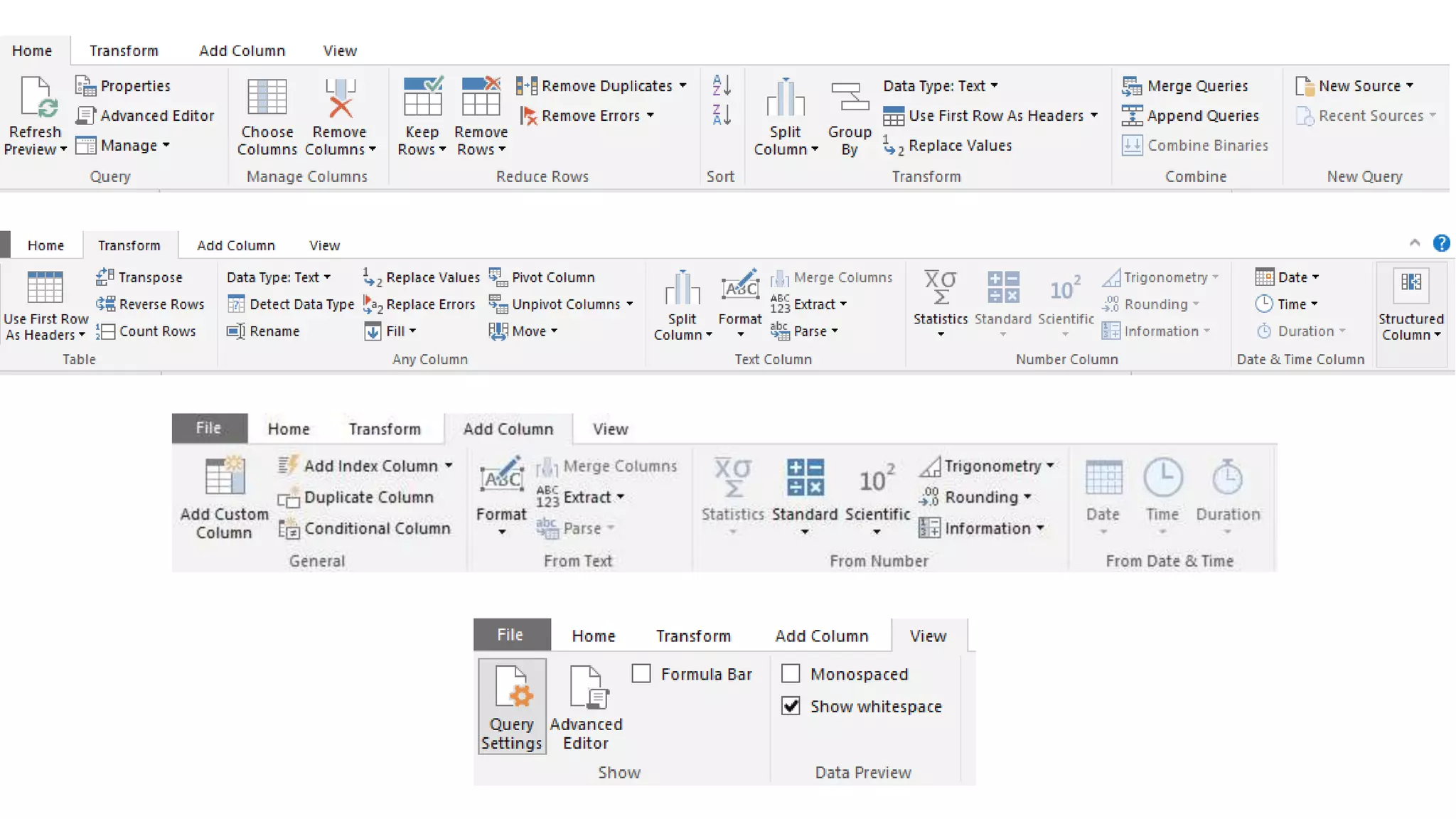
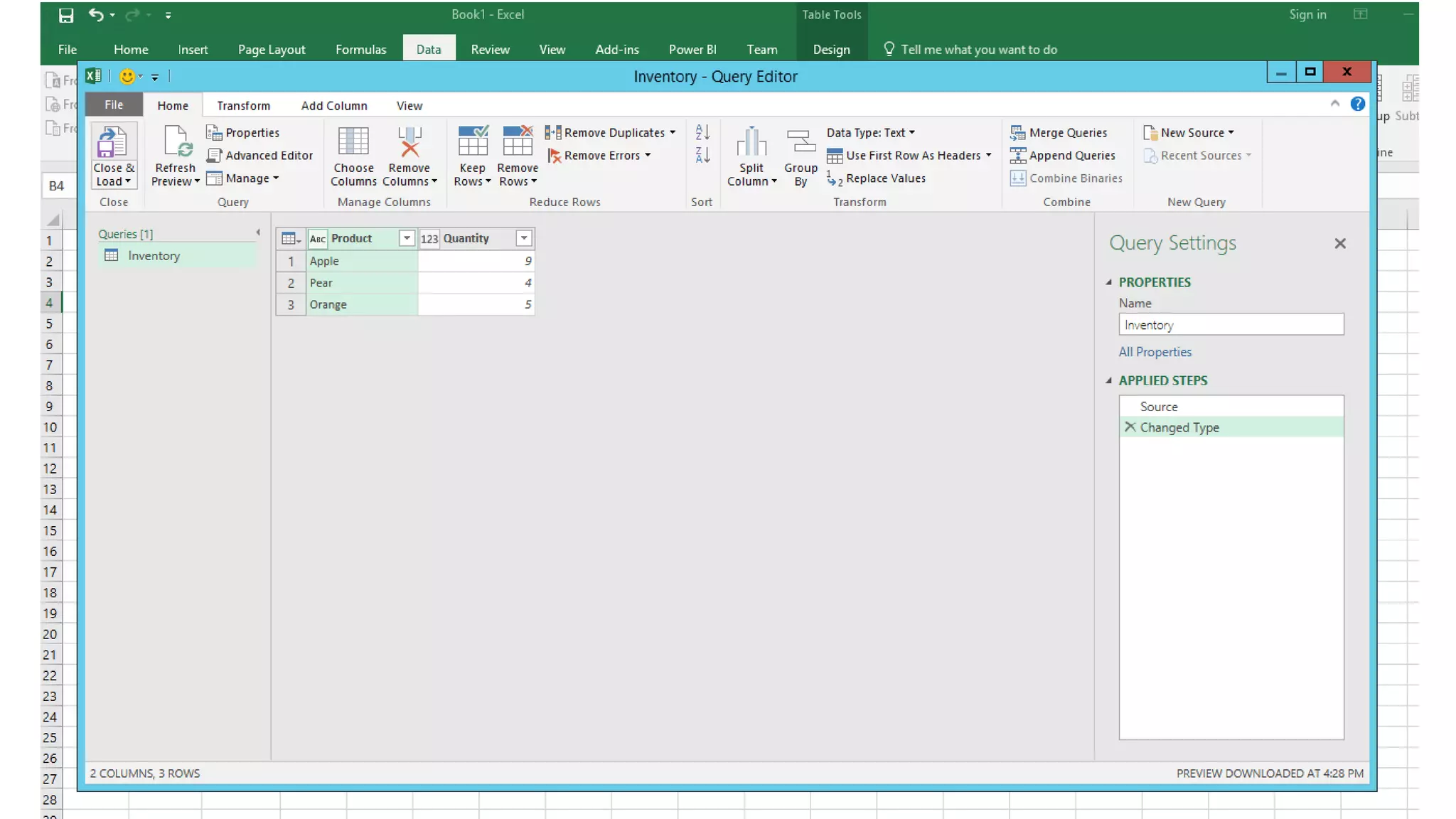
Power Query User Interface
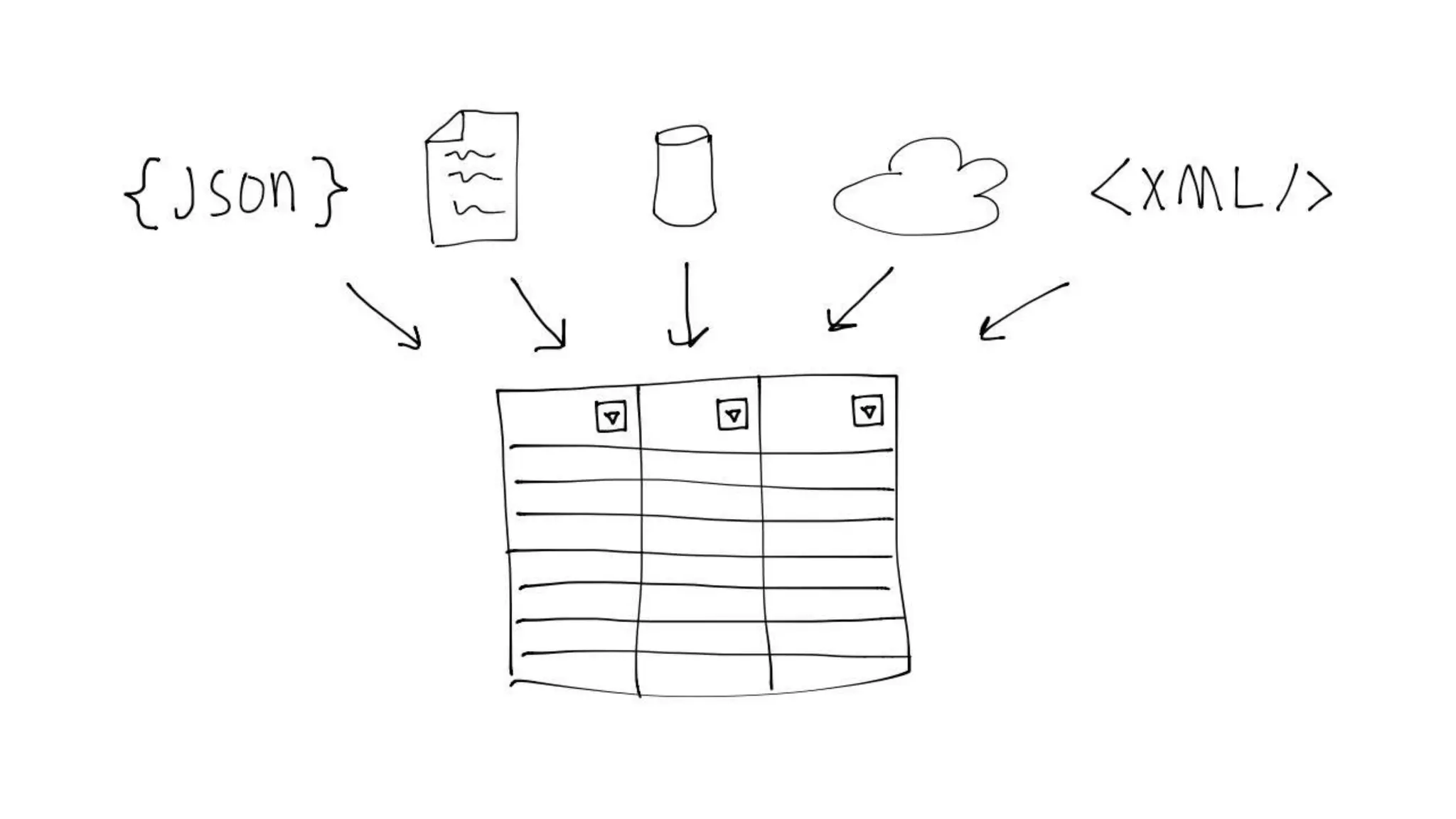
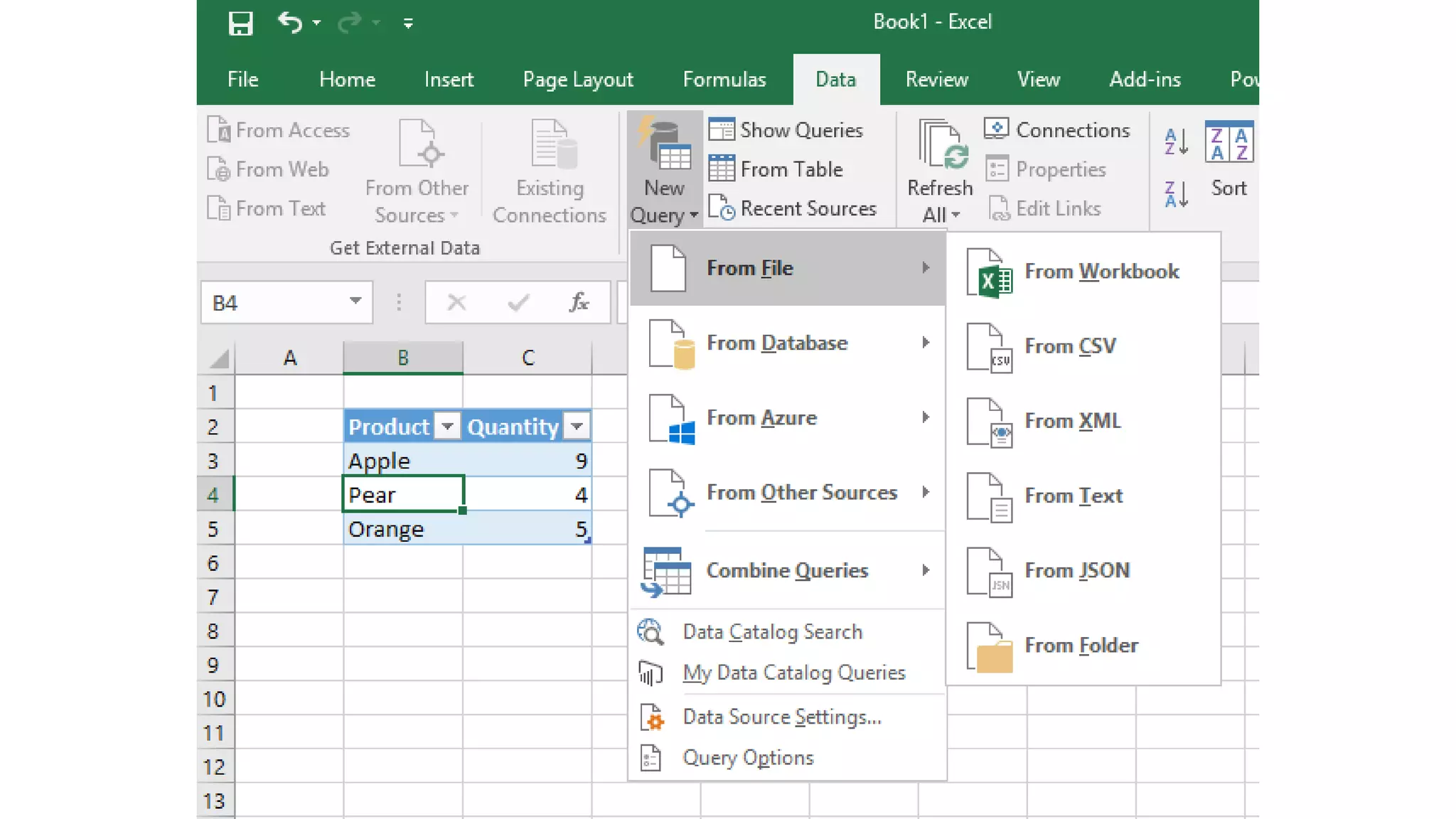
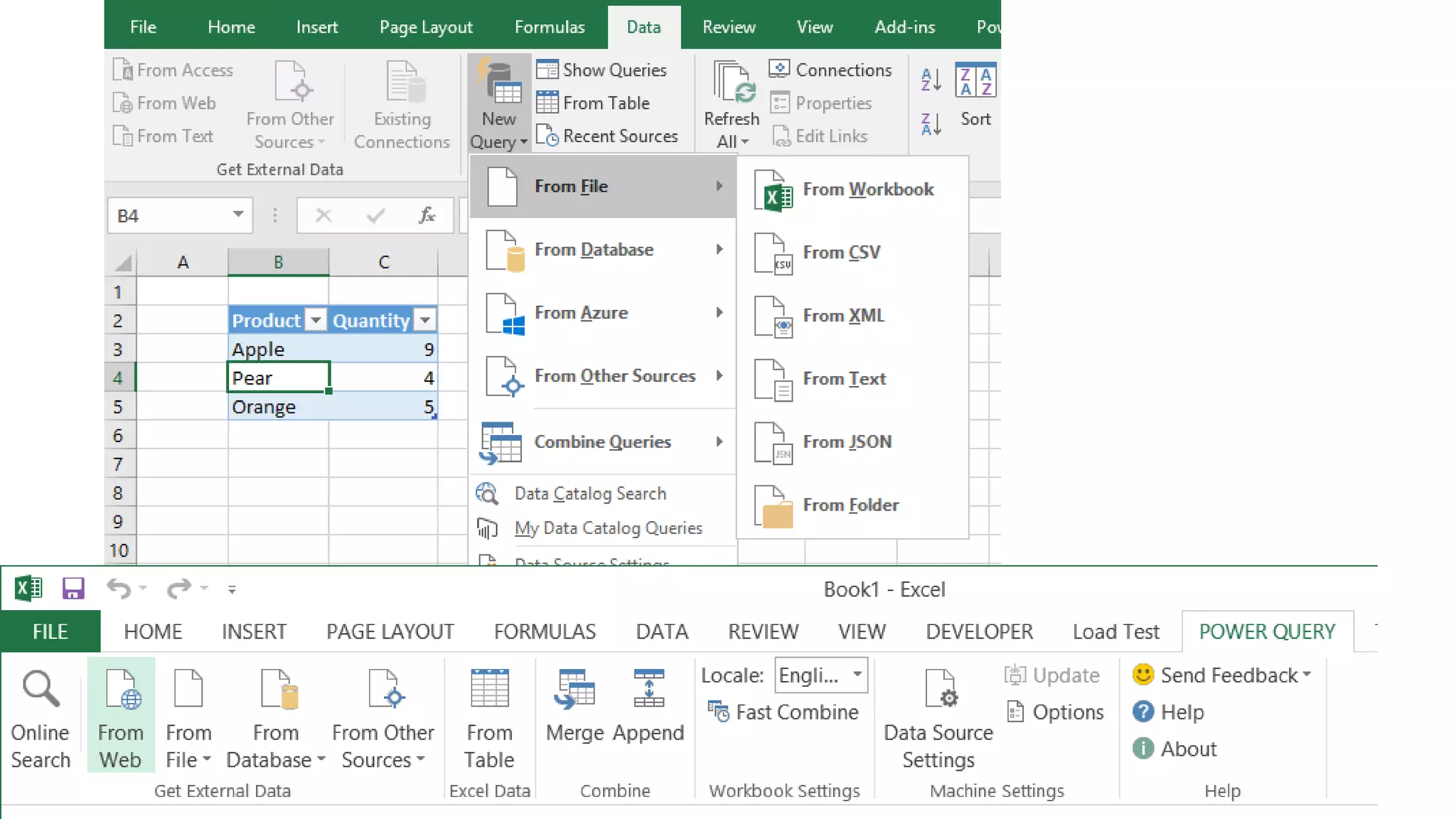
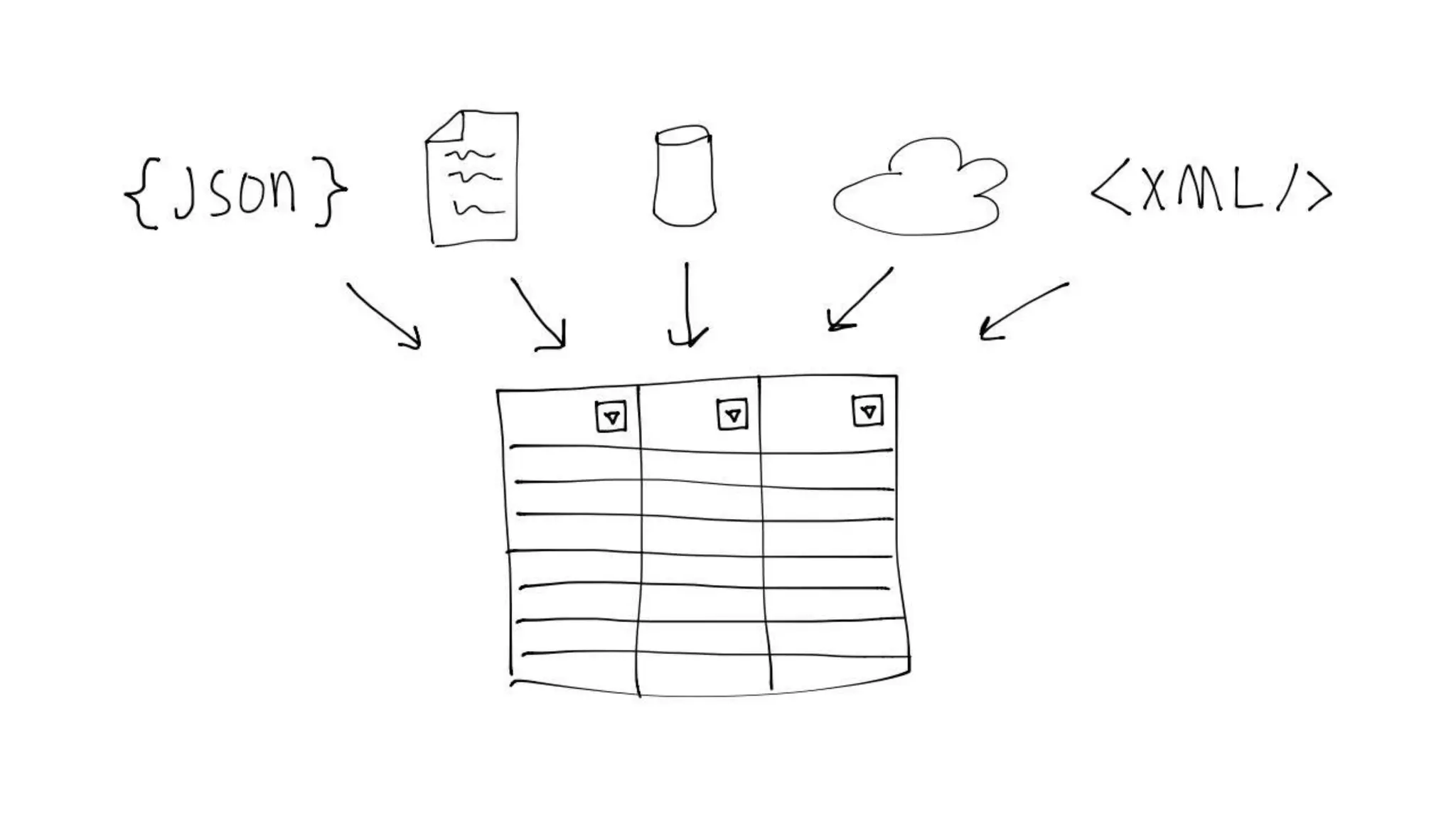
Demo Connecting to Data Sources
Exploring and Transforming
Demo Transforming Exercises
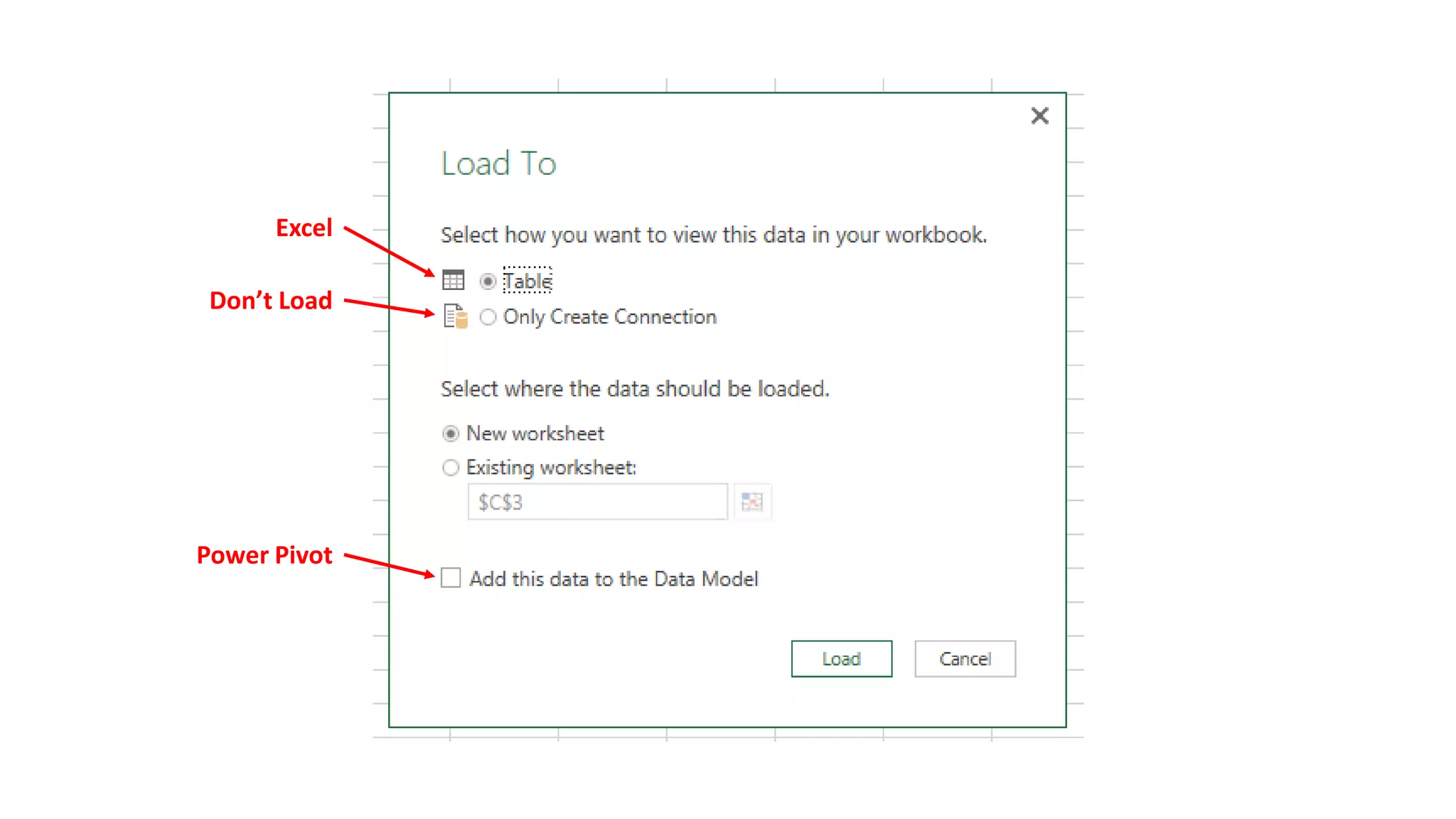
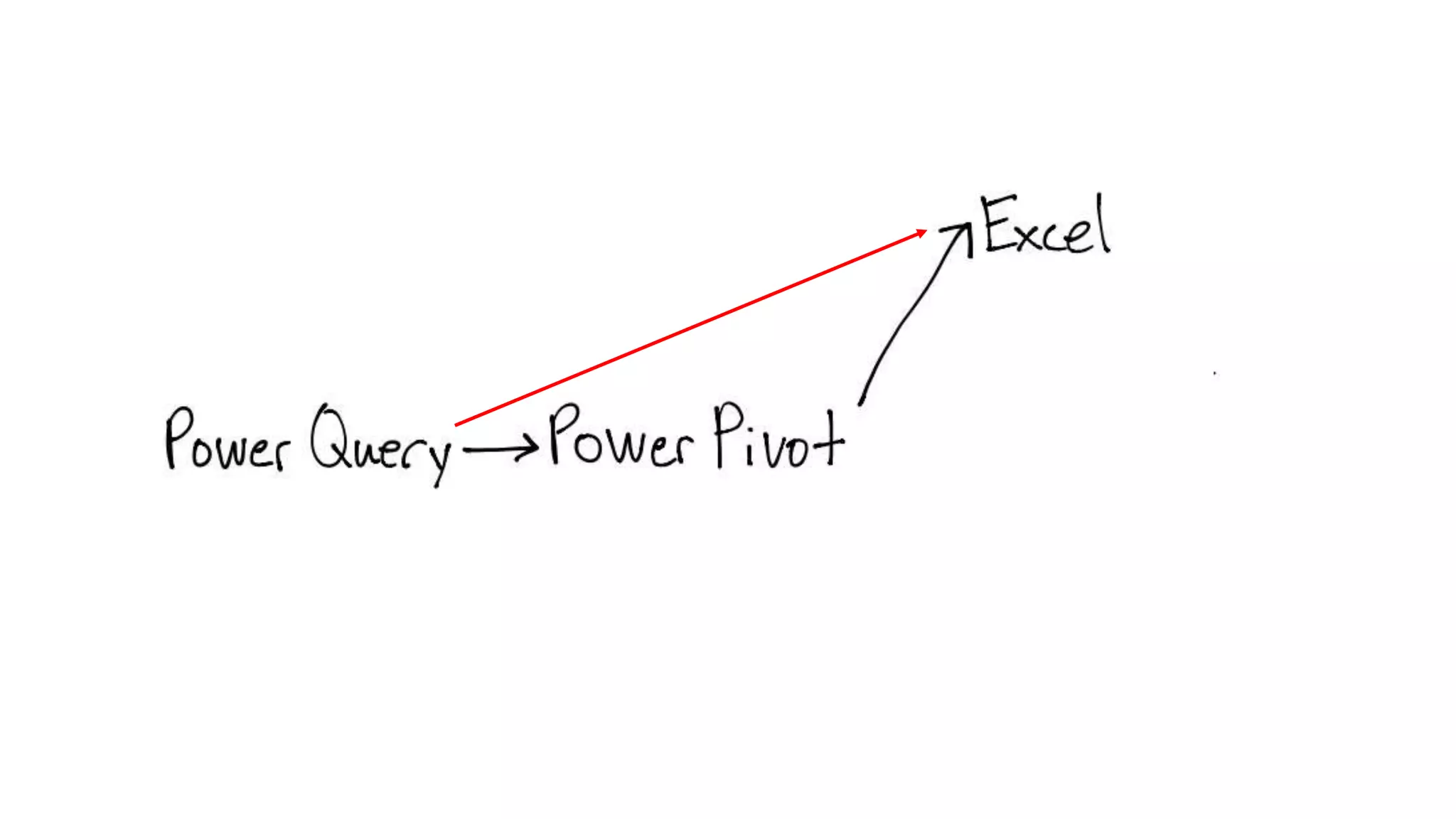
Data Destinations
Excel
Don’t Load
Power Pivot
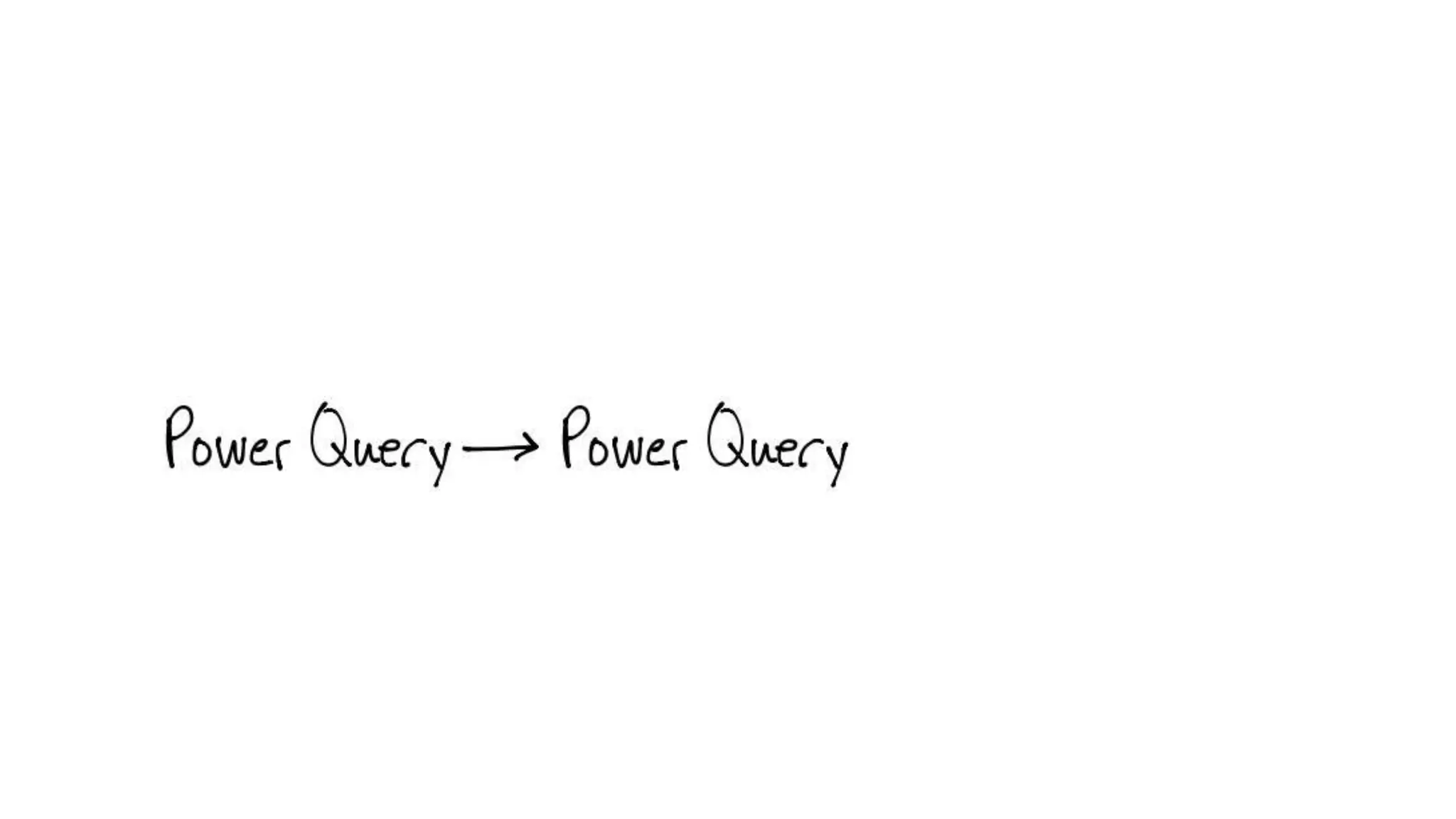
Merging Data
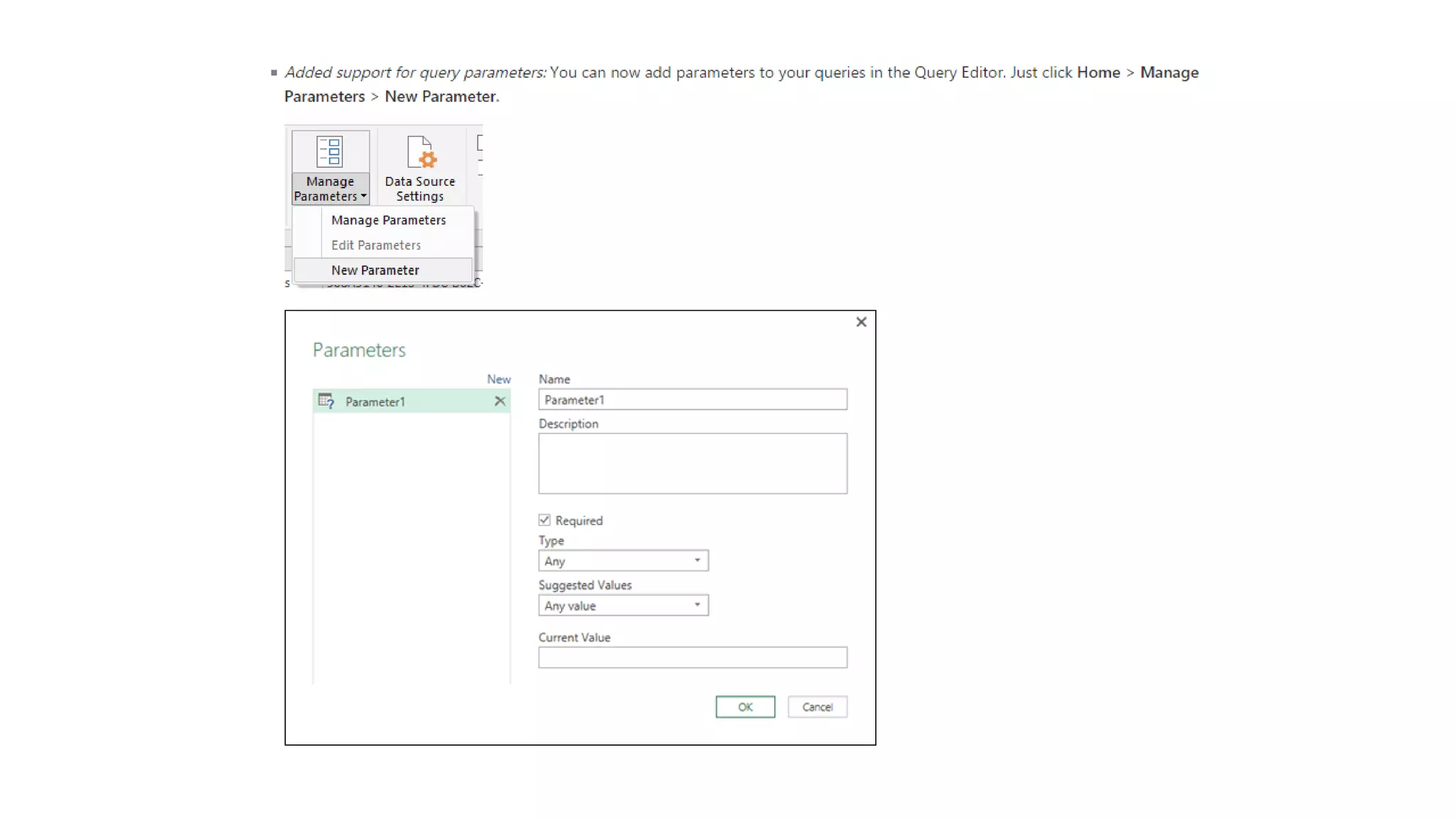
Parameters
M
Straight Code vs Straight UI vs Hybrid
Demo NotePad++ M Editor
Demo of M Function
Demo of M Library
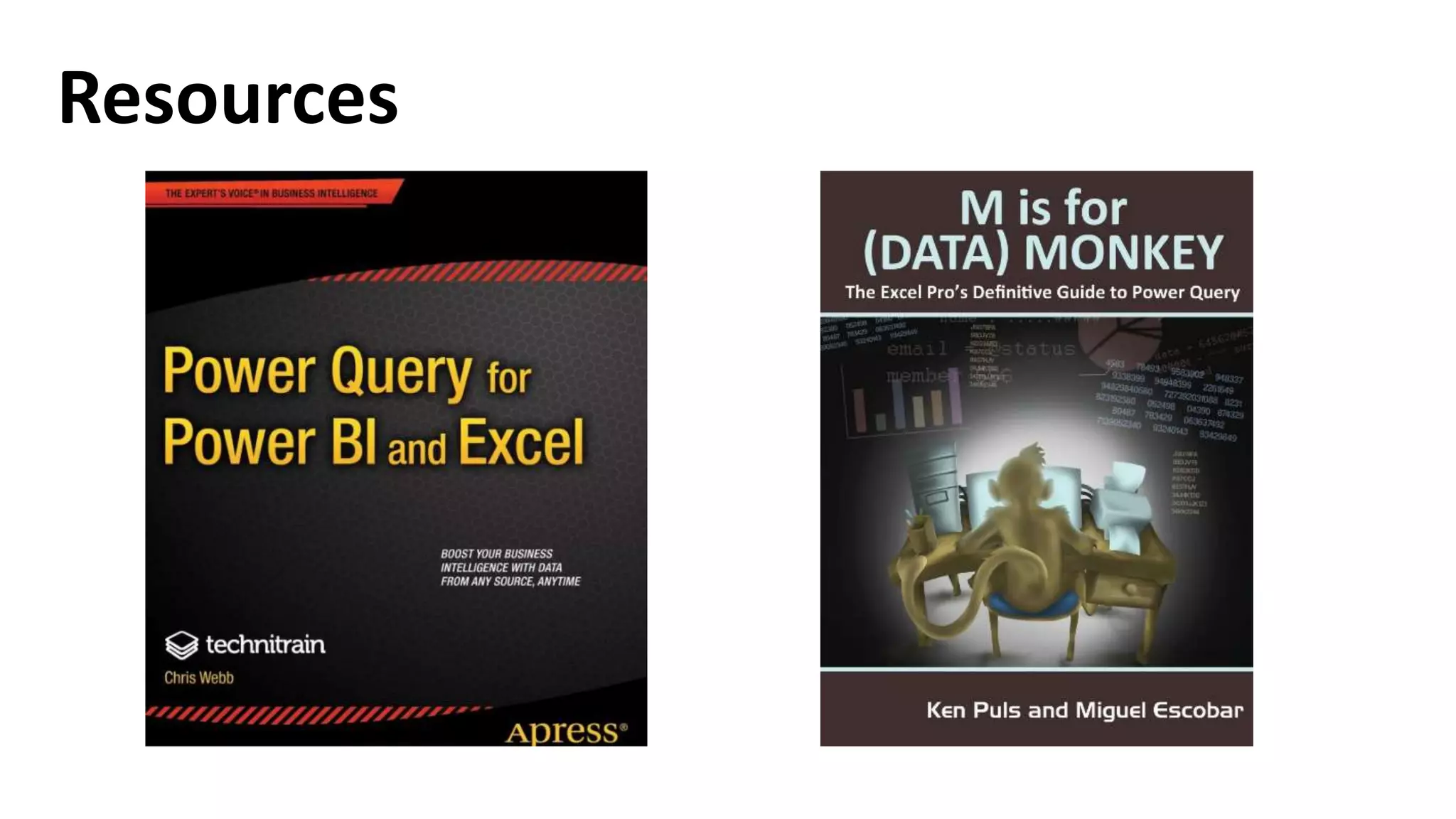
Resources
Resources
“Dashboard in an Hour” – Jeff Bourque
Dec 13th @ Microsoft Office
Transformation Exercises
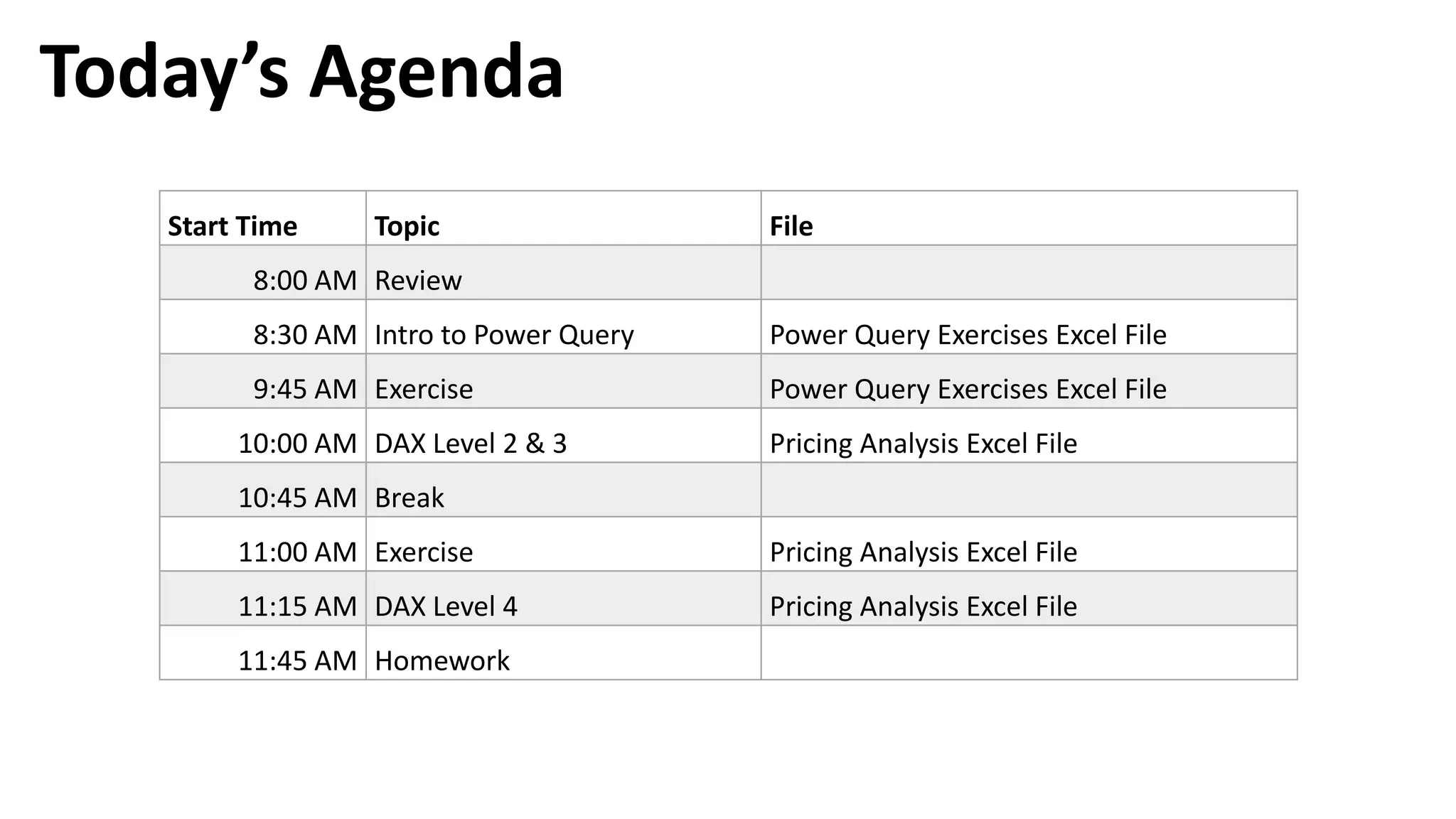
Today’s Agenda
Start Time Topic File
8:00 AM Review
8:30 AM Intro to Power Query Power Query Exercises Excel File
9:45 AM Exercise Power Query Exercises Excel File
10:00 AM DAX Level 2 & 3 Pricing Analysis Excel File
10:45 AM Break
11:00 AM Exercise Pricing Analysis Excel File
11:15 AM DAX Level 4 Pricing Analysis Excel File
11:45 AM Homework

DAX and Power BI Training - 004 Power Query