Data Transfer between
Activities & Databases
Lecturer Faiz Ur Rehman
Content Provider:
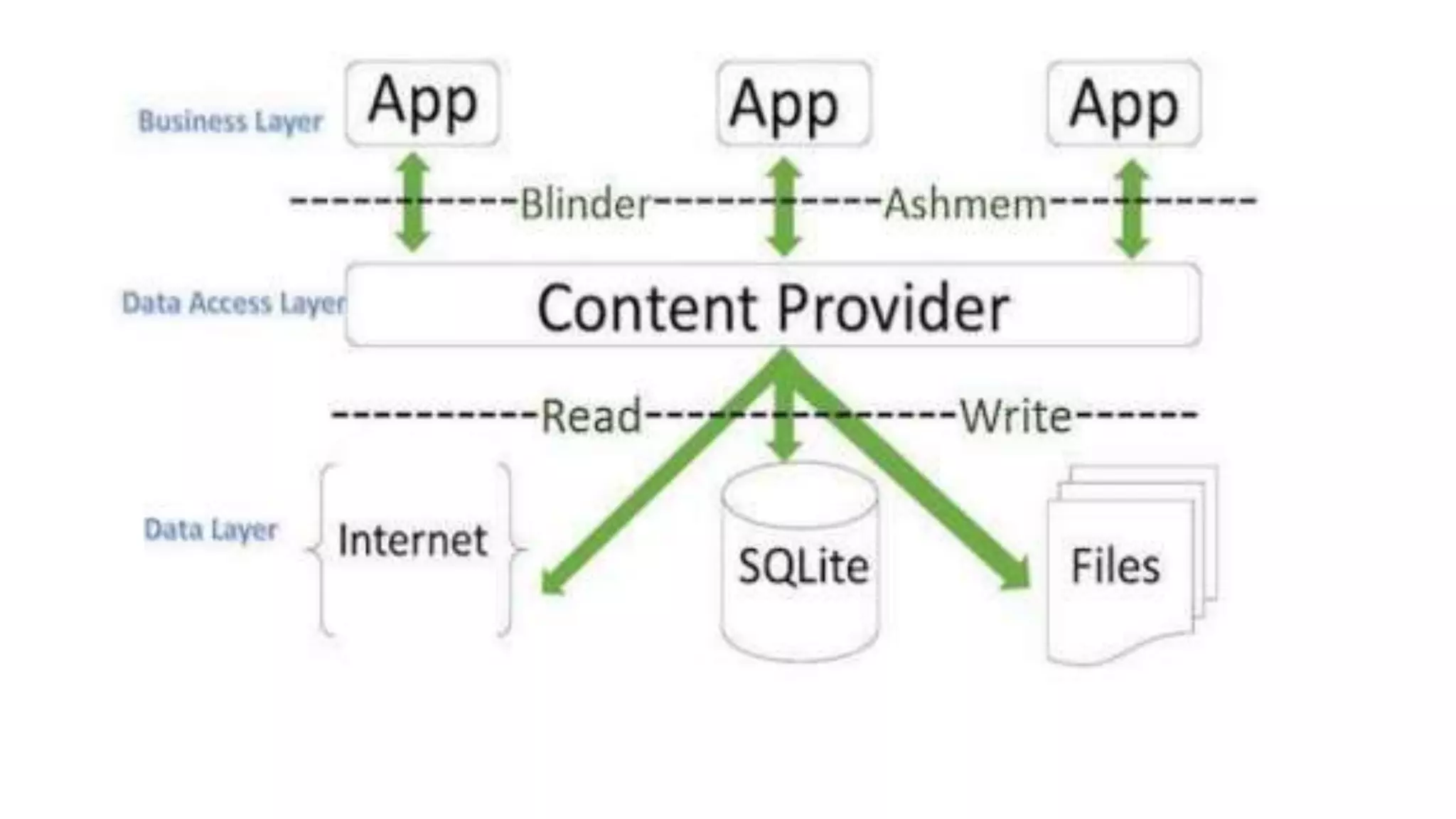
• Content Provider will act as a central repository to store the applications
data in one place and make that data available for different applications to
access whenever it’s required.
• the Content Provider is a part of an android application and it will act as
more like relational database to store the app data. We can perform a
multiple operations like insert, update, delete and edit on the data stored
in content provider using insert(), update(), delete() and query() methods.
• content provider is having different ways to store app data. The app data
can be stored in a SQLite database or in files or even over a network based
on our requirements. By using content providers we can manage data such
as audio, video, images and personal contact information.
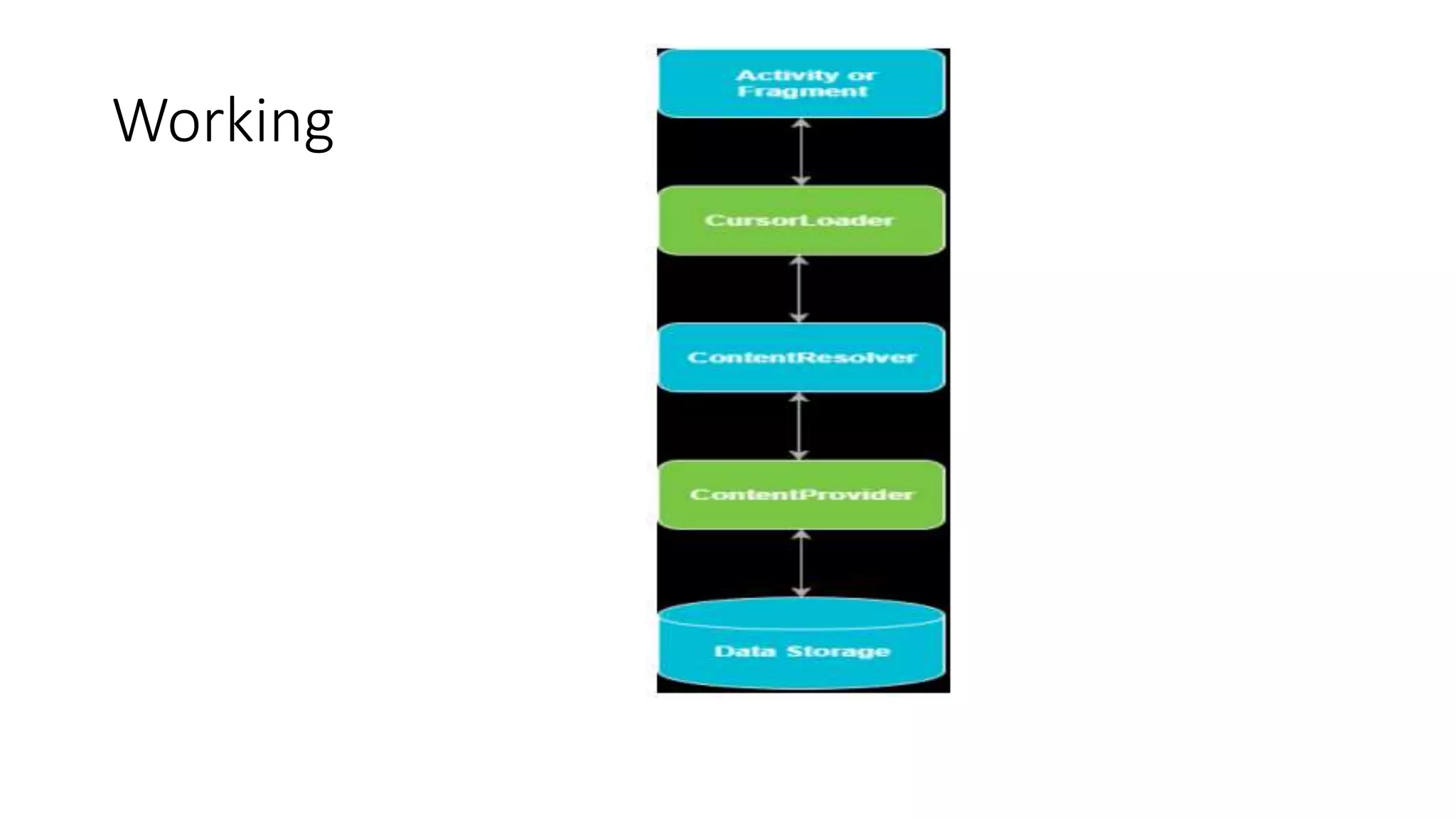
• ContentResolverTo access a data from content provider, we need to use Content Resolver
• Cursor Loader is used to run the query asynchronously in background
• Content Provider receive a data requests from client, performs the requested actions
(create, update, delete, retrieve) and return the result.
• Content URIs: To query a content provider, you specify the query string in the form of a
URI which has following format −
content://authority/path
content:// - The string content:// is always present in the URI
authority - It represents the name of content provider
path - It represents the table’s path.
The Content Resolver object use the URI’s authority to find the appropriate provider and
send the query objects to the correct provider. After that Content Provider uses the path of
content URI to choose the right table to access.
Working
To create a content provider in android applications we
should follow below steps.
• 1. We need to create a content provider class that extends the
ContentProvider base class.
• 2. We need to define our content provider URI to access the content.
• 3. The ContentProvider class defines a six abstract methods (insert(),
update(), delete(), query(), getType()) which we need to implement all
these methods as a part of our subclass.
• 4. We need to register our content provider in AndroidManifest.xml
using <provider> tag.
Methods
• query() - It receives a request from the client. By using arguments it will get a data
from requested table and return the data as a Cursor object.
• insert() - This method will insert a new row into our content provider and it will
return the content URI for newly inserted row.
• update() - This method will update an existing rows in our content provider and it
return the number of rows updated.
• delete() - This method will delete the rows in our content provider and it return
the number of rows deleted.
• getType() - This method will return the MIME type of data to given content URI.
• onCreate() - This method will initialize our provider. The android system will call
• this method immediately after it creates our provider.
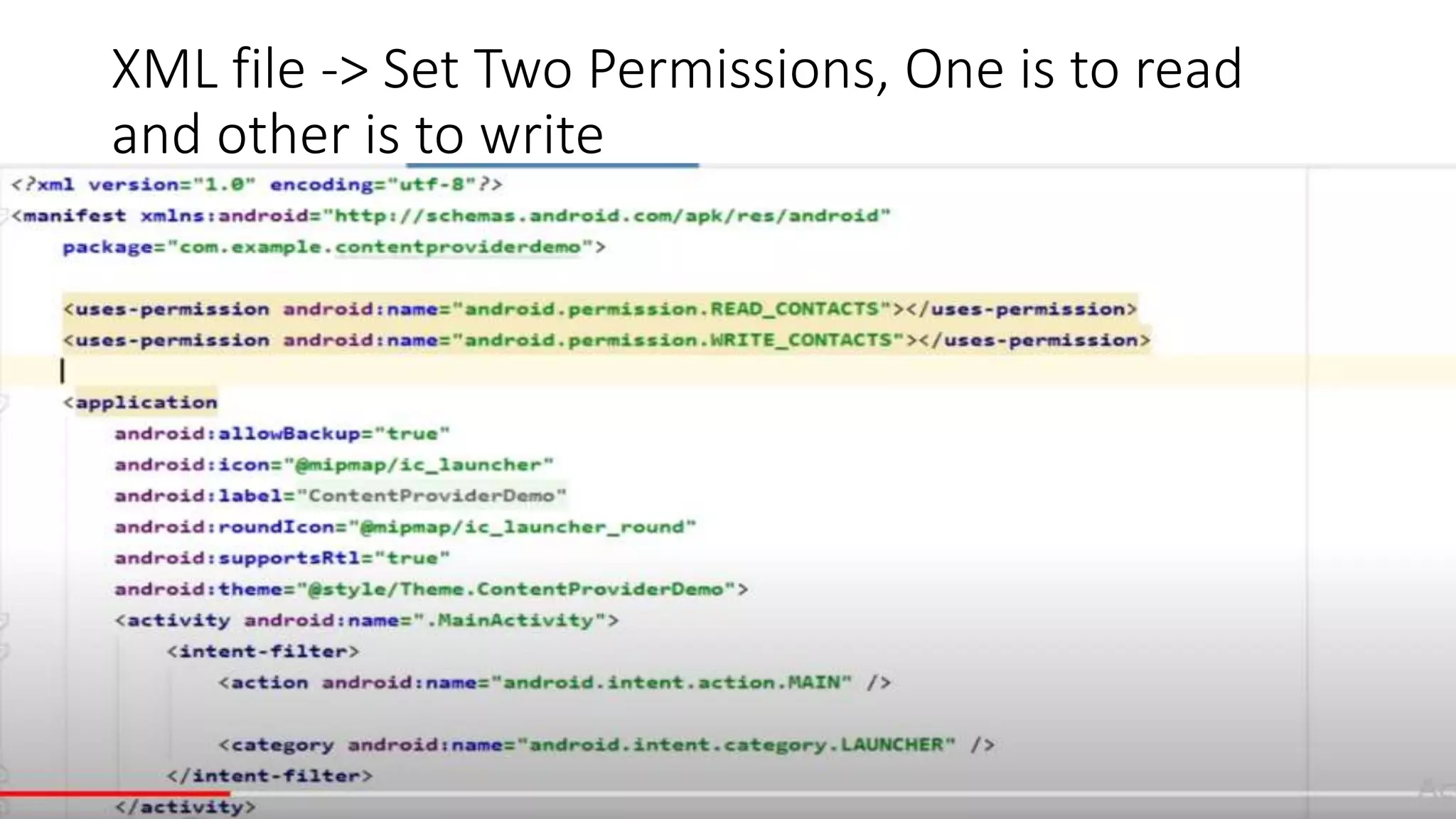
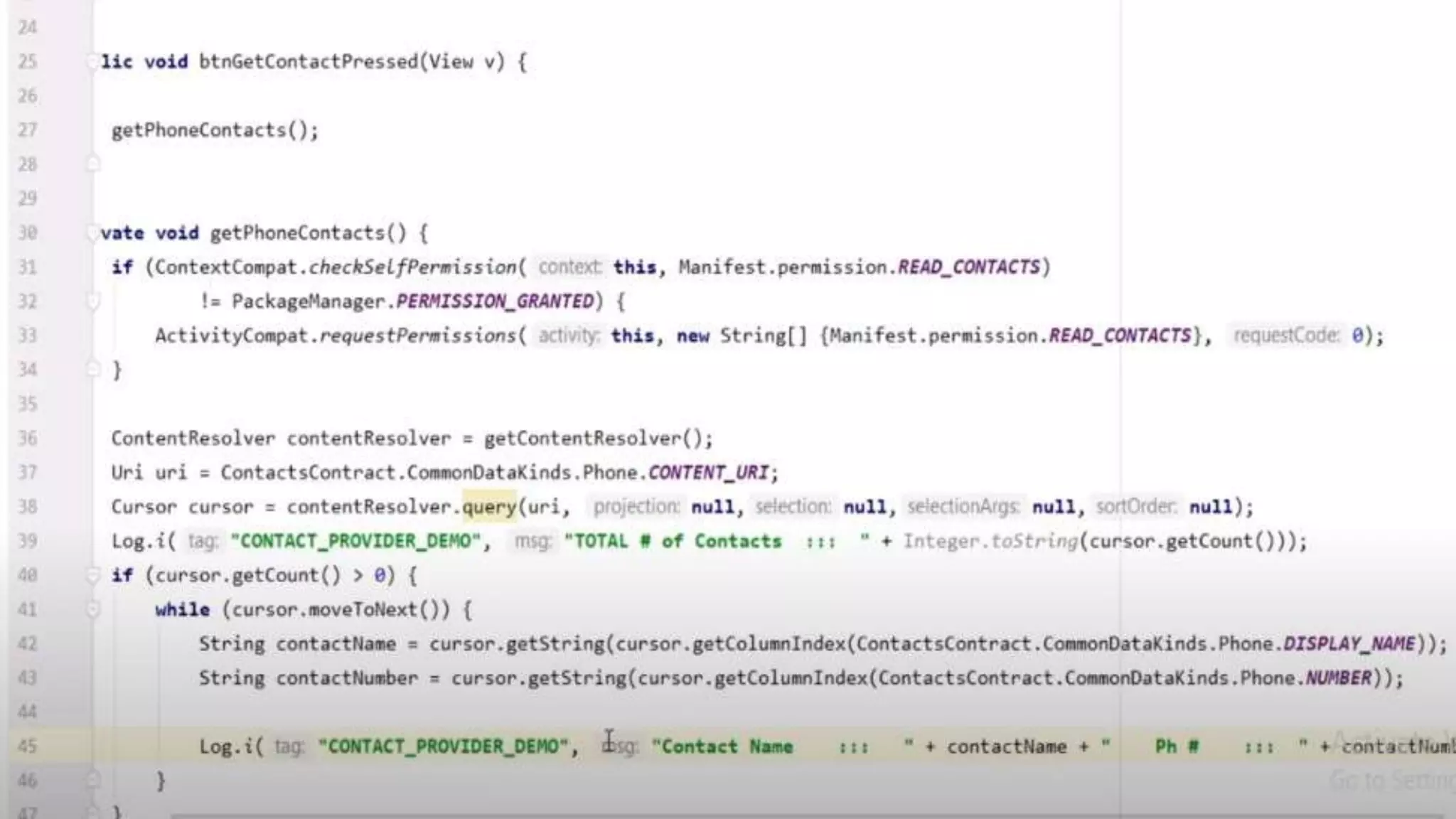
XML file -> Set Two Permissions, One is to read
and other is to write
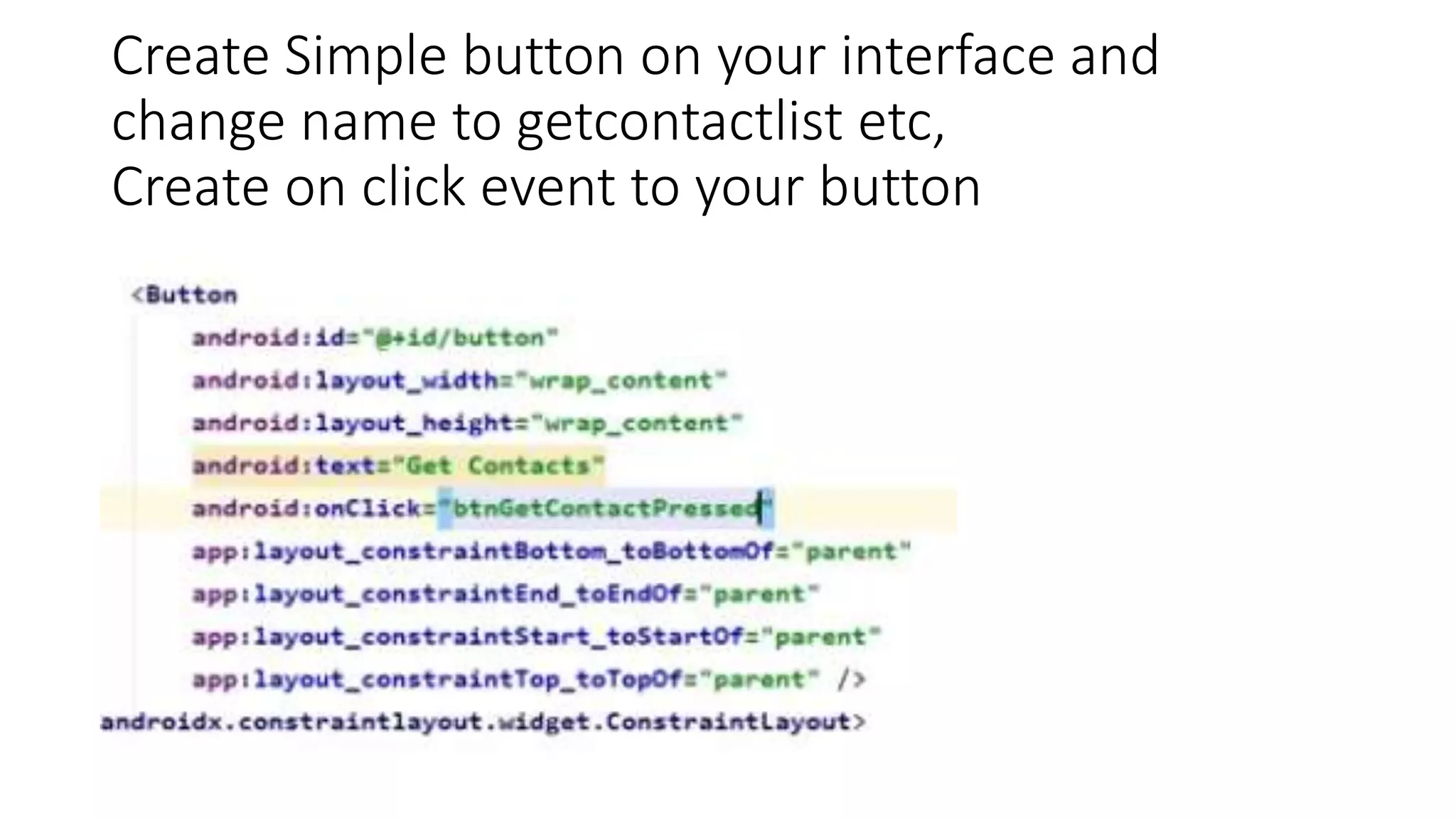
Create Simple button on your interface and
change name to getcontactlist etc,
Create on click event to your button
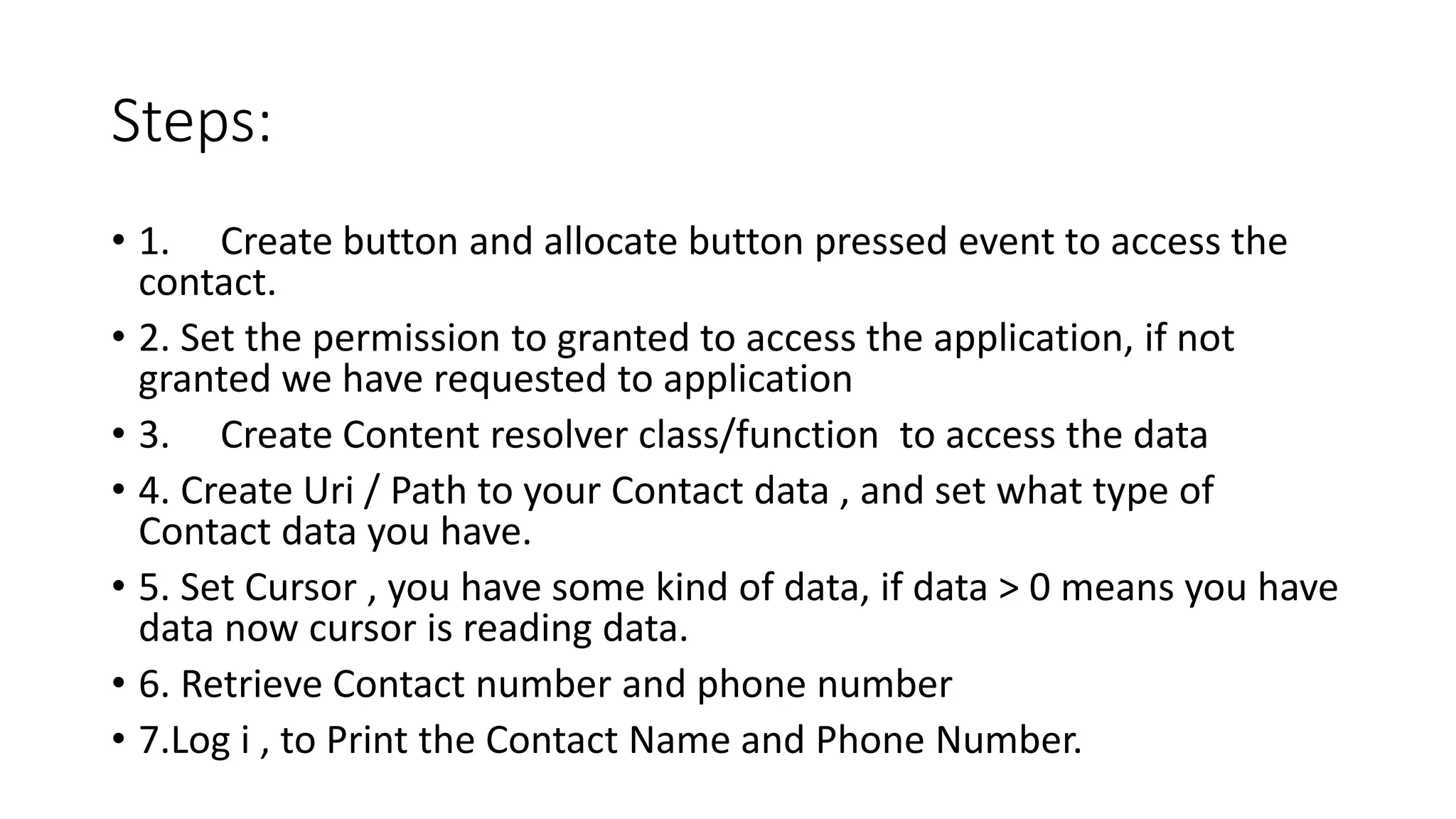
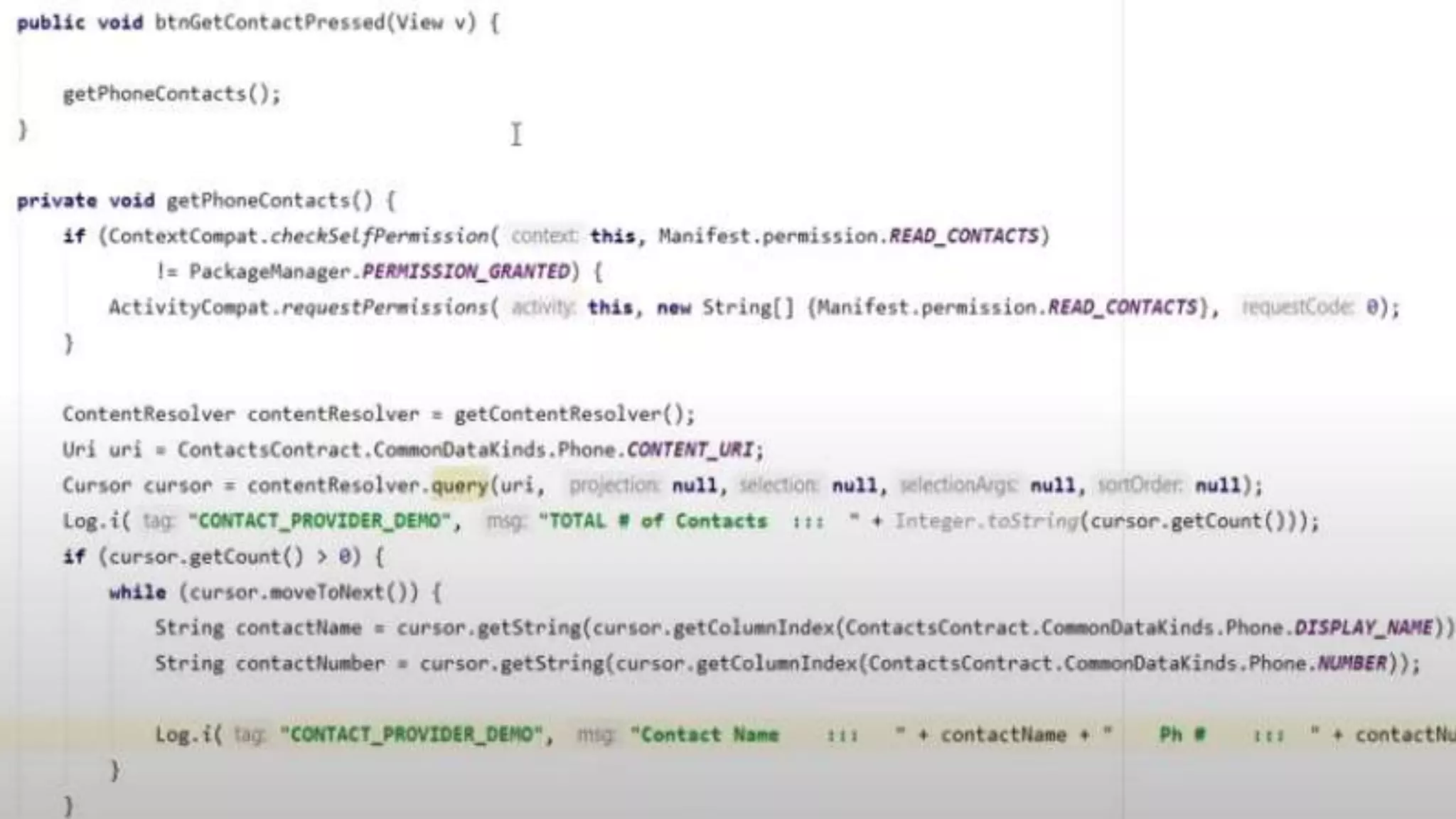
Steps:
• 1. Create button and allocate button pressed event to access the
contact.
• 2. Set the permission to granted to access the application, if not
granted we have requested to application
• 3. Create Content resolver class/function to access the data
• 4. Create Uri / Path to your Contact data , and set what type of
Contact data you have.
• 5. Set Cursor , you have some kind of data, if data > 0 means you have
data now cursor is reading data.
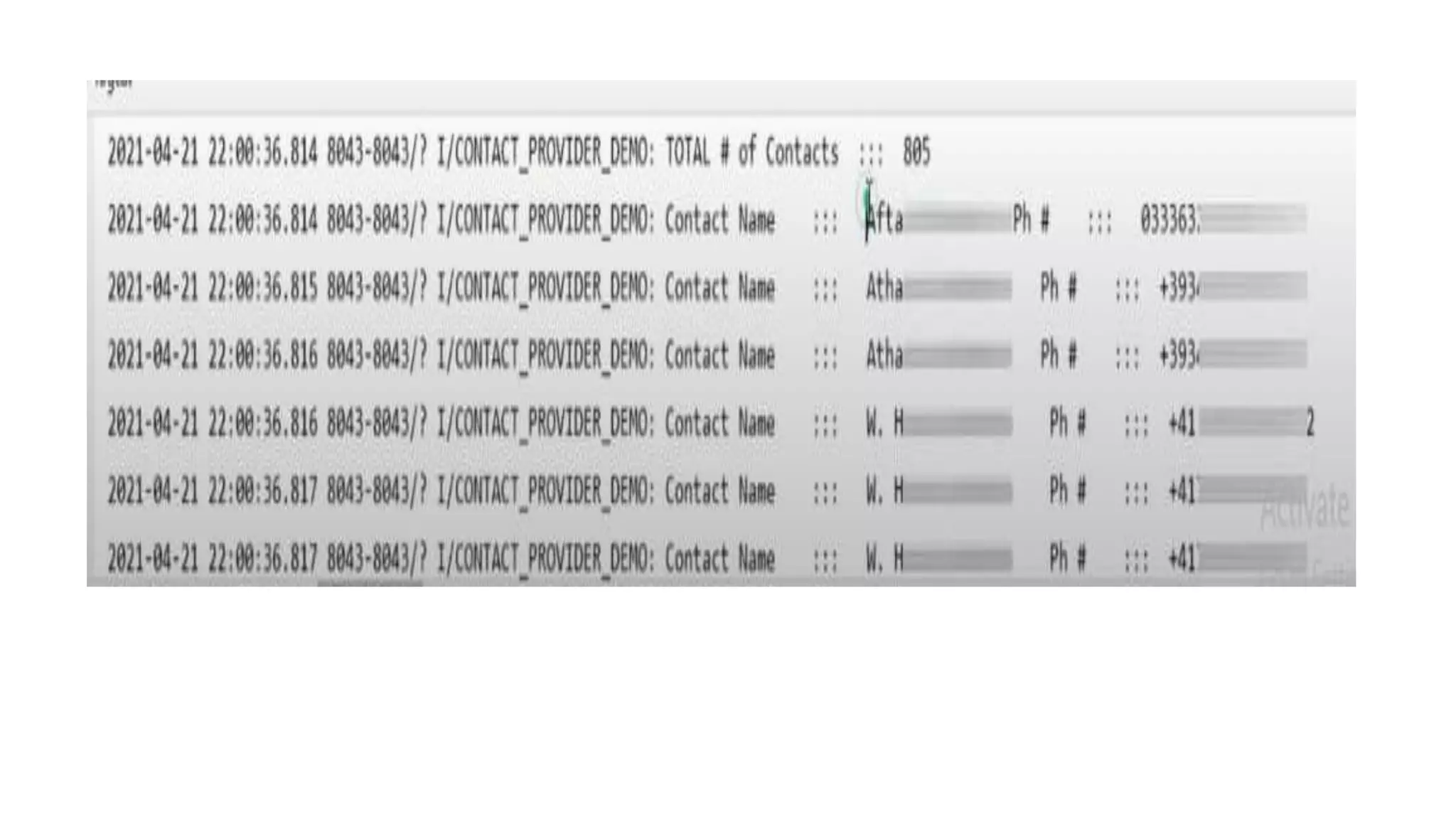
• 6. Retrieve Contact number and phone number
• 7.Log i , to Print the Contact Name and Phone Number.
Fragment:
• Fragment is a part of an activity which enable more modular activity
design. It will not be wrong if we say a fragment is a kind of sub
activity.
• We can combine multiple Fragments in Single Activity to build a multi
panel UI and reuse a fragment in multiple Activities.
A fragment has its own layout and its own behavior with its own life
cycle callbacks.
You can add or remove fragments in an activity while the activity is
running.
You can combine multiple fragments in a single activity to build a
multi panel UI.
A fragment can be used in multiple activities
Need of Fragment:
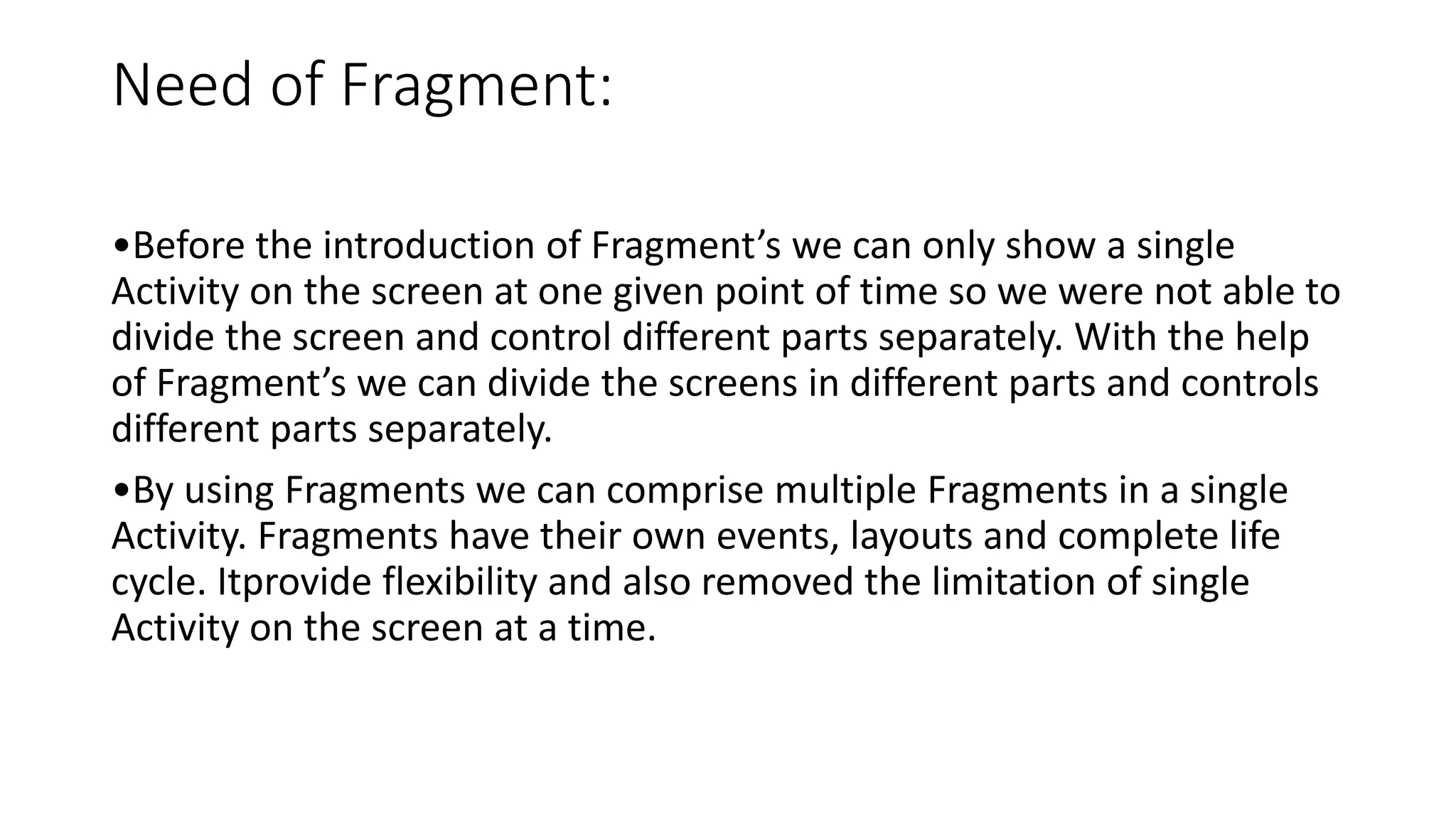
•Before the introduction of Fragment’s we can only show a single
Activity on the screen at one given point of time so we were not able to
divide the screen and control different parts separately. With the help
of Fragment’s we can divide the screens in different parts and controls
different parts separately.
•By using Fragments we can comprise multiple Fragments in a single
Activity. Fragments have their own events, layouts and complete life
cycle. Itprovide flexibility and also removed the limitation of single
Activity on the screen at a time.
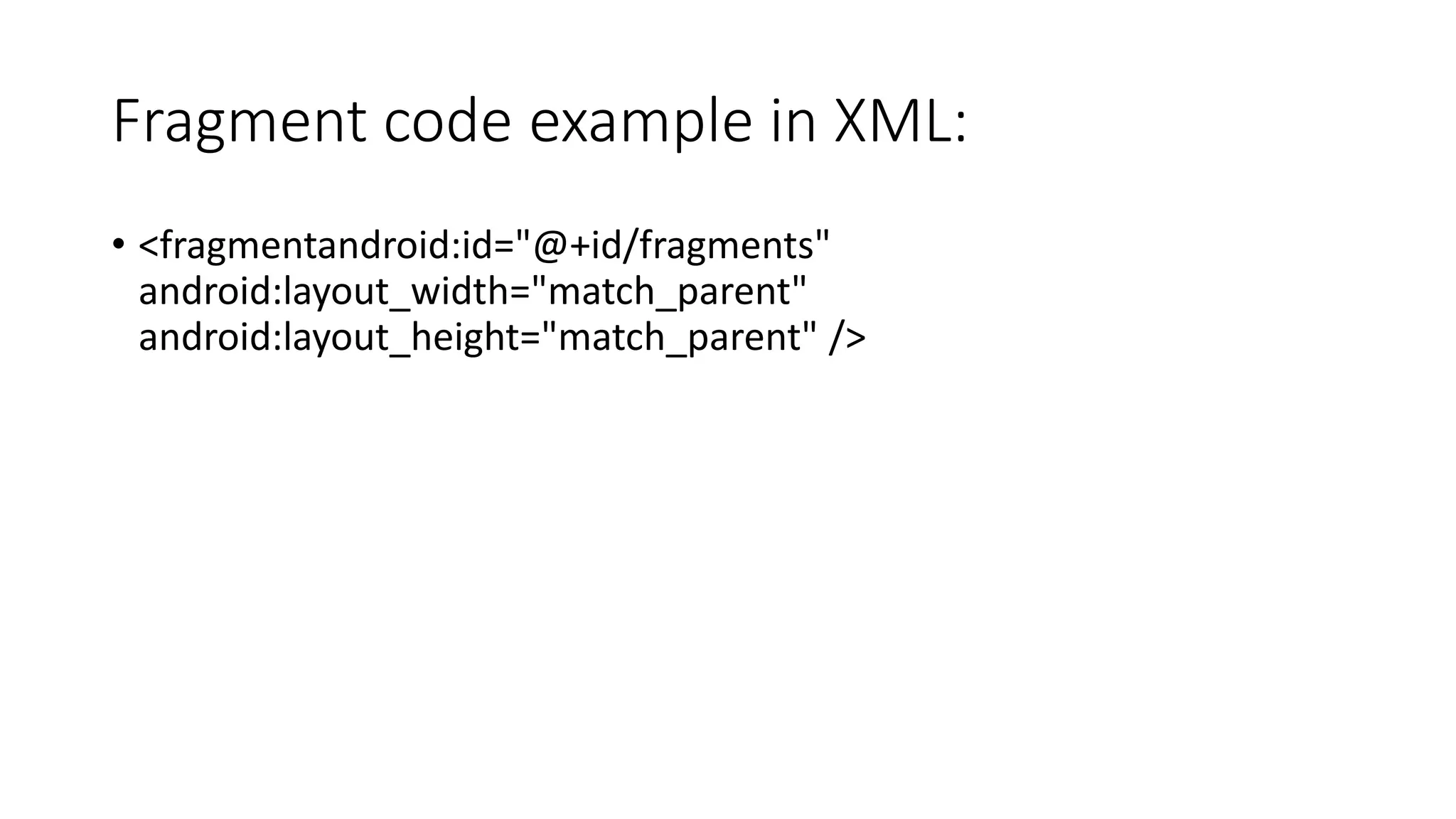
Fragment code example in XML:
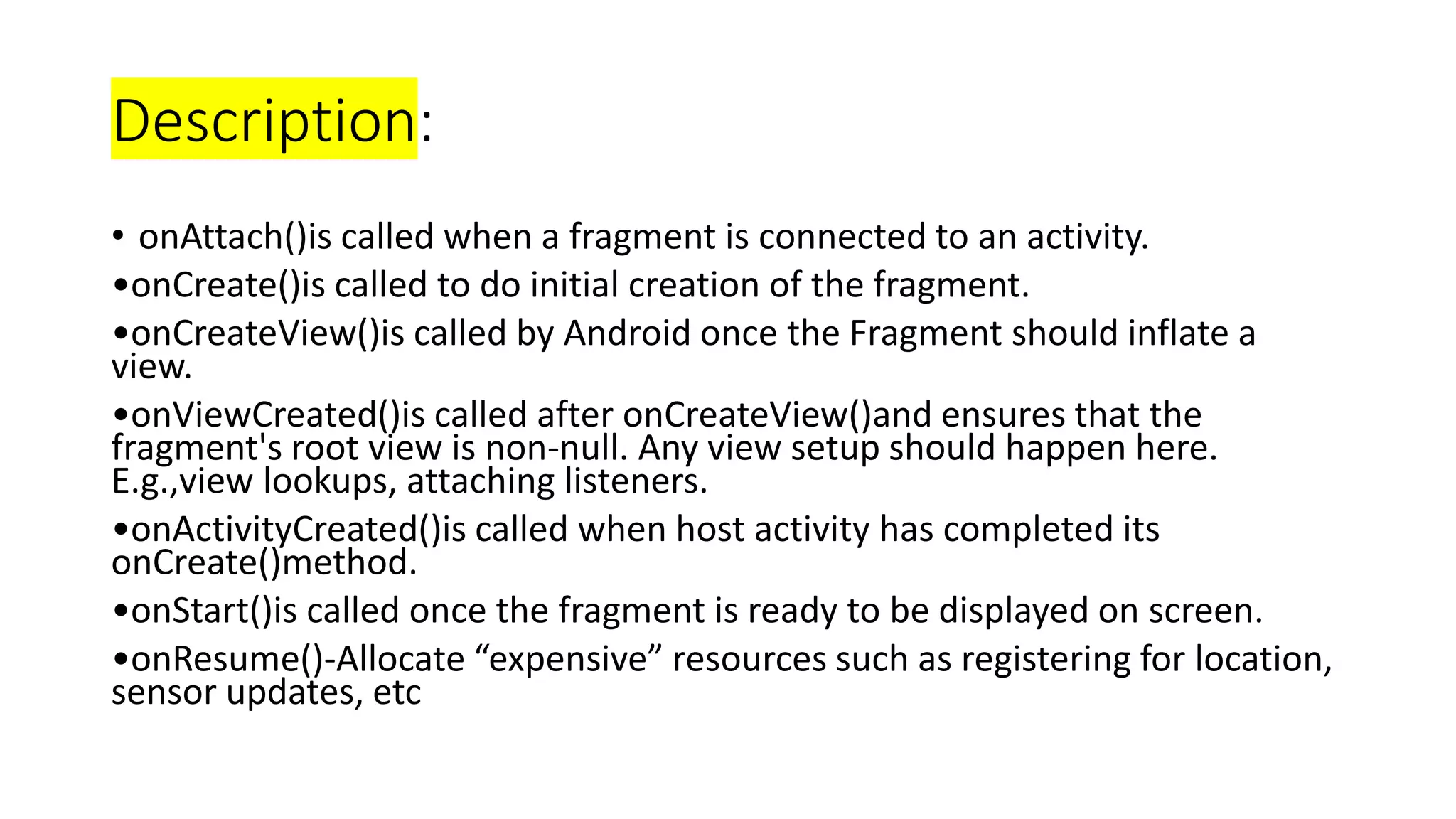
• <fragmentandroid:id="@+id/fragments"
android:layout_width="match_parent"
android:layout_height="match_parent" />
Fragment Life cycle:
• Fragment lifecycle is closely related to the life cycle of its host activity
which means when the activity is paused, all the fragments available
in the activity will also be stopped
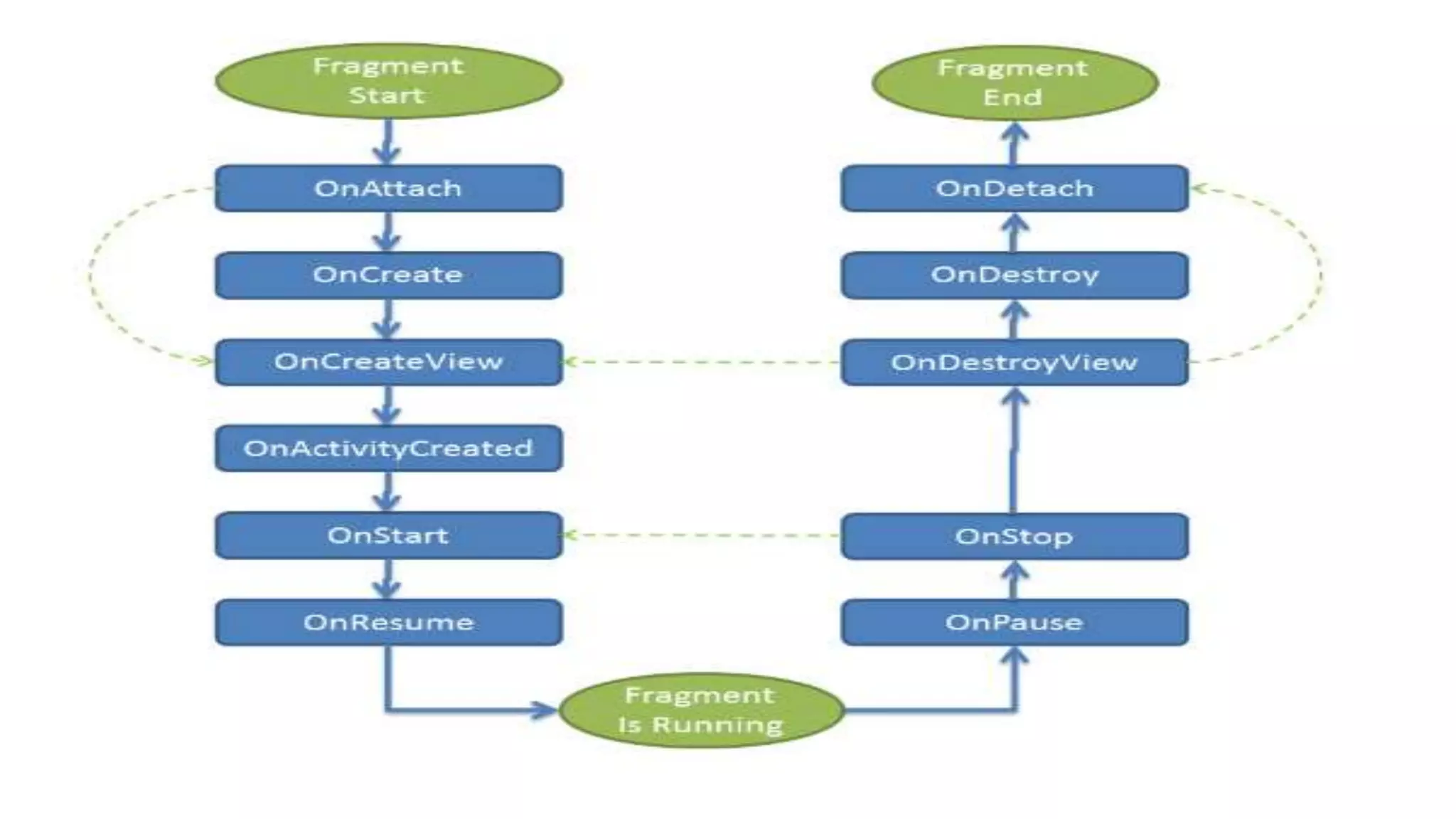
Description:
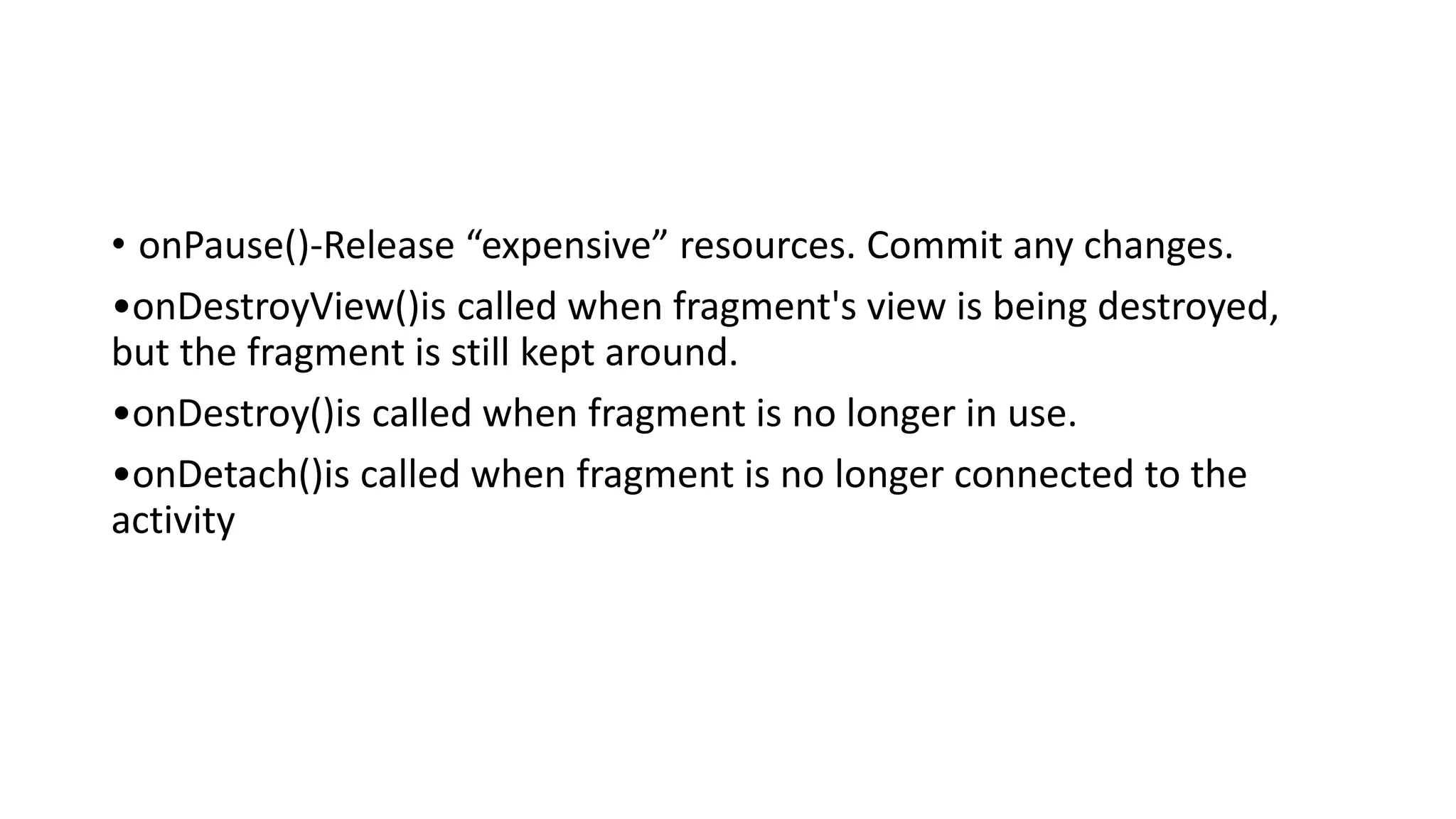
• onAttach()is called when a fragment is connected to an activity.
•onCreate()is called to do initial creation of the fragment.
•onCreateView()is called by Android once the Fragment should inflate a
view.
•onViewCreated()is called after onCreateView()and ensures that the
fragment's root view is non-null. Any view setup should happen here.
E.g.,view lookups, attaching listeners.
•onActivityCreated()is called when host activity has completed its
onCreate()method.
•onStart()is called once the fragment is ready to be displayed on screen.
•onResume()-Allocate “expensive” resources such as registering for location,
sensor updates, etc
• onPause()-Release “expensive” resources. Commit any changes.
•onDestroyView()is called when fragment's view is being destroyed,
but the fragment is still kept around.
•onDestroy()is called when fragment is no longer in use.
•onDetach()is called when fragment is no longer connected to the
activity
Types of Fragment :
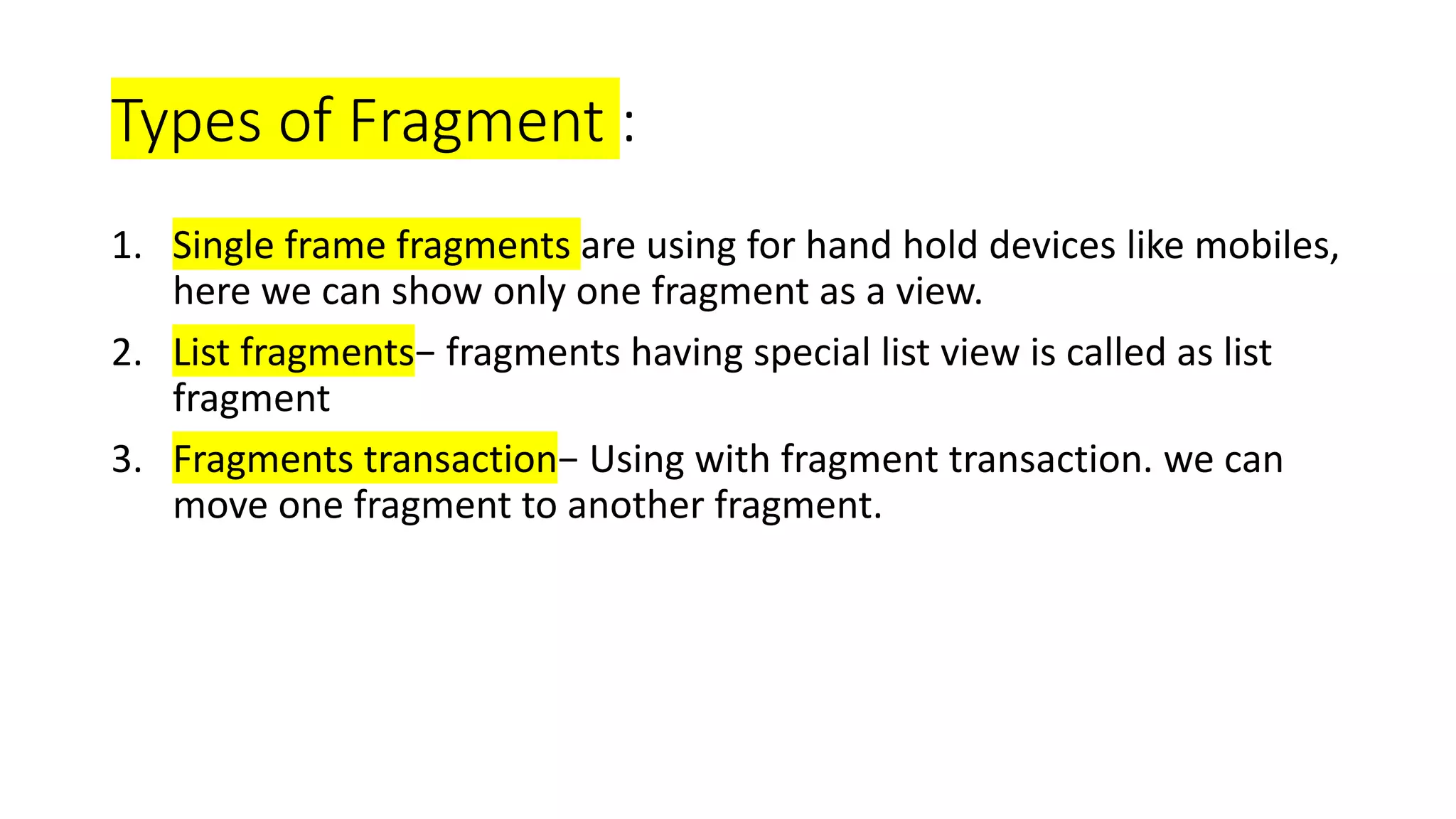
1. Single frame fragments are using for hand hold devices like mobiles,
here we can show only one fragment as a view.
2. List fragments− fragments having special list view is called as list
fragment
3. Fragments transaction− Using with fragment transaction. we can
move one fragment to another fragment.
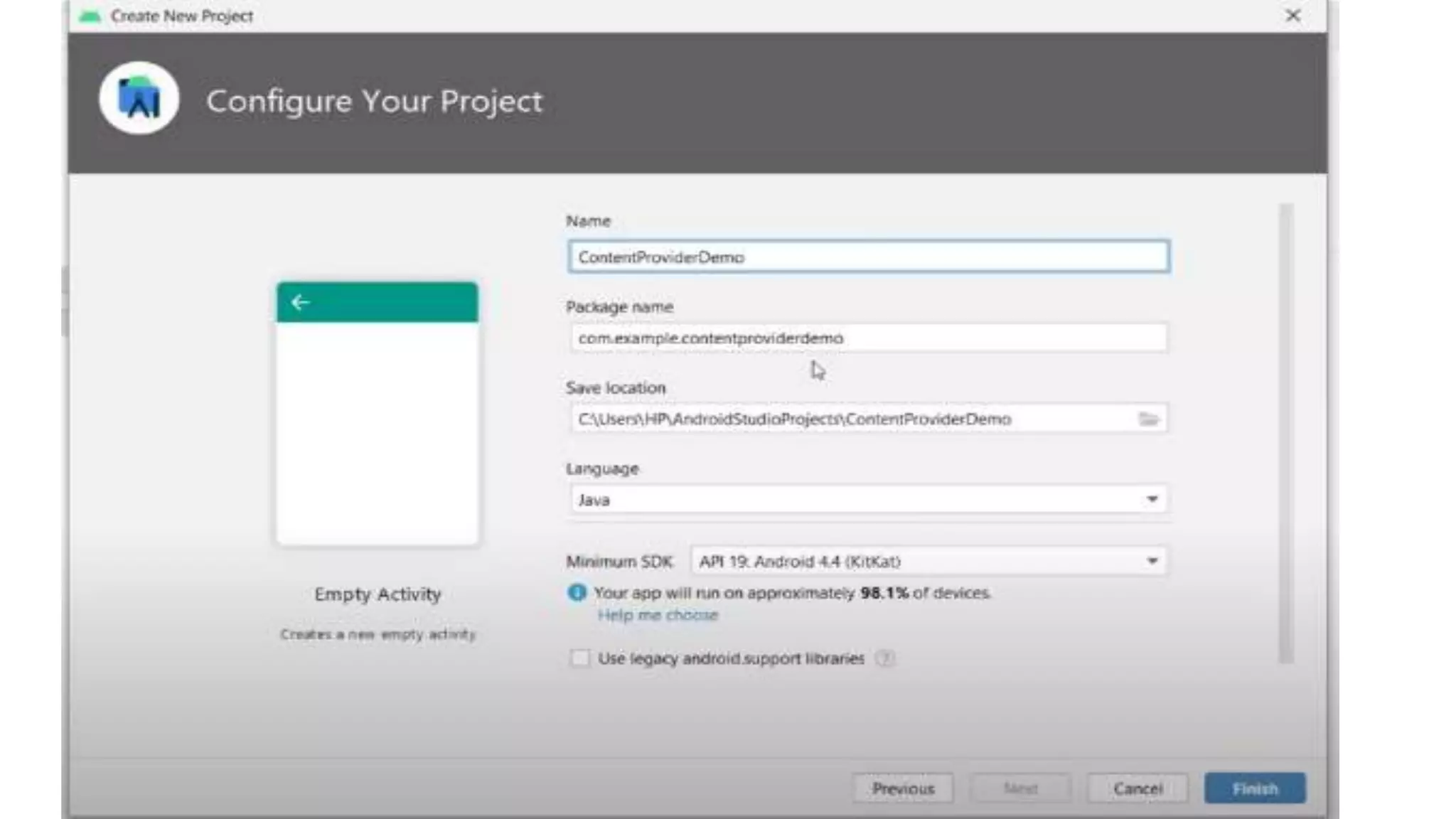
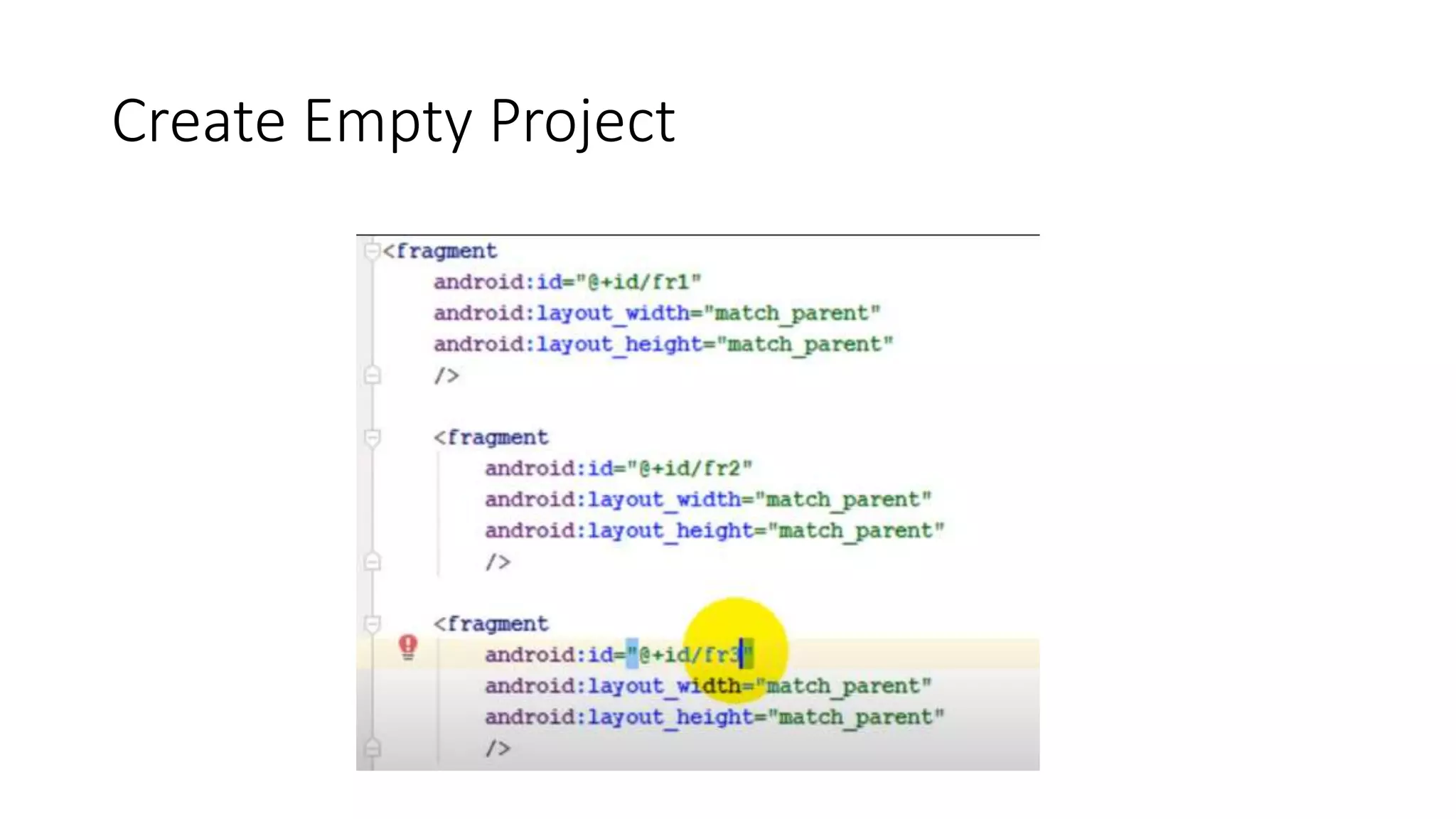
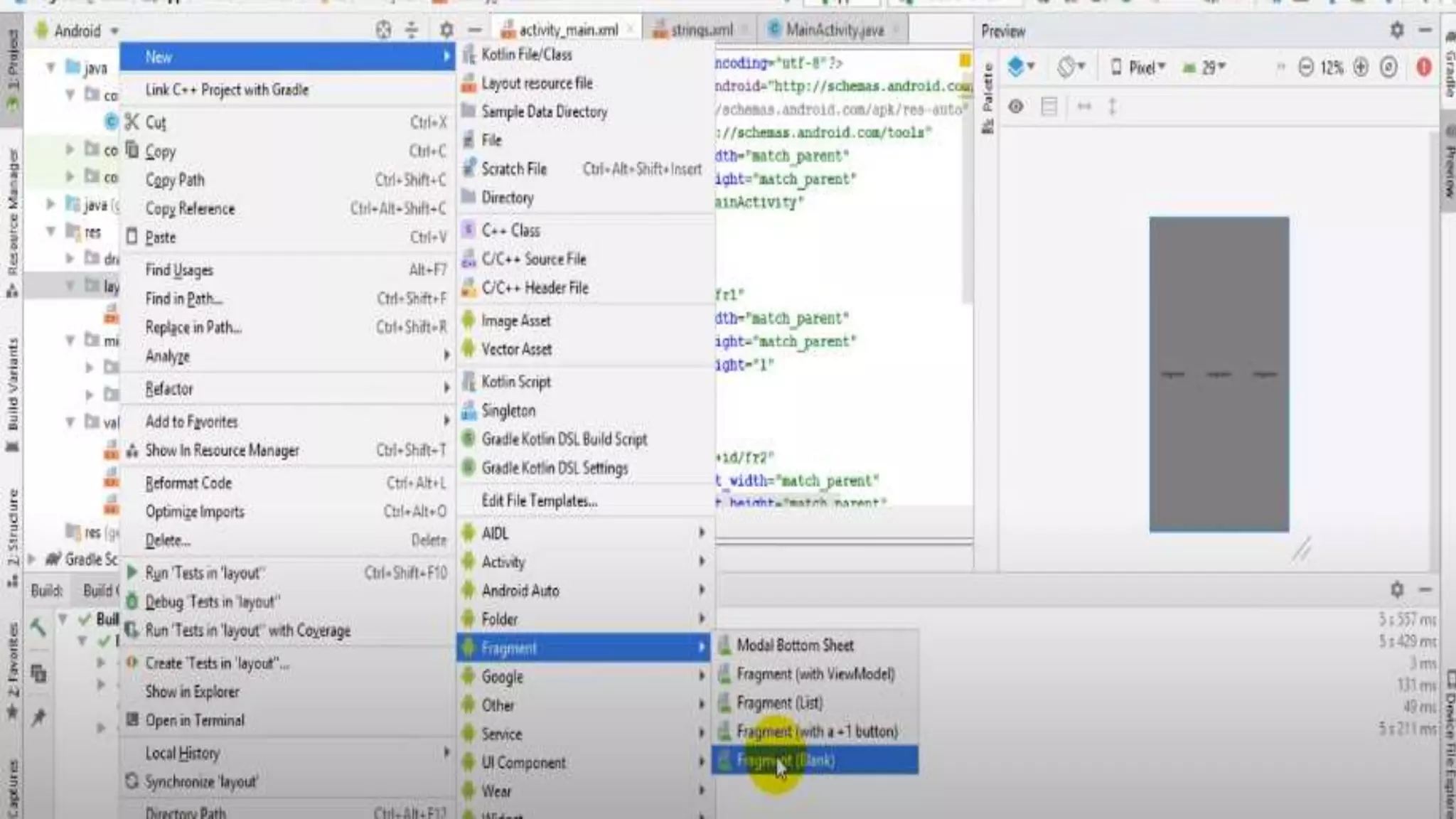
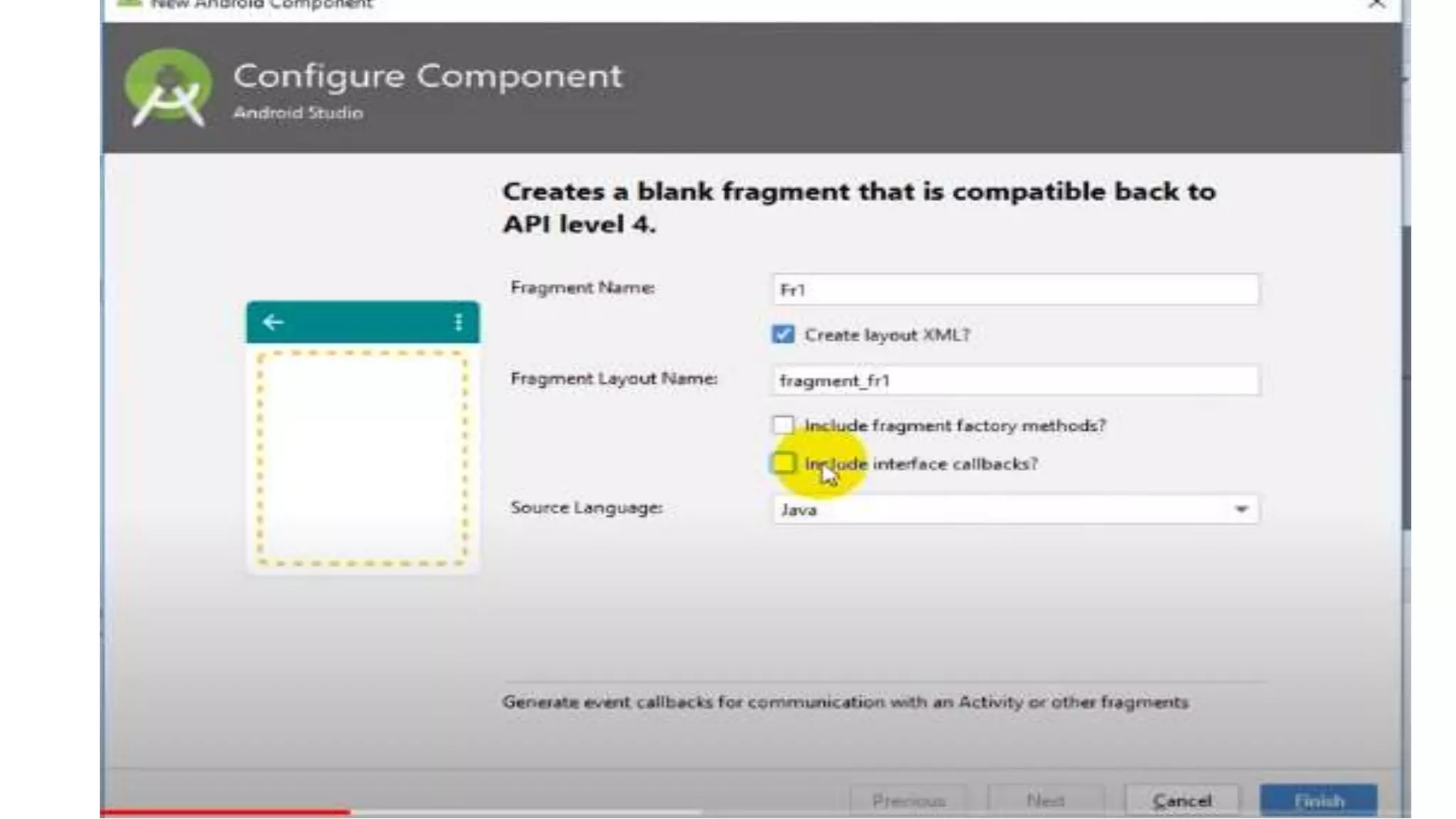
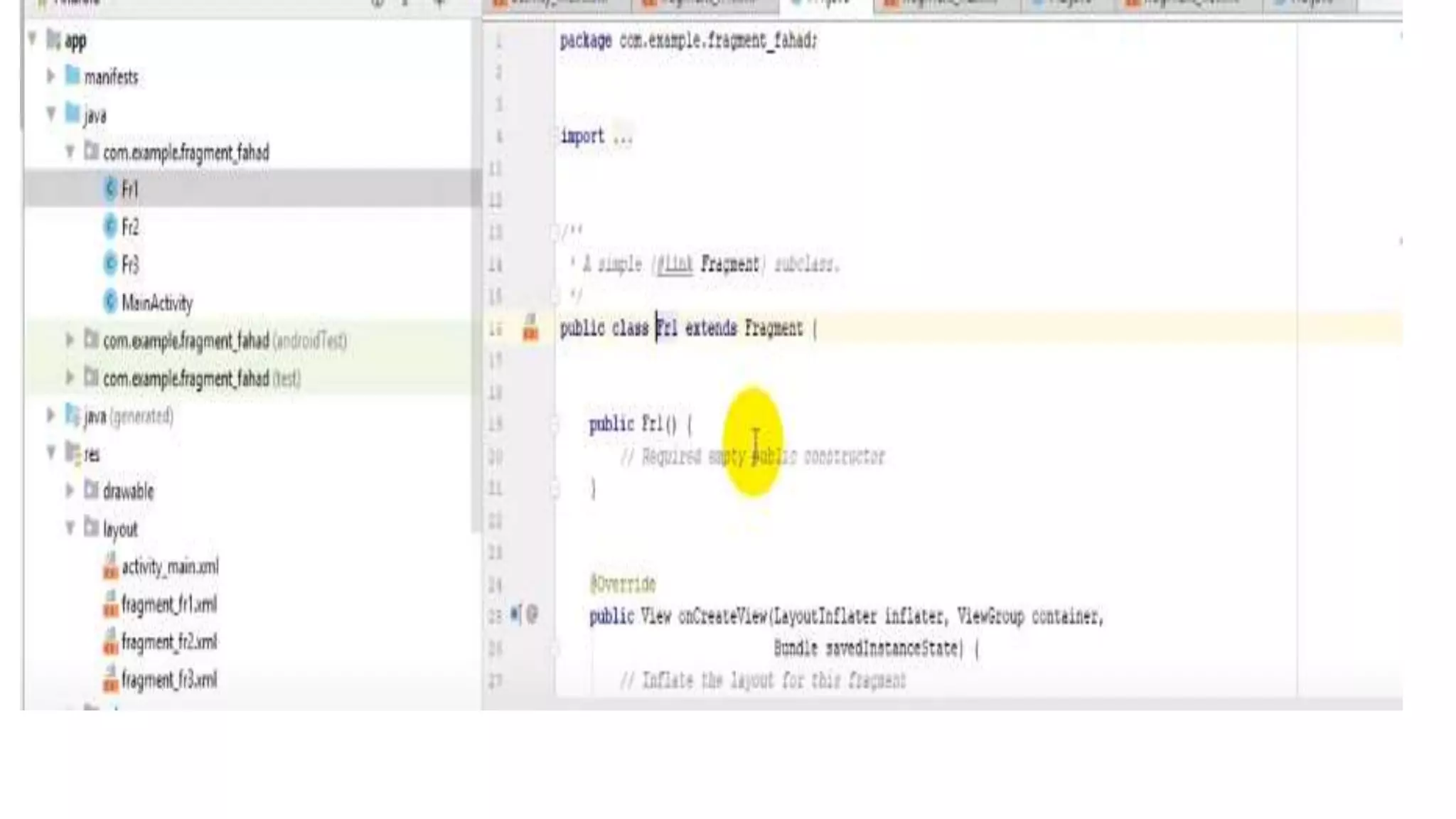
Create Empty Project
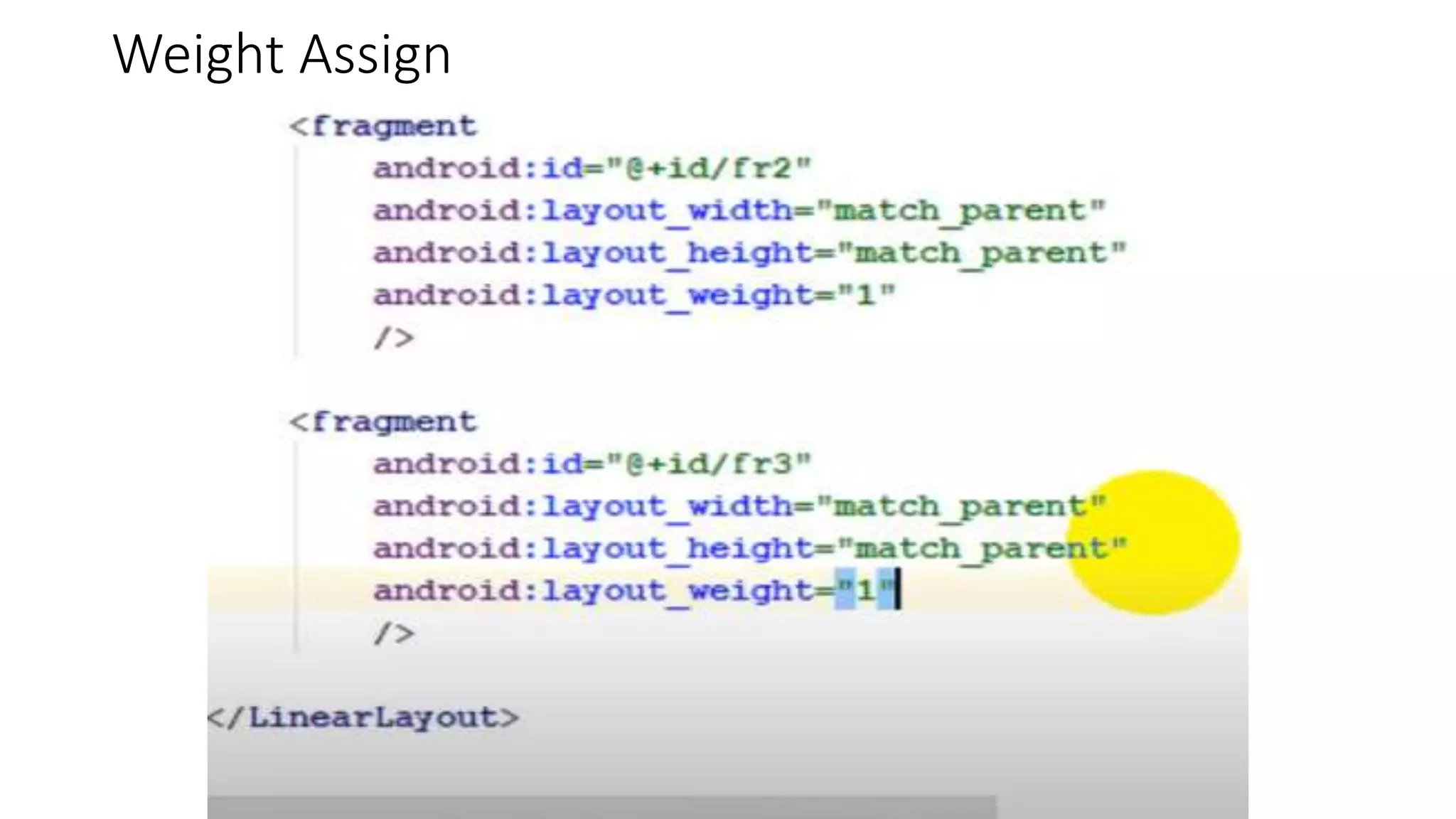
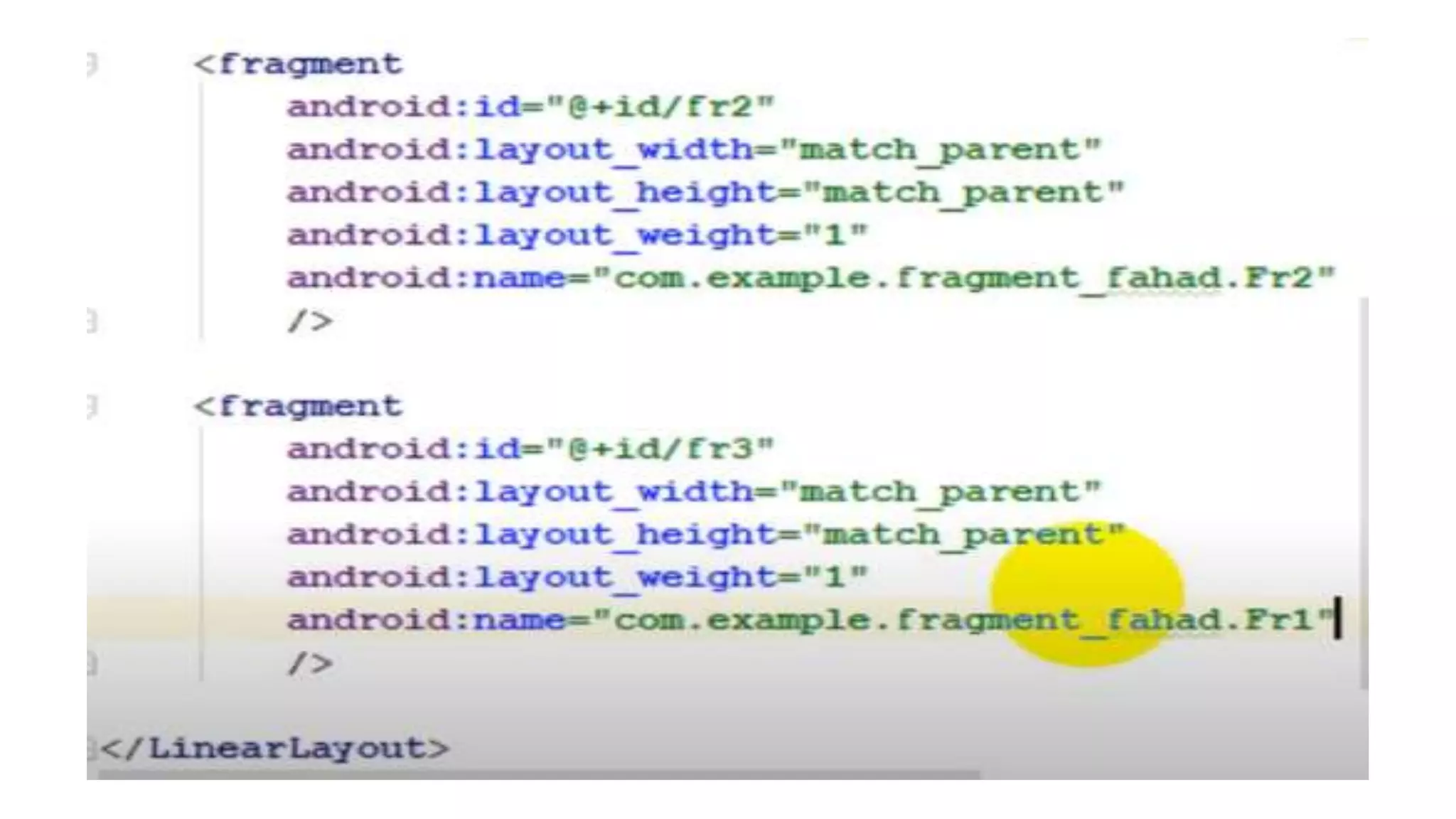
Weight Assign
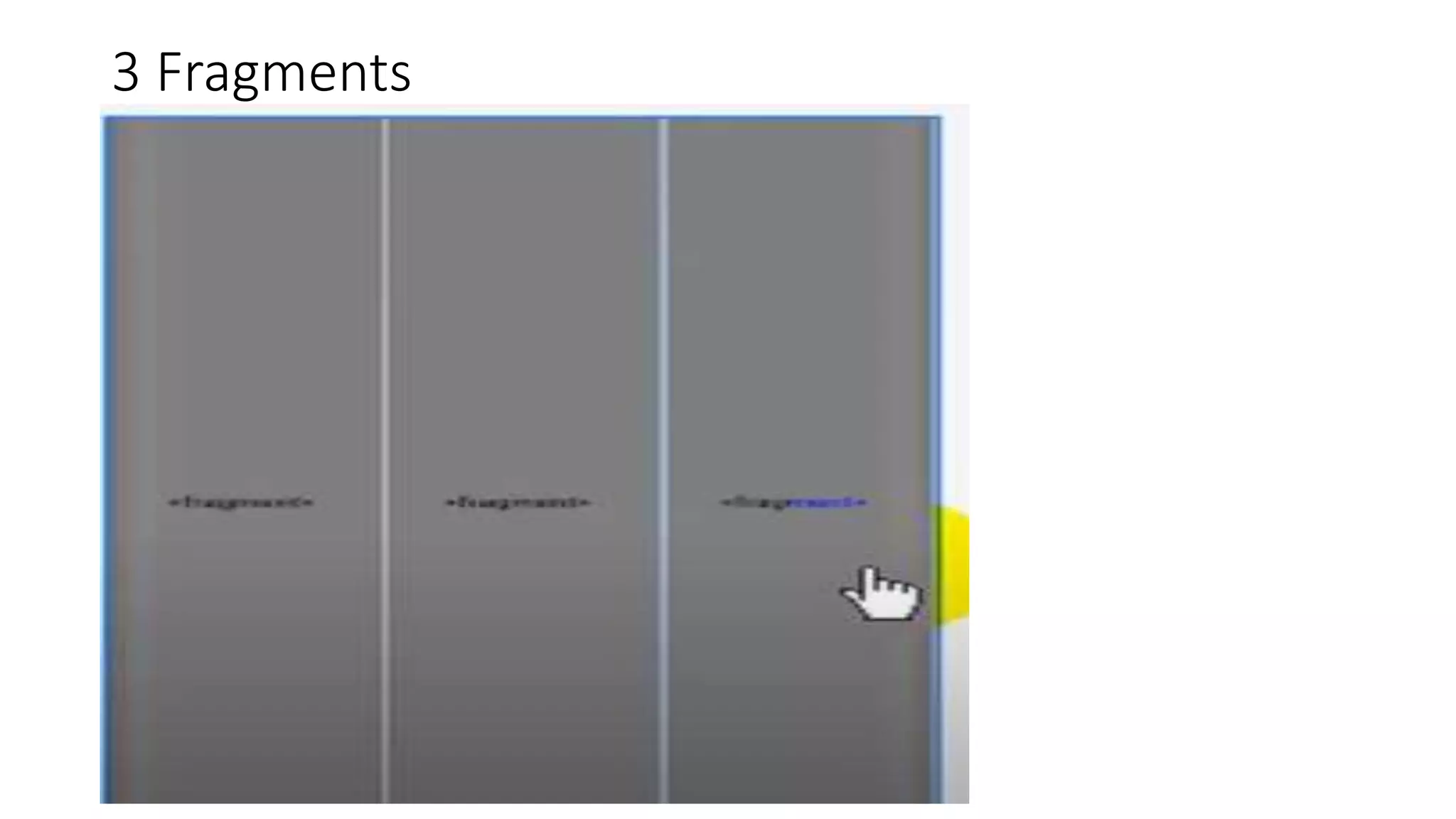
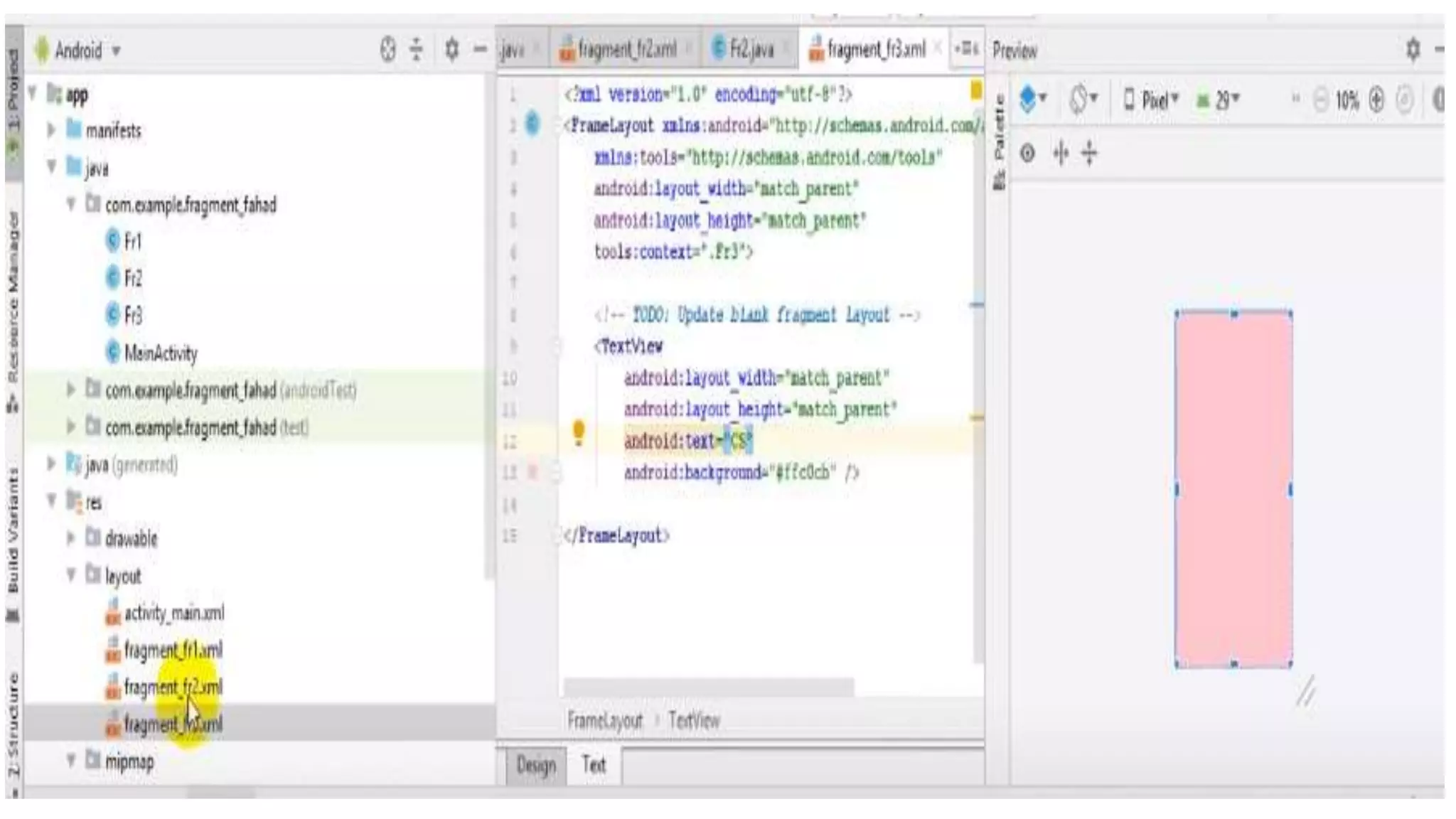
3 Fragments
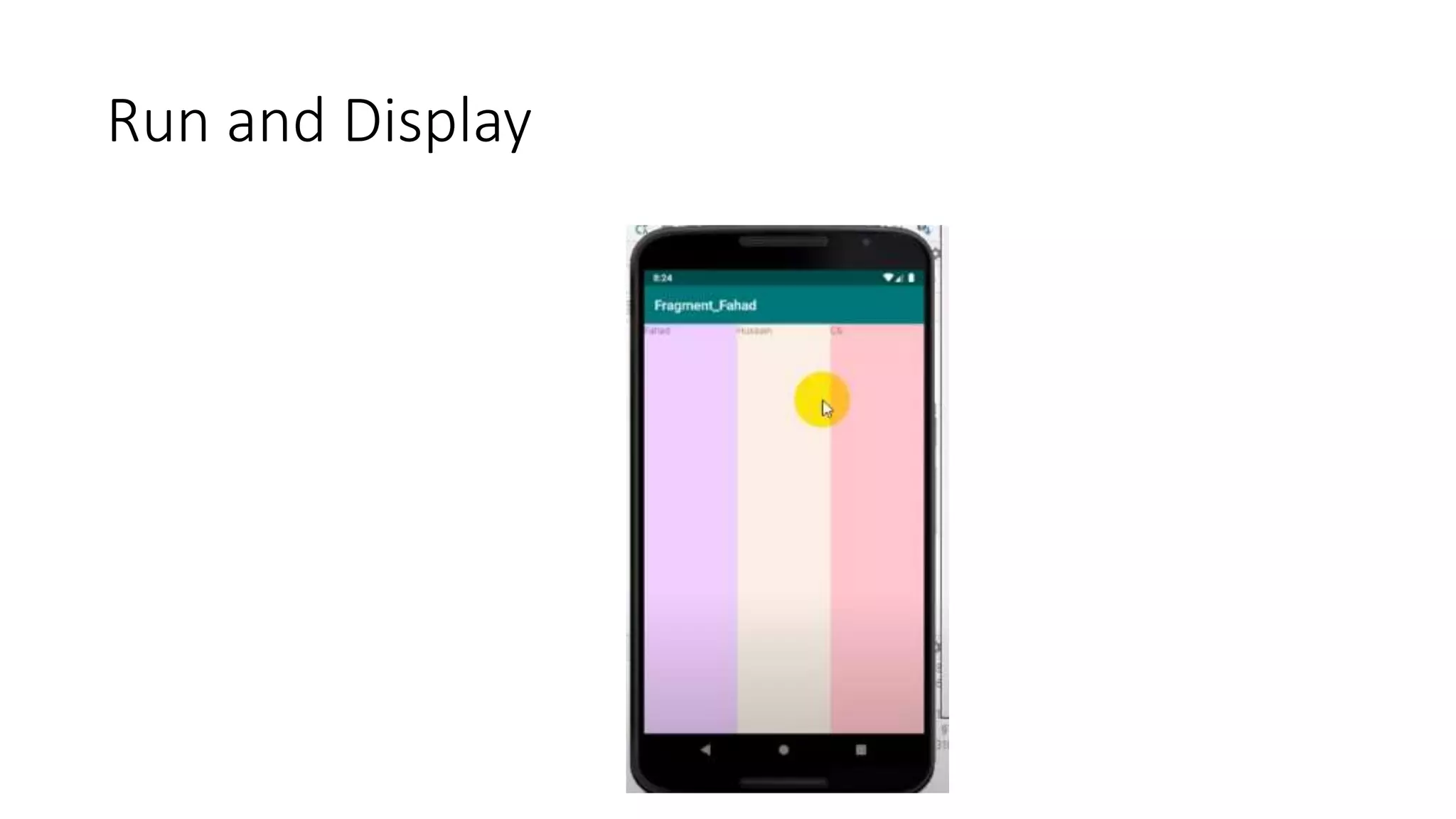
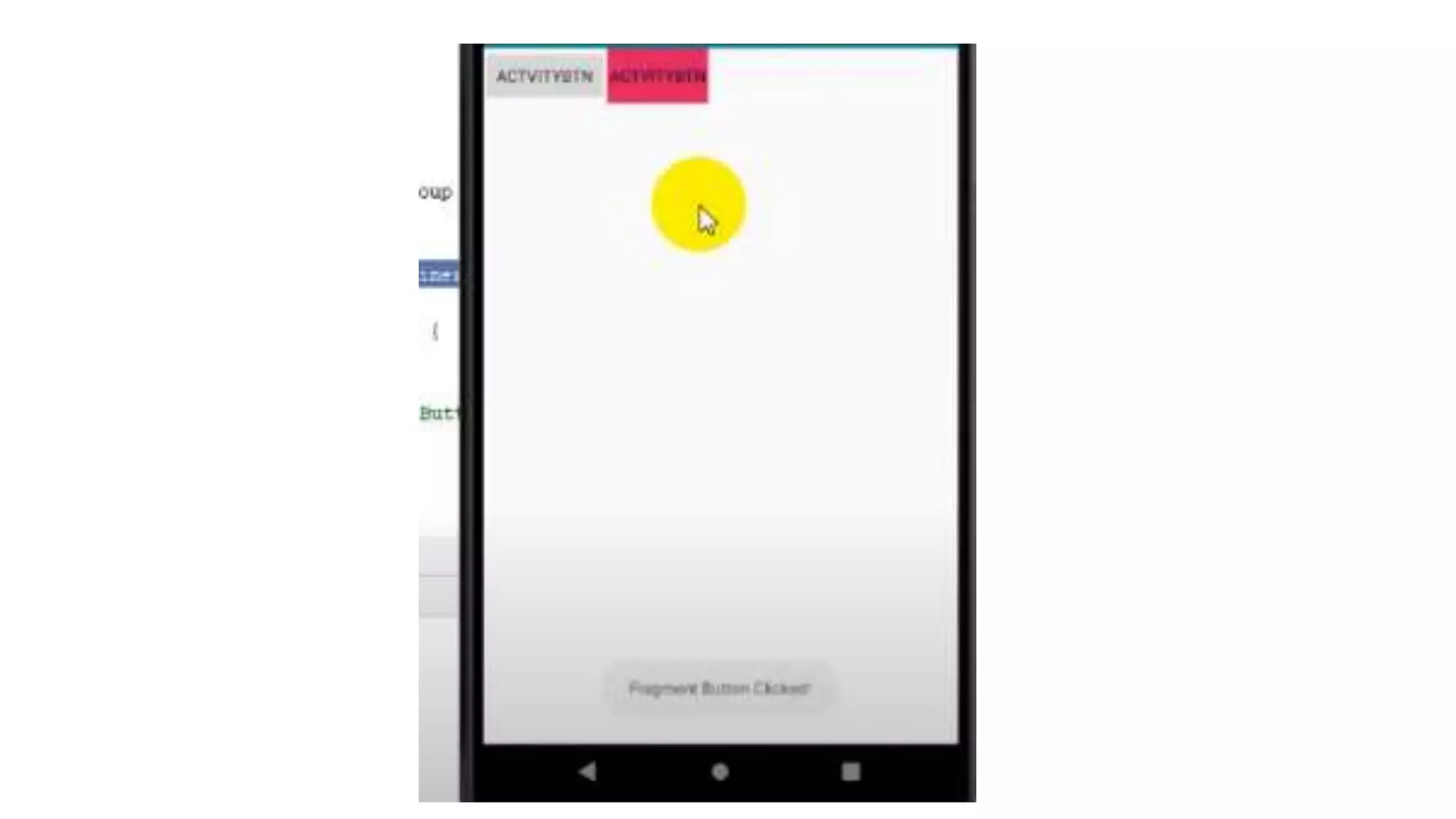
Run and Display
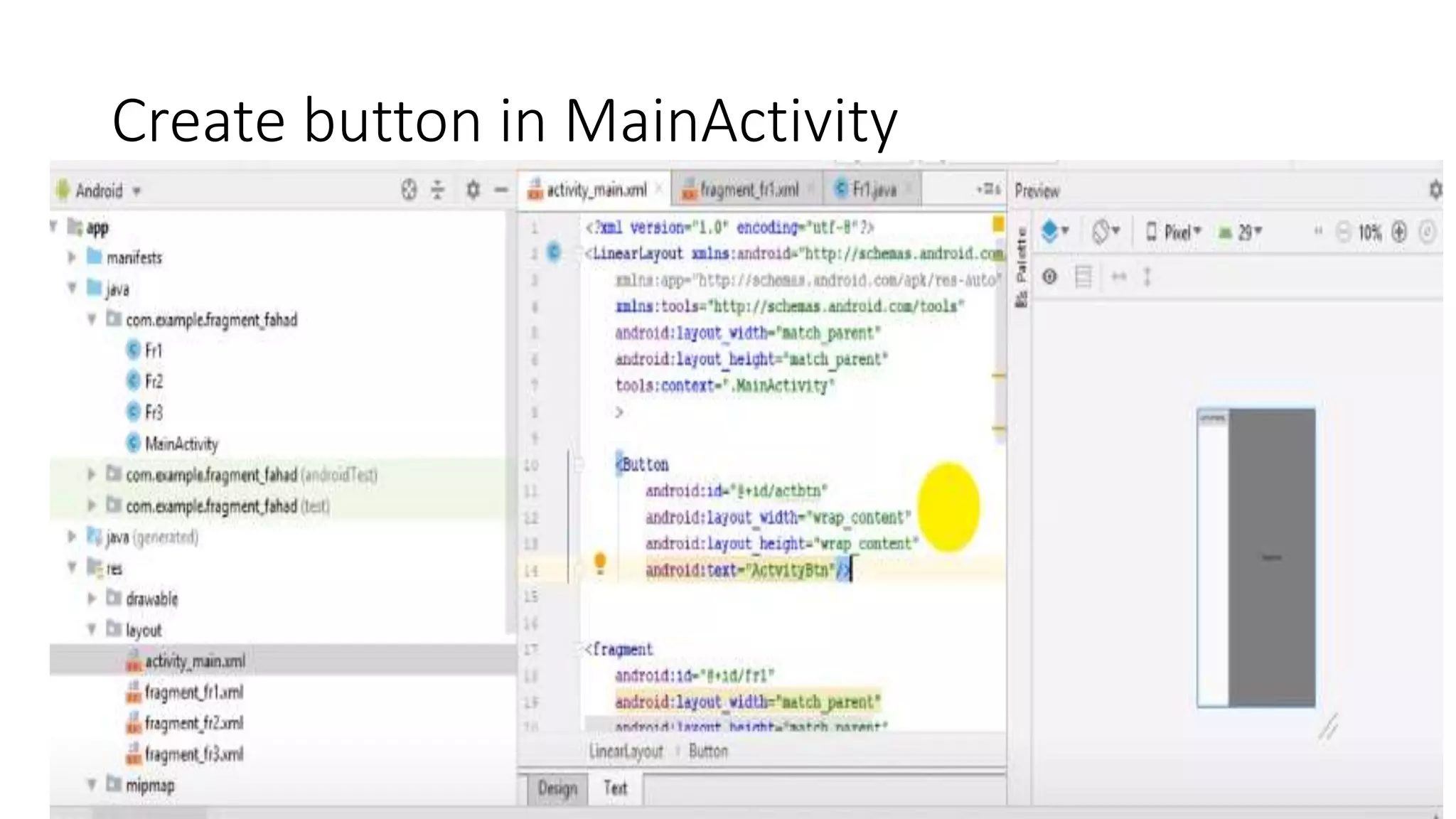
Create button in MainActivity
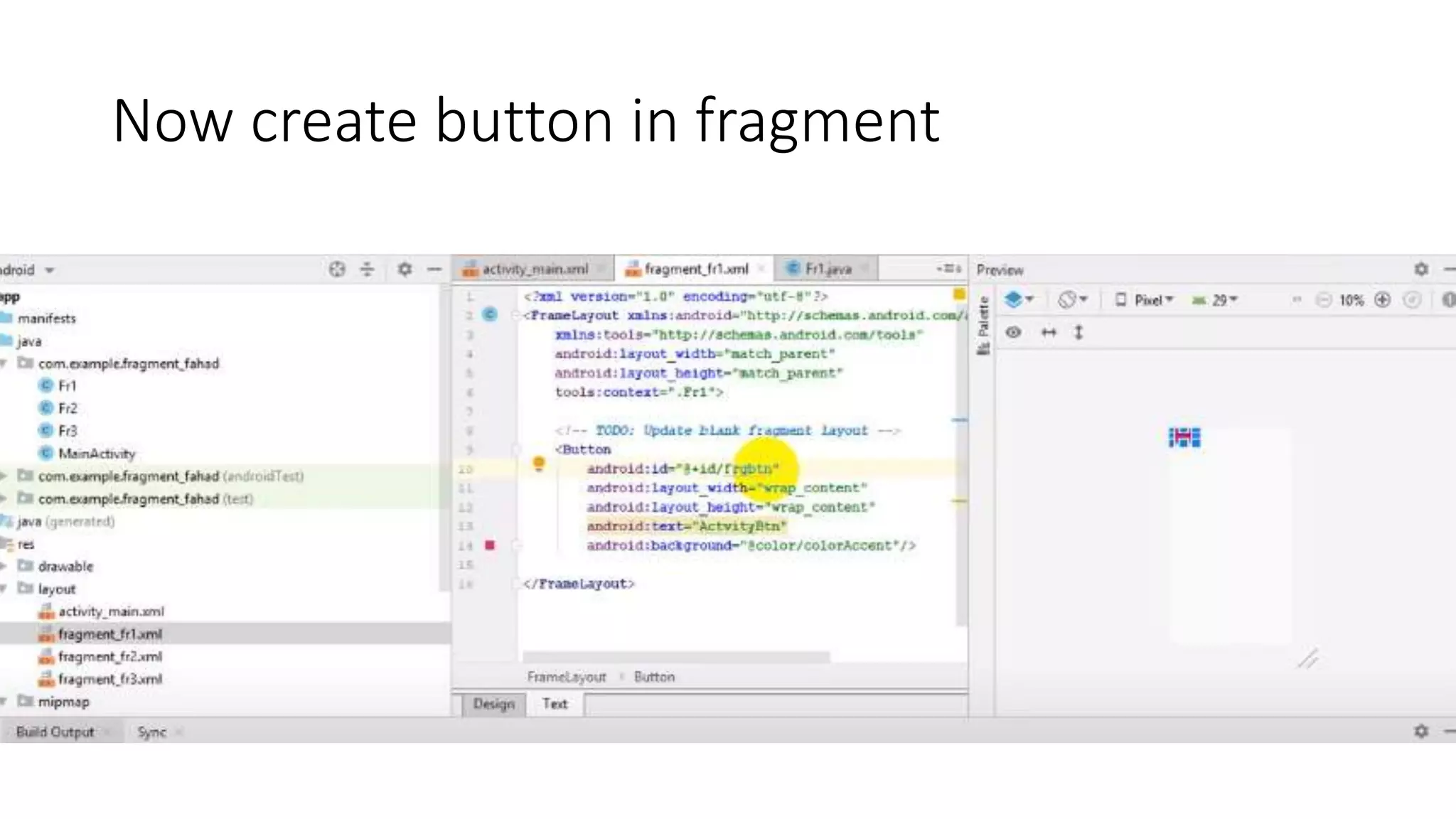
Now create button in fragment
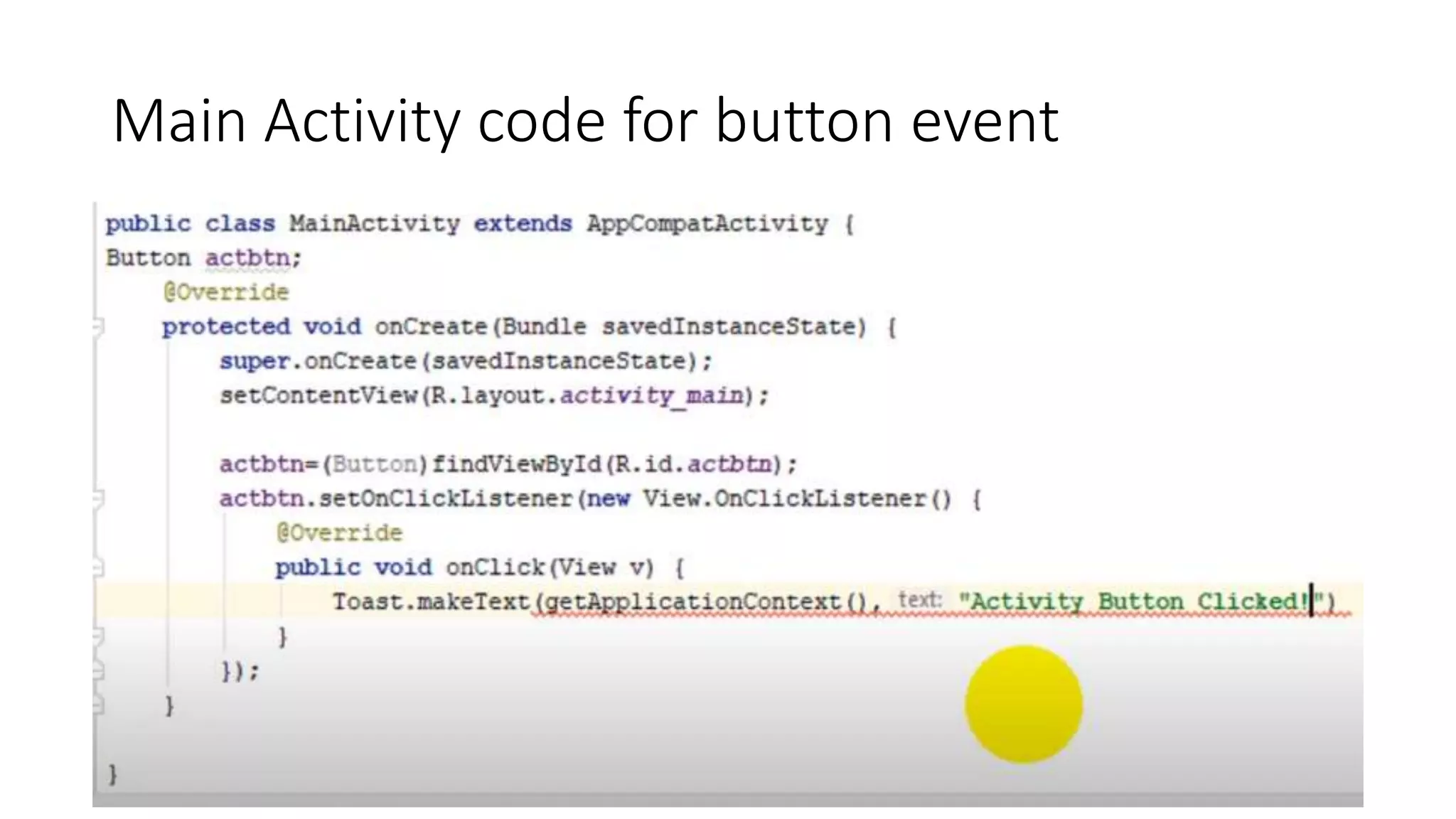
Main Activity code for button event
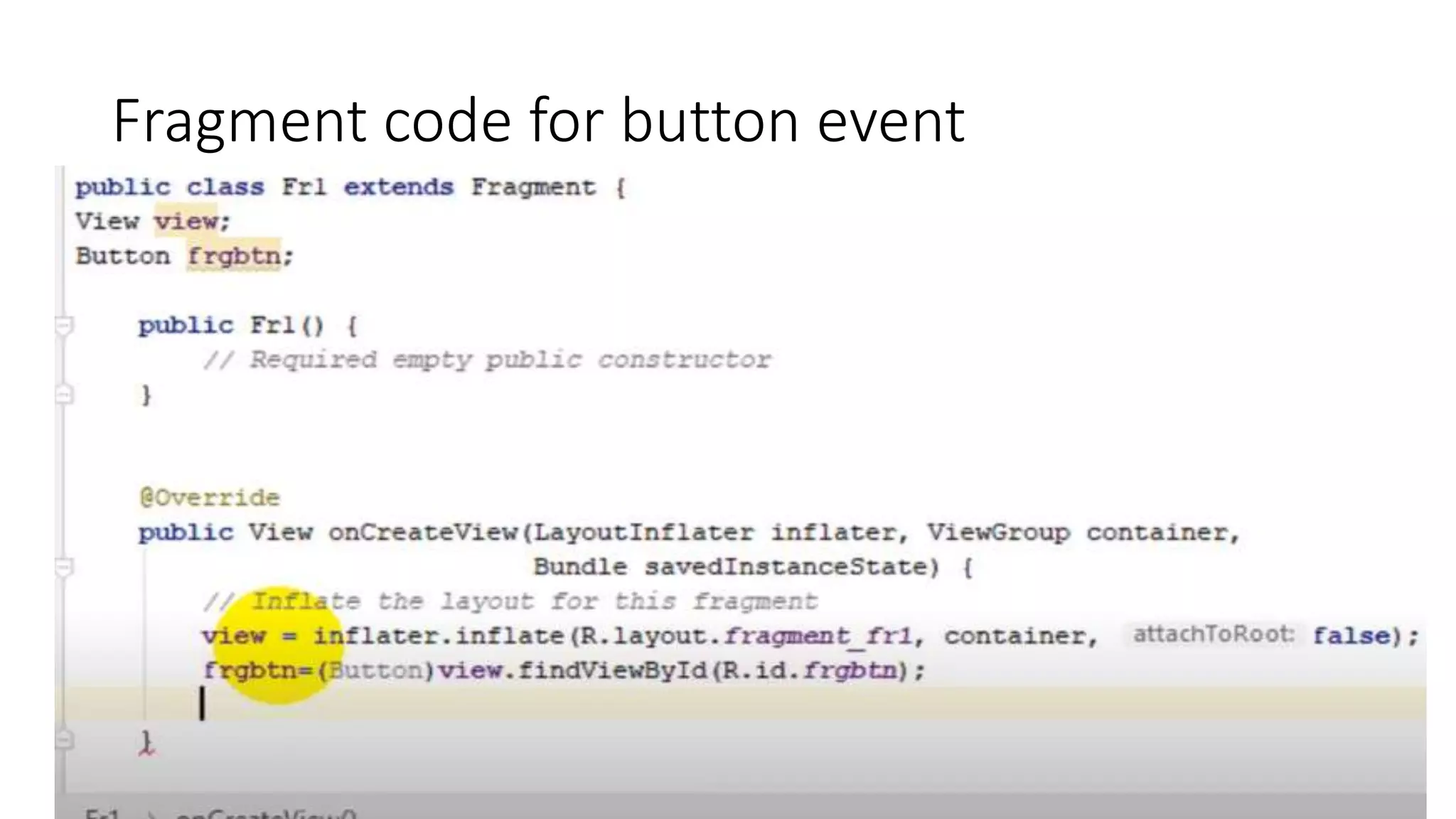
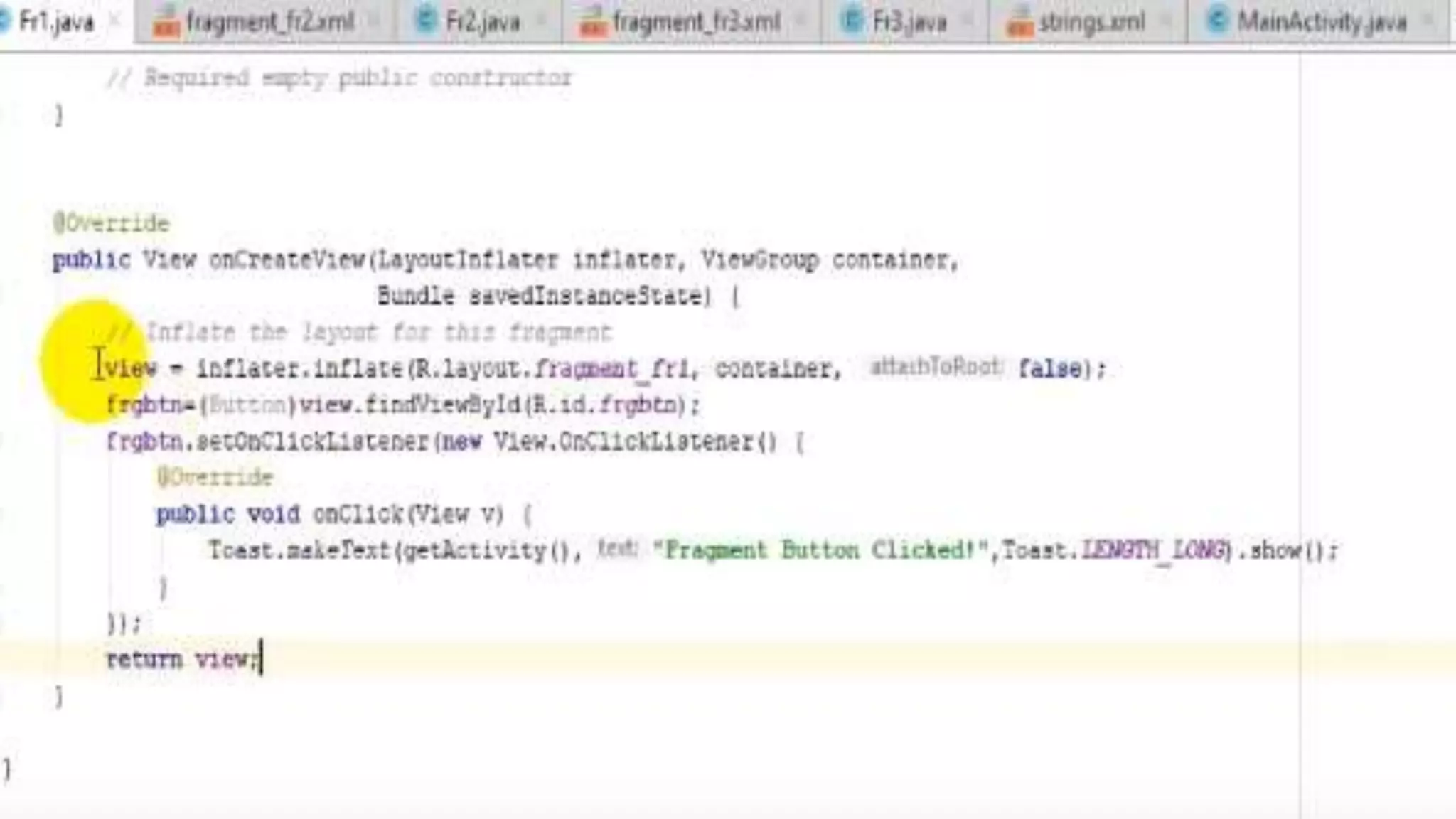
Fragment code for button event
Data Transfer between Activities & Databases

Data Transfer between Activities & Databases

  • 1.
    Data Transfer between Activities& Databases Lecturer Faiz Ur Rehman
  • 2.
    Content Provider: • ContentProvider will act as a central repository to store the applications data in one place and make that data available for different applications to access whenever it’s required. • the Content Provider is a part of an android application and it will act as more like relational database to store the app data. We can perform a multiple operations like insert, update, delete and edit on the data stored in content provider using insert(), update(), delete() and query() methods. • content provider is having different ways to store app data. The app data can be stored in a SQLite database or in files or even over a network based on our requirements. By using content providers we can manage data such as audio, video, images and personal contact information.
  • 4.
    • ContentResolverTo accessa data from content provider, we need to use Content Resolver • Cursor Loader is used to run the query asynchronously in background • Content Provider receive a data requests from client, performs the requested actions (create, update, delete, retrieve) and return the result. • Content URIs: To query a content provider, you specify the query string in the form of a URI which has following format − content://authority/path content:// - The string content:// is always present in the URI authority - It represents the name of content provider path - It represents the table’s path. The Content Resolver object use the URI’s authority to find the appropriate provider and send the query objects to the correct provider. After that Content Provider uses the path of content URI to choose the right table to access.
  • 5.
  • 6.
    To create acontent provider in android applications we should follow below steps. • 1. We need to create a content provider class that extends the ContentProvider base class. • 2. We need to define our content provider URI to access the content. • 3. The ContentProvider class defines a six abstract methods (insert(), update(), delete(), query(), getType()) which we need to implement all these methods as a part of our subclass. • 4. We need to register our content provider in AndroidManifest.xml using <provider> tag.
  • 7.
    Methods • query() -It receives a request from the client. By using arguments it will get a data from requested table and return the data as a Cursor object. • insert() - This method will insert a new row into our content provider and it will return the content URI for newly inserted row. • update() - This method will update an existing rows in our content provider and it return the number of rows updated. • delete() - This method will delete the rows in our content provider and it return the number of rows deleted. • getType() - This method will return the MIME type of data to given content URI. • onCreate() - This method will initialize our provider. The android system will call • this method immediately after it creates our provider.
  • 10.
    XML file ->Set Two Permissions, One is to read and other is to write
  • 11.
    Create Simple buttonon your interface and change name to getcontactlist etc, Create on click event to your button
  • 12.
    Steps: • 1. Createbutton and allocate button pressed event to access the contact. • 2. Set the permission to granted to access the application, if not granted we have requested to application • 3. Create Content resolver class/function to access the data • 4. Create Uri / Path to your Contact data , and set what type of Contact data you have. • 5. Set Cursor , you have some kind of data, if data > 0 means you have data now cursor is reading data. • 6. Retrieve Contact number and phone number • 7.Log i , to Print the Contact Name and Phone Number.
  • 16.
    Fragment: • Fragment isa part of an activity which enable more modular activity design. It will not be wrong if we say a fragment is a kind of sub activity. • We can combine multiple Fragments in Single Activity to build a multi panel UI and reuse a fragment in multiple Activities. A fragment has its own layout and its own behavior with its own life cycle callbacks. You can add or remove fragments in an activity while the activity is running. You can combine multiple fragments in a single activity to build a multi panel UI. A fragment can be used in multiple activities
  • 17.
    Need of Fragment: •Beforethe introduction of Fragment’s we can only show a single Activity on the screen at one given point of time so we were not able to divide the screen and control different parts separately. With the help of Fragment’s we can divide the screens in different parts and controls different parts separately. •By using Fragments we can comprise multiple Fragments in a single Activity. Fragments have their own events, layouts and complete life cycle. Itprovide flexibility and also removed the limitation of single Activity on the screen at a time.
  • 18.
    Fragment code examplein XML: • <fragmentandroid:id="@+id/fragments" android:layout_width="match_parent" android:layout_height="match_parent" />
  • 19.
    Fragment Life cycle: •Fragment lifecycle is closely related to the life cycle of its host activity which means when the activity is paused, all the fragments available in the activity will also be stopped
  • 21.
    Description: • onAttach()is calledwhen a fragment is connected to an activity. •onCreate()is called to do initial creation of the fragment. •onCreateView()is called by Android once the Fragment should inflate a view. •onViewCreated()is called after onCreateView()and ensures that the fragment's root view is non-null. Any view setup should happen here. E.g.,view lookups, attaching listeners. •onActivityCreated()is called when host activity has completed its onCreate()method. •onStart()is called once the fragment is ready to be displayed on screen. •onResume()-Allocate “expensive” resources such as registering for location, sensor updates, etc
  • 22.
    • onPause()-Release “expensive”resources. Commit any changes. •onDestroyView()is called when fragment's view is being destroyed, but the fragment is still kept around. •onDestroy()is called when fragment is no longer in use. •onDetach()is called when fragment is no longer connected to the activity
  • 23.
    Types of Fragment: 1. Single frame fragments are using for hand hold devices like mobiles, here we can show only one fragment as a view. 2. List fragments− fragments having special list view is called as list fragment 3. Fragments transaction− Using with fragment transaction. we can move one fragment to another fragment.
  • 24.
  • 25.
  • 26.
  • 32.
  • 33.
    Create button inMainActivity
  • 34.
    Now create buttonin fragment
  • 35.
    Main Activity codefor button event
  • 36.
    Fragment code forbutton event