

Peter Gasston
@StopsAtGreen
CSS3:
        X
The boring bits.
Boring things*
 The Matrix Revolutions
The Lord of the Rings films
        Coldplay
    Apple vs Android

             *Removed images of dubious provenance
Exciting CSS
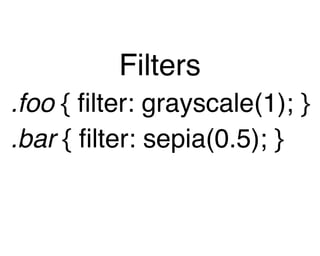
Filters
.foo { filter: grayscale(1); }
.bar { filter: sepia(0.5); }
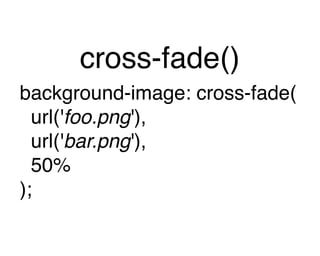
cross-fade()
background-image: cross-fade(
  url('foo.png'),
  url('bar.png'),
  50%
);
An interesting paradox:
The more boring a CSS feature is, the
more excited I get when someone does
       something cool with it.
Backgrounds
 & Borders

     http://dev.w3.org/csswg/css4-background/
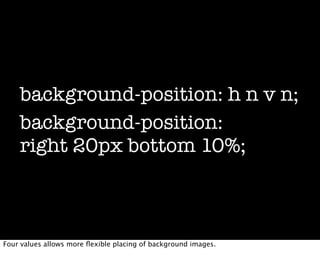
background-position: h n v n;
    background-position:
    right 20px bottom 10%;


Four values allows more flexible placing of background images.
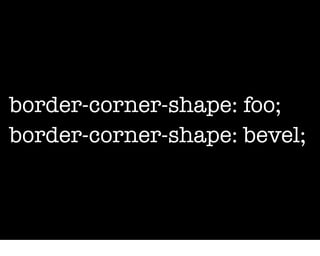
border-corner-shape: foo;
border-corner-shape: bevel;
border-clip: [x y];
   border-clip: [visible invisible];
   border-clip: 10px 1fr 10px;


Custom border shapes; clip the border to show the areas you want.
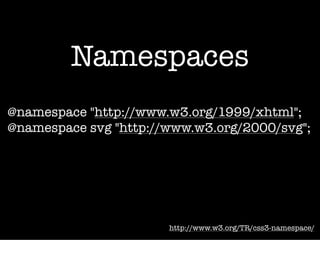
Namespaces
@namespace "http://www.w3.org/1999/xhtml";
@namespace svg "http://www.w3.org/2000/svg";


                       http://www.w3.org/TR/css3-namespace/
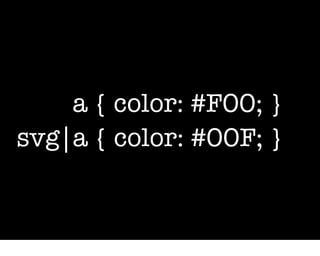
a { color: #F00; }
svg|a { color: #00F; }
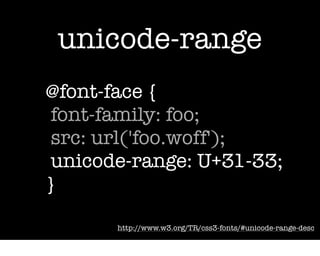
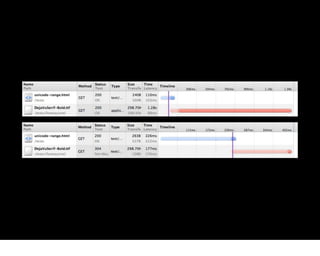
unicode-range
@font-face {
 font-family: foo;
 src: url('foo.woff');
 unicode-range: U+31-33;
}

       http://www.w3.org/TR/css3-fonts/#unicode-range-desc
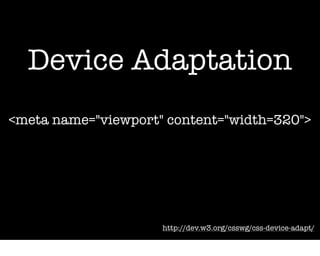
Device Adaptation
<meta name="viewport" content="width=320">


                     http://dev.w3.org/csswg/css-device-adapt/
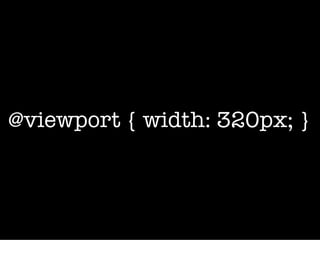
@viewport { width: 320px; }
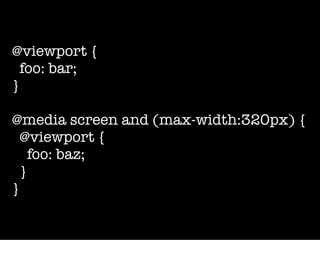
@viewport {
  foo: bar;
}

@media screen and (max-width:320px) {
  @viewport {
    foo: baz;
  }
}
Values


    http://www.w3.org/TR/css3-values/
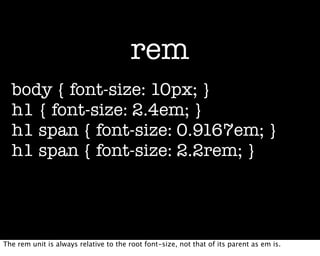
rem
  body { font-size: 10px; }
  h1 { font-size: 2.4em; }
  h1 span { font-size: 0.9167em; }
  h1 span { font-size: 2.2rem; }


The rem unit is always relative to the root font-size, not that of its parent as em is.
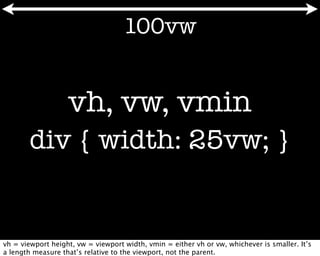
100vw


                   vh, vw, vmin
       div { width: 25vw; }


vh = viewport height, vw = viewport width, vmin = either vh or vw, whichever is smaller. It’s
a length measure that’s relative to the viewport, not the parent.
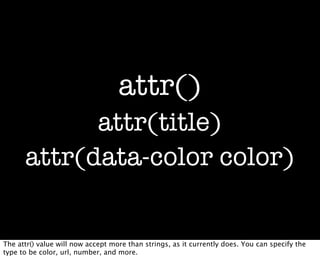
attr()
            attr(title)
      attr(data-color color)


The attr() value will now accept more than strings, as it currently does. You can specify the
type to be color, url, number, and more.
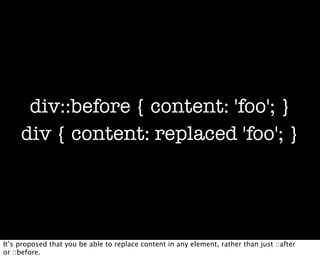
div::before { content: 'foo'; }
     div { content: replaced 'foo'; }


It’s proposed that you be able to replace content in any element, rather than just ::after
or ::before.
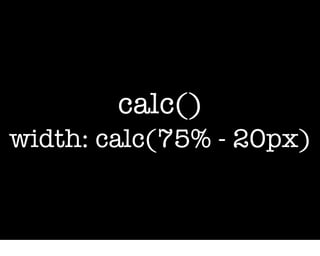
calc()
width: calc(75% - 20px)
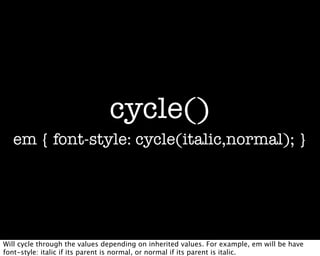
cycle()
  em { font-style: cycle(italic,normal); }


Will cycle through the values depending on inherited values. For example, em will be have
font-style: italic if its parent is normal, or normal if its parent is italic.
Selectors


      http://dev.w3.org/csswg/selectors4/
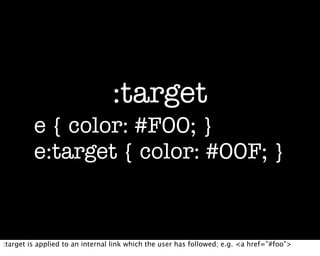
:target
         e { color: #F00; }
         e:target { color: #00F; }


:target is applied to an internal link which the user has followed; e.g. <a href=”#foo”>
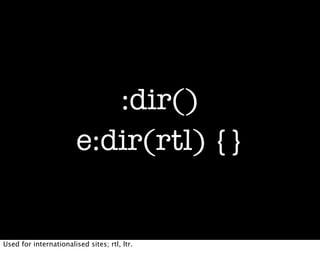
:dir()
                        e:dir(rtl) {}


Used for internationalised sites; rtl, ltr.
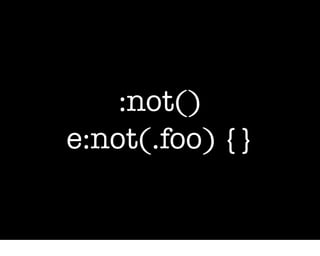
:not()
e:not(.foo) {}
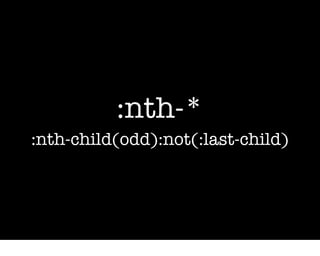
:nth-*
:nth-child(odd):not(:last-child)
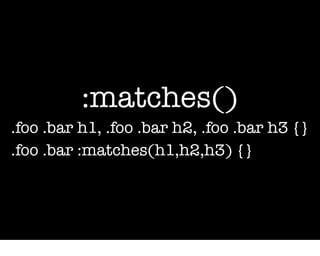
:matches()
.foo .bar h1, .foo .bar h2, .foo .bar h3 {}
.foo .bar :matches(h1,h2,h3) {}
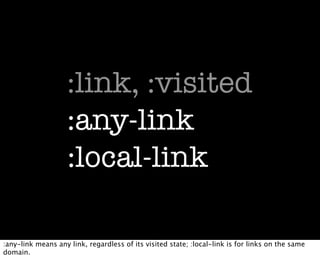
:link, :visited
                    :any-link
                    :local-link

:any-link means any link, regardless of its visited state; :local-link is for links on the same
domain.
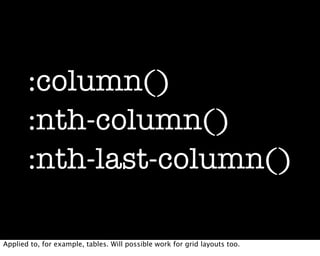
:column()
       :nth-column()
       :nth-last-column()

Applied to, for example, tables. Will possible work for grid layouts too.
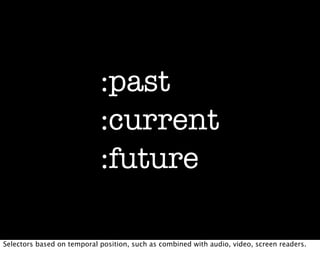
:past
                            :current
                            :future

Selectors based on temporal position, such as combined with audio, video, screen readers.
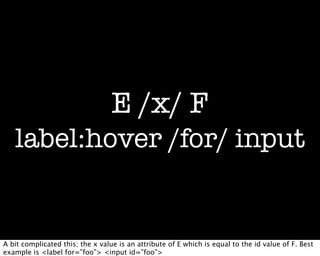
E /x/ F
   label:hover /for/ input


A bit complicated this; the x value is an attribute of E which is equal to the id value of F. Best
example is <label for=”foo”> <input id=”foo”>
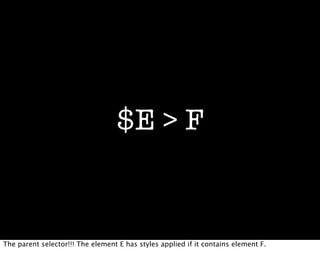
$E > F


The parent selector!!! The element E has styles applied if it contains element F.
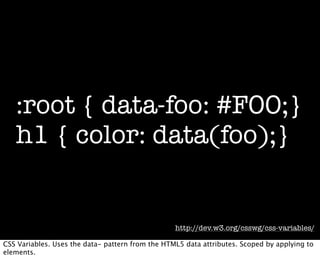
:root { data-foo: #F00;}
   h1 { color: data(foo);}


                                                  http://dev.w3.org/csswg/css-variables/

CSS Variables. Uses the data- pattern from the HTML5 data attributes. Scoped by applying to
elements.
Boring = Exciting
Still available.
Still not boring.

      http://thebookofcss3.com

CSS: The Boring Bits

  • 1.
  • 2.
    CSS3: X The boring bits.
  • 3.
    Boring things* TheMatrix Revolutions The Lord of the Rings films Coldplay Apple vs Android *Removed images of dubious provenance
  • 4.
  • 5.
    Filters .foo { filter:grayscale(1); } .bar { filter: sepia(0.5); }
  • 6.
    cross-fade() background-image: cross-fade( url('foo.png'), url('bar.png'), 50% );
  • 7.
    An interesting paradox: Themore boring a CSS feature is, the more excited I get when someone does something cool with it.
  • 8.
    Backgrounds & Borders http://dev.w3.org/csswg/css4-background/
  • 9.
    background-position: h nv n; background-position: right 20px bottom 10%; Four values allows more flexible placing of background images.
  • 10.
  • 11.
    border-clip: [x y]; border-clip: [visible invisible]; border-clip: 10px 1fr 10px; Custom border shapes; clip the border to show the areas you want.
  • 12.
    Namespaces @namespace "http://www.w3.org/1999/xhtml"; @namespace svg"http://www.w3.org/2000/svg"; http://www.w3.org/TR/css3-namespace/
  • 13.
    a { color:#F00; } svg|a { color: #00F; }
  • 14.
    unicode-range @font-face { font-family:foo; src: url('foo.woff'); unicode-range: U+31-33; } http://www.w3.org/TR/css3-fonts/#unicode-range-desc
  • 16.
    Device Adaptation <meta name="viewport"content="width=320"> http://dev.w3.org/csswg/css-device-adapt/
  • 17.
  • 18.
    @viewport { foo: bar; } @media screen and (max-width:320px) { @viewport { foo: baz; } }
  • 19.
    Values http://www.w3.org/TR/css3-values/
  • 20.
    rem body{ font-size: 10px; } h1 { font-size: 2.4em; } h1 span { font-size: 0.9167em; } h1 span { font-size: 2.2rem; } The rem unit is always relative to the root font-size, not that of its parent as em is.
  • 21.
    100vw vh, vw, vmin div { width: 25vw; } vh = viewport height, vw = viewport width, vmin = either vh or vw, whichever is smaller. It’s a length measure that’s relative to the viewport, not the parent.
  • 22.
    attr() attr(title) attr(data-color color) The attr() value will now accept more than strings, as it currently does. You can specify the type to be color, url, number, and more.
  • 23.
    div::before { content:'foo'; } div { content: replaced 'foo'; } It’s proposed that you be able to replace content in any element, rather than just ::after or ::before.
  • 24.
  • 25.
    cycle() em{ font-style: cycle(italic,normal); } Will cycle through the values depending on inherited values. For example, em will be have font-style: italic if its parent is normal, or normal if its parent is italic.
  • 26.
    Selectors http://dev.w3.org/csswg/selectors4/
  • 27.
    :target e { color: #F00; } e:target { color: #00F; } :target is applied to an internal link which the user has followed; e.g. <a href=”#foo”>
  • 28.
    :dir() e:dir(rtl) {} Used for internationalised sites; rtl, ltr.
  • 29.
  • 30.
  • 31.
    :matches() .foo .bar h1,.foo .bar h2, .foo .bar h3 {} .foo .bar :matches(h1,h2,h3) {}
  • 32.
    :link, :visited :any-link :local-link :any-link means any link, regardless of its visited state; :local-link is for links on the same domain.
  • 33.
    :column() :nth-column() :nth-last-column() Applied to, for example, tables. Will possible work for grid layouts too.
  • 34.
    :past :current :future Selectors based on temporal position, such as combined with audio, video, screen readers.
  • 35.
    E /x/ F label:hover /for/ input A bit complicated this; the x value is an attribute of E which is equal to the id value of F. Best example is <label for=”foo”> <input id=”foo”>
  • 36.
    $E > F Theparent selector!!! The element E has styles applied if it contains element F.
  • 37.
    :root { data-foo:#F00;} h1 { color: data(foo);} http://dev.w3.org/csswg/css-variables/ CSS Variables. Uses the data- pattern from the HTML5 data attributes. Scoped by applying to elements.
  • 38.
  • 39.
    Still available. Still notboring. http://thebookofcss3.com