




ACCELERATED STYLESHEETS
        ...or more style with less typing


                          NATHAN SMITH
                           WYNN NETHERLAND
CSS3 is   BIG
Hot
      New properties
border-radius
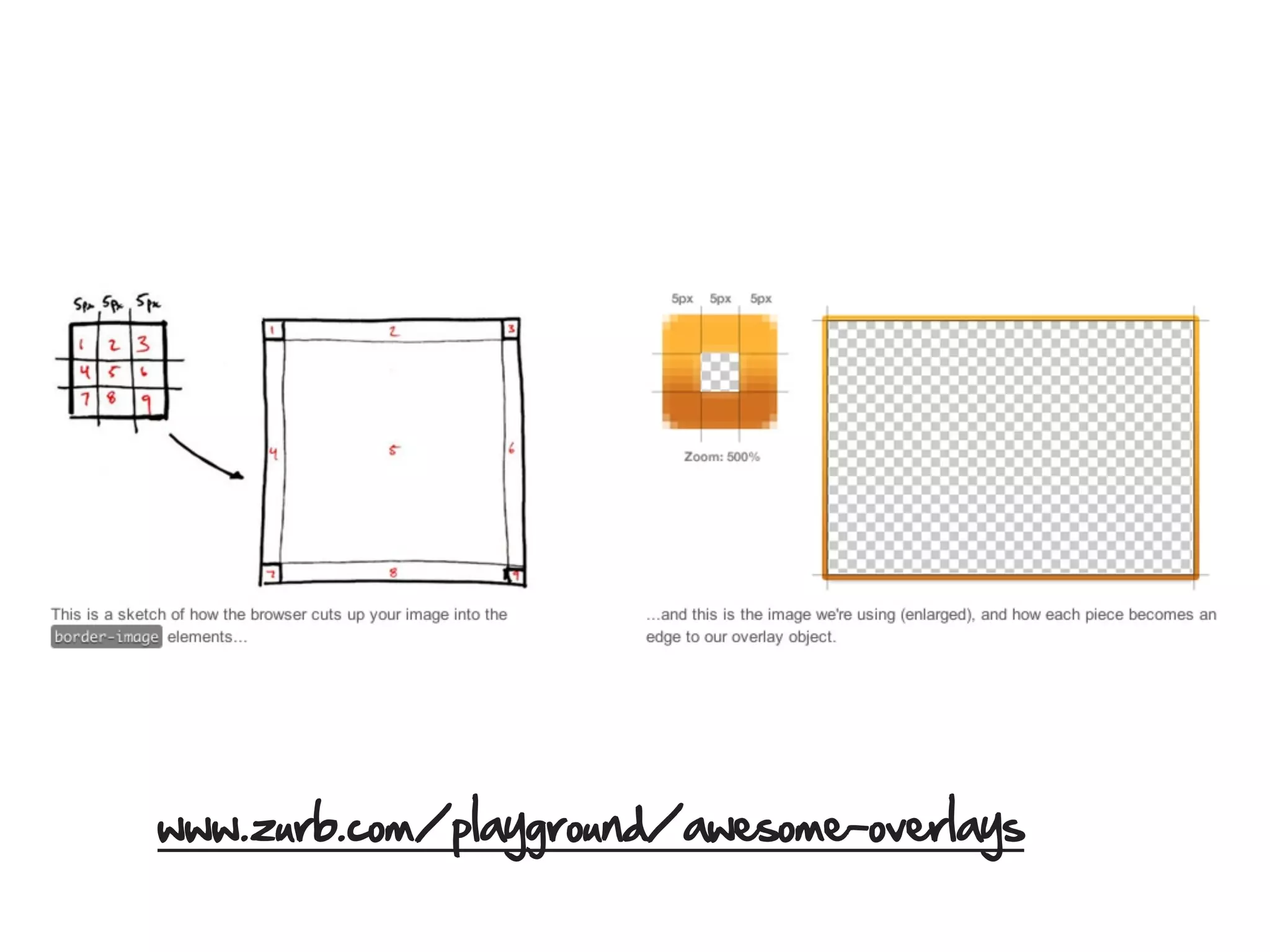
border-image
www.zurb.com/playground/awesome-overlays
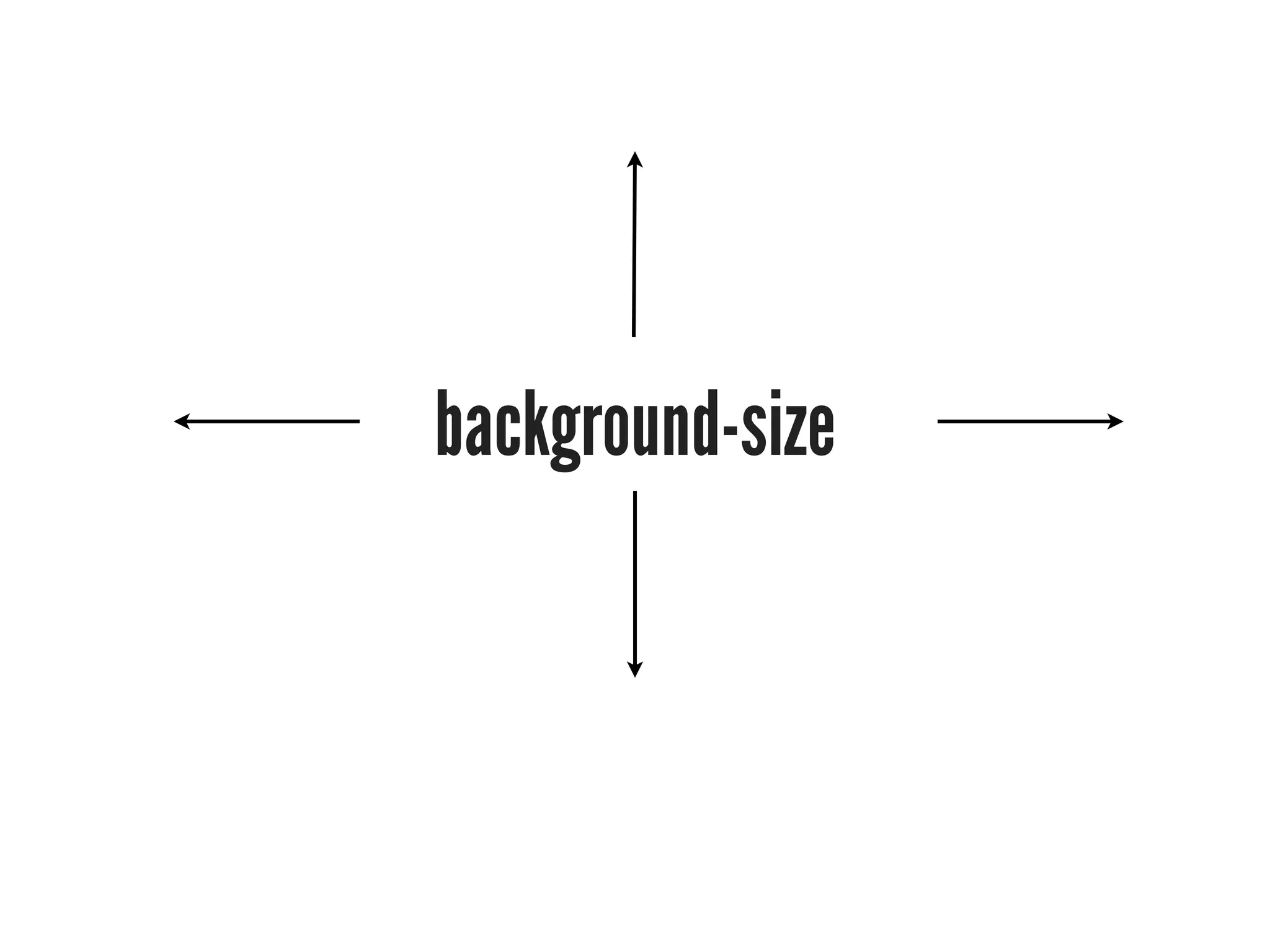
background-size
gradients
RGBA, HSL, HSLA colors

rgba (0,0,0,1) is the new black!
text-shadow
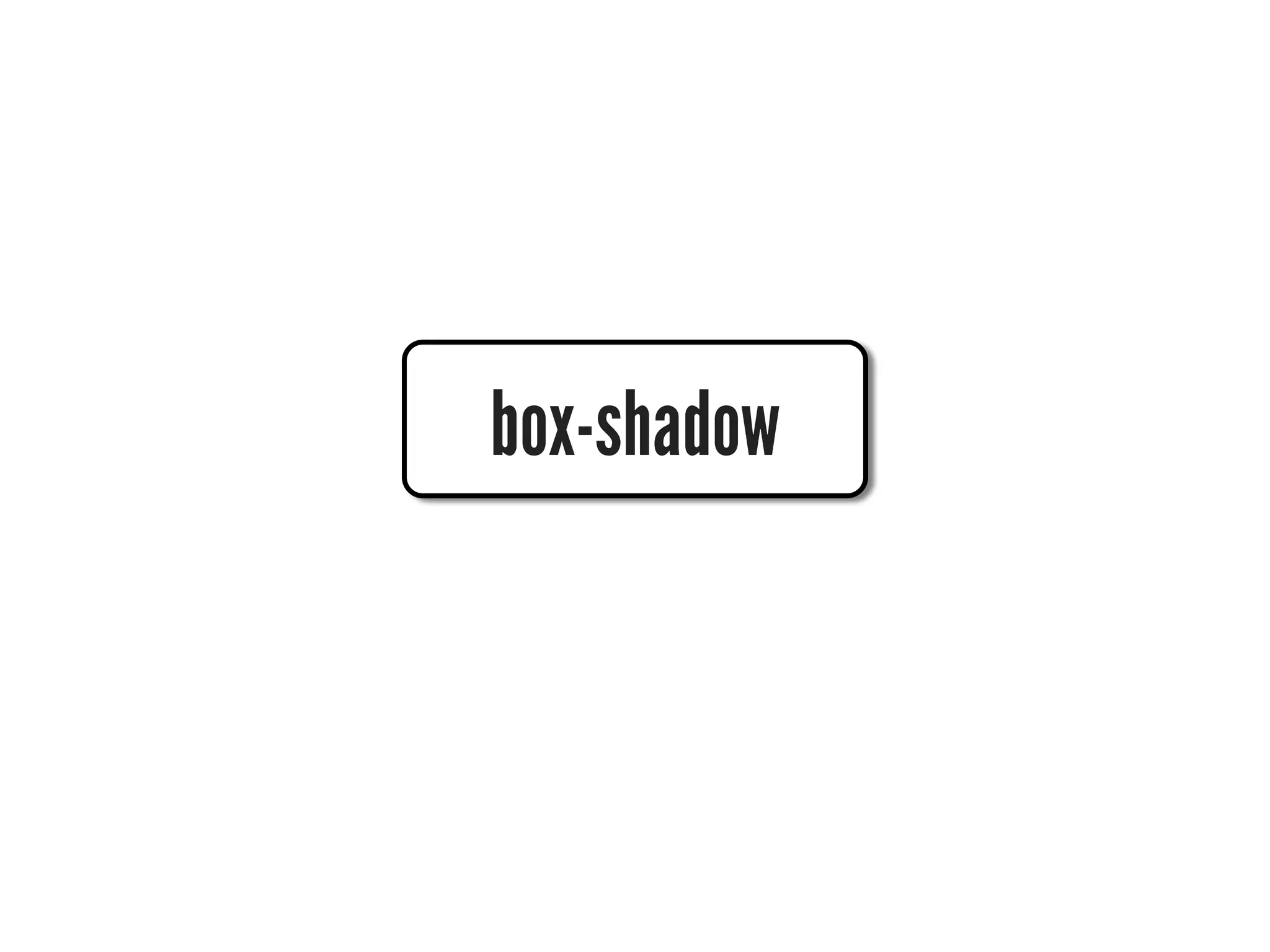
box-shadow
word
wrap
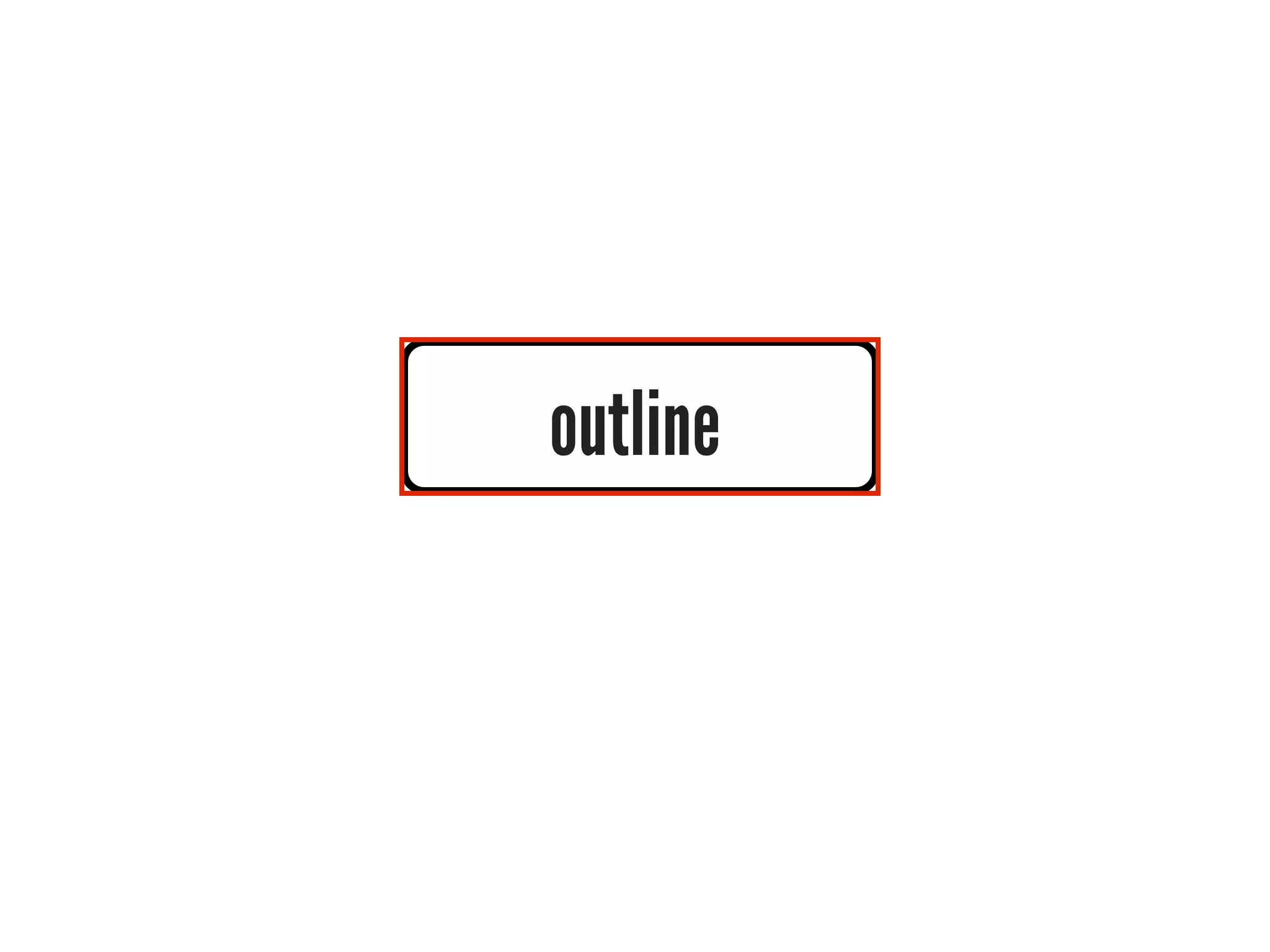
outline
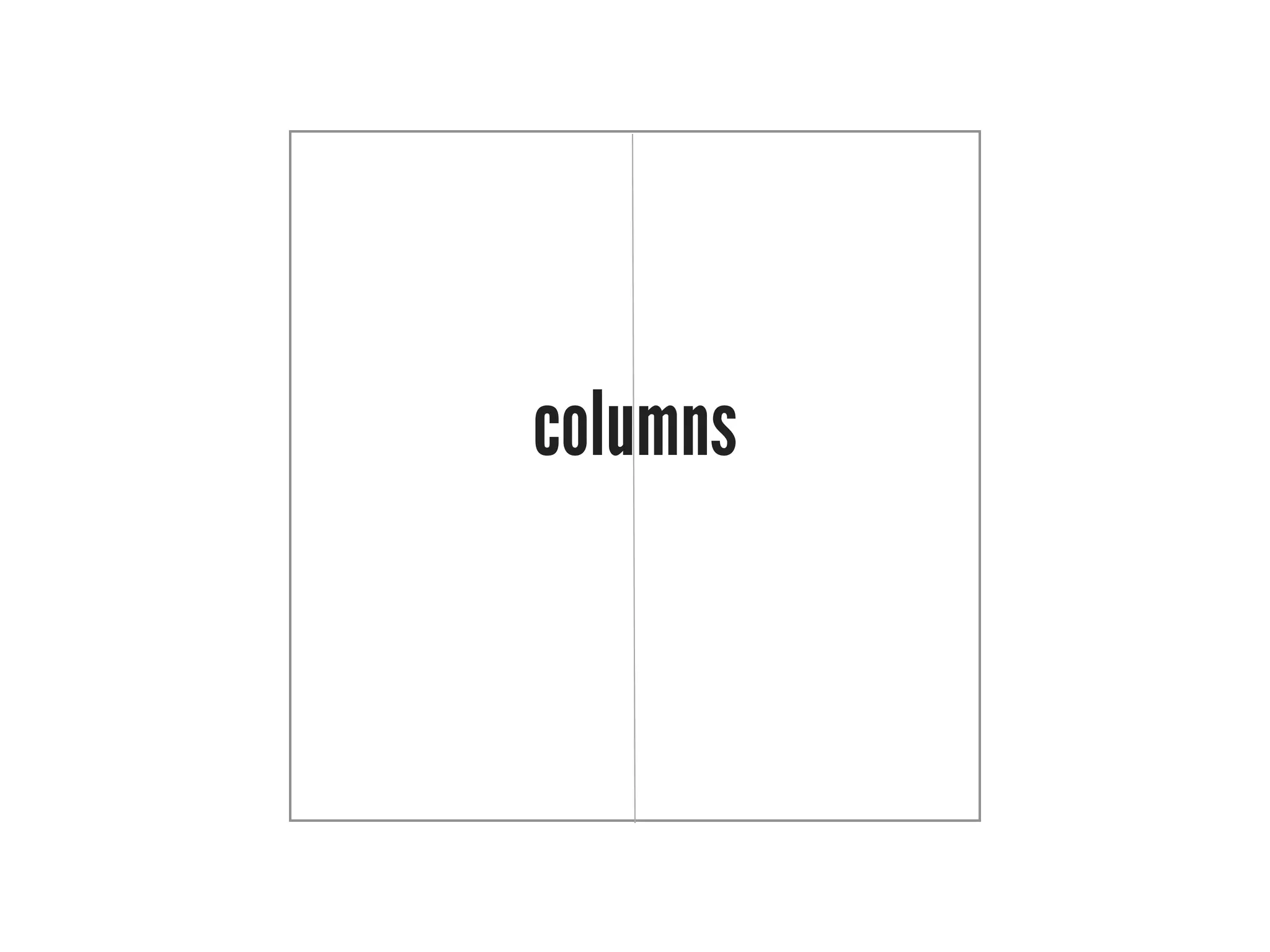
columns
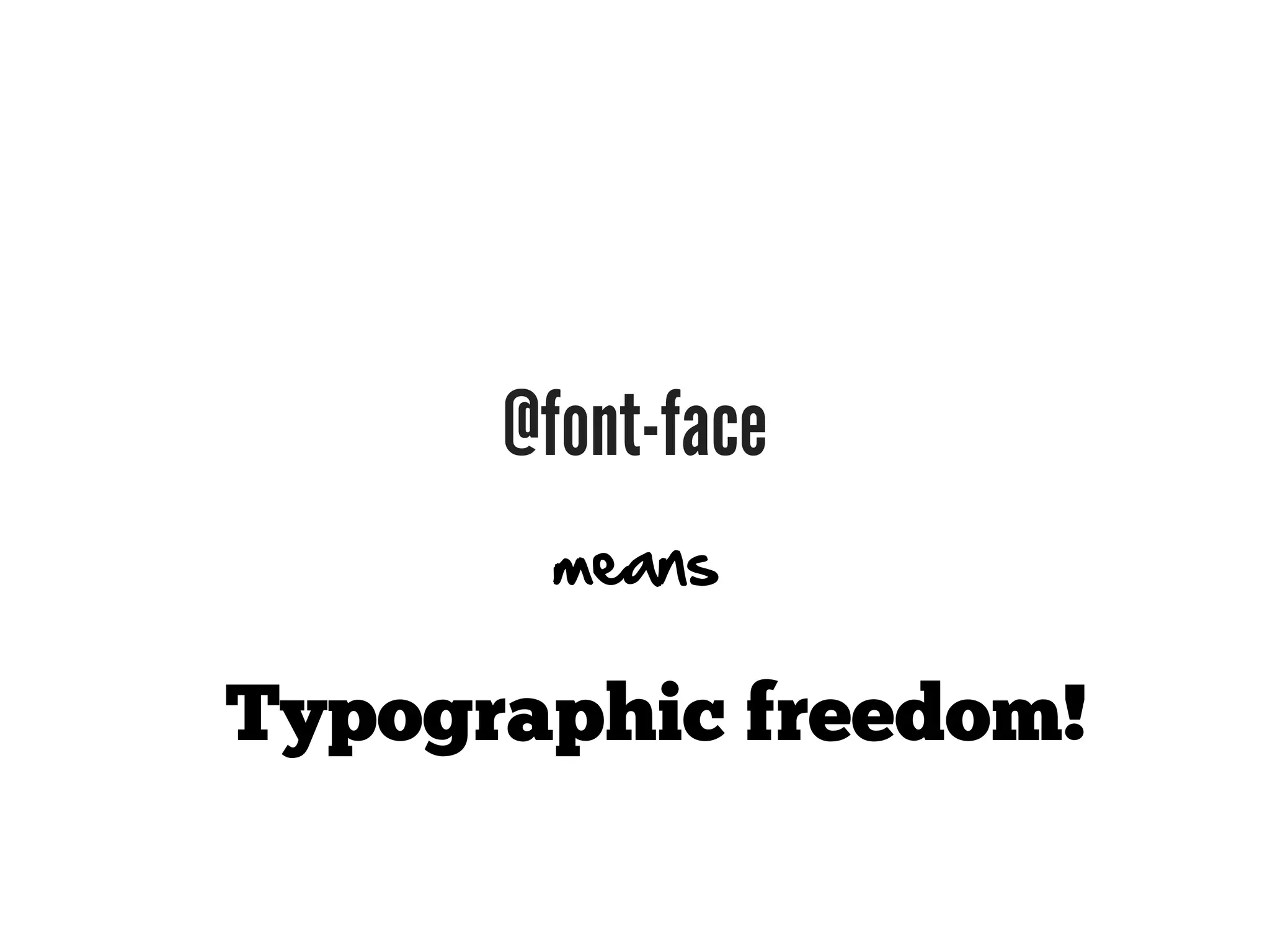
@font-face
       means

Typographic freedom!
Cool
       New selectors
CSS3 selectors (and some golden oldies)
          *                 ::first-letter                   :enabled
          E                   :first-line                   :disabled
       .class                 ::first-line                   :checked
         #id              E[attribute^=value]                 :header
         E F              E[attribute$=value]
        E > F             E[attribute*=value]
        E + F                     E ~ F
    E[attribute]                  :root       Steal   this from jQuery, please
E[attribute=value]            :last-child
E[attribute~=value]           :only-child
E[attribute|=value]           :nth-child()
    :first-child           :nth-last-child()
        :link               :first-of-type
      :visited               :last-of-type
      :lang()                :only-of-type
      :before               :nth-of-type()
      ::before            :nth-last-of-type()
       :after                    :empty
      ::after                    :not()
   :first-letter                :target
WE  CSS
This is not a talk about CSS.
We think you write too much CSS.
You have an ADDICTION.
⌘
⌘
⌘ ⌘ ⌘ ⌘ ⌘ ⌘ ⌘
⌘ ⌘ ⌘ ⌘ ⌘ ⌘ ⌘
 ⌘ ⌘ ⌘ ⌘ ⌘ ⌘ ⌘
 ⌘ ⌘ ⌘ ⌘ ⌘ ⌘ ⌘
⌘ ⌘ ⌘ ⌘ ⌘ ⌘ ⌘
 ⌘ ⌘ ⌘ ⌘ ⌘ ⌘ ⌘
 ⌘ ⌘ ⌘ ⌘ ⌘ ⌘ ⌘
⌘ ⌘ ⌘ ⌘ ⌘ ⌘ ⌘
It’s time to ⎋.
“Design web systems, not just
web pages or web sites.”
         — Todd Nienkerk aka @toddross
           co-founder, FourKitchens.com
We want to talk about

           REAL stylesheet innovation
We want to talk about

            HOW we write stylesheets
We want to talk about

         how we MAINTAIN stylesheets
We want to talk about

          how we SIMPLIFY stylesheets
We want to talk about

   when OLD SCHOOL beats the NEW SHINY
Tool #1

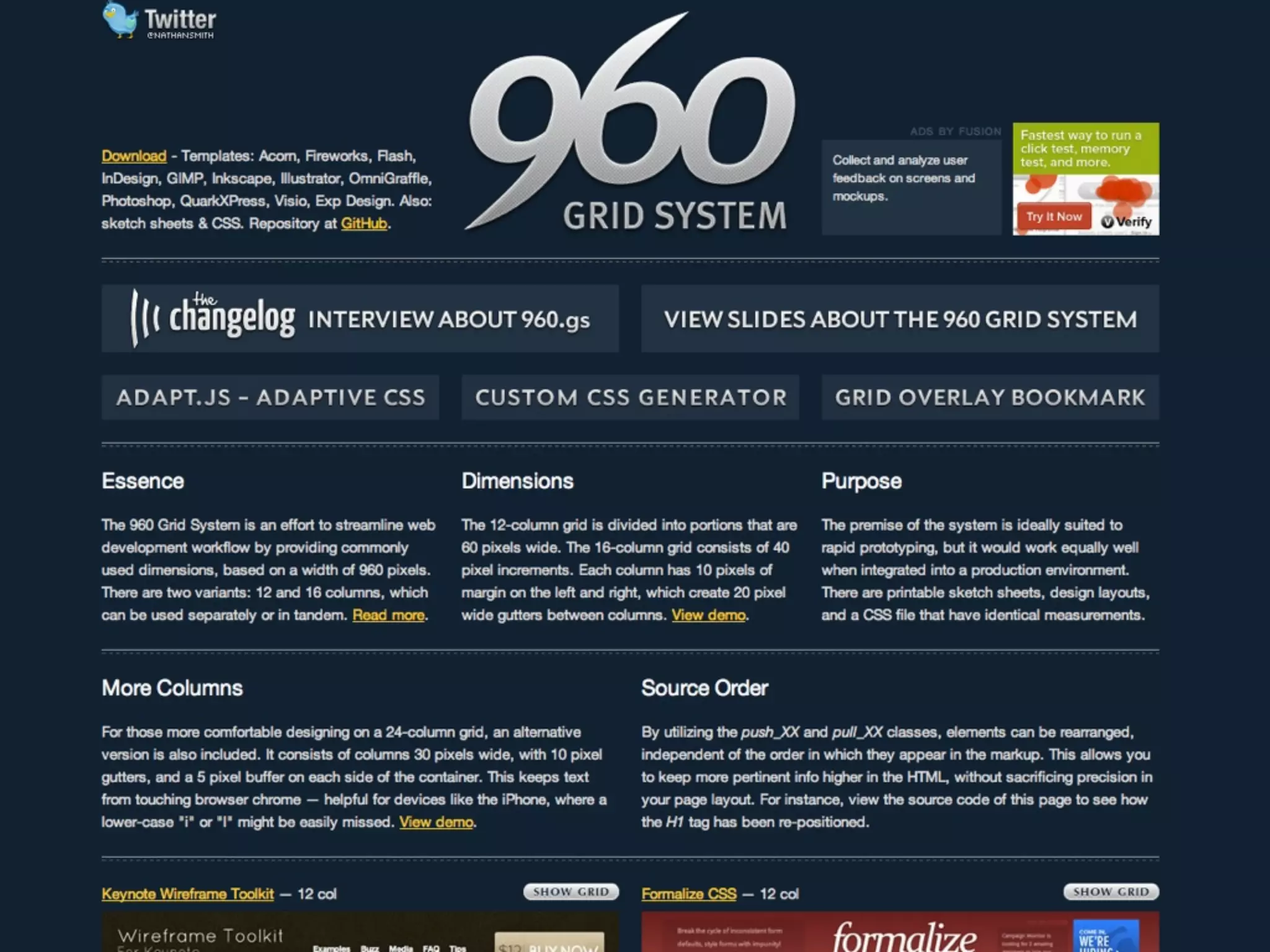
          CSS Frameworks
Rapidly prototype your layouts
Examples:
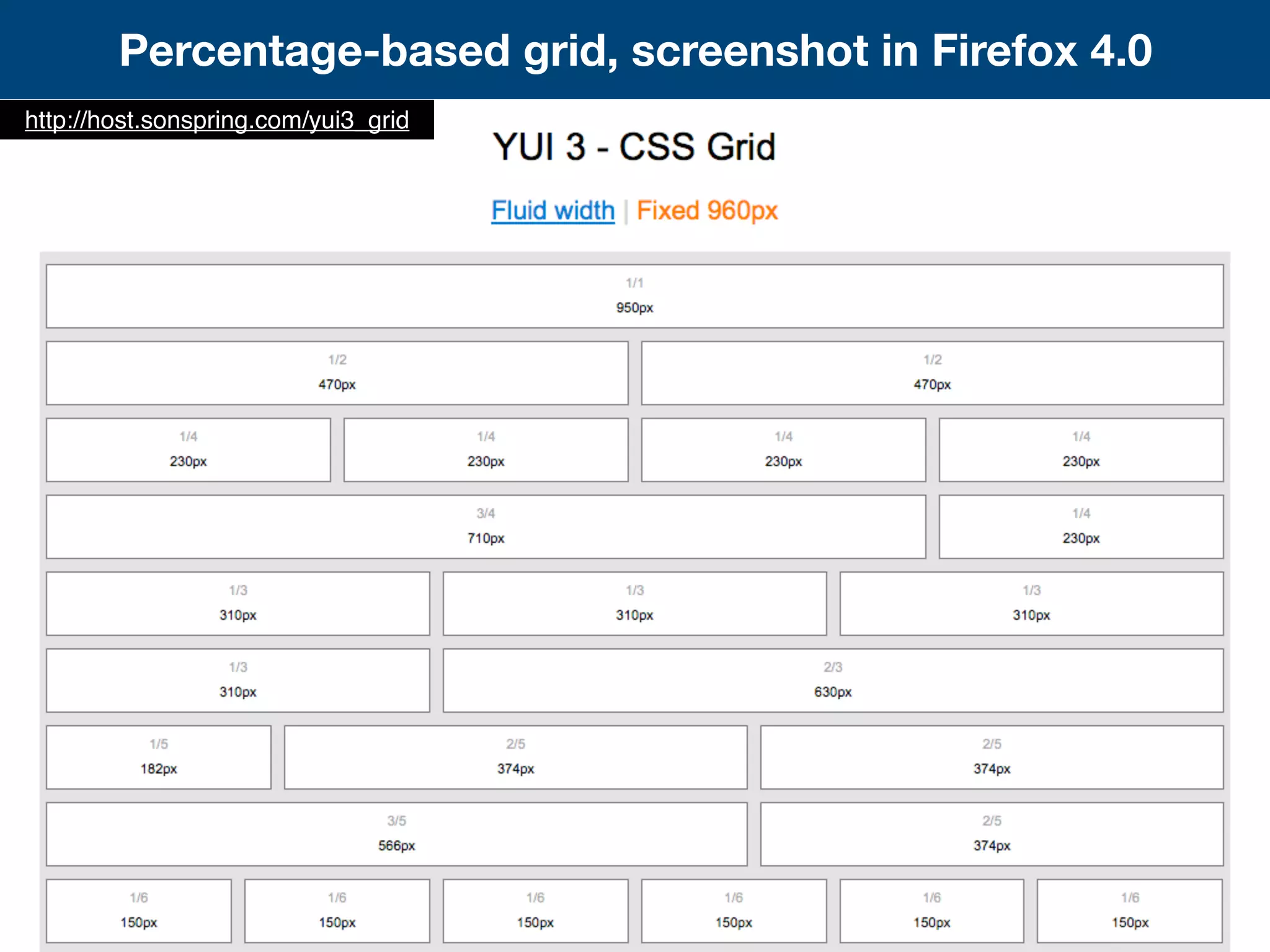
Percentage-based grid, screenshot in Firefox 4.0
http://host.sonspring.com/yui3_grid
Understand the underlying CSS
       Tools. Not crutches.
Tool #2

          JavaScript
JavaScript? You mean like jQuery?
What’s JavaScript got to do with CSS?
Mobile
Responsive Design & Media Queries
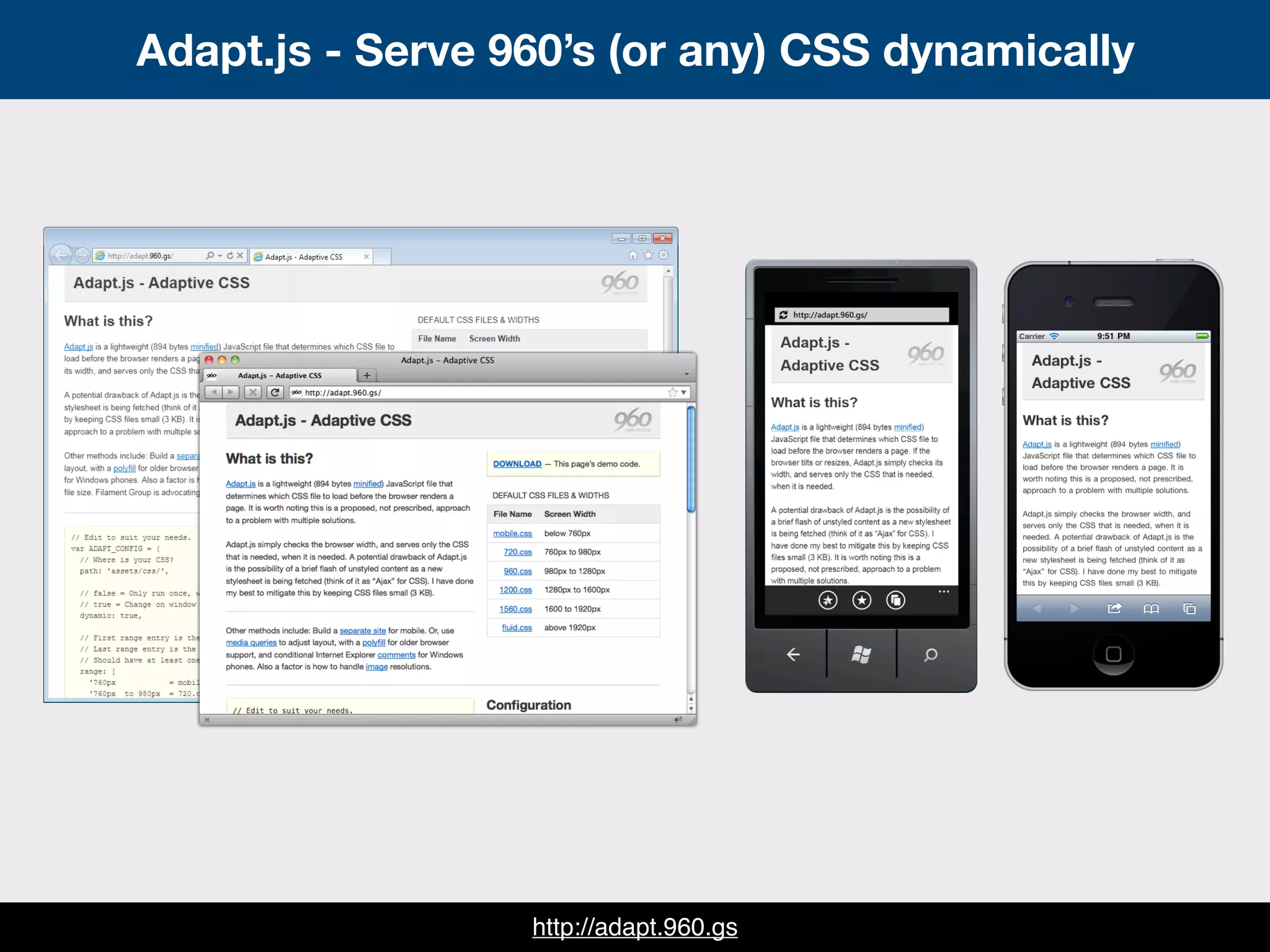
Adapt.js
Adapt.js - Serve 960’s (or any) CSS dynamically


                  http://adapt.960.gs
How to use Adapt.js = A human-readable config
        <script>
        // Edit to suit your needs.
        var ADAPT_CONFIG = {
          // Where is your CSS?
          path: 'assets/css/',

          // false = Only run once, when page first loads.
          // true = Change on window resize and page tilt.
          dynamic: true,

          // Optional callback... myCallback(i, width)
          callback: myCallback,

          // First range entry is the minimum.
          // Last range entry is the maximum.
          // Separate ranges by "to" keyword.
          range: [
            '0px    to 760px = mobile.css',
            '760px to 980px = 720.css',
            '980px to 1280px = 960.css',
            '1280px to 1600px = 1200.css',
            '1600px to 1920px = 1560.css',
            '1920px           = fluid.css'
          ]
        };
        </script>
How to use Adapt.js = A human-readable config
        <script>
        // Edit to suit your needs.
        var ADAPT_CONFIG = {
          // Where is your CSS?
          path: 'assets/css/',

          // false = Only run once, when page first loads.
          // true = Change on window resize and page tilt.
          dynamic: true,

         // Optional callback... myCallback(i, width)
         callback: myCallback,

          // First range entry is the minimum.
          // Last range entry is the maximum.
          // Separate ranges by "to" keyword.
          range: [
            '0px    to 760px = mobile.css',
            '760px to 980px = 720.css',
            '980px to 1280px = 960.css',
            '1280px to 1600px = 1200.css',
            '1600px to 1920px = 1560.css',
            '1920px           = fluid.css'
          ]
        };
        </script>
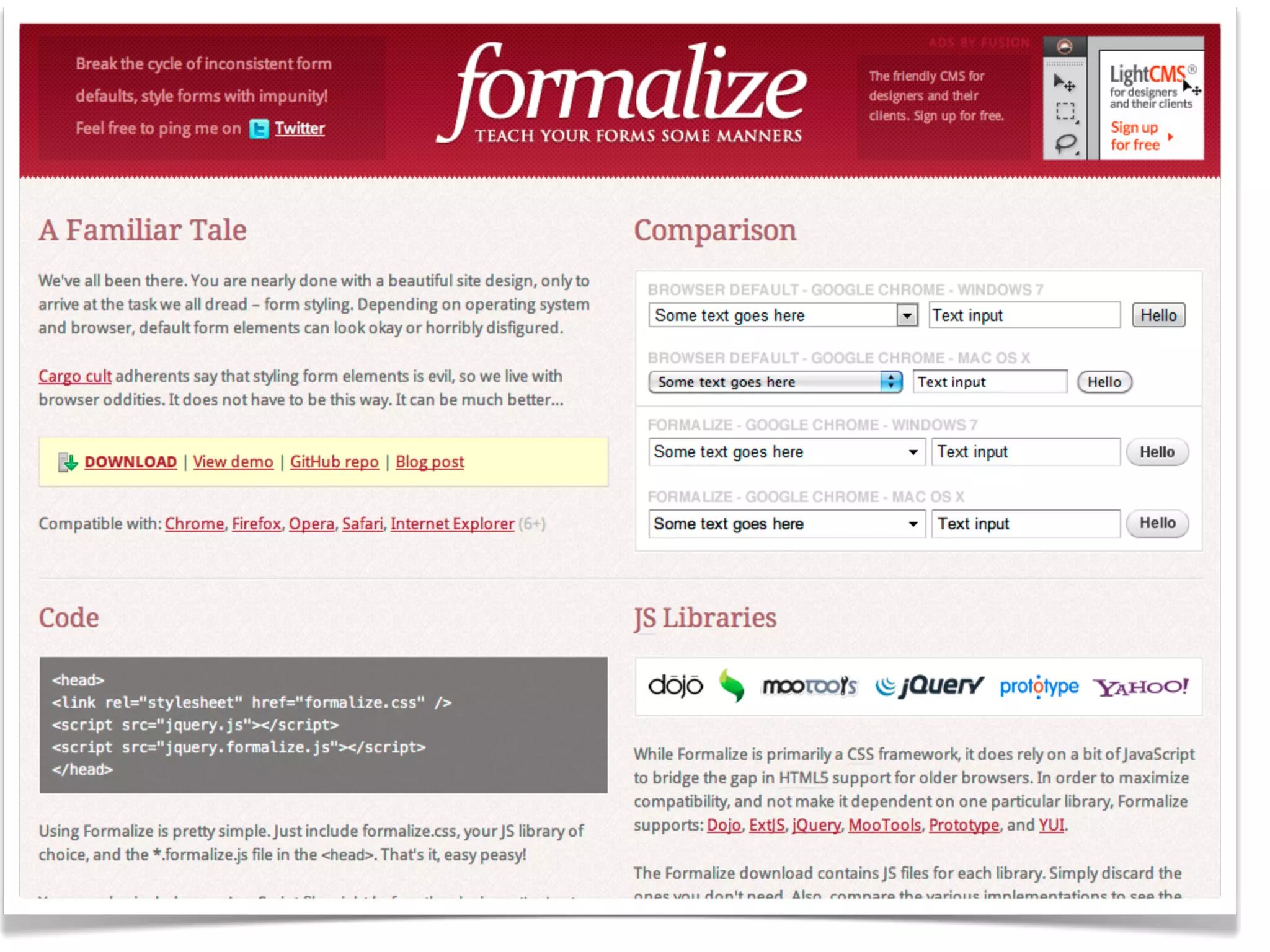
Forms
Formalize
Tool #3

      Sass & Compass
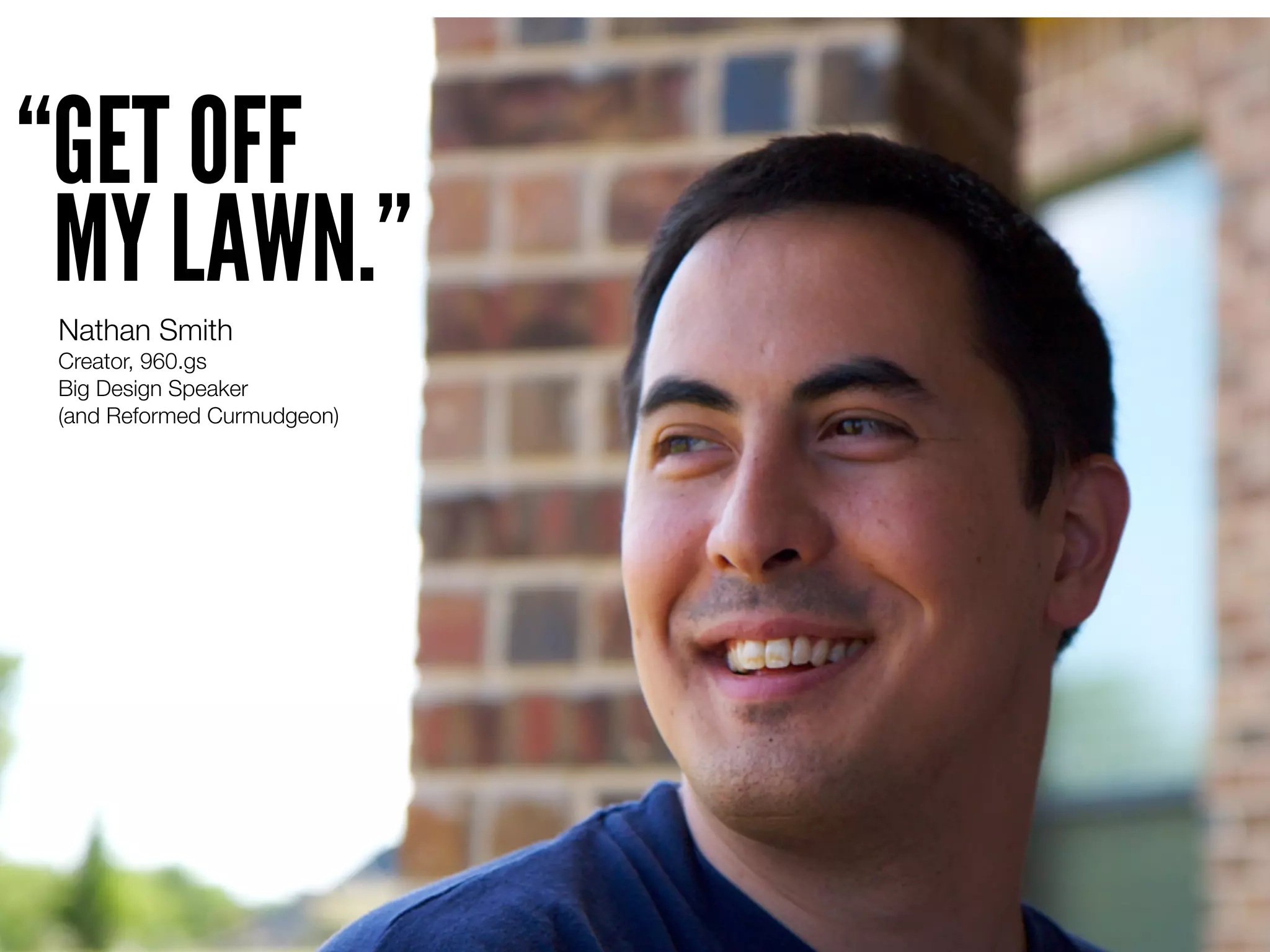
“GET OFF
 MY LAWN.”
 Nathan Smith
 Creator, 960.gs
 Big Design Speaker
 (and Reformed Curmudgeon)
A brief

    History of web presentation
In the beginning...
HTML
for layout

HTML + <TABLE>
HTML was invented in 1989
<TABLE> added in 1997
Still rockin' after 20 years!
Then came
HTML + CSS
HTML + CSS = Content + Presentation
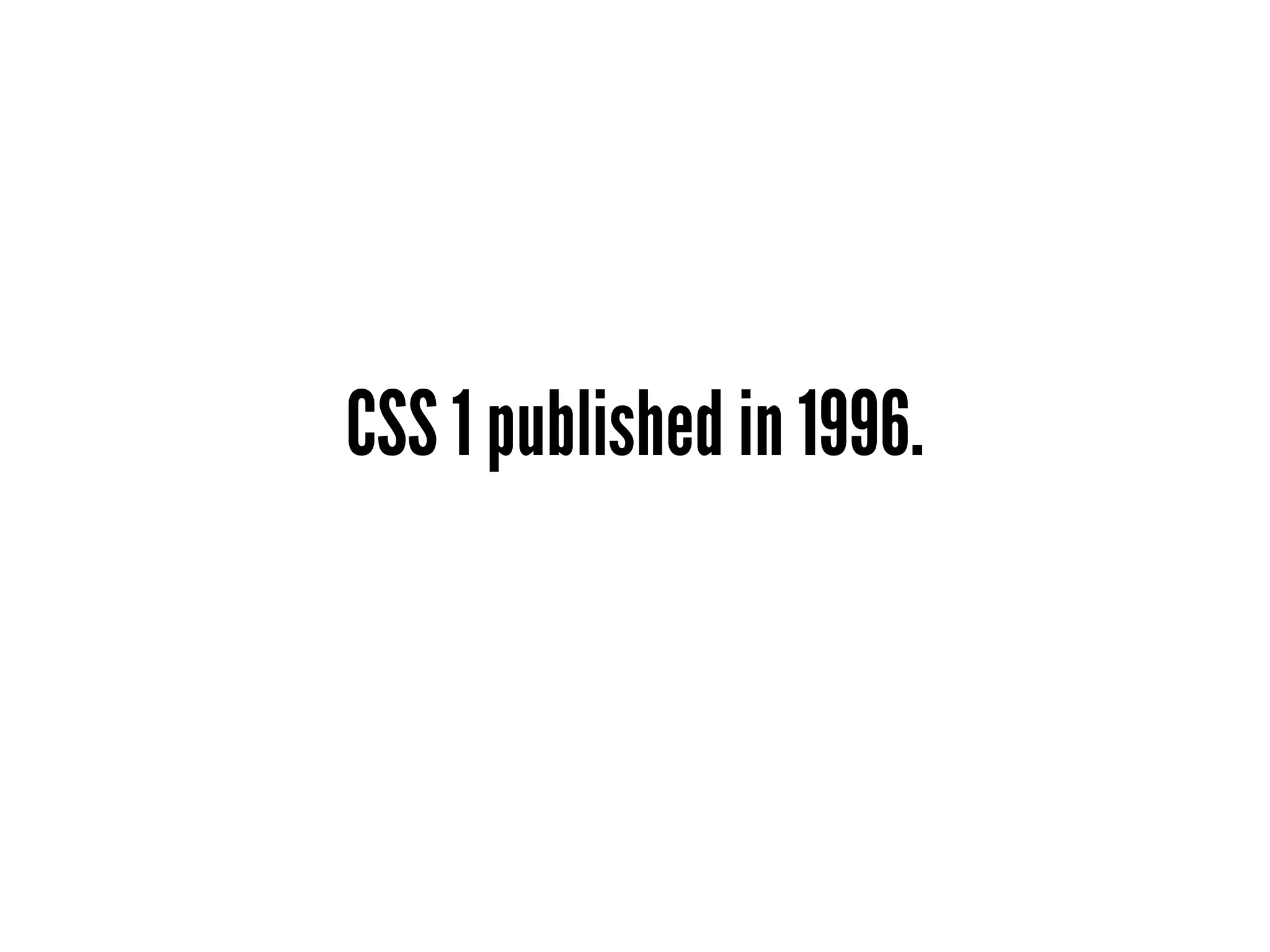
CSS 1 published in 1996.
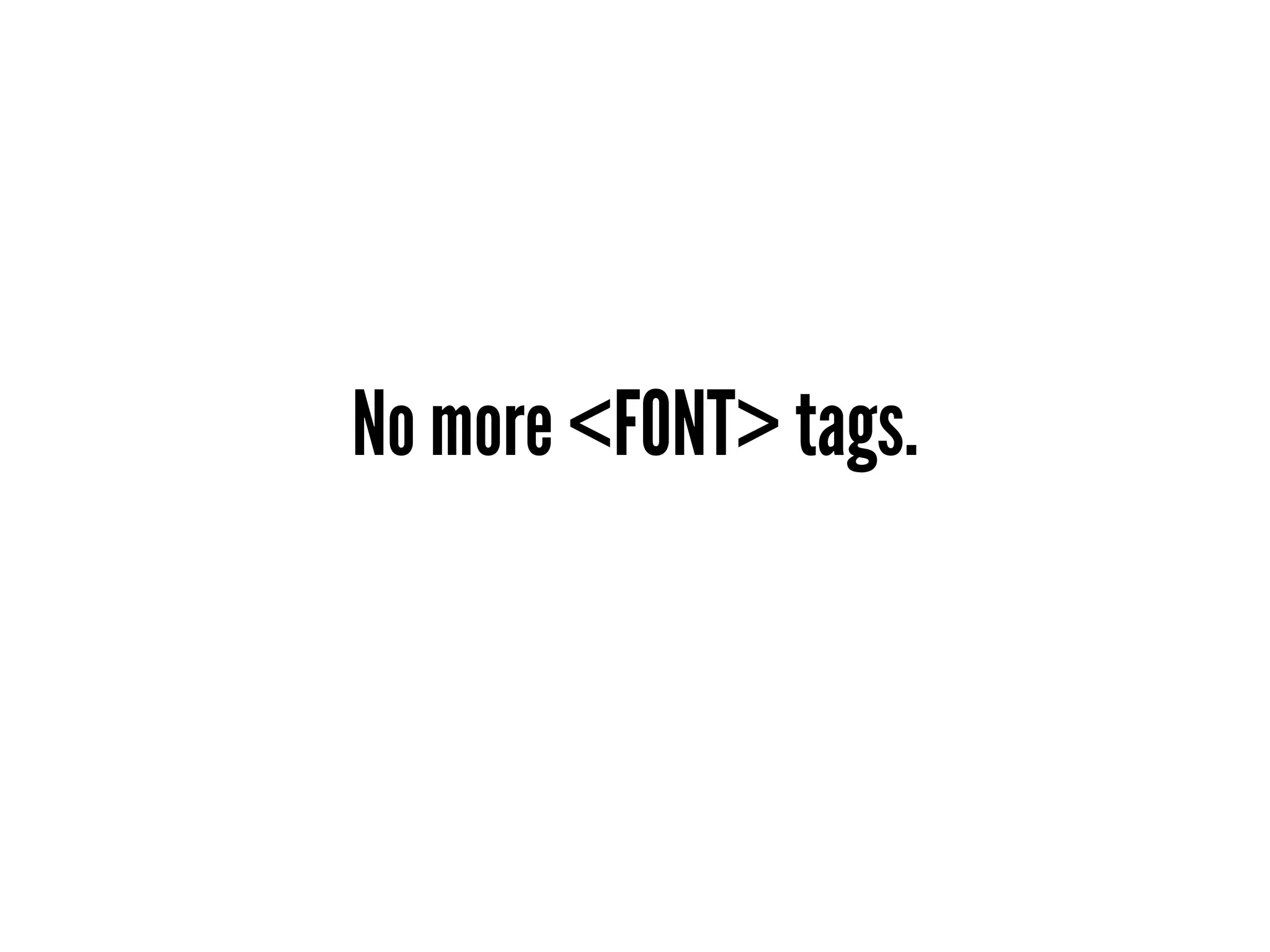
No more <FONT> tags.
font styling, color, borders & more!
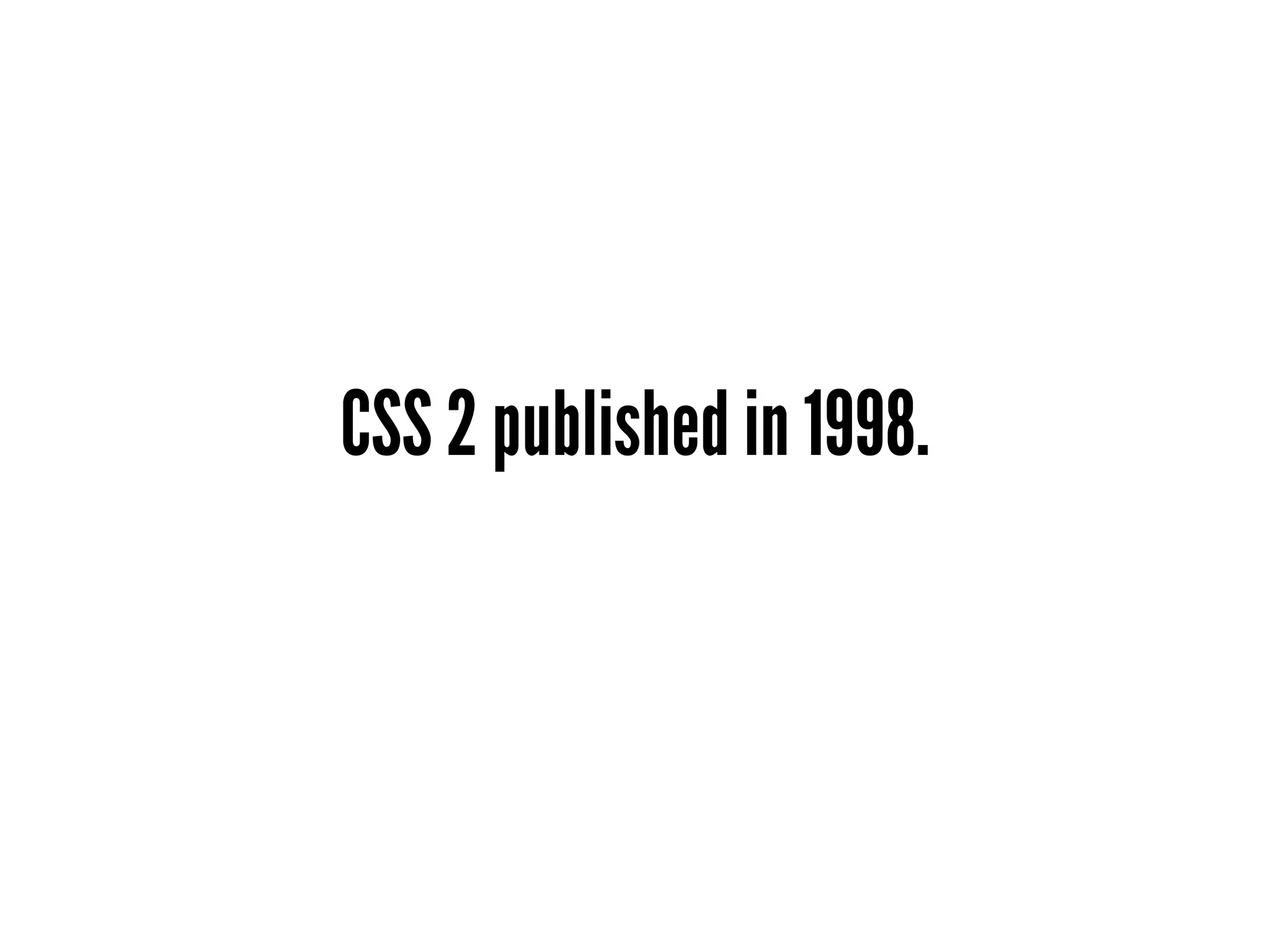
CSS 2 published in 1998.
Improved selectors
CSS2 selectors
         *
         E
      .class
        #id
        E F
       E > F
       E + F
   E[attribute]
E[attribute=value]
E[attribute|=value]
   :first-child
       :link
     :visited
      :lang()
      :before
     ::before
      :after
      ::after
   :first-letter
    :first-line
... and even more stuff no browsers
     supported until years later.
Which brings us back to...
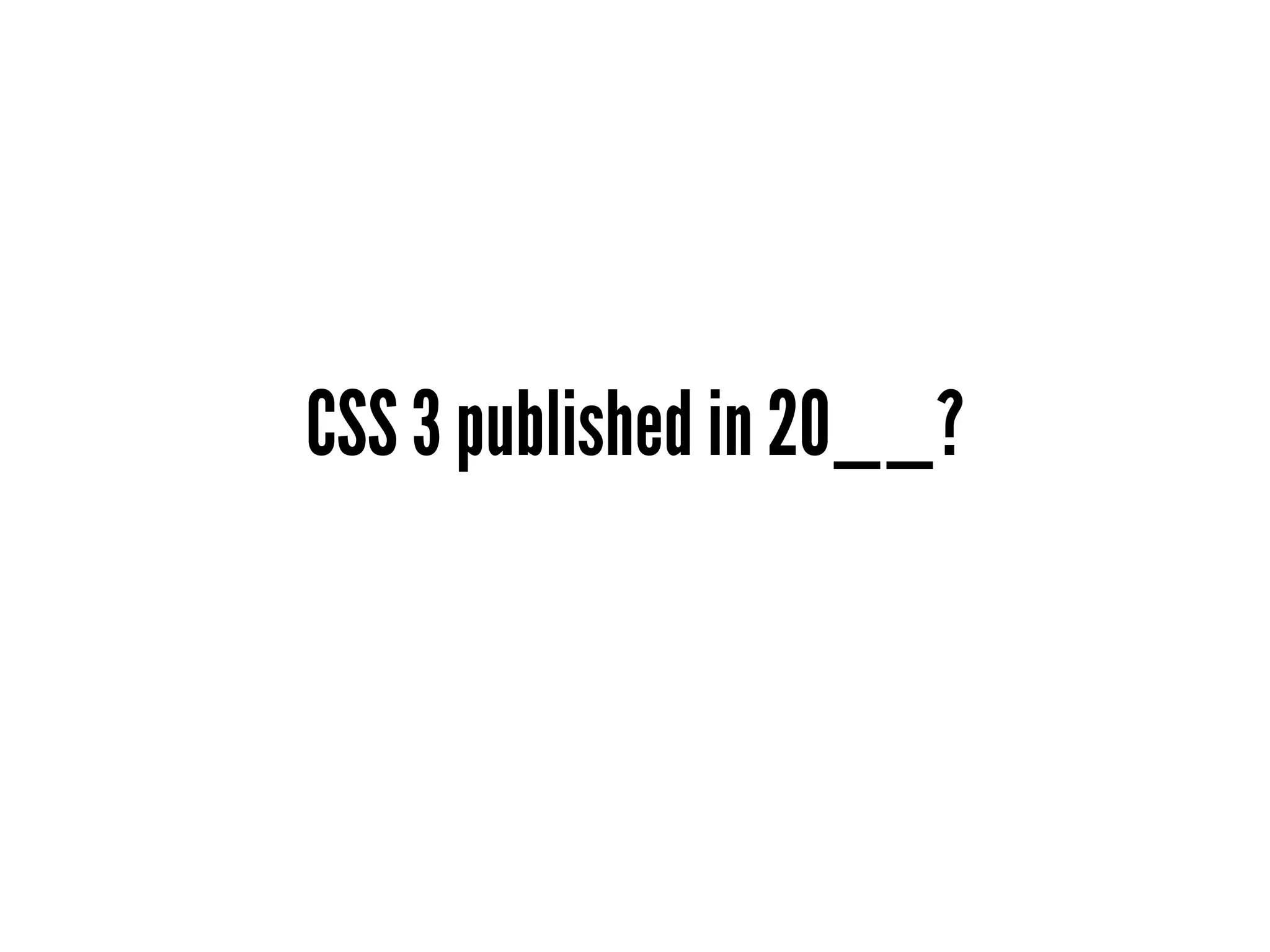
CSS 3 published in 20__?
“Web 2.0” brought new demands
Round corners
Drop shadows
Gradients
But we already covered that.
That's the 70+ slide introduction
  Titles are the new bullets.
14 years of CSS has basically given us
more selectors + more properties
Until now...
Metaframeworks =
high fidelity stylesheets
Metaframeworks output CSS.
Nested rules
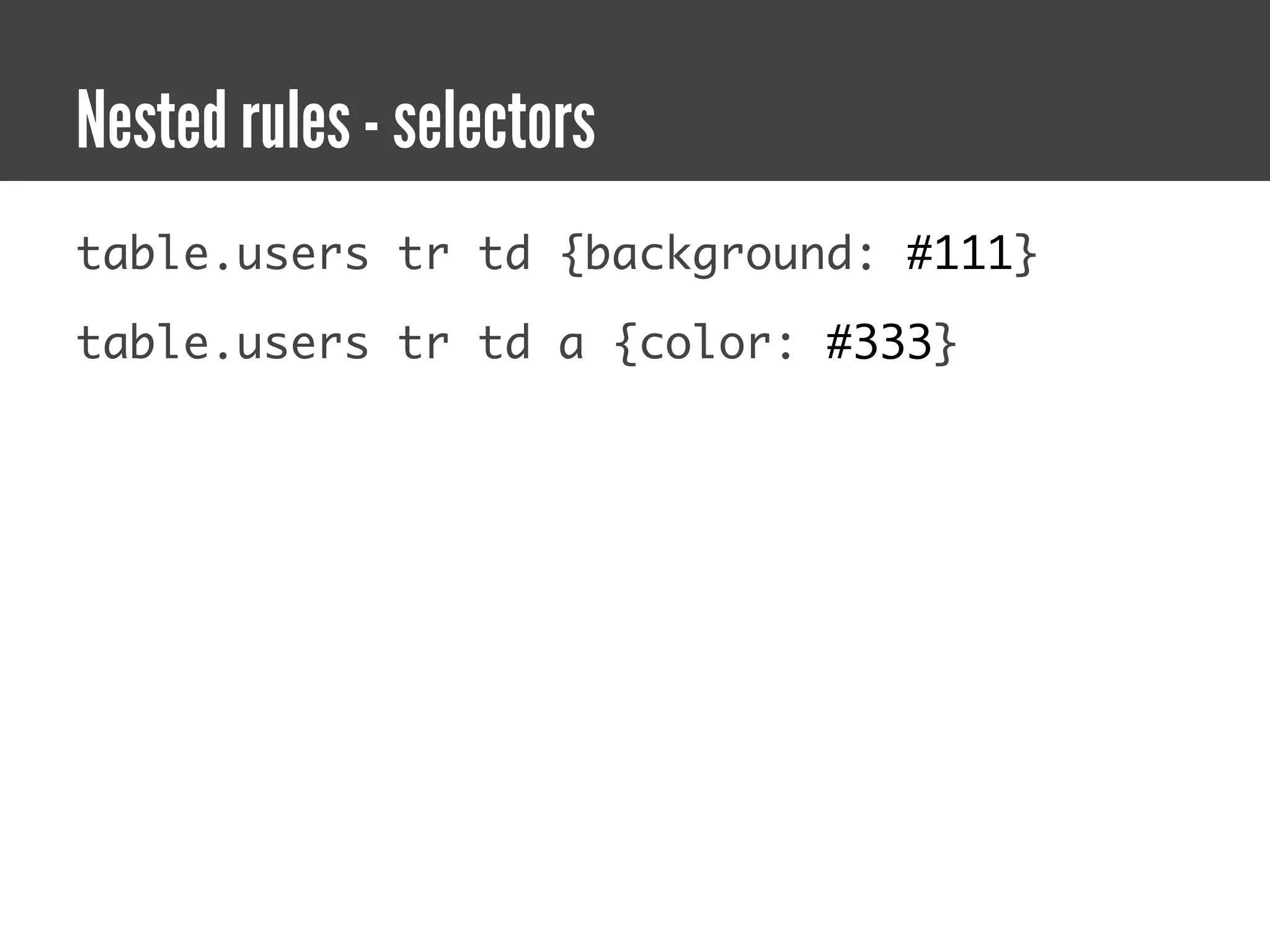
Nested rules - selectors
table.users tr td {background: #111}

table.users tr td a {color: #333}
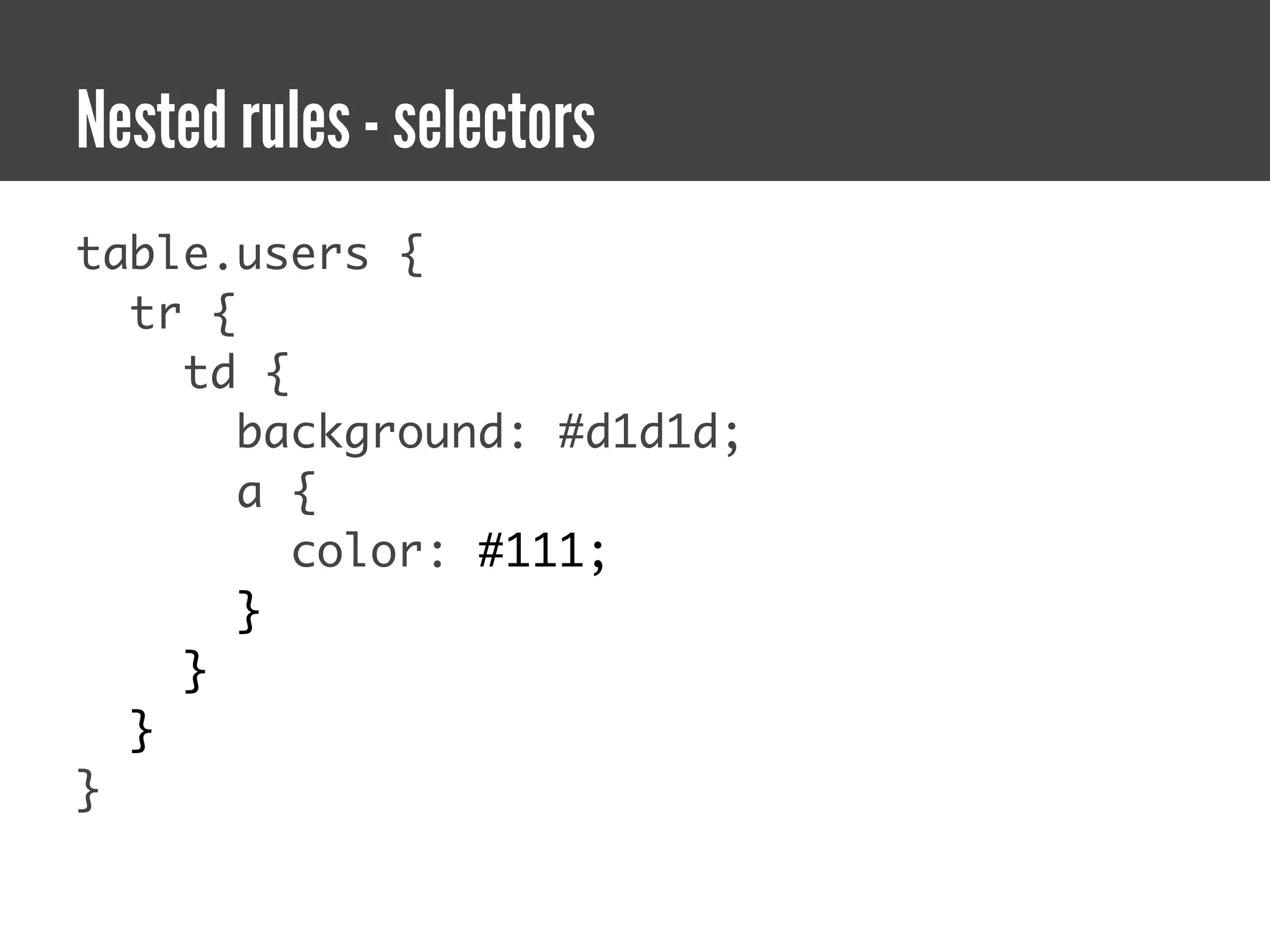
Nested rules - selectors
table.users {
  tr {
    td {
       background: #d1d1d;
       a {
         color: #111;
       }
    }
  }
}
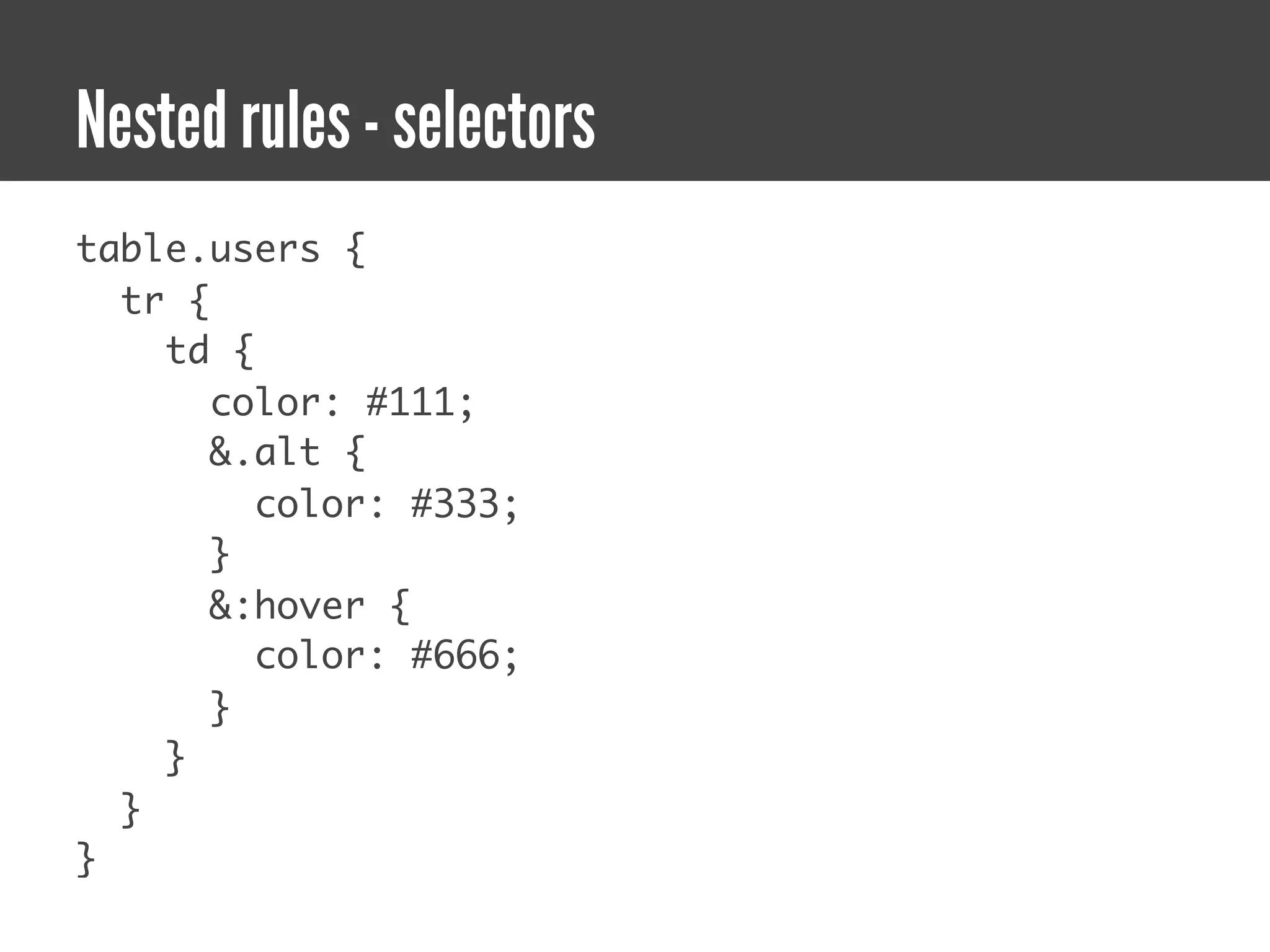
Nested rules - selectors
table.users {
  tr {
    td {
       color: #111;
       &.alt {
         color: #333;
       }
       &:hover {
         color: #666;
       }
    }
  }
}
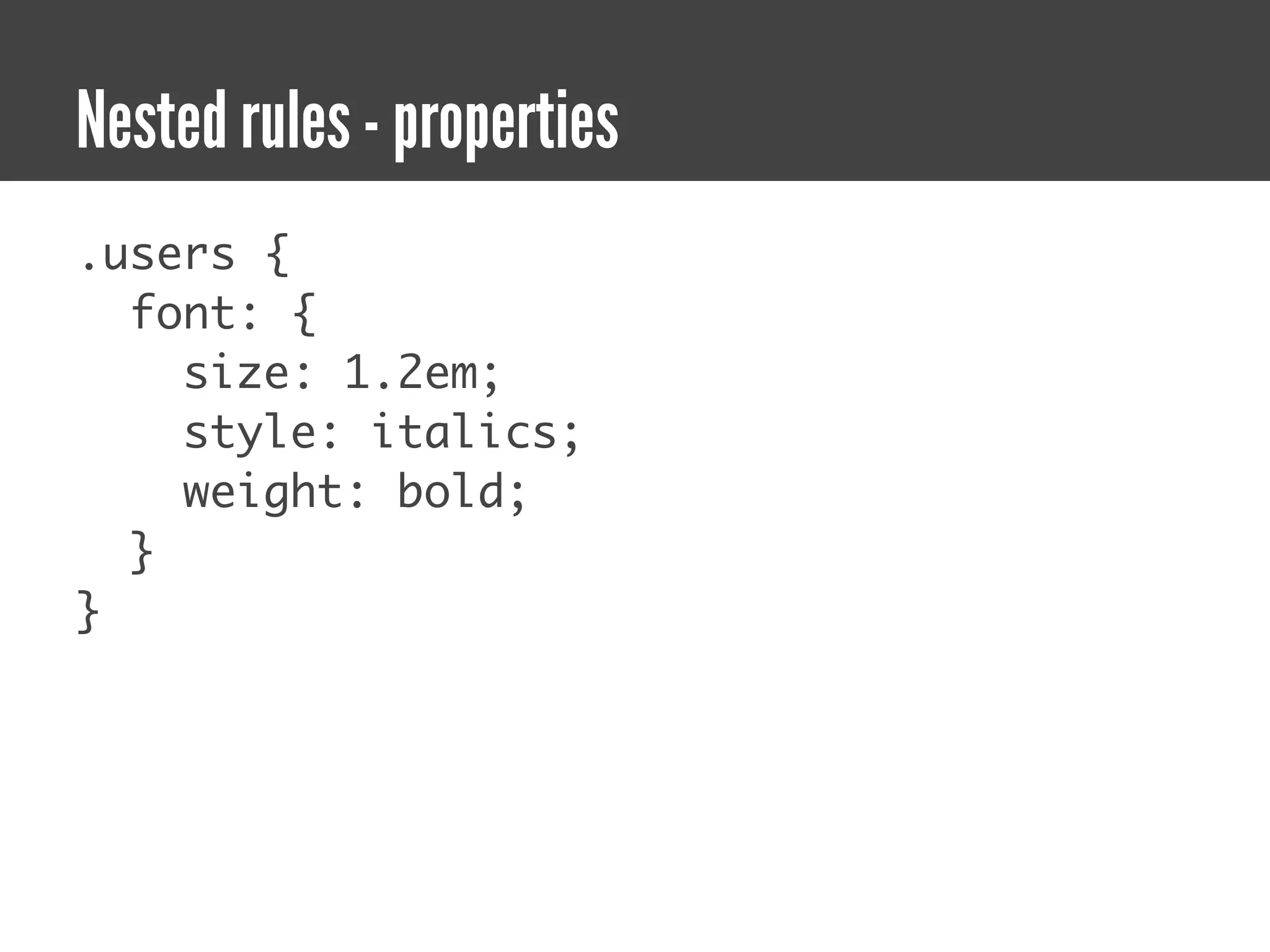
Nested rules - properties
.users {
  font: {
    size: 1.2em;
    style: italics;
    weight: bold;
  }
}
Syntax options
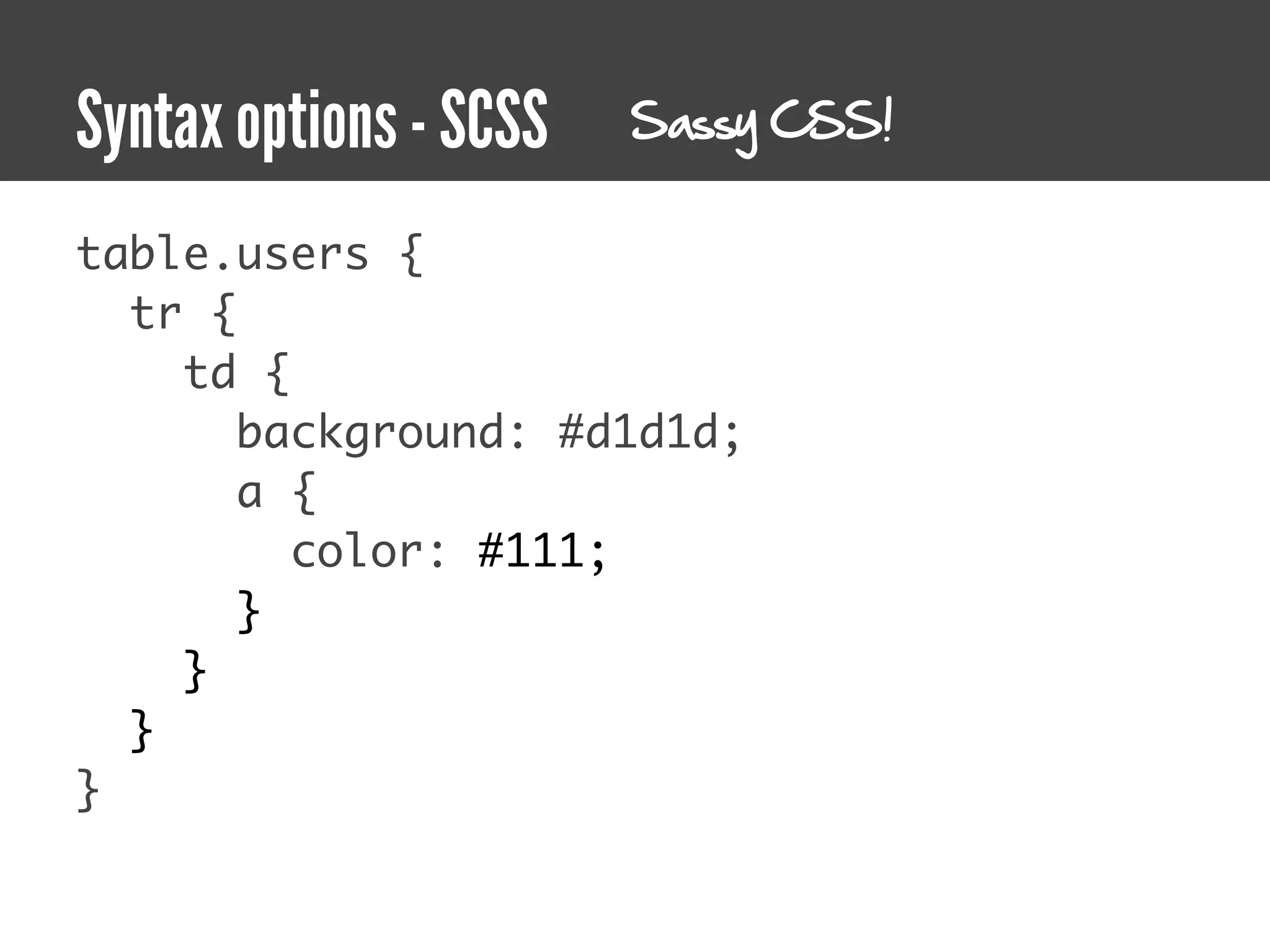
Syntax options - SCSS   Sassy CSS!


table.users {
  tr {
    td {
       background: #d1d1d;
       a {
         color: #111;
       }
    }
  }
}
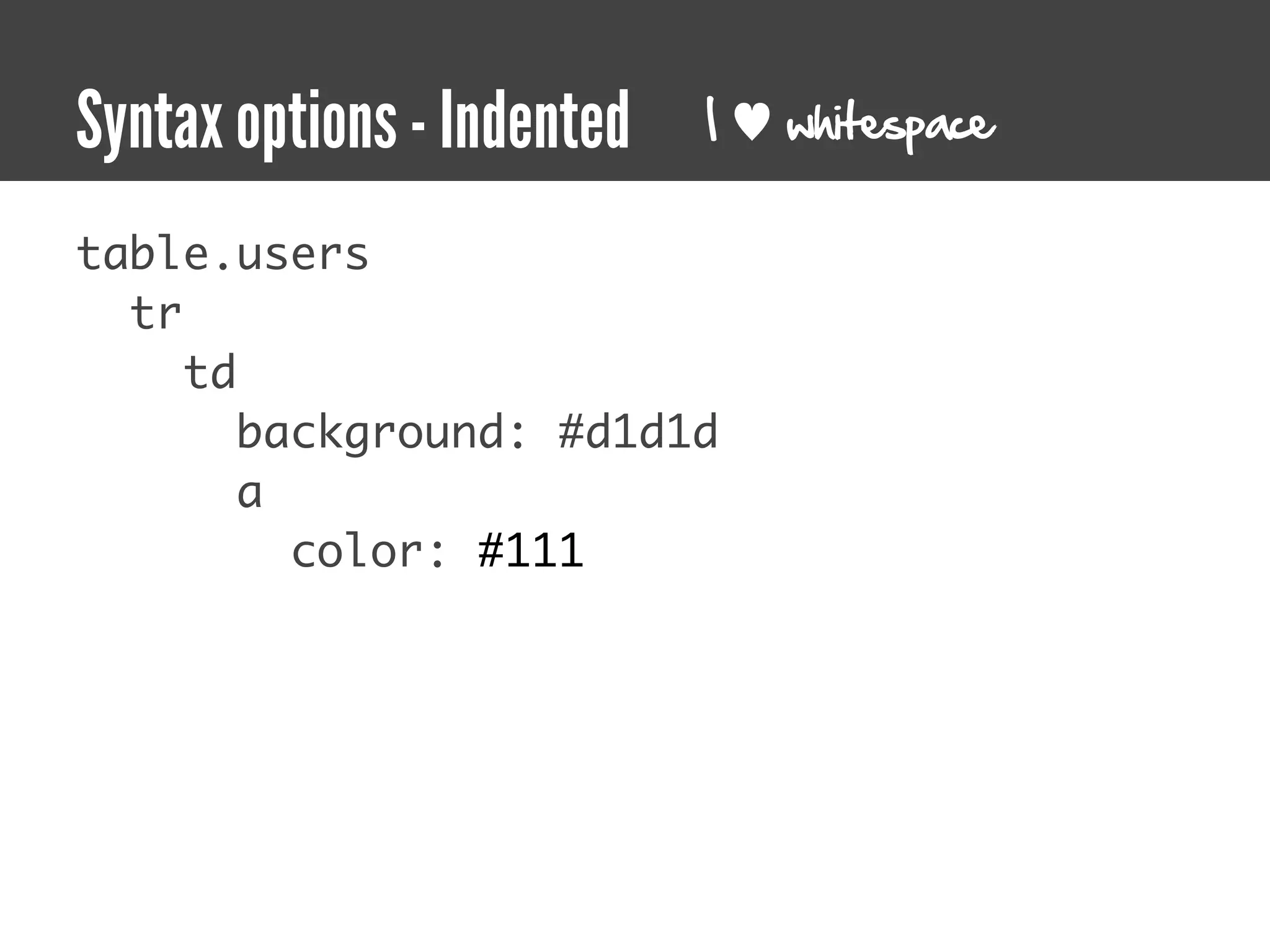
Syntax options - Indented   I   whitespace


table.users
  tr
     td
        background: #d1d1d
        a
          color: #111
Variables
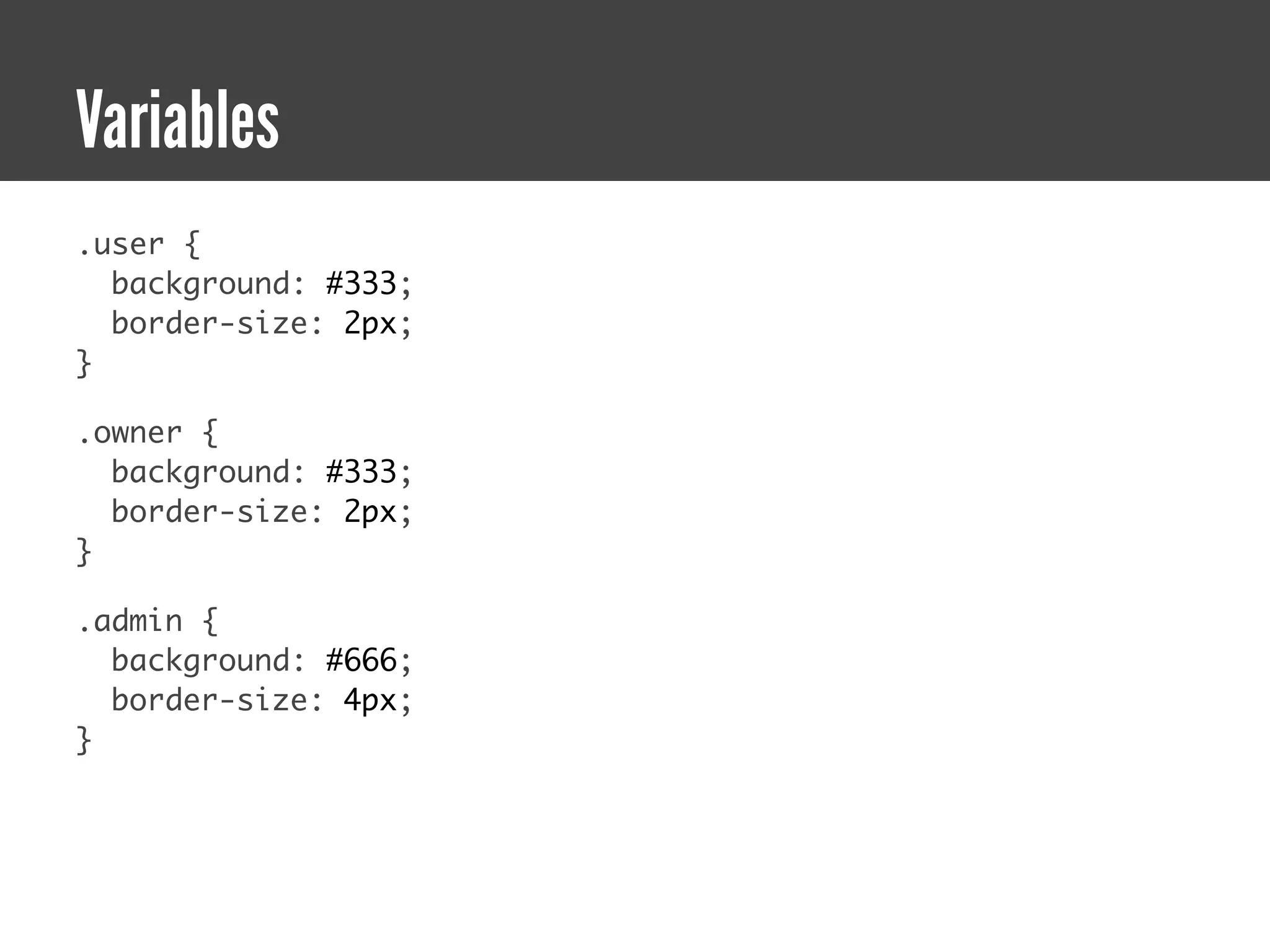
Variables
.user {
  background: #333;
  border-size: 2px;
}

.owner {
  background: #333;
  border-size: 2px;
}

.admin {
  background: #666;
  border-size: 4px;
}
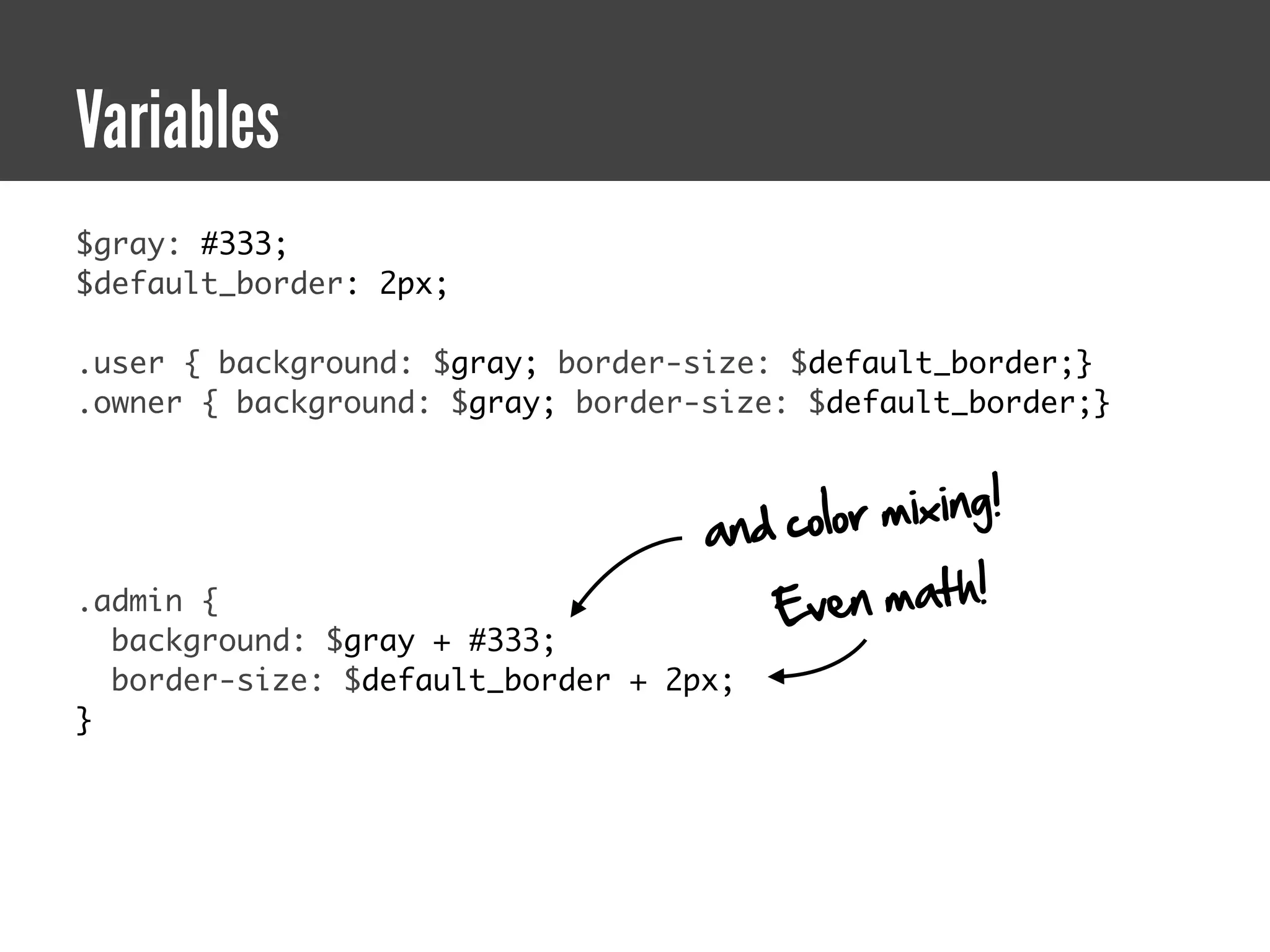
Variables
$gray: #333;
$default_border: 2px;

.user { background: $gray; border-size: $default_border;}
.owner { background: $gray; border-size: $default_border;}


                                   and colo r mixing!
.admin {                              Ev  e n ma t h !
  background: $gray + #333;
  border-size: $default_border + 2px;
}
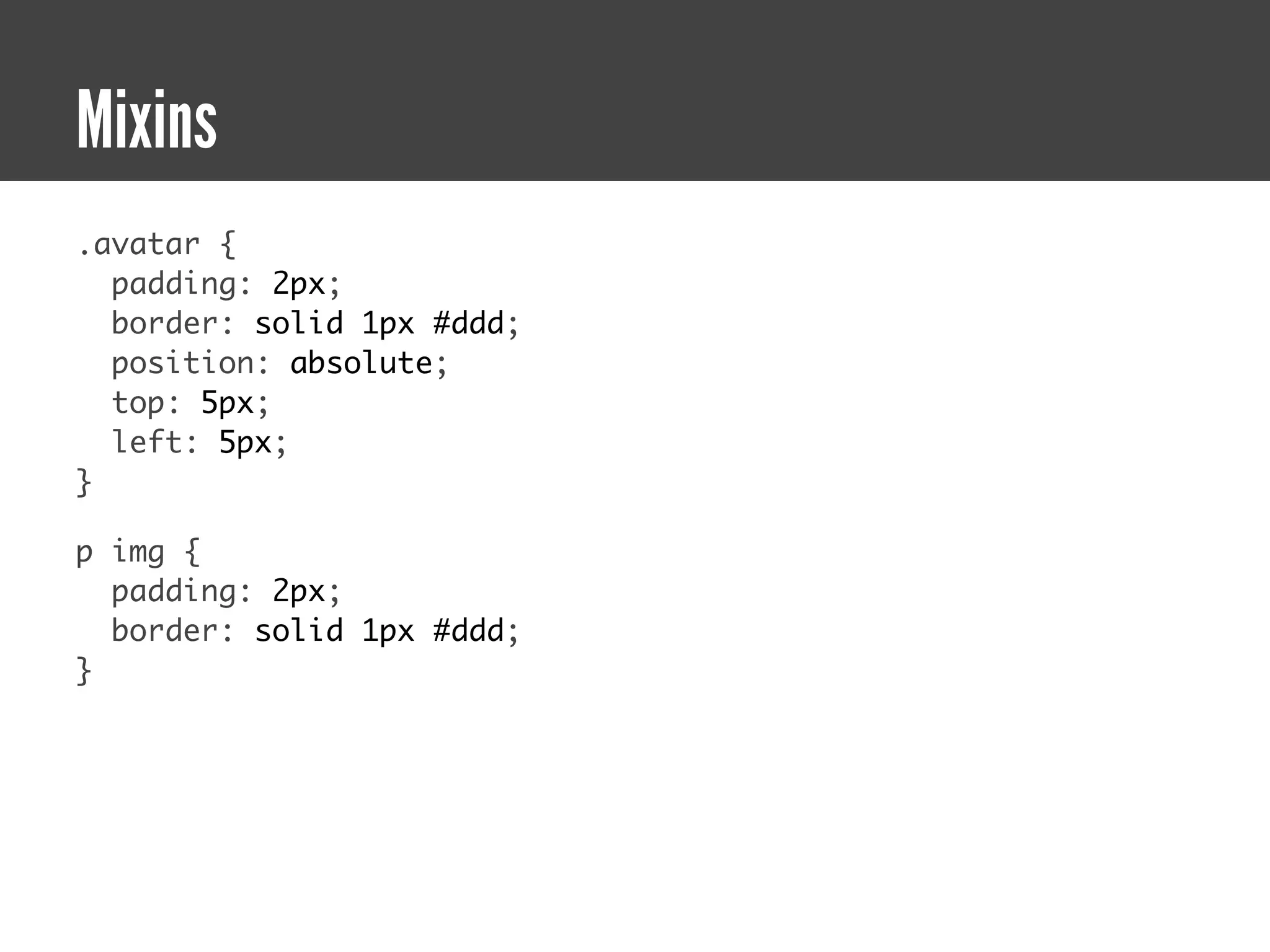
Mixins
Mixins
.avatar {
  padding: 2px;
  border: solid 1px #ddd;
  position: absolute;
  top: 5px;
  left: 5px;
}

p img {
  padding: 2px;
  border: solid 1px #ddd;
}
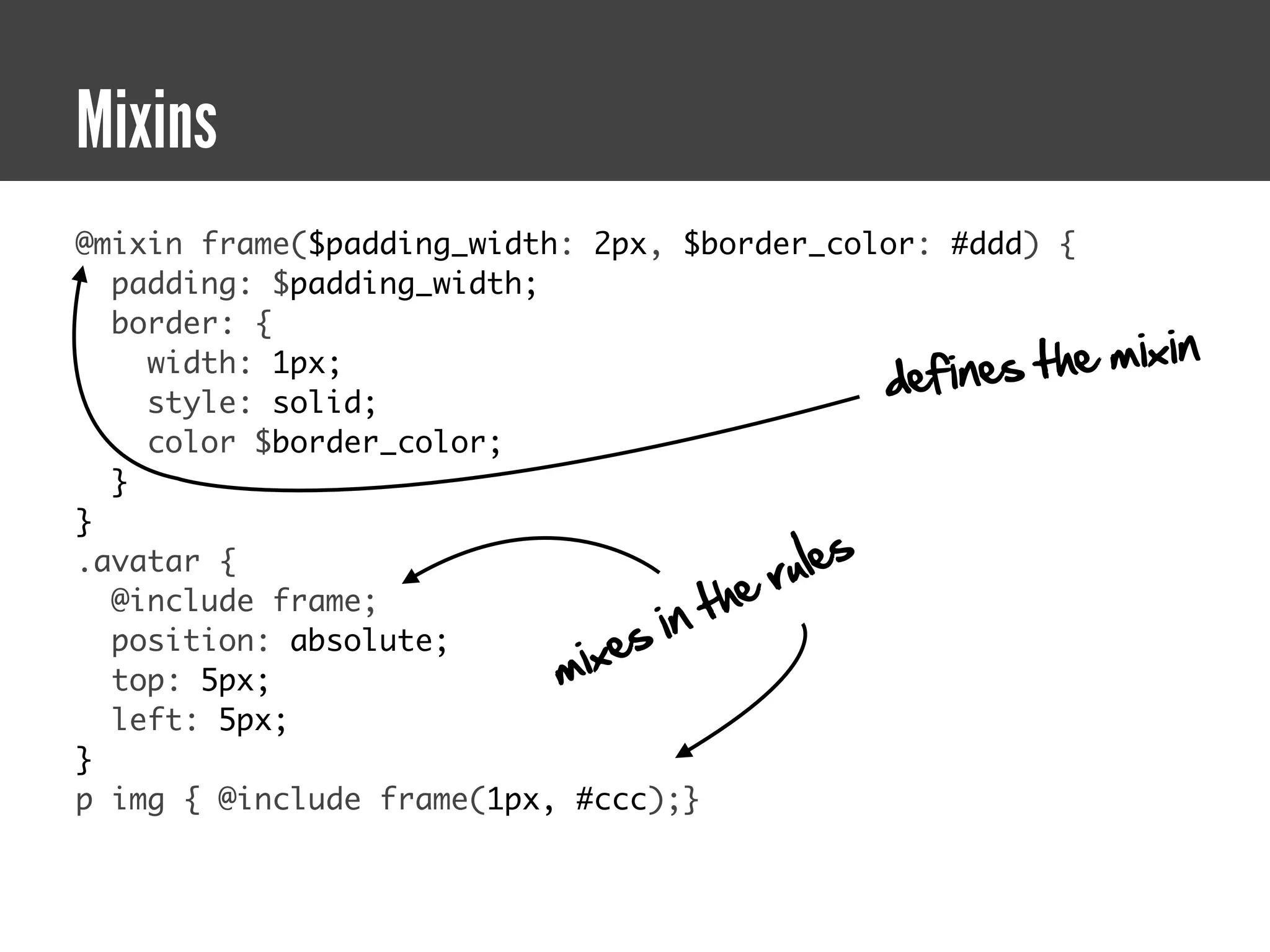
Mixins
@mixin frame($padding_width: 2px, $border_color: #ddd) {
  padding: $padding_width;
  border: {
                                                     fines the   mixin
                                                  de
    width: 1px;
    style: solid;
    color $border_color;
  }
}
.avatar {
                                          ru le s
                                       he
                                  in t
  @include frame;
                               es
                           mix
  position: absolute;
  top: 5px;
  left: 5px;
}
p img { @include frame(1px, #ccc);}
Extend
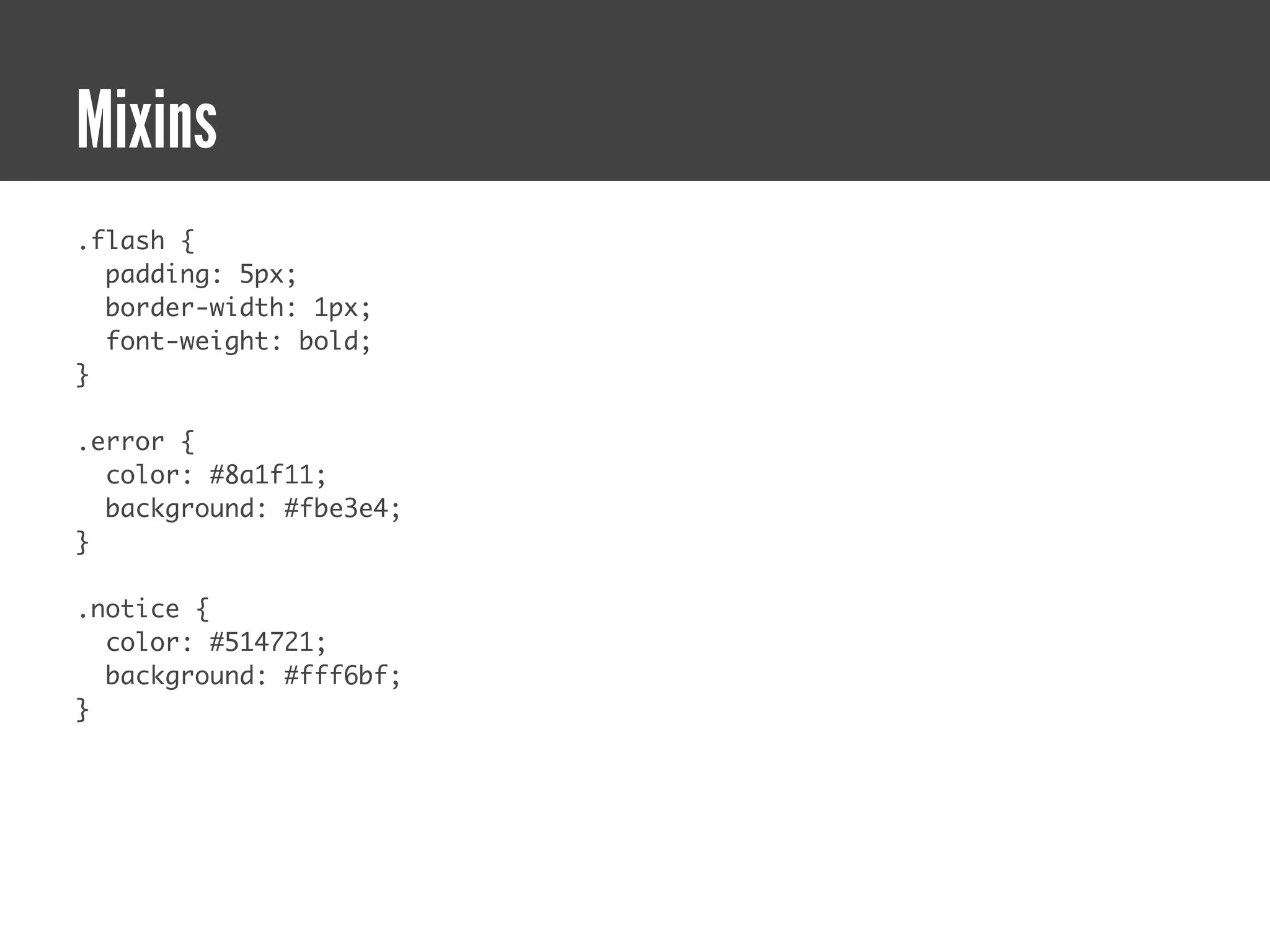
Mixins
.flash {
  padding: 5px;
  border-width: 1px;
  font-weight: bold;
}

.error {
  color: #8a1f11;
  background: #fbe3e4;
}

.notice {
  color: #514721;
  background: #fff6bf;
}
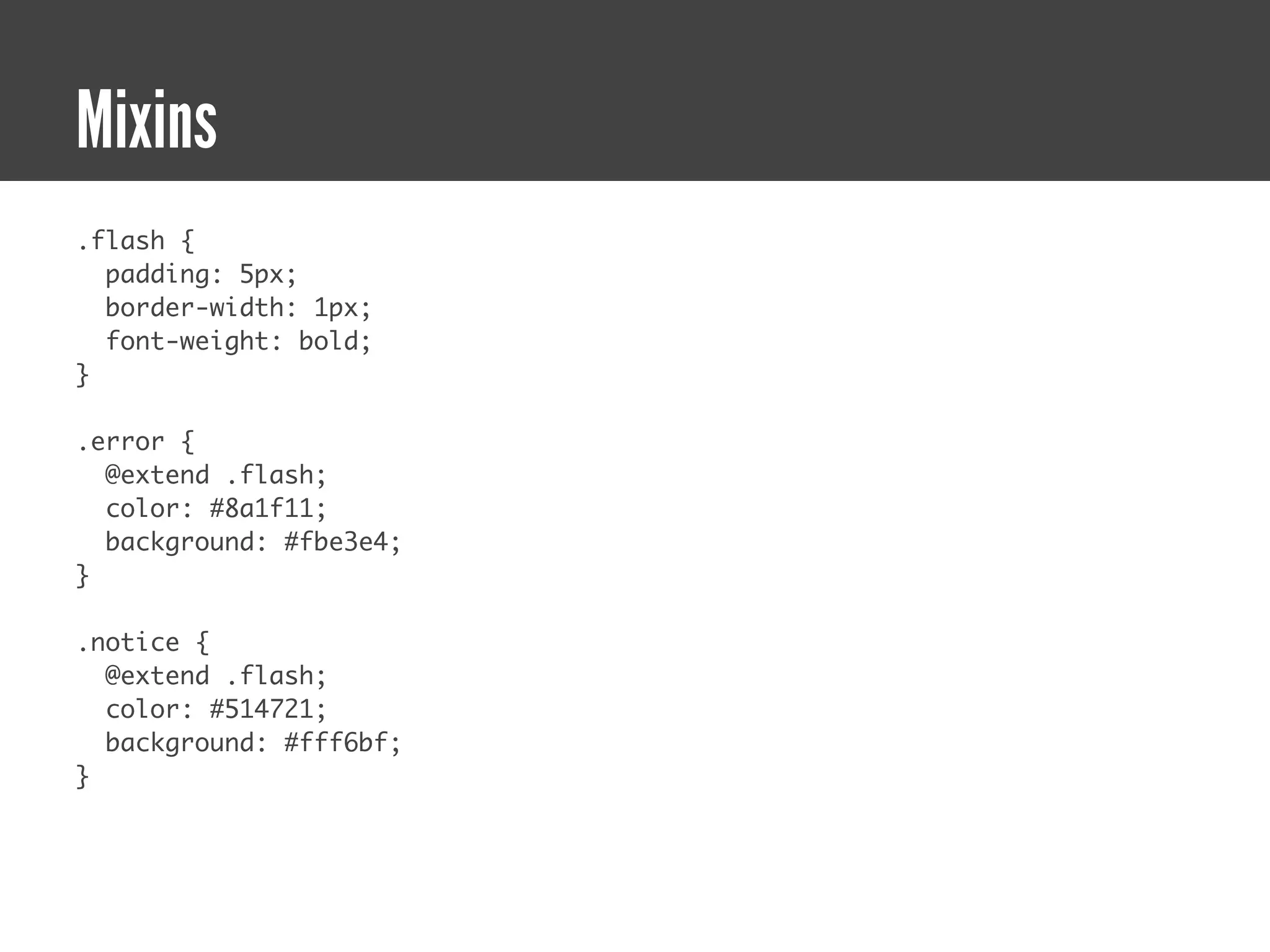
Mixins
.flash {
  padding: 5px;
  border-width: 1px;
  font-weight: bold;
}

.error {
  @extend .flash;
  color: #8a1f11;
  background: #fbe3e4;
}

.notice {
  @extend .flash;
  color: #514721;
  background: #fff6bf;
}
Mixins
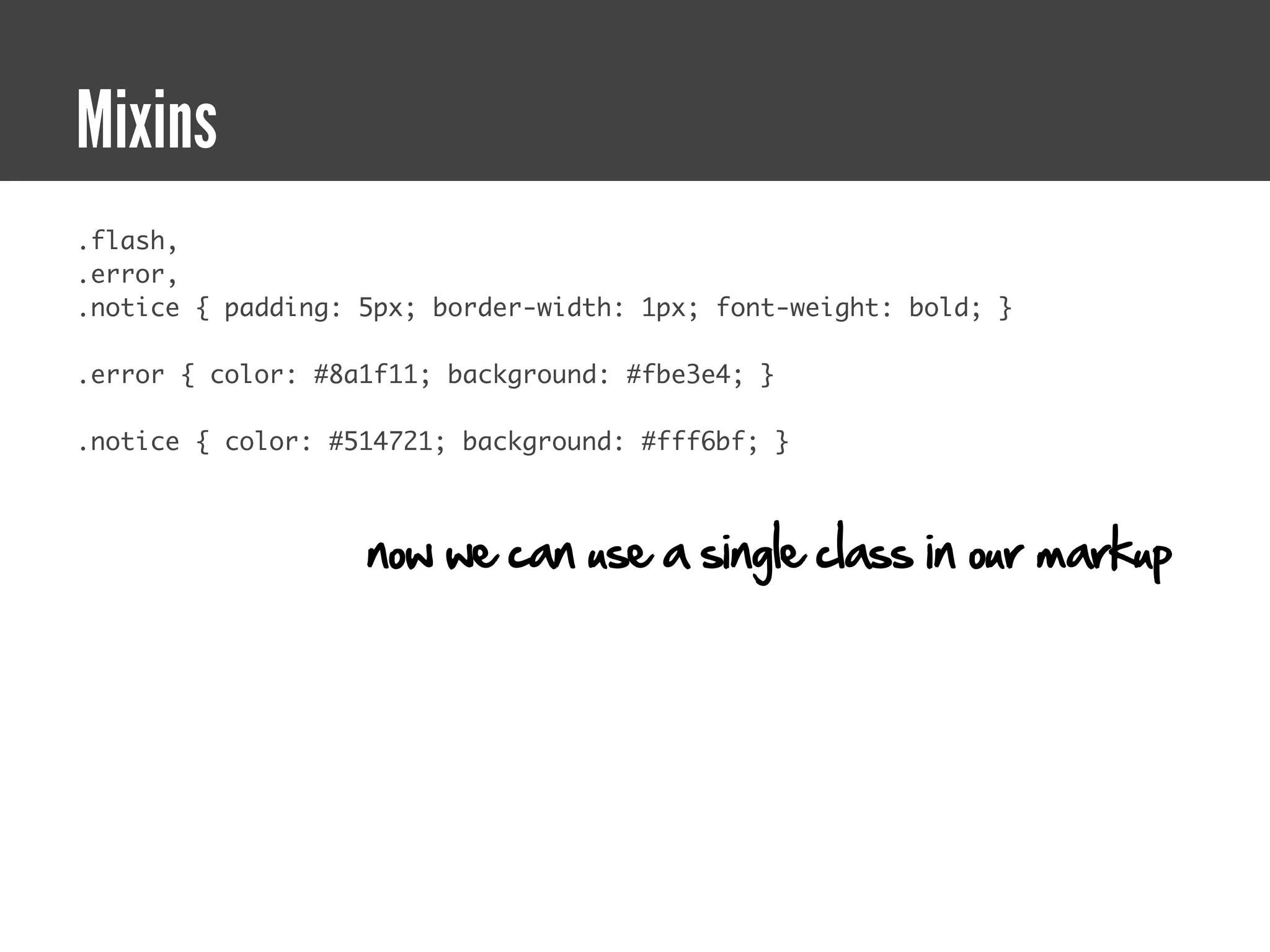
.flash,
.error,
.notice { padding: 5px; border-width: 1px; font-weight: bold; }

.error { color: #8a1f11; background: #fbe3e4; }

.notice { color: #514721; background: #fff6bf; }


                   now we can use a single class in our markup
Imports
Imports
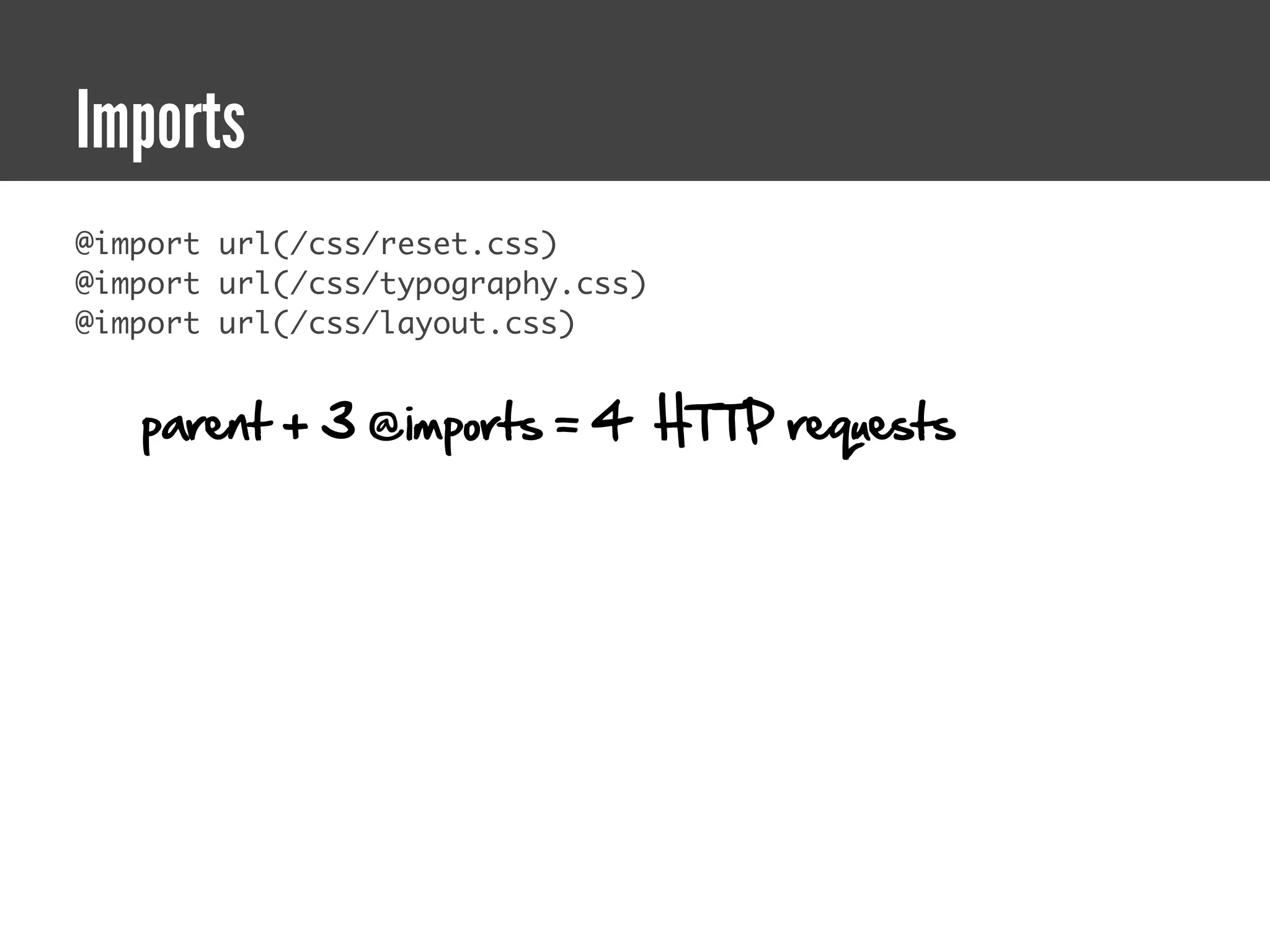
@import url(/css/reset.css)
@import url(/css/typography.css)
@import url(/css/layout.css)


   parent + 3 @imports = 4 HTTP requests
Imports
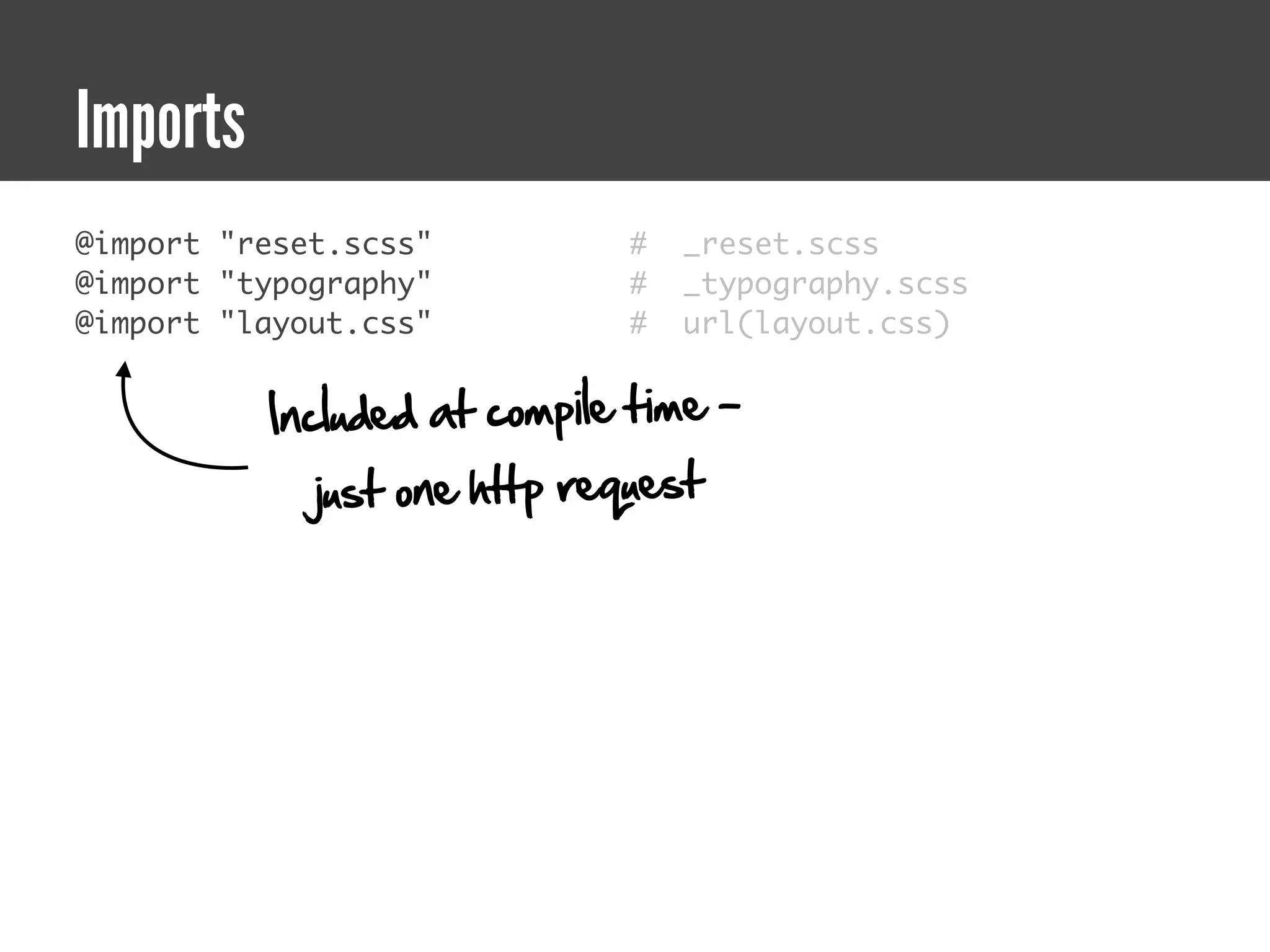
@import "reset.scss"          #   _reset.scss
@import "typography"          #   _typography.scss
@import "layout.css"          #   url(layout.css)


          Included at compile time -
             just one http request
Imports + Mixins

 Now it gets fun!
A brief detour
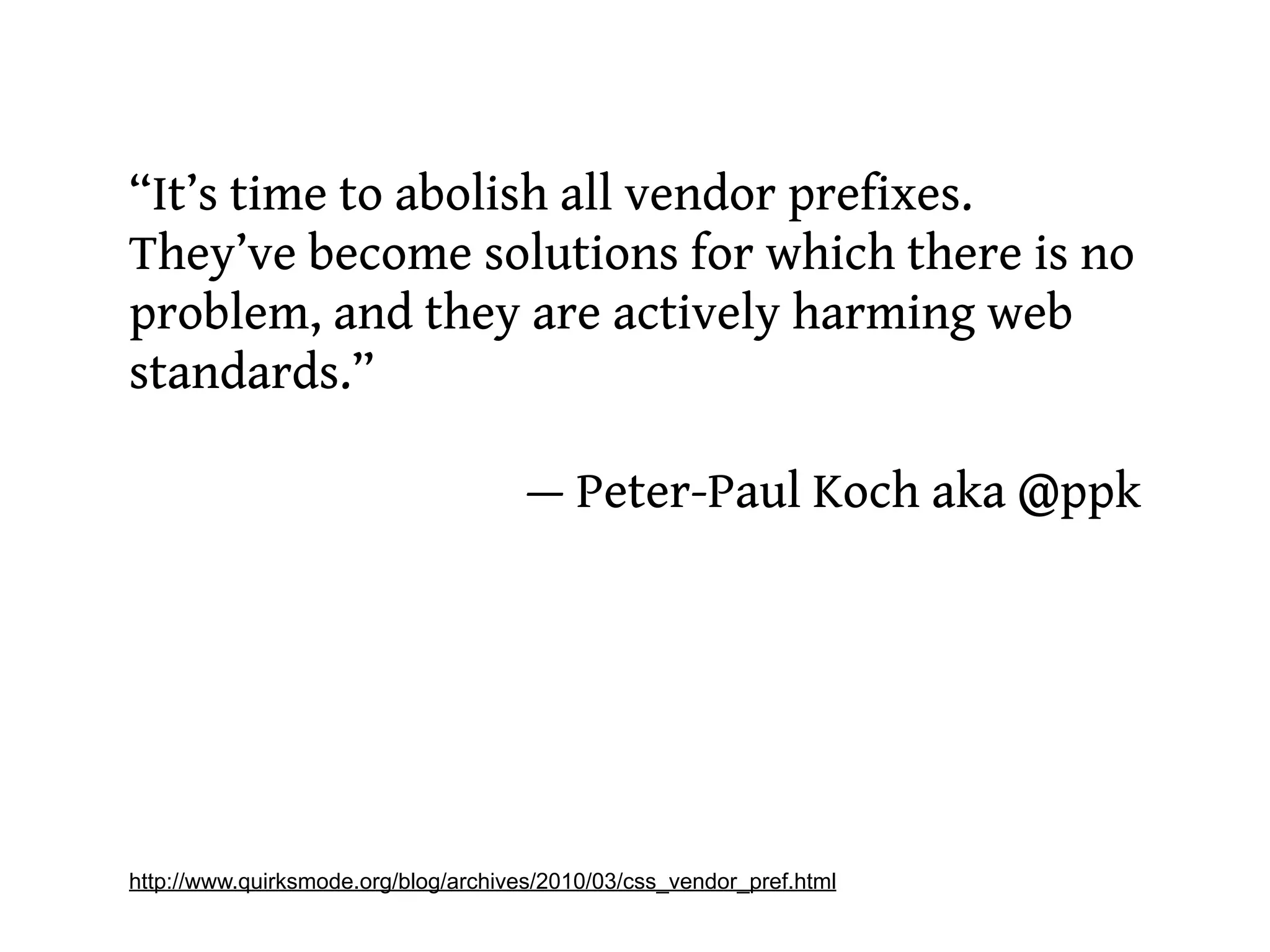
“It’s time to abolish all vendor prefixes.
They’ve become solutions for which there is no
problem, and they are actively harming web
standards.”

                                      — Peter-Paul Koch aka @ppk


http://www.quirksmode.org/blog/archives/2010/03/css_vendor_pref.html
Ummm. Not so fast.
Compass CSS3 mixins
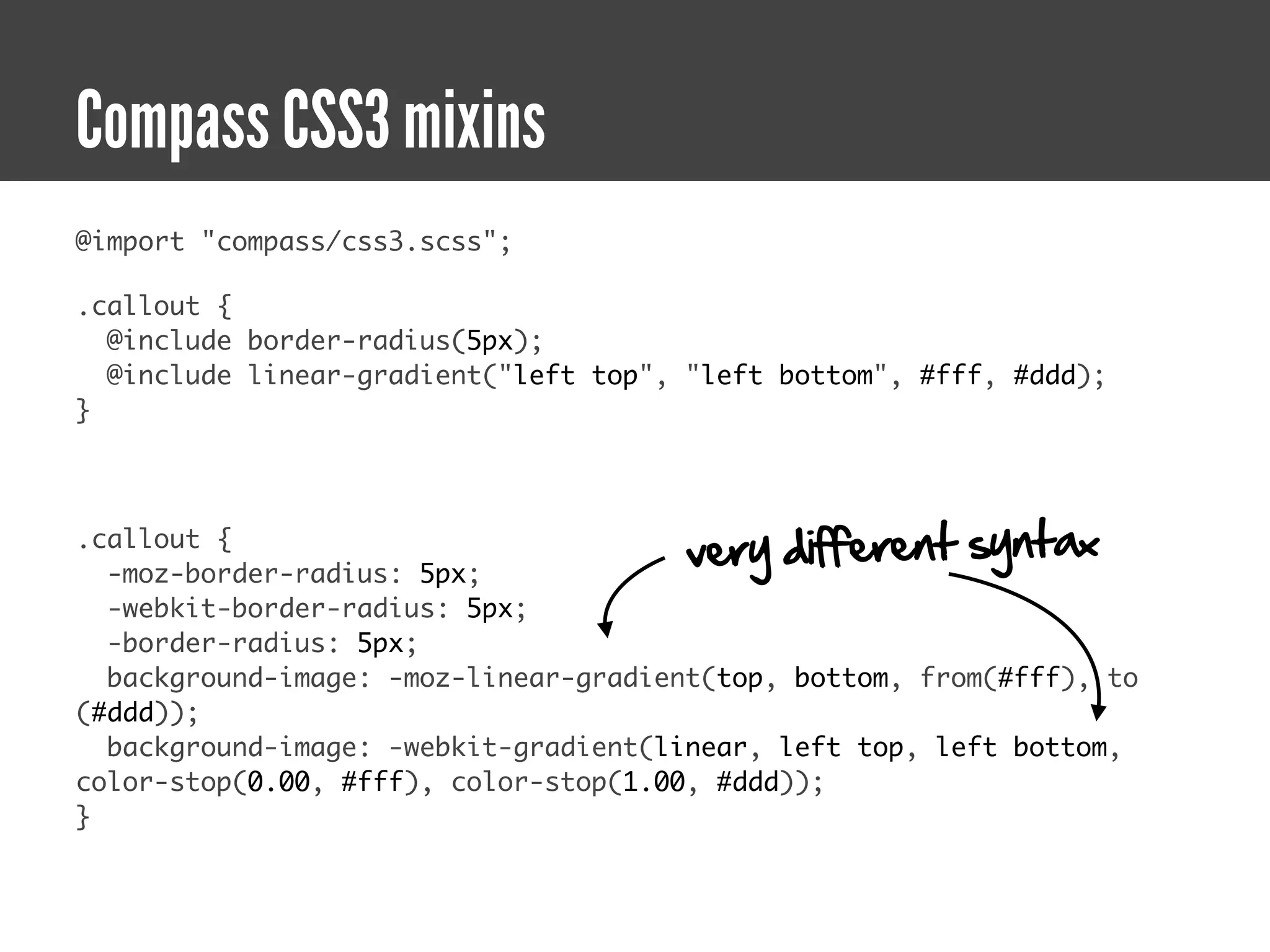
@import "compass/css3.scss";

.callout {
  @include border-radius(5px);
  @include linear-gradient("left top", "left bottom", #fff, #ddd);
}


.callout {
  -moz-border-radius: 5px;
                                       very different syntax
  -webkit-border-radius: 5px;
  -border-radius: 5px;
  background-image: -moz-linear-gradient(top, bottom, from(#fff), to
(#ddd));
  background-image: -webkit-gradient(linear, left top, left bottom,
color-stop(0.00, #fff), color-stop(1.00, #ddd));
}
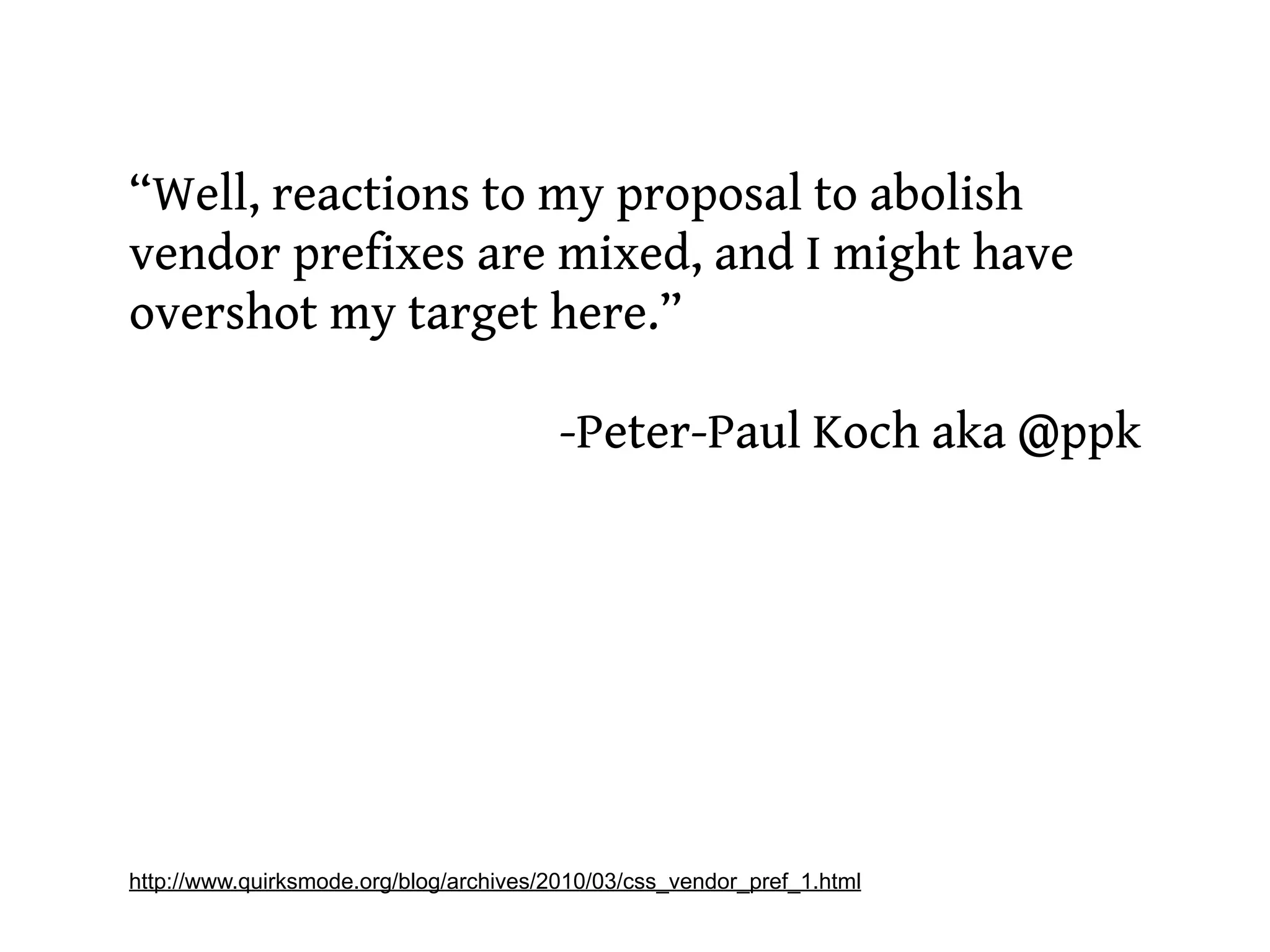
“Well, reactions to my proposal to abolish
vendor prefixes are mixed, and I might have
overshot my target here.”

                                         -Peter-Paul Koch aka @ppk


http://www.quirksmode.org/blog/archives/2010/03/css_vendor_pref_1.html
Solutions?
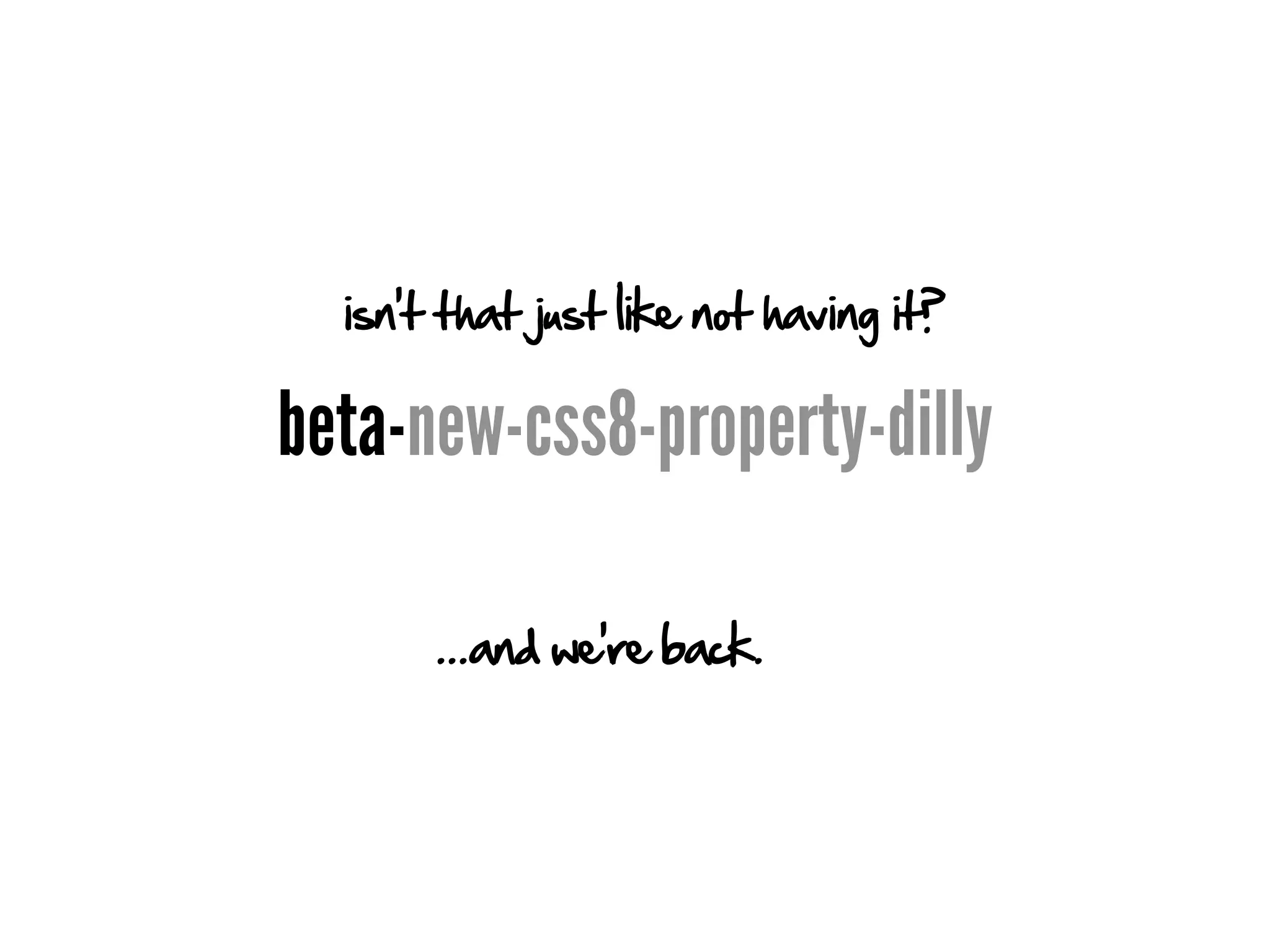
isn't that just like not having it?

beta-new-css8-property-dilly

       ...and we're back.
Vendor specific stylesheets

        Maybe. But I'd like to retain
Internet Explorer's special status unto itself
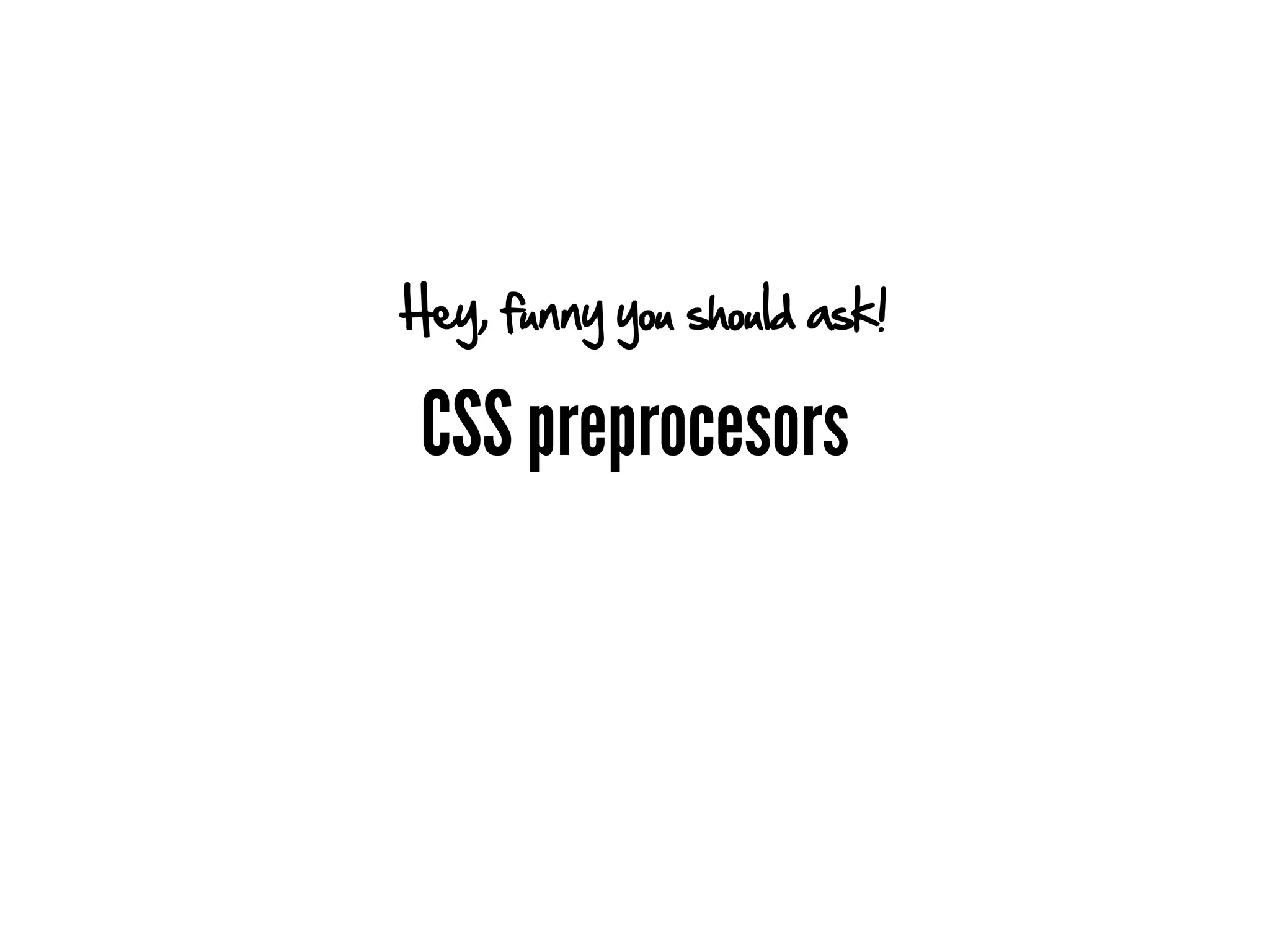
Hey, funny you should ask!

 CSS preprocesors
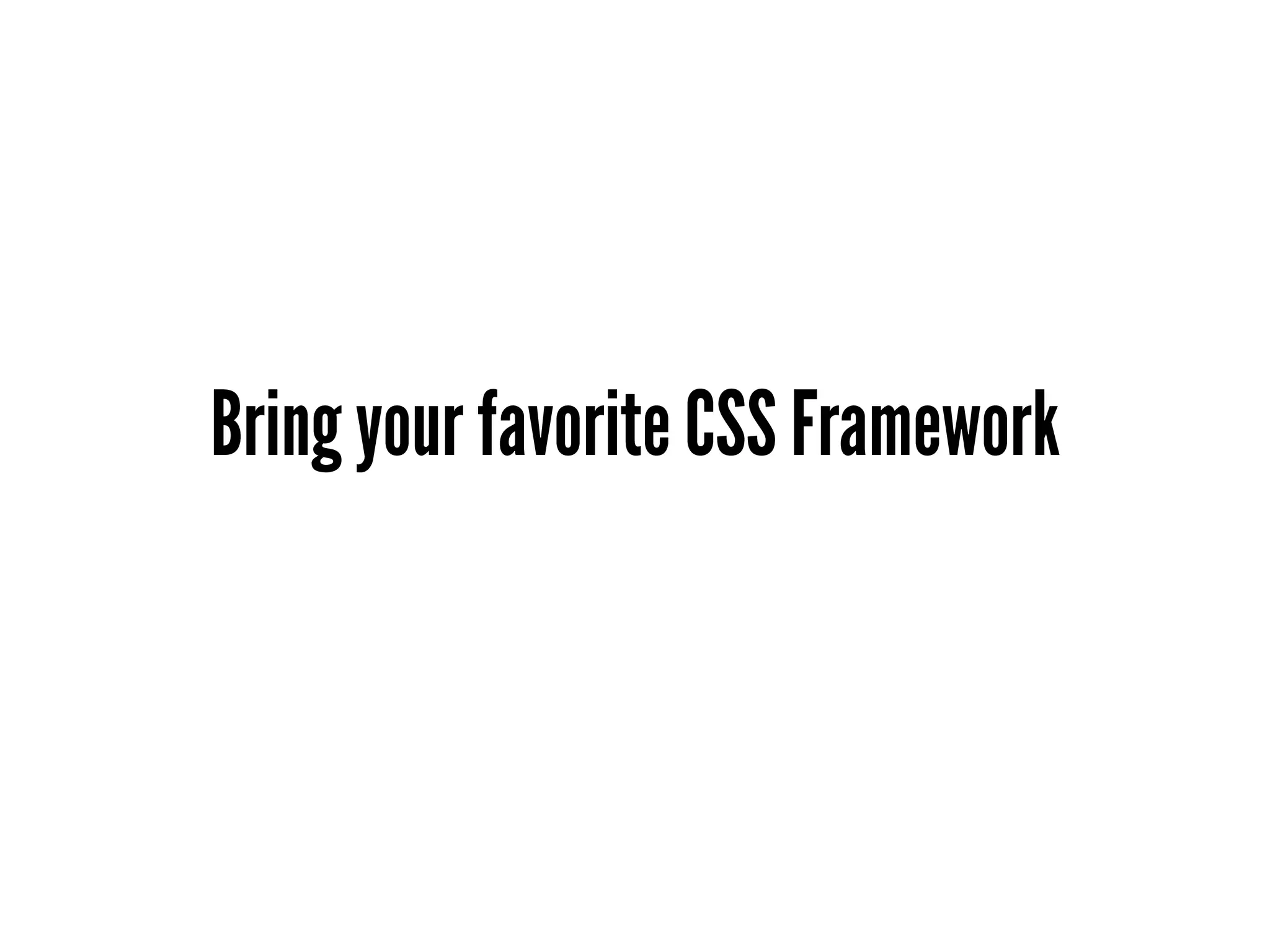
Bring your favorite CSS Framework
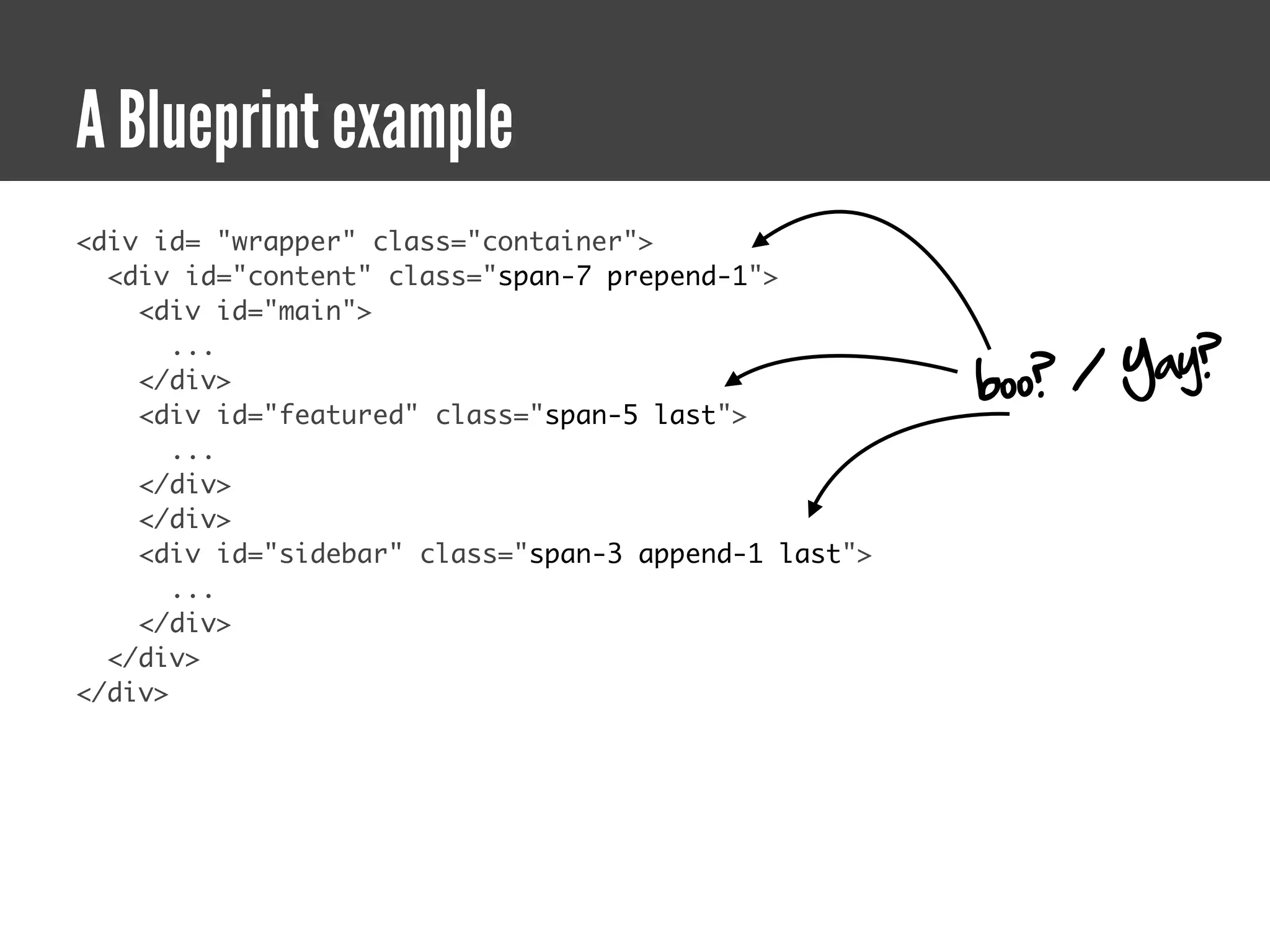
A Blueprint example
<div id= "wrapper" class="container">
  <div id="content" class="span-7 prepend-1">
    <div id="main">

                                                           / Yay?
       ...
    </div>                                            boo?
    <div id="featured" class="span-5 last">
       ...
    </div>
    </div>
    <div id="sidebar" class="span-3 append-1 last">
       ...
    </div>
  </div>
</div>
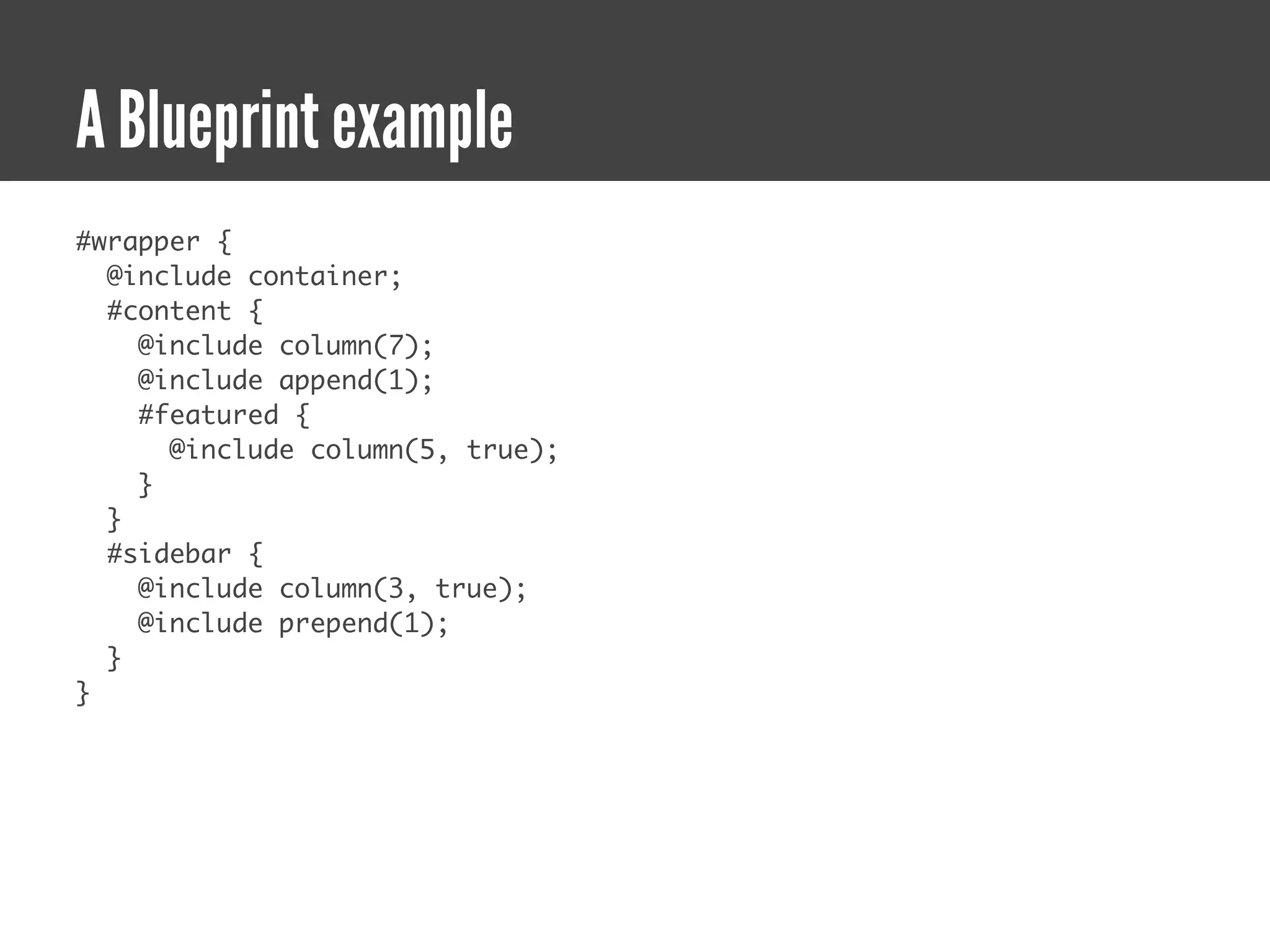
A Blueprint example
#wrapper {
  @include container;
  #content {
    @include column(7);
    @include append(1);
    #featured {
      @include column(5, true);
    }
  }
  #sidebar {
    @include column(3, true);
    @include prepend(1);
  }
}
Look, Ma! No math!
Functions
Very. Powerful. Functions.
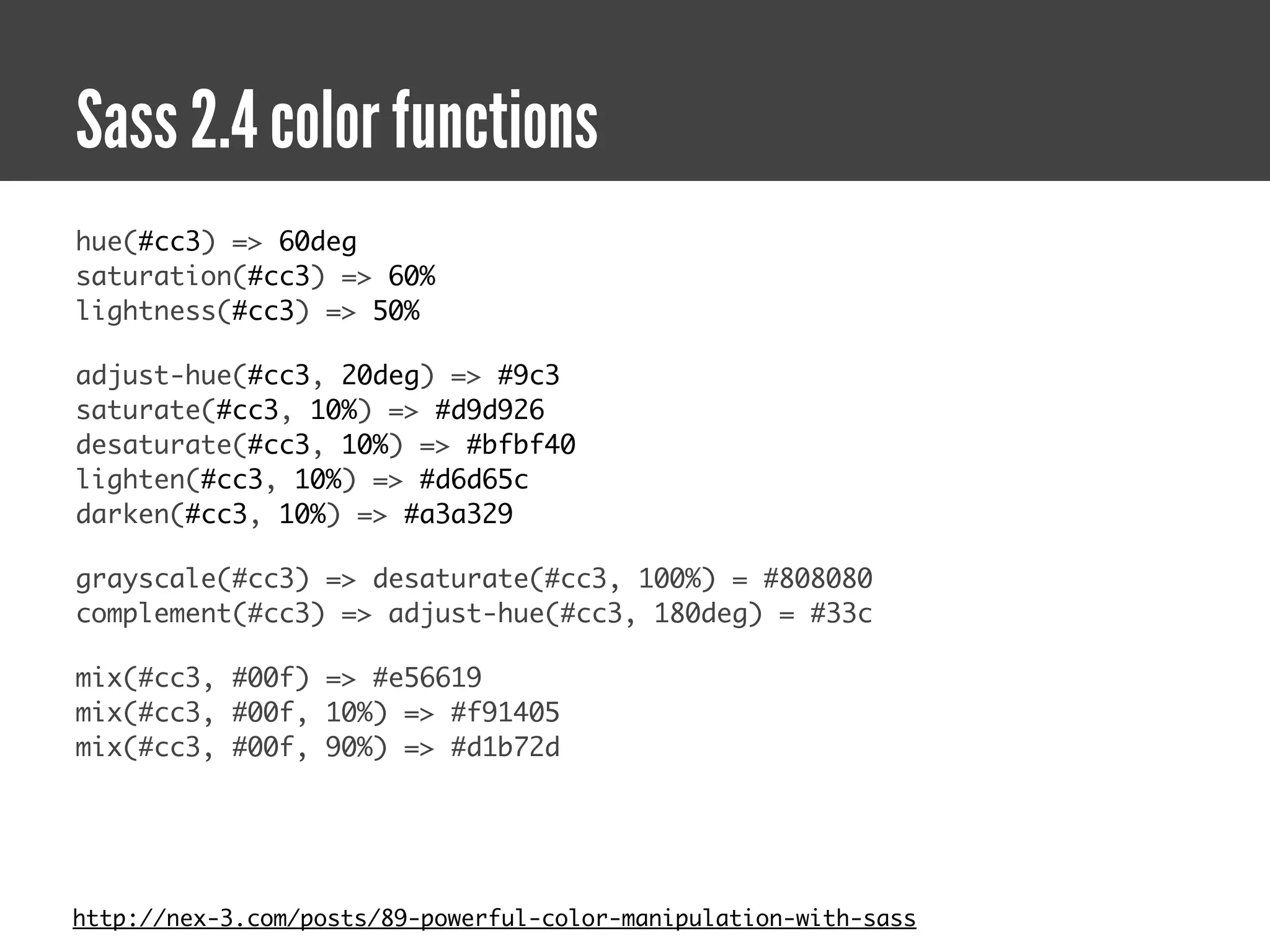
Sass 2.4 color functions
hue(#cc3) => 60deg
saturation(#cc3) => 60%
lightness(#cc3) => 50%

adjust-hue(#cc3, 20deg) => #9c3
saturate(#cc3, 10%) => #d9d926

desaturate(#cc3, 10%) => #bfbf40
lighten(#cc3, 10%) => #d6d65c
darken(#cc3, 10%) => #a3a329

grayscale(#cc3) => desaturate(#cc3, 100%) = #808080
complement(#cc3) => adjust-hue(#cc3, 180deg) = #33c

mix(#cc3, #00f) => #e56619
mix(#cc3, #00f, 10%) => #f91405
mix(#cc3, #00f, 90%) => #d1b72d


http://nex-3.com/posts/89-powerful-color-manipulation-with-sass
with alpha support!
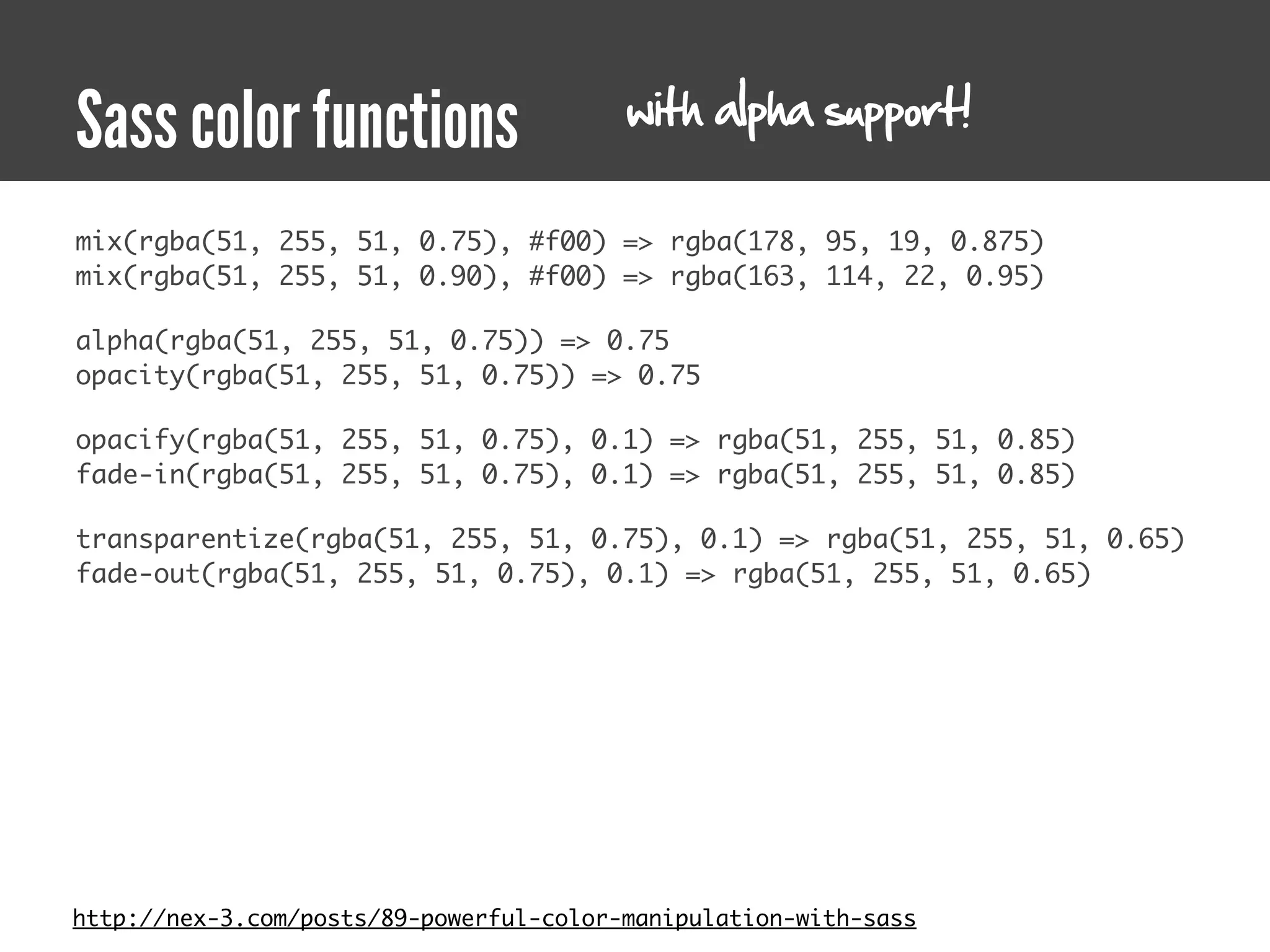
Sass color functions
mix(rgba(51, 255, 51, 0.75), #f00) => rgba(178, 95, 19, 0.875)
mix(rgba(51, 255, 51, 0.90), #f00) => rgba(163, 114, 22, 0.95)

alpha(rgba(51, 255, 51, 0.75)) => 0.75
opacity(rgba(51, 255, 51, 0.75)) => 0.75

opacify(rgba(51, 255, 51, 0.75), 0.1) => rgba(51, 255, 51, 0.85)
fade-in(rgba(51, 255, 51, 0.75), 0.1) => rgba(51, 255, 51, 0.85)

transparentize(rgba(51, 255, 51, 0.75), 0.1) => rgba(51, 255, 51, 0.65)
fade-out(rgba(51, 255, 51, 0.75), 0.1) => rgba(51, 255, 51, 0.65)


http://nex-3.com/posts/89-powerful-color-manipulation-with-sass
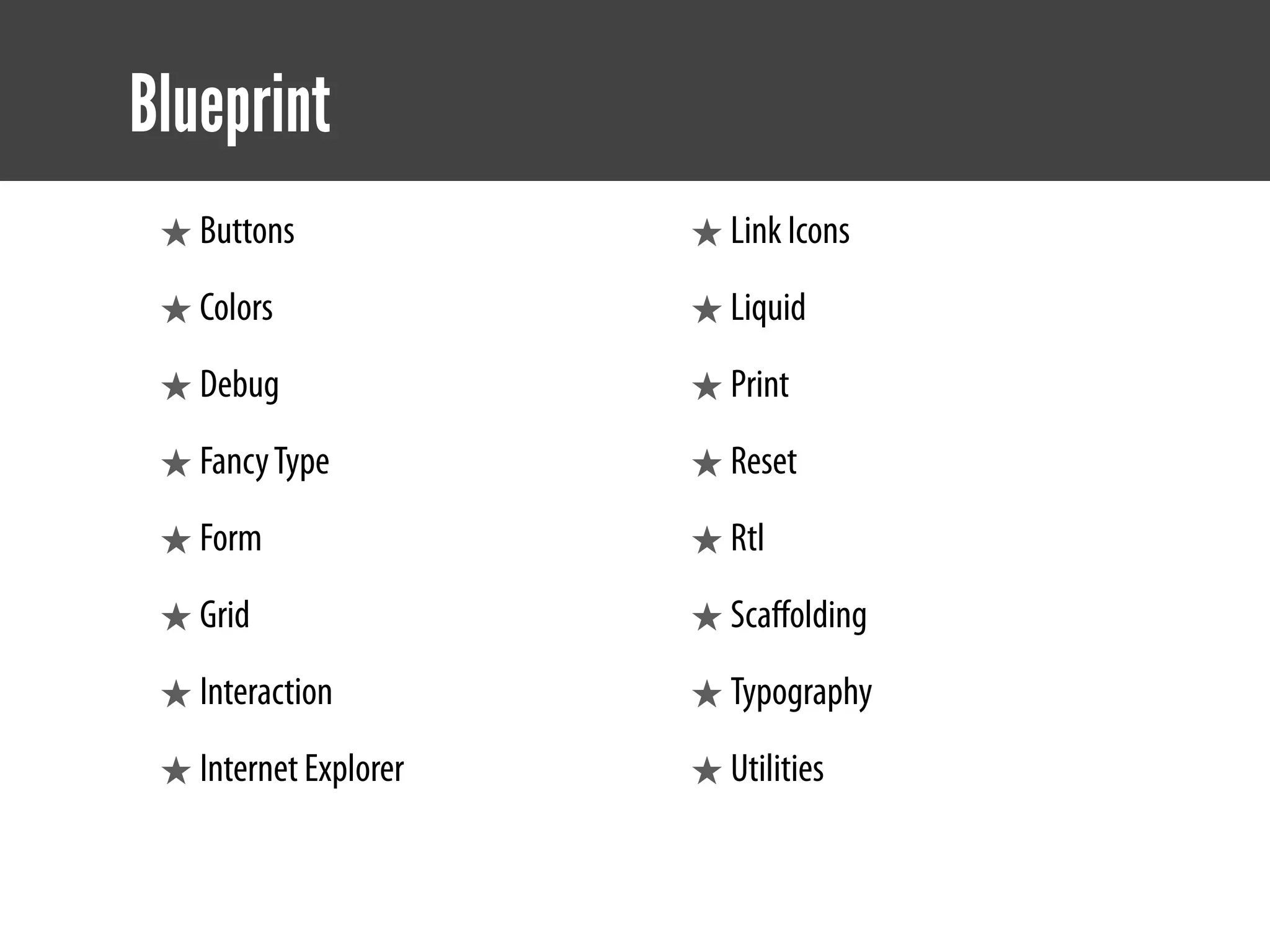
Blueprint
Blueprint
 ★ Buttons             ★ Link Icons
 ★ Colors              ★ Liquid
 ★ Debug               ★ Print
 ★ Fancy Type          ★ Reset
 ★ Form                ★ Rtl
 ★ Grid                ★ Scaffolding
 ★ Interaction         ★ Typography
 ★ Internet Explorer   ★ Utilities
CSS3
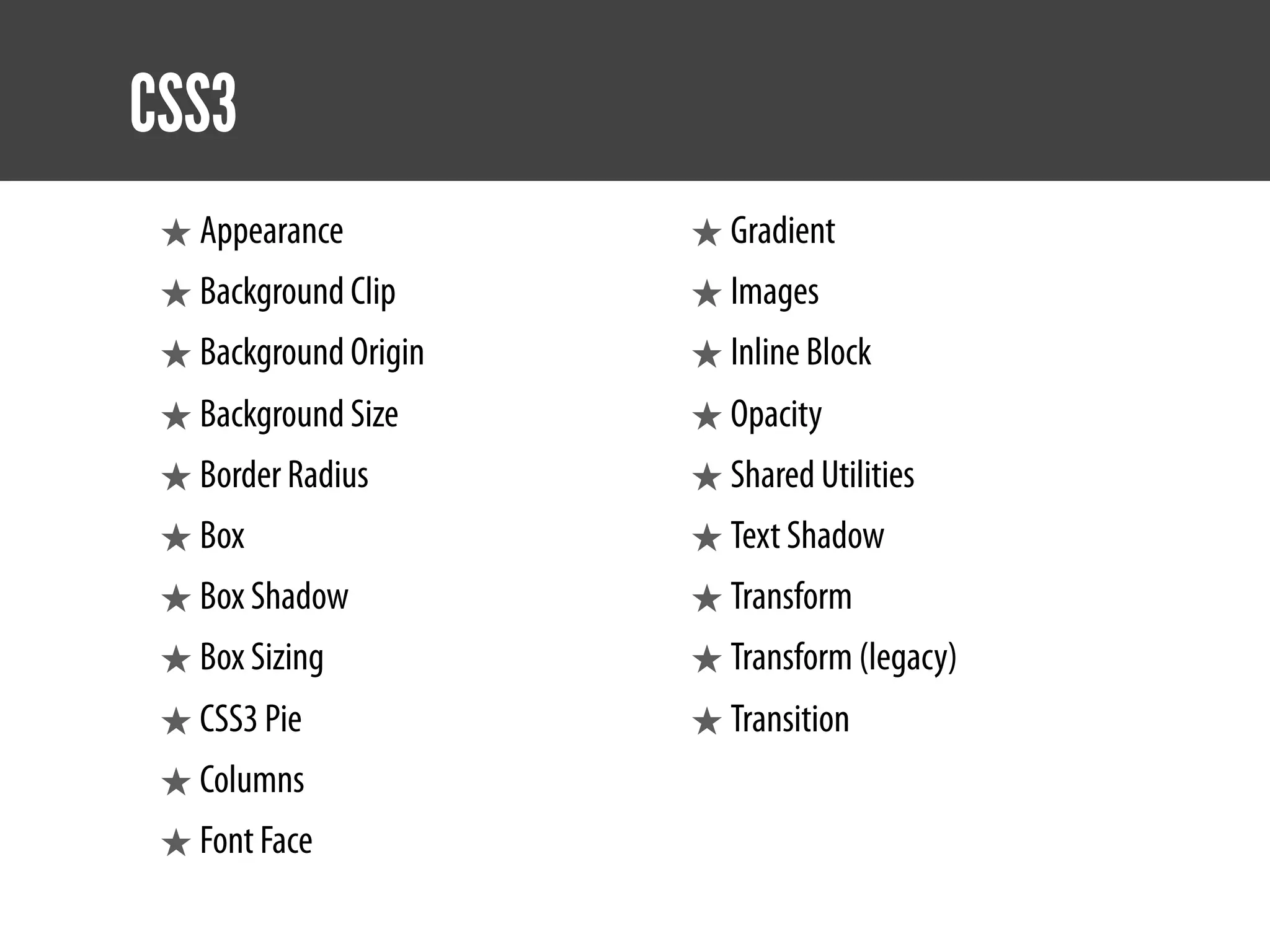
CSS3
 ★ Appearance          ★ Gradient
 ★ Background Clip     ★ Images
 ★ Background Origin   ★ Inline Block
 ★ Background Size     ★ Opacity
 ★ Border Radius       ★ Shared Utilities
 ★ Box                 ★ Text Shadow
 ★ Box Shadow          ★ Transform
 ★ Box Sizing          ★ Transform (legacy)
 ★ CSS3 Pie            ★ Transition
 ★ Columns
 ★ Font Face
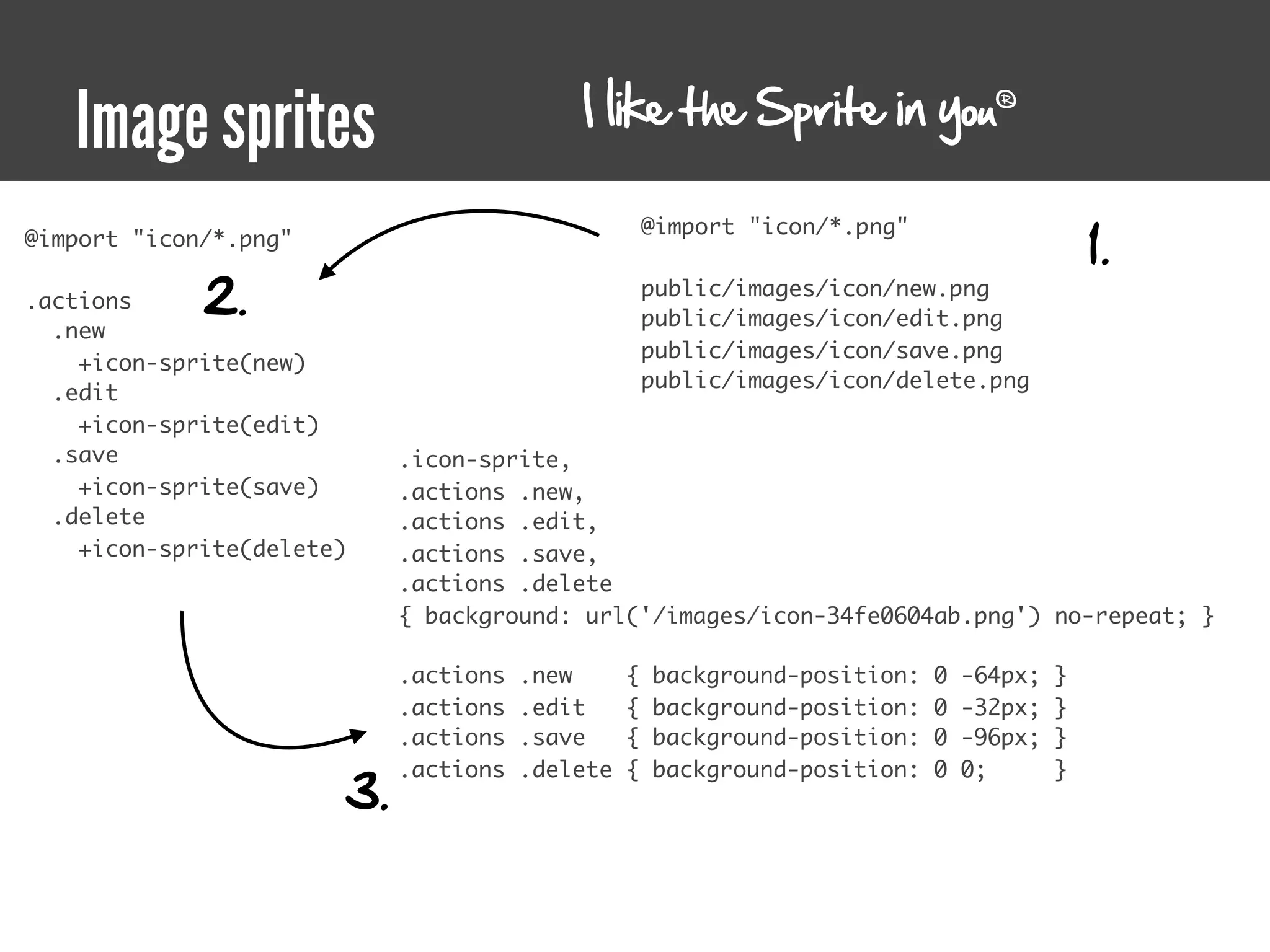
Image sprites
I like the Sprite in you
   Image sprites                                                                  ®


                                                                                             1.
                                                     @import "icon/*.png"
@import "icon/*.png"

.actions     2.                                      public/images/icon/new.png
                                                     public/images/icon/edit.png
  .new
                                                     public/images/icon/save.png
    +icon-sprite(new)
                                                     public/images/icon/delete.png
  .edit
    +icon-sprite(edit)
  .save                     .icon-sprite,
    +icon-sprite(save)      .actions .new,
  .delete                   .actions .edit,
    +icon-sprite(delete)    .actions .save,
                            .actions .delete
                            { background: url('/images/icon-34fe0604ab.png') no-repeat; }

                            .actions   .new      {   background-position:   0   -64px;   }
                            .actions   .edit     {   background-position:   0   -32px;   }
                            .actions   .save     {   background-position:   0   -96px;   }

                       3.
                            .actions   .delete   {   background-position:   0   0;       }
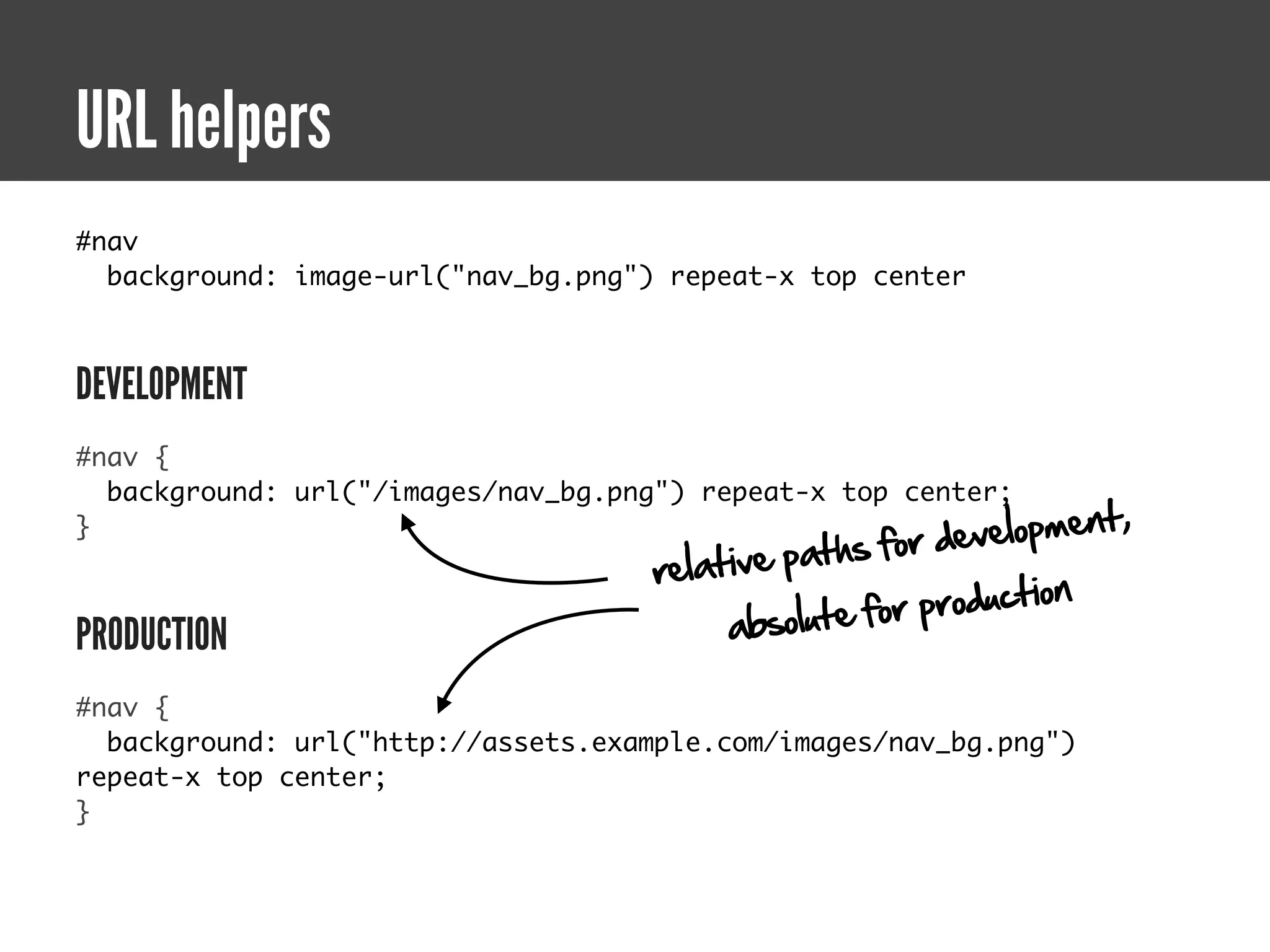
URL helpers
URL helpers
#nav
  background: image-url("nav_bg.png") repeat-x top center


DEVELOPMENT
#nav {
  background: url("/images/nav_bg.png") repeat-x top center;
                                                         v elopment,
                                                 ths for de
}
                                     relative pa
                                                        production
PRODUCTION                                a bsolute for

#nav {
  background: url("http://assets.example.com/images/nav_bg.png")
repeat-x top center;
}
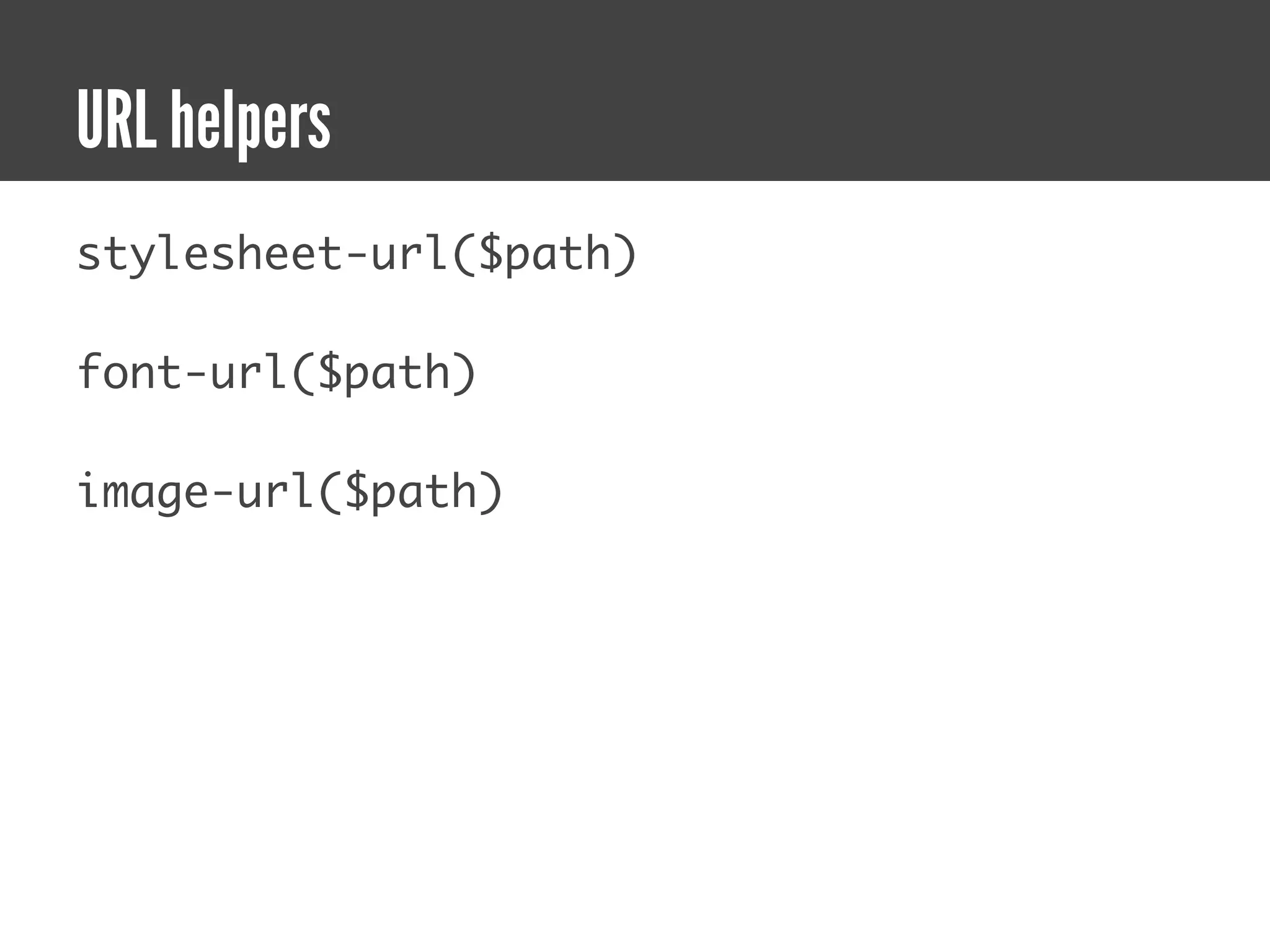
URL helpers
stylesheet-url($path)

font-url($path)

image-url($path)
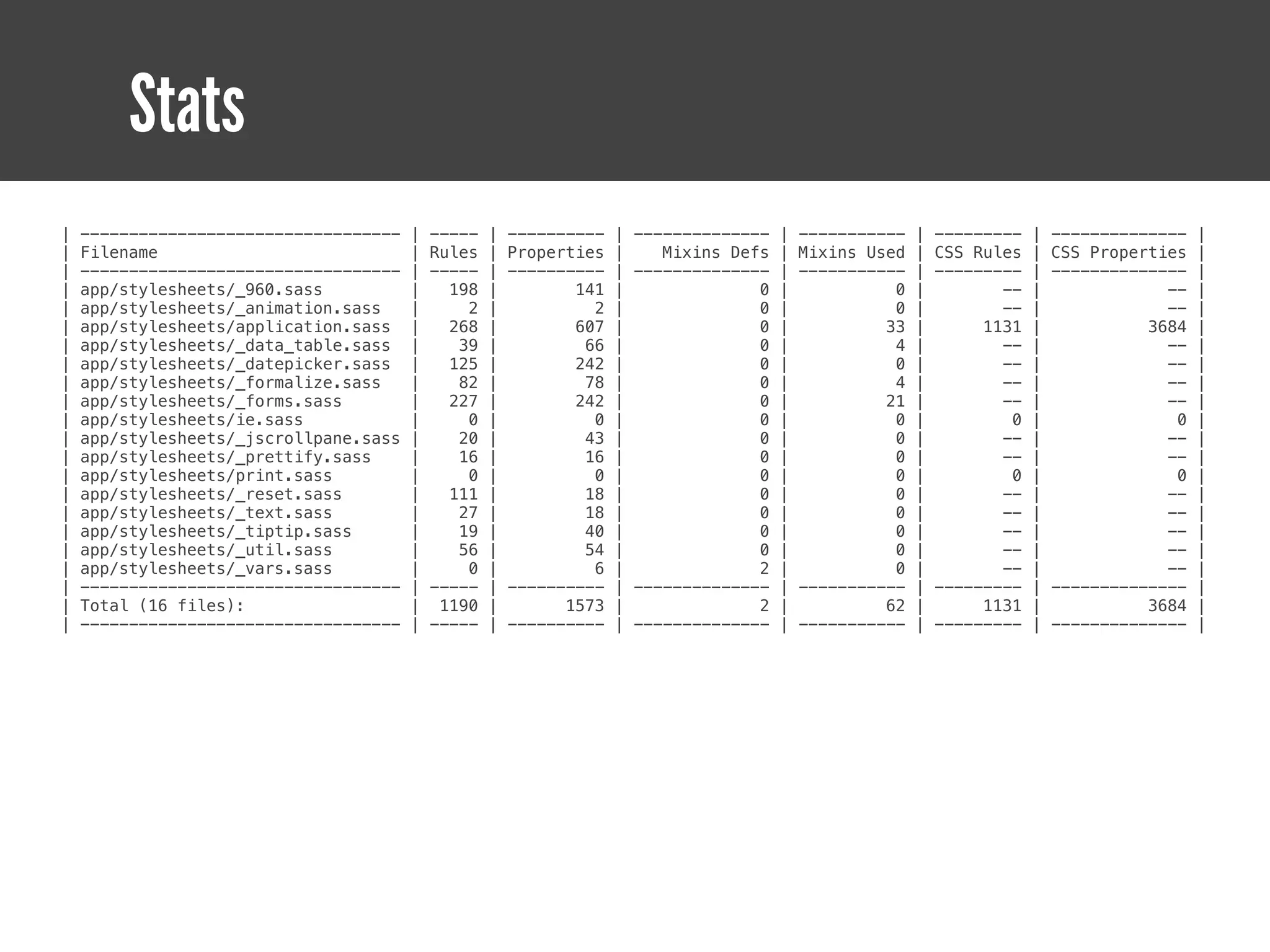
Stats
Stats
|   ---------------------------------   |   -----   |   ----------   |   --------------   |   -----------   |   ---------   |   --------------   |
|   Filename                            |   Rules   |   Properties   |      Mixins Defs   |   Mixins Used   |   CSS Rules   |   CSS Properties   |
|   ---------------------------------   |   -----   |   ----------   |   --------------   |   -----------   |   ---------   |   --------------   |
|   app/stylesheets/_960.sass           |     198   |          141   |                0   |             0   |          --   |               --   |
|   app/stylesheets/_animation.sass     |       2   |            2   |                0   |             0   |          --   |               --   |
|   app/stylesheets/application.sass    |     268   |          607   |                0   |            33   |        1131   |             3684   |
|   app/stylesheets/_data_table.sass    |      39   |           66   |                0   |             4   |          --   |               --   |
|   app/stylesheets/_datepicker.sass    |     125   |          242   |                0   |             0   |          --   |               --   |
|   app/stylesheets/_formalize.sass     |      82   |           78   |                0   |             4   |          --   |               --   |
|   app/stylesheets/_forms.sass         |     227   |          242   |                0   |            21   |          --   |               --   |
|   app/stylesheets/ie.sass             |       0   |            0   |                0   |             0   |           0   |                0   |
|   app/stylesheets/_jscrollpane.sass   |      20   |           43   |                0   |             0   |          --   |               --   |
|   app/stylesheets/_prettify.sass      |      16   |           16   |                0   |             0   |          --   |               --   |
|   app/stylesheets/print.sass          |       0   |            0   |                0   |             0   |           0   |                0   |
|   app/stylesheets/_reset.sass         |     111   |           18   |                0   |             0   |          --   |               --   |
|   app/stylesheets/_text.sass          |      27   |           18   |                0   |             0   |          --   |               --   |
|   app/stylesheets/_tiptip.sass        |      19   |           40   |                0   |             0   |          --   |               --   |
|   app/stylesheets/_util.sass          |      56   |           54   |                0   |             0   |          --   |               --   |
|   app/stylesheets/_vars.sass          |       0   |            6   |                2   |             0   |          --   |               --   |
|   ---------------------------------   |   -----   |   ----------   |   --------------   |   -----------   |   ---------   |   --------------   |
|   Total (16 files):                   |    1190   |         1573   |                2   |            62   |        1131   |             3684   |
|   ---------------------------------   |   -----   |   ----------   |   --------------   |   -----------   |   ---------   |   --------------   |
Share your patterns
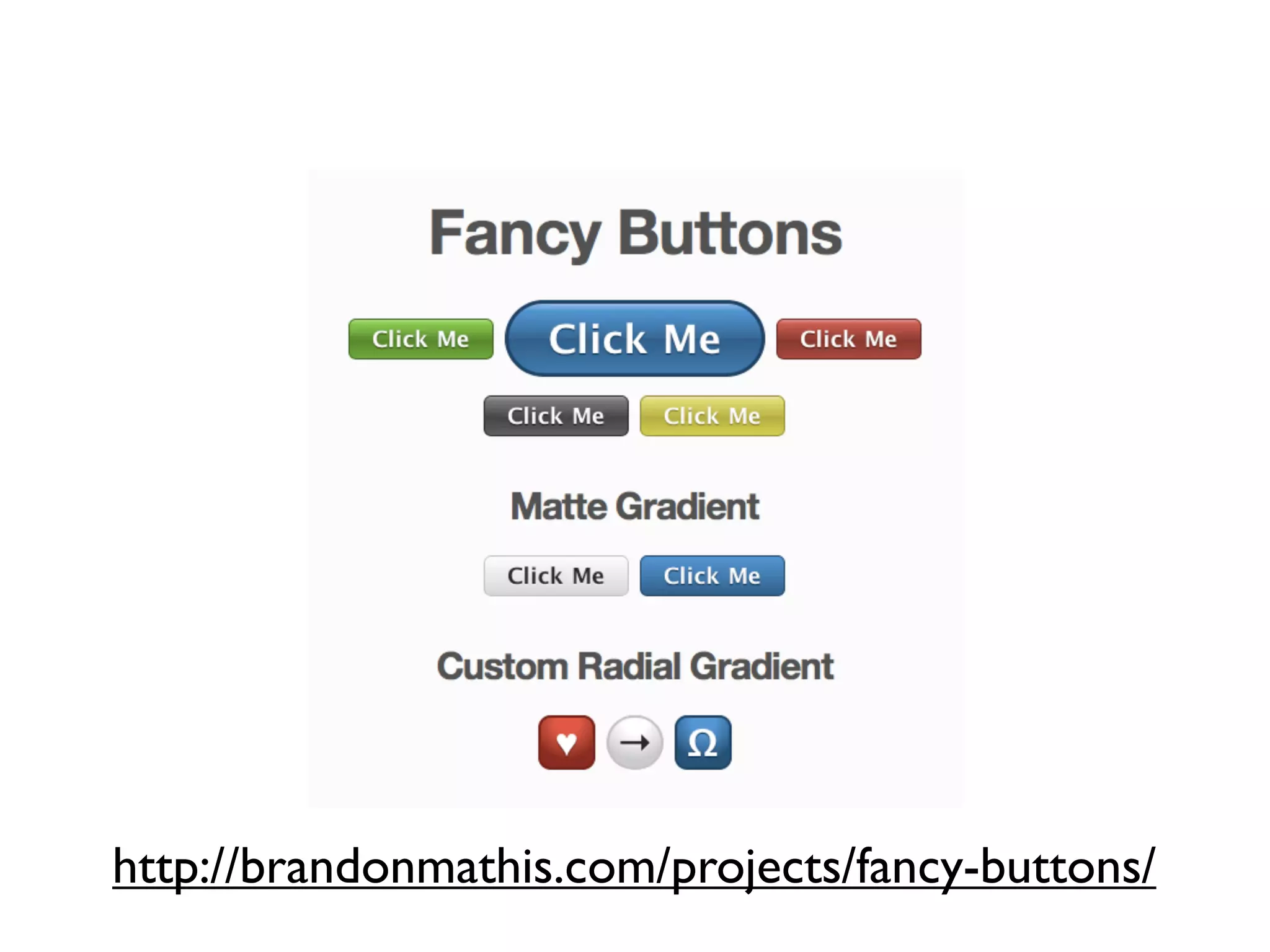
http://brandonmathis.com/projects/fancy-buttons/
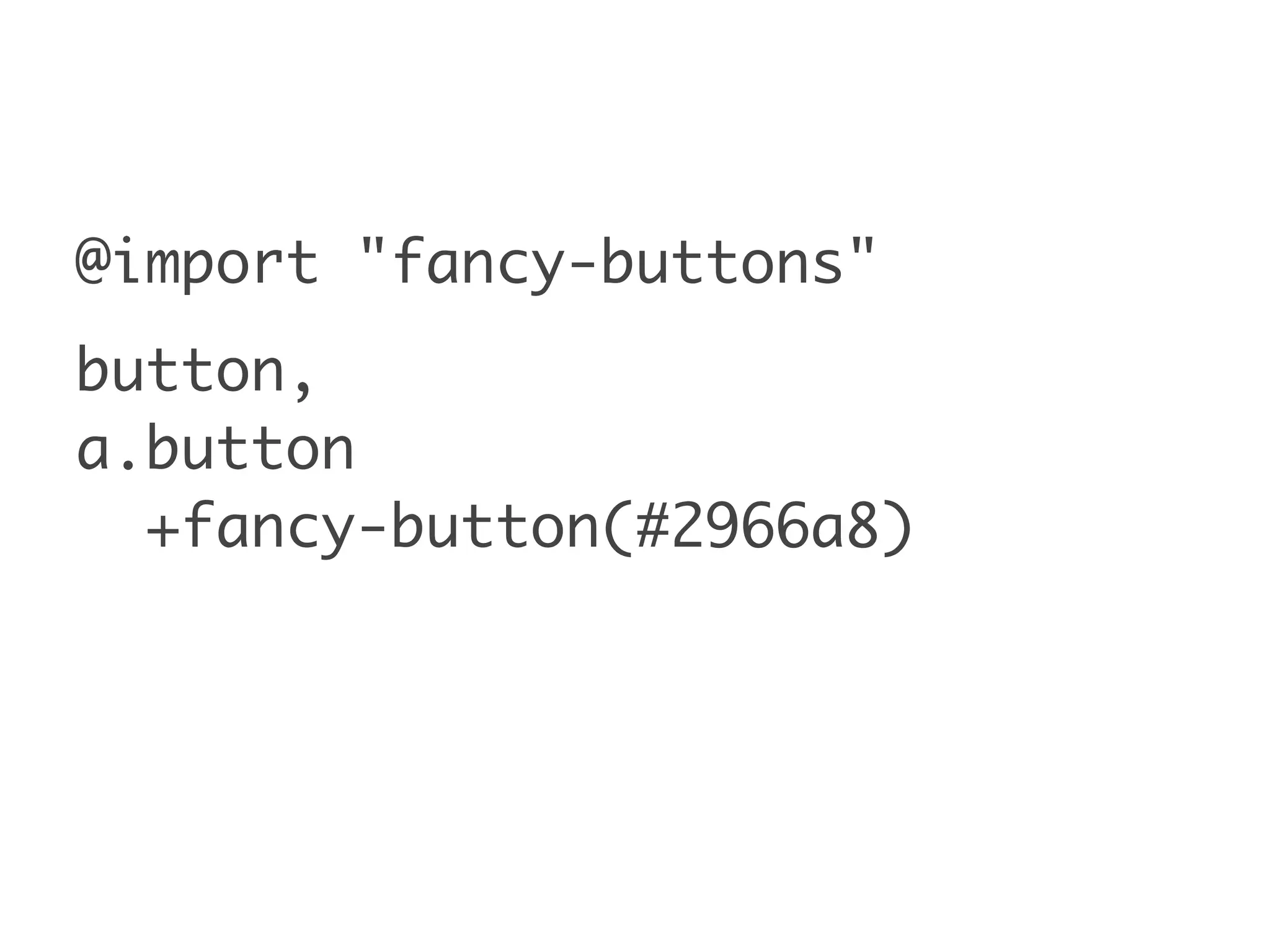
@import "fancy-buttons"
button,
a.button
  +fancy-button(#2966a8)
compass-960
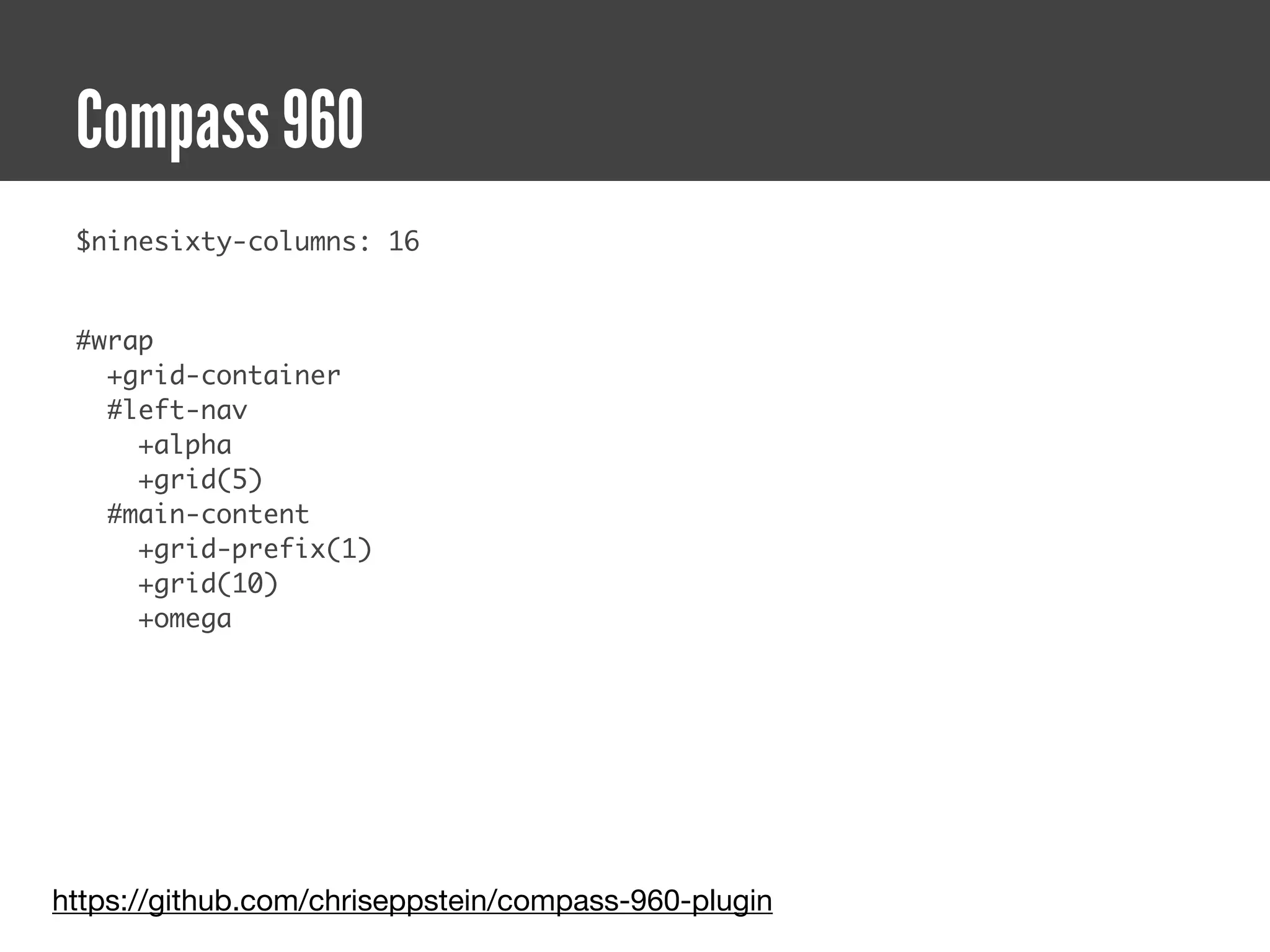
Compass 960
 $ninesixty-columns: 16


 #wrap
   +grid-container
   #left-nav
     +alpha
     +grid(5)
   #main-content
     +grid-prefix(1)
     +grid(10)
     +omega


https://github.com/chriseppstein/compass-960-plugin
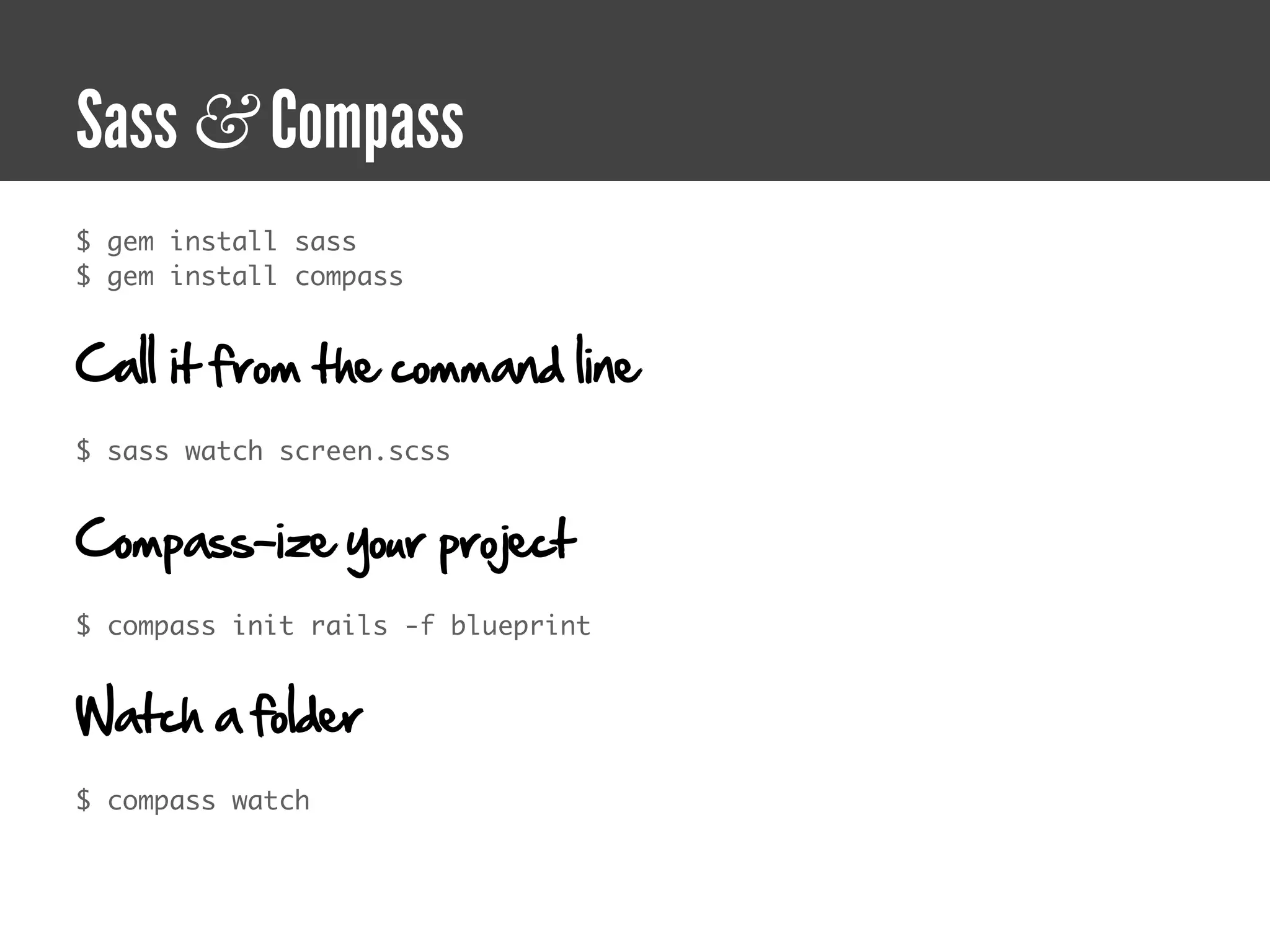
Sass & Compass
$ gem install sass
$ gem install compass


Call it from the command line
$ sass watch screen.scss


Compass-ize your project
$ compass init rails -f blueprint


Watch a folder
$ compass watch
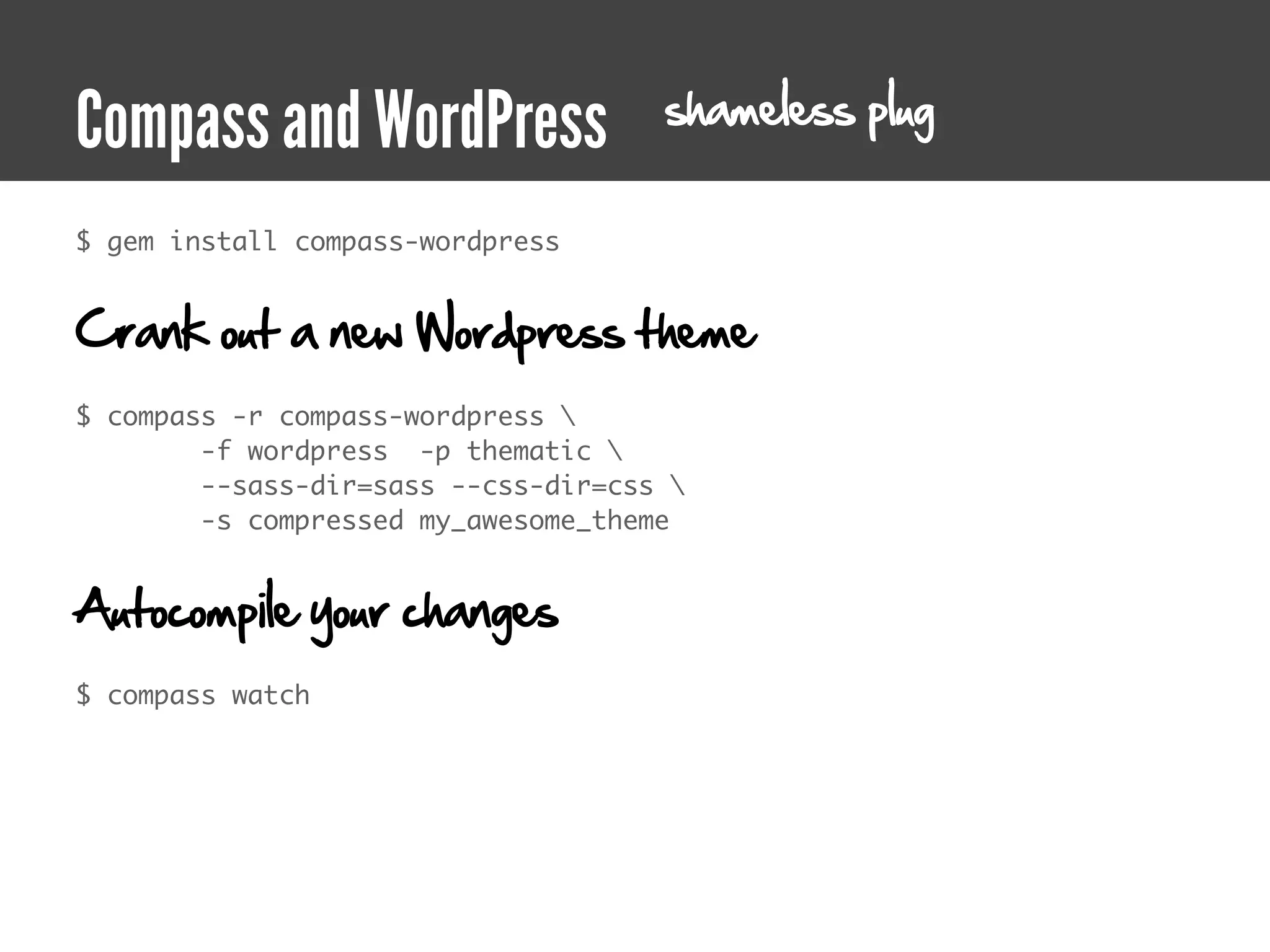
compass-wordpress
shameless plug
Compass and WordPress
$ gem install compass-wordpress


Crank out a new Wordpress theme
$ compass -r compass-wordpress 
        -f wordpress  -p thematic 
        --sass-dir=sass --css-dir=css 
        -s compressed my_awesome_theme


Autocompile your changes
$ compass watch
compass-formalize
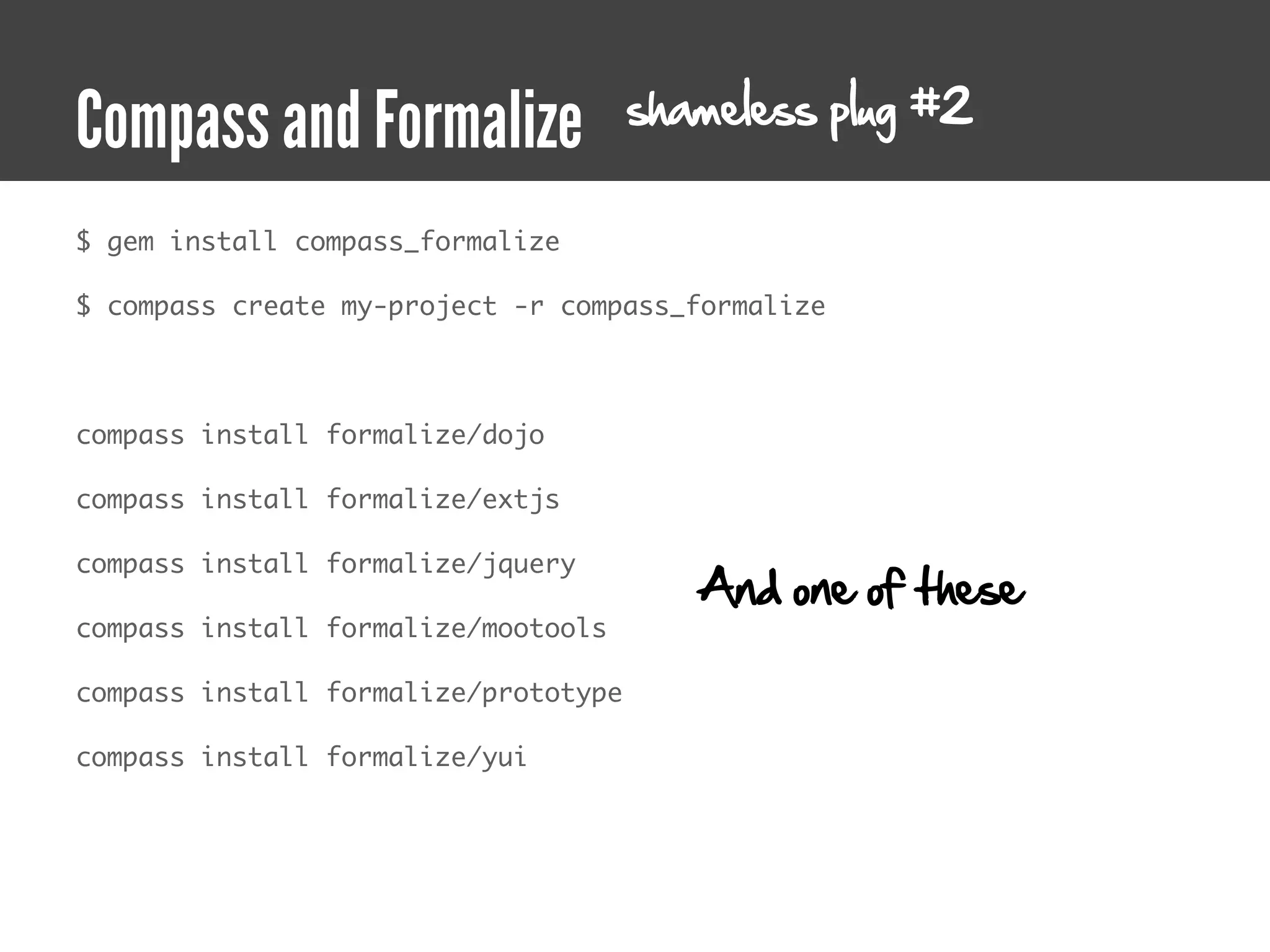
shameless plug #2
Compass and Formalize
$ gem install compass_formalize

$ compass create my-project -r compass_formalize


compass install formalize/dojo

compass install formalize/extjs

compass install formalize/jquery
                                         And one of these
compass install formalize/mootools

compass install formalize/prototype

compass install formalize/yui
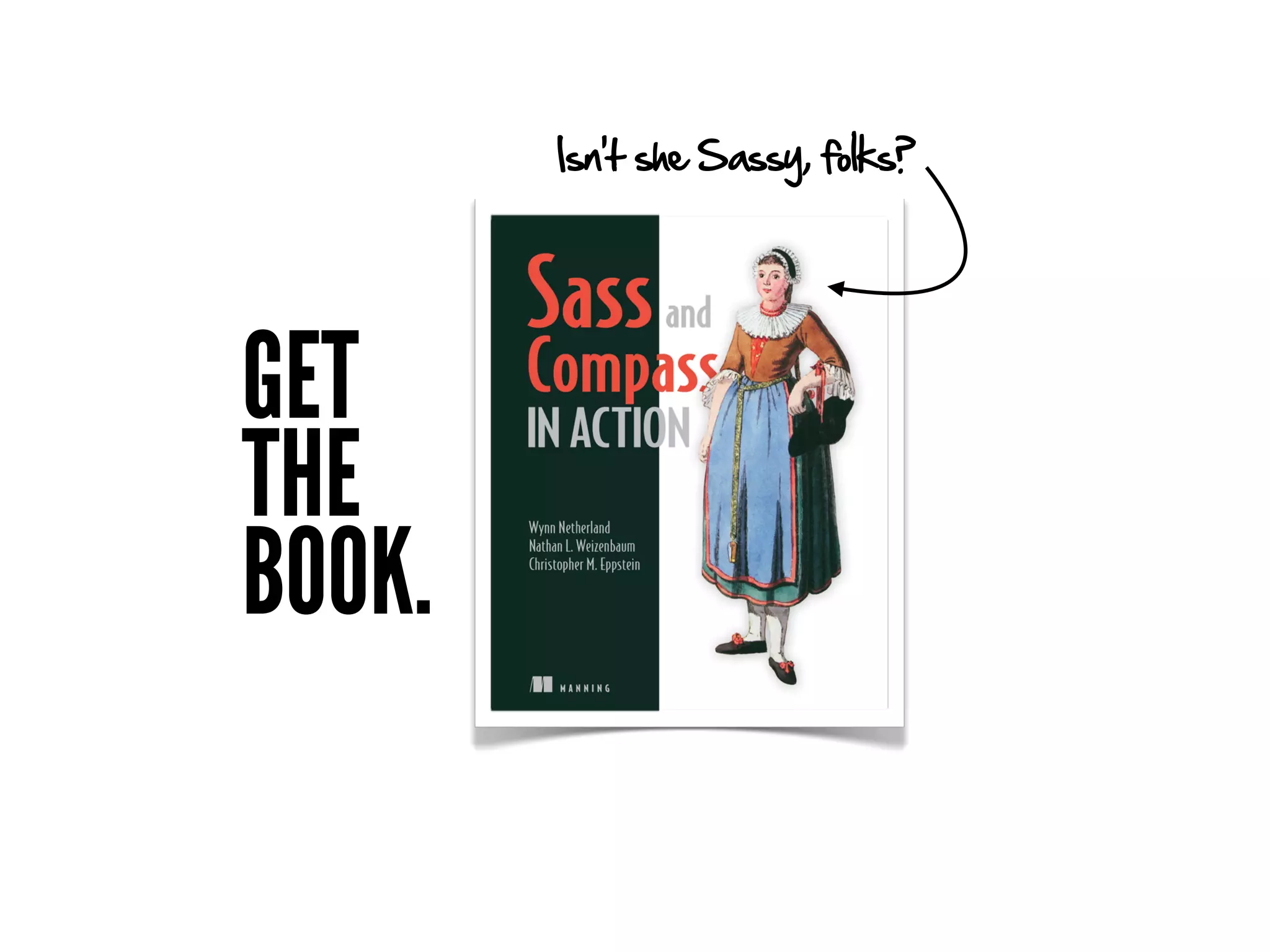
Isn’t she Sassy, folks?


GET
THE
BOOK.
Save 40% and get early access!


           sass40

Sadly, sass100 is not a valid code.
DEMO
and code spelunking
Accelerated Stylesheets

Accelerated Stylesheets

  • 1.
    ACCELERATED STYLESHEETS ...or more style with less typing NATHAN SMITH WYNN NETHERLAND
  • 2.
  • 3.
    Hot New properties
  • 4.
  • 5.
  • 6.
  • 7.
  • 8.
  • 9.
    RGBA, HSL, HSLAcolors rgba (0,0,0,1) is the new black!
  • 10.
  • 11.
  • 12.
  • 13.
  • 14.
  • 15.
    @font-face means Typographic freedom!
  • 16.
    Cool New selectors
  • 17.
    CSS3 selectors (andsome golden oldies) * ::first-letter :enabled E :first-line :disabled .class ::first-line :checked #id E[attribute^=value] :header E F E[attribute$=value] E > F E[attribute*=value] E + F E ~ F E[attribute] :root Steal this from jQuery, please E[attribute=value] :last-child E[attribute~=value] :only-child E[attribute|=value] :nth-child() :first-child :nth-last-child() :link :first-of-type :visited :last-of-type :lang() :only-of-type :before :nth-of-type() ::before :nth-last-of-type() :after :empty ::after :not() :first-letter :target
  • 18.
  • 19.
    This is nota talk about CSS.
  • 20.
    We think youwrite too much CSS.
  • 21.
    You have anADDICTION.
  • 22.
  • 23.
  • 24.
    ⌘ ⌘ ⌘⌘ ⌘ ⌘ ⌘ ⌘ ⌘ ⌘ ⌘ ⌘ ⌘ ⌘ ⌘ ⌘ ⌘ ⌘ ⌘ ⌘ ⌘ ⌘ ⌘ ⌘ ⌘ ⌘ ⌘ ⌘ ⌘ ⌘ ⌘ ⌘ ⌘ ⌘ ⌘ ⌘ ⌘ ⌘ ⌘ ⌘ ⌘ ⌘ ⌘ ⌘ ⌘ ⌘ ⌘ ⌘ ⌘ ⌘ ⌘ ⌘ ⌘ ⌘ ⌘ ⌘
  • 25.
  • 26.
    “Design web systems,not just web pages or web sites.” — Todd Nienkerk aka @toddross co-founder, FourKitchens.com
  • 27.
    We want totalk about REAL stylesheet innovation
  • 28.
    We want totalk about HOW we write stylesheets
  • 29.
    We want totalk about how we MAINTAIN stylesheets
  • 30.
    We want totalk about how we SIMPLIFY stylesheets
  • 31.
    We want totalk about when OLD SCHOOL beats the NEW SHINY
  • 32.
    Tool #1 CSS Frameworks
  • 33.
  • 34.
  • 37.
    Percentage-based grid, screenshotin Firefox 4.0 http://host.sonspring.com/yui3_grid
  • 38.
    Understand the underlyingCSS Tools. Not crutches.
  • 39.
    Tool #2 JavaScript
  • 40.
  • 41.
    What’s JavaScript gotto do with CSS?
  • 42.
  • 43.
    Responsive Design &Media Queries
  • 44.
  • 45.
    Adapt.js - Serve960’s (or any) CSS dynamically http://adapt.960.gs
  • 46.
    How to useAdapt.js = A human-readable config <script> // Edit to suit your needs. var ADAPT_CONFIG = { // Where is your CSS? path: 'assets/css/', // false = Only run once, when page first loads. // true = Change on window resize and page tilt. dynamic: true, // Optional callback... myCallback(i, width) callback: myCallback, // First range entry is the minimum. // Last range entry is the maximum. // Separate ranges by "to" keyword. range: [ '0px to 760px = mobile.css', '760px to 980px = 720.css', '980px to 1280px = 960.css', '1280px to 1600px = 1200.css', '1600px to 1920px = 1560.css', '1920px = fluid.css' ] }; </script>
  • 47.
    How to useAdapt.js = A human-readable config <script> // Edit to suit your needs. var ADAPT_CONFIG = { // Where is your CSS? path: 'assets/css/', // false = Only run once, when page first loads. // true = Change on window resize and page tilt. dynamic: true, // Optional callback... myCallback(i, width) callback: myCallback, // First range entry is the minimum. // Last range entry is the maximum. // Separate ranges by "to" keyword. range: [ '0px to 760px = mobile.css', '760px to 980px = 720.css', '980px to 1280px = 960.css', '1280px to 1600px = 1200.css', '1600px to 1920px = 1560.css', '1920px = fluid.css' ] }; </script>
  • 48.
  • 49.
  • 51.
    Tool #3 Sass & Compass
  • 52.
    “GET OFF MYLAWN.” Nathan Smith Creator, 960.gs Big Design Speaker (and Reformed Curmudgeon)
  • 53.
    A brief History of web presentation
  • 54.
  • 55.
  • 56.
  • 57.
  • 58.
  • 59.
  • 60.
  • 61.
  • 62.
    HTML + CSS= Content + Presentation
  • 63.
  • 64.
  • 65.
    font styling, color,borders & more!
  • 66.
  • 67.
  • 68.
    CSS2 selectors * E .class #id E F E > F E + F E[attribute] E[attribute=value] E[attribute|=value] :first-child :link :visited :lang() :before ::before :after ::after :first-letter :first-line
  • 69.
    ... and evenmore stuff no browsers supported until years later.
  • 70.
    Which brings usback to...
  • 71.
  • 72.
  • 73.
  • 74.
  • 75.
  • 76.
    But we alreadycovered that.
  • 77.
    That's the 70+slide introduction Titles are the new bullets.
  • 78.
    14 years ofCSS has basically given us
  • 79.
    more selectors +more properties
  • 80.
  • 81.
  • 82.
  • 83.
  • 84.
    Nested rules -selectors table.users tr td {background: #111} table.users tr td a {color: #333}
  • 85.
    Nested rules -selectors table.users { tr { td { background: #d1d1d; a { color: #111; } } } }
  • 86.
    Nested rules -selectors table.users { tr { td { color: #111; &.alt { color: #333; } &:hover { color: #666; } } } }
  • 87.
    Nested rules -properties .users { font: { size: 1.2em; style: italics; weight: bold; } }
  • 88.
  • 89.
    Syntax options -SCSS Sassy CSS! table.users { tr { td { background: #d1d1d; a { color: #111; } } } }
  • 90.
    Syntax options -Indented I whitespace table.users tr td background: #d1d1d a color: #111
  • 91.
  • 92.
    Variables .user { background: #333; border-size: 2px; } .owner { background: #333; border-size: 2px; } .admin { background: #666; border-size: 4px; }
  • 93.
    Variables $gray: #333; $default_border: 2px; .user{ background: $gray; border-size: $default_border;} .owner { background: $gray; border-size: $default_border;} and colo r mixing! .admin { Ev e n ma t h ! background: $gray + #333; border-size: $default_border + 2px; }
  • 94.
  • 95.
    Mixins .avatar { padding: 2px; border: solid 1px #ddd; position: absolute; top: 5px; left: 5px; } p img { padding: 2px; border: solid 1px #ddd; }
  • 96.
    Mixins @mixin frame($padding_width: 2px,$border_color: #ddd) { padding: $padding_width; border: { fines the mixin de width: 1px; style: solid; color $border_color; } } .avatar { ru le s he in t @include frame; es mix position: absolute; top: 5px; left: 5px; } p img { @include frame(1px, #ccc);}
  • 97.
  • 98.
    Mixins .flash { padding: 5px; border-width: 1px; font-weight: bold; } .error { color: #8a1f11; background: #fbe3e4; } .notice { color: #514721; background: #fff6bf; }
  • 99.
    Mixins .flash { padding: 5px; border-width: 1px; font-weight: bold; } .error { @extend .flash; color: #8a1f11; background: #fbe3e4; } .notice { @extend .flash; color: #514721; background: #fff6bf; }
  • 100.
    Mixins .flash, .error, .notice { padding:5px; border-width: 1px; font-weight: bold; } .error { color: #8a1f11; background: #fbe3e4; } .notice { color: #514721; background: #fff6bf; } now we can use a single class in our markup
  • 101.
  • 102.
    Imports @import url(/css/reset.css) @import url(/css/typography.css) @importurl(/css/layout.css) parent + 3 @imports = 4 HTTP requests
  • 103.
    Imports @import "reset.scss" # _reset.scss @import "typography" # _typography.scss @import "layout.css" # url(layout.css) Included at compile time - just one http request
  • 104.
    Imports + Mixins Now it gets fun!
  • 105.
  • 106.
    “It’s time toabolish all vendor prefixes. They’ve become solutions for which there is no problem, and they are actively harming web standards.” — Peter-Paul Koch aka @ppk http://www.quirksmode.org/blog/archives/2010/03/css_vendor_pref.html
  • 107.
  • 108.
    Compass CSS3 mixins @import"compass/css3.scss"; .callout { @include border-radius(5px); @include linear-gradient("left top", "left bottom", #fff, #ddd); } .callout { -moz-border-radius: 5px; very different syntax -webkit-border-radius: 5px; -border-radius: 5px; background-image: -moz-linear-gradient(top, bottom, from(#fff), to (#ddd)); background-image: -webkit-gradient(linear, left top, left bottom, color-stop(0.00, #fff), color-stop(1.00, #ddd)); }
  • 109.
    “Well, reactions tomy proposal to abolish vendor prefixes are mixed, and I might have overshot my target here.” -Peter-Paul Koch aka @ppk http://www.quirksmode.org/blog/archives/2010/03/css_vendor_pref_1.html
  • 110.
  • 111.
    isn't that justlike not having it? beta-new-css8-property-dilly ...and we're back.
  • 112.
    Vendor specific stylesheets Maybe. But I'd like to retain Internet Explorer's special status unto itself
  • 113.
    Hey, funny youshould ask! CSS preprocesors
  • 114.
    Bring your favoriteCSS Framework
  • 115.
    A Blueprint example <divid= "wrapper" class="container"> <div id="content" class="span-7 prepend-1"> <div id="main"> / Yay? ... </div> boo? <div id="featured" class="span-5 last"> ... </div> </div> <div id="sidebar" class="span-3 append-1 last"> ... </div> </div> </div>
  • 116.
    A Blueprint example #wrapper{ @include container; #content { @include column(7); @include append(1); #featured { @include column(5, true); } } #sidebar { @include column(3, true); @include prepend(1); } }
  • 117.
  • 118.
  • 119.
  • 120.
    Sass 2.4 colorfunctions hue(#cc3) => 60deg saturation(#cc3) => 60% lightness(#cc3) => 50% adjust-hue(#cc3, 20deg) => #9c3 saturate(#cc3, 10%) => #d9d926 desaturate(#cc3, 10%) => #bfbf40 lighten(#cc3, 10%) => #d6d65c darken(#cc3, 10%) => #a3a329 grayscale(#cc3) => desaturate(#cc3, 100%) = #808080 complement(#cc3) => adjust-hue(#cc3, 180deg) = #33c mix(#cc3, #00f) => #e56619 mix(#cc3, #00f, 10%) => #f91405 mix(#cc3, #00f, 90%) => #d1b72d http://nex-3.com/posts/89-powerful-color-manipulation-with-sass
  • 121.
    with alpha support! Sasscolor functions mix(rgba(51, 255, 51, 0.75), #f00) => rgba(178, 95, 19, 0.875) mix(rgba(51, 255, 51, 0.90), #f00) => rgba(163, 114, 22, 0.95) alpha(rgba(51, 255, 51, 0.75)) => 0.75 opacity(rgba(51, 255, 51, 0.75)) => 0.75 opacify(rgba(51, 255, 51, 0.75), 0.1) => rgba(51, 255, 51, 0.85) fade-in(rgba(51, 255, 51, 0.75), 0.1) => rgba(51, 255, 51, 0.85) transparentize(rgba(51, 255, 51, 0.75), 0.1) => rgba(51, 255, 51, 0.65) fade-out(rgba(51, 255, 51, 0.75), 0.1) => rgba(51, 255, 51, 0.65) http://nex-3.com/posts/89-powerful-color-manipulation-with-sass
  • 123.
  • 124.
    Blueprint ★ Buttons ★ Link Icons ★ Colors ★ Liquid ★ Debug ★ Print ★ Fancy Type ★ Reset ★ Form ★ Rtl ★ Grid ★ Scaffolding ★ Interaction ★ Typography ★ Internet Explorer ★ Utilities
  • 125.
  • 126.
    CSS3 ★ Appearance ★ Gradient ★ Background Clip ★ Images ★ Background Origin ★ Inline Block ★ Background Size ★ Opacity ★ Border Radius ★ Shared Utilities ★ Box ★ Text Shadow ★ Box Shadow ★ Transform ★ Box Sizing ★ Transform (legacy) ★ CSS3 Pie ★ Transition ★ Columns ★ Font Face
  • 127.
  • 128.
    I like theSprite in you Image sprites ® 1. @import "icon/*.png" @import "icon/*.png" .actions 2. public/images/icon/new.png public/images/icon/edit.png .new public/images/icon/save.png +icon-sprite(new) public/images/icon/delete.png .edit +icon-sprite(edit) .save .icon-sprite, +icon-sprite(save) .actions .new, .delete .actions .edit, +icon-sprite(delete) .actions .save, .actions .delete { background: url('/images/icon-34fe0604ab.png') no-repeat; } .actions .new { background-position: 0 -64px; } .actions .edit { background-position: 0 -32px; } .actions .save { background-position: 0 -96px; } 3. .actions .delete { background-position: 0 0; }
  • 129.
  • 130.
    URL helpers #nav background: image-url("nav_bg.png") repeat-x top center DEVELOPMENT #nav { background: url("/images/nav_bg.png") repeat-x top center; v elopment, ths for de } relative pa production PRODUCTION a bsolute for #nav { background: url("http://assets.example.com/images/nav_bg.png") repeat-x top center; }
  • 131.
  • 132.
  • 133.
    Stats | --------------------------------- | ----- | ---------- | -------------- | ----------- | --------- | -------------- | | Filename | Rules | Properties | Mixins Defs | Mixins Used | CSS Rules | CSS Properties | | --------------------------------- | ----- | ---------- | -------------- | ----------- | --------- | -------------- | | app/stylesheets/_960.sass | 198 | 141 | 0 | 0 | -- | -- | | app/stylesheets/_animation.sass | 2 | 2 | 0 | 0 | -- | -- | | app/stylesheets/application.sass | 268 | 607 | 0 | 33 | 1131 | 3684 | | app/stylesheets/_data_table.sass | 39 | 66 | 0 | 4 | -- | -- | | app/stylesheets/_datepicker.sass | 125 | 242 | 0 | 0 | -- | -- | | app/stylesheets/_formalize.sass | 82 | 78 | 0 | 4 | -- | -- | | app/stylesheets/_forms.sass | 227 | 242 | 0 | 21 | -- | -- | | app/stylesheets/ie.sass | 0 | 0 | 0 | 0 | 0 | 0 | | app/stylesheets/_jscrollpane.sass | 20 | 43 | 0 | 0 | -- | -- | | app/stylesheets/_prettify.sass | 16 | 16 | 0 | 0 | -- | -- | | app/stylesheets/print.sass | 0 | 0 | 0 | 0 | 0 | 0 | | app/stylesheets/_reset.sass | 111 | 18 | 0 | 0 | -- | -- | | app/stylesheets/_text.sass | 27 | 18 | 0 | 0 | -- | -- | | app/stylesheets/_tiptip.sass | 19 | 40 | 0 | 0 | -- | -- | | app/stylesheets/_util.sass | 56 | 54 | 0 | 0 | -- | -- | | app/stylesheets/_vars.sass | 0 | 6 | 2 | 0 | -- | -- | | --------------------------------- | ----- | ---------- | -------------- | ----------- | --------- | -------------- | | Total (16 files): | 1190 | 1573 | 2 | 62 | 1131 | 3684 | | --------------------------------- | ----- | ---------- | -------------- | ----------- | --------- | -------------- |
  • 134.
  • 135.
  • 136.
  • 137.
  • 138.
    Compass 960 $ninesixty-columns:16 #wrap +grid-container #left-nav +alpha +grid(5) #main-content +grid-prefix(1) +grid(10) +omega https://github.com/chriseppstein/compass-960-plugin
  • 139.
    Sass & Compass $gem install sass $ gem install compass Call it from the command line $ sass watch screen.scss Compass-ize your project $ compass init rails -f blueprint Watch a folder $ compass watch
  • 140.
  • 141.
    shameless plug Compass andWordPress $ gem install compass-wordpress Crank out a new Wordpress theme $ compass -r compass-wordpress -f wordpress  -p thematic  --sass-dir=sass --css-dir=css -s compressed my_awesome_theme Autocompile your changes $ compass watch
  • 142.
  • 143.
    shameless plug #2 Compassand Formalize $ gem install compass_formalize $ compass create my-project -r compass_formalize compass install formalize/dojo compass install formalize/extjs compass install formalize/jquery And one of these compass install formalize/mootools compass install formalize/prototype compass install formalize/yui
  • 144.
    Isn’t she Sassy,folks? GET THE BOOK.
  • 145.
    Save 40% andget early access! sass40 Sadly, sass100 is not a valid code.
  • 146.