1
CS101 Introduction to Computing
Lecture 41Images & Animation
(Web Development Lecture 14)
2
During the last lecture we discussed
String Manipulation
• We became familiar with methods used for
manipulating strings
• We became able to solve simple problems
involving strings
3
String Manipulation in JavaScript
• In addition to the concatenation operator (+)
JavaScript supports several advanced string
operations as well
• Notationaly, these functions are accessed by
referring to various methods of the String object
• Moreover, this object also contains the ‘length’
property
4
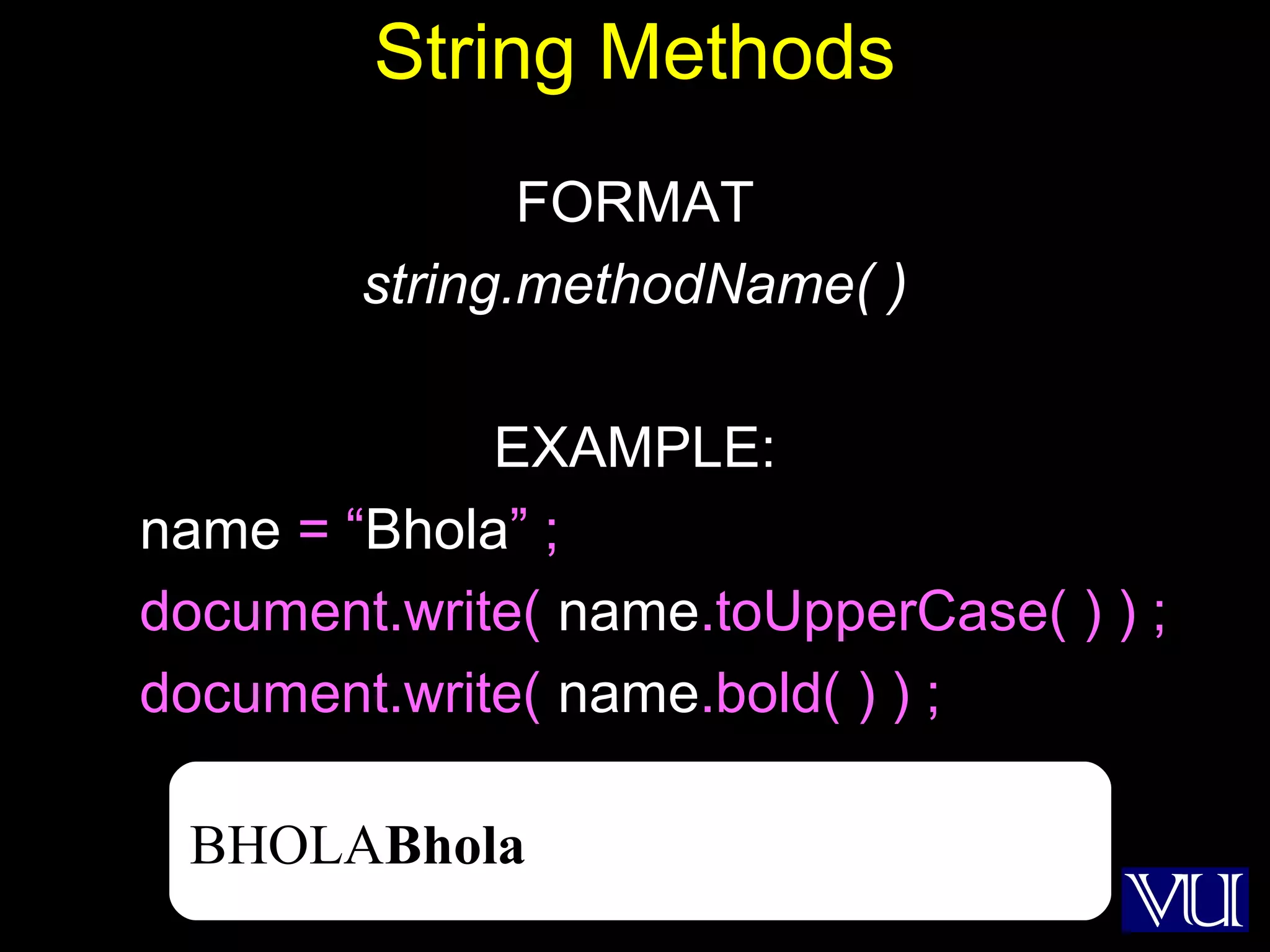
String Methods
FORMAT
string.methodName( )
EXAMPLE:
name = “Bhola” ;
document.write( name.toUpperCase( ) ) ;
document.write( name.bold( ) ) ;
BHOLABhola
5
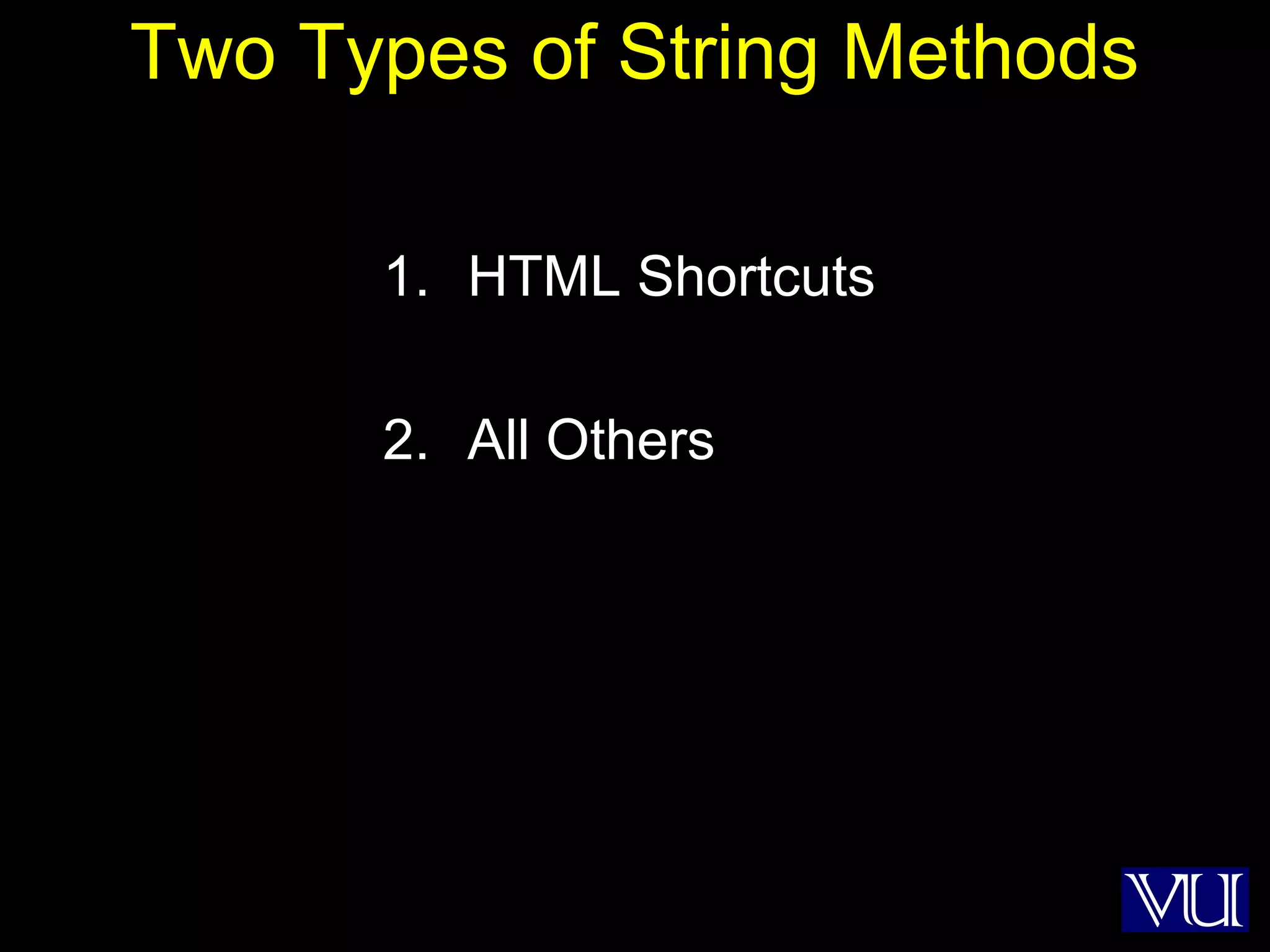
Two Types of String Methods
1. HTML Shortcuts
2. All Others
6
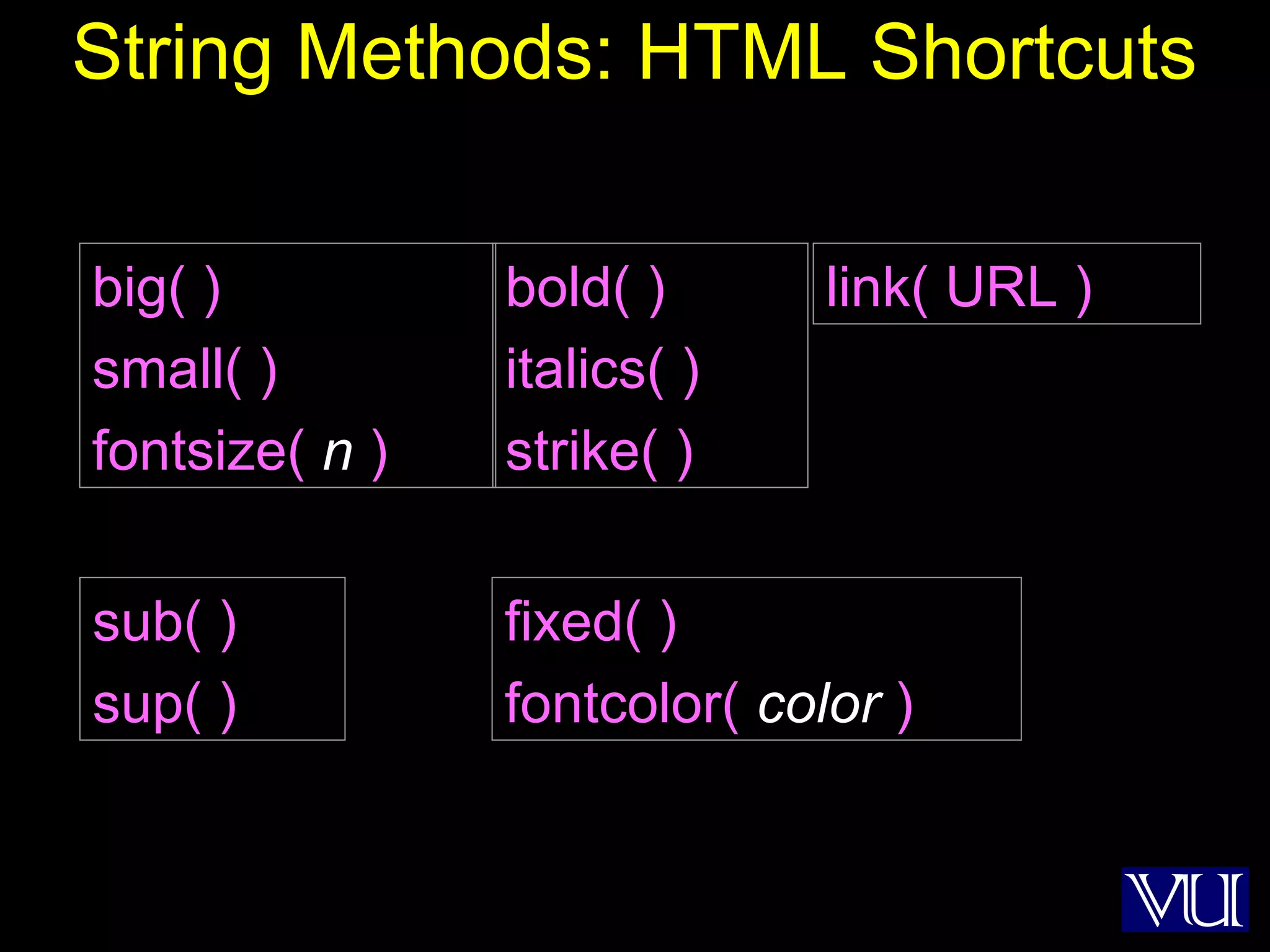
String Methods: HTML Shortcuts
bold( )
italics( )
strike( )
sub( )
sup( )
big( )
small( )
fontsize( n )
fixed( )
fontcolor( color )
link( URL )
7
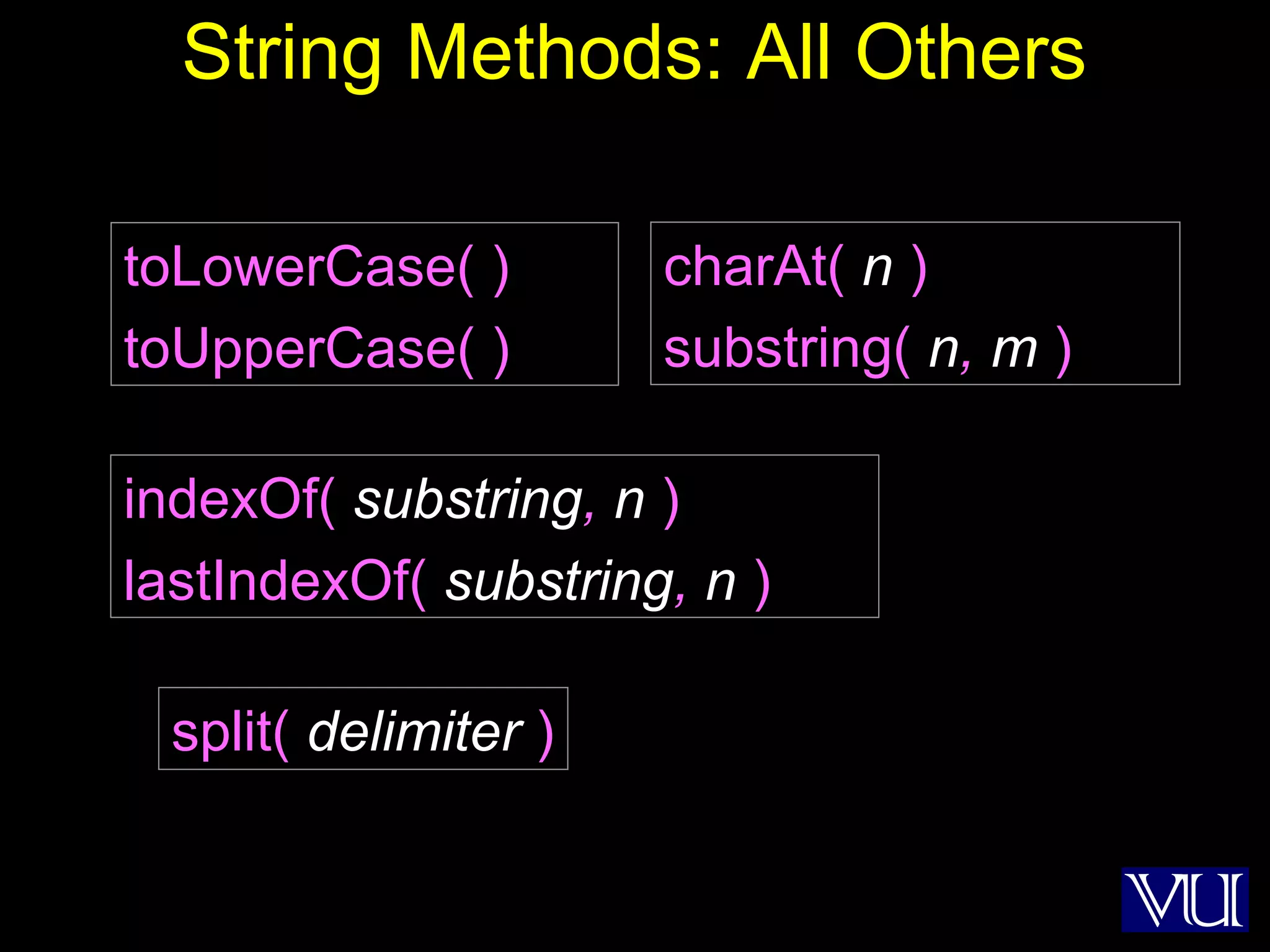
String Methods: All Others
split( delimiter )
toLowerCase( )
toUpperCase( )
charAt( n )
substring( n, m )
indexOf( substring, n )
lastIndexOf( substring, n )
8
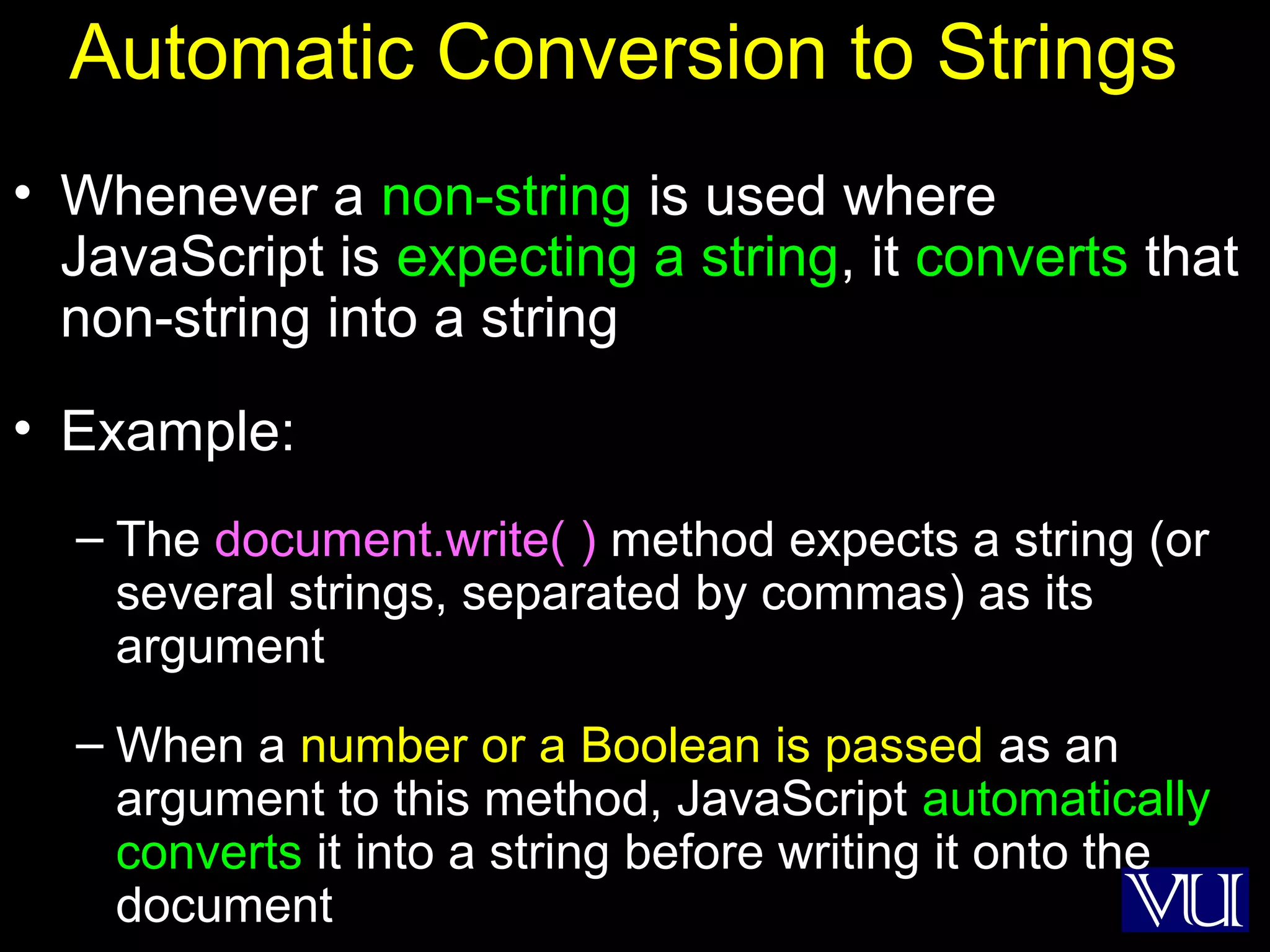
Automatic Conversion to Strings
• Whenever a non-string is used where
JavaScript is expecting a string, it converts that
non-string into a string
• Example:
– The document.write( ) method expects a string (or
several strings, separated by commas) as its
argument
– When a number or a Boolean is passed as an
argument to this method, JavaScript automatically
converts it into a string before writing it onto the
document
9
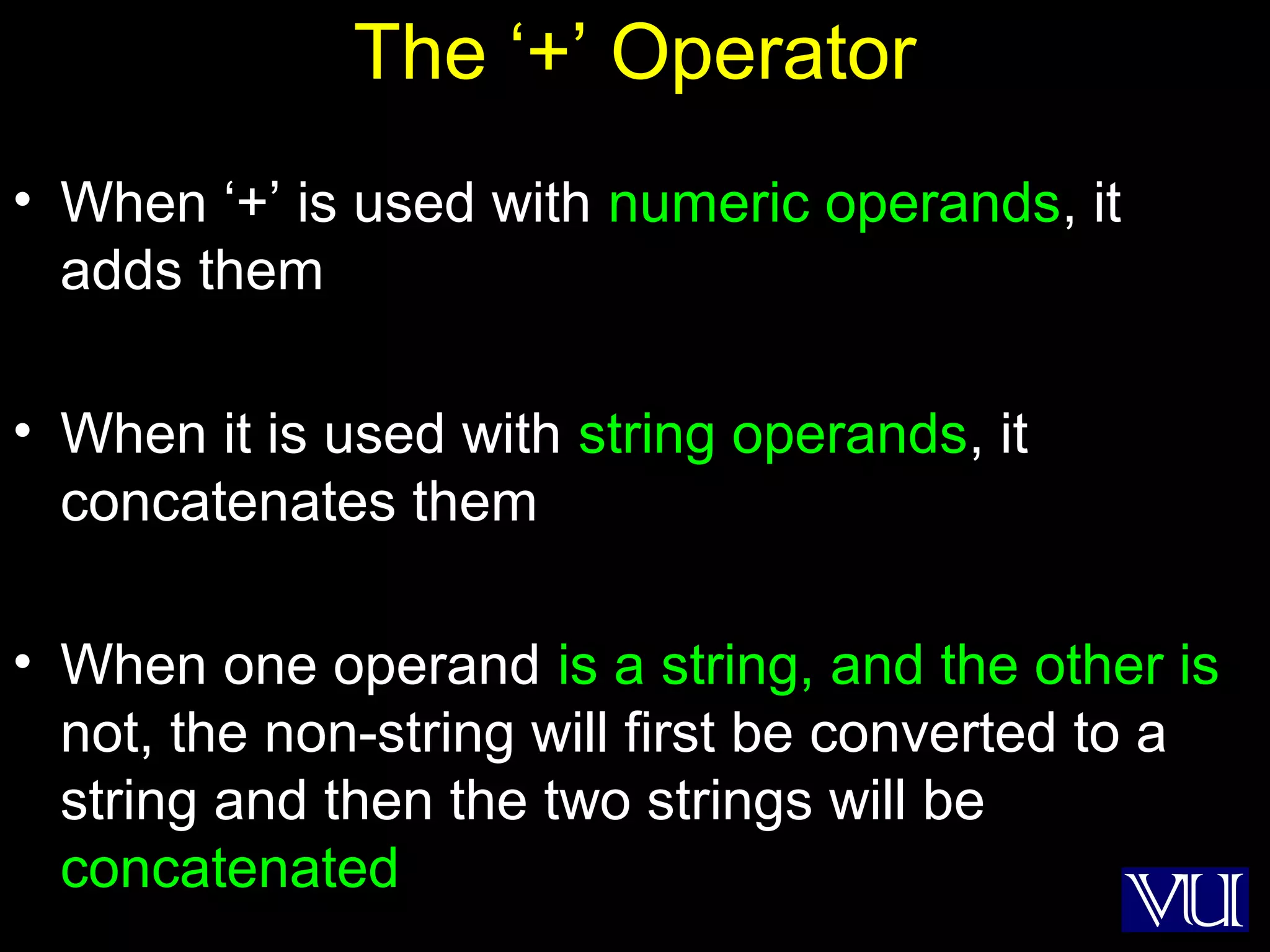
The ‘+’ Operator
• When ‘+’ is used with numeric operands, it
adds them
• When it is used with string operands, it
concatenates them
• When one operand is a string, and the other is
not, the non-string will first be converted to a
string and then the two strings will be
concatenated
10
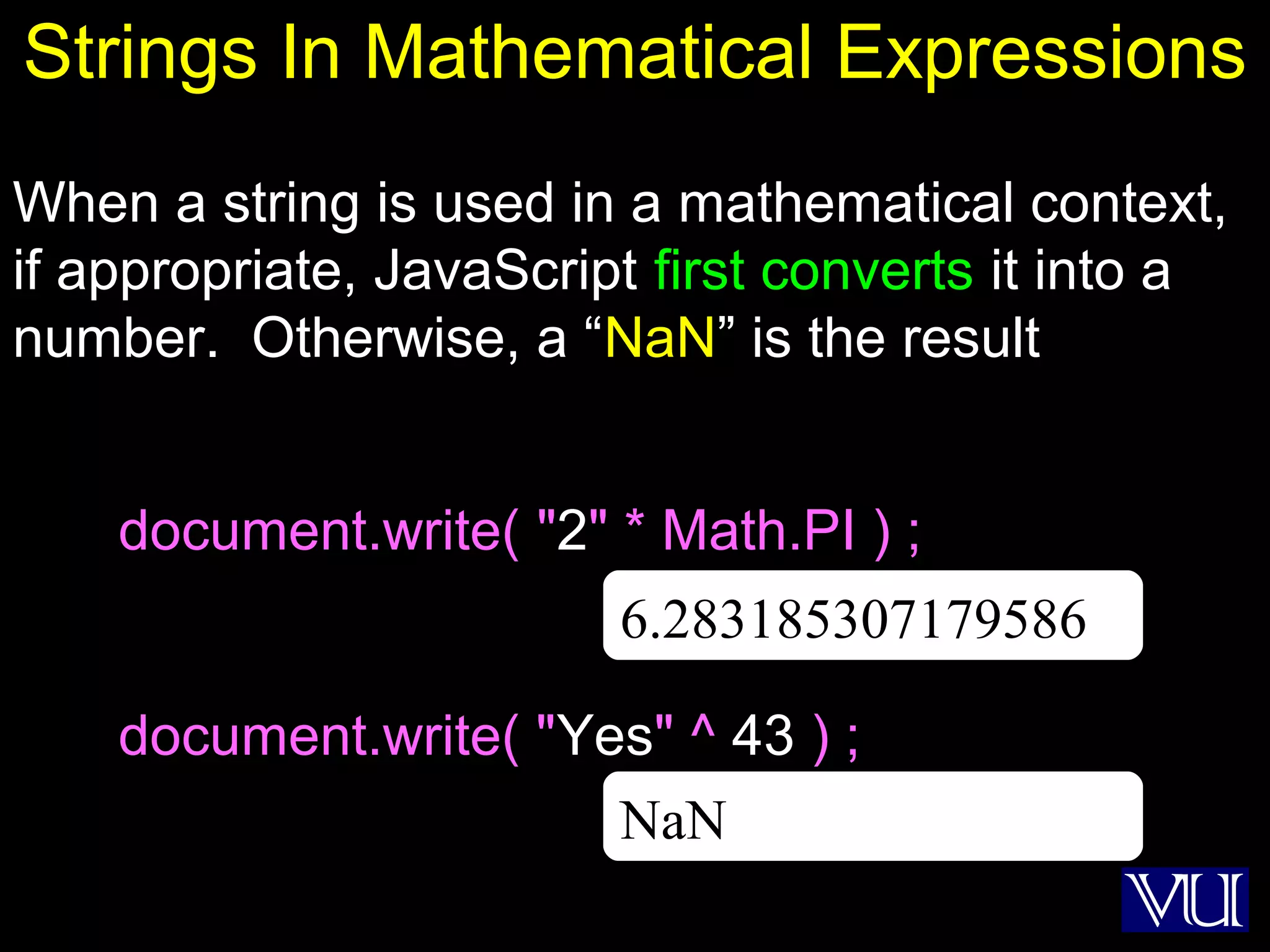
Strings In Mathematical Expressions
When a string is used in a mathematical context,
if appropriate, JavaScript first converts it into a
number. Otherwise, a “NaN” is the result
document.write( "2" * Math.PI ) ;
document.write( "Yes" ^ 43 ) ;
NaN
6.283185307179586
11
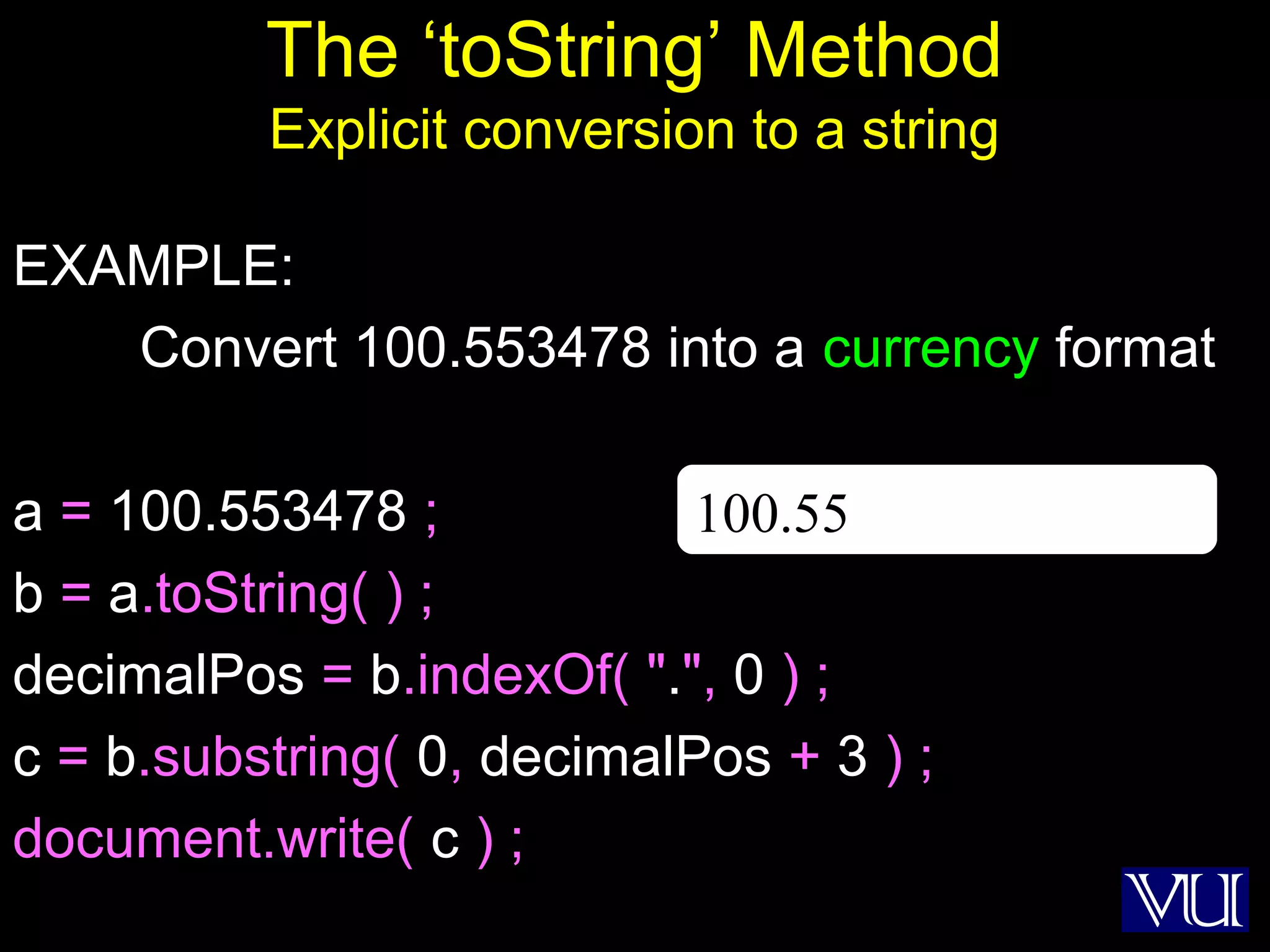
The ‘toString’ Method
Explicit conversion to a string
EXAMPLE:
Convert 100.553478 into a currency format
a = 100.553478 ;
b = a.toString( ) ;
decimalPos = b.indexOf( ".", 0 ) ;
c = b.substring( 0, decimalPos + 3 ) ;
document.write( c ) ;
100.55
12
Conversion from Strings
parseInt( ) and parseFloat( ) methods
13
Today’s Goal
(Images & Animation)
• To become able to add and manipulate images
and simple animations to a Web page
14
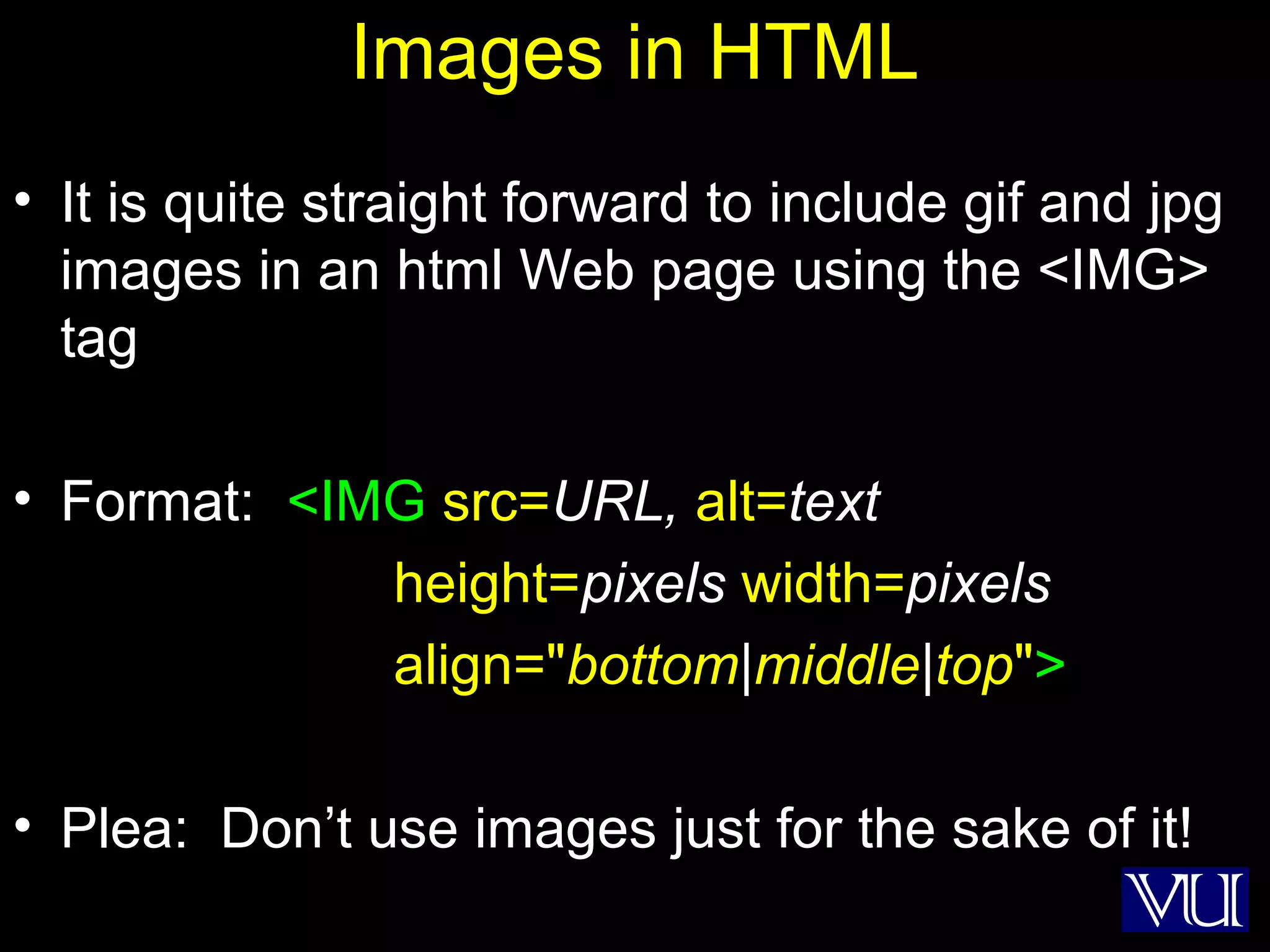
Images in HTML
• It is quite straight forward to include gif and jpg
images in an html Web page using the <IMG>
tag
• Format: <IMG src=URL, alt=text
height=pixels width=pixels
align="bottom|middle|top">
• Plea: Don’t use images just for the sake of it!
15
16
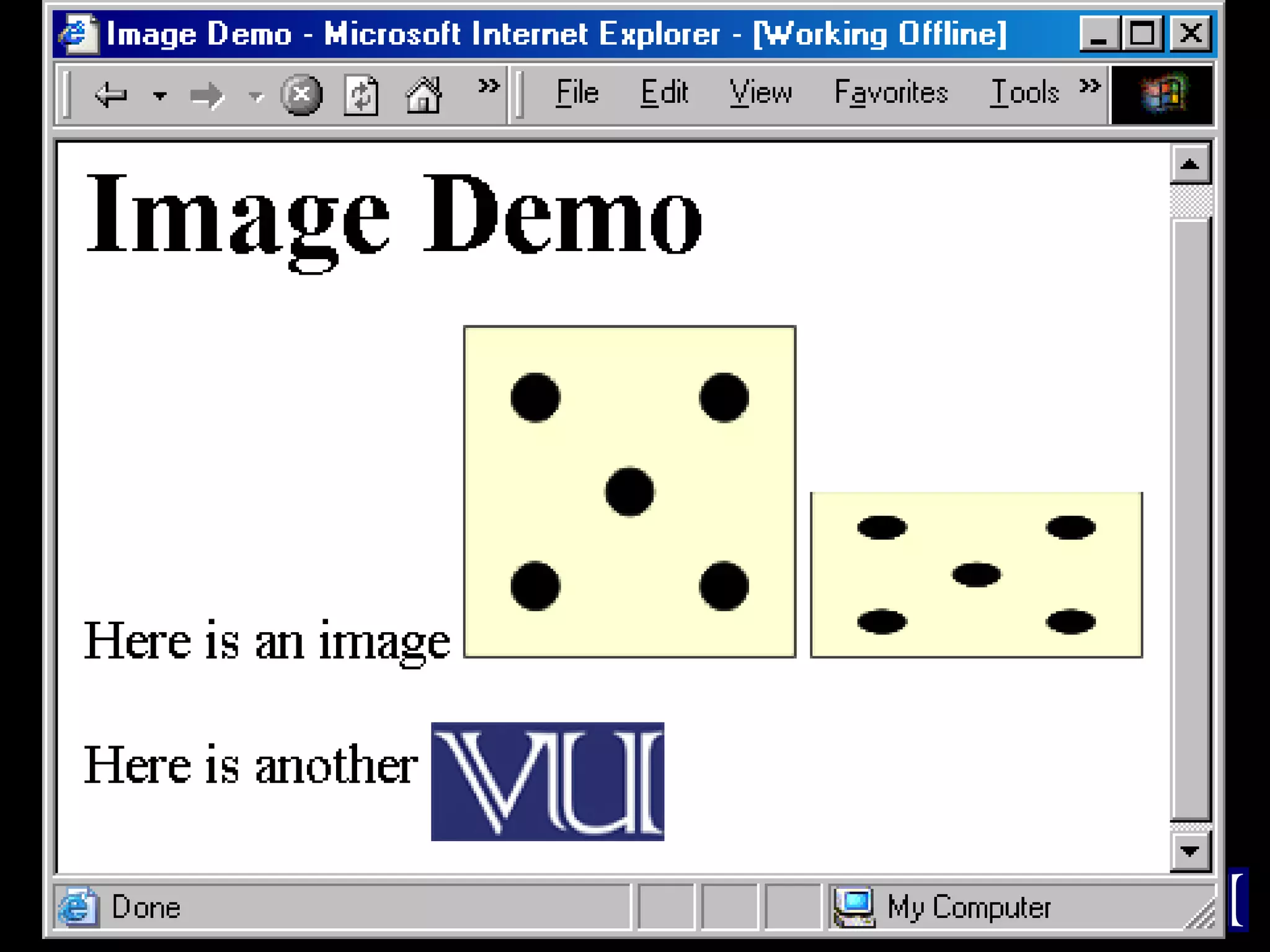
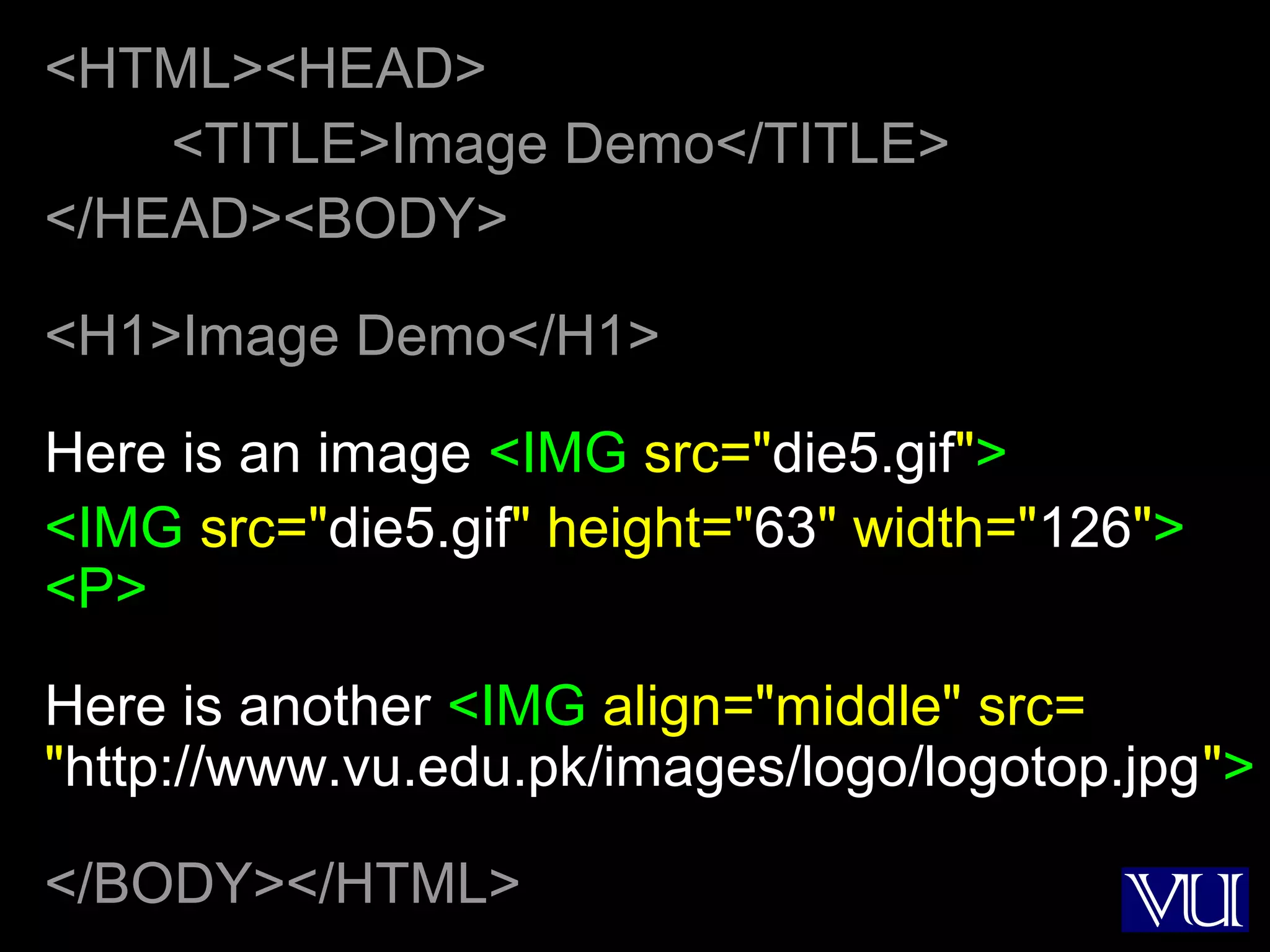
<HTML><HEAD>
<TITLE>Image Demo</TITLE>
</HEAD><BODY>
<H1>Image Demo</H1>
Here is an image <IMG src="die5.gif">
<IMG src="die5.gif" height="63" width="126">
<P>
Here is another <IMG align="middle" src=
"http://www.vu.edu.pk/images/logo/logotop.jpg">
</BODY></HTML>
17
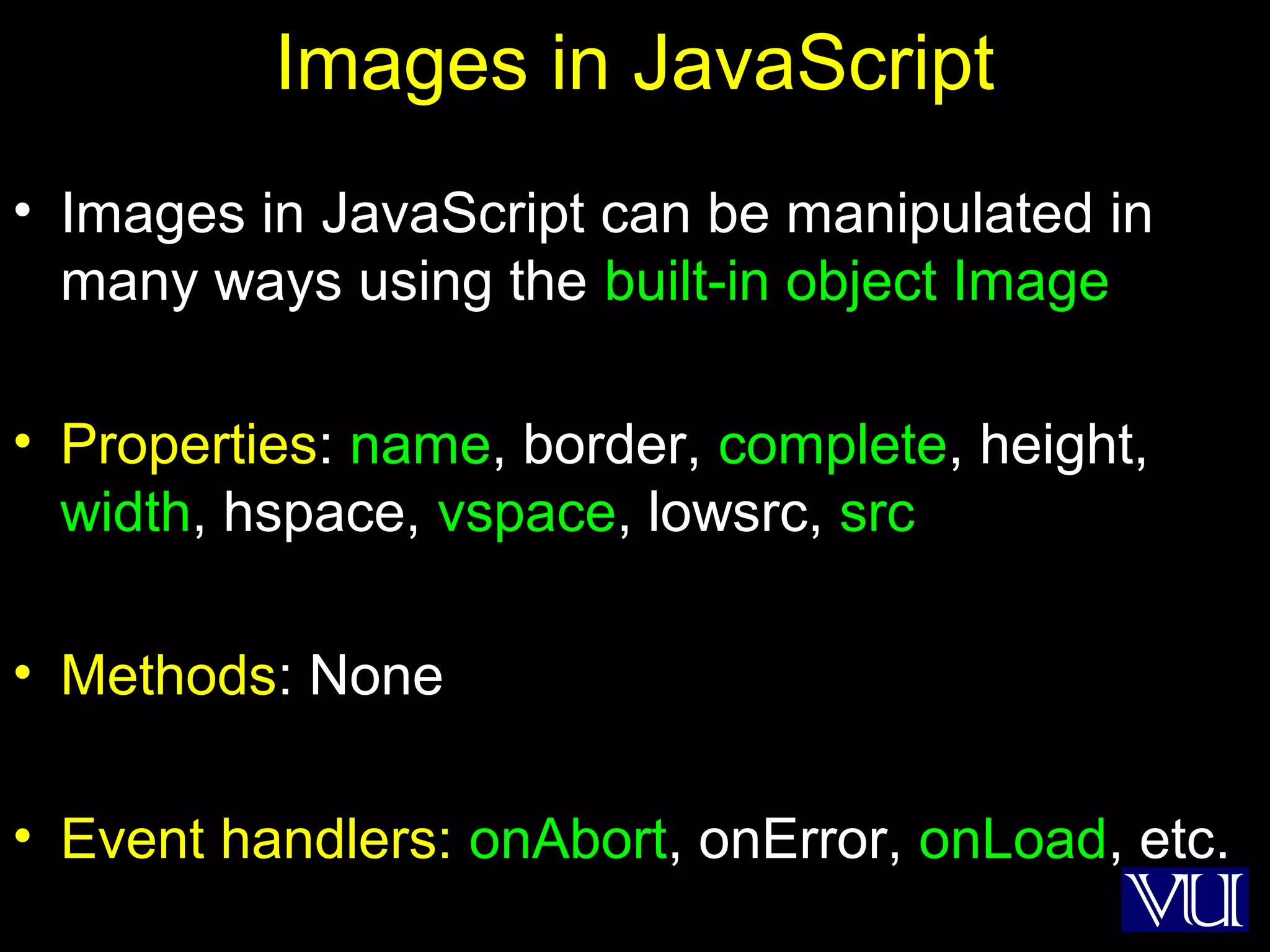
Images in JavaScript
• Images in JavaScript can be manipulated in
many ways using the built-in object Image
• Properties: name, border, complete, height,
width, hspace, vspace, lowsrc, src
• Methods: None
• Event handlers: onAbort, onError, onLoad, etc.
18
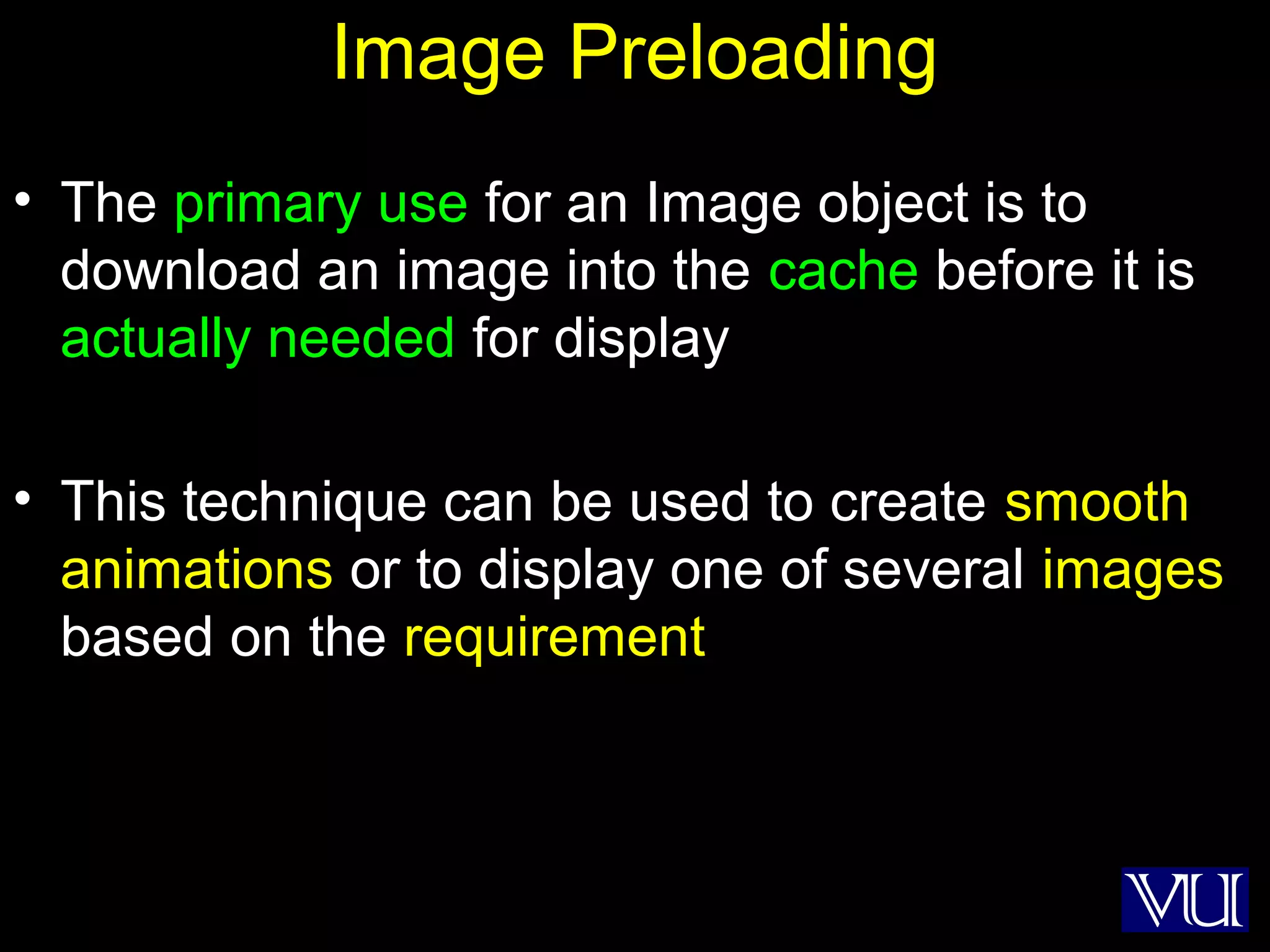
Image Preloading
• The primary use for an Image object is to
download an image into the cache before it is
actually needed for display
• This technique can be used to create smooth
animations or to display one of several images
based on the requirement
19
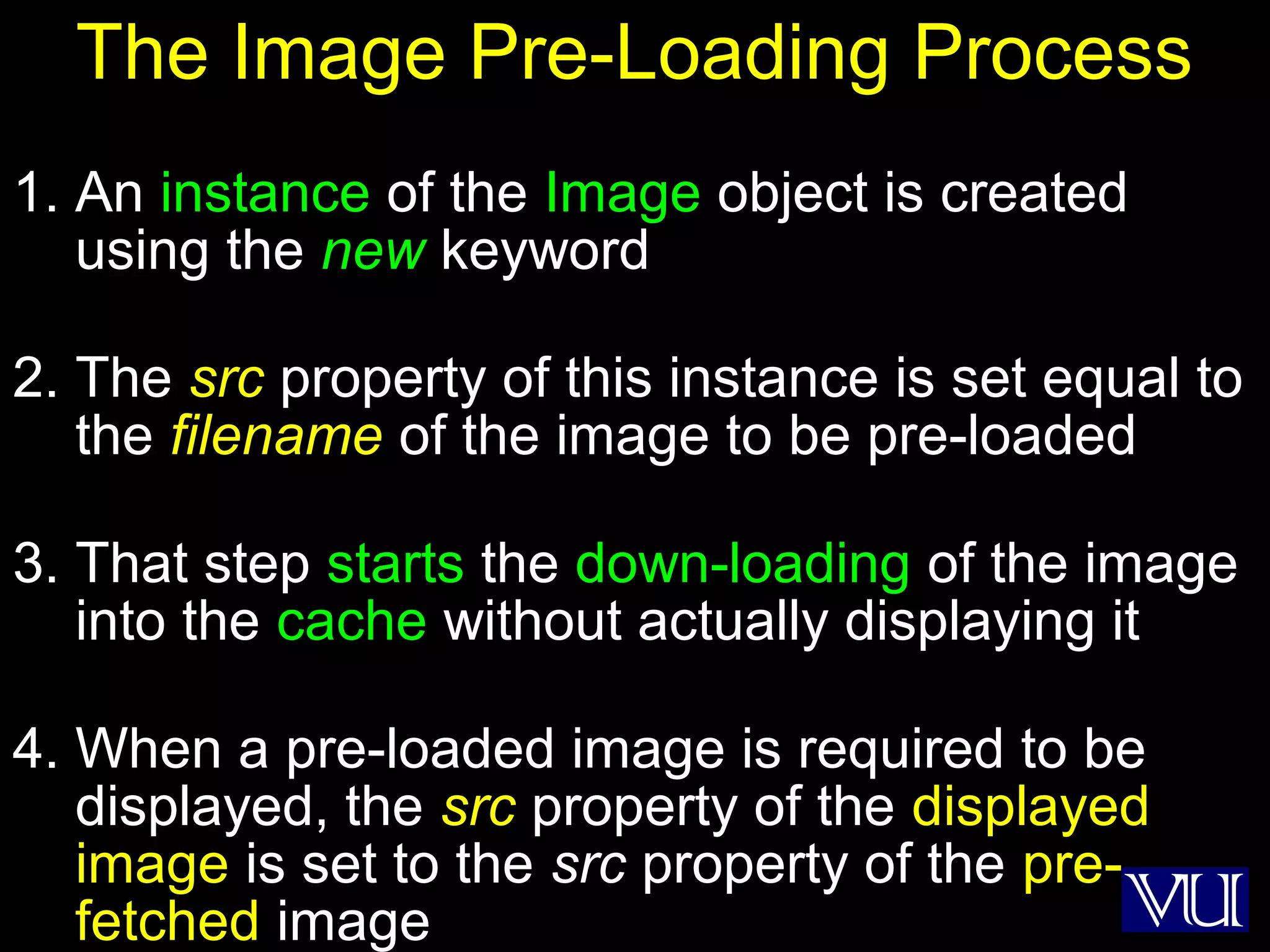
The Image Pre-Loading Process
1. An instance of the Image object is created
using the new keyword
2. The src property of this instance is set equal to
the filename of the image to be pre-loaded
3. That step starts the down-loading of the image
into the cache without actually displaying it
4. When a pre-loaded image is required to be
displayed, the src property of the displayed
image is set to the src property of the pre-
fetched image
20
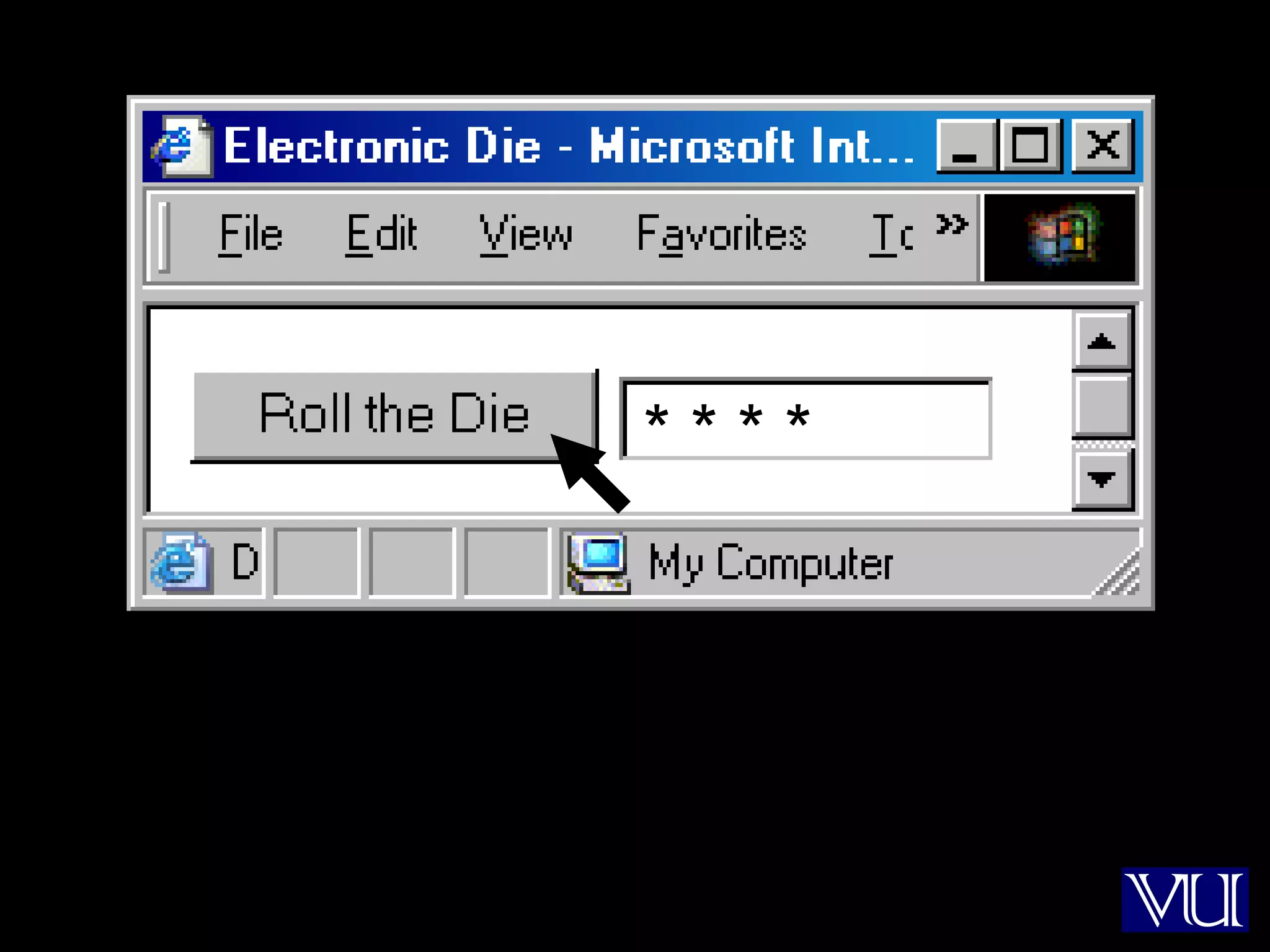
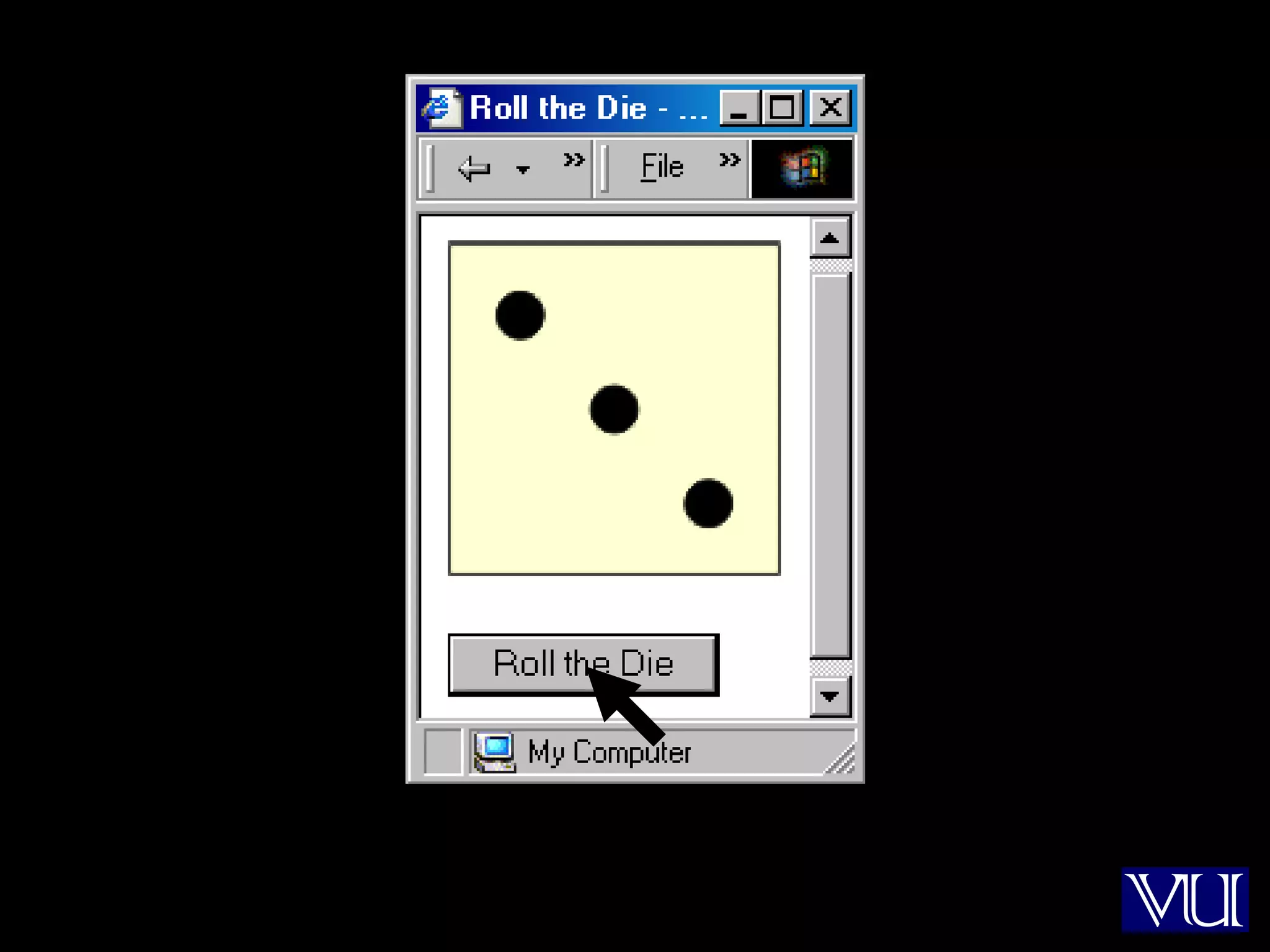
Let us revisit an example that we first
saw in lecture 35
21
* * * *
22
23
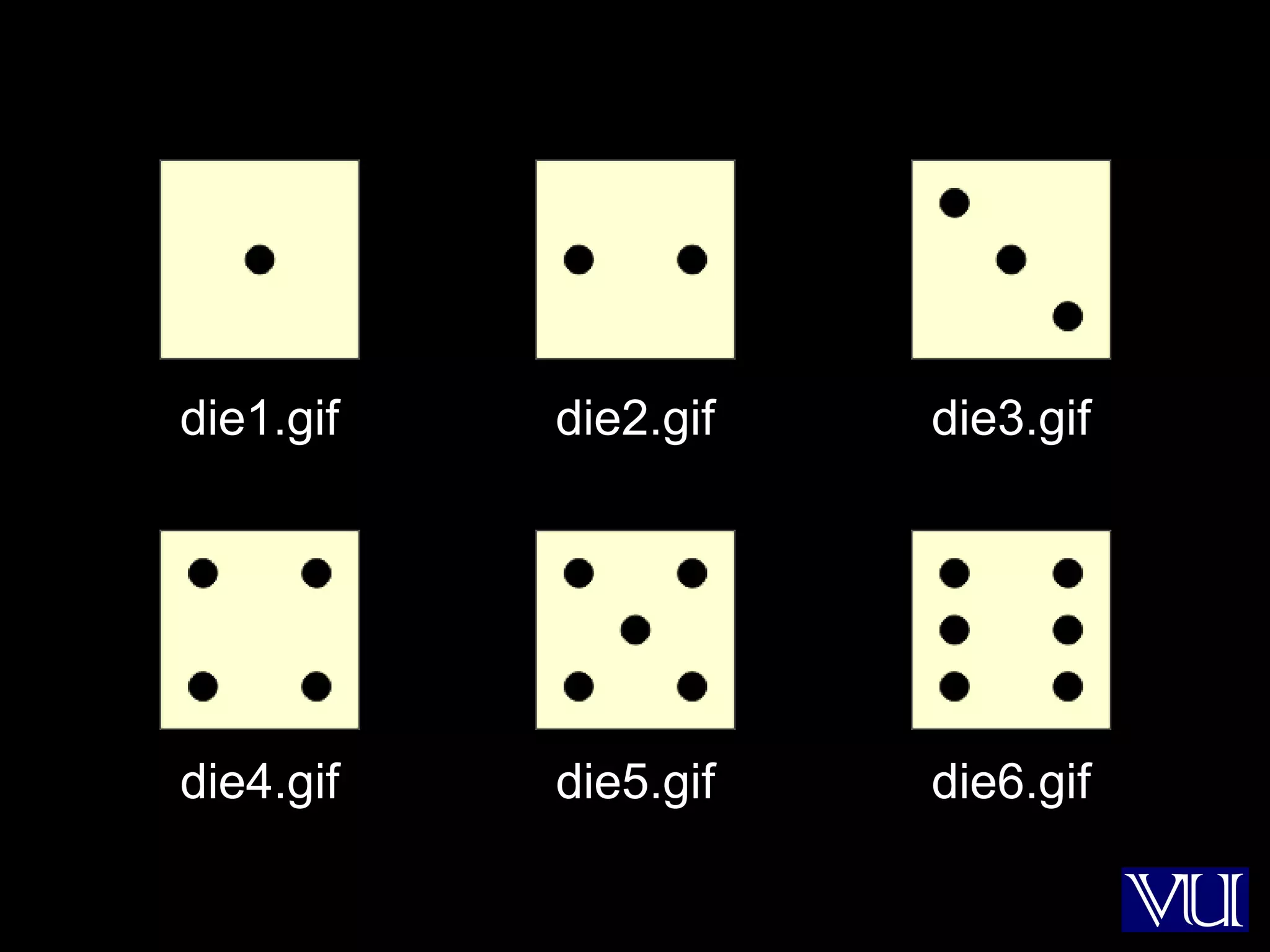
die1.gif die2.gif die3.gif
die4.gif die5.gif die6.gif
24
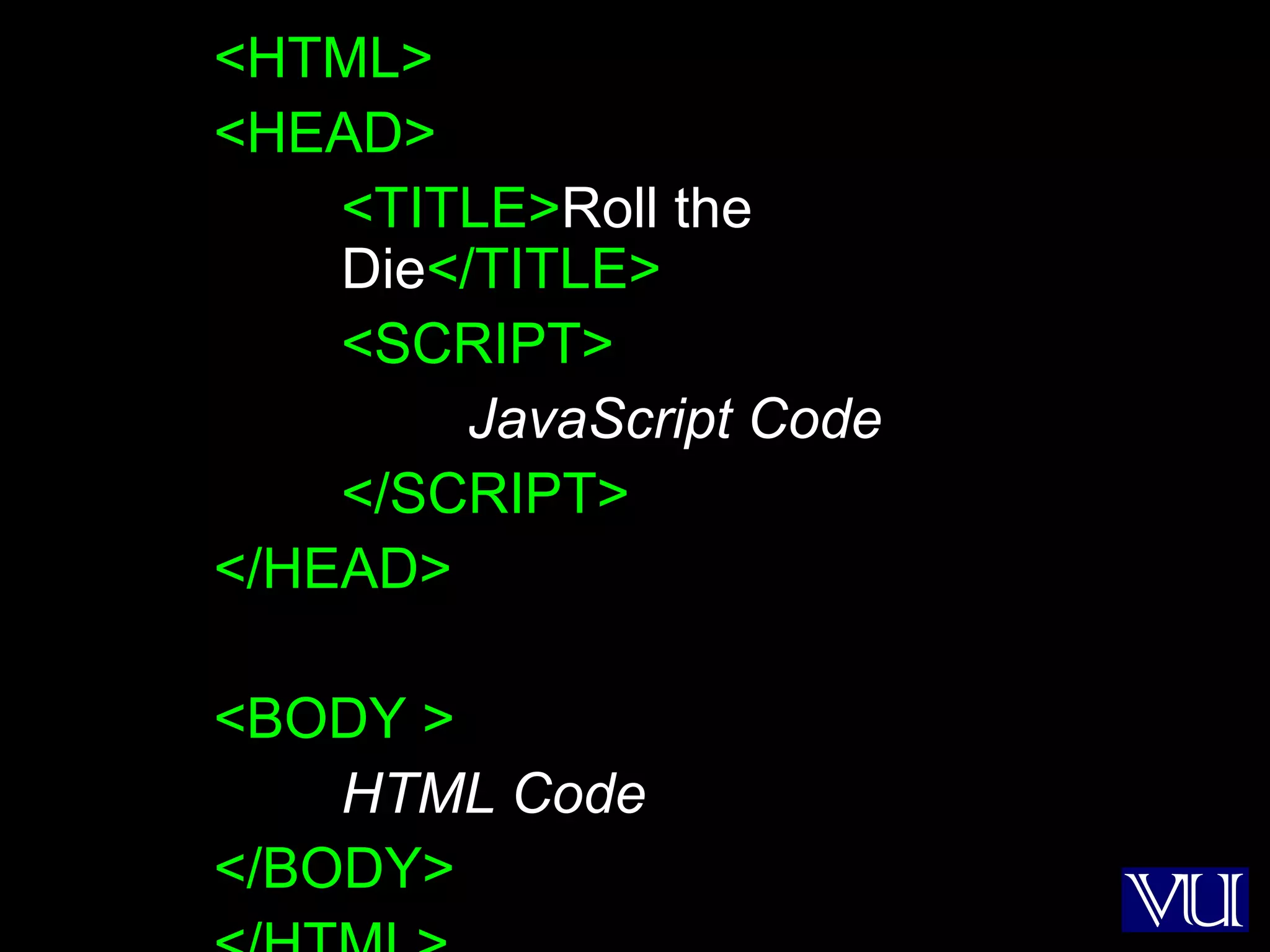
<HTML>
<HEAD>
<TITLE>Roll the
Die</TITLE>
<SCRIPT>
JavaScript Code
</SCRIPT>
</HEAD>
<BODY >
HTML Code
</BODY>
25
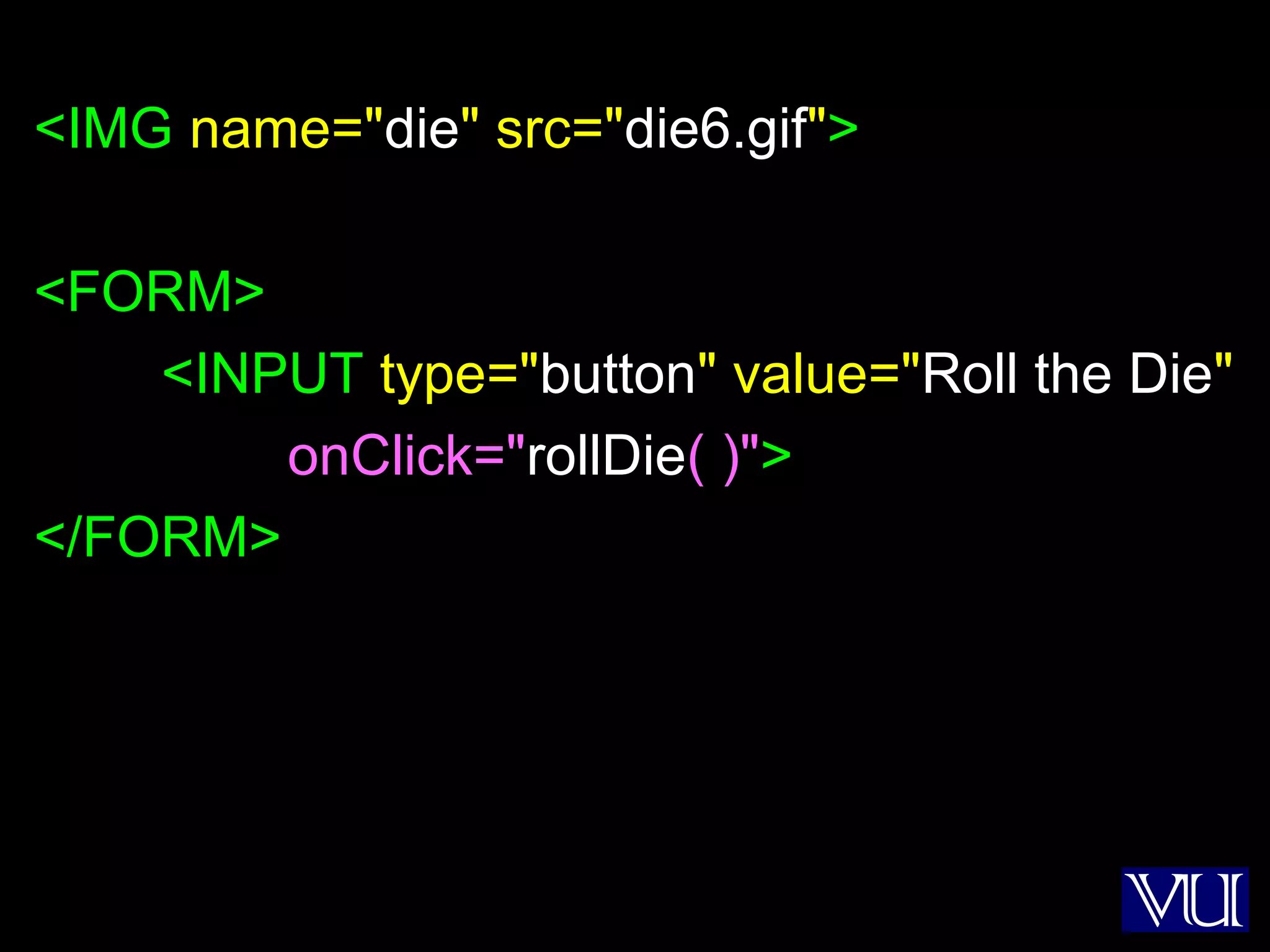
<IMG name="die" src="die6.gif">
<FORM>
<INPUT type="button" value="Roll the Die"
onClick="rollDie( )">
</FORM>
26
dieImg = new Array( 7 ) ;
for( k = 1; k < 7; k = k + 1 ) { //Preload images
dieImg[ k ] = new Image( ) ;
dieImg[ k ].src = "die" + k + ".gif" ;
}
function rollDie( ) {
dieN = Math.ceil( 6 * Math.random( ) ) ;
document.die.src = dieImg[ dieN ].src ;
}
27
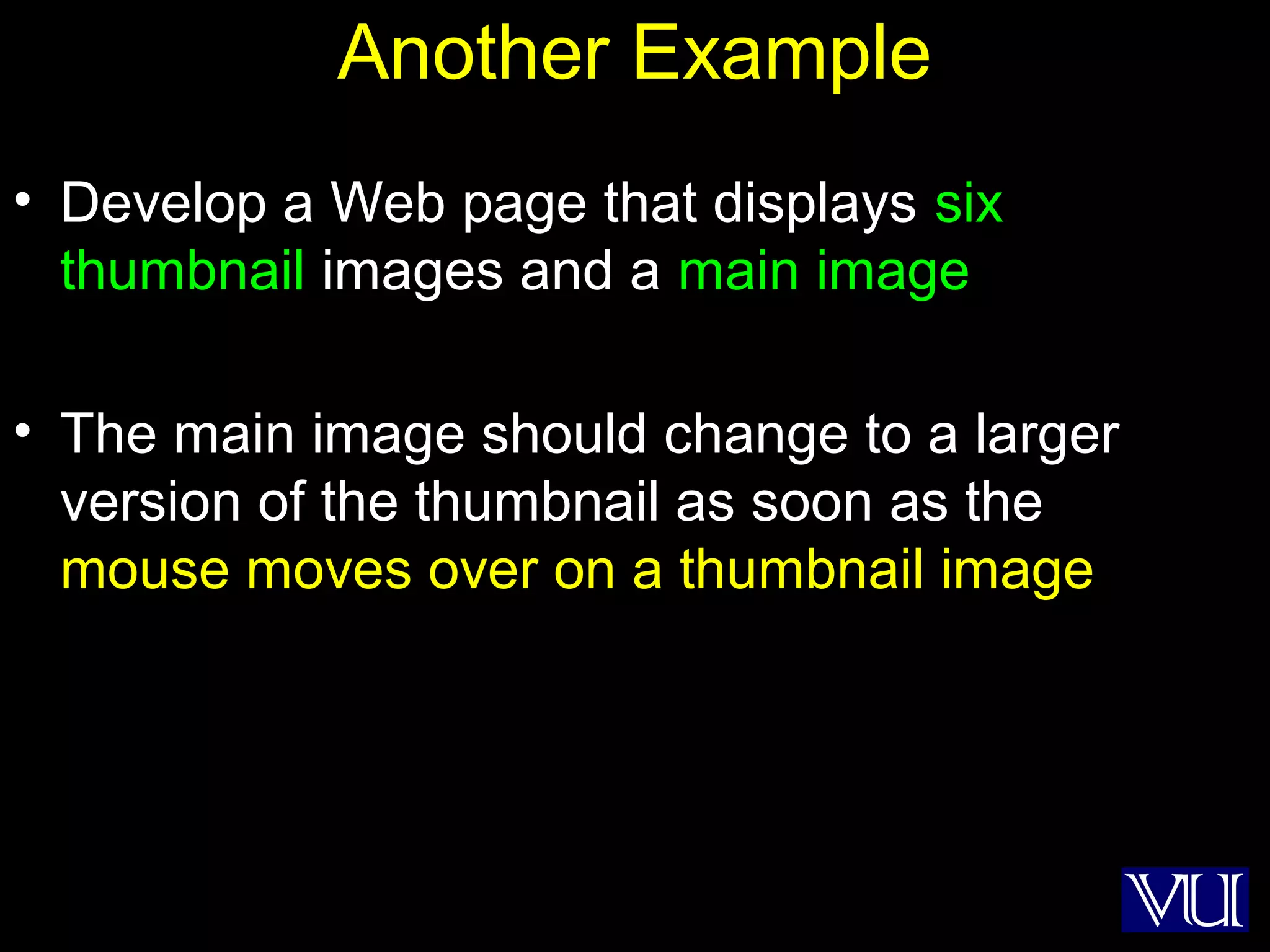
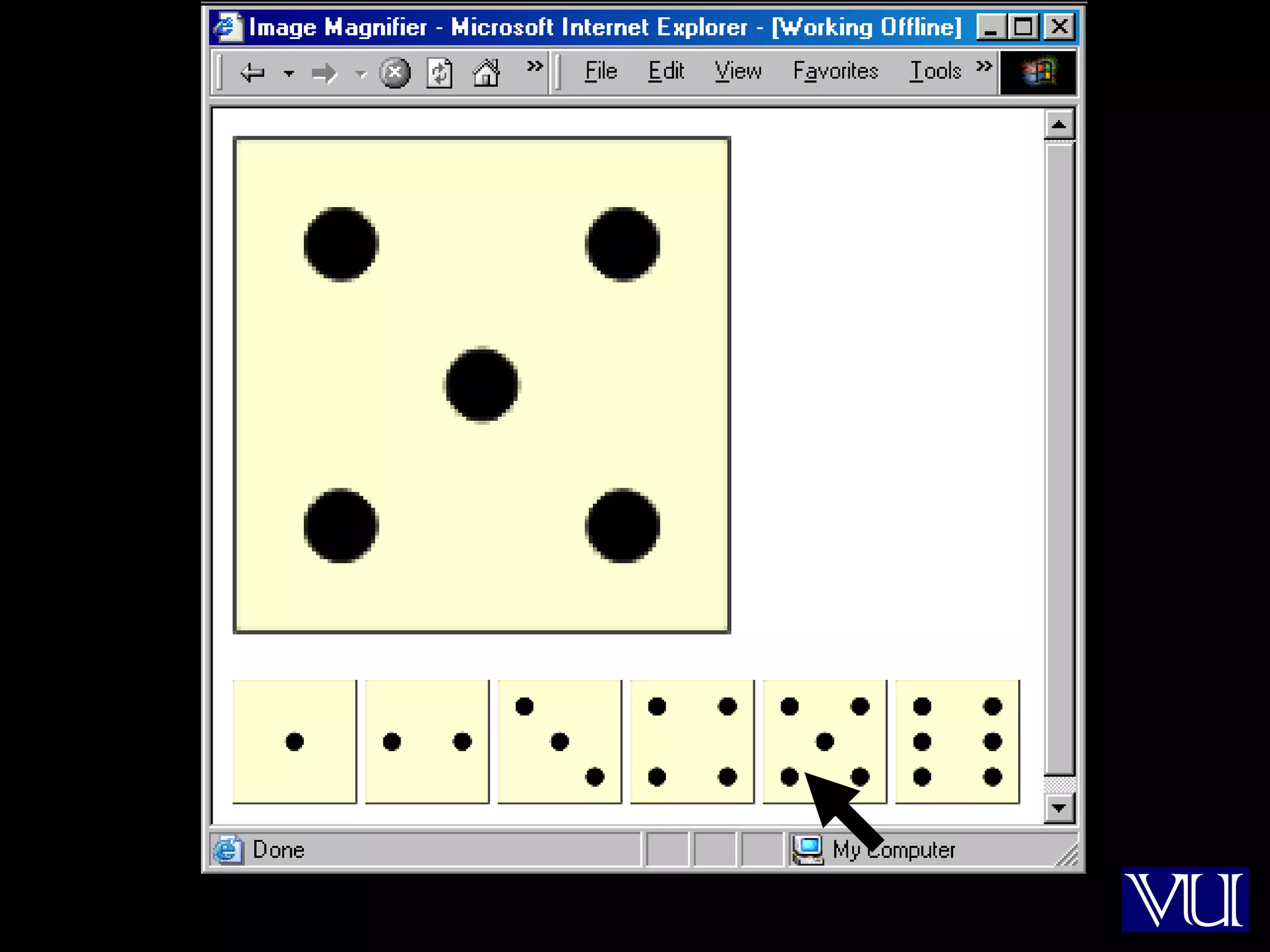
Another Example
• Develop a Web page that displays six
thumbnail images and a main image
• The main image should change to a larger
version of the thumbnail as soon as the
mouse moves over on a thumbnail image
28
29
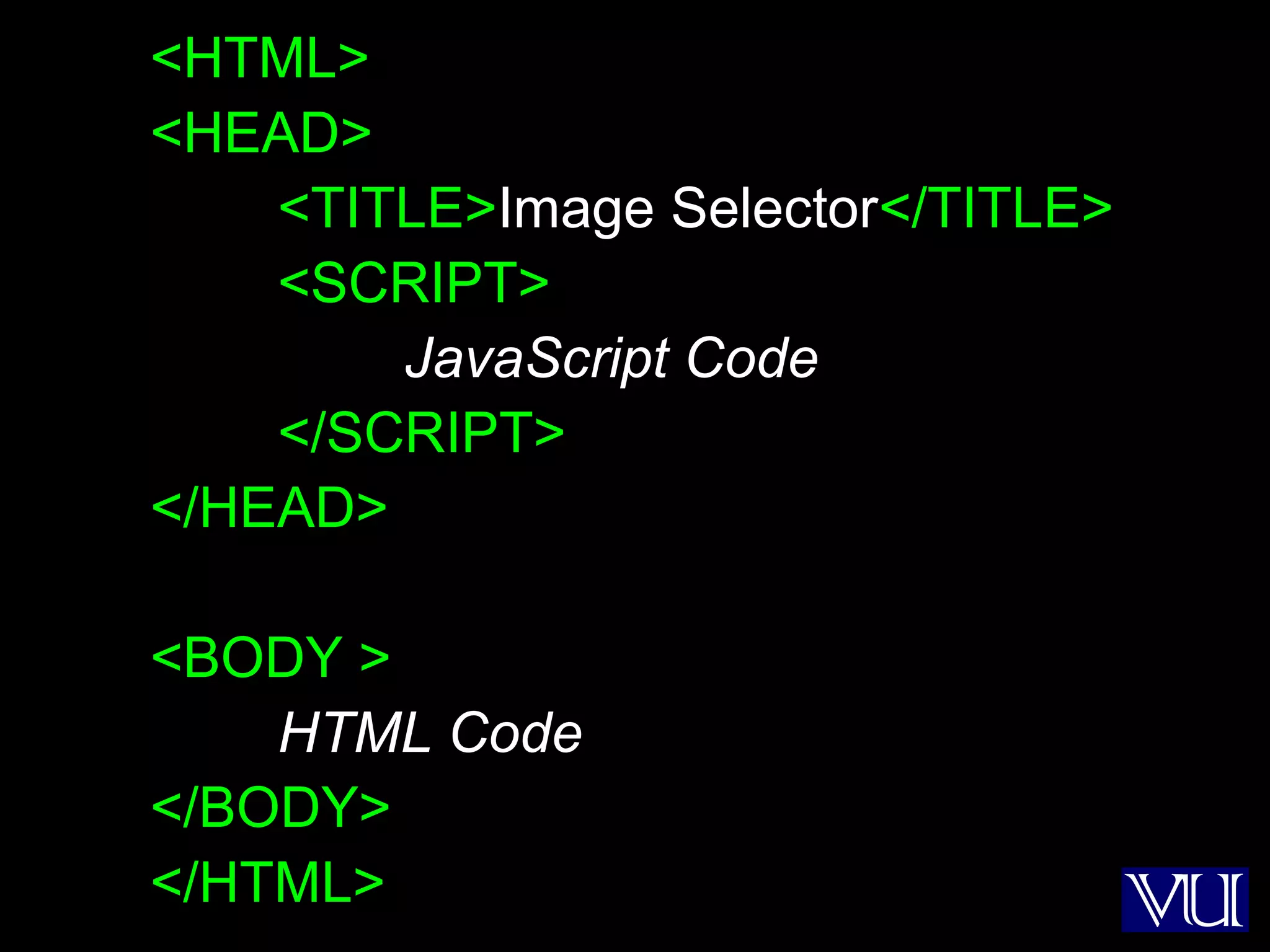
<HTML>
<HEAD>
<TITLE>Image Selector</TITLE>
<SCRIPT>
JavaScript Code
</SCRIPT>
</HEAD>
<BODY >
HTML Code
</BODY>
</HTML>
30
dieImg = new Array( 7 ) ;
for( k = 1; k < 7; k = k + 1 ) { // Preload images
dieImg[ k ] = new Image( ) ;
dieImg[ k ].src = "die" + k + ".gif" ;
}
31
<IMG name="big" src="die6.gif"
width="252" height="252"><P>
<IMG src="die1.gif" width="63" height="63"
onMouseOver=
"document.big.src=dieImg[ 1 ].src">
…
…
<IMG src="die6.gif" width="63" height="63"
onMouseOver=
"document.big.src=dieImg[ 6 ].src">
32
Where Else Can We Use This?
• Automobile Web site
• ???
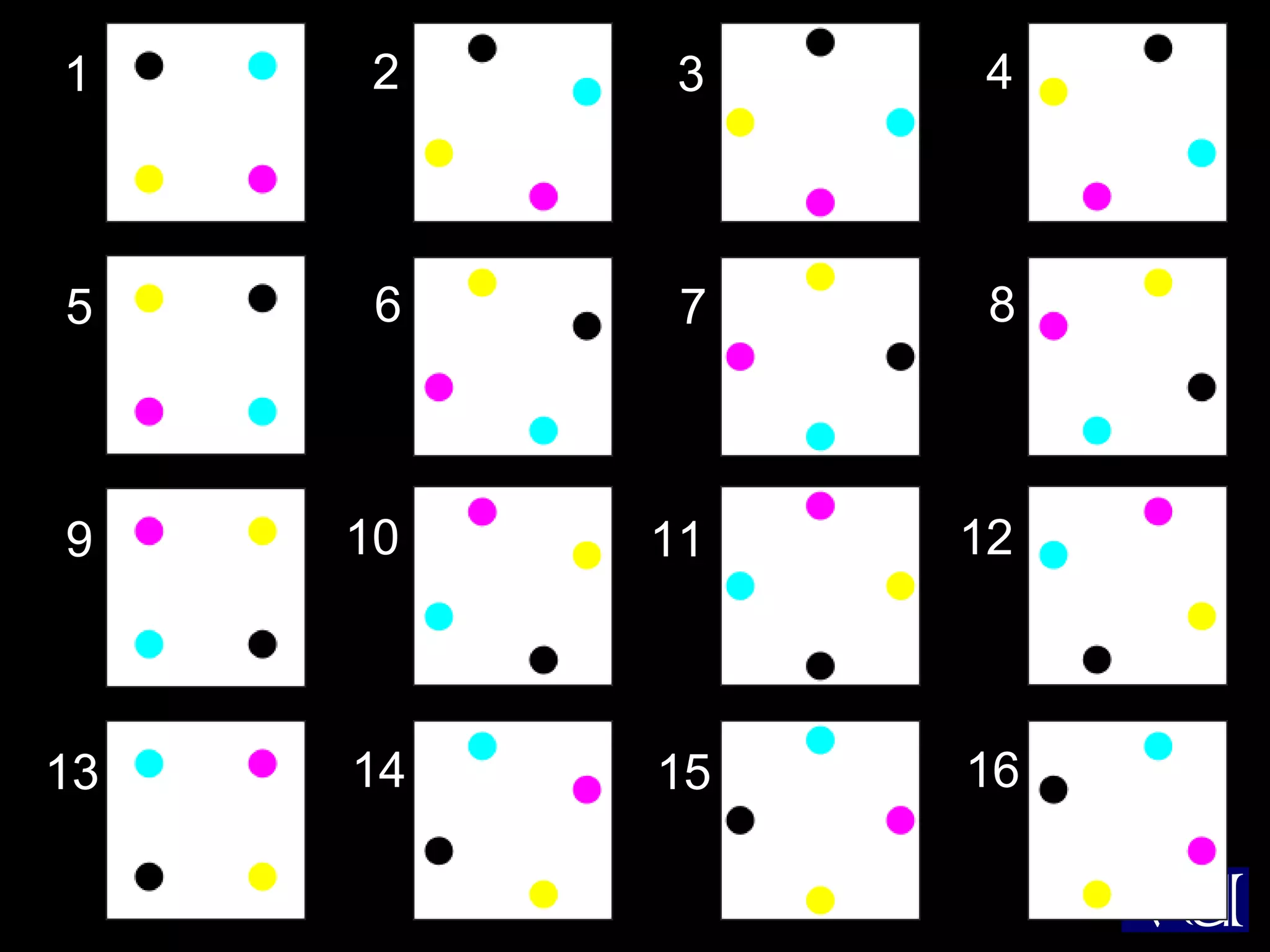
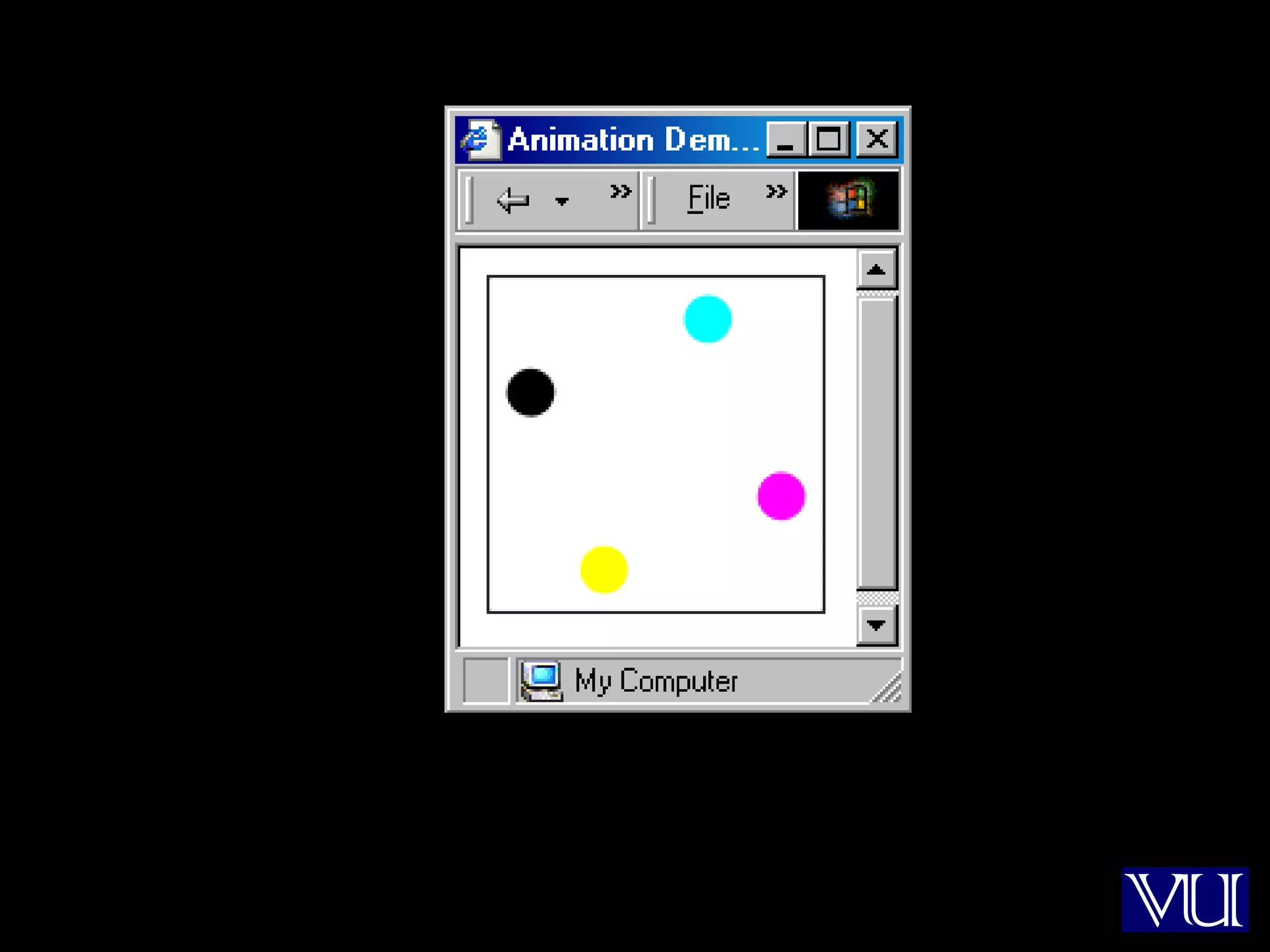
33
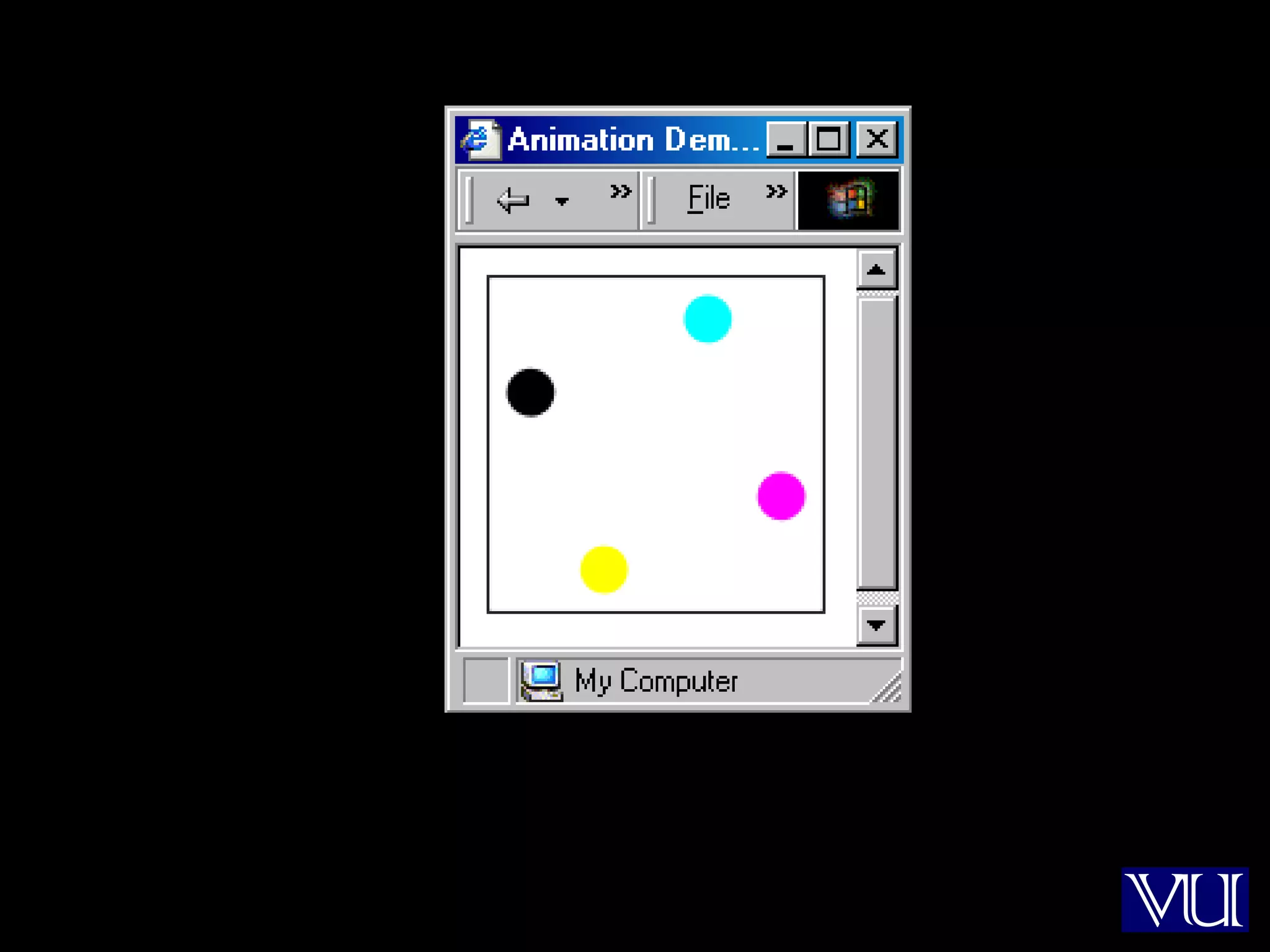
Animation Example 1
• Take 16 images and cycle through them to
create an animation effect
34
1 2 3 4
5 6 7 8
9 10 11 12
13 14 15 16
35
36
<HTML>
<HEAD>
<TITLE>Animation 1</TITLE>
<SCRIPT>
JavaScript Code
</SCRIPT>
</HEAD>
<BODY >
HTML Code
</BODY>
</HTML>
37
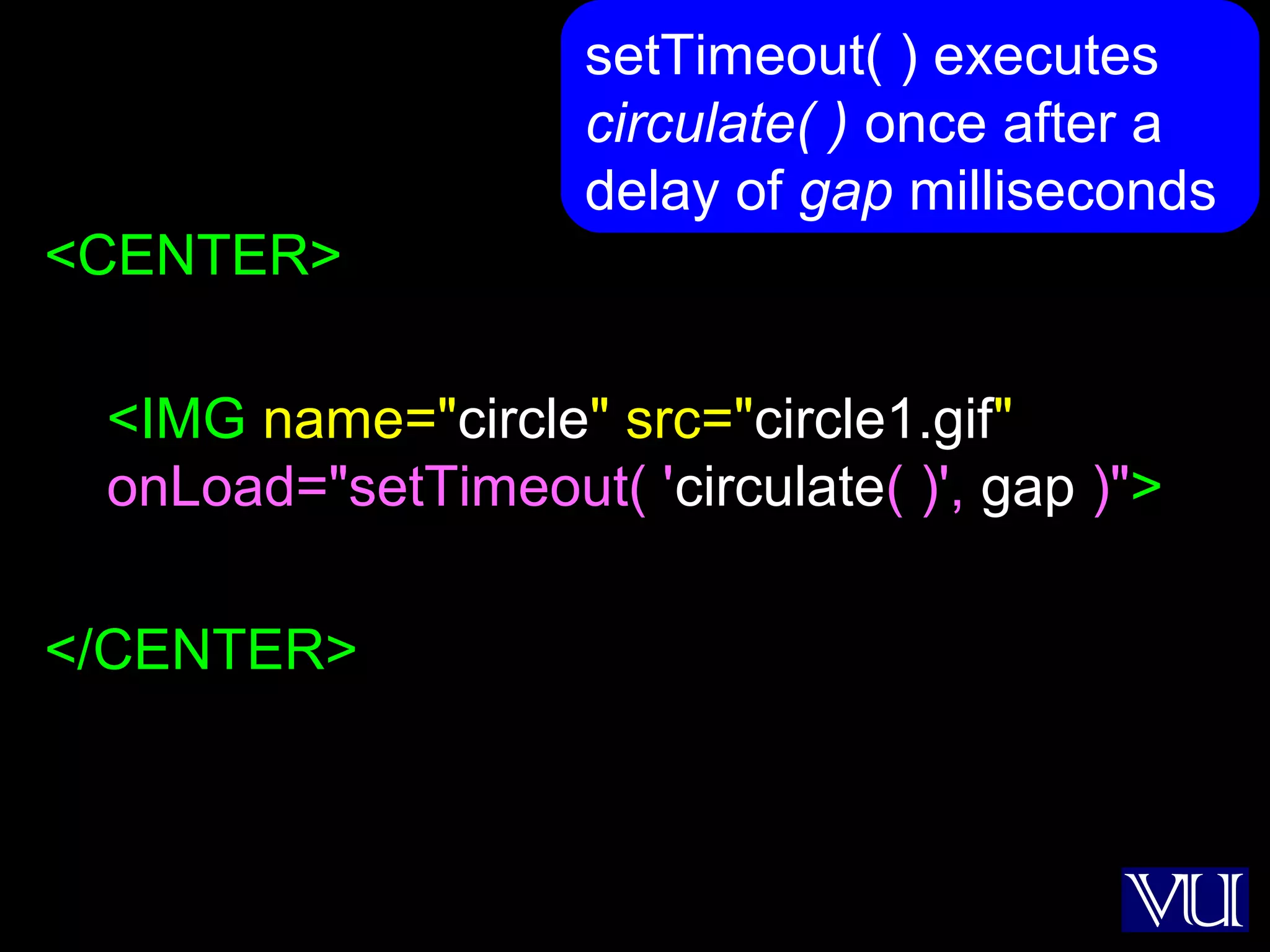
<CENTER>
<IMG name="circle" src="circle1.gif"
onLoad="setTimeout( 'circulate( )', gap )">
</CENTER>
setTimeout( ) executes
circulate( ) once after a
delay of gap milliseconds
38
gap = 100 ;
imageN = 1 ;
circImg = new Array( 17 ) ;
for( k = 1; k < 17; k = k + 1 ) { // Preload images
circImg[ k ] = new Image( ) ;
circImg[ k ].src = "circle" + k + ".gif" ;
}
39
function circulate( ) {
document.circle.src =
circImg[ imageN ].src ;
imageN = imageN + 1 ;
if( imageN > 16 )
imageN = 1 ;
}
40
41
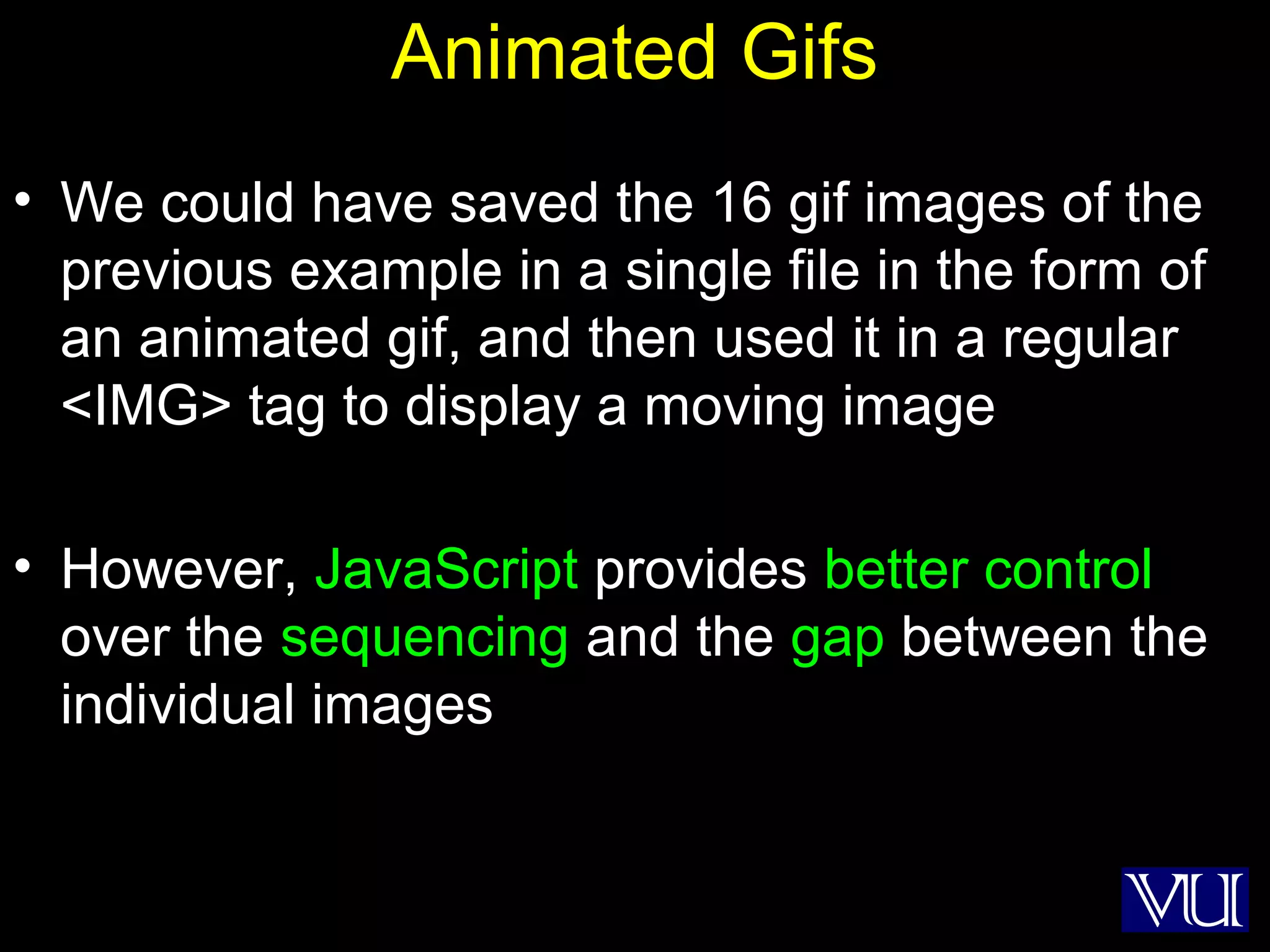
Animated Gifs
• We could have saved the 16 gif images of the
previous example in a single file in the form of
an animated gif, and then used it in a regular
<IMG> tag to display a moving image
• However, JavaScript provides better control
over the sequencing and the gap between the
individual images
42
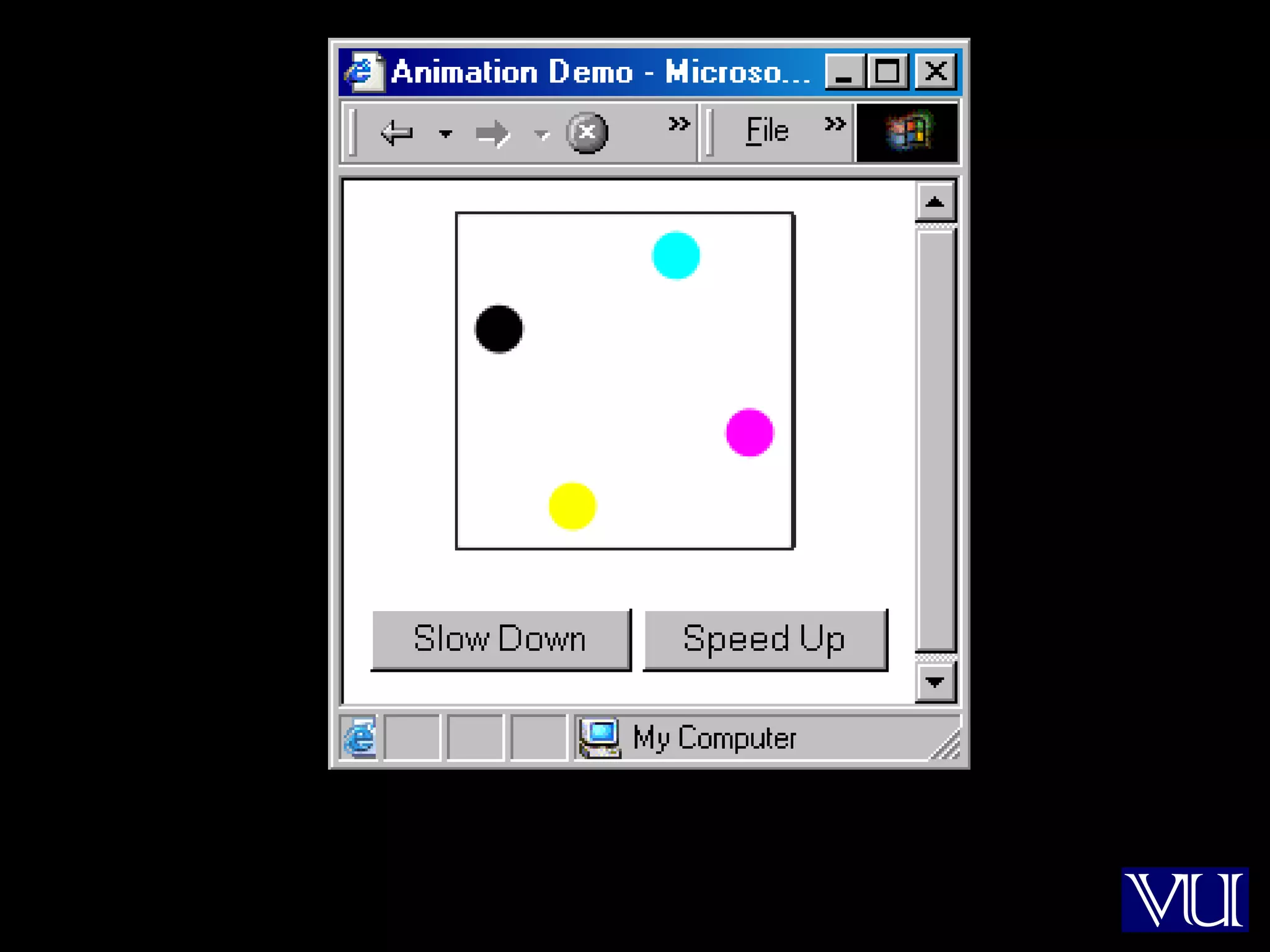
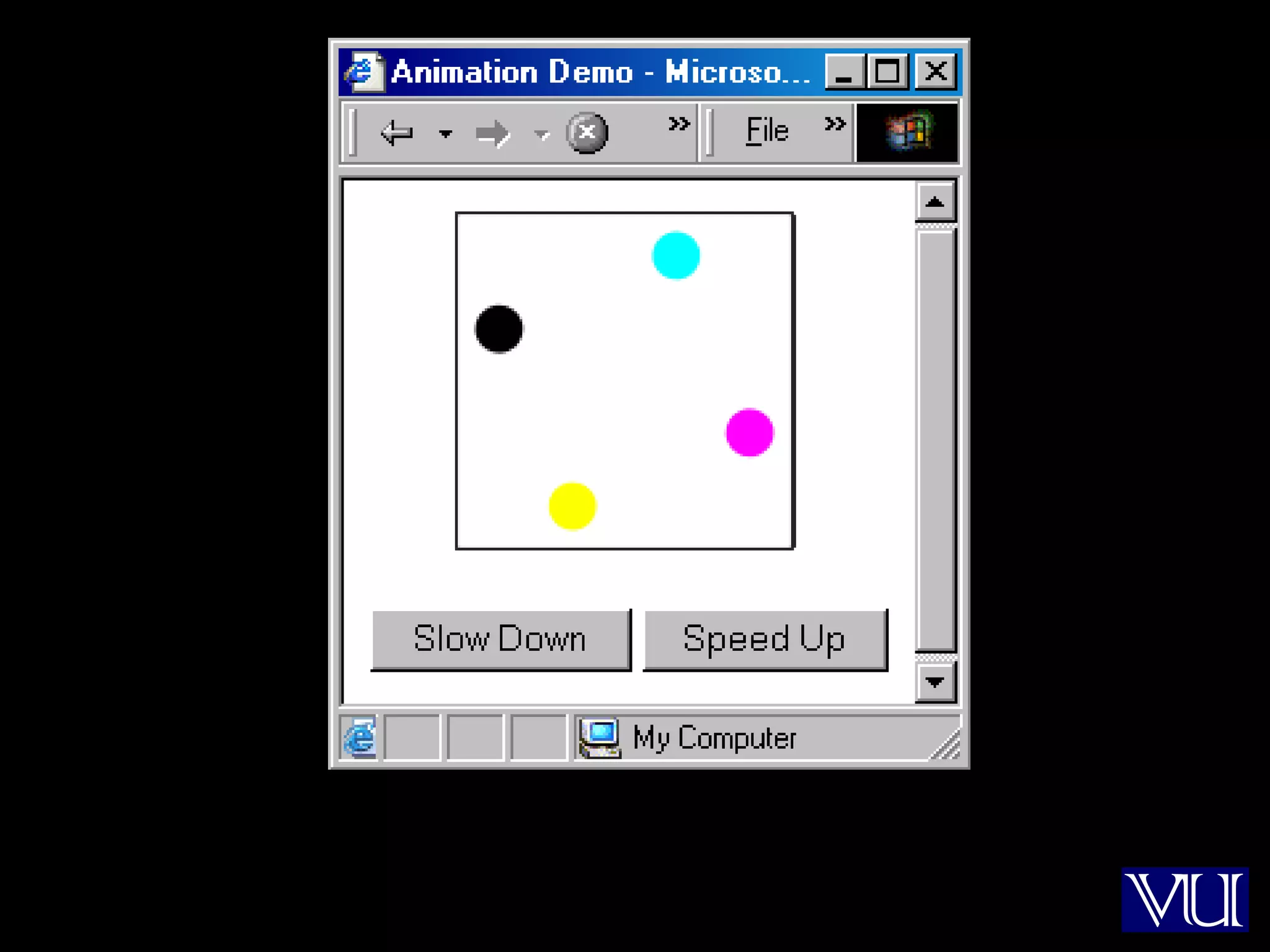
Animation Example 2
• Take 16 images and cycle through them to
create an animation effect
• Provide buttons to slow down or speed up
the animation
43
44
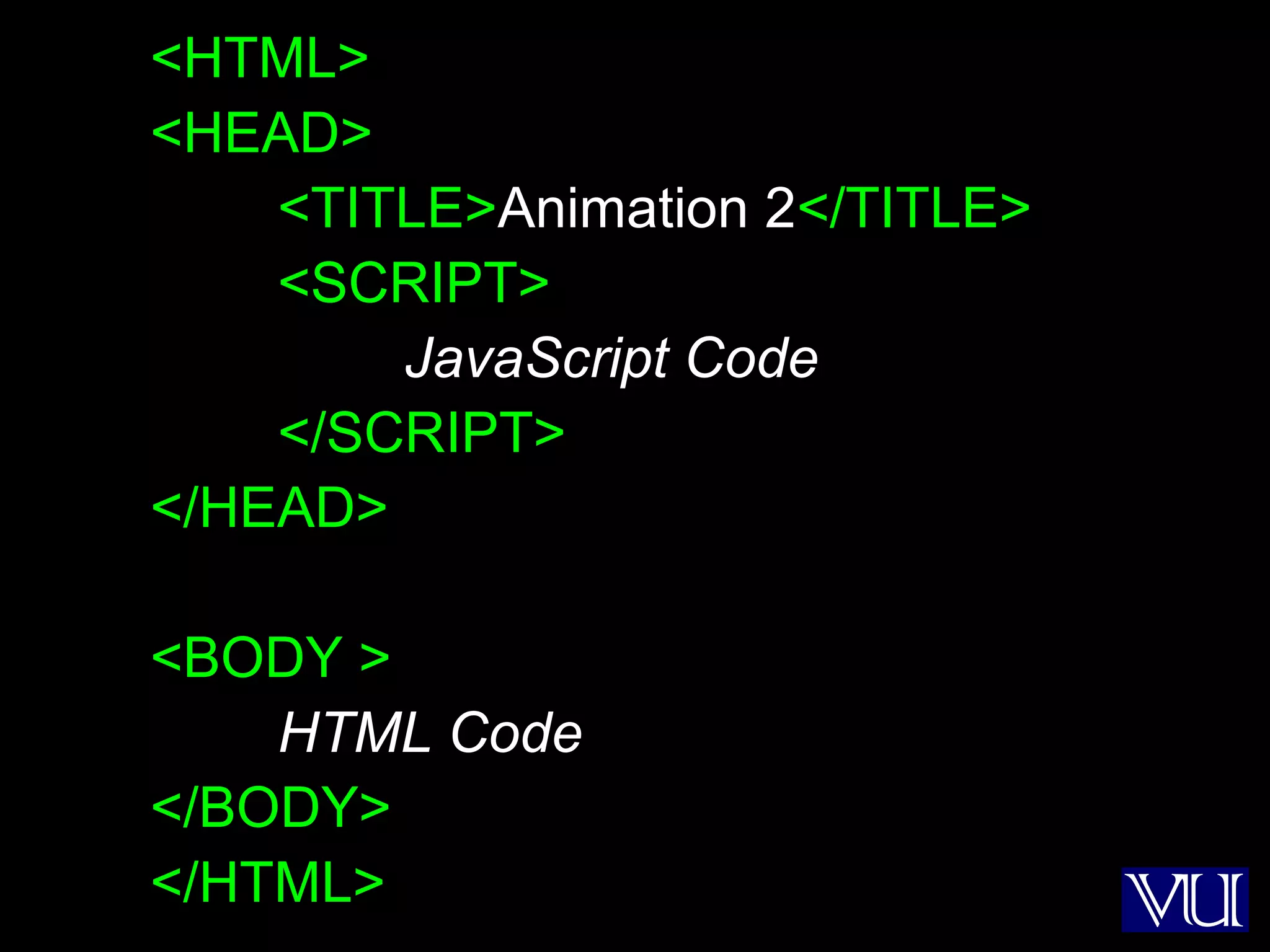
<HTML>
<HEAD>
<TITLE>Animation 2</TITLE>
<SCRIPT>
JavaScript Code
</SCRIPT>
</HEAD>
<BODY >
HTML Code
</BODY>
</HTML>
45
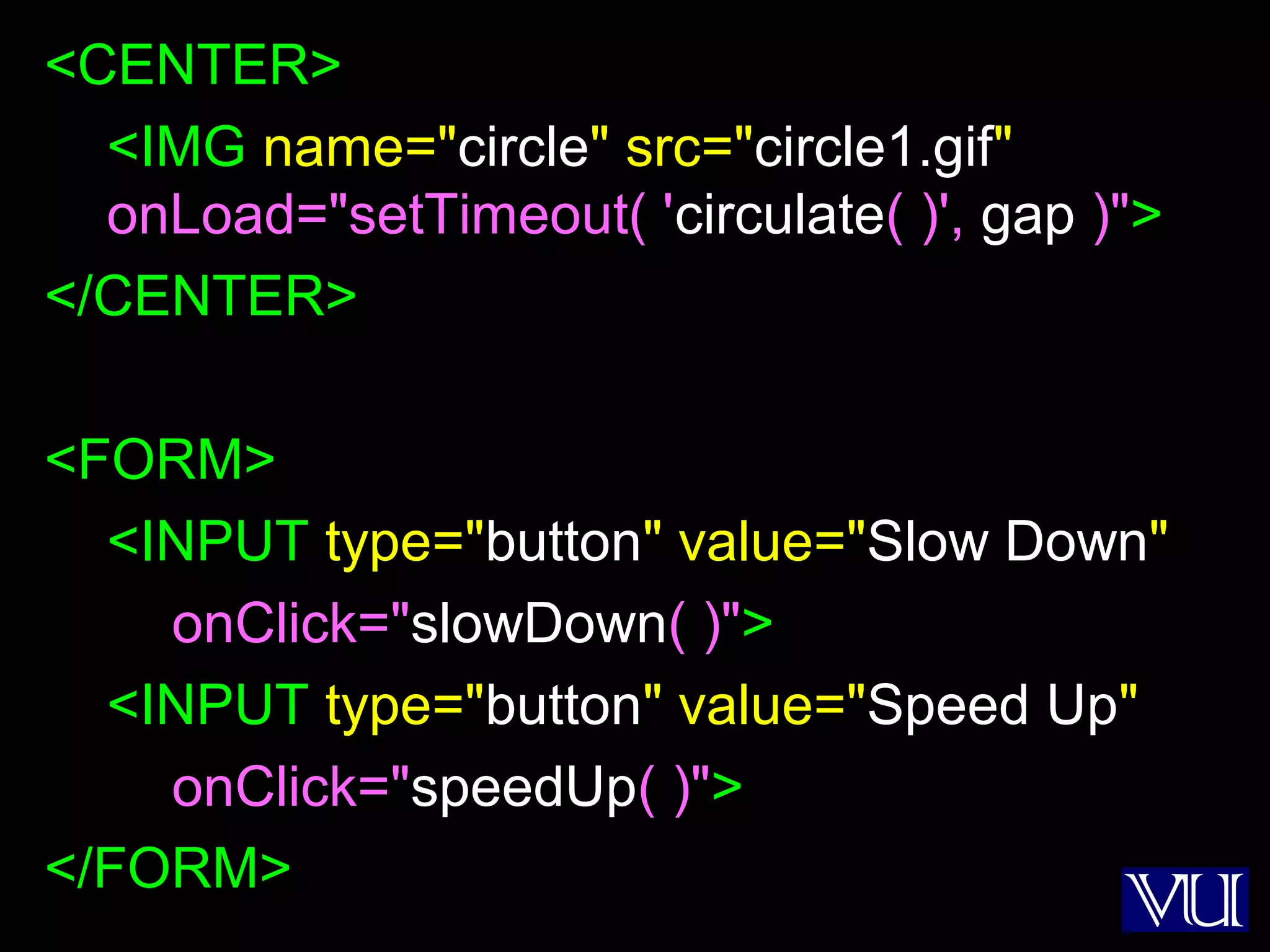
<CENTER>
<IMG name="circle" src="circle1.gif"
onLoad="setTimeout( 'circulate( )', gap )">
</CENTER>
<FORM>
<INPUT type="button" value="Slow Down"
onClick="slowDown( )">
<INPUT type="button" value="Speed Up"
onClick="speedUp( )">
</FORM>
46
gap = 100 ;
imageN = 1 ;
circImg = new Array( 17 ) ;
for( k = 1; k < 17; k = k + 1 ) { // Preload images
circImg[ k ] = new Image( ) ;
circImg[ k ].src = "circle" + k + ".gif" ;
}
No
change
47
function circulate( ) {
document.circle.src =
circImg[ imageN ].src ;
imageN = imageN + 1 ;
if( imageN > 16 )
imageN = 1 ;
}
No
change
48
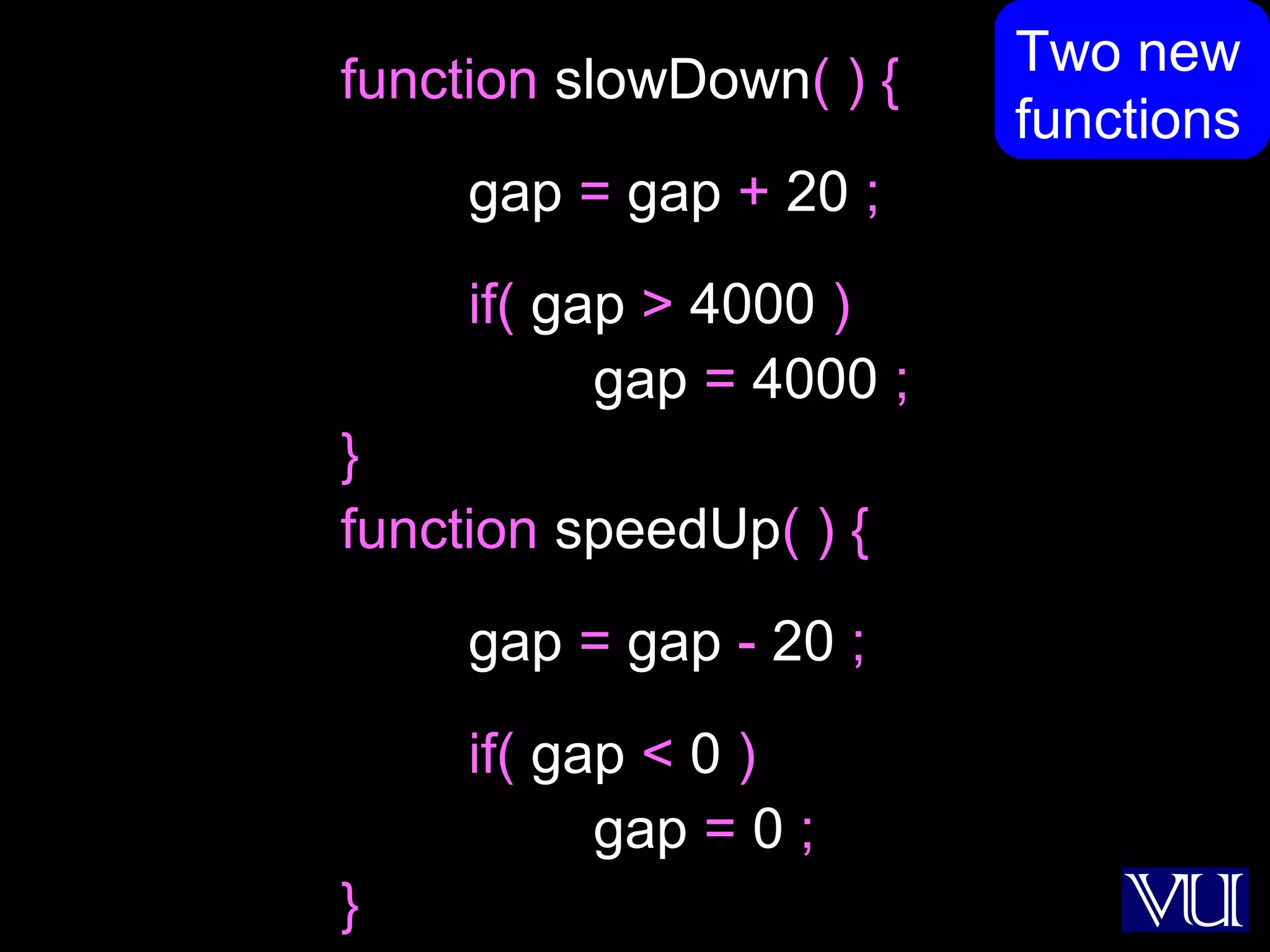
function slowDown( ) {
gap = gap + 20 ;
if( gap > 4000 )
gap = 4000 ;
}
function speedUp( ) {
gap = gap - 20 ;
if( gap < 0 )
gap = 0 ;
}
Two new
functions
49
50
Flash Animation
• Designed for 2-D animations, but can be used
for storing static vector-images as well
• A special program (called a plug-in) is required
to view Flash files in a Web browser
• Can be used to design complete, animated
Web sites with hardly any HTML in it
• Binary-file storage
51
Structured Vector Graphics
• New format; may become more popular than
Flash
• Plug-in required
• Text-file storage; search engine friendly
52
During Today’s Lecture …
• We became able to add and manipulate
images and simple animations to a Web page
53
Our 15th
& Final Web Dev Lecture:
(Programming Methodology)
• To understand effective programming
practices that result in the development of
correct programs with minimum effort
• To become familiar with simple debugging
techniques

CS101- Introduction to Computing- Lecture 41

  • 1.
    1 CS101 Introduction toComputing Lecture 41Images & Animation (Web Development Lecture 14)
  • 2.
    2 During the lastlecture we discussed String Manipulation • We became familiar with methods used for manipulating strings • We became able to solve simple problems involving strings
  • 3.
    3 String Manipulation inJavaScript • In addition to the concatenation operator (+) JavaScript supports several advanced string operations as well • Notationaly, these functions are accessed by referring to various methods of the String object • Moreover, this object also contains the ‘length’ property
  • 4.
    4 String Methods FORMAT string.methodName( ) EXAMPLE: name= “Bhola” ; document.write( name.toUpperCase( ) ) ; document.write( name.bold( ) ) ; BHOLABhola
  • 5.
    5 Two Types ofString Methods 1. HTML Shortcuts 2. All Others
  • 6.
    6 String Methods: HTMLShortcuts bold( ) italics( ) strike( ) sub( ) sup( ) big( ) small( ) fontsize( n ) fixed( ) fontcolor( color ) link( URL )
  • 7.
    7 String Methods: AllOthers split( delimiter ) toLowerCase( ) toUpperCase( ) charAt( n ) substring( n, m ) indexOf( substring, n ) lastIndexOf( substring, n )
  • 8.
    8 Automatic Conversion toStrings • Whenever a non-string is used where JavaScript is expecting a string, it converts that non-string into a string • Example: – The document.write( ) method expects a string (or several strings, separated by commas) as its argument – When a number or a Boolean is passed as an argument to this method, JavaScript automatically converts it into a string before writing it onto the document
  • 9.
    9 The ‘+’ Operator •When ‘+’ is used with numeric operands, it adds them • When it is used with string operands, it concatenates them • When one operand is a string, and the other is not, the non-string will first be converted to a string and then the two strings will be concatenated
  • 10.
    10 Strings In MathematicalExpressions When a string is used in a mathematical context, if appropriate, JavaScript first converts it into a number. Otherwise, a “NaN” is the result document.write( "2" * Math.PI ) ; document.write( "Yes" ^ 43 ) ; NaN 6.283185307179586
  • 11.
    11 The ‘toString’ Method Explicitconversion to a string EXAMPLE: Convert 100.553478 into a currency format a = 100.553478 ; b = a.toString( ) ; decimalPos = b.indexOf( ".", 0 ) ; c = b.substring( 0, decimalPos + 3 ) ; document.write( c ) ; 100.55
  • 12.
    12 Conversion from Strings parseInt() and parseFloat( ) methods
  • 13.
    13 Today’s Goal (Images &Animation) • To become able to add and manipulate images and simple animations to a Web page
  • 14.
    14 Images in HTML •It is quite straight forward to include gif and jpg images in an html Web page using the <IMG> tag • Format: <IMG src=URL, alt=text height=pixels width=pixels align="bottom|middle|top"> • Plea: Don’t use images just for the sake of it!
  • 15.
  • 16.
    16 <HTML><HEAD> <TITLE>Image Demo</TITLE> </HEAD><BODY> <H1>Image Demo</H1> Hereis an image <IMG src="die5.gif"> <IMG src="die5.gif" height="63" width="126"> <P> Here is another <IMG align="middle" src= "http://www.vu.edu.pk/images/logo/logotop.jpg"> </BODY></HTML>
  • 17.
    17 Images in JavaScript •Images in JavaScript can be manipulated in many ways using the built-in object Image • Properties: name, border, complete, height, width, hspace, vspace, lowsrc, src • Methods: None • Event handlers: onAbort, onError, onLoad, etc.
  • 18.
    18 Image Preloading • Theprimary use for an Image object is to download an image into the cache before it is actually needed for display • This technique can be used to create smooth animations or to display one of several images based on the requirement
  • 19.
    19 The Image Pre-LoadingProcess 1. An instance of the Image object is created using the new keyword 2. The src property of this instance is set equal to the filename of the image to be pre-loaded 3. That step starts the down-loading of the image into the cache without actually displaying it 4. When a pre-loaded image is required to be displayed, the src property of the displayed image is set to the src property of the pre- fetched image
  • 20.
    20 Let us revisitan example that we first saw in lecture 35
  • 21.
  • 22.
  • 23.
  • 24.
  • 25.
    25 <IMG name="die" src="die6.gif"> <FORM> <INPUTtype="button" value="Roll the Die" onClick="rollDie( )"> </FORM>
  • 26.
    26 dieImg = newArray( 7 ) ; for( k = 1; k < 7; k = k + 1 ) { //Preload images dieImg[ k ] = new Image( ) ; dieImg[ k ].src = "die" + k + ".gif" ; } function rollDie( ) { dieN = Math.ceil( 6 * Math.random( ) ) ; document.die.src = dieImg[ dieN ].src ; }
  • 27.
    27 Another Example • Developa Web page that displays six thumbnail images and a main image • The main image should change to a larger version of the thumbnail as soon as the mouse moves over on a thumbnail image
  • 28.
  • 29.
  • 30.
    30 dieImg = newArray( 7 ) ; for( k = 1; k < 7; k = k + 1 ) { // Preload images dieImg[ k ] = new Image( ) ; dieImg[ k ].src = "die" + k + ".gif" ; }
  • 31.
    31 <IMG name="big" src="die6.gif" width="252"height="252"><P> <IMG src="die1.gif" width="63" height="63" onMouseOver= "document.big.src=dieImg[ 1 ].src"> … … <IMG src="die6.gif" width="63" height="63" onMouseOver= "document.big.src=dieImg[ 6 ].src">
  • 32.
    32 Where Else CanWe Use This? • Automobile Web site • ???
  • 33.
    33 Animation Example 1 •Take 16 images and cycle through them to create an animation effect
  • 34.
    34 1 2 34 5 6 7 8 9 10 11 12 13 14 15 16
  • 35.
  • 36.
  • 37.
    37 <CENTER> <IMG name="circle" src="circle1.gif" onLoad="setTimeout('circulate( )', gap )"> </CENTER> setTimeout( ) executes circulate( ) once after a delay of gap milliseconds
  • 38.
    38 gap = 100; imageN = 1 ; circImg = new Array( 17 ) ; for( k = 1; k < 17; k = k + 1 ) { // Preload images circImg[ k ] = new Image( ) ; circImg[ k ].src = "circle" + k + ".gif" ; }
  • 39.
    39 function circulate( ){ document.circle.src = circImg[ imageN ].src ; imageN = imageN + 1 ; if( imageN > 16 ) imageN = 1 ; }
  • 40.
  • 41.
    41 Animated Gifs • Wecould have saved the 16 gif images of the previous example in a single file in the form of an animated gif, and then used it in a regular <IMG> tag to display a moving image • However, JavaScript provides better control over the sequencing and the gap between the individual images
  • 42.
    42 Animation Example 2 •Take 16 images and cycle through them to create an animation effect • Provide buttons to slow down or speed up the animation
  • 43.
  • 44.
  • 45.
    45 <CENTER> <IMG name="circle" src="circle1.gif" onLoad="setTimeout('circulate( )', gap )"> </CENTER> <FORM> <INPUT type="button" value="Slow Down" onClick="slowDown( )"> <INPUT type="button" value="Speed Up" onClick="speedUp( )"> </FORM>
  • 46.
    46 gap = 100; imageN = 1 ; circImg = new Array( 17 ) ; for( k = 1; k < 17; k = k + 1 ) { // Preload images circImg[ k ] = new Image( ) ; circImg[ k ].src = "circle" + k + ".gif" ; } No change
  • 47.
    47 function circulate( ){ document.circle.src = circImg[ imageN ].src ; imageN = imageN + 1 ; if( imageN > 16 ) imageN = 1 ; } No change
  • 48.
    48 function slowDown( ){ gap = gap + 20 ; if( gap > 4000 ) gap = 4000 ; } function speedUp( ) { gap = gap - 20 ; if( gap < 0 ) gap = 0 ; } Two new functions
  • 49.
  • 50.
    50 Flash Animation • Designedfor 2-D animations, but can be used for storing static vector-images as well • A special program (called a plug-in) is required to view Flash files in a Web browser • Can be used to design complete, animated Web sites with hardly any HTML in it • Binary-file storage
  • 51.
    51 Structured Vector Graphics •New format; may become more popular than Flash • Plug-in required • Text-file storage; search engine friendly
  • 52.
    52 During Today’s Lecture… • We became able to add and manipulate images and simple animations to a Web page
  • 53.
    53 Our 15th & FinalWeb Dev Lecture: (Programming Methodology) • To understand effective programming practices that result in the development of correct programs with minimum effort • To become familiar with simple debugging techniques