@mattrsullivan | www.techcommtools.com
T E C H C O M M T O O L S
B I T. LY / T C S - V I D E O N O T E S
Matt Sullivan
Creating reusable screencasts for
your content
Headshot optional
Quality video production is
faster than you think, when
you adopt a topic-based
video approach.
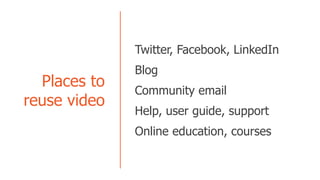
Places to
reuse video
Twitter, Facebook, LinkedIn
Blog
Community email
Help, user guide, support
Online education, courses
What do you say
when your client asks
you to write a manual
on how they should
use FrameMaker?
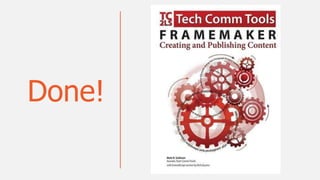
Done!
Demo: PDF with video
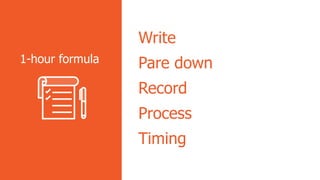
Write
Pare down
Record
Process
Timing
1-hour formula
Write (Storyboard and Script)
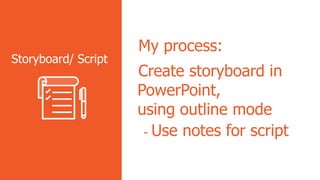
My process:
Create storyboard in
PowerPoint,
using outline mode
- Use notes for script
Storyboard/ Script
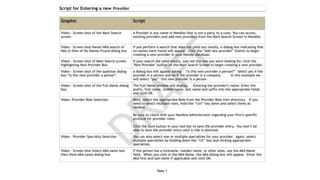
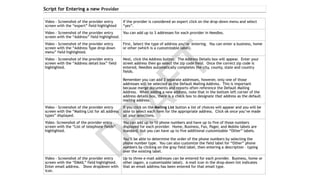
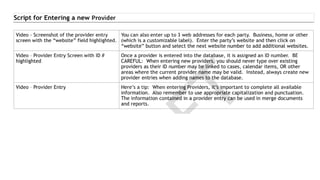
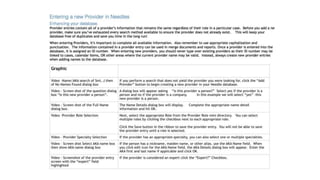
Example-Needles Script
Script 1/3
Script 2/3
Script 3/3
Or…
Revised Script
Record audio and screen
My process:
- Record one action
- Read script related to
action
- Repeat until satisfied
with audio
Record audio and
screen
Edit Audio
Process in Audition
(Audacity is another)
- Process the file to
reduce gaps
- Delete gaffes and
multiple takes
- Demo (16:34 raw)
- Demo (02:31 clipped)
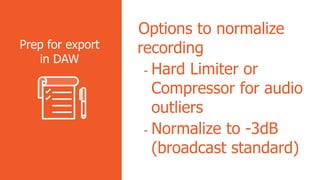
Edit in DAW
Options to normalize
recording
- Hard Limiter or
Compressor for audio
outliers
- Normalize to -3dB
(broadcast standard)
Prep for export
in DAW
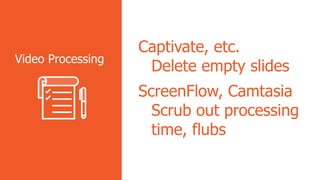
Captivate, etc.
Delete empty slides
ScreenFlow, Camtasia
Scrub out processing
time, flubs
Video Processing
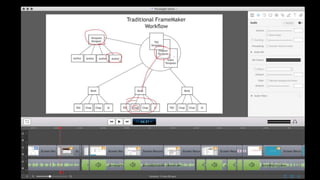
Resulting videos in ScreenFlow
(before, after, and demo)
Hardware
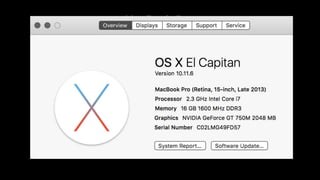
MacBook Pro
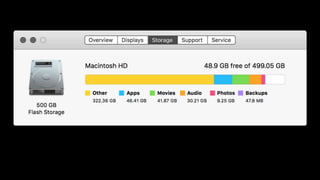
Storage on MBP
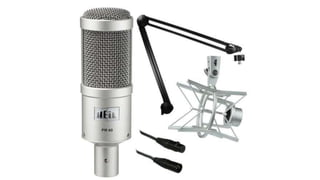
Heil PR-40
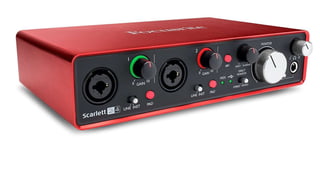
FocusRite Scarlett 2-4
Software
Audition
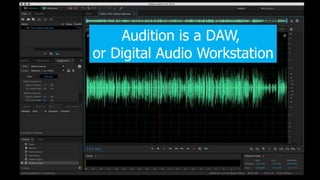
Audition is a DAW,
or Digital Audio Workstation
ScreenFlow (Mac only)

Creating reusable screencasts

Editor's Notes

  • #2 Hi there, I’m matt Sullivan and in this video I’m going to talk to you how and why you should set up a Framemaker template based workflow
  • #10 Exit presentation mode to show the notes pane “See, this is where I put the actual talking points for this presentation”
  • #20 The gap processing alone reduces run time by about 30%