From Content Rules
     Ann Handley
          &
    C.C. Chapman
 Chapter 12: If Webinars Are
Awesome Marketing Tools, Why
   Do Most of Them Suck?
Log onto Twitter
#ComTechWebinar


                    2
What is a Webinar?
Webinar (n): A kind of online conference
that each participant experiences remotely
at his or her own computer, connected to
other attendees and the even via the
Internet. It is typically one-way, from the
speaker to the audience, which limited
audience interaction.


                                              3
Need some help?
Pay attention to these 25 Keys


                                 4
What’s keeping our
 customers up at night?
What information do our customers want?
How can we help?
From other content that you’ve
created, which blogs, blog posts, or ebooks
have been downloaded most?


                                              5
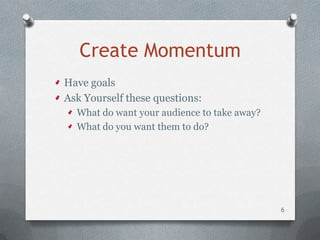
Create Momentum
Have goals
Ask Yourself these questions:
  What do want your audience to take away?
  What do you want them to do?


                                             6
Go big, or go tactical
Make your webinar:


                         7
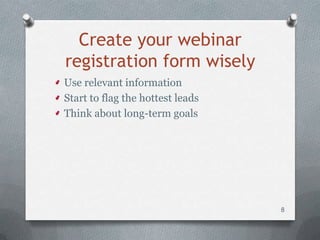
Create your webinar
registration form wisely
Use relevant information
Start to flag the hottest leads
Think about long-term goals


                                  8
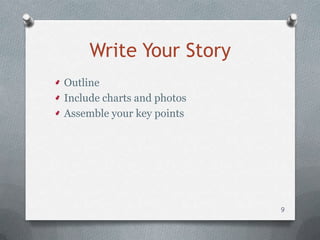
Write Your Story
Outline
Include charts and photos
Assemble your key points


                            9
Show; don’t tell
Use:
  Case studies
  Client stories
  Colorful anecdotes


                          10
Have compelling slides
Streamline your slides
Offer one idea per slide
Use authentic video and images


                                 11
This is a really
important, critical point!
Use compelling titles


                             12
Find a compelling speaker
 Experts
 Sages
 Leaders
 Legends
 Gurus
 Web-lebrities
 Academic professors
 Book authors
                            13
Moderators matter
Qualities
  Responsive
  Energetic
  Brisk


                       14
What about Video?
Check video format and compatibility
Check internet connection


                                       15
Practice and rehearse
Run through procedures
Test Internet connections and hardware


                                         16
Reimagine your webinar
Pre-webinar article
Pre-webinar podcast
On-demand webinar
PowerPoint presentation PDF
Webinar Transcript
Post-webinar Podcast
Post-webinar


                              17
Encourage speaker-attendee
        interaction
  Stop to answer questions
  Add a relevant poll
  Reach out by asking questions
    Have staff help with this


                                  18
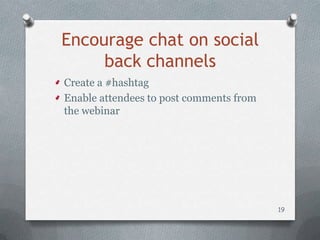
Encourage chat on social
     back channels
Create a #hashtag
Enable attendees to post comments from
the webinar


                                         19
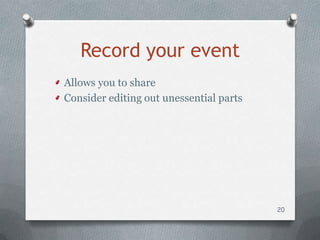
Record your event
Allows you to share
Consider editing out unessential parts


                                         20
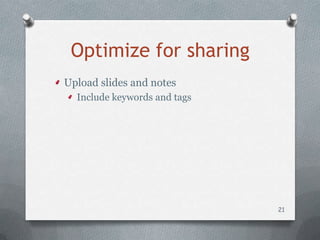
Optimize for sharing
Upload slides and notes
  Include keywords and tags


                              21
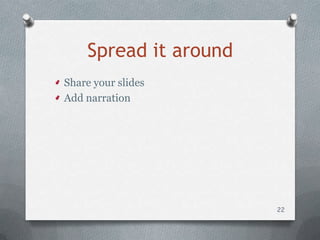
Spread it around
Share your slides
Add narration


                       22
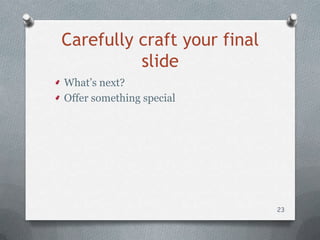
Carefully craft your final
          slide
What’s next?
Offer something special


                             23
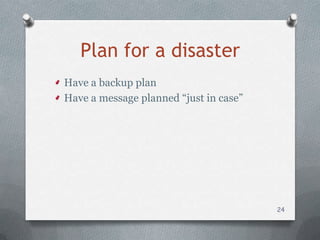
Plan for a disaster
Have a backup plan
Have a message planned “just in case”


                                        24
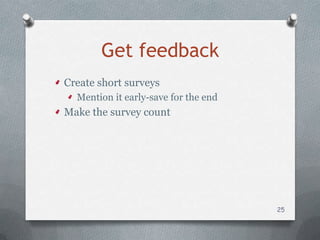
Get feedback
Create short surveys
  Mention it early-save for the end
Make the survey count


                                      25
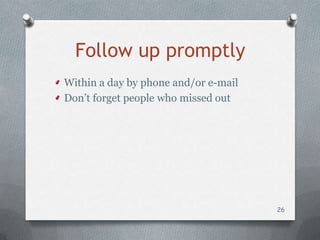
Follow up promptly
Within a day by phone and/or e-mail
Don’t forget people who missed out


                                      26
Measure your event’s success
  Watch your audience
  Track registrants and attendance rate


                                          27
One final thing…
Choose your platform by:
  Finding
  Testing
  Paying


                           28
Too much to take in?
  Use these resources
http://issuu.com/hocker/docs/webinar_?
mode=window&backgroundColor=%2322
2222


                                         29

Webinar final