Michael Kehoe
Staff Site Reliability Engineer
LinkedIn
Going all in:
From single use-case to many
2
Overview
• The LinkedIn Story
• Couchbase Use-Cases
• Development & Operations
• Conclusions
• Questions
$ whoami
3
Michael Kehoe
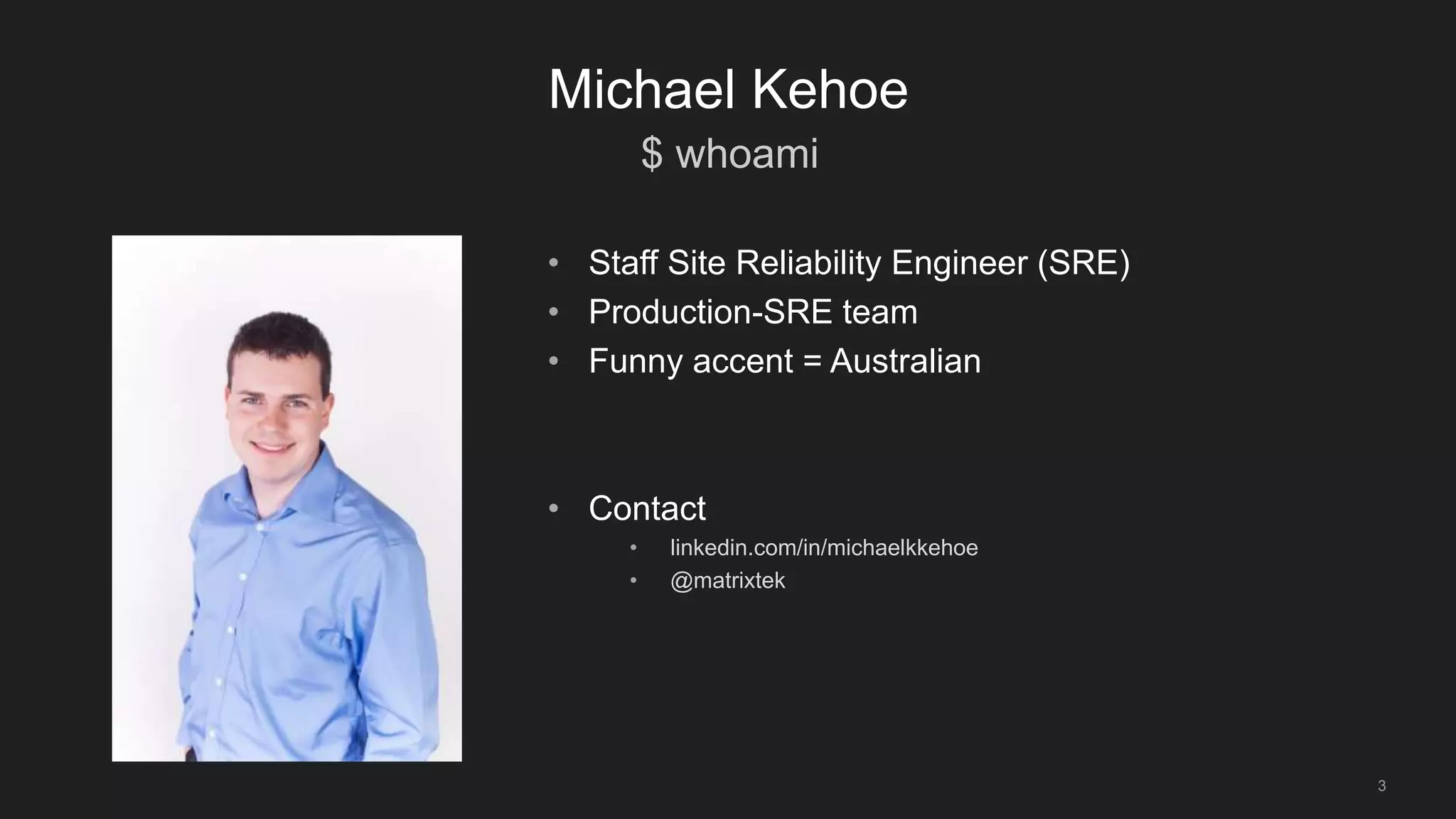
• Staff Site Reliability Engineer (SRE)
• Production-SRE team
• Funny accent = Australian
• Contact
• linkedin.com/in/michaelkkehoe
• @matrixtek
$ whatis SRE
4
Michael Kehoe
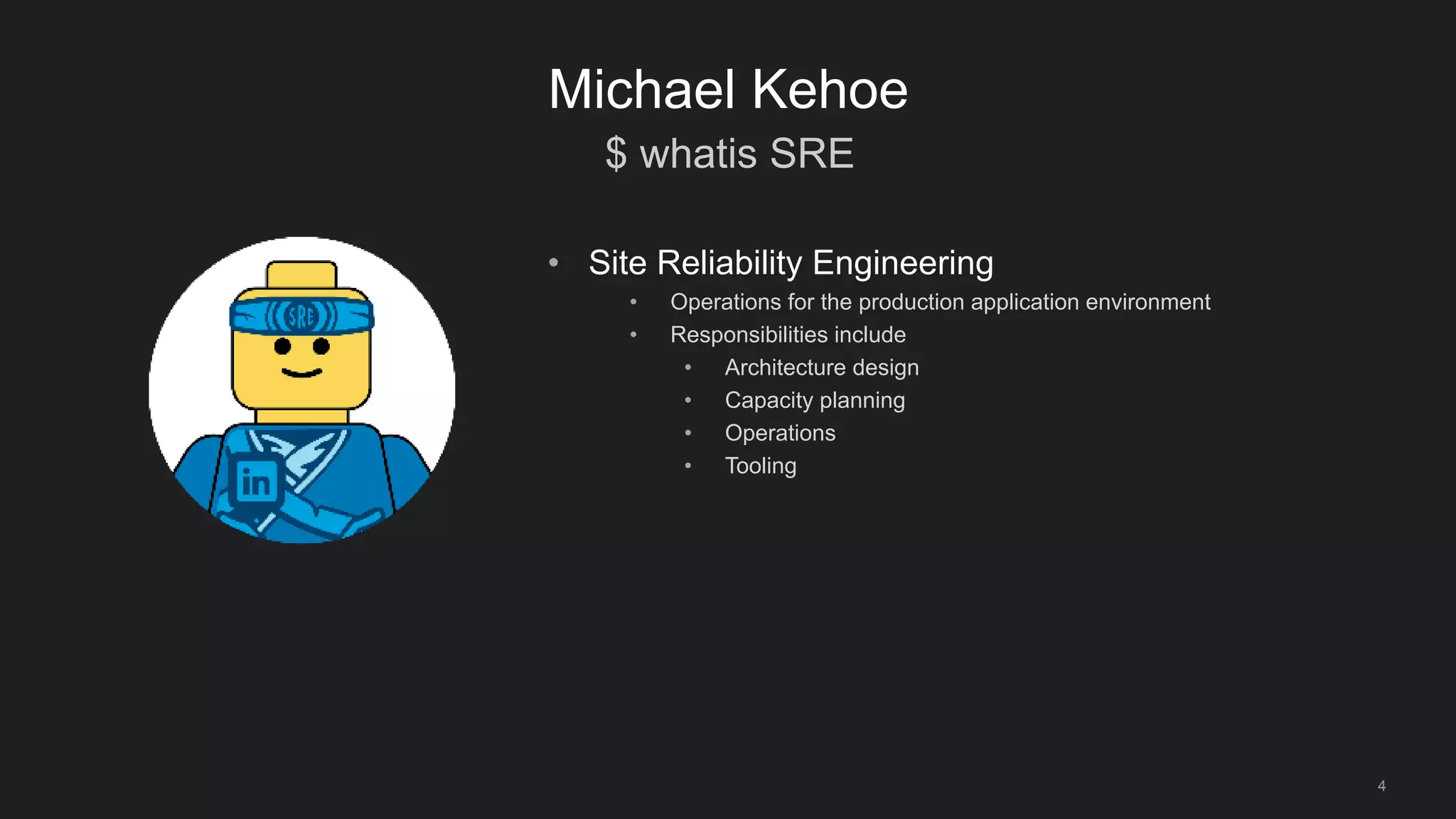
• Site Reliability Engineering
• Operations for the production application environment
• Responsibilities include
• Architecture design
• Capacity planning
• Operations
• Tooling
$ whatis CBVT
5
Michael Kehoe
• Couchbase Virtual Team
• ~10 SRE’s
• 2 Software Engineers
• Sponsored by SRE Director
• 5-90% of their time to support Couchbase
• Encourage as many people to contribute as possible
• What do we do?
• Operational work on Couchbase clusters
• Evangelize the use of Couchbase within LinkedIn
• Develop tools for the Couchbase Ecosystem
6
The LinkedIn Story
• Founded in 2002, LinkedIn has grown into the world’s largest professional social
media network
• 30 offices in 24 countries, Available in 24 languages
• More than 450+ million members worldwide
7
The LinkedIn Story
• Growth in Products
• Profiles
• Groups
• Recruiter
• Sales Navigator
• Growth in Internet Traffic
• Billions of page-hits per day
• 100k+ QPS to production services
In-Memory Storage Needs
8
The LinkedIn Story
• LinkedIn started as an Oracle shop
• Hyper-growth = Scaling challenges
• Read-Scaling becomes important
• Applicable use-cases
• Simple cache store
• Pre-warmed
• Read through
• Potential for Source of Truth (SoT) store
Enter Couchbase
9
The LinkedIn Story
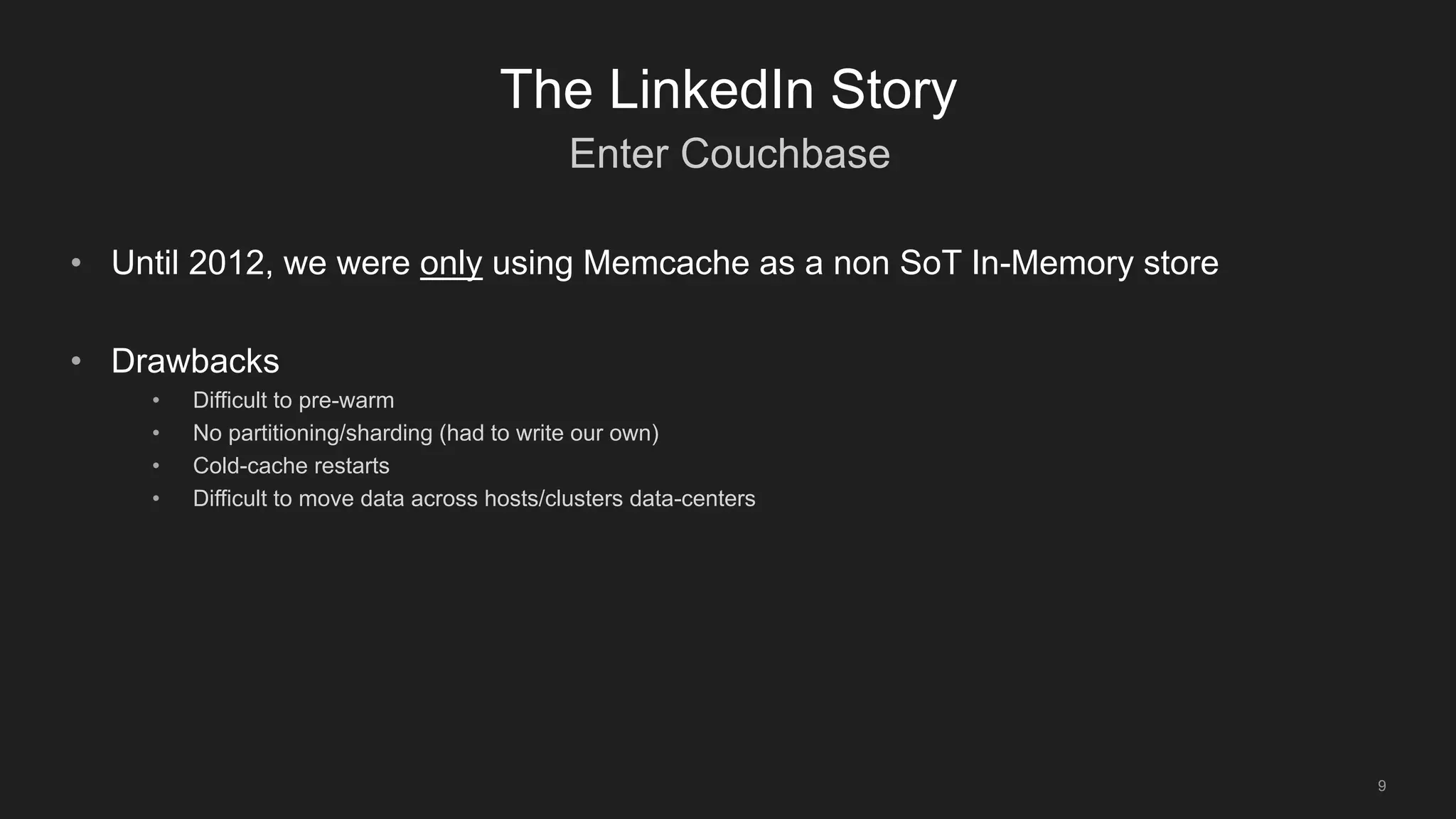
• Until 2012, we were only using Memcache as a non SoT In-Memory store
• Drawbacks
• Difficult to pre-warm
• No partitioning/sharding (had to write our own)
• Cold-cache restarts
• Difficult to move data across hosts/clusters data-centers
Enter Couchbase
10
The LinkedIn Story
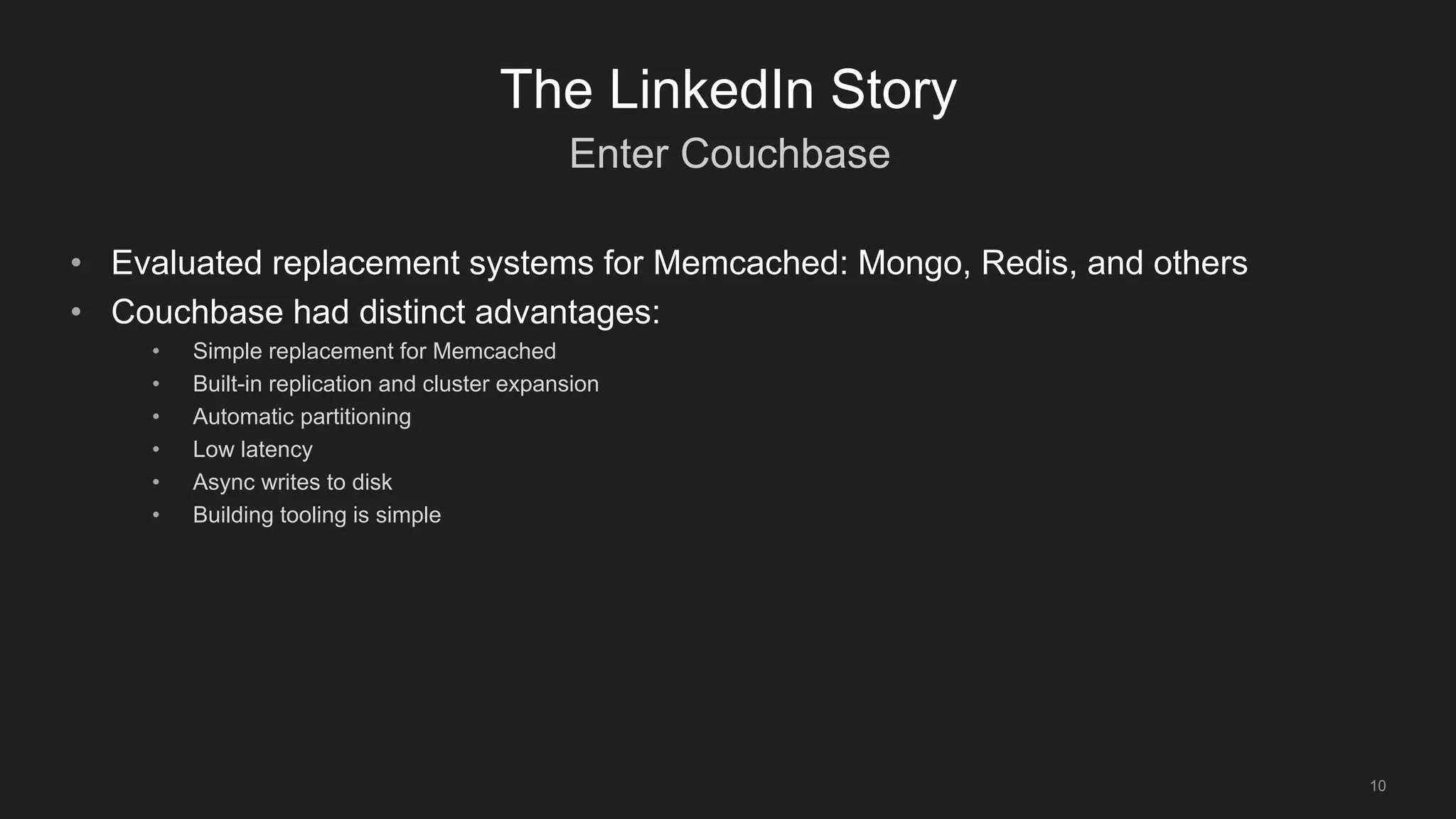
• Evaluated replacement systems for Memcached: Mongo, Redis, and others
• Couchbase had distinct advantages:
• Simple replacement for Memcached
• Built-in replication and cluster expansion
• Automatic partitioning
• Low latency
• Async writes to disk
• Building tooling is simple
Enter Couchbase
11
The LinkedIn Story
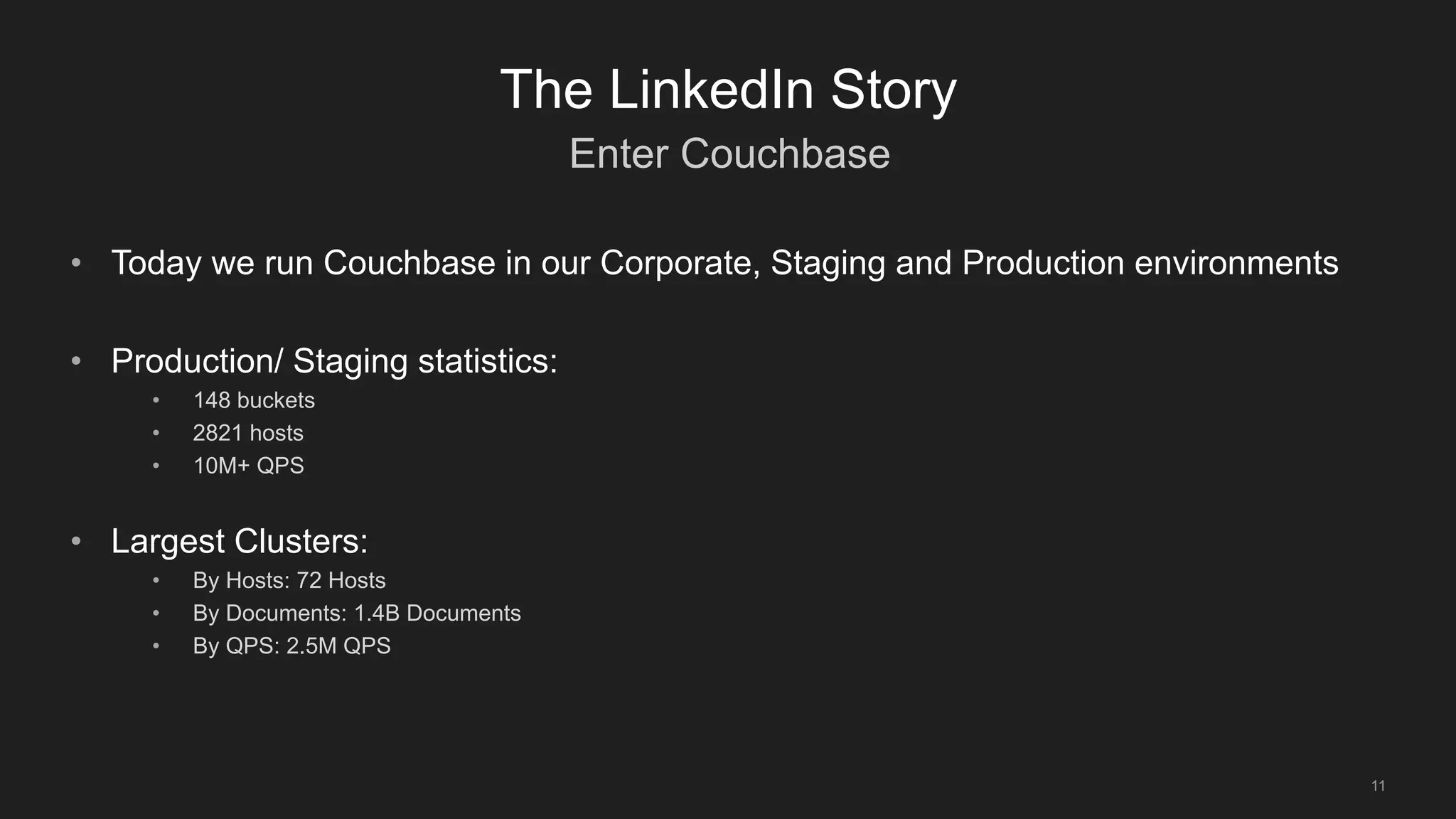
• Today we run Couchbase in our Corporate, Staging and Production environments
• Production/ Staging statistics:
• 148 buckets
• 2821 hosts
• 10M+ QPS
• Largest Clusters:
• By Hosts: 72 Hosts
• By Documents: 1.4B Documents
• By QPS: 2.5M QPS
Summary
12
Use-Cases
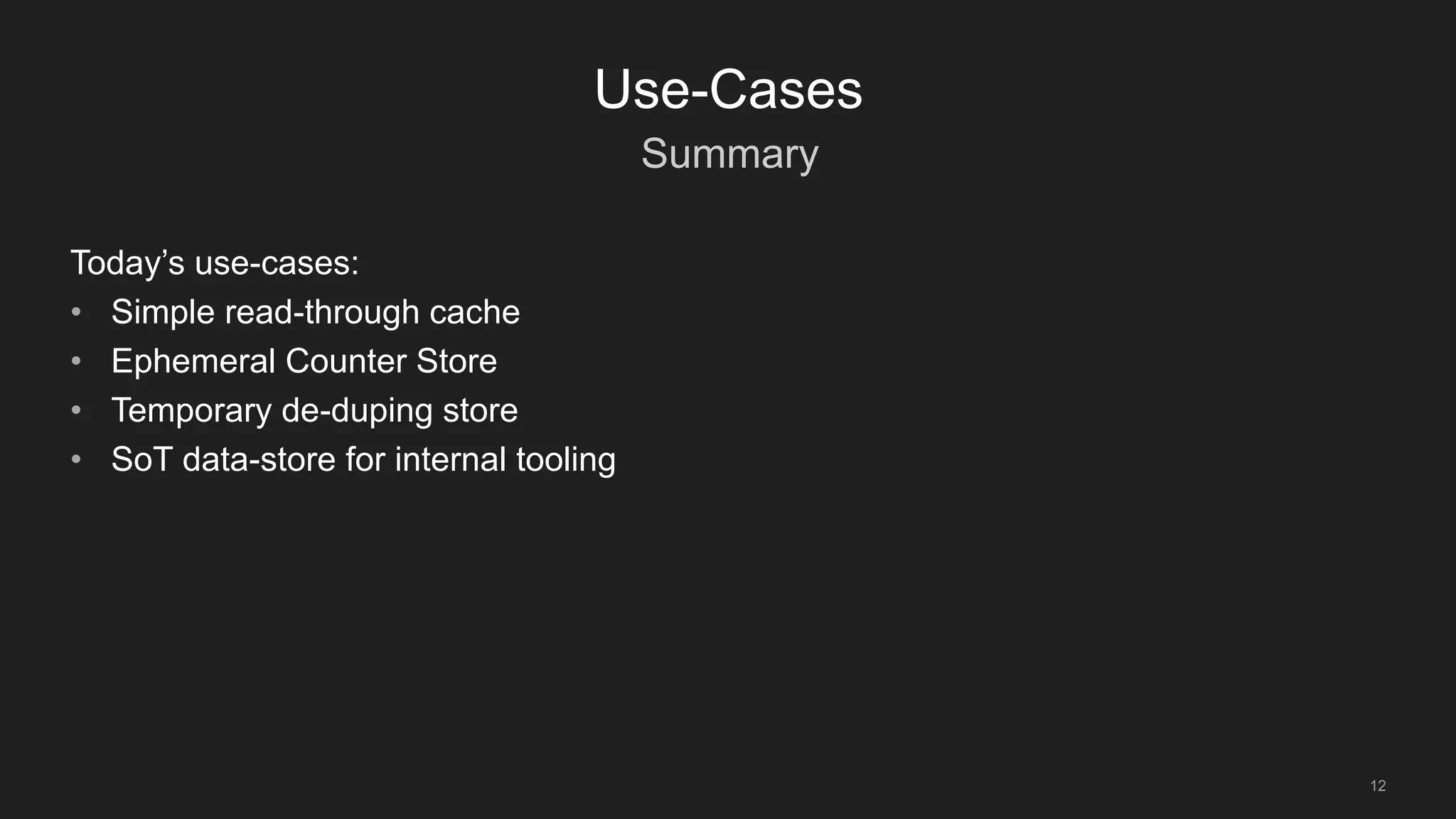
Today’s use-cases:
• Simple read-through cache
• Ephemeral Counter Store
• Temporary de-duping store
• SoT data-store for internal tooling
Simple read-through cache
13
Use-Cases
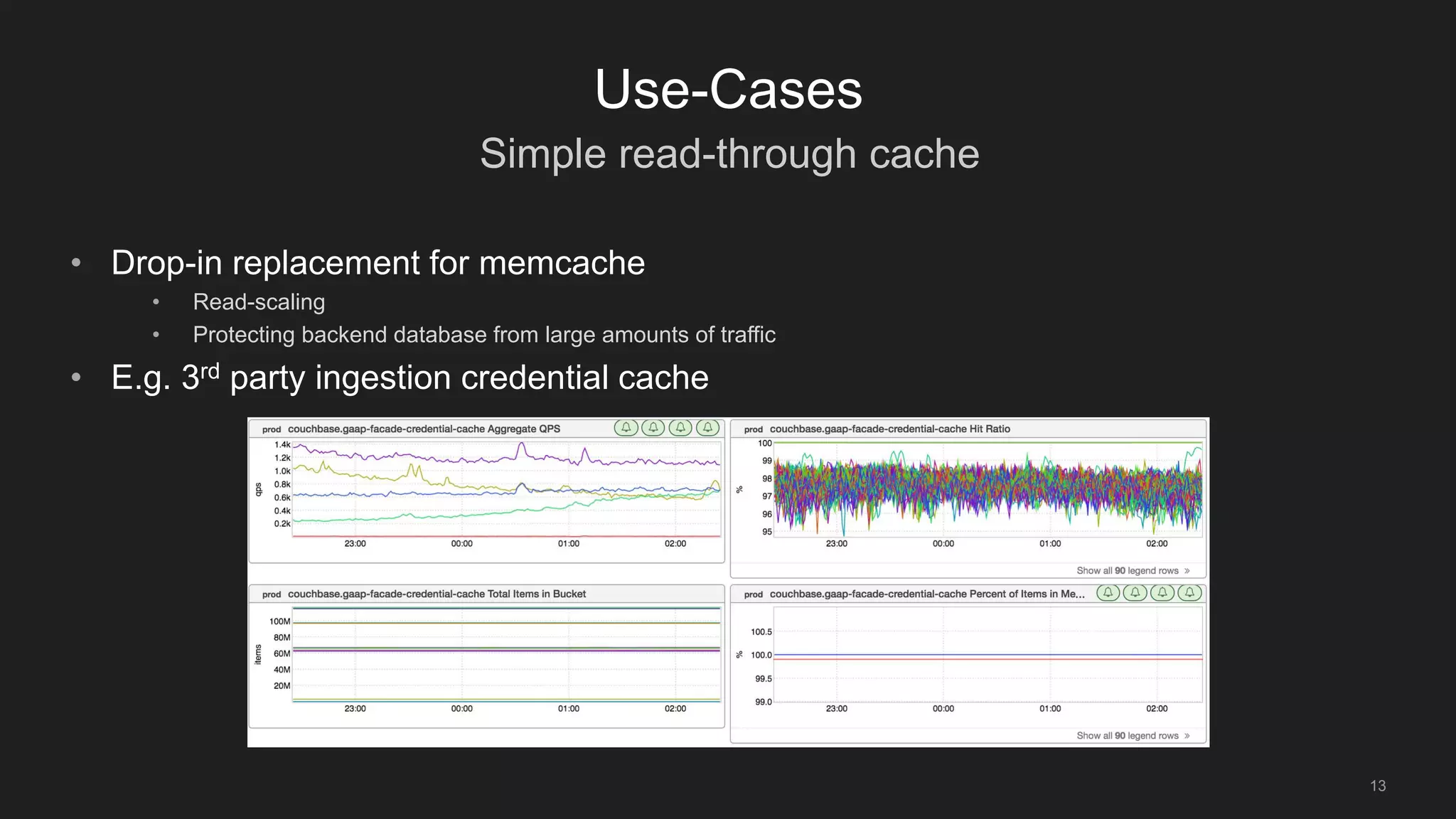
• Drop-in replacement for memcache
• Read-scaling
• Protecting backend database from large amounts of traffic
• E.g. 3rd party ingestion credential cache
Counter Store
14
Use-Cases
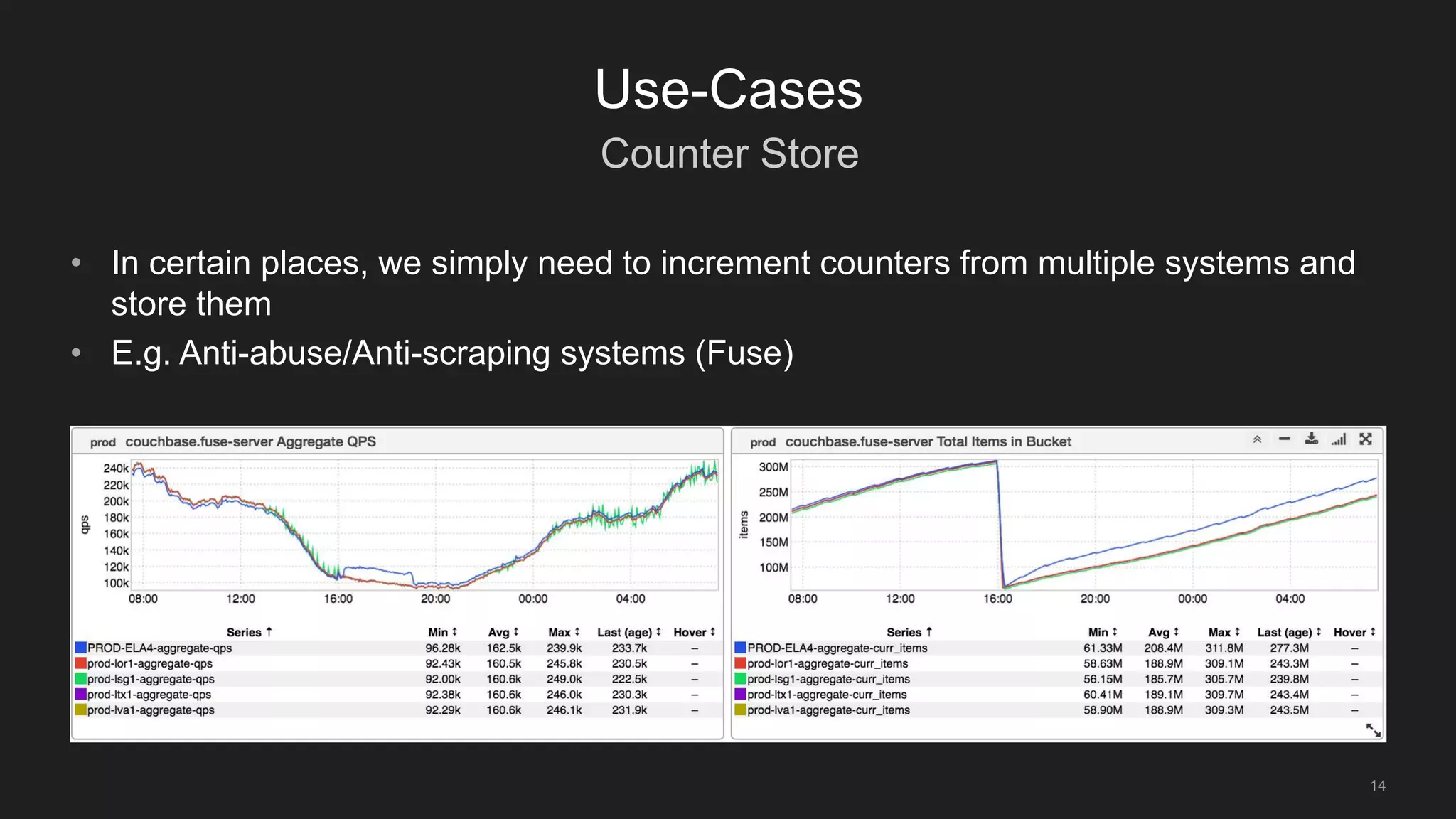
• In certain places, we simply need to increment counters from multiple systems and
store them
• E.g. Anti-abuse/Anti-scraping systems (Fuse)
Temporary De-duping store
15
Use-Cases
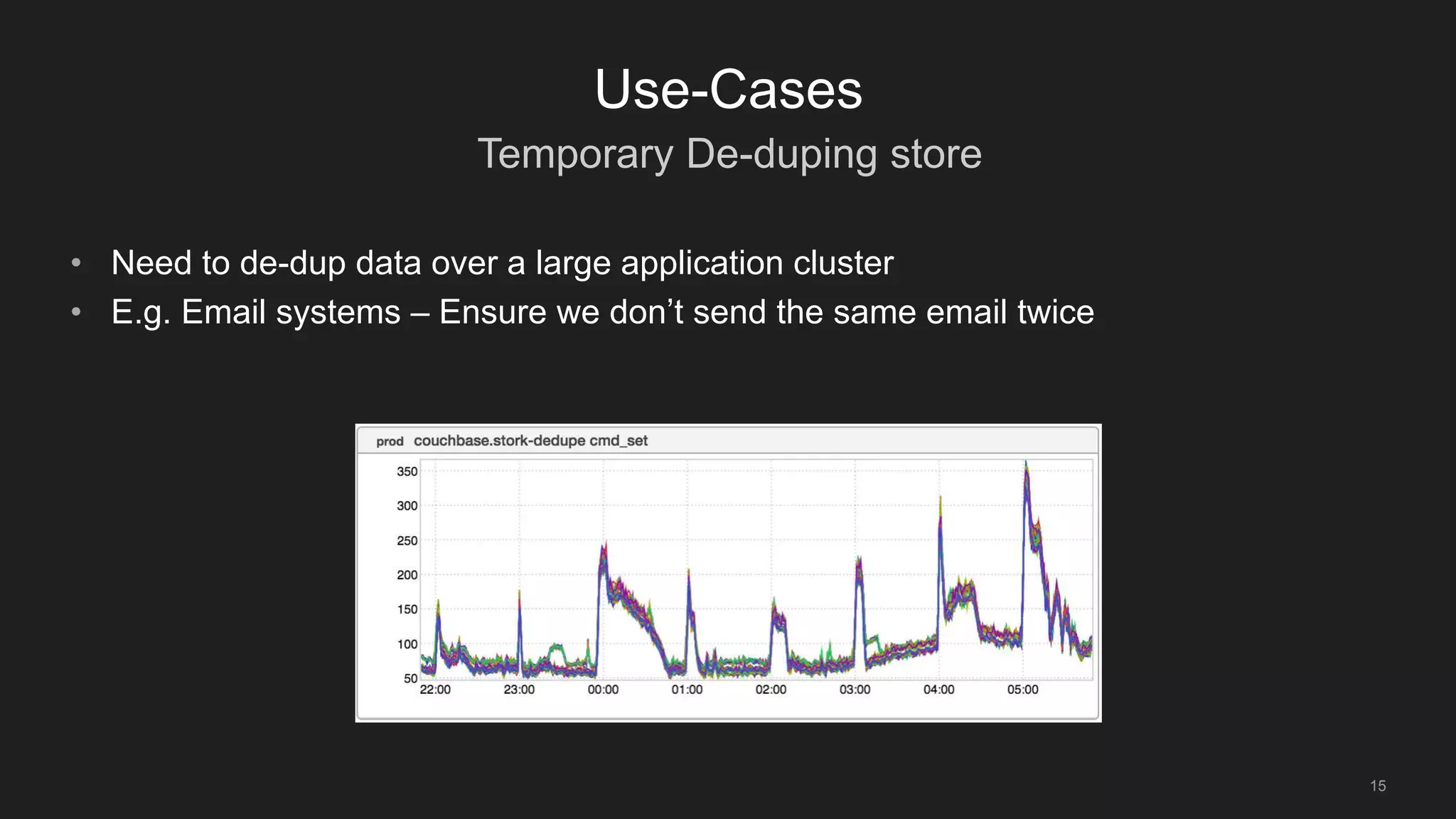
• Need to de-dup data over a large application cluster
• E.g. Email systems – Ensure we don’t send the same email twice
SoT Store for Internal Tools
16
Use-Cases
• For Non-Member facing tools, we use Couchbase as a SoT store.
• Benefits:
• Schema-less
• Short setup time
• Couchbase Python Client works easily in our environment
• Use views for simple map-reduce
• Example Uses:
• Nurse – Autoremediation system
• TrafficshiftIn – Global traffic automation system
• Availability – Storing and tracking Linkedin availability data
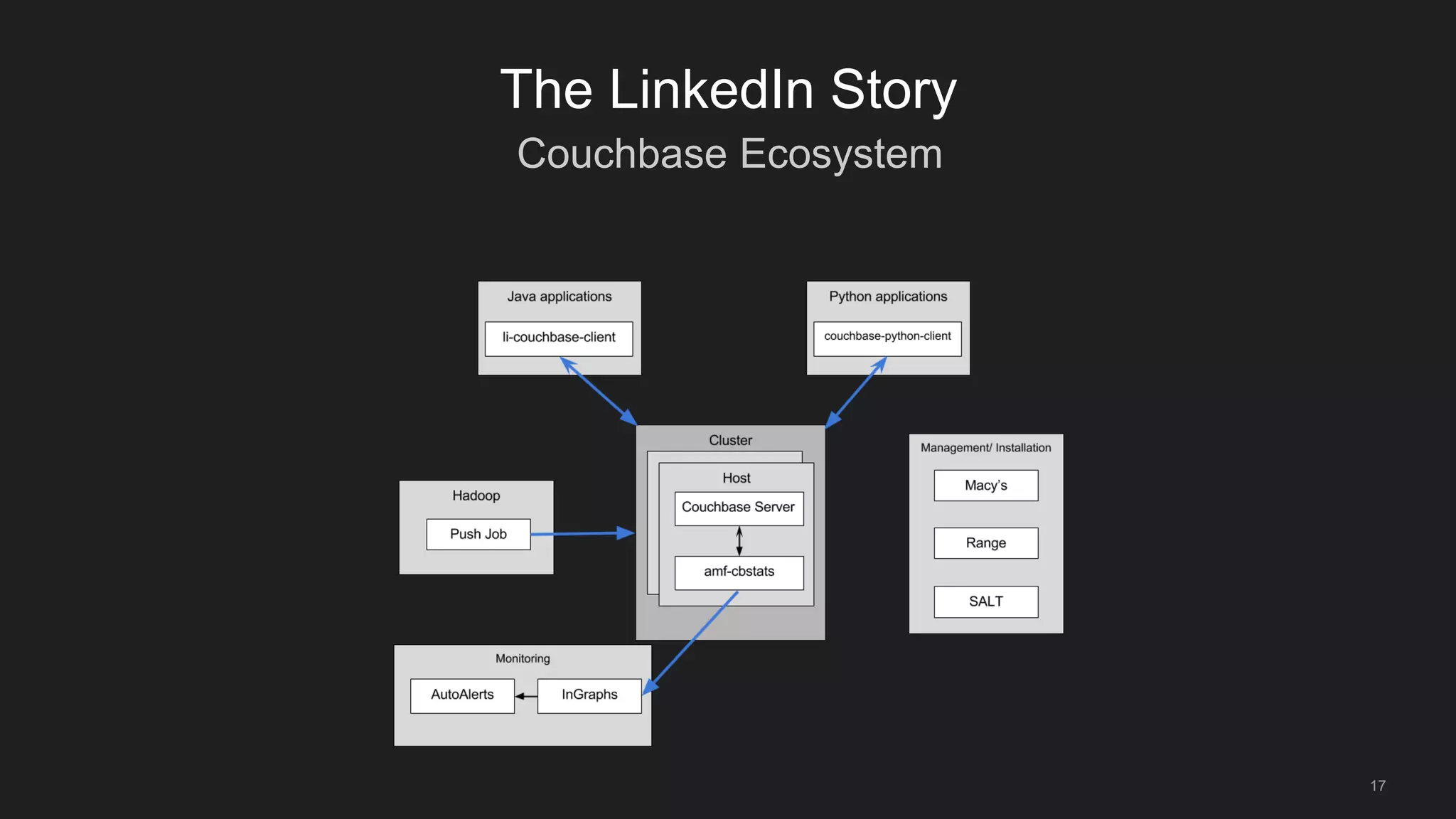
Couchbase Ecosystem
17
The LinkedIn Story
18
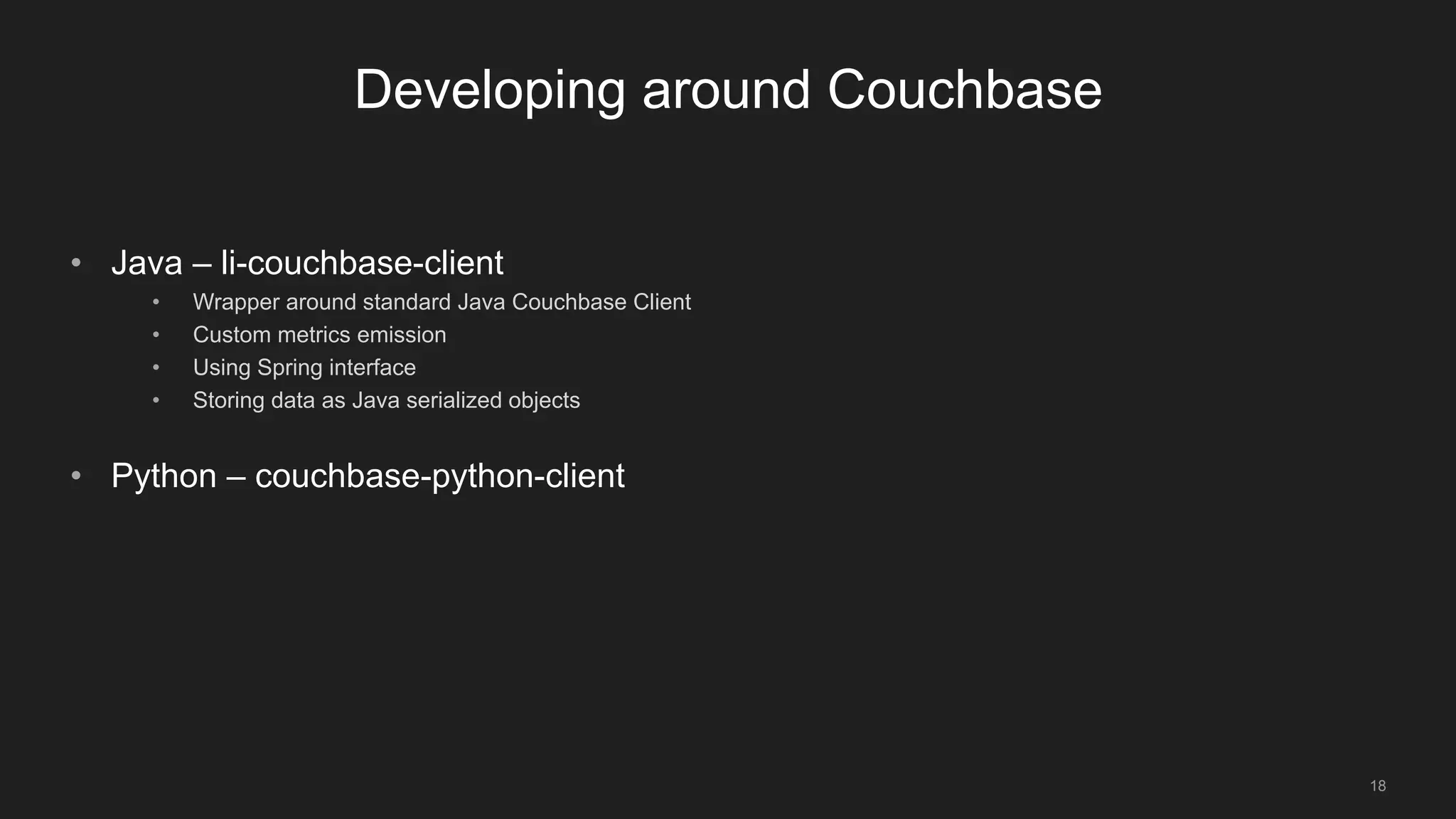
Developing around Couchbase
• Java – li-couchbase-client
• Wrapper around standard Java Couchbase Client
• Custom metrics emission
• Using Spring interface
• Storing data as Java serialized objects
• Python – couchbase-python-client
19
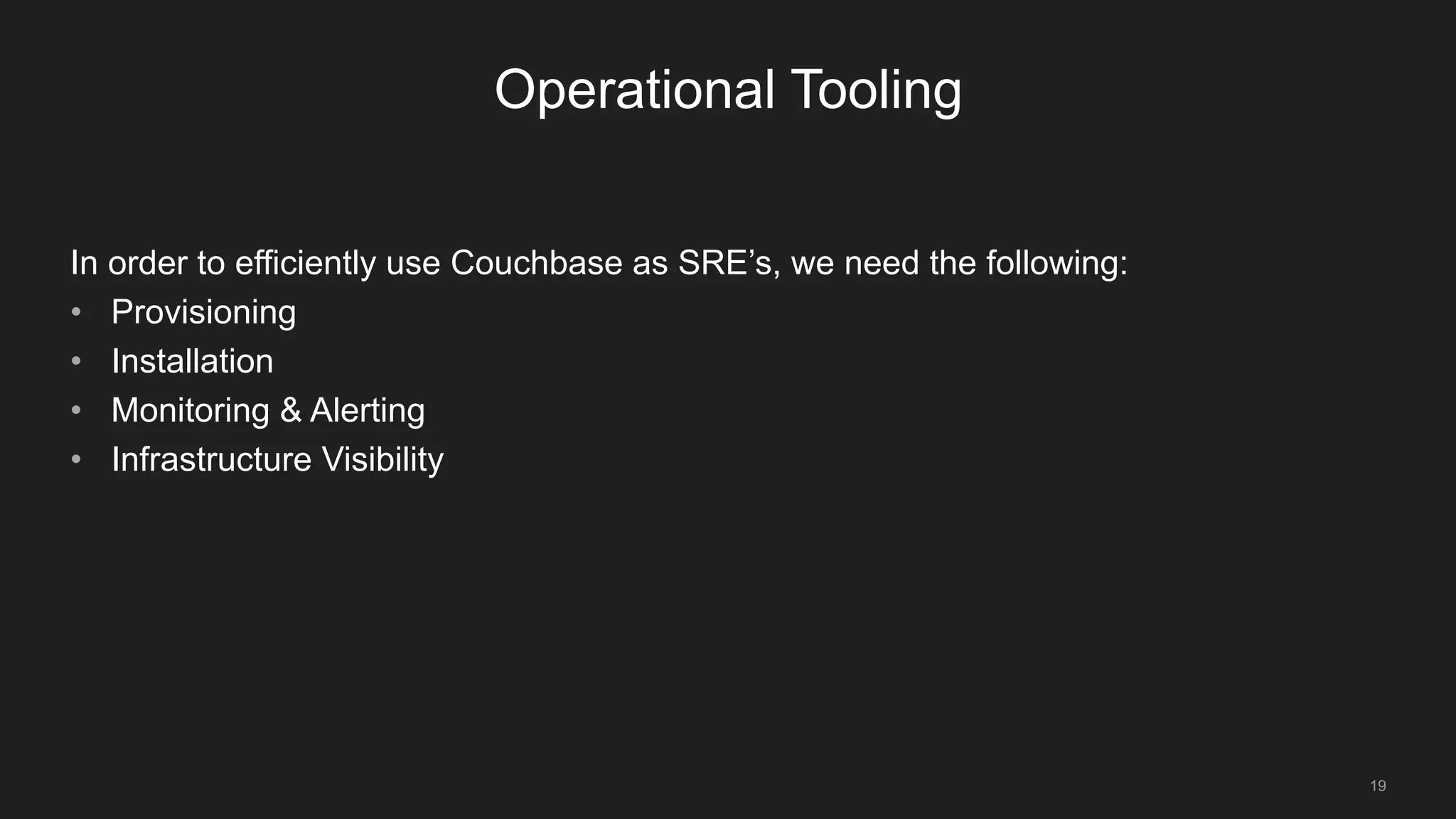
Operational Tooling
In order to efficiently use Couchbase as SRE’s, we need the following:
• Provisioning
• Installation
• Monitoring & Alerting
• Infrastructure Visibility
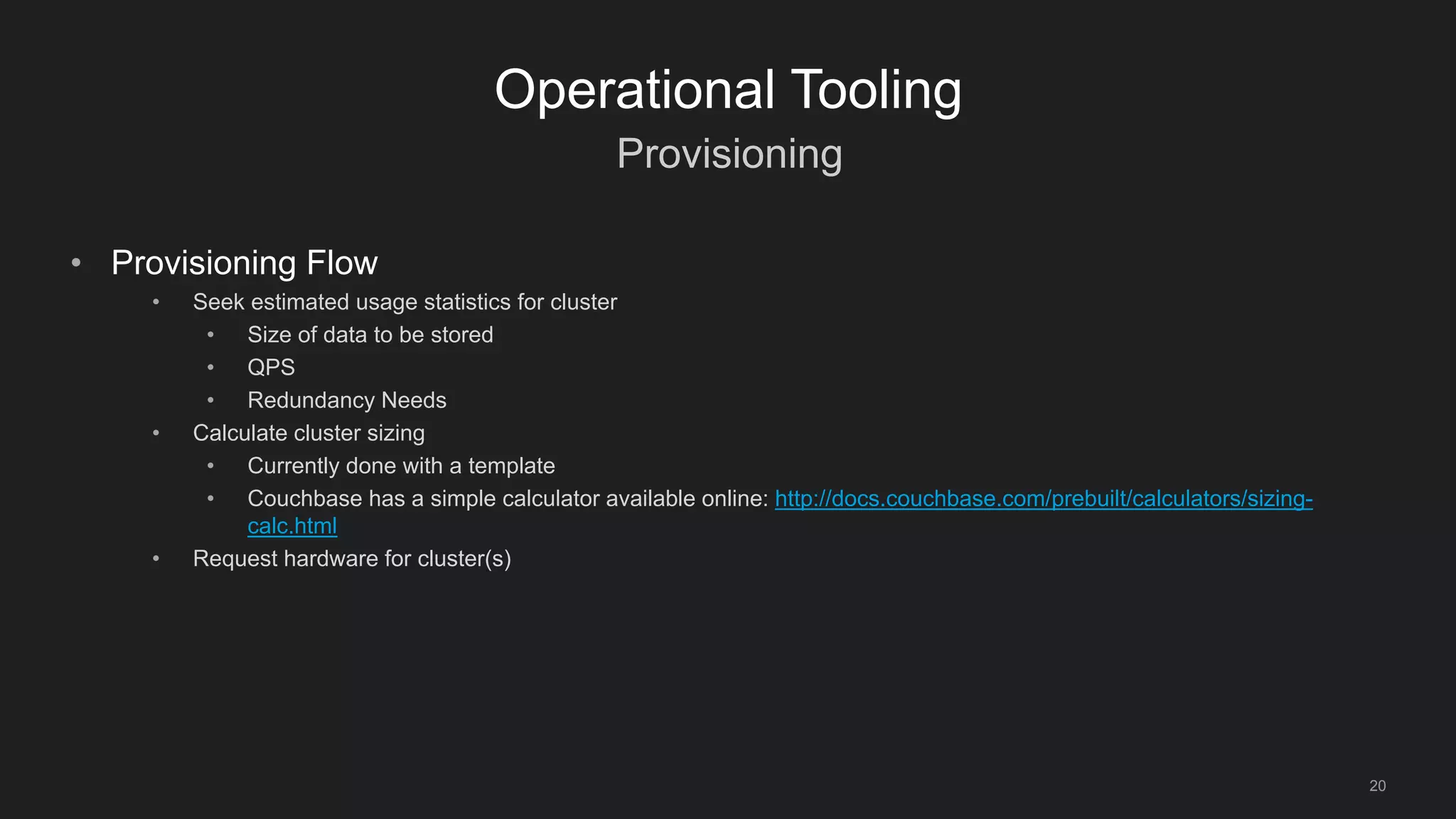
Provisioning
20
Operational Tooling
• Provisioning Flow
• Seek estimated usage statistics for cluster
• Size of data to be stored
• QPS
• Redundancy Needs
• Calculate cluster sizing
• Currently done with a template
• Couchbase has a simple calculator available online: http://docs.couchbase.com/prebuilt/calculators/sizing-
calc.html
• Request hardware for cluster(s)
Installation
21
Operational Tooling
• Process
• Enter cluster metadata into our management system (Range)
• Use Salt States to install and configure cluster
• See Issa Fattah’s post for more information:
• https://engineering.linkedin.com/blog/2016/04/leveraging-saltstack-to-scale-couchbase
• Benefits
• Ability to perform ‘state enforcement’
• Using Salt Pillar’s to encrypt cluster/ bucket passwords end-to-end
Monitoring & Alerting
22
Operational Tooling
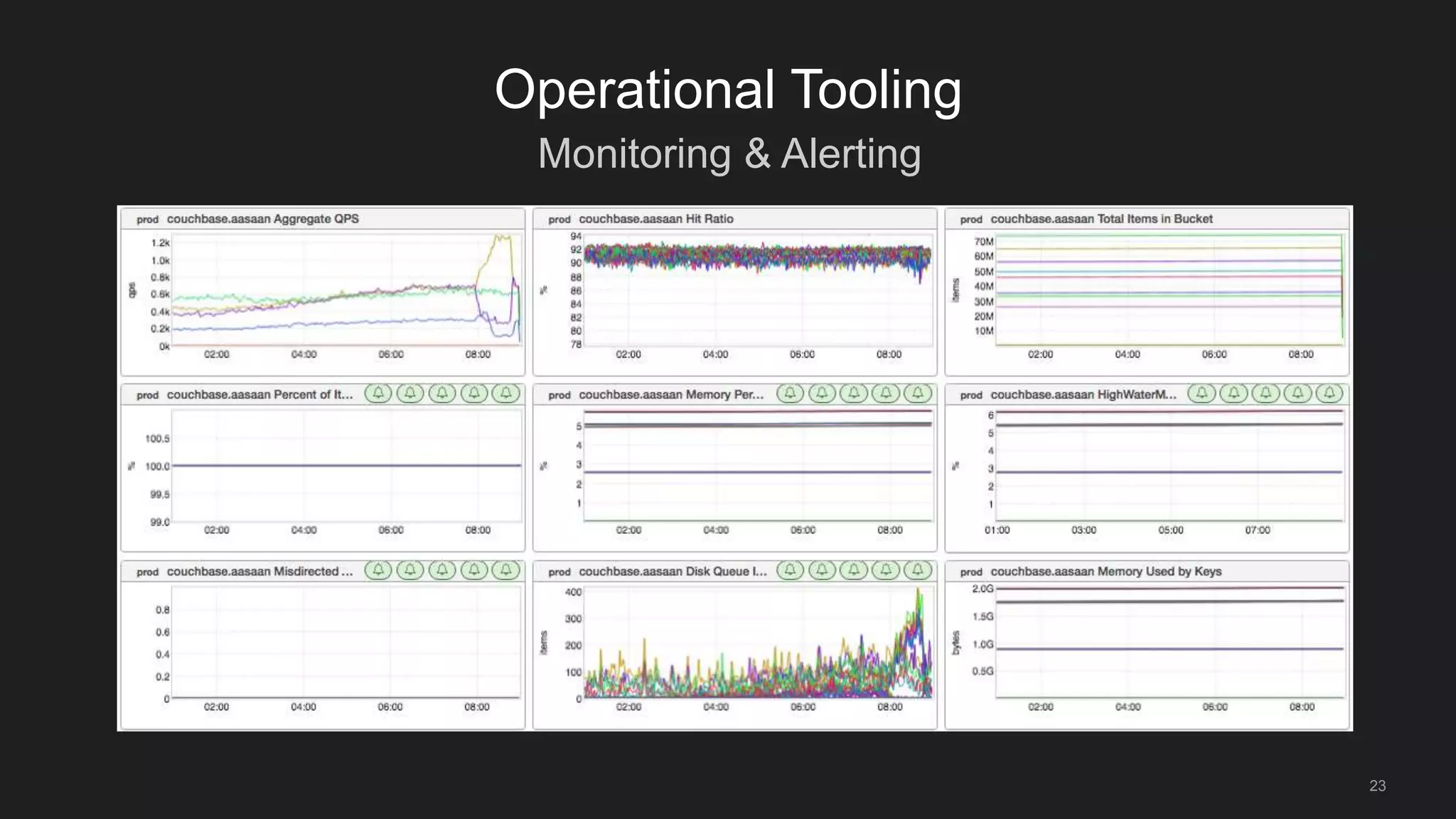
• We run a daemon on each Couchbase Server that collects metrics every minute via
Couchbase API’s
• Use cluster metadata from range to build dashboards with our own system
InGraphs
• See: ‘Monitoring production deployments’: 4pm - Great America 1
Monitoring & Alerting
23
Operational Tooling
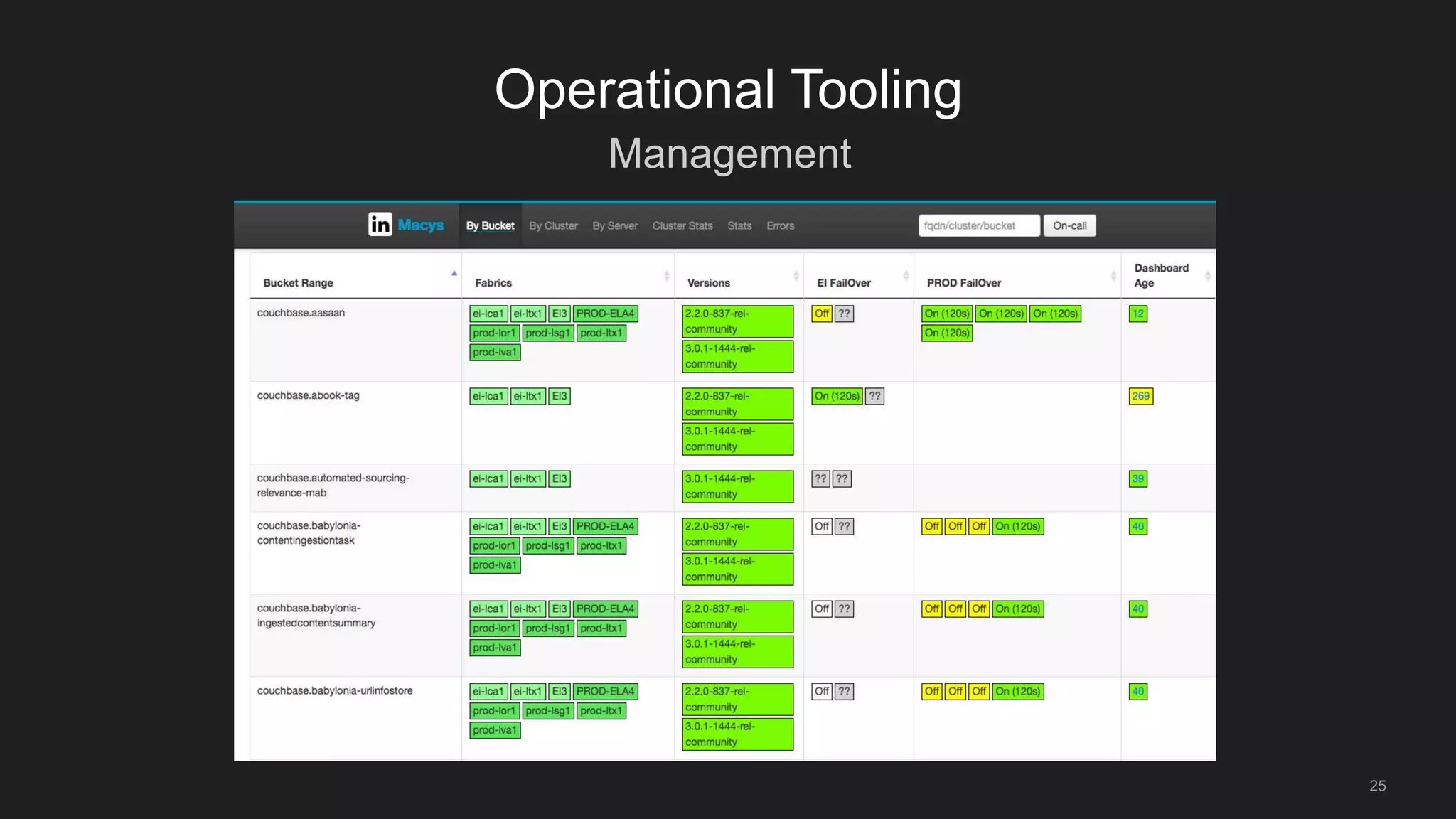
Management
24
Operational Tooling
• We want to see a world-view of all the clusters we run
• Having bucket cluster/server level statistics is useful
• Having a global view of who owns and operates each cluster/ bucket is useful
Management
25
Operational Tooling
26
Conclusions
• Couchbase was a natural fit into our existing infrastructure
• Building an ecosystem around Couchbase was important to us and has helped
Couchbase be successful at LinkedIn
• Expanding use of Couchbase
• In the past year we’ve grown the number of buckets over 50%
• Starting to use Views in production
• Moving Couchbase into LinkedIn standard deployment infrastructure
27
Thank You
Questions?
©2014 LinkedIn Corporation. All Rights Reserved.©2014 LinkedIn Corporation. All Rights Reserved.

Couchbase Connect 2016

  • 1.
    Michael Kehoe Staff SiteReliability Engineer LinkedIn Going all in: From single use-case to many
  • 2.
    2 Overview • The LinkedInStory • Couchbase Use-Cases • Development & Operations • Conclusions • Questions
  • 3.
    $ whoami 3 Michael Kehoe •Staff Site Reliability Engineer (SRE) • Production-SRE team • Funny accent = Australian • Contact • linkedin.com/in/michaelkkehoe • @matrixtek
  • 4.
    $ whatis SRE 4 MichaelKehoe • Site Reliability Engineering • Operations for the production application environment • Responsibilities include • Architecture design • Capacity planning • Operations • Tooling
  • 5.
    $ whatis CBVT 5 MichaelKehoe • Couchbase Virtual Team • ~10 SRE’s • 2 Software Engineers • Sponsored by SRE Director • 5-90% of their time to support Couchbase • Encourage as many people to contribute as possible • What do we do? • Operational work on Couchbase clusters • Evangelize the use of Couchbase within LinkedIn • Develop tools for the Couchbase Ecosystem
  • 6.
    6 The LinkedIn Story •Founded in 2002, LinkedIn has grown into the world’s largest professional social media network • 30 offices in 24 countries, Available in 24 languages • More than 450+ million members worldwide
  • 7.
    7 The LinkedIn Story •Growth in Products • Profiles • Groups • Recruiter • Sales Navigator • Growth in Internet Traffic • Billions of page-hits per day • 100k+ QPS to production services
  • 8.
    In-Memory Storage Needs 8 TheLinkedIn Story • LinkedIn started as an Oracle shop • Hyper-growth = Scaling challenges • Read-Scaling becomes important • Applicable use-cases • Simple cache store • Pre-warmed • Read through • Potential for Source of Truth (SoT) store
  • 9.
    Enter Couchbase 9 The LinkedInStory • Until 2012, we were only using Memcache as a non SoT In-Memory store • Drawbacks • Difficult to pre-warm • No partitioning/sharding (had to write our own) • Cold-cache restarts • Difficult to move data across hosts/clusters data-centers
  • 10.
    Enter Couchbase 10 The LinkedInStory • Evaluated replacement systems for Memcached: Mongo, Redis, and others • Couchbase had distinct advantages: • Simple replacement for Memcached • Built-in replication and cluster expansion • Automatic partitioning • Low latency • Async writes to disk • Building tooling is simple
  • 11.
    Enter Couchbase 11 The LinkedInStory • Today we run Couchbase in our Corporate, Staging and Production environments • Production/ Staging statistics: • 148 buckets • 2821 hosts • 10M+ QPS • Largest Clusters: • By Hosts: 72 Hosts • By Documents: 1.4B Documents • By QPS: 2.5M QPS
  • 12.
    Summary 12 Use-Cases Today’s use-cases: • Simpleread-through cache • Ephemeral Counter Store • Temporary de-duping store • SoT data-store for internal tooling
  • 13.
    Simple read-through cache 13 Use-Cases •Drop-in replacement for memcache • Read-scaling • Protecting backend database from large amounts of traffic • E.g. 3rd party ingestion credential cache
  • 14.
    Counter Store 14 Use-Cases • Incertain places, we simply need to increment counters from multiple systems and store them • E.g. Anti-abuse/Anti-scraping systems (Fuse)
  • 15.
    Temporary De-duping store 15 Use-Cases •Need to de-dup data over a large application cluster • E.g. Email systems – Ensure we don’t send the same email twice
  • 16.
    SoT Store forInternal Tools 16 Use-Cases • For Non-Member facing tools, we use Couchbase as a SoT store. • Benefits: • Schema-less • Short setup time • Couchbase Python Client works easily in our environment • Use views for simple map-reduce • Example Uses: • Nurse – Autoremediation system • TrafficshiftIn – Global traffic automation system • Availability – Storing and tracking Linkedin availability data
  • 17.
  • 18.
    18 Developing around Couchbase •Java – li-couchbase-client • Wrapper around standard Java Couchbase Client • Custom metrics emission • Using Spring interface • Storing data as Java serialized objects • Python – couchbase-python-client
  • 19.
    19 Operational Tooling In orderto efficiently use Couchbase as SRE’s, we need the following: • Provisioning • Installation • Monitoring & Alerting • Infrastructure Visibility
  • 20.
    Provisioning 20 Operational Tooling • ProvisioningFlow • Seek estimated usage statistics for cluster • Size of data to be stored • QPS • Redundancy Needs • Calculate cluster sizing • Currently done with a template • Couchbase has a simple calculator available online: http://docs.couchbase.com/prebuilt/calculators/sizing- calc.html • Request hardware for cluster(s)
  • 21.
    Installation 21 Operational Tooling • Process •Enter cluster metadata into our management system (Range) • Use Salt States to install and configure cluster • See Issa Fattah’s post for more information: • https://engineering.linkedin.com/blog/2016/04/leveraging-saltstack-to-scale-couchbase • Benefits • Ability to perform ‘state enforcement’ • Using Salt Pillar’s to encrypt cluster/ bucket passwords end-to-end
  • 22.
    Monitoring & Alerting 22 OperationalTooling • We run a daemon on each Couchbase Server that collects metrics every minute via Couchbase API’s • Use cluster metadata from range to build dashboards with our own system InGraphs • See: ‘Monitoring production deployments’: 4pm - Great America 1
  • 23.
  • 24.
    Management 24 Operational Tooling • Wewant to see a world-view of all the clusters we run • Having bucket cluster/server level statistics is useful • Having a global view of who owns and operates each cluster/ bucket is useful
  • 25.
  • 26.
    26 Conclusions • Couchbase wasa natural fit into our existing infrastructure • Building an ecosystem around Couchbase was important to us and has helped Couchbase be successful at LinkedIn • Expanding use of Couchbase • In the past year we’ve grown the number of buckets over 50% • Starting to use Views in production • Moving Couchbase into LinkedIn standard deployment infrastructure
  • 27.
  • 28.
    ©2014 LinkedIn Corporation.All Rights Reserved.©2014 LinkedIn Corporation. All Rights Reserved.

Editor's Notes

  • #3 The LinkedIn Story Couchbase Use-Cases Development & Operations Conclusions Questions
  • #5 Site Reliability Engineering A term coined by Ben Treynor from Google Hybrid of: Sysadmin Network Engineer Architect Troubleshooter Software Engineer Ninja’s – Digital economy
  • #6 10 SRE’s, with a tech-lead Sponsored by a SRE Director Input from Software Engineers on development
  • #7 Founded in 2002, LinkedIn has grown into the world’s largest professional social media network 30 offices in 24 countries, Available in 24 languages More than 450+ million members worldwide
  • #9 LinkedIn started as an Oracle shop To-date, we still run a significant number of Oracle databases Oracle is fine for writes, scaling reads becomes challenging HyperGrowth == Scaling challenges Scaling writes isn’t a common problem in most cases Scaling reads to 100k+ QPS, is challenging Failures in read-scaling infra can take down back-end systems Applicable use-cases Simple cache store Pre-warmed Read-through SoT Store
  • #10 Until 2012, we were only using Memcache as a non SoT In-Memory store Drawbacks of memcache: Difficult to pre-warm, not easy to copy-data No native sharding for clusters, had to write our own Restarting memcache servers caused problems Couldn’t copy data across for new DC’s, expanding clusters etc Mid-2012, started testing Couchbase
  • #11 Evaluated replacement systems for Memcached: Mongo, Redis, and others Couchbase had distinct advantages Simple replacement for memcache  JAVA Spring made this simpler Built-in replication and cluster expansion, significantly reduces ops-workload Automatic partitioning, doesn’t become a concern anymore Low-latency, reads from disk are still very fast Async write to disk, can write a low of data at once without it being a problem Lots of API’s that make tooling relatively simple
  • #15 Insert fuse architecture
  • #16 We have a deduplication filter in stork that you can take advantage of to make sure we don't send duplicates of your email. This is highly recommended for any email using kafka (kafka can potentially deliver your email to our system twice)
  • #17 Don’t use as SoT store as Espresso is our primary key-value store