Aruna Devi P.
Assistant Professor
Department of Computer Science(SF)
V.V.V. College for Women
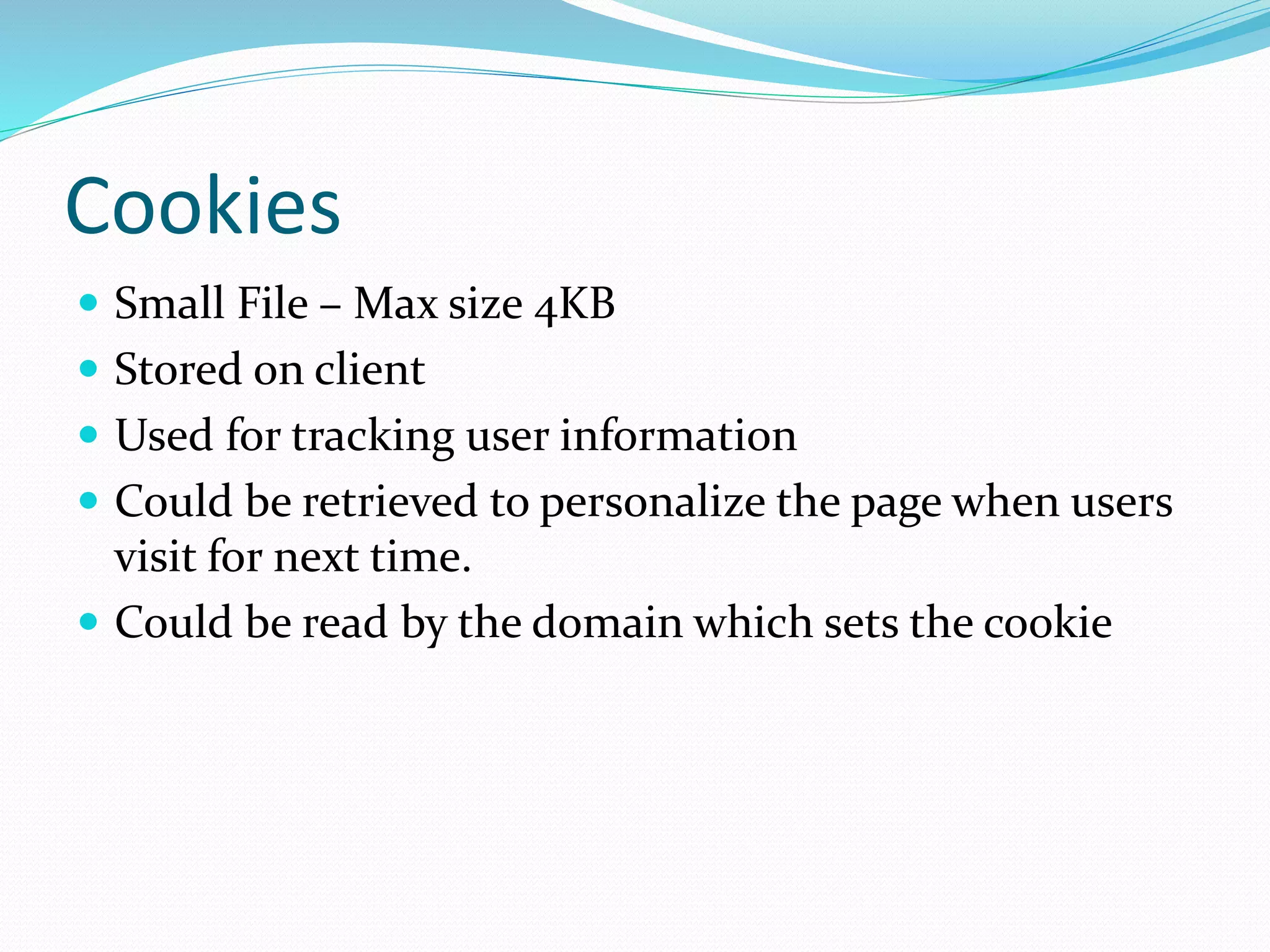
Cookies
 Small File – Max size 4KB
 Stored on client
 Used for tracking user information
 Could be retrieved to personalize the page when users
visit for next time.
 Could be read by the domain which sets the cookie
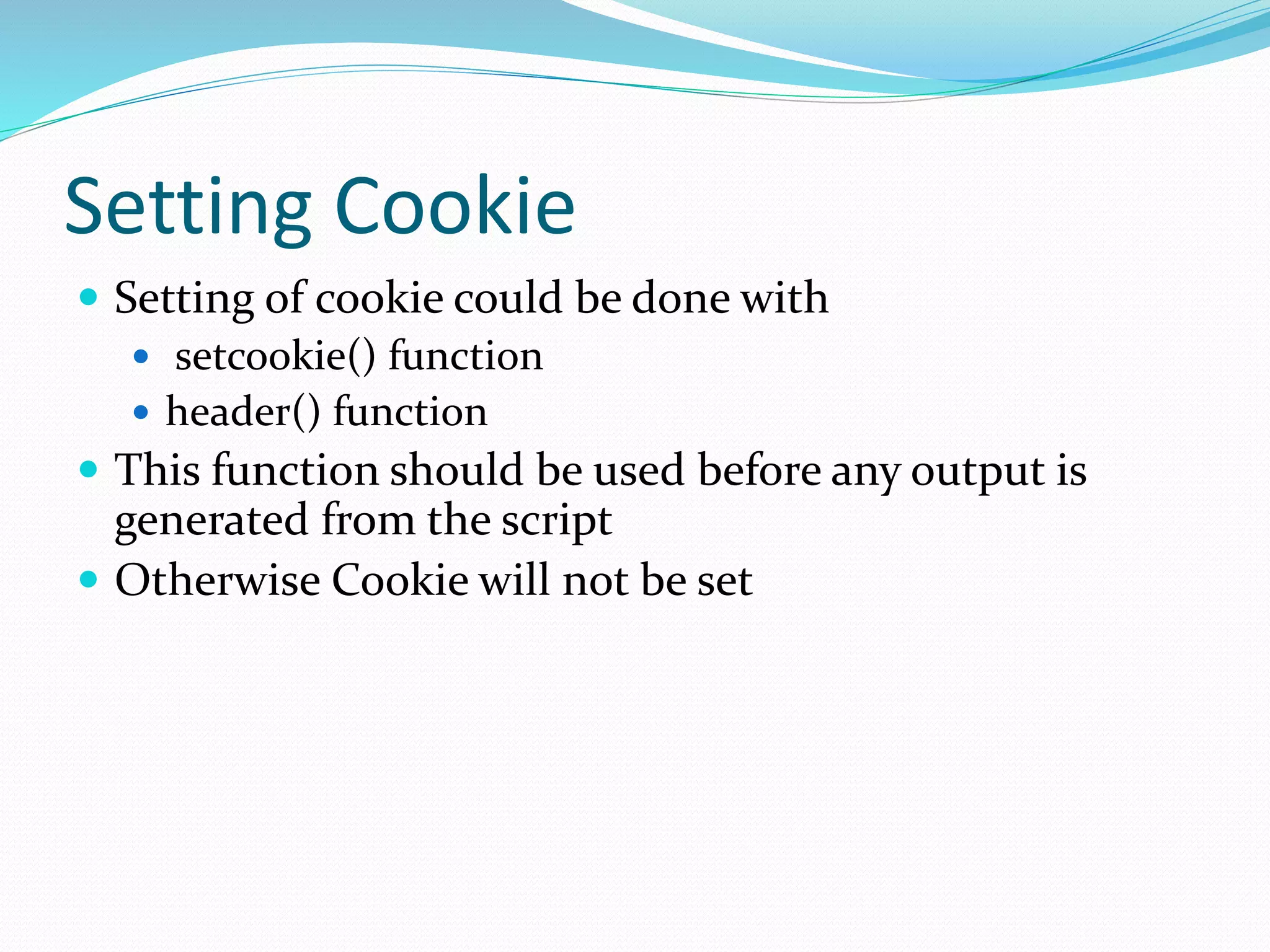
Setting Cookie
 Setting of cookie could be done with
 setcookie() function
 header() function
 This function should be used before any output is
generated from the script
 Otherwise Cookie will not be set
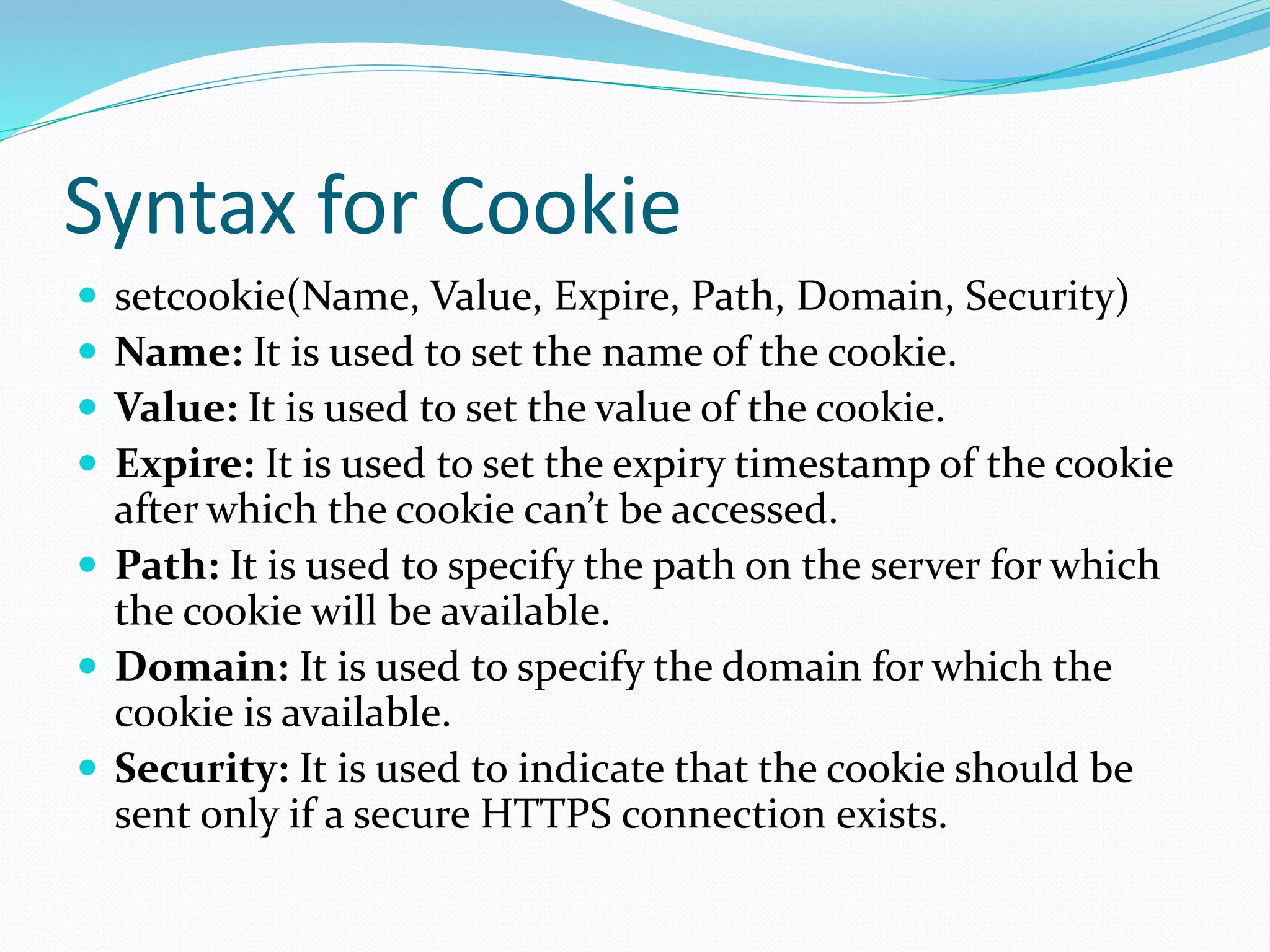
Syntax for Cookie
 setcookie(Name, Value, Expire, Path, Domain, Security)
 Name: It is used to set the name of the cookie.
 Value: It is used to set the value of the cookie.
 Expire: It is used to set the expiry timestamp of the cookie
after which the cookie can’t be accessed.
 Path: It is used to specify the path on the server for which
the cookie will be available.
 Domain: It is used to specify the domain for which the
cookie is available.
 Security: It is used to indicate that the cookie should be
sent only if a secure HTTPS connection exists.
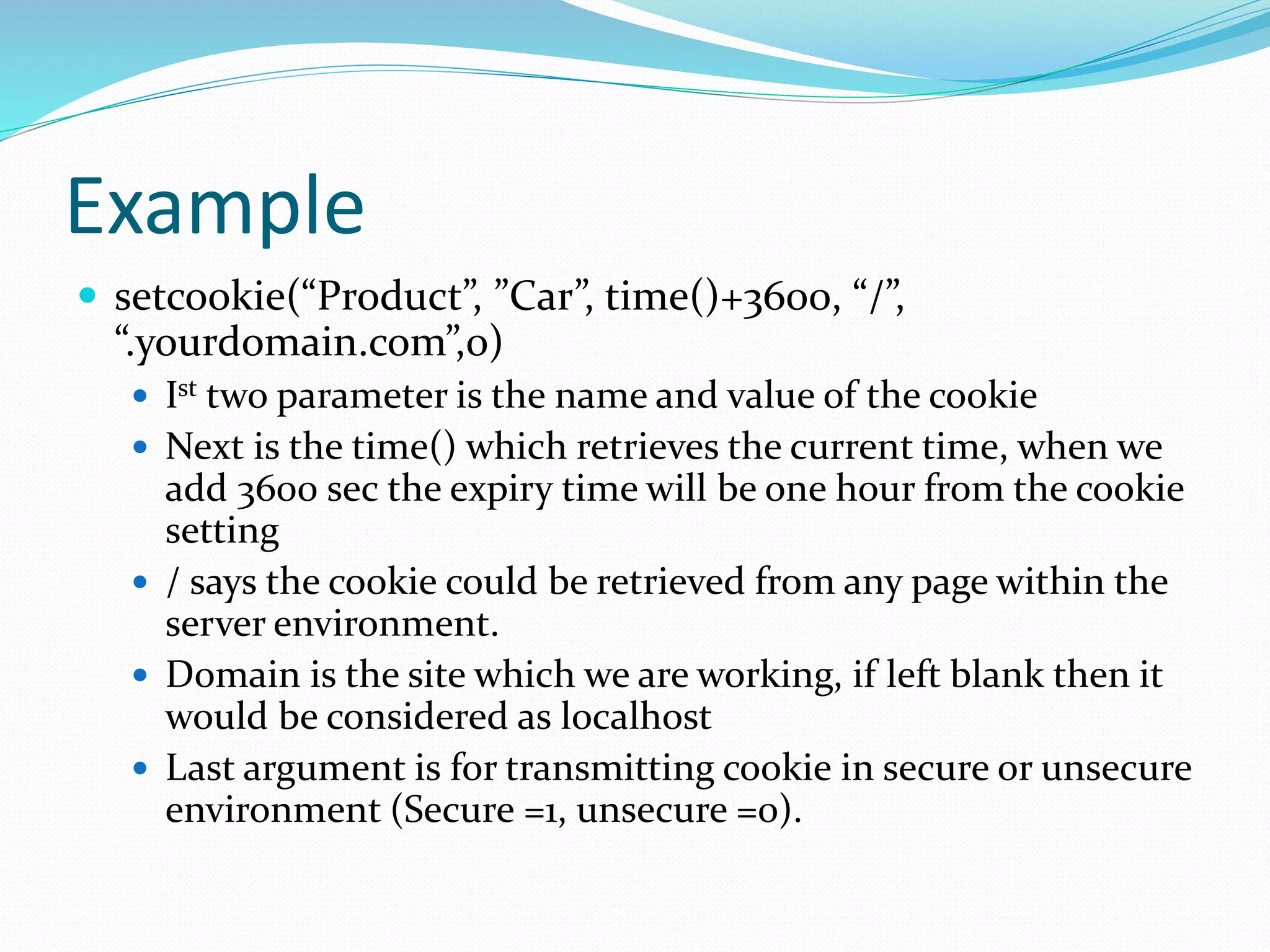
Example
 setcookie(“Product”, ”Car”, time()+3600, “/”,
“.yourdomain.com”,0)
 Ist two parameter is the name and value of the cookie
 Next is the time() which retrieves the current time, when we
add 3600 sec the expiry time will be one hour from the cookie
setting
 / says the cookie could be retrieved from any page within the
server environment.
 Domain is the site which we are working, if left blank then it
would be considered as localhost
 Last argument is for transmitting cookie in secure or unsecure
environment (Secure =1, unsecure =0).
header() function
 header(“Set-Cookie: Product = Car;
expires = Thu, 12-Dec-19 12:30: 59 GMT;
path=/;
domain=yourdomain.com”);
This method is difficult since we have to create a header
string.
Time is mentioned in Unix epoch format.
Checking the setting of cookie
 isset() is used whether a cookie has been set
 $_COOKIE is the superglobal for retrieving the cookie
value.
 isset($_COOKIE[“cookiename”])
 Returns true if the cookiename specified is set
 Returns false if the cookiename is not set
 To print the value of the cookie
 echo “Cookie value is : “.$_COOKIE[“cookiename”]
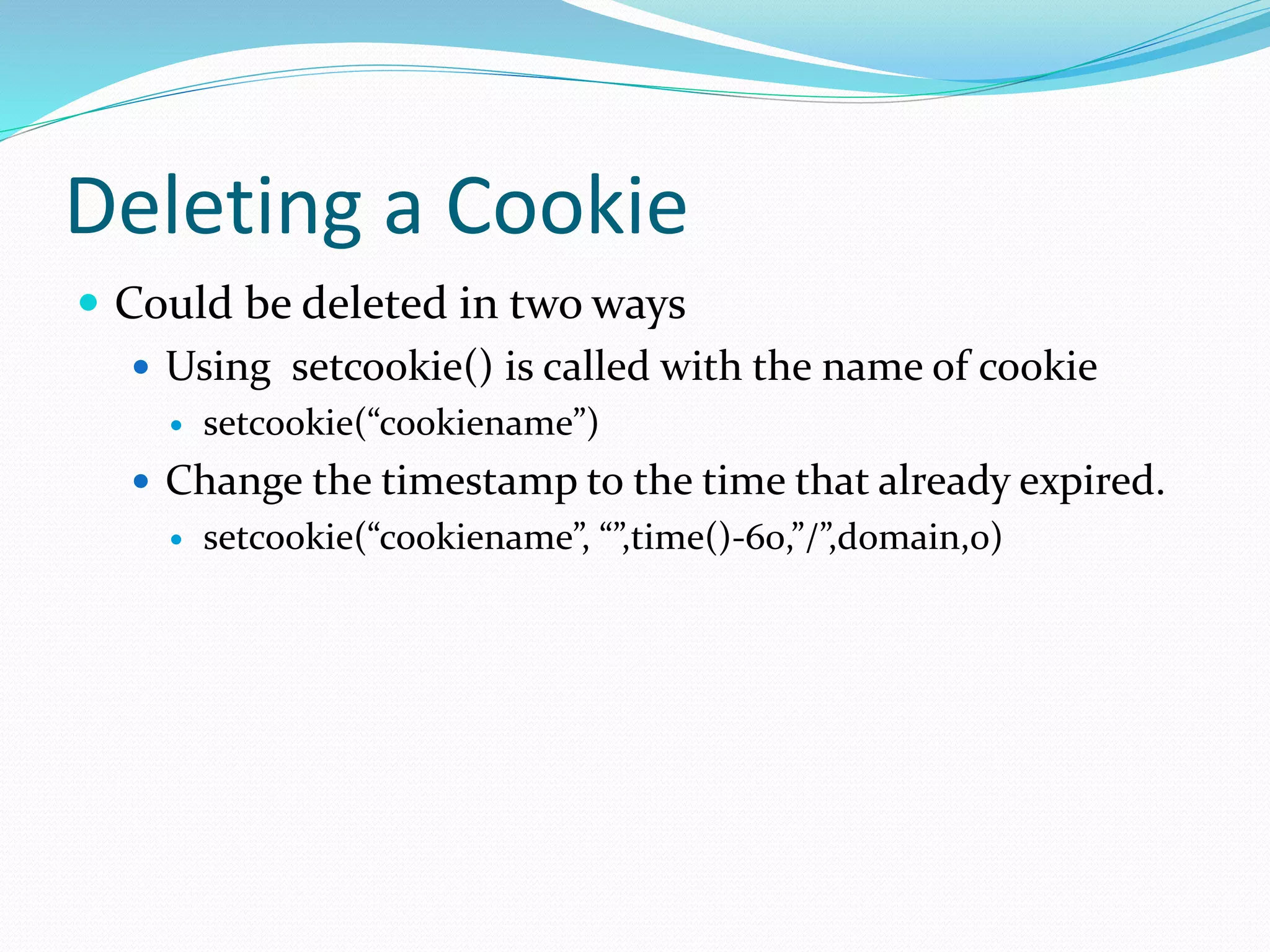
Deleting a Cookie
 Could be deleted in two ways
 Using setcookie() is called with the name of cookie
 setcookie(“cookiename”)
 Change the timestamp to the time that already expired.
 setcookie(“cookiename”, “”,time()-60,”/”,domain,0)
Thank you

Cookies in php

  • 1.
    Aruna Devi P. AssistantProfessor Department of Computer Science(SF) V.V.V. College for Women
  • 2.
    Cookies  Small File– Max size 4KB  Stored on client  Used for tracking user information  Could be retrieved to personalize the page when users visit for next time.  Could be read by the domain which sets the cookie
  • 3.
    Setting Cookie  Settingof cookie could be done with  setcookie() function  header() function  This function should be used before any output is generated from the script  Otherwise Cookie will not be set
  • 4.
    Syntax for Cookie setcookie(Name, Value, Expire, Path, Domain, Security)  Name: It is used to set the name of the cookie.  Value: It is used to set the value of the cookie.  Expire: It is used to set the expiry timestamp of the cookie after which the cookie can’t be accessed.  Path: It is used to specify the path on the server for which the cookie will be available.  Domain: It is used to specify the domain for which the cookie is available.  Security: It is used to indicate that the cookie should be sent only if a secure HTTPS connection exists.
  • 5.
    Example  setcookie(“Product”, ”Car”,time()+3600, “/”, “.yourdomain.com”,0)  Ist two parameter is the name and value of the cookie  Next is the time() which retrieves the current time, when we add 3600 sec the expiry time will be one hour from the cookie setting  / says the cookie could be retrieved from any page within the server environment.  Domain is the site which we are working, if left blank then it would be considered as localhost  Last argument is for transmitting cookie in secure or unsecure environment (Secure =1, unsecure =0).
  • 6.
    header() function  header(“Set-Cookie:Product = Car; expires = Thu, 12-Dec-19 12:30: 59 GMT; path=/; domain=yourdomain.com”); This method is difficult since we have to create a header string. Time is mentioned in Unix epoch format.
  • 7.
    Checking the settingof cookie  isset() is used whether a cookie has been set  $_COOKIE is the superglobal for retrieving the cookie value.  isset($_COOKIE[“cookiename”])  Returns true if the cookiename specified is set  Returns false if the cookiename is not set  To print the value of the cookie  echo “Cookie value is : “.$_COOKIE[“cookiename”]
  • 8.
    Deleting a Cookie Could be deleted in two ways  Using setcookie() is called with the name of cookie  setcookie(“cookiename”)  Change the timestamp to the time that already expired.  setcookie(“cookiename”, “”,time()-60,”/”,domain,0)
  • 9.