

GOAL
At the end of the lesson, you will be a
better user of search engines. In
particular, you can be more deeply
aware of search techniques that will give
results that are useful for your academic
and chosen career.
REVIEW
ONLINE SEARCH
Online search is the process of interactively
searching for and retrieving requested
information via a computer from databases
that are online. (Wikipedia)
CHALLENGE QUESTIONS
Are you a smarter user of search engines?
Do you always rely on the first search results online?
Have you “Googled” yourself lately? Are you happy with the
results?
How do you find answers to questions from the simple to the
complex?
Google might naturally come to mind. Did you know that you
could also use Wolfram as an alternative search engine?
Indeed, Google might be our “friend” but using search
engines for the sake of plain information could actually lead
you misinformed. In order to stay meaningfully informed, you
should start appreciating the use of the right combination of
words or key phrases.
A wealth of built-in—but sometimes hidden—features can help
you find the information you need much more efficiently than
your usual shot-in-the-dark searches. A little Google technique
can open up a world of trusted facts, homework boosters, and
cool tricks to impress your friends (or your parents).
REMINDER
A. Find the Hidden
Calculator
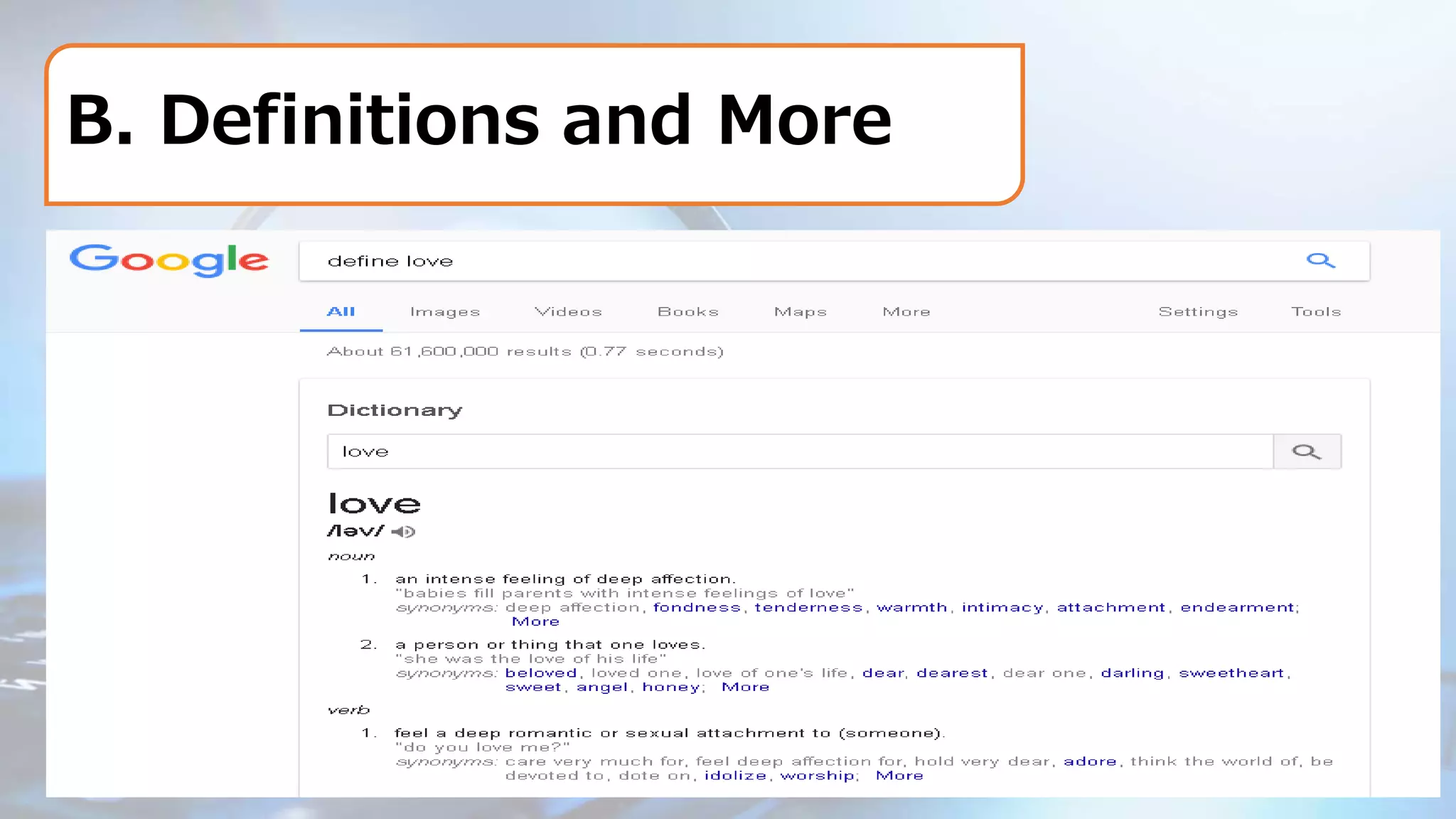
B. Definitions and More
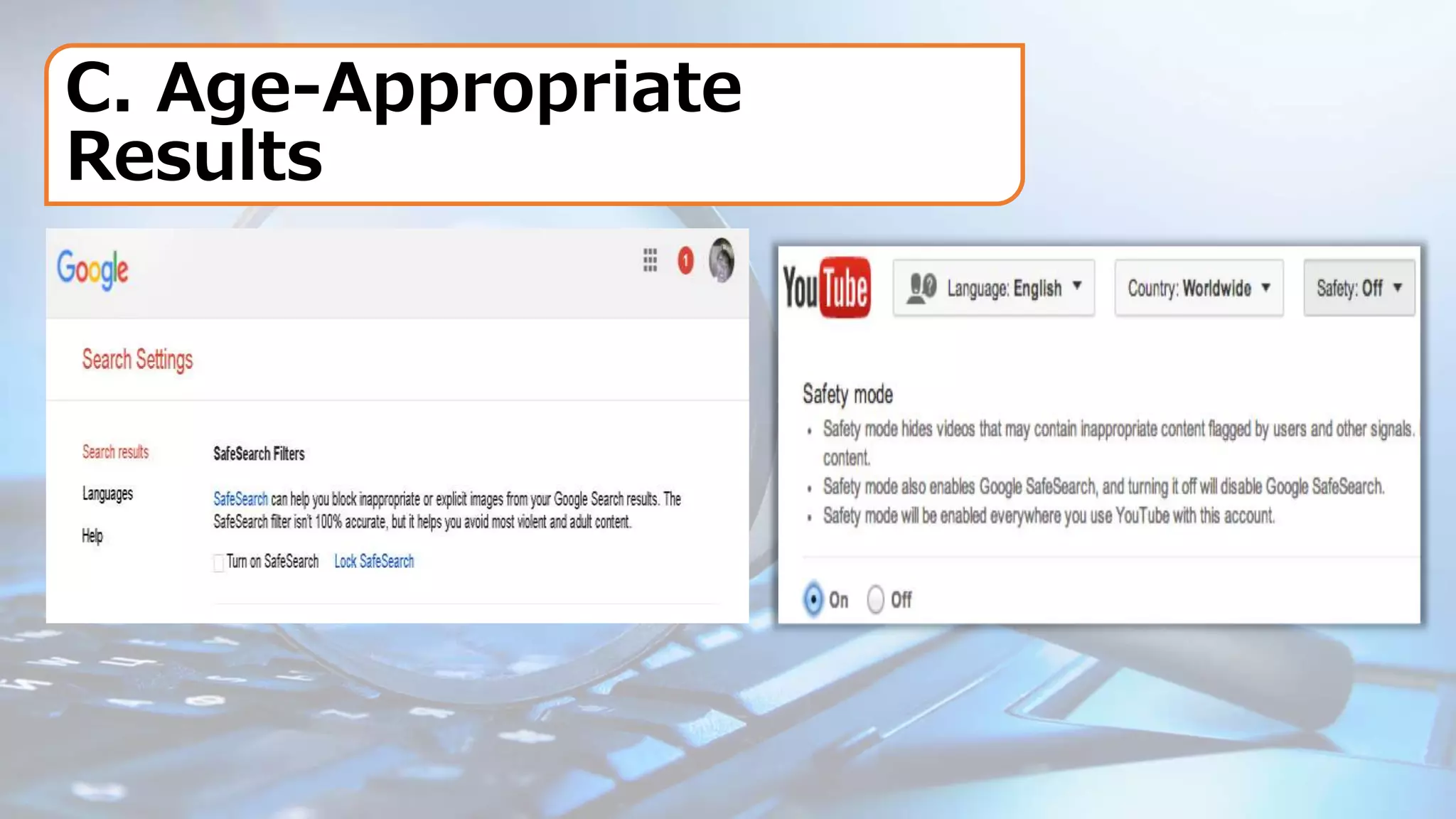
C. Age-Appropriate
Results
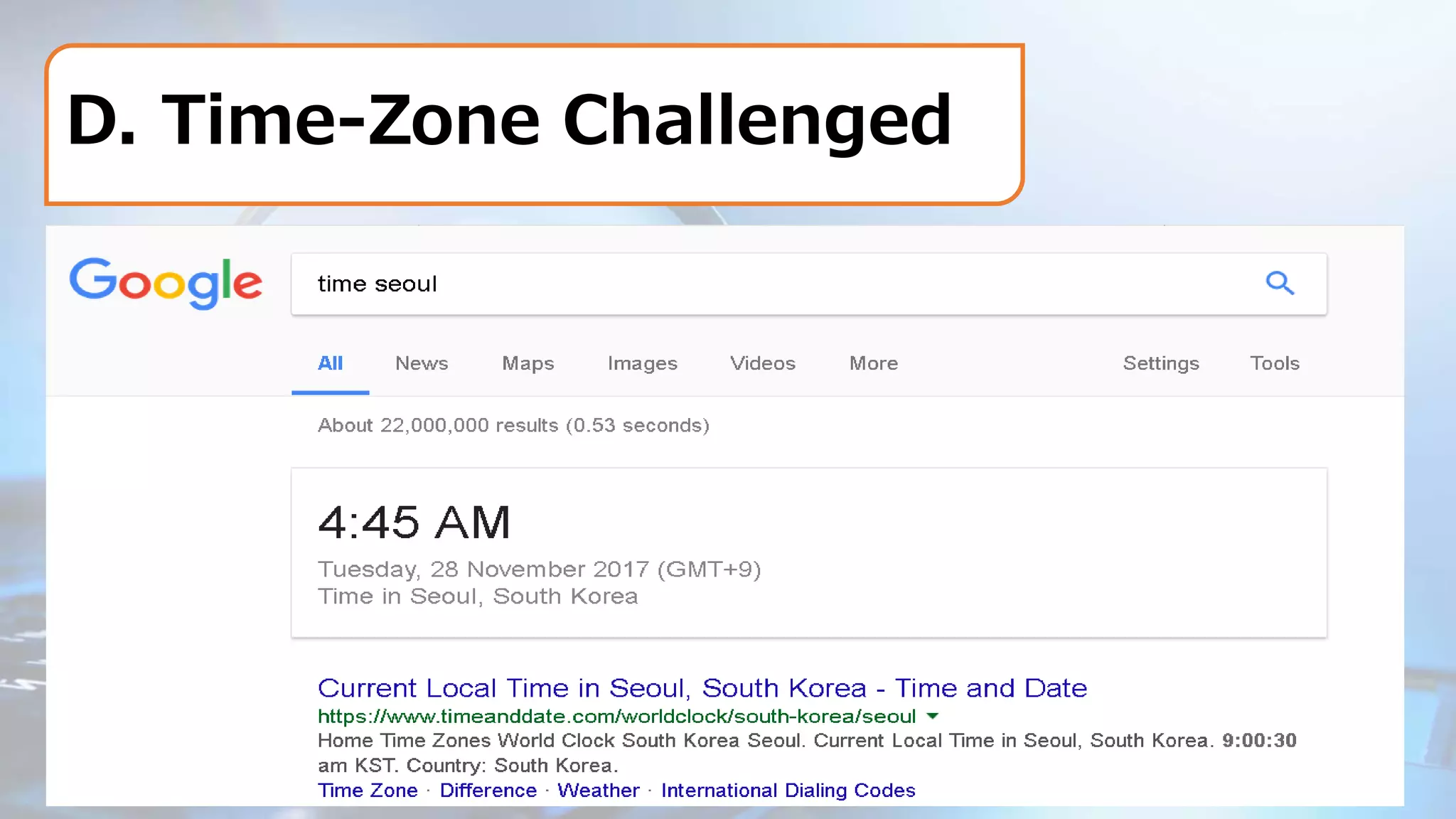
D. Time-Zone Challenged
E. The Perfect
Search
F. Photo Magic
G. Just for Fun
•If all you really need is a little distraction, go to
Google and type in "tilt," browse the Google
Doodle archives, or just tell Google to do a
barrel roll. You won't be disappointed.”
•If you want some more keyword tricks, check
out the search techniques below.
ACTIVITY
•On the next opportunity that you have an
Internet connection, do the following “What
Matters in a Query” search tips. To validate
the results of your search, get a screenshot
of the resulting scenarios. Be ready to
present the results in class.
Contextualized Online Research

Contextualized Online Research

  • 2.
    GOAL At the endof the lesson, you will be a better user of search engines. In particular, you can be more deeply aware of search techniques that will give results that are useful for your academic and chosen career.
  • 3.
  • 4.
    ONLINE SEARCH Online searchis the process of interactively searching for and retrieving requested information via a computer from databases that are online. (Wikipedia)
  • 5.
    CHALLENGE QUESTIONS Are youa smarter user of search engines? Do you always rely on the first search results online? Have you “Googled” yourself lately? Are you happy with the results? How do you find answers to questions from the simple to the complex? Google might naturally come to mind. Did you know that you could also use Wolfram as an alternative search engine?
  • 6.
    Indeed, Google mightbe our “friend” but using search engines for the sake of plain information could actually lead you misinformed. In order to stay meaningfully informed, you should start appreciating the use of the right combination of words or key phrases. A wealth of built-in—but sometimes hidden—features can help you find the information you need much more efficiently than your usual shot-in-the-dark searches. A little Google technique can open up a world of trusted facts, homework boosters, and cool tricks to impress your friends (or your parents). REMINDER
  • 8.
    A. Find theHidden Calculator
  • 9.
  • 10.
  • 11.
  • 12.
  • 13.
  • 14.
    G. Just forFun •If all you really need is a little distraction, go to Google and type in "tilt," browse the Google Doodle archives, or just tell Google to do a barrel roll. You won't be disappointed.” •If you want some more keyword tricks, check out the search techniques below.
  • 15.
    ACTIVITY •On the nextopportunity that you have an Internet connection, do the following “What Matters in a Query” search tips. To validate the results of your search, get a screenshot of the resulting scenarios. Be ready to present the results in class.