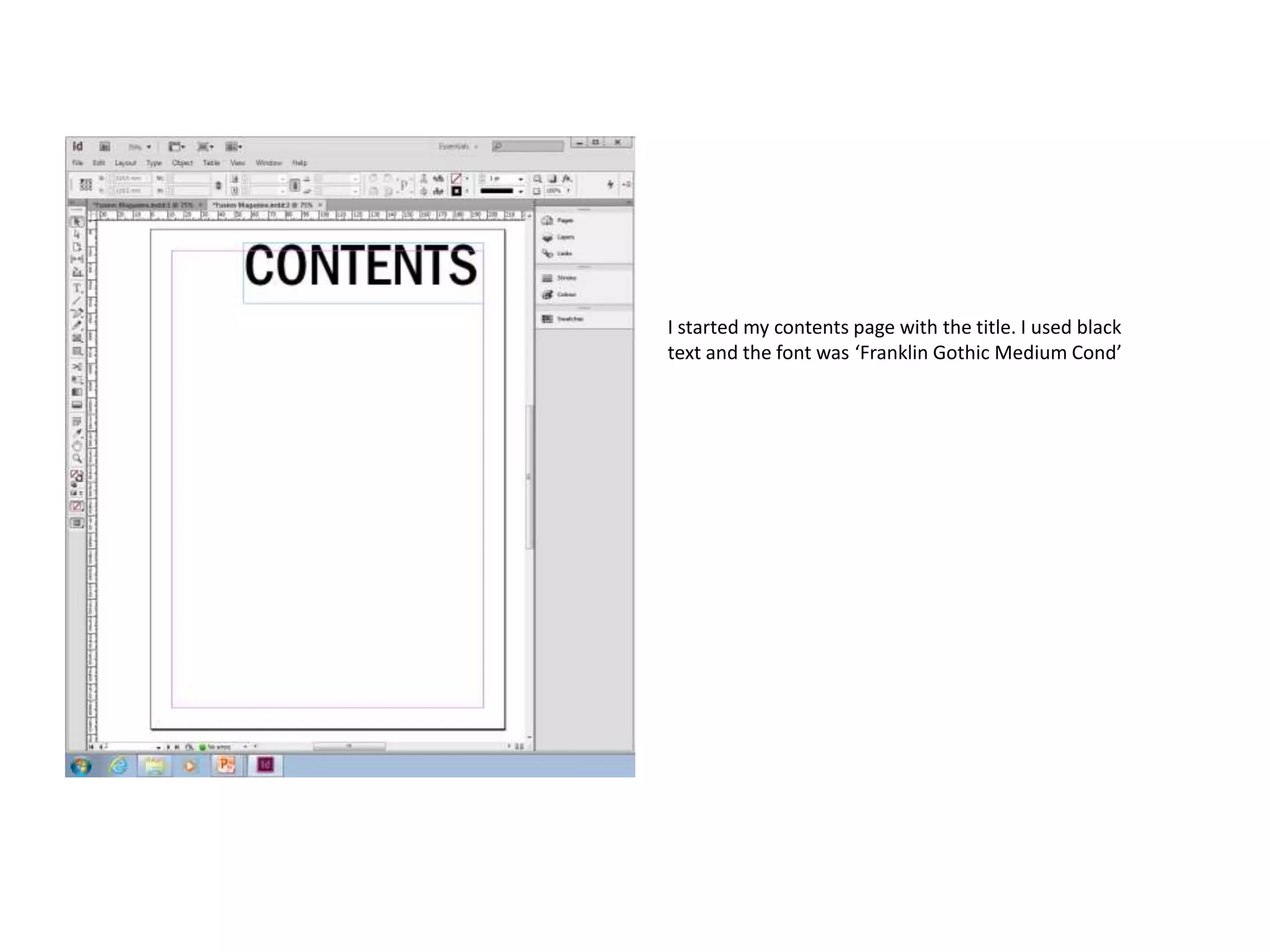
I started my contents page with the title. I used black
text and the font was ‘Franklin Gothic Medium Cond’
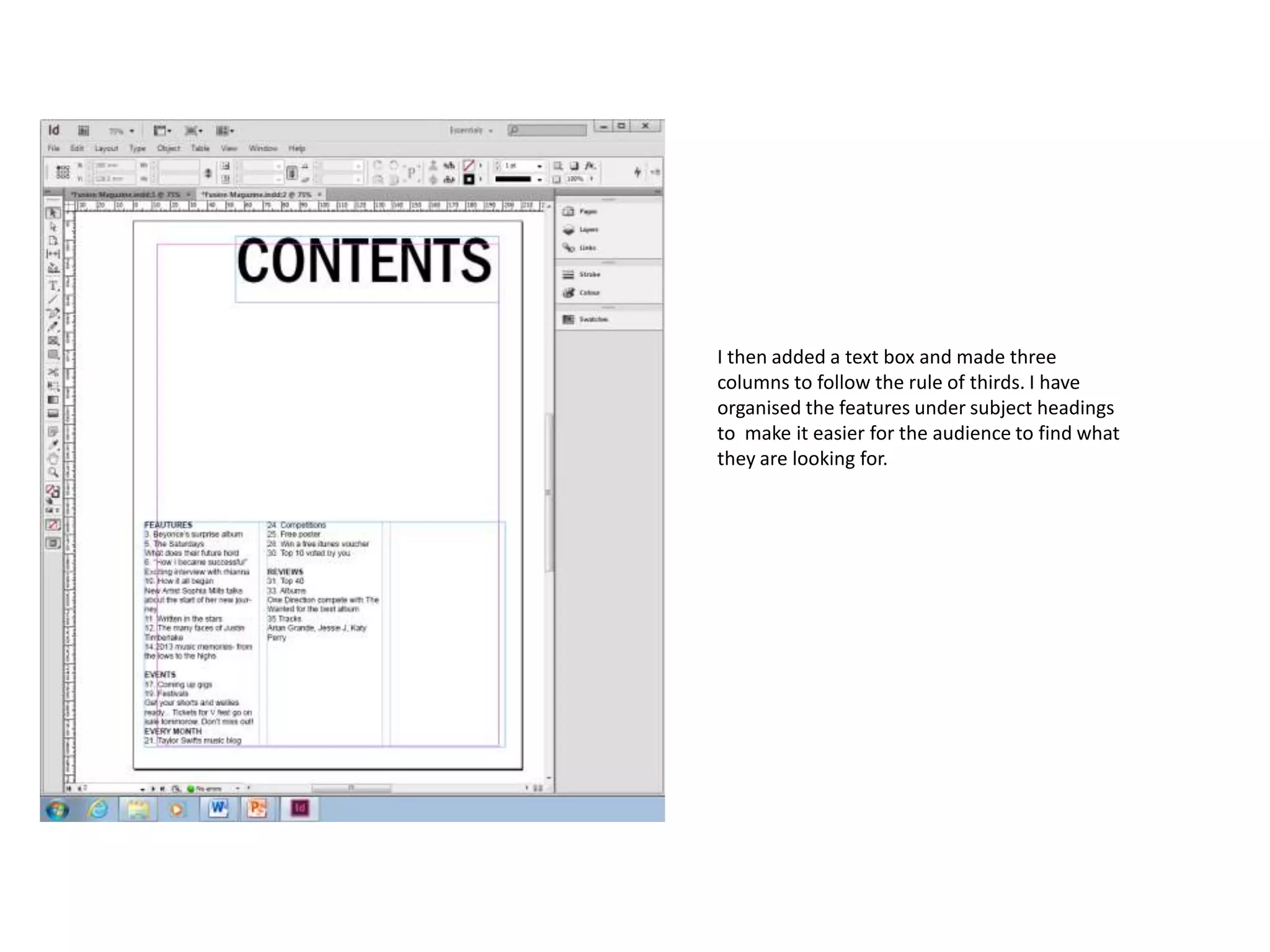
I then added a text box and made three
columns to follow the rule of thirds. I have
organised the features under subject headings
to make it easier for the audience to find what
they are looking for.
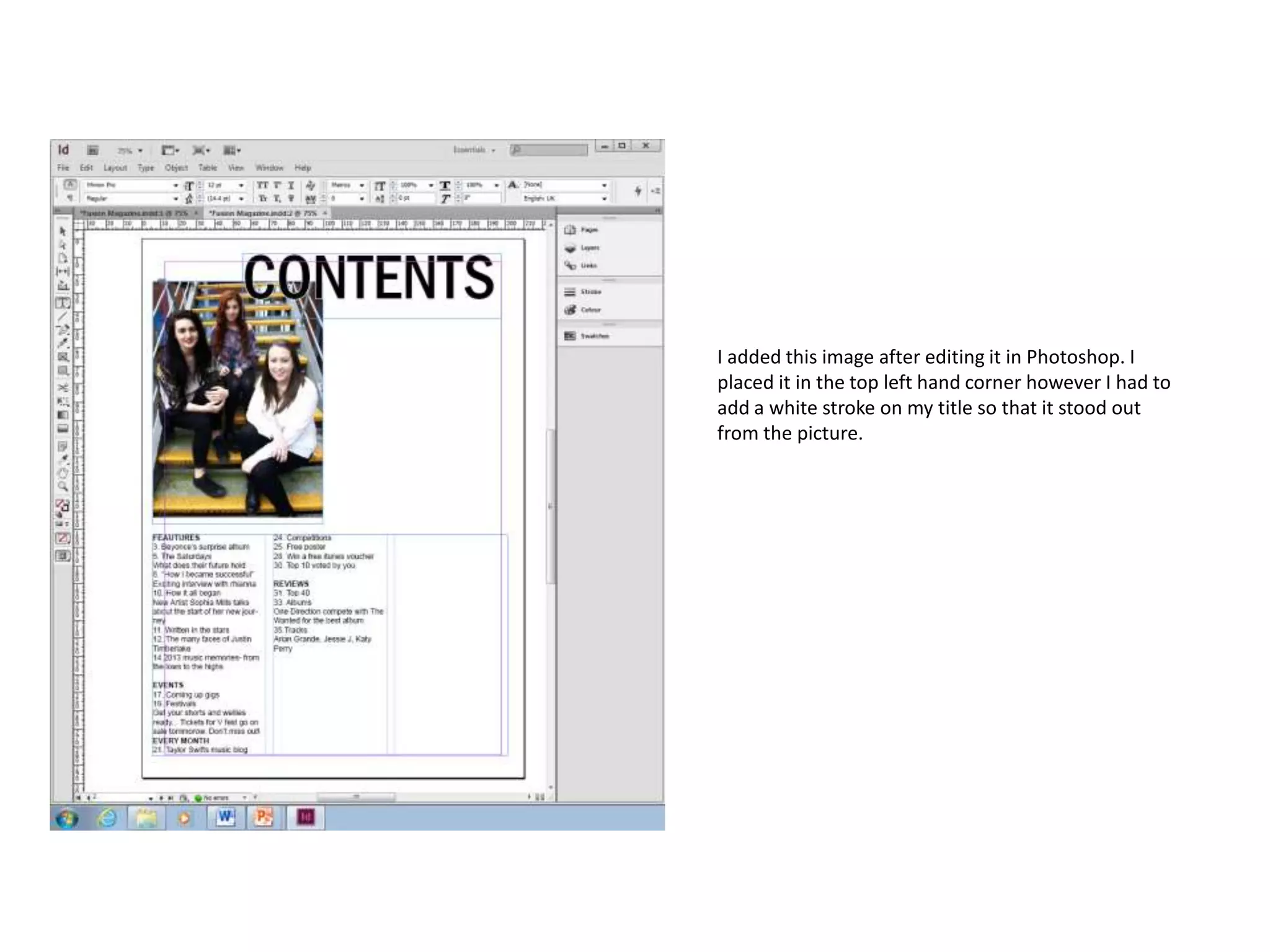
I added this image after editing it in Photoshop. I
placed it in the top left hand corner however I had to
add a white stroke on my title so that it stood out
from the picture.
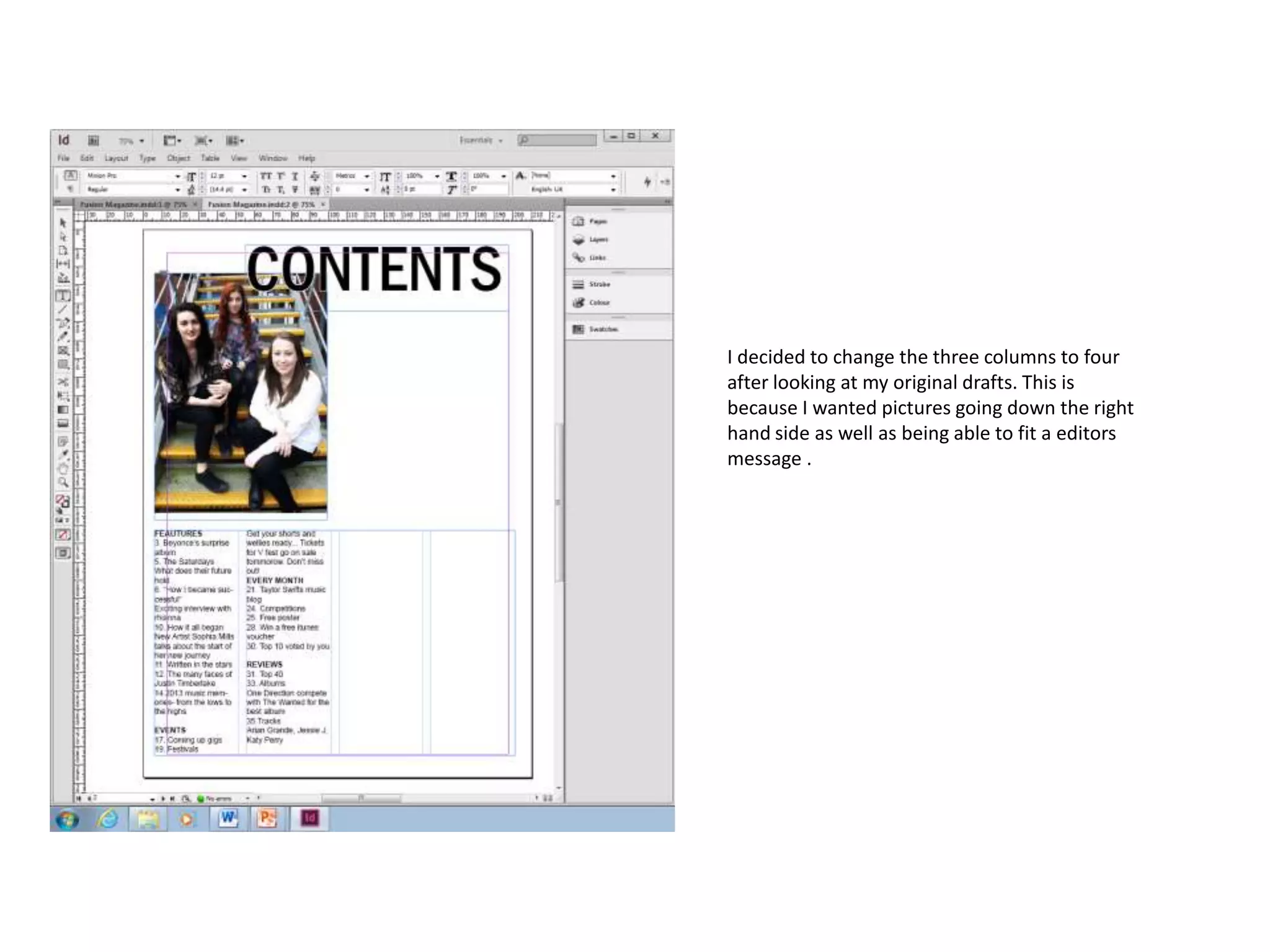
I decided to change the three columns to four
after looking at my original drafts. This is
because I wanted pictures going down the right
hand side as well as being able to fit a editors
message .
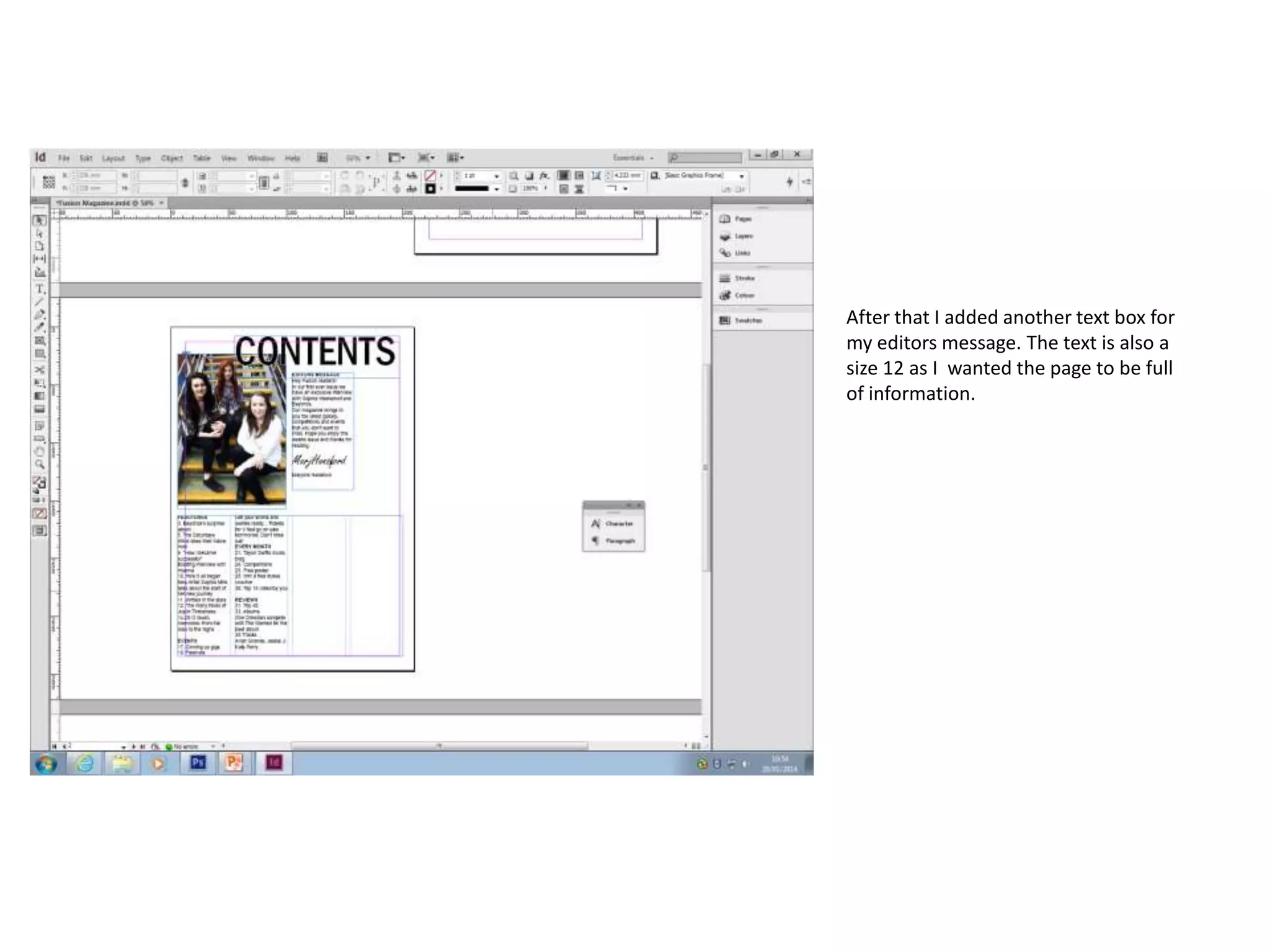
After that I added another text box for
my editors message. The text is also a
size 12 as I wanted the page to be full
of information.
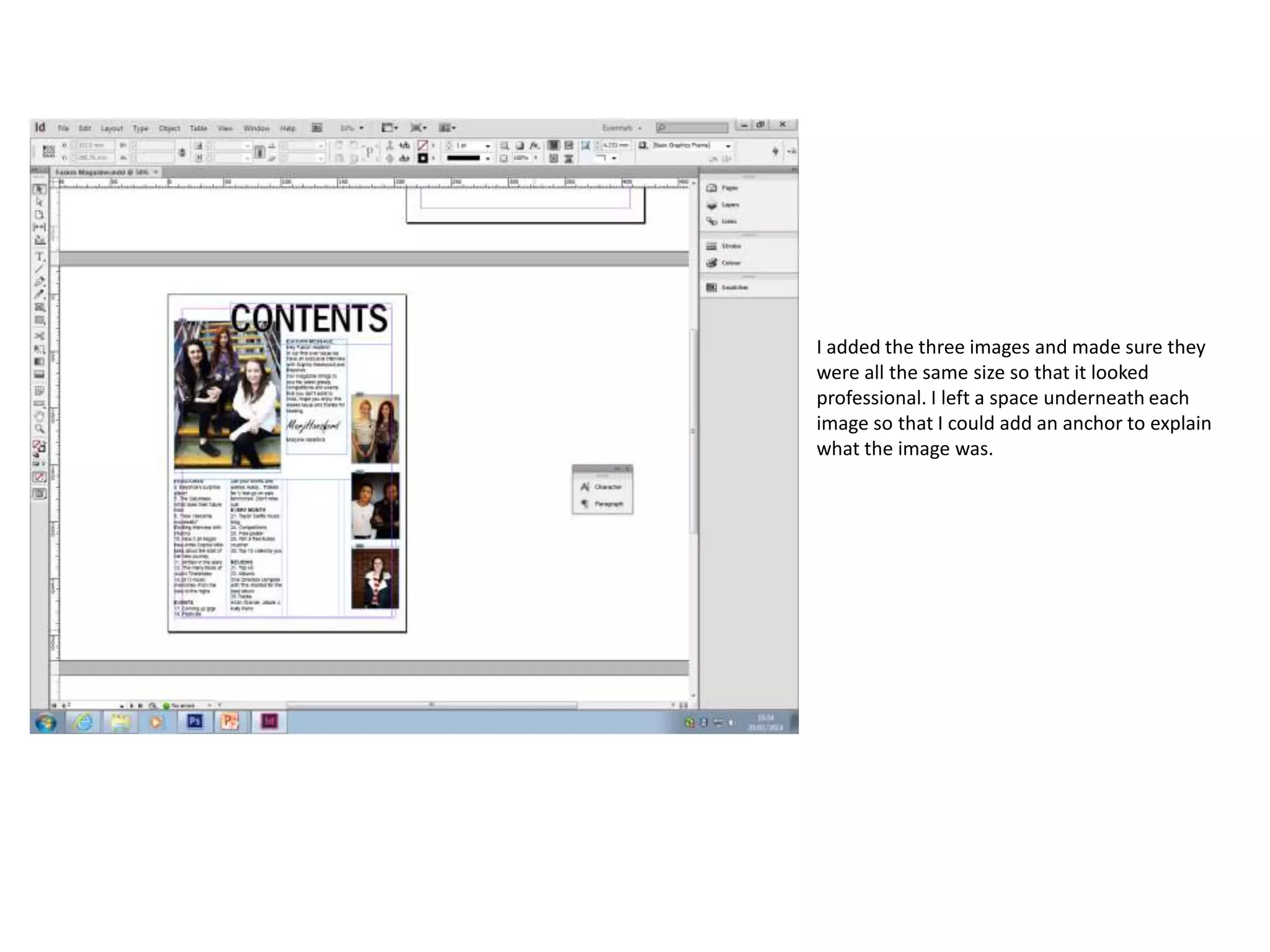
I added the three images and made sure they
were all the same size so that it looked
professional. I left a space underneath each
image so that I could add an anchor to explain
what the image was.
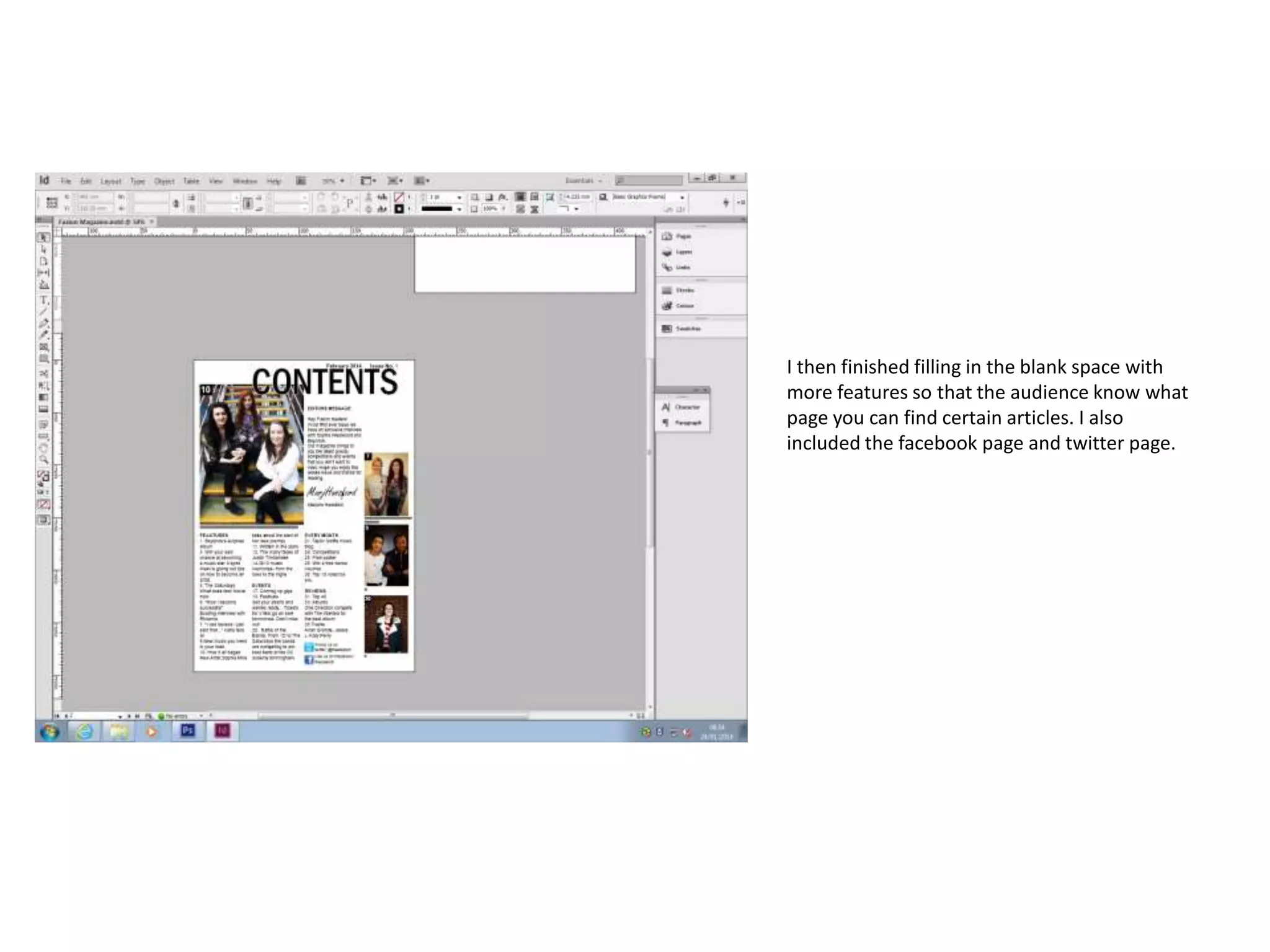
I then finished filling in the blank space with
more features so that the audience know what
page you can find certain articles. I also
included the facebook page and twitter page.
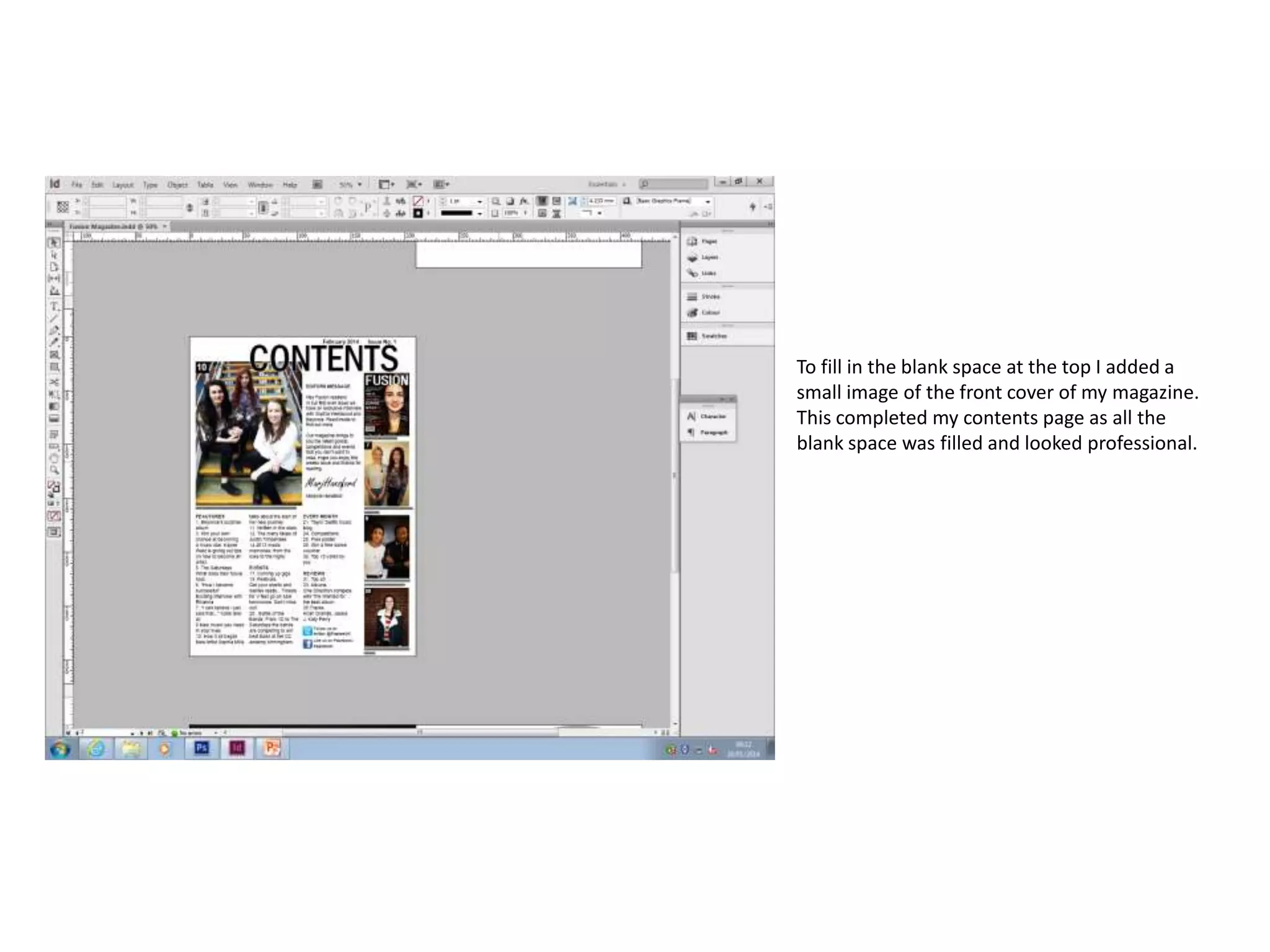
To fill in the blank space at the top I added a
small image of the front cover of my magazine.
This completed my contents page as all the
blank space was filled and looked professional.

Contents development

  • 1.
    I started mycontents page with the title. I used black text and the font was ‘Franklin Gothic Medium Cond’
  • 2.
    I then addeda text box and made three columns to follow the rule of thirds. I have organised the features under subject headings to make it easier for the audience to find what they are looking for.
  • 3.
    I added thisimage after editing it in Photoshop. I placed it in the top left hand corner however I had to add a white stroke on my title so that it stood out from the picture.
  • 4.
    I decided tochange the three columns to four after looking at my original drafts. This is because I wanted pictures going down the right hand side as well as being able to fit a editors message .
  • 5.
    After that Iadded another text box for my editors message. The text is also a size 12 as I wanted the page to be full of information.
  • 6.
    I added thethree images and made sure they were all the same size so that it looked professional. I left a space underneath each image so that I could add an anchor to explain what the image was.
  • 7.
    I then finishedfilling in the blank space with more features so that the audience know what page you can find certain articles. I also included the facebook page and twitter page.
  • 8.
    To fill inthe blank space at the top I added a small image of the front cover of my magazine. This completed my contents page as all the blank space was filled and looked professional.