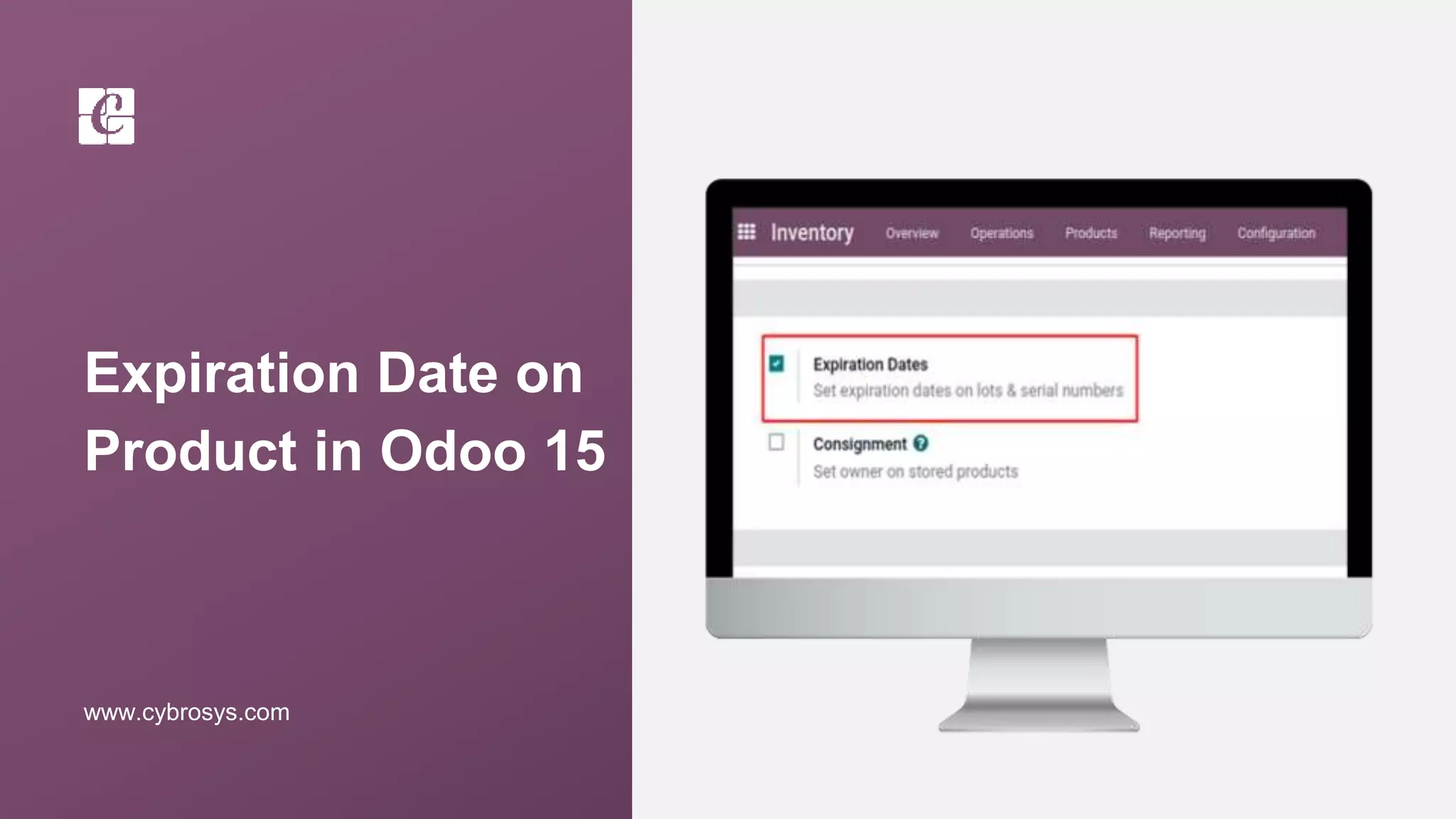
Expiration Date on
Product in Odoo 15
www.cybrosys.com
INTRODUCTION
❖ In many companies, products have expiration dates and they should be managed based on
those dates.
❖ for example, In the food industry, tracking and managing product stock based on expiration
dates is mandatory to avoid selling expired products to customers.
❖ With Odoo, you can track and manage your products based on their expiration dates, even
if they are already tracked by lots or serial numbers.
❖ Odoo provides features of expiry products management. You can easily track the products
based on their expiry date.
❖ You can sell the products with the least expiry first. In Odoo you can set an alert date by
which users can set alert dates for a specific tracked product in stock.
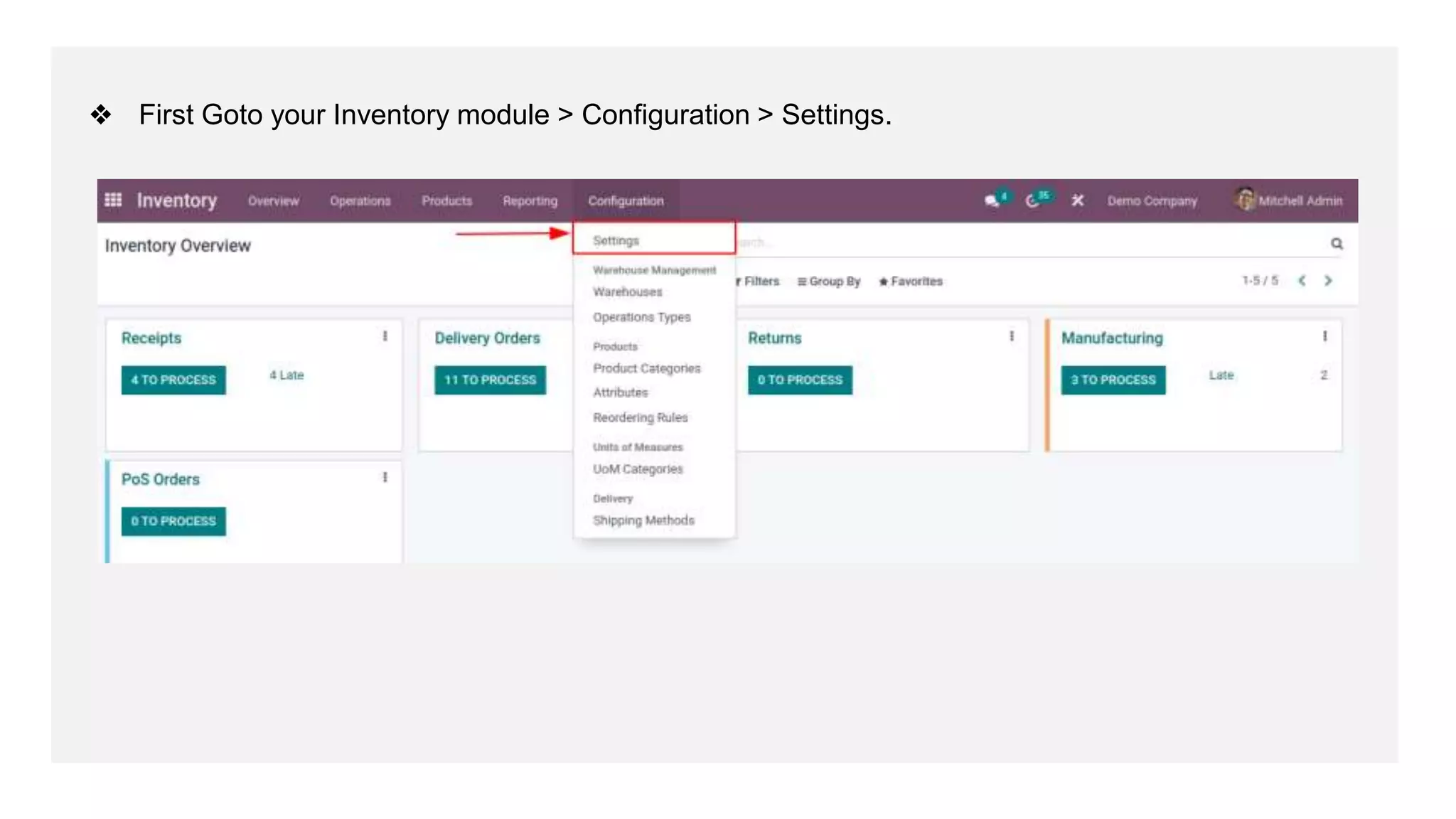
❖ First Goto your Inventory module > Configuration > Settings.
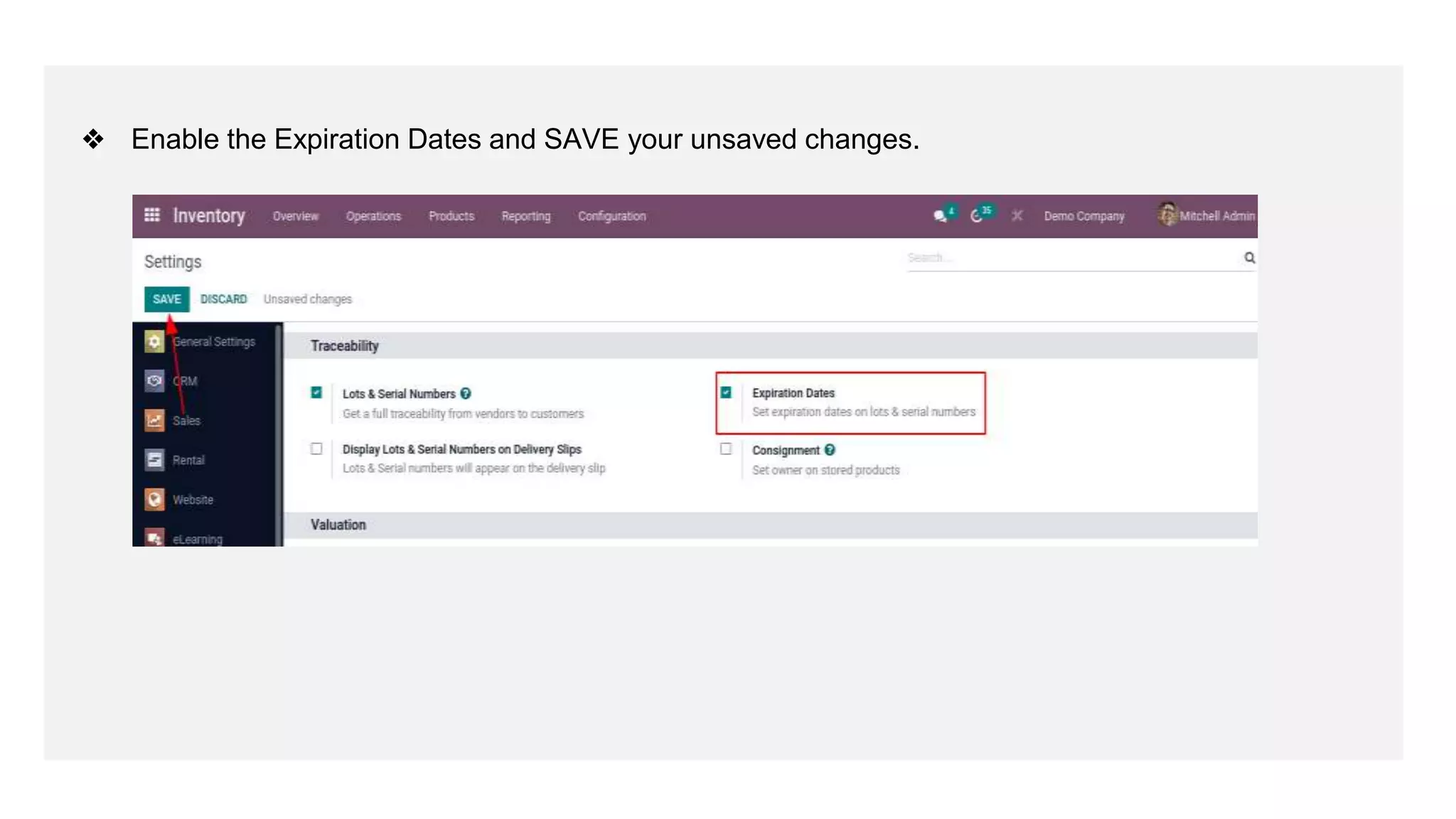
❖ Enable the Expiration Dates and SAVE your unsaved changes.
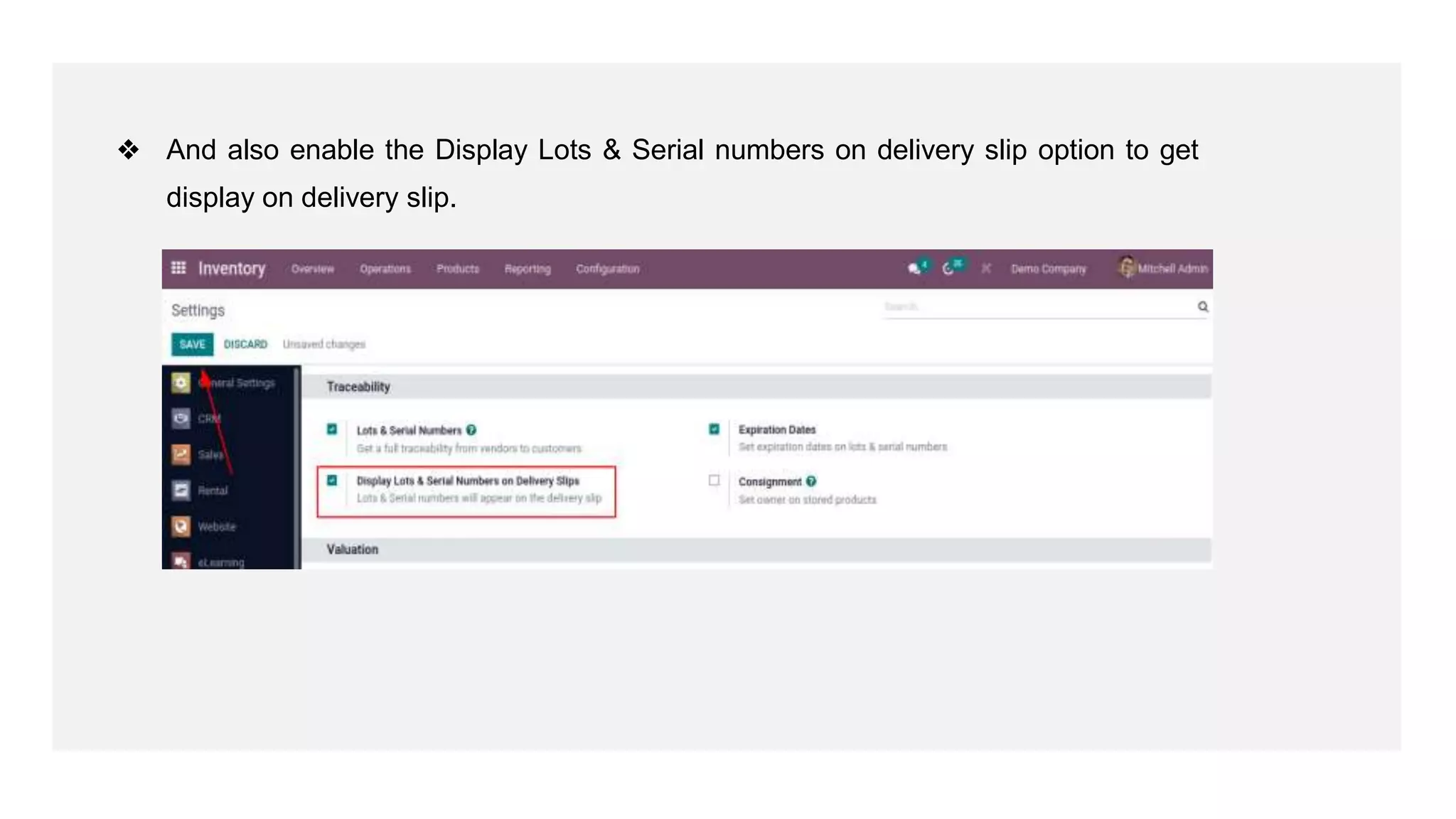
❖ And also enable the Display Lots & Serial numbers on delivery slip option to get
display on delivery slip.
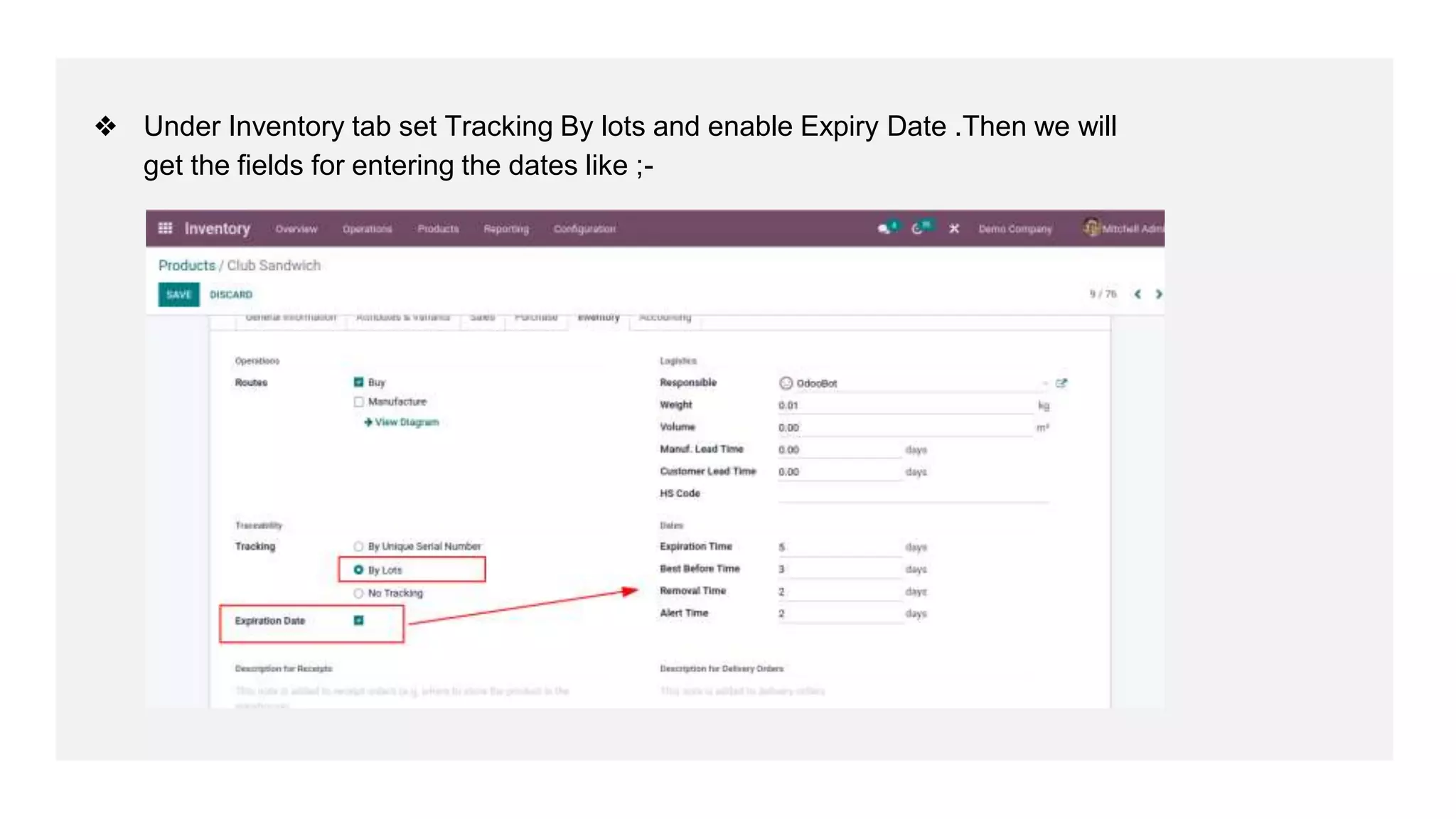
❖ Under Inventory tab set Tracking By lots and enable Expiry Date .Then we will
get the fields for entering the dates like ;-
❖ Product Life Time, Product Use Time, Product Removal Time, Product Alert Time.
● Product Life Time: When a new Serial Number is issued, this is the number of days
before the goods may become dangerous and must not be consumed.
● Product Use Time: When a new a Serial Number is issued, this is the number of days
before the goods start deteriorating, without being dangerous yet
● Product Removal Time: When a new a Serial Number is issued, this is the number of
days before the goods should be removed from the stock.
● Product Alert Time: When a new a Serial Number is issued, this is the number of days
before an alert should be notified.
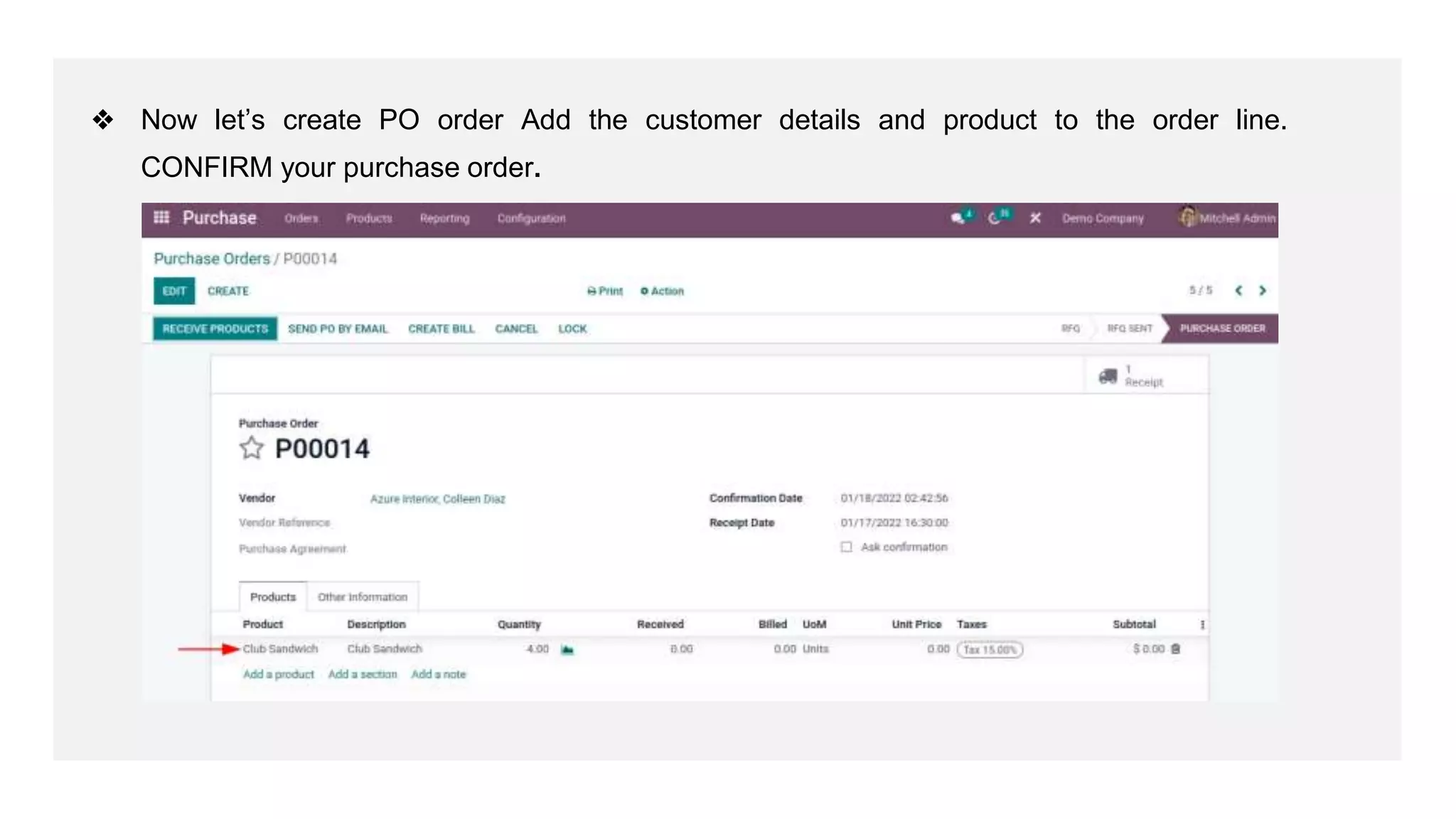
❖ Now let’s create PO order Add the customer details and product to the order line.
CONFIRM your purchase order.
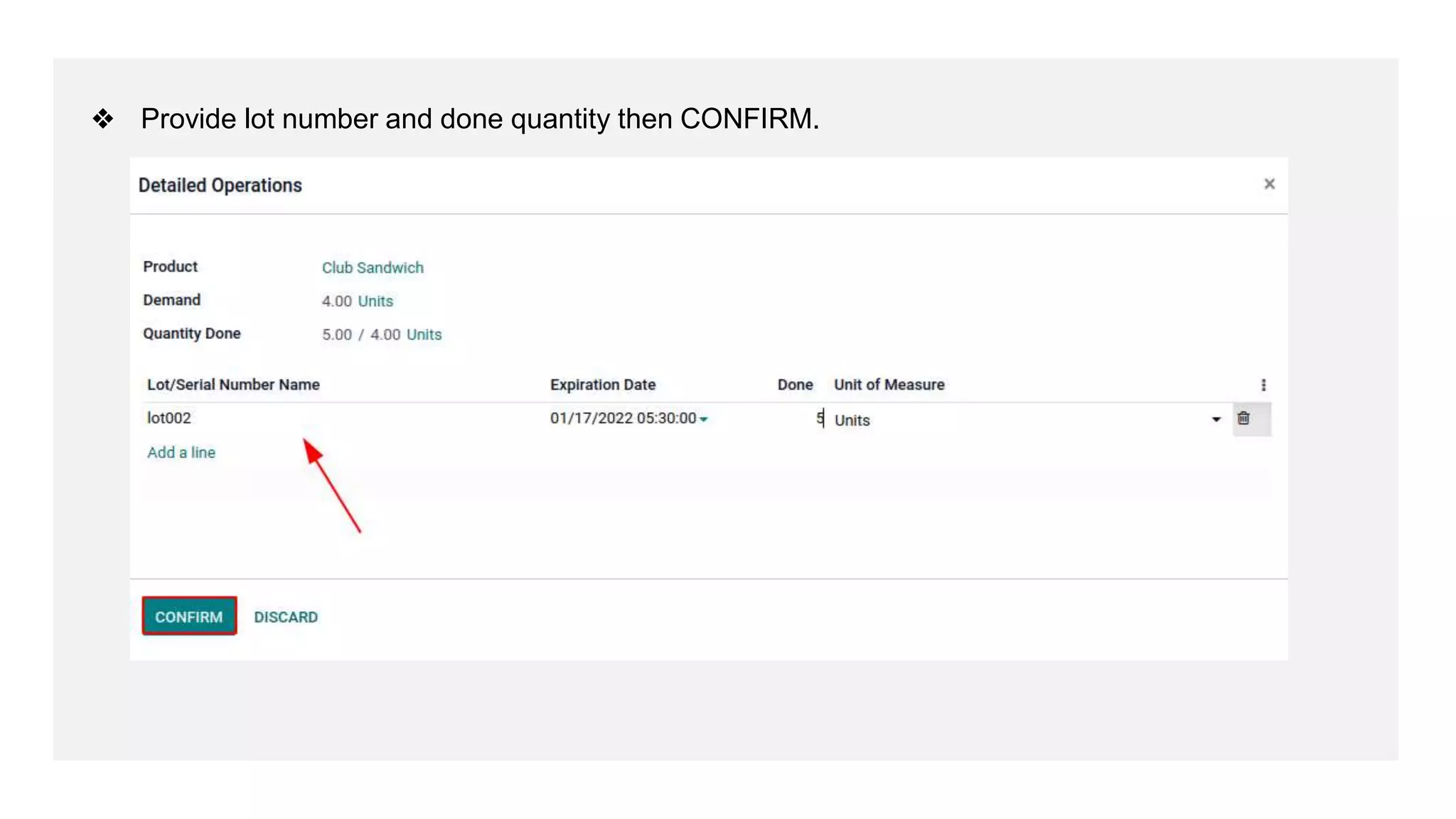
❖ Provide lot number and done quantity then CONFIRM.
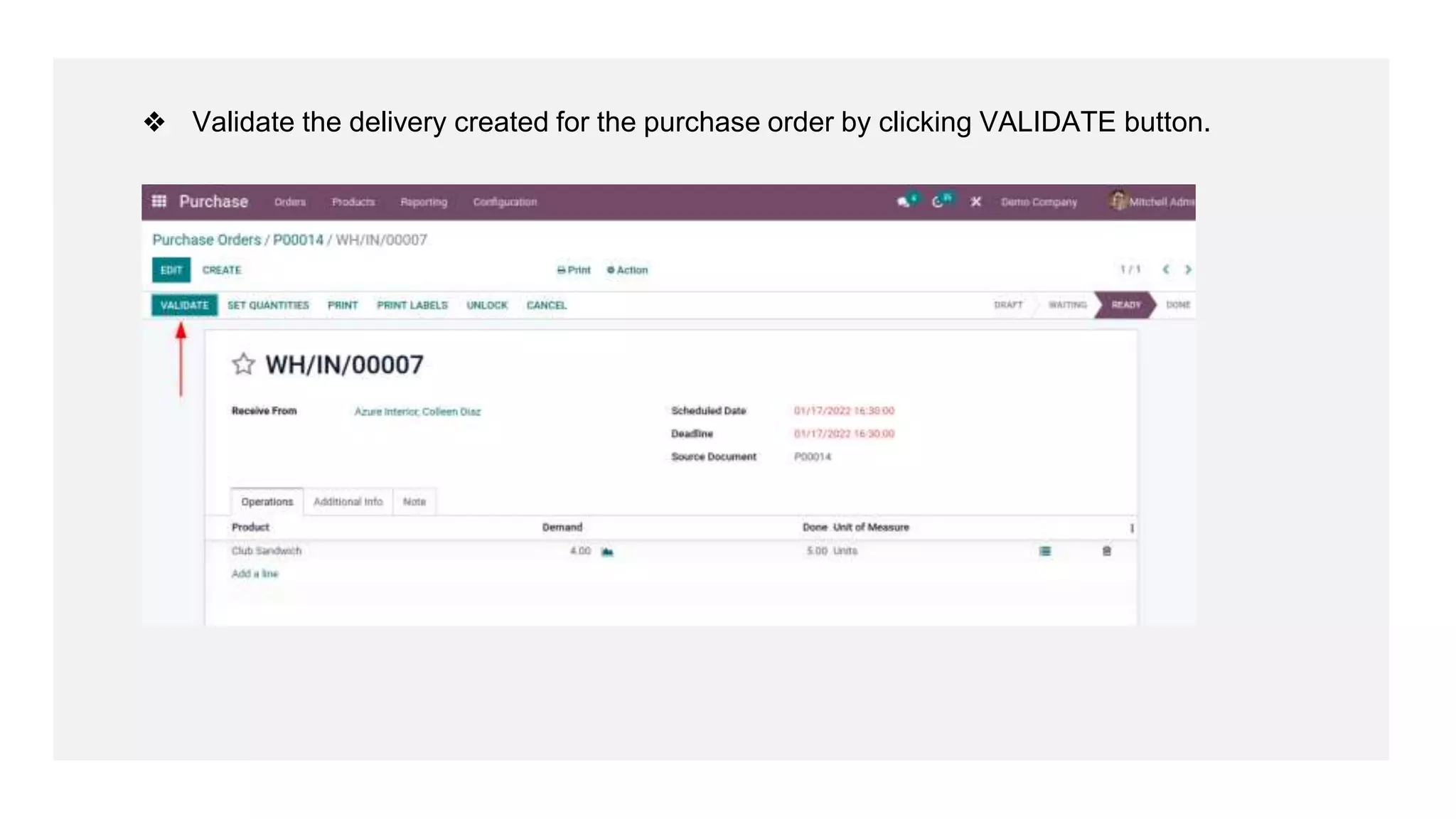
❖ Validate the delivery created for the purchase order by clicking VALIDATE button.
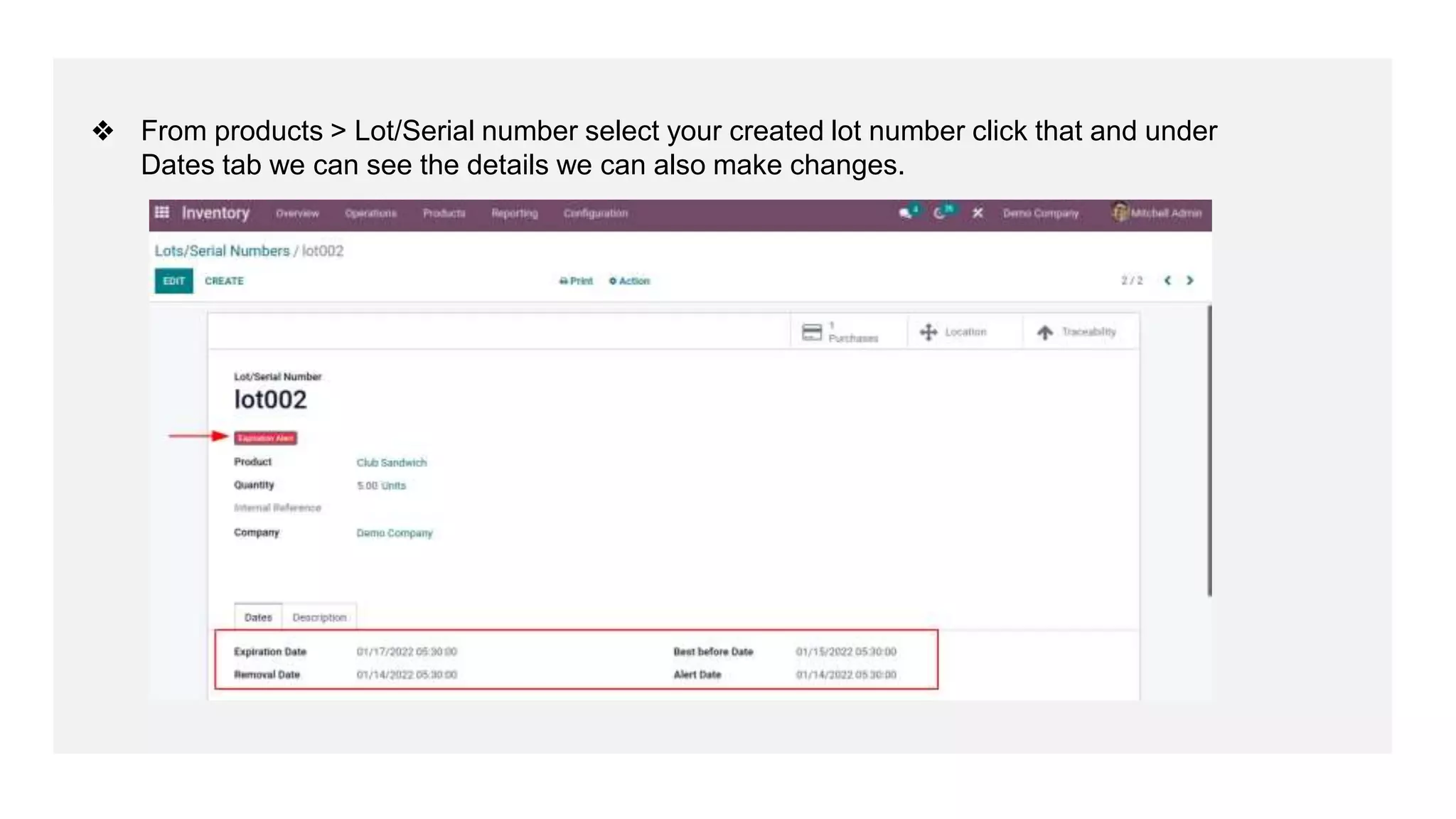
❖ From products > Lot/Serial number select your created lot number click that and under
Dates tab we can see the details we can also make changes.
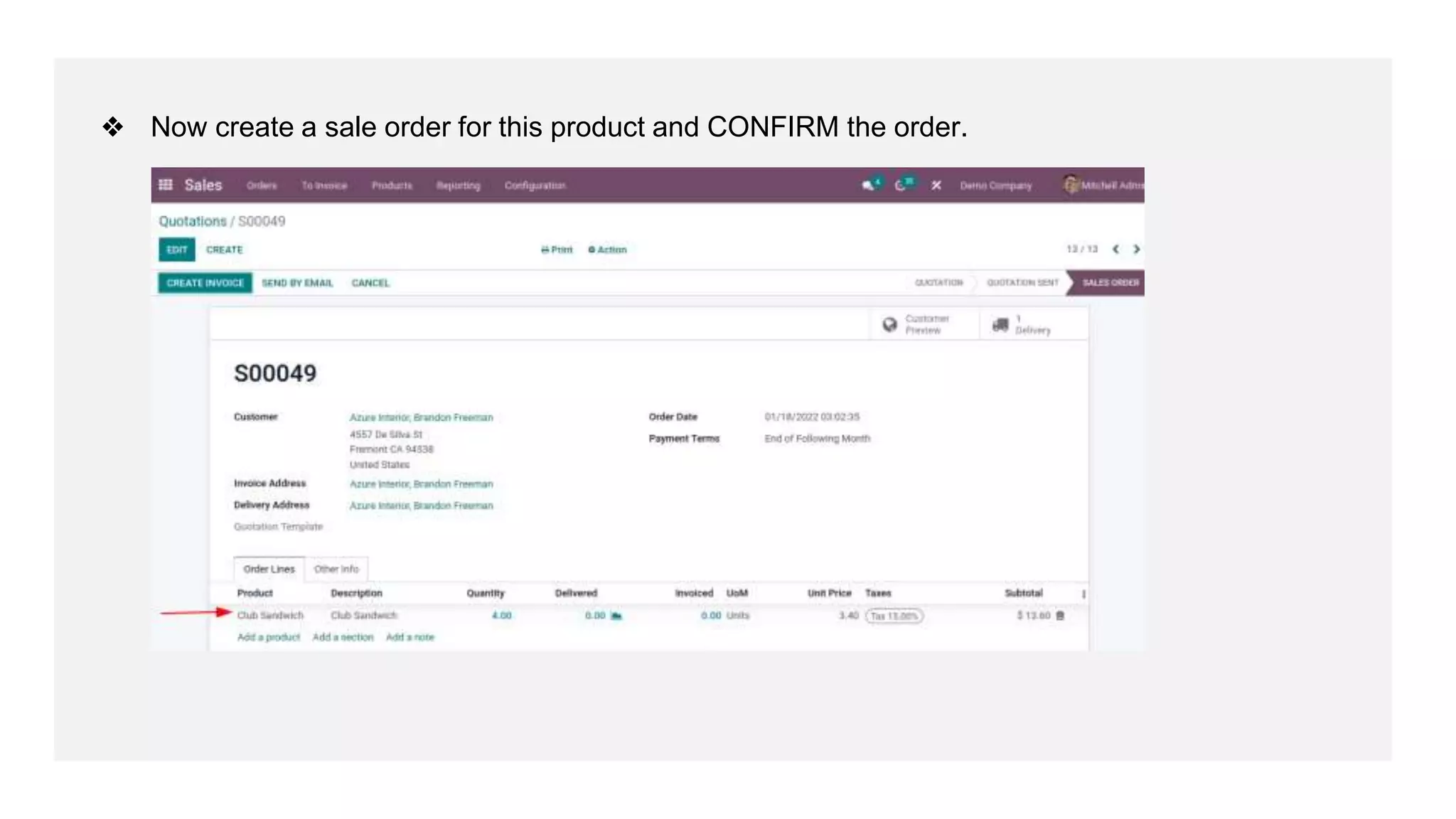
❖ Now create a sale order for this product and CONFIRM the order.
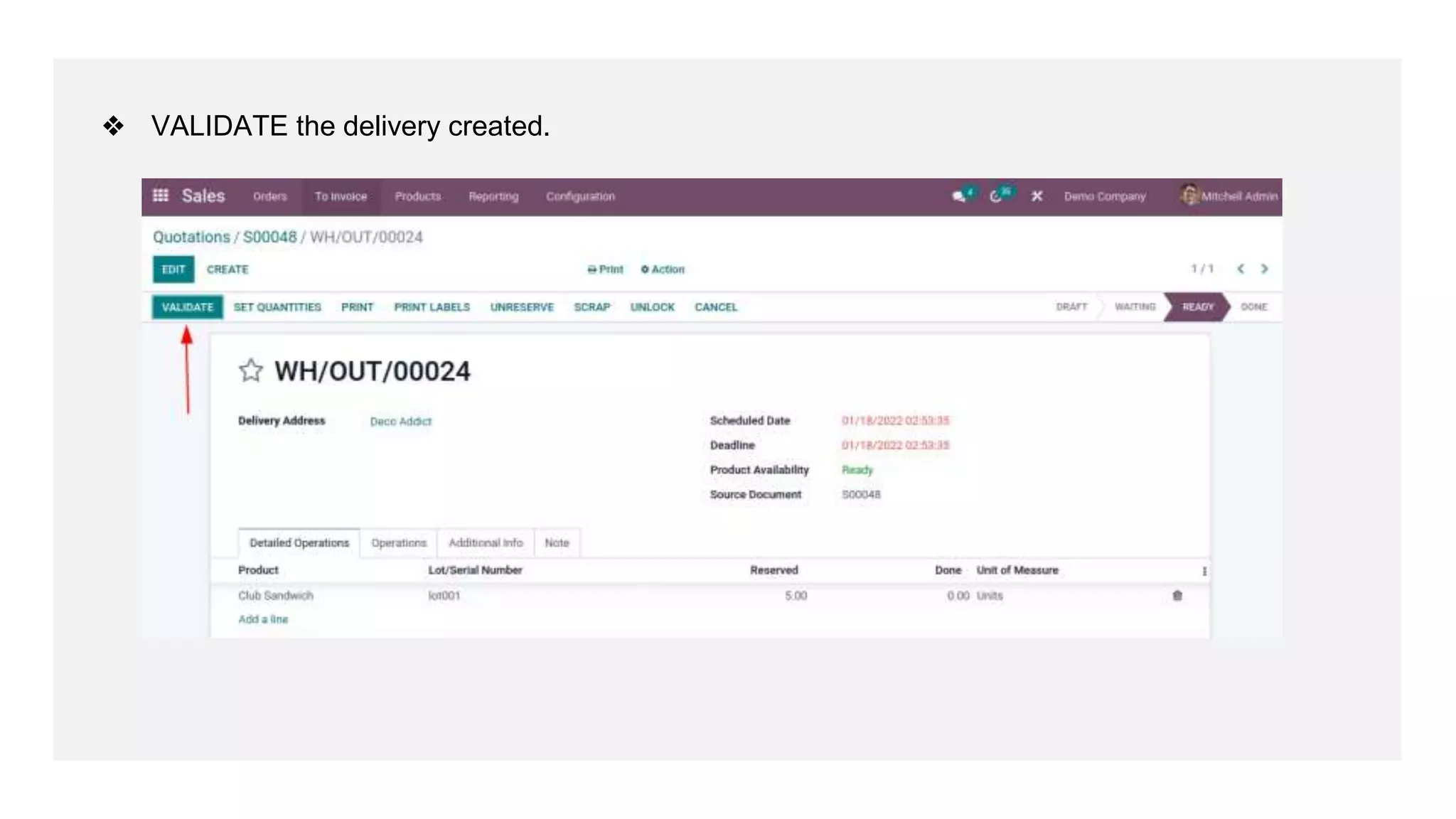
❖ VALIDATE the delivery created.
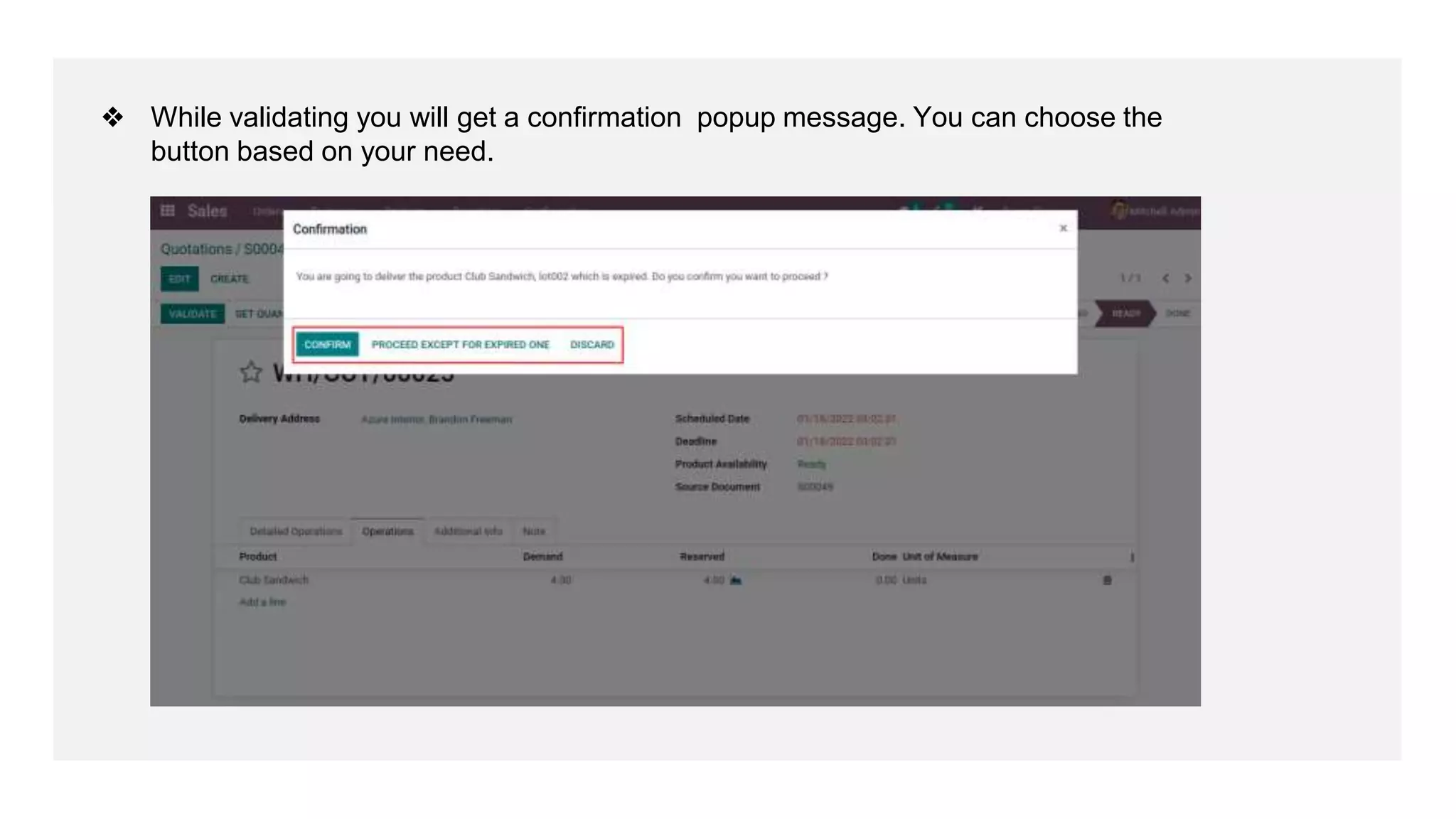
❖ While validating you will get a confirmation popup message. You can choose the
button based on your need.
For More
Details
Check our company website for related blogs and Odoo book.
Inventory - Odoo 15 Community Book
Check our YouTube channel for functional and technical
videos in Odoo.
How to Configure Expiration Date on Product in Odoo 15
Thank You

Configure Expiration Date on Product in Odoo 15

  • 1.
    Expiration Date on Productin Odoo 15 www.cybrosys.com
  • 2.
    INTRODUCTION ❖ In manycompanies, products have expiration dates and they should be managed based on those dates. ❖ for example, In the food industry, tracking and managing product stock based on expiration dates is mandatory to avoid selling expired products to customers. ❖ With Odoo, you can track and manage your products based on their expiration dates, even if they are already tracked by lots or serial numbers. ❖ Odoo provides features of expiry products management. You can easily track the products based on their expiry date. ❖ You can sell the products with the least expiry first. In Odoo you can set an alert date by which users can set alert dates for a specific tracked product in stock.
  • 3.
    ❖ First Gotoyour Inventory module > Configuration > Settings.
  • 4.
    ❖ Enable theExpiration Dates and SAVE your unsaved changes.
  • 5.
    ❖ And alsoenable the Display Lots & Serial numbers on delivery slip option to get display on delivery slip.
  • 6.
    ❖ Under Inventorytab set Tracking By lots and enable Expiry Date .Then we will get the fields for entering the dates like ;-
  • 7.
    ❖ Product LifeTime, Product Use Time, Product Removal Time, Product Alert Time. ● Product Life Time: When a new Serial Number is issued, this is the number of days before the goods may become dangerous and must not be consumed. ● Product Use Time: When a new a Serial Number is issued, this is the number of days before the goods start deteriorating, without being dangerous yet ● Product Removal Time: When a new a Serial Number is issued, this is the number of days before the goods should be removed from the stock. ● Product Alert Time: When a new a Serial Number is issued, this is the number of days before an alert should be notified.
  • 8.
    ❖ Now let’screate PO order Add the customer details and product to the order line. CONFIRM your purchase order.
  • 9.
    ❖ Provide lotnumber and done quantity then CONFIRM.
  • 10.
    ❖ Validate thedelivery created for the purchase order by clicking VALIDATE button.
  • 11.
    ❖ From products> Lot/Serial number select your created lot number click that and under Dates tab we can see the details we can also make changes.
  • 12.
    ❖ Now createa sale order for this product and CONFIRM the order.
  • 13.
    ❖ VALIDATE thedelivery created.
  • 14.
    ❖ While validatingyou will get a confirmation popup message. You can choose the button based on your need.
  • 15.
    For More Details Check ourcompany website for related blogs and Odoo book. Inventory - Odoo 15 Community Book Check our YouTube channel for functional and technical videos in Odoo. How to Configure Expiration Date on Product in Odoo 15
  • 17.