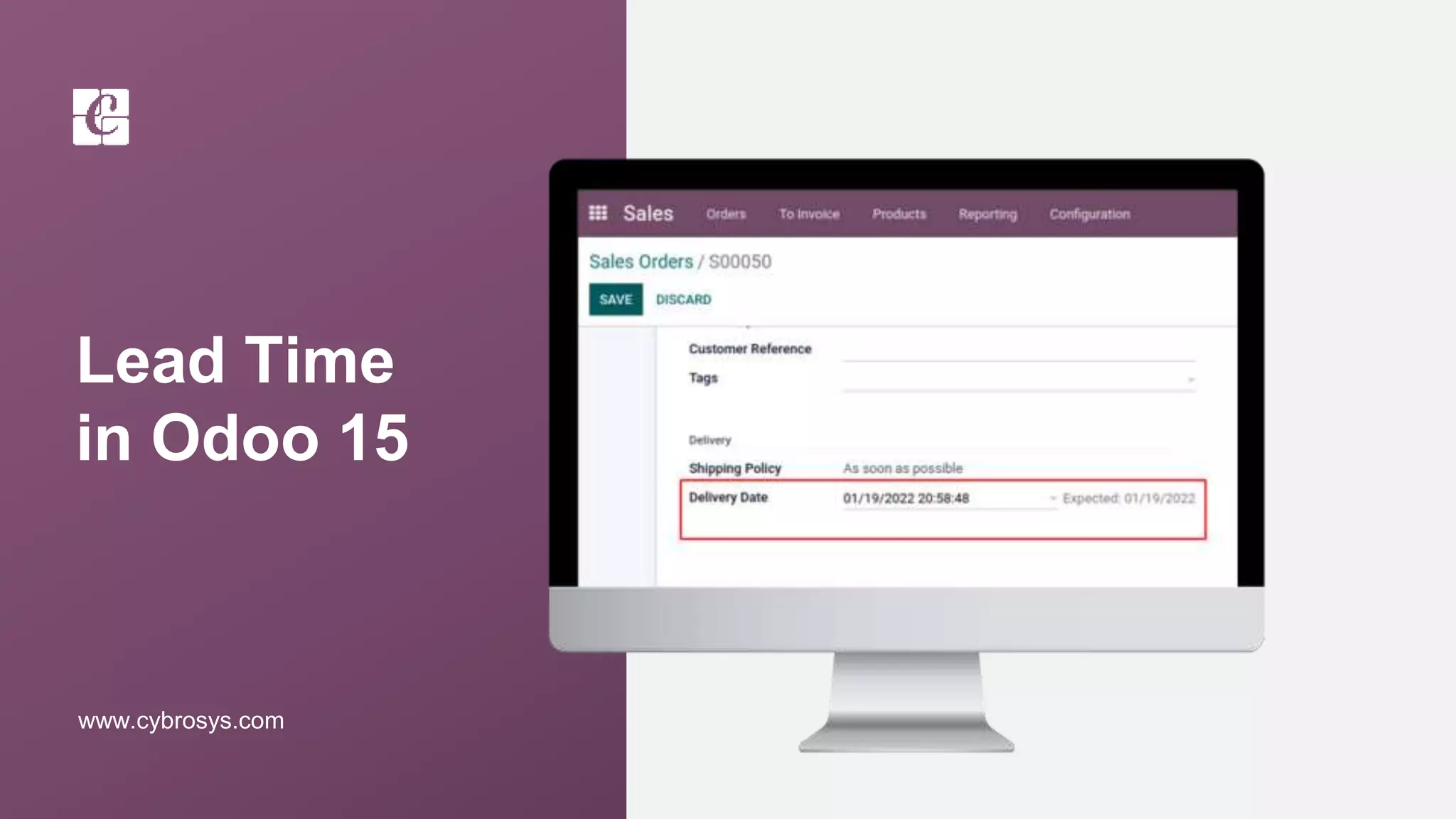
Lead Time
in Odoo 15
www.cybrosys.com
INTRODUCTION
❖ Lead times are nothing but the time expected to receive, deliver, or manufacture products.
❖ One can configure the lead time for purchase, sales, and manufacture.
❖ The vendor lead time is the time demanded by the vendor to deliver a product.
❖ On the other hand, customer lead time denotes the time needed for delivering products to
customers and the manufacturing lead time- the time you needed to manufacture a
product.
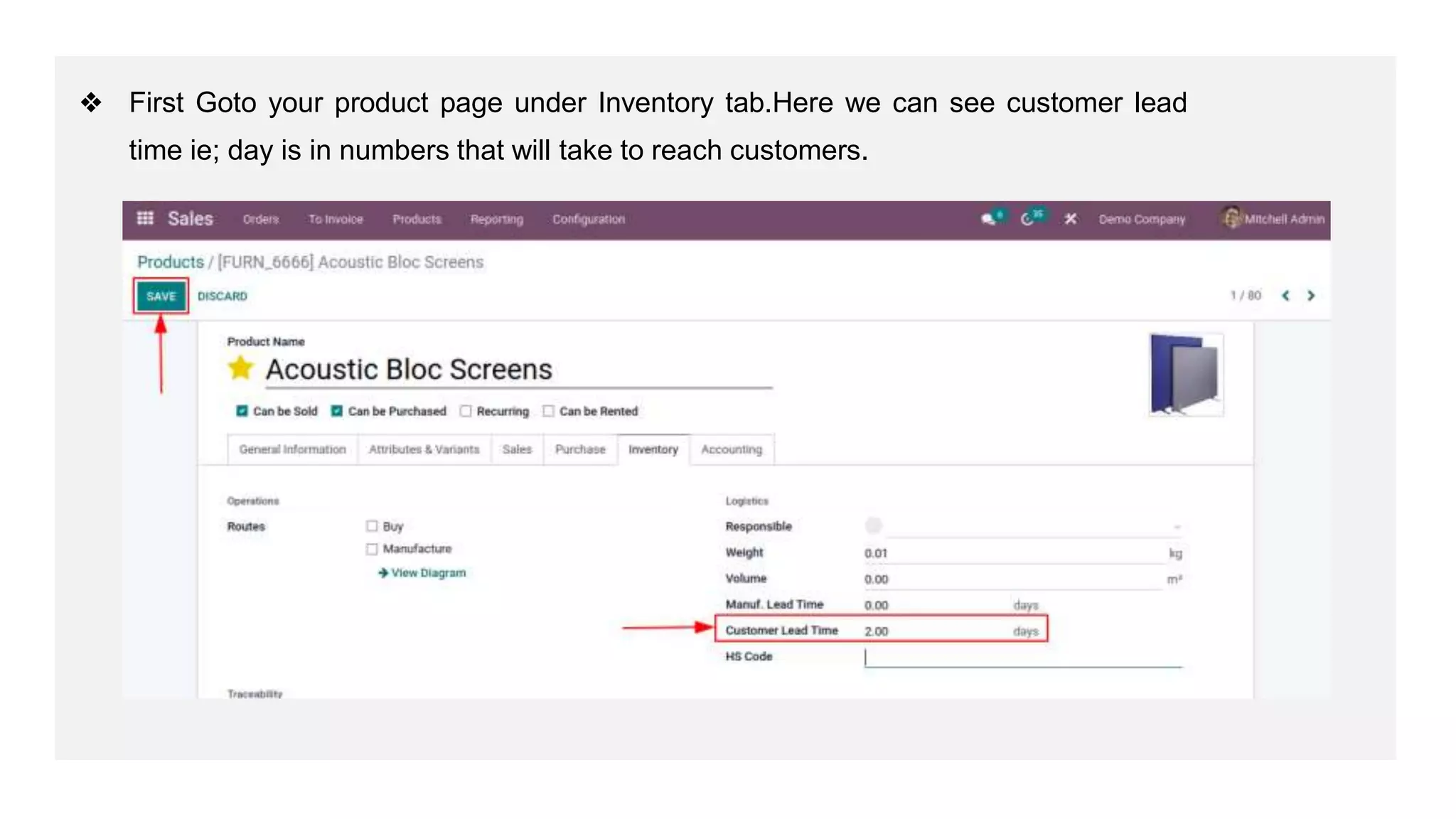
❖ First Goto your product page under Inventory tab.Here we can see customer lead
time ie; day is in numbers that will take to reach customers.
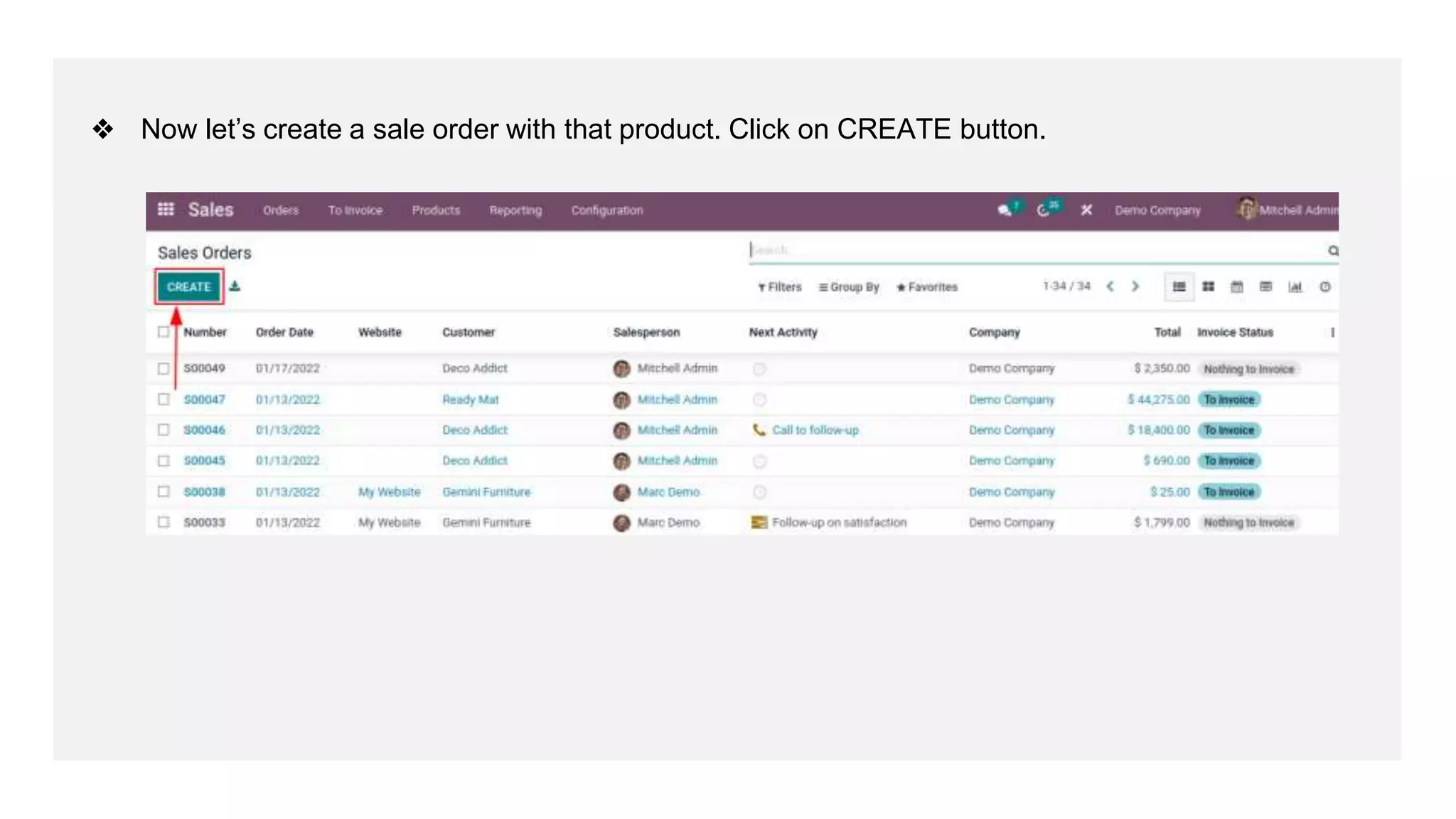
❖ Now let’s create a sale order with that product. Click on CREATE button.
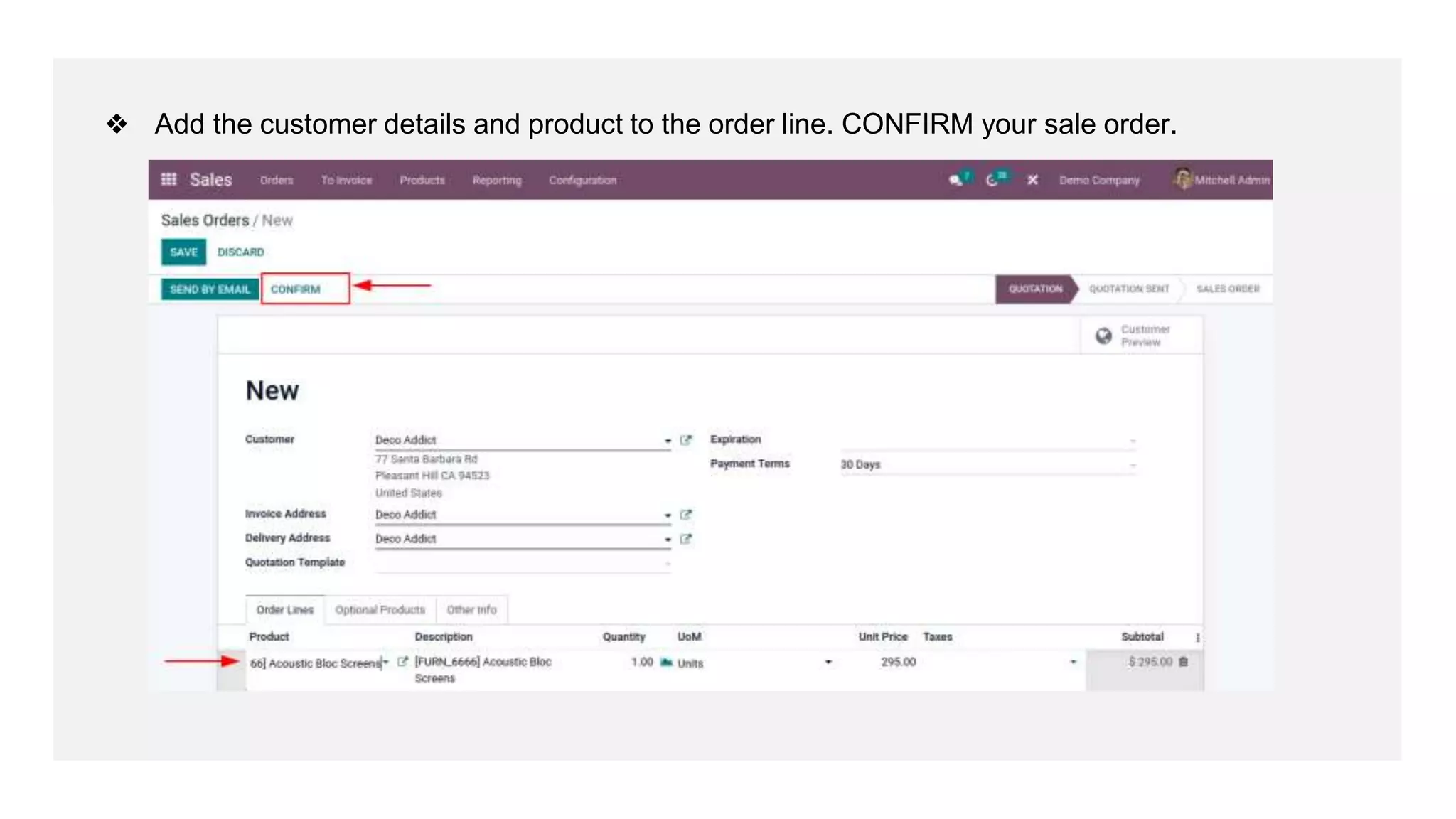
❖ Add the customer details and product to the order line. CONFIRM your sale order.
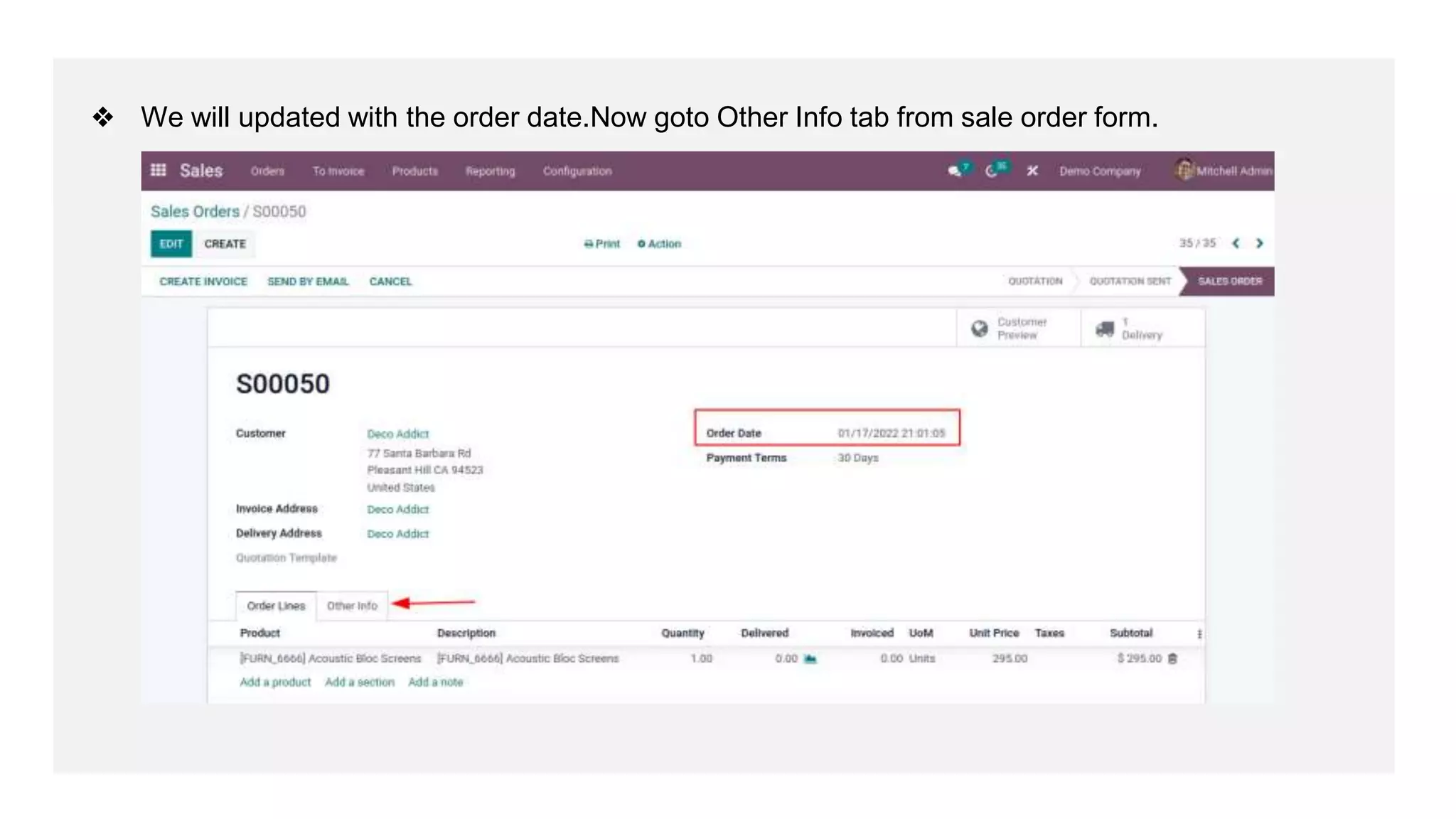
❖ We will updated with the order date.Now goto Other Info tab from sale order form.
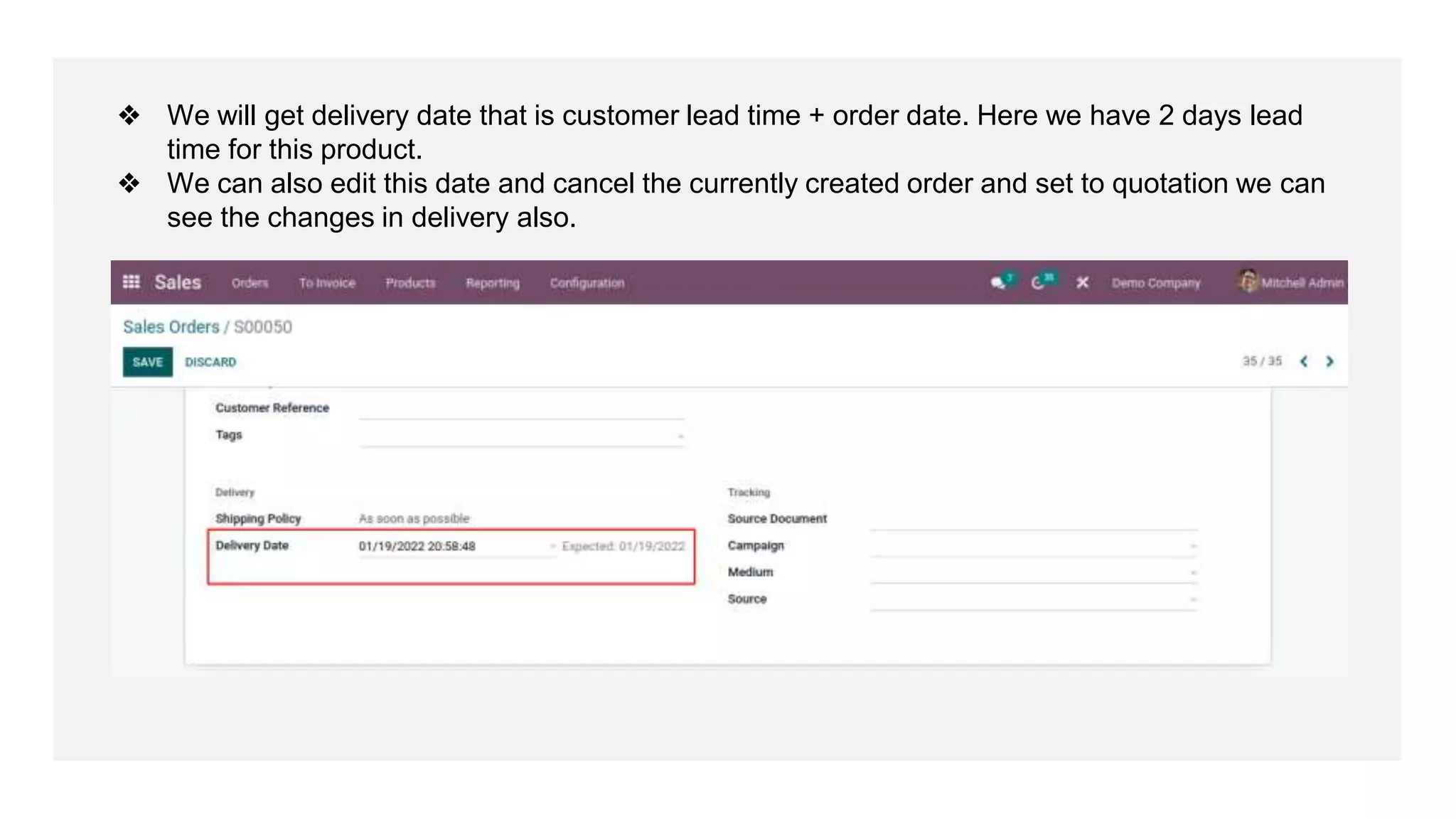
❖ We will get delivery date that is customer lead time + order date. Here we have 2 days lead
time for this product.
❖ We can also edit this date and cancel the currently created order and set to quotation we can
see the changes in delivery also.
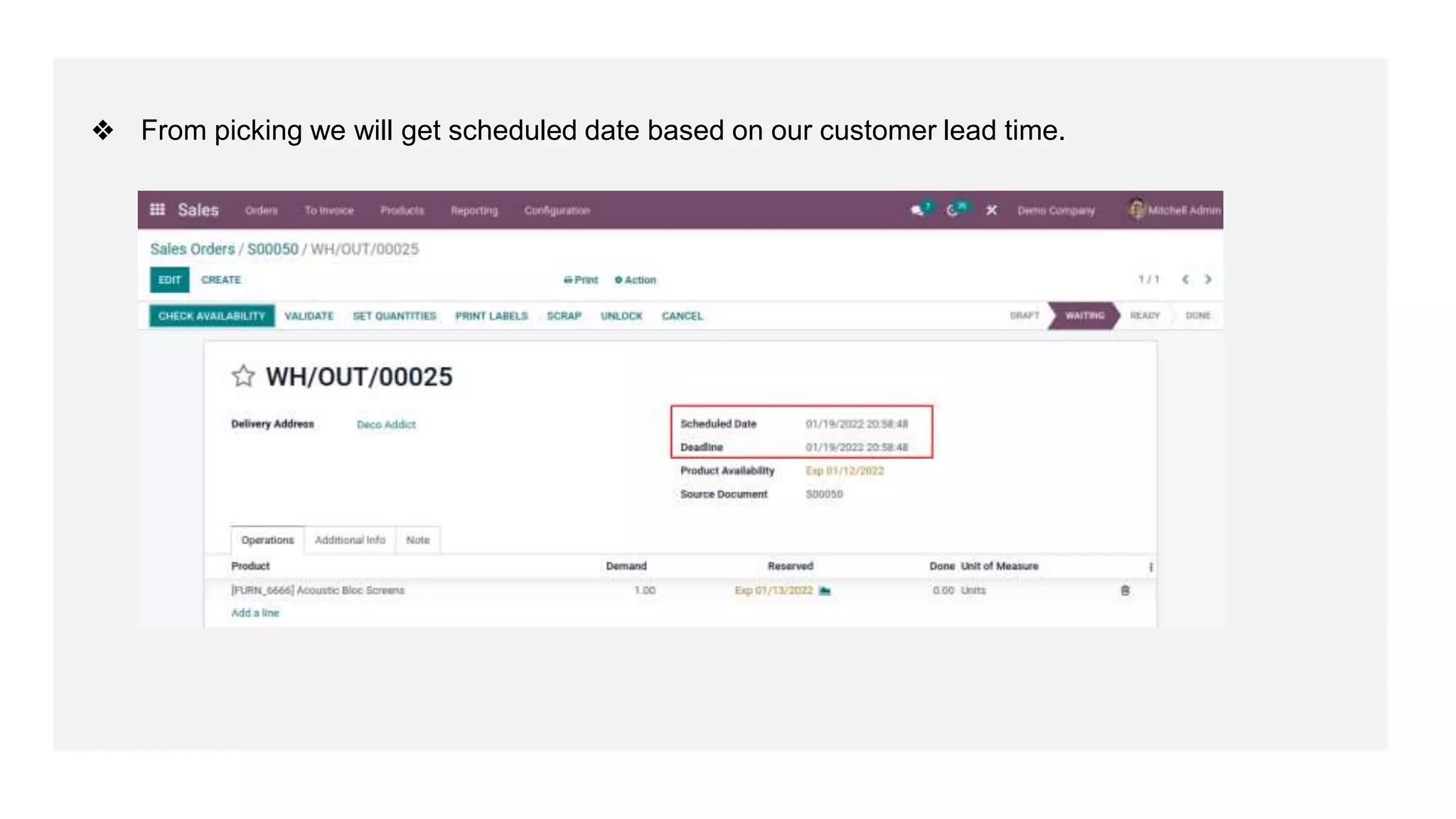
❖ From picking we will get scheduled date based on our customer lead time.
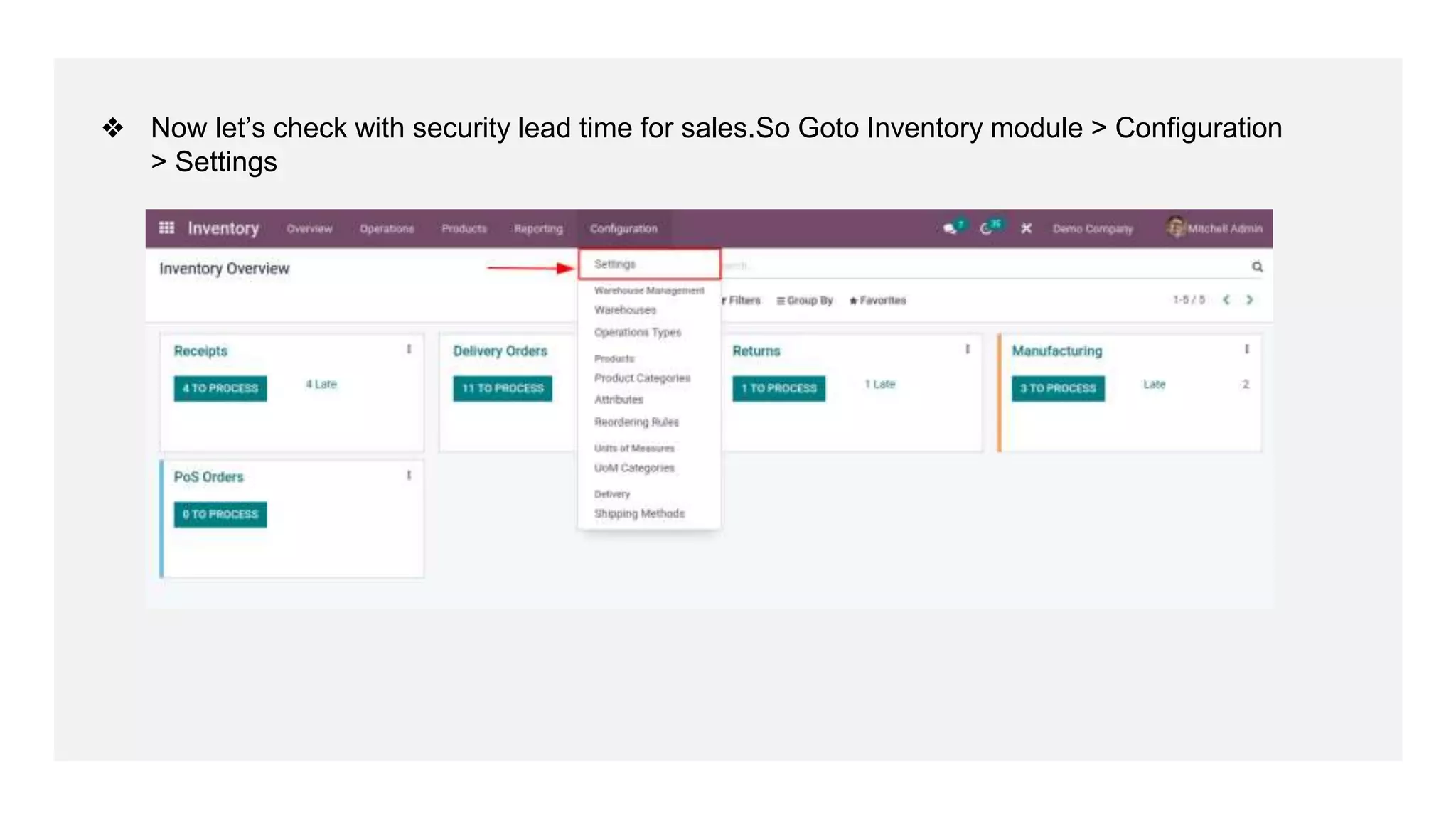
❖ Now let’s check with security lead time for sales.So Goto Inventory module > Configuration
> Settings
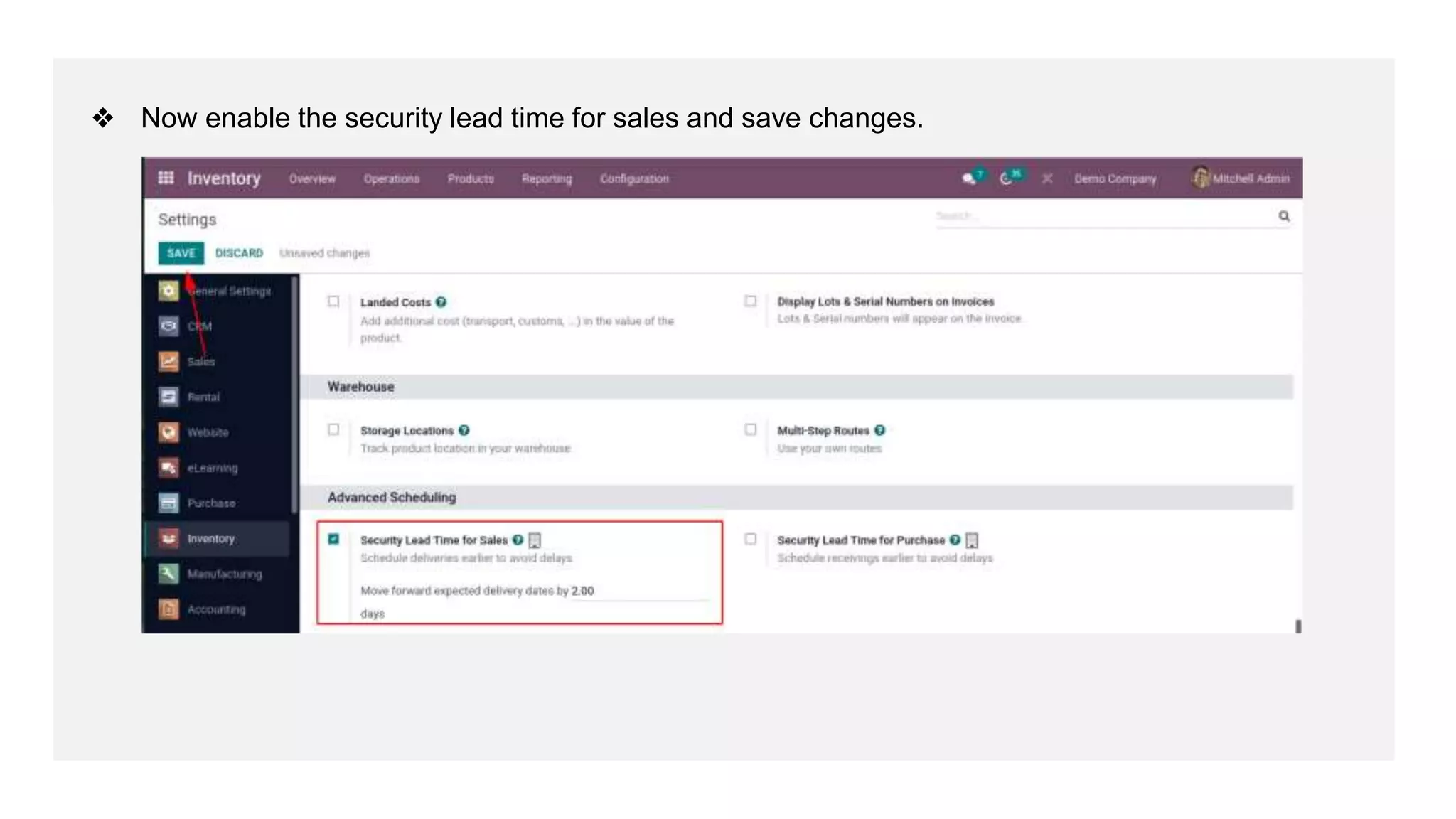
❖ Now enable the security lead time for sales and save changes.
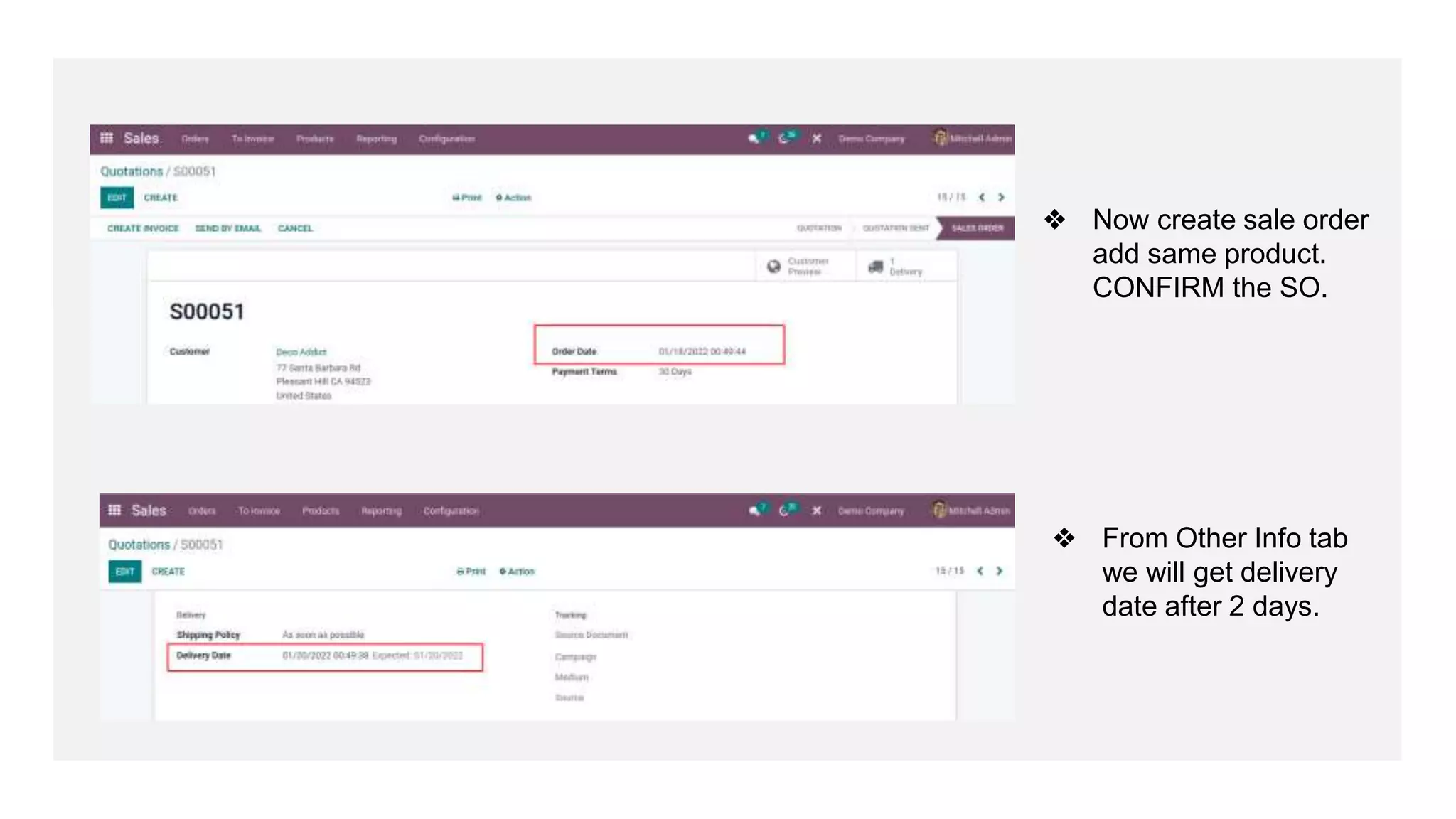
❖ Now create sale order
add same product.
CONFIRM the SO.
❖ From Other Info tab
we will get delivery
date after 2 days.
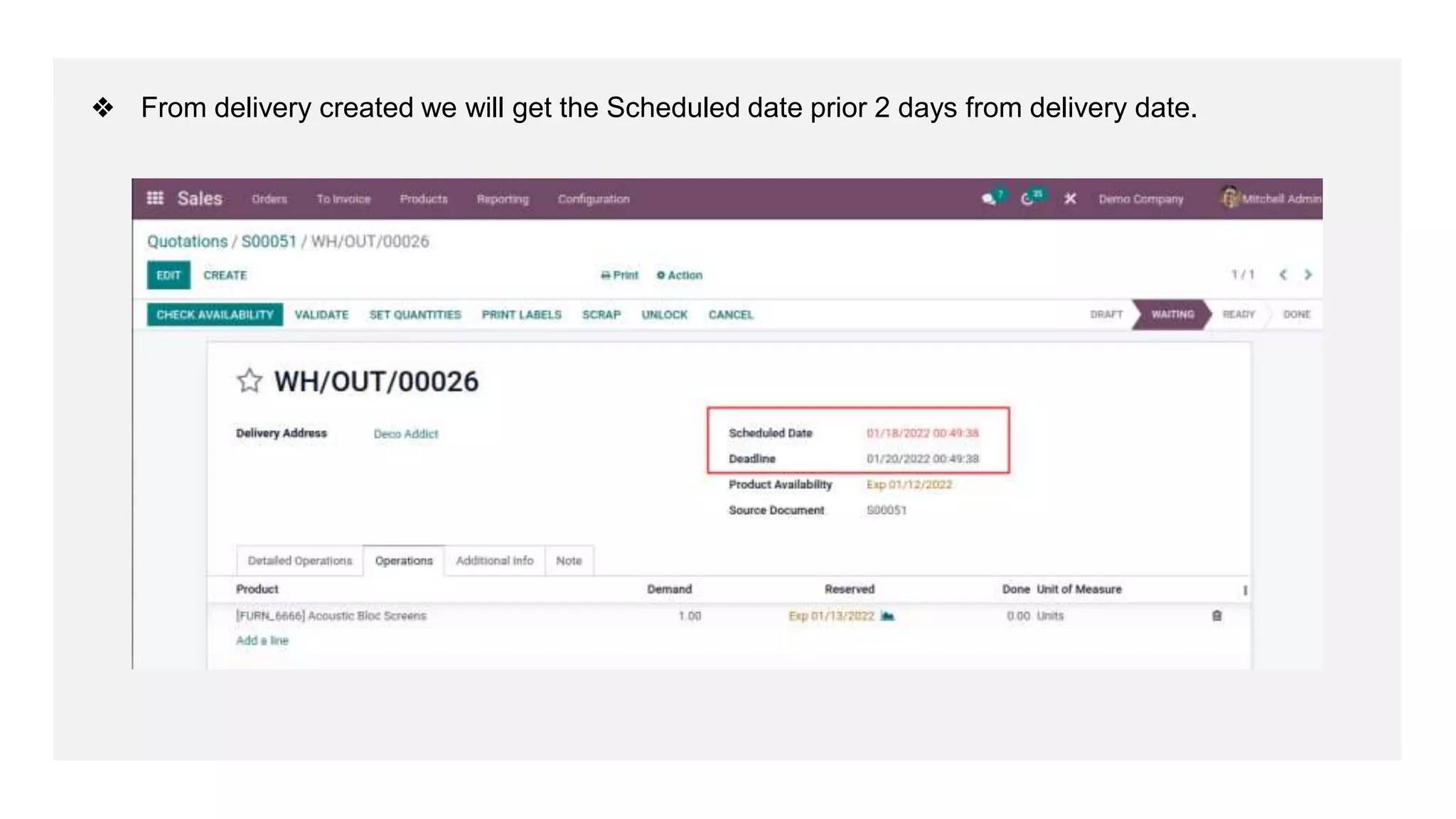
❖ From delivery created we will get the Scheduled date prior 2 days from delivery date.
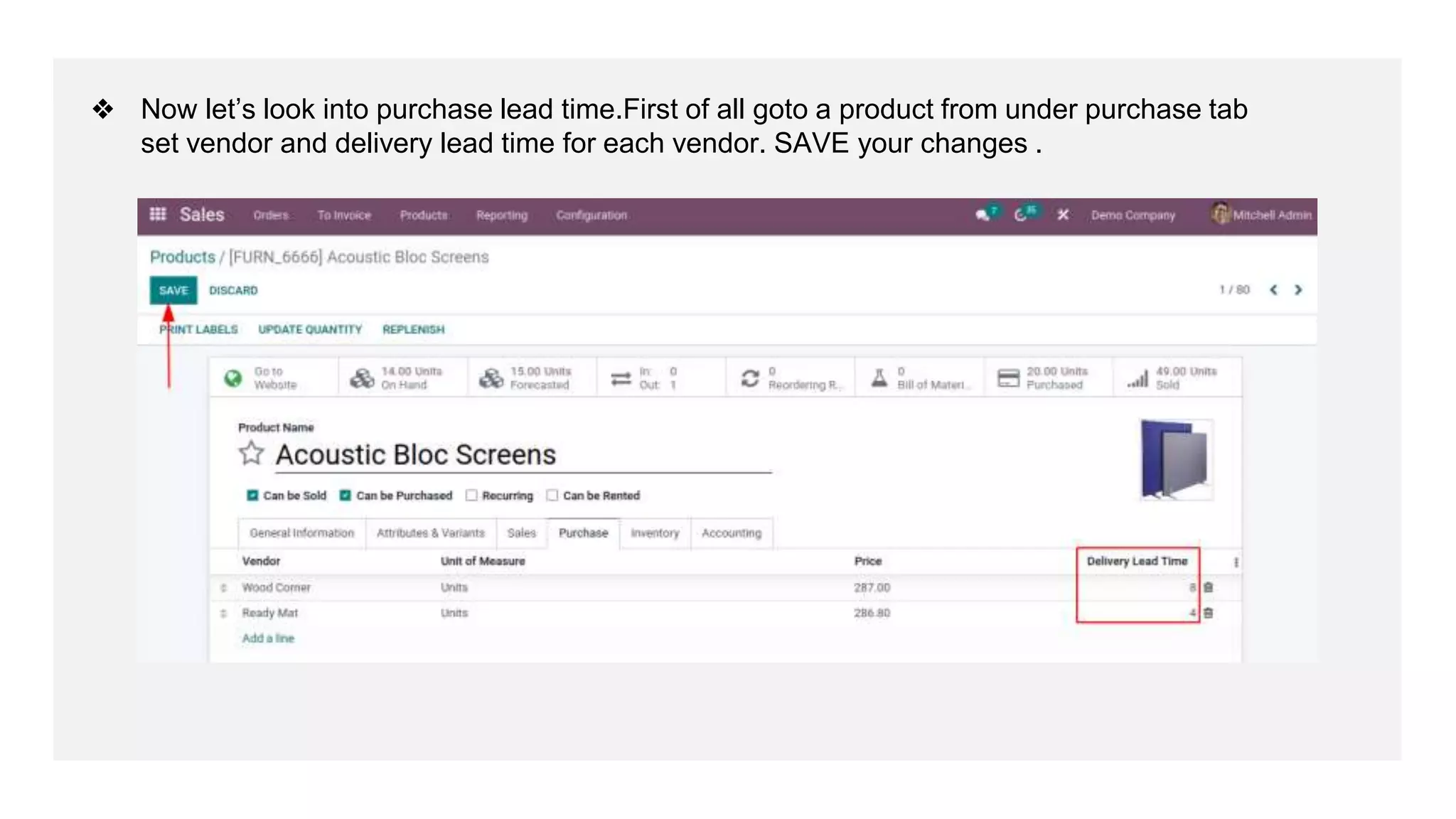
❖ Now let’s look into purchase lead time.First of all goto a product from under purchase tab
set vendor and delivery lead time for each vendor. SAVE your changes .
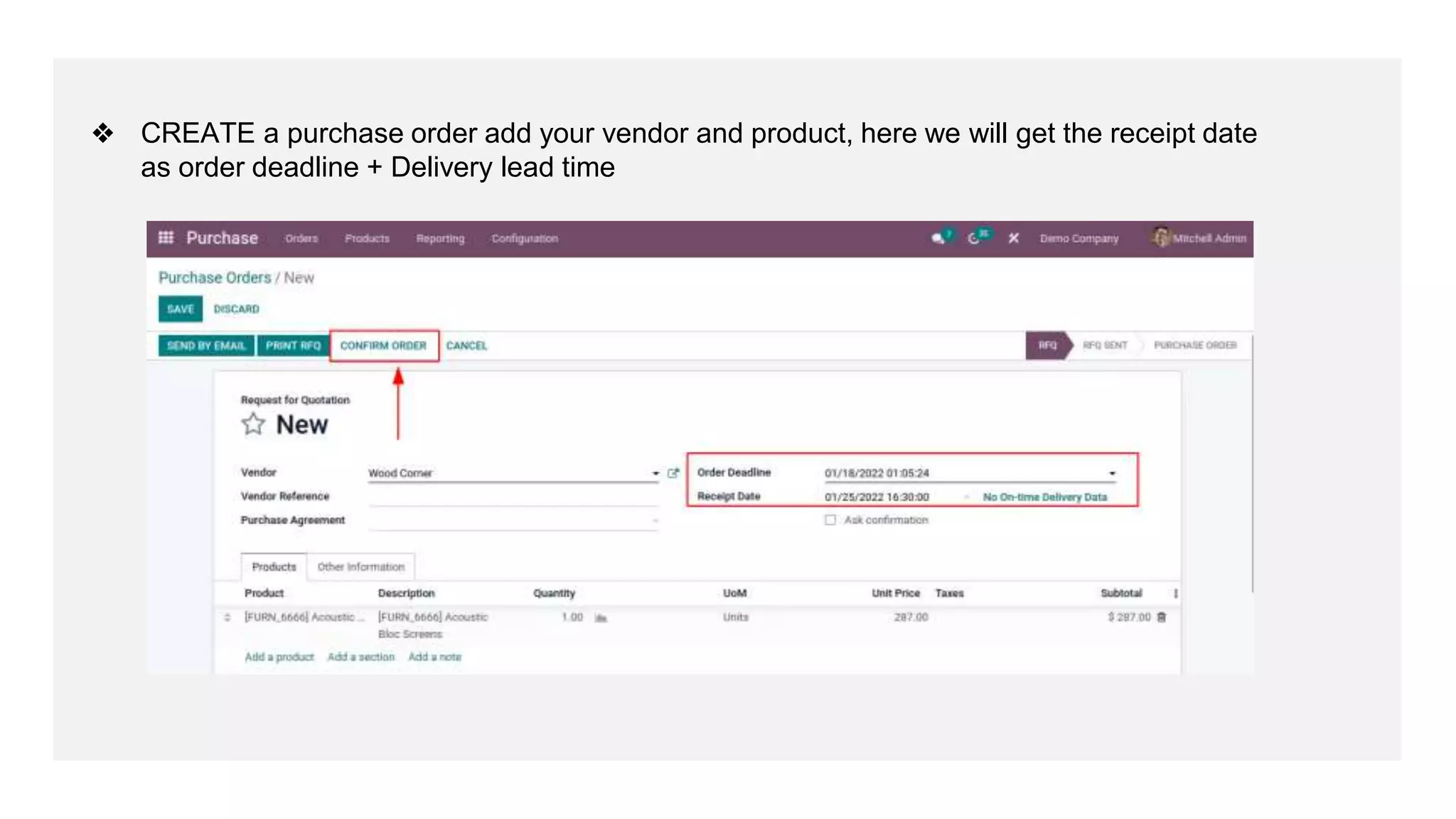
❖ CREATE a purchase order add your vendor and product, here we will get the receipt date
as order deadline + Delivery lead time
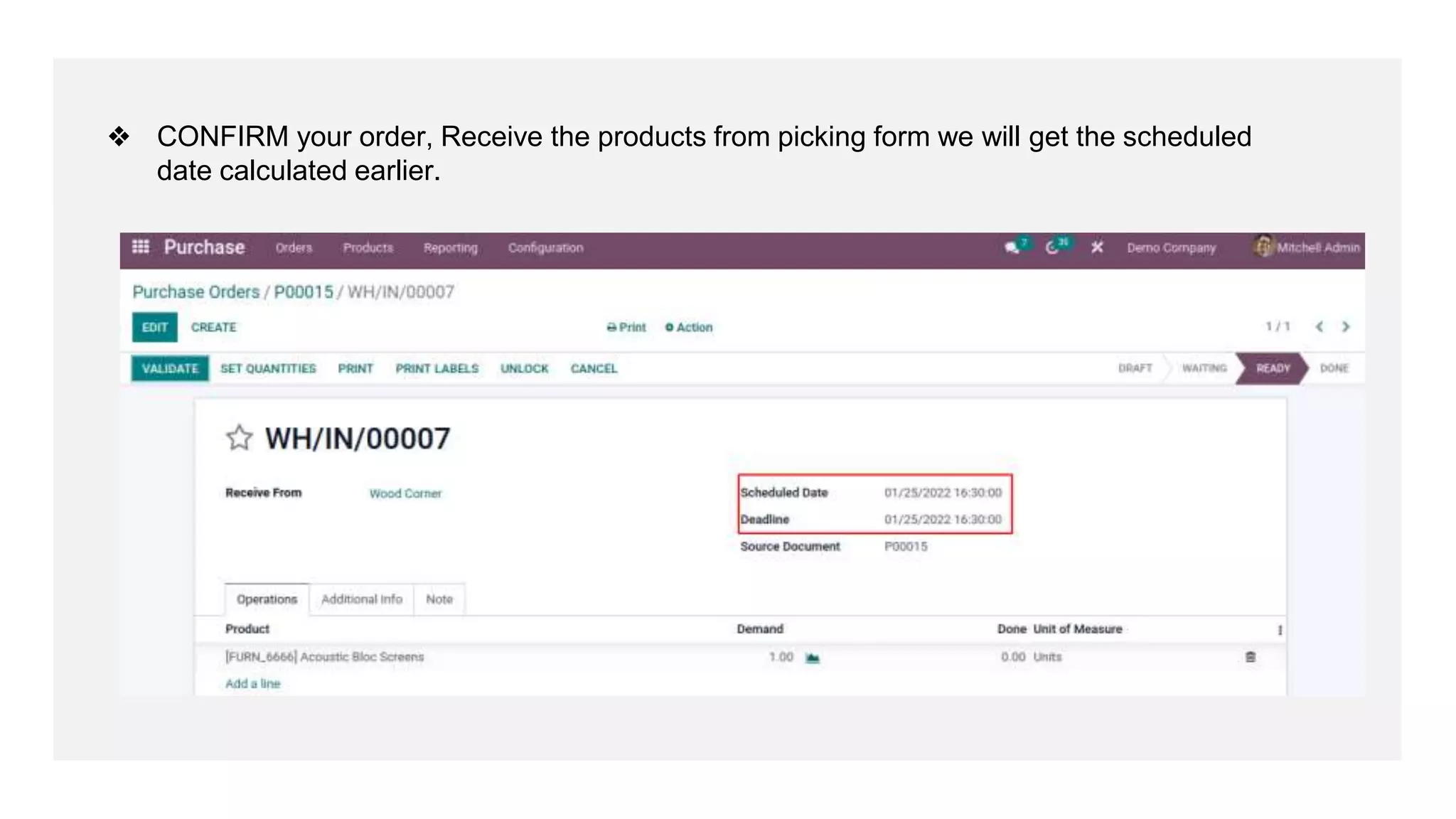
❖ CONFIRM your order, Receive the products from picking form we will get the scheduled
date calculated earlier.
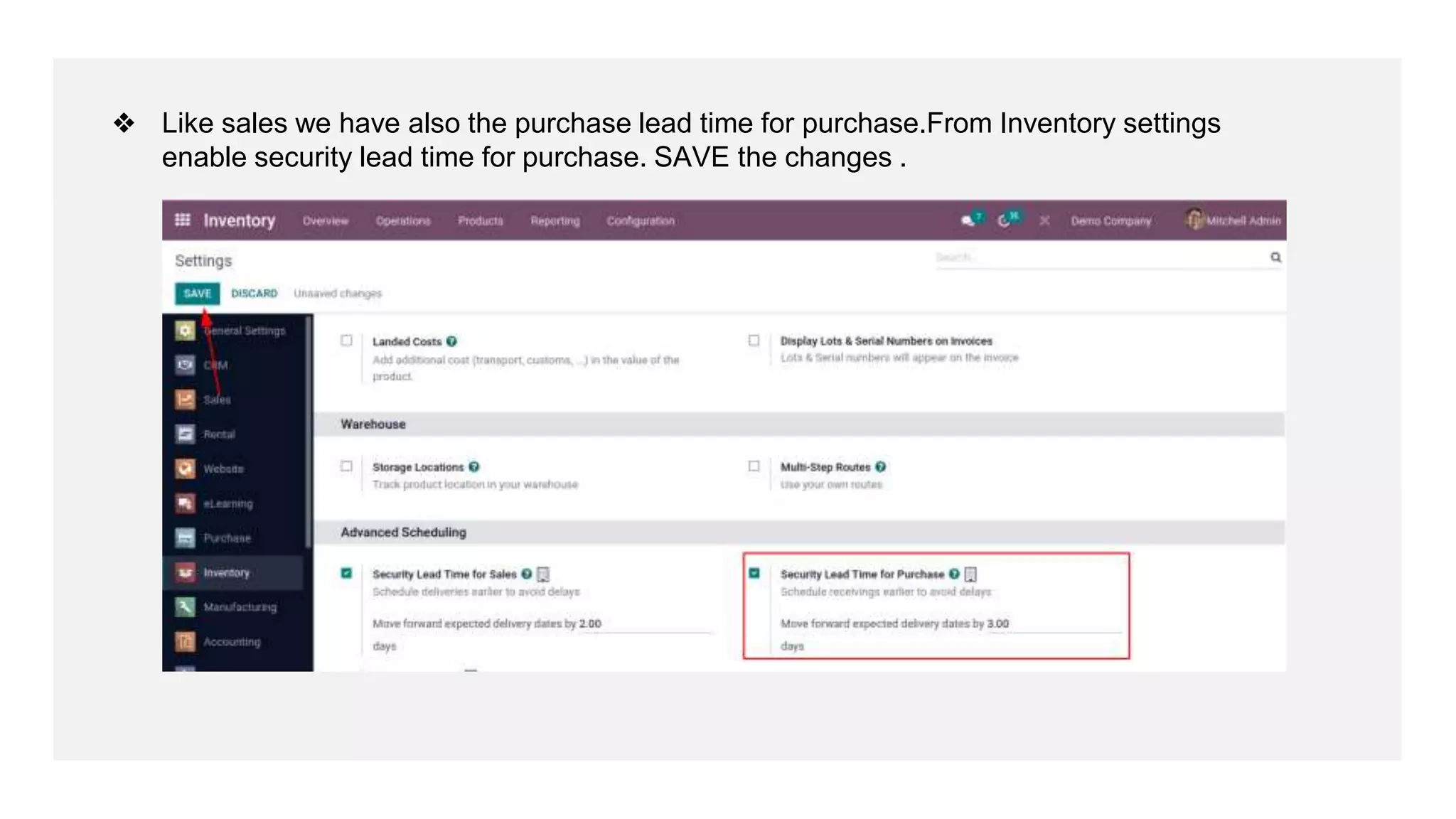
❖ Like sales we have also the purchase lead time for purchase.From Inventory settings
enable security lead time for purchase. SAVE the changes .
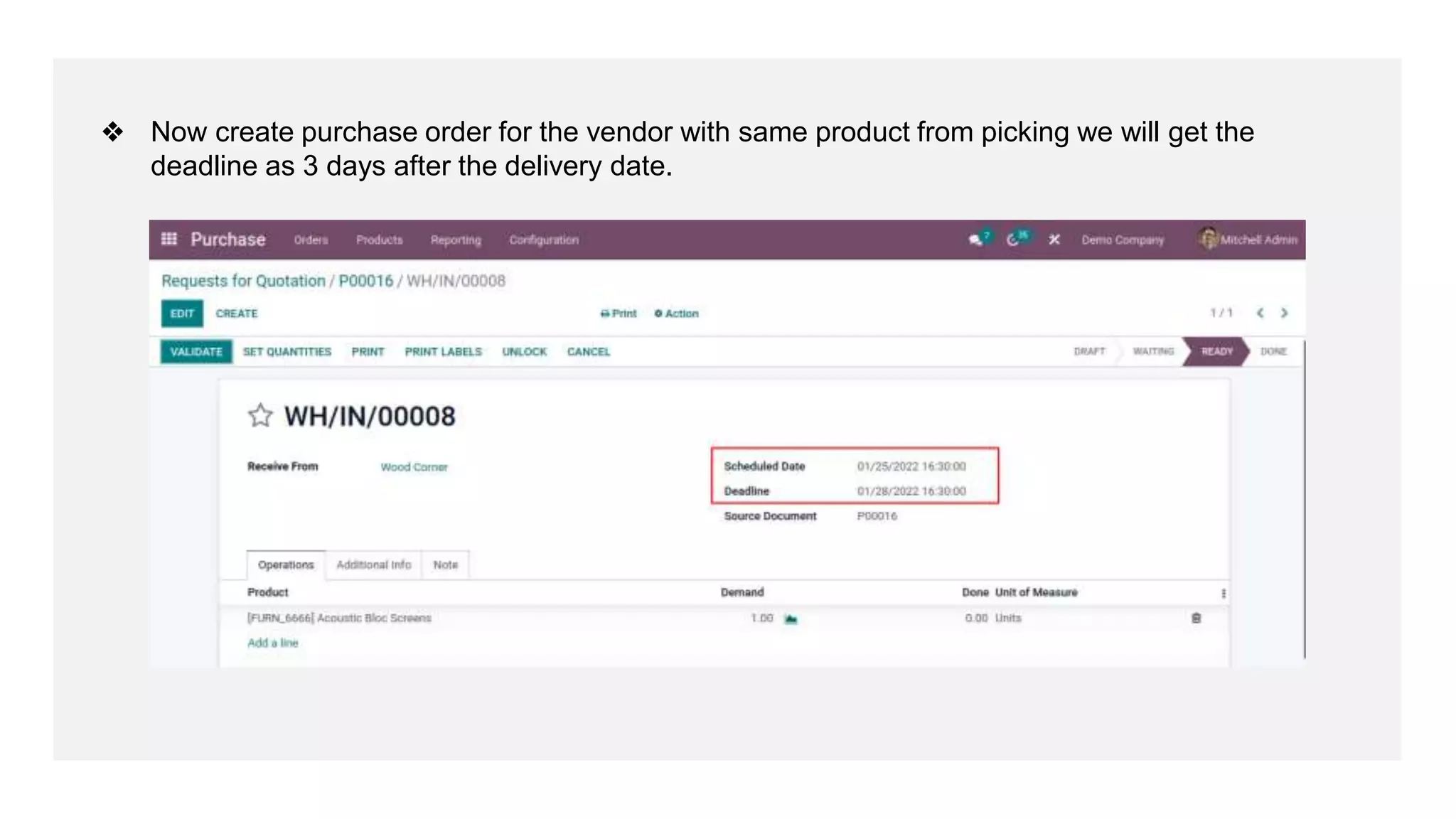
❖ Now create purchase order for the vendor with same product from picking we will get the
deadline as 3 days after the delivery date.
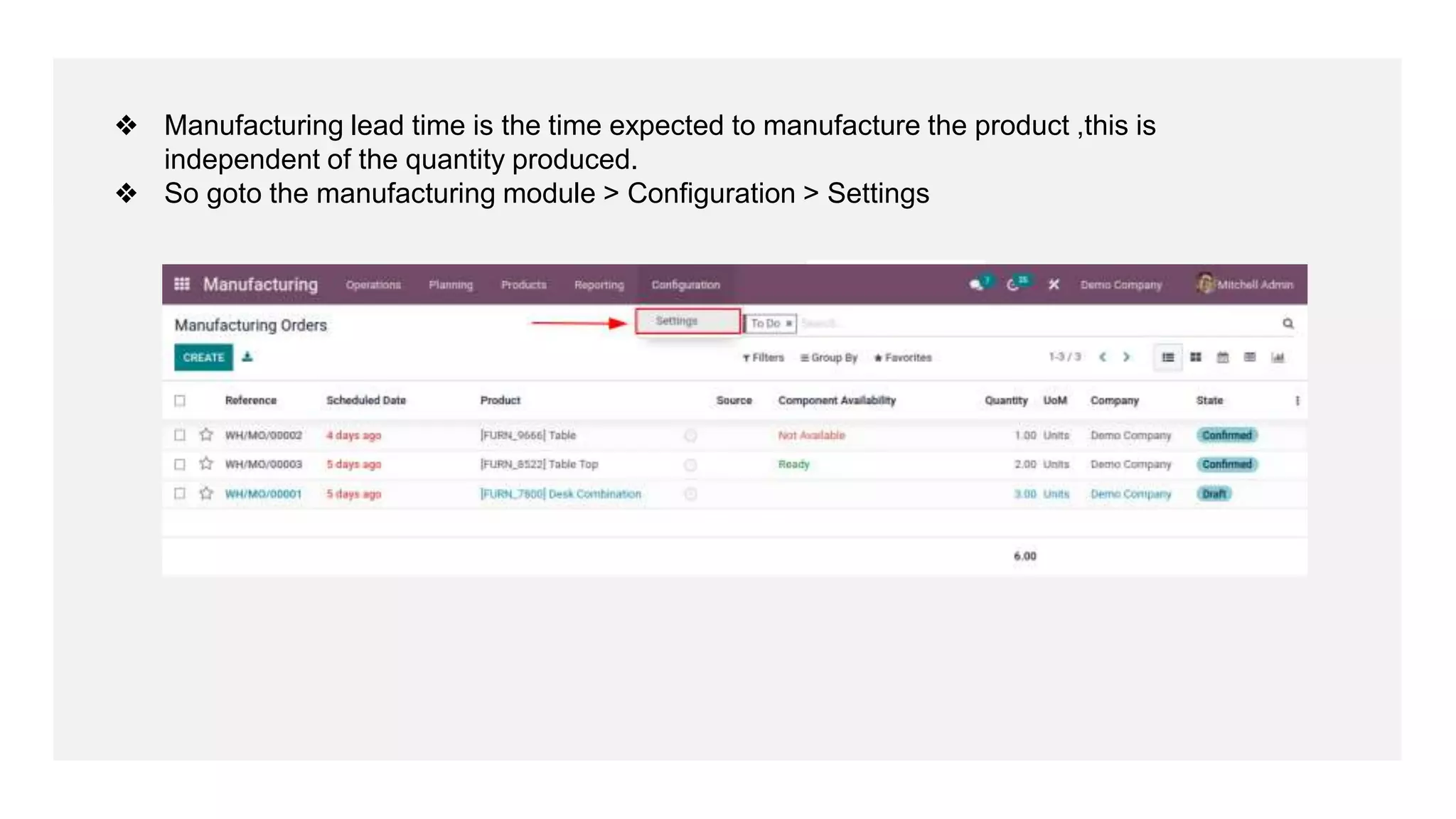
❖ Manufacturing lead time is the time expected to manufacture the product ,this is
independent of the quantity produced.
❖ So goto the manufacturing module > Configuration > Settings
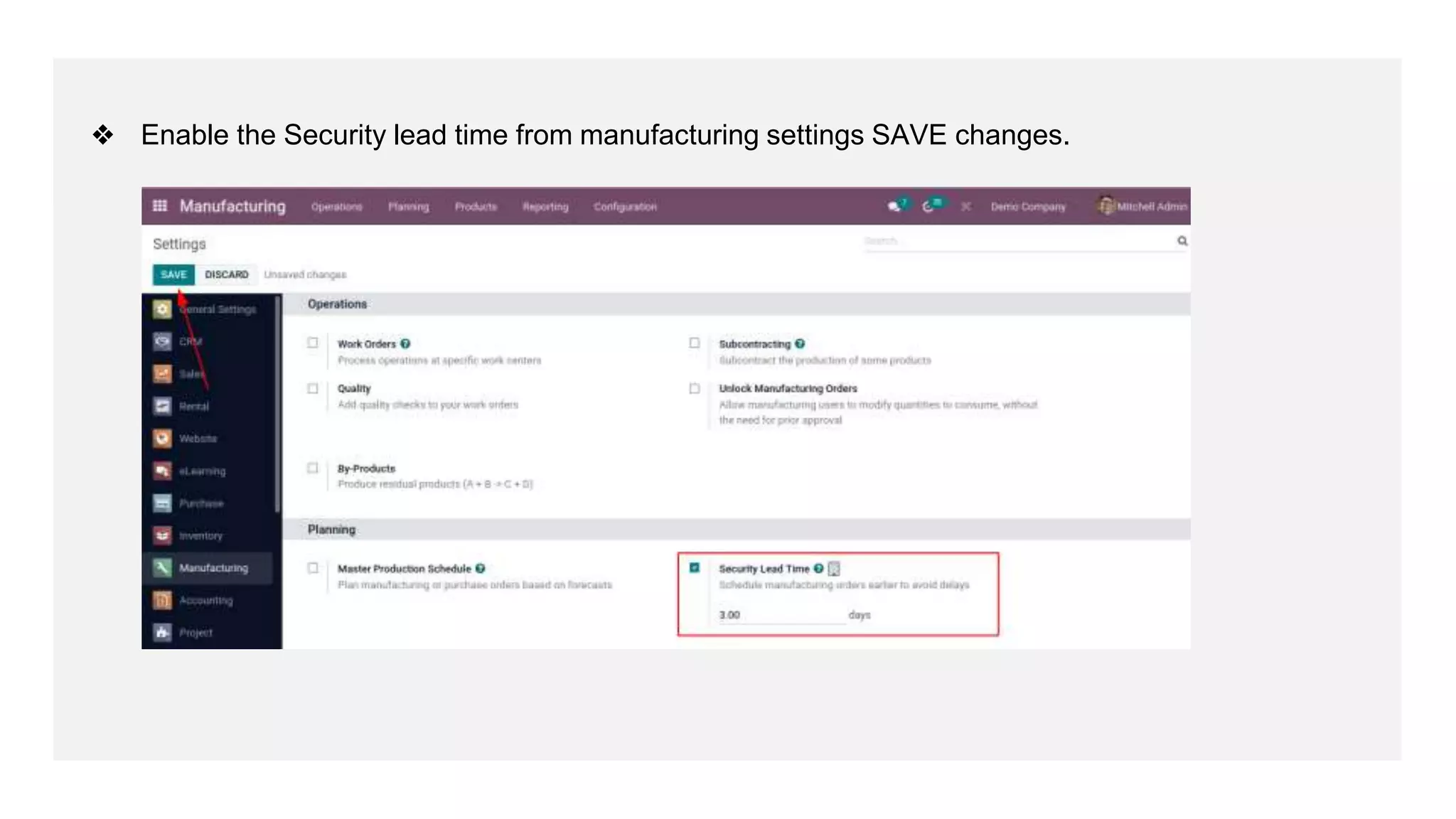
❖ Enable the Security lead time from manufacturing settings SAVE changes.
For More
Details
Check our company website for related blogs and Odoo book.
How Can Odoo Purchase Lead Time Improve Your
Business?
Check our YouTube channel for functional and technical
videos in Odoo.
How to Configure & Plan Lead Time in Odoo 15
Thank You

Configure and Plan Lead Time in Odoo 15

  • 1.
    Lead Time in Odoo15 www.cybrosys.com
  • 2.
    INTRODUCTION ❖ Lead timesare nothing but the time expected to receive, deliver, or manufacture products. ❖ One can configure the lead time for purchase, sales, and manufacture. ❖ The vendor lead time is the time demanded by the vendor to deliver a product. ❖ On the other hand, customer lead time denotes the time needed for delivering products to customers and the manufacturing lead time- the time you needed to manufacture a product.
  • 3.
    ❖ First Gotoyour product page under Inventory tab.Here we can see customer lead time ie; day is in numbers that will take to reach customers.
  • 4.
    ❖ Now let’screate a sale order with that product. Click on CREATE button.
  • 5.
    ❖ Add thecustomer details and product to the order line. CONFIRM your sale order.
  • 6.
    ❖ We willupdated with the order date.Now goto Other Info tab from sale order form.
  • 7.
    ❖ We willget delivery date that is customer lead time + order date. Here we have 2 days lead time for this product. ❖ We can also edit this date and cancel the currently created order and set to quotation we can see the changes in delivery also.
  • 8.
    ❖ From pickingwe will get scheduled date based on our customer lead time.
  • 9.
    ❖ Now let’scheck with security lead time for sales.So Goto Inventory module > Configuration > Settings
  • 10.
    ❖ Now enablethe security lead time for sales and save changes.
  • 11.
    ❖ Now createsale order add same product. CONFIRM the SO. ❖ From Other Info tab we will get delivery date after 2 days.
  • 12.
    ❖ From deliverycreated we will get the Scheduled date prior 2 days from delivery date.
  • 13.
    ❖ Now let’slook into purchase lead time.First of all goto a product from under purchase tab set vendor and delivery lead time for each vendor. SAVE your changes .
  • 14.
    ❖ CREATE apurchase order add your vendor and product, here we will get the receipt date as order deadline + Delivery lead time
  • 15.
    ❖ CONFIRM yourorder, Receive the products from picking form we will get the scheduled date calculated earlier.
  • 16.
    ❖ Like saleswe have also the purchase lead time for purchase.From Inventory settings enable security lead time for purchase. SAVE the changes .
  • 17.
    ❖ Now createpurchase order for the vendor with same product from picking we will get the deadline as 3 days after the delivery date.
  • 18.
    ❖ Manufacturing leadtime is the time expected to manufacture the product ,this is independent of the quantity produced. ❖ So goto the manufacturing module > Configuration > Settings
  • 19.
    ❖ Enable theSecurity lead time from manufacturing settings SAVE changes.
  • 20.
    For More Details Check ourcompany website for related blogs and Odoo book. How Can Odoo Purchase Lead Time Improve Your Business? Check our YouTube channel for functional and technical videos in Odoo. How to Configure & Plan Lead Time in Odoo 15
  • 22.