Computing
Tutor: Gerry Mc Cann
Welcome to Computing
• Please Turn your mobile phones on
silent
• If you have any questions during my
presentation, please add them to the
chat or discussion board.
• Please be aware of your online
etiquette.
My Goals
• To give you the academic and social skills
you need to progress on your learning
journey.
• To provide a supportive and fun
classroom and an environment that is safe
and conducive for learning.
• To help you make new friends and
discover new interests in Computing.
• That all students complete the course.
Course Break Down
Hardware Basic principles
Main types of computer
hardware
Key concepts of computer
architecture – representation of
data and programs in memory,
arithmetic/logic unit, registers,
instruction sets.
Course Break Down
Software Basic principles
Main types of software including,
system software, operating
systems, application software,
the role of programming
Course Break Down
Social,
organisational
and individual
user factors
Social context of
computer use
How computing is used
within organisations
The individual user –
issues of design and
accessibility
Course Break Down
The use of
browsers,
search
engines and
catalogues
Internet Service Provider and
the Browser
Newsgroups, ftp, and email
Locating information using
electronic catalogues such
as UCD Library
Course Break Down
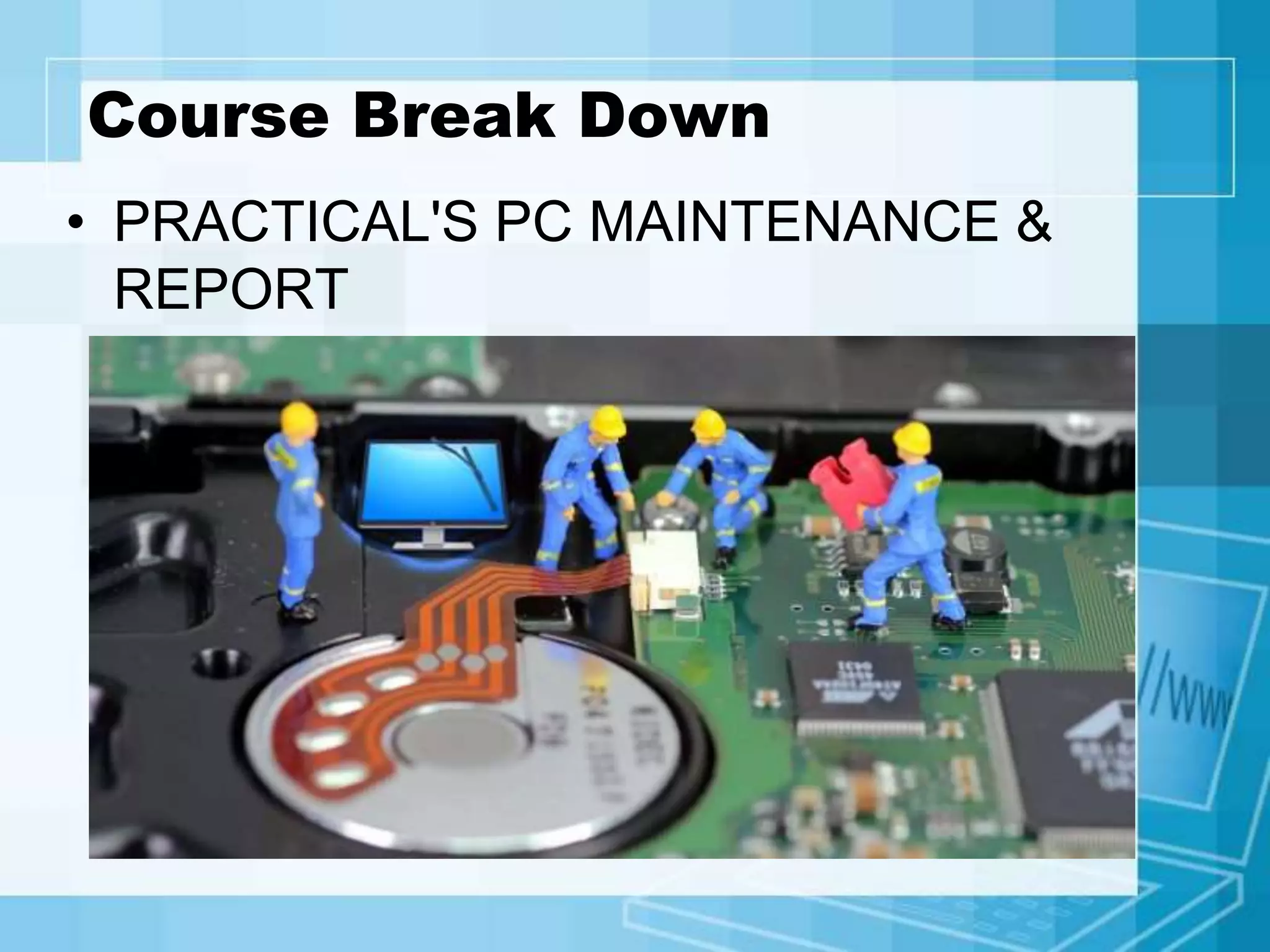
• PRACTICAL'S PC MAINTENANCE &
REPORT
Course Break Down
• HTML stands for Hyper Text Mark
up Language
• HTML is the standard Mark
up language for Web pages
• HTML elements are the building blocks
of HTML pages
• HTML elements are represented by <>
tags
Course Break Down
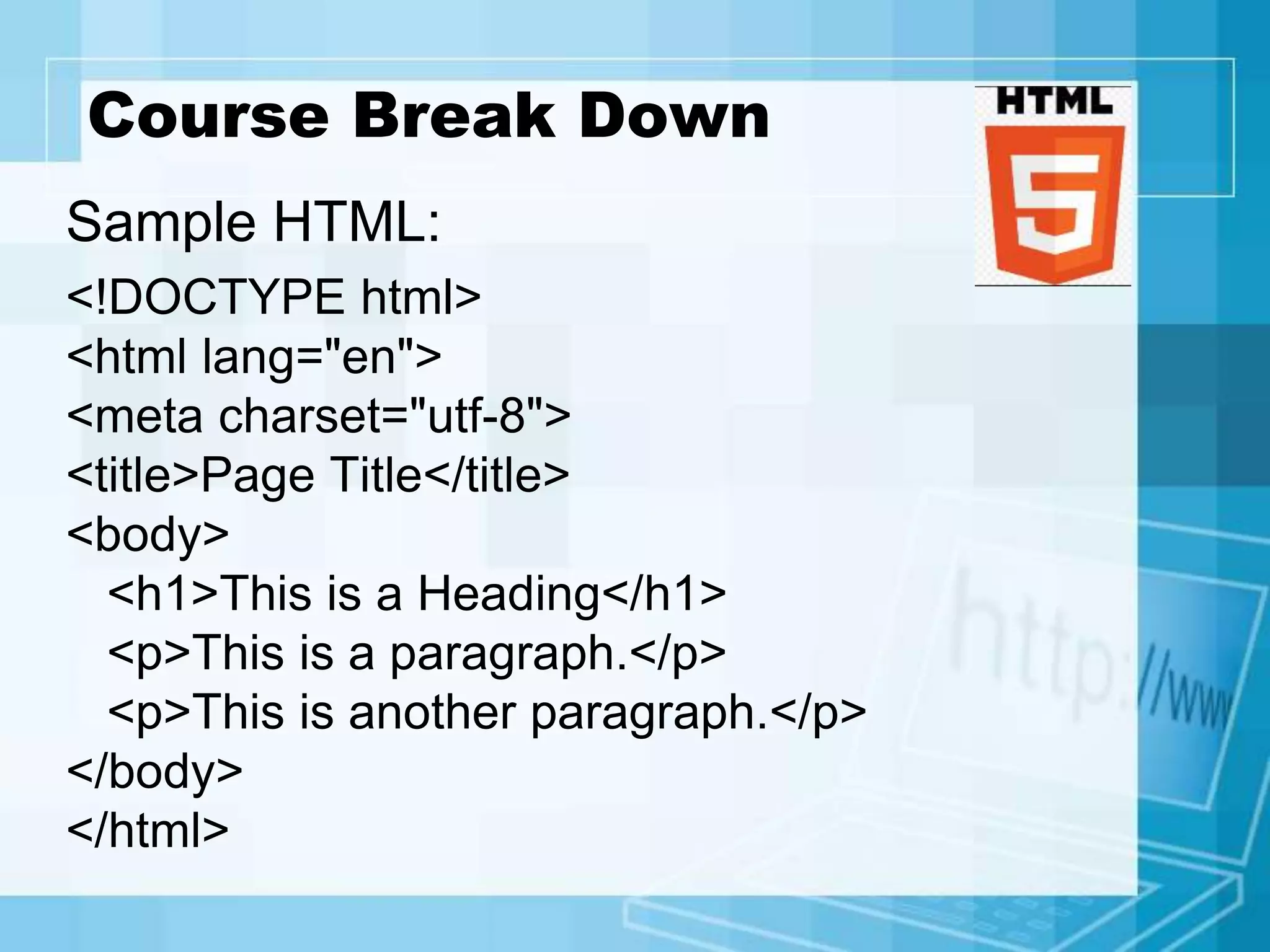
Sample HTML:
<!DOCTYPE html>
<html lang="en">
<meta charset="utf-8">
<title>Page Title</title>
<body>
<h1>This is a Heading</h1>
<p>This is a paragraph.</p>
<p>This is another paragraph.</p>
</body>
</html>
Assessments
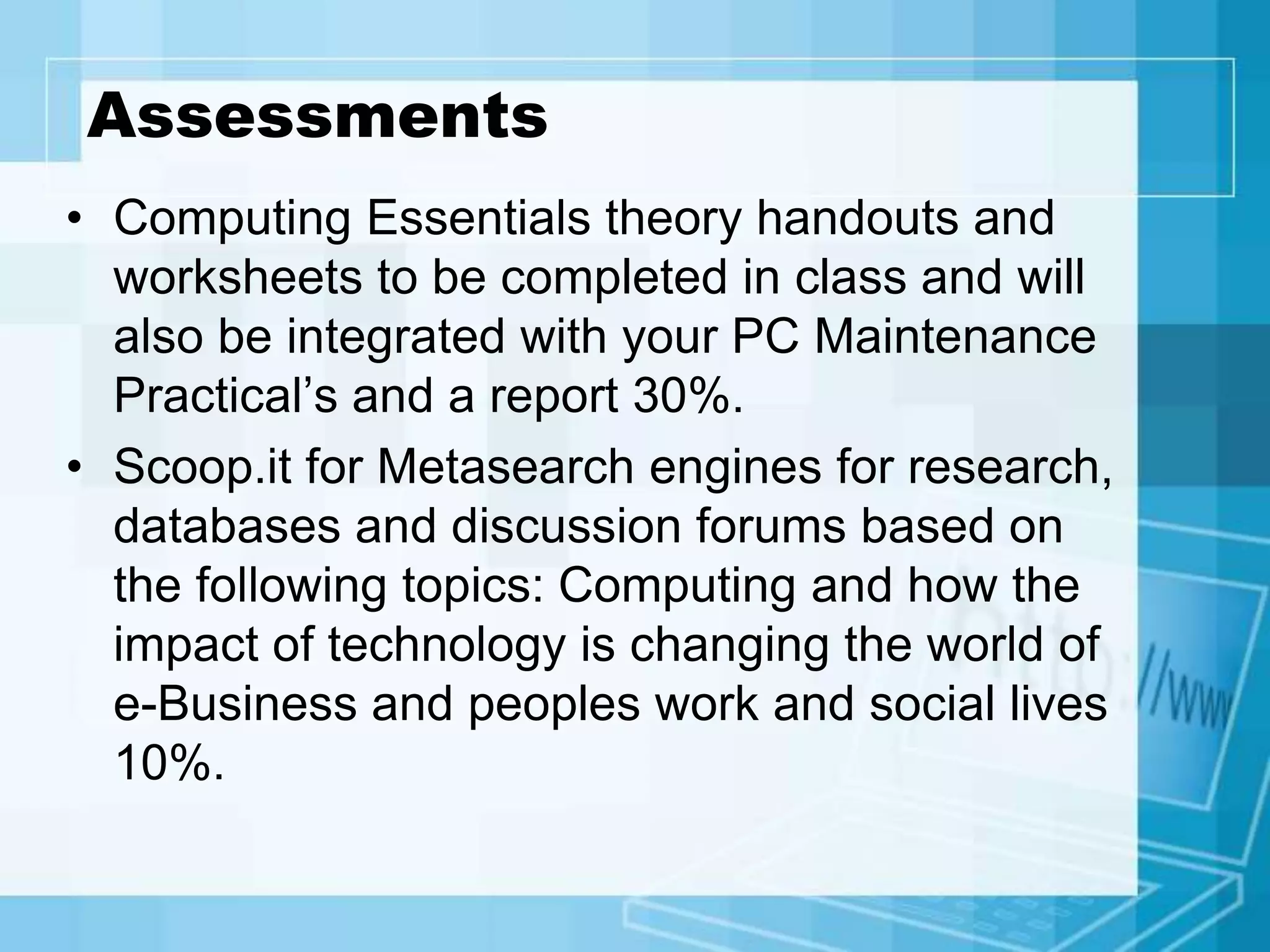
• Computing Essentials theory handouts and
worksheets to be completed in class and will
also be integrated with your PC Maintenance
Practical’s and a report 30%.
• Scoop.it for Metasearch engines for research,
databases and discussion forums based on
the following topics: Computing and how the
impact of technology is changing the world of
e-Business and peoples work and social lives
10%.
Assessments
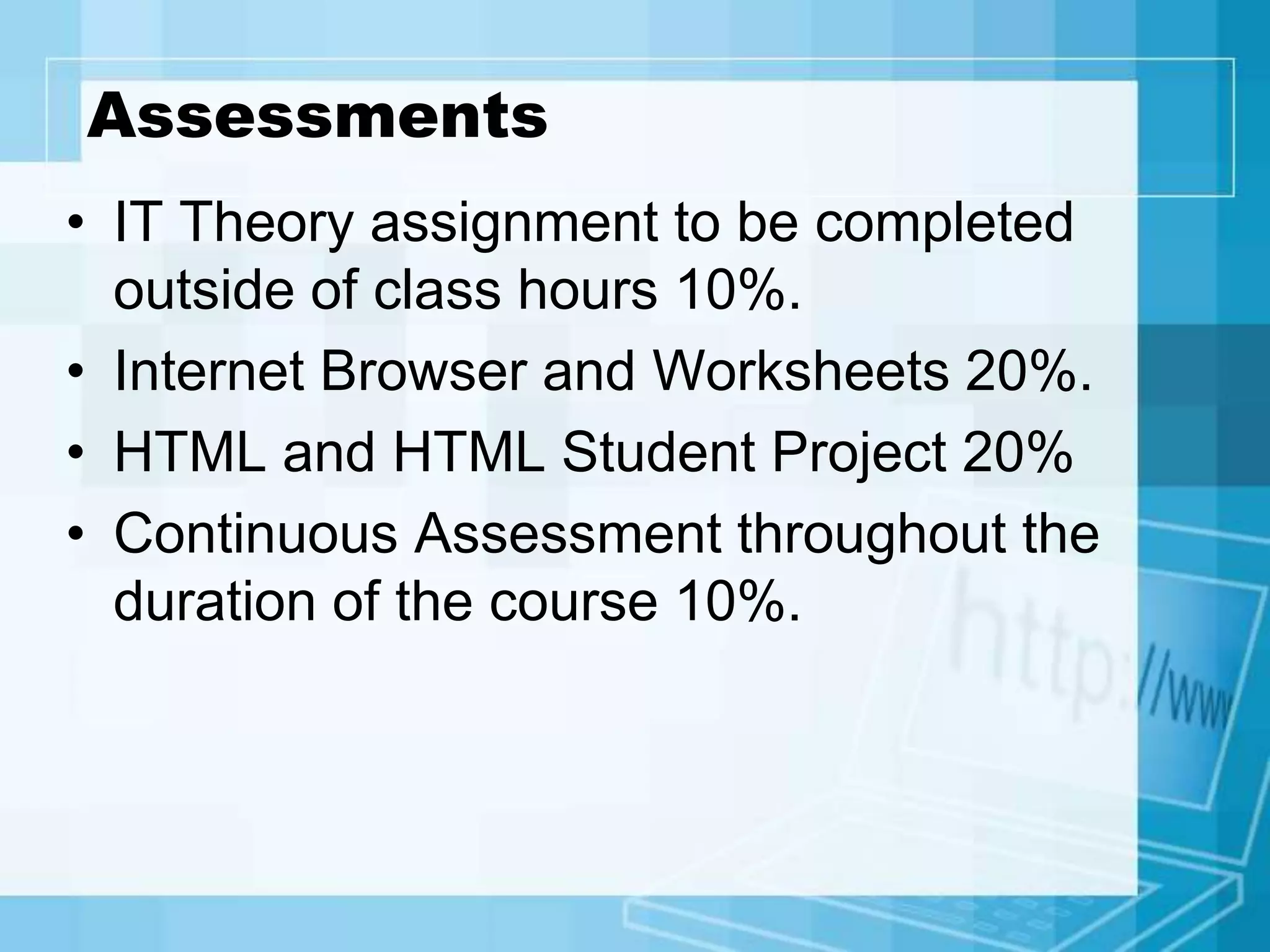
• IT Theory assignment to be completed
outside of class hours 10%.
• Internet Browser and Worksheets 20%.
• HTML and HTML Student Project 20%
• Continuous Assessment throughout the
duration of the course 10%.
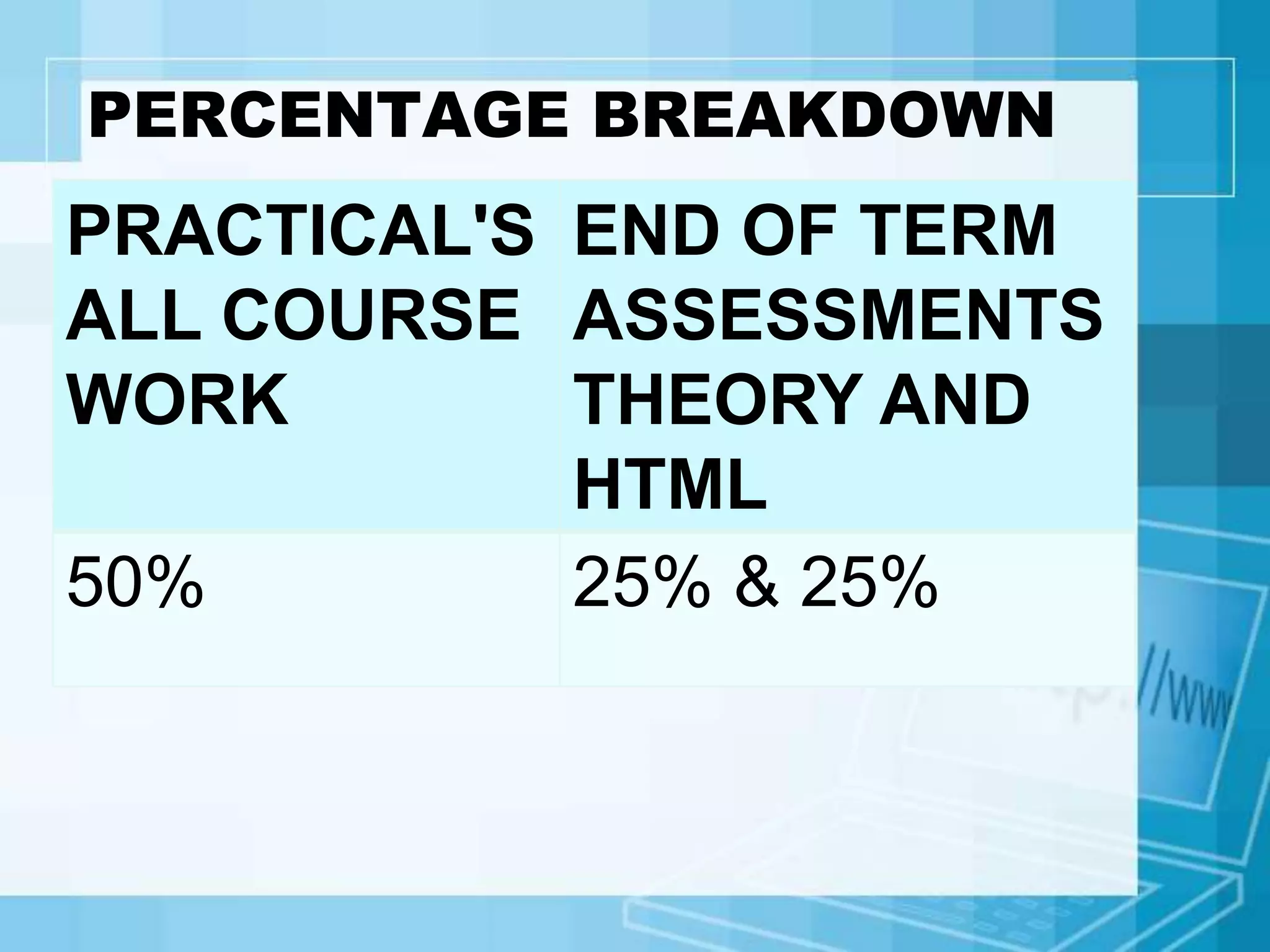
PERCENTAGE BREAKDOWN
PRACTICAL'S
ALL COURSE
WORK
END OF TERM
ASSESSMENTS
THEORY AND
HTML
50% 25% & 25%
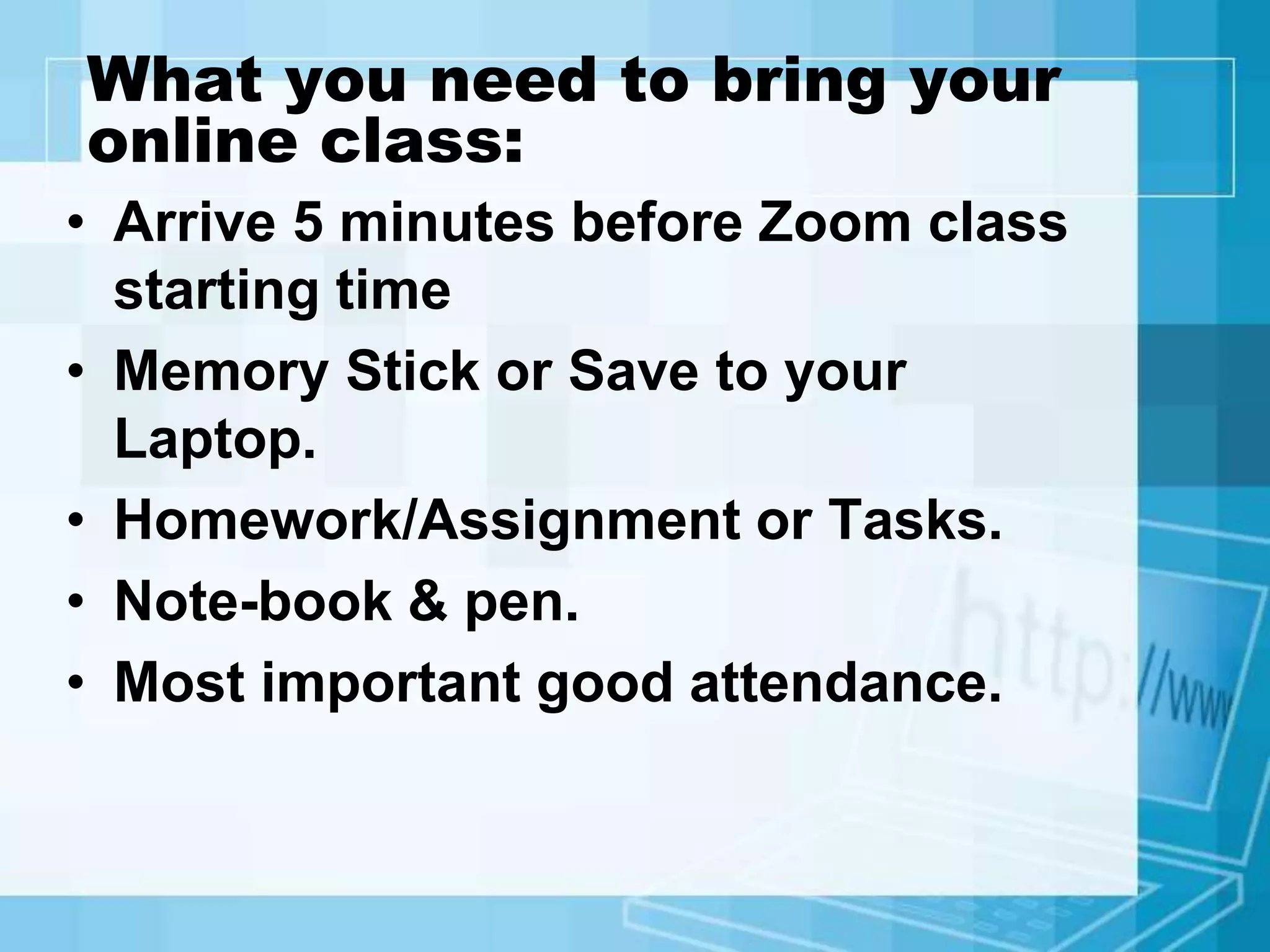
What you need to bring your
online class:
• Arrive 5 minutes before Zoom class
starting time
• Memory Stick or Save to your
Laptop.
• Homework/Assignment or Tasks.
• Note-book & pen.
• Most important good attendance.
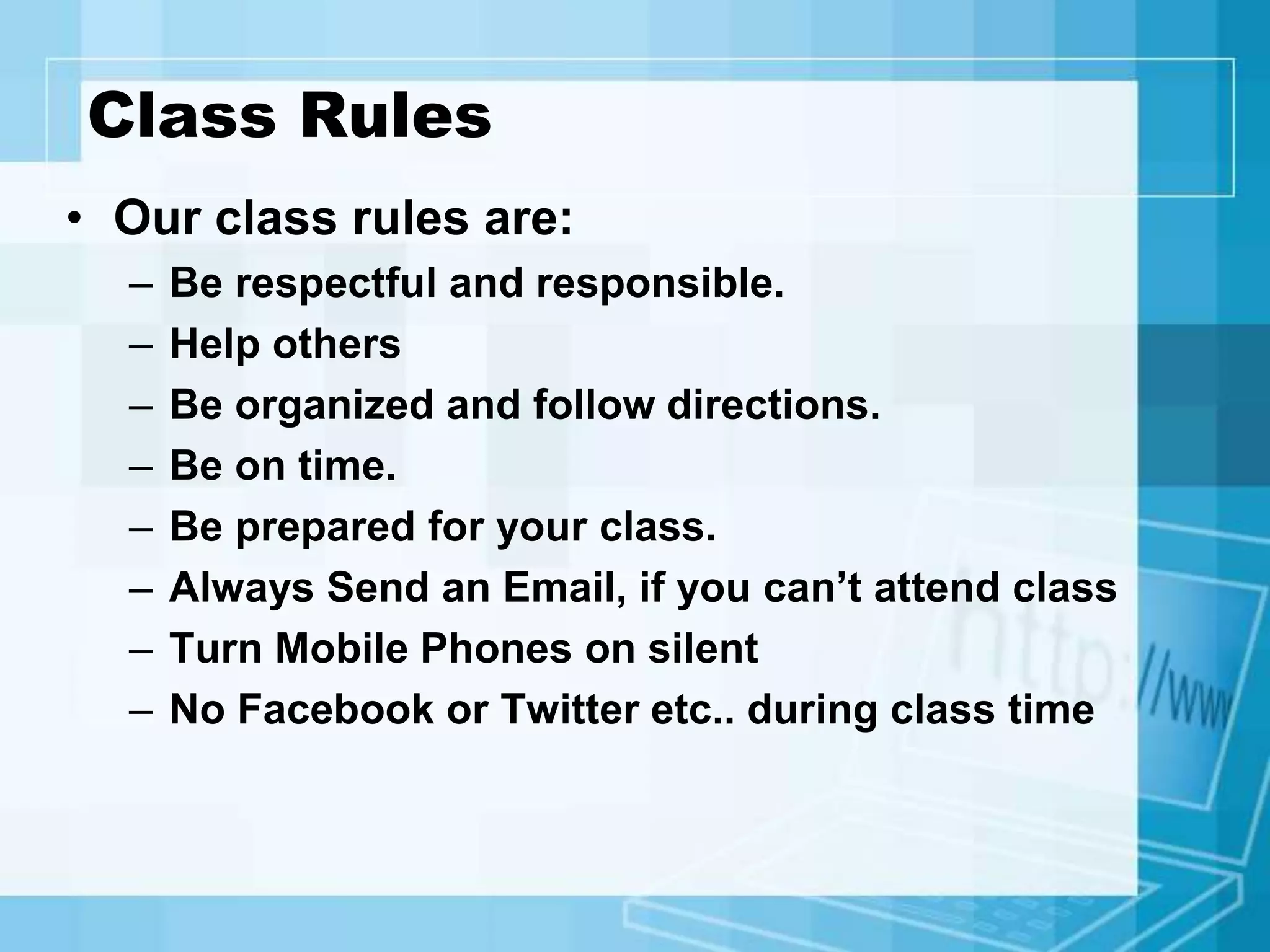
Class Rules
• Our class rules are:
– Be respectful and responsible.
– Help others
– Be organized and follow directions.
– Be on time.
– Be prepared for your class.
– Always Send an Email, if you can’t attend class
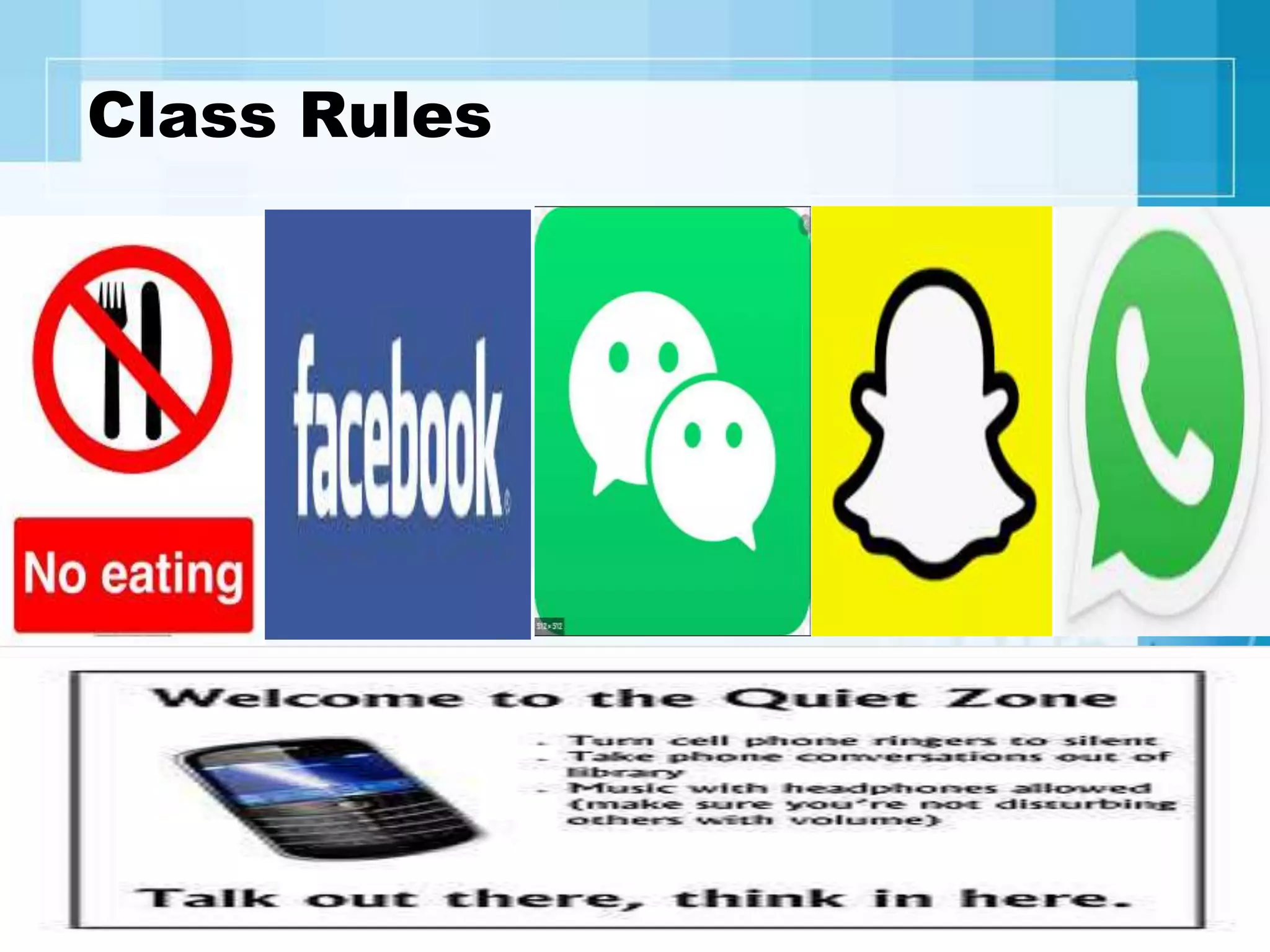
– Turn Mobile Phones on silent
– No Facebook or Twitter etc.. during class time
Class Rules
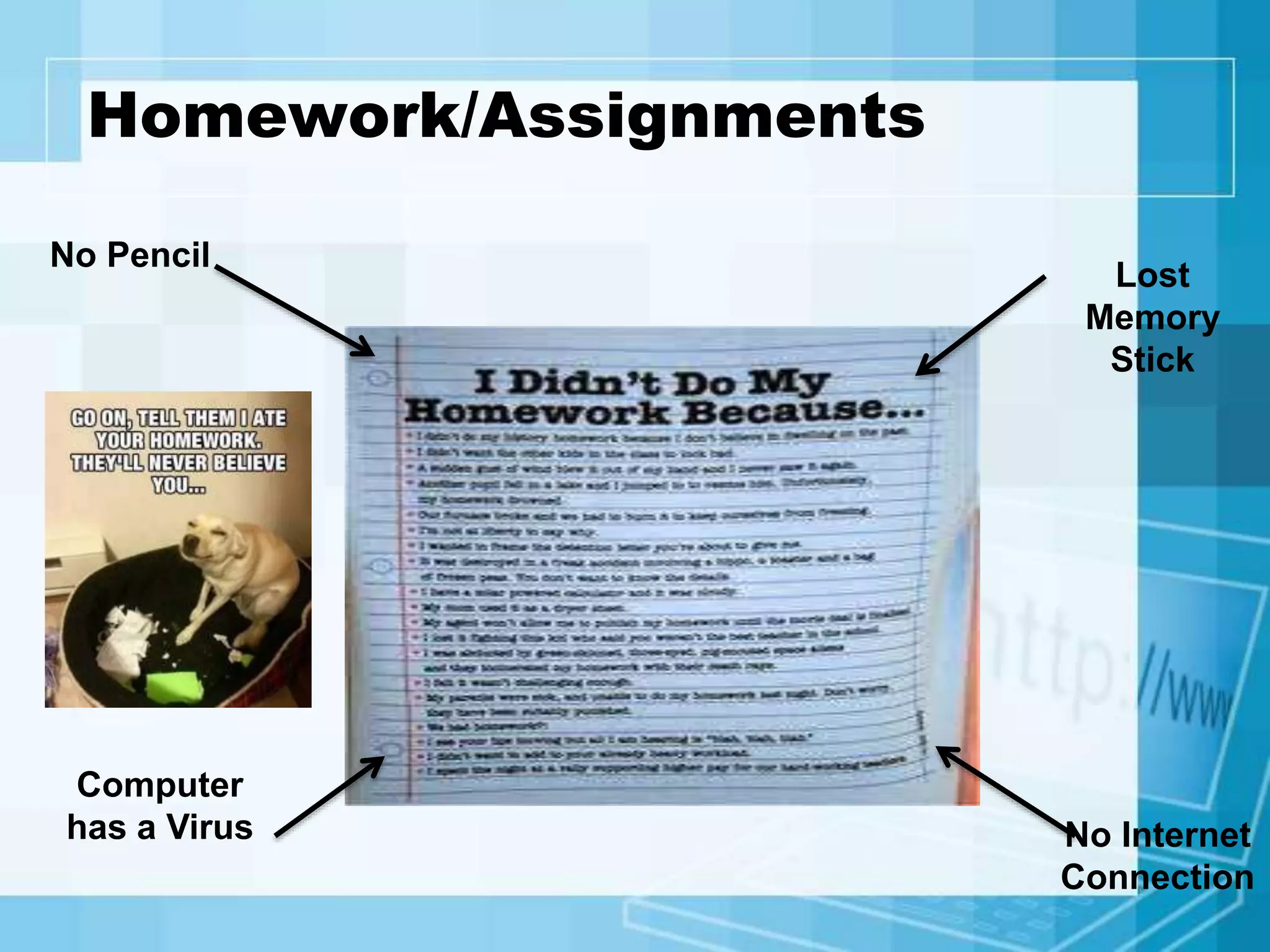
Homework/Assignments
No Pencil
Lost
Memory
Stick
Computer
has a Virus No Internet
Connection
ANY QUESTIONS

Computing presentation 2020

  • 1.
  • 2.
    Welcome to Computing •Please Turn your mobile phones on silent • If you have any questions during my presentation, please add them to the chat or discussion board. • Please be aware of your online etiquette.
  • 3.
    My Goals • Togive you the academic and social skills you need to progress on your learning journey. • To provide a supportive and fun classroom and an environment that is safe and conducive for learning. • To help you make new friends and discover new interests in Computing. • That all students complete the course.
  • 4.
    Course Break Down HardwareBasic principles Main types of computer hardware Key concepts of computer architecture – representation of data and programs in memory, arithmetic/logic unit, registers, instruction sets.
  • 5.
    Course Break Down SoftwareBasic principles Main types of software including, system software, operating systems, application software, the role of programming
  • 6.
    Course Break Down Social, organisational andindividual user factors Social context of computer use How computing is used within organisations The individual user – issues of design and accessibility
  • 7.
    Course Break Down Theuse of browsers, search engines and catalogues Internet Service Provider and the Browser Newsgroups, ftp, and email Locating information using electronic catalogues such as UCD Library
  • 8.
    Course Break Down •PRACTICAL'S PC MAINTENANCE & REPORT
  • 9.
    Course Break Down •HTML stands for Hyper Text Mark up Language • HTML is the standard Mark up language for Web pages • HTML elements are the building blocks of HTML pages • HTML elements are represented by <> tags
  • 10.
    Course Break Down SampleHTML: <!DOCTYPE html> <html lang="en"> <meta charset="utf-8"> <title>Page Title</title> <body> <h1>This is a Heading</h1> <p>This is a paragraph.</p> <p>This is another paragraph.</p> </body> </html>
  • 11.
    Assessments • Computing Essentialstheory handouts and worksheets to be completed in class and will also be integrated with your PC Maintenance Practical’s and a report 30%. • Scoop.it for Metasearch engines for research, databases and discussion forums based on the following topics: Computing and how the impact of technology is changing the world of e-Business and peoples work and social lives 10%.
  • 12.
    Assessments • IT Theoryassignment to be completed outside of class hours 10%. • Internet Browser and Worksheets 20%. • HTML and HTML Student Project 20% • Continuous Assessment throughout the duration of the course 10%.
  • 13.
    PERCENTAGE BREAKDOWN PRACTICAL'S ALL COURSE WORK ENDOF TERM ASSESSMENTS THEORY AND HTML 50% 25% & 25%
  • 14.
    What you needto bring your online class: • Arrive 5 minutes before Zoom class starting time • Memory Stick or Save to your Laptop. • Homework/Assignment or Tasks. • Note-book & pen. • Most important good attendance.
  • 15.
    Class Rules • Ourclass rules are: – Be respectful and responsible. – Help others – Be organized and follow directions. – Be on time. – Be prepared for your class. – Always Send an Email, if you can’t attend class – Turn Mobile Phones on silent – No Facebook or Twitter etc.. during class time
  • 16.
  • 17.
  • 18.