INTRODUCTION TO
COMPUTERISED ACCOUNTING
Hammad Nangiana 1
CONTENT
• MEANING OF COMPUTERISED ACCOUNTING
• TRADITIONAL/MANUAL SYSTEM OF ACCOUNTING
• PROCESS OF COMPUTERISED ACCOUNTING
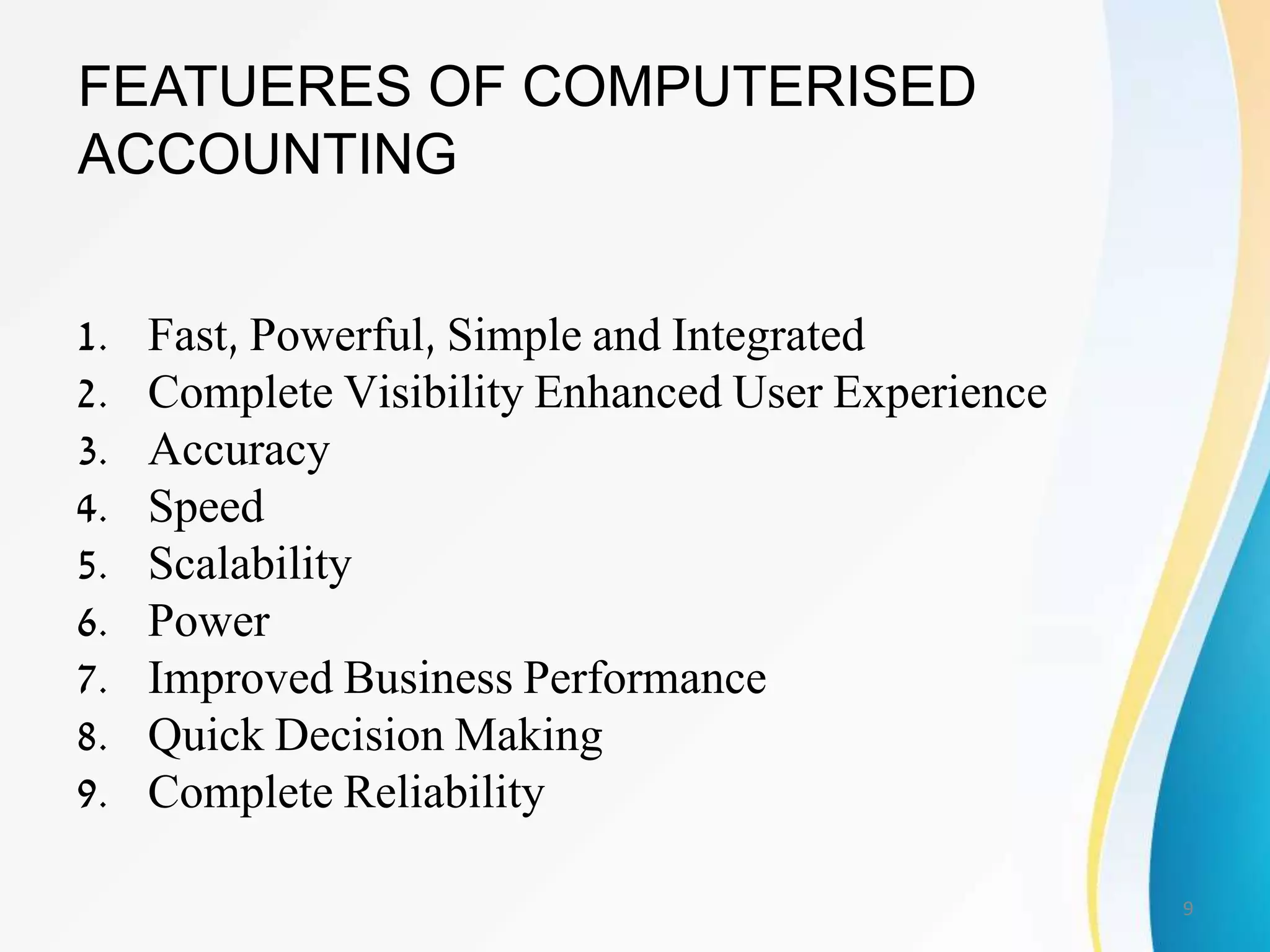
• FEATUERES OF COMPUTERISED ACCOUNTING
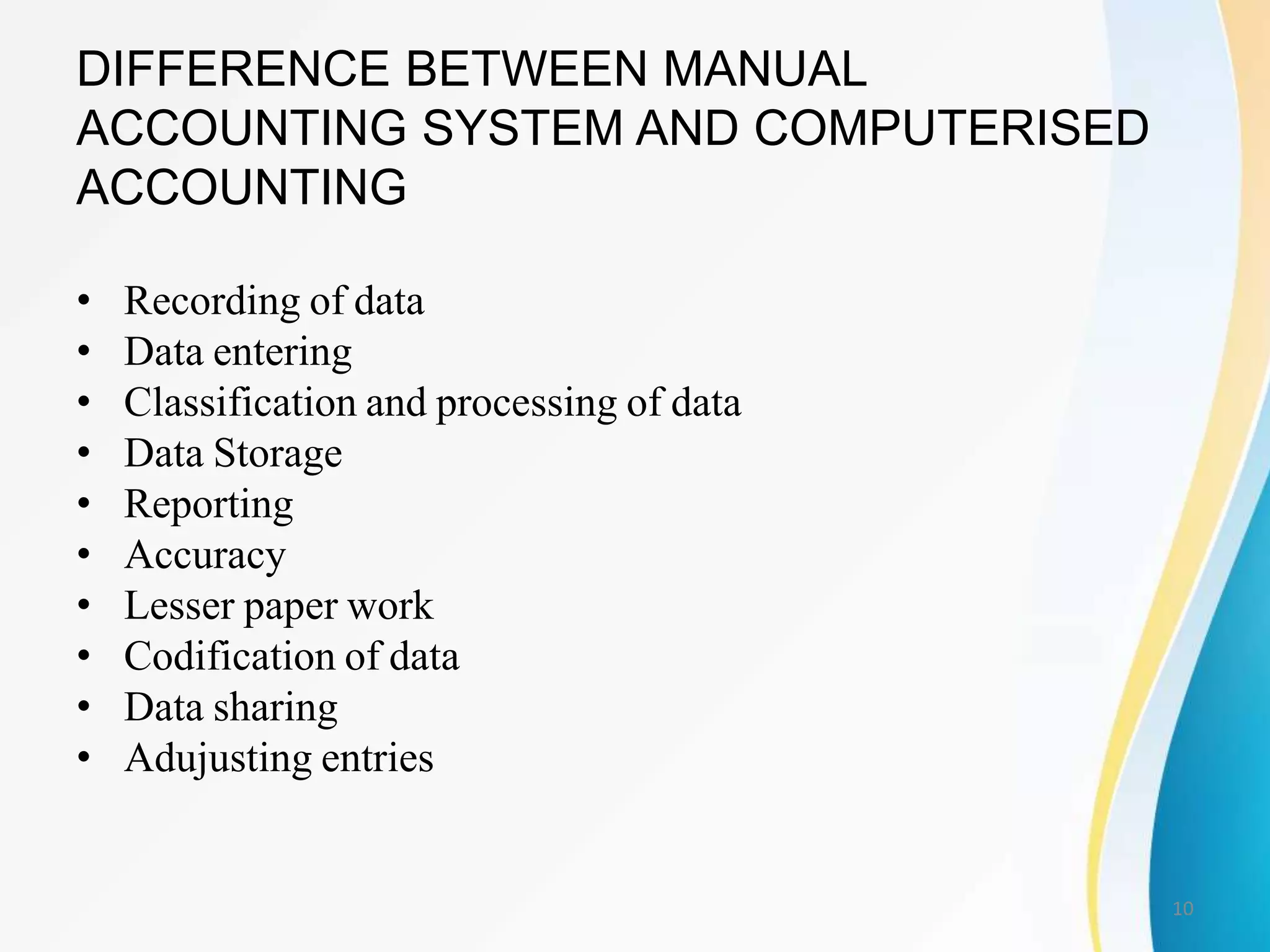
• DIFFERENCE BETWEEN MANUAL ACCOUNTING SYSTEM AND
COMPUTERISED ACCOUNTING
• ADVANTAGES AND DISADVANTAGES OF COMPUTERISED
ACCOUNTING
• PROCESS/STEPS IN COMPUTERISED FINANCIAL ACCOUNTING
• ADVANTAGES OF THE COMPUTERISED FINANCIAL
ACCOUNTING SYSTEM
• VARIOUS COMPONENTS OF A COMPUTERISED FINANCIAL
ACCOUNTING SYSTEM
2
MEANING OF COMPUTERISED
ACCOUNTING
• As its name suggests, "computerized
accounting" is accounting done with the aid of
a computer
• It tends to involve dedicated accounting
software and digital spreadsheets to keep track
of a business or client's financial transactions.
3
• Computerized accounting is a beneficial use of
current technological advances
• Not only has it revolutionized the traditional
paper methods of accounting, but it has also
created new types of accounting applications
for business
• Companies now create entire accounting
information systems that integrate all business
operations, including external suppliers and
vendors in the value chain
4
• Computerized accounting systems (or software)
have replaced manual-based accounting in
virtually all businesses and organizations,
providing accountants, managers, employees
and stakeholders access to vital accounting
information at the touch of a button
• Computerized accounting systems automate
the accounting process--improving efficiency
and cutting down costs
5
• Computerized accounting has many
advantages over traditional manual
accounting
• Computerized accounting tends to be
more accurate, is faster to use, and is less
subject to error than its manual
counterpart
6
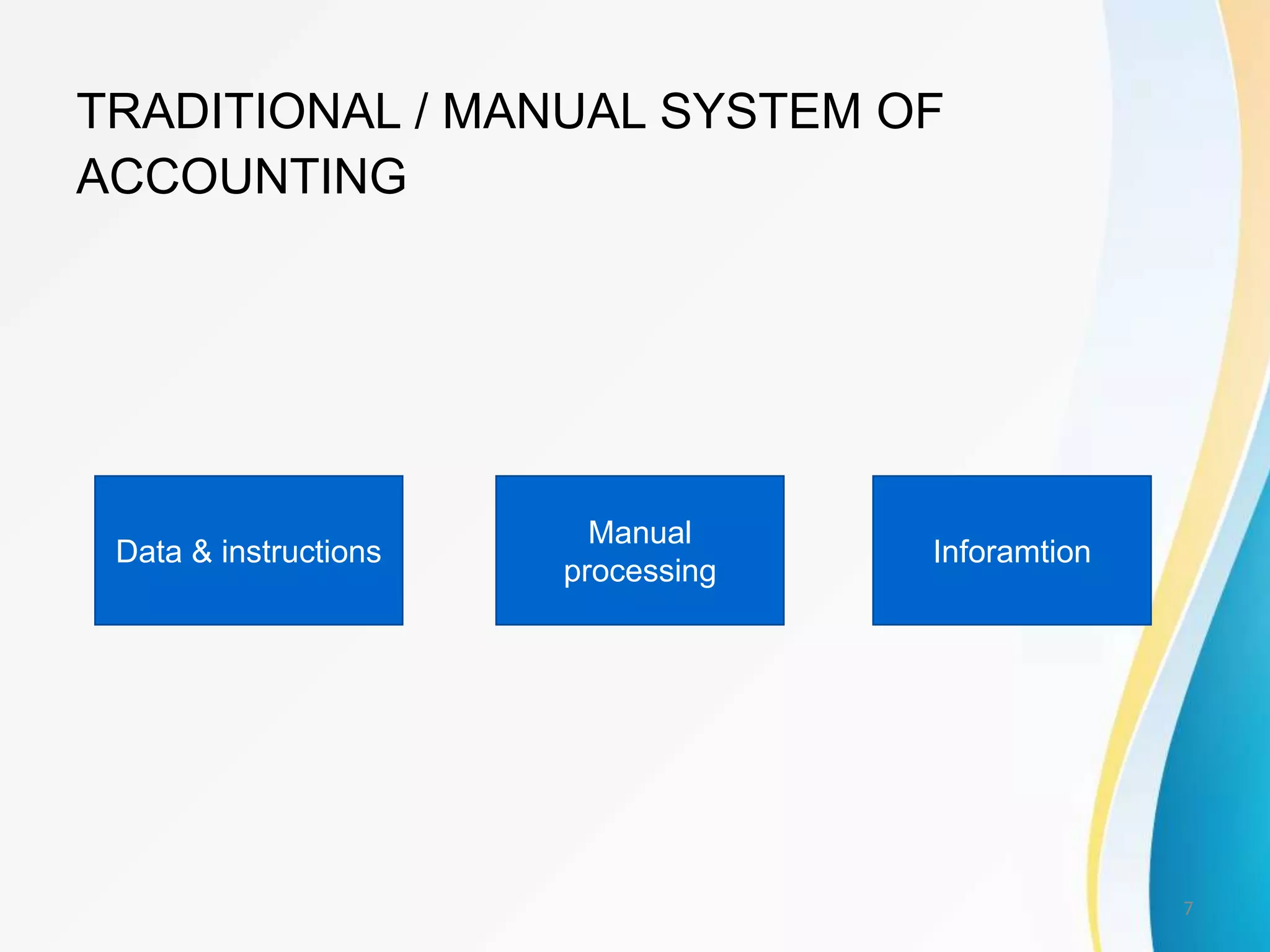
TRADITIONAL / MANUAL SYSTEM OF
ACCOUNTING
Data & instructions
Manual
processing
Inforamtion
7
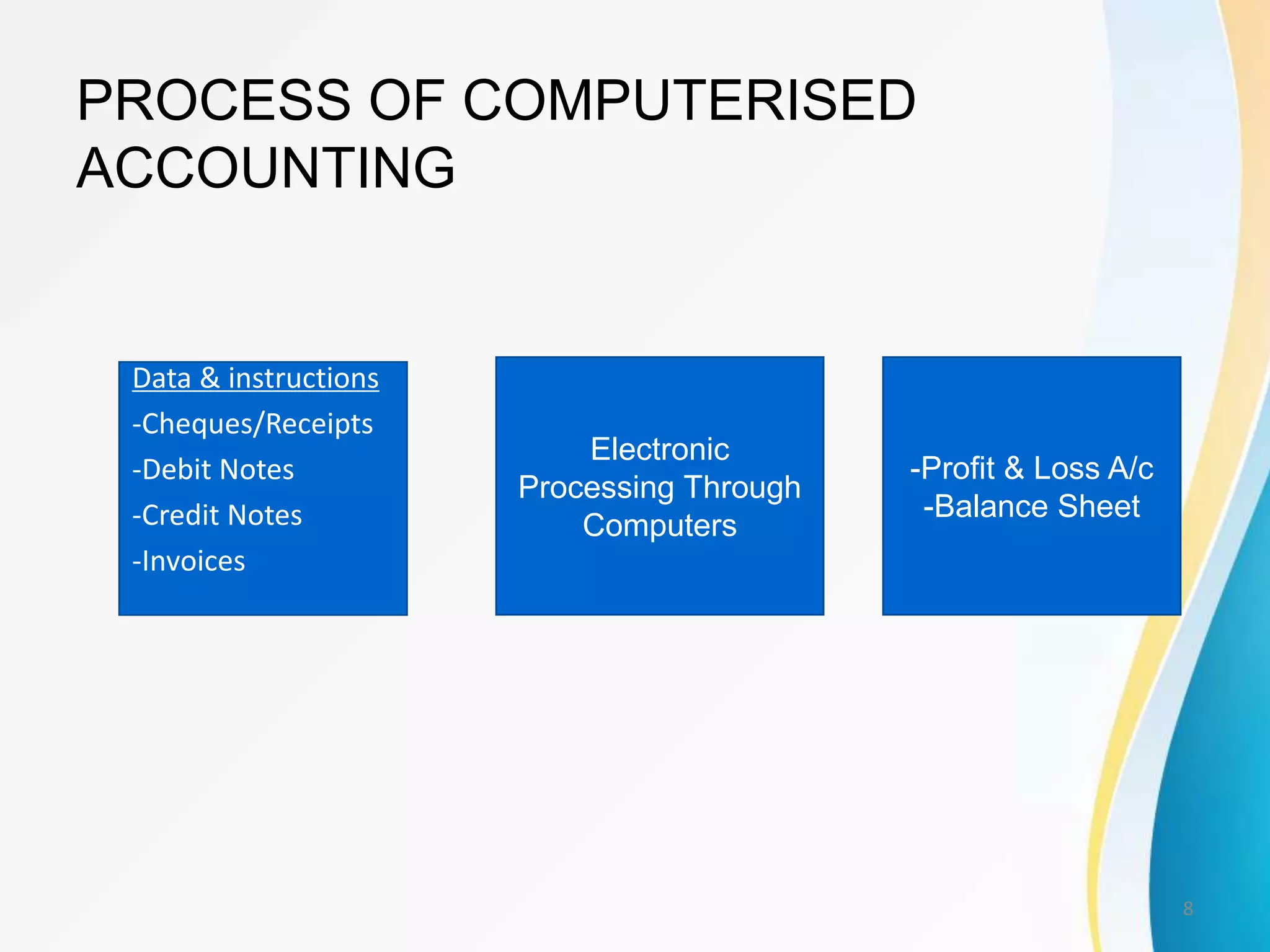
PROCESS OF COMPUTERISED
ACCOUNTING
Data & instructions
-Cheques/Receipts
-Debit Notes
-Credit Notes
-Invoices
Electronic
Processing Through
Computers
-Profit & Loss A/c
-Balance Sheet
8
FEATUERES OF COMPUTERISED
ACCOUNTING
1. Fast, Powerful, Simple and Integrated
2. Complete Visibility Enhanced User Experience
3. Accuracy
4. Speed
5. Scalability
6. Power
7. Improved Business Performance
8. Quick Decision Making
9. Complete Reliability
9
DIFFERENCE BETWEEN MANUAL
ACCOUNTING SYSTEM AND COMPUTERISED
ACCOUNTING
• Recording of data
• Data entering
• Classification and processing of data
• Data Storage
• Reporting
• Accuracy
• Lesser paper work
• Codification of data
• Data sharing
• Adujusting entries
10
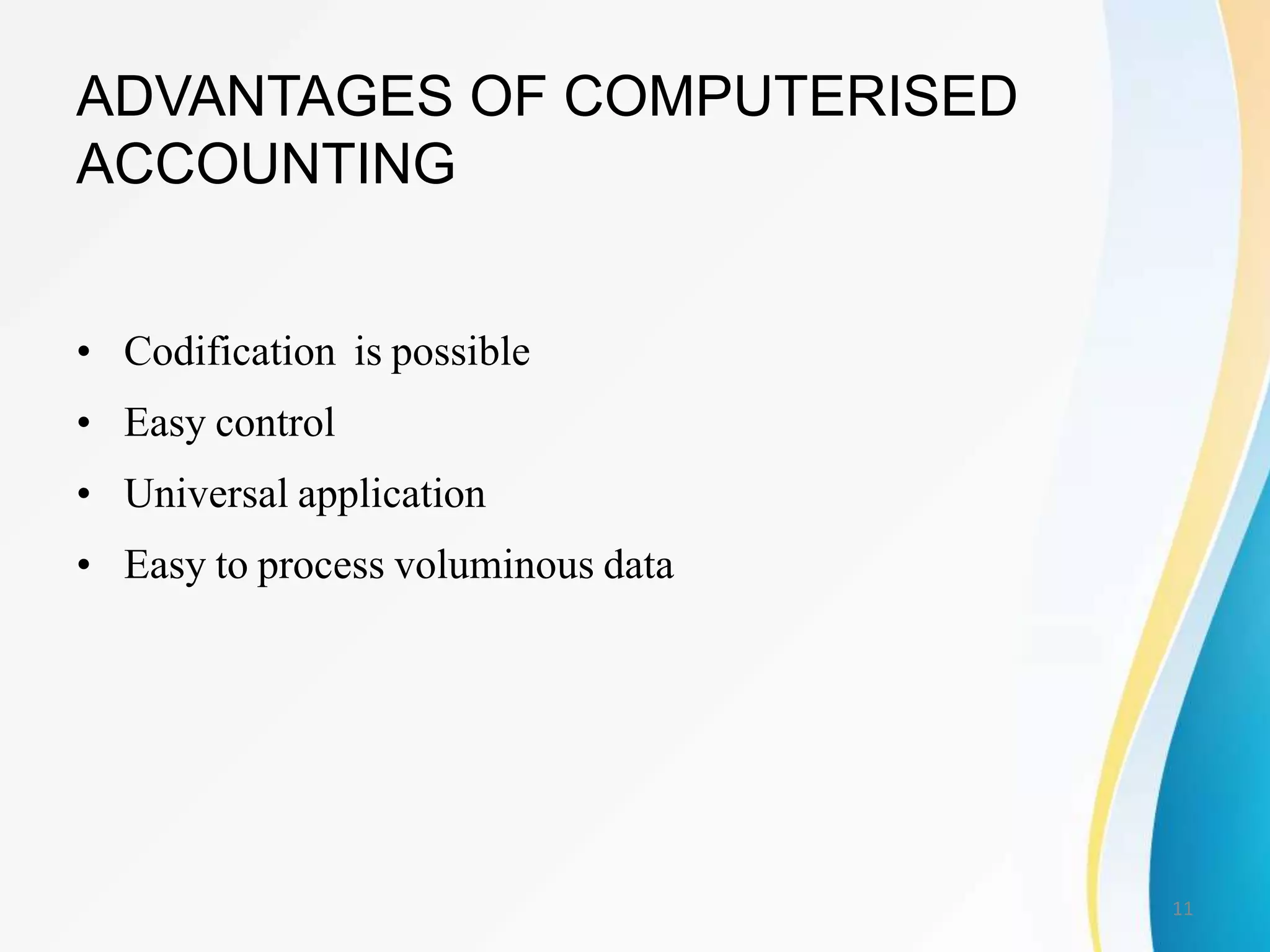
ADVANTAGES OF COMPUTERISED
ACCOUNTING
• Codification is possible
• Easy control
• Universal application
• Easy to process voluminous data
11
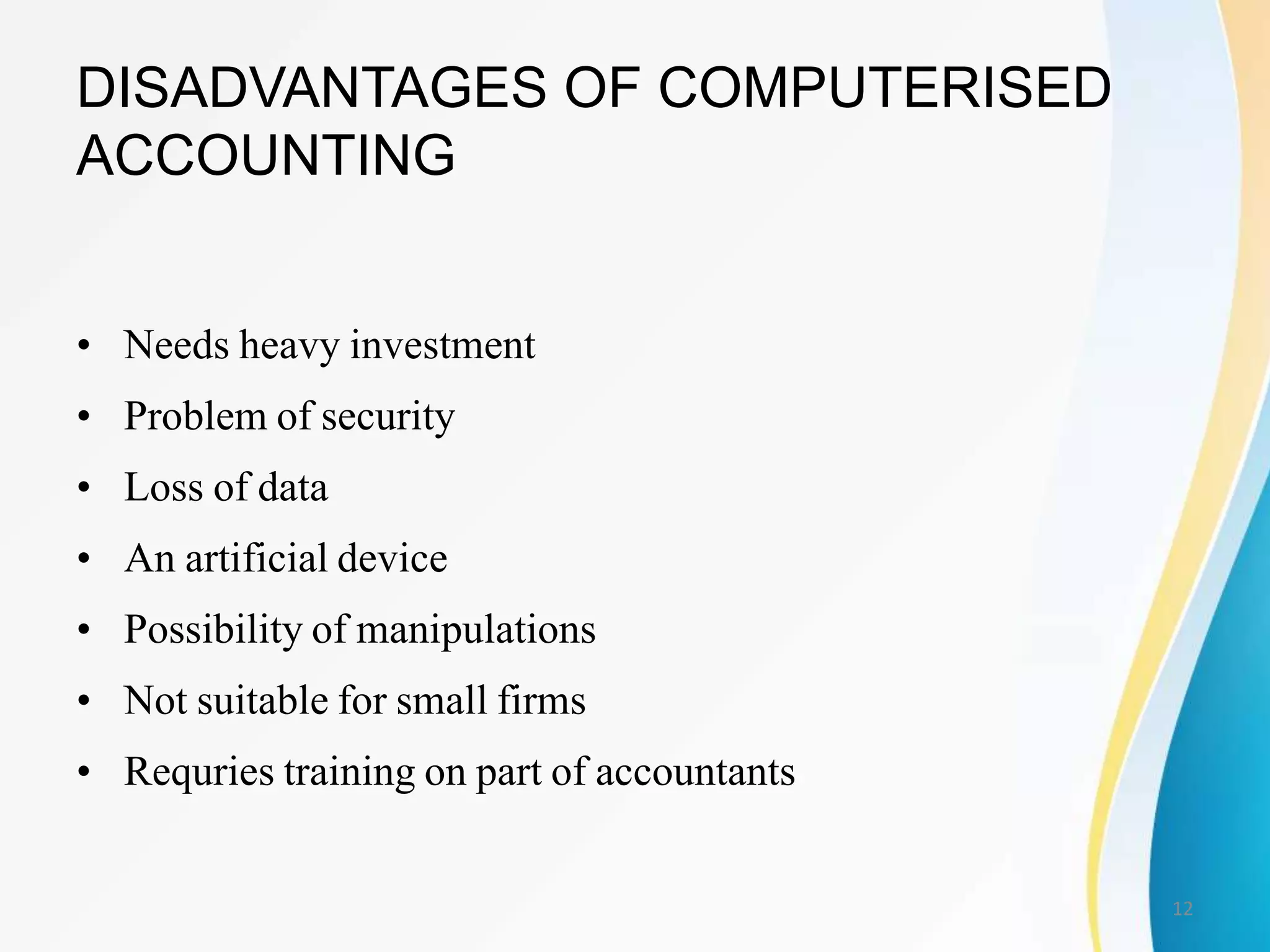
DISADVANTAGES OF COMPUTERISED
ACCOUNTING
• Needs heavy investment
• Problem of security
• Loss of data
• An artificial device
• Possibility of manipulations
• Not suitable for small firms
• Requries training on part of accountants
12
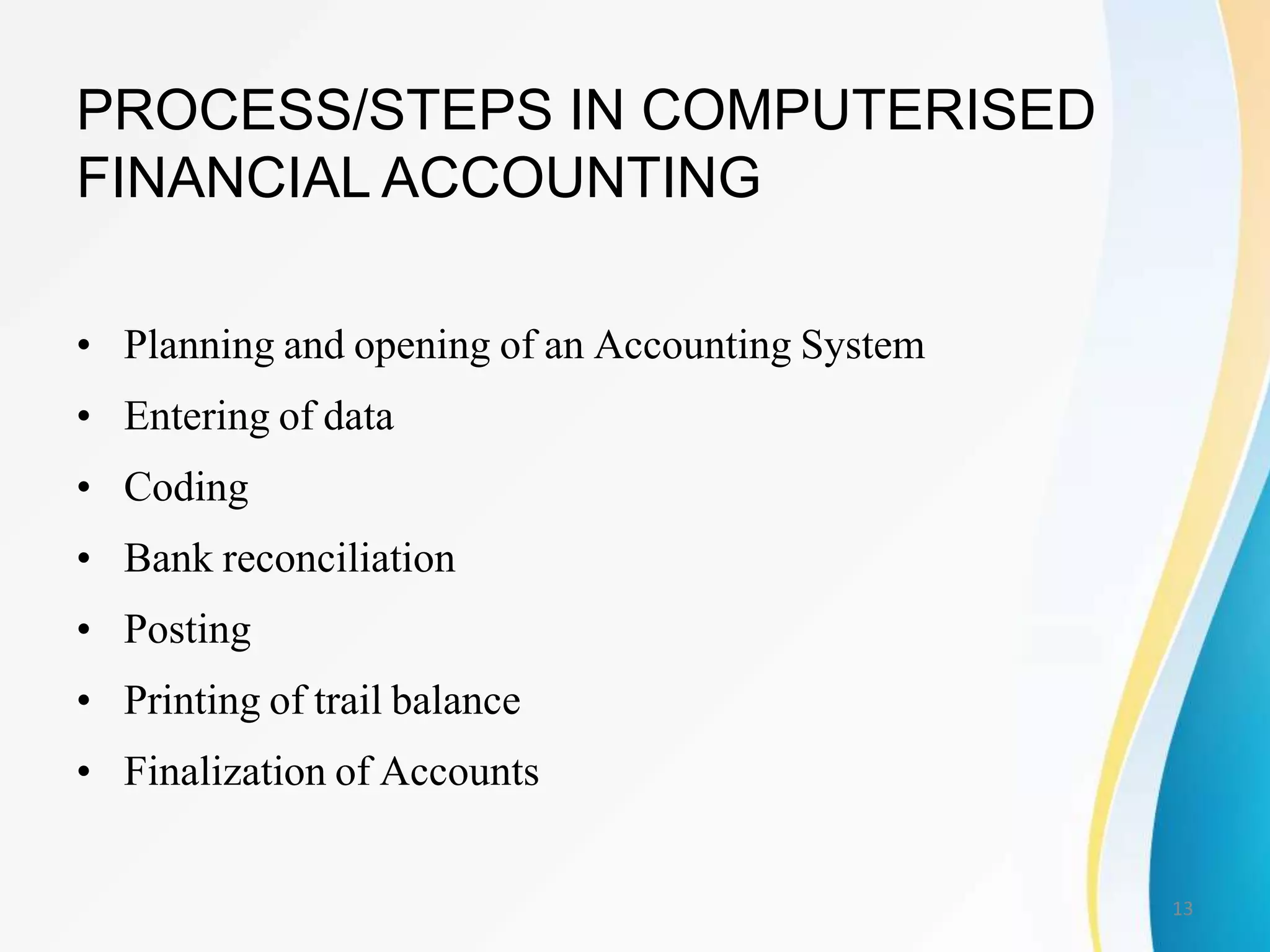
PROCESS/STEPS IN COMPUTERISED
FINANCIAL ACCOUNTING
• Planning and opening of an Accounting System
• Entering of data
• Coding
• Bank reconciliation
• Posting
• Printing of trail balance
• Finalization of Accounts
13
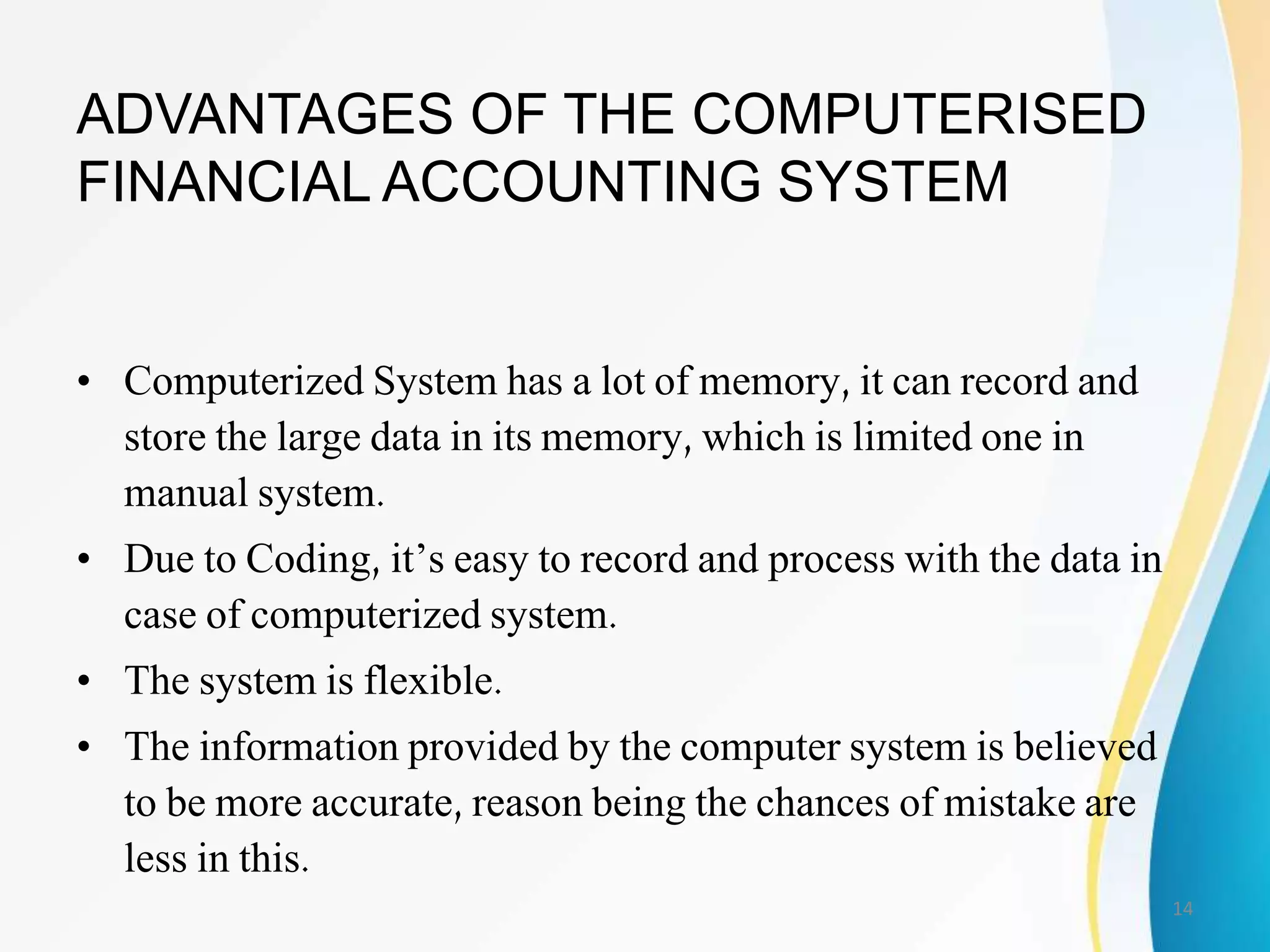
ADVANTAGES OF THE COMPUTERISED
FINANCIAL ACCOUNTING SYSTEM
• Computerized System has a lot of memory, it can record and
store the large data in its memory, which is limited one in
manual system.
• Due to Coding, it’s easy to record and process with the data in
case of computerized system.
• The system is flexible.
• The information provided by the computer system is believed
to be more accurate, reason being the chances of mistake are
less in this.
14
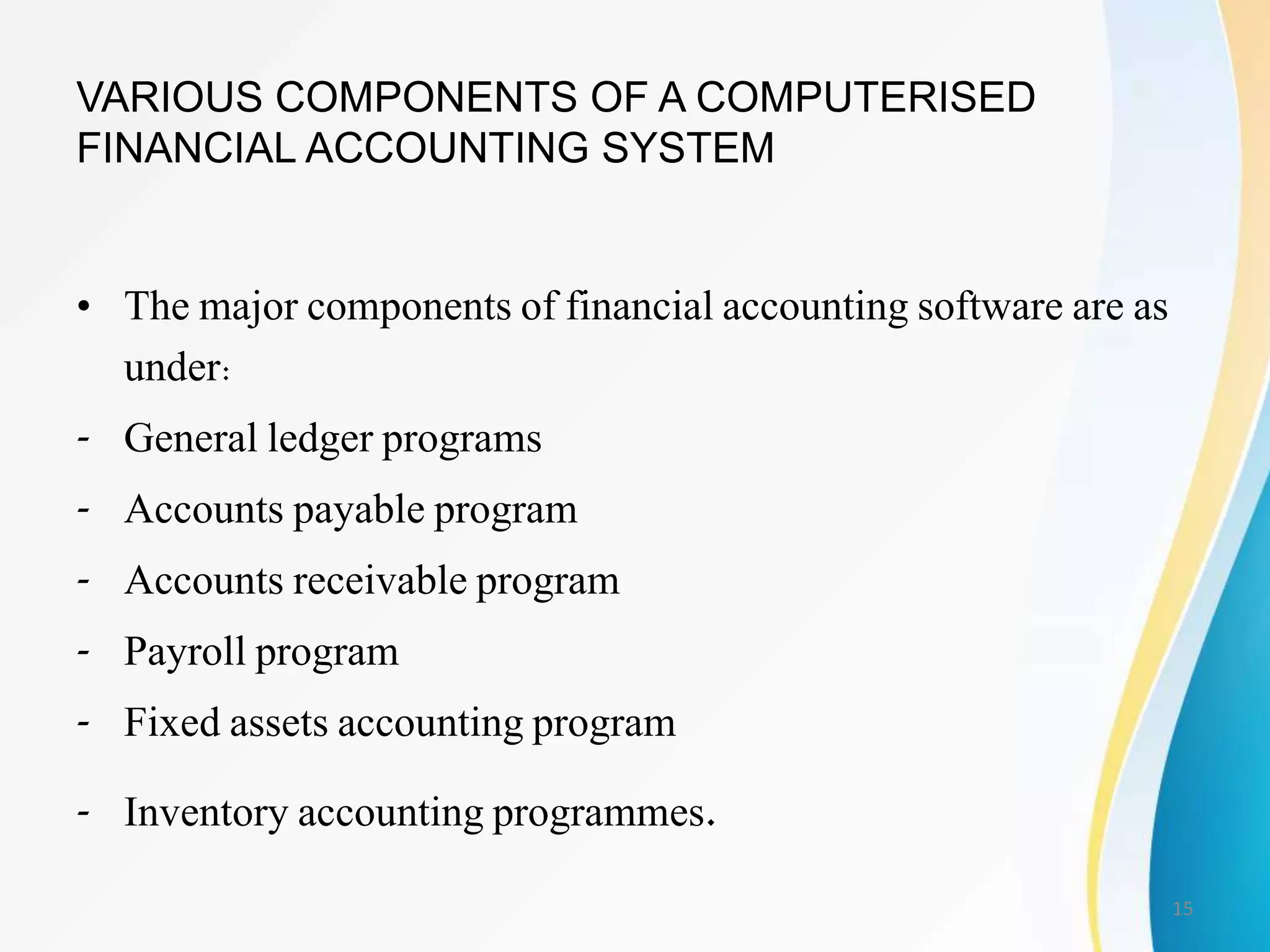
VARIOUS COMPONENTS OF A COMPUTERISED
FINANCIAL ACCOUNTING SYSTEM
• The major components of financial accounting software are as
under:
- General ledger programs
- Accounts payable program
- Accounts receivable program
- Payroll program
- Fixed assets accounting program
- Inventory accounting programmes.
15
16
17
18
19
20
New Company Setup
• One of the first things you'll want to do when
you receive your Peachtree Accounting
package is set up your company
• To get things started, Peachtree provides the
New Company Setup wizard
• When you set up your company, you provide
Peachtree with basic information such as name
and address
21
New Company Setup …
• In addition, you select your chart of accounts,
choose your accounting and posting methods,
and specify how your accounting periods are set
up
• When you complete New Company Setup and
select the Finish button, Peachtree presents the
setup checklist
• Then, you can start entering default information,
record data (such as employee, vendor and
customer records), and beginning balances
22
Set Up a New Company
1. Start Peachtree if it is not already running
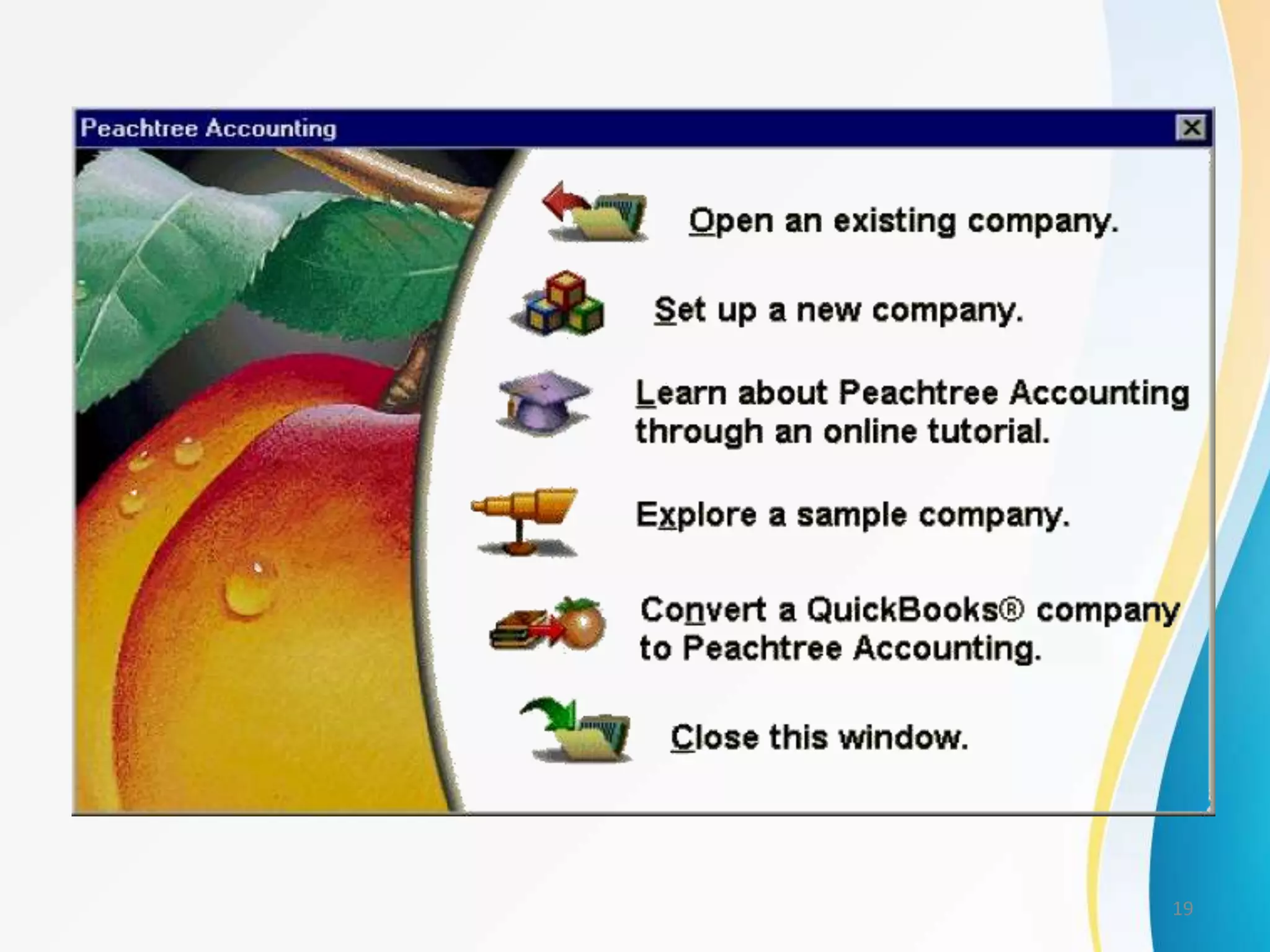
2. From the File menu, select New Company, or
choose Set up a New Company in the Peachtree
Accounting Startup window
3. Select OK. Peachtree displays the New Company
Setup - Introduction window
4. Read the introductory information
5. To continue setting up your company, select the Next
button. Peachtree displays the New Company Setup -
Company Information window
23

Computerised Accounting

  • 1.
  • 2.
    CONTENT • MEANING OFCOMPUTERISED ACCOUNTING • TRADITIONAL/MANUAL SYSTEM OF ACCOUNTING • PROCESS OF COMPUTERISED ACCOUNTING • FEATUERES OF COMPUTERISED ACCOUNTING • DIFFERENCE BETWEEN MANUAL ACCOUNTING SYSTEM AND COMPUTERISED ACCOUNTING • ADVANTAGES AND DISADVANTAGES OF COMPUTERISED ACCOUNTING • PROCESS/STEPS IN COMPUTERISED FINANCIAL ACCOUNTING • ADVANTAGES OF THE COMPUTERISED FINANCIAL ACCOUNTING SYSTEM • VARIOUS COMPONENTS OF A COMPUTERISED FINANCIAL ACCOUNTING SYSTEM 2
  • 3.
    MEANING OF COMPUTERISED ACCOUNTING •As its name suggests, "computerized accounting" is accounting done with the aid of a computer • It tends to involve dedicated accounting software and digital spreadsheets to keep track of a business or client's financial transactions. 3
  • 4.
    • Computerized accountingis a beneficial use of current technological advances • Not only has it revolutionized the traditional paper methods of accounting, but it has also created new types of accounting applications for business • Companies now create entire accounting information systems that integrate all business operations, including external suppliers and vendors in the value chain 4
  • 5.
    • Computerized accountingsystems (or software) have replaced manual-based accounting in virtually all businesses and organizations, providing accountants, managers, employees and stakeholders access to vital accounting information at the touch of a button • Computerized accounting systems automate the accounting process--improving efficiency and cutting down costs 5
  • 6.
    • Computerized accountinghas many advantages over traditional manual accounting • Computerized accounting tends to be more accurate, is faster to use, and is less subject to error than its manual counterpart 6
  • 7.
    TRADITIONAL / MANUALSYSTEM OF ACCOUNTING Data & instructions Manual processing Inforamtion 7
  • 8.
    PROCESS OF COMPUTERISED ACCOUNTING Data& instructions -Cheques/Receipts -Debit Notes -Credit Notes -Invoices Electronic Processing Through Computers -Profit & Loss A/c -Balance Sheet 8
  • 9.
    FEATUERES OF COMPUTERISED ACCOUNTING 1.Fast, Powerful, Simple and Integrated 2. Complete Visibility Enhanced User Experience 3. Accuracy 4. Speed 5. Scalability 6. Power 7. Improved Business Performance 8. Quick Decision Making 9. Complete Reliability 9
  • 10.
    DIFFERENCE BETWEEN MANUAL ACCOUNTINGSYSTEM AND COMPUTERISED ACCOUNTING • Recording of data • Data entering • Classification and processing of data • Data Storage • Reporting • Accuracy • Lesser paper work • Codification of data • Data sharing • Adujusting entries 10
  • 11.
    ADVANTAGES OF COMPUTERISED ACCOUNTING •Codification is possible • Easy control • Universal application • Easy to process voluminous data 11
  • 12.
    DISADVANTAGES OF COMPUTERISED ACCOUNTING •Needs heavy investment • Problem of security • Loss of data • An artificial device • Possibility of manipulations • Not suitable for small firms • Requries training on part of accountants 12
  • 13.
    PROCESS/STEPS IN COMPUTERISED FINANCIALACCOUNTING • Planning and opening of an Accounting System • Entering of data • Coding • Bank reconciliation • Posting • Printing of trail balance • Finalization of Accounts 13
  • 14.
    ADVANTAGES OF THECOMPUTERISED FINANCIAL ACCOUNTING SYSTEM • Computerized System has a lot of memory, it can record and store the large data in its memory, which is limited one in manual system. • Due to Coding, it’s easy to record and process with the data in case of computerized system. • The system is flexible. • The information provided by the computer system is believed to be more accurate, reason being the chances of mistake are less in this. 14
  • 15.
    VARIOUS COMPONENTS OFA COMPUTERISED FINANCIAL ACCOUNTING SYSTEM • The major components of financial accounting software are as under: - General ledger programs - Accounts payable program - Accounts receivable program - Payroll program - Fixed assets accounting program - Inventory accounting programmes. 15
  • 16.
  • 17.
  • 18.
  • 19.
  • 20.
  • 21.
    New Company Setup •One of the first things you'll want to do when you receive your Peachtree Accounting package is set up your company • To get things started, Peachtree provides the New Company Setup wizard • When you set up your company, you provide Peachtree with basic information such as name and address 21
  • 22.
    New Company Setup… • In addition, you select your chart of accounts, choose your accounting and posting methods, and specify how your accounting periods are set up • When you complete New Company Setup and select the Finish button, Peachtree presents the setup checklist • Then, you can start entering default information, record data (such as employee, vendor and customer records), and beginning balances 22
  • 23.
    Set Up aNew Company 1. Start Peachtree if it is not already running 2. From the File menu, select New Company, or choose Set up a New Company in the Peachtree Accounting Startup window 3. Select OK. Peachtree displays the New Company Setup - Introduction window 4. Read the introductory information 5. To continue setting up your company, select the Next button. Peachtree displays the New Company Setup - Company Information window 23