Here we are going to demonstrate how to undo series of scopes that are successfully
executed
Start the adminserverandsoa server.
Checkthe status of serversbyloggingintoadminconsole(http://localhost:7001/console)
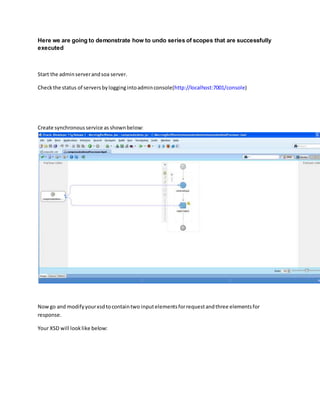
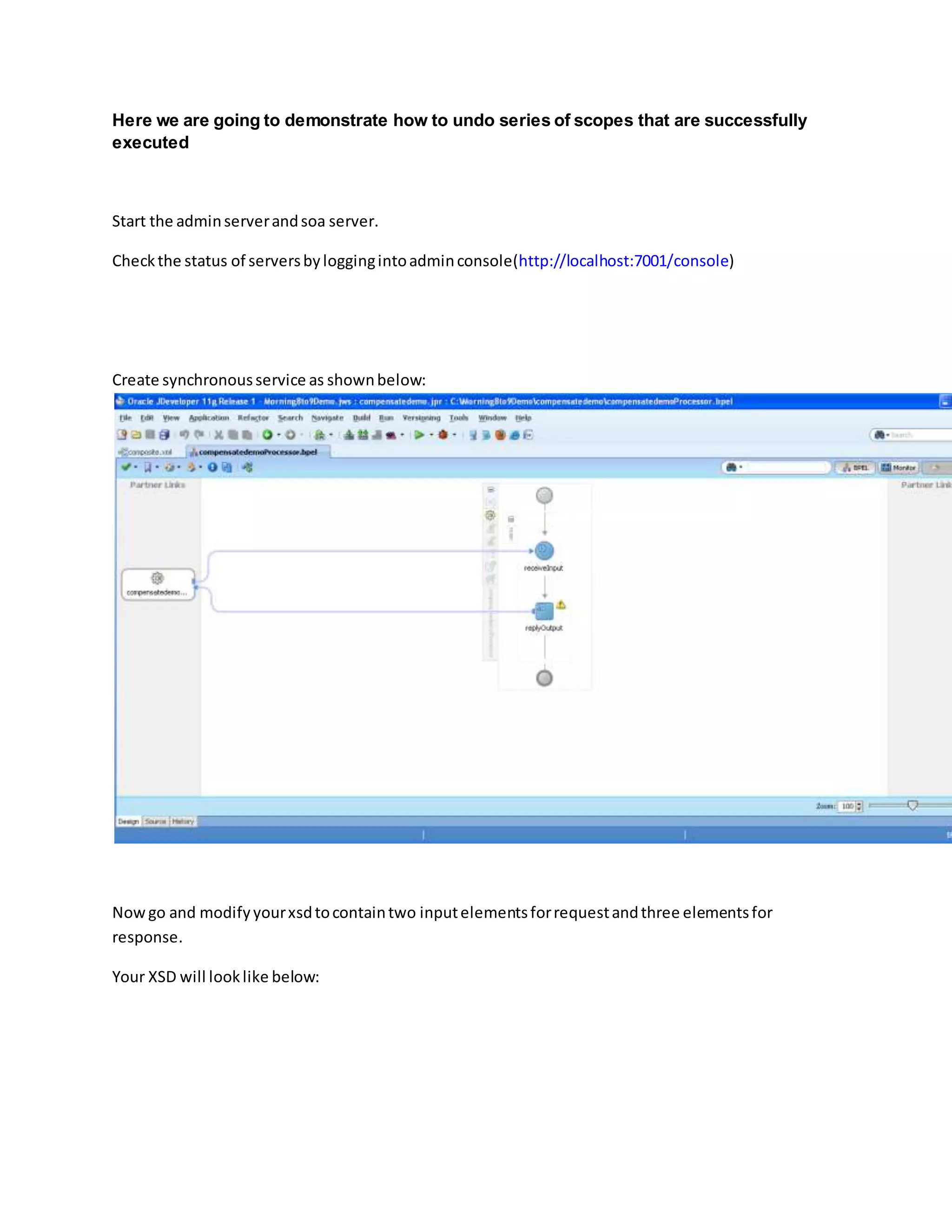
Create synchronousservice as shownbelow:
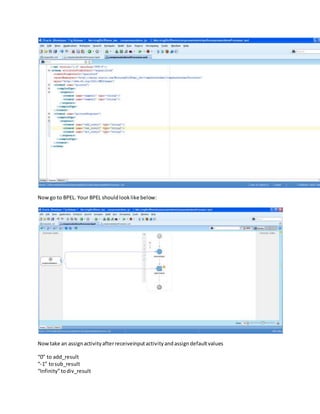
Nowgo and modifyyourxsdtocontaintwo inputelementsforrequestandthree elementsfor
response.
Your XSD will looklike below:
Nowgo to BPEL. Your BPEL shouldlooklike below:
Nowtake an assignactivityafterreceiveinputactivityandassigndefaultvalues
“0” to add_result
“-1” tosub_result
“Infinity”todiv_result
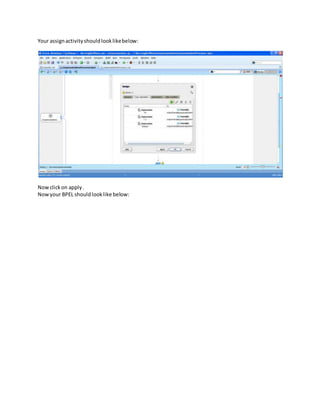
Your assignactivityshouldlooklikebelow:
Nowclickon apply.
Nowyour BPEL shouldlooklike below:
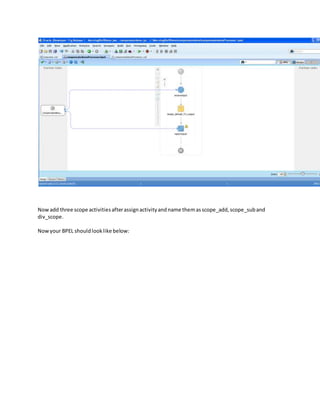
Nowadd three scope activitiesafterassignactivityandname themasscope_add,scope_suband
div_scope.
Nowyour BPEL shouldlooklike below:
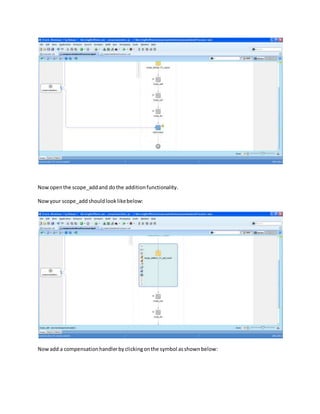
Nowopenthe scope_addand dothe additionfunctionality.
Nowyour scope_addshouldlooklikebelow:
Nowadd a compensationhandlerbyclickingonthe symbol asshownbelow:
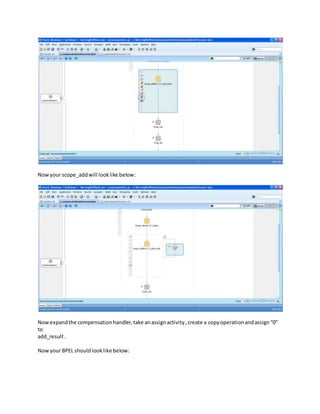
Nowyour scope_addwill looklike below:
Nowexpandthe compensationhandler,take anassignactivity,create a copyoperationandassign“0”
to
add_result.
Nowyour BPEL shouldlooklike below:
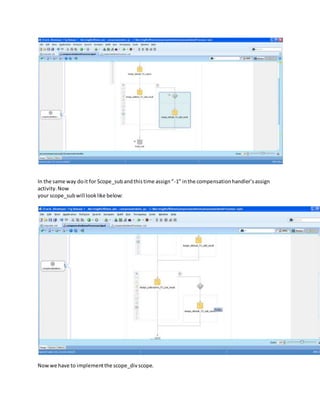
In the same way doit for Scope_subandthistime assign“-1” inthe compensationhandler’sassign
activity.Now
your scope_subwill looklike below:
Nowwe have to implementthe scope_divscope.
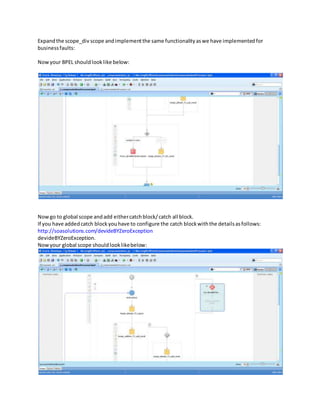
Expandthe scope_div scope andimplementthe same functionalityaswe have implementedfor
businessfaults:
Nowyour BPEL shouldlooklike below:
Nowgo to global scope andadd eithercatchblock/catch all block.
If you have addedcatch blockyouhave to configure the catch blockwiththe detailsasfollows:
http://soasolutions.com/devideBYZeroException
devideBYZeroException.
Nowyour global scope shouldlooklikebelow:
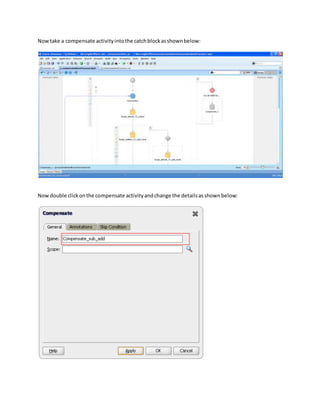
Nowtake a compensate activityintothe catchblockasshownbelow:
Nowdouble clickonthe compensate activityandchange the detailsasshownbelow:
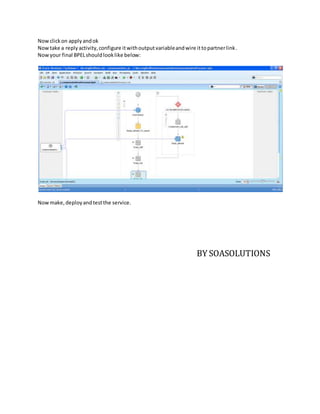
Nowclickon applyandok
Nowtake a replyactivity,configure itwithoutputvariableandwire ittopartnerlink.
Nowyour final BPELshouldlooklike below:
Nowmake,deployandtestthe service.
BY SOASOLUTIONS

Compensation

  • 1.
    Here we aregoing to demonstrate how to undo series of scopes that are successfully executed Start the adminserverandsoa server. Checkthe status of serversbyloggingintoadminconsole(http://localhost:7001/console) Create synchronousservice as shownbelow: Nowgo and modifyyourxsdtocontaintwo inputelementsforrequestandthree elementsfor response. Your XSD will looklike below:
  • 2.
    Nowgo to BPEL.Your BPEL shouldlooklike below: Nowtake an assignactivityafterreceiveinputactivityandassigndefaultvalues “0” to add_result “-1” tosub_result “Infinity”todiv_result
  • 3.
  • 4.
    Nowadd three scopeactivitiesafterassignactivityandname themasscope_add,scope_suband div_scope. Nowyour BPEL shouldlooklike below:
  • 5.
    Nowopenthe scope_addand dotheadditionfunctionality. Nowyour scope_addshouldlooklikebelow: Nowadd a compensationhandlerbyclickingonthe symbol asshownbelow:
  • 6.
    Nowyour scope_addwill looklikebelow: Nowexpandthe compensationhandler,take anassignactivity,create a copyoperationandassign“0” to add_result. Nowyour BPEL shouldlooklike below:
  • 7.
    In the sameway doit for Scope_subandthistime assign“-1” inthe compensationhandler’sassign activity.Now your scope_subwill looklike below: Nowwe have to implementthe scope_divscope.
  • 8.
    Expandthe scope_div scopeandimplementthe same functionalityaswe have implementedfor businessfaults: Nowyour BPEL shouldlooklike below: Nowgo to global scope andadd eithercatchblock/catch all block. If you have addedcatch blockyouhave to configure the catch blockwiththe detailsasfollows: http://soasolutions.com/devideBYZeroException devideBYZeroException. Nowyour global scope shouldlooklikebelow:
  • 9.
    Nowtake a compensateactivityintothe catchblockasshownbelow: Nowdouble clickonthe compensate activityandchange the detailsasshownbelow:
  • 10.
    Nowclickon applyandok Nowtake areplyactivity,configure itwithoutputvariableandwire ittopartnerlink. Nowyour final BPELshouldlooklike below: Nowmake,deployandtestthe service. BY SOASOLUTIONS