HUMAN TASK
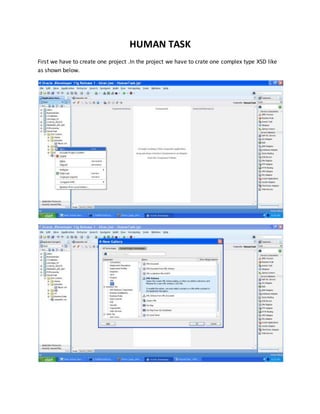
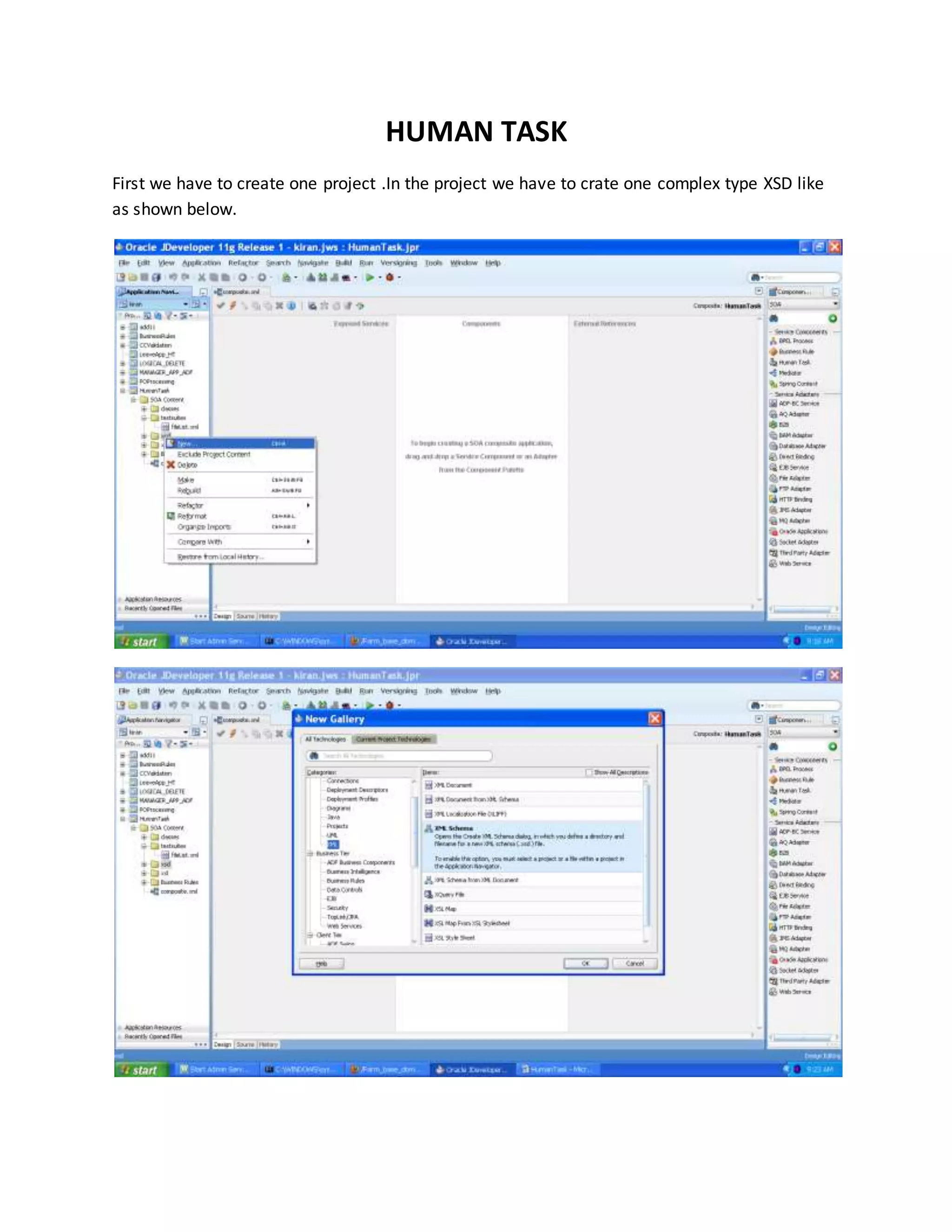
First we have to create one project .In the project we have to crate one complex type XSD like
as shown below.
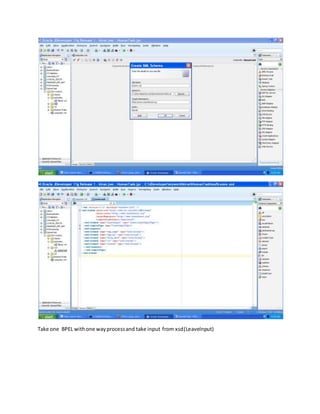
Take one BPEL withone wayprocessand take input from xsd(LeaveInput)
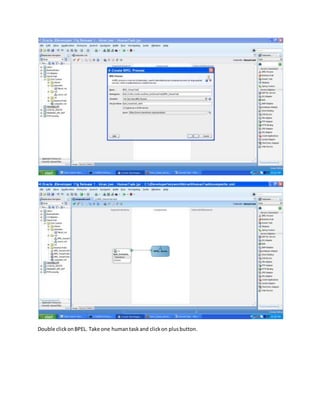
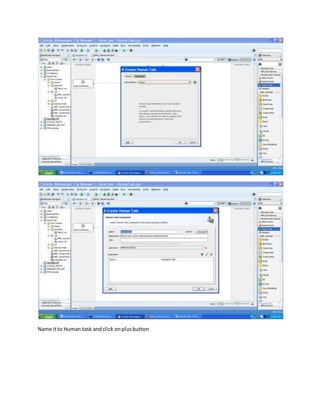
Double clickonBPEL. Take one humantaskand clickon plusbutton.
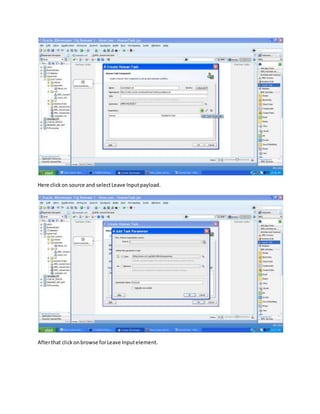
Name itto Human task andclick onplusbutton
Here clickon source and selectLeave Inputpayload.
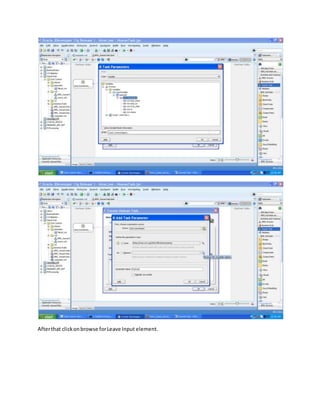
Afterthat clickonbrowse forLeave Inputelement.
Afterthat clickonbrowse forLeave Input element.
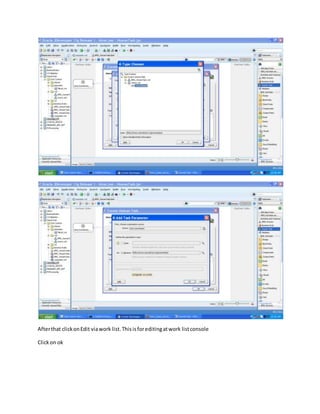
Afterthat clickonEdit viawork list.Thisisforeditingatwork listconsole
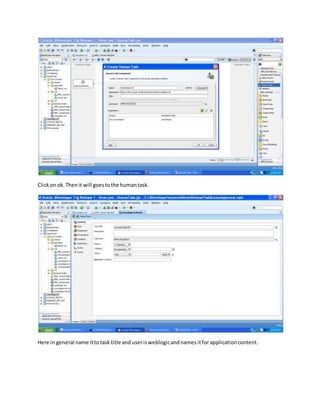
Clickon ok
Clickon ok.Thenit will goestothe humantask.
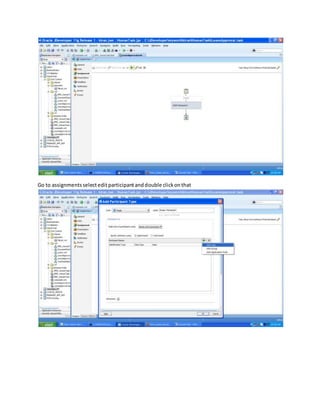
Here in general name ittotask title and userisweblogicandnames itfor applicationcontent.
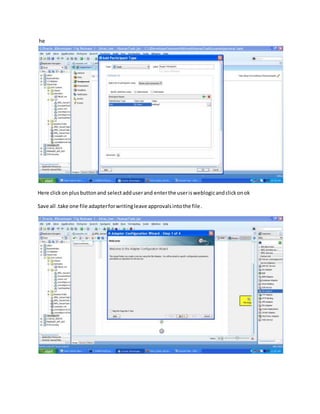
Go to assignmentsselecteditparticipantanddouble clickonthat
he
Here clickon plusbuttonand selectadduserand enterthe userisweblogicandclickonok
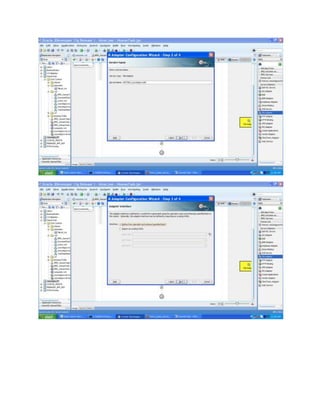
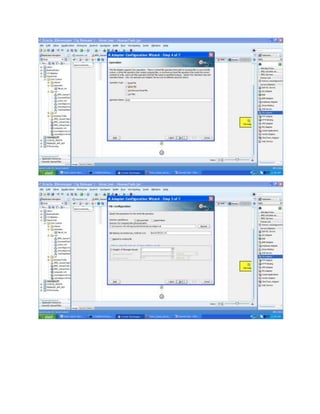
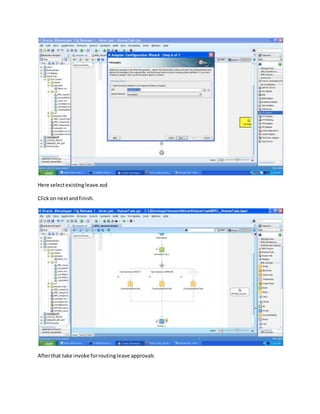
Save all .take one file adapterforwritingleave approvalsintothe file.
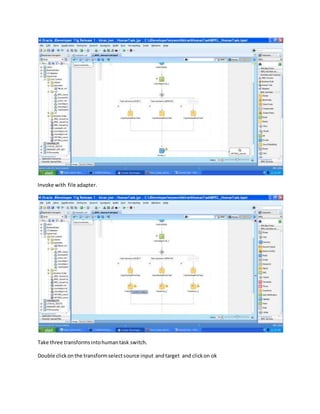
Here selectexistingleave.xsd
Clickon nextandfinish.
Afterthat take invoke forroutingleave approvals
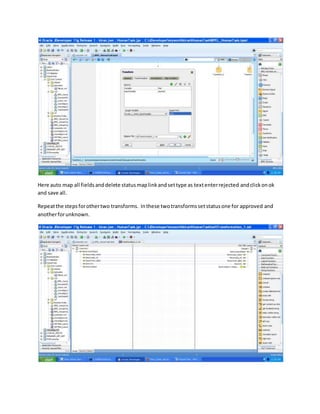
Invoke with file adapter.
Take three transformsintohumantask switch.
Double clickonthe transformselectsource input andtarget and clickon ok
Here auto map all fieldsanddelete statusmaplinkandsettype as textenterrejected andclickonok
and save all.
Repeatthe stepsforothertwo transforms. Inthese twotransformssetstatusone for approved and
anotherforunknown.
Save all double clickonhumantask andclick oneditbuttonand close thathuman taskand save all
Deploy the projectandtestthe output

Humantask MAKE EASY DUDE