Download to read offline
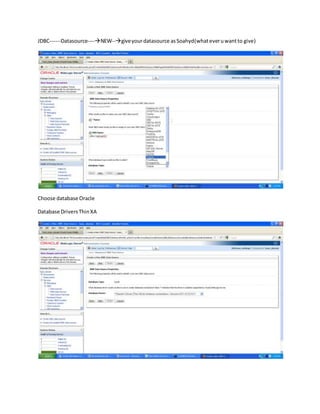
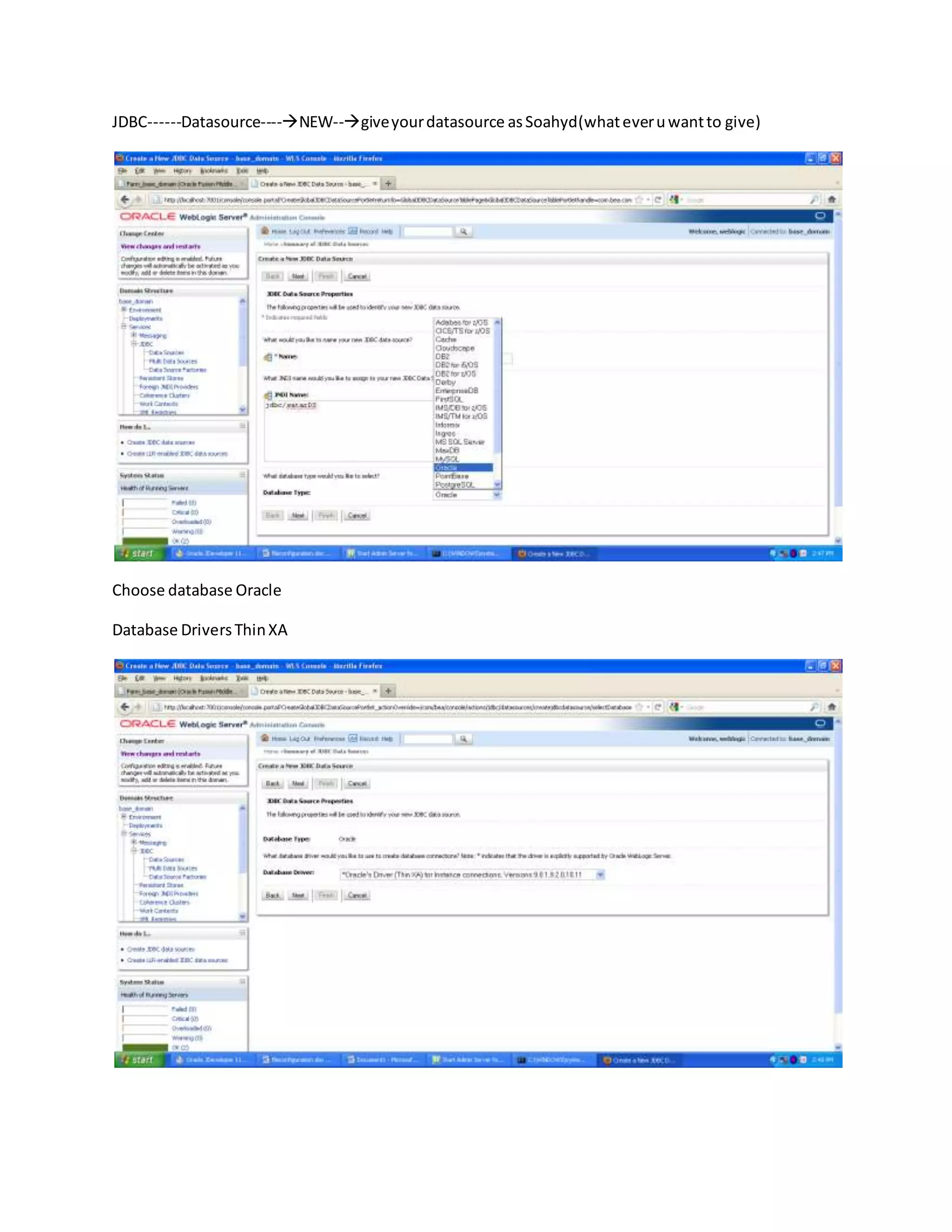
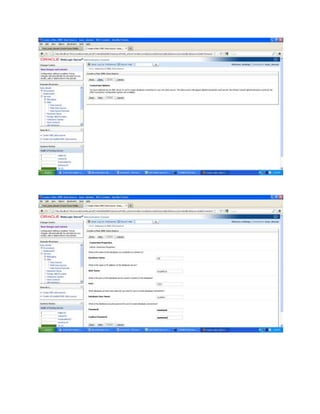
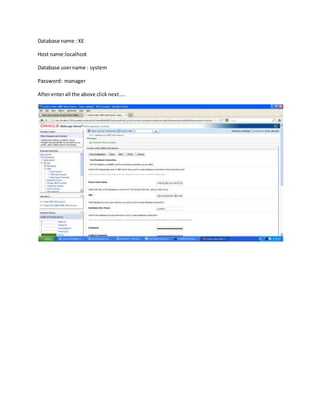
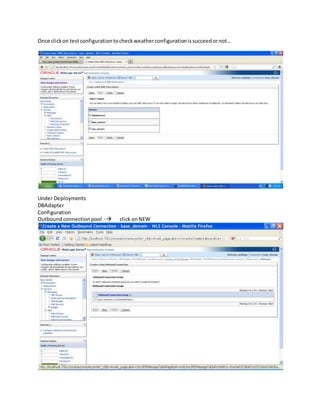
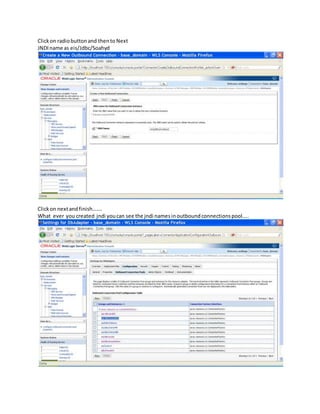
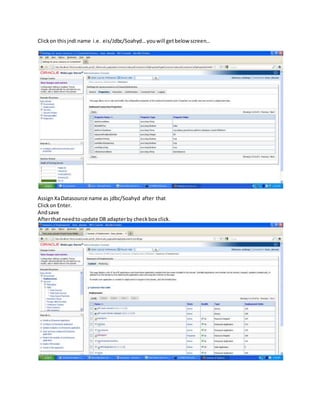

The document provides instructions for configuring a JDBC data source in Oracle using the SOA Hyd datasource. The steps include: 1) creating a new datasource with the SOA Hyd name, choosing Oracle as the database, and entering the database name, host, username, and password; 2) testing the configuration; 3) creating a new outbound connection pool with the JNDI name eis/Jdbc/Soahyd; 4) assigning the XA datasource name jdbc/Soahyd to the connection pool; and 5) updating the DB adapter.


