Slideshare,VoiceThread,
Prezi compare to
PowerPoint
By Faye Derenoncourt
Slideshare
Founded in 2006 with a mission to make sharing presentations on any topic easy.
It is the largest presentation sharing site in the Internet. SlideShare has great
information available to expand knowledge on different topics.
Moreover, SlideShare has over 18 million uploads in 40 content categories. 70
million visitors originate through targeted search which help build reputation with
the right audience.
SlideShare Pros & Cons
Pros
SlideShare embed easily on websites such as
blogs and social media networks (Facebook and
Twitter). It is easy to find a presentation on any
topic of interest. It allows users to upload and
share PowerPoint slide presentations,
documents, PDFs, and videos of self or from
YouTube. Students are able to share their
presentations they created or any type of
documents. They also have access to 40
content categories when they research
presentations. It is easy to use.
Cons
SlideShare may contain inappropriate
material for students. Therefore, educators
have to monitor students. All presentations
are public unless users purchase a
membership to keep it private and have
access to other features. It does not track
how many visitors saw one’s presentation.
SlideShare in the Classroom
SlideShare can be used in the classroom to help students understand different
topics. Please click here to see an example of how I would incorporate SlideShare
in my classroom.
French irregular and er regular verbs can be confusing for second language
learners. Subsequently, the SlideShare presentation will help visual learners
connect with the verbs and remember them as well.
SlideShare
vs.
PowerPoint
SlideShare presentation is great because it saves
all presentations on the Internet, which make it easy
to share. It does not take storage space on the
computer. Whereas a PowerPoint presentation
does and must be save on a computer or a jump
drive. A person is able to share a SlideShare
presentation with multiple individuals who can see it
at once in different locations. PowerPoint has to be
emailed to each person which is an inconvenient.
Each person has to download the file to a computer
to see the presentation. Students can access a
SlideShare anywhere Internet is available, but
PowerPoint does not work in this format.
VoiceThread
VoiceThread is an online tool designed to have discussions about shared
presentations such as documents, PowerPoint, videos, audio, and images. It was
founded in 2005.
VoiceThread allows users to comment on each slide and can carry a full
discussion on it. However, only people with permission to access the VoiceThread
can make comments.
VoiceThread Pros & Cons
Pros
VoiceThread has a way to integrate various files
format. It has the ability to share files and can be
embedded in blogs or inserted as a link in a
PowerPoint presentation or send via email. It is
nice to have the audio format for the hearing
impaired students to participate in group
discussion. The students are able to record their
response.
Cons
VoiceThread can have inappropriate
materials for students like Slideshare.
Therefore, educators have to monitor
students. All presentations are public unless
users purchase a membership to keep it
private and have access to other features.
VoiceThread in the
Classroom
VoiceThread can be used in the classroom to help students understand different
topics and have online group discussion. Please click here to see an example of
how I would incorporate VoiceThread in my classroom.
The purpose of this VoiceThread presentation is to teach about culture in different
French speaking countries. This tool allows students to engage in discussion
outside of school especially the ones who do not like to speak in front of the whole
class.VoiceThread presentation will help visual learners understand the concepts.
VoiceThread
vs.
PowerPoint
VoiceThread saves all presentations on the Internet
and has the ability to comment on each slide. It is
easy to share. However, a PowerPoint presentation
does not allow users to comment or have a
discussion on the slides. VoiceThread encourages
shy students to express themselves.
Prezi
Prezi was founded in 2009. The word Prezi stands for “presentation” in a short
form in Hungarian. It is a visual storytelling software and features a map-like
overview instead of regular slides format.
This site is simple and has several templates to create presentations.Prezi allows
users to zoom in on desired details and pull back to reveal context.
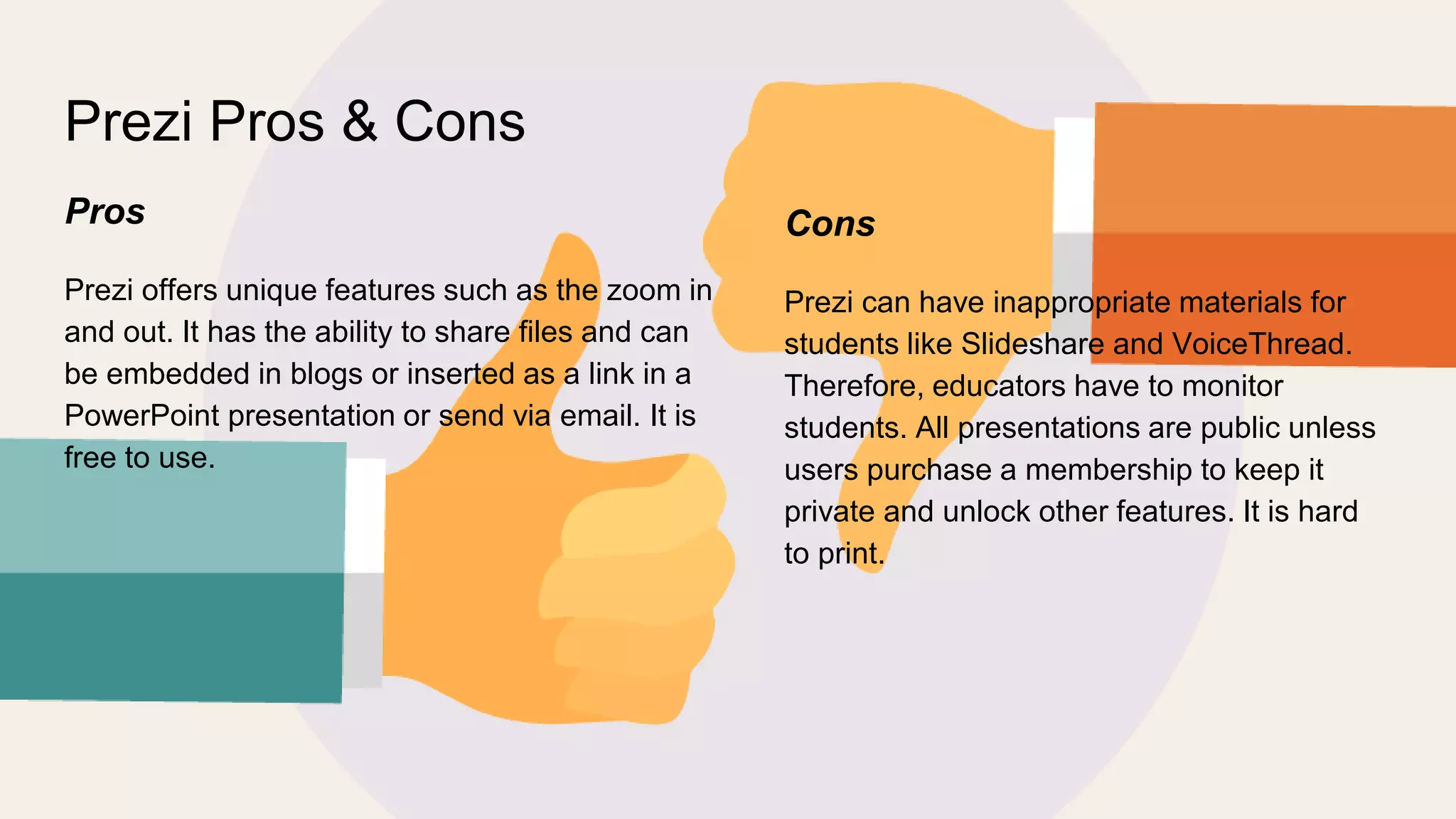
Prezi Pros & Cons
Pros
Prezi offers unique features such as the zoom in
and out. It has the ability to share files and can
be embedded in blogs or inserted as a link in a
PowerPoint presentation or send via email. It is
free to use.
Cons
Prezi can have inappropriate materials for
students like Slideshare and VoiceThread.
Therefore, educators have to monitor
students. All presentations are public unless
users purchase a membership to keep it
private and unlock other features. It is hard
to print.
Prezi in the Classroom
Prezi can be used in the classroom to help educators present different topics in a
zoom in and out format with an eye-catching view. It allows educators to talk
about desired details by zooming in and pulling back to reveal context have online
group discussion. Please click here to see an example of how I would incorporate
Prezi in my classroom.
The purpose of this Prezi presentation is to focus on one topic at a time and
engage students learning.
Prezi
vs.
PowerPoint
Prezi saves all presentations on the Internet and
presents data in a different way. It is easy to share.
However, a PowerPoint presentation does not allow
users to zoom in and out. Prezi encourages
students to work together on their presentation and
share their ideas as well. While Powerpoint allows
students to create traditional slides with
collaboration of others.
References
Prezi https://en,wikipedia.org/wiki/Prezi
SlideShare https://en,wikipedia.org/wiki/SlideShare
VoiceThread https://voicethread.com/howto

Comparing Slideshare, VoiceThread, Prezi to PowerPoint

  • 1.
  • 2.
    Slideshare Founded in 2006with a mission to make sharing presentations on any topic easy. It is the largest presentation sharing site in the Internet. SlideShare has great information available to expand knowledge on different topics. Moreover, SlideShare has over 18 million uploads in 40 content categories. 70 million visitors originate through targeted search which help build reputation with the right audience.
  • 3.
    SlideShare Pros &Cons Pros SlideShare embed easily on websites such as blogs and social media networks (Facebook and Twitter). It is easy to find a presentation on any topic of interest. It allows users to upload and share PowerPoint slide presentations, documents, PDFs, and videos of self or from YouTube. Students are able to share their presentations they created or any type of documents. They also have access to 40 content categories when they research presentations. It is easy to use. Cons SlideShare may contain inappropriate material for students. Therefore, educators have to monitor students. All presentations are public unless users purchase a membership to keep it private and have access to other features. It does not track how many visitors saw one’s presentation.
  • 4.
    SlideShare in theClassroom SlideShare can be used in the classroom to help students understand different topics. Please click here to see an example of how I would incorporate SlideShare in my classroom. French irregular and er regular verbs can be confusing for second language learners. Subsequently, the SlideShare presentation will help visual learners connect with the verbs and remember them as well.
  • 5.
    SlideShare vs. PowerPoint SlideShare presentation isgreat because it saves all presentations on the Internet, which make it easy to share. It does not take storage space on the computer. Whereas a PowerPoint presentation does and must be save on a computer or a jump drive. A person is able to share a SlideShare presentation with multiple individuals who can see it at once in different locations. PowerPoint has to be emailed to each person which is an inconvenient. Each person has to download the file to a computer to see the presentation. Students can access a SlideShare anywhere Internet is available, but PowerPoint does not work in this format.
  • 6.
    VoiceThread VoiceThread is anonline tool designed to have discussions about shared presentations such as documents, PowerPoint, videos, audio, and images. It was founded in 2005. VoiceThread allows users to comment on each slide and can carry a full discussion on it. However, only people with permission to access the VoiceThread can make comments.
  • 7.
    VoiceThread Pros &Cons Pros VoiceThread has a way to integrate various files format. It has the ability to share files and can be embedded in blogs or inserted as a link in a PowerPoint presentation or send via email. It is nice to have the audio format for the hearing impaired students to participate in group discussion. The students are able to record their response. Cons VoiceThread can have inappropriate materials for students like Slideshare. Therefore, educators have to monitor students. All presentations are public unless users purchase a membership to keep it private and have access to other features.
  • 8.
    VoiceThread in the Classroom VoiceThreadcan be used in the classroom to help students understand different topics and have online group discussion. Please click here to see an example of how I would incorporate VoiceThread in my classroom. The purpose of this VoiceThread presentation is to teach about culture in different French speaking countries. This tool allows students to engage in discussion outside of school especially the ones who do not like to speak in front of the whole class.VoiceThread presentation will help visual learners understand the concepts.
  • 9.
    VoiceThread vs. PowerPoint VoiceThread saves allpresentations on the Internet and has the ability to comment on each slide. It is easy to share. However, a PowerPoint presentation does not allow users to comment or have a discussion on the slides. VoiceThread encourages shy students to express themselves.
  • 10.
    Prezi Prezi was foundedin 2009. The word Prezi stands for “presentation” in a short form in Hungarian. It is a visual storytelling software and features a map-like overview instead of regular slides format. This site is simple and has several templates to create presentations.Prezi allows users to zoom in on desired details and pull back to reveal context.
  • 11.
    Prezi Pros &Cons Pros Prezi offers unique features such as the zoom in and out. It has the ability to share files and can be embedded in blogs or inserted as a link in a PowerPoint presentation or send via email. It is free to use. Cons Prezi can have inappropriate materials for students like Slideshare and VoiceThread. Therefore, educators have to monitor students. All presentations are public unless users purchase a membership to keep it private and unlock other features. It is hard to print.
  • 12.
    Prezi in theClassroom Prezi can be used in the classroom to help educators present different topics in a zoom in and out format with an eye-catching view. It allows educators to talk about desired details by zooming in and pulling back to reveal context have online group discussion. Please click here to see an example of how I would incorporate Prezi in my classroom. The purpose of this Prezi presentation is to focus on one topic at a time and engage students learning.
  • 13.
    Prezi vs. PowerPoint Prezi saves allpresentations on the Internet and presents data in a different way. It is easy to share. However, a PowerPoint presentation does not allow users to zoom in and out. Prezi encourages students to work together on their presentation and share their ideas as well. While Powerpoint allows students to create traditional slides with collaboration of others.
  • 14.