








Moderator
Kent Melville
Sales Engineering Manager
Inductive Automation
Presenter
Mara Pillott
Senior Applications Engineer
Inductive Automation
Ignition: The Industrial
Application Platform
• Unlimited licensing model
• Cross-platform compatibility
• Based on IT-standard technologies
• Scalable server-client architecture
• Web-managed
• Launch on desktop or mobile
• Modular configurability
• Rapid development and deployment
One Universal Platform for HMI, SCADA, MES & IIoT:
One Universal Platform for HMI/SCADA, MES & IIoT:
• Unlimited licensing model
• Cross-platform compatibility
• Based on IT-standard technologies
• Scalable server-client architecture
• Web-based & web-managed
• Web-deployed designer & clients
• Modular configurability
• Rapid development & deployment
Ignition: Industrial Application Platform
Today’s Agenda
• Introduction
• Recognize common mistakes
• Data collection and logging
• HMI design
• Scripting
• Conclusion and Q&A
“Ignition's so easy that you can throw a screen
together that's fully functional and you can do it in a
very inefficient manner … knowing now what I wish I
knew then, I probably would have gone through the
whole ... Inductive University, the whole course
scheme, to really understand the best way to do
things.” — Dan Stauft, OT Director at SugarCreek
Recognize Common Mistakes
Because Ignition is so easy to use, sometimes
developers find ways to accomplish tasks that are
inefficient or overly complex.
Ignition is designed to:
● Build assets
● Repeatedly use and/or modify them
Recognize Common Mistakes
Data Collection & Logging
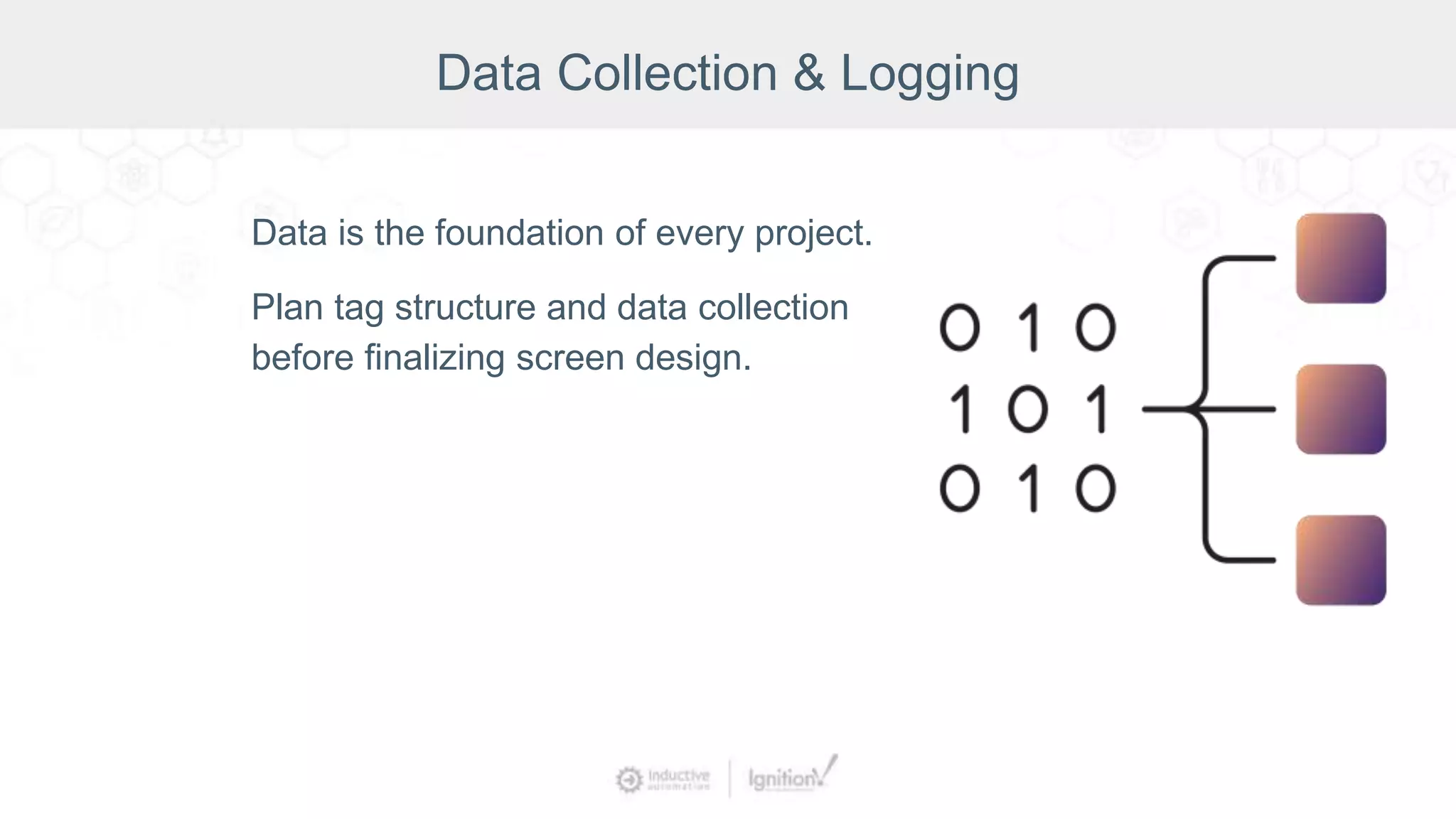
Data is the foundation of every project.
Plan tag structure and data collection
before finalizing screen design.
Data Collection & Logging
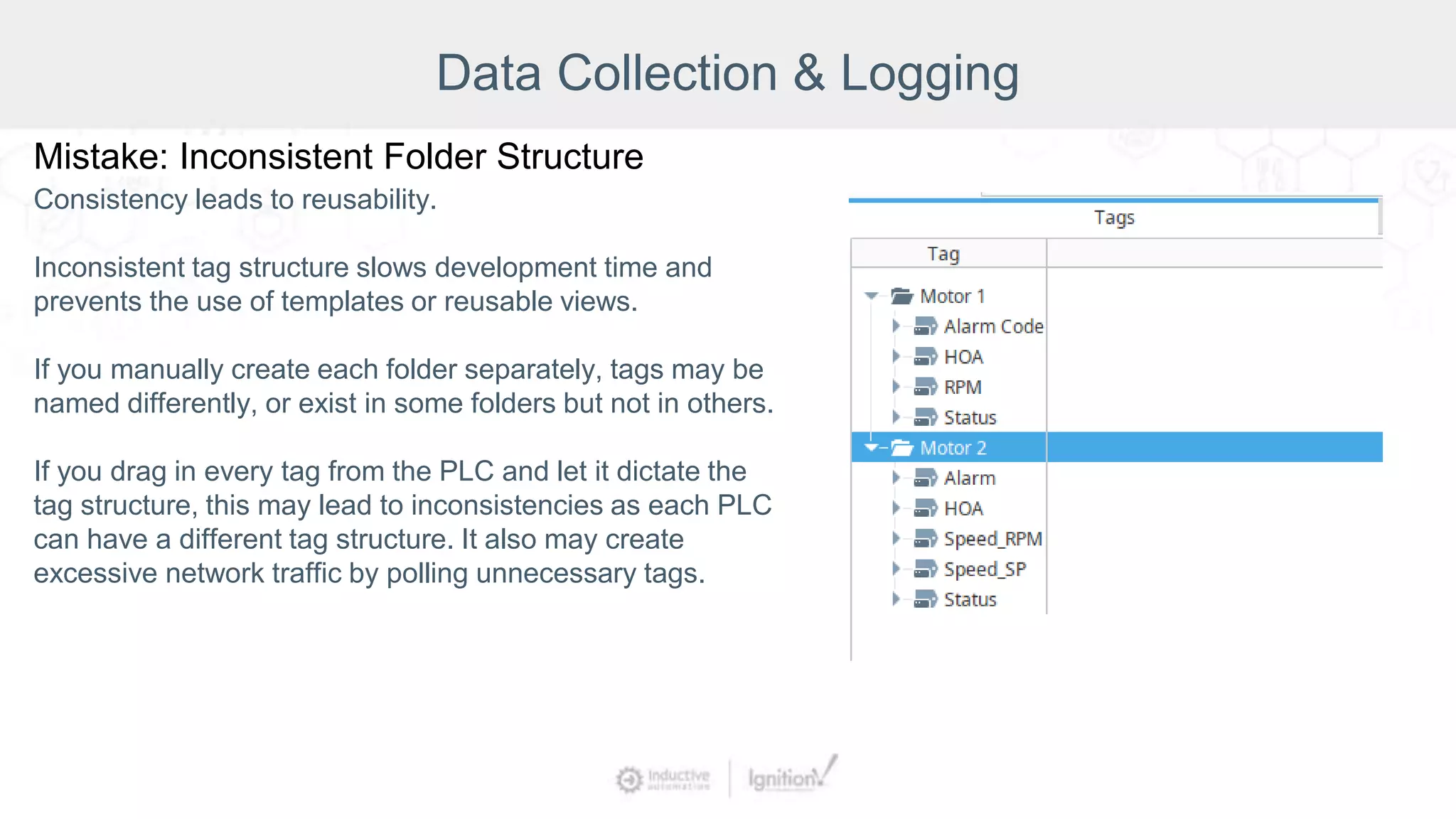
Mistake: Inconsistent Folder Structure
Consistency leads to reusability.
Inconsistent tag structure slows development time and
prevents the use of templates or reusable views.
If you manually create each folder separately, tags may be
named differently, or exist in some folders but not in others.
If you drag in every tag from the PLC and let it dictate the
tag structure, this may lead to inconsistencies as each PLC
can have a different tag structure. It also may create
excessive network traffic by polling unnecessary tags.
Data Collection & Logging
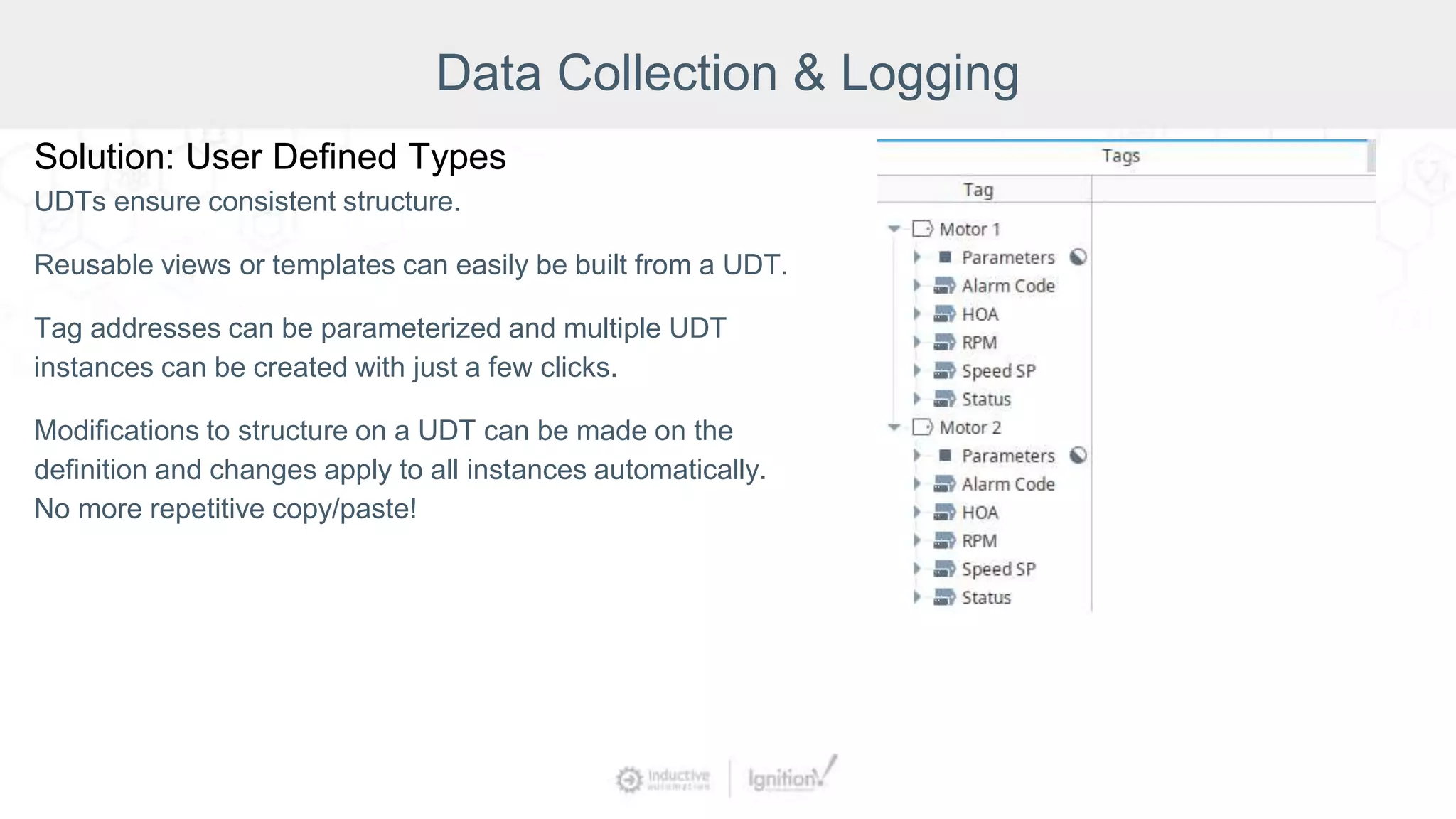
Solution: User Defined Types
UDTs ensure consistent structure.
Reusable views or templates can easily be built from a UDT.
Tag addresses can be parameterized and multiple UDT
instances can be created with just a few clicks.
Modifications to structure on a UDT can be made on the
definition and changes apply to all instances automatically.
No more repetitive copy/paste!
Data Collection & Logging
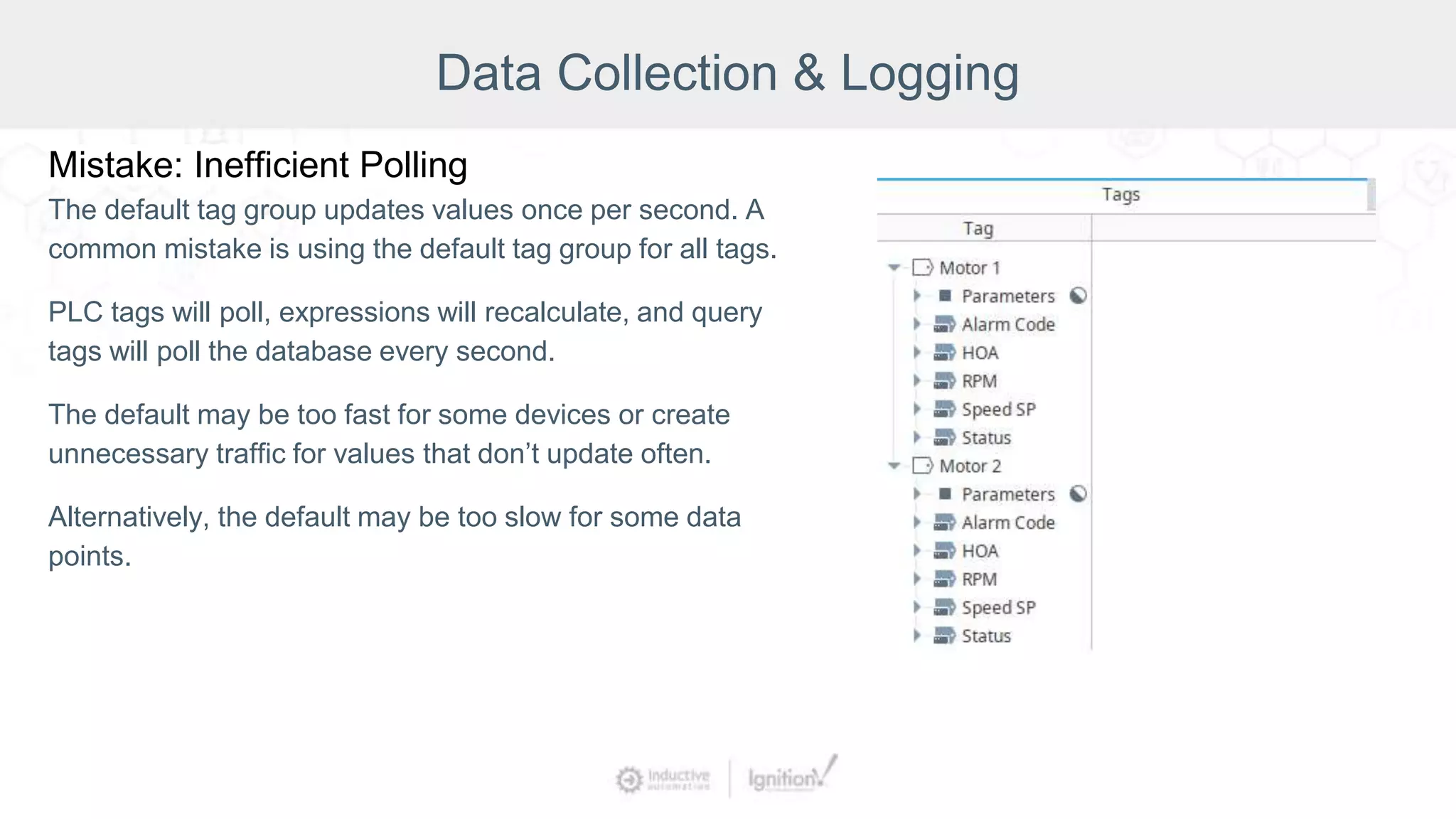
Mistake: Inefficient Polling
The default tag group updates values once per second. A
common mistake is using the default tag group for all tags.
PLC tags will poll, expressions will recalculate, and query
tags will poll the database every second.
The default may be too fast for some devices or create
unnecessary traffic for values that don’t update often.
Alternatively, the default may be too slow for some data
points.
Data Collection & Logging
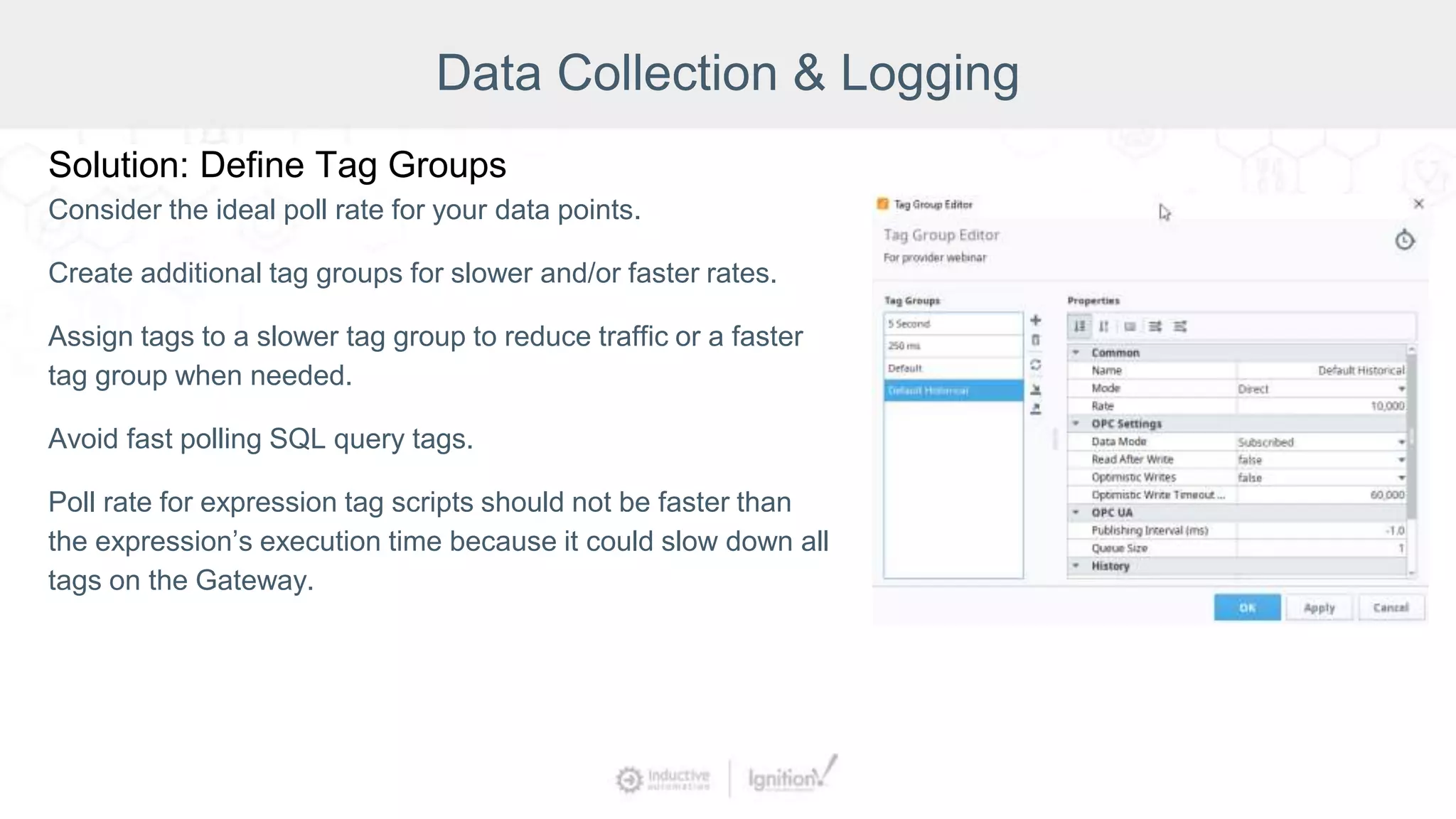
Solution: Define Tag Groups
Consider the ideal poll rate for your data points.
Create additional tag groups for slower and/or faster rates.
Assign tags to a slower tag group to reduce traffic or a faster
tag group when needed.
Avoid fast polling SQL query tags.
Poll rate for expression tag scripts should not be faster than
the expression’s execution time because it could slow down all
tags on the Gateway.
Data Collection & Logging
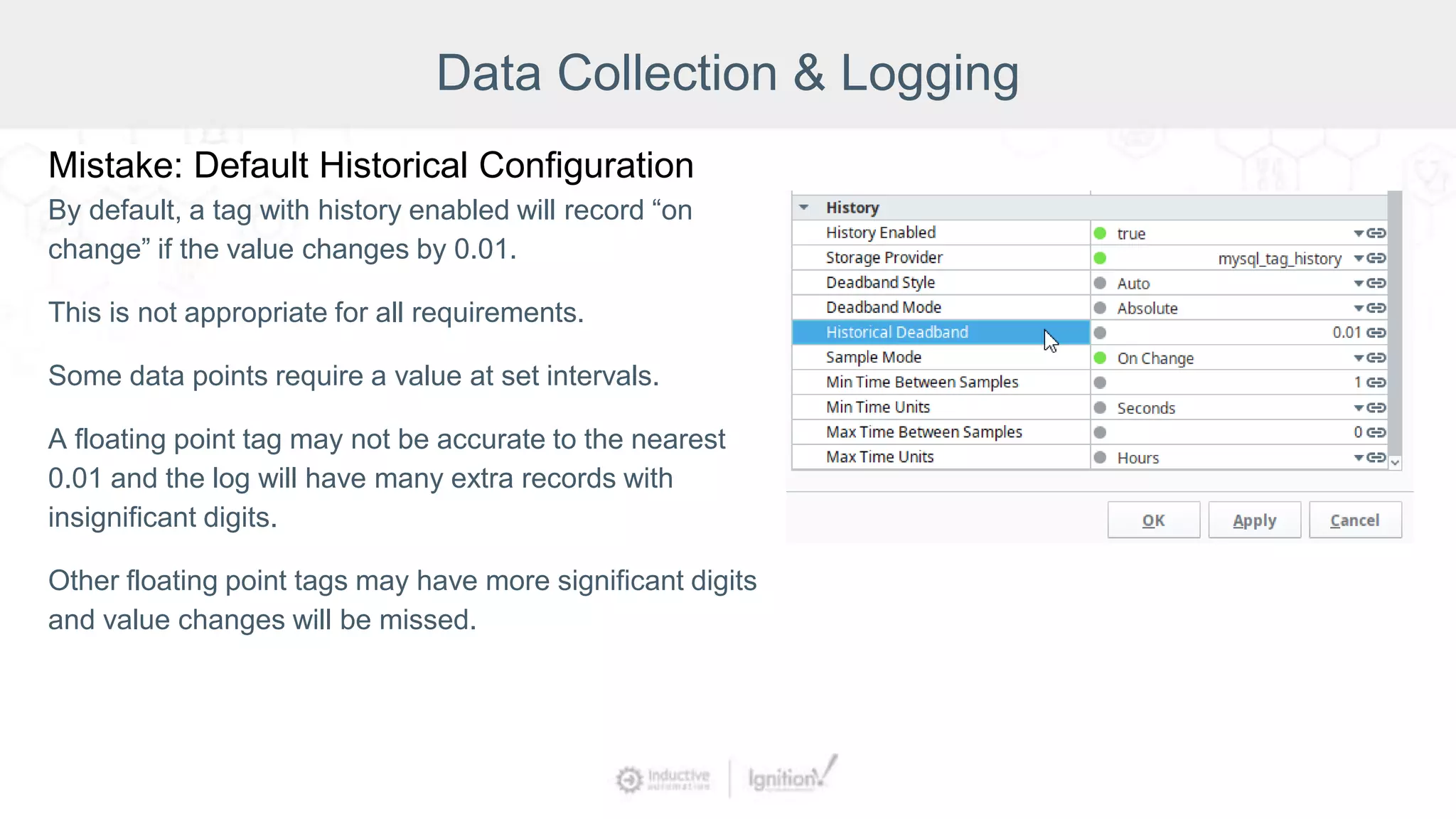
Mistake: Default Historical Configuration
By default, a tag with history enabled will record “on
change” if the value changes by 0.01.
This is not appropriate for all requirements.
Some data points require a value at set intervals.
A floating point tag may not be accurate to the nearest
0.01 and the log will have many extra records with
insignificant digits.
Other floating point tags may have more significant digits
and value changes will be missed.
Data Collection & Logging
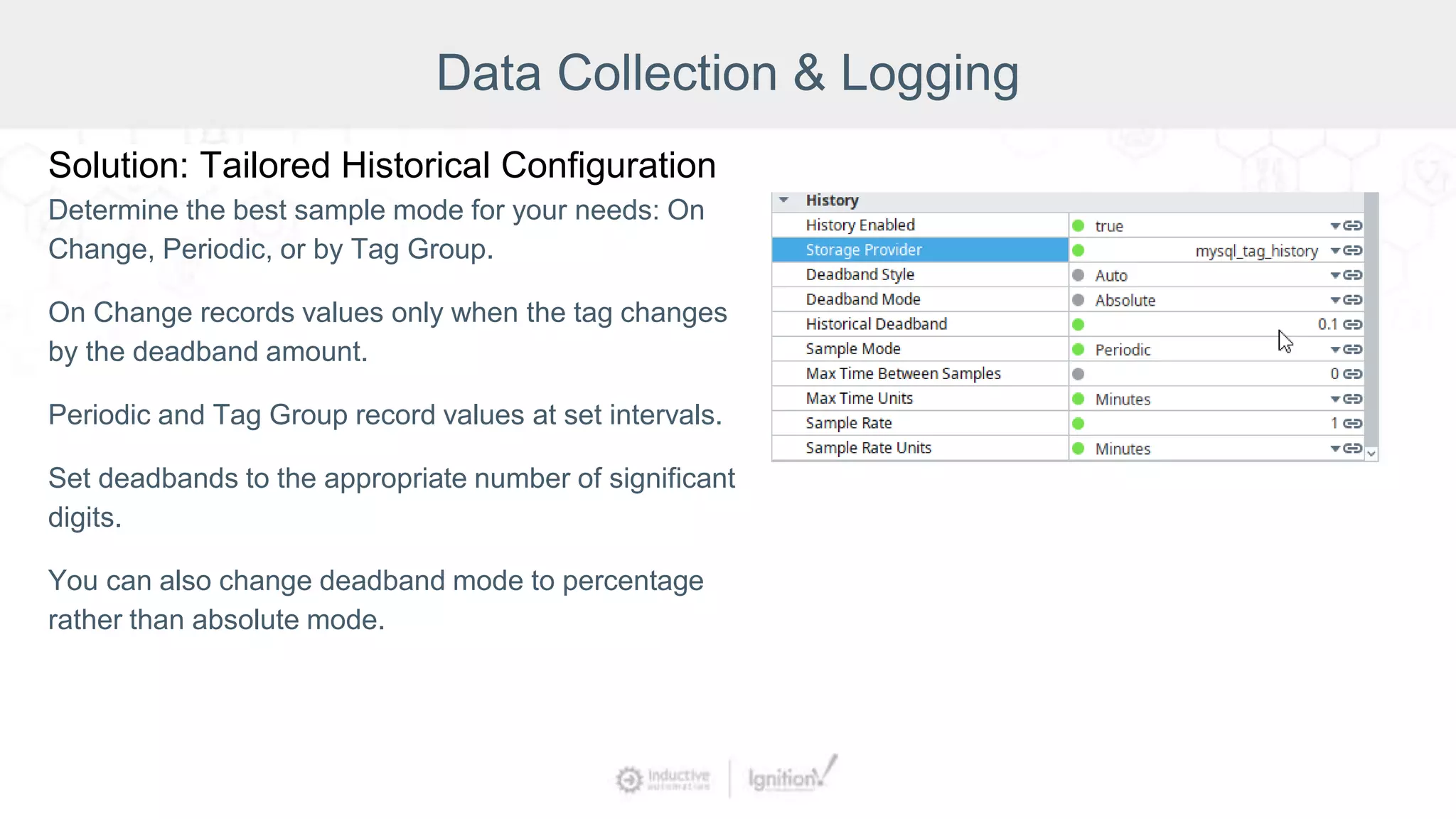
Solution: Tailored Historical Configuration
Determine the best sample mode for your needs: On
Change, Periodic, or by Tag Group.
On Change records values only when the tag changes
by the deadband amount.
Periodic and Tag Group record values at set intervals.
Set deadbands to the appropriate number of significant
digits.
You can also change deadband mode to percentage
rather than absolute mode.
Data Collection & Logging
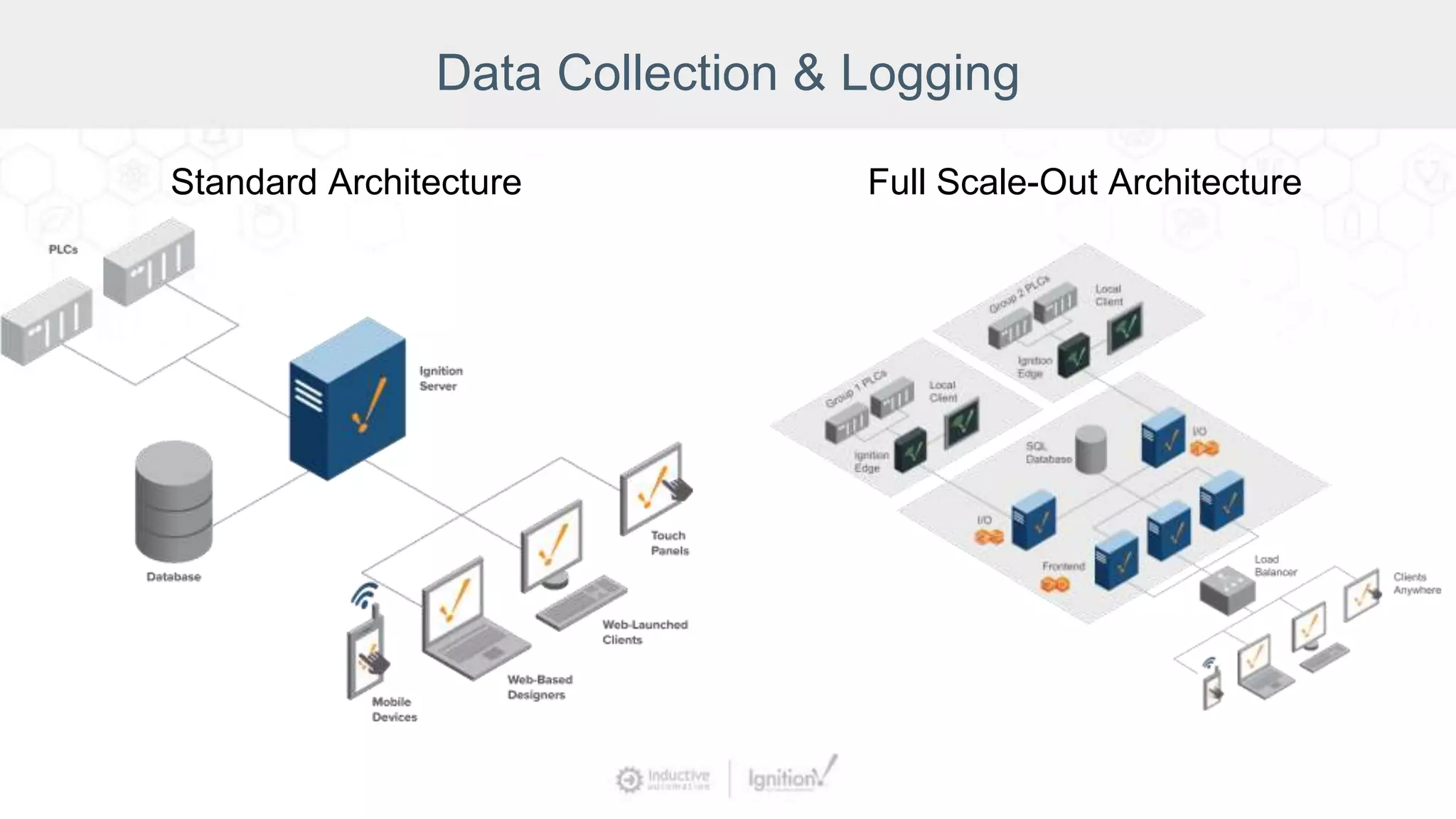
Standard Architecture Full Scale-Out Architecture
Data Collection & Logging
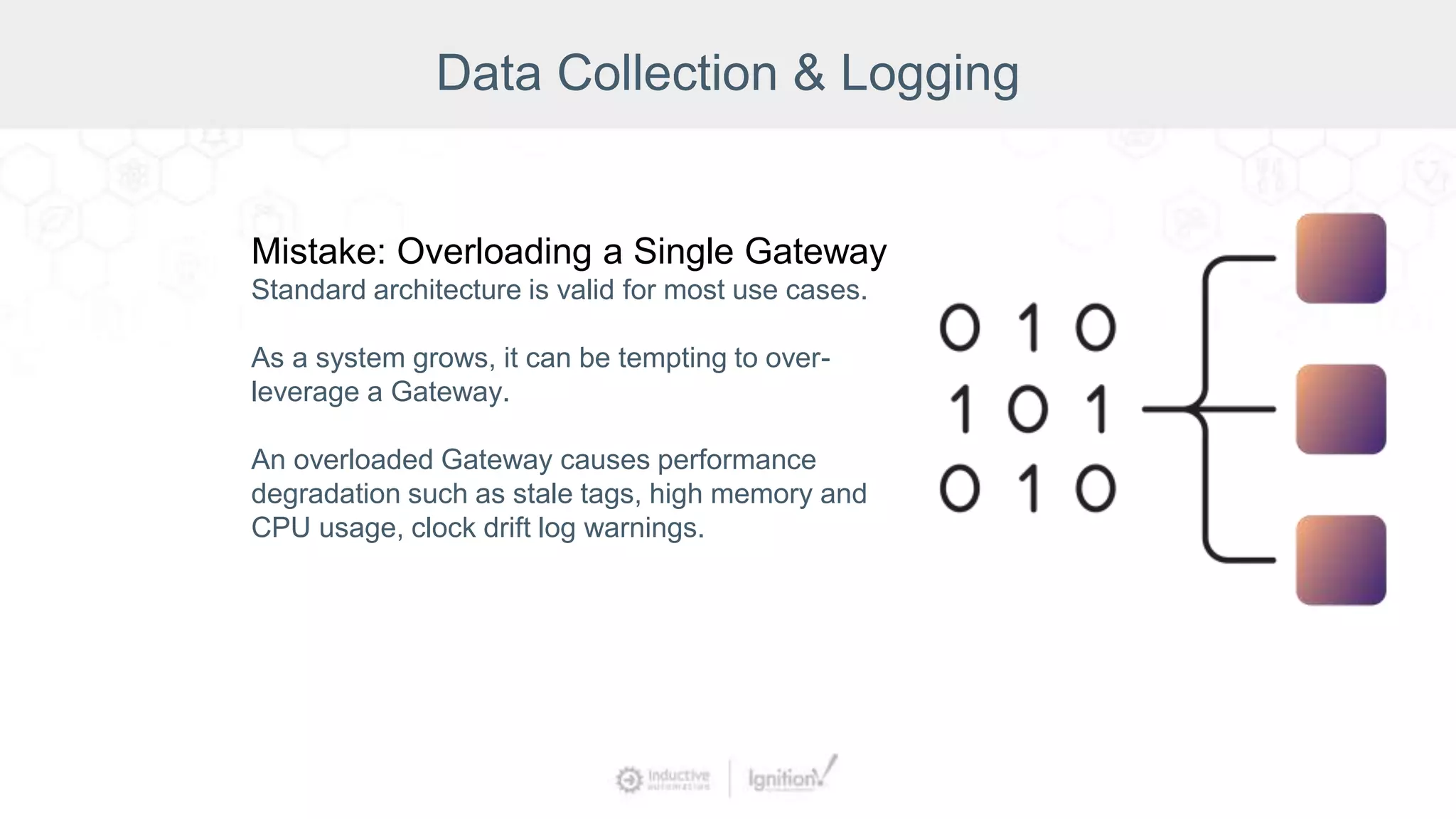
Mistake: Overloading a Single Gateway
Standard architecture is valid for most use cases.
As a system grows, it can be tempting to over-
leverage a Gateway.
An overloaded Gateway causes performance
degradation such as stale tags, high memory and
CPU usage, clock drift log warnings.
Data Collection & Logging
Solution: Consider Distributed Architecture
Split the system’s load between the front-end and back-end
tasks.
The back-end Gateways handle PLCs and devices.
The front-end Gateways handle Clients.
The Gateway Network connects Gateways and allows tags
to be shared through remote tag providers.
Evaluate your architecture when you reach 250,000 tags.
Recap
Data Collection & Logging Mistakes:
● Improper polling frequencies
● Inefficient polling frequencies
● Poor tag structure
● Poor tag organization
Solutions:
● Appropriate poll rates/tag groups
● Correct system architecture
● UDTs
● Consistent folder structure and
naming conventions
HMI Design
Mistake:
Choosing the wrong visualization
module
Solution:
Understanding when to use Vision vs.
Perspective
HMI Design
Mistake:
Cluttered or hard-to-read screens
Screens that are cut off or do
not resize
Solution:
Choose the appropriate container
type and screen design methods
HMI Design
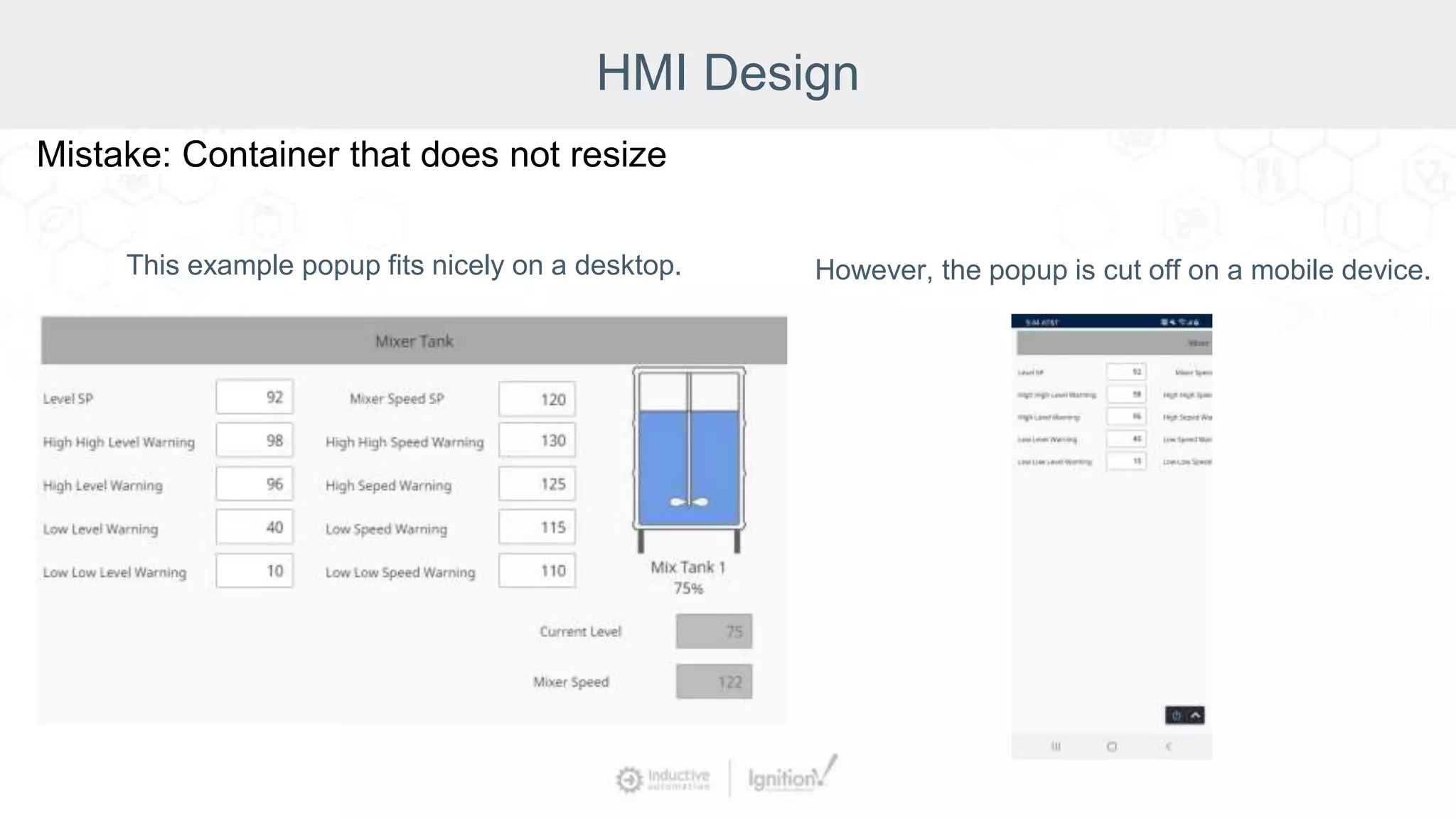
Mistake: Container that does not resize
This example popup fits nicely on a desktop. However, the popup is cut off on a mobile device.
HMI Design
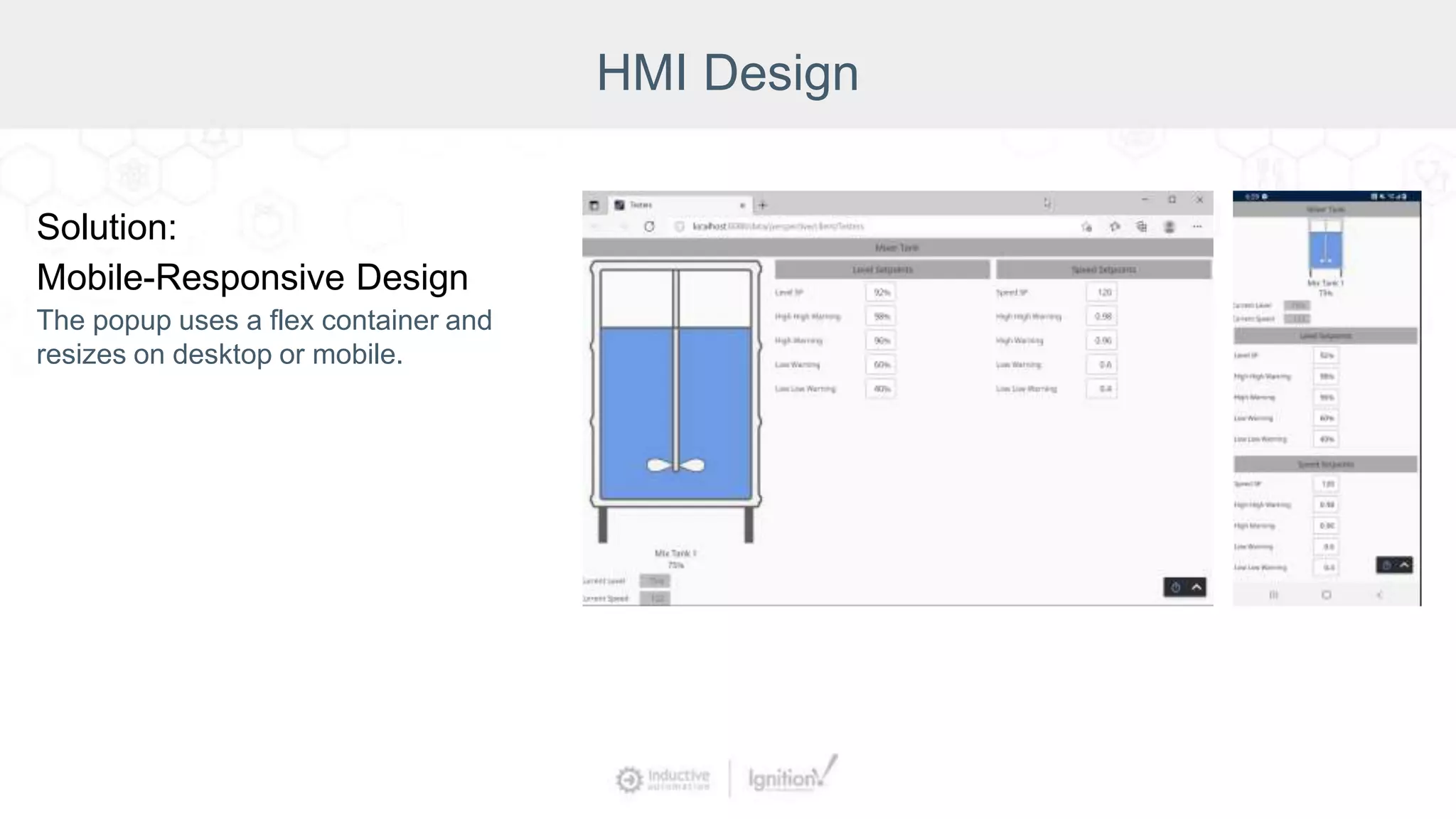
Solution:
Mobile-Responsive Design
The popup uses a flex container and
resizes on desktop or mobile.
HMI Design
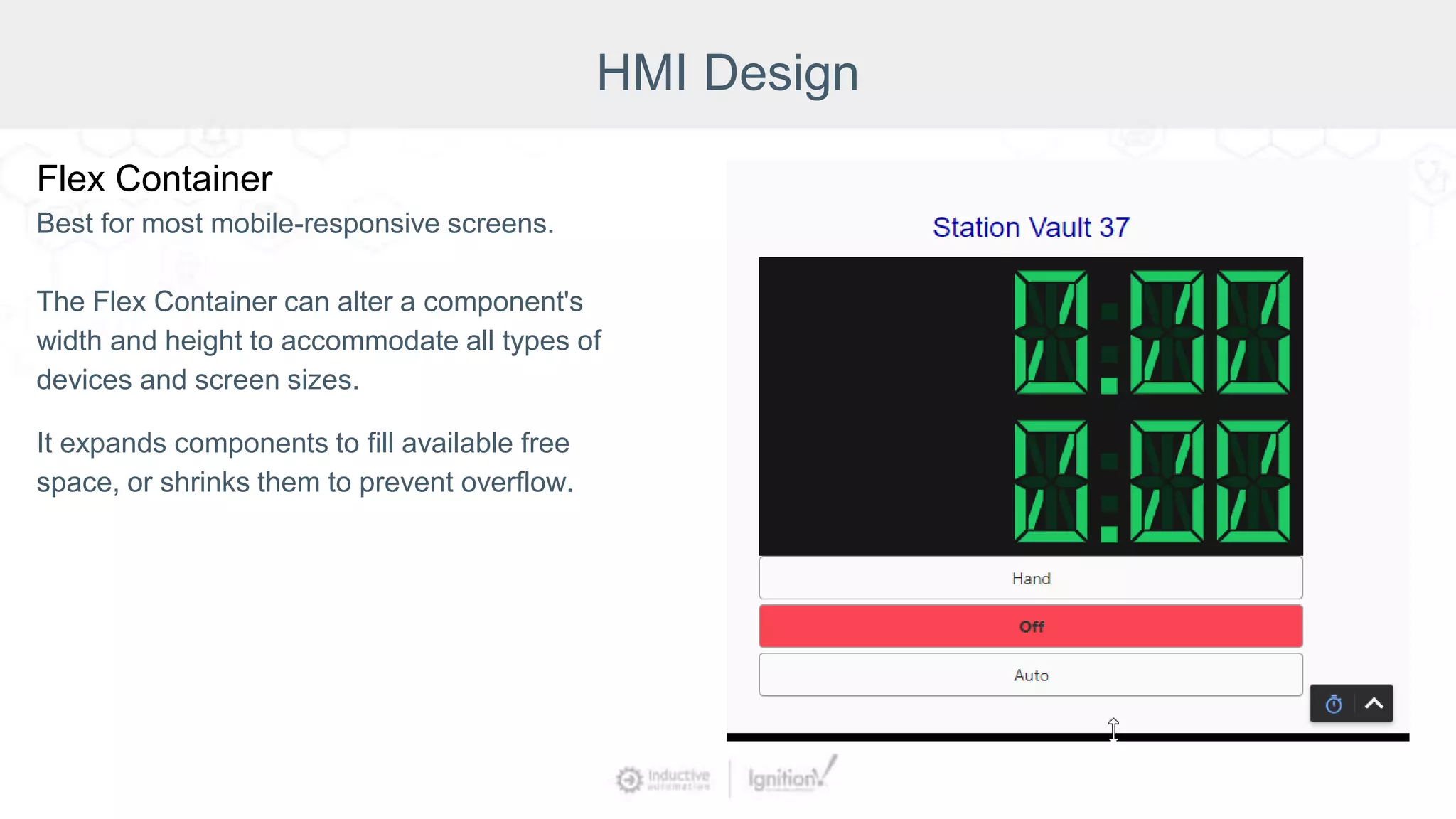
Flex Container
Best for most mobile-responsive screens.
The Flex Container can alter a component's
width and height to accommodate all types of
devices and screen sizes.
It expands components to fill available free
space, or shrinks them to prevent overflow.
HMI Design
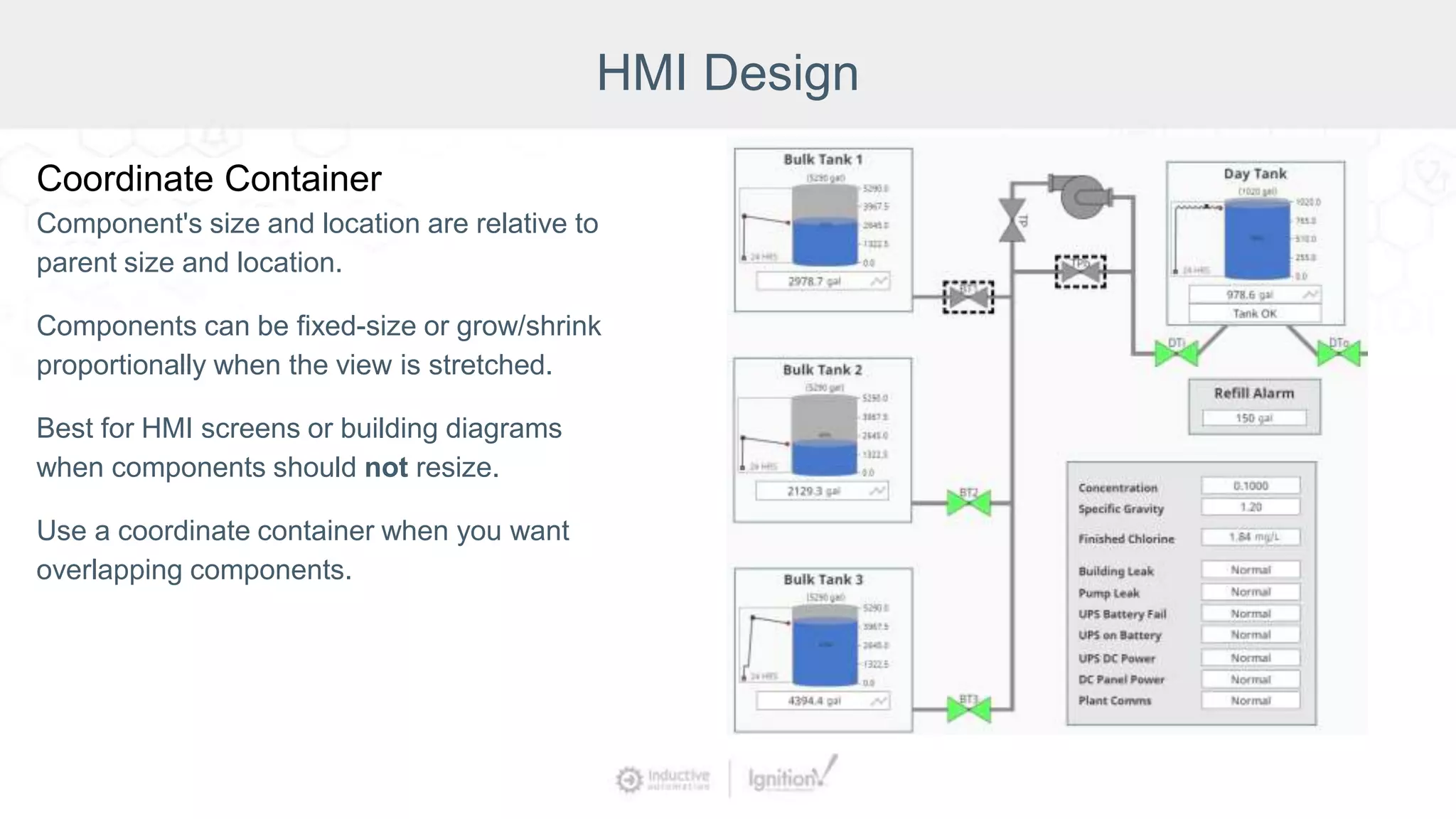
Coordinate Container
Component's size and location are relative to
parent size and location.
Components can be fixed-size or grow/shrink
proportionally when the view is stretched.
Best for HMI screens or building diagrams
when components should not resize.
Use a coordinate container when you want
overlapping components.
HMI Design
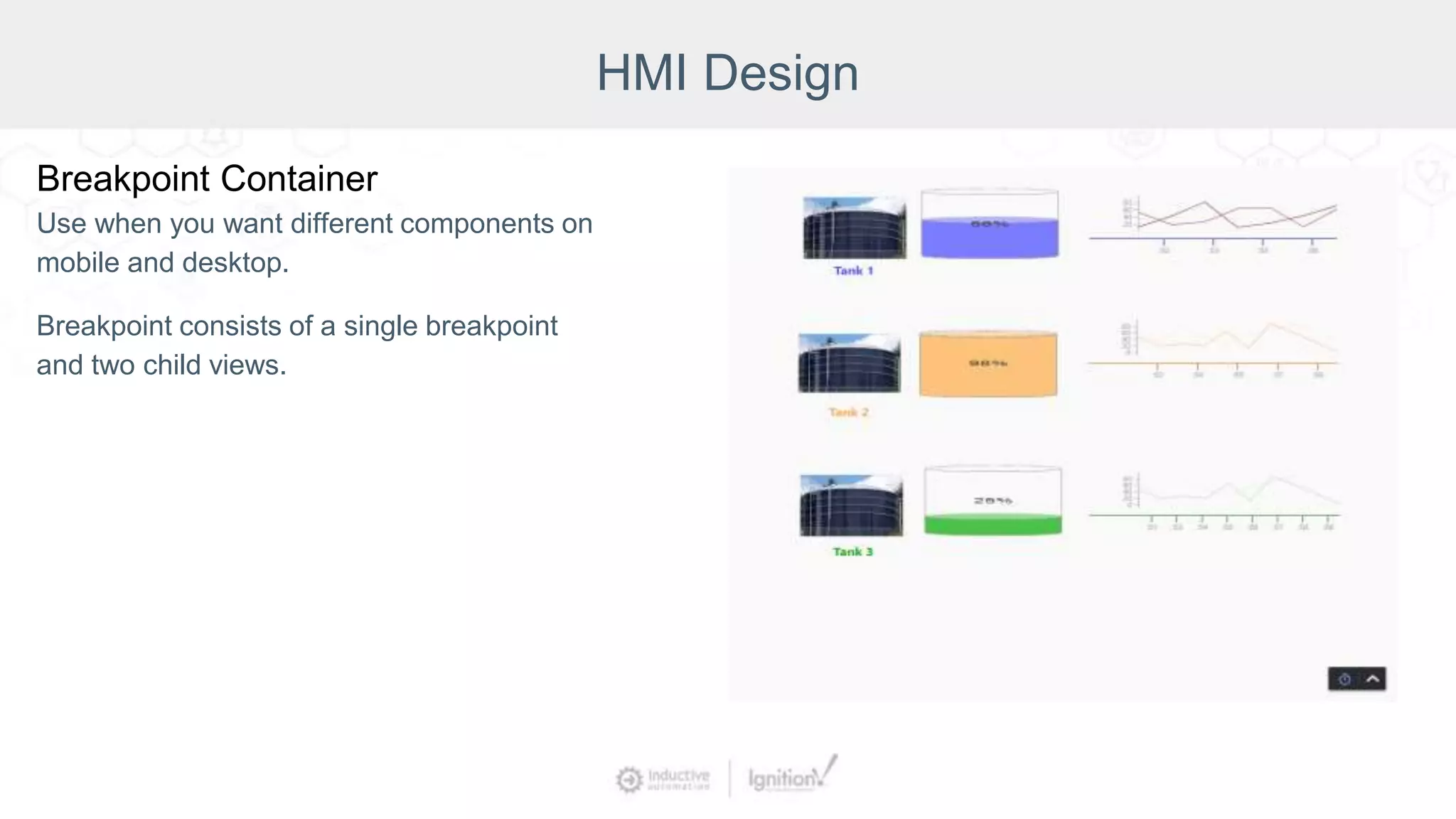
Breakpoint Container
Use when you want different components on
mobile and desktop.
Breakpoint consists of a single breakpoint
and two child views.
HMI Design
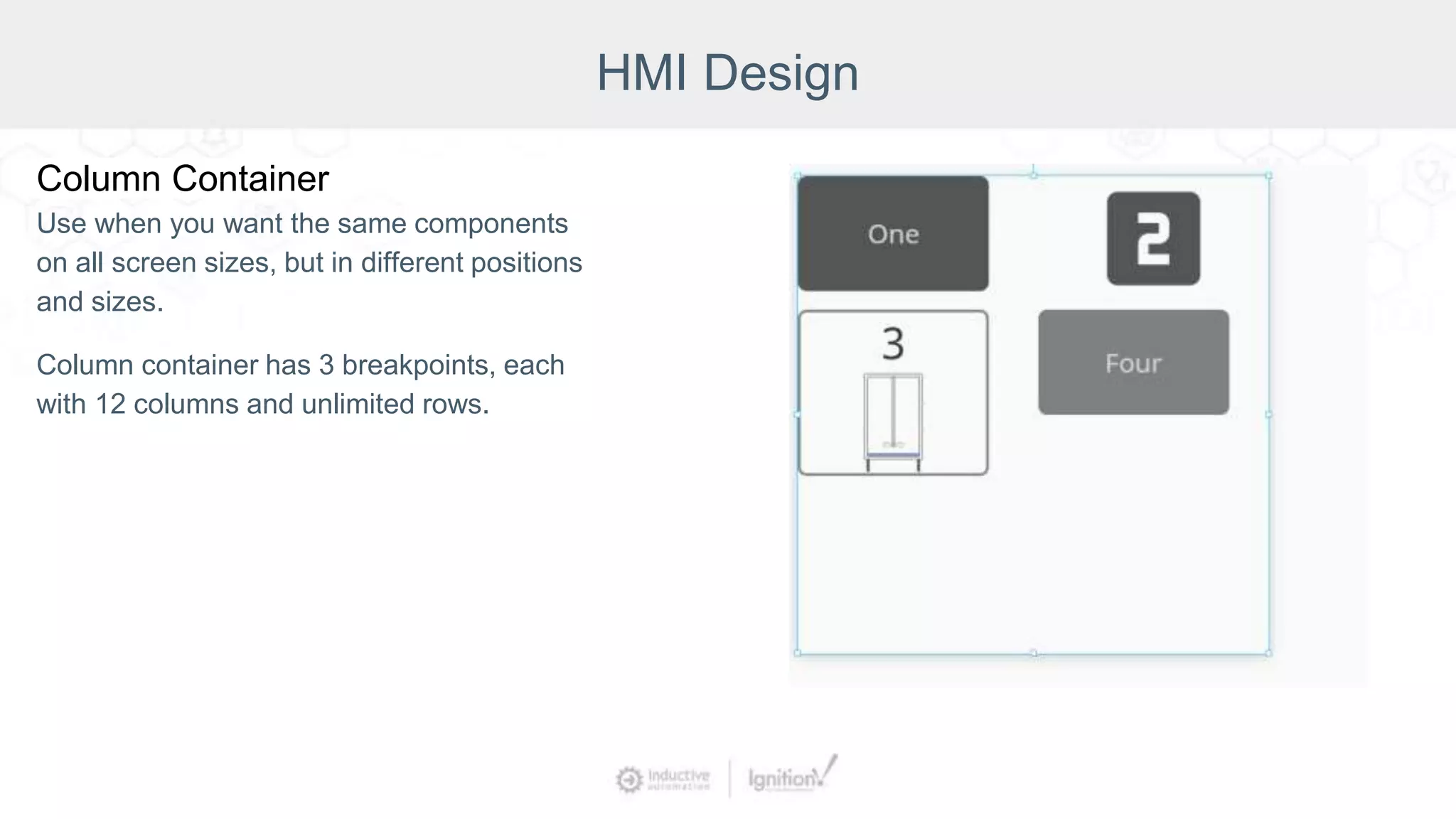
Column Container
Use when you want the same components
on all screen sizes, but in different positions
and sizes.
Column container has 3 breakpoints, each
with 12 columns and unlimited rows.
HMI Design
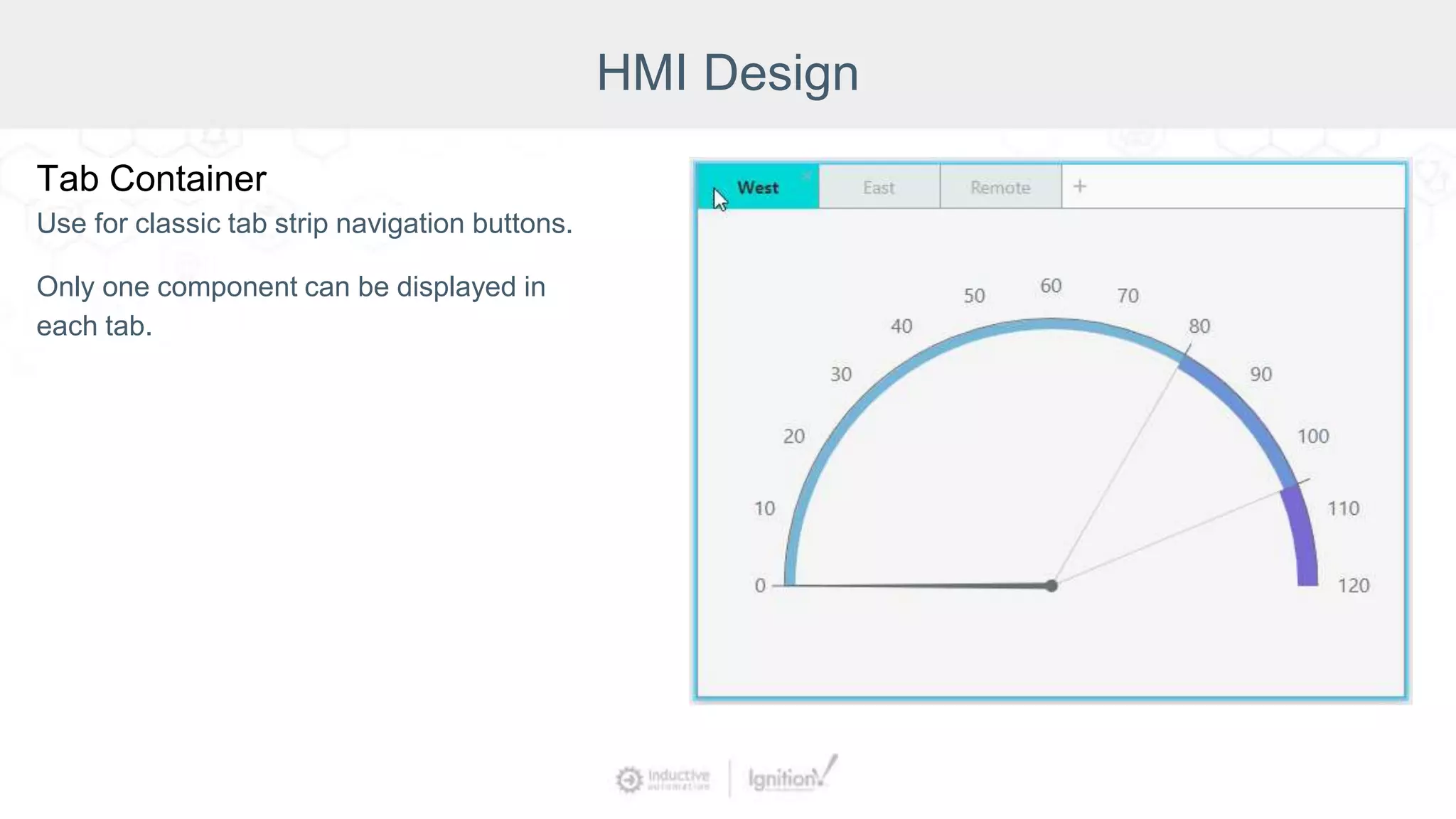
Tab Container
Use for classic tab strip navigation buttons.
Only one component can be displayed in
each tab.
HMI Design
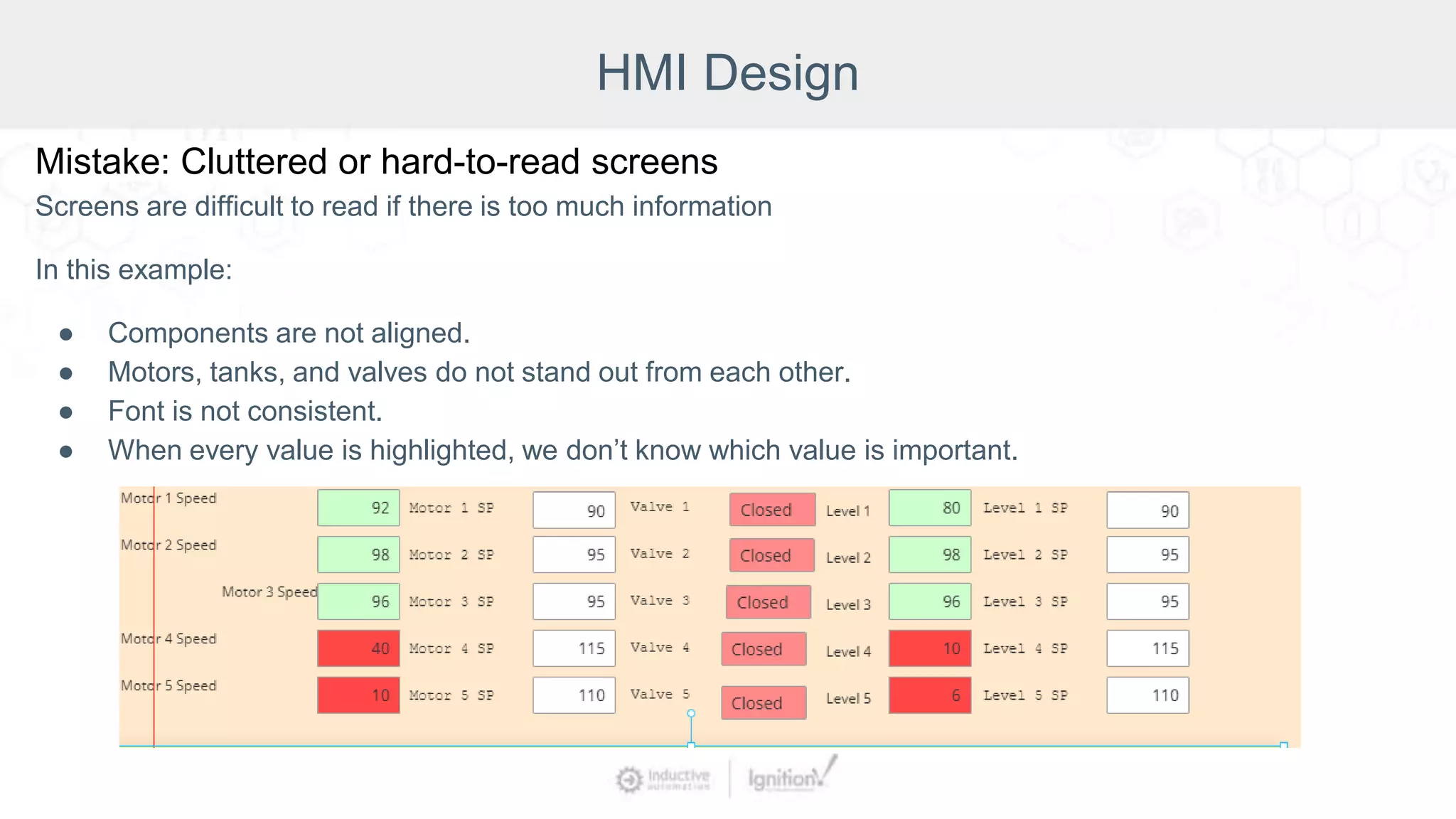
Mistake: Cluttered or hard-to-read screens
Screens are difficult to read if there is too much information
In this example:
● Components are not aligned.
● Motors, tanks, and valves do not stand out from each other.
● Font is not consistent.
● When every value is highlighted, we don’t know which value is important.
HMI Design
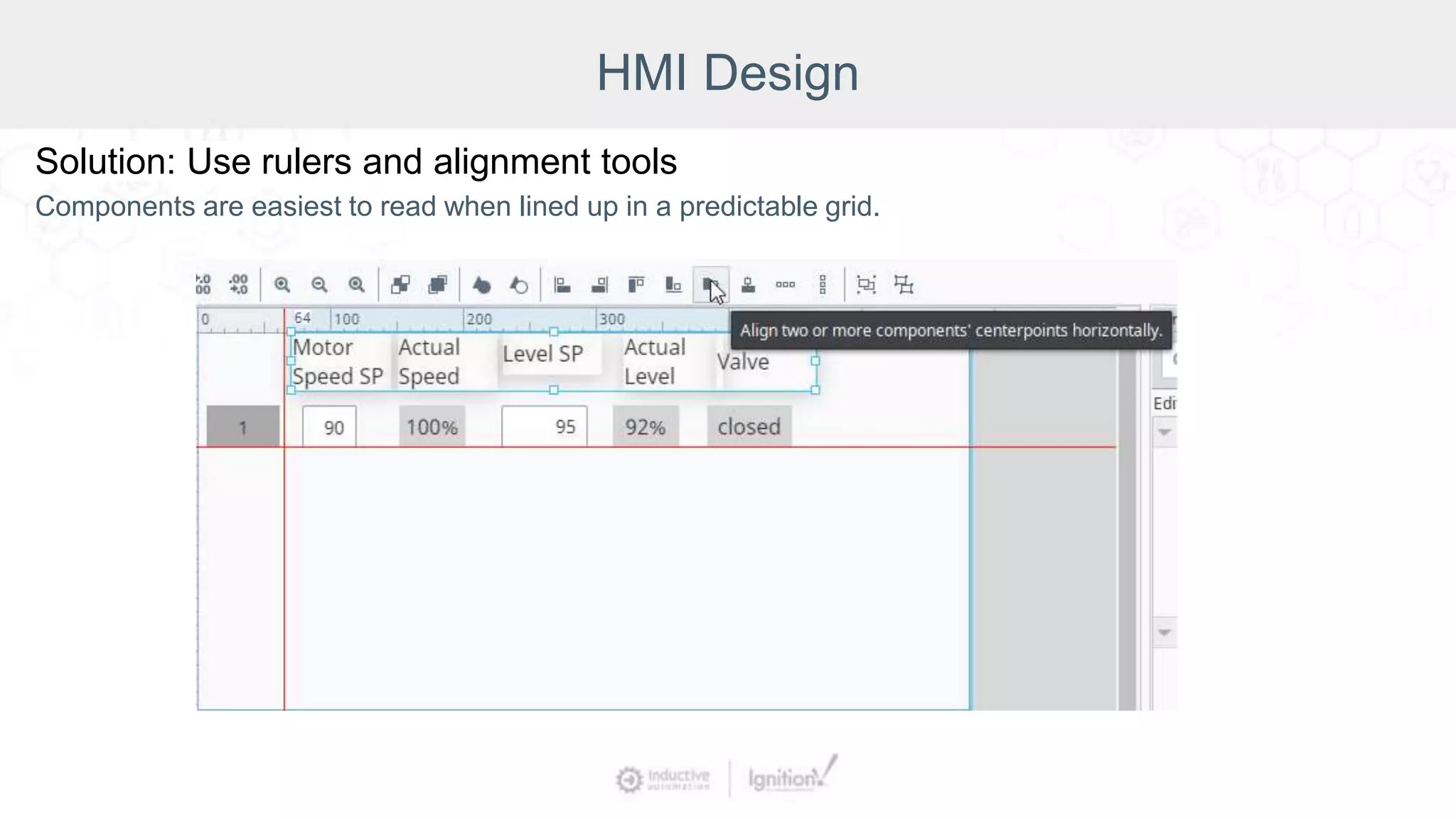
Solution: Use rulers and alignment tools
Components are easiest to read when lined up in a predictable grid.
HMI Design
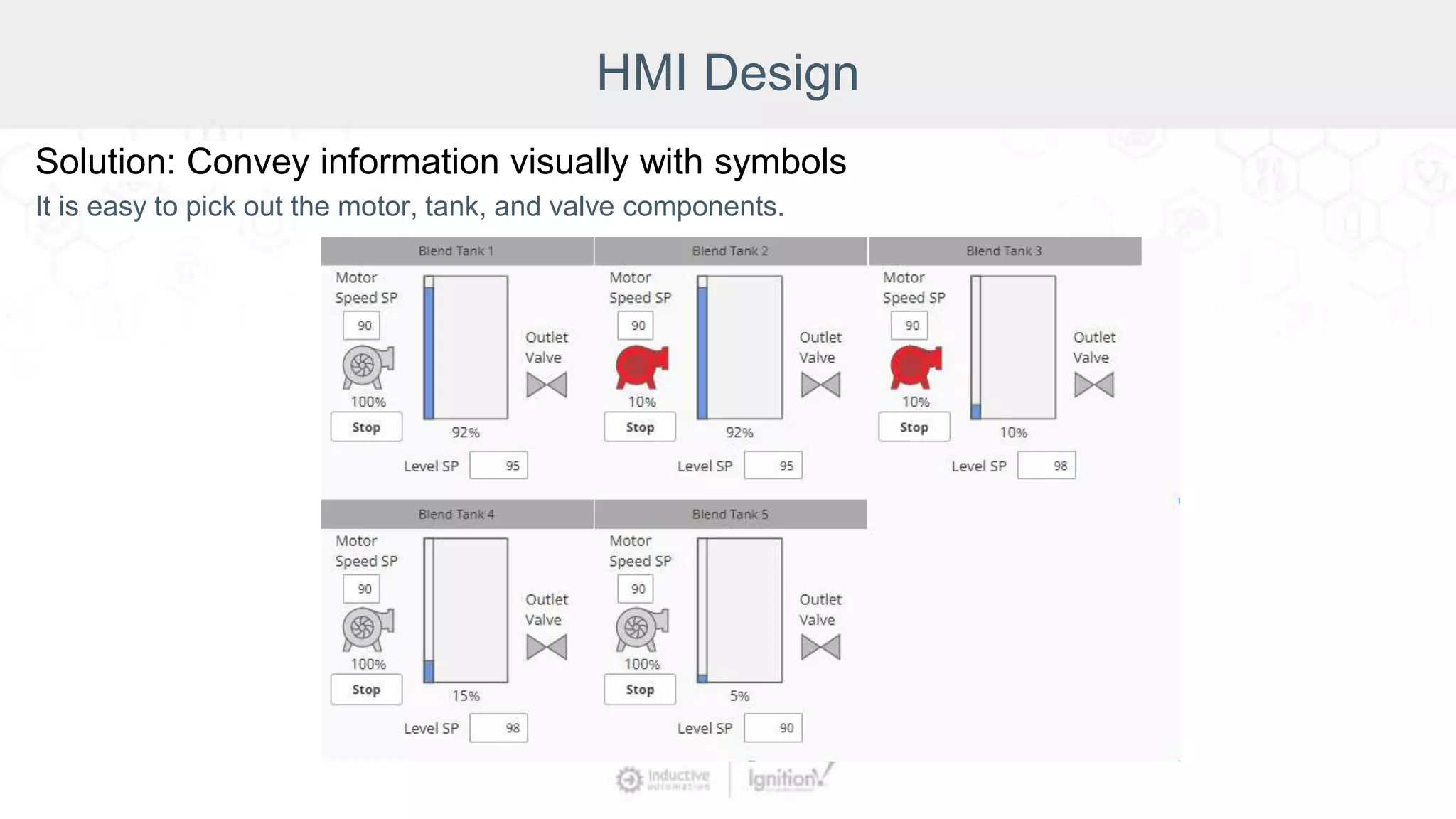
Solution: Convey information visually with symbols
It is easy to pick out the motor, tank, and valve components.
HMI Design
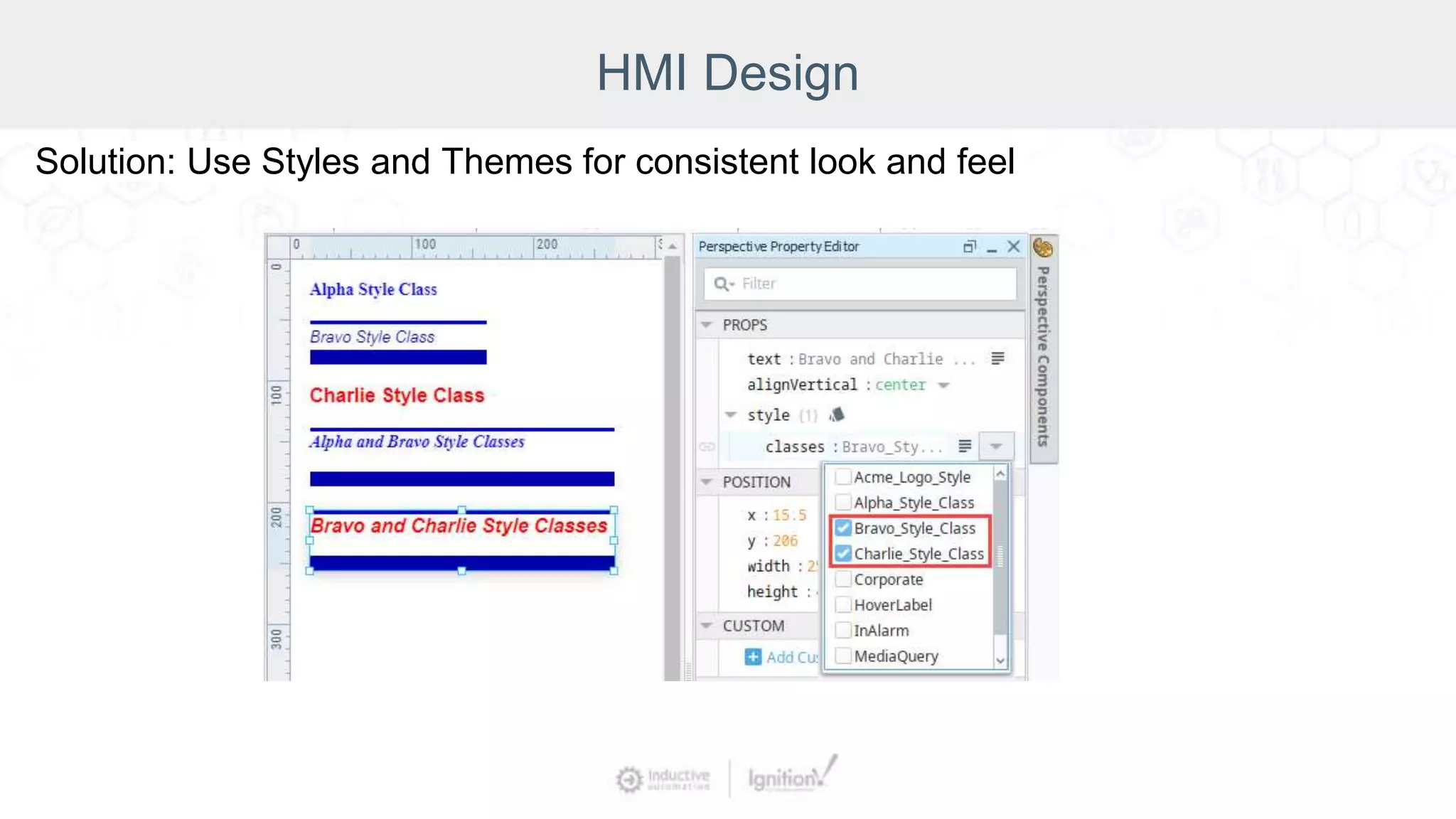
Solution: Use Styles and Themes for consistent look and feel
HMI Design
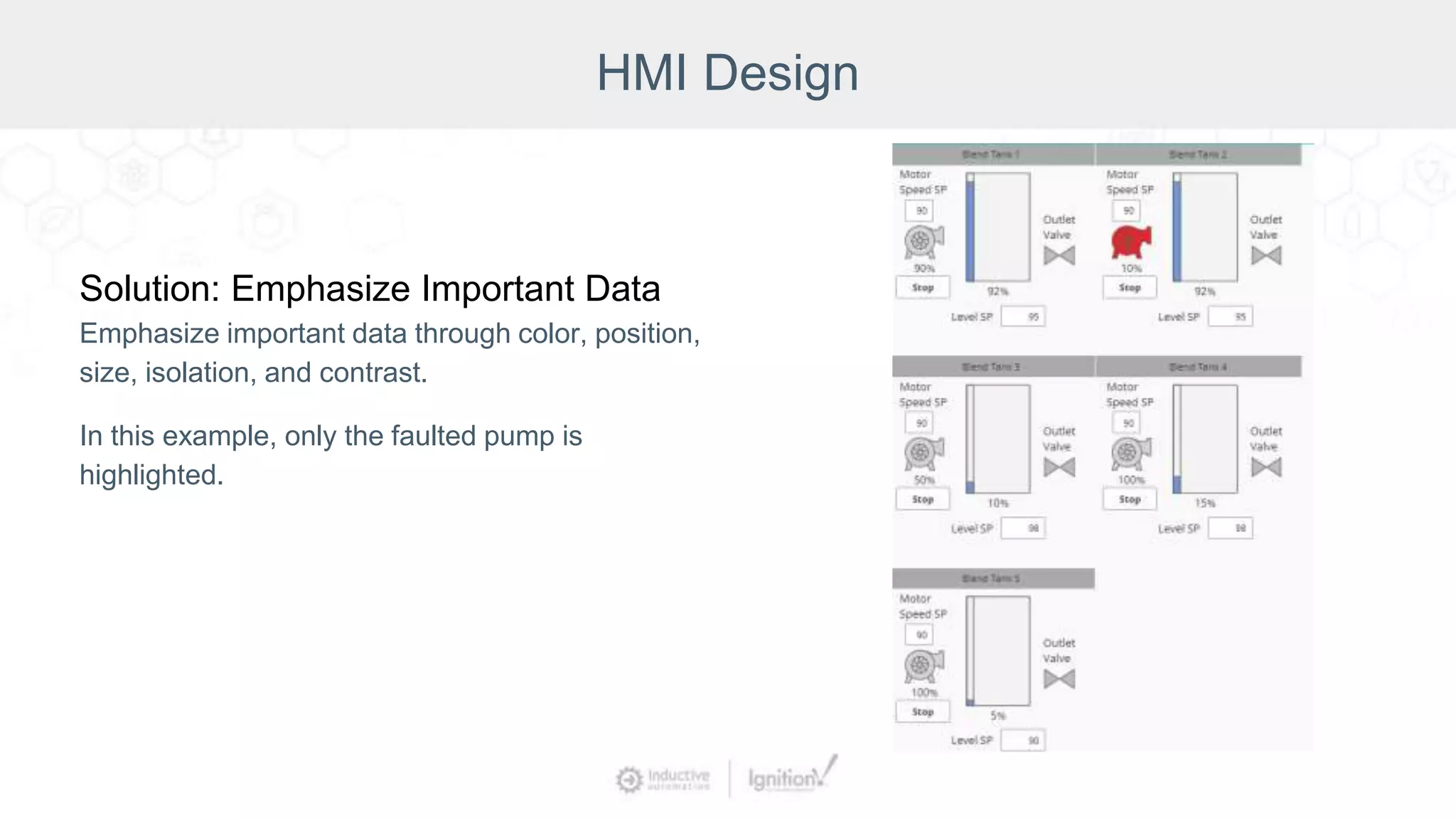
Solution: Emphasize Important Data
Emphasize important data through color, position,
size, isolation, and contrast.
In this example, only the faulted pump is
highlighted.
HMI Design
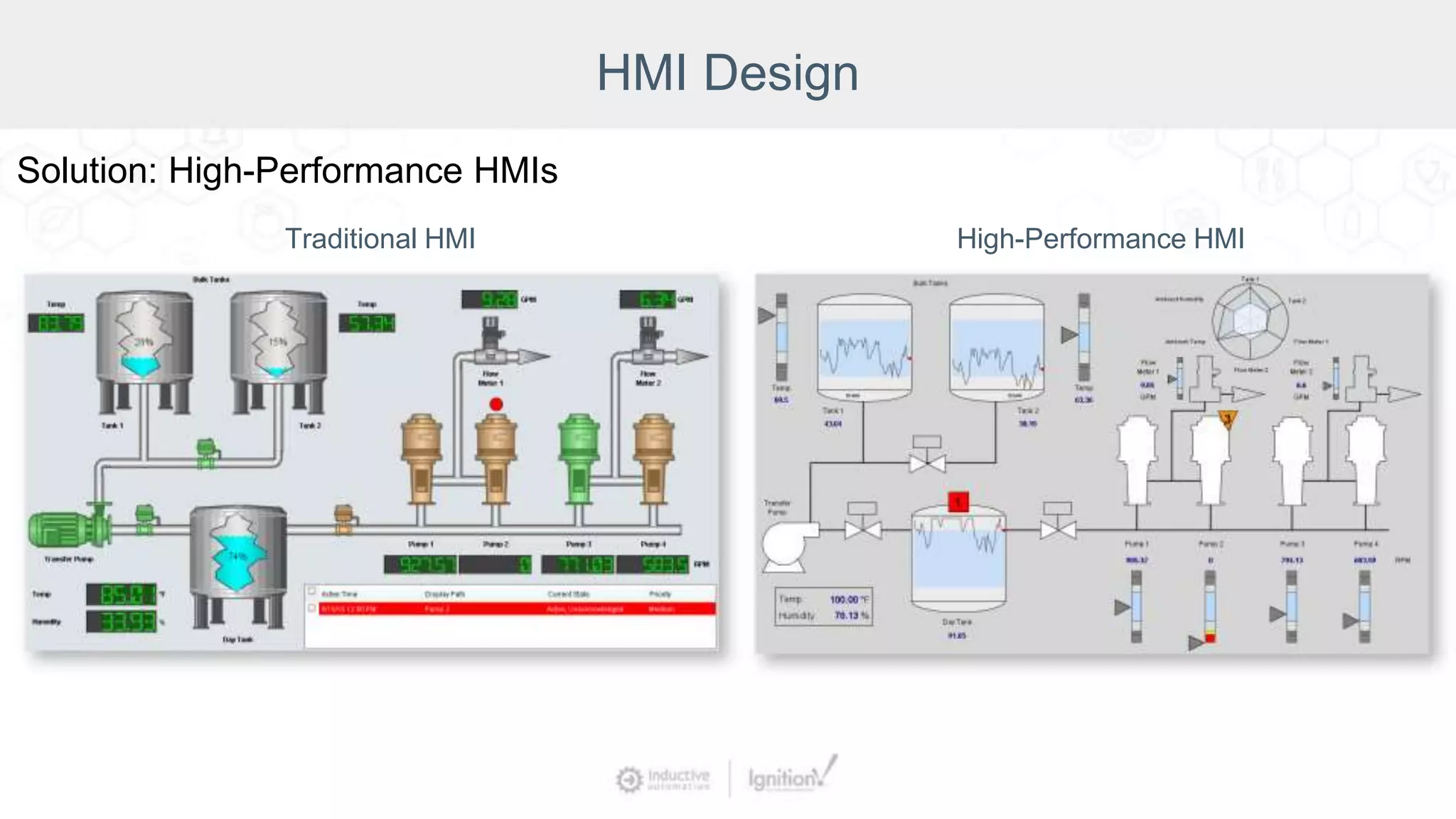
Traditional HMI High-Performance HMI
Solution: High-Performance HMIs
HMI Design
Mistake:
Hard-to-use screens
Solution:
Choose the best
component for the task
HMI Design
Solution:
Check the Ignition Exchange
Platform to share and discover free
Ignition resources
Consistently updated
https://inductiveautomation.com/exchange/
HMI Design
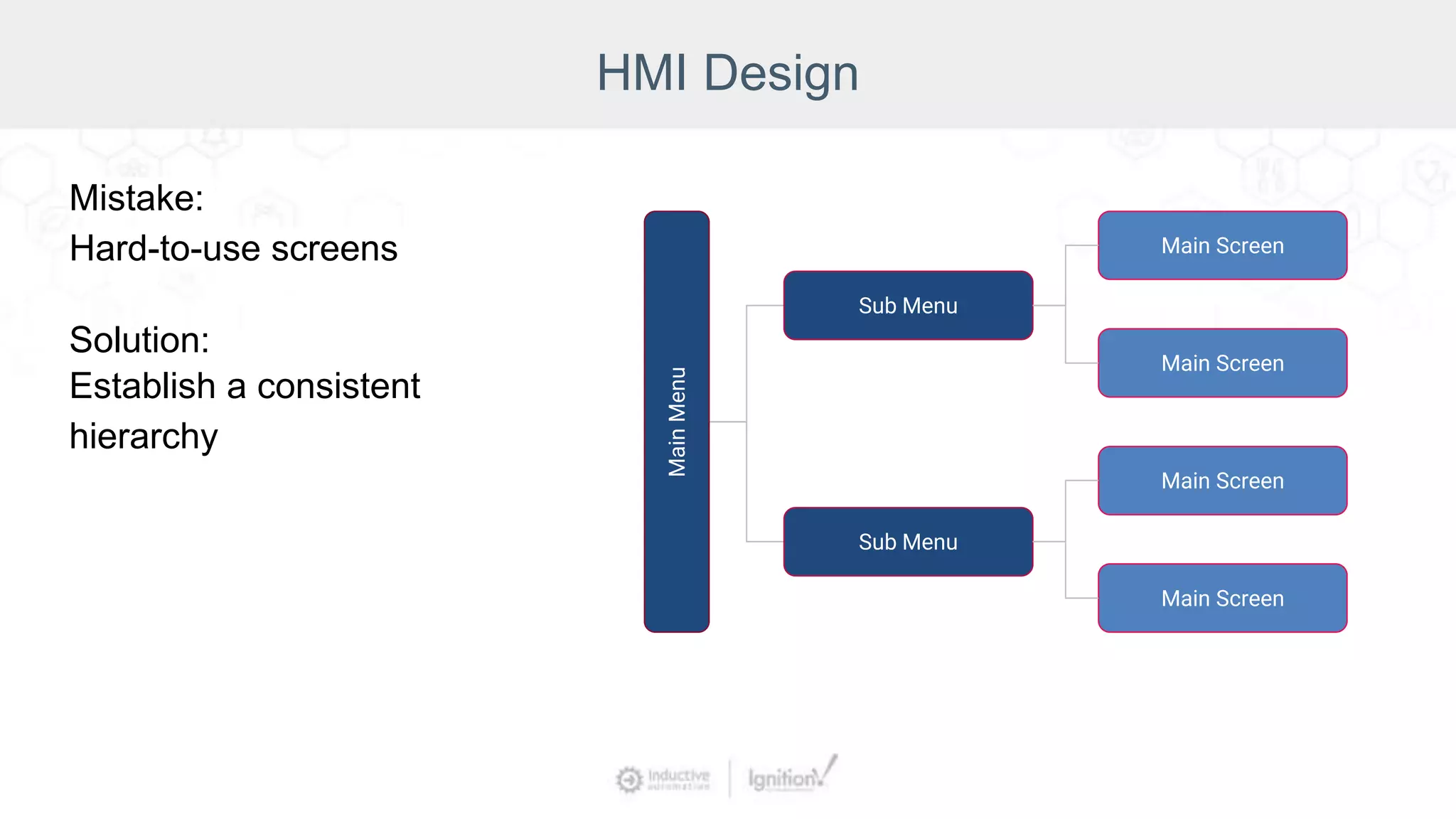
Mistake:
Hard-to-use screens
Solution:
Establish a consistent
hierarchy
Main
Menu
Sub Menu
Sub Menu
Main Screen
Main Screen
Main Screen
Main Screen
HMI Design
Mistake:
Hard-to-use screens
Solution:
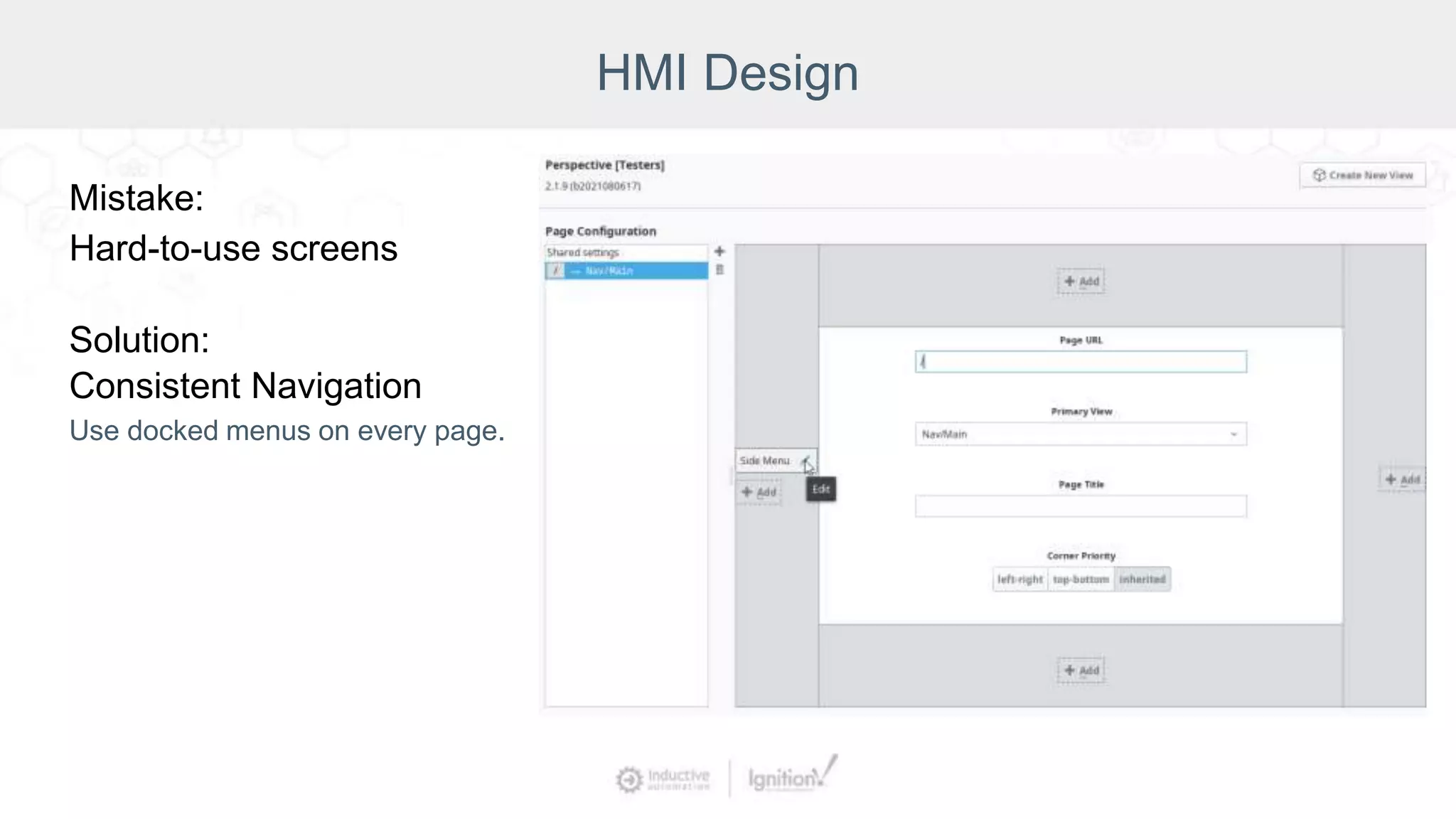
Consistent Navigation
Use docked menus on every page.
HMI Design
Mistake:
Hard-to-use screens
Solution:
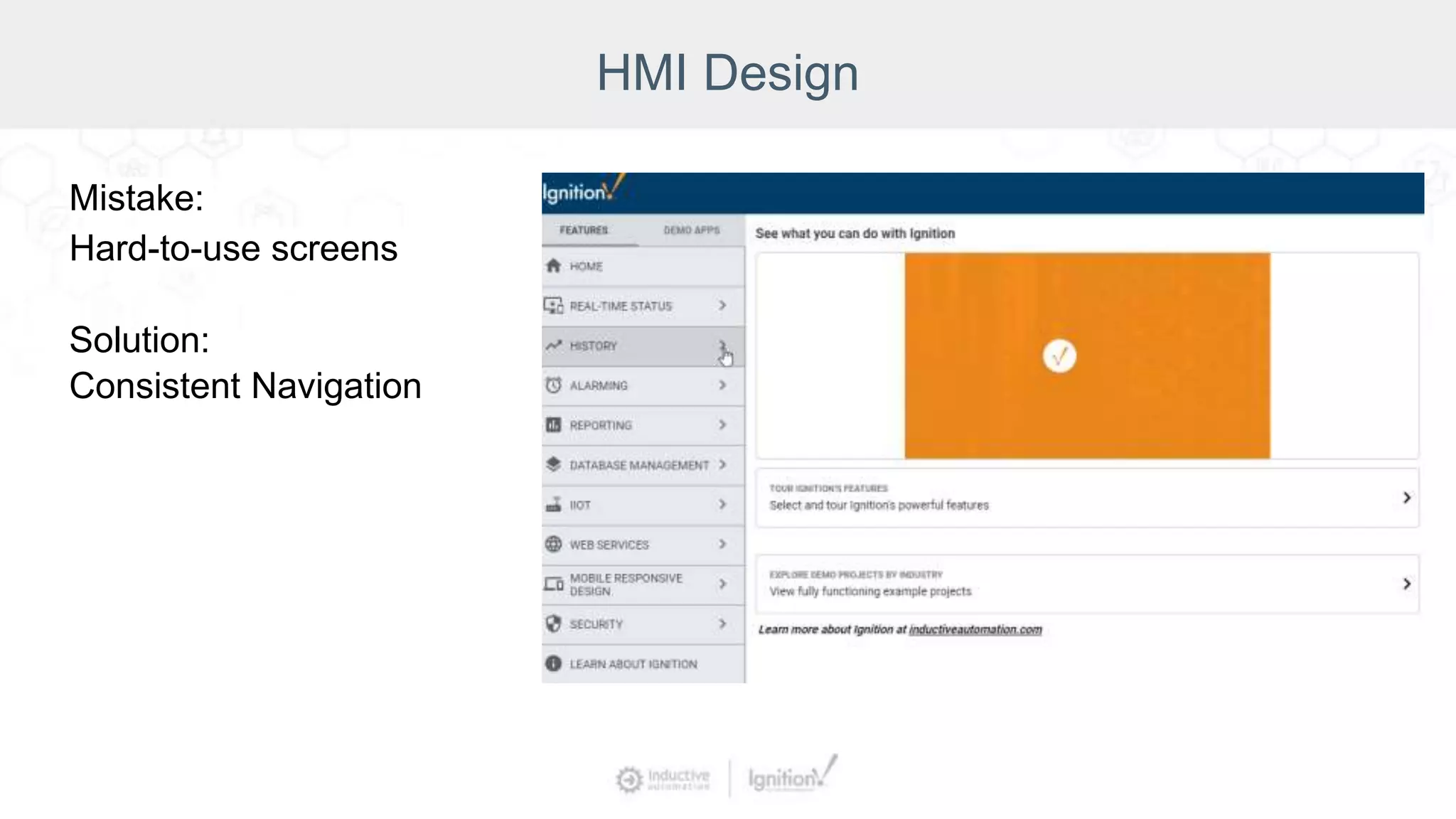
Consistent Navigation
HMI Design
Mistake:
Hard-to-use screens
Solution:
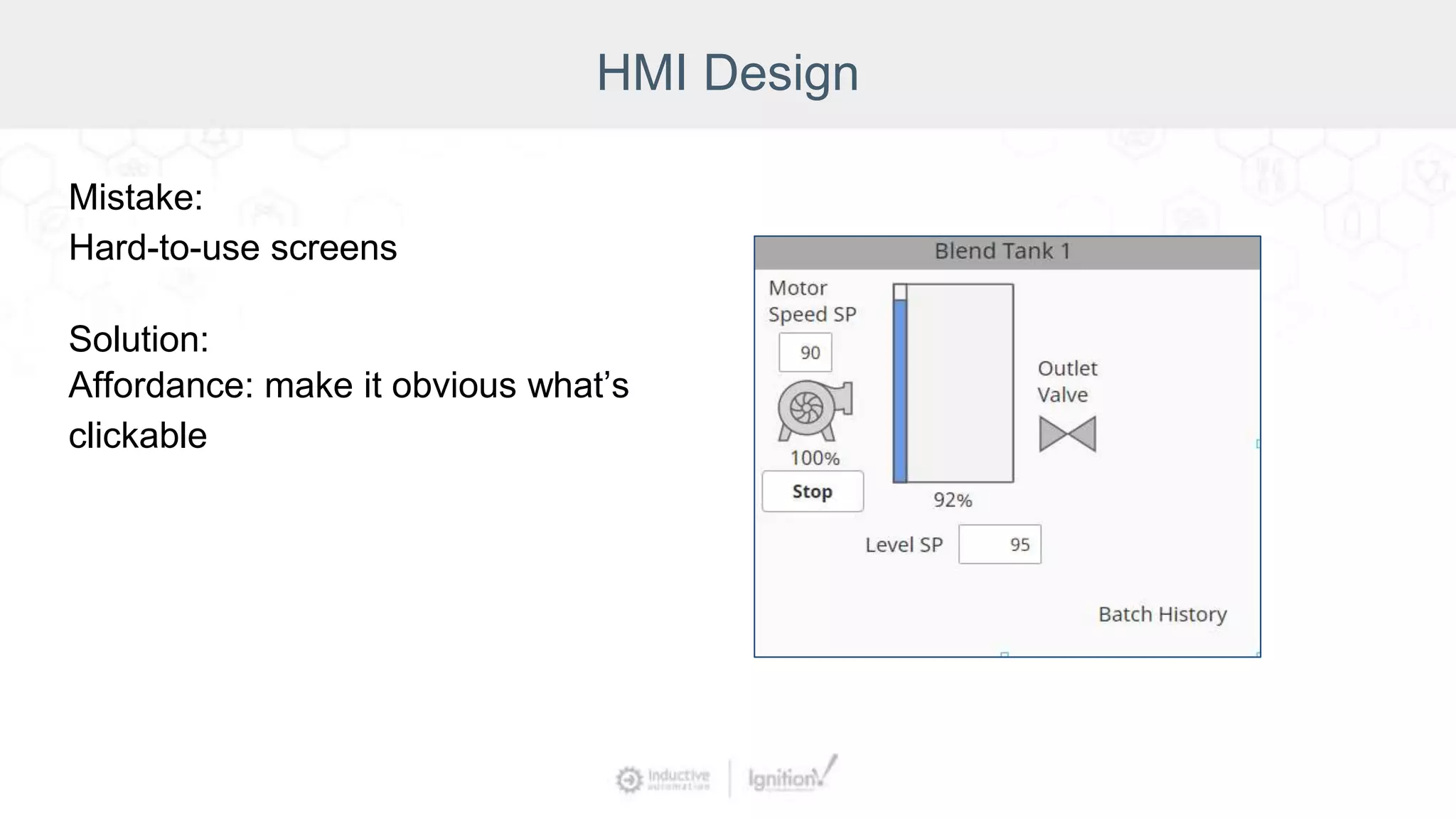
Affordance: make it obvious what’s
clickable
HMI Design
Solution:
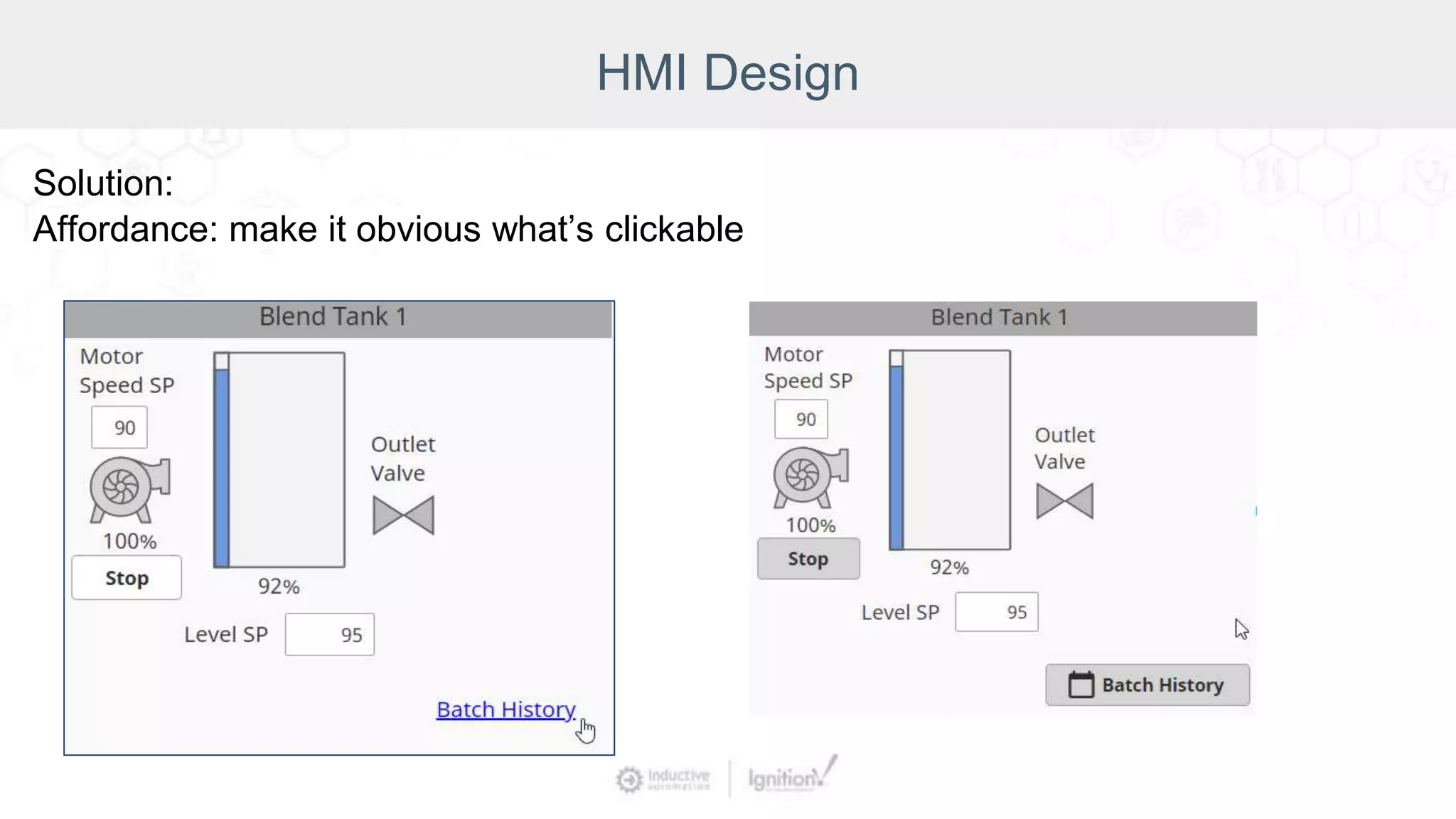
Affordance: make it obvious what’s clickable
HMI Design
Mistake:
Hard-to-use screens
Solution:
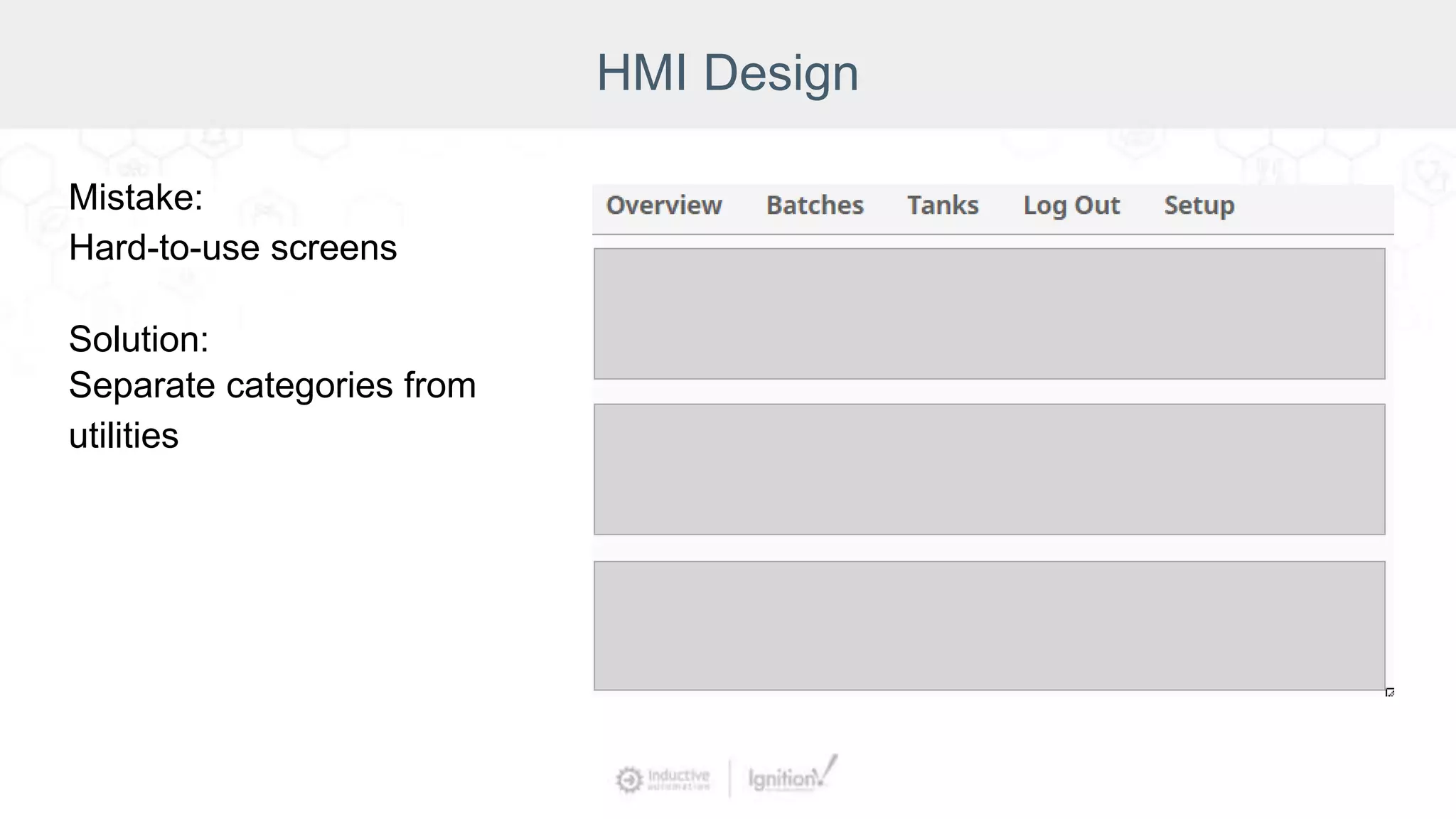
Separate categories from
utilities
HMI Design
Mistake:
Hard-to-use screens
Solution:
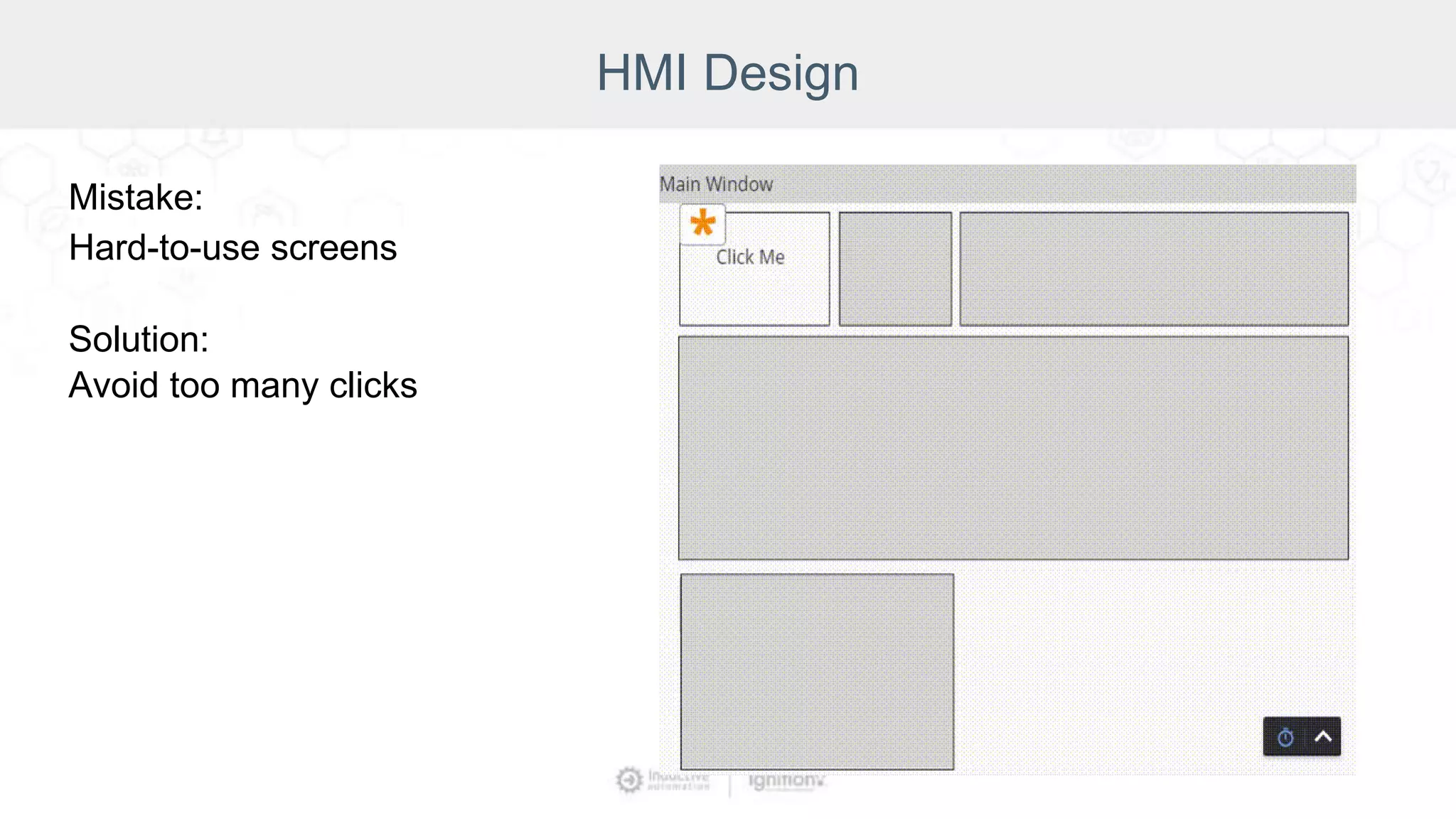
Avoid too many clicks
HMI Design
Mistake:
Incorrect bindings
Solution:
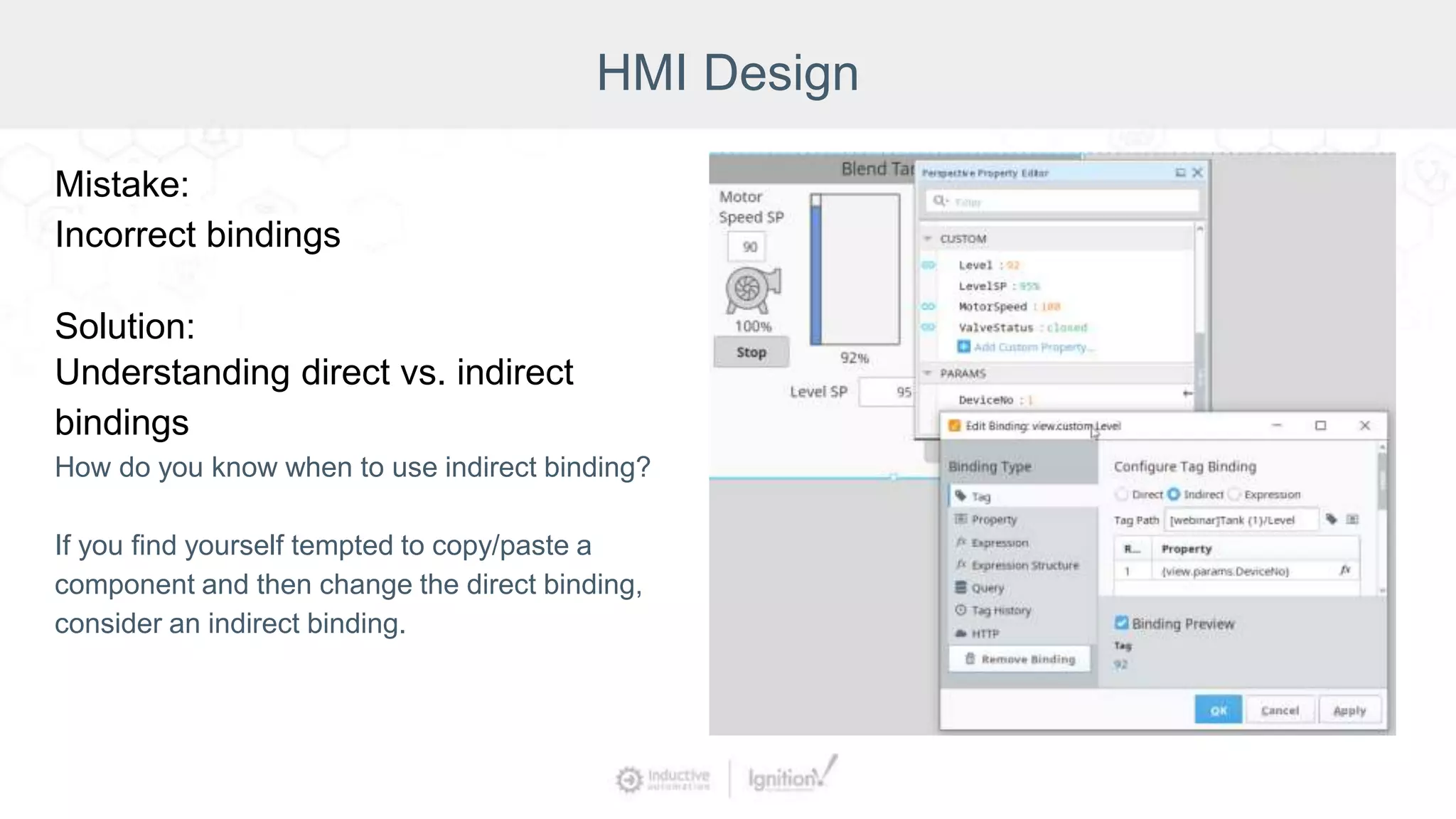
Understanding direct vs. indirect
bindings
How do you know when to use indirect binding?
If you find yourself tempted to copy/paste a
component and then change the direct binding,
consider an indirect binding.
HMI Design
Mistake:
Incorrect bindings
Solution:
Templates and embedded views
HMI Design
Mistake:
Incorrect bindings
Solution:
Parameters and transforms
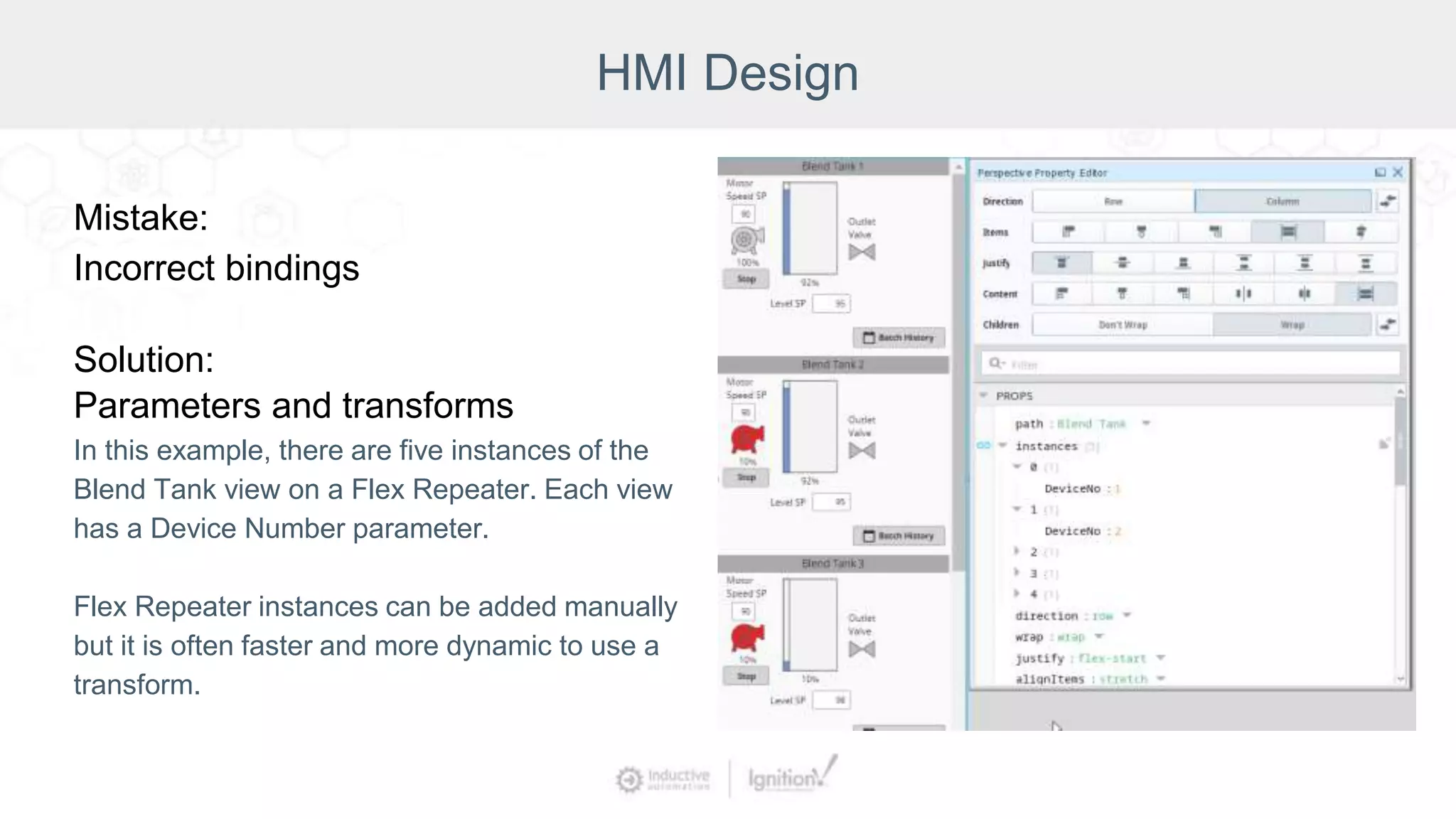
In this example, there are five instances of the
Blend Tank view on a Flex Repeater. Each view
has a Device Number parameter.
Flex Repeater instances can be added manually
but it is often faster and more dynamic to use a
transform.
HMI Design
Mistake:
Incorrect bindings
Solution:
Parameters and transforms
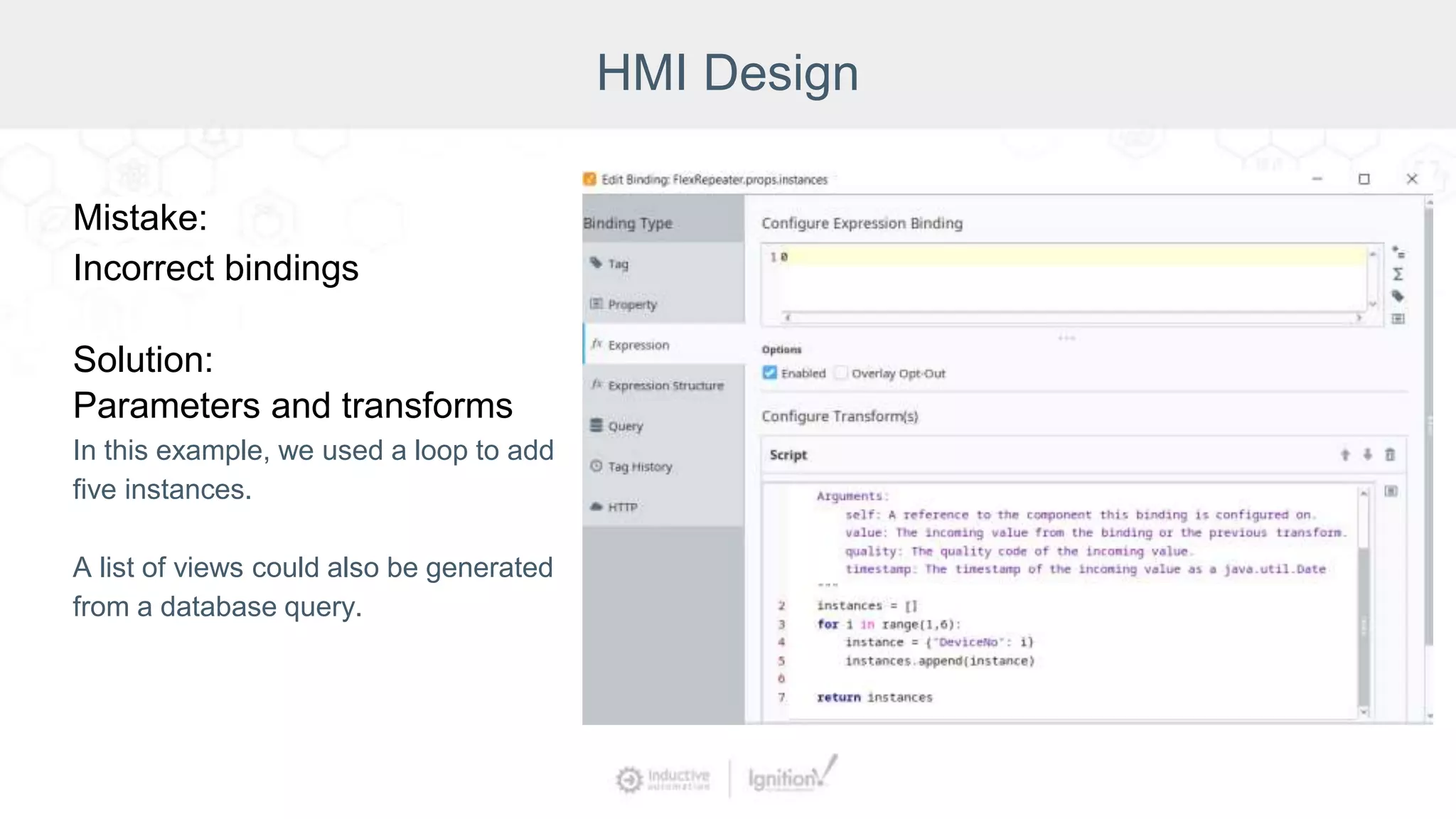
In this example, we used a loop to add
five instances.
A list of views could also be generated
from a database query.
Recap
HMI Design Mistakes:
● Wrong Visualization Module
● Cluttered or hard-to-read screens
Solutions:
● Vision vs. Perspective
● Container type
● Symbols
● Grids and rulers
● Emphasize important information
● High-performance HMI
Recap
HMI Design Mistakes:
● Hard-to-use screens
● Incorrect bindings
Solutions:
● Component type
● Hierarchy/common look and
feel/styles and themes
● Affordance
● Separate categories from utilities
● Avoid too many clicks
● Direct vs. indirect
● Parameters and transforms
● Templates and embedded views
Scripting
Mistake:
Overly complex solutions
Solution:
Know when to use scripting
vs. bindings
Consider if built-in functionality
meets the project needs
Scripting
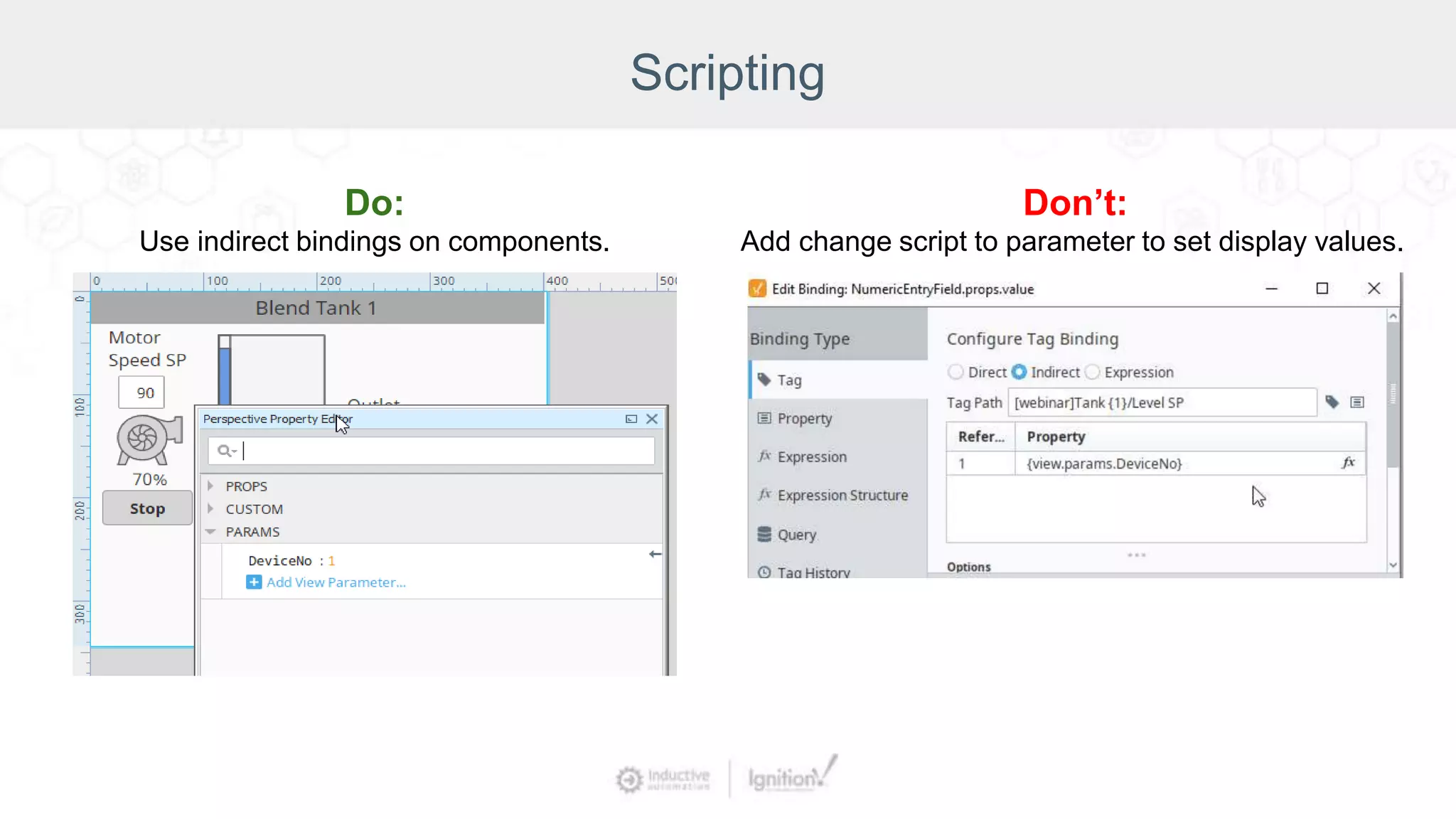
Don’t:
Add change script to parameter to set display values.
Do:
Use indirect bindings on components.
Scripting
Mistake:
Overly complex solutions
Solution:
Using too many scripting functions
Be cautious if one script is calling another
script then calling another script.
Scripting
Mistake:
Unorganized scripts
Solution:
Define scripting functions
Don’t be tempted to copy/paste lines of
code.
Scripting
Mistake:
Unorganized scripts
Solution:
Categorize into libraries with standard
locations and naming conventions
Group scripts into packages.
Scripting
Mistake:
Unorganized scripts
Solution:
Commenting code
What the script does and why.
Scripting
Mistake:
Misunderstanding the scope
Solution:
Gateway vs. client vs. designer
Scripting
Mistake:
Misunderstanding the scope
Solution:
Custom property vs. session property
Scripting
Mistake:
Misunderstanding the scope
Solution:
Message handling
Recap
Scripting Mistakes:
● Overly complex solutions
● Unorganized scripts
● Misunderstanding the scope
Solutions:
● Scripting vs. binding
● Too many scripts
● Define scripting functions
● Libraries with standard locations
and naming conventions
● Commenting code
● Gateway vs. client vs. designer
● Custom vs. session property
● Message handling
Conclusion
It’s easy to make mistakes.
Fortunately, with Ignition it’s just as
easy to fix those mistakes, then avoid
making them in the future.
Ignition provides many ways to make
your projects more organized, efficient,
stylish, and user-friendly.
Join us for the 2021 Ignition Community Conference on Sept. 21 & 22!
Register for free at: icc.inductiveautomation.com
● Keynote
● Developer Panel
● Discover Gallery
● Build-a-Thon
● Community Sessions
● Improved virtual networking
● And much more!
Common Project Mistakes (And How to Avoid Them)

Common Project Mistakes (And How to Avoid Them)

  • 2.
    Moderator Kent Melville Sales EngineeringManager Inductive Automation
  • 3.
    Presenter Mara Pillott Senior ApplicationsEngineer Inductive Automation
  • 4.
    Ignition: The Industrial ApplicationPlatform • Unlimited licensing model • Cross-platform compatibility • Based on IT-standard technologies • Scalable server-client architecture • Web-managed • Launch on desktop or mobile • Modular configurability • Rapid development and deployment One Universal Platform for HMI, SCADA, MES & IIoT: One Universal Platform for HMI/SCADA, MES & IIoT: • Unlimited licensing model • Cross-platform compatibility • Based on IT-standard technologies • Scalable server-client architecture • Web-based & web-managed • Web-deployed designer & clients • Modular configurability • Rapid development & deployment Ignition: Industrial Application Platform
  • 5.
    Today’s Agenda • Introduction •Recognize common mistakes • Data collection and logging • HMI design • Scripting • Conclusion and Q&A
  • 6.
    “Ignition's so easythat you can throw a screen together that's fully functional and you can do it in a very inefficient manner … knowing now what I wish I knew then, I probably would have gone through the whole ... Inductive University, the whole course scheme, to really understand the best way to do things.” — Dan Stauft, OT Director at SugarCreek Recognize Common Mistakes
  • 7.
    Because Ignition isso easy to use, sometimes developers find ways to accomplish tasks that are inefficient or overly complex. Ignition is designed to: ● Build assets ● Repeatedly use and/or modify them Recognize Common Mistakes
  • 8.
    Data Collection &Logging Data is the foundation of every project. Plan tag structure and data collection before finalizing screen design.
  • 9.
    Data Collection &Logging Mistake: Inconsistent Folder Structure Consistency leads to reusability. Inconsistent tag structure slows development time and prevents the use of templates or reusable views. If you manually create each folder separately, tags may be named differently, or exist in some folders but not in others. If you drag in every tag from the PLC and let it dictate the tag structure, this may lead to inconsistencies as each PLC can have a different tag structure. It also may create excessive network traffic by polling unnecessary tags.
  • 10.
    Data Collection &Logging Solution: User Defined Types UDTs ensure consistent structure. Reusable views or templates can easily be built from a UDT. Tag addresses can be parameterized and multiple UDT instances can be created with just a few clicks. Modifications to structure on a UDT can be made on the definition and changes apply to all instances automatically. No more repetitive copy/paste!
  • 11.
    Data Collection &Logging Mistake: Inefficient Polling The default tag group updates values once per second. A common mistake is using the default tag group for all tags. PLC tags will poll, expressions will recalculate, and query tags will poll the database every second. The default may be too fast for some devices or create unnecessary traffic for values that don’t update often. Alternatively, the default may be too slow for some data points.
  • 12.
    Data Collection &Logging Solution: Define Tag Groups Consider the ideal poll rate for your data points. Create additional tag groups for slower and/or faster rates. Assign tags to a slower tag group to reduce traffic or a faster tag group when needed. Avoid fast polling SQL query tags. Poll rate for expression tag scripts should not be faster than the expression’s execution time because it could slow down all tags on the Gateway.
  • 13.
    Data Collection &Logging Mistake: Default Historical Configuration By default, a tag with history enabled will record “on change” if the value changes by 0.01. This is not appropriate for all requirements. Some data points require a value at set intervals. A floating point tag may not be accurate to the nearest 0.01 and the log will have many extra records with insignificant digits. Other floating point tags may have more significant digits and value changes will be missed.
  • 14.
    Data Collection &Logging Solution: Tailored Historical Configuration Determine the best sample mode for your needs: On Change, Periodic, or by Tag Group. On Change records values only when the tag changes by the deadband amount. Periodic and Tag Group record values at set intervals. Set deadbands to the appropriate number of significant digits. You can also change deadband mode to percentage rather than absolute mode.
  • 15.
    Data Collection &Logging Standard Architecture Full Scale-Out Architecture
  • 16.
    Data Collection &Logging Mistake: Overloading a Single Gateway Standard architecture is valid for most use cases. As a system grows, it can be tempting to over- leverage a Gateway. An overloaded Gateway causes performance degradation such as stale tags, high memory and CPU usage, clock drift log warnings.
  • 17.
    Data Collection &Logging Solution: Consider Distributed Architecture Split the system’s load between the front-end and back-end tasks. The back-end Gateways handle PLCs and devices. The front-end Gateways handle Clients. The Gateway Network connects Gateways and allows tags to be shared through remote tag providers. Evaluate your architecture when you reach 250,000 tags.
  • 18.
    Recap Data Collection &Logging Mistakes: ● Improper polling frequencies ● Inefficient polling frequencies ● Poor tag structure ● Poor tag organization Solutions: ● Appropriate poll rates/tag groups ● Correct system architecture ● UDTs ● Consistent folder structure and naming conventions
  • 19.
    HMI Design Mistake: Choosing thewrong visualization module Solution: Understanding when to use Vision vs. Perspective
  • 20.
    HMI Design Mistake: Cluttered orhard-to-read screens Screens that are cut off or do not resize Solution: Choose the appropriate container type and screen design methods
  • 21.
    HMI Design Mistake: Containerthat does not resize This example popup fits nicely on a desktop. However, the popup is cut off on a mobile device.
  • 22.
    HMI Design Solution: Mobile-Responsive Design Thepopup uses a flex container and resizes on desktop or mobile.
  • 23.
    HMI Design Flex Container Bestfor most mobile-responsive screens. The Flex Container can alter a component's width and height to accommodate all types of devices and screen sizes. It expands components to fill available free space, or shrinks them to prevent overflow.
  • 24.
    HMI Design Coordinate Container Component'ssize and location are relative to parent size and location. Components can be fixed-size or grow/shrink proportionally when the view is stretched. Best for HMI screens or building diagrams when components should not resize. Use a coordinate container when you want overlapping components.
  • 25.
    HMI Design Breakpoint Container Usewhen you want different components on mobile and desktop. Breakpoint consists of a single breakpoint and two child views.
  • 26.
    HMI Design Column Container Usewhen you want the same components on all screen sizes, but in different positions and sizes. Column container has 3 breakpoints, each with 12 columns and unlimited rows.
  • 27.
    HMI Design Tab Container Usefor classic tab strip navigation buttons. Only one component can be displayed in each tab.
  • 28.
    HMI Design Mistake: Clutteredor hard-to-read screens Screens are difficult to read if there is too much information In this example: ● Components are not aligned. ● Motors, tanks, and valves do not stand out from each other. ● Font is not consistent. ● When every value is highlighted, we don’t know which value is important.
  • 29.
    HMI Design Solution: Userulers and alignment tools Components are easiest to read when lined up in a predictable grid.
  • 30.
    HMI Design Solution: Conveyinformation visually with symbols It is easy to pick out the motor, tank, and valve components.
  • 31.
    HMI Design Solution: UseStyles and Themes for consistent look and feel
  • 32.
    HMI Design Solution: EmphasizeImportant Data Emphasize important data through color, position, size, isolation, and contrast. In this example, only the faulted pump is highlighted.
  • 33.
    HMI Design Traditional HMIHigh-Performance HMI Solution: High-Performance HMIs
  • 34.
  • 35.
    HMI Design Solution: Check theIgnition Exchange Platform to share and discover free Ignition resources Consistently updated https://inductiveautomation.com/exchange/
  • 36.
    HMI Design Mistake: Hard-to-use screens Solution: Establisha consistent hierarchy Main Menu Sub Menu Sub Menu Main Screen Main Screen Main Screen Main Screen
  • 37.
    HMI Design Mistake: Hard-to-use screens Solution: ConsistentNavigation Use docked menus on every page.
  • 38.
  • 39.
  • 40.
    HMI Design Solution: Affordance: makeit obvious what’s clickable
  • 41.
  • 42.
  • 43.
    HMI Design Mistake: Incorrect bindings Solution: Understandingdirect vs. indirect bindings How do you know when to use indirect binding? If you find yourself tempted to copy/paste a component and then change the direct binding, consider an indirect binding.
  • 44.
  • 45.
    HMI Design Mistake: Incorrect bindings Solution: Parametersand transforms In this example, there are five instances of the Blend Tank view on a Flex Repeater. Each view has a Device Number parameter. Flex Repeater instances can be added manually but it is often faster and more dynamic to use a transform.
  • 46.
    HMI Design Mistake: Incorrect bindings Solution: Parametersand transforms In this example, we used a loop to add five instances. A list of views could also be generated from a database query.
  • 47.
    Recap HMI Design Mistakes: ●Wrong Visualization Module ● Cluttered or hard-to-read screens Solutions: ● Vision vs. Perspective ● Container type ● Symbols ● Grids and rulers ● Emphasize important information ● High-performance HMI
  • 48.
    Recap HMI Design Mistakes: ●Hard-to-use screens ● Incorrect bindings Solutions: ● Component type ● Hierarchy/common look and feel/styles and themes ● Affordance ● Separate categories from utilities ● Avoid too many clicks ● Direct vs. indirect ● Parameters and transforms ● Templates and embedded views
  • 49.
    Scripting Mistake: Overly complex solutions Solution: Knowwhen to use scripting vs. bindings Consider if built-in functionality meets the project needs
  • 50.
    Scripting Don’t: Add change scriptto parameter to set display values. Do: Use indirect bindings on components.
  • 51.
    Scripting Mistake: Overly complex solutions Solution: Usingtoo many scripting functions Be cautious if one script is calling another script then calling another script.
  • 52.
    Scripting Mistake: Unorganized scripts Solution: Define scriptingfunctions Don’t be tempted to copy/paste lines of code.
  • 53.
    Scripting Mistake: Unorganized scripts Solution: Categorize intolibraries with standard locations and naming conventions Group scripts into packages.
  • 54.
  • 55.
  • 56.
  • 57.
  • 58.
    Recap Scripting Mistakes: ● Overlycomplex solutions ● Unorganized scripts ● Misunderstanding the scope Solutions: ● Scripting vs. binding ● Too many scripts ● Define scripting functions ● Libraries with standard locations and naming conventions ● Commenting code ● Gateway vs. client vs. designer ● Custom vs. session property ● Message handling
  • 59.
    Conclusion It’s easy tomake mistakes. Fortunately, with Ignition it’s just as easy to fix those mistakes, then avoid making them in the future. Ignition provides many ways to make your projects more organized, efficient, stylish, and user-friendly.
  • 62.
    Join us forthe 2021 Ignition Community Conference on Sept. 21 & 22! Register for free at: icc.inductiveautomation.com ● Keynote ● Developer Panel ● Discover Gallery ● Build-a-Thon ● Community Sessions ● Improved virtual networking ● And much more!