

Moderator
Don Pearson
Chief Strategy Officer
Inductive Automation
Today’s Agenda
• Introduction to Inductive Automation and Sepasoft
• Benefits & Obstacles of Connecting SCADA with ERP
• Connecting Data Through the Ignition Platform
• Introducing the Business Connector Module (Demo)
• Q&A
About Inductive Automation
• Founded in 2003
• HMI, SCADA, MES & IIoT software
• Used by 48% of Fortune 100 companies
• Over 1,900 integrators
• Automation World 2019 Leadership in Automation
First Team Honoree in 6 categories
Learn more at: inductiveautomation.com/about
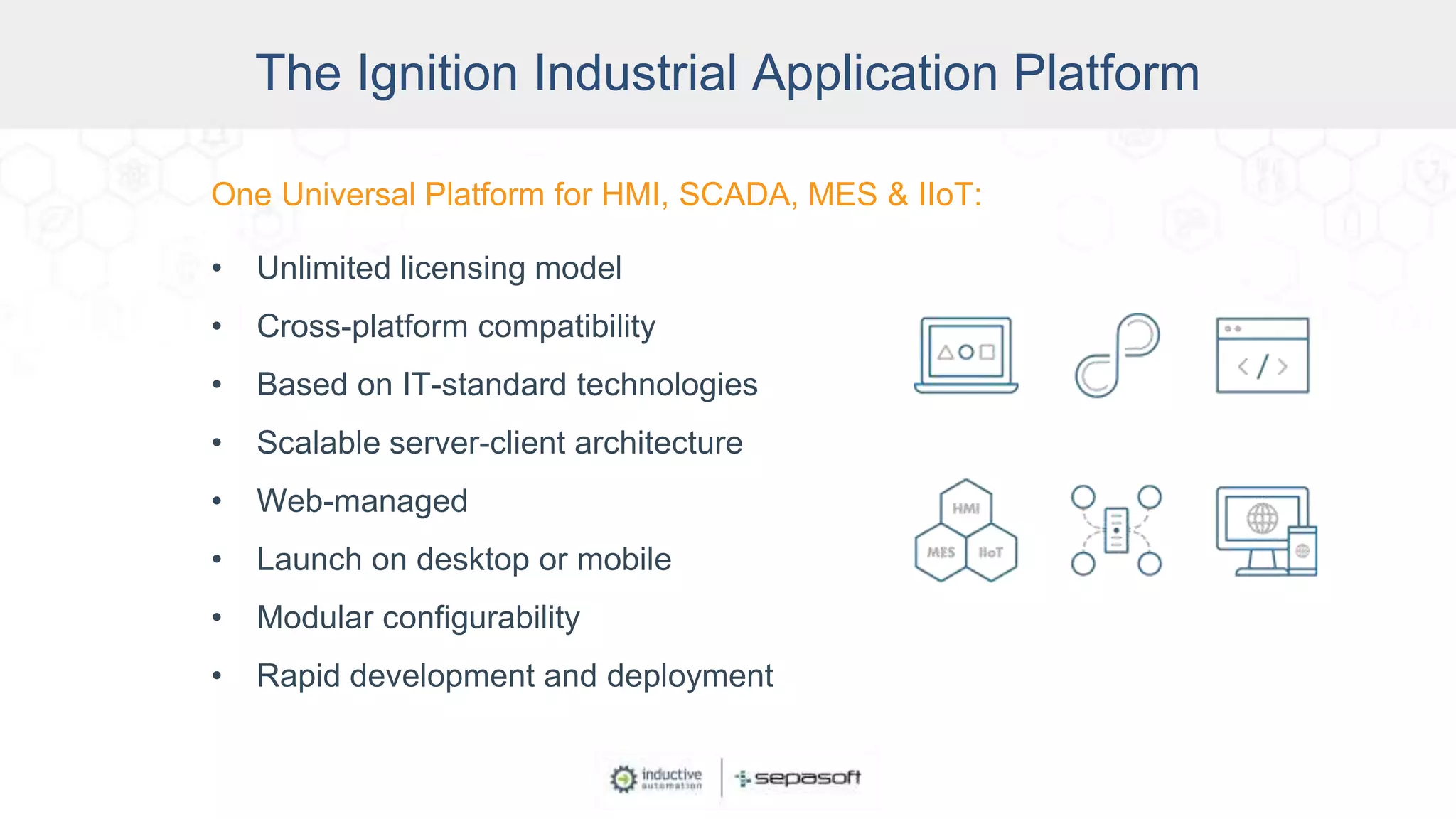
One Universal Platform for HMI, SCADA, MES & IIoT:
• Unlimited licensing model
• Cross-platform compatibility
• Based on IT-standard technologies
• Scalable server-client architecture
• Web-managed
• Launch on desktop or mobile
• Modular configurability
• Rapid development and deployment
The Ignition Industrial Application Platform
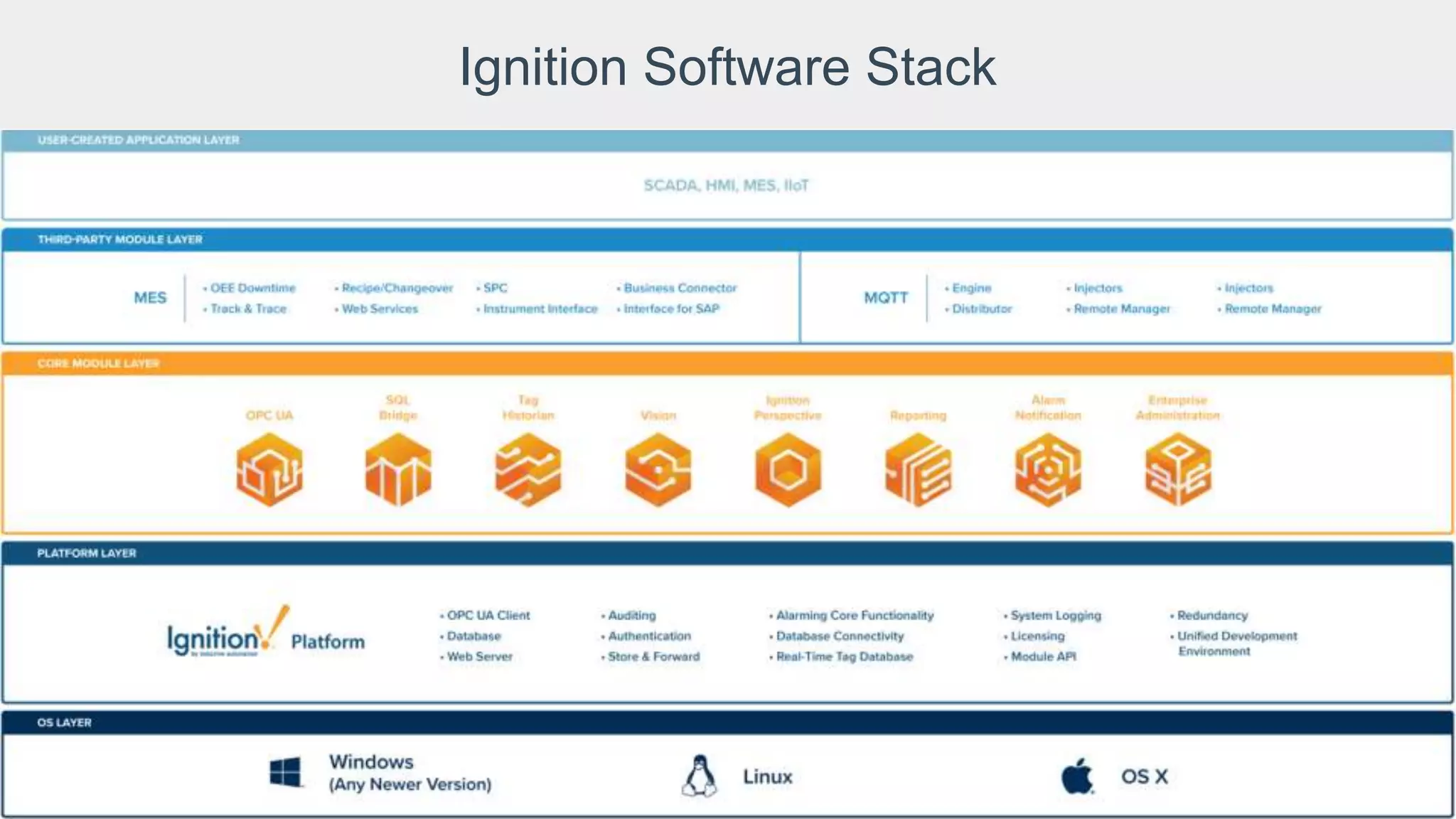
Ignition Software Stack
About Sepasoft
• An Inductive Automation Strategic Third-Party Module Partner
• Develops & supports MES Modules for Ignition
• Incorporated in 2003
• Hundreds of companies in a variety of industries depend on Sepasoft MES software
• 600+ MES implementations worldwide
• 31 MES-Certified System Integrator companies
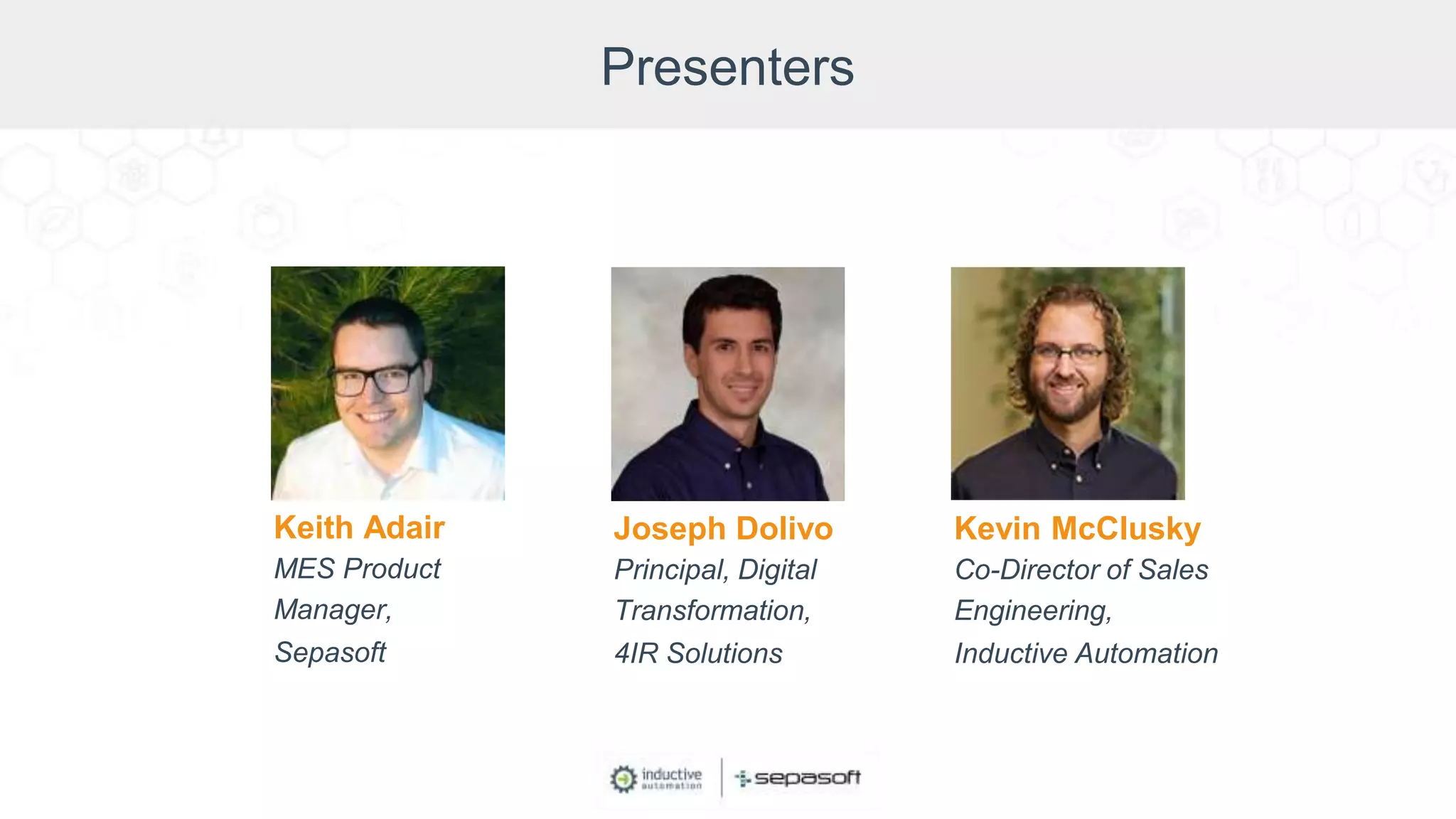
Presenters
Keith Adair
MES Product
Manager,
Sepasoft
Joseph Dolivo
Principal, Digital
Transformation,
4IR Solutions
Kevin McClusky
Co-Director of Sales
Engineering,
Inductive Automation
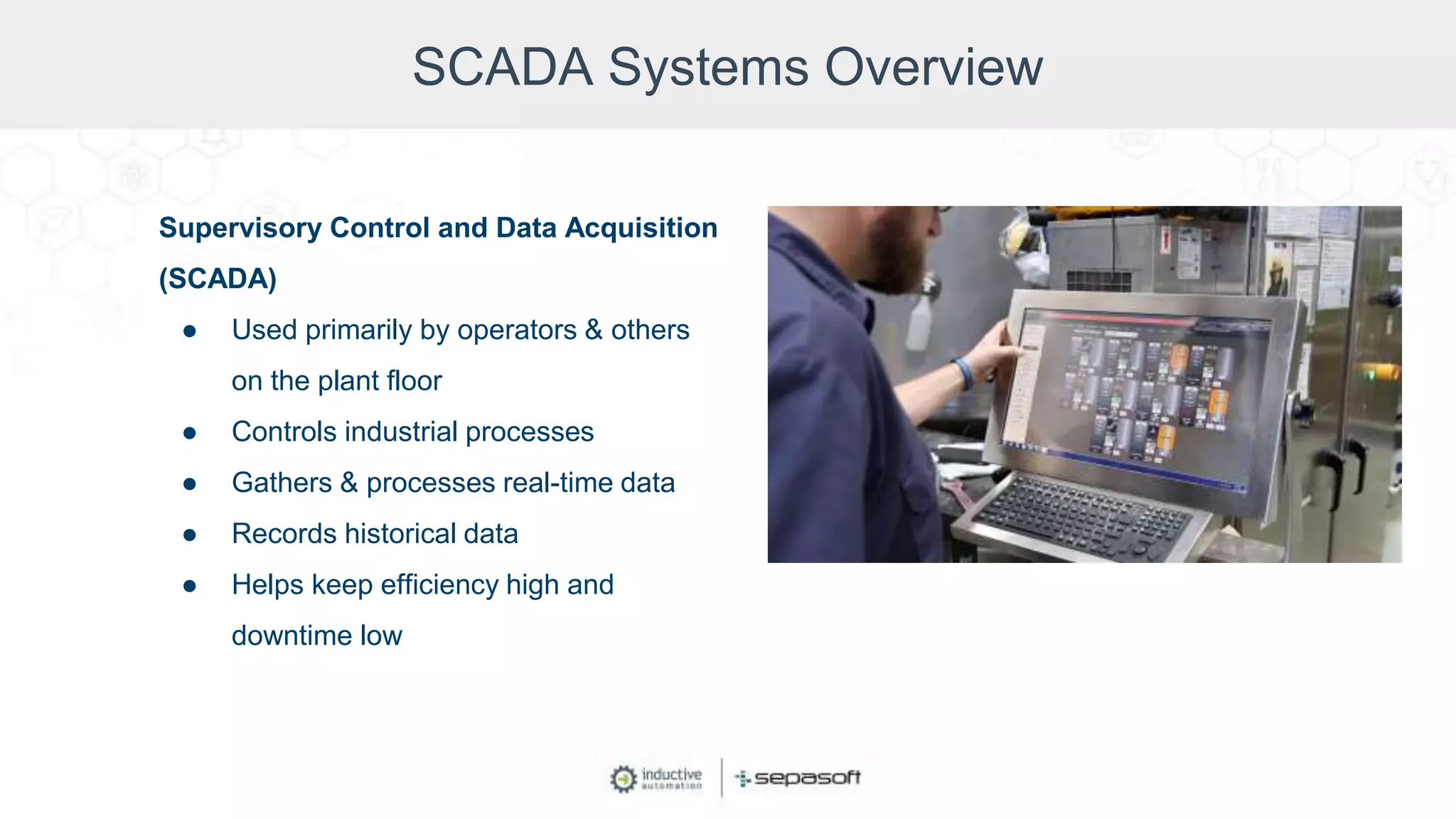
SCADA Systems Overview
Supervisory Control and Data Acquisition
(SCADA)
● Used primarily by operators & others
on the plant floor
● Controls industrial processes
● Gathers & processes real-time data
● Records historical data
● Helps keep efficiency high and
downtime low
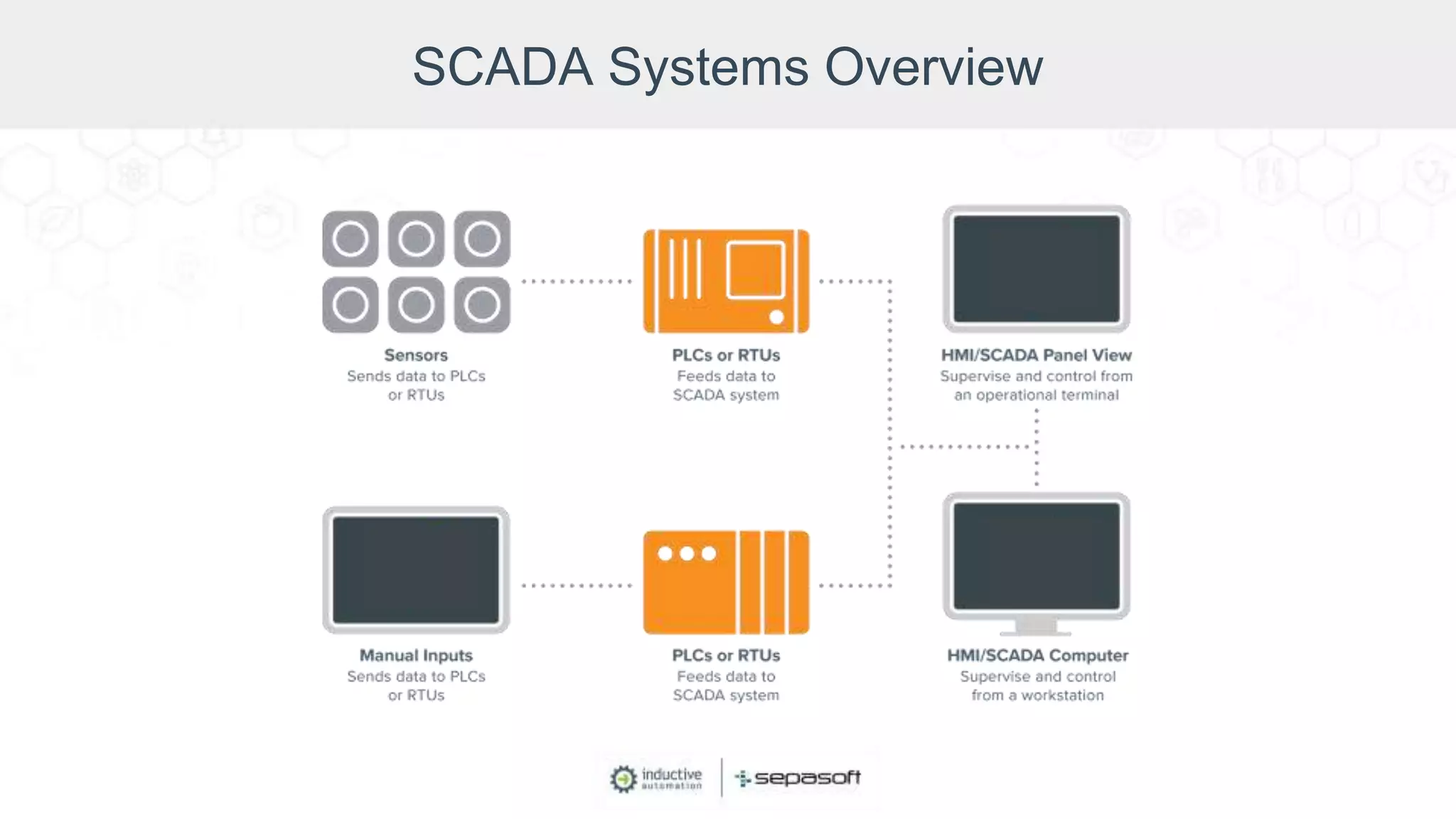
SCADA Systems Overview
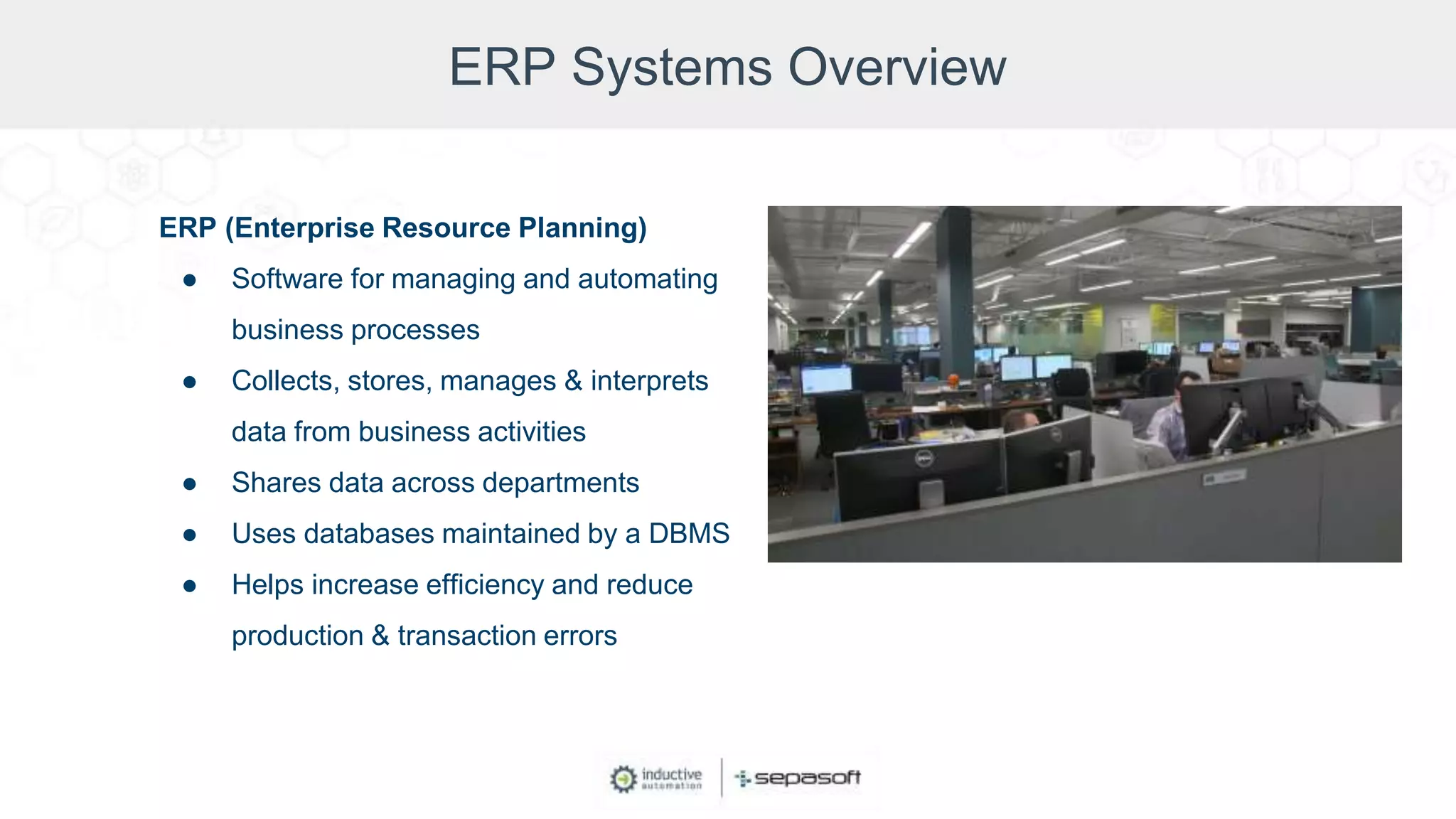
ERP Systems Overview
ERP (Enterprise Resource Planning)
● Software for managing and automating
business processes
● Collects, stores, manages & interprets
data from business activities
● Shares data across departments
● Uses databases maintained by a DBMS
● Helps increase efficiency and reduce
production & transaction errors
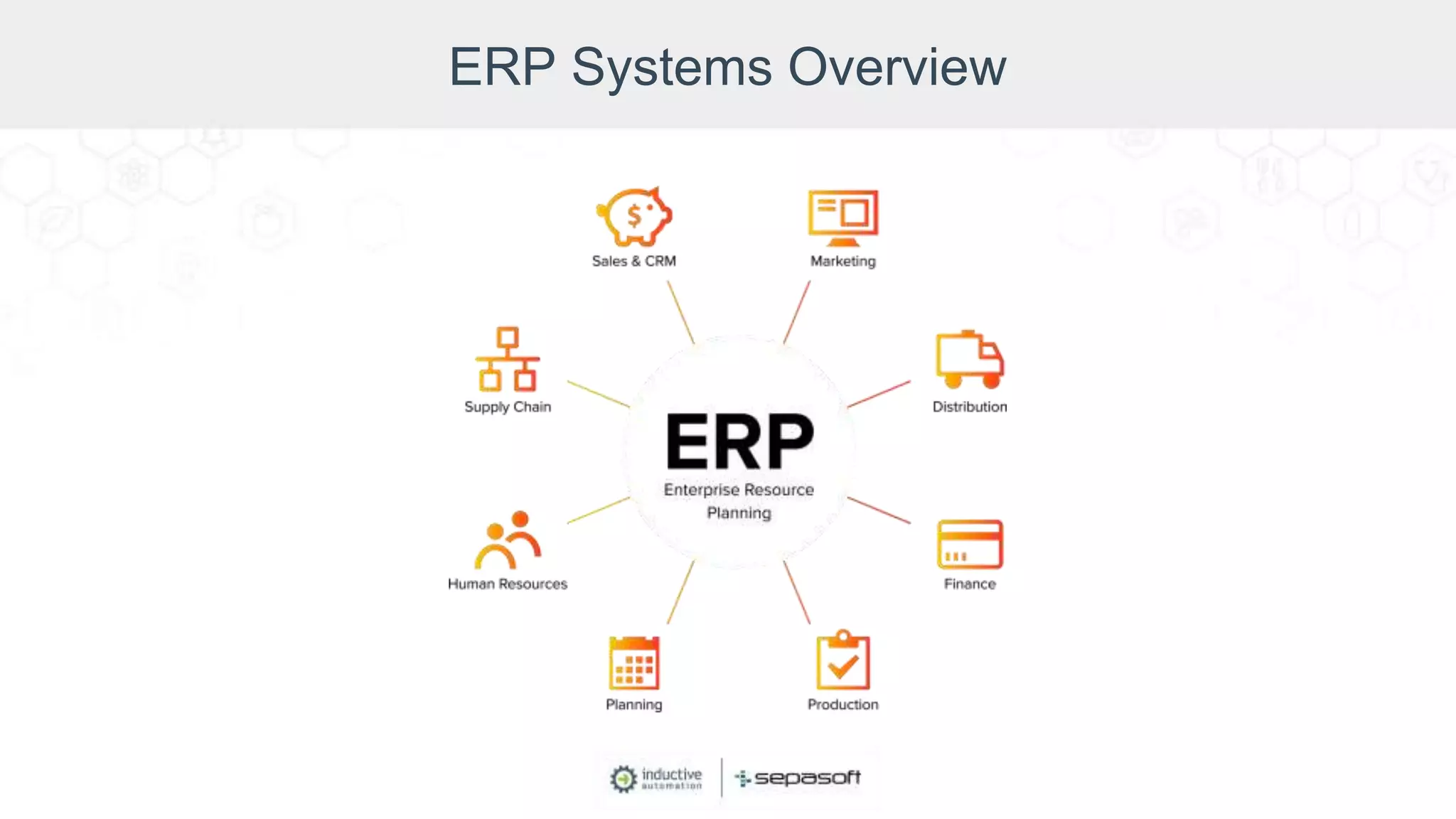
ERP Systems Overview
Benefits of Connecting SCADA with ERP
Cross-reference info from the business level and the plant floor to:
• Make better decisions
• Prevent downtime
• Make your operations more efficient and transparent
• Comply with regulations more easily
• Improve quality control and quality assurance
• Increase and accelerate data access
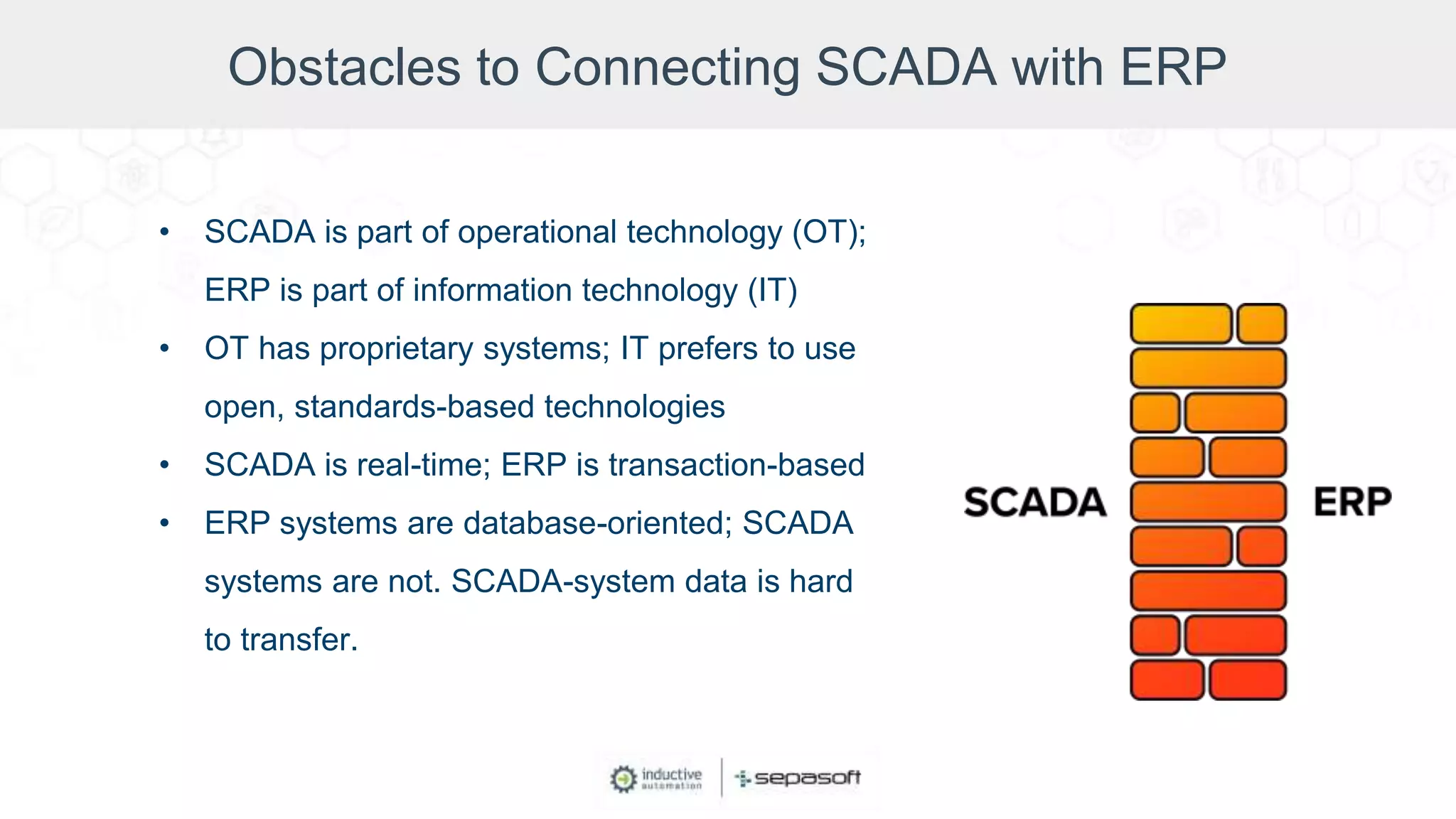
Obstacles to Connecting SCADA with ERP
• SCADA is part of operational technology (OT);
ERP is part of information technology (IT)
• OT has proprietary systems; IT prefers to use
open, standards-based technologies
• SCADA is real-time; ERP is transaction-based
• ERP systems are database-oriented; SCADA
systems are not. SCADA-system data is hard
to transfer.
Obstacles to Connecting SCADA with ERP
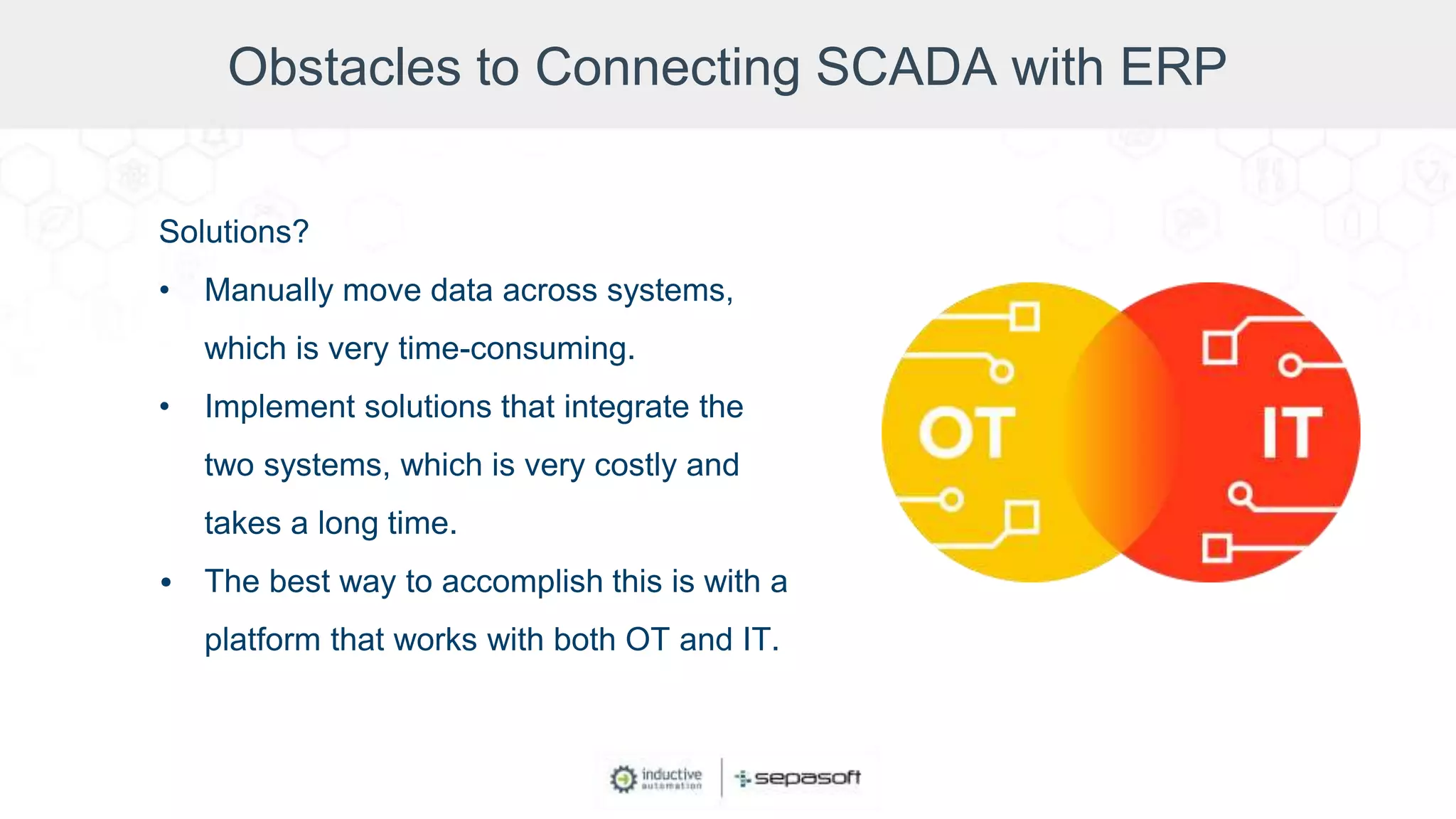
Solutions?
• Manually move data across systems,
which is very time-consuming.
• Implement solutions that integrate the
two systems, which is very costly and
takes a long time.
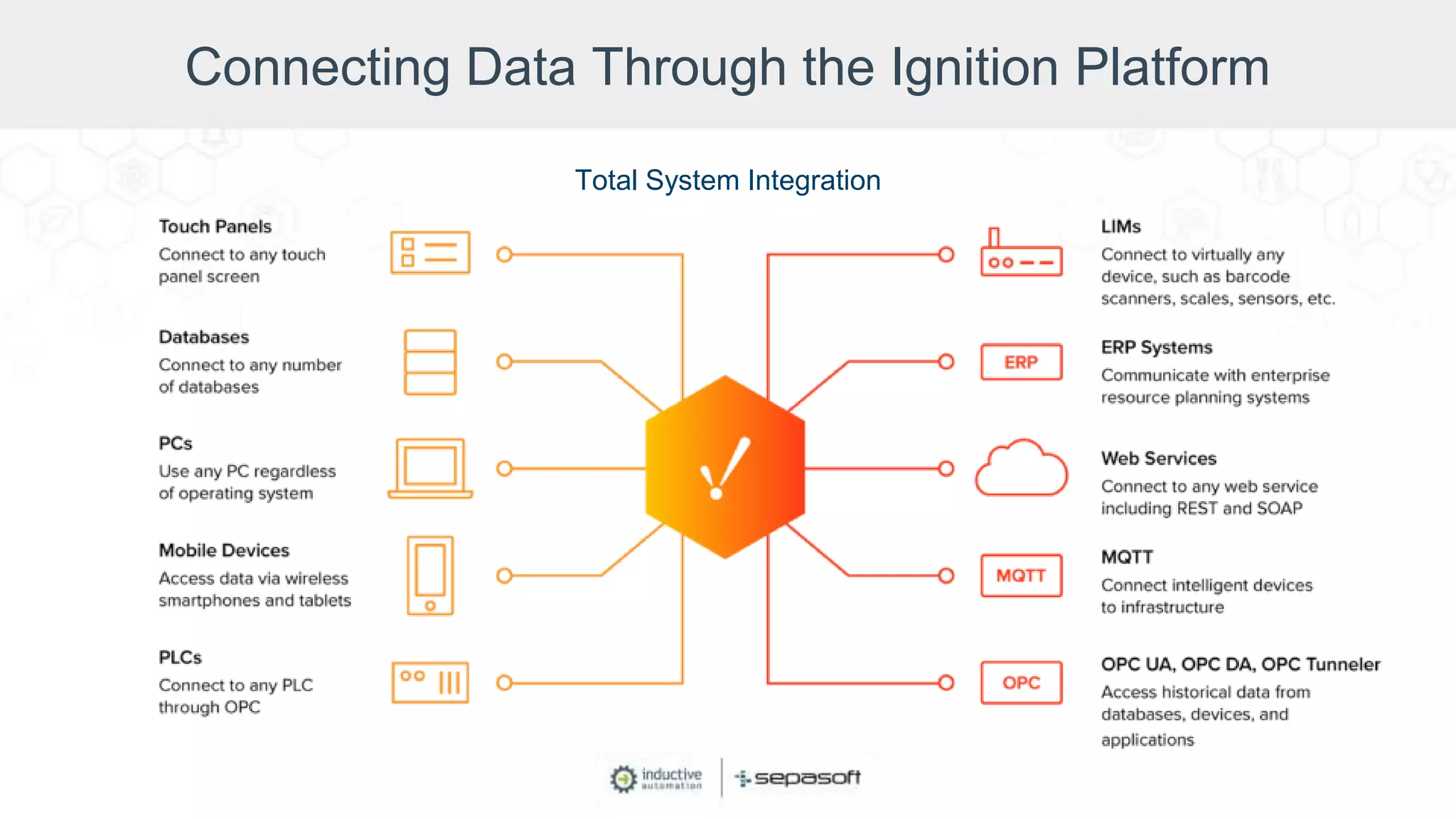
• The best way to accomplish this is with a
platform that works with both OT and IT.
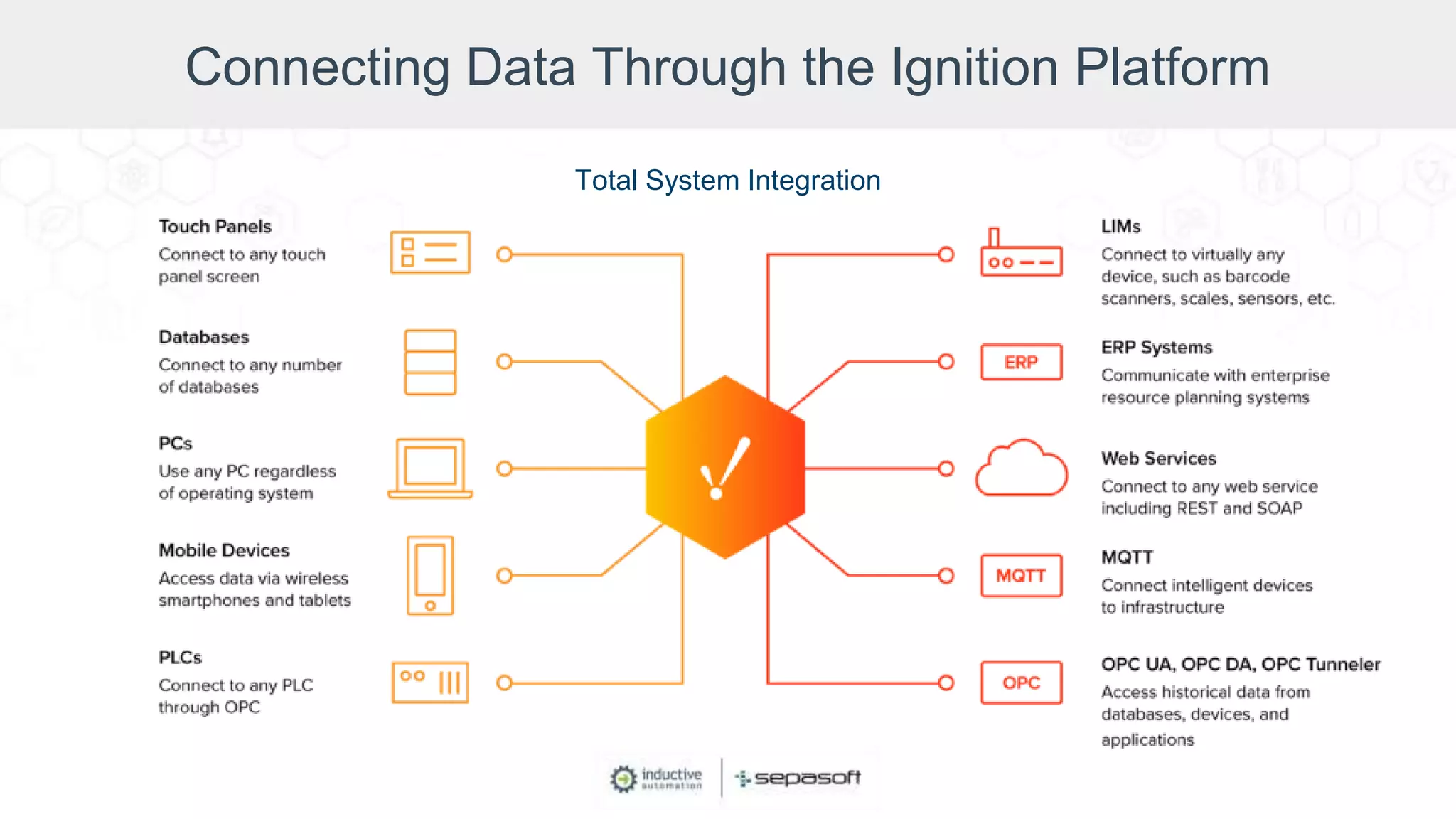
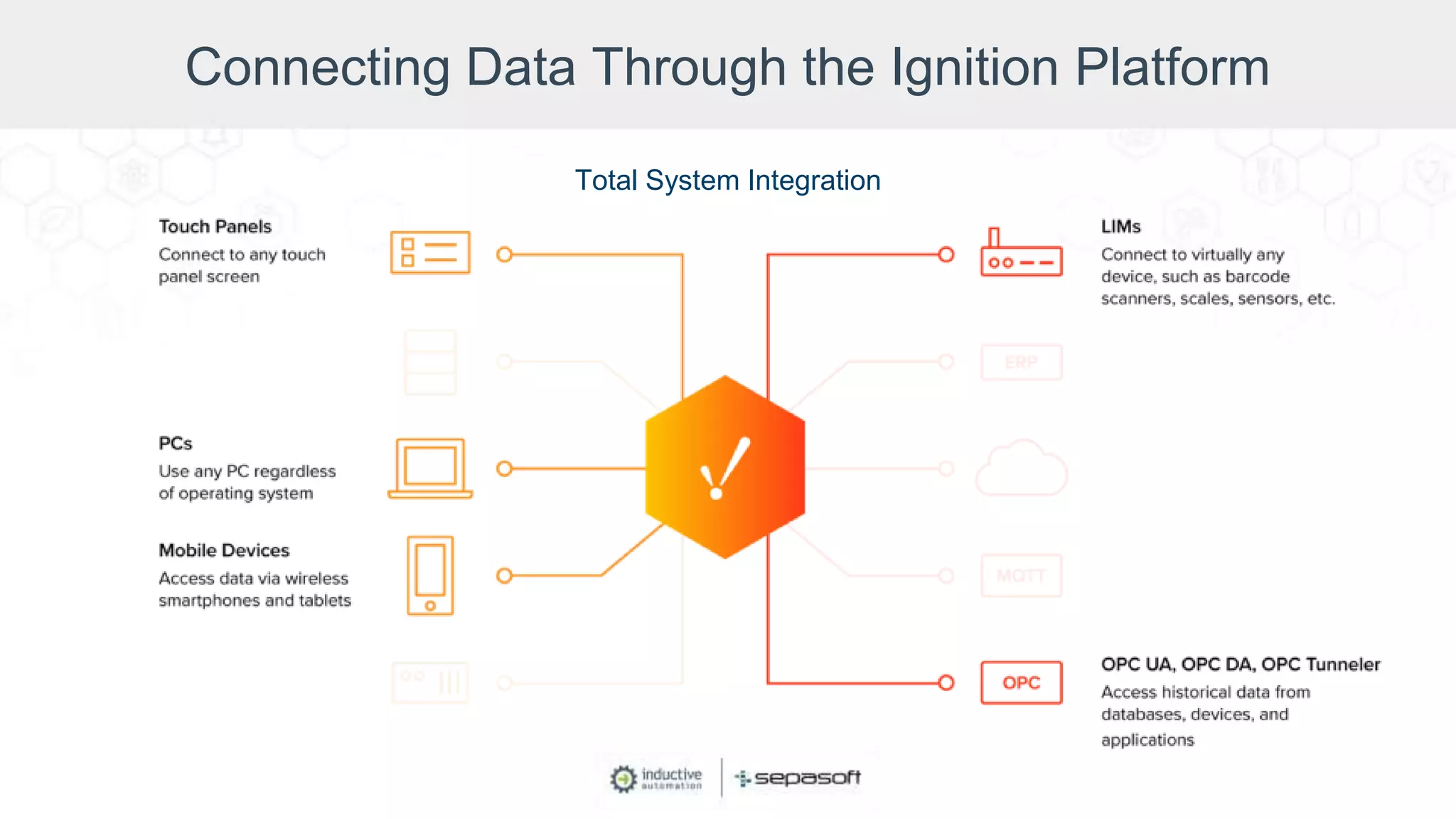
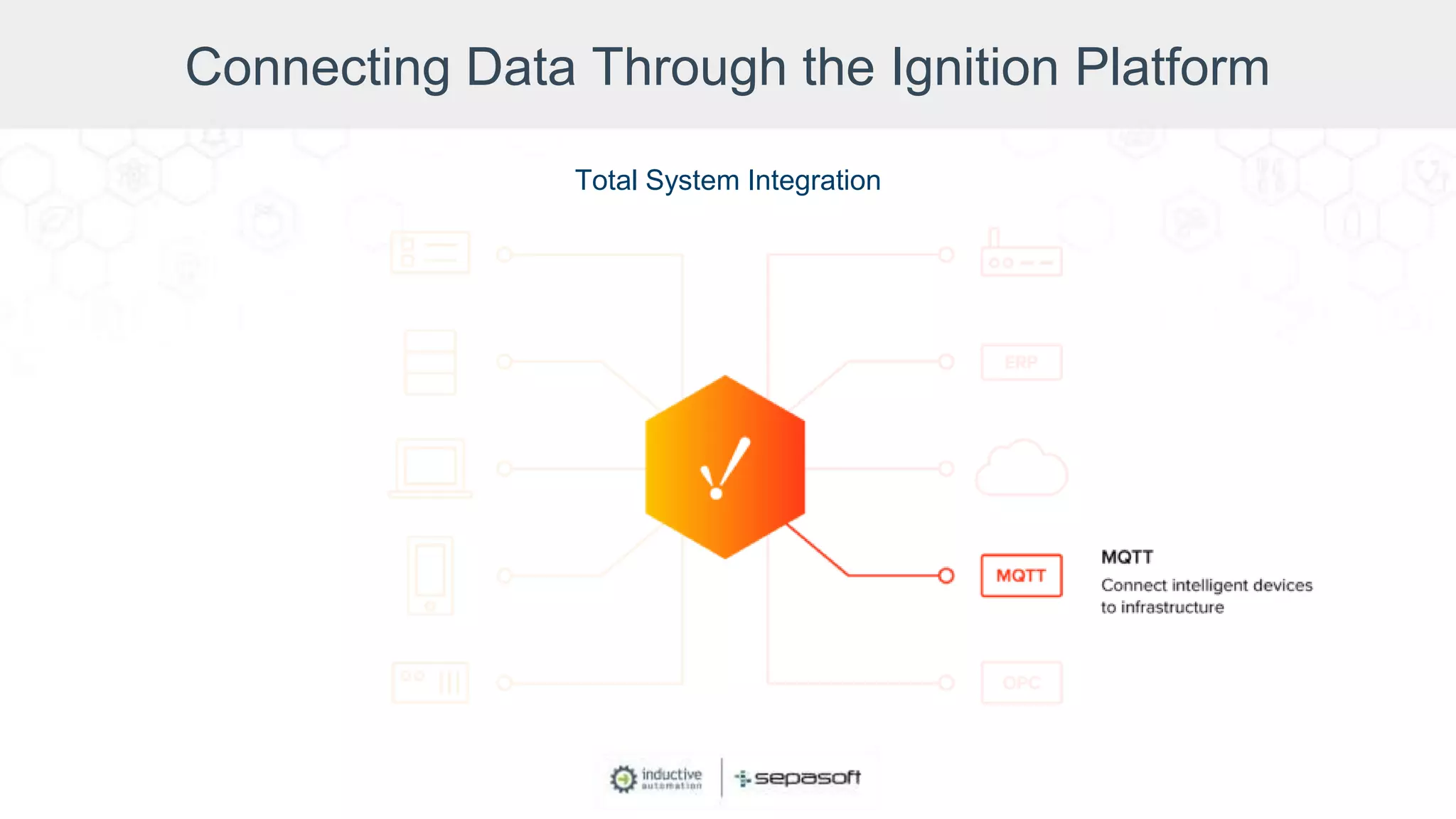
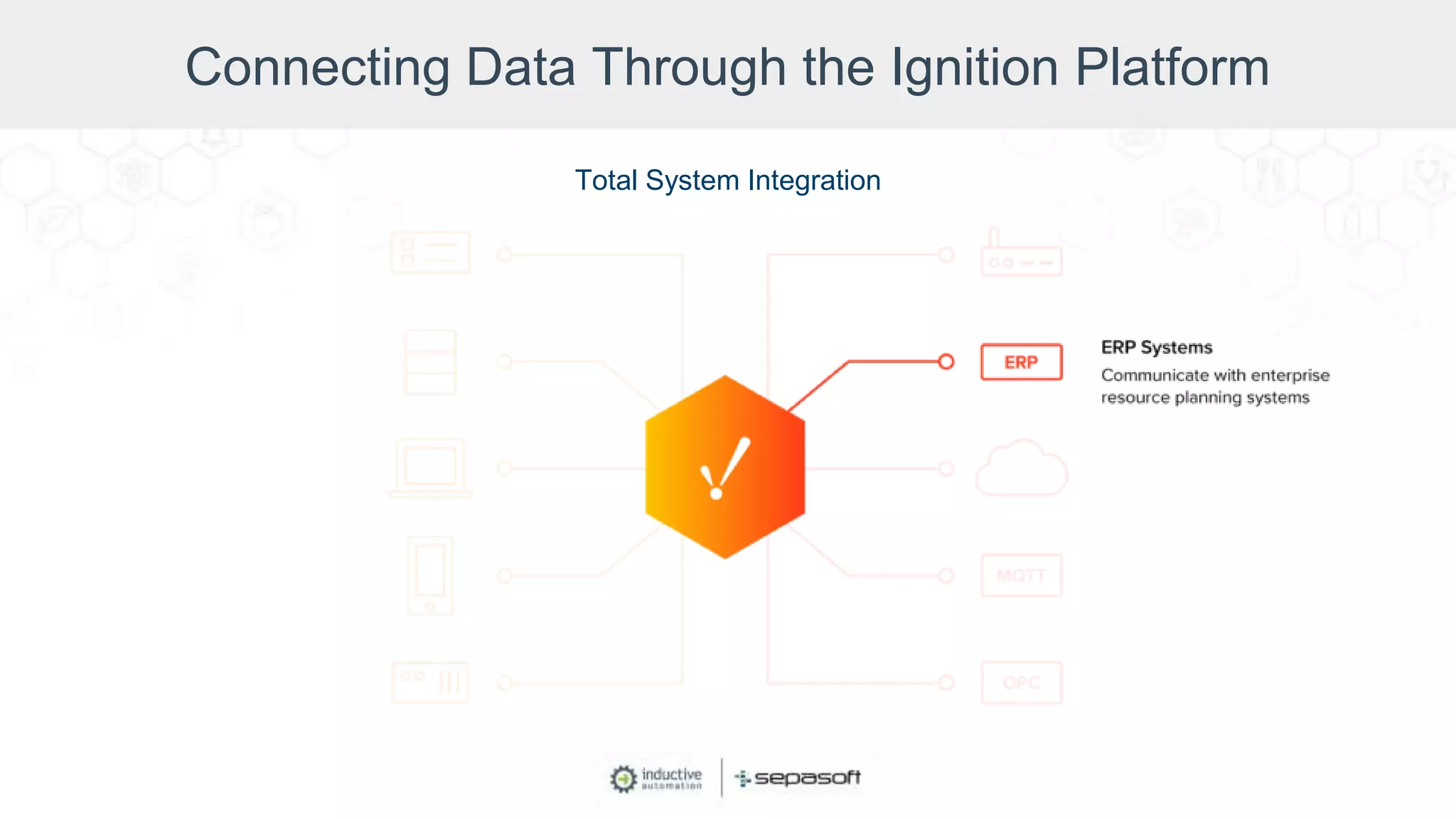
Connecting Data Through the Ignition Platform
Total System Integration
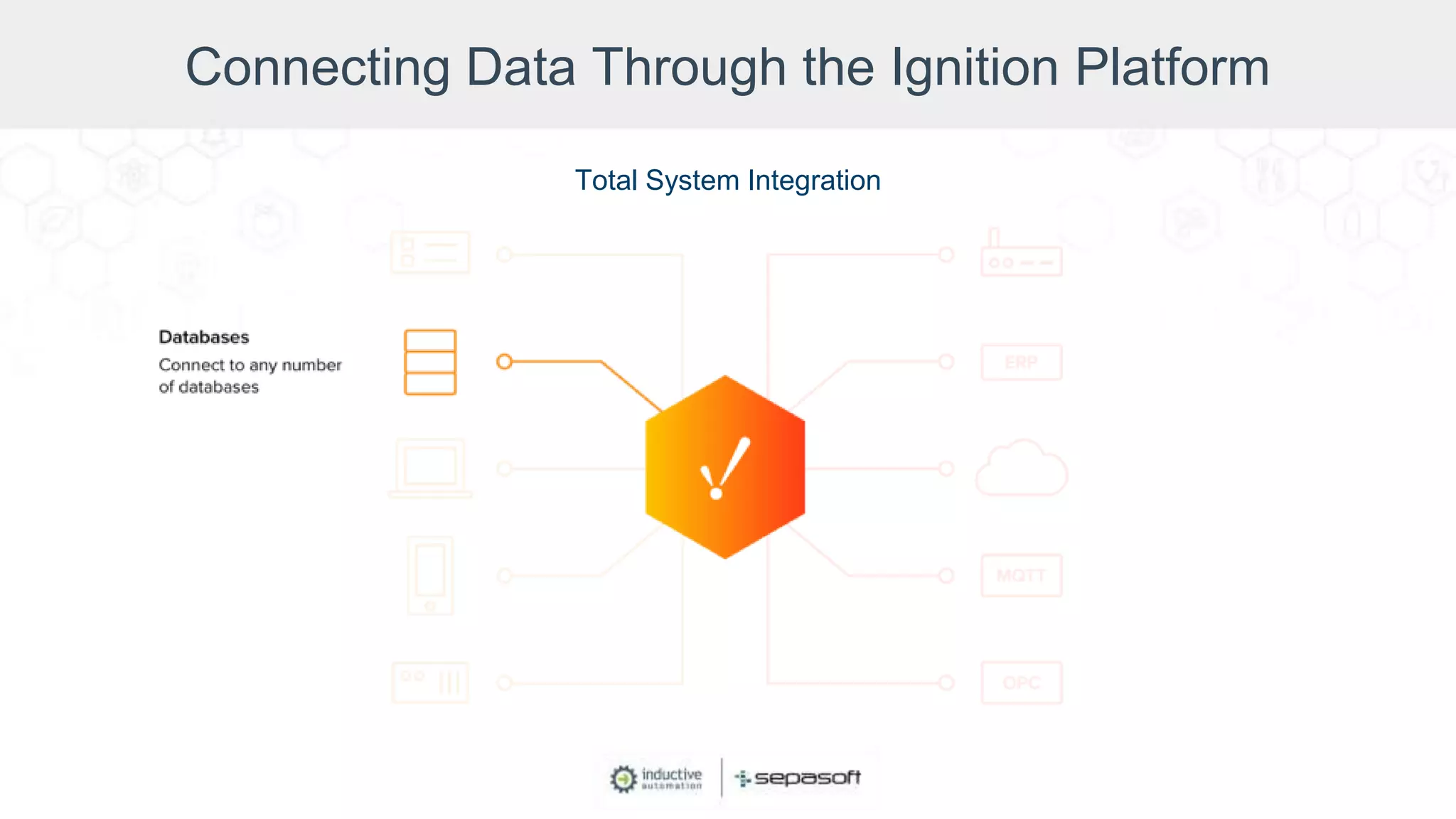
Connecting Data Through the Ignition Platform
Total System Integration
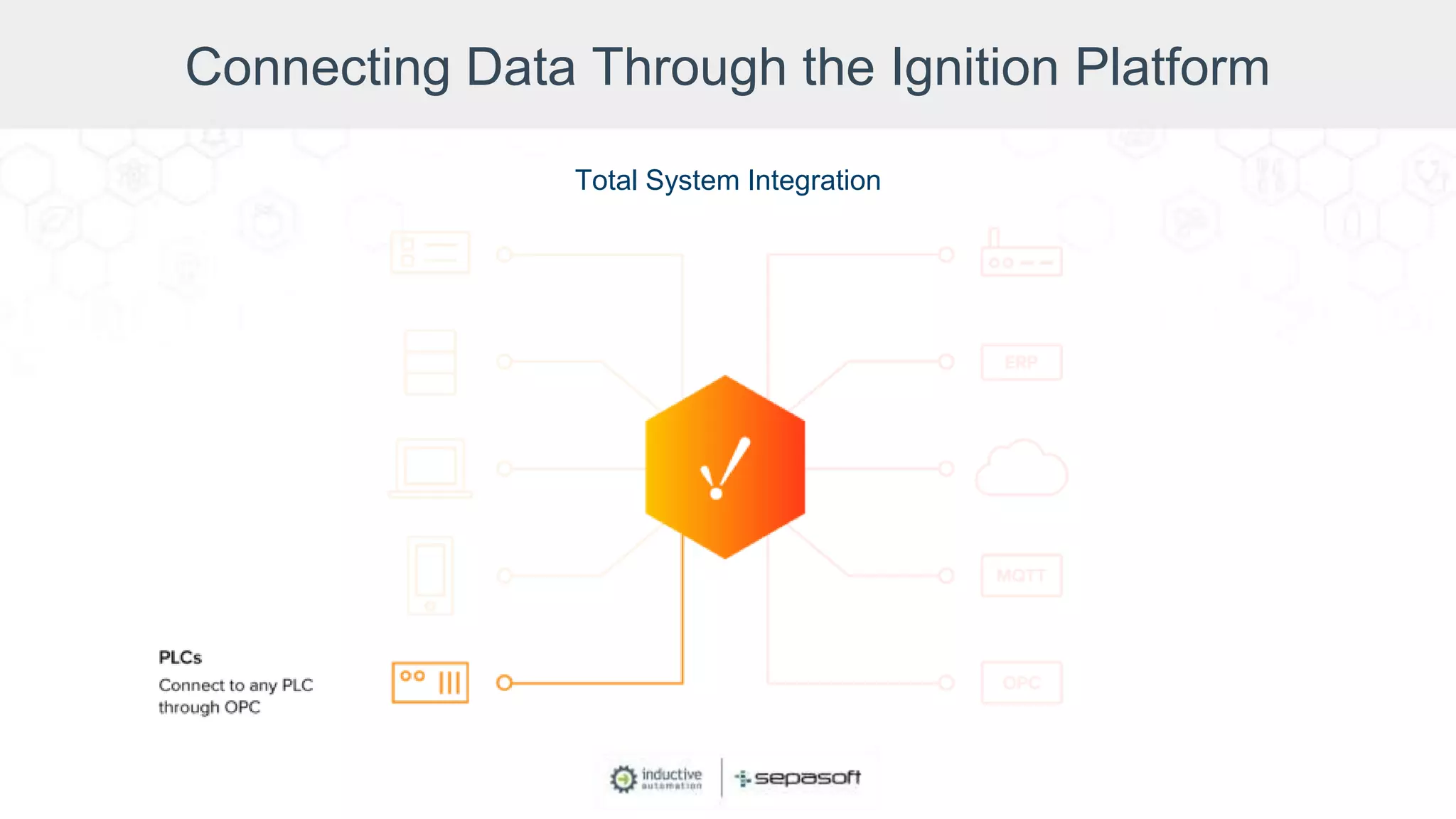
Connecting Data Through the Ignition Platform
Total System Integration
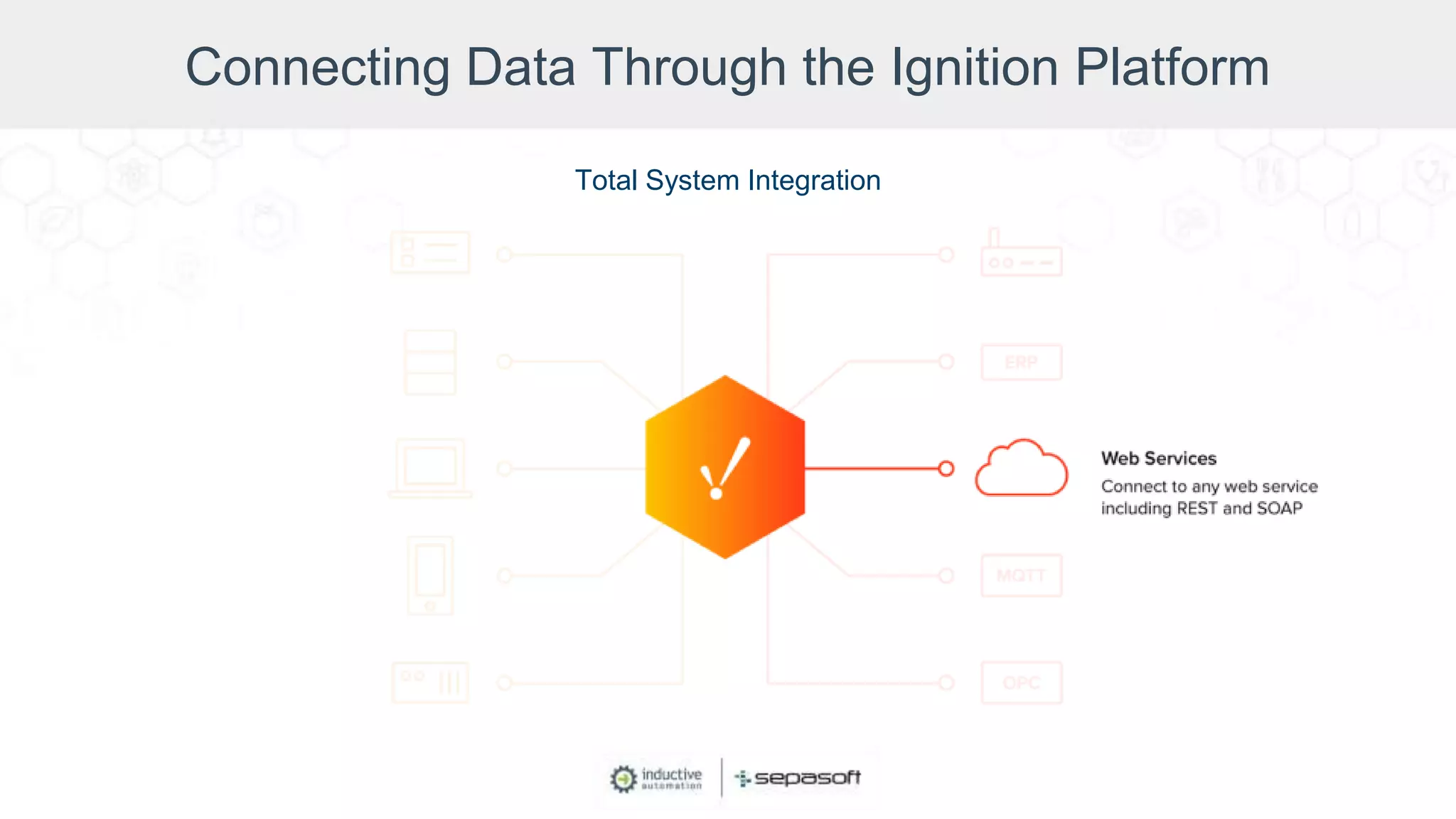
Connecting Data Through the Ignition Platform
Total System Integration
Connecting Data Through the Ignition Platform
Total System Integration
Connecting Data Through the Ignition Platform
Total System Integration
Connecting Data Through the Ignition Platform
Total System Integration
Connecting Data Through the Ignition Platform
Total System Integration
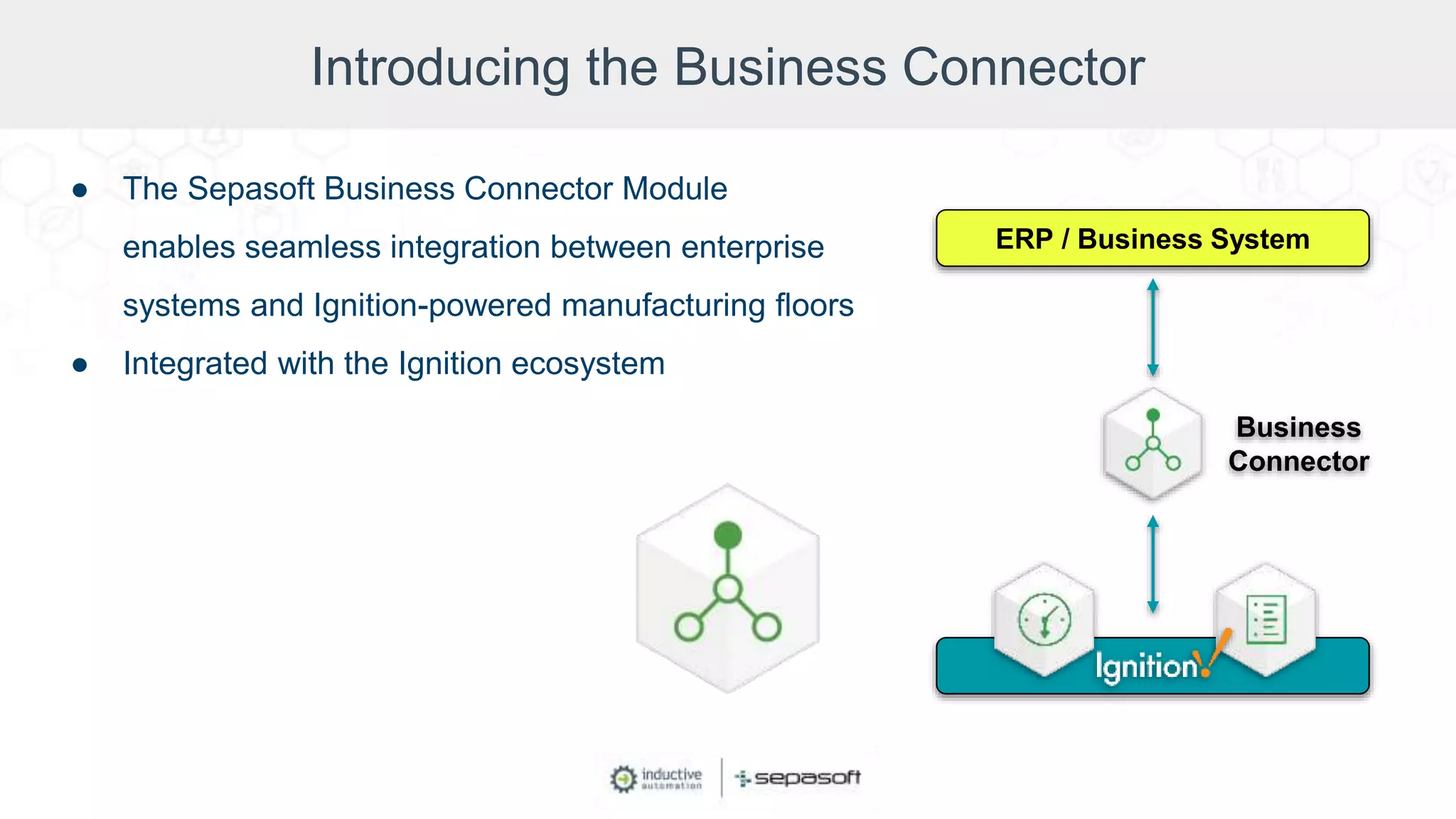
Introducing the Business Connector
● The Sepasoft Business Connector Module
enables seamless integration between enterprise
systems and Ignition-powered manufacturing floors
● Integrated with the Ignition ecosystem
ERP / Business System
Business
Connector
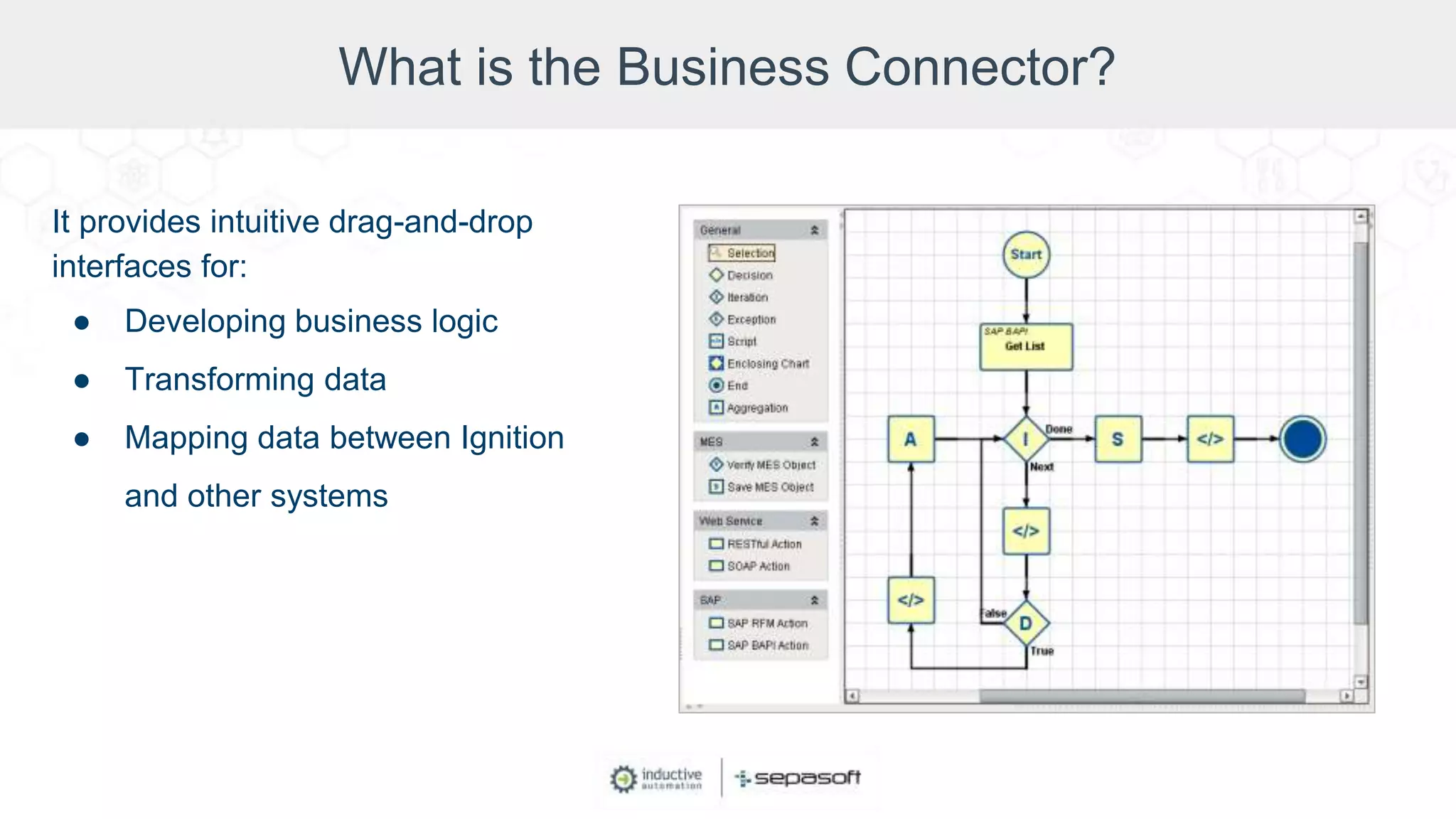
What is the Business Connector?
It provides intuitive drag-and-drop
interfaces for:
● Developing business logic
● Transforming data
● Mapping data between Ignition
and other systems
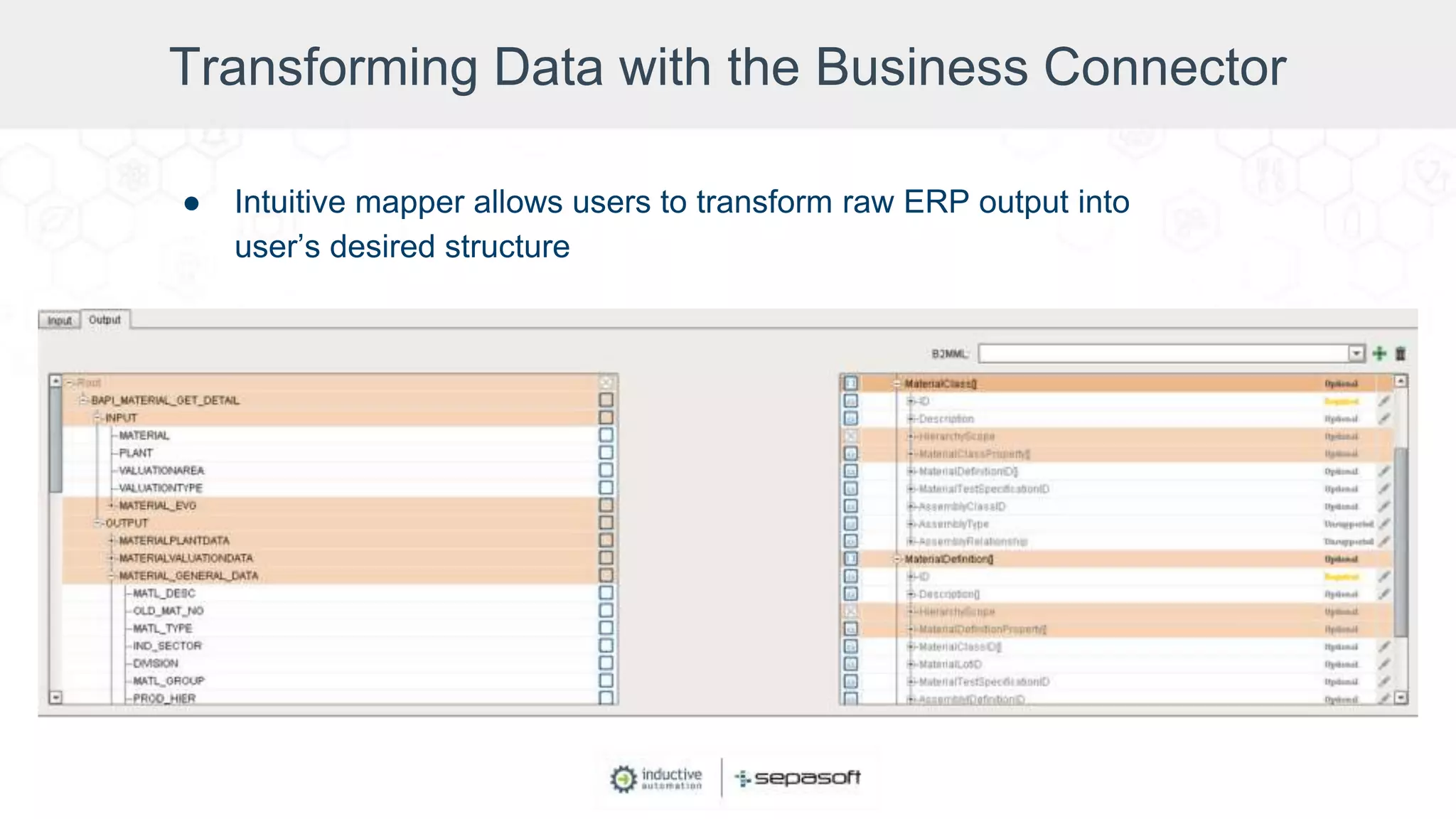
Transforming Data with the Business Connector
● Intuitive mapper allows users to transform raw ERP output into
user’s desired structure
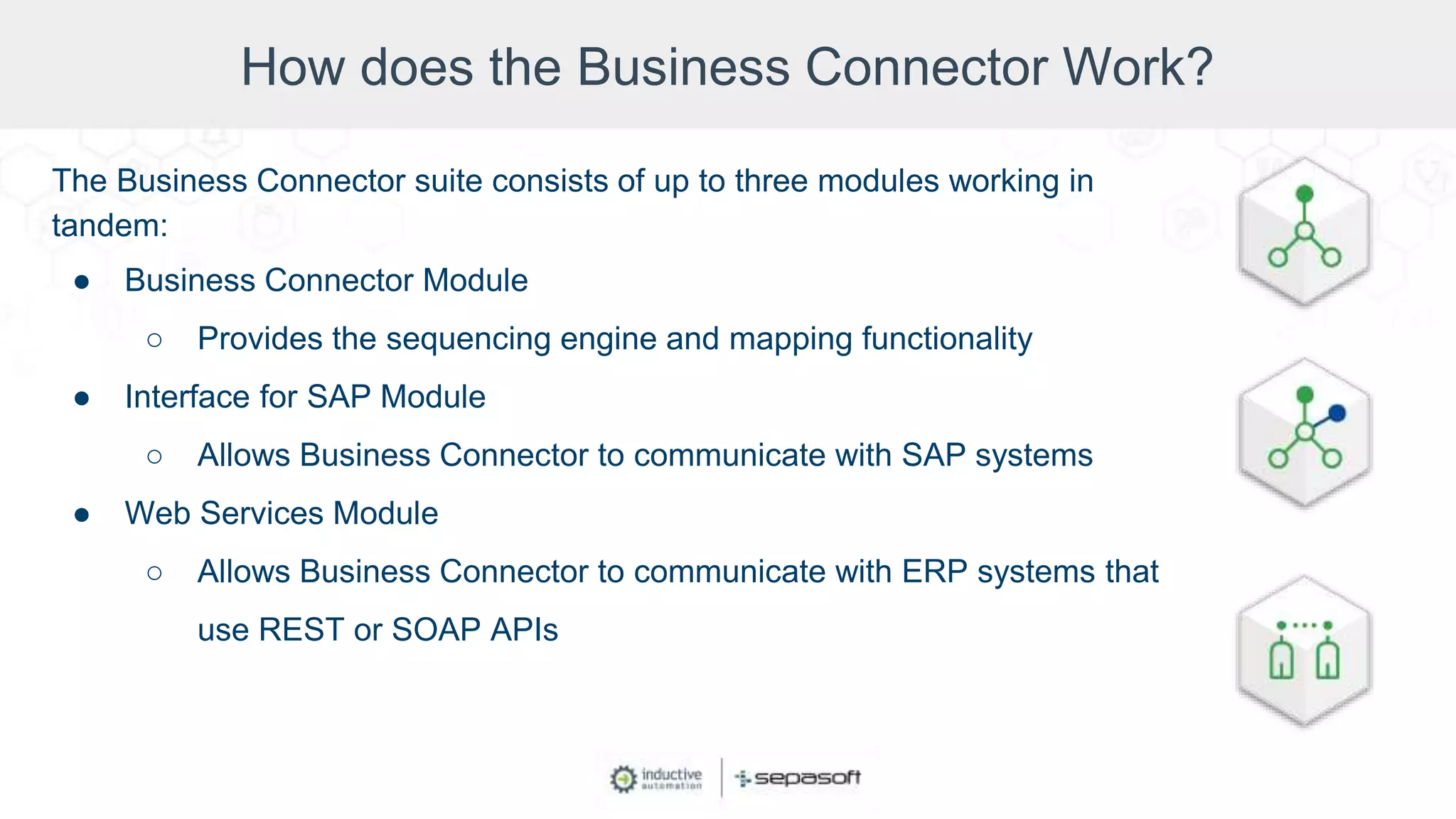
How does the Business Connector Work?
The Business Connector suite consists of up to three modules working in
tandem:
● Business Connector Module
○ Provides the sequencing engine and mapping functionality
● Interface for SAP Module
○ Allows Business Connector to communicate with SAP systems
● Web Services Module
○ Allows Business Connector to communicate with ERP systems that
use REST or SOAP APIs
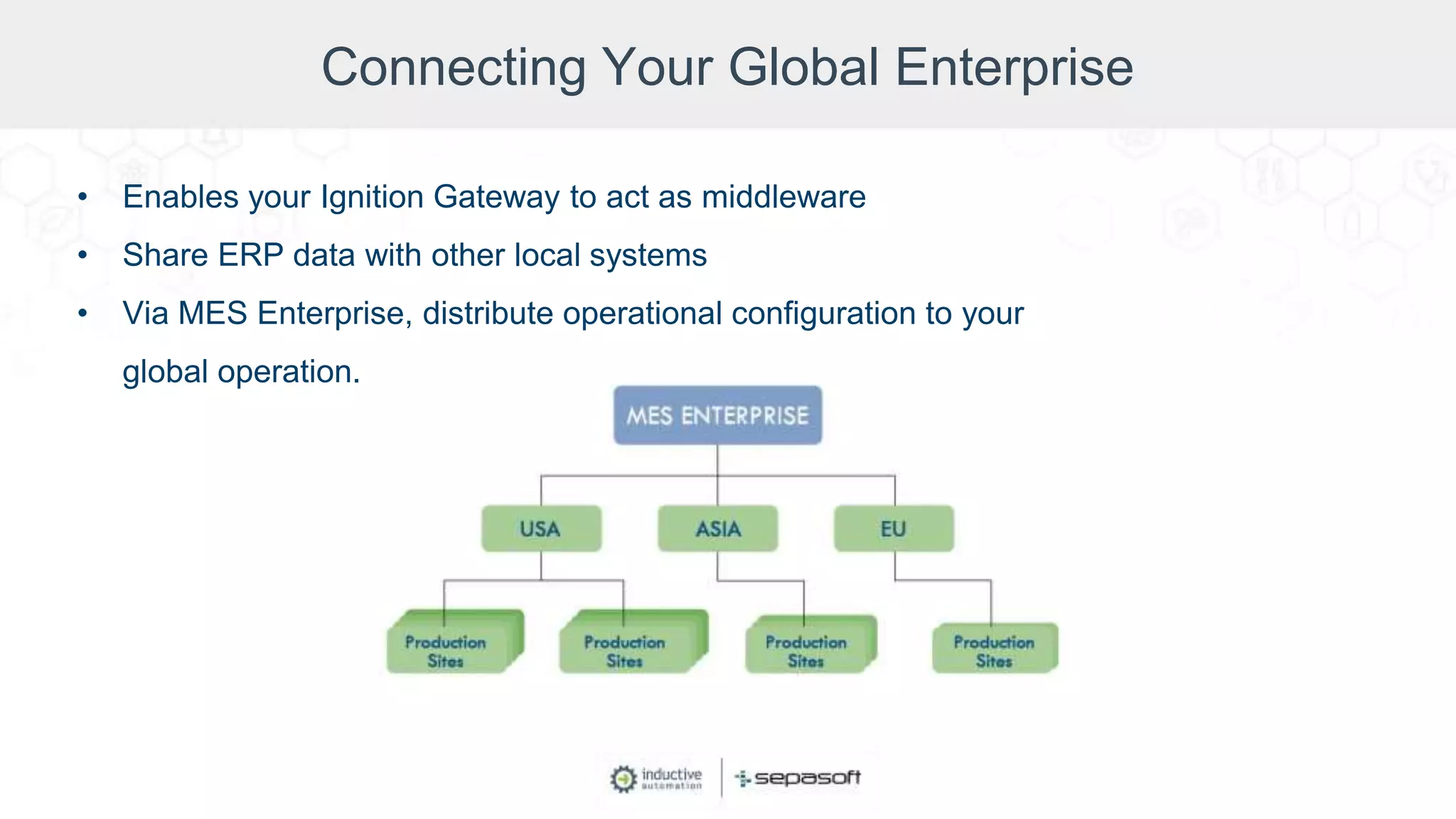
Connecting Your Global Enterprise
• Enables your Ignition Gateway to act as middleware
• Share ERP data with other local systems
• Via MES Enterprise, distribute operational configuration to your
global operation.
The Value of the Business Connector Module
• Business Connector
○ Built on standards (ISA-95, B2MML)
○ Low Total Cost of Ownership (TCO)
○ Intuitive Ignition integration
○ Seamless MES integration
• Interface for SAP
○ Minimal configuration
○ SAP® Certified
○ Built-in templates
Demo: Sepasoft Business Connector Module
Closing Discussion
• How do you think Ignition and the Business Connector Module
will help industrial organizations work in a smarter, more
connected way?
Sepasoft Training
Find Video Training Courses About Sepasoft Modules at:
www.sepasoft.com/learn
Get Your ERP & Operational Data Working Together

Get Your ERP & Operational Data Working Together

  • 2.
    Moderator Don Pearson Chief StrategyOfficer Inductive Automation
  • 3.
    Today’s Agenda • Introductionto Inductive Automation and Sepasoft • Benefits & Obstacles of Connecting SCADA with ERP • Connecting Data Through the Ignition Platform • Introducing the Business Connector Module (Demo) • Q&A
  • 4.
    About Inductive Automation •Founded in 2003 • HMI, SCADA, MES & IIoT software • Used by 48% of Fortune 100 companies • Over 1,900 integrators • Automation World 2019 Leadership in Automation First Team Honoree in 6 categories Learn more at: inductiveautomation.com/about
  • 5.
    One Universal Platformfor HMI, SCADA, MES & IIoT: • Unlimited licensing model • Cross-platform compatibility • Based on IT-standard technologies • Scalable server-client architecture • Web-managed • Launch on desktop or mobile • Modular configurability • Rapid development and deployment The Ignition Industrial Application Platform
  • 6.
  • 7.
    About Sepasoft • AnInductive Automation Strategic Third-Party Module Partner • Develops & supports MES Modules for Ignition • Incorporated in 2003 • Hundreds of companies in a variety of industries depend on Sepasoft MES software • 600+ MES implementations worldwide • 31 MES-Certified System Integrator companies
  • 8.
    Presenters Keith Adair MES Product Manager, Sepasoft JosephDolivo Principal, Digital Transformation, 4IR Solutions Kevin McClusky Co-Director of Sales Engineering, Inductive Automation
  • 9.
    SCADA Systems Overview SupervisoryControl and Data Acquisition (SCADA) ● Used primarily by operators & others on the plant floor ● Controls industrial processes ● Gathers & processes real-time data ● Records historical data ● Helps keep efficiency high and downtime low
  • 10.
  • 11.
    ERP Systems Overview ERP(Enterprise Resource Planning) ● Software for managing and automating business processes ● Collects, stores, manages & interprets data from business activities ● Shares data across departments ● Uses databases maintained by a DBMS ● Helps increase efficiency and reduce production & transaction errors
  • 12.
  • 13.
    Benefits of ConnectingSCADA with ERP Cross-reference info from the business level and the plant floor to: • Make better decisions • Prevent downtime • Make your operations more efficient and transparent • Comply with regulations more easily • Improve quality control and quality assurance • Increase and accelerate data access
  • 14.
    Obstacles to ConnectingSCADA with ERP • SCADA is part of operational technology (OT); ERP is part of information technology (IT) • OT has proprietary systems; IT prefers to use open, standards-based technologies • SCADA is real-time; ERP is transaction-based • ERP systems are database-oriented; SCADA systems are not. SCADA-system data is hard to transfer.
  • 15.
    Obstacles to ConnectingSCADA with ERP Solutions? • Manually move data across systems, which is very time-consuming. • Implement solutions that integrate the two systems, which is very costly and takes a long time. • The best way to accomplish this is with a platform that works with both OT and IT.
  • 16.
    Connecting Data Throughthe Ignition Platform Total System Integration
  • 17.
    Connecting Data Throughthe Ignition Platform Total System Integration
  • 18.
    Connecting Data Throughthe Ignition Platform Total System Integration
  • 19.
    Connecting Data Throughthe Ignition Platform Total System Integration
  • 20.
    Connecting Data Throughthe Ignition Platform Total System Integration
  • 21.
    Connecting Data Throughthe Ignition Platform Total System Integration
  • 22.
    Connecting Data Throughthe Ignition Platform Total System Integration
  • 23.
    Connecting Data Throughthe Ignition Platform Total System Integration
  • 24.
    Introducing the BusinessConnector ● The Sepasoft Business Connector Module enables seamless integration between enterprise systems and Ignition-powered manufacturing floors ● Integrated with the Ignition ecosystem ERP / Business System Business Connector
  • 25.
    What is theBusiness Connector? It provides intuitive drag-and-drop interfaces for: ● Developing business logic ● Transforming data ● Mapping data between Ignition and other systems
  • 26.
    Transforming Data withthe Business Connector ● Intuitive mapper allows users to transform raw ERP output into user’s desired structure
  • 27.
    How does theBusiness Connector Work? The Business Connector suite consists of up to three modules working in tandem: ● Business Connector Module ○ Provides the sequencing engine and mapping functionality ● Interface for SAP Module ○ Allows Business Connector to communicate with SAP systems ● Web Services Module ○ Allows Business Connector to communicate with ERP systems that use REST or SOAP APIs
  • 28.
    Connecting Your GlobalEnterprise • Enables your Ignition Gateway to act as middleware • Share ERP data with other local systems • Via MES Enterprise, distribute operational configuration to your global operation.
  • 29.
    The Value ofthe Business Connector Module • Business Connector ○ Built on standards (ISA-95, B2MML) ○ Low Total Cost of Ownership (TCO) ○ Intuitive Ignition integration ○ Seamless MES integration • Interface for SAP ○ Minimal configuration ○ SAP® Certified ○ Built-in templates
  • 30.
    Demo: Sepasoft BusinessConnector Module
  • 31.
    Closing Discussion • Howdo you think Ignition and the Business Connector Module will help industrial organizations work in a smarter, more connected way?
  • 34.
    Sepasoft Training Find VideoTraining Courses About Sepasoft Modules at: www.sepasoft.com/learn